Windows Monitors
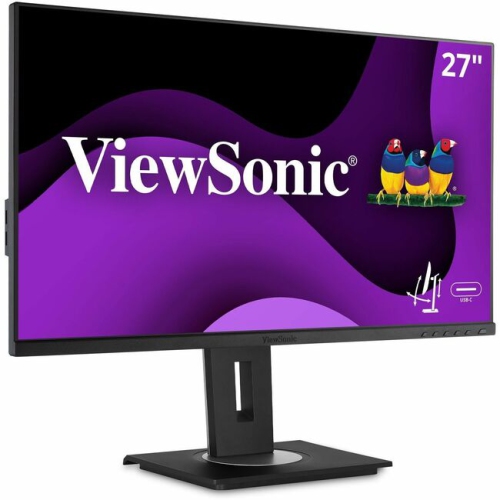
Windows Monitors offer the ideal display solution for both work and entertainment, providing exceptional clarity and performance for any setup. Explore a wide selection of monitors designed to complement Windows operating systems, whether you're upgrading your home office, enhancing your gaming experience, or setting up a new workstation. Find the perfect fit for your space and needs with our range of Windows Monitors, each crafted to deliver reliable visuals and seamless connectivity.
Sort
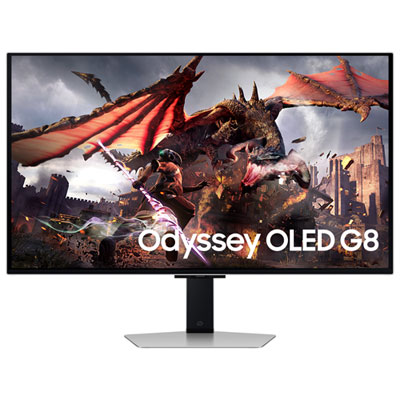
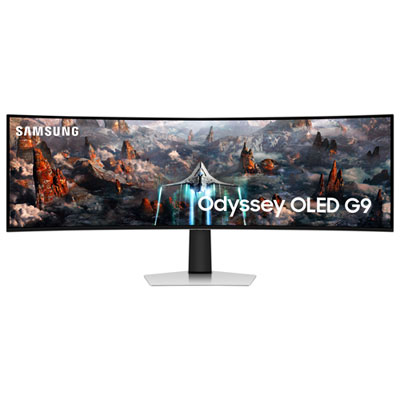
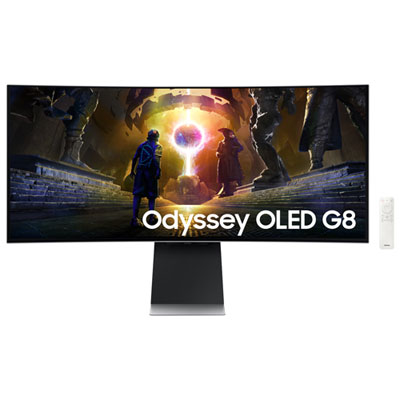
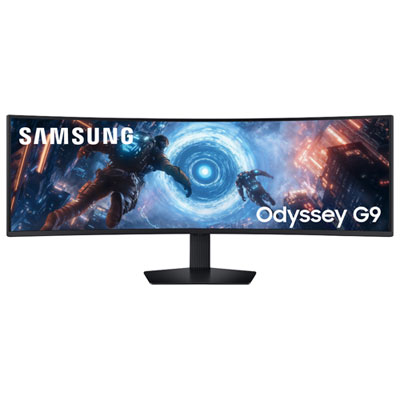
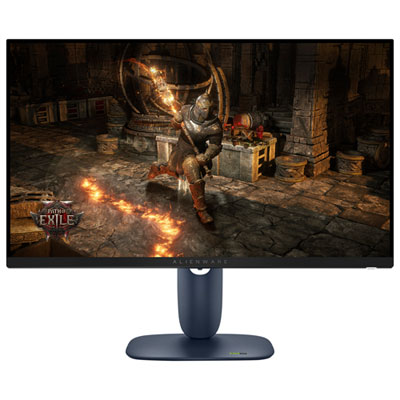
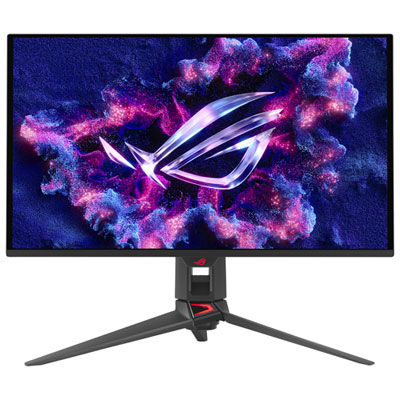

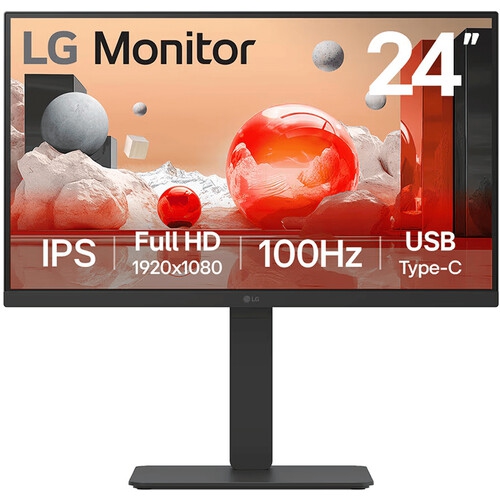

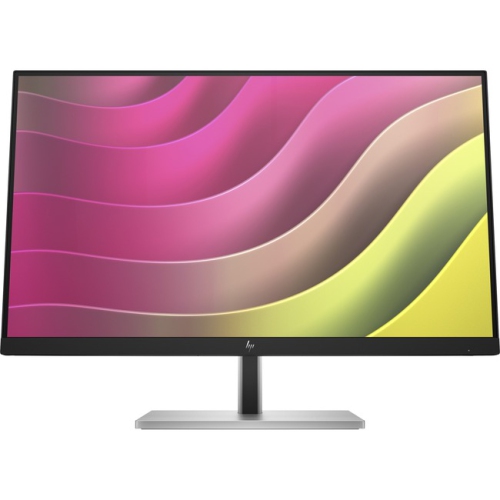
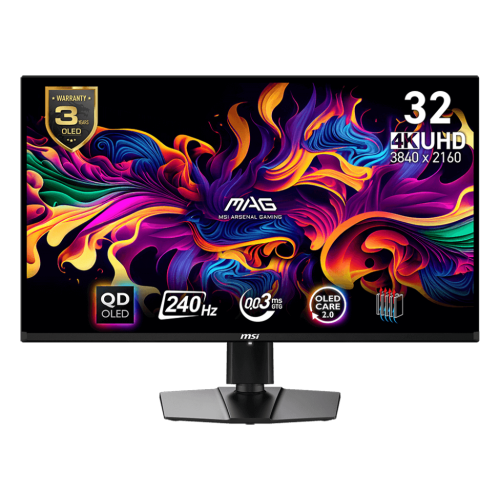
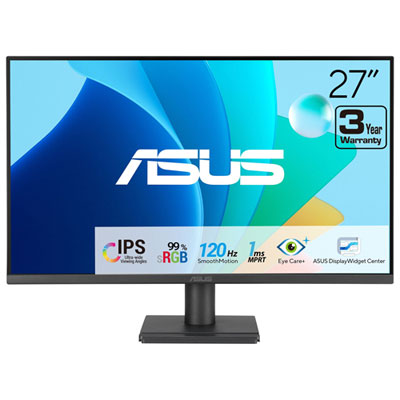
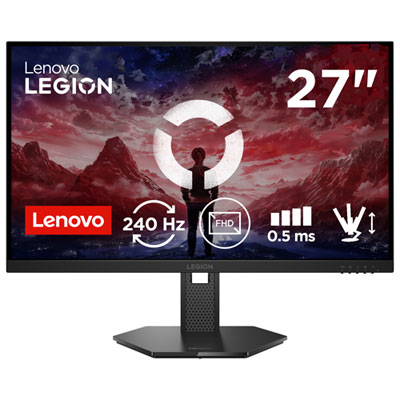
Flexible displays for productive work and immersive entertainment
When selecting Windows monitors, it’s important to consider how these displays can enhance your daily workflow, entertainment, or creative projects—whether you’re upgrading your home office, setting up a gaming station, or creating an efficient multi-monitor workspace. Many people find that a larger or higher-resolution computer monitor makes a noticeable difference, especially when working with spreadsheets, editing photos, or managing multiple applications at once. The versatility of Windows monitors means they’re just as suitable for students heading into a new semester as they are for professionals looking to boost productivity during the busier months. As the weather warms and routines shift, a new monitor can transform a home office or study nook, making it easier to collaborate remotely, attend virtual meetings, or enjoy downtime with movies and games.
Windows monitors come in a wide range of screen sizes, resolutions, and panel types, each suited for different needs and preferences. For those who like to multitask or need extra screen real estate, dual or even triple monitor setups are increasingly popular, especially with the seamless support provided by modern Windows operating systems. Connecting multiple screens is straightforward, with HDMI, DisplayPort, and USB-C options available for most monitors, allowing you to extend or duplicate your desktop as needed. This flexibility makes them a practical gift for anyone setting up a new workspace or heading off to university, as well as for families who share a computer for work and play. Adjustable stands, ultra-thin bezels, and features like built-in speakers or blue light reduction add comfort and convenience, while high refresh rates and fast response times are ideal for gamers or anyone who enjoys smooth, fluid visuals. For those new to configuring displays, Windows makes it easy to arrange your monitors, adjust resolutions, and set up your primary screen, so you can personalize your setup for maximum comfort and efficiency.
Whether you’re upgrading for work, study, or leisure, a well-chosen Windows monitor can make all the difference in how you interact with your PC. These displays are designed to integrate seamlessly with a wide range of devices and accessories, offering the flexibility to connect laptops, desktops, or even gaming consoles. As you explore your options, consider how your monitor will fit into your space and daily routine—whether you’re looking for an ultra-wide screen to immerse yourself in creative projects or a compact display for a smaller desk. For more information on making the most of your setup, including details on compatible software and system requirements, visit our Windows Operating Systems page. With the right monitor, you can enjoy a more comfortable, productive, and enjoyable experience all season long.
Windows monitors come in a wide range of screen sizes, resolutions, and panel types, each suited for different needs and preferences. For those who like to multitask or need extra screen real estate, dual or even triple monitor setups are increasingly popular, especially with the seamless support provided by modern Windows operating systems. Connecting multiple screens is straightforward, with HDMI, DisplayPort, and USB-C options available for most monitors, allowing you to extend or duplicate your desktop as needed. This flexibility makes them a practical gift for anyone setting up a new workspace or heading off to university, as well as for families who share a computer for work and play. Adjustable stands, ultra-thin bezels, and features like built-in speakers or blue light reduction add comfort and convenience, while high refresh rates and fast response times are ideal for gamers or anyone who enjoys smooth, fluid visuals. For those new to configuring displays, Windows makes it easy to arrange your monitors, adjust resolutions, and set up your primary screen, so you can personalize your setup for maximum comfort and efficiency.
Whether you’re upgrading for work, study, or leisure, a well-chosen Windows monitor can make all the difference in how you interact with your PC. These displays are designed to integrate seamlessly with a wide range of devices and accessories, offering the flexibility to connect laptops, desktops, or even gaming consoles. As you explore your options, consider how your monitor will fit into your space and daily routine—whether you’re looking for an ultra-wide screen to immerse yourself in creative projects or a compact display for a smaller desk. For more information on making the most of your setup, including details on compatible software and system requirements, visit our Windows Operating Systems page. With the right monitor, you can enjoy a more comfortable, productive, and enjoyable experience all season long.
Top selling and popular products
-
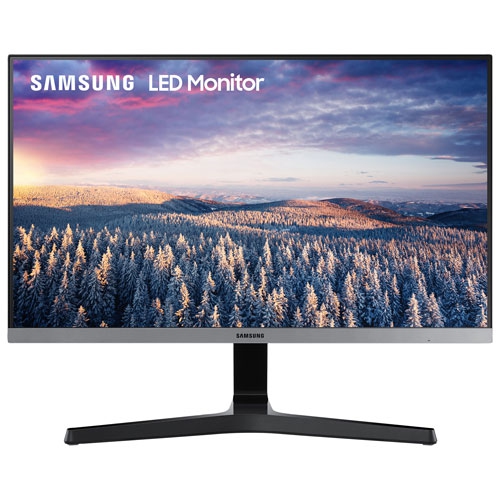 Your price for this item is $279.97
 -
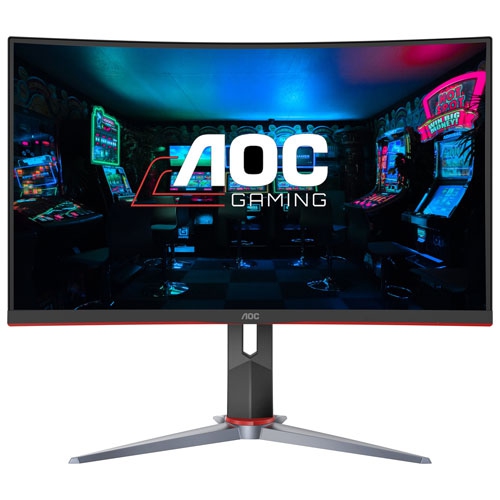 Your price for this item is $275
 -
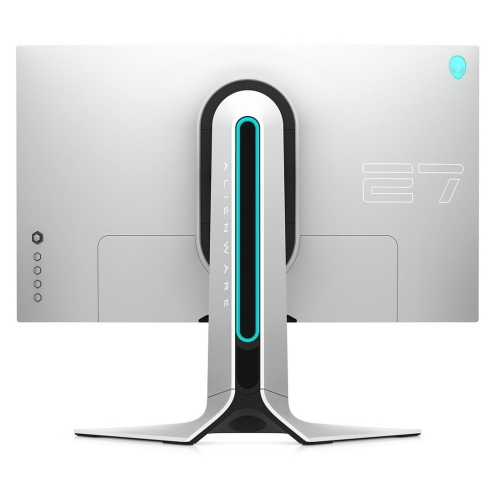 Your price for this item is $299
 -
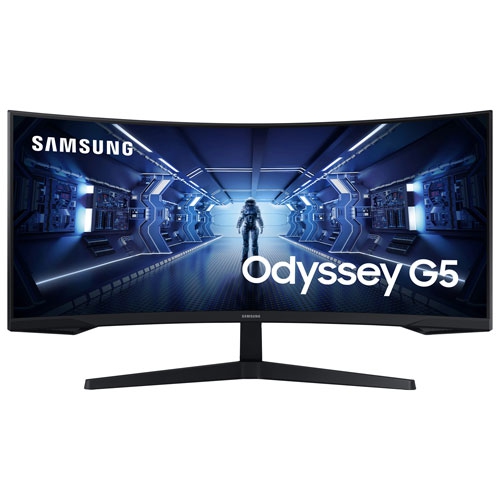 Your price for this item is $559.68
 -
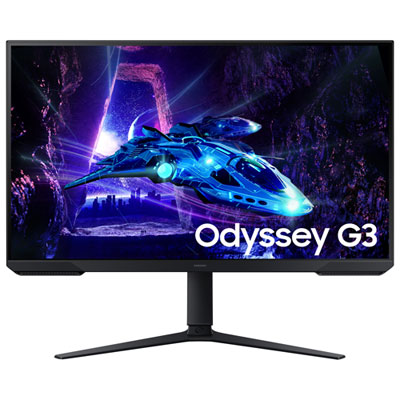 Your price for this item is $209.99
 -
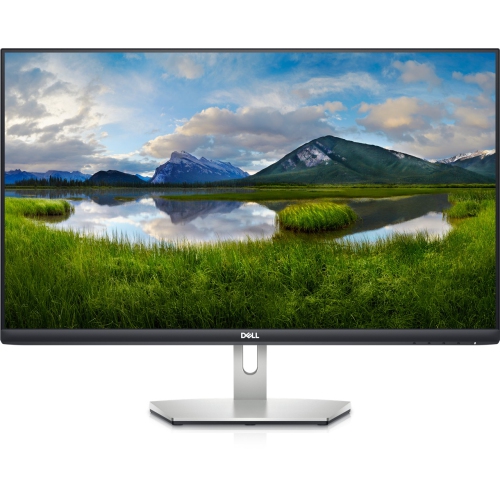 Your price for this item is $239.99
 -
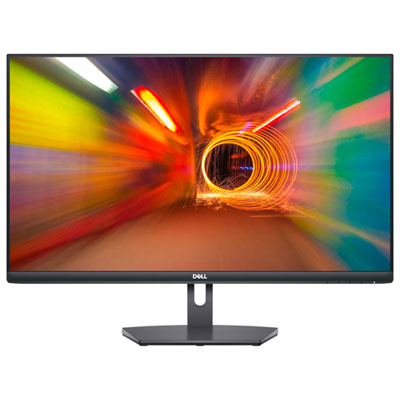 Your price for this item is $179.95
 -
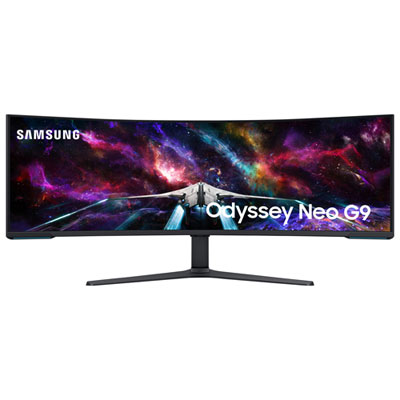 Your price for this item is $3299.99
Discover more categories related to Windows Monitors

Top Collections:
Pokemon Centers, Kindle Devices, Best Budget Office Chairs, Apple iPhones 16, Best Laptops for Writers, iPhone 15 Apple, Canon G7X Cameras, Refurbished Apple Laptops, Alarm Clock, Motorola Razr Phones
Some products may be subject to Environmental Handling Fees
(EHF) depending on your province.
Learn more about EHFs.