Windows 8 Computer Monitors
Windows 8 Computer Monitors offer a versatile solution for both home and office setups, providing reliable performance for a wide range of tasks. Whether you're upgrading your workspace or setting up a new computer station, these monitors are designed to work seamlessly with Windows 8 systems. Explore a variety of sizes and styles to find the perfect fit for your needs, ensuring clear visuals and an enhanced computing experience. Discover how Windows 8 Computer Monitors can help you stay productive and enjoy your favorite content every day.
Sort
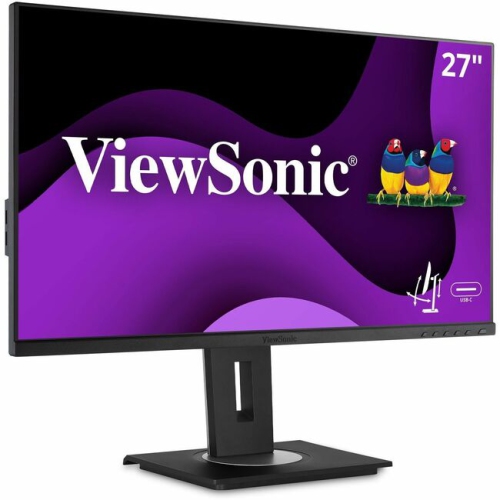
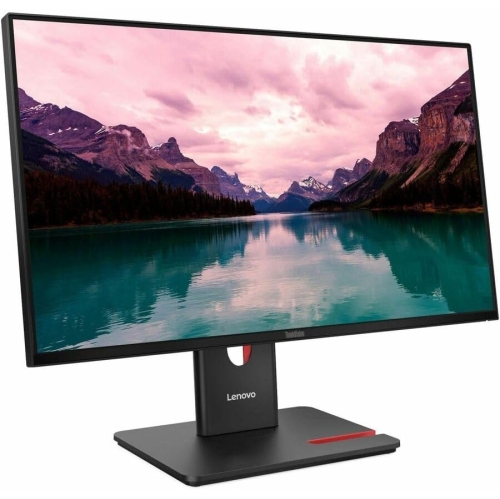

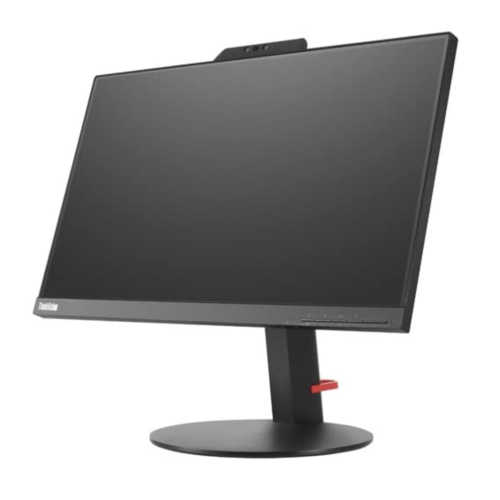
More screen space for smoother multitasking and everyday computing
Choosing the right computer monitor for a Windows 8 system is an important decision, especially for those looking to make the most of the operating system’s enhanced multi-monitor support. Whether you’re setting up a home office, a gaming space, or a creative workstation, the flexibility of Windows 8 allows users to extend their desktop across multiple screens, duplicate content for presentations, or even dedicate a monitor to specific tasks. As the weather warms and routines shift, many people find themselves reorganizing their workspaces or upgrading their tech for productivity and entertainment. A new monitor can transform the way you interact with your PC, letting you take full advantage of features like the extended taskbar, corner navigation, and easy app management introduced in Windows 8. These monitors are particularly useful for professionals who juggle multiple applications, students who need extra screen real estate for research and assignments, or families sharing a computer for work and leisure. For anyone considering a gift, a monitor is a thoughtful choice—ideal for graduates setting up their first apartment, parents looking to enhance a family computer, or anyone who could benefit from a larger or secondary display.
When shopping for the best buy computer screen to pair with a Windows 8 device, there are a few key considerations to keep in mind. First, compatibility is crucial—look for monitors that support standard connections like HDMI or VGA, which are commonly used with Windows 8 PCs. Screen resolution and size also play a big role in the overall experience. A larger display with higher resolution can make multitasking smoother, especially when taking advantage of Windows 8’s ability to snap apps side by side or drag Metro apps between screens. Ergonomics matter too; adjustable stands, tilt, and swivel features can help create a comfortable setup for long hours of work or play. For those who enjoy gaming or streaming, monitors with faster refresh rates and low response times offer smoother visuals and a more immersive experience. If you’re planning a multi-monitor setup, consider models with slim bezels for a seamless look and easy alignment. It’s also helpful to ensure that your graphics card supports the number of monitors you plan to use, and that you’re familiar with configuring display settings through Windows 8’s user-friendly controls—simply press Windows + P to select your preferred display mode, whether that’s extending, duplicating, or using a second screen only.
No matter how you plan to use your Windows 8 computer monitor, there’s a wide range of options to suit every need and budget. From compact displays perfect for small desks to expansive screens that anchor a full workstation, the right monitor can boost productivity, enhance entertainment, and breathe new life into your computing experience. During the late spring and summer months, as schedules change and new projects arise, upgrading your monitor can be a smart way to stay organized and inspired. For more information on compatible displays and to explore a curated selection that works seamlessly with Windows operating systems, visit the Windows Monitors page. Here, you’ll find detailed specifications, customer reviews, and helpful filters to guide your search, making it easy to find the perfect monitor for any Windows 8 setup.
When shopping for the best buy computer screen to pair with a Windows 8 device, there are a few key considerations to keep in mind. First, compatibility is crucial—look for monitors that support standard connections like HDMI or VGA, which are commonly used with Windows 8 PCs. Screen resolution and size also play a big role in the overall experience. A larger display with higher resolution can make multitasking smoother, especially when taking advantage of Windows 8’s ability to snap apps side by side or drag Metro apps between screens. Ergonomics matter too; adjustable stands, tilt, and swivel features can help create a comfortable setup for long hours of work or play. For those who enjoy gaming or streaming, monitors with faster refresh rates and low response times offer smoother visuals and a more immersive experience. If you’re planning a multi-monitor setup, consider models with slim bezels for a seamless look and easy alignment. It’s also helpful to ensure that your graphics card supports the number of monitors you plan to use, and that you’re familiar with configuring display settings through Windows 8’s user-friendly controls—simply press Windows + P to select your preferred display mode, whether that’s extending, duplicating, or using a second screen only.
No matter how you plan to use your Windows 8 computer monitor, there’s a wide range of options to suit every need and budget. From compact displays perfect for small desks to expansive screens that anchor a full workstation, the right monitor can boost productivity, enhance entertainment, and breathe new life into your computing experience. During the late spring and summer months, as schedules change and new projects arise, upgrading your monitor can be a smart way to stay organized and inspired. For more information on compatible displays and to explore a curated selection that works seamlessly with Windows operating systems, visit the Windows Monitors page. Here, you’ll find detailed specifications, customer reviews, and helpful filters to guide your search, making it easy to find the perfect monitor for any Windows 8 setup.
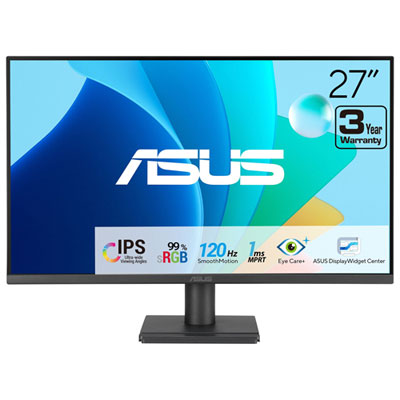
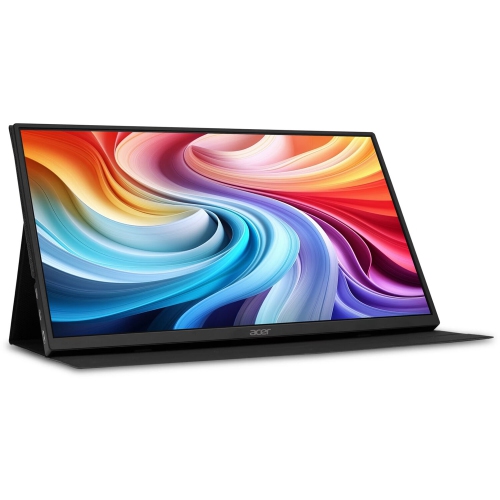
Top selling and popular products
-
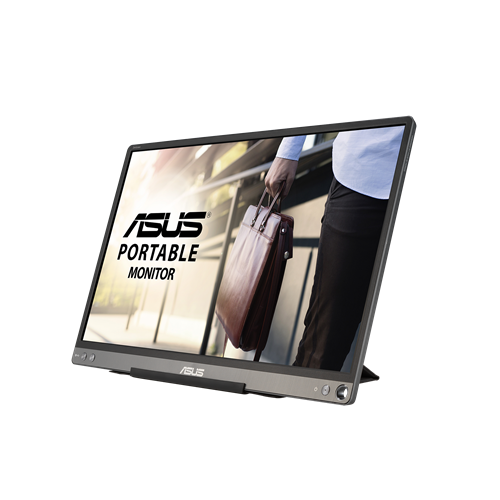 Your price for this item is $299
 -
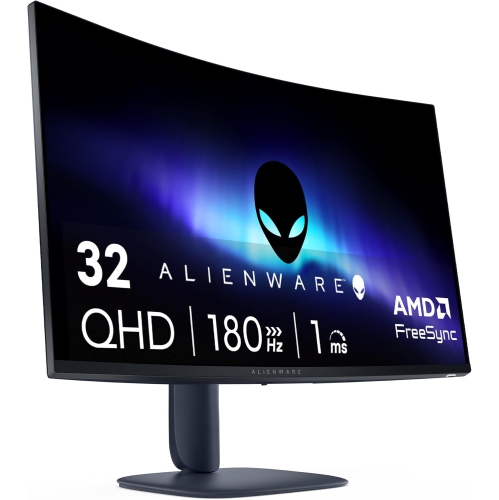 Your price for this item is $599
 -
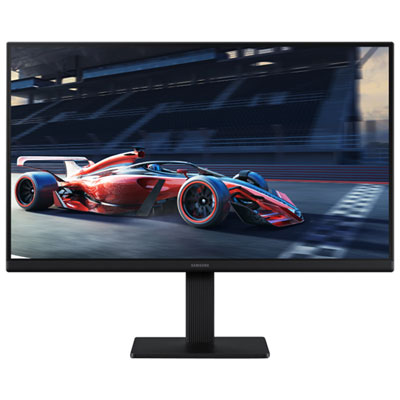 Your price for this item is $94.99
 -
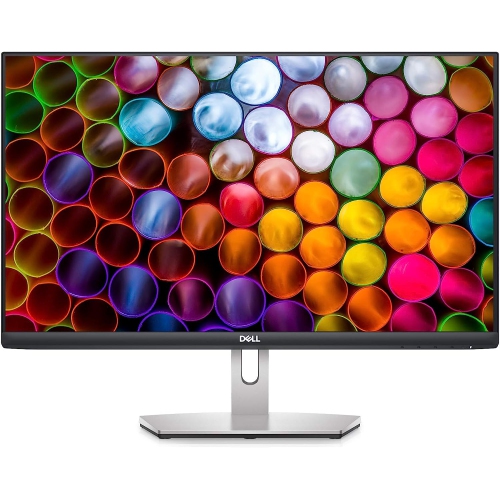 Your price for this item is $329.99
 -
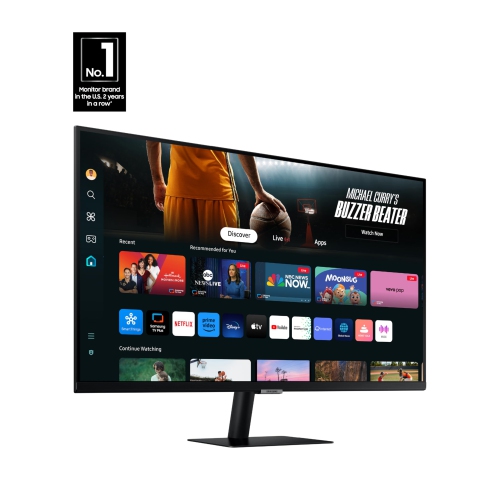 Your price for this item is $499
 -
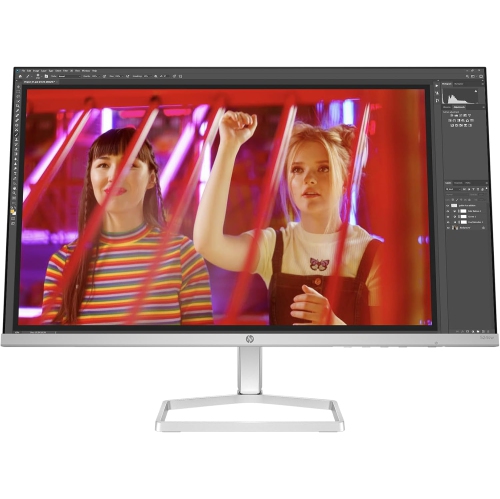 Your price for this item is $265.99
 -
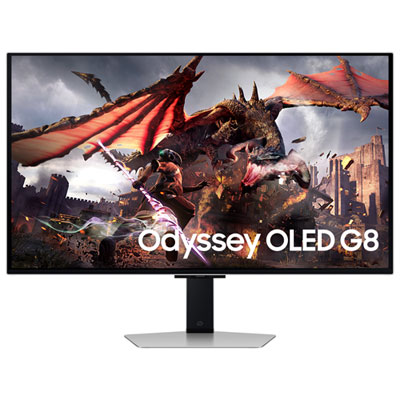 Your price for this item is $1299.97
 -
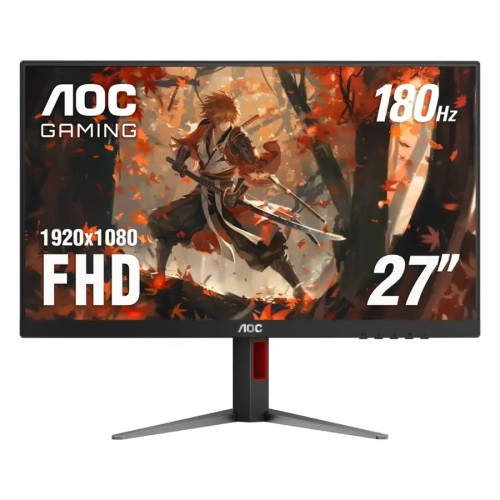 Your price for this item is $249.99
Discover more categories related to Windows 8 Computer Monitors
Top Collections:
Pokemon Centers, Kindle Devices, Best Budget Office Chairs, Apple iPhones 16, Best Laptops for Writers, iPhone 15 Apple, Canon G7X Cameras, Refurbished Apple Laptops, Alarm Clock, Motorola Razr Phones
Some products may be subject to Environmental Handling Fees
(EHF) depending on your province.
Learn more about EHFs.