Windows Utilities Software
Windows Utilities Software offers a range of solutions designed to help you get the most out of your Windows operating system. Whether you're looking to streamline daily tasks, enhance performance, or manage files more efficiently, these tools provide valuable support for both home and office use. Discover options that cater to various needs and skill levels, making it easier to keep your computer running smoothly. Explore the selection of Windows Utilities Software to find the right fit for your setup.
Sort
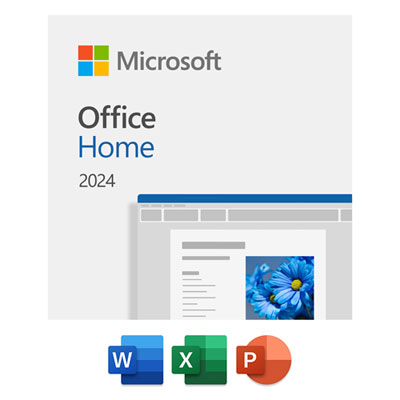
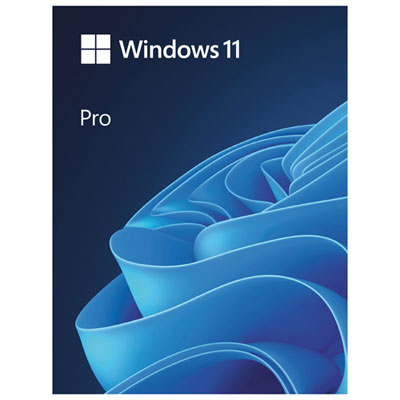
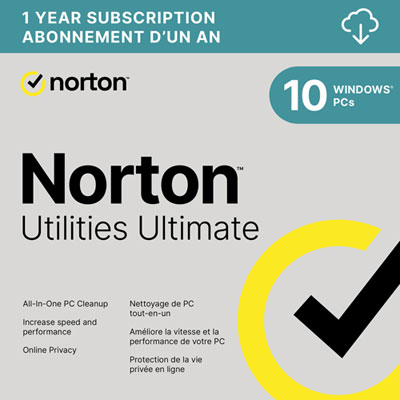

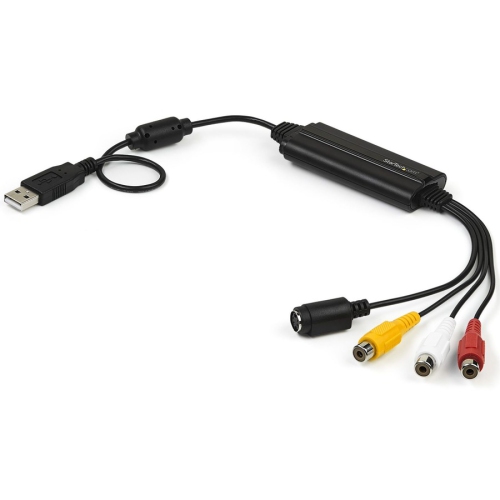
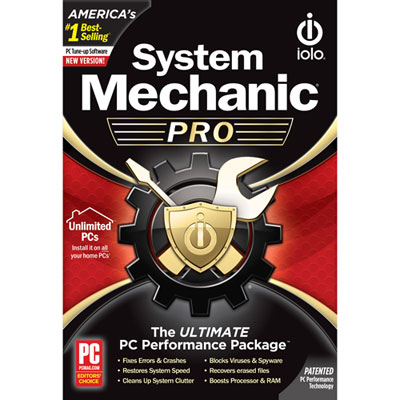

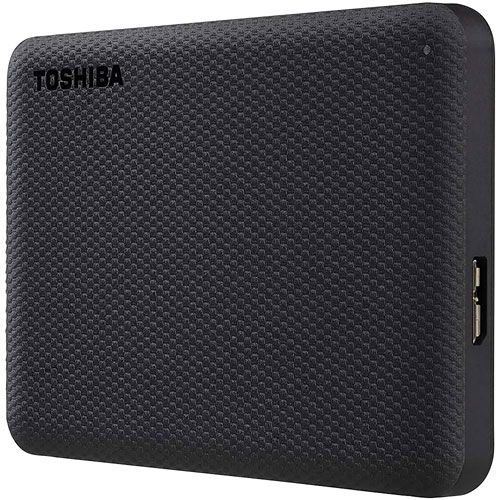


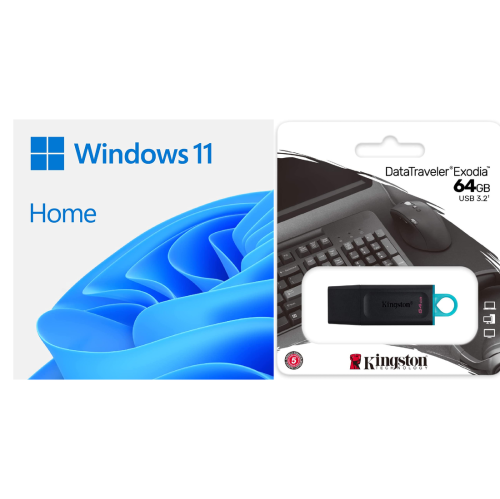


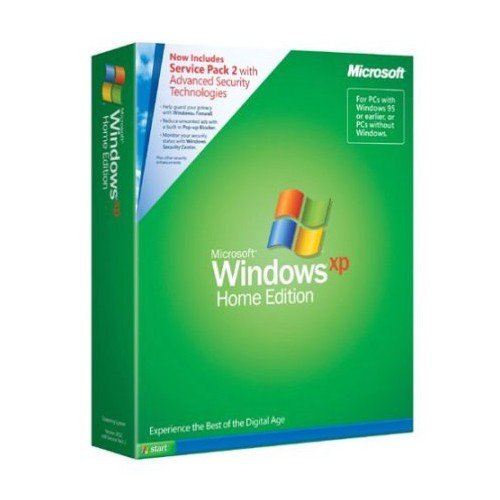
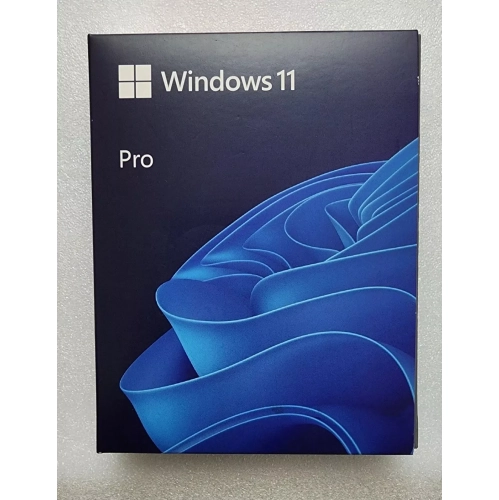
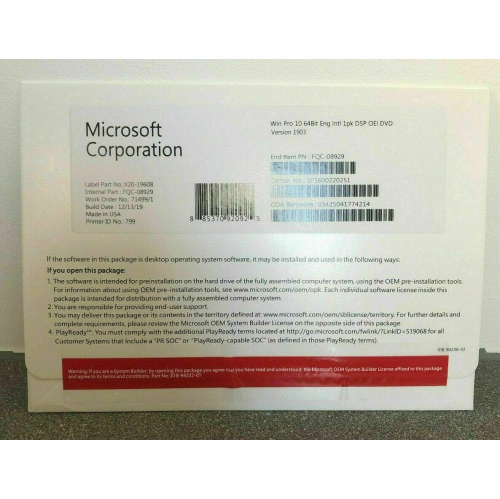
Tools that optimize, organize, customize, and secure Windows PCs
Windows utilities software covers a wide range of tools designed to keep your computer running smoothly, efficiently, and securely. Whether you’re a student fine-tuning your laptop for exam season, a professional managing multiple projects, or someone setting up a new desktop as the weather warms and routines shift, these utilities can make daily computing more productive and enjoyable. System optimization and maintenance utilities are especially useful for those who want to maximize the speed and reliability of their devices, helping to clear out unnecessary files, manage startup programs, and monitor performance in real time. Power users often appreciate advanced customization features, such as window management and enhanced clipboard controls, which allow for a more personalized and streamlined workflow. For anyone who frequently works with large files or needs to organize a growing collection of documents, file management and compression tools are invaluable, making it easy to archive, extract, and search for content quickly. Security-focused utilities add another layer of protection, offering features like password management, secure file deletion, and internet safety enhancements—important for anyone spending more time online, whether for remote work, summer travel planning, or connecting with friends and family.
These software solutions are not just practical for personal use; they also make thoughtful gifts for students heading into a new school term, recent graduates outfitting their first home office, or anyone upgrading their tech setup as part of a spring refresh. With the right utilities, even older computers can feel revitalized, extending their usefulness and saving money on unnecessary upgrades. Maintenance utilities are especially helpful for families sharing a single computer, as they help ensure each user’s experience remains fast and frustration-free. For creative professionals, tools that enhance system performance or provide advanced file management can be a game changer, supporting complex projects and large file transfers with ease. If you’re exploring ways to buy Windows software that keeps up with your evolving needs, consider how these utilities can fit into your digital toolkit. And if you’re upgrading your workspace, pairing the right utilities with a high-quality display can further enhance productivity—browse a selection of Windows Monitors to complete your setup.
As the days grow longer and schedules become more flexible, it’s common to take on new digital projects, organize files, or simply ensure your devices are running at their best. Windows utilities software is designed for everyone from beginners to tech enthusiasts, offering solutions that are easy to use yet powerful enough to handle demanding tasks. Disk management tools help you partition drives and create backups, while system monitoring utilities provide insights into resource usage and hardware health. For those who enjoy customizing their computing environment, personalization tools offer control over everything from desktop layouts to audio settings, helping create a setup that feels uniquely yours. Investing in the right utilities can make everyday tasks faster and more secure, letting you focus on what matters most—whether that’s work, study, or enjoying your favourite games and media.
These software solutions are not just practical for personal use; they also make thoughtful gifts for students heading into a new school term, recent graduates outfitting their first home office, or anyone upgrading their tech setup as part of a spring refresh. With the right utilities, even older computers can feel revitalized, extending their usefulness and saving money on unnecessary upgrades. Maintenance utilities are especially helpful for families sharing a single computer, as they help ensure each user’s experience remains fast and frustration-free. For creative professionals, tools that enhance system performance or provide advanced file management can be a game changer, supporting complex projects and large file transfers with ease. If you’re exploring ways to buy Windows software that keeps up with your evolving needs, consider how these utilities can fit into your digital toolkit. And if you’re upgrading your workspace, pairing the right utilities with a high-quality display can further enhance productivity—browse a selection of Windows Monitors to complete your setup.
As the days grow longer and schedules become more flexible, it’s common to take on new digital projects, organize files, or simply ensure your devices are running at their best. Windows utilities software is designed for everyone from beginners to tech enthusiasts, offering solutions that are easy to use yet powerful enough to handle demanding tasks. Disk management tools help you partition drives and create backups, while system monitoring utilities provide insights into resource usage and hardware health. For those who enjoy customizing their computing environment, personalization tools offer control over everything from desktop layouts to audio settings, helping create a setup that feels uniquely yours. Investing in the right utilities can make everyday tasks faster and more secure, letting you focus on what matters most—whether that’s work, study, or enjoying your favourite games and media.
Top selling and popular products
-
 Your price for this item is $179.98
 -
 Your price for this item is $89.95
 -
 Your price for this item is $90.23
 -
 Your price for this item is $90.23
 -
 Your price for this item is $90.23
 -
 Your price for this item is $79.99
 -
 Your price for this item is $90.23
 -
 Your price for this item is $249
Discover more categories related to Windows Utilities Software

Top Collections:
Pokemon Centers, Kindle Devices, Best Budget Office Chairs, Apple iPhones 16, Best Laptops for Writers, iPhone 15 Apple, Canon G7X Cameras, Refurbished Apple Laptops, Alarm Clock, Motorola Razr Phones
Some products may be subject to Environmental Handling Fees
(EHF) depending on your province.
Learn more about EHFs.