Wireless 65 Keyboards
Discover the convenience and versatility of a Wireless 65 Keyboard, designed to enhance your typing experience whether you're working, gaming, or browsing. With a compact layout that saves space without sacrificing functionality, these keyboards offer seamless wireless connectivity for a tidy and efficient workspace. Explore a range of options to find the perfect Wireless 65 Keyboard that matches your style and meets your everyday needs.
Sort
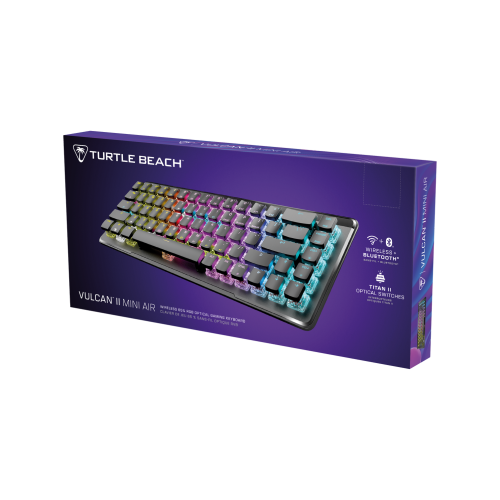
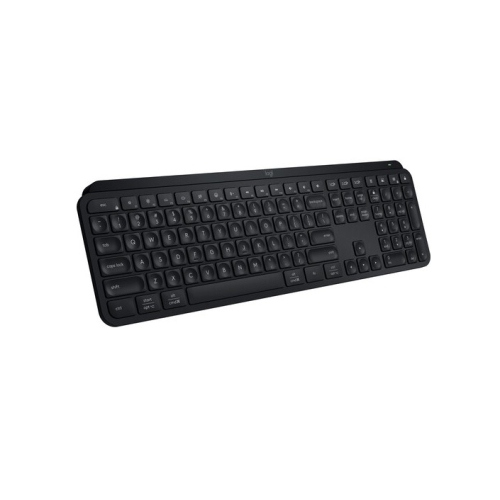
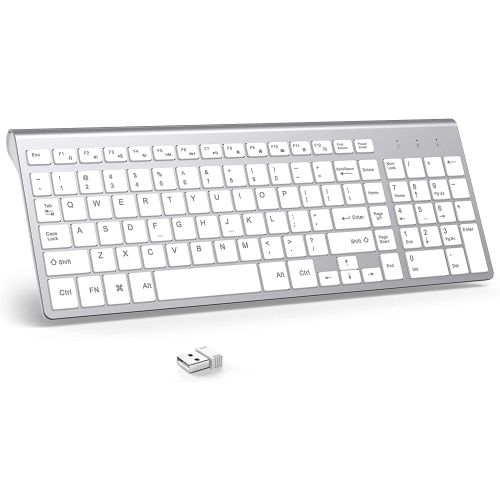
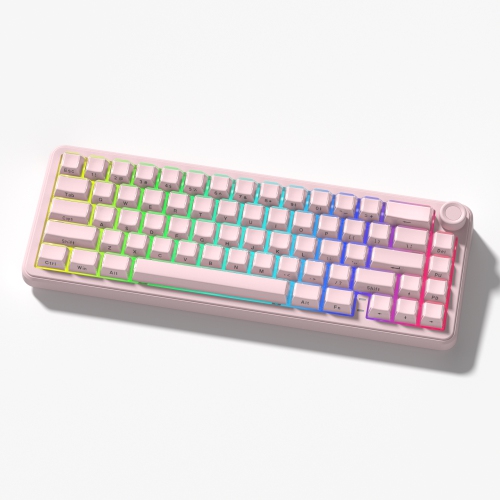

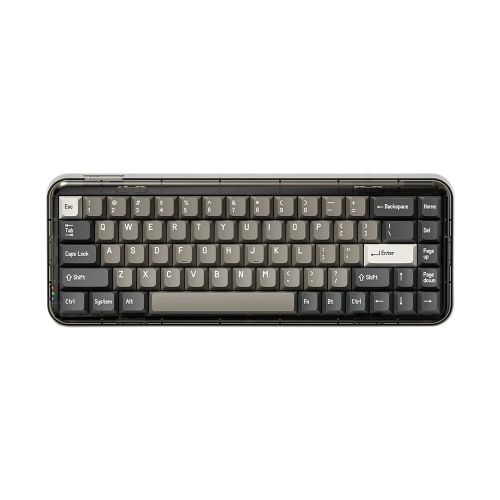
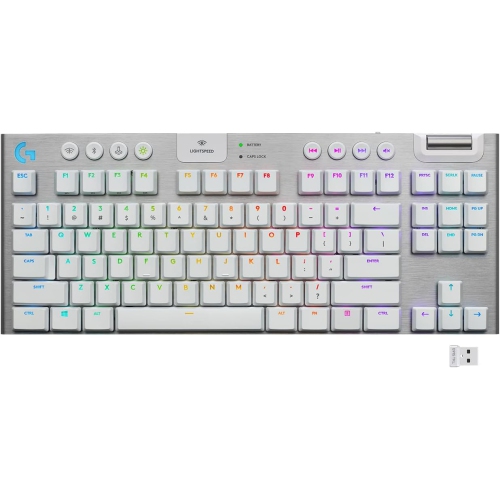
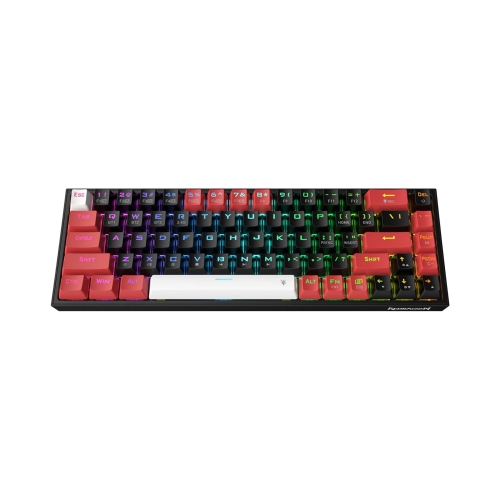

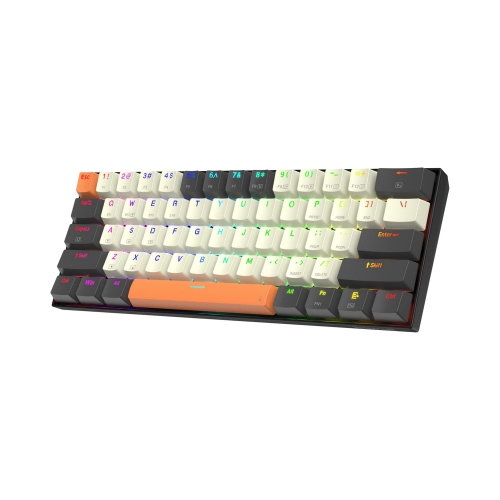
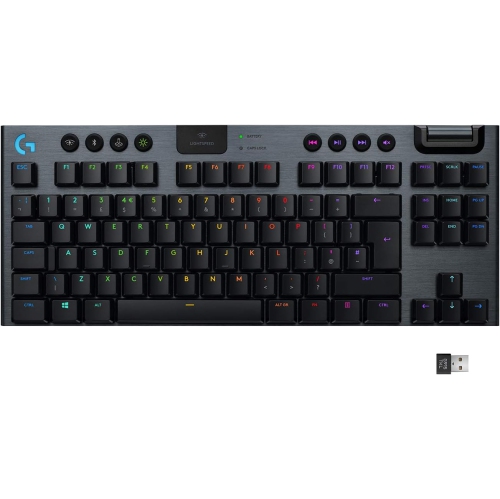
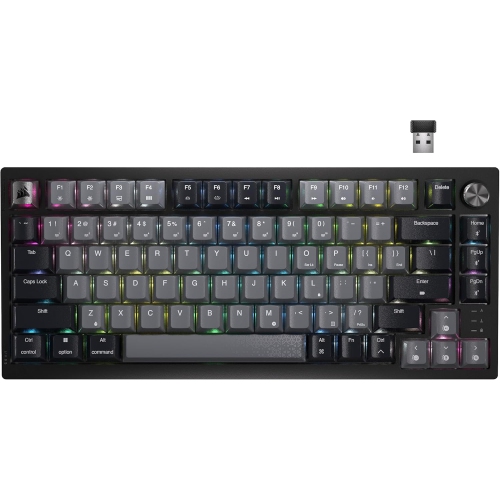
More mouse room without giving up arrow keys
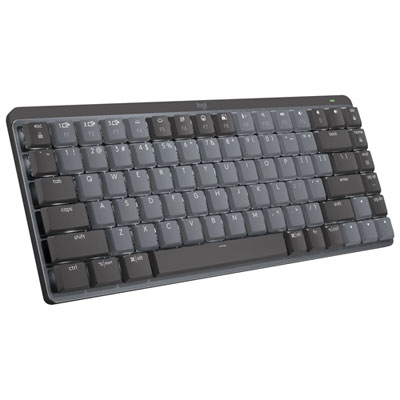
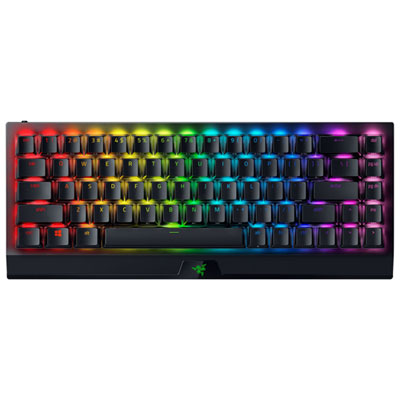
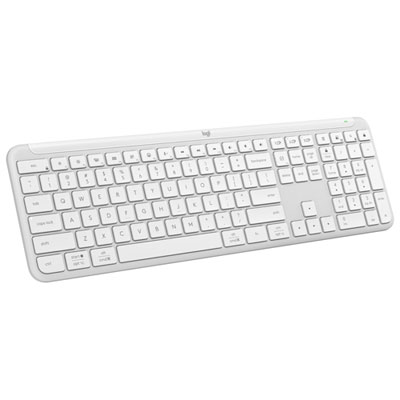
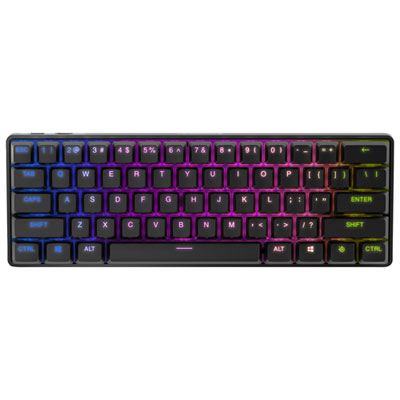
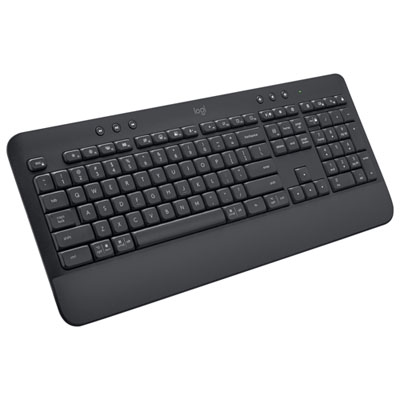
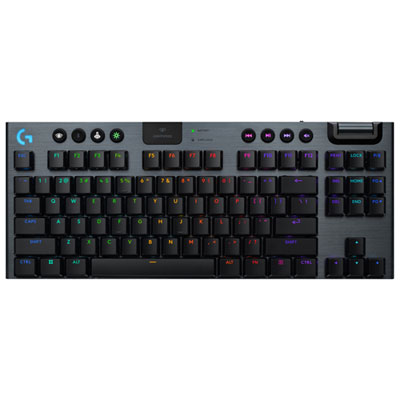
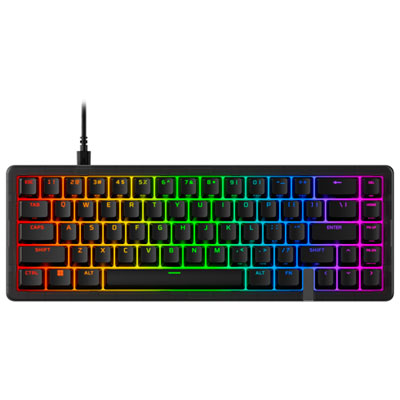
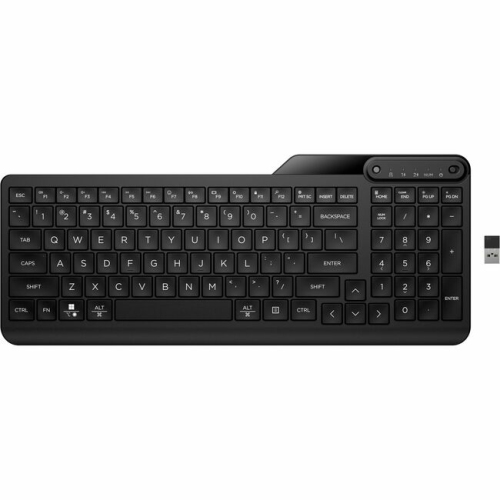
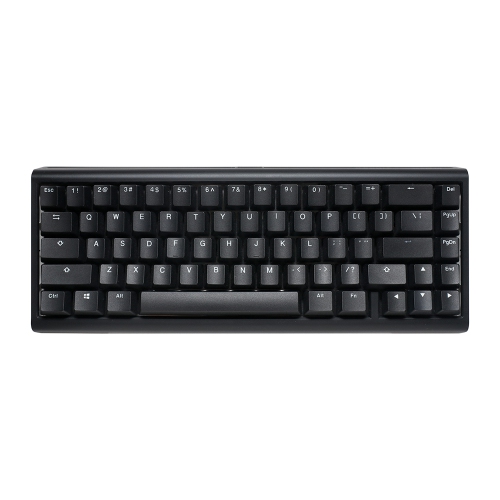
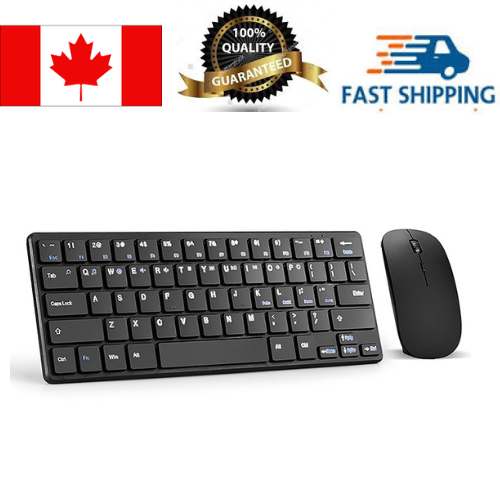
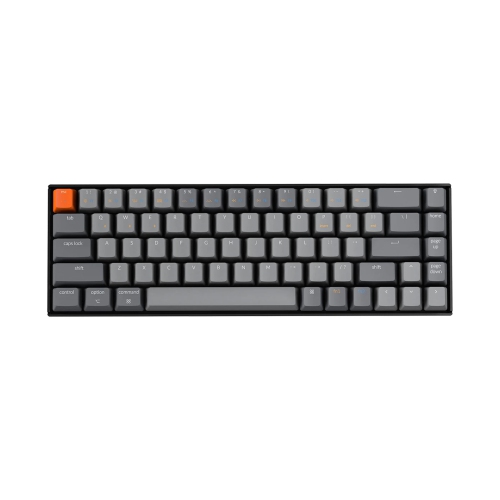
Wireless 65% keyboards bring the main typing area, dedicated arrow keys, and a small selection of navigation keys into a compact layout without a separate number pad or top function row. The “65%” describes the keyboard’s approximate size relative to a full-size layout, not an exact count of 65 keys; many designs have around 68 keys, though the total and arrangement vary. This format suits desks where space matters but arrow keys remain part of everyday work, whether moving through a spreadsheet, editing a document, or navigating a game. A narrower keyboard leaves more room for a mouse and can help keep both hands closer to the centre of the workspace, depending on how the desk is arranged. It also fits comfortably beside a laptop without taking over the surface, leaving room for a notebook or drawing tablet. Functions such as F1 through F12 are generally accessed through a modifier key or programmable layer rather than a dedicated row. Navigation keys such as Delete, Page Up, and Page Down may appear along the right edge, but their placement is not identical across layouts. That distinction matters for anyone who uses the same shortcuts throughout the day: a familiar arrow cluster may make the transition easier, while a frequently used Home or End command might require a new key combination. People who enter long columns of figures may still prefer a separate number pad alongside a compact board. For those who want a dedicated function row while retaining a relatively small footprint, Wireless 75 Keyboards offer a related layout with more keys directly accessible. The appeal of a 65% wireless keyboard is its balance: enough physical keys for many daily tasks, fewer unused sections on the desk, and a layout that can move between a home office, study area, and gaming setup.
Wireless connectivity determines how a compact keyboard fits into that routine. Bluetooth can connect to compatible computers, tablets, and other supported devices without occupying a USB port, making it useful when a laptop has limited connections. Some keyboards store pairings for several devices and switch between them through a shortcut or selector, so the same board can serve a desktop computer and a tablet used for notes. A dedicated 2.4 GHz USB receiver offers another connection method and is often preferred for gaming when responsive input is a priority, although actual latency depends on the keyboard and its operating mode. Receiver compatibility deserves attention as well: a USB-A receiver may need an adapter for a computer equipped only with USB-C ports. Some wireless keyboards also support typing over a USB cable, while others use their cable connection only for charging. Battery life varies with battery capacity, lighting settings, connection type, and daily use, so an advertised runtime is most useful when its test conditions are clear. Bright backlighting can shorten the time between charges, while sleep settings help reduce power use when the keyboard is idle. A physical power switch is handy for transport, and a secure receiver compartment, where included, helps keep a small dongle from disappearing inside a bag. Compatibility goes beyond establishing a connection. Operating system shortcuts, media controls, key legends, and customization software may behave differently across platforms. For someone alternating between work and personal computers, support for the required operating systems and access to remapping tools can matter more than decorative lighting. Wireless performance can also be affected by distance, nearby devices, and receiver placement. A clear connection path and sensible receiver positioning can help keep typing consistent. These practical details distinguish a keyboard that simply pairs from one that feels convenient through a full day of messages, coursework, calls, and leisure.
Typing feel, construction, and fit give wireless 65% mechanical keyboards much of their individual character. Linear switches move through the keystroke without a pronounced tactile bump, tactile switches provide a noticeable change in resistance, and clicky switches add an audible click. None of these descriptions alone guarantees a quiet or comfortable keyboard: switch weight, case construction, stabilizers, desk surface, and typing force all influence the experience. In a shared office or a room used for voice calls, quieter switches may be more appropriate than a sharp, prominent click. Stabilizers help support wider keys such as the space bar and Enter key, and their fit can affect both sound and steadiness. Plastic cases can keep carrying weight manageable, while aluminium cases generally add weight and a more rigid feel. Neither material alone determines overall quality or durability. Keycaps are commonly made from ABS or PBT plastic, with texture, thickness, and legend application affecting how they feel and show wear over time. PBT often resists the polished appearance that develops with frequent use, while double-shot legends are formed from separate layers of plastic rather than printed solely on the surface. For replacement keycaps, layout compatibility matters because compact boards can use a shorter right Shift key or differently sized keys along the bottom row. Hot-swappable designs allow compatible switches to be replaced without soldering, but the socket type and supported switch format must match; this feature is not universal. Keyboard height and angle also influence comfort. A low-profile design can feel different from a taller case, and a suitably sized wrist rest may provide a place to rest the hands between typing sessions. Basic care helps preserve the finish and typing action: switch the keyboard off, disconnect any cable, remove loose debris gently, and follow the maker’s cleaning directions rather than spraying liquid onto the keys. A protective sleeve can help prevent scratches during travel. As gifts for students, writers, programmers, or gamers, these keyboards are most personal when the layout, switch feel, sound level, and colour suit the recipient’s actual habits rather than appearance alone.
Wireless connectivity determines how a compact keyboard fits into that routine. Bluetooth can connect to compatible computers, tablets, and other supported devices without occupying a USB port, making it useful when a laptop has limited connections. Some keyboards store pairings for several devices and switch between them through a shortcut or selector, so the same board can serve a desktop computer and a tablet used for notes. A dedicated 2.4 GHz USB receiver offers another connection method and is often preferred for gaming when responsive input is a priority, although actual latency depends on the keyboard and its operating mode. Receiver compatibility deserves attention as well: a USB-A receiver may need an adapter for a computer equipped only with USB-C ports. Some wireless keyboards also support typing over a USB cable, while others use their cable connection only for charging. Battery life varies with battery capacity, lighting settings, connection type, and daily use, so an advertised runtime is most useful when its test conditions are clear. Bright backlighting can shorten the time between charges, while sleep settings help reduce power use when the keyboard is idle. A physical power switch is handy for transport, and a secure receiver compartment, where included, helps keep a small dongle from disappearing inside a bag. Compatibility goes beyond establishing a connection. Operating system shortcuts, media controls, key legends, and customization software may behave differently across platforms. For someone alternating between work and personal computers, support for the required operating systems and access to remapping tools can matter more than decorative lighting. Wireless performance can also be affected by distance, nearby devices, and receiver placement. A clear connection path and sensible receiver positioning can help keep typing consistent. These practical details distinguish a keyboard that simply pairs from one that feels convenient through a full day of messages, coursework, calls, and leisure.
Typing feel, construction, and fit give wireless 65% mechanical keyboards much of their individual character. Linear switches move through the keystroke without a pronounced tactile bump, tactile switches provide a noticeable change in resistance, and clicky switches add an audible click. None of these descriptions alone guarantees a quiet or comfortable keyboard: switch weight, case construction, stabilizers, desk surface, and typing force all influence the experience. In a shared office or a room used for voice calls, quieter switches may be more appropriate than a sharp, prominent click. Stabilizers help support wider keys such as the space bar and Enter key, and their fit can affect both sound and steadiness. Plastic cases can keep carrying weight manageable, while aluminium cases generally add weight and a more rigid feel. Neither material alone determines overall quality or durability. Keycaps are commonly made from ABS or PBT plastic, with texture, thickness, and legend application affecting how they feel and show wear over time. PBT often resists the polished appearance that develops with frequent use, while double-shot legends are formed from separate layers of plastic rather than printed solely on the surface. For replacement keycaps, layout compatibility matters because compact boards can use a shorter right Shift key or differently sized keys along the bottom row. Hot-swappable designs allow compatible switches to be replaced without soldering, but the socket type and supported switch format must match; this feature is not universal. Keyboard height and angle also influence comfort. A low-profile design can feel different from a taller case, and a suitably sized wrist rest may provide a place to rest the hands between typing sessions. Basic care helps preserve the finish and typing action: switch the keyboard off, disconnect any cable, remove loose debris gently, and follow the maker’s cleaning directions rather than spraying liquid onto the keys. A protective sleeve can help prevent scratches during travel. As gifts for students, writers, programmers, or gamers, these keyboards are most personal when the layout, switch feel, sound level, and colour suit the recipient’s actual habits rather than appearance alone.
Top selling and popular products
-
 Your price for this item is $39.99
 -
 Your price for this item is $76.98
 -
 Your price for this item is $94.99
 -
 Your price for this item is $319.99
 -
 Your price for this item is $364.99
 -
 Your price for this item is $149.99
 -
 Your price for this item is $124
 -
 Your price for this item is $94.99
Discover more categories related to Wireless 65 Keyboards
Top Collections:
Pokemon Centers, Kindle Devices, Best Budget Office Chairs, Apple iPhones 16, Best Laptops for Writers, iPhone 15 Apple, Canon G7X Cameras, Refurbished Apple Laptops, Alarm Clock, Motorola Razr Phones
Some products may be subject to Environmental Handling Fees
(EHF) depending on your province.
Learn more about EHFs.