Wireless 60 Keyboards
Wireless keyboards are a great way to add a little extra comfort and convenience to your computing experience. They're also an easy way to make sure you don't have to worry about your keyboard getting in the way when you're gaming or working on something more involved. The Wireless 60 Keyboard is a great option for anyone looking for a reliable, comfortable, and easy-to-use wireless keyboard. It has a slim design that fits comfortably in your hands, and its full-size keys make it easy to type. Here are some of the best wireless 60 keyboards on the market.
Sort
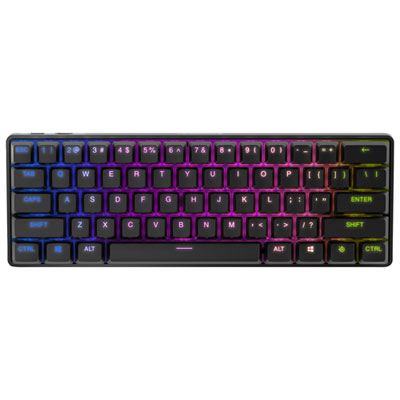
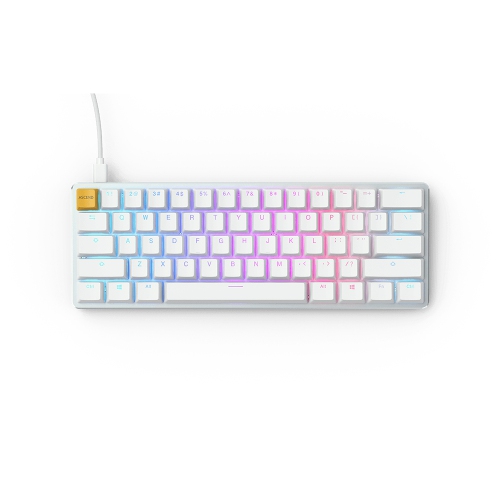
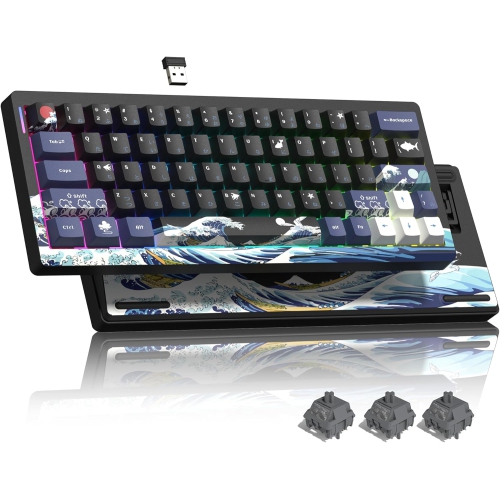
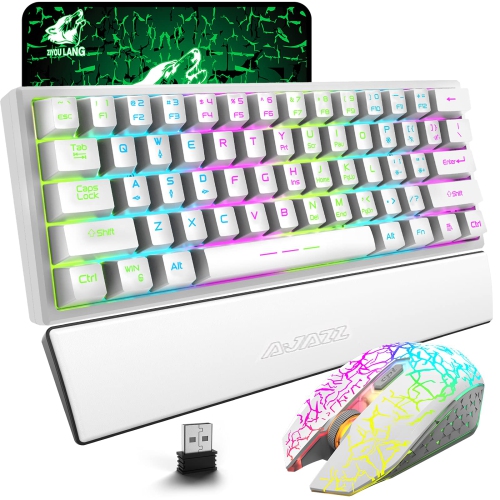
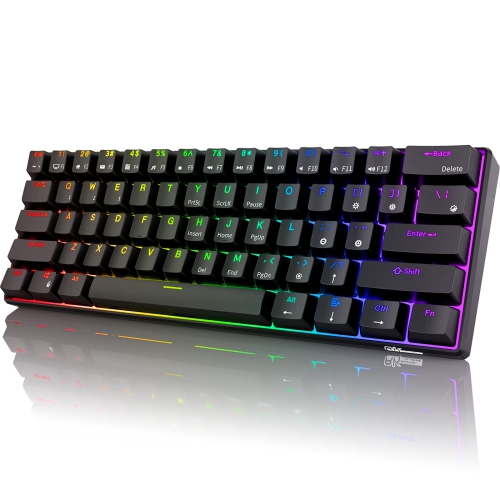
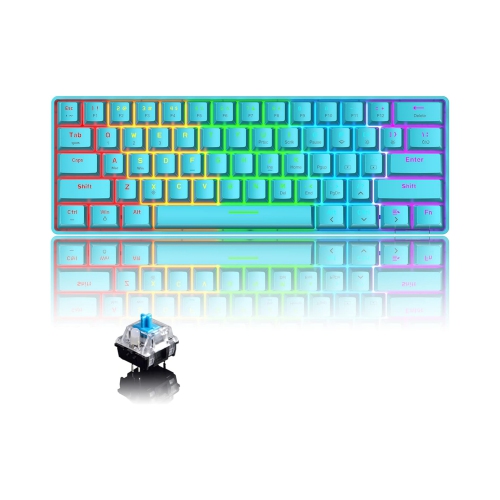
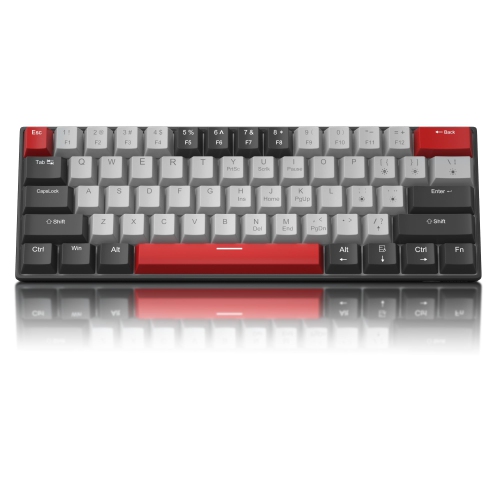
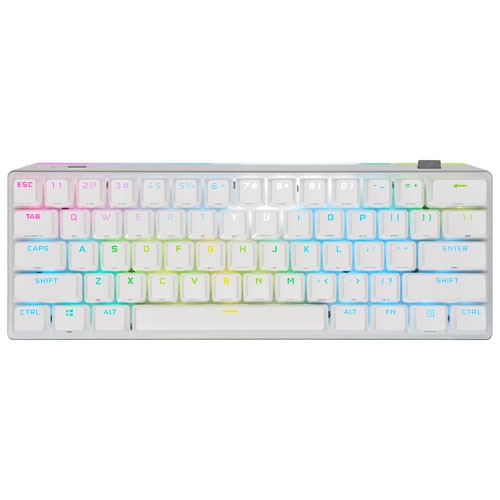
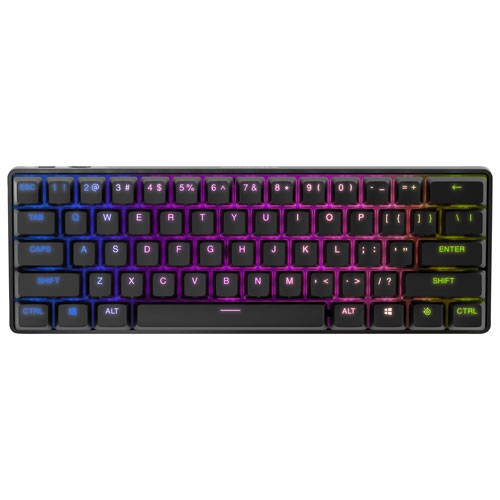
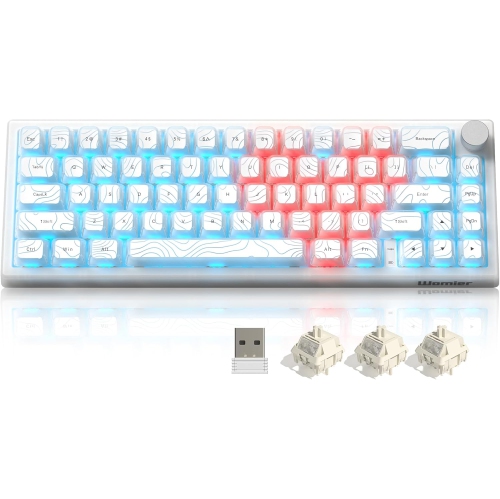
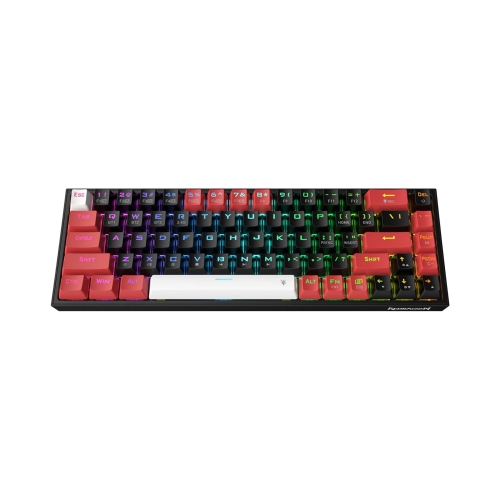

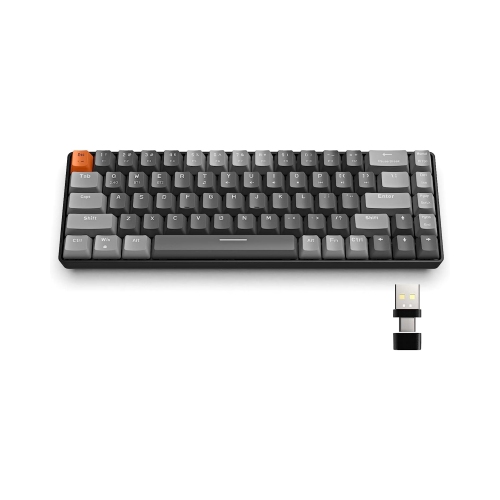
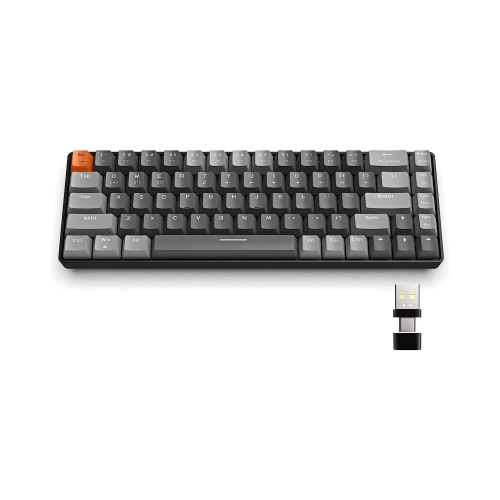
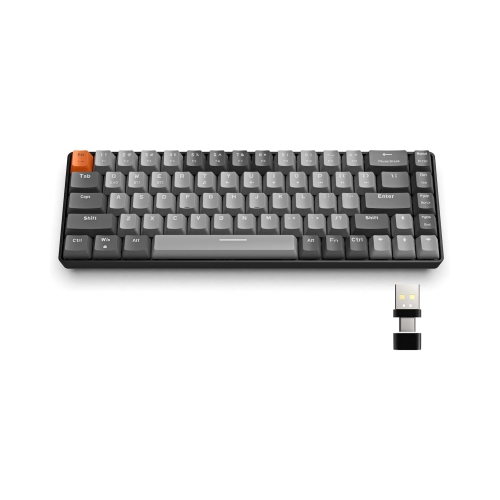
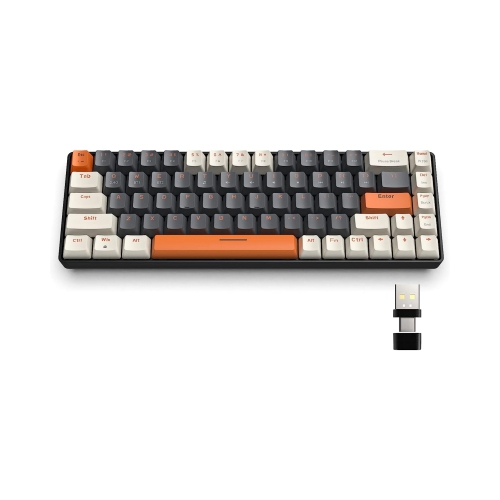
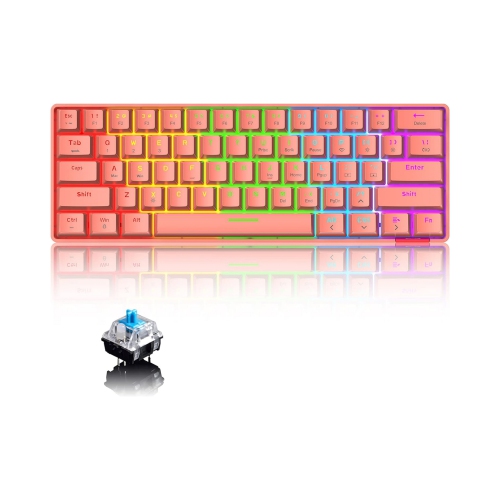
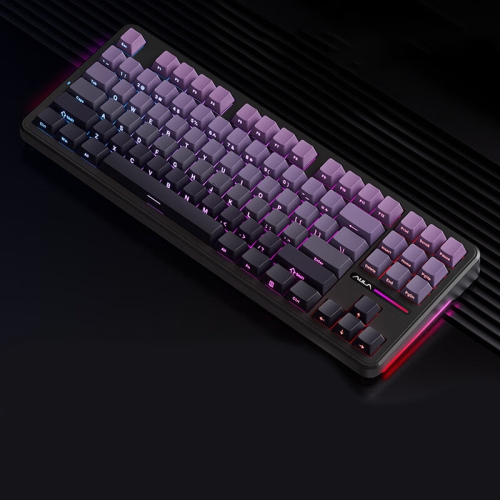
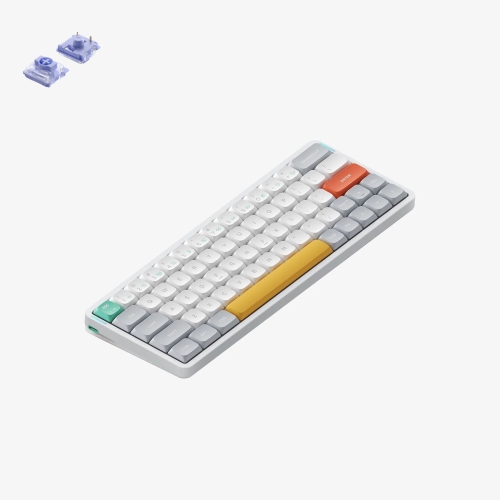
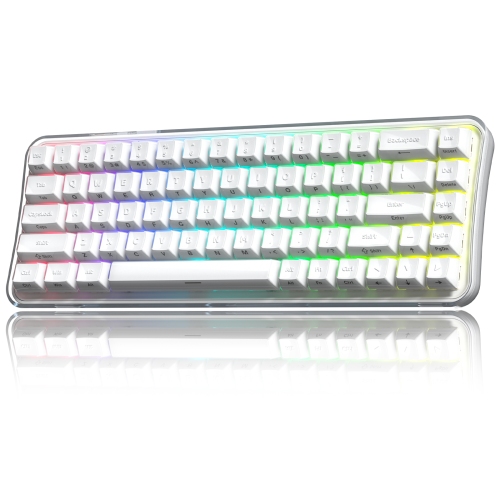
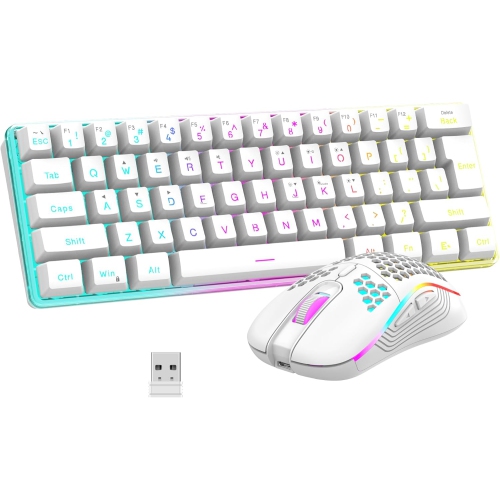
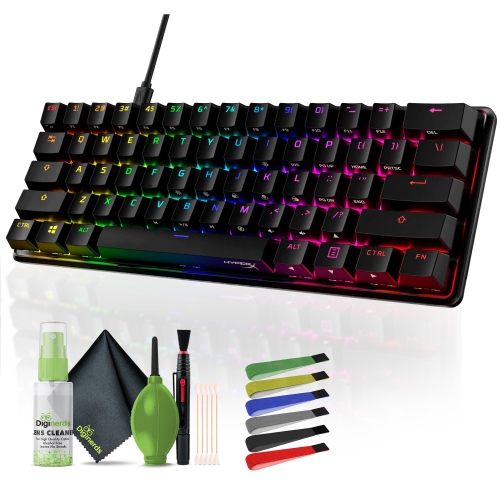
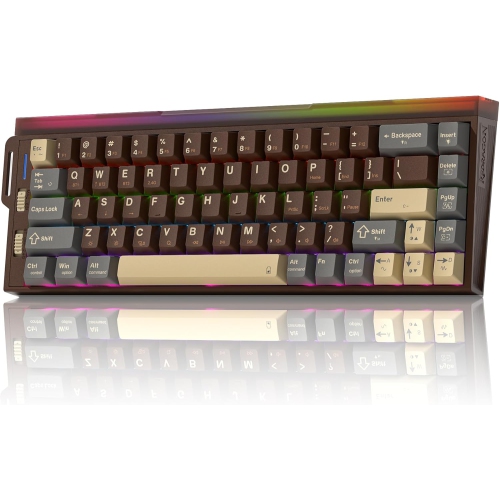
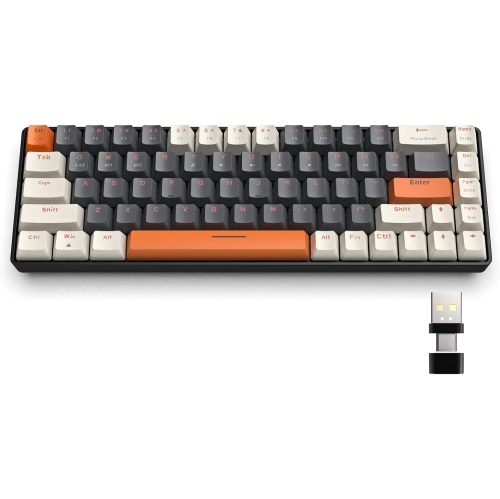
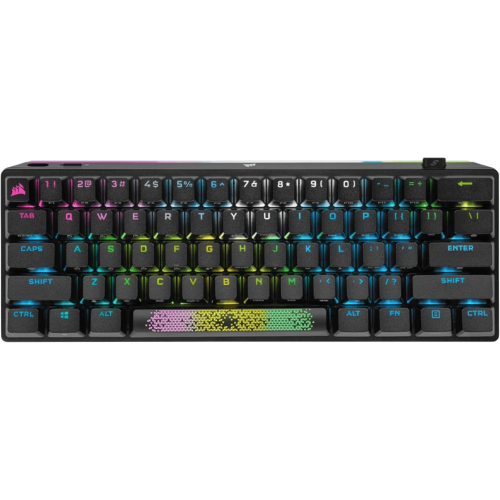
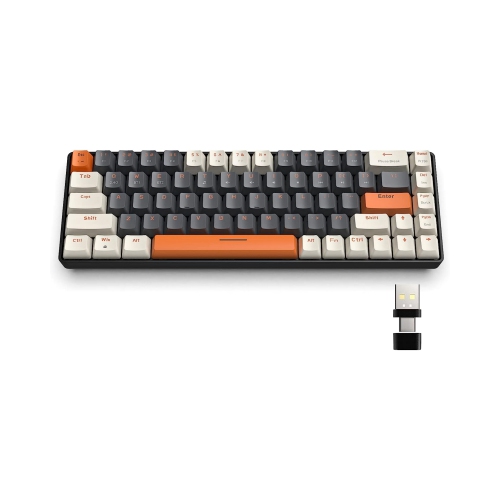
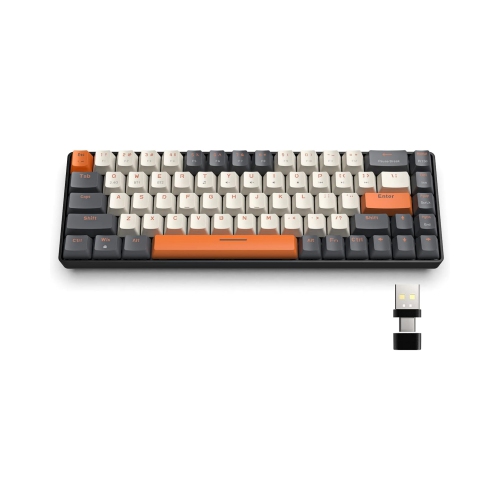
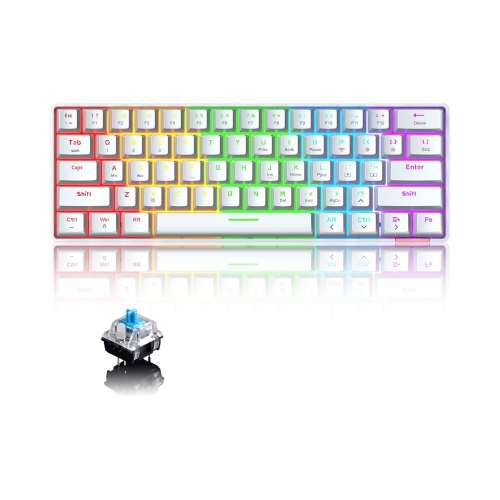
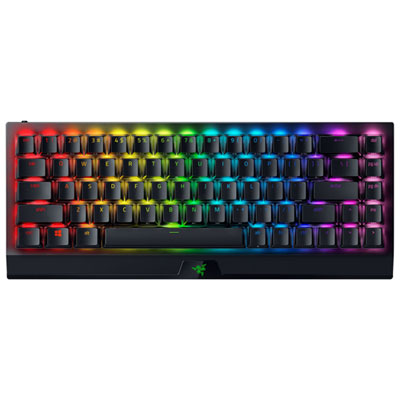
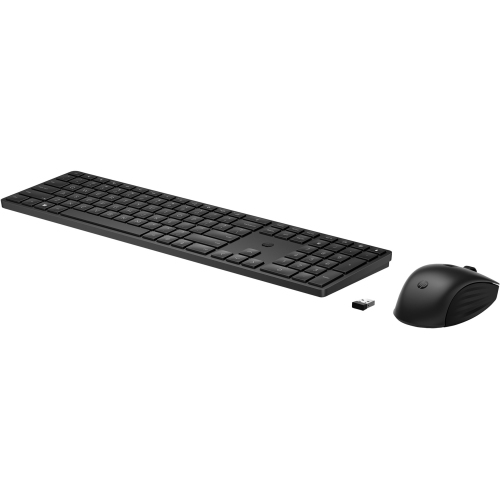
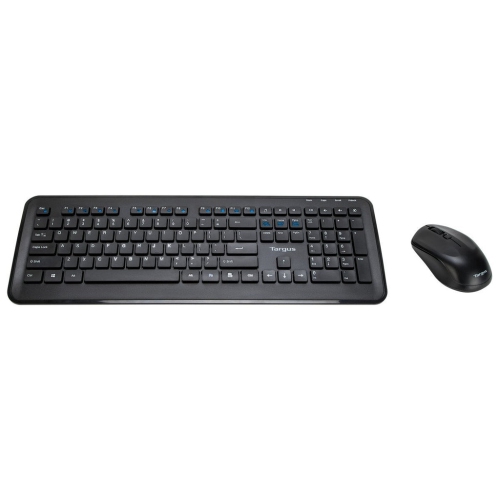
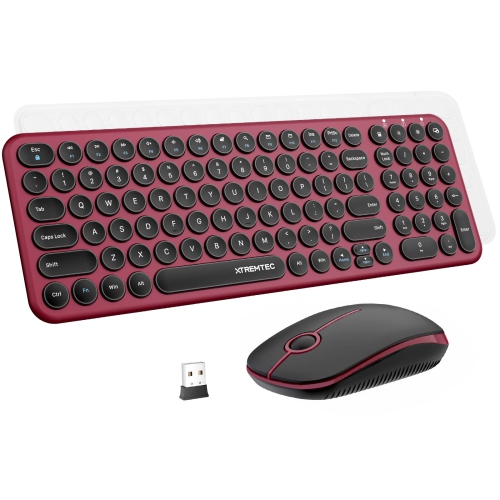
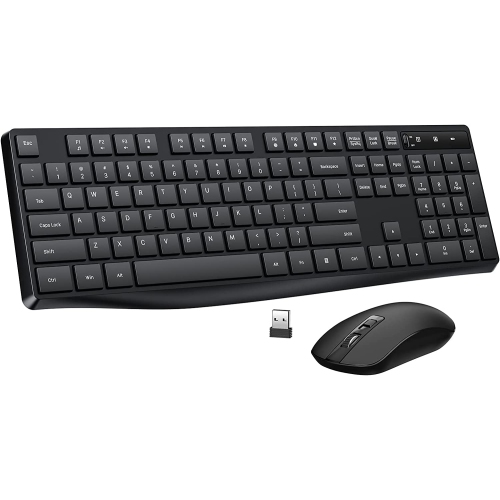
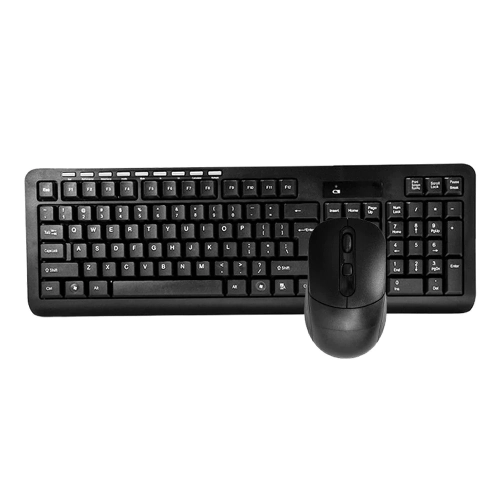
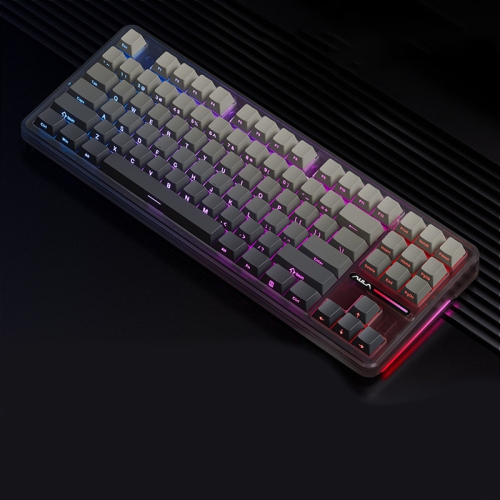
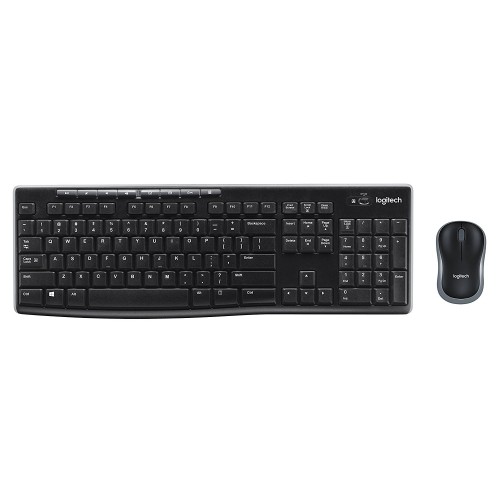
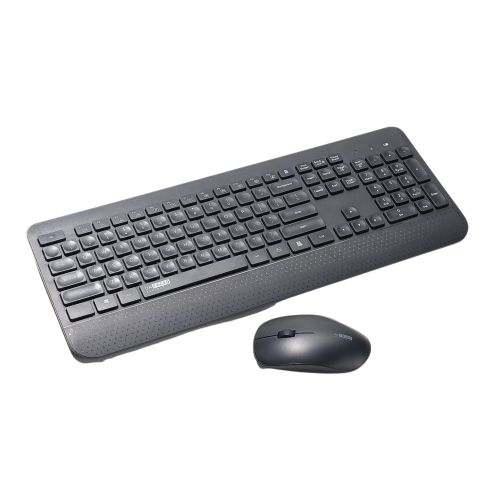
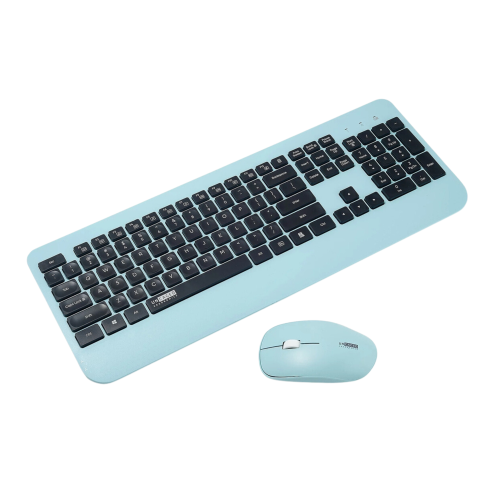
A compact layout with flexible connections and customizable comfort
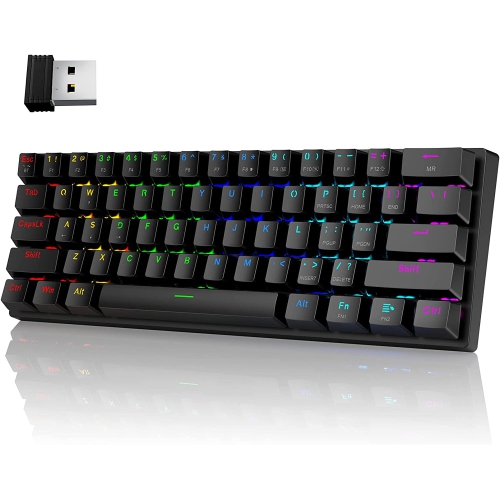
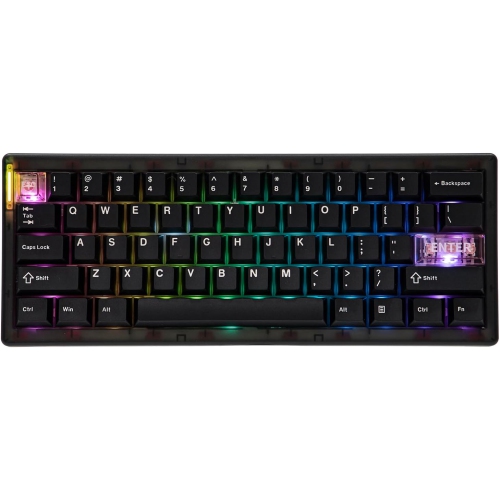
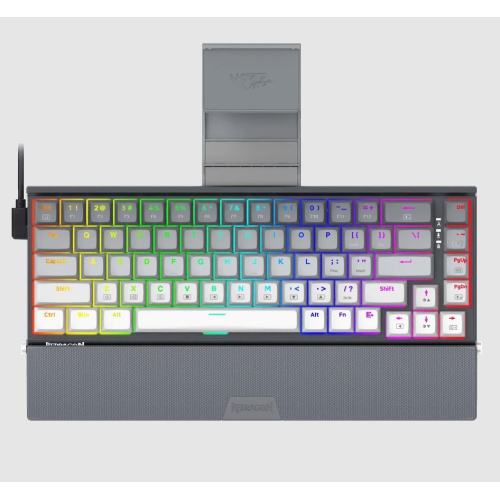
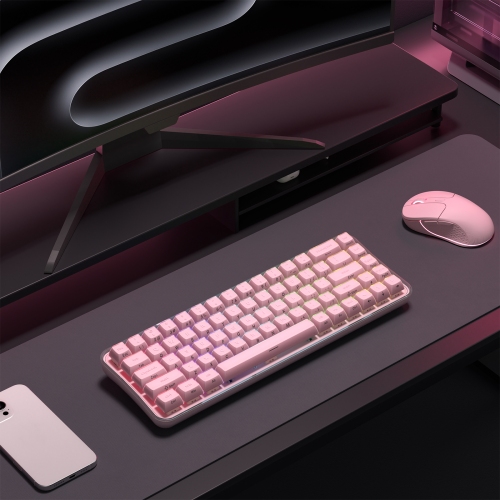
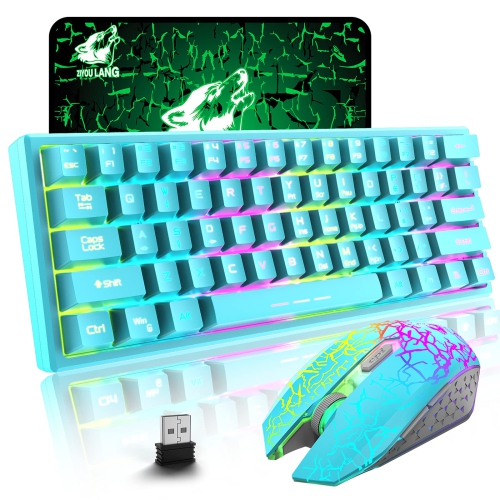
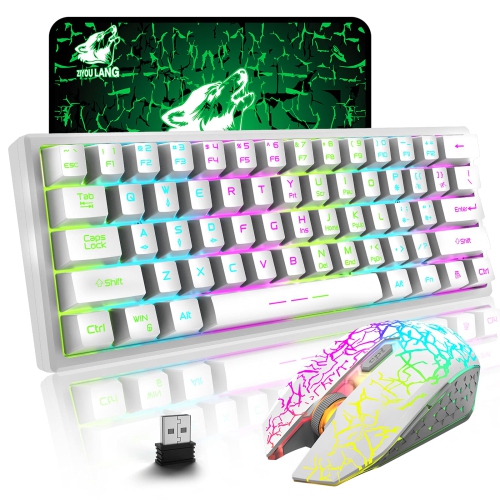
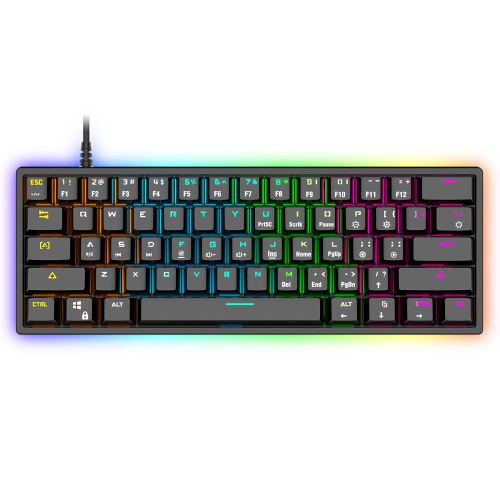
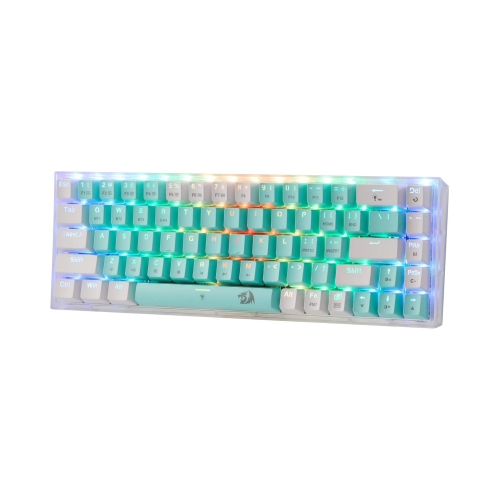
Wireless 60 keyboards offer a compact way to keep a desktop feeling open and uncluttered without giving up the satisfying feel and responsive control many people expect from a mechanical keyboard. The “60” in this category generally refers to a 60% layout rather than a strict key count: most models have about 60 to 61 keys and remove the number pad, dedicated function row, arrow keys, and navigation cluster. The result is a smaller footprint that leaves more room for a mouse, notebook, drawing tablet, or other desk essentials. For gamers, that extra space can make broad mouse movements feel more natural, particularly in fast-paced games where a low mouse sensitivity setting is preferred. For writers, students, remote workers, and anyone who moves between rooms or workspaces, a compact keyboard can be easier to carry and position than a full-size board. Wireless connectivity adds another layer of flexibility, with many keyboards supporting Bluetooth, a 2.4 GHz USB receiver, a wired USB-C connection, or a combination of these options. Bluetooth is convenient for pairing with a laptop, tablet, or mobile device, while a 2.4 GHz receiver is often preferred for a direct, responsive connection during gaming. Wired USB-C mode can be useful when the battery needs charging or when a consistent connection is important. Before choosing, check which connection methods are included, how many devices can be paired, and whether switching between devices can be done with a dedicated control or a simple key combination.
The compact design does require some adjustment. Since arrow keys and function keys are not always present as separate buttons, secondary commands are accessed with an Fn key layer. Common combinations may place arrow functions on another group of keys, while commands such as F1 through F12, Home, End, Page Up, and media controls are reached through shortcuts. This arrangement can become second nature with regular use, but it is worth considering how often you work with spreadsheets, code, creative software, or documents that rely heavily on navigation keys. A 60% keyboard may be ideal for a clean gaming setup or a minimalist workstation, while someone who frequently enters numbers or uses dedicated navigation controls may prefer a larger layout. If you want to retain more of those familiar keys while keeping a relatively compact wireless design, compare the available Wireless 75 Keyboards as well. Key feel is another important consideration. Mechanical switches can be linear, tactile, or clicky, and each style creates a different experience beneath your fingers. Linear switches offer a smooth press with little tactile interruption, tactile switches provide a noticeable bump that can help with deliberate typing, and clicky switches produce a sharper audible response. Some keyboards allow switches or keycaps to be replaced, giving you more freedom to personalize the sound, feel, and appearance over time. Backlighting may range from simple single-colour illumination to fully customizable RGB effects. Lighting can help identify legends in a dim room, although it can also use more battery power, particularly at higher brightness levels or with animated effects.
Battery performance, build quality, and everyday comfort deserve attention when comparing wireless 60 keyboards. Battery life can vary significantly depending on the connection mode, backlighting, polling rate, display features, and how frequently the keyboard is used. A model that lasts for extended periods with lighting disabled may need charging much sooner when bright RGB effects remain active throughout a work or gaming session. Look for a battery indicator, accessible charging port, and the ability to continue using the keyboard through a USB-C cable while it charges. A sturdy frame helps the keyboard stay planted during energetic gaming or fast typing, while a lighter construction may be more convenient for travel. Adjustable feet, a comfortable typing angle, and well-spaced keycaps can make a noticeable difference during long study sessions or extended workdays. Wireless 60 keyboards can also make thoughtful gifts for PC gamers, university students, home-office users, and anyone building a streamlined desk setup, especially when the recipient values compact technology or enjoys customizing their accessories. They can fit neatly into a backpack for working in a shared space, tuck beside a laptop when a full keyboard is preferred, or create a more open surface for gaming and creative work. When browsing this assortment, consider the recipient’s devices, preferred switch feel, need for dedicated keys, connectivity habits, battery expectations, and tolerance for keyboard shortcuts. Paying attention to those details makes it easier to find a wireless 60 keyboard that feels natural from the first keystroke and remains useful across gaming, typing, studying, and everyday computing.
The compact design does require some adjustment. Since arrow keys and function keys are not always present as separate buttons, secondary commands are accessed with an Fn key layer. Common combinations may place arrow functions on another group of keys, while commands such as F1 through F12, Home, End, Page Up, and media controls are reached through shortcuts. This arrangement can become second nature with regular use, but it is worth considering how often you work with spreadsheets, code, creative software, or documents that rely heavily on navigation keys. A 60% keyboard may be ideal for a clean gaming setup or a minimalist workstation, while someone who frequently enters numbers or uses dedicated navigation controls may prefer a larger layout. If you want to retain more of those familiar keys while keeping a relatively compact wireless design, compare the available Wireless 75 Keyboards as well. Key feel is another important consideration. Mechanical switches can be linear, tactile, or clicky, and each style creates a different experience beneath your fingers. Linear switches offer a smooth press with little tactile interruption, tactile switches provide a noticeable bump that can help with deliberate typing, and clicky switches produce a sharper audible response. Some keyboards allow switches or keycaps to be replaced, giving you more freedom to personalize the sound, feel, and appearance over time. Backlighting may range from simple single-colour illumination to fully customizable RGB effects. Lighting can help identify legends in a dim room, although it can also use more battery power, particularly at higher brightness levels or with animated effects.
Battery performance, build quality, and everyday comfort deserve attention when comparing wireless 60 keyboards. Battery life can vary significantly depending on the connection mode, backlighting, polling rate, display features, and how frequently the keyboard is used. A model that lasts for extended periods with lighting disabled may need charging much sooner when bright RGB effects remain active throughout a work or gaming session. Look for a battery indicator, accessible charging port, and the ability to continue using the keyboard through a USB-C cable while it charges. A sturdy frame helps the keyboard stay planted during energetic gaming or fast typing, while a lighter construction may be more convenient for travel. Adjustable feet, a comfortable typing angle, and well-spaced keycaps can make a noticeable difference during long study sessions or extended workdays. Wireless 60 keyboards can also make thoughtful gifts for PC gamers, university students, home-office users, and anyone building a streamlined desk setup, especially when the recipient values compact technology or enjoys customizing their accessories. They can fit neatly into a backpack for working in a shared space, tuck beside a laptop when a full keyboard is preferred, or create a more open surface for gaming and creative work. When browsing this assortment, consider the recipient’s devices, preferred switch feel, need for dedicated keys, connectivity habits, battery expectations, and tolerance for keyboard shortcuts. Paying attention to those details makes it easier to find a wireless 60 keyboard that feels natural from the first keystroke and remains useful across gaming, typing, studying, and everyday computing.
Top selling and popular products
-
 Your price for this item is $39.99
 -
 Your price for this item is $76.98
 -
 Your price for this item is $94.99
 -
 Your price for this item is $319.99
 -
 Your price for this item is $364.99
 -
 Your price for this item is $149.99
 -
 Your price for this item is $124
 -
 Your price for this item is $94.99
Discover more categories related to Wireless 60 Keyboards

Top Collections:
Pokemon Centers, Kindle Devices, Best Budget Office Chairs, Apple iPhones 16, Best Laptops for Writers, iPhone 15 Apple, Canon G7X Cameras, Refurbished Apple Laptops, Alarm Clock, Motorola Razr Phones
Some products may be subject to Environmental Handling Fees
(EHF) depending on your province.
Learn more about EHFs.