Wireless Bridges
Transform your home or office into a seamless network with this wide selection of wireless bridges. These powerful devices bridge the gap between wired and wireless networks, allowing you to enjoy high-speed internet connectivity and uninterrupted data transfer across multiple devices. Whether you're looking to extend the reach of your existing network or create a new one, this range of wireless bridges offers reliable and secure solutions to meet your connectivity needs.
Sort
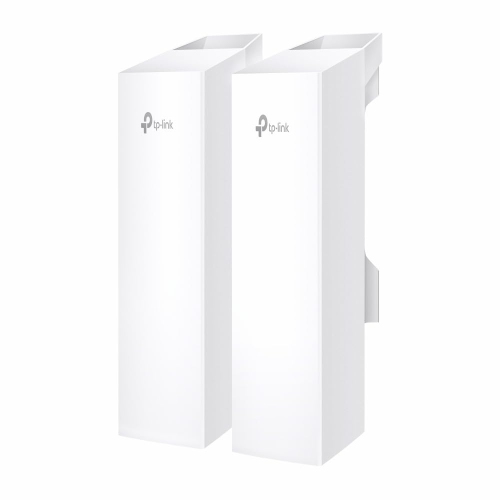
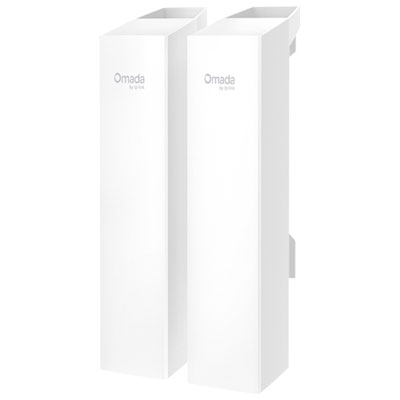
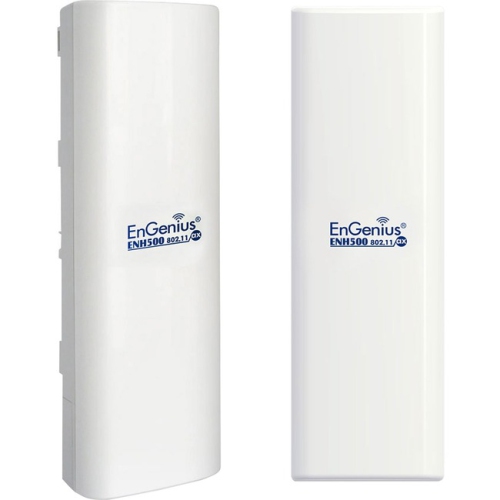
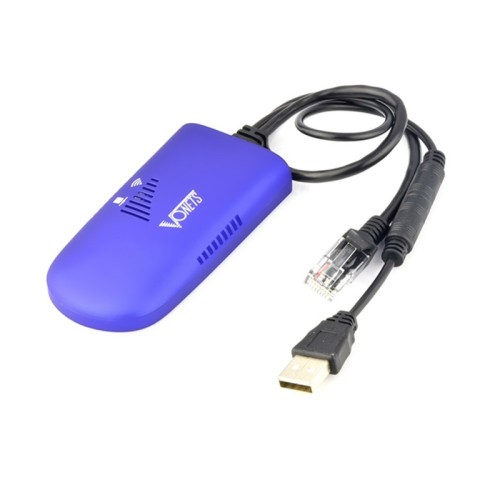
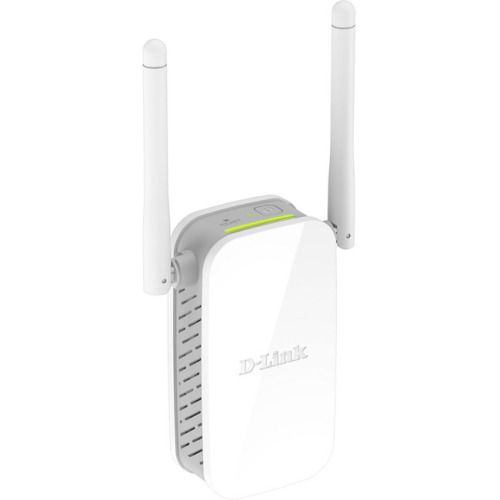
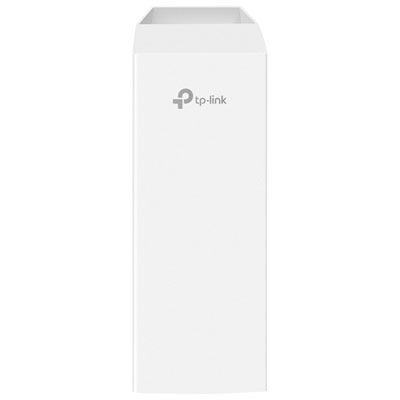
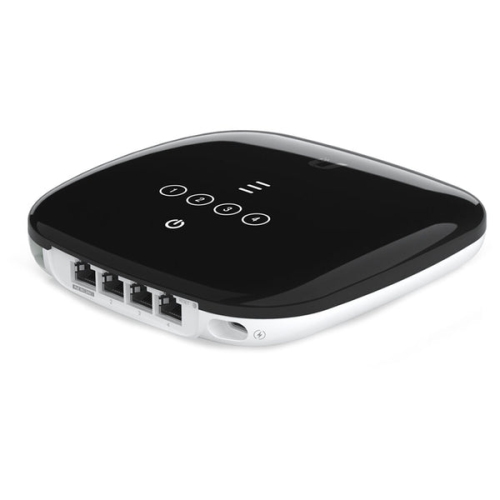
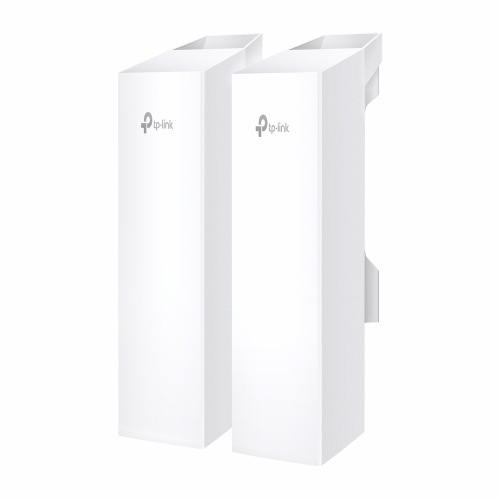
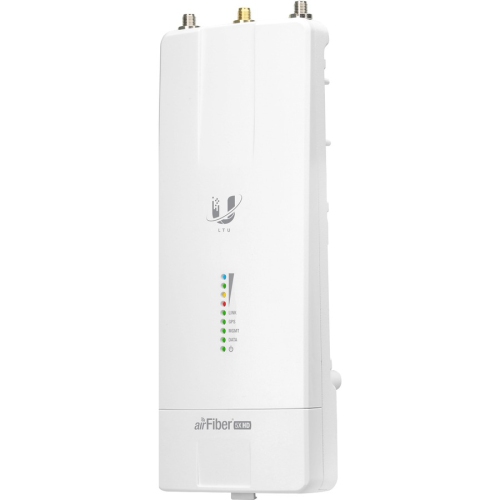

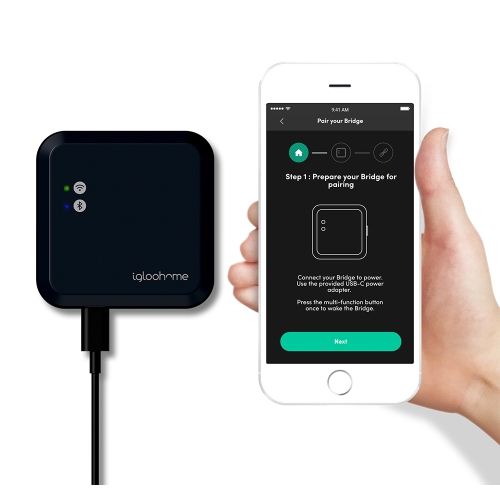
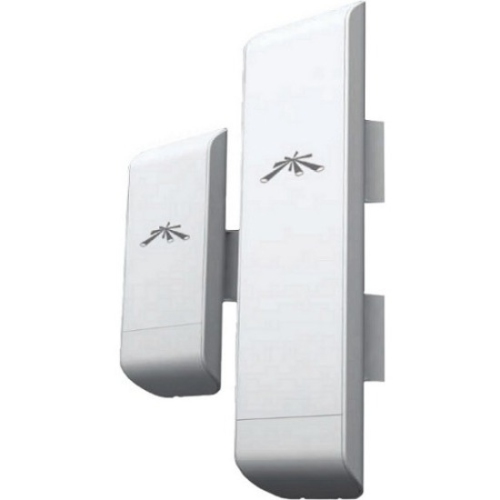
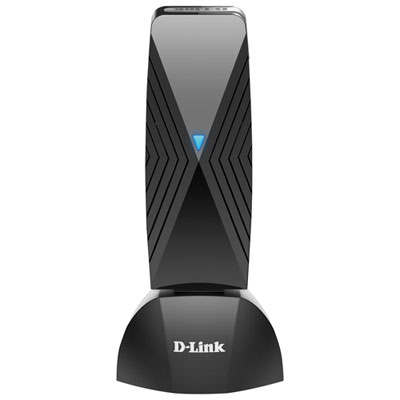





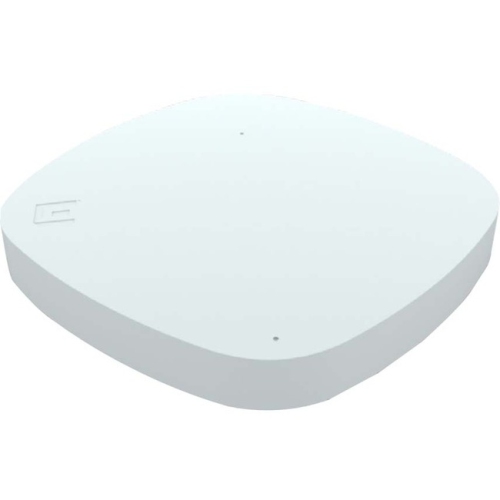
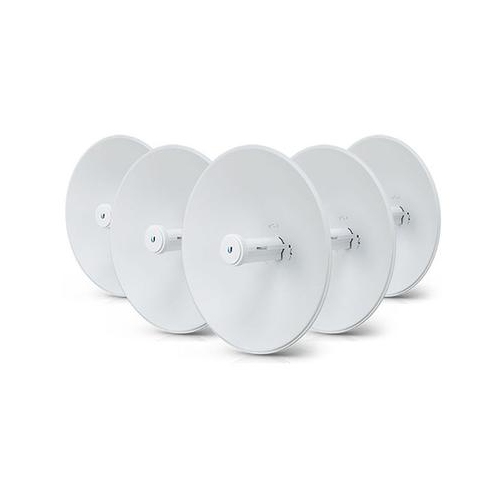
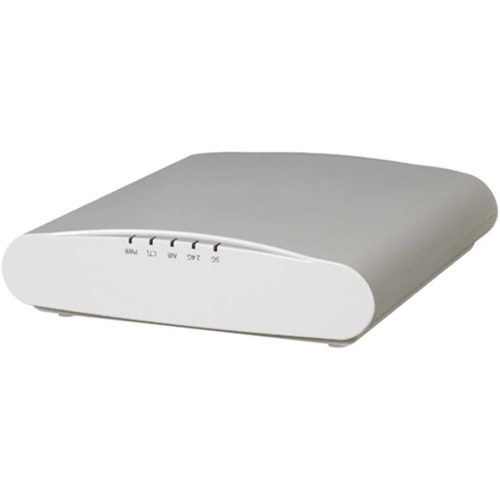

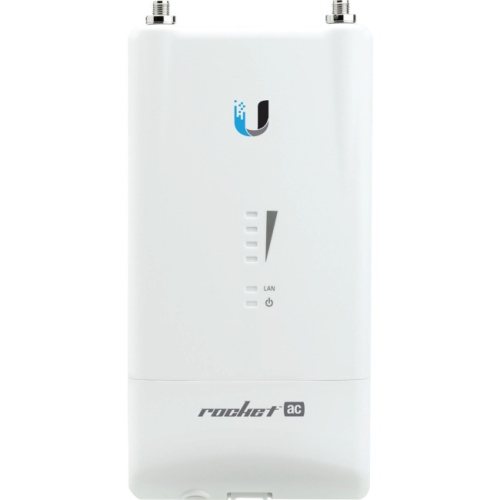



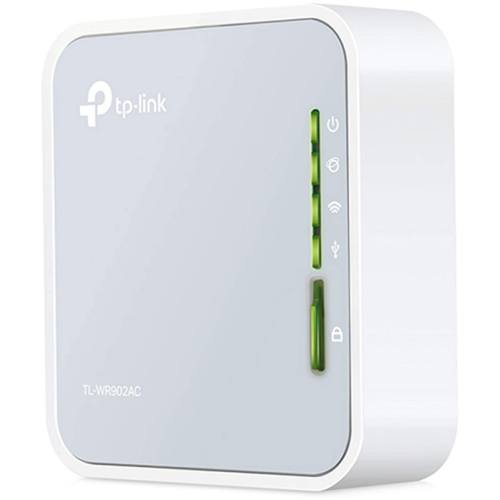

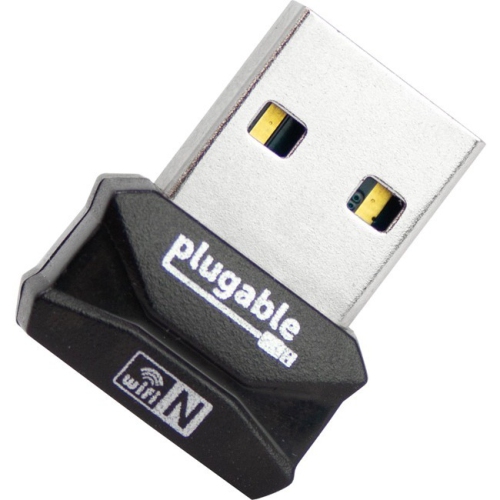
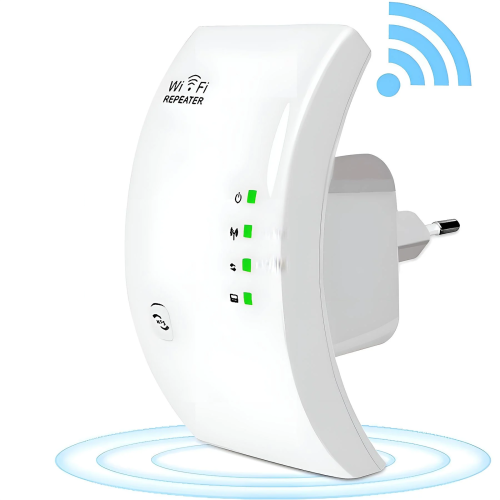





Connect Remote Buildings Without Running Physical Cable
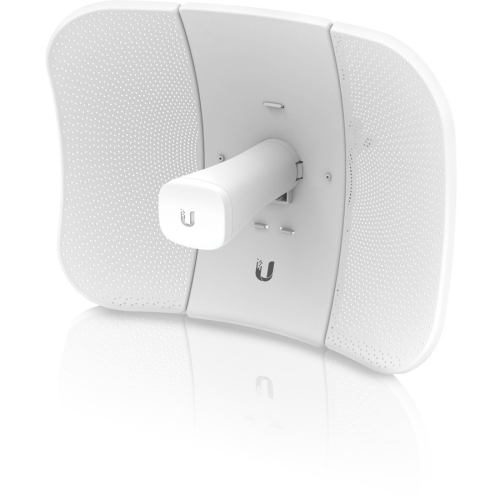
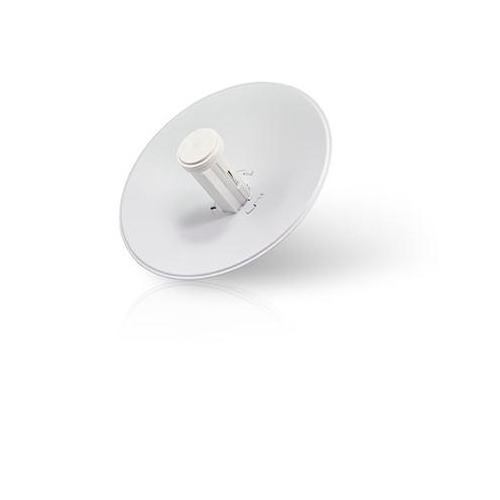
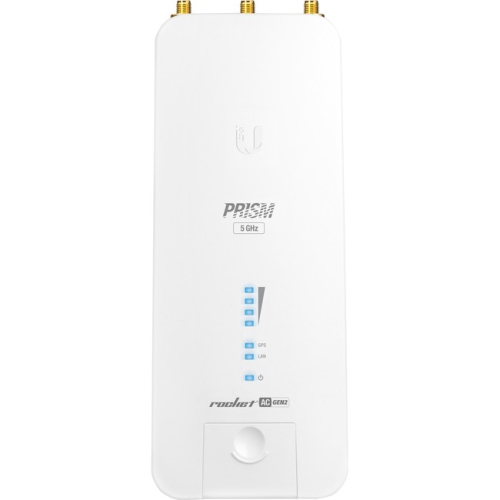
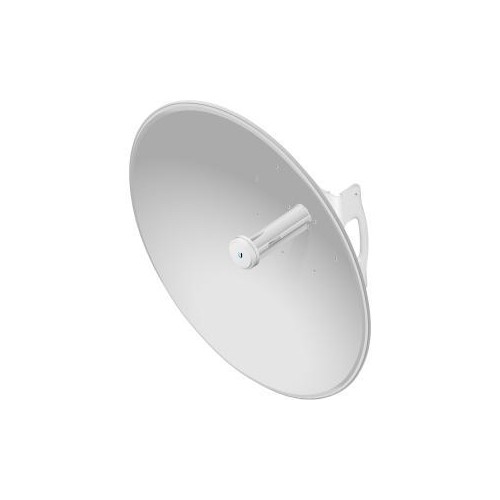
Wireless bridges provide a practical way to connect separate wired networks or carry an internet connection between locations without running a physical cable across the gap. They are especially useful when a detached garage, workshop, barn, backyard office, storage building, guest suite or another remote space sits beyond the reliable reach of a conventional indoor router. A typical bridge uses two dedicated units: one connects to the network at the main building, while the other receives the signal at the distant location and passes the connection to wired equipment or a secondary access point. Together, the units act much like a wireless Ethernet cable between fixed points. This arrangement can be a cleaner and more flexible alternative to trenching cable, particularly across driveways, gardens, paved areas or land where underground installation would be difficult. Wireless bridges can also help connect separate floors, offices or buildings on a property where the existing network layout makes standard cabling inconvenient. Unlike a regular Wi-Fi extender, which is designed primarily to improve coverage for phones, laptops and other roaming devices, a bridge is intended to create a dedicated link between locations. That distinction matters when planning a network for security cameras, smart-home hubs, network storage, point-of-sale equipment, computers, printers, televisions or a wired switch at the remote end. For shoppers comparing wireless bridge products, the first consideration is the distance between the two points and the amount of data the connection needs to carry. A modest link for occasional internet access may have different requirements from one supporting several cameras, high-resolution video or frequent transfers between computers. Point-to-point systems are made for one location communicating directly with another, while point-to-multipoint systems can connect a central building with multiple remote receivers. Choosing the right type helps avoid paying for features that are not needed while leaving enough capacity for future devices.
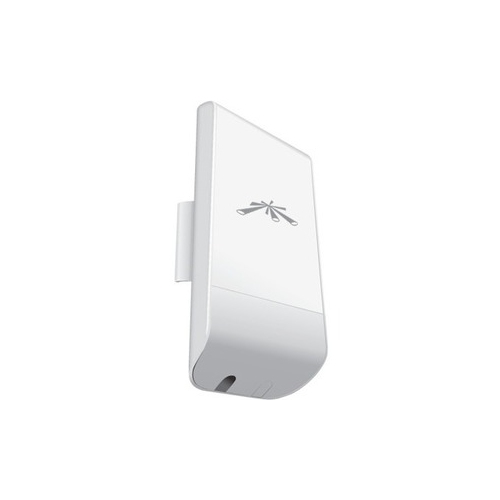
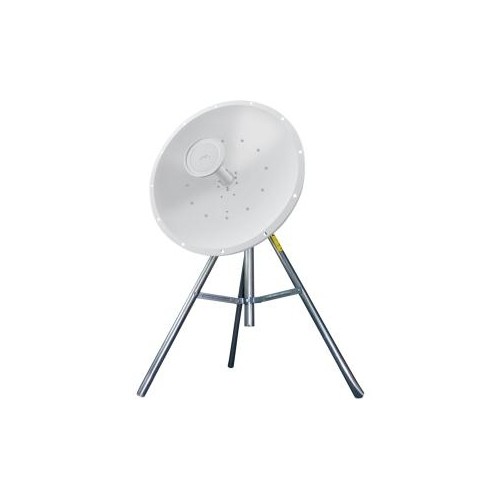
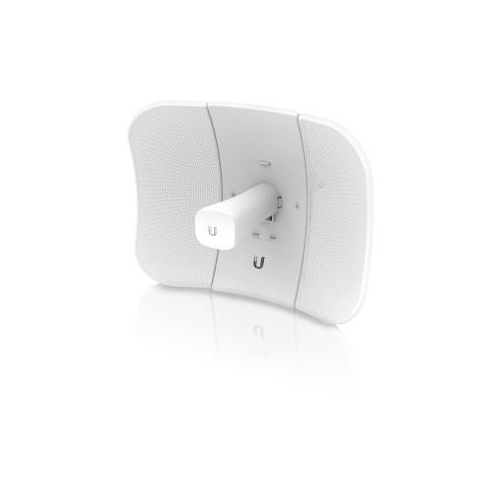
A clear line of sight is one of the most important factors in a wireless bridge installation. The antennas should generally face one another with as few obstructions as possible, since walls, trees, hills, neighbouring structures and other objects can weaken or interrupt a long-distance signal. Seasonal changes can also affect an outdoor path: foliage that looks sparse during the cooler months may become a substantial obstruction when trees are fully covered, while snow and ice can add weight or alter the position of equipment mounted outdoors. Before choosing a bridge, look from the proposed mounting point at one building toward the other and consider antenna height, rooflines and any objects likely to grow or change over time. Directional units are designed to focus their signal toward a particular destination, which can improve range and stability when carefully aligned. Some systems support point-to-multipoint layouts, making them more suitable for a central property that needs to reach several outbuildings. Outdoor-rated construction is another important feature for installations exposed to rain, wind, dust and temperature changes. Look for a suitable weather-resistance rating, secure mounting hardware and a design that can be positioned firmly on a wall, pole or other stable surface. Wireless bridges commonly use bands such as 5 GHz or 60 GHz, with each offering its own balance of range, throughput and sensitivity to obstructions. Higher-frequency connections may deliver impressive speeds over a clear path but can be more demanding about alignment and visibility. It is also worth checking how the units receive power. Many bridge systems use Power over Ethernet, or PoE, allowing network data and electrical power to travel through one Ethernet cable from an injector or compatible network device. This can simplify installation, reduce the number of cables leading to an outdoor unit and make it easier to place the antenna where the signal is strongest. Confirm the included accessories, cable requirements, mounting options and network compatibility before beginning. A bridge may extend the connection to a remote building, but the receiving unit may still need a separate router or access point if the goal is to provide Wi-Fi throughout that space. Shoppers comparing these products with Wireless Switches should keep the roles separate: a bridge links locations, while a switch expands the number of wired network connections available within one location.
Wireless bridges are well suited to people who want a dependable connection in a place where running cable is impractical. A homeowner might use one to bring internet service from the house to a detached garage for a workbench computer, connected lighting controls or cameras overlooking the driveway. A family with a backyard office could use a bridge to support video calls and cloud applications without relying on a weak signal through several exterior walls. On a larger property, a farm or rural business may use a point-to-multipoint arrangement to connect equipment across several buildings, provided the installation has suitable visibility and mounting locations. They can also be useful for small businesses that need to connect a separate workshop, retail area, studio or storage building while keeping network equipment organized. For a gift, a wireless bridge can be a thoughtful choice for someone setting up a home office, renovating an outbuilding or improving connectivity to a detached space, although the recipient should have a clear idea of the distance, building layout and mounting requirements before receiving one. Installation usually involves connecting the primary unit to a router or network switch, mounting and aligning the remote unit, supplying power through the appropriate injector or PoE equipment, then checking the link before connecting devices at the far end. Take time to secure cables, protect connection points and place equipment where it can be serviced safely. An alignment tool, signal indicator or setup utility can make fine adjustments easier, especially over longer distances. It is also wise to confirm whether the bridge supports the network mode and management features needed for the installation, including encryption, status monitoring and compatibility with existing Ethernet equipment. During the cooler months, inspect outdoor mounts and cables after periods of strong wind, heavy precipitation or freezing conditions; as the weather warms, check that growing branches have not entered the signal path. With the right distance, clear line of sight, appropriate frequency and weather-ready installation, a wireless bridge can create a stable connection between buildings and give remote spaces access to the same network resources as the main location.
A clear line of sight is one of the most important factors in a wireless bridge installation. The antennas should generally face one another with as few obstructions as possible, since walls, trees, hills, neighbouring structures and other objects can weaken or interrupt a long-distance signal. Seasonal changes can also affect an outdoor path: foliage that looks sparse during the cooler months may become a substantial obstruction when trees are fully covered, while snow and ice can add weight or alter the position of equipment mounted outdoors. Before choosing a bridge, look from the proposed mounting point at one building toward the other and consider antenna height, rooflines and any objects likely to grow or change over time. Directional units are designed to focus their signal toward a particular destination, which can improve range and stability when carefully aligned. Some systems support point-to-multipoint layouts, making them more suitable for a central property that needs to reach several outbuildings. Outdoor-rated construction is another important feature for installations exposed to rain, wind, dust and temperature changes. Look for a suitable weather-resistance rating, secure mounting hardware and a design that can be positioned firmly on a wall, pole or other stable surface. Wireless bridges commonly use bands such as 5 GHz or 60 GHz, with each offering its own balance of range, throughput and sensitivity to obstructions. Higher-frequency connections may deliver impressive speeds over a clear path but can be more demanding about alignment and visibility. It is also worth checking how the units receive power. Many bridge systems use Power over Ethernet, or PoE, allowing network data and electrical power to travel through one Ethernet cable from an injector or compatible network device. This can simplify installation, reduce the number of cables leading to an outdoor unit and make it easier to place the antenna where the signal is strongest. Confirm the included accessories, cable requirements, mounting options and network compatibility before beginning. A bridge may extend the connection to a remote building, but the receiving unit may still need a separate router or access point if the goal is to provide Wi-Fi throughout that space. Shoppers comparing these products with Wireless Switches should keep the roles separate: a bridge links locations, while a switch expands the number of wired network connections available within one location.
Wireless bridges are well suited to people who want a dependable connection in a place where running cable is impractical. A homeowner might use one to bring internet service from the house to a detached garage for a workbench computer, connected lighting controls or cameras overlooking the driveway. A family with a backyard office could use a bridge to support video calls and cloud applications without relying on a weak signal through several exterior walls. On a larger property, a farm or rural business may use a point-to-multipoint arrangement to connect equipment across several buildings, provided the installation has suitable visibility and mounting locations. They can also be useful for small businesses that need to connect a separate workshop, retail area, studio or storage building while keeping network equipment organized. For a gift, a wireless bridge can be a thoughtful choice for someone setting up a home office, renovating an outbuilding or improving connectivity to a detached space, although the recipient should have a clear idea of the distance, building layout and mounting requirements before receiving one. Installation usually involves connecting the primary unit to a router or network switch, mounting and aligning the remote unit, supplying power through the appropriate injector or PoE equipment, then checking the link before connecting devices at the far end. Take time to secure cables, protect connection points and place equipment where it can be serviced safely. An alignment tool, signal indicator or setup utility can make fine adjustments easier, especially over longer distances. It is also wise to confirm whether the bridge supports the network mode and management features needed for the installation, including encryption, status monitoring and compatibility with existing Ethernet equipment. During the cooler months, inspect outdoor mounts and cables after periods of strong wind, heavy precipitation or freezing conditions; as the weather warms, check that growing branches have not entered the signal path. With the right distance, clear line of sight, appropriate frequency and weather-ready installation, a wireless bridge can create a stable connection between buildings and give remote spaces access to the same network resources as the main location.
Top selling and popular products
-
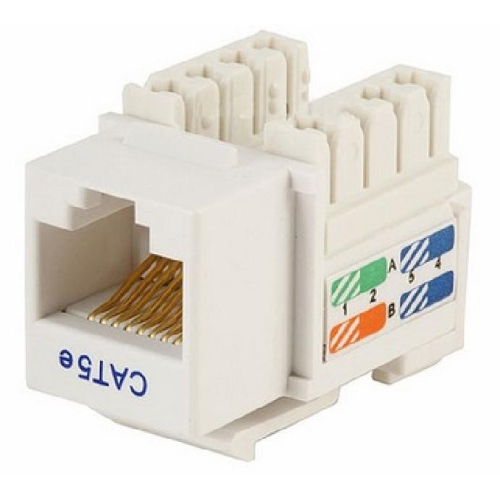 Your price for this item is $2.49
 -
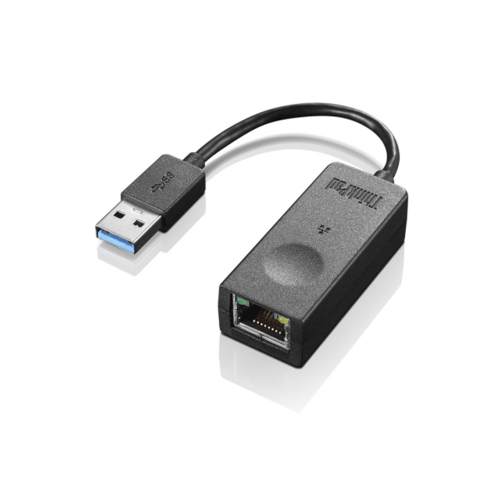 Your price for this item is $37.99
 -
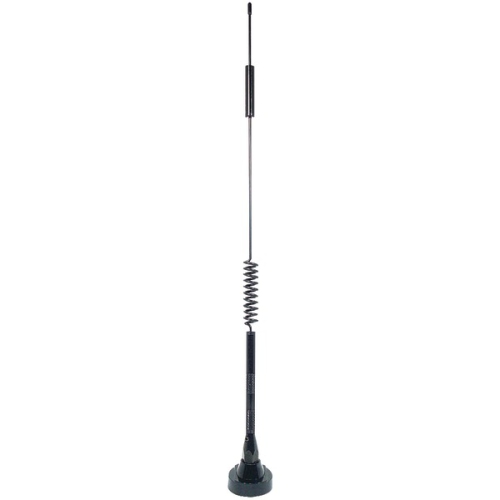 Your price for this item is $24.86
 -
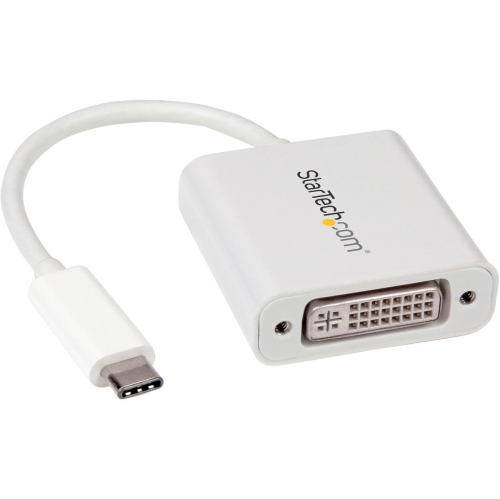 Your price for this item is $23.99
 -
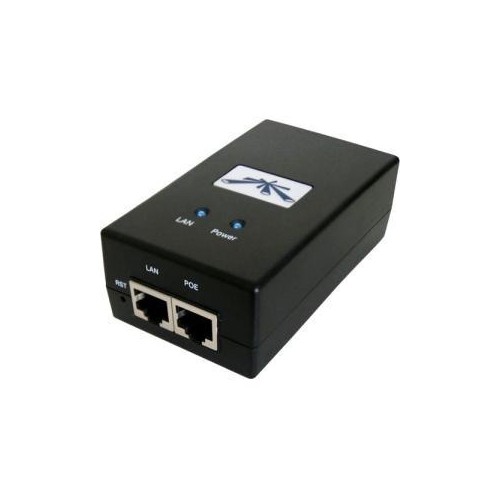 Your price for this item is $43.68
 -
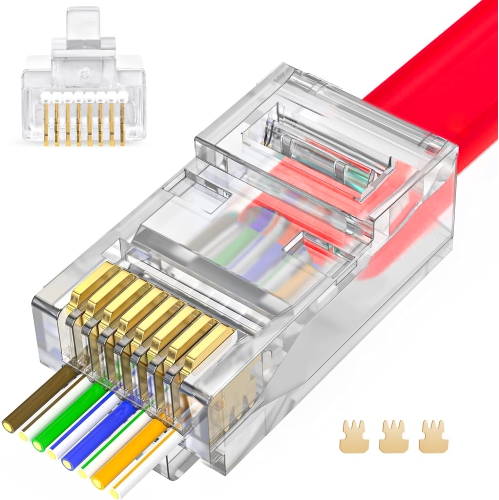 Your price for this item is $9.99
 -
 Your price for this item is $409
 -
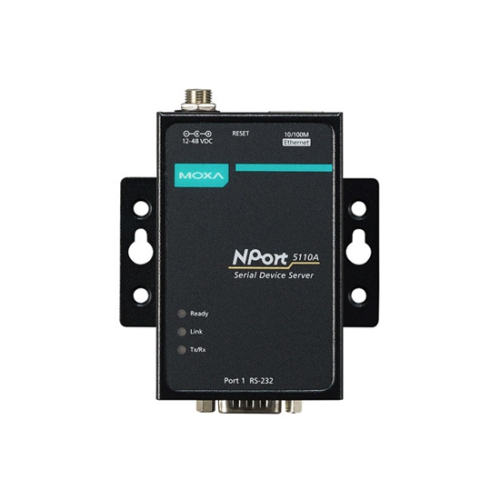 Your price for this item is $256
Discover more categories related to Wireless Bridges

Top Collections:
Pokemon Centers, Budget 4K TVs, Best Budget Office Chairs, Kindle Devices, Canon G7X Cameras, Apple iPhones 16, iPhone 15 Apple, Laptops for Business Work, Xiaomi Phones, Flip Phones
Some products may be subject to Environmental Handling Fees
(EHF) depending on your province.
Learn more about EHFs.