Wireless Bridge Access Points
Wireless Bridge Access Points offer a reliable solution for extending network connectivity across your home or business without the need for complex wiring. These devices help link separate networks, ensuring seamless communication and improved coverage in hard-to-reach areas. Explore a range of Wireless Bridge Access Points designed to simplify your setup and enhance your overall network performance. Find the ideal option to suit your space and enjoy a more connected experience.
Sort



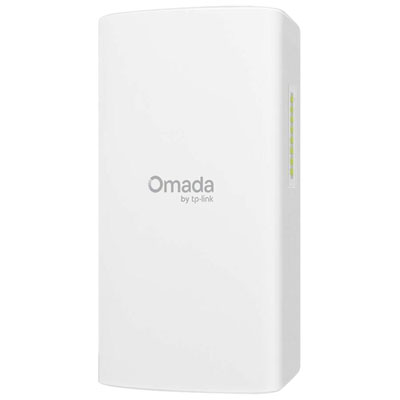

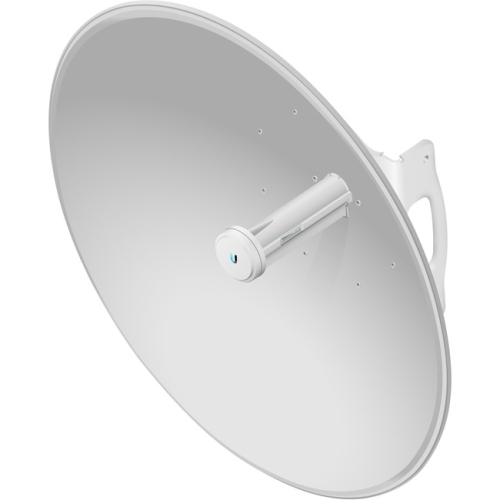
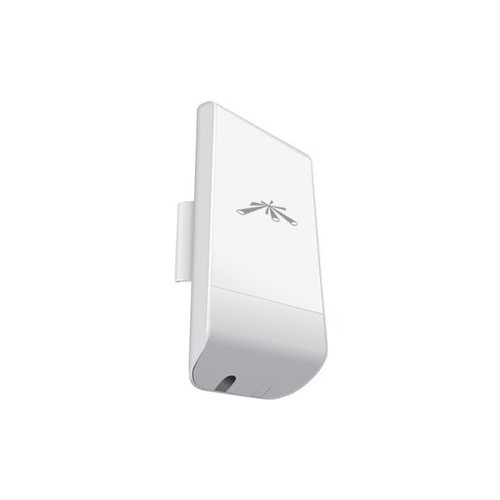

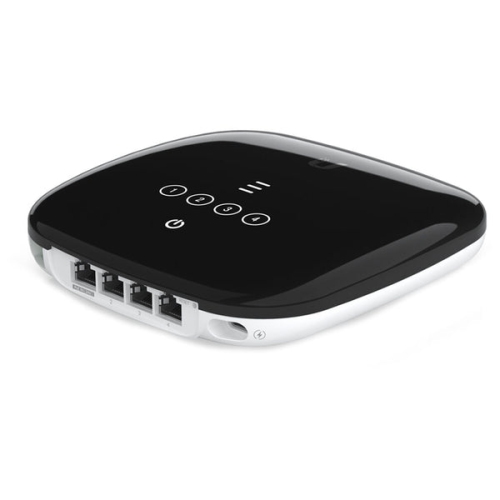


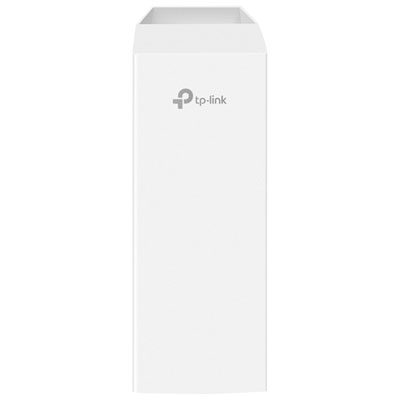
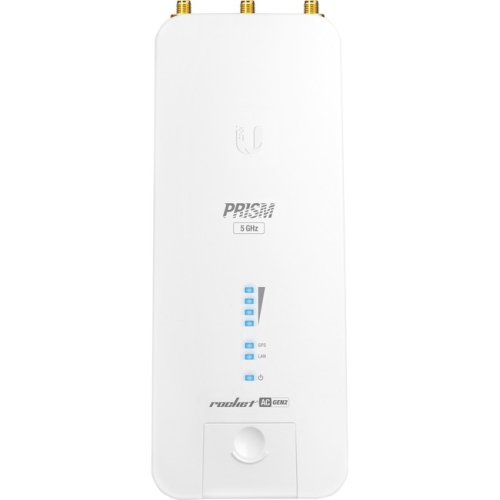
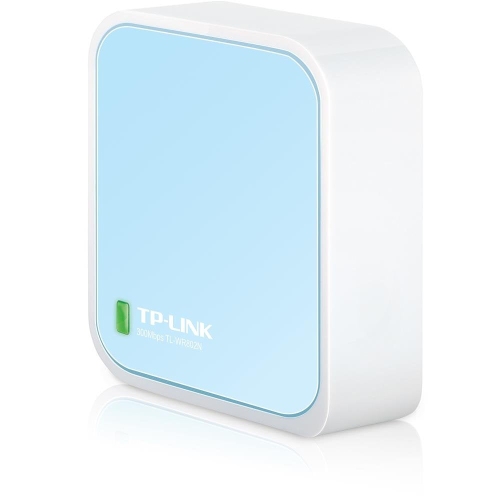
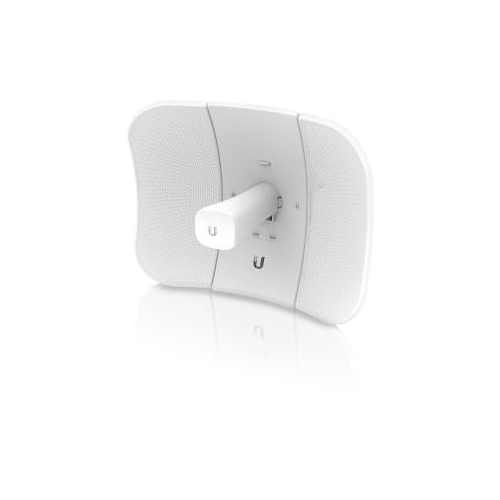
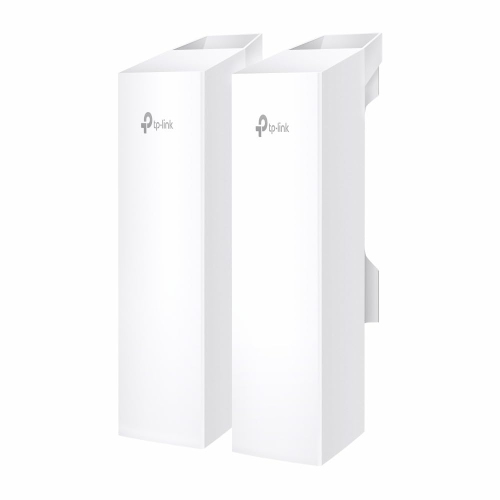

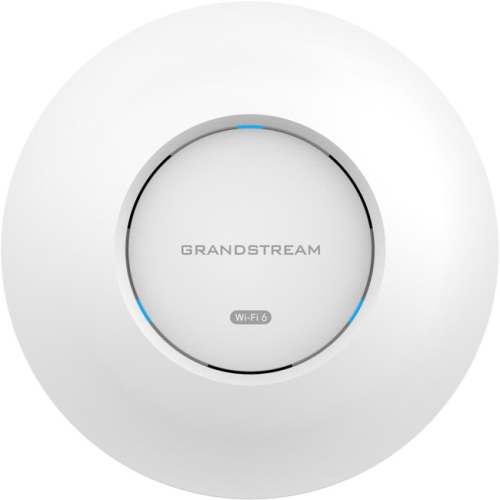
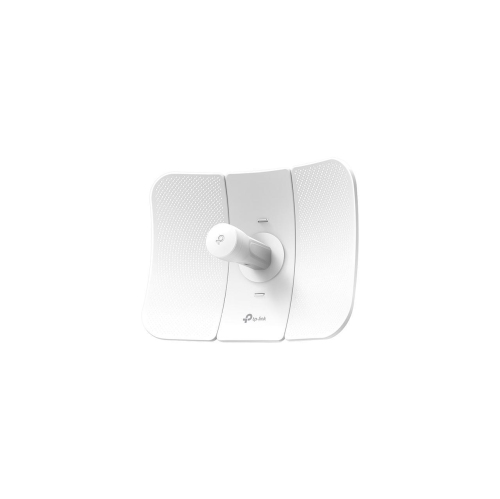
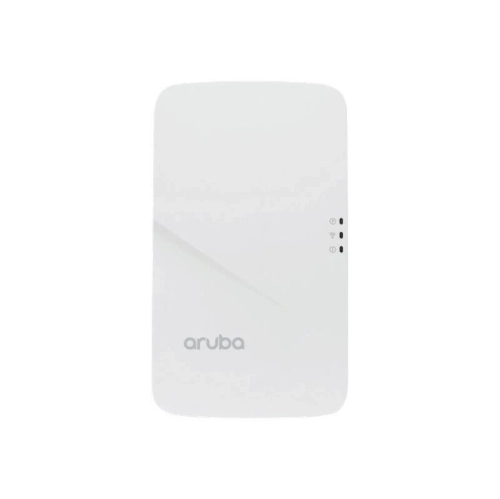

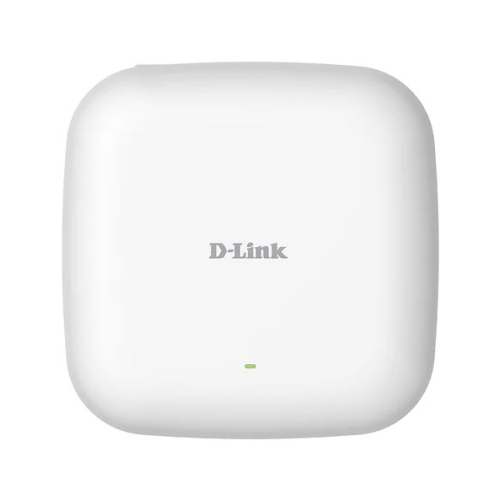
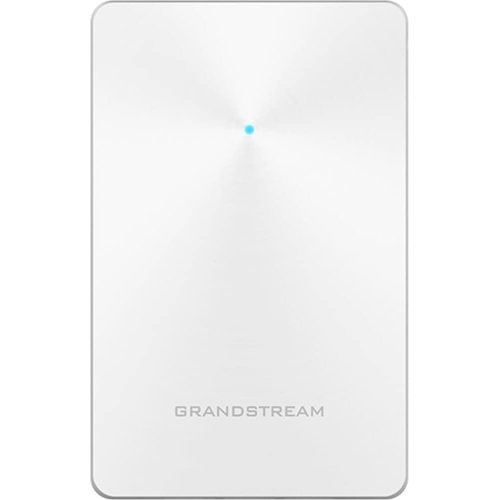
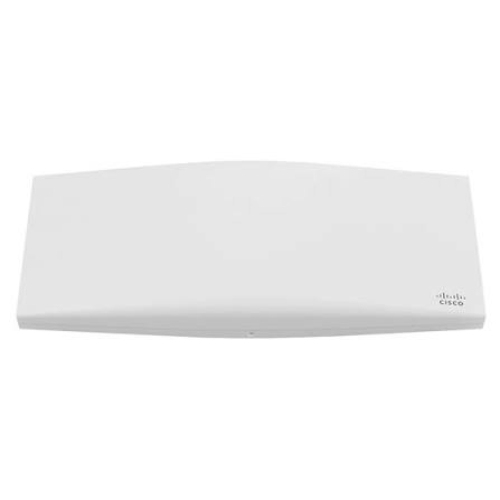
Building-to-building network connections without the cable run
Wireless bridge access points connect separate network locations over a wireless link, carrying Ethernet traffic between places where a physical cable would be difficult to install. A typical point-to-point setup uses two compatible units: one connected to the main network and another at the remote location. This can link a house with a detached office, connect a workshop to shared files, or bring network access to a separate building without running cable between the two structures. The distinction between a bridge and an access point matters here. A standard access point creates local Wi-Fi coverage for phones, laptops, and other wireless devices, while a dedicated bridge transports network traffic between locations. Some equipment supports both functions, but a bridge connection does not automatically mean nearby devices can connect directly over Wi-Fi. At the remote end, an Ethernet port may connect to a computer, network switch, security camera, or separate access point, depending on the setup. For a detached office with several laptops and a wired printer, for example, the bridge supplies the connection back to the main building, while an indoor access point supplies room-to-room wireless coverage. Equipment in the Wireless Bridges category serves this building-to-building role rather than simply extending a router’s signal into another room. Internet access still depends on the router and internet service feeding the network; the bridge carries that connection rather than replacing it. These systems can also support local tasks, such as accessing a network storage drive, even when those tasks do not involve the internet. Point-to-multipoint arrangements extend the idea further, connecting a central location with several remote locations through compatible hardware. That makes the intended layout important: linking two buildings is a different requirement from serving several workshops around a shared property, especially when multiple connections will be active together.
Distance is only part of wireless bridge performance. The path between antennas, the radio band, antenna design, and competing wireless traffic all affect the connection. A clear line of sight is especially important for directional links, and usable clearance extends beyond a narrow visual line between the units. Part of the radio signal travels through an area around that line, often called the Fresnel zone, so a roof edge or a stand of trees can interfere even when the other antenna remains visible. A mounting position with open space between locations can therefore be more useful than a higher advertised maximum range. Directional antennas concentrate their signal towards the other end of the link, making alignment and secure mounting important to consistent operation. Wide coverage is not necessarily an advantage when the purpose is to reach one fixed building. Frequency also shapes suitability: 2.4 GHz can offer different obstruction characteristics from 5 GHz, but it often shares airtime with more nearby devices. Higher-frequency links, including 60 GHz designs, have their own clearance and distance requirements and are not interchangeable with ordinary Wi-Fi equipment. Supported operating bands and regional settings need to match the installation and Canadian requirements. Advertised wireless speeds describe radio capabilities under particular conditions, not a guaranteed file-transfer rate. Actual throughput also depends on Ethernet port speeds, signal quality, channel width, interference, and how traffic is shared. A fast radio paired with a slower Ethernet connection still has a wired bottleneck. For a remote workspace, a steady connection for video calls may matter more than a headline speed; for several cameras sending continuous footage, sustained upload capacity becomes especially relevant. Point-to-multipoint networks share capacity at the central unit, so activity at one location can affect the bandwidth left for others. A bridge also cannot make an internet connection faster than the service supplying it, although a well-matched link can help make that service usable farther from the main router.
The physical design of wireless bridge access points matters because these devices often remain mounted in hard-to-reach positions for long periods. Outdoor-rated housings, durable plastics or coated metal components, protected Ethernet connections, and secure cable entry points help support that intended use. An ingress protection rating describes resistance to dust and water under defined test conditions; it does not make every mounting position or cable arrangement suitable. Wall and pole brackets need to fit the mounting surface, hold the antenna steady, and allow accurate adjustment without leaving cables under tension. Compact units may fit neatly beneath an overhang, while larger directional antennas need more clearance and a sufficiently rigid support. Power over Ethernet, or PoE, is common because a single Ethernet cable can carry both data and power to a mounted unit. However, PoE support is not universal: passive PoE and standards-based PoE are not automatically compatible, and voltage, power requirements, and injector or switch specifications need to match. Each end of a wireless bridge still needs its own suitable power source; electricity does not travel across the wireless connection. Outdoor-rated cabling, appropriate grounding, and surge protection also form part of a properly planned installation, with building entry and electrical work handled according to applicable requirements. Beyond installation, useful ownership features include accessible signal readings, connection-status information, supported firmware updates, and management controls that suit the person maintaining the network. Preconfigured pairs can simplify initial pairing, while larger installations may benefit from centralized management. Link encryption and strong administrator credentials help protect traffic and device settings, and guest or camera traffic may need separation through compatible network features. Routine care usually involves inspecting mounts and cable seals, keeping connections free of debris, and following the manufacturer’s cleaning directions. For a home office, workshop, or small business, the most suitable setup brings together a clear signal path, compatible network equipment, practical mounting, and enough capacity for the work happening at the far end.
Top selling and popular products
-
 Your price for this item is $189.99
-
 Your price for this item is $189.99
-
 Your price for this item is $219
-
 Your price for this item is $899.99
-
 Your price for this item is $299.99
-
 Your price for this item is $139.99
-
 Your price for this item is $499.99
-
 Your price for this item is $349.99
Discover more categories related to Wireless Bridge Access Points
Top Collections:
Best Black Friday Deals This Year, Best Black Friday Deals On Electronics, Kindle Devices, Pokemon Centers, Best Black Friday Deals On Apple Products, Best Cameras for Sports Photography, Dyson Airwrap, Pokémon 30th Celebration Cards, Apple iPhone 17 Pro, Canon G7X Cameras
Some products may be subject to Environmental Handling Fees
(EHF) depending on your province.
Learn more about EHFs.