Wireless Ethernet Adapters
Upgrade your internet connection with wireless Ethernet adapters. These powerful devices allow you to connect your devices to the internet without the need for messy cables. Say goodbye to slow and unreliable connections and enjoy fast and stable internet speeds throughout your home or office. Whether you're streaming movies, gaming online, or simply browsing the web, wireless Ethernet adapters provide a seamless and hassle-free experience. Shop from this selection of wireless Ethernet adapters and find the perfect solution to enhance your internet connectivity today.
Sort
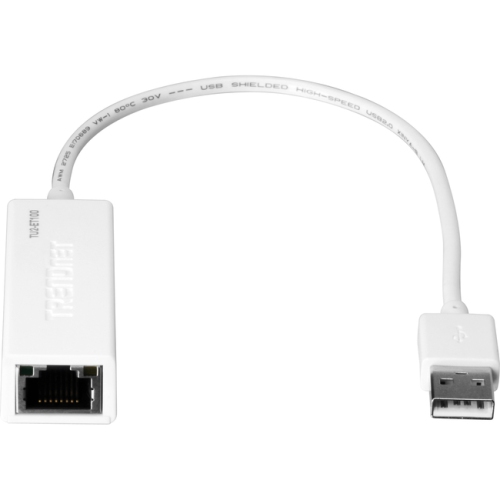
USB adapters and wireless bridges serve different devices
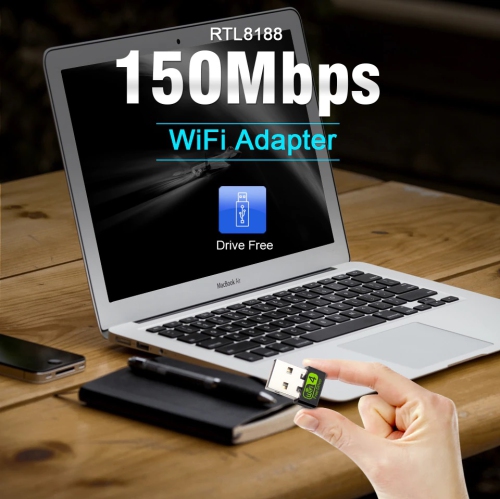
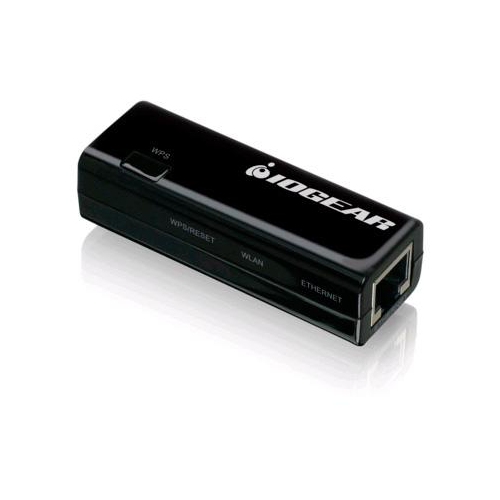
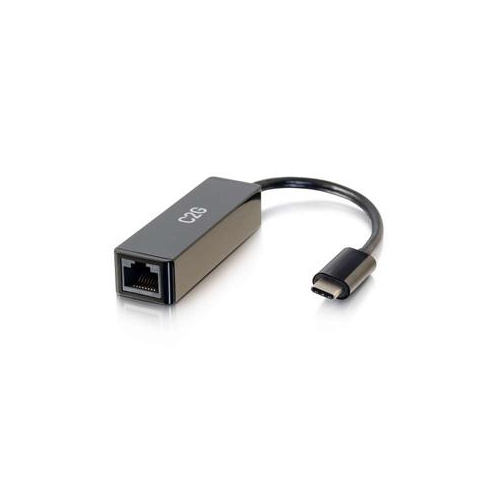
Wireless Ethernet adapters can refer to two closely related types of networking accessories, and identifying the right one is the most important step before choosing a model. A USB Wi-Fi adapter connects to a USB port on a desktop or laptop to add wireless internet access, replace an older wireless card, or upgrade a computer to a newer Wi-Fi standard. This can be especially useful for a desktop computer that was designed to sit beside a modem but now needs to connect from another room, or for an older laptop that struggles to maintain a reliable connection. A wireless bridge, sometimes called a client adapter or travel router in bridge mode, works in the opposite direction: it connects to a Wi-Fi network and provides a wired Ethernet connection for a device that does not have built-in wireless capability. That makes it useful for wired-only printers, televisions, game consoles, media players, security equipment, network storage, and other home or office devices. Since the term can describe both options, shoppers may also find it helpful to browse related Networking Adapters when comparing connection types. USB Wi-Fi adapters are generally the simpler choice for computers, while wireless bridges are better suited to equipment with an Ethernet port but no Wi-Fi settings. Checking the ports on the device you want to connect, along with the operating system and available network modes, can prevent an adapter from being purchased for the wrong job.
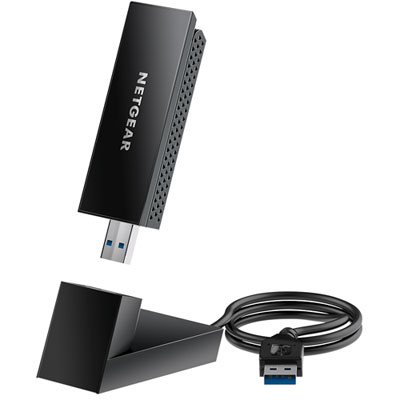
Performance depends on more than the maximum speed printed on the packaging. Look for compatibility with the Wi-Fi standard supported by your router, such as Wi-Fi 5, Wi-Fi 6, or Wi-Fi 6E, while remembering that the connected device, router, internet plan, wall construction, and distance between rooms all affect real-world results. Dual-band adapters can use both the 2.4 GHz and 5 GHz bands: 2.4 GHz generally travels farther and passes through walls more easily, while 5 GHz can offer faster performance with less congestion at shorter distances. Some newer adapters also support the 6 GHz band, which can provide additional room for compatible devices on a suitable router, but both the adapter and network equipment must support it. For a desktop tucked beneath a desk, a USB adapter with an adjustable antenna or a small extension cradle can make a noticeable difference by moving the wireless receiver away from metal panels and cables. Compact nano-style adapters are convenient for travel and laptops, although their smaller design may offer less flexibility for positioning. USB 3.0 support is worth considering for faster wireless connections, particularly when transferring large files or streaming high-resolution video. On the wired side, check whether a bridge includes a Fast Ethernet or Gigabit Ethernet port, since a slower port can limit the benefit of a fast home network. Other useful details include driver support, operating-system compatibility, security standards, setup instructions, and whether the adapter can reconnect automatically after a restart. A straightforward installation is valuable in a busy household, where nobody wants to spend an evening troubleshooting a connection before a work call, online class, or family movie.
Wireless Ethernet adapters can make a practical gift for a student setting up a dorm room, a remote worker improving a home office, or someone refreshing an older computer without replacing the entire machine. They are also handy for renters and families who need to place equipment where running a long Ethernet cable would be awkward, such as across a hallway or around a living room. A USB adapter can help a desktop move from a crowded office corner to a more open workspace, while a wireless bridge can bring network access to a printer in a shared study, a television mounted away from the router, or a console in a room where cable routing is inconvenient. For travel, a compact adapter or bridge may be useful in a hotel, classroom, temporary office, or cottage, provided the device supports the required network mode and any sign-in process used by the location. Before giving one as a present, it is worth checking whether the recipient needs USB connectivity or Ethernet output, which ports are available, and whether their router uses a newer Wi-Fi band. After installation, placing the adapter where it has a clear path to the router, keeping firmware and drivers updated, and using modern wireless security can help maintain a stable connection. With the right match, these small accessories can quietly solve everyday network frustrations, from a desktop that has never had Wi-Fi to a wired device that needs a dependable connection without adding another cable across the floor.
Performance depends on more than the maximum speed printed on the packaging. Look for compatibility with the Wi-Fi standard supported by your router, such as Wi-Fi 5, Wi-Fi 6, or Wi-Fi 6E, while remembering that the connected device, router, internet plan, wall construction, and distance between rooms all affect real-world results. Dual-band adapters can use both the 2.4 GHz and 5 GHz bands: 2.4 GHz generally travels farther and passes through walls more easily, while 5 GHz can offer faster performance with less congestion at shorter distances. Some newer adapters also support the 6 GHz band, which can provide additional room for compatible devices on a suitable router, but both the adapter and network equipment must support it. For a desktop tucked beneath a desk, a USB adapter with an adjustable antenna or a small extension cradle can make a noticeable difference by moving the wireless receiver away from metal panels and cables. Compact nano-style adapters are convenient for travel and laptops, although their smaller design may offer less flexibility for positioning. USB 3.0 support is worth considering for faster wireless connections, particularly when transferring large files or streaming high-resolution video. On the wired side, check whether a bridge includes a Fast Ethernet or Gigabit Ethernet port, since a slower port can limit the benefit of a fast home network. Other useful details include driver support, operating-system compatibility, security standards, setup instructions, and whether the adapter can reconnect automatically after a restart. A straightforward installation is valuable in a busy household, where nobody wants to spend an evening troubleshooting a connection before a work call, online class, or family movie.
Wireless Ethernet adapters can make a practical gift for a student setting up a dorm room, a remote worker improving a home office, or someone refreshing an older computer without replacing the entire machine. They are also handy for renters and families who need to place equipment where running a long Ethernet cable would be awkward, such as across a hallway or around a living room. A USB adapter can help a desktop move from a crowded office corner to a more open workspace, while a wireless bridge can bring network access to a printer in a shared study, a television mounted away from the router, or a console in a room where cable routing is inconvenient. For travel, a compact adapter or bridge may be useful in a hotel, classroom, temporary office, or cottage, provided the device supports the required network mode and any sign-in process used by the location. Before giving one as a present, it is worth checking whether the recipient needs USB connectivity or Ethernet output, which ports are available, and whether their router uses a newer Wi-Fi band. After installation, placing the adapter where it has a clear path to the router, keeping firmware and drivers updated, and using modern wireless security can help maintain a stable connection. With the right match, these small accessories can quietly solve everyday network frustrations, from a desktop that has never had Wi-Fi to a wired device that needs a dependable connection without adding another cable across the floor.
Top selling and popular products
-
 Your price for this item is $19.99
 -
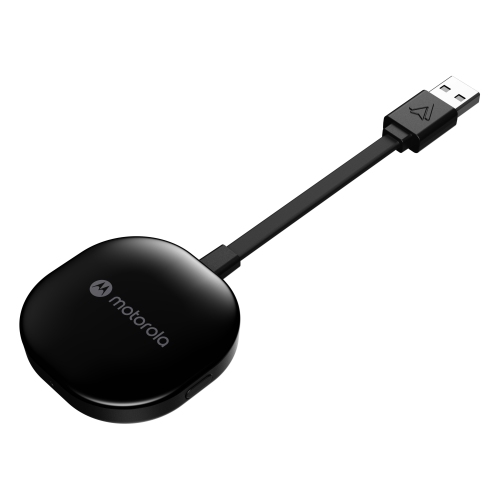 Your price for this item is $94.99
 -
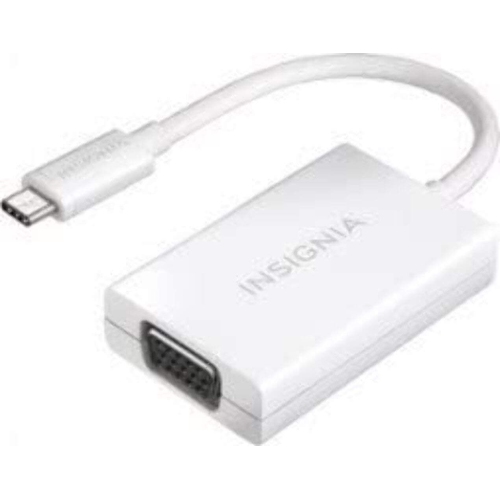 Your price for this item is $13.99
 -
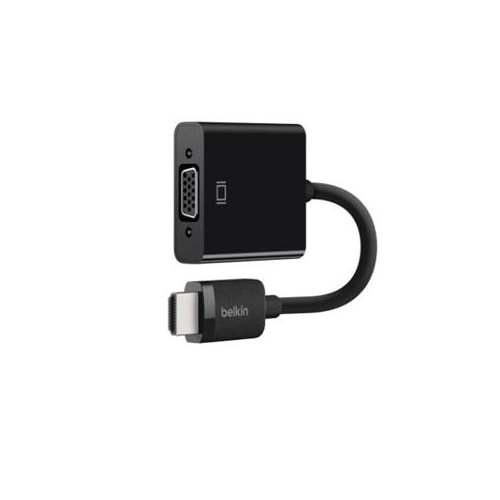 Your price for this item is $48.68
 -
 Your price for this item is $49.68
 -
 Your price for this item is $29.68
 -
 Your price for this item is $29.95
 -
 Your price for this item is $49.99
Discover more categories related to Wireless Ethernet Adapters

Top Collections:
Pokemon Centers, Kindle Devices, Best Budget Office Chairs, Apple iPhones 16, Best Laptops for Writers, iPhone 15 Apple, Canon G7X Cameras, Refurbished Apple Laptops, Alarm Clock, Motorola Razr Phones
Some products may be subject to Environmental Handling Fees
(EHF) depending on your province.
Learn more about EHFs.