Wireless Mice for Large Hands
If you have large hands, finding a wireless mouse that feels comfortable can be a challenge. The most common problem is that the mouse is too small for your hand. To help solve this problem, we've rounded up some of our favorite wireless mice that are both big enough for large hands and offer all the features you need. Here are some great options for wireless mice for large hands.
Sort

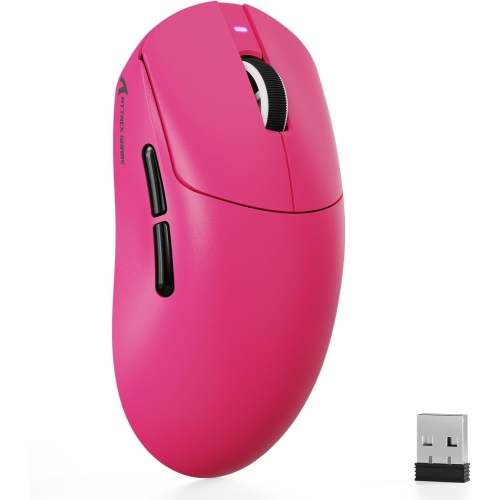
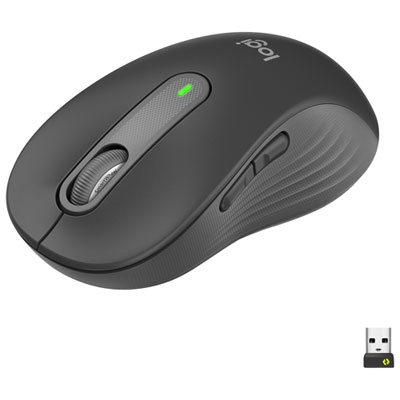
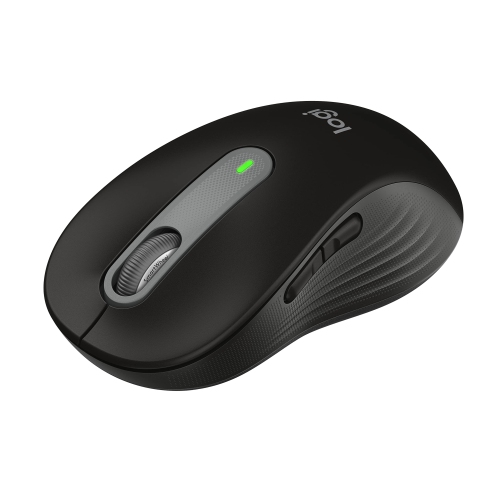
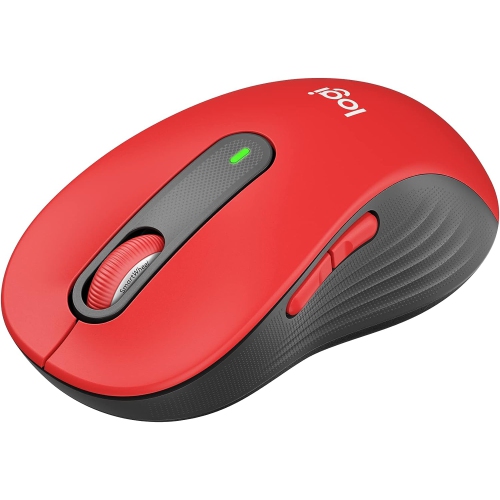
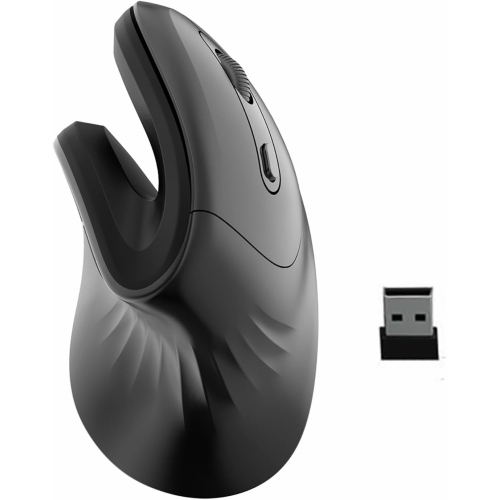
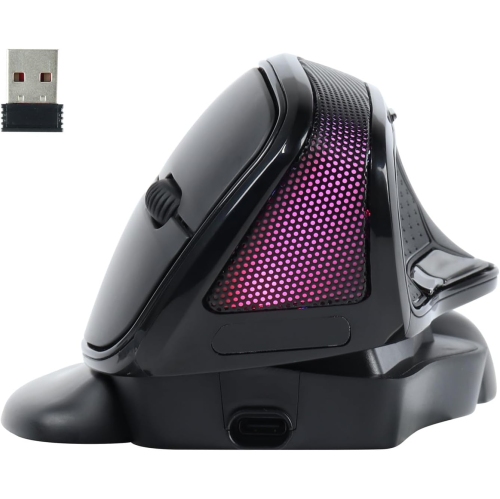
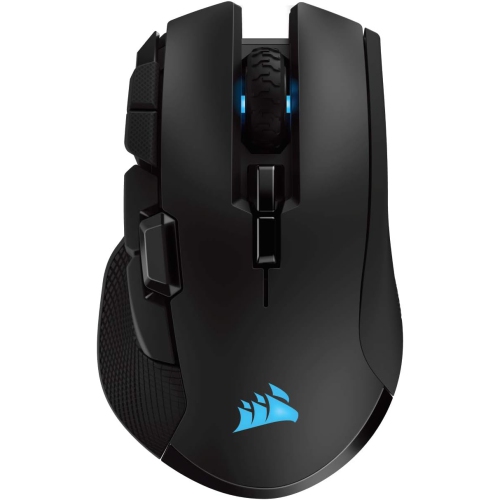
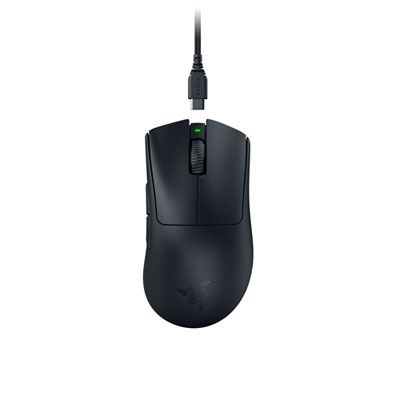


Why size, shape, and grip matter for everyday comfort
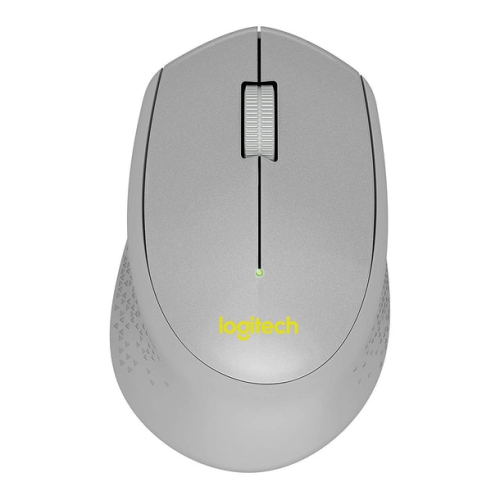
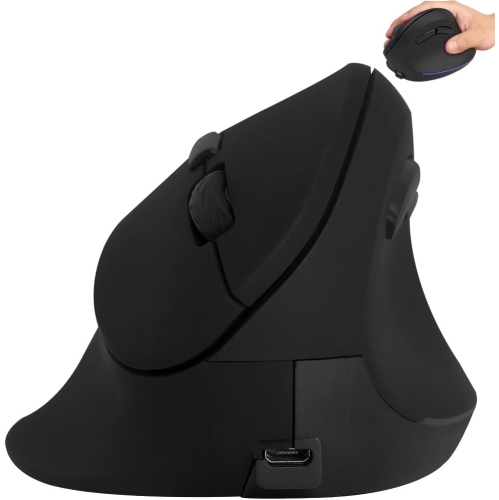
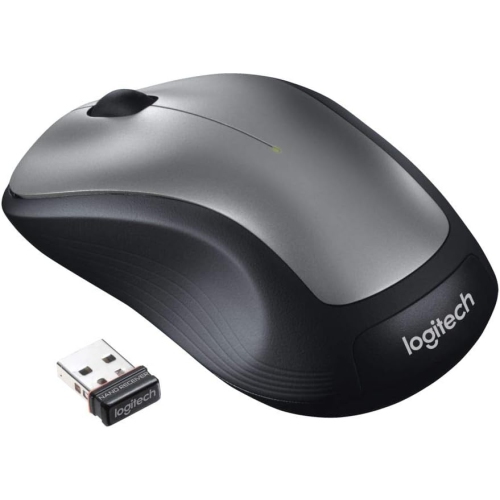
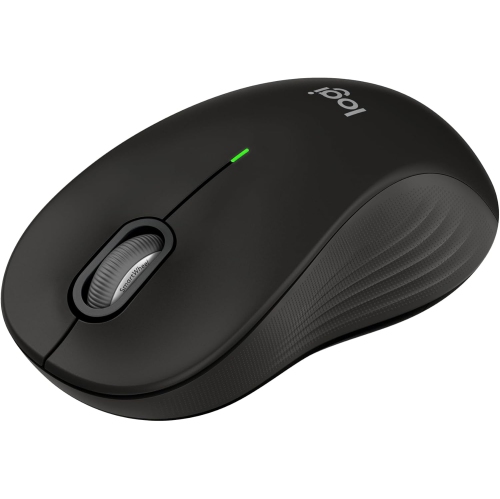
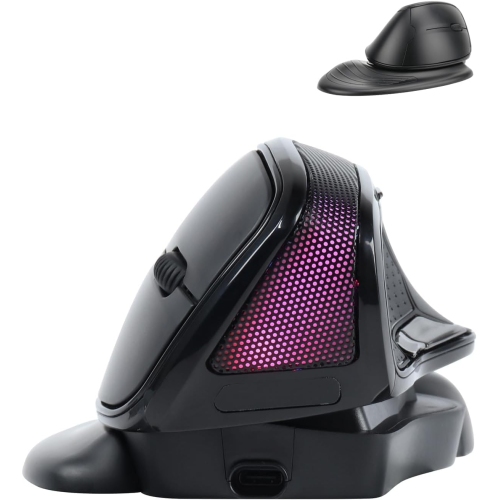
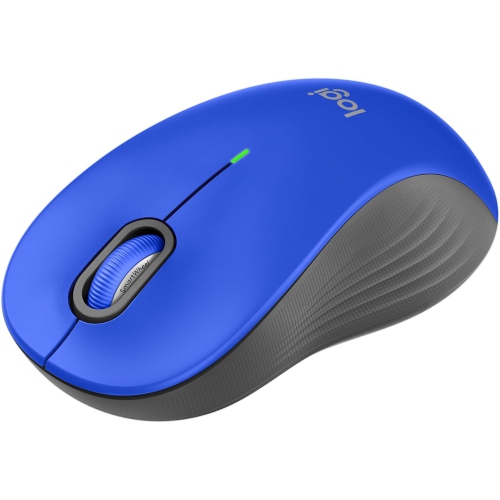
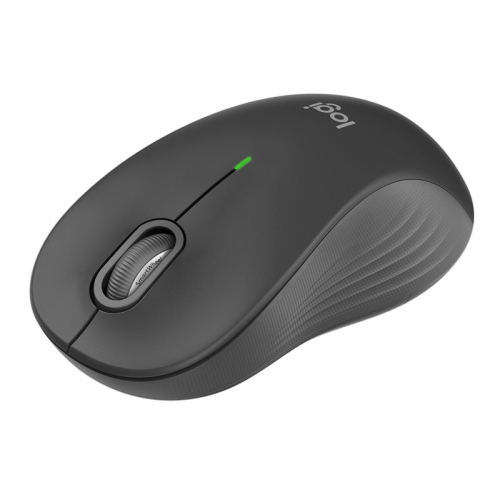
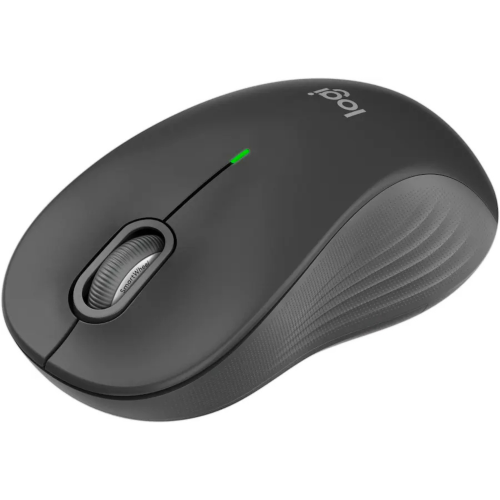
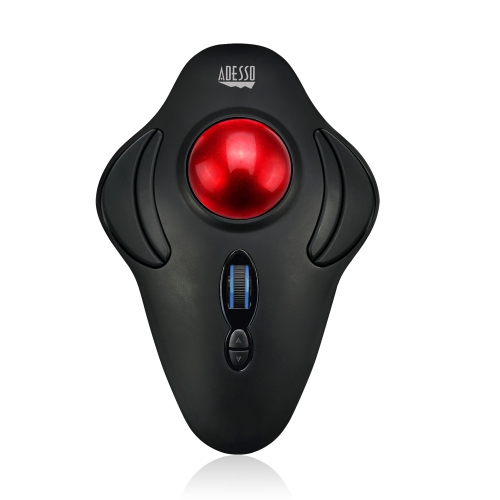
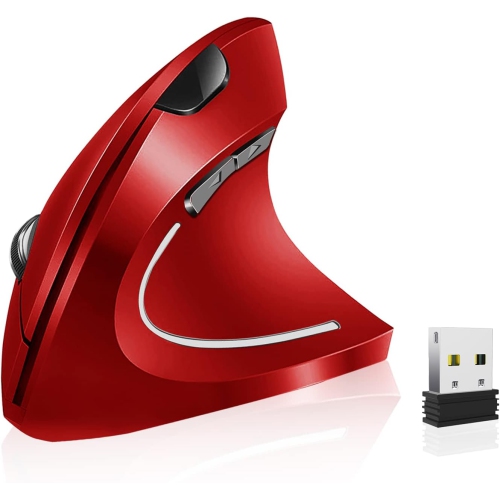
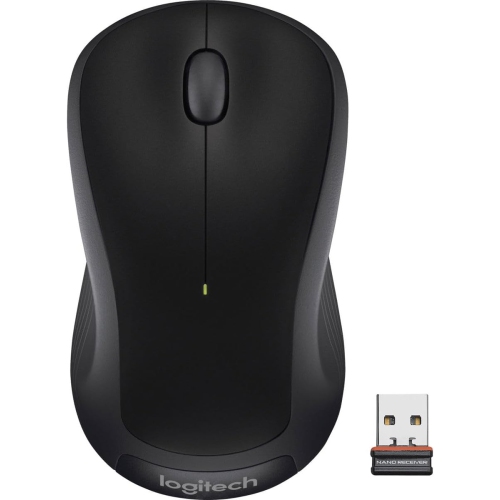
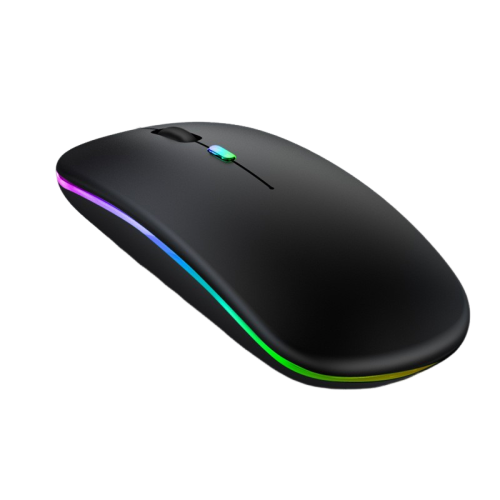
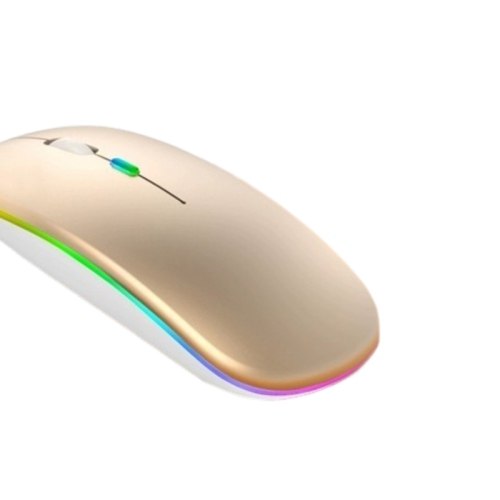
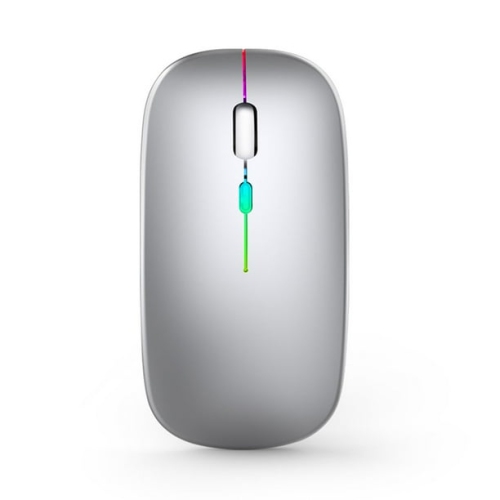
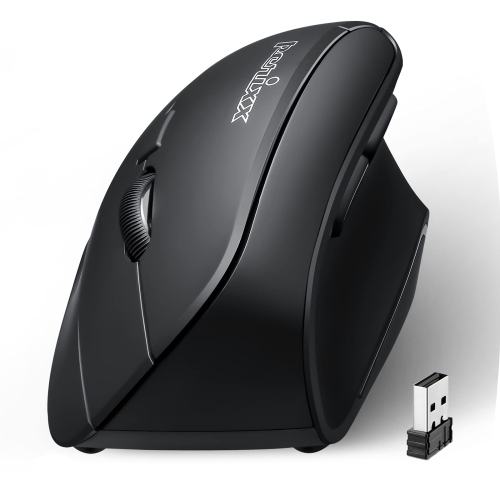
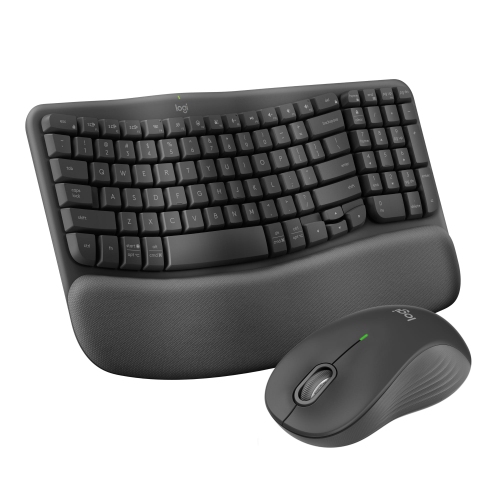
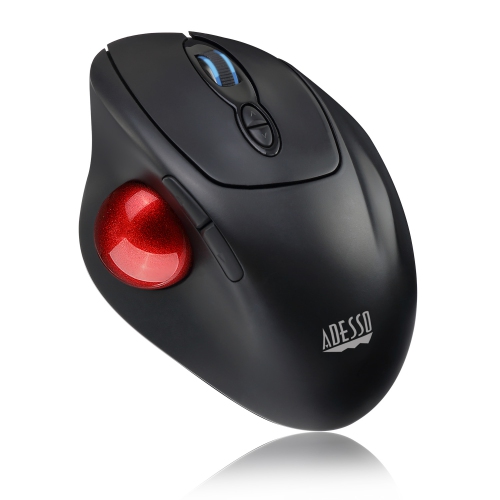
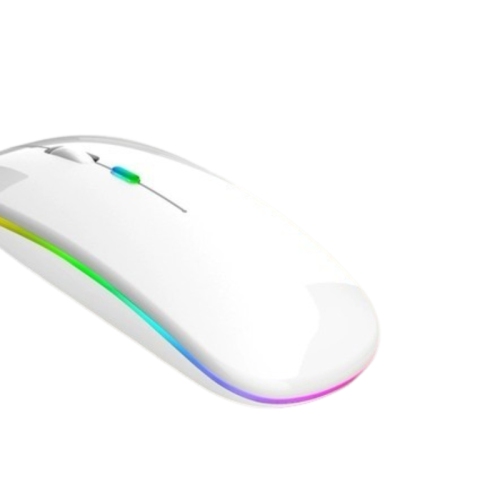
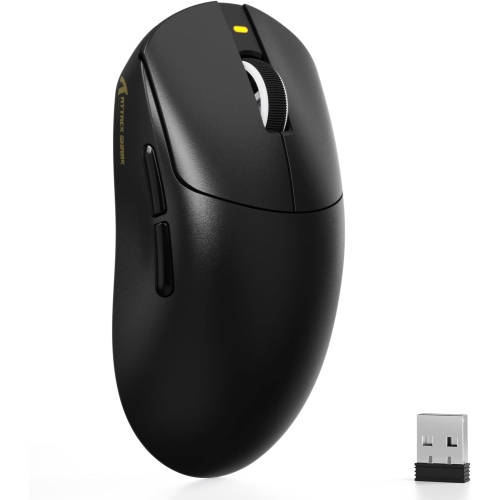
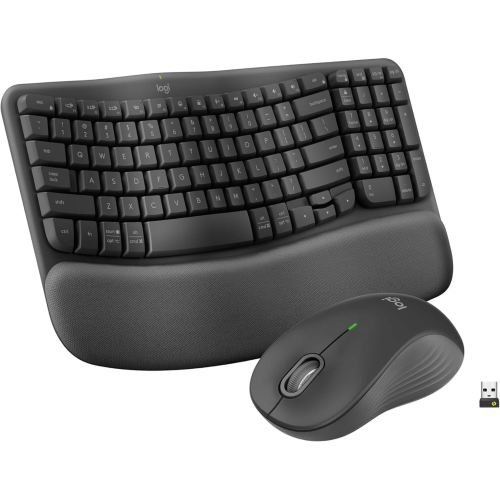
Wireless mice for large hands are designed to provide the extra length, width, and height needed for a more natural, comfortable grip. A mouse that feels spacious under the palm can help reduce the cramped sensation that often develops when a smaller design forces the fingers to curl tightly or the heel of the hand to rest on the desk. When comparing options, look at the overall shape rather than relying on the word “large” alone. A longer body may suit someone who uses a full palm grip, while a wider shell with a pronounced thumb rest can provide better support for broader hands. Taller designs can fill the palm more effectively, and some ergonomic models use a vertical or angled profile that places the hand in a more neutral handshake position. Hand length, palm width, and preferred grip all affect the best fit. Palm grippers generally benefit from a mouse with a generous rear hump and enough length to support the base of the hand. Claw grippers may prefer a slightly shorter body with room for the fingers to arch, while fingertip users often look for a lighter shape that can be moved with the fingertips without dragging the palm. If you are measuring for fit, measure from the crease at the wrist to the tip of the middle finger, then compare those dimensions with the manufacturer’s sizing information. Anyone looking for more room can also browse Large Wireless Mice to compare full-sized shapes and features in one place.
Wireless connectivity makes these mice useful across a wide range of setups, from a home office tucked into a quiet corner to a gaming desk with a large monitor and mechanical keyboard. Bluetooth models can connect directly to compatible computers and tablets, helping keep the workspace clear of extra cables, while mice that use a USB receiver can offer a straightforward plug-in connection and dependable performance. Some models support both connection methods, which is helpful for moving between a work computer, personal laptop, or compatible tablet. Battery life is another practical consideration. Rechargeable designs can be topped up with a charging cable between tasks, and some can continue working while connected to power. Replaceable-battery models may be convenient for households that prefer to keep spare batteries available. Look for an accessible power switch, a clear low-battery indicator, and a charging connection that does not interfere with your usual hand position. Larger wireless mice may also include adjustable sensitivity, allowing the pointer to move smoothly across a wide display without requiring repeated lifts. This can be especially useful when working with spreadsheets, editing photos, navigating multiple windows, or using a high-resolution monitor. Extra buttons can be assigned to common shortcuts such as forward and back, copy and paste, application switching, or media controls. For gaming, adjustable sensitivity, responsive tracking, a secure thumb rest, and easily reached controls can support everything from relaxed single-player sessions to fast-paced competitive play. A heavier, substantial design may feel reassuring for precise work, while a lightweight shape can make broad movements easier during long gaming sessions.
These mice can be a thoughtful gift for someone setting up a new computer, upgrading a home office, or spending more time at a desk during the cooler months. They are also practical for students, remote workers, creative professionals, and PC gamers who find standard-sized mice too restrictive. A person who works through long documents or spends evenings organizing digital photos may appreciate a broad, sculpted shape that lets the palm settle comfortably instead of hovering above the desk. Someone moving from a laptop trackpad to a desktop setup may value the freedom to adjust pointer speed and the convenience of wireless operation without adding another cable to the workspace. For gaming, consider the player’s style and setup: a palm-focused user may prefer a high back and extended body, while a player who makes quick, frequent movements may favour a lighter design with smooth feet and a secure grip. Surface compatibility also matters, since a clean, consistent desk mat can help the sensor track reliably. Before choosing, check the mouse dimensions, weight, supported operating systems, connection type, button layout, and whether the shape is intended for right-handed or left-handed use. A comfortable fit should make the hand feel supported without pressing against the sides, and the thumb should rest naturally without reaching awkwardly for controls. With the right combination of size, shape, tracking, and wireless convenience, a large wireless mouse can make everyday computing feel more relaxed, controlled, and personal.
Wireless connectivity makes these mice useful across a wide range of setups, from a home office tucked into a quiet corner to a gaming desk with a large monitor and mechanical keyboard. Bluetooth models can connect directly to compatible computers and tablets, helping keep the workspace clear of extra cables, while mice that use a USB receiver can offer a straightforward plug-in connection and dependable performance. Some models support both connection methods, which is helpful for moving between a work computer, personal laptop, or compatible tablet. Battery life is another practical consideration. Rechargeable designs can be topped up with a charging cable between tasks, and some can continue working while connected to power. Replaceable-battery models may be convenient for households that prefer to keep spare batteries available. Look for an accessible power switch, a clear low-battery indicator, and a charging connection that does not interfere with your usual hand position. Larger wireless mice may also include adjustable sensitivity, allowing the pointer to move smoothly across a wide display without requiring repeated lifts. This can be especially useful when working with spreadsheets, editing photos, navigating multiple windows, or using a high-resolution monitor. Extra buttons can be assigned to common shortcuts such as forward and back, copy and paste, application switching, or media controls. For gaming, adjustable sensitivity, responsive tracking, a secure thumb rest, and easily reached controls can support everything from relaxed single-player sessions to fast-paced competitive play. A heavier, substantial design may feel reassuring for precise work, while a lightweight shape can make broad movements easier during long gaming sessions.
These mice can be a thoughtful gift for someone setting up a new computer, upgrading a home office, or spending more time at a desk during the cooler months. They are also practical for students, remote workers, creative professionals, and PC gamers who find standard-sized mice too restrictive. A person who works through long documents or spends evenings organizing digital photos may appreciate a broad, sculpted shape that lets the palm settle comfortably instead of hovering above the desk. Someone moving from a laptop trackpad to a desktop setup may value the freedom to adjust pointer speed and the convenience of wireless operation without adding another cable to the workspace. For gaming, consider the player’s style and setup: a palm-focused user may prefer a high back and extended body, while a player who makes quick, frequent movements may favour a lighter design with smooth feet and a secure grip. Surface compatibility also matters, since a clean, consistent desk mat can help the sensor track reliably. Before choosing, check the mouse dimensions, weight, supported operating systems, connection type, button layout, and whether the shape is intended for right-handed or left-handed use. A comfortable fit should make the hand feel supported without pressing against the sides, and the thumb should rest naturally without reaching awkwardly for controls. With the right combination of size, shape, tracking, and wireless convenience, a large wireless mouse can make everyday computing feel more relaxed, controlled, and personal.
Top selling and popular products
-
 Your price for this item is $29.99
 -
 Your price for this item is $50.44
 -
 Your price for this item is $39.99
 -
 Your price for this item is $49.99
 -
 Your price for this item is $159.95
 -
 Your price for this item is $44.68
 -
 Your price for this item is $44.68
 -
 Your price for this item is $31
Discover more categories related to Wireless Mice for Large Hands

Top Collections:
Pokemon Centers, Kindle Devices, Best Budget Office Chairs, Apple iPhones 16, Best Laptops for Writers, iPhone 15 Apple, Canon G7X Cameras, Refurbished Apple Laptops, Alarm Clock, Motorola Razr Phones
Some products may be subject to Environmental Handling Fees
(EHF) depending on your province.
Learn more about EHFs.