Large Ergonomic Mice
Large Ergonomic Mouse options are designed to provide a comfortable and efficient experience for those who spend extended hours at their computer. These mice offer a spacious design that supports your hand and encourages a natural grip, making them ideal for both work and play. Whether you’re working on detailed projects or enjoying your favorite games, a large ergonomic mouse can help reduce strain and improve control. Explore the selection to find the right fit for your desktop setup and enjoy a smoother, more enjoyable workflow.
Sort
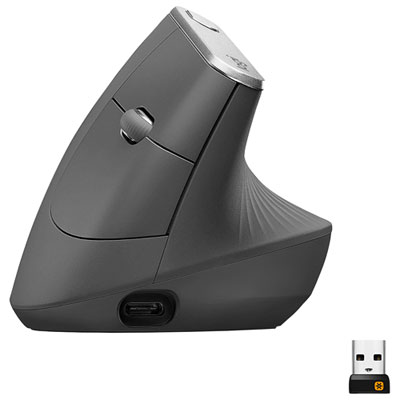

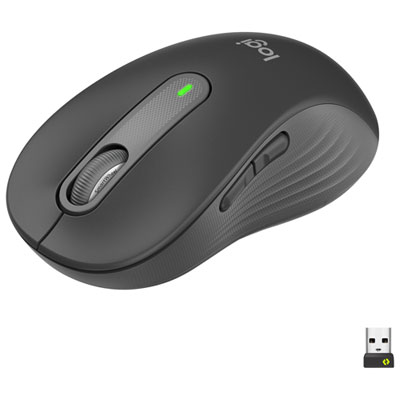
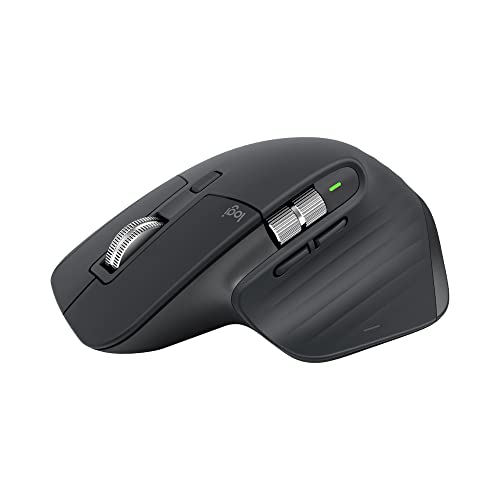
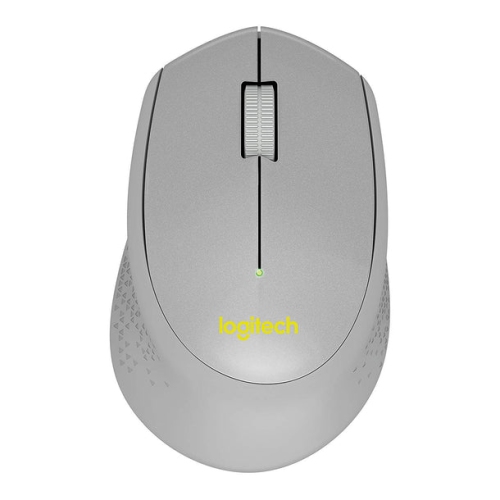
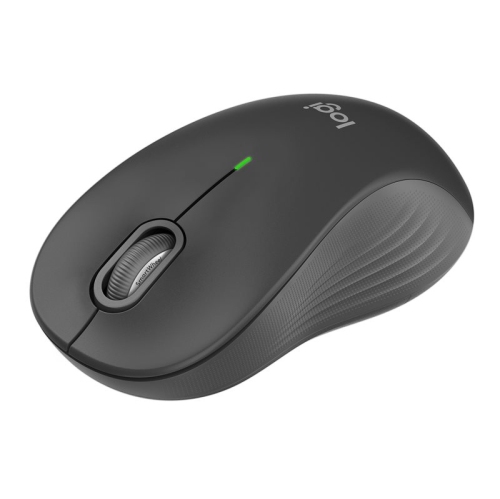
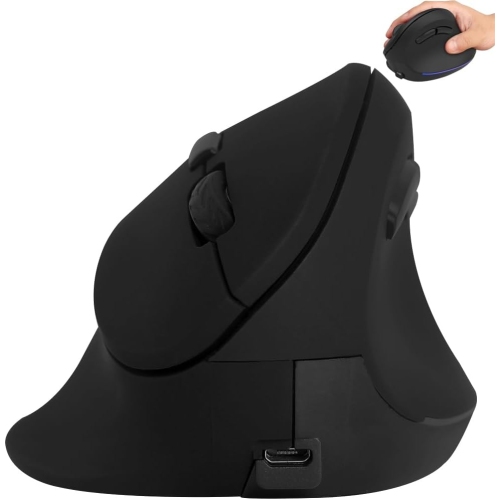
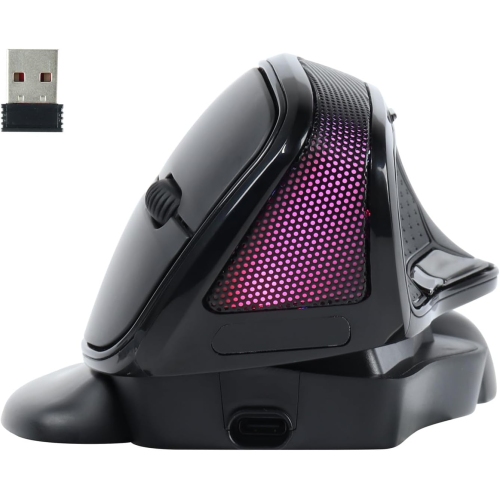


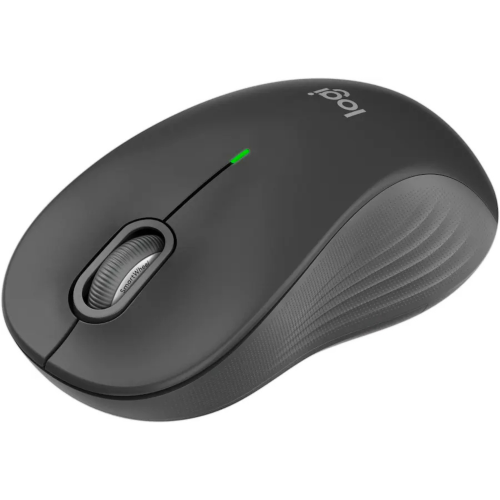
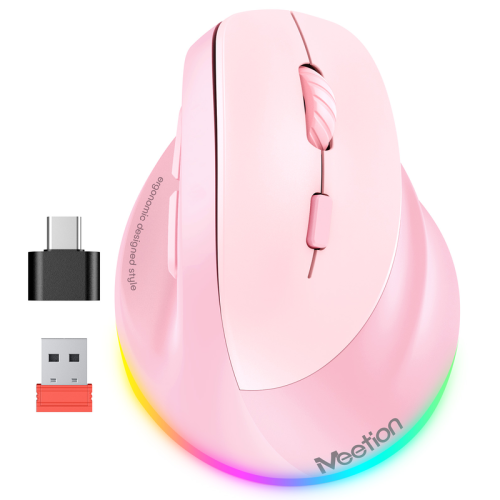
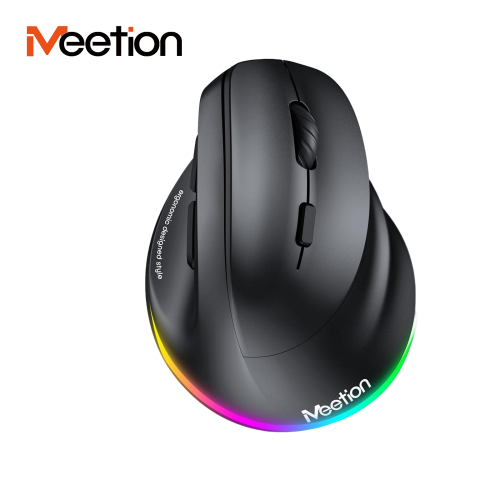
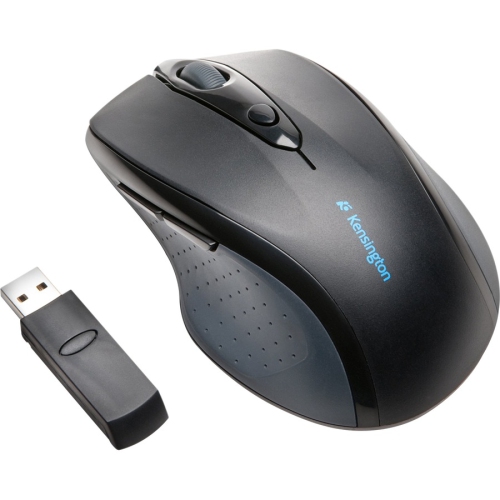
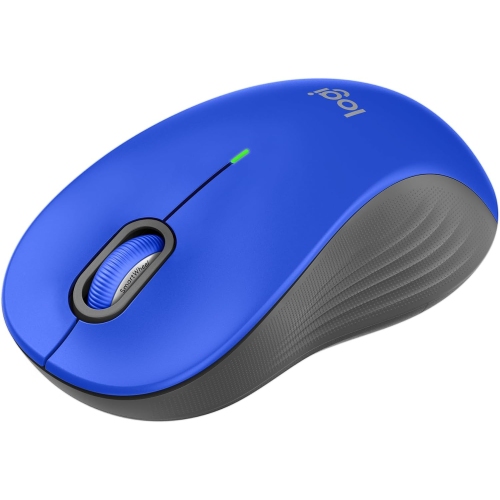
How a full-sized mouse fits your hand and desk
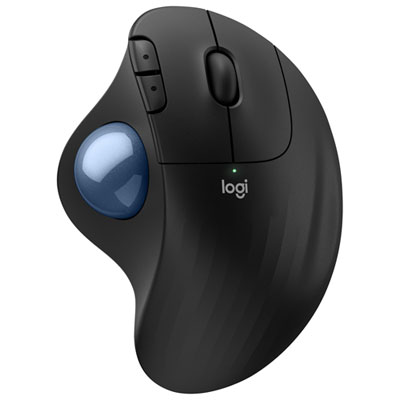
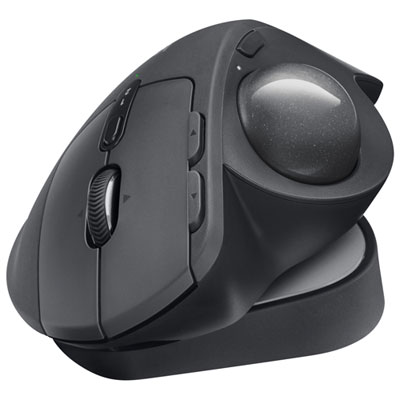
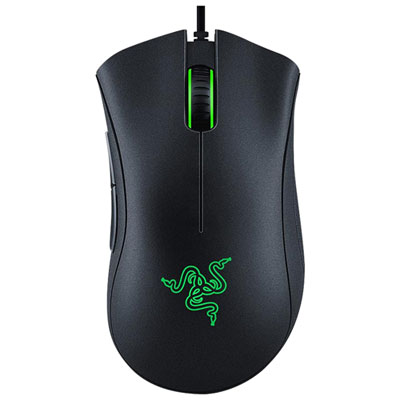
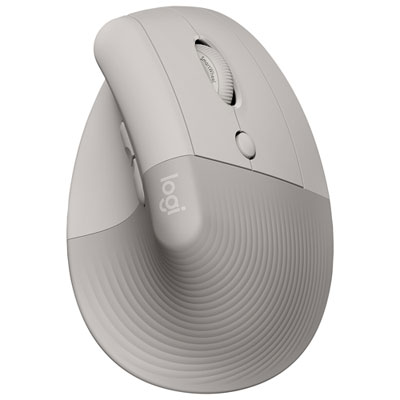
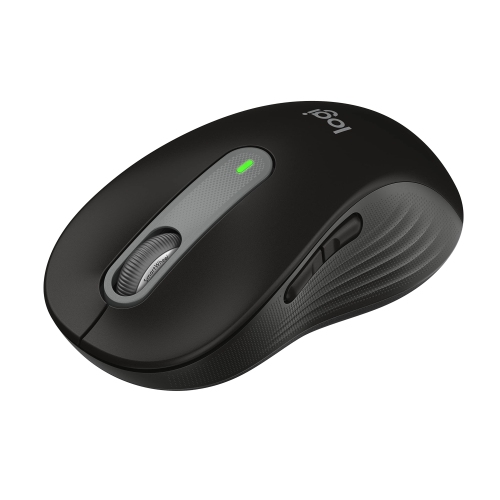
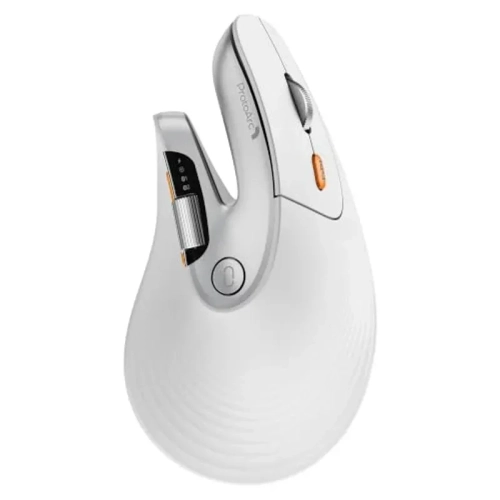
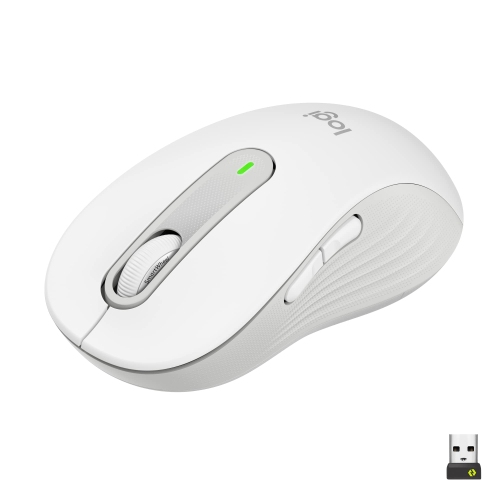
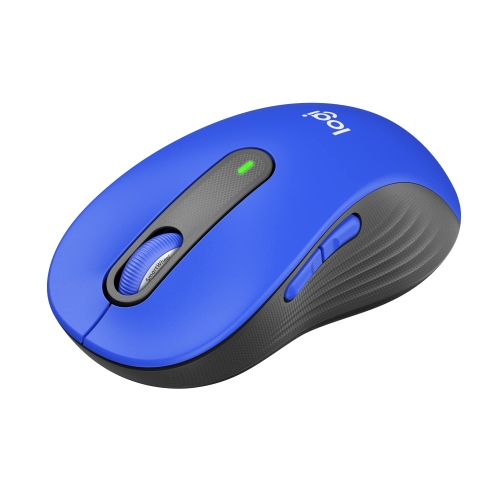
Large ergonomic mice are designed for people with larger hands or anyone who prefers a full-sized contour that supports more of the palm. A hand length of about 190 mm (19 cm) or more, measured from the tip of the middle finger to the wrist crease, is a useful starting point for considering a large mouse. It is not a strict cutoff: palm width, finger length and grip style all affect how the same shell feels. A broad body can give the ring finger and little finger somewhere to rest instead of leaving them to drag on the desk, while a longer body can let the index and middle fingers lie naturally across the main buttons. The height and location of the hump matter as much as the overall length. A raised back can fill the space under the palm for someone who rests most of the hand on the mouse. A lower or more central hump leaves more room for someone who arches the fingers or steers with the fingertips. The thumb rest and side buttons offer another clue to fit: when they line up with the thumb’s natural resting position, it is easier to use a shortcut without shifting the whole hand. A shell that feels roomy at first can still be too wide if the thumb has to stretch or the fingers have to pinch the sides each time the mouse is lifted. Right- and left-handed contours are shaped for different hands, while a symmetrical shell can suit either hand if the controls are within reach. Vertical designs turn the palm inward toward a handshake position rather than keeping it flat. They can feel quite different from a gently sloped mouse, even when the two are similar in length. The Comfortable Ergonomic Mice collection provides a broader look at these shapes alongside other sizes and grip styles.
A full-sized mouse can make sense at a desktop used for office work, coursework, photo editing or gaming, but the details that matter depend on what happens at that desk. In a long spreadsheet, a wheel with distinct notches helps with moving a few rows at a time, while a free-spinning wheel can cover a lengthy document with fewer turns. Someone editing photos may prefer a wider shell for steady palm contact while selecting a fine edge, provided the mouse still moves easily in small increments. For games played at a low pointer sensitivity, weight and grip can matter more because wide sweeps often end with lifting the mouse and setting it back down. A broad shell with a textured side can feel steady during that motion, while a high, heavy body may take more effort to reposition. Adjustable pointer sensitivity helps match movement to the available desk space, and programmable buttons can bring frequent actions closer to hand when the software supports them. Quiet switches can be useful at a shared work surface or during calls, though click sound and how firmly a button needs to be pressed are separate considerations. The footprint matters, too. A large mouse may fit beside a full-width keyboard but still leave little room to move before meeting the edge of a mouse mat. Keeping it close to the keyboard makes it easier to move between typing and pointing without reaching out to the side. A wired connection avoids charging or battery changes, while a wireless design leaves the work surface clear of a cable that might catch against a keyboard or monitor stand. Bluetooth can leave a USB port free on a compatible computer; a mouse with a dedicated USB receiver needs a matching port or adapter, a useful detail when a laptop is regularly moved between desks.
Shell materials and finishes affect how a large mouse feels where the palm and fingers spend the most time. Smooth plastic is generally straightforward to wipe down, while matte or lightly textured plastic gives the fingertips more purchase. Rubberized side panels can make a large body easier to hold when lifting it, but oils and dust can collect in the texture around the thumb rest. A soft, dry cloth is a practical starting point for routine care, with any cleaners or moisture used only as directed by the manufacturer. Clearing lint from around the sensor and keeping the tracking surface clean can help maintain consistent movement. The glide feet on the underside take much of the wear from daily use, especially on a rough surface. A flat, clean mouse mat can make the glide more predictable, and replaceable feet can be useful if the originals wear unevenly. On a wired mouse, leaving a little slack near the shell keeps the cable from pulling during wide movements. A wireless mouse carried between home and a workplace benefits from a separate pouch or padded compartment so the scroll wheel and buttons are not pressed against a laptop charger or other hard objects. Large ergonomic mice can also make practical gifts for someone setting up a home office, returning to school or spending more time at a desktop. The recipient’s dominant hand and the shape of the mouse already on the desk are useful clues. Someone who rests the entire palm on an older mouse may appreciate a similarly rounded shell, while someone who regularly picks up a compact mouse may prefer extra length without much added height or weight. A good fit leaves the fingers in easy reach of the buttons and supports the hand without making everyday movements feel like more work.
A full-sized mouse can make sense at a desktop used for office work, coursework, photo editing or gaming, but the details that matter depend on what happens at that desk. In a long spreadsheet, a wheel with distinct notches helps with moving a few rows at a time, while a free-spinning wheel can cover a lengthy document with fewer turns. Someone editing photos may prefer a wider shell for steady palm contact while selecting a fine edge, provided the mouse still moves easily in small increments. For games played at a low pointer sensitivity, weight and grip can matter more because wide sweeps often end with lifting the mouse and setting it back down. A broad shell with a textured side can feel steady during that motion, while a high, heavy body may take more effort to reposition. Adjustable pointer sensitivity helps match movement to the available desk space, and programmable buttons can bring frequent actions closer to hand when the software supports them. Quiet switches can be useful at a shared work surface or during calls, though click sound and how firmly a button needs to be pressed are separate considerations. The footprint matters, too. A large mouse may fit beside a full-width keyboard but still leave little room to move before meeting the edge of a mouse mat. Keeping it close to the keyboard makes it easier to move between typing and pointing without reaching out to the side. A wired connection avoids charging or battery changes, while a wireless design leaves the work surface clear of a cable that might catch against a keyboard or monitor stand. Bluetooth can leave a USB port free on a compatible computer; a mouse with a dedicated USB receiver needs a matching port or adapter, a useful detail when a laptop is regularly moved between desks.
Shell materials and finishes affect how a large mouse feels where the palm and fingers spend the most time. Smooth plastic is generally straightforward to wipe down, while matte or lightly textured plastic gives the fingertips more purchase. Rubberized side panels can make a large body easier to hold when lifting it, but oils and dust can collect in the texture around the thumb rest. A soft, dry cloth is a practical starting point for routine care, with any cleaners or moisture used only as directed by the manufacturer. Clearing lint from around the sensor and keeping the tracking surface clean can help maintain consistent movement. The glide feet on the underside take much of the wear from daily use, especially on a rough surface. A flat, clean mouse mat can make the glide more predictable, and replaceable feet can be useful if the originals wear unevenly. On a wired mouse, leaving a little slack near the shell keeps the cable from pulling during wide movements. A wireless mouse carried between home and a workplace benefits from a separate pouch or padded compartment so the scroll wheel and buttons are not pressed against a laptop charger or other hard objects. Large ergonomic mice can also make practical gifts for someone setting up a home office, returning to school or spending more time at a desktop. The recipient’s dominant hand and the shape of the mouse already on the desk are useful clues. Someone who rests the entire palm on an older mouse may appreciate a similarly rounded shell, while someone who regularly picks up a compact mouse may prefer extra length without much added height or weight. A good fit leaves the fingers in easy reach of the buttons and supports the hand without making everyday movements feel like more work.
Top selling and popular products
-
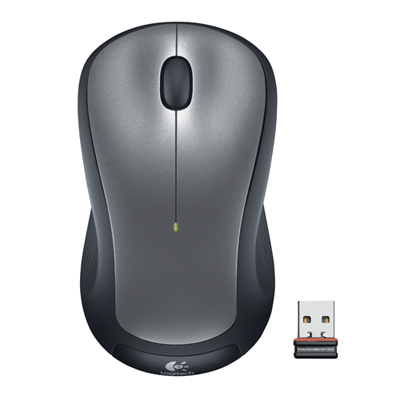 Your price for this item is $29.99
-
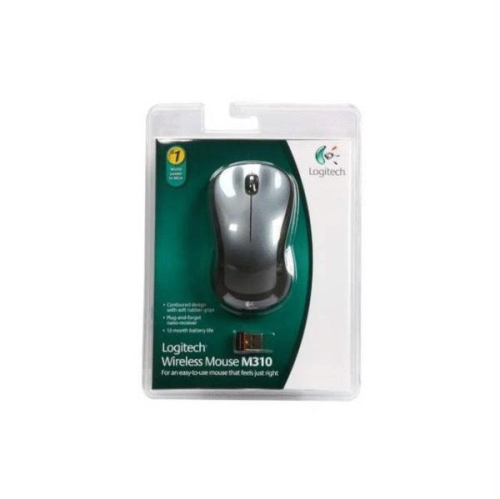 Your price for this item is $50.44
-
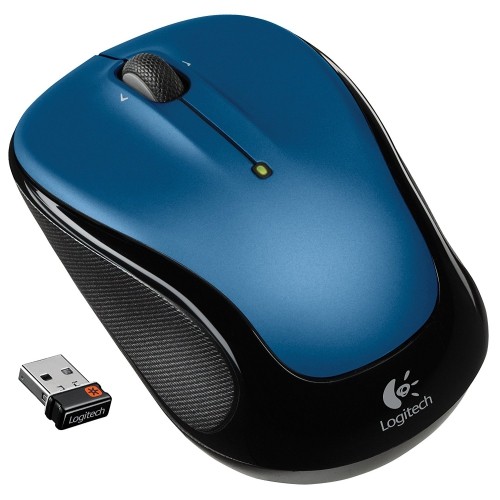 Your price for this item is $39.99
-
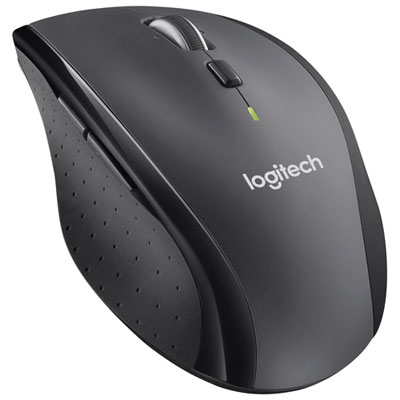 Your price for this item is $49.99
-
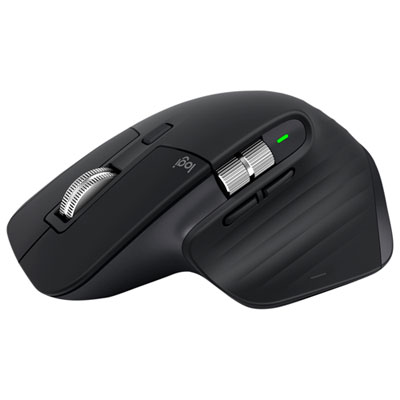 Your price for this item is $159.97
-
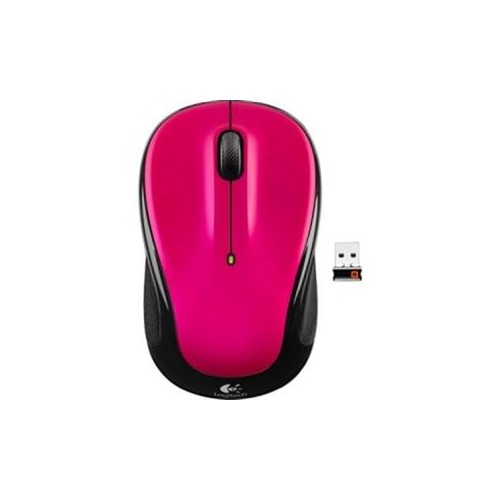 Your price for this item is $64.68
-
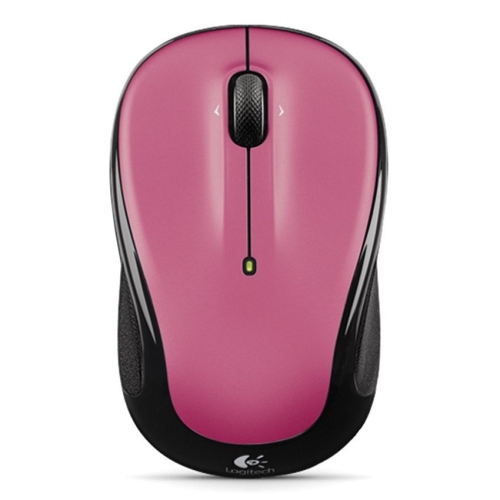 Your price for this item is $48.68
-
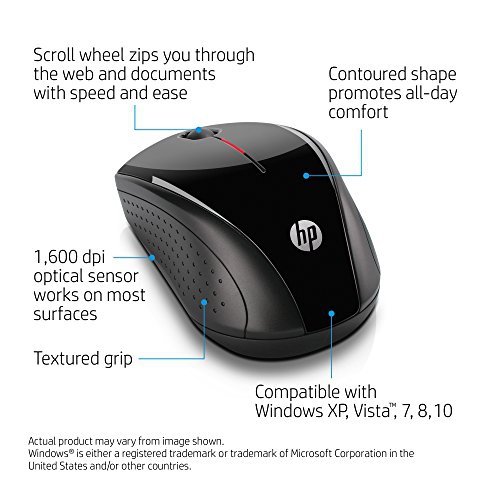 Your price for this item is $31
Discover more categories related to Large Ergonomic Mice
Top Collections:
Best Black Friday Deals This Year, Best Black Friday Deals On Electronics, Kindle Devices, Pokemon Centers, Best Black Friday Deals On Apple Products, Best Cameras for Sports Photography, Dyson Airwrap, Pokémon 30th Celebration Cards, Apple iPhone 17 Pro, Canon G7X Cameras
Some products may be subject to Environmental Handling Fees
(EHF) depending on your province.
Learn more about EHFs.