Work Headsets
Enhance your productivity and communication with our selection of high-quality work headsets. Whether you're working from home, in a bustling office environment, or on the go, a reliable headset can make all the difference in your daily tasks. From comfortable over-ear designs to sleek in-ear options, we offer a variety of headsets to suit your preferences and needs. Stay focused during calls, meetings, or while listening to music with crystal-clear audio and noise-canceling features. Elevate your work experience with a top-notch headset that delivers both comfort and performance.
Sort






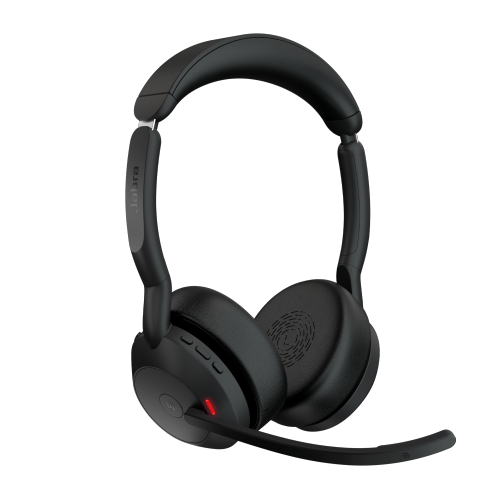
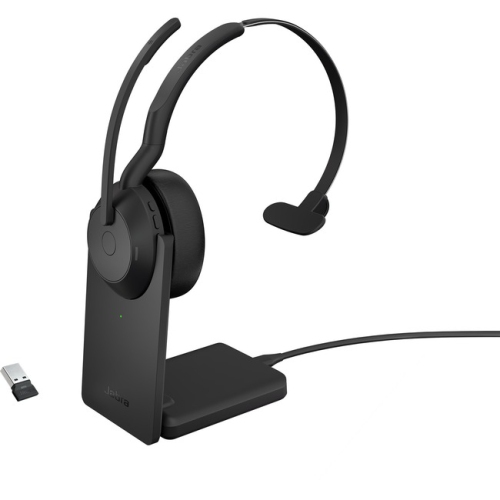
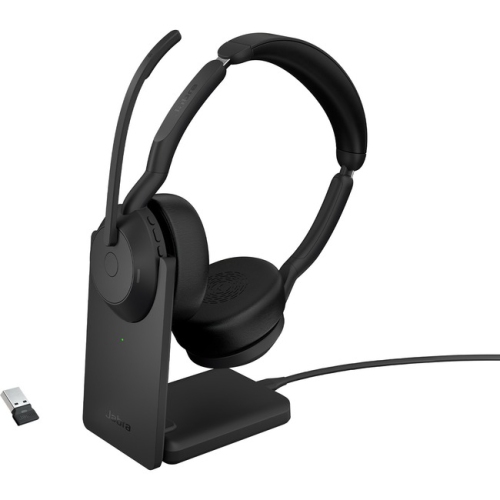
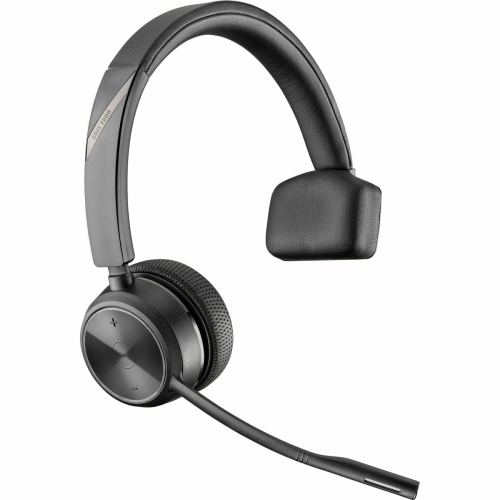

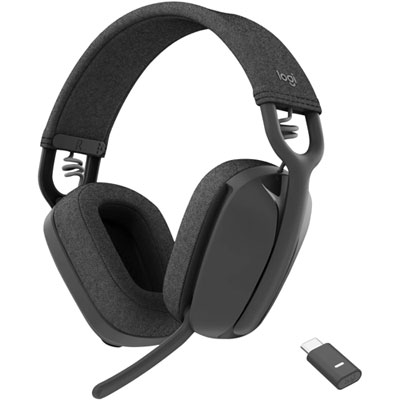
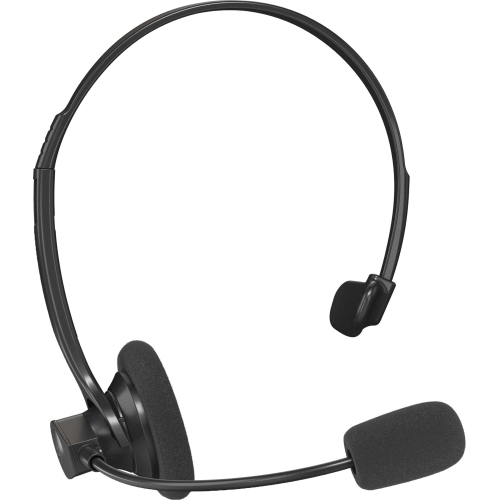
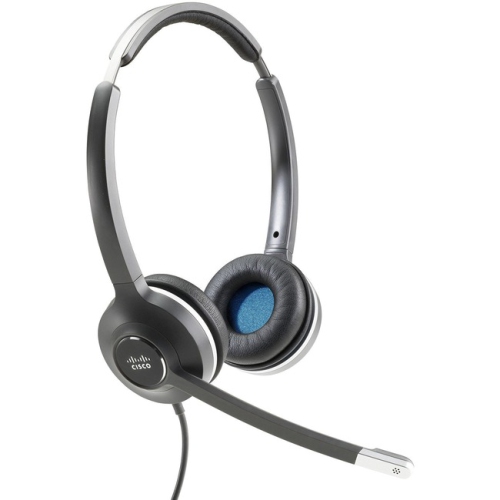
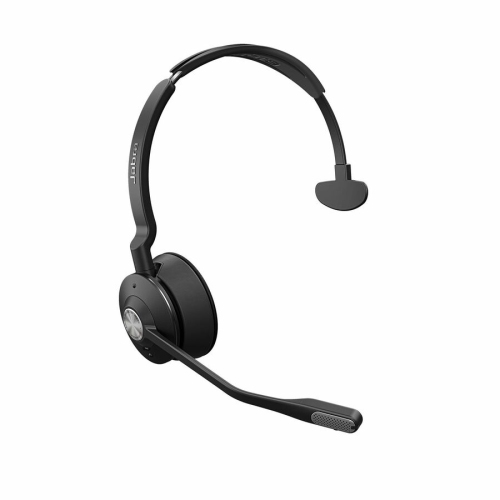
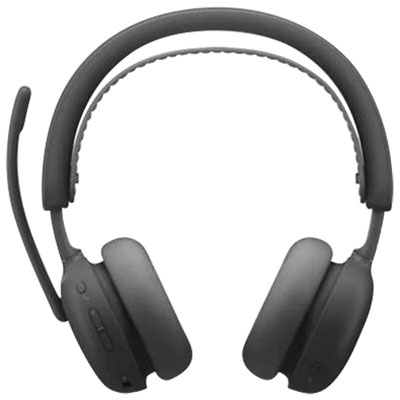
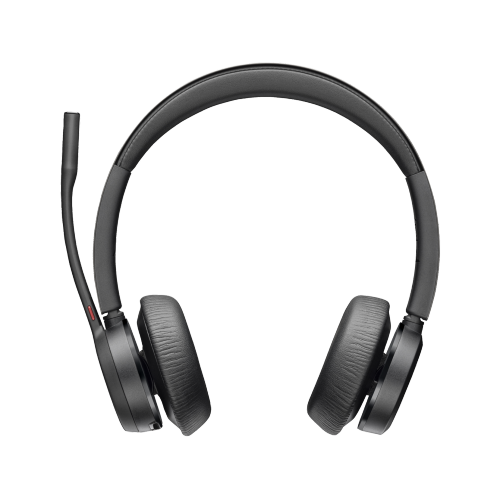
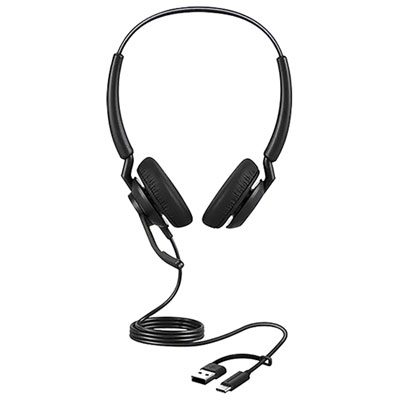
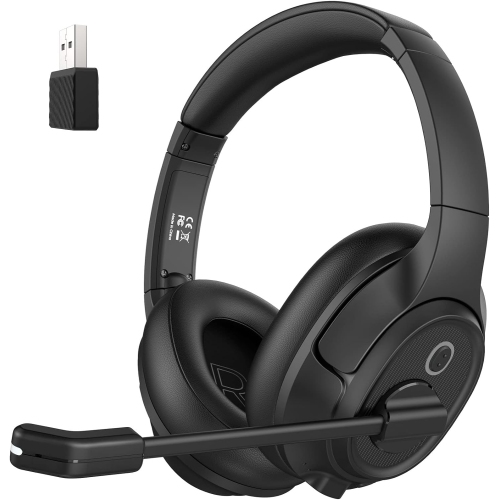
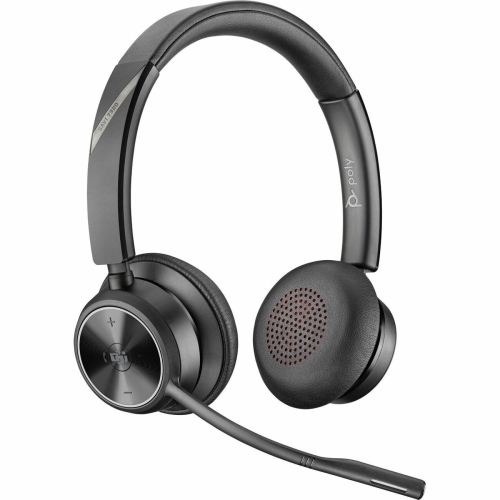
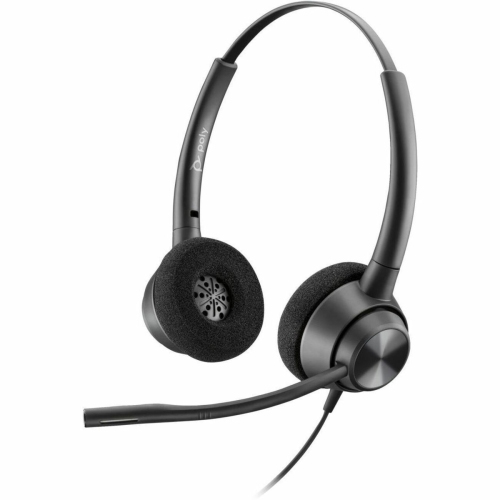
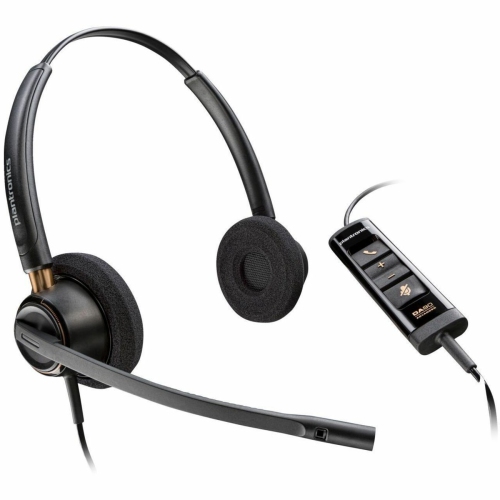
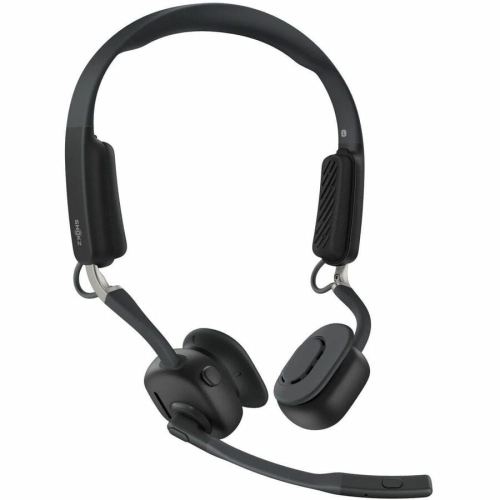

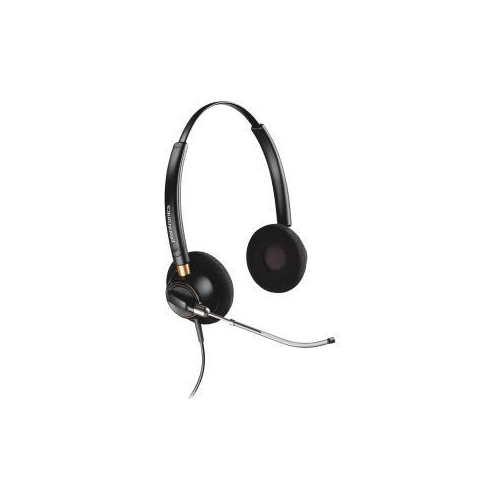
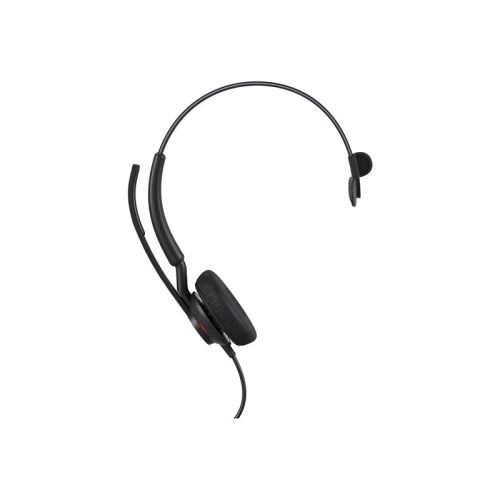
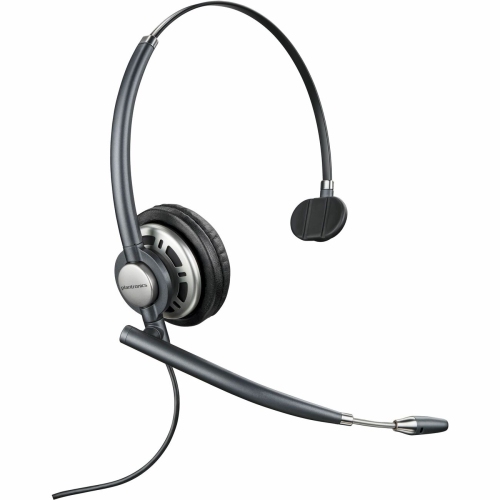
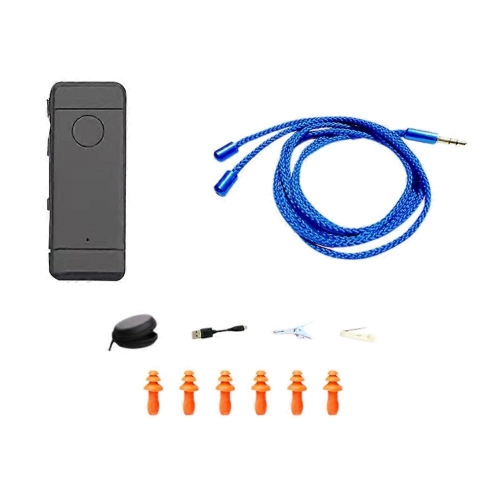
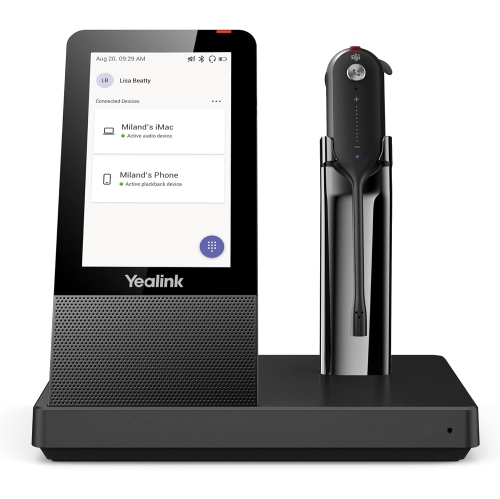
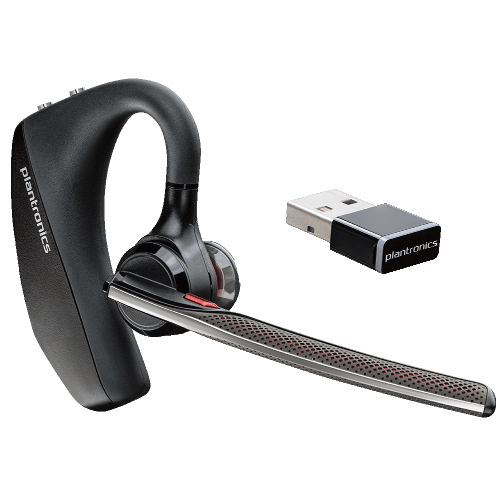
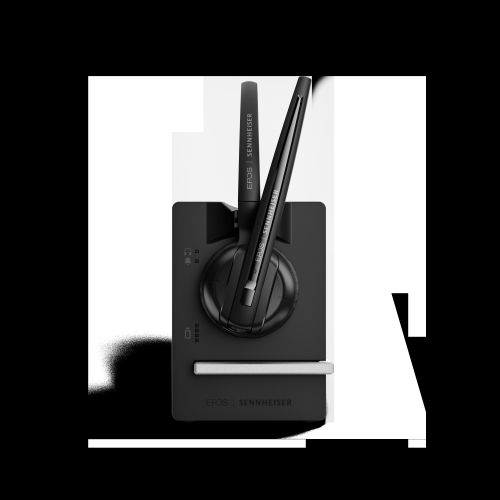
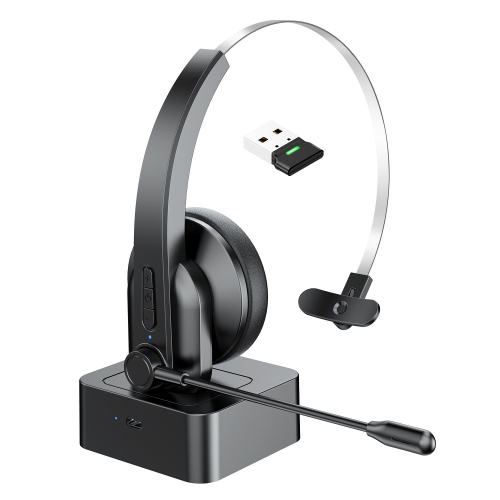

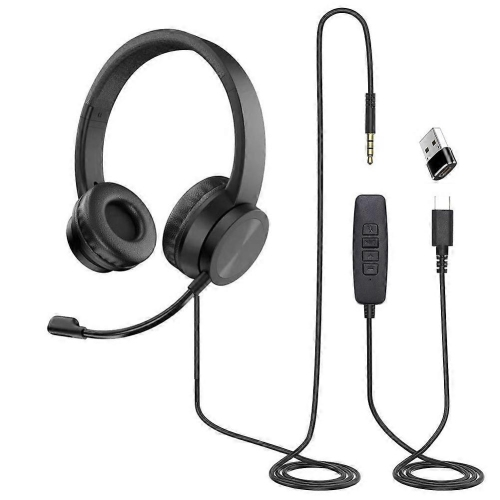
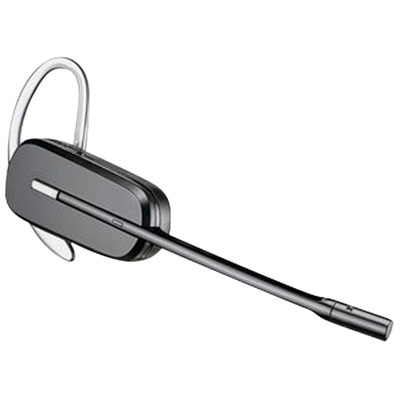
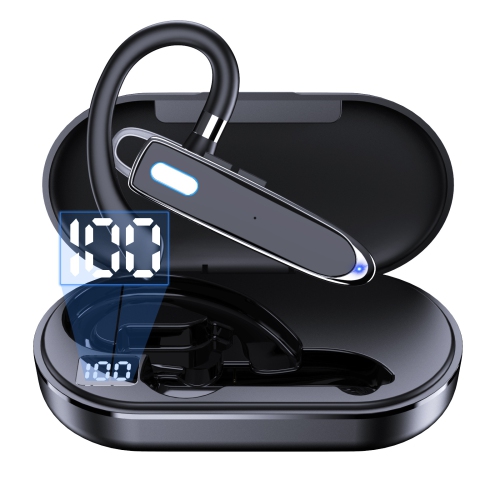
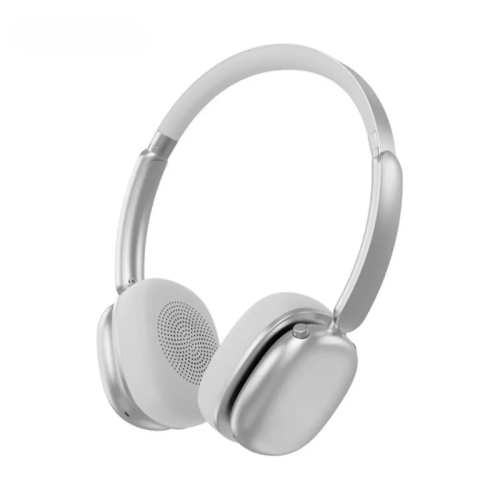
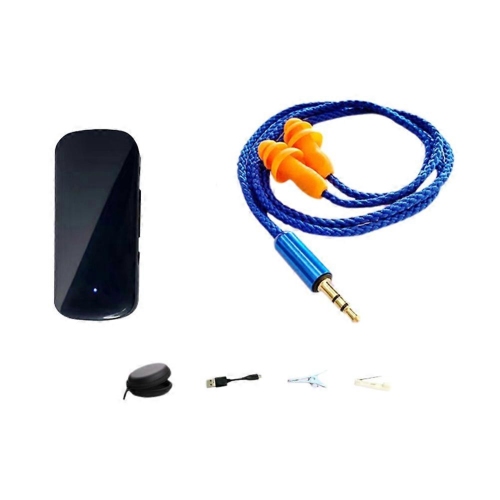
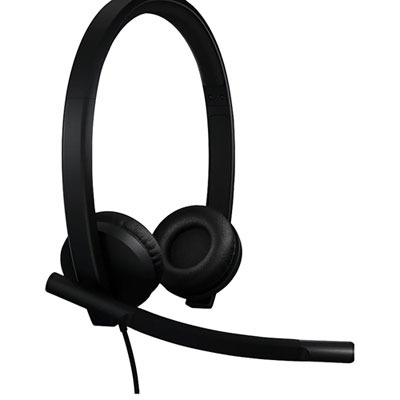
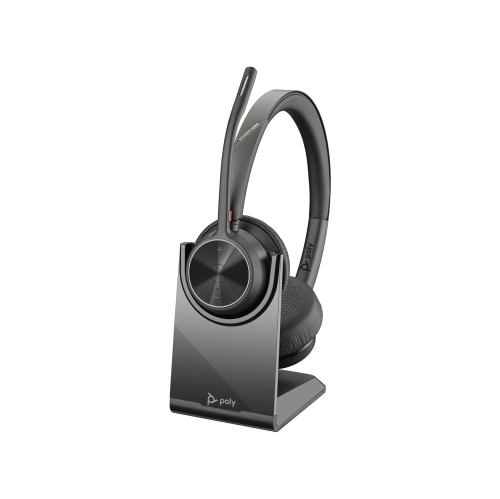
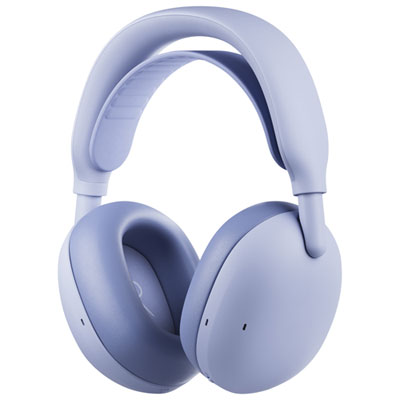
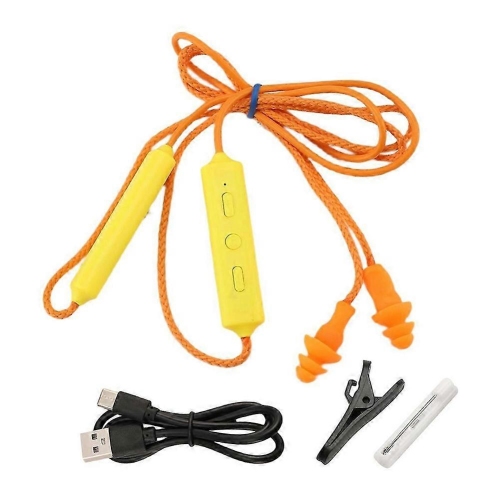
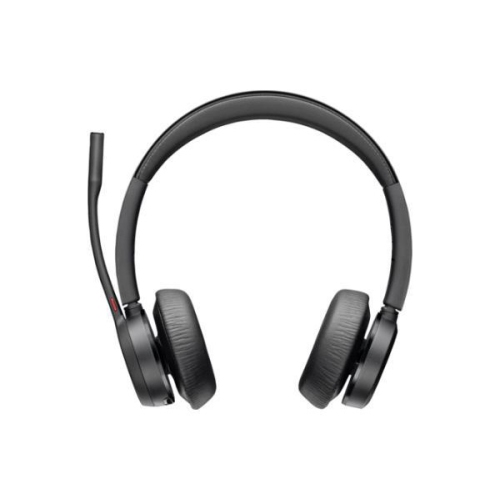
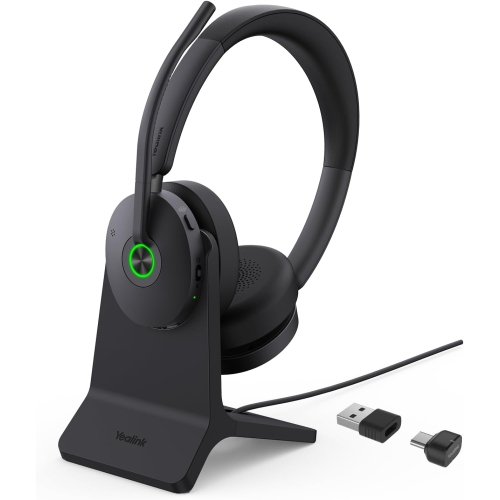
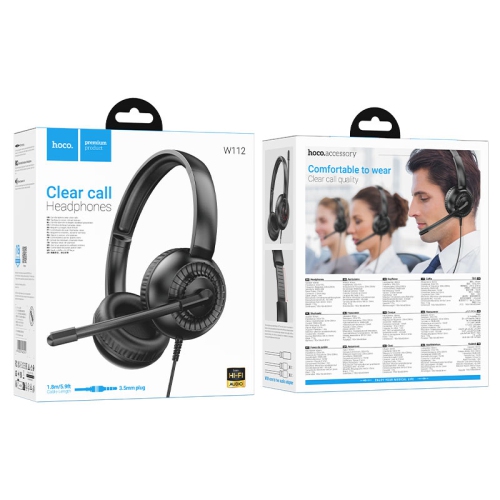


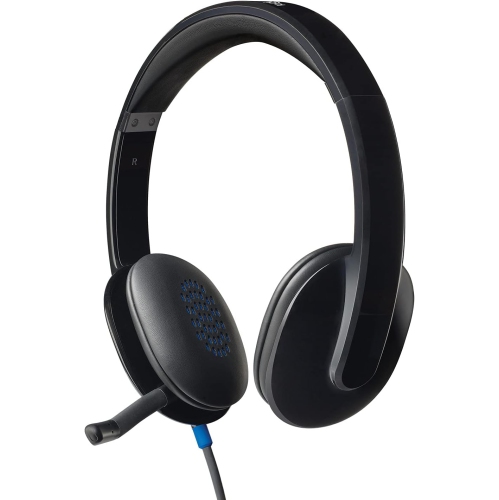
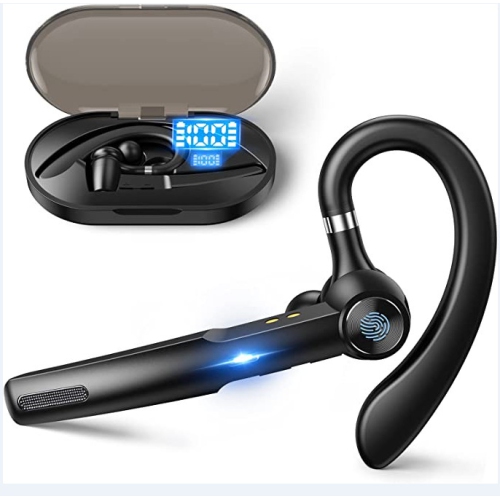
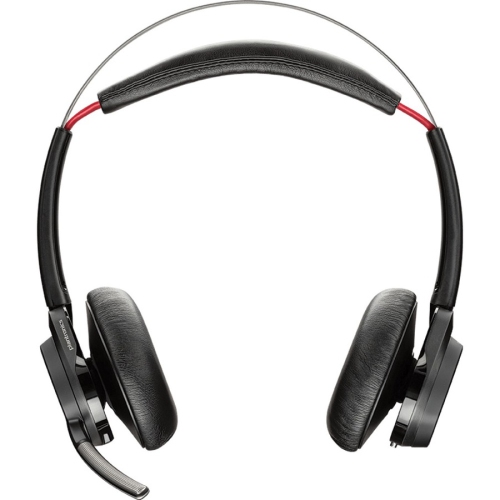
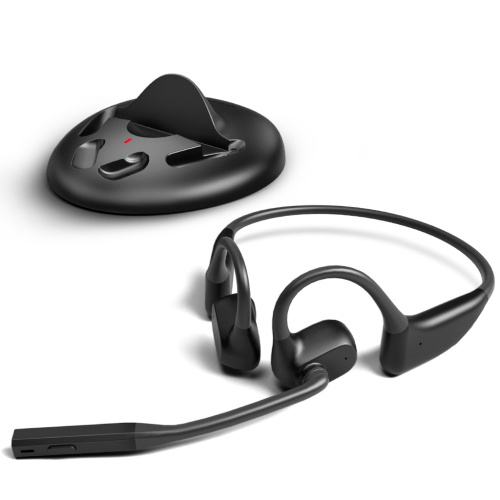
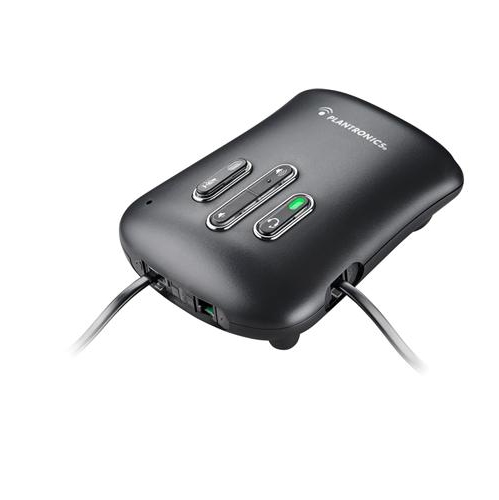
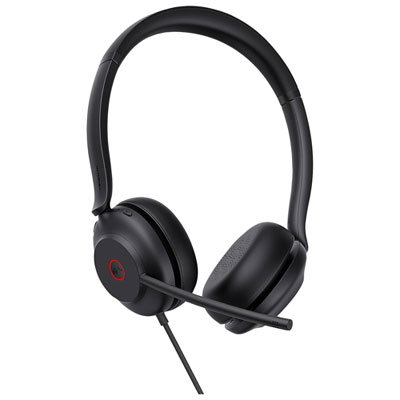
Clear calls start with more than good headphones
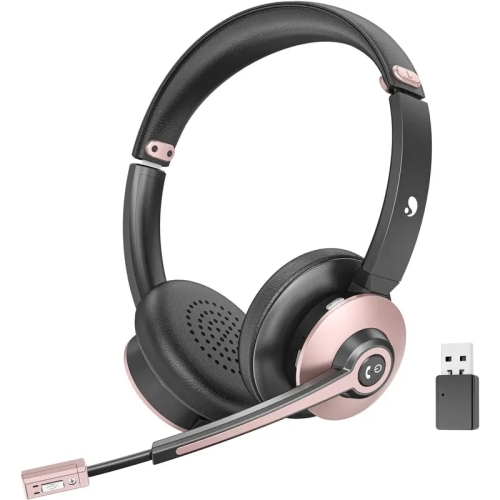
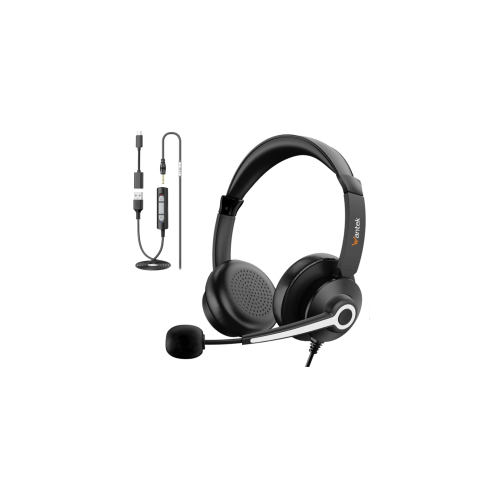
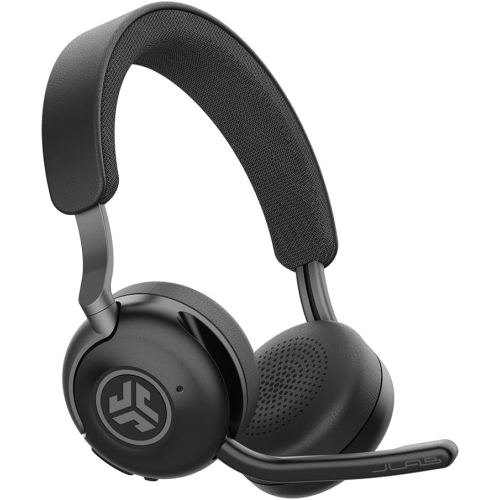
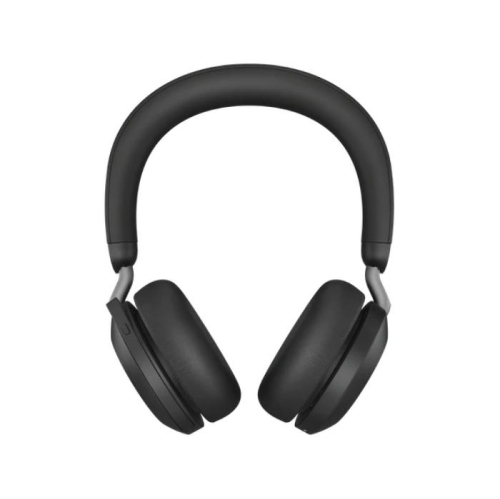
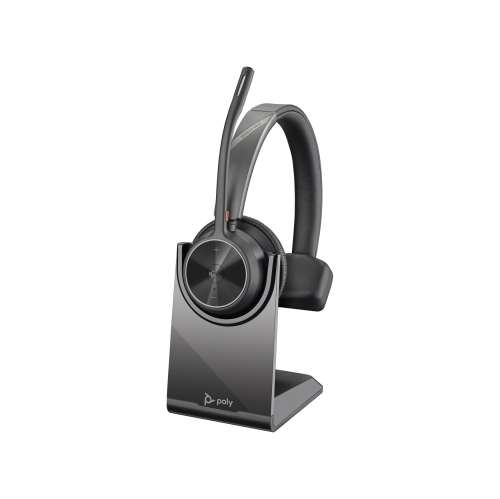
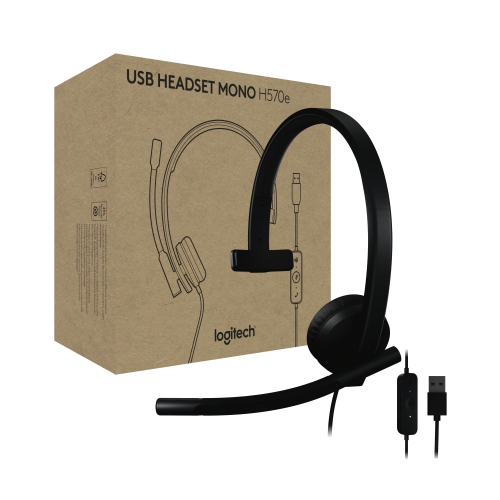
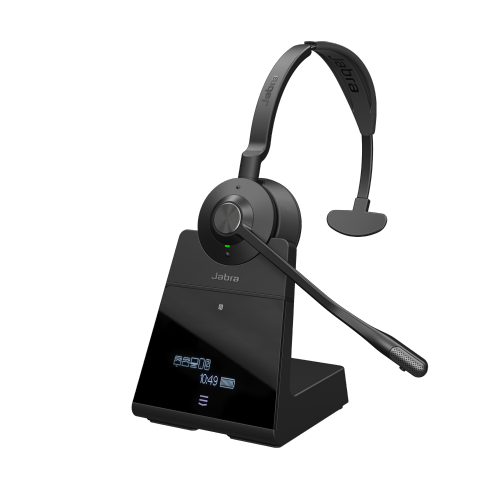
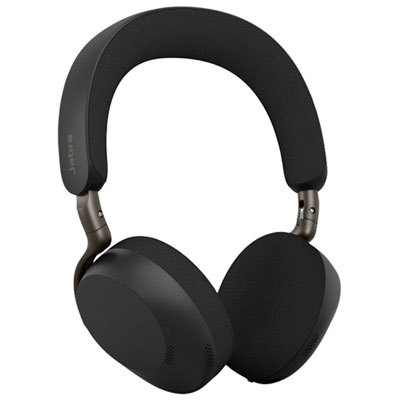
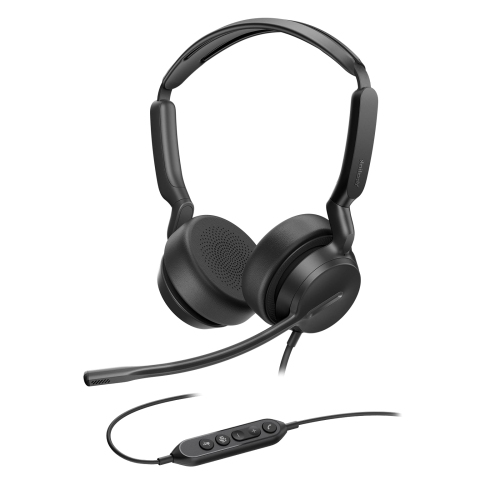
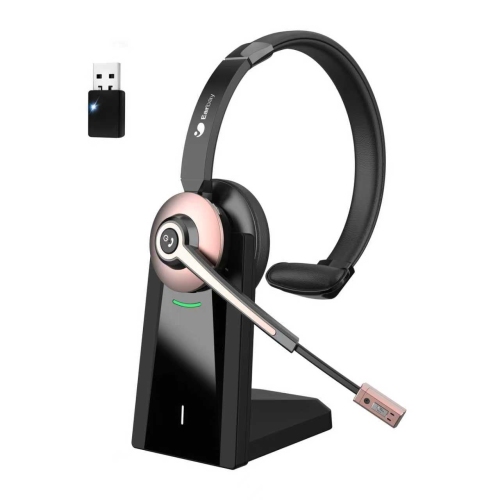
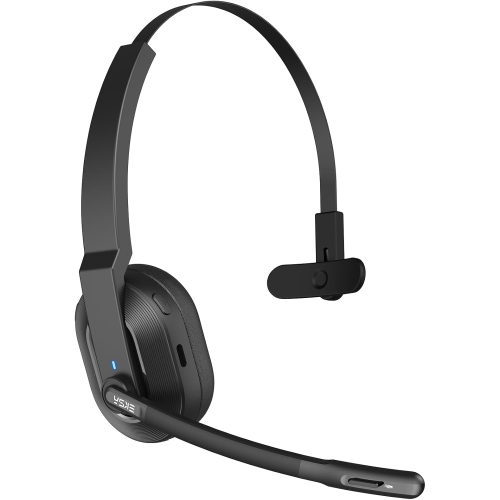
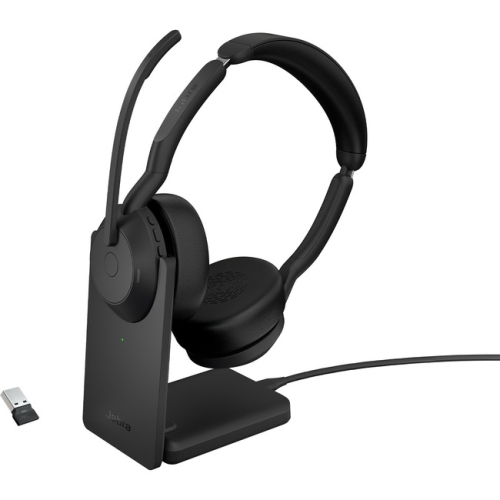
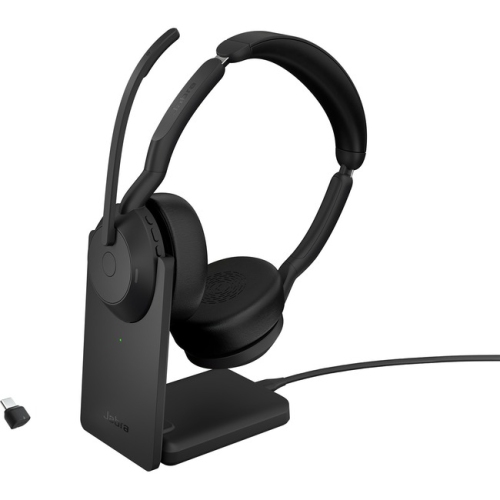
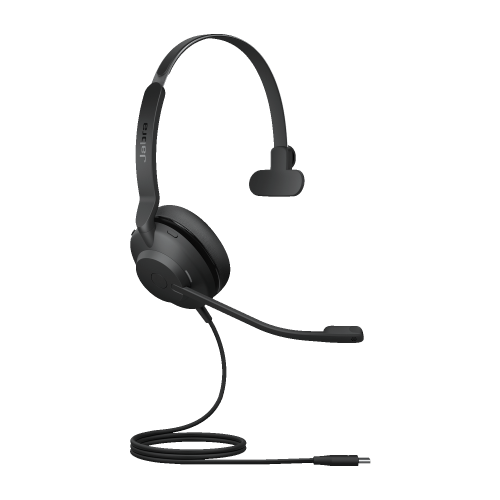
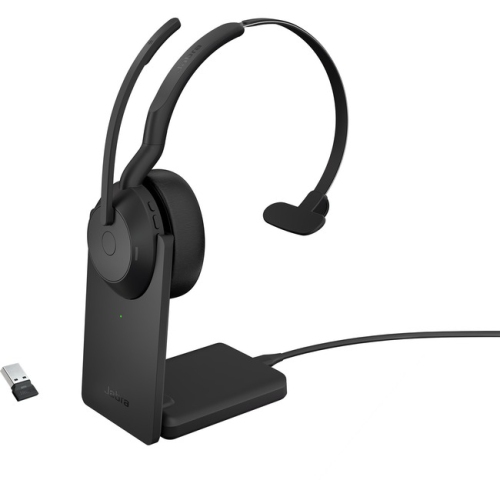
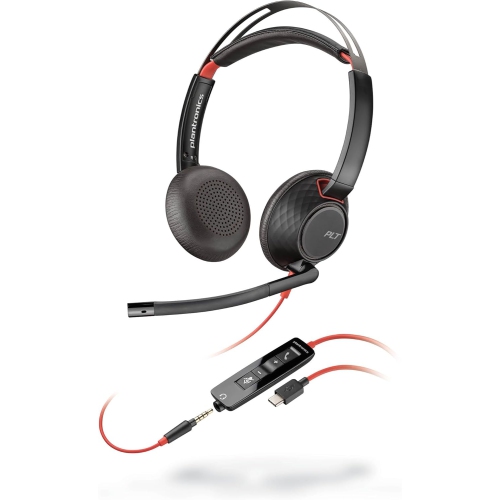
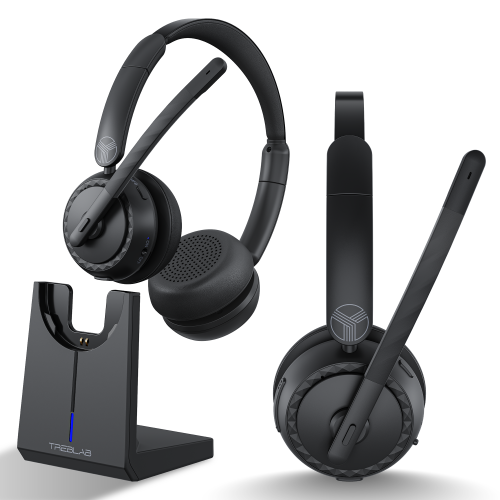
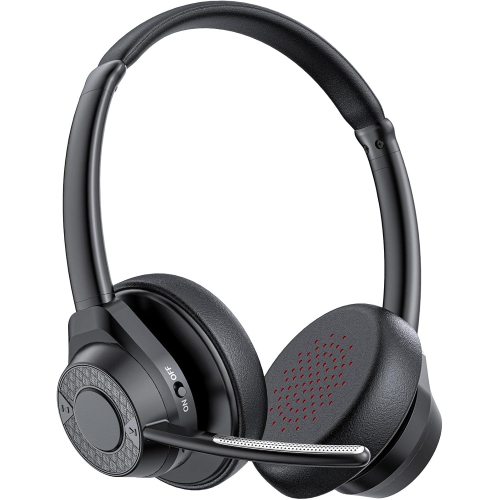
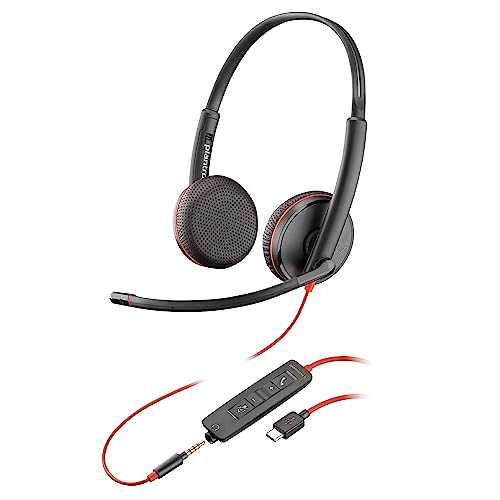
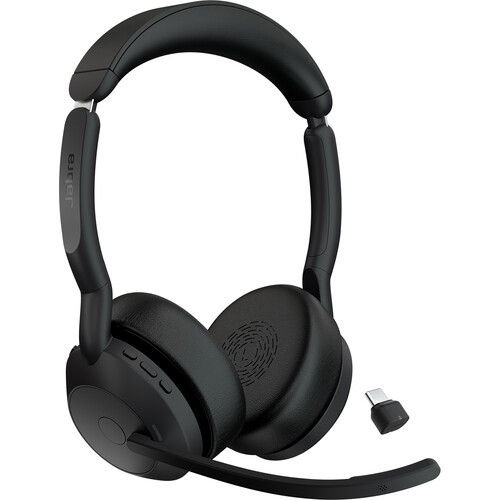
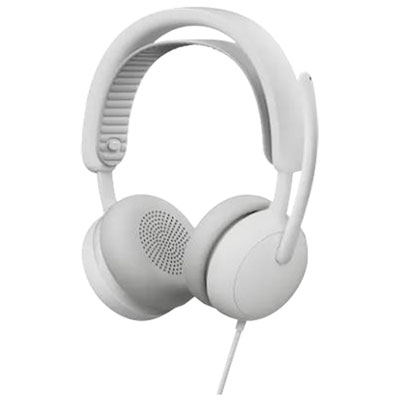
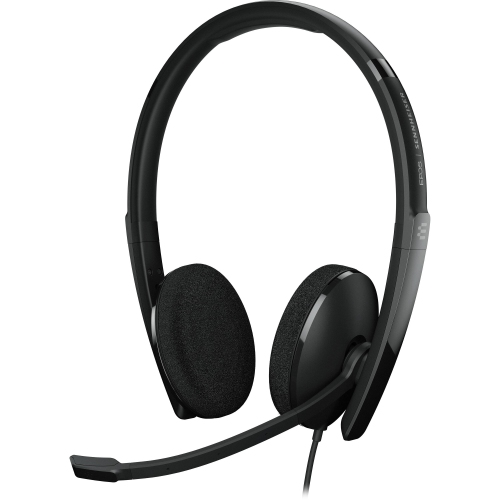
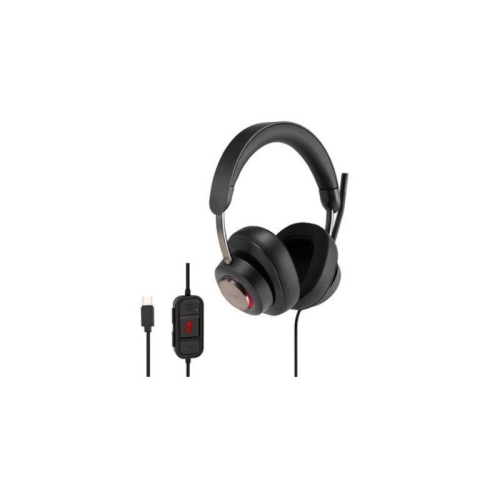
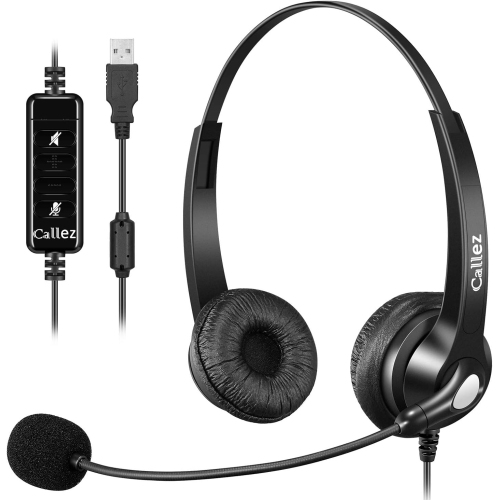
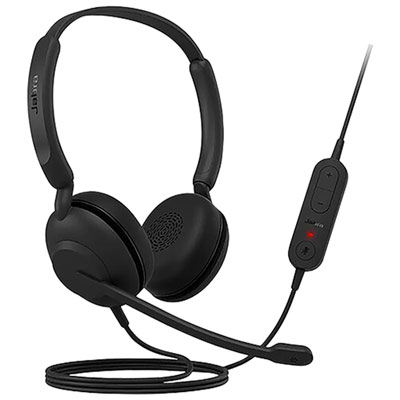
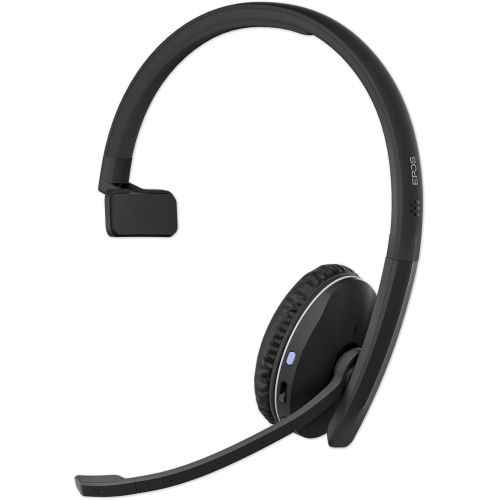
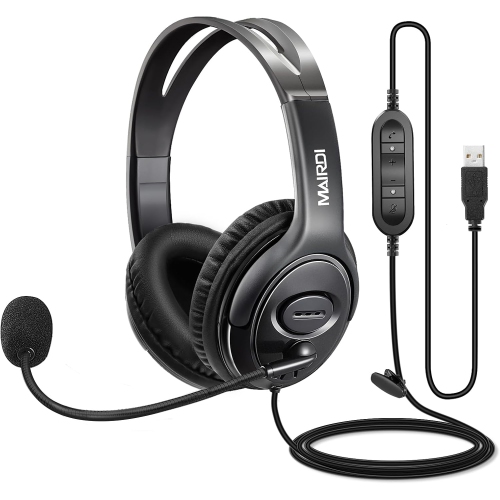
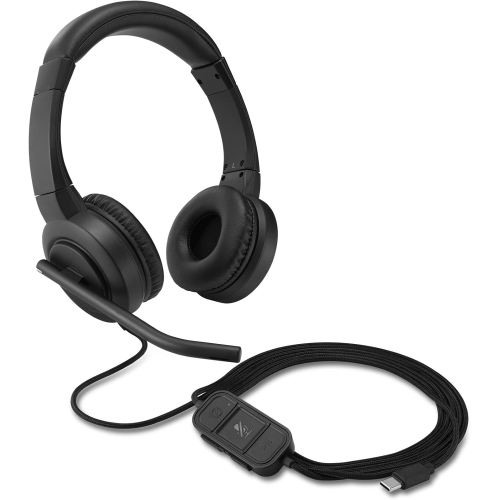
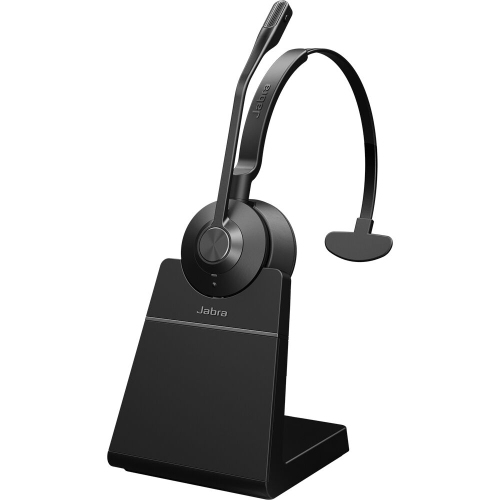
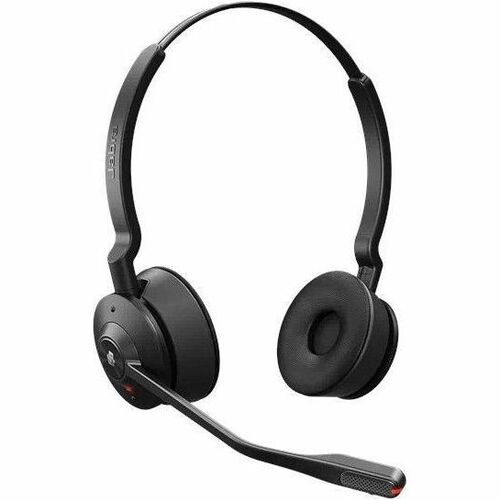
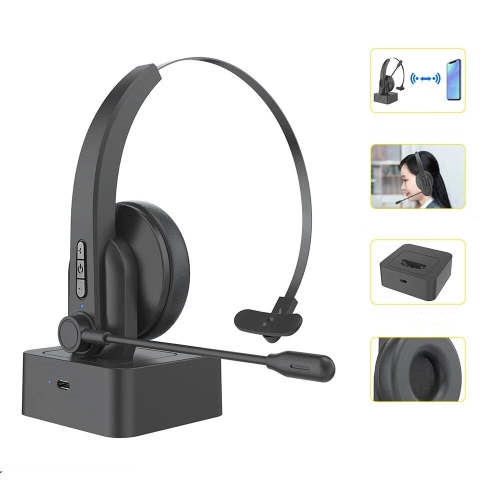
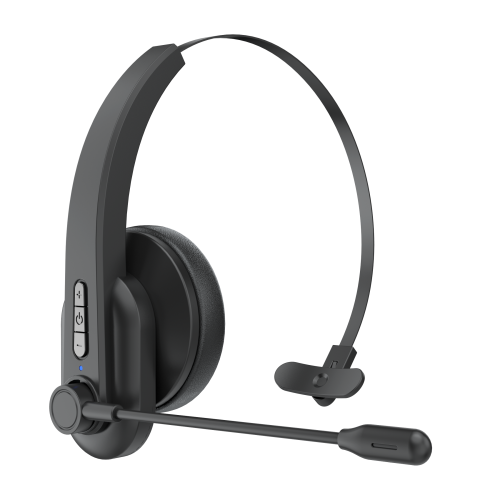
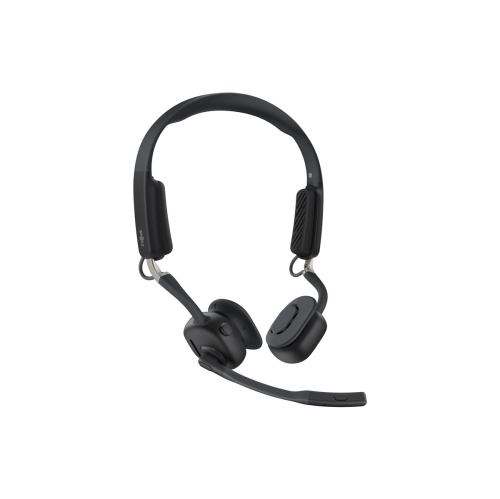
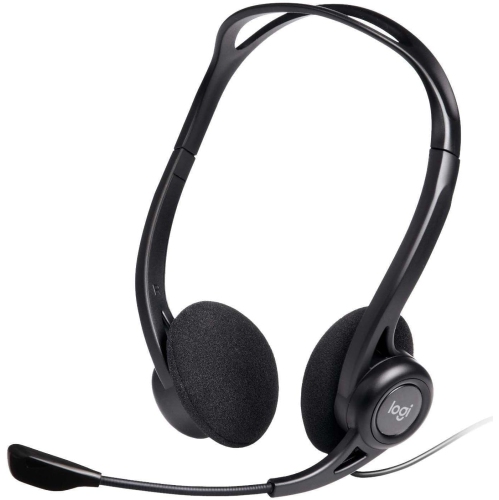
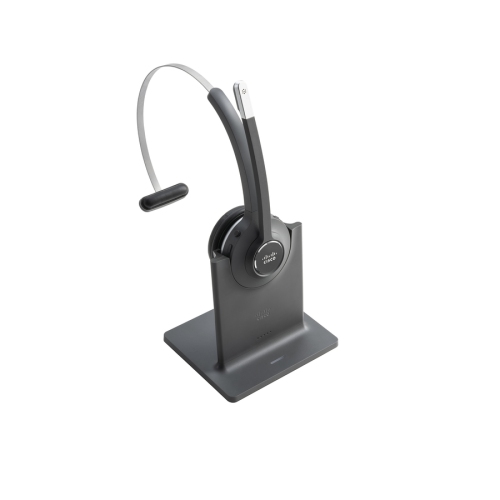
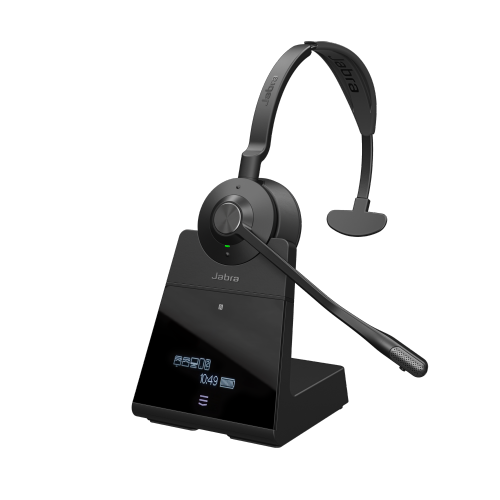
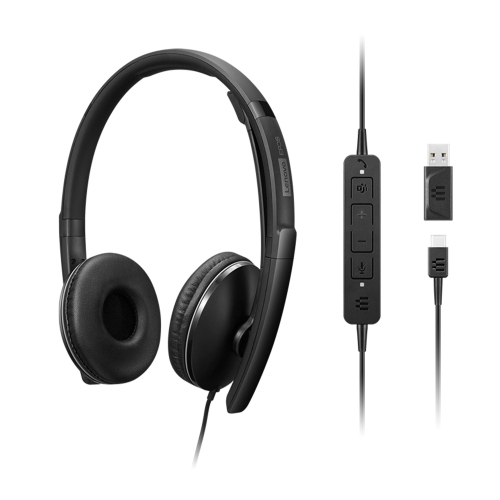
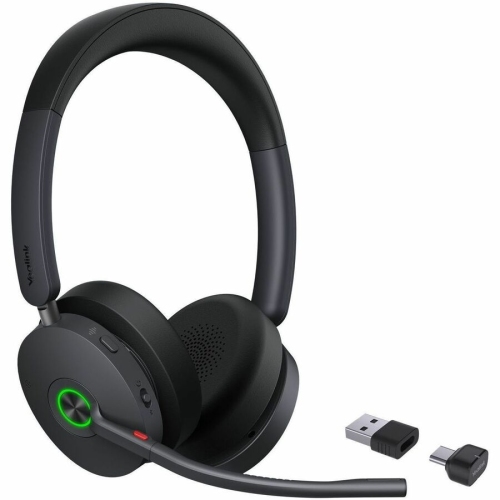
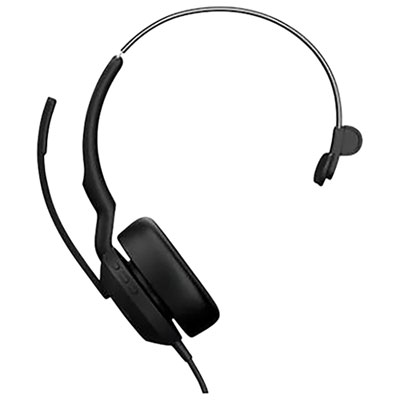
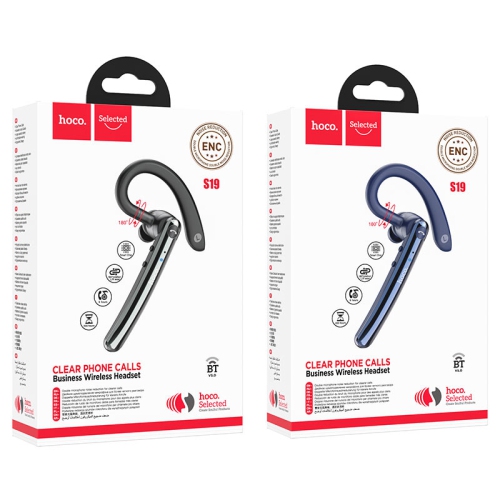
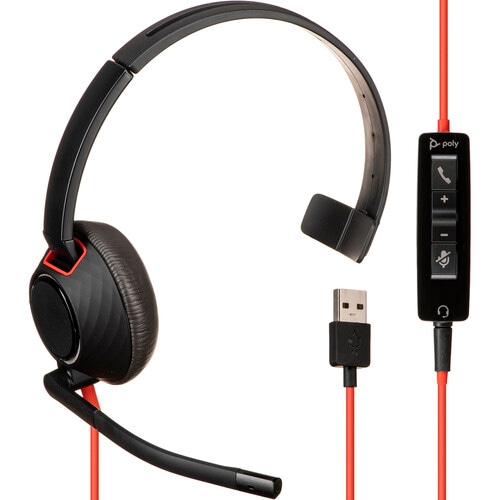
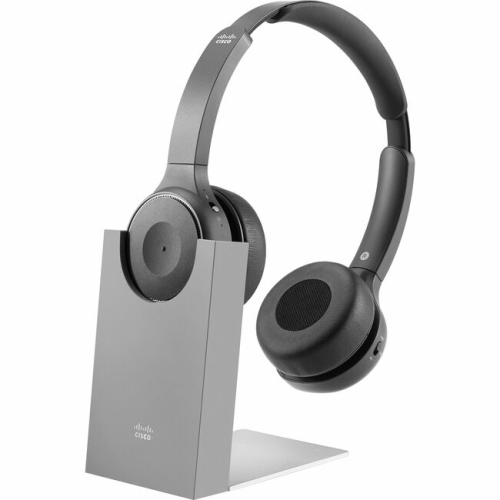
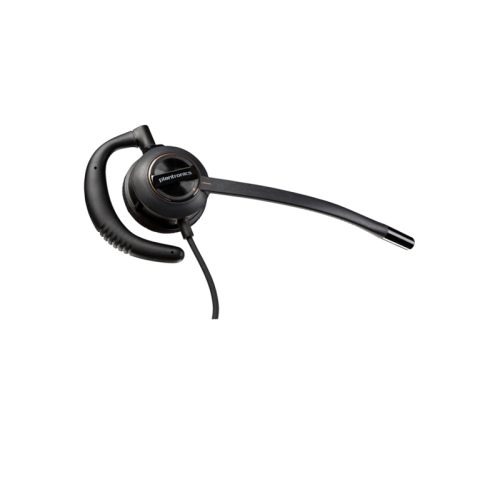
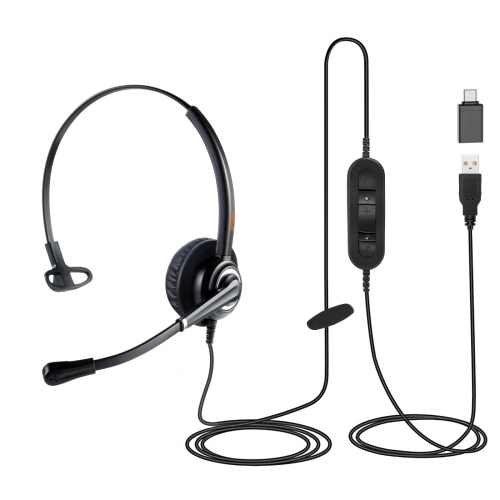
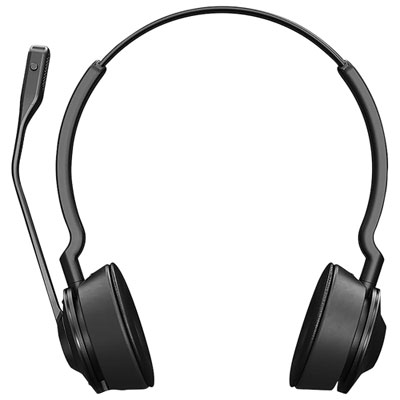
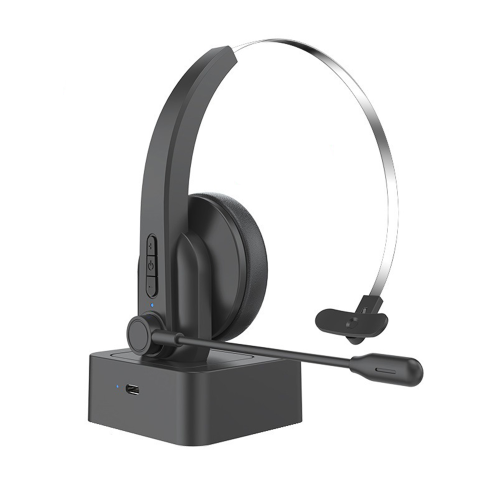
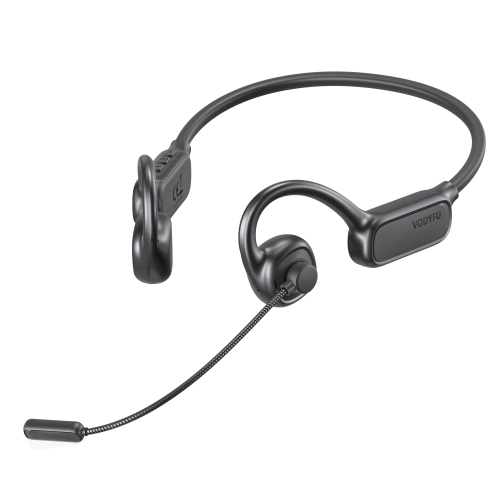
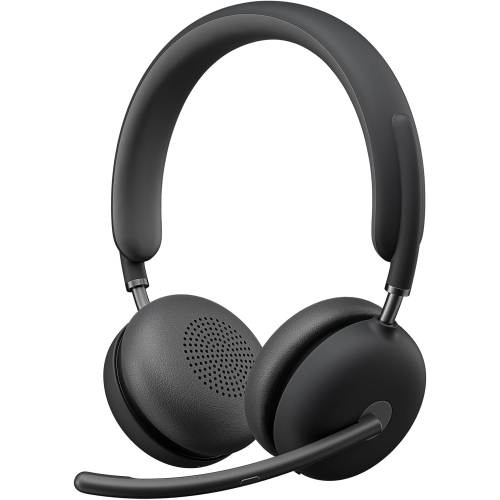
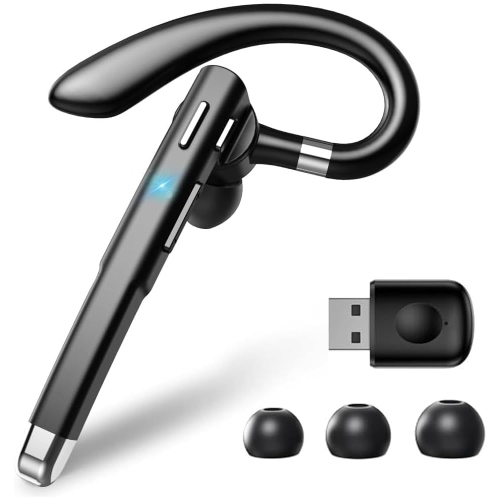
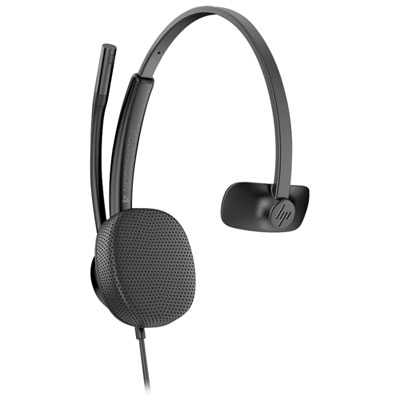
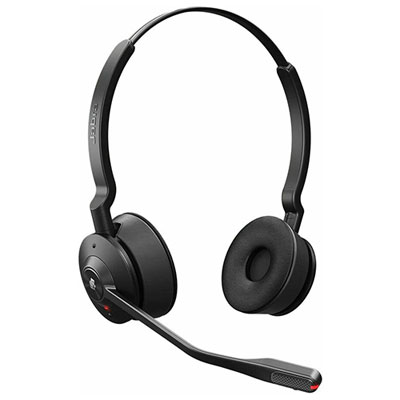
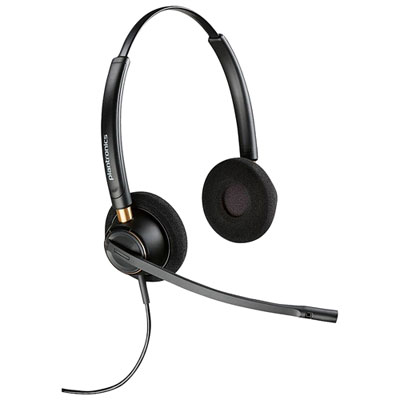
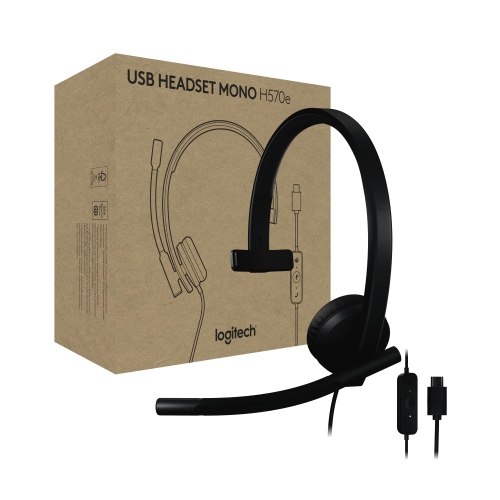
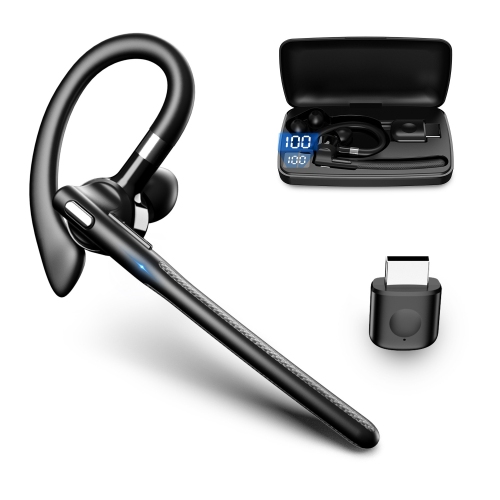
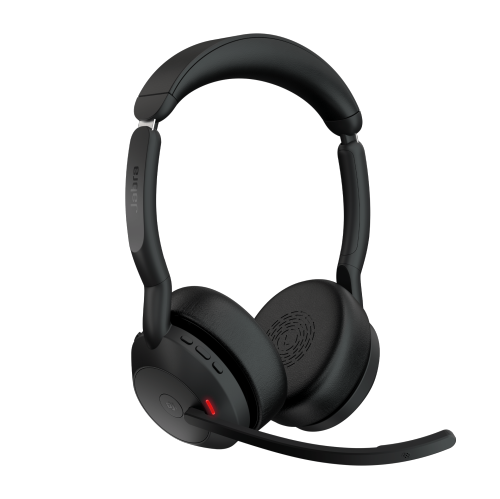
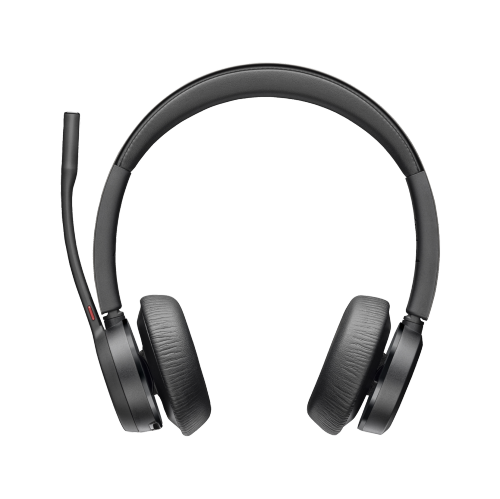
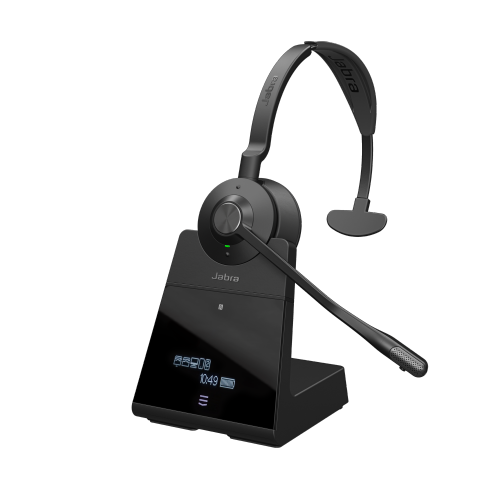
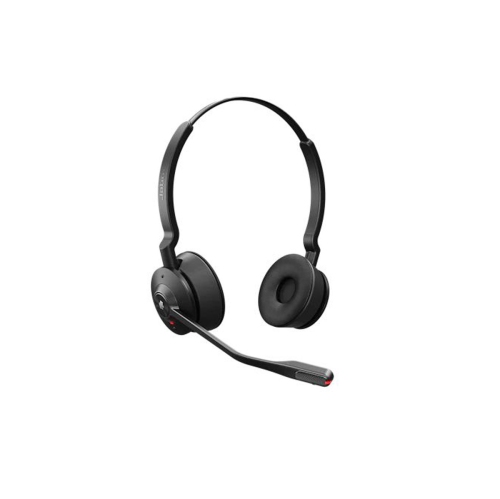
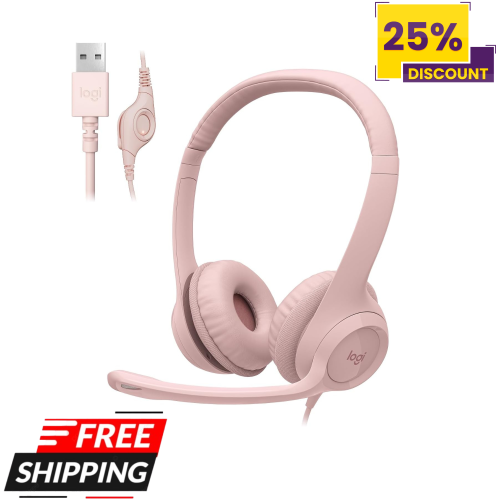
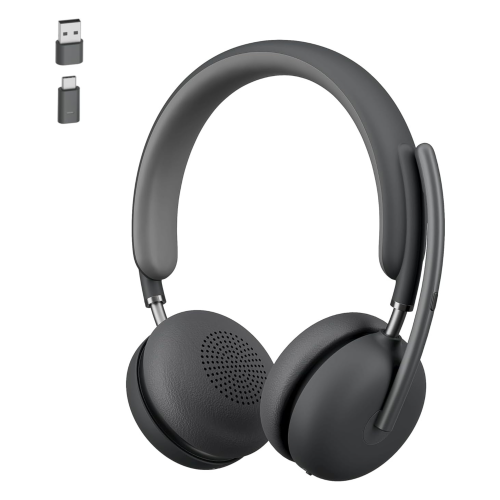
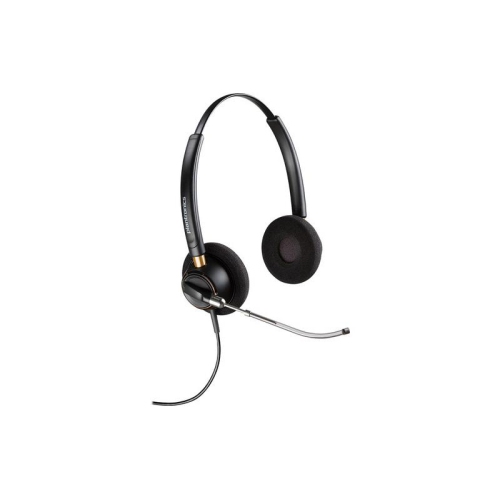
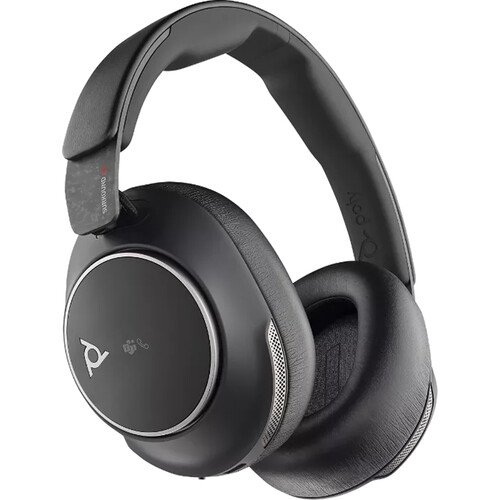
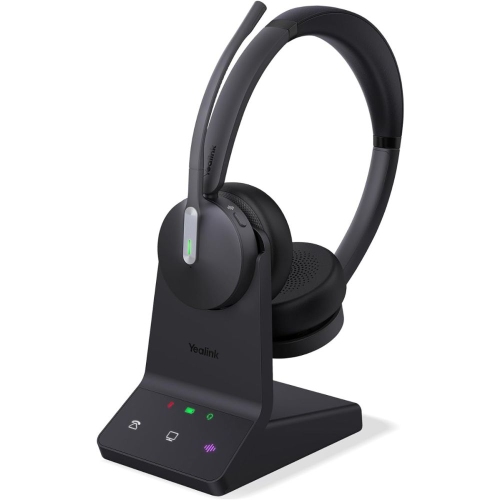
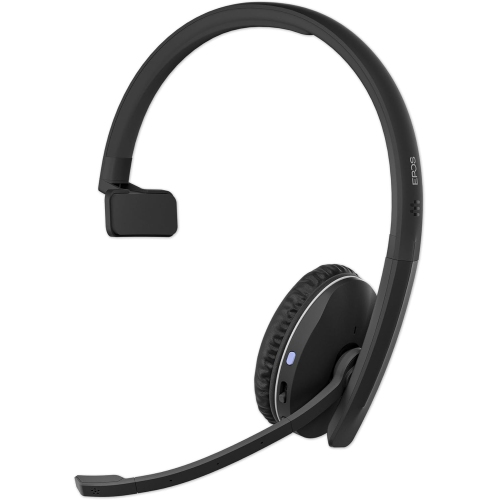
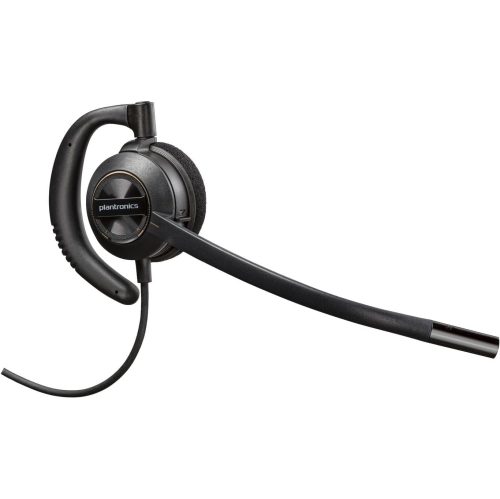
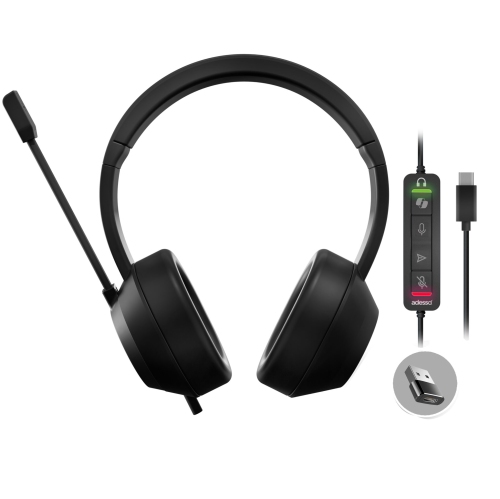
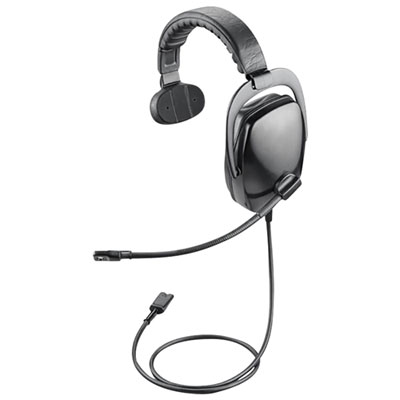
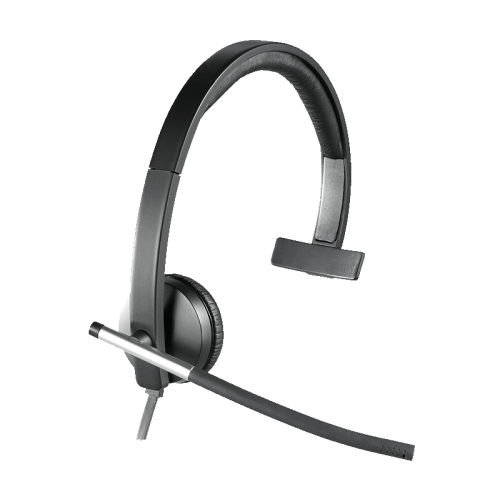
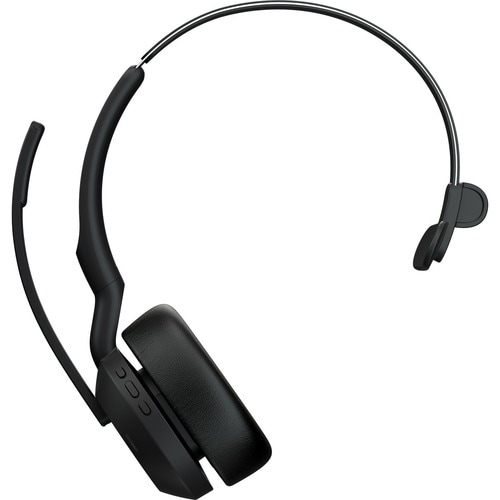
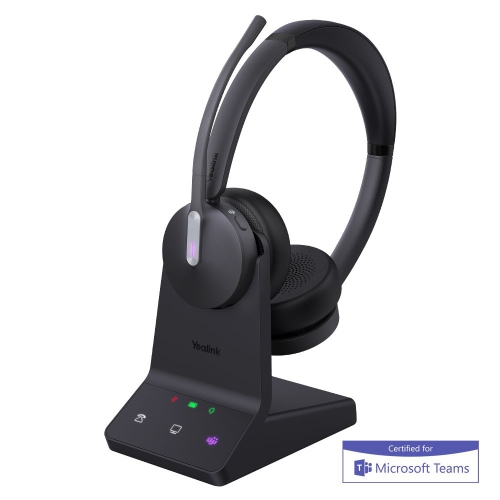
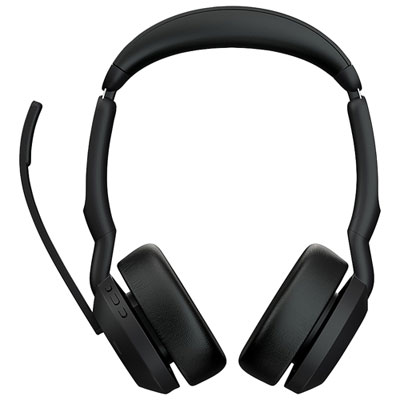
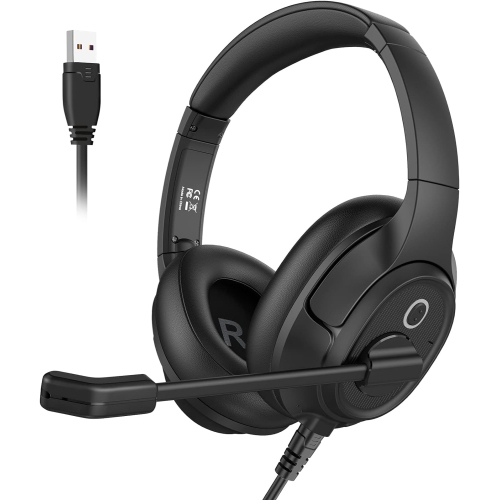
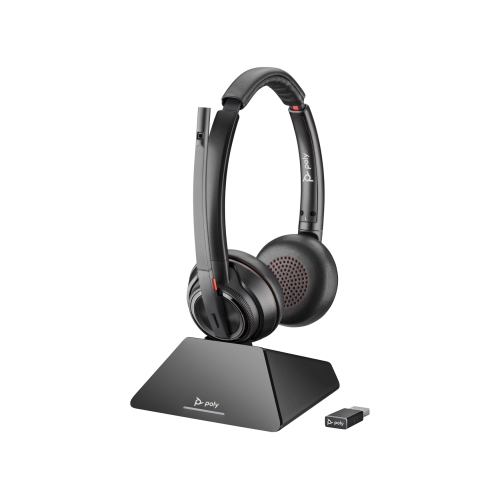
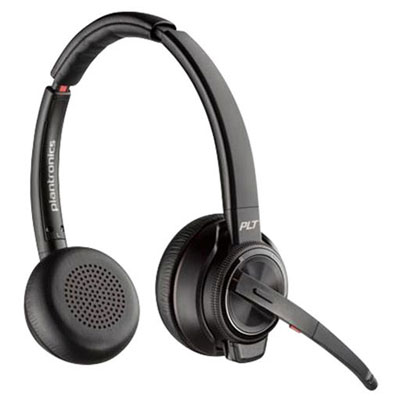
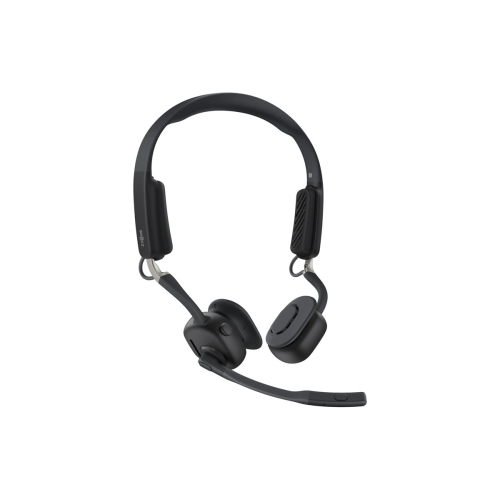
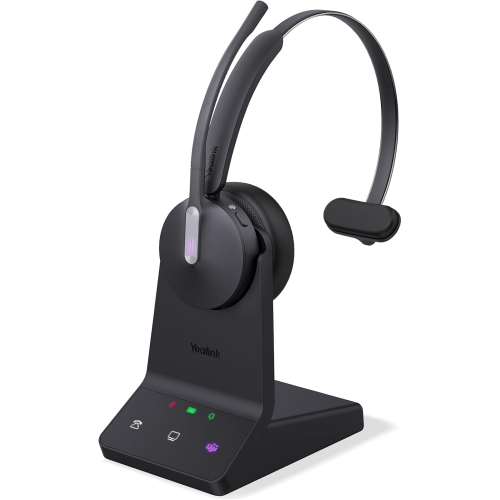
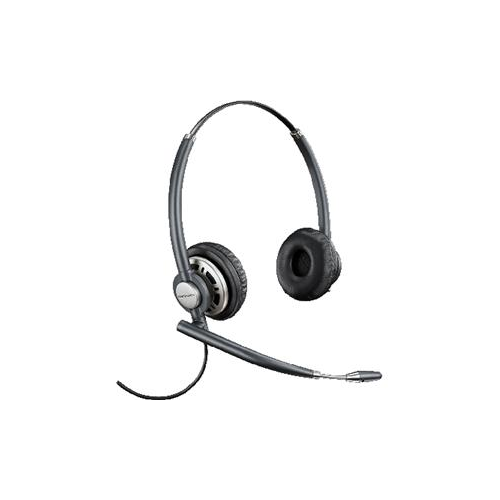
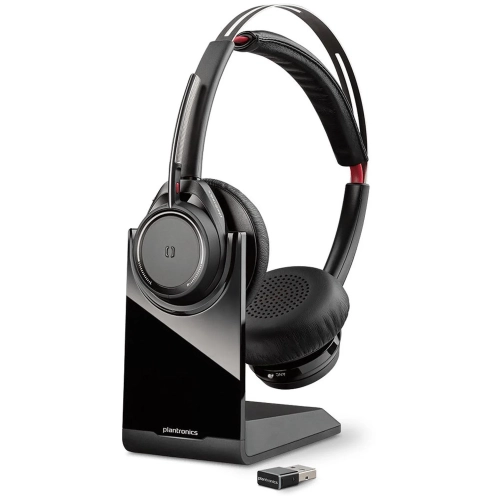
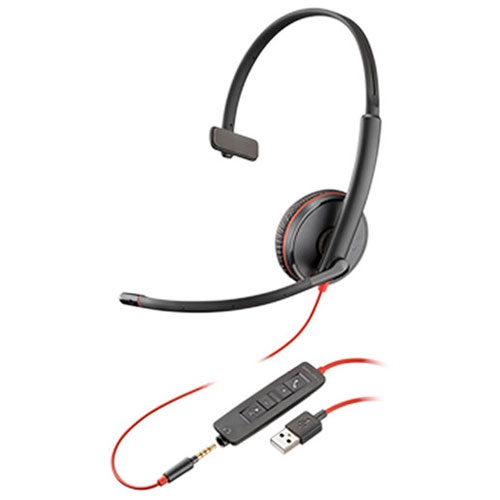
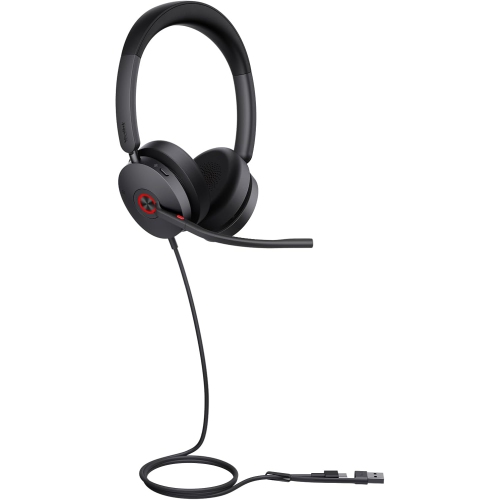
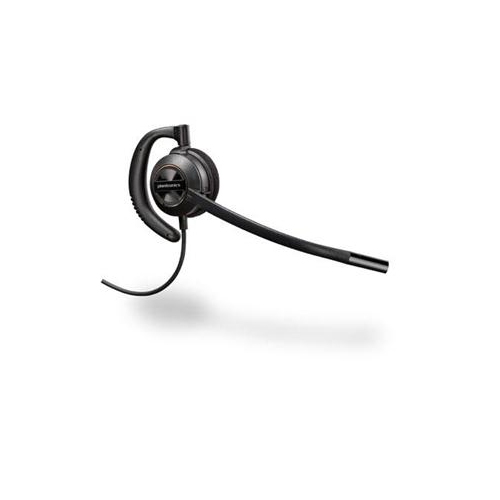
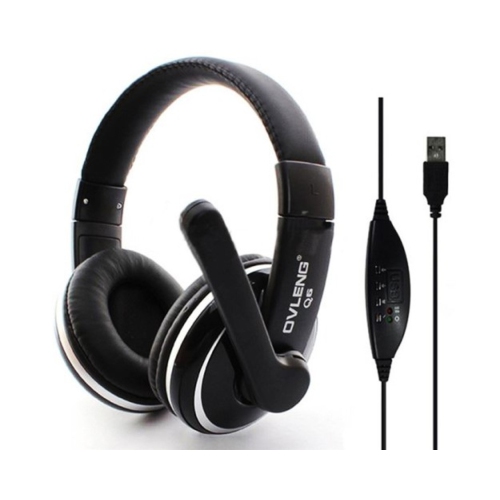
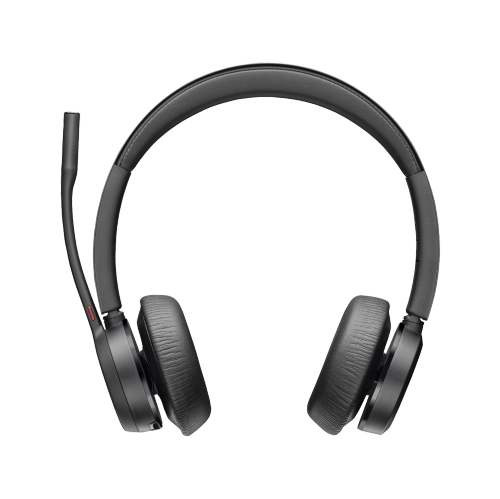
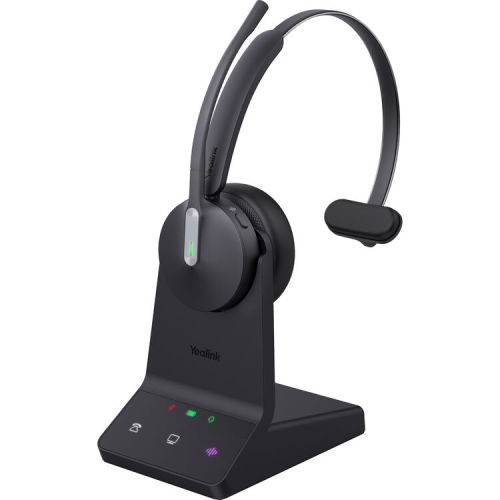
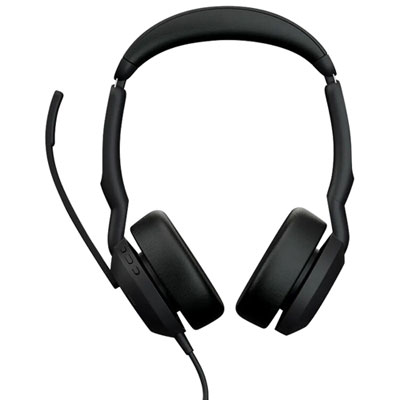
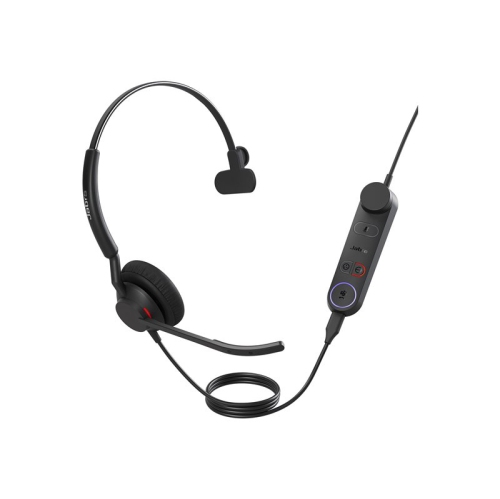
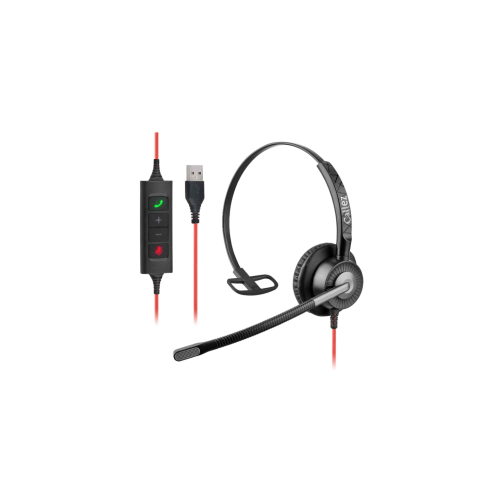
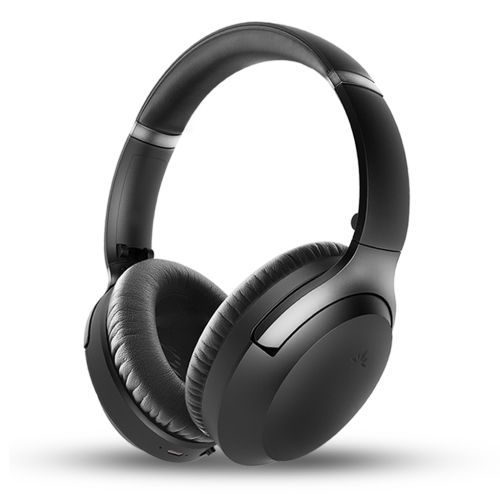
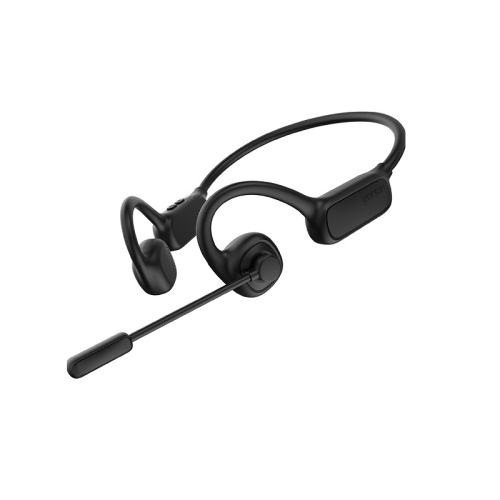
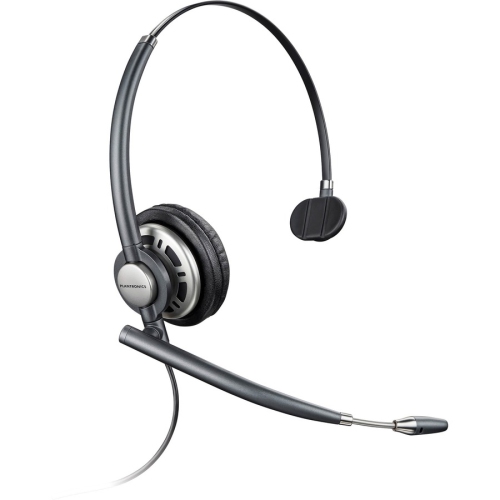
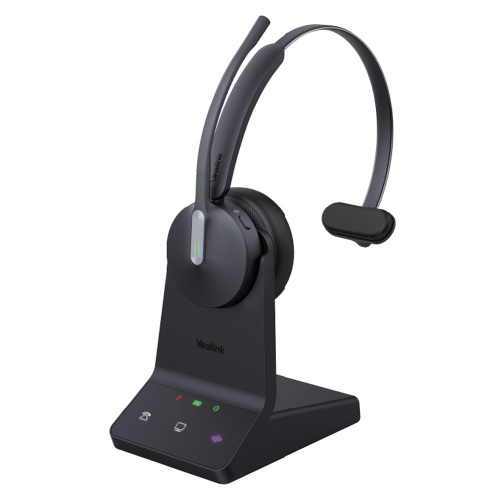
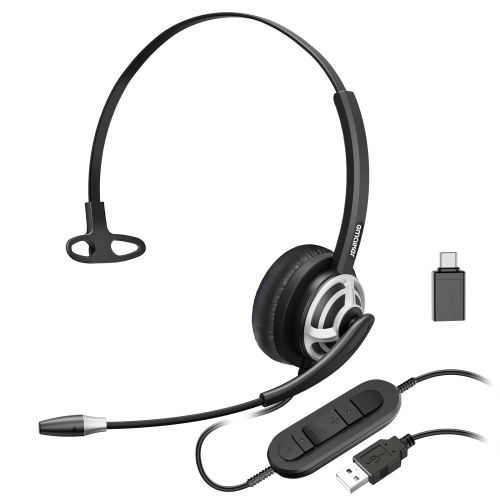
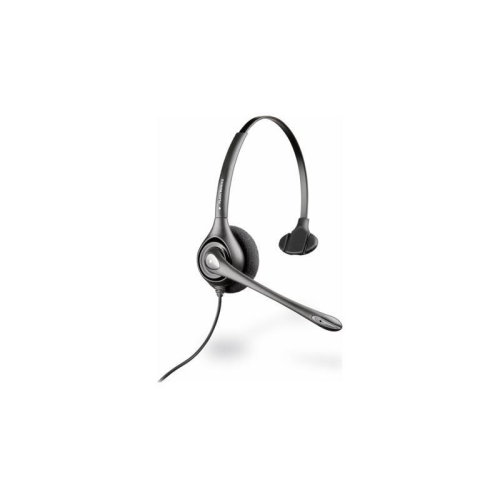
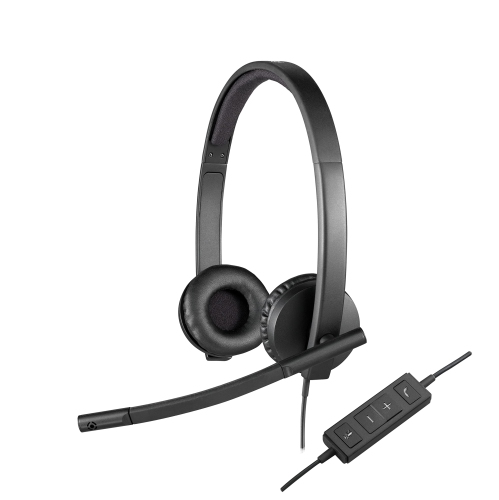
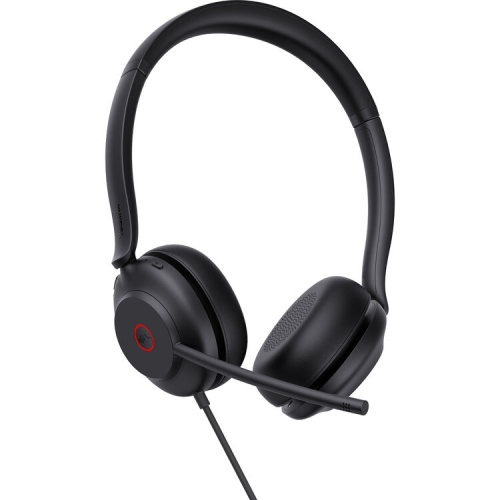
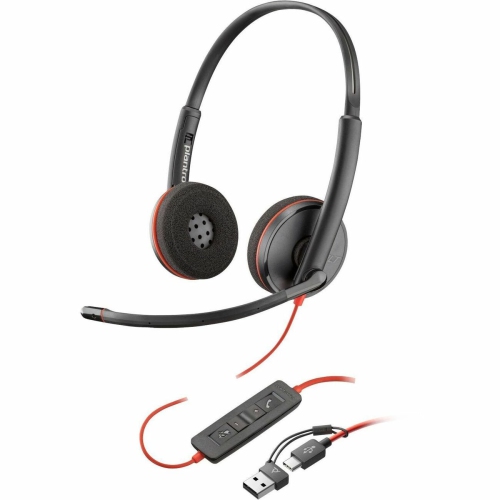
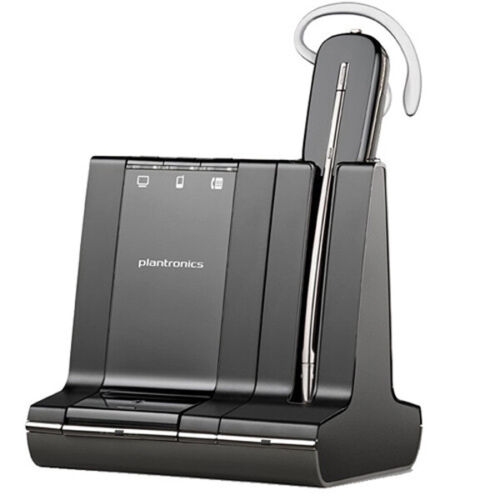
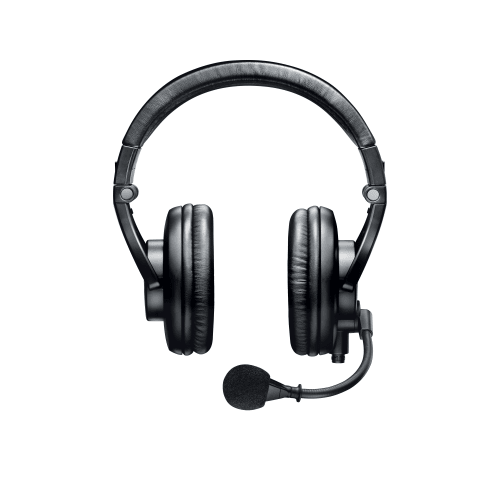
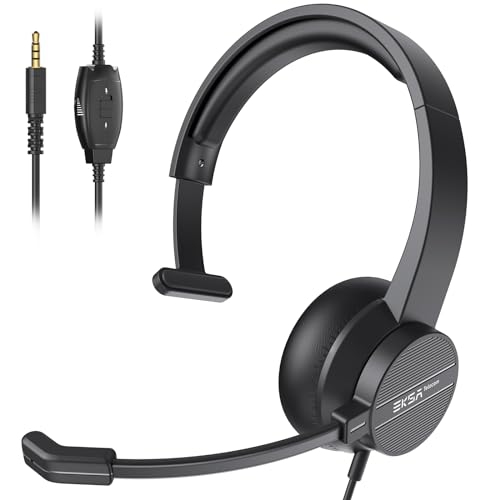
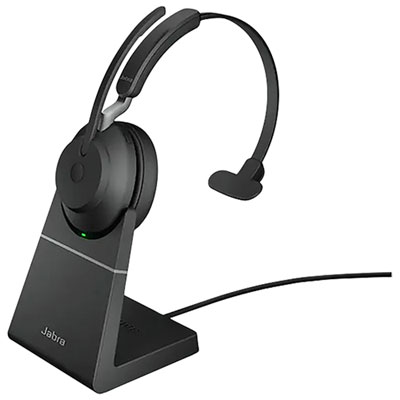
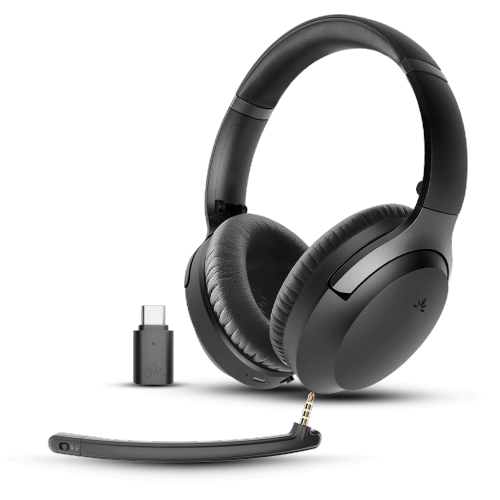
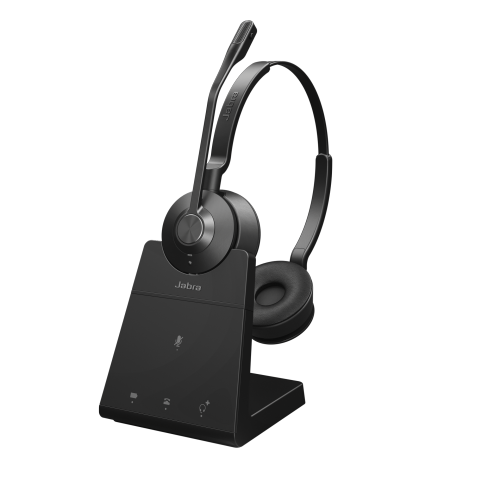
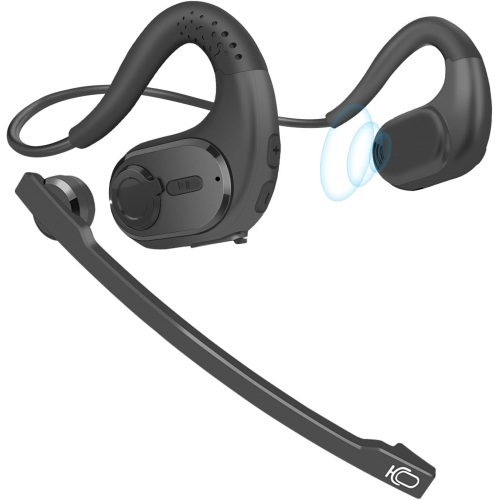
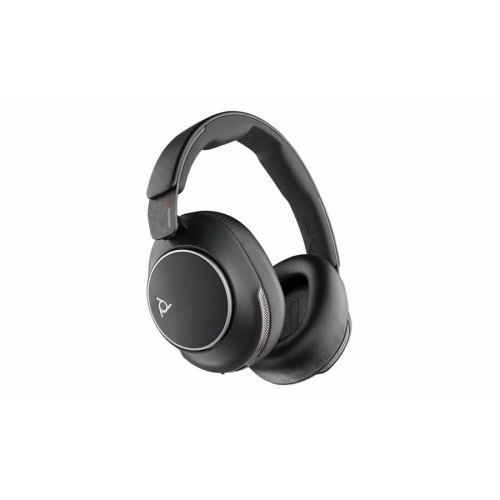
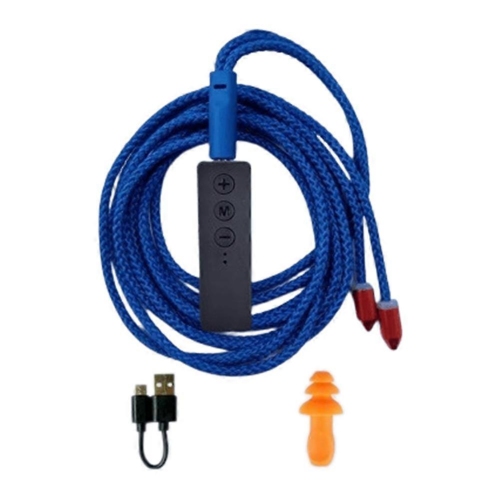
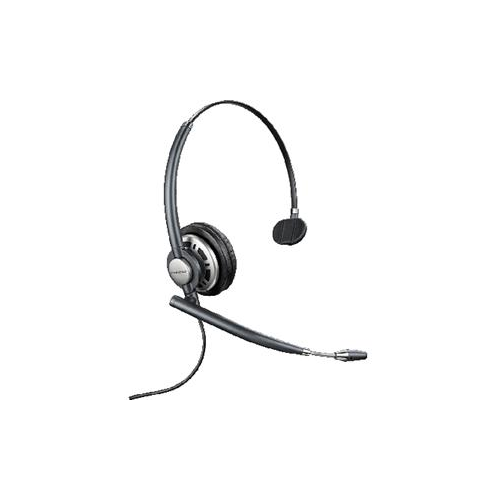
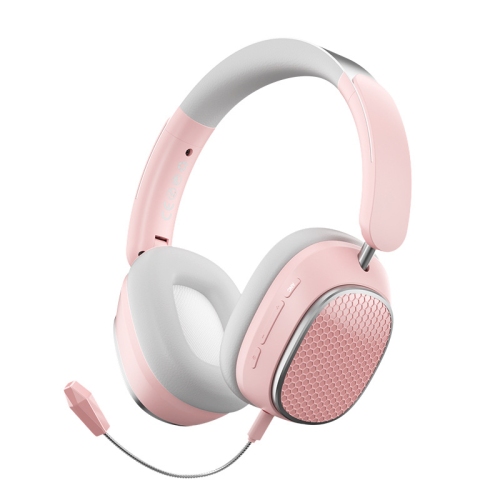
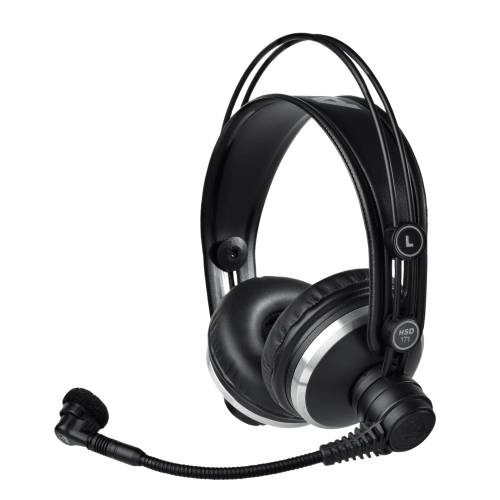
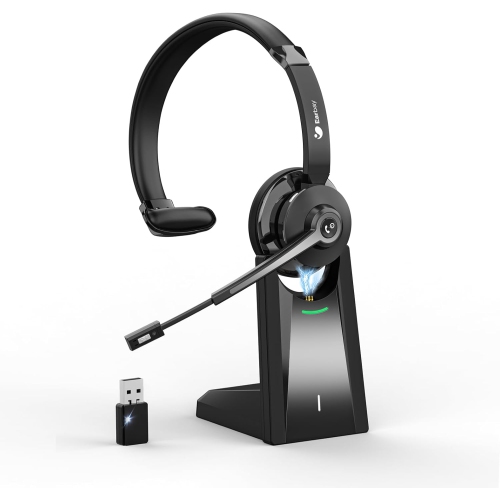
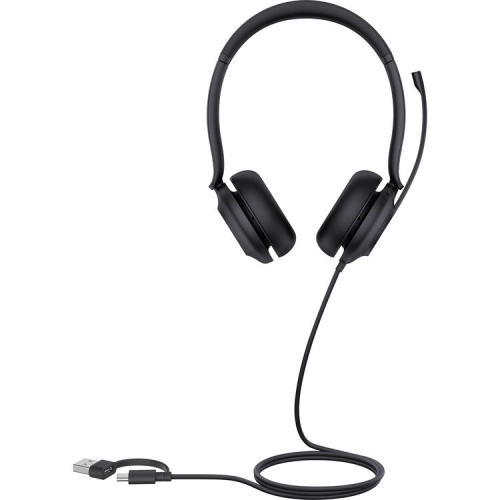
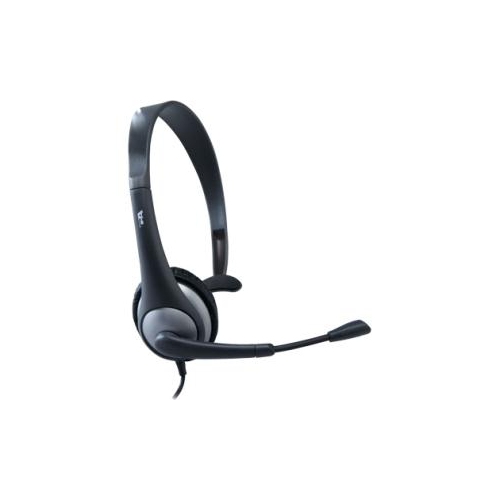
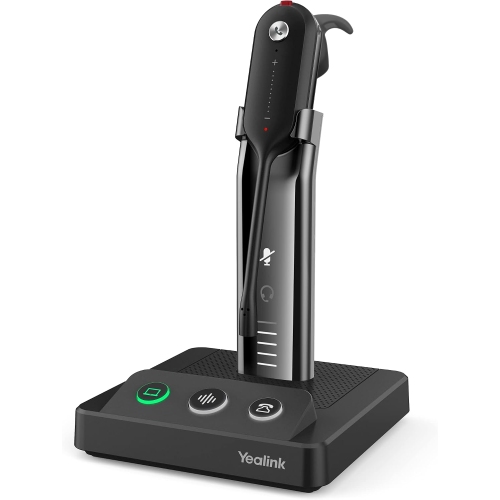
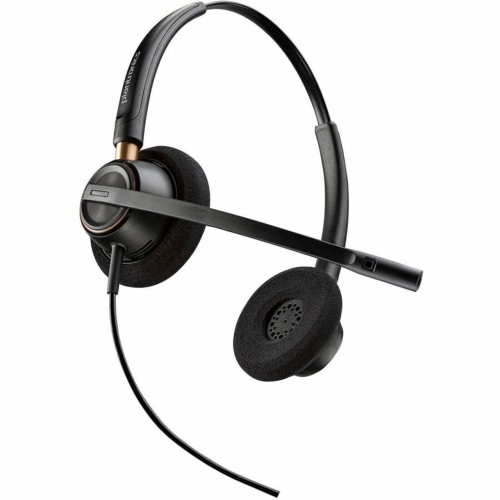
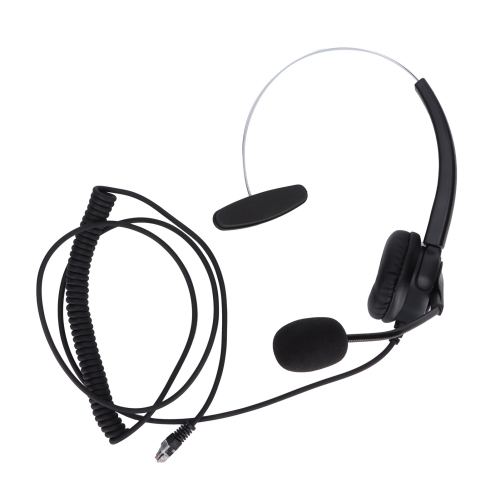
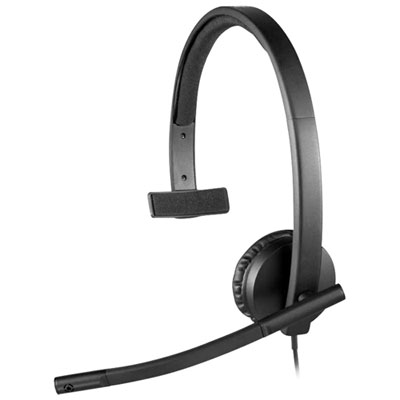
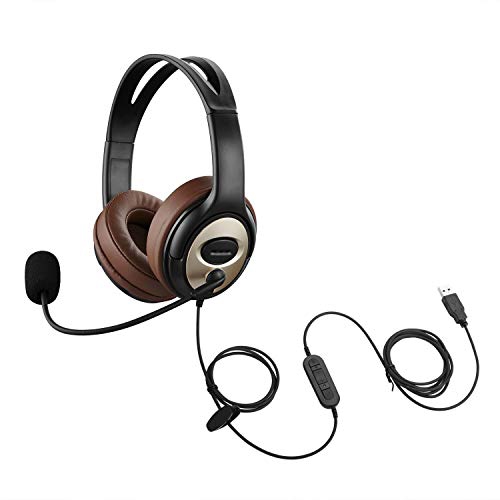
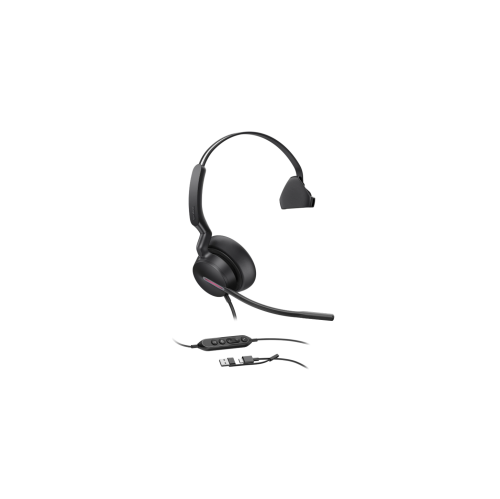
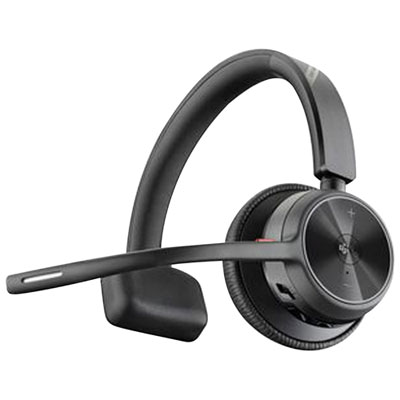
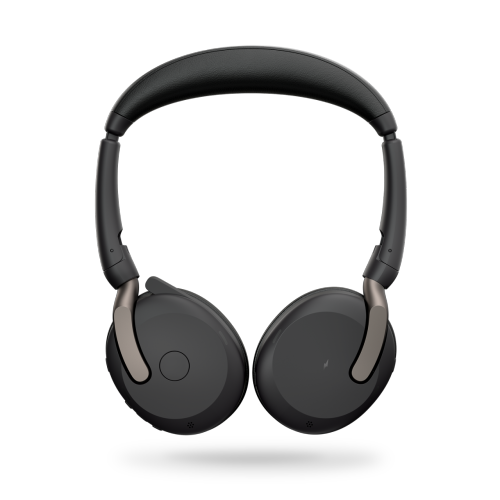
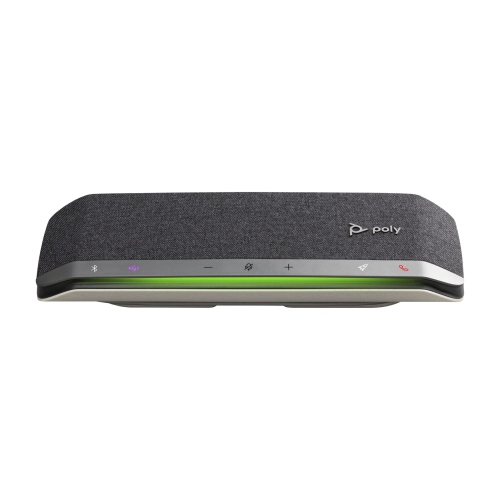
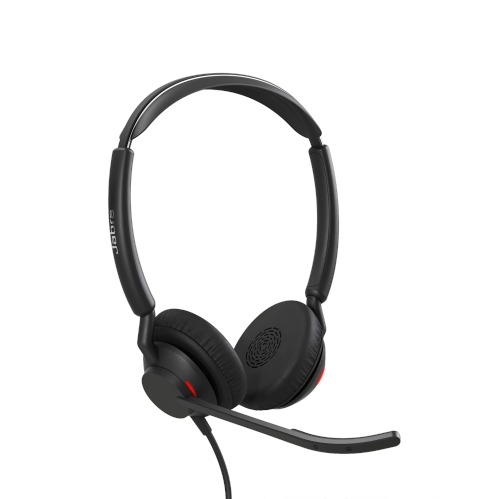
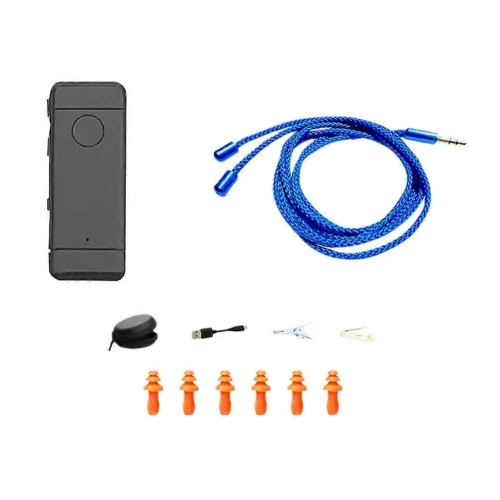
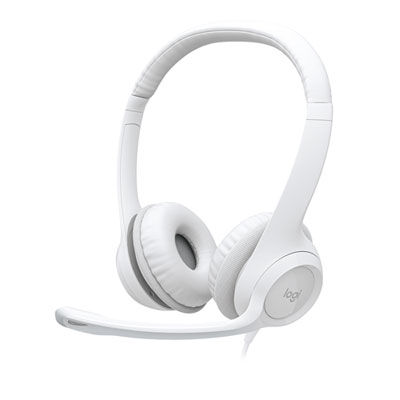
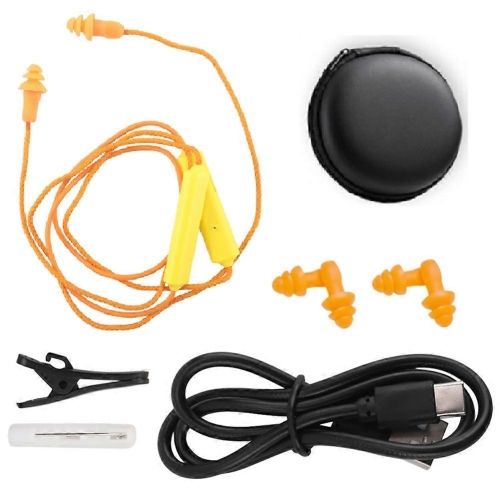
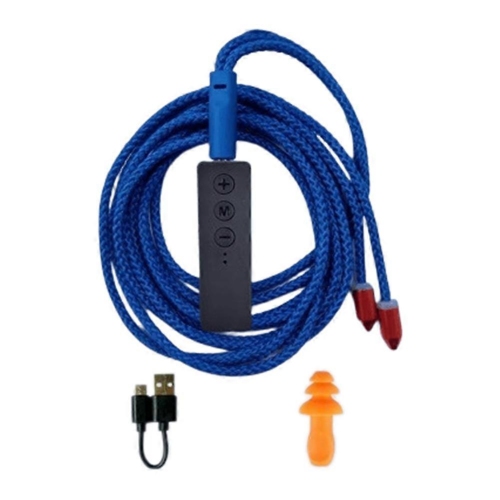
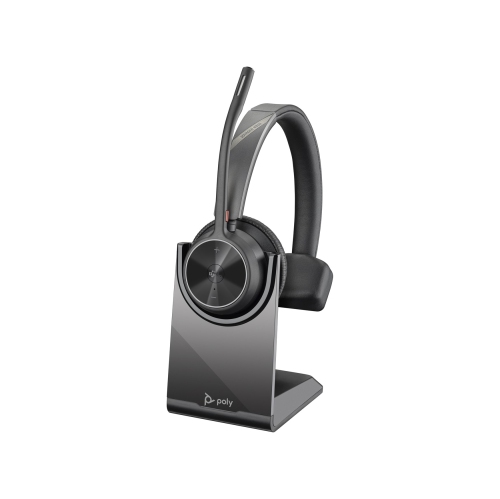
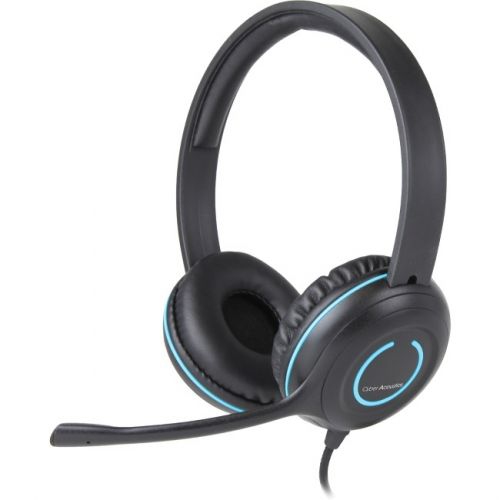
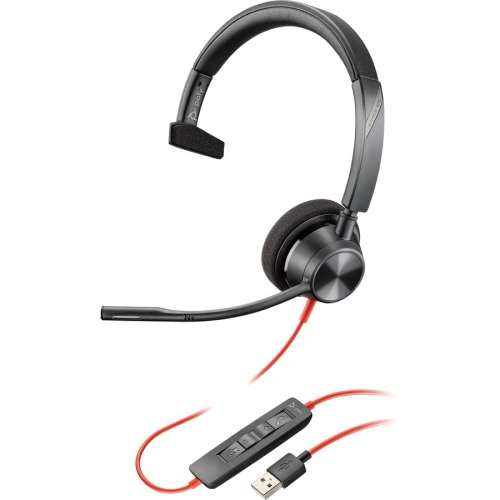
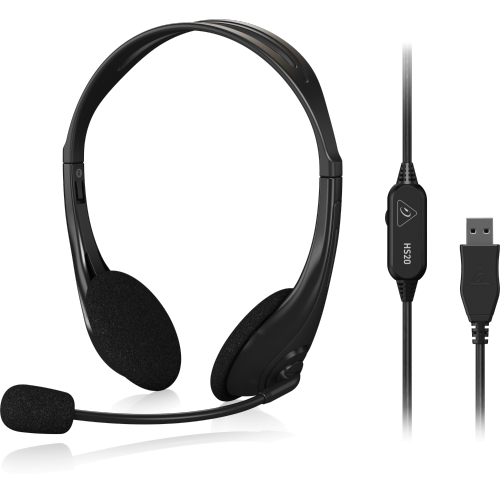
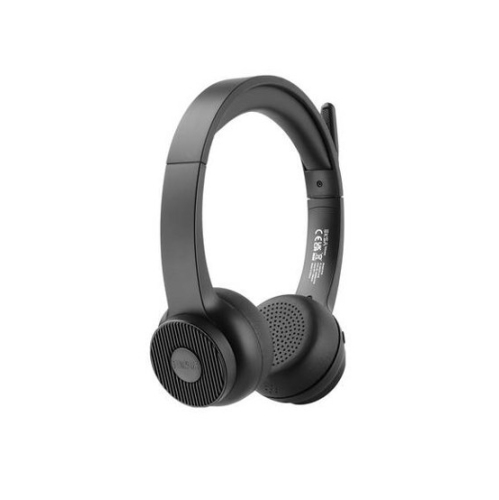
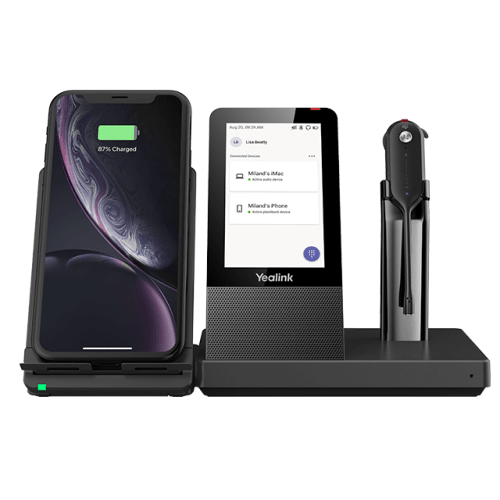
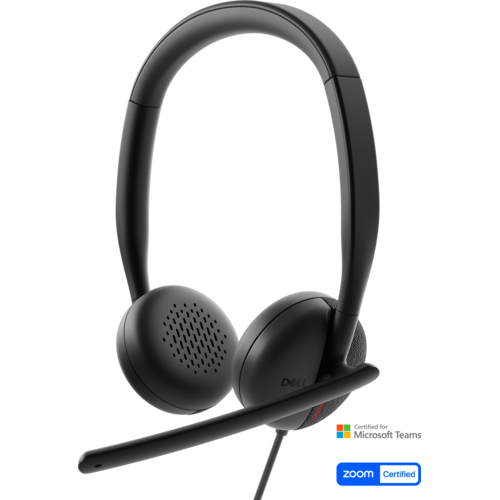
Work headsets combine headphones and a microphone for voice calls, video meetings, online training, and other tasks that depend on clear two-way communication. Unlike headphones designed mainly for listening, a work headset keeps the microphone close to the mouth and often puts call controls within easy reach. The most useful features depend on the working day: a customer service representative handling back-to-back conversations has different needs from someone joining occasional meetings at a home desk. Wired work headsets provide a direct connection without a headset battery to charge, while wireless work headsets give wearers more freedom to stand, stretch, or reach for paperwork during a call. Mono headsets have one earpiece, leaving the other ear uncovered to hear nearby colleagues or household activity. Stereo headsets cover both ears, making them useful for listening to presentations, reviewing recorded speech, or concentrating when conversations are happening nearby. Neither style is automatically better for every workspace; the balance between focused listening and awareness of the room matters more. Microphone design also makes a practical difference. An adjustable boom helps keep the microphone at a consistent distance from the mouth, so speech remains more even when the wearer turns towards another screen. Noise-reducing microphone technology can help limit the keyboard clicks and nearby chatter that reach the person on the other end, though performance varies with the headset and the surrounding sound. Active noise cancellation serves a different purpose: it reduces certain sounds heard by the wearer and does not necessarily mean the microphone will filter those same sounds from a call. For a shared office, both listening comfort and outgoing voice clarity deserve attention. For a quiet room used mainly for scheduled meetings, straightforward controls, dependable connectivity, and a comfortable fit may matter most. Work-focused designs sit within the broader Headsets Headsets selection, with differences in connection type, wearing style, and microphone features helping distinguish their intended uses.
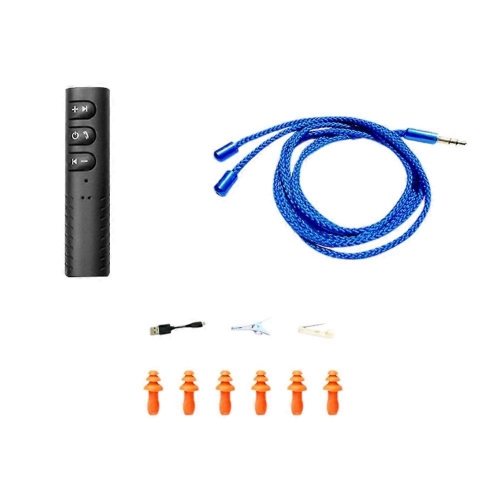
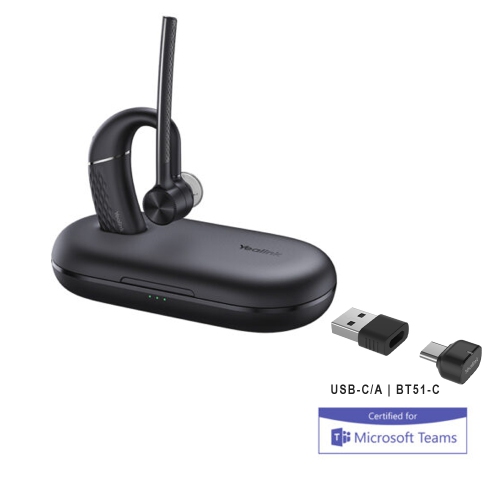
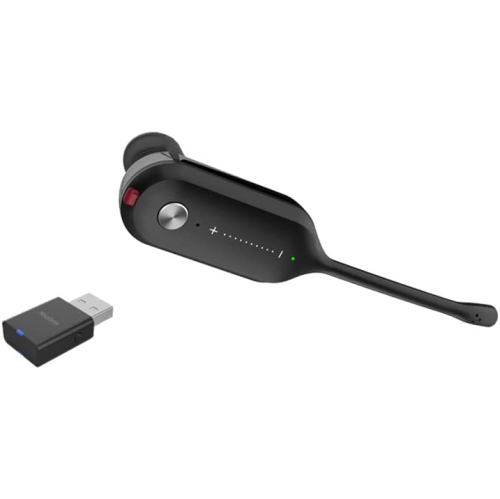
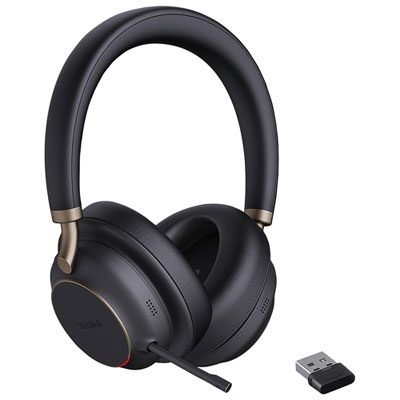
Connection details determine how smoothly a work headset fits into an existing desk setup. USB-A and USB-C headsets connect to compatible ports, but matching the connector is only part of the picture: operating system support, calling software, and any required adapters also need to line up. A headset with a 3.5 mm plug requires a compatible audio connection, and separate headphone and microphone sockets may need an appropriate adapter. Desk phones can have their own connection requirements, so a headset intended for a computer should not be assumed to work with an office telephone. Wireless choices commonly include Bluetooth and dedicated wireless connections through a receiver or base. Bluetooth can be convenient for people who move between a laptop and a mobile phone, while a supplied USB receiver may offer a more consistent computer connection or support additional call functions, depending on the design. Multipoint capability can keep a headset connected to more than one compatible device, but switching behaviour and support for simultaneous audio vary. Someone taking computer meetings and mobile calls throughout the day benefits from checking those details rather than assuming every wireless headset handles both in the same way. Battery specifications also need context. Talk time, listening time, and standby time describe different activities, and features such as active noise cancellation can affect how long a charge lasts. Charging while in use is not universal, nor does a charging cable always carry audio. Wireless range depends on walls, interference, and the location of the connected device or base, so an advertised maximum is not a promise of uninterrupted calls throughout a building. At the desk, physical mute and volume buttons can be easier to find than controls hidden in a meeting window. A flip-to-mute microphone, audible mute notification, or visible busy light may help during frequent interruptions, where supported. Call-answer buttons and status lights may also depend on software compatibility. Clear control placement matters when a conversation starts unexpectedly or a household interruption calls for a quick mute.
Comfort becomes especially noticeable during long stretches of work, and headset weight alone does not tell the whole story. Headband adjustment, clamping pressure, cushion shape, and the way the earcups pivot all affect how evenly a headset rests on the head. On-ear cushions sit against the ears and can keep a design relatively compact, while over-ear cushions surround the ears and may provide more separation from nearby sound. Either style can create pressure if the fit is wrong, particularly where glasses sit behind the ears. Soft foam padding can improve comfort, fabric-covered cushions may feel more breathable, and leatherette surfaces are often easier to wipe clean when the care instructions permit it. Reinforced headbands, flexible microphone joints, and strain relief around wired connections are useful construction details for equipment that is handled repeatedly. Replaceable cushions or cables, where supported, can help keep a familiar headset usable after those parts wear. For shared workstations, individual headsets or replaceable contact surfaces can make routine cleaning simpler; electronics and microphone openings should never be soaked or sprayed directly. A soft cloth and the manufacturer's approved cleaning method are safer than strong cleaners that may damage padding or finishes. Cables last better when stored loosely rather than wrapped tightly around an earcup, and disconnecting by the plug helps avoid pulling on the wire. A stand or protective case keeps the microphone boom from being crushed beneath notebooks in a drawer or bag. Hybrid workers may value a folding design and a secure place for a small wireless receiver, while desk-based users may prefer a charging base that keeps the headset within reach. Comfortable listening levels and regular breaks are sensible habits even with a well-padded headset; isolation should not be used as a reason to turn the volume higher. As a practical gift for a remote worker, student attending virtual sessions, or someone starting a call-intensive role, a work headset is most useful when its connection and fit suit the recipient's actual routine. Clear speech, manageable controls, and lasting comfort are the qualities that support everyday use.
Connection details determine how smoothly a work headset fits into an existing desk setup. USB-A and USB-C headsets connect to compatible ports, but matching the connector is only part of the picture: operating system support, calling software, and any required adapters also need to line up. A headset with a 3.5 mm plug requires a compatible audio connection, and separate headphone and microphone sockets may need an appropriate adapter. Desk phones can have their own connection requirements, so a headset intended for a computer should not be assumed to work with an office telephone. Wireless choices commonly include Bluetooth and dedicated wireless connections through a receiver or base. Bluetooth can be convenient for people who move between a laptop and a mobile phone, while a supplied USB receiver may offer a more consistent computer connection or support additional call functions, depending on the design. Multipoint capability can keep a headset connected to more than one compatible device, but switching behaviour and support for simultaneous audio vary. Someone taking computer meetings and mobile calls throughout the day benefits from checking those details rather than assuming every wireless headset handles both in the same way. Battery specifications also need context. Talk time, listening time, and standby time describe different activities, and features such as active noise cancellation can affect how long a charge lasts. Charging while in use is not universal, nor does a charging cable always carry audio. Wireless range depends on walls, interference, and the location of the connected device or base, so an advertised maximum is not a promise of uninterrupted calls throughout a building. At the desk, physical mute and volume buttons can be easier to find than controls hidden in a meeting window. A flip-to-mute microphone, audible mute notification, or visible busy light may help during frequent interruptions, where supported. Call-answer buttons and status lights may also depend on software compatibility. Clear control placement matters when a conversation starts unexpectedly or a household interruption calls for a quick mute.
Comfort becomes especially noticeable during long stretches of work, and headset weight alone does not tell the whole story. Headband adjustment, clamping pressure, cushion shape, and the way the earcups pivot all affect how evenly a headset rests on the head. On-ear cushions sit against the ears and can keep a design relatively compact, while over-ear cushions surround the ears and may provide more separation from nearby sound. Either style can create pressure if the fit is wrong, particularly where glasses sit behind the ears. Soft foam padding can improve comfort, fabric-covered cushions may feel more breathable, and leatherette surfaces are often easier to wipe clean when the care instructions permit it. Reinforced headbands, flexible microphone joints, and strain relief around wired connections are useful construction details for equipment that is handled repeatedly. Replaceable cushions or cables, where supported, can help keep a familiar headset usable after those parts wear. For shared workstations, individual headsets or replaceable contact surfaces can make routine cleaning simpler; electronics and microphone openings should never be soaked or sprayed directly. A soft cloth and the manufacturer's approved cleaning method are safer than strong cleaners that may damage padding or finishes. Cables last better when stored loosely rather than wrapped tightly around an earcup, and disconnecting by the plug helps avoid pulling on the wire. A stand or protective case keeps the microphone boom from being crushed beneath notebooks in a drawer or bag. Hybrid workers may value a folding design and a secure place for a small wireless receiver, while desk-based users may prefer a charging base that keeps the headset within reach. Comfortable listening levels and regular breaks are sensible habits even with a well-padded headset; isolation should not be used as a reason to turn the volume higher. As a practical gift for a remote worker, student attending virtual sessions, or someone starting a call-intensive role, a work headset is most useful when its connection and fit suit the recipient's actual routine. Clear speech, manageable controls, and lasting comfort are the qualities that support everyday use.
Top selling and popular products
-
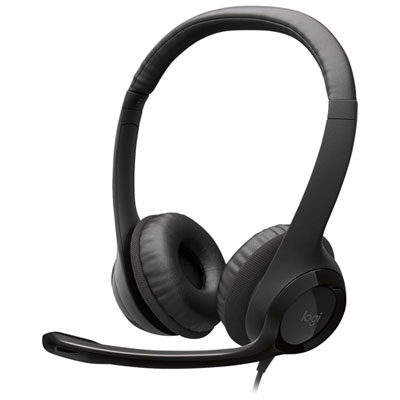 Your price for this item is $27.99
 -
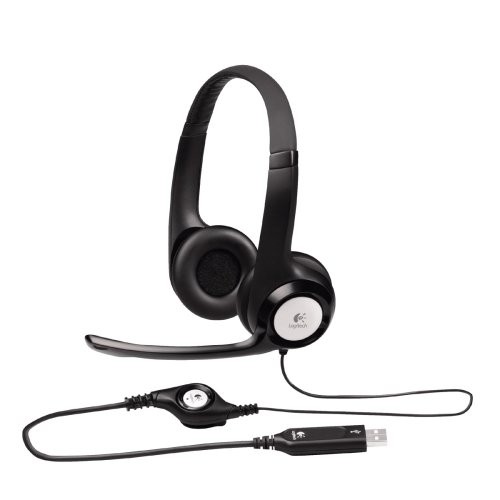 Your price for this item is $49
 -
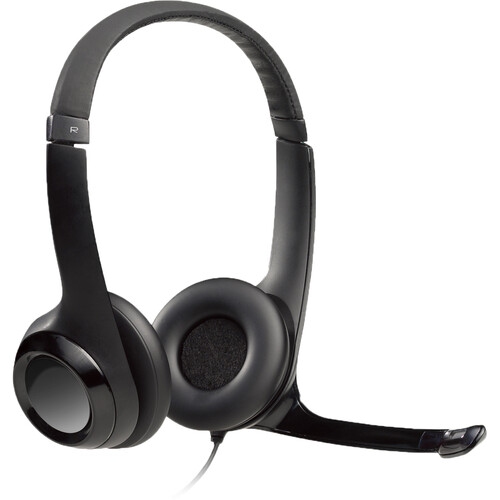 Your price for this item is $77.79
 -
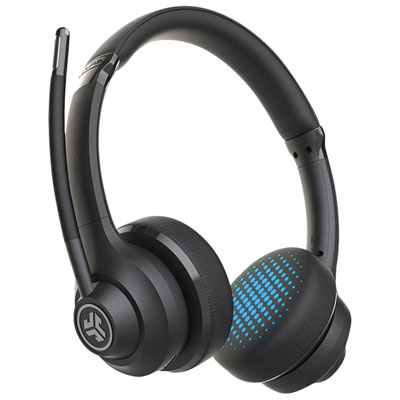 Your price for this item is $56.98
 -
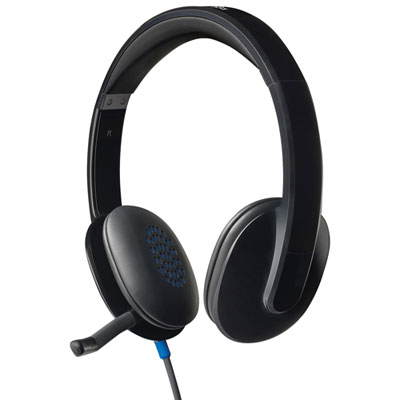 Your price for this item is $47.98
 -
 Your price for this item is $80.74
 -
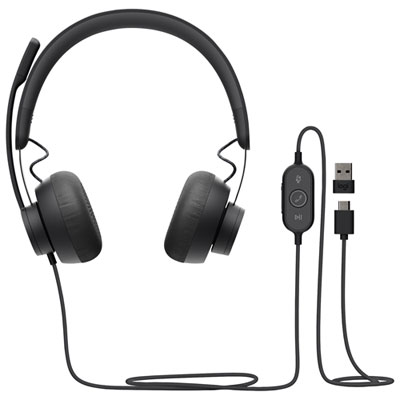 Your price for this item is $129.95
 -
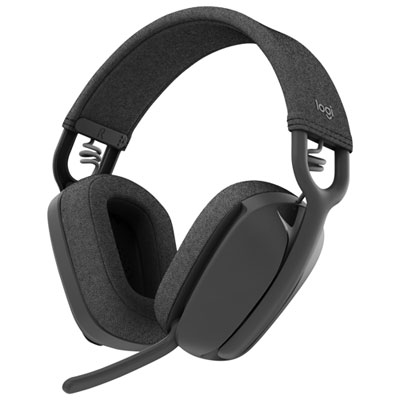 Your price for this item is $99.99
Discover more categories related to Work Headsets
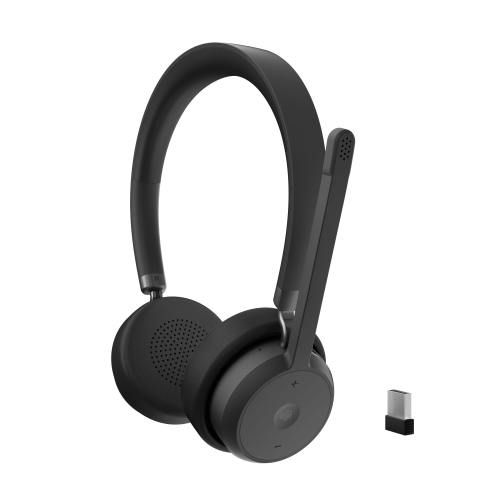

Top Collections:
Pokemon Centers, Kindle Devices, Best Budget Office Chairs, Canon G7X Cameras, Apple iPhones 16, Samsung Galaxy Phones, Refurbished Apple Laptops, Laptops for Students, iPhone 15 Apple, Budget Smartphones
Some products may be subject to Environmental Handling Fees
(EHF) depending on your province.
Learn more about EHFs.