Write Protect Flash Drives
Looking to safeguard your important files and data from accidental deletion or unauthorized access? Write protect flash drives provide an extra layer of security by allowing you to lock your files in read-only mode, ensuring that your information remains safe and unaltered. Whether you're a student, professional, or tech enthusiast, write protect flash drives are a convenient and reliable solution for protecting your digital assets. Browse our selection of write protect flash drives to find the perfect storage device that meets your security needs.
Sort
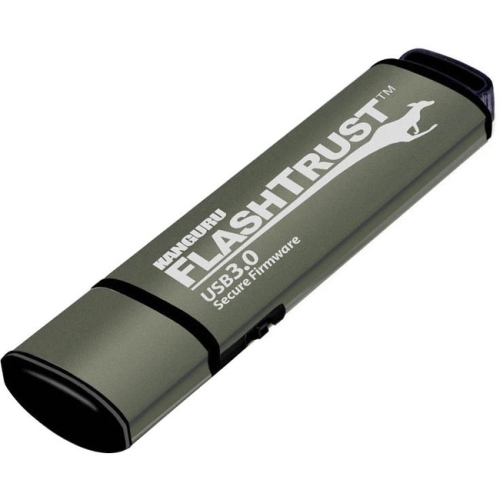

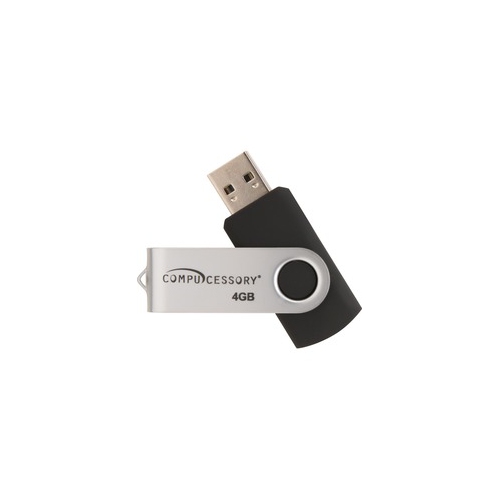
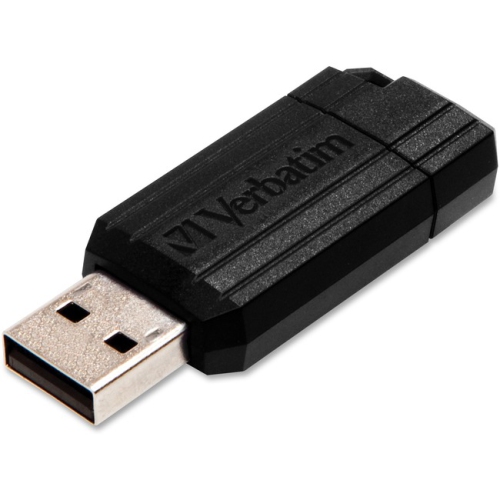
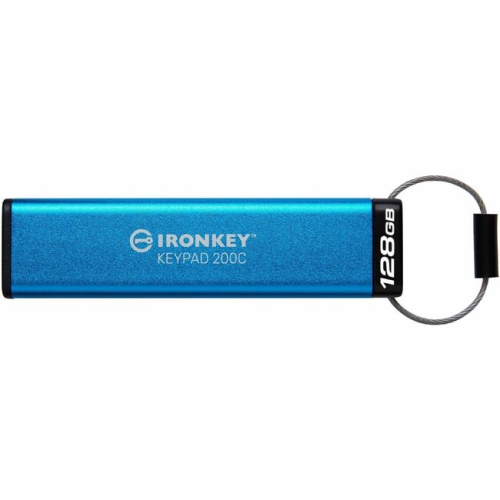
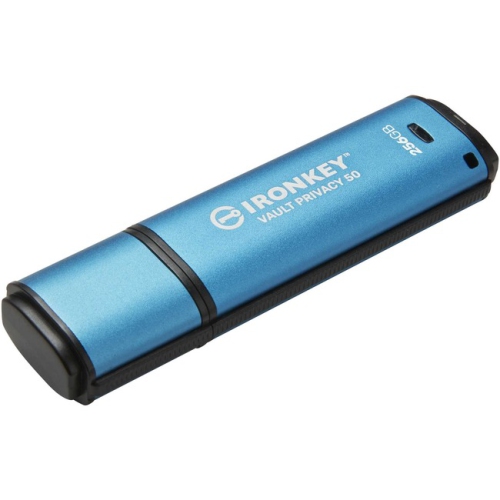
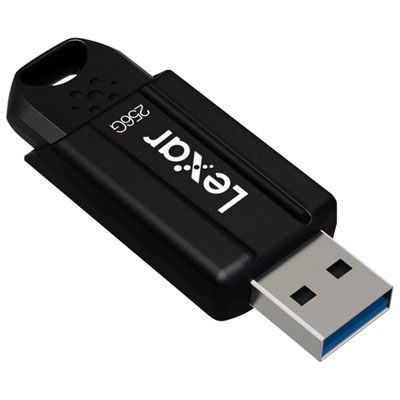
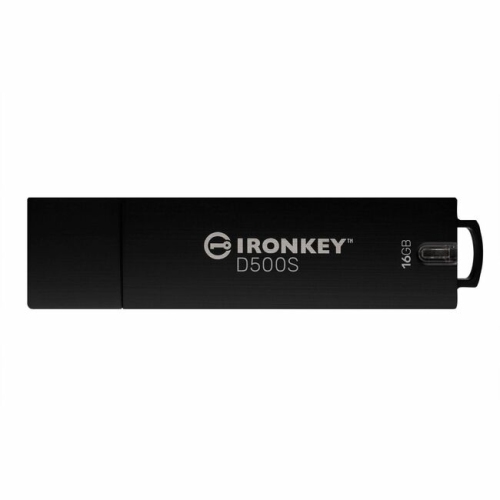
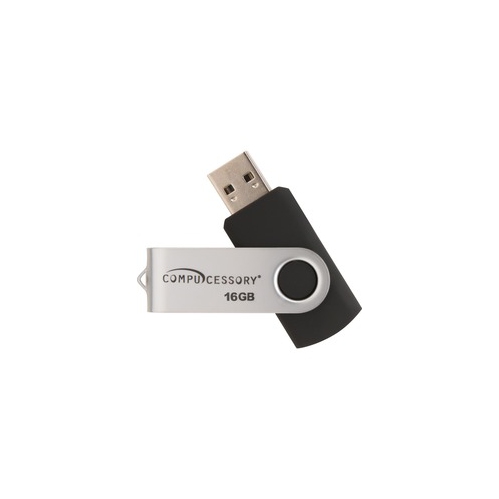
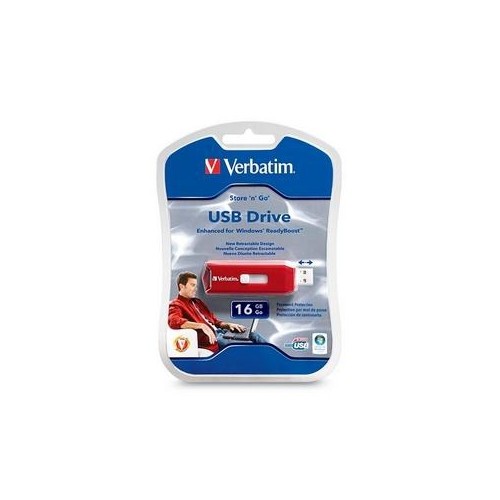
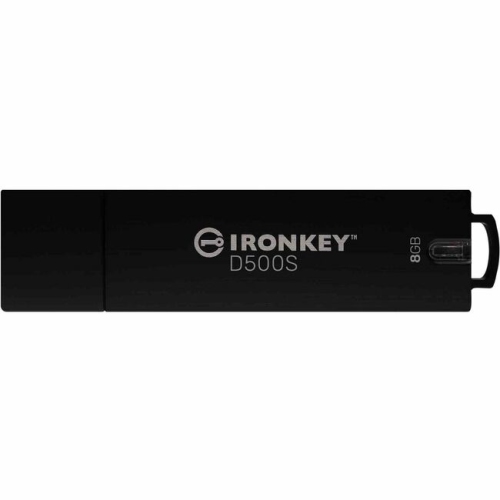
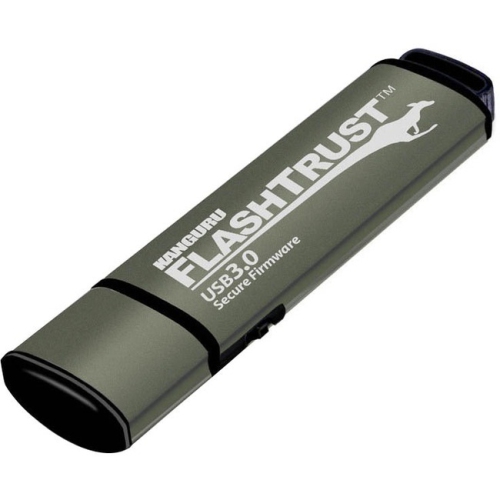
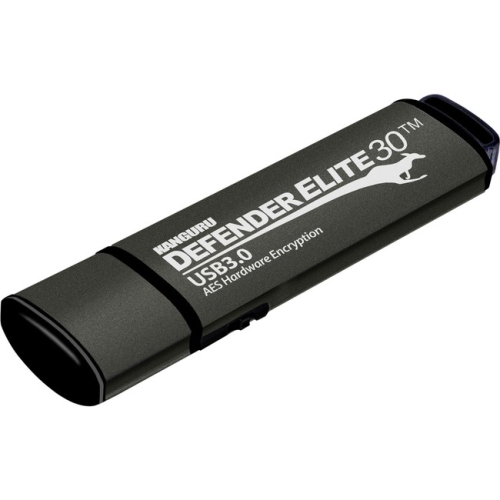
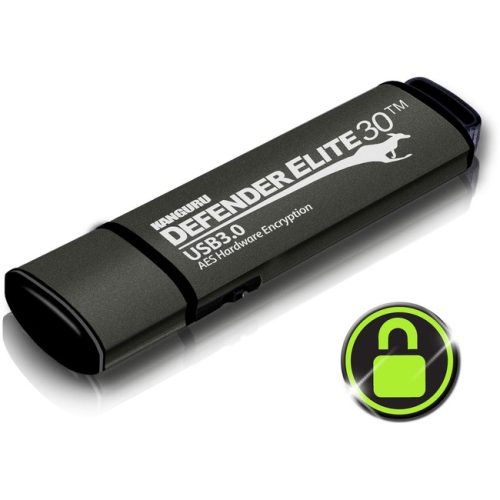
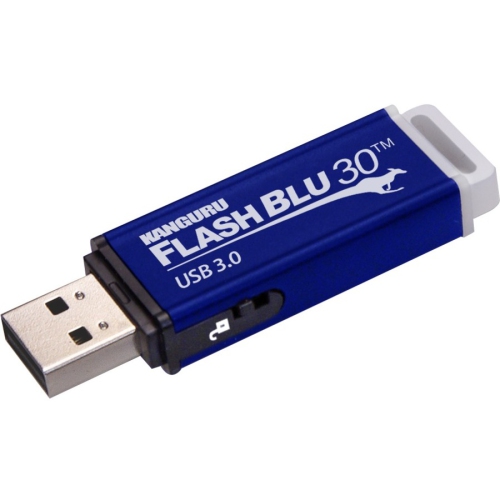
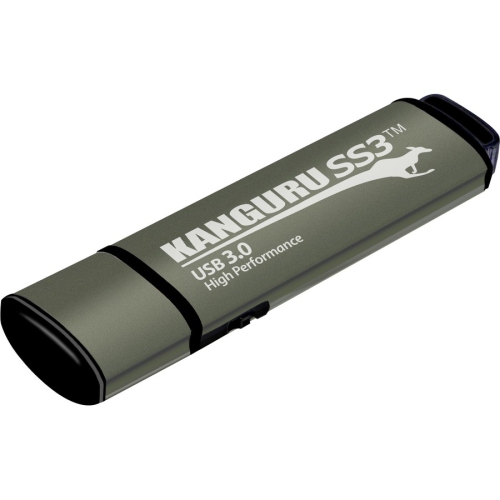
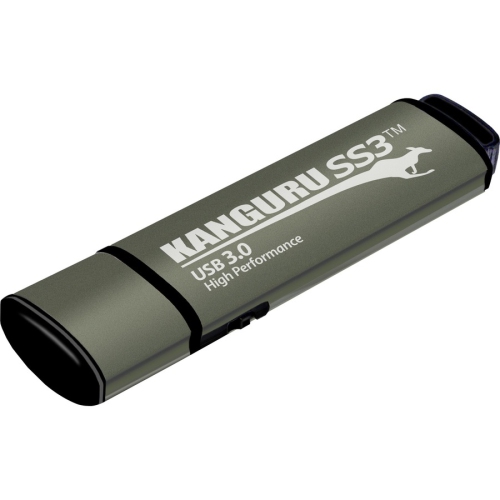
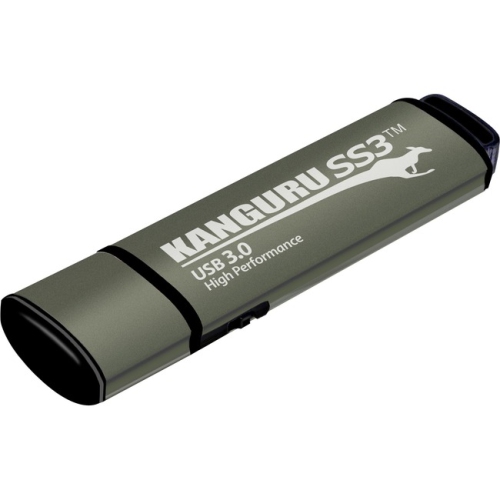
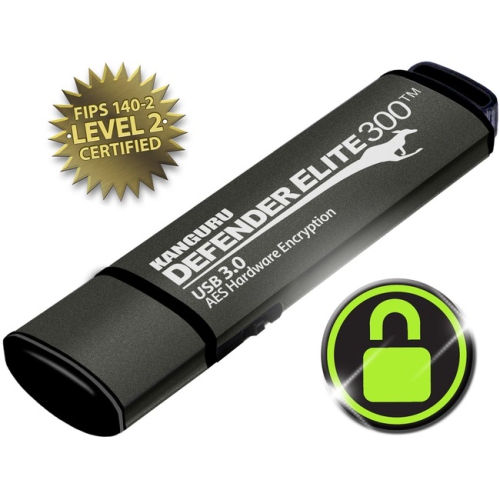
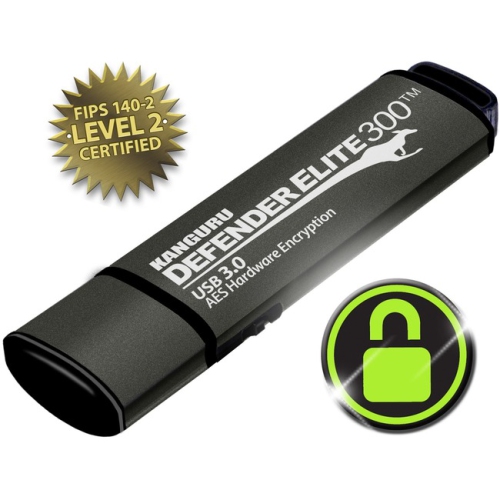


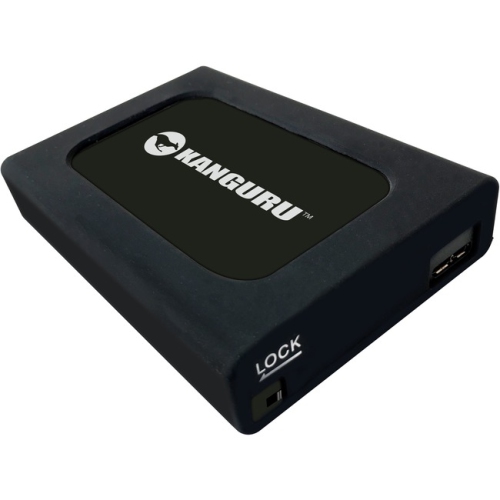
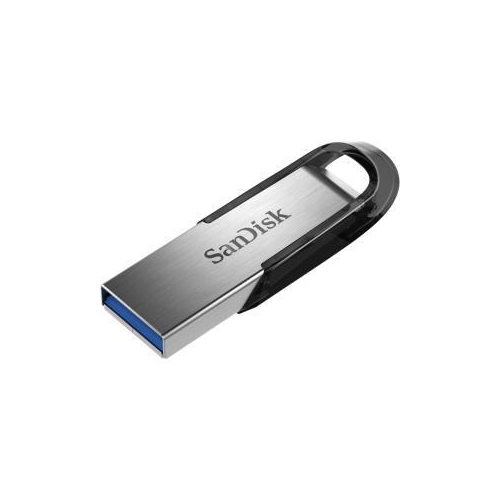
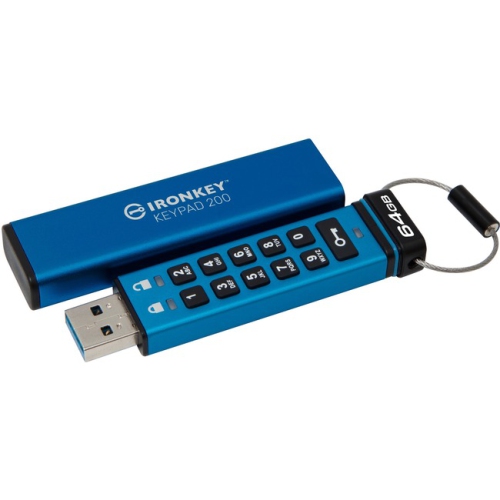
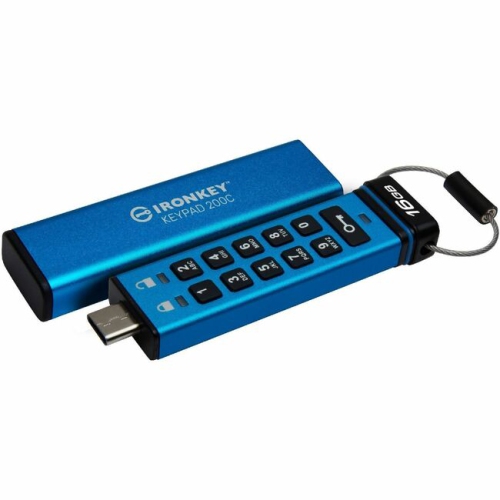
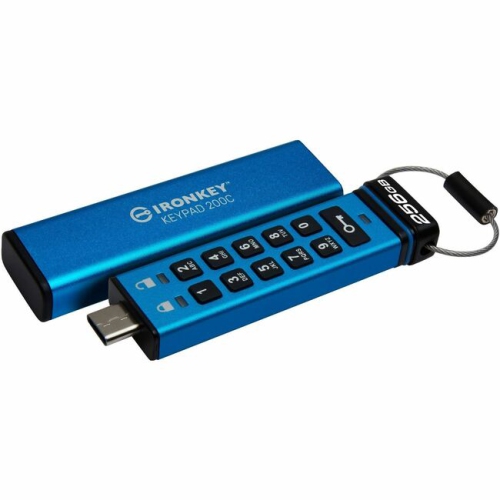
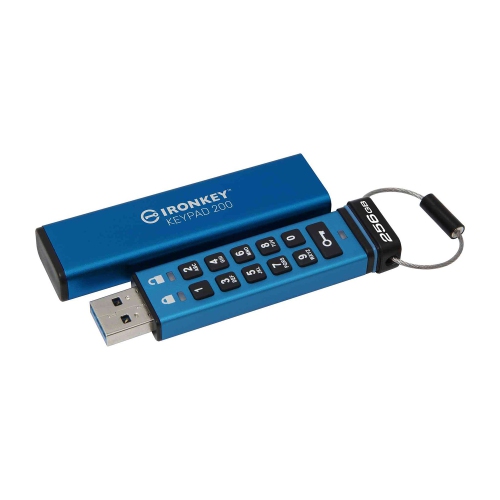
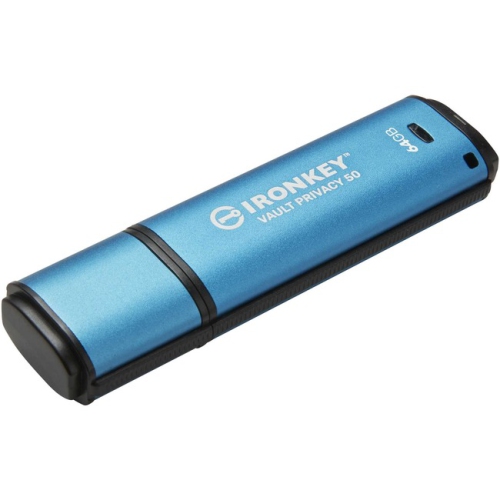
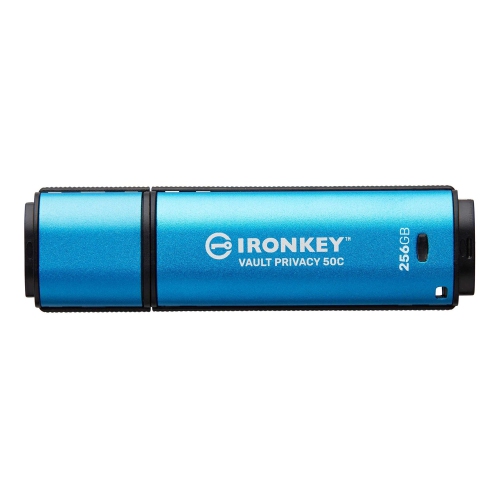
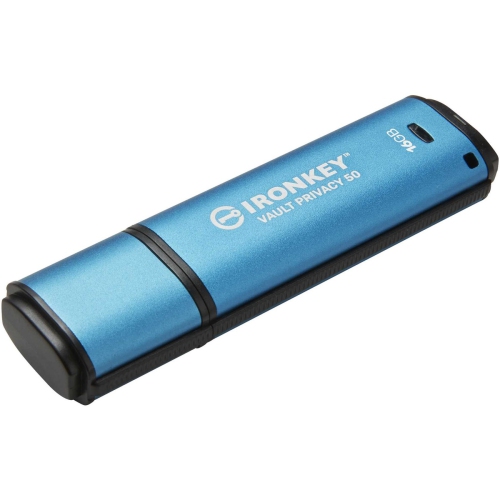
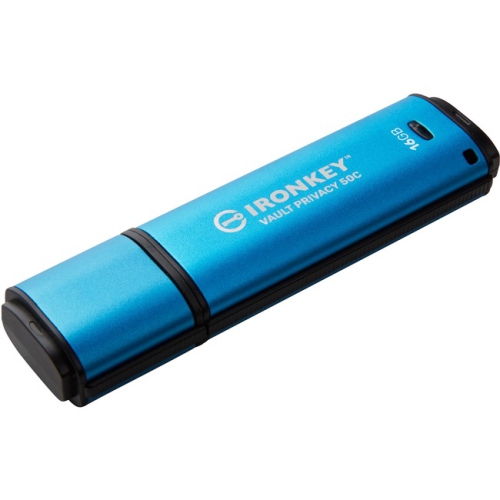
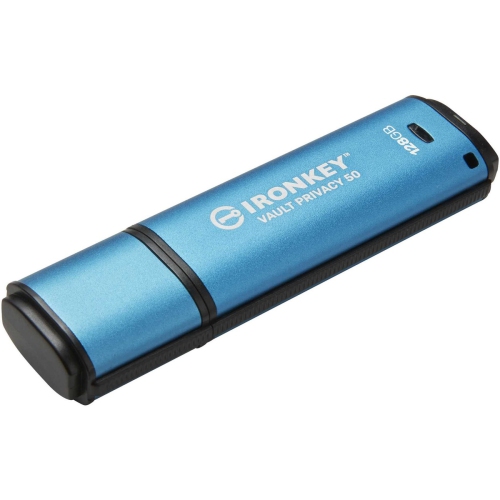
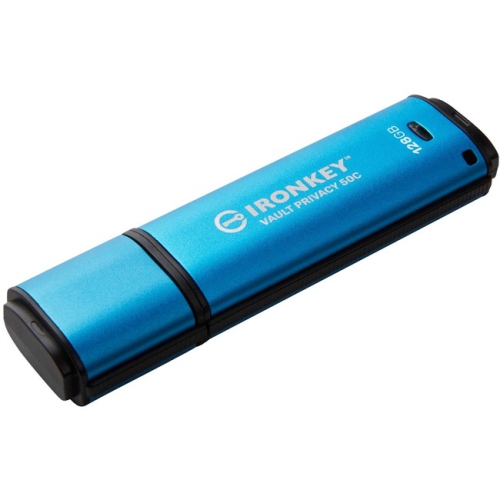
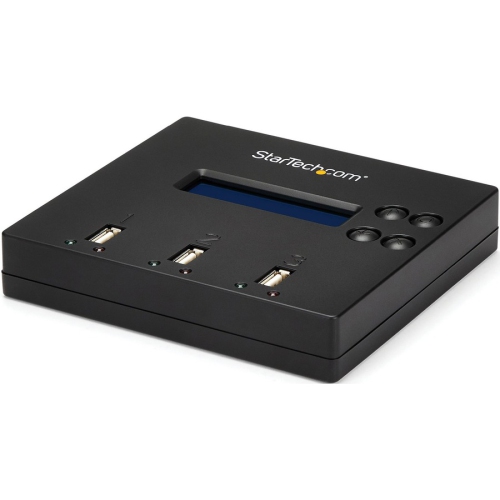
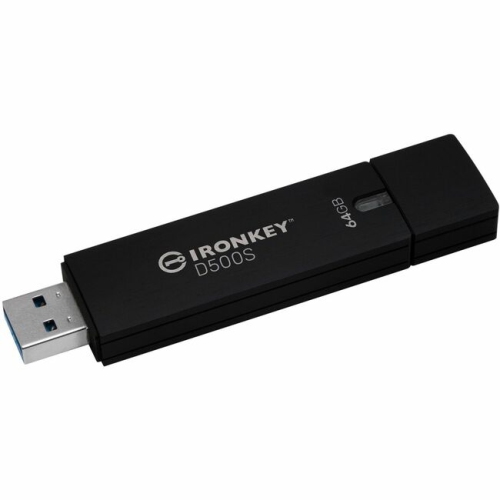
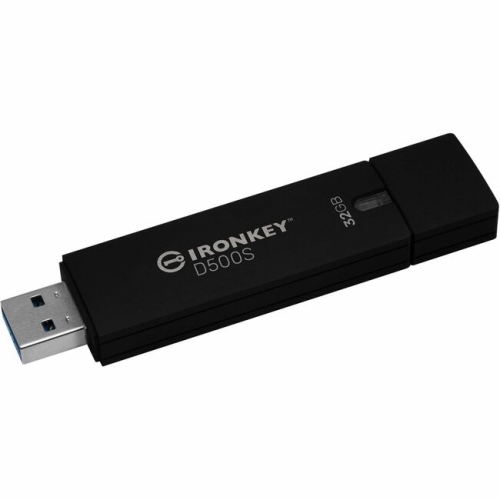
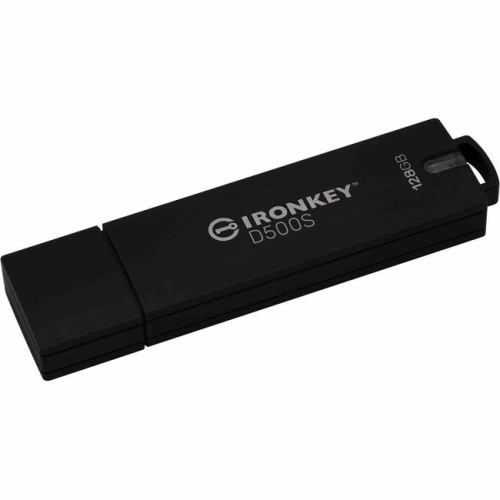
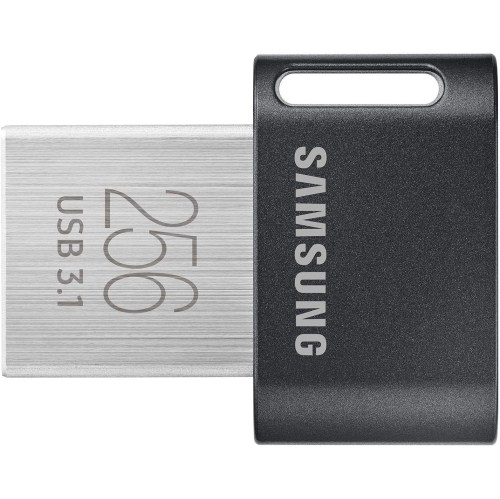
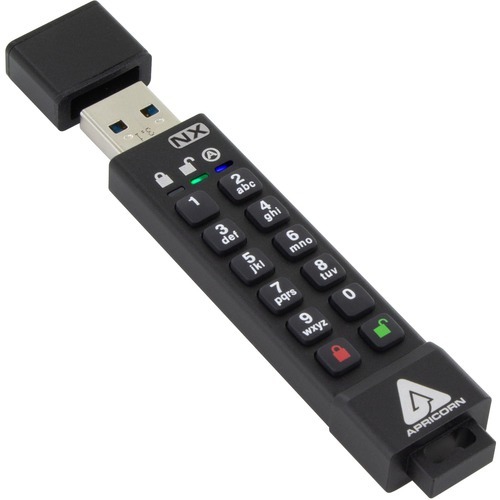
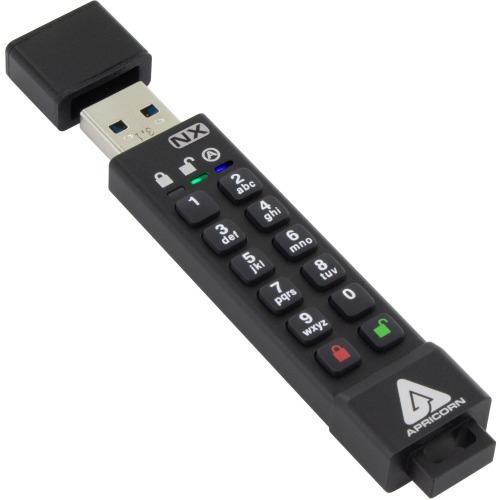
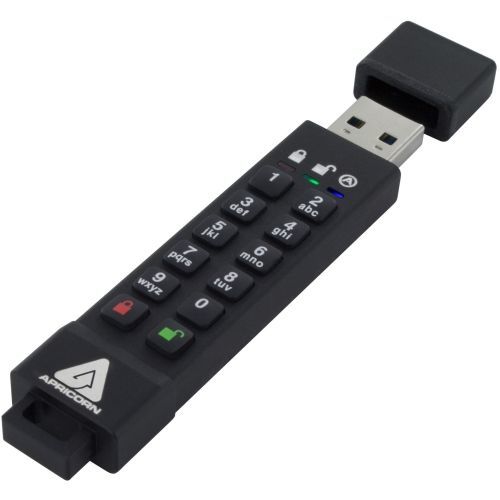
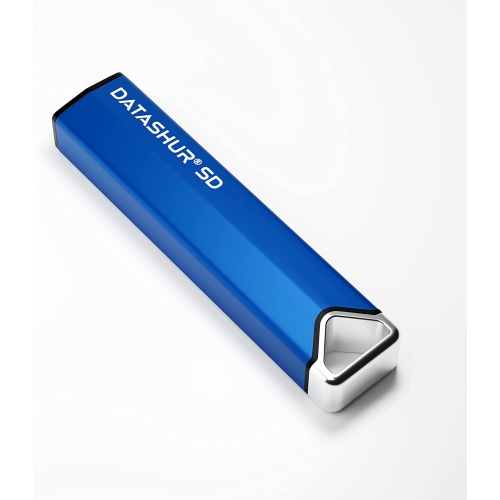
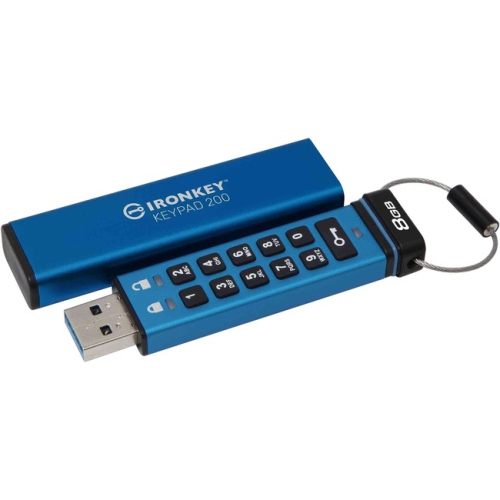
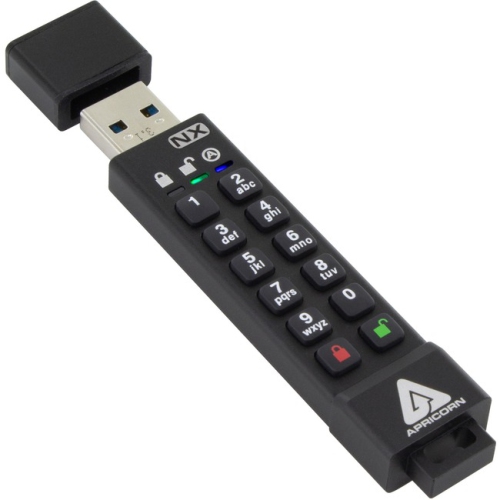
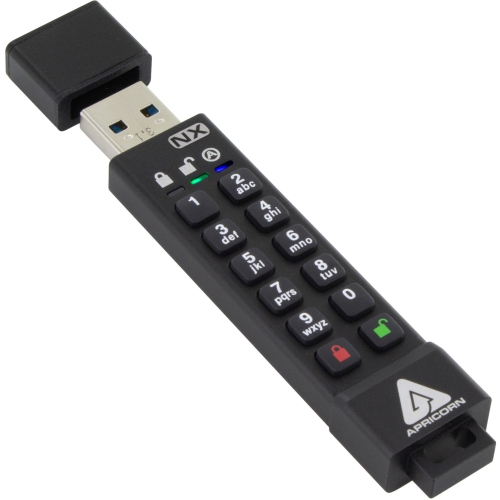
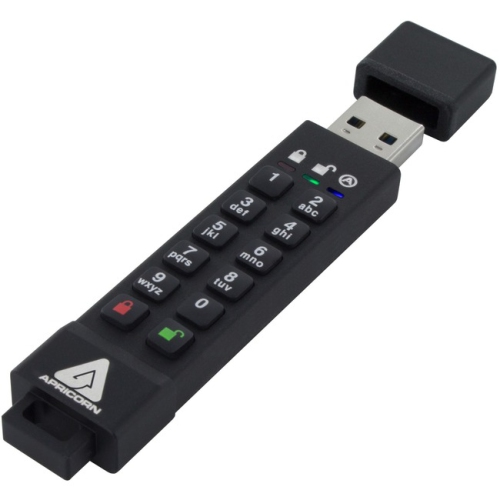
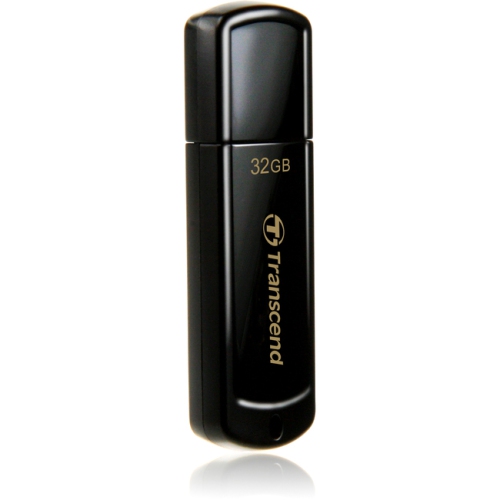
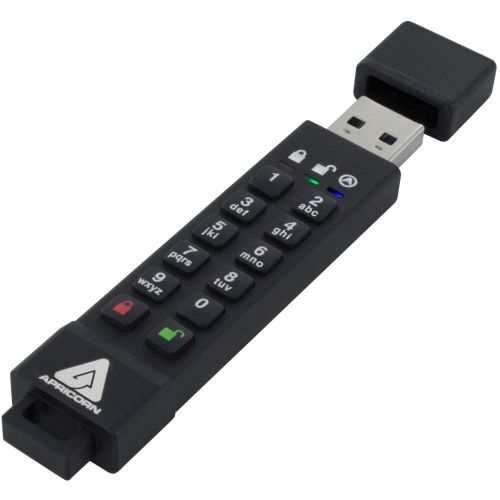
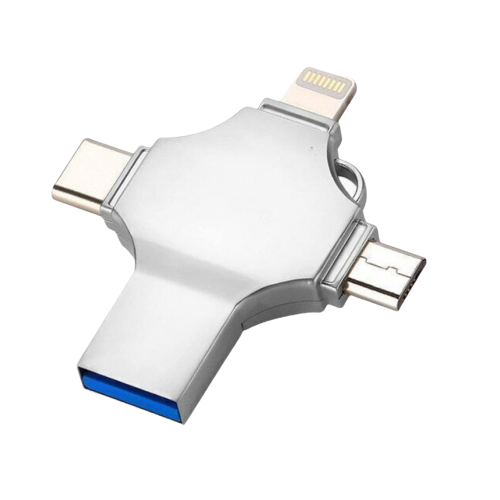
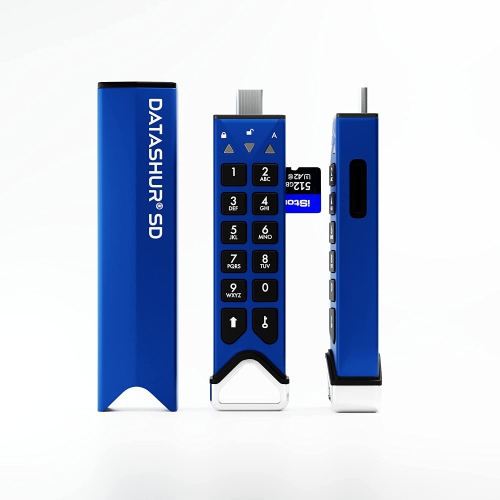
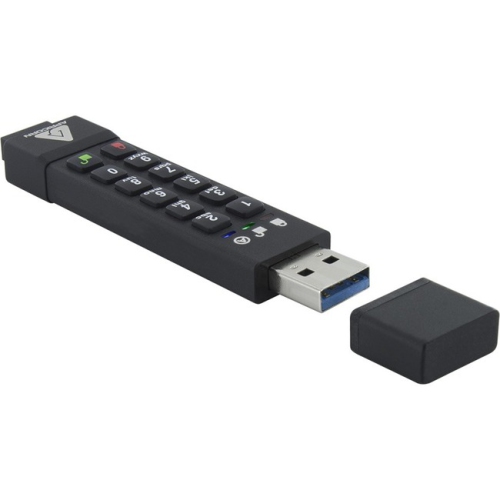
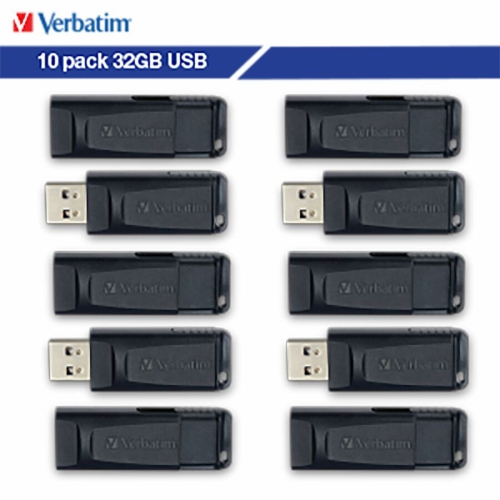
Read-only storage for files that should stay unchanged
Write protect flash drives are designed to help keep stored files from being changed, deleted, or overwritten. Unlike a standard USB flash drive, a write-protected model may offer a physical lock switch or another built-in read-only control that limits what can happen to the data after it has been saved. This can be especially useful for moving important documents between computers, sharing reference files in a classroom or office, storing recovery tools, or keeping a master copy of records that should remain unchanged. A locked drive can still allow files to be opened and copied to another device, while preventing new files from being added or existing files from being edited. That distinction makes write protection useful for anyone who needs reliable access to a fixed set of information, such as forms, installation files, scanned records, presentations, manuals, or media for a trip. When choosing a drive, check whether write protection is controlled by a physical switch, a secure onboard setting, or software. A physical switch is easy to see and use, while software-controlled protection may offer more flexibility but can depend on the operating system or included management tools. Pay attention to storage capacity as well: a smaller drive may be convenient for a few documents, while higher-capacity storage is better suited to large photo collections, video files, software packages, or several folders that need to travel together. USB connector type and transfer speed also matter. Confirm that the drive will connect directly to the computers, tablets, or other devices in your household, and consider whether an adapter will be needed. A compact casing is convenient for a key ring or laptop bag, while a sturdier design may be preferable for frequent travel between a home office, workplace, school, or library. As the weather warms and during the cooler months, a dependable read-only drive can be a practical companion for presentations, course materials, family records, and files that need to be carried without accidental changes.
Write protection can also refer to a setting applied by the computer rather than a feature built into the drive. If Windows displays a message saying that a USB drive is write-protected, the cause may be a physical lock, a read-only disk attribute, a permissions policy, a damaged file system, or a problem with the drive itself. When a suitable drive is connected, Windows users can check its attributes with the built-in Diskpart utility. Open Command Prompt with administrator access, enter `diskpart`, and then use `list disk` to display connected storage devices. Identify the USB drive carefully by comparing its listed capacity with the drive you connected, then use `select disk` followed by the correct disk number. The command `attributes disk` can show whether the selected disk is marked read-only. To apply a read-only setting, `attributes disk set readonly` can be used; to clear that setting, `attributes disk clear readonly` can remove the software-level read-only attribute. Finish with `exit`. Selecting the wrong disk can affect another storage device, so checking the capacity and disconnecting unrelated USB drives before beginning is a sensible precaution. Some Windows systems may also restrict removable storage through an administrator policy or Registry setting, particularly on managed workplace or school computers. In those situations, the restriction may not be caused by the flash drive, and changing system settings may require administrator approval. A write-protected drive will not necessarily fix a damaged or failing device, and files should be copied to another location when they are important. Formatting can remove data and should only be considered after confirming that the files are backed up. For people who want access controls in addition to read-only protection, Password Protected Usb Drives offer a different approach by requiring authentication before stored files can be opened. Password protection and write protection are not the same feature: one controls access, while the other helps control whether data can be changed.
When comparing write protect flash drives, think about the way the storage will be used from the moment it is prepared to the moment it is put away. Someone building a small archive may value a clearly marked lock position and a casing that is easy to identify in a drawer of cables and accessories. A student may prefer a lightweight drive with enough room for course notes, presentations, reference material, and offline software tools. A photographer, designer, or videographer may need greater capacity and faster transfers, especially when moving large image or video files before a trip or event. In an office, a read-only drive can help distribute a standard set of documents without inviting accidental edits each time the files are opened. It can also be a thoughtful gift for a student heading back to class, a relative organizing family paperwork, or a home-office user who wants a simple way to carry a fixed collection of files. Before purchasing, review the drive’s stated compatibility, capacity, connector, transfer performance, security features, and method of enabling write protection. Consider whether the files will be used on Windows computers only or across different operating systems, since software features may not behave identically everywhere. It is also worth deciding whether the drive will be locked most of the time or whether files will need to be updated regularly; frequent editing calls for convenient access to the write setting, while long-term reference files benefit from a control that is difficult to change accidentally. Keep a second copy of irreplaceable files, label the drive clearly, and eject it properly after use. With the right combination of storage space, compatibility, security, and read-only control, a write protect flash drive can provide a straightforward way to carry useful information while reducing the chance that an important file is quietly altered.
Write protection can also refer to a setting applied by the computer rather than a feature built into the drive. If Windows displays a message saying that a USB drive is write-protected, the cause may be a physical lock, a read-only disk attribute, a permissions policy, a damaged file system, or a problem with the drive itself. When a suitable drive is connected, Windows users can check its attributes with the built-in Diskpart utility. Open Command Prompt with administrator access, enter `diskpart`, and then use `list disk` to display connected storage devices. Identify the USB drive carefully by comparing its listed capacity with the drive you connected, then use `select disk` followed by the correct disk number. The command `attributes disk` can show whether the selected disk is marked read-only. To apply a read-only setting, `attributes disk set readonly` can be used; to clear that setting, `attributes disk clear readonly` can remove the software-level read-only attribute. Finish with `exit`. Selecting the wrong disk can affect another storage device, so checking the capacity and disconnecting unrelated USB drives before beginning is a sensible precaution. Some Windows systems may also restrict removable storage through an administrator policy or Registry setting, particularly on managed workplace or school computers. In those situations, the restriction may not be caused by the flash drive, and changing system settings may require administrator approval. A write-protected drive will not necessarily fix a damaged or failing device, and files should be copied to another location when they are important. Formatting can remove data and should only be considered after confirming that the files are backed up. For people who want access controls in addition to read-only protection, Password Protected Usb Drives offer a different approach by requiring authentication before stored files can be opened. Password protection and write protection are not the same feature: one controls access, while the other helps control whether data can be changed.
When comparing write protect flash drives, think about the way the storage will be used from the moment it is prepared to the moment it is put away. Someone building a small archive may value a clearly marked lock position and a casing that is easy to identify in a drawer of cables and accessories. A student may prefer a lightweight drive with enough room for course notes, presentations, reference material, and offline software tools. A photographer, designer, or videographer may need greater capacity and faster transfers, especially when moving large image or video files before a trip or event. In an office, a read-only drive can help distribute a standard set of documents without inviting accidental edits each time the files are opened. It can also be a thoughtful gift for a student heading back to class, a relative organizing family paperwork, or a home-office user who wants a simple way to carry a fixed collection of files. Before purchasing, review the drive’s stated compatibility, capacity, connector, transfer performance, security features, and method of enabling write protection. Consider whether the files will be used on Windows computers only or across different operating systems, since software features may not behave identically everywhere. It is also worth deciding whether the drive will be locked most of the time or whether files will need to be updated regularly; frequent editing calls for convenient access to the write setting, while long-term reference files benefit from a control that is difficult to change accidentally. Keep a second copy of irreplaceable files, label the drive clearly, and eject it properly after use. With the right combination of storage space, compatibility, security, and read-only control, a write protect flash drive can provide a straightforward way to carry useful information while reducing the chance that an important file is quietly altered.
Top selling and popular products
-
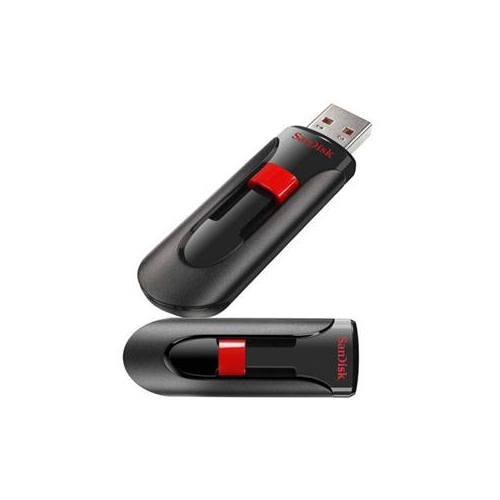 Your price for this item is $44.95
 -
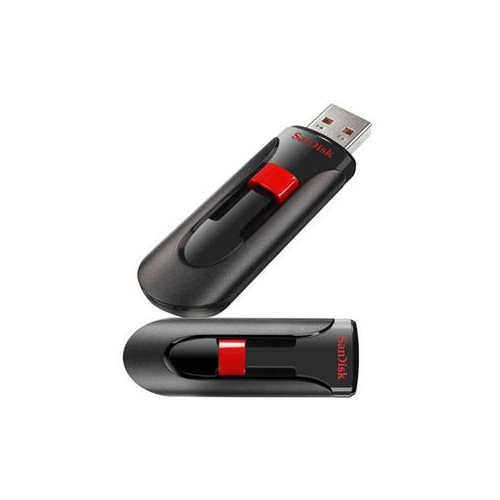 Your price for this item is $69.95
 -
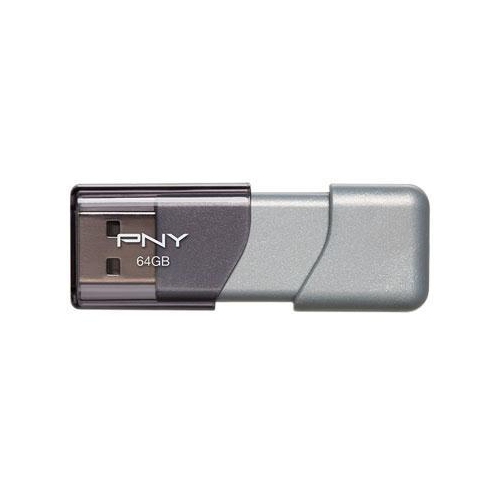 Your price for this item is $59.68
 -
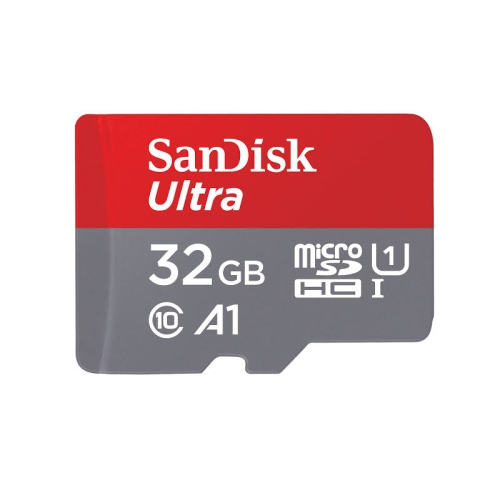 Your price for this item is $38.45
 -
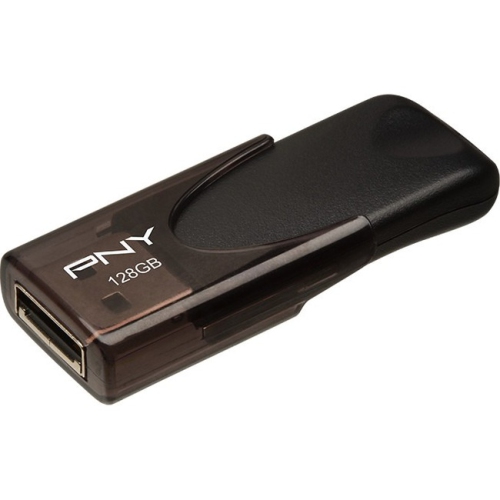 Your price for this item is $35.68
 -
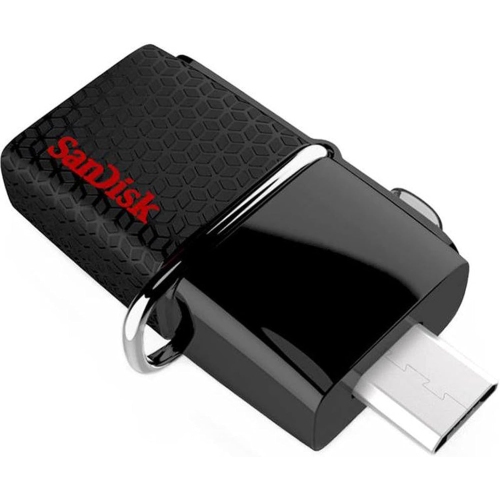 Your price for this item is $29.95
 -
 Your price for this item is $169.99
 -
 Your price for this item is $132.99
Discover more categories related to Write Protect Flash Drives
Top Collections:
Pokemon Centers, Kindle Devices, Best Budget Office Chairs, Apple iPhones 16, Best Laptops for Writers, iPhone 15 Apple, Canon G7X Cameras, Refurbished Apple Laptops, Alarm Clock, Motorola Razr Phones
Some products may be subject to Environmental Handling Fees
(EHF) depending on your province.
Learn more about EHFs.