Zoom Monitors
Find the right setup for your video calls and virtual meetings with our selection of zoom monitors. Designed to enhance your remote work, online learning, and digital collaboration experiences, these monitors offer a range of options to help you stay connected and productive. Whether you're upgrading your home office or setting up a new workspace, explore choices that make every virtual interaction sharp and engaging. Discover how zoom monitors can elevate your daily workflow and keep you in sync with colleagues, friends, and family.
Sort

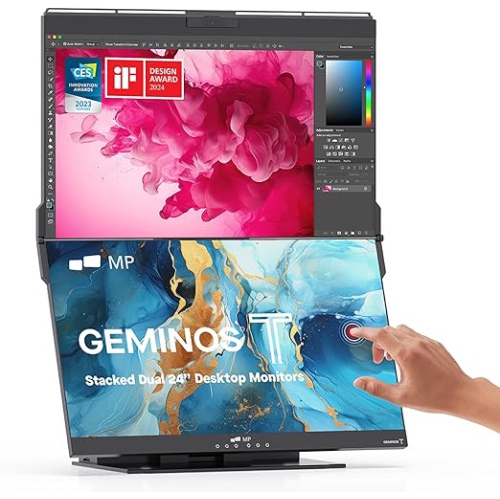
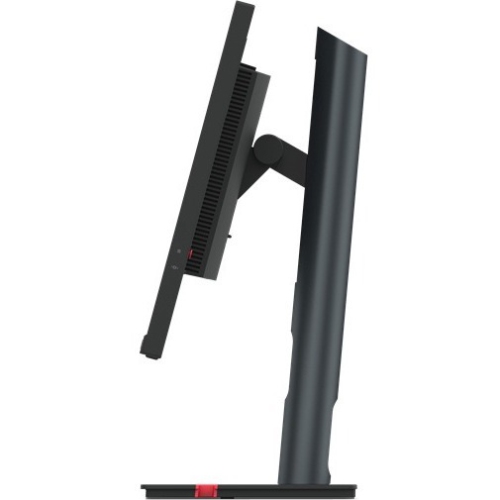
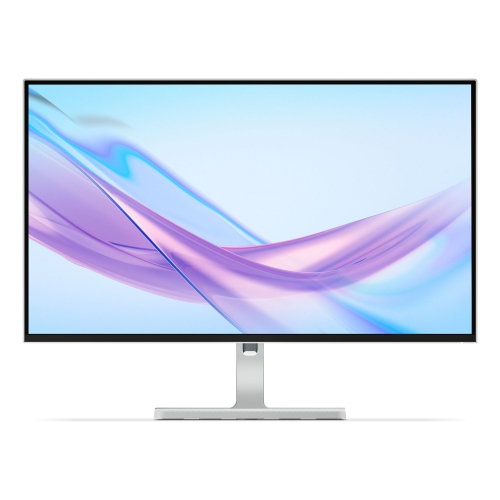
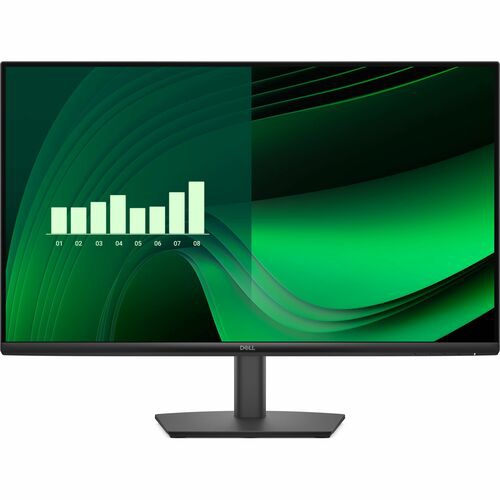


More screen space for meetings and the work alongside
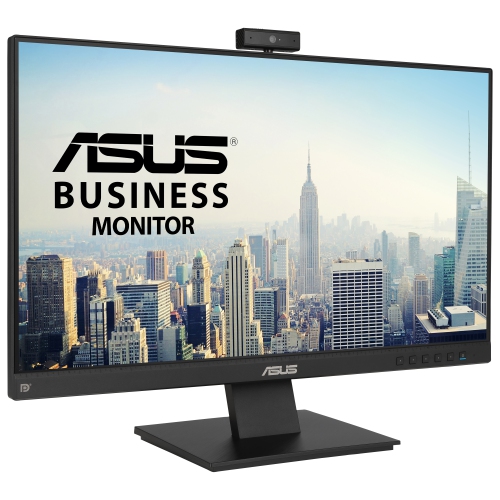
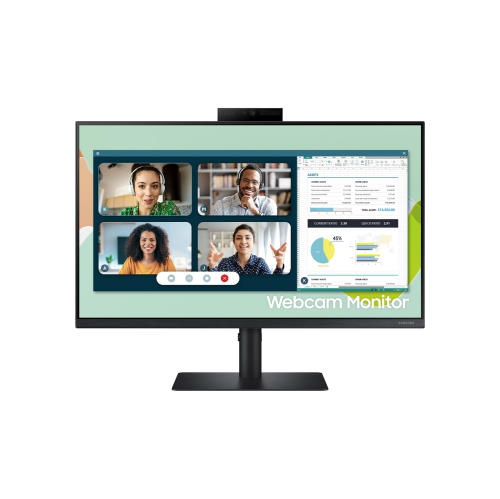
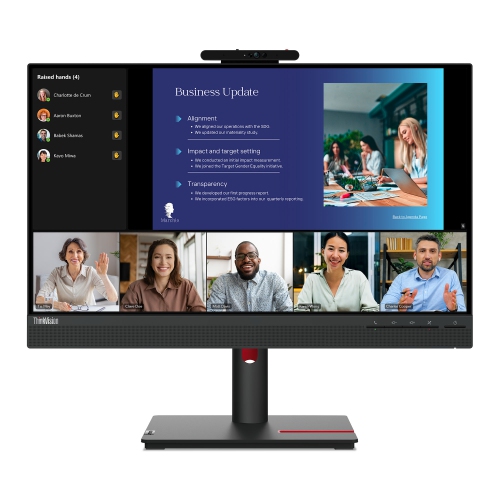
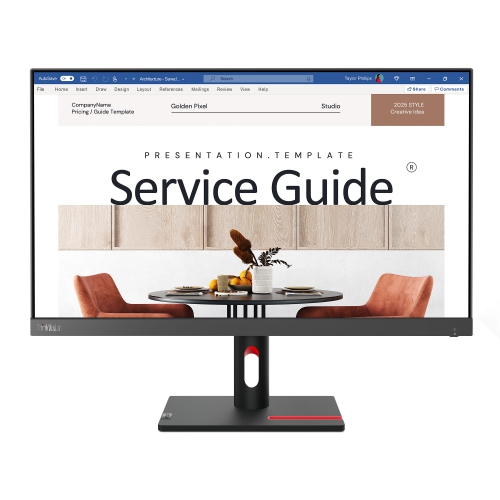
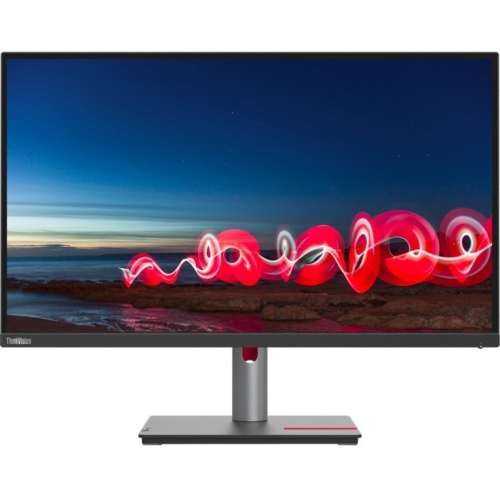
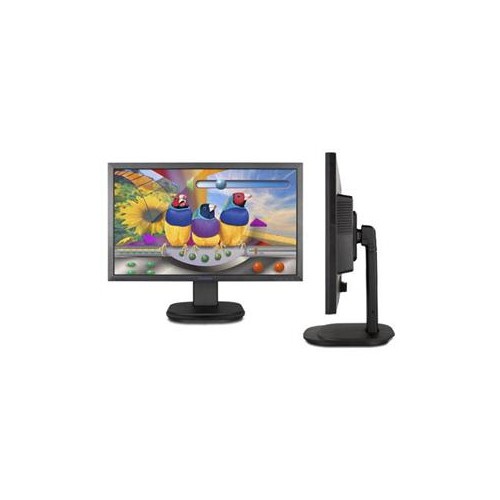
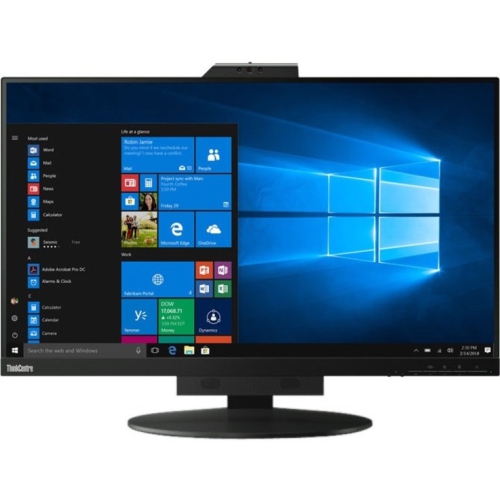
Monitors for Zoom calls give video meetings, shared presentations, and everyday computer work more room than a laptop screen alone. A larger display can make it easier to follow a spreadsheet while watching the presenter, read captions without leaning forward, or keep meeting notes beside a shared document. These monitors generally work as displays connected to a compatible computer running the meeting software; a conventional monitor does not run the desktop app by itself. Two common setups suit different needs: a single conferencing monitor with an integrated webcam, microphone, and speakers, or a pair of screens that separate meeting content from other work. A laptop screen and an external monitor can also form a two-screen workspace. With the Zoom desktop app’s dual-monitor or dual-window feature enabled, supported meeting layouts can place participant video on one screen and shared content on the other. The setting name and behaviour can vary with the app version, operating system, and meeting layout, so compatibility matters more than simply having two displays on the desk. The computer must also support the intended number of external screens, and the displays need to be configured as an extended desktop rather than mirrored copies for separate content. For someone reviewing drawings with a client, that separation leaves space for details without reducing colleagues to tiny video tiles. For an instructor or student, it can keep a presentation visible while leaving room for discussion and reference material. An integrated conferencing display offers a different convenience: fewer separate accessories to position and connect before a call. However, a built-in camera is not a standard feature on every monitor, and speakers do not necessarily mean a microphone is included. Checking those features individually helps distinguish a display designed around video meetings from a general-purpose screen that needs an external webcam or headset. Either approach can support a practical workspace, whether the intended use is a shared home office, remote learning, client consultations, or regular conversations with family.
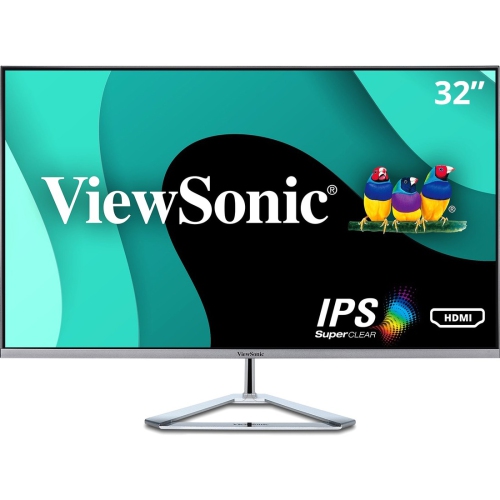
Screen size, resolution, and desk fit shape how comfortable that workspace feels throughout the day. A 24-inch monitor can suit a compact desk, while a 27-inch or larger screen offers more space for participant windows, documents, and messaging apps. Physical size alone does not determine clarity: resolution affects how much detail the screen can show, and operating system scaling affects the size of text and controls. A higher-resolution display can make small lettering and fine lines clearer, although scaling may need adjustment to keep them comfortably readable. A monitor will not add detail that is missing from an incoming video feed, so camera quality, connection quality, and the source material still influence what appears on screen. For meetings mixed with office work, crisp text, readable captions, and a stable viewing position often matter more than a very high refresh rate. Panels with broad viewing angles can help when a second person joins a call from beside the desk, while a matte screen finish can soften distracting reflections from a nearby window or lamp. Height adjustment, tilt, and swivel make it easier to place the screen at a comfortable level and position an integrated webcam near eye height. Stand depth also deserves attention: a large base can leave little room for a keyboard, notebook, or forearms on a shallow desk. Compatible monitor arms can free up surface space, provided the mounting pattern, display weight, and desk attachment are suitable. With two monitors, similar screen sizes and adjustable stands help align the viewing areas, but matching models are not essential. An ultrawide display offers another way to arrange several windows side by side, although it remains one screen for features that depend on separate displays. Sharing an individual application window rather than the entire ultrawide desktop can also make content easier for other participants to read. The best fit leaves useful space for work without requiring constant head turning or an awkward viewing distance.
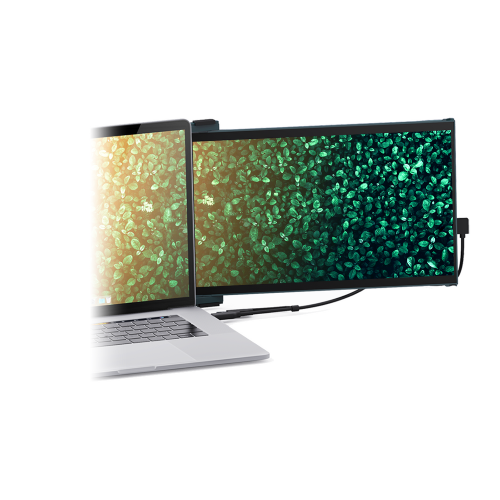
Camera placement, audio, and connections deserve as much attention as the display panel. An integrated webcam keeps the camera in a predictable position, and a physical privacy shutter provides a simple way to cover the lens between calls. Camera resolution is only part of the picture; even lighting, exposure handling, and framing also affect how clearly someone appears. A wide field of view may suit two people sitting together, while tighter framing is often preferable for an individual desk. Built-in speakers are convenient for casual meetings, but a headset can offer more privacy in a shared room and help limit sound reaching the microphone. Microphone performance depends partly on distance and surrounding noise, so a display positioned far back on a deep desk may not capture speech as clearly as a closer microphone. Connections determine whether those integrated features work with the computer. HDMI or DisplayPort can carry the picture and audio output, but a monitor’s webcam, microphone, and USB hub commonly need a separate USB upstream connection. A compatible USB-C connection may combine video, USB data, and laptop charging through one cable, but not every USB-C port or cable supports all three. Power delivery must also suit the laptop’s requirements, and a docking station must support the intended display resolutions and screen count. For work that moves between locations, Travel Monitors can provide an additional screen in a more portable format, with attention to stand stability, protective covers, and power requirements. For a permanent setup, sturdy stand construction, secure cable routing, and accessible controls help with daily use. Display housings commonly combine plastic panels with metal support components; durability depends on hinge quality and construction rather than appearance alone. Cleaning should follow the manufacturer’s directions, typically using a soft microfibre cloth without spraying liquid directly onto the panel. A conferencing monitor can also be a thoughtful gift for a remote worker or student when its size, connections, and camera features suit the recipient’s existing computer and workspace.
Screen size, resolution, and desk fit shape how comfortable that workspace feels throughout the day. A 24-inch monitor can suit a compact desk, while a 27-inch or larger screen offers more space for participant windows, documents, and messaging apps. Physical size alone does not determine clarity: resolution affects how much detail the screen can show, and operating system scaling affects the size of text and controls. A higher-resolution display can make small lettering and fine lines clearer, although scaling may need adjustment to keep them comfortably readable. A monitor will not add detail that is missing from an incoming video feed, so camera quality, connection quality, and the source material still influence what appears on screen. For meetings mixed with office work, crisp text, readable captions, and a stable viewing position often matter more than a very high refresh rate. Panels with broad viewing angles can help when a second person joins a call from beside the desk, while a matte screen finish can soften distracting reflections from a nearby window or lamp. Height adjustment, tilt, and swivel make it easier to place the screen at a comfortable level and position an integrated webcam near eye height. Stand depth also deserves attention: a large base can leave little room for a keyboard, notebook, or forearms on a shallow desk. Compatible monitor arms can free up surface space, provided the mounting pattern, display weight, and desk attachment are suitable. With two monitors, similar screen sizes and adjustable stands help align the viewing areas, but matching models are not essential. An ultrawide display offers another way to arrange several windows side by side, although it remains one screen for features that depend on separate displays. Sharing an individual application window rather than the entire ultrawide desktop can also make content easier for other participants to read. The best fit leaves useful space for work without requiring constant head turning or an awkward viewing distance.
Camera placement, audio, and connections deserve as much attention as the display panel. An integrated webcam keeps the camera in a predictable position, and a physical privacy shutter provides a simple way to cover the lens between calls. Camera resolution is only part of the picture; even lighting, exposure handling, and framing also affect how clearly someone appears. A wide field of view may suit two people sitting together, while tighter framing is often preferable for an individual desk. Built-in speakers are convenient for casual meetings, but a headset can offer more privacy in a shared room and help limit sound reaching the microphone. Microphone performance depends partly on distance and surrounding noise, so a display positioned far back on a deep desk may not capture speech as clearly as a closer microphone. Connections determine whether those integrated features work with the computer. HDMI or DisplayPort can carry the picture and audio output, but a monitor’s webcam, microphone, and USB hub commonly need a separate USB upstream connection. A compatible USB-C connection may combine video, USB data, and laptop charging through one cable, but not every USB-C port or cable supports all three. Power delivery must also suit the laptop’s requirements, and a docking station must support the intended display resolutions and screen count. For work that moves between locations, Travel Monitors can provide an additional screen in a more portable format, with attention to stand stability, protective covers, and power requirements. For a permanent setup, sturdy stand construction, secure cable routing, and accessible controls help with daily use. Display housings commonly combine plastic panels with metal support components; durability depends on hinge quality and construction rather than appearance alone. Cleaning should follow the manufacturer’s directions, typically using a soft microfibre cloth without spraying liquid directly onto the panel. A conferencing monitor can also be a thoughtful gift for a remote worker or student when its size, connections, and camera features suit the recipient’s existing computer and workspace.
Top selling and popular products
-
 Your price for this item is $299
 -
 Your price for this item is $599
 -
 Your price for this item is $94.99
 -
 Your price for this item is $329.99
 -
 Your price for this item is $499
 -
 Your price for this item is $265.99
 -
 Your price for this item is $1299.97
 -
 Your price for this item is $249.99
Discover more categories related to Zoom Monitors

Top Collections:
Pokemon Centers, Kindle Devices, Best Budget Office Chairs, Apple iPhones 16, Best Laptops for Writers, iPhone 15 Apple, Canon G7X Cameras, Refurbished Apple Laptops, Alarm Clock, Motorola Razr Phones
Some products may be subject to Environmental Handling Fees
(EHF) depending on your province.
Learn more about EHFs.