Monitor Accessories
Enhance your monitor setup with a range of accessories designed to elevate your viewing experience. From ergonomic stands to adjustable mounts, our collection of monitor accessories offers everything you need to optimize your workspace. Whether you're a gamer seeking a competitive edge, a professional in need of increased productivity, or simply looking to enhance your entertainment setup, these essential accessories will help you unlock the full potential of your monitor.
Sort

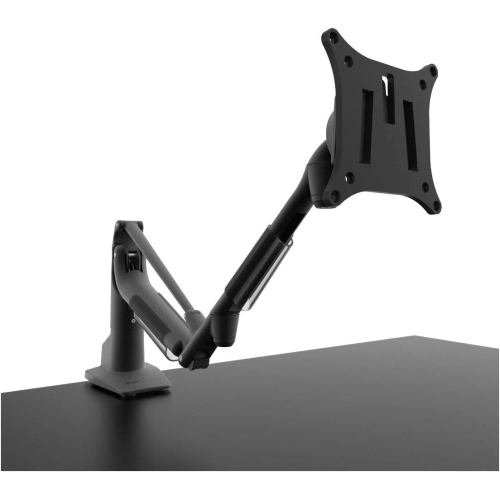
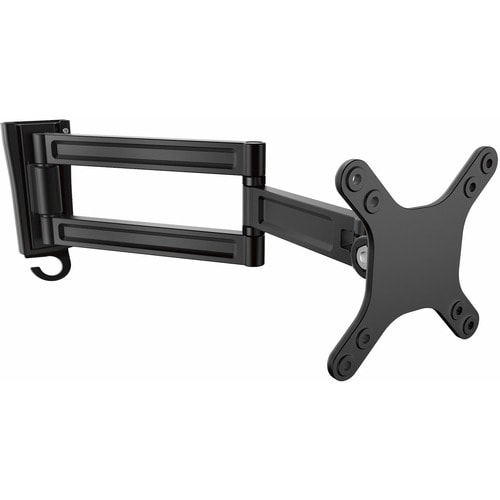

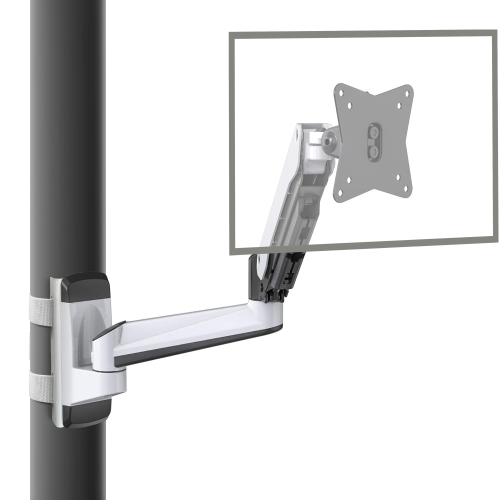
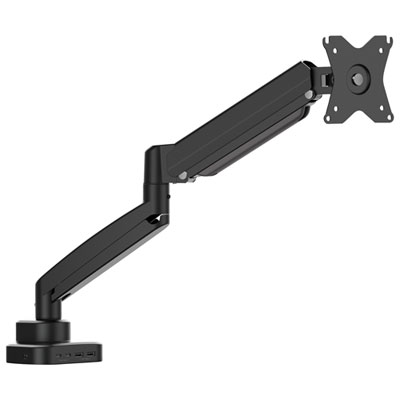
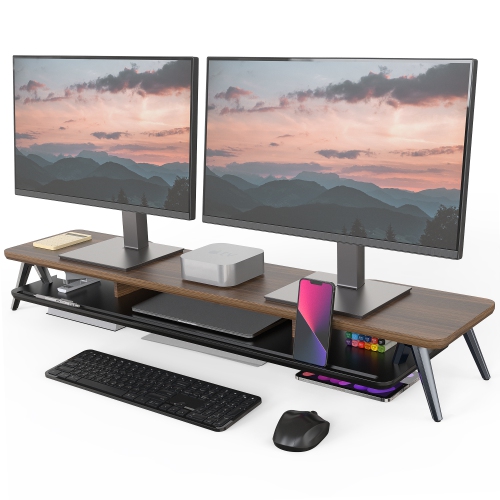
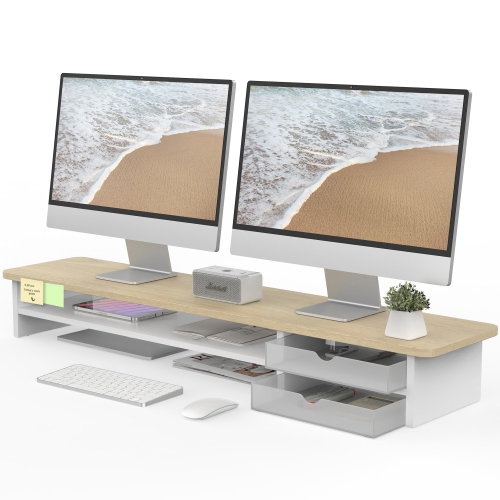
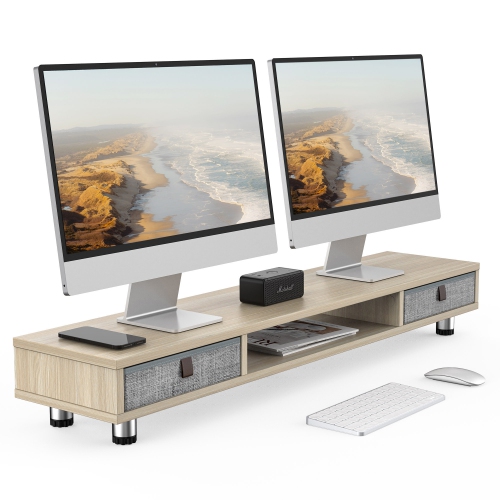
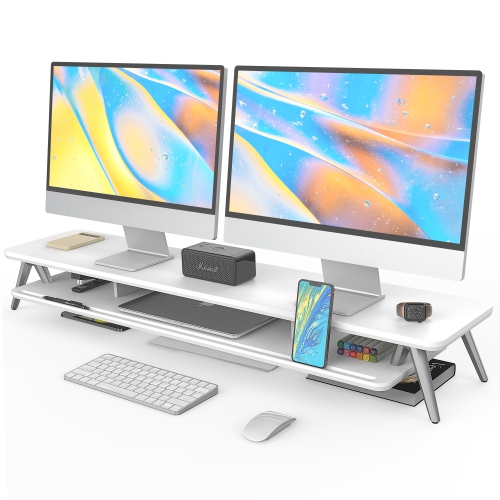
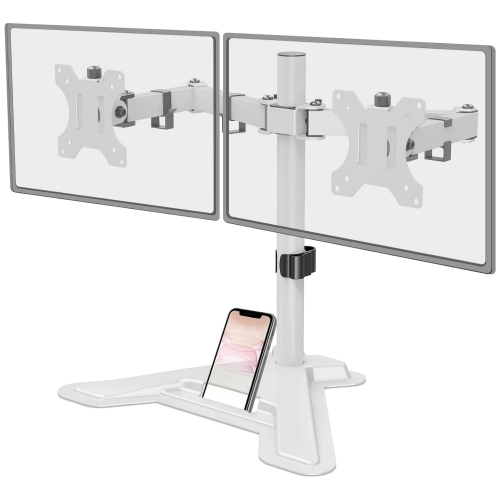
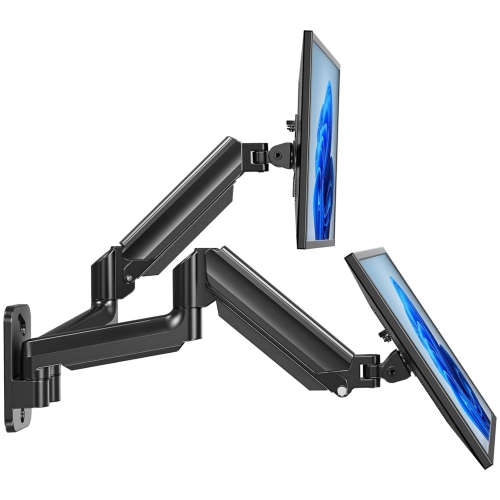
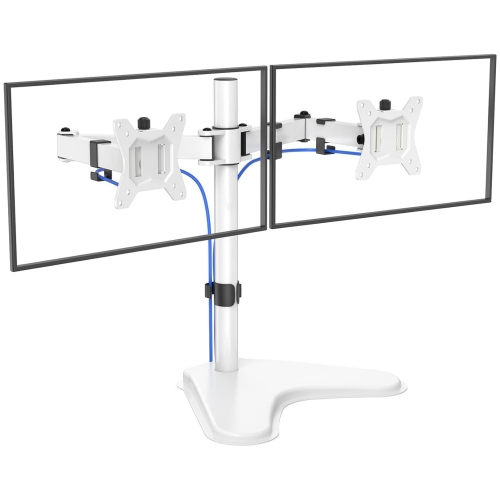

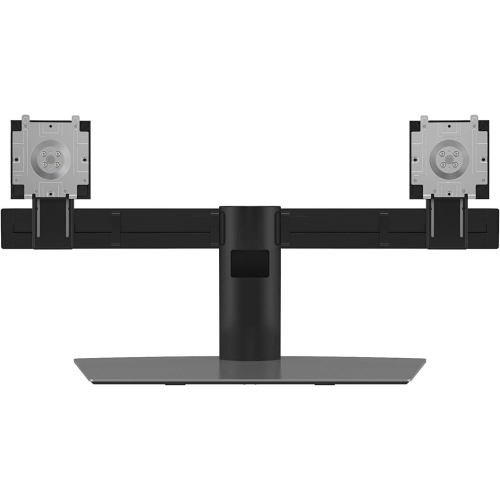
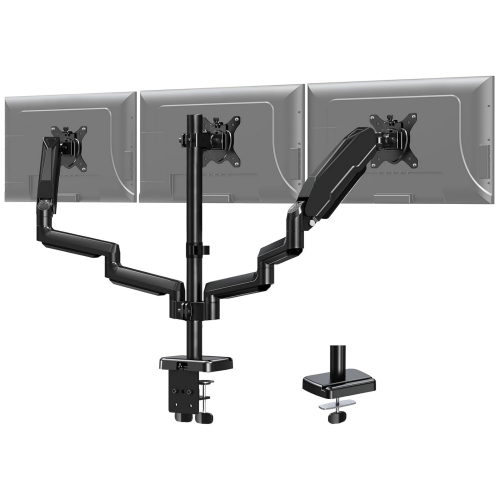
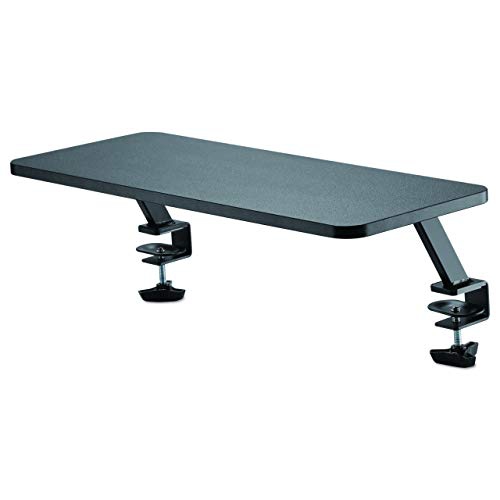
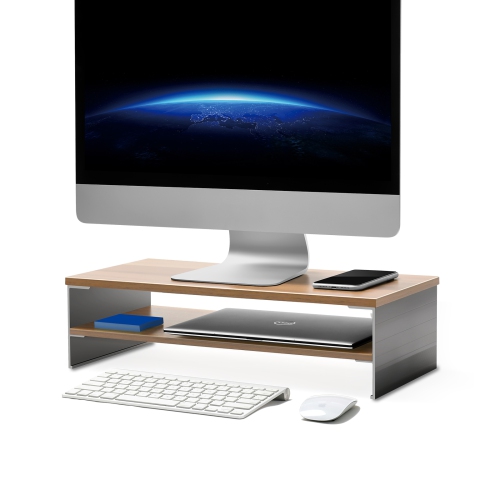
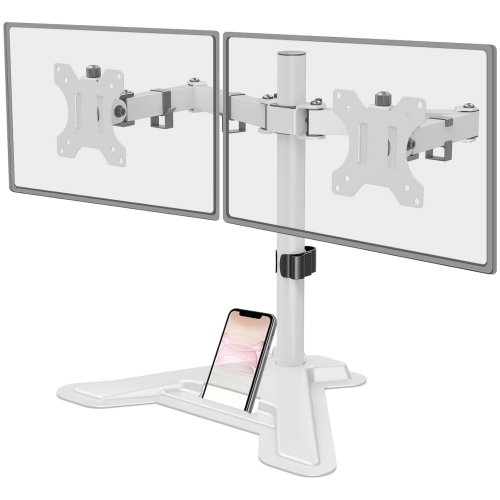
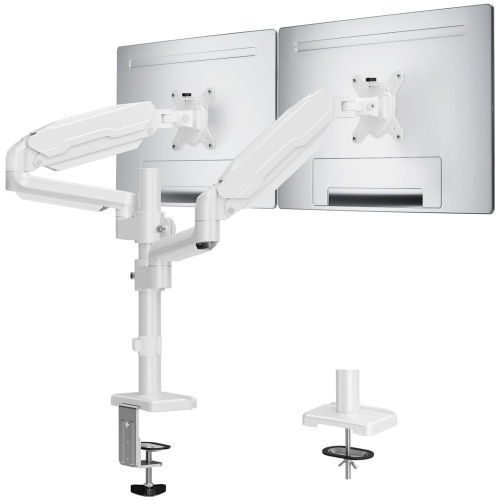
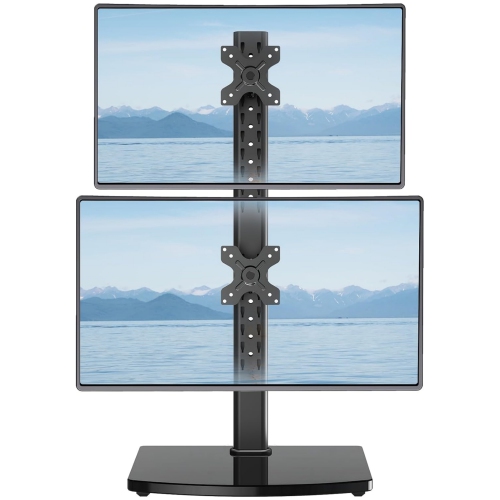
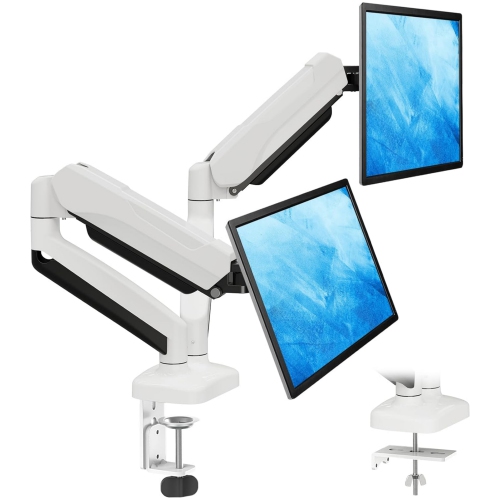
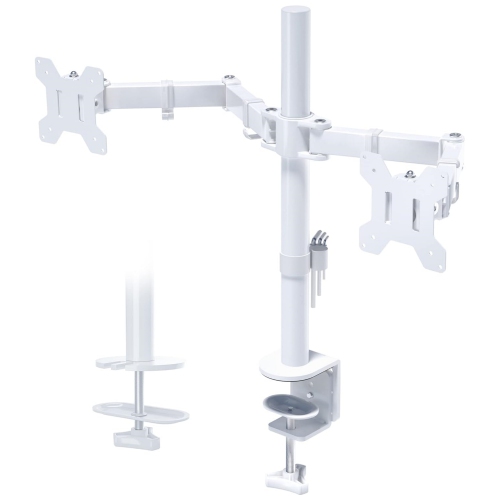
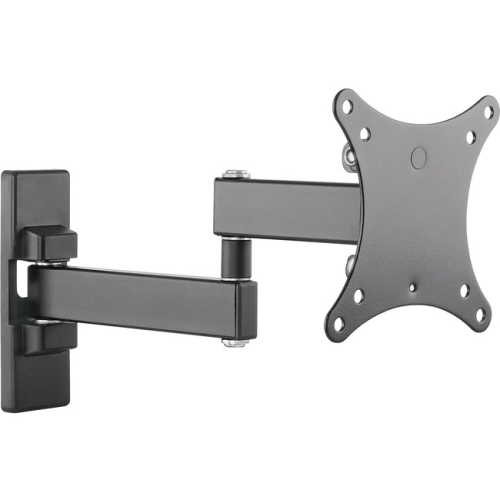
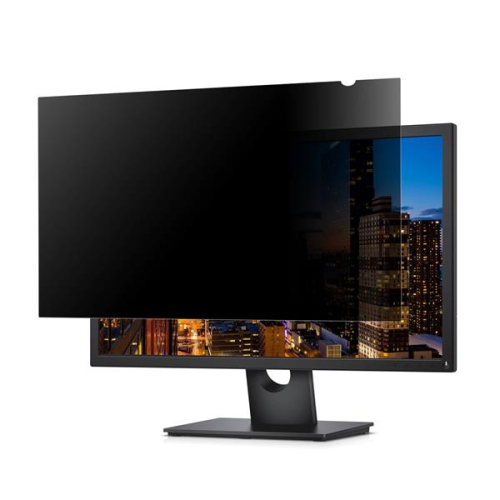
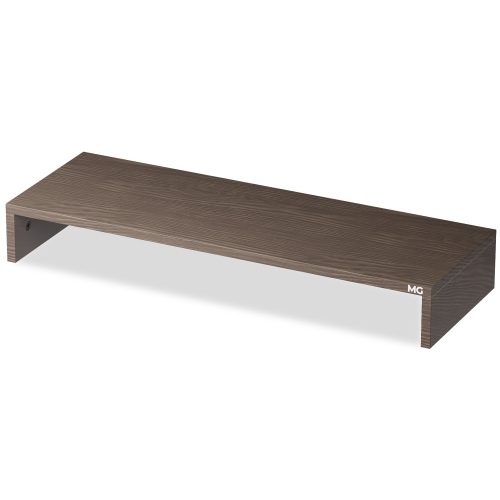
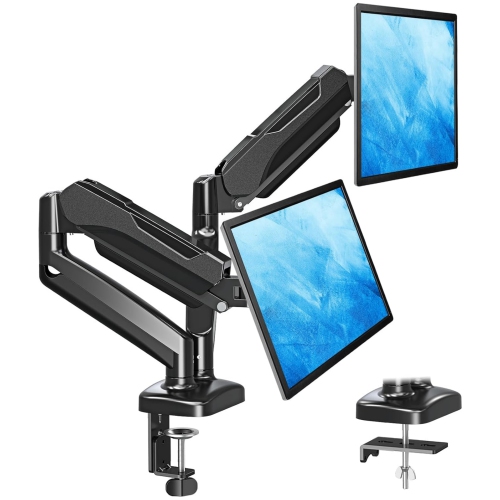
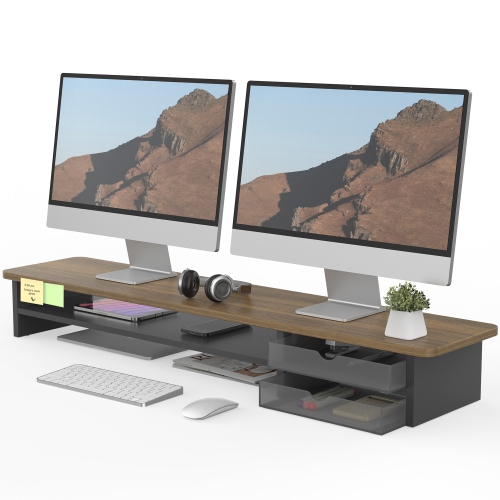
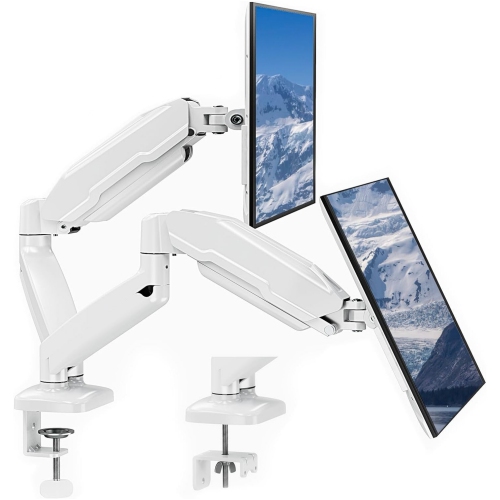
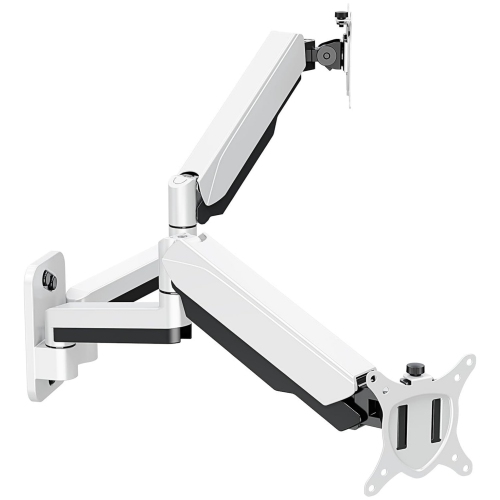
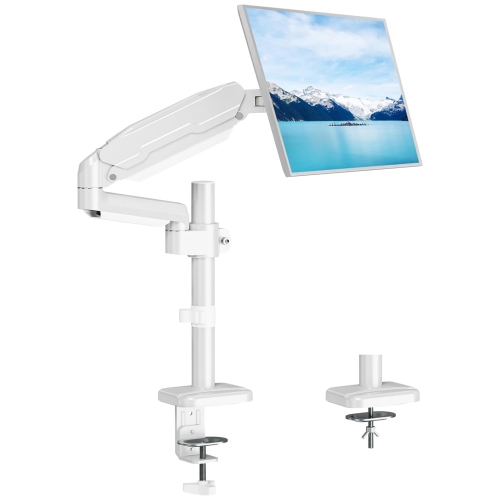
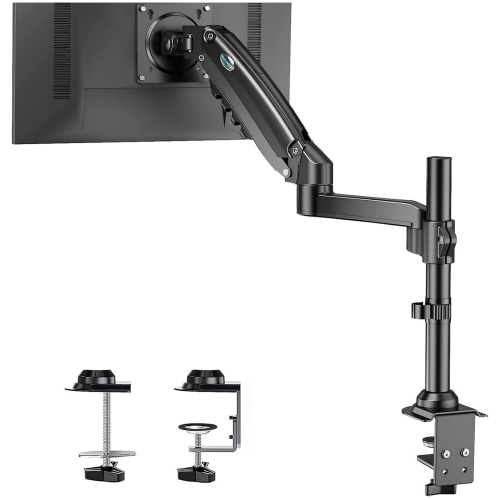

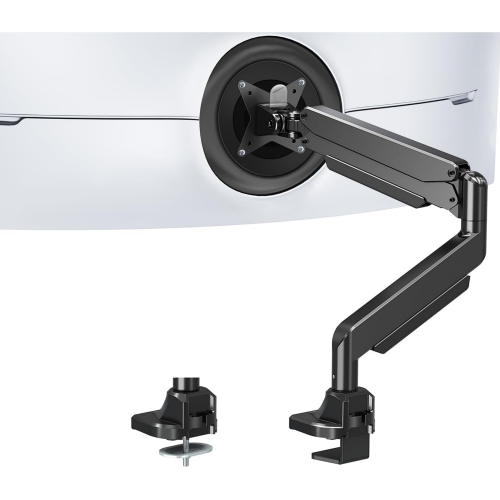
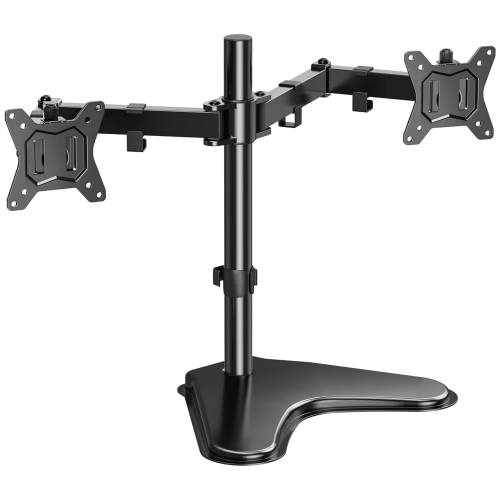
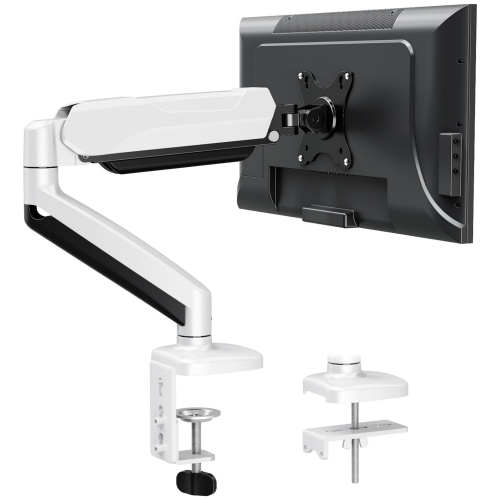
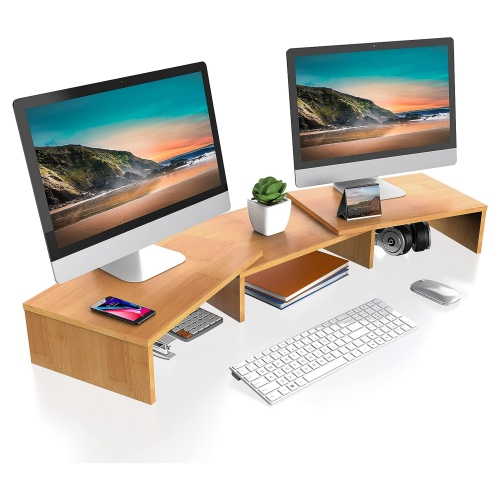
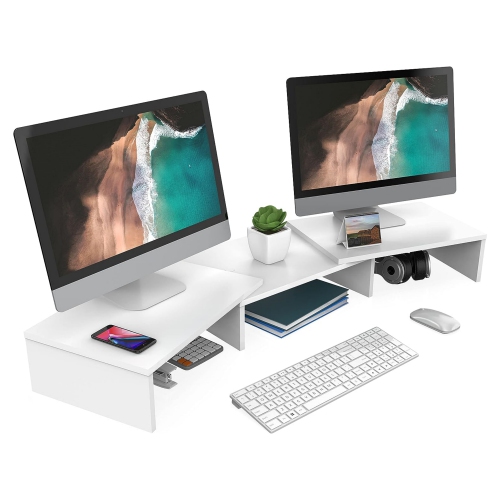
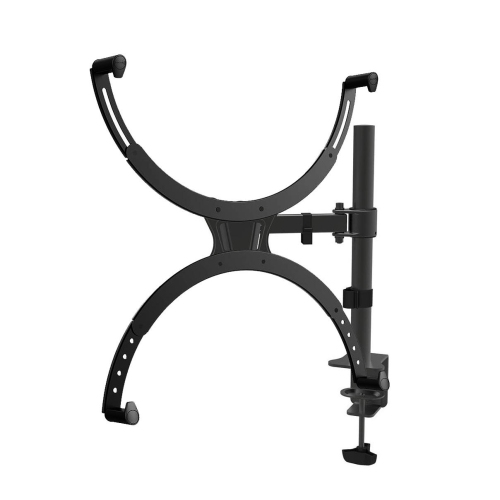
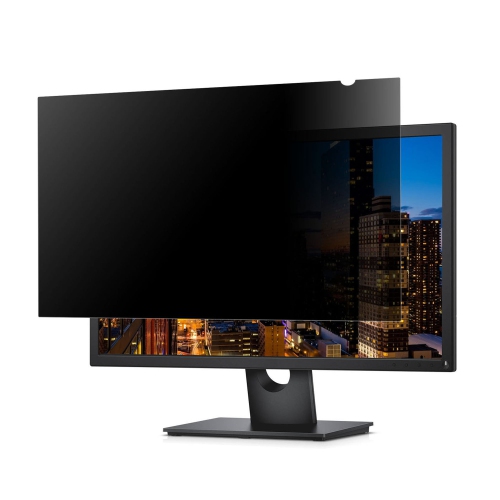
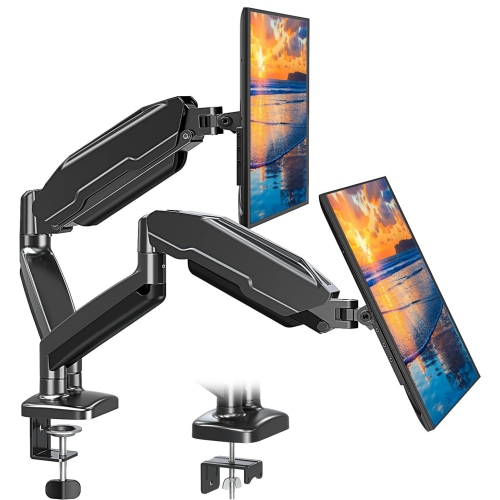
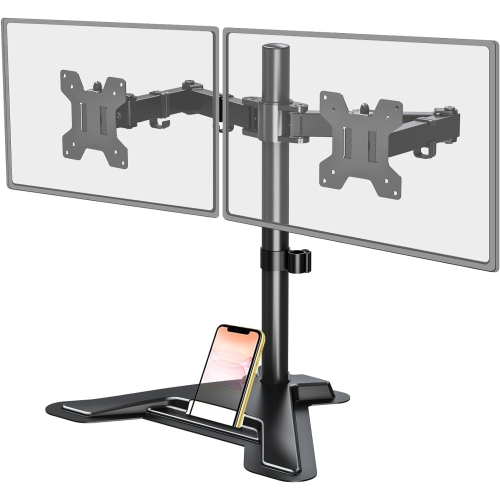
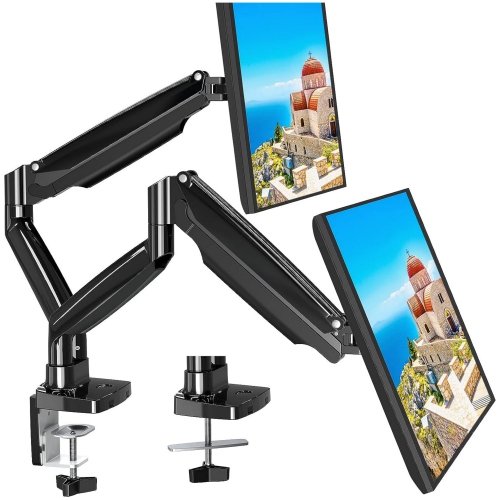
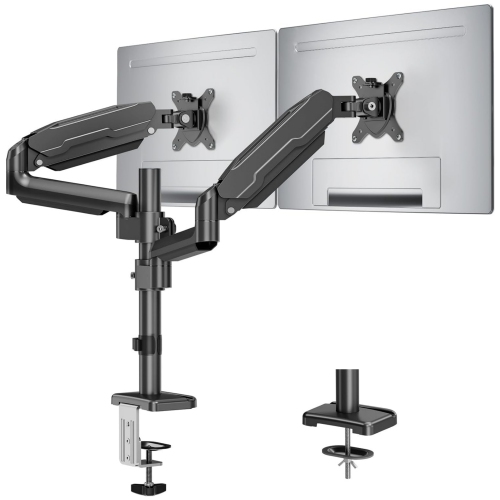
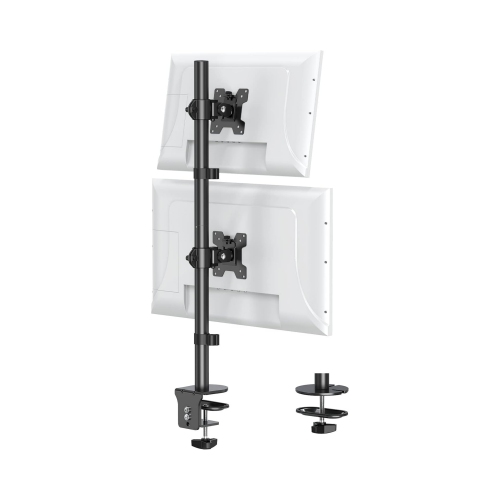
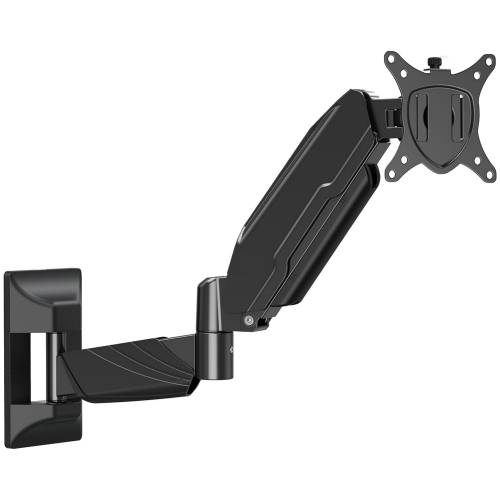
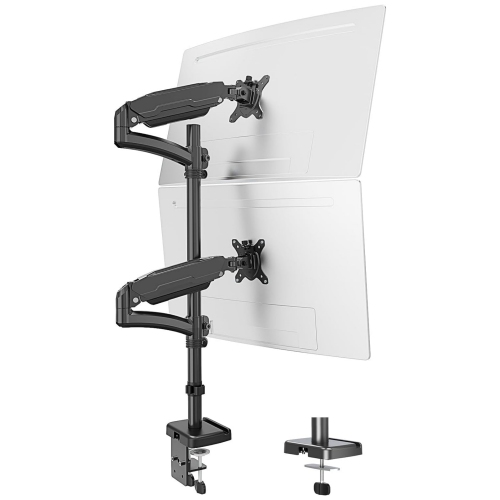
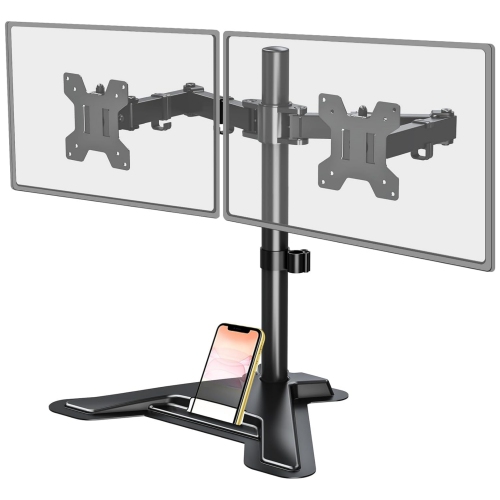
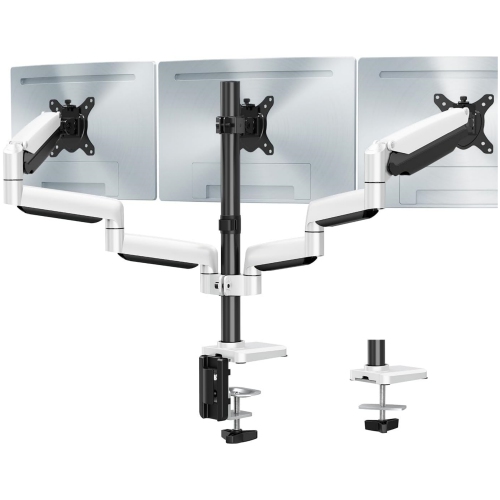
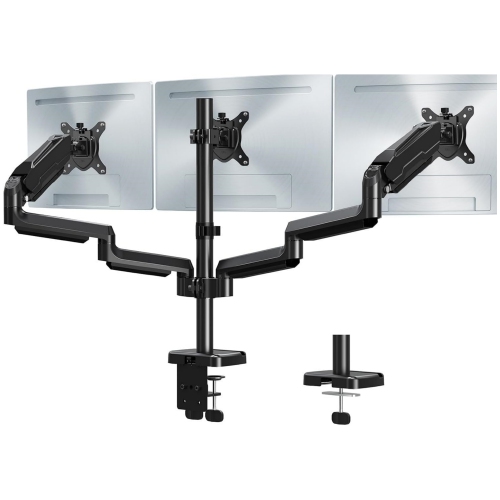
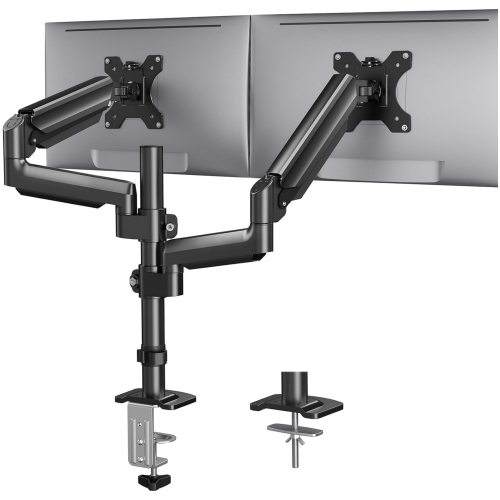
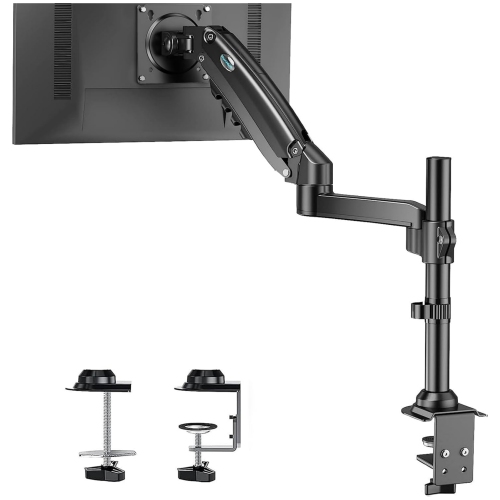
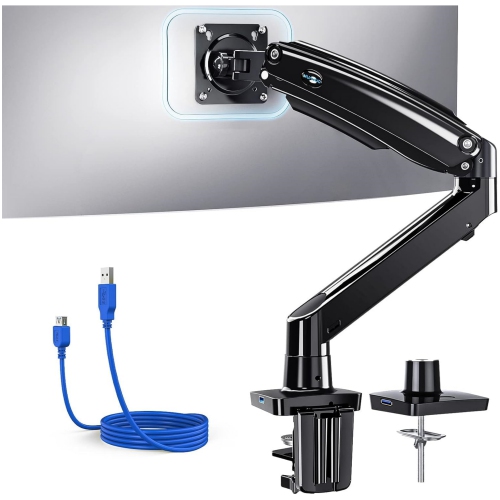
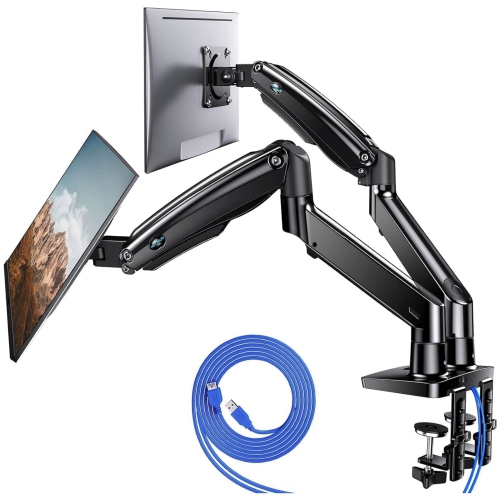
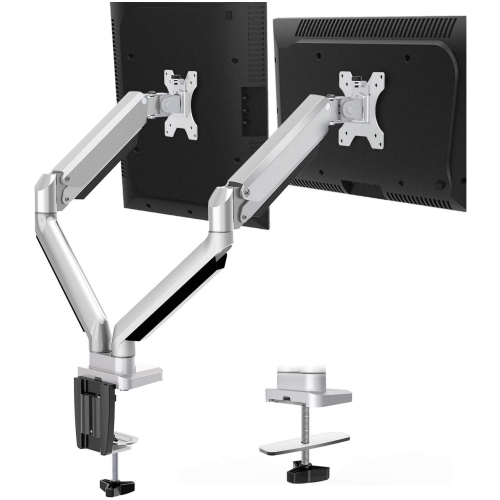


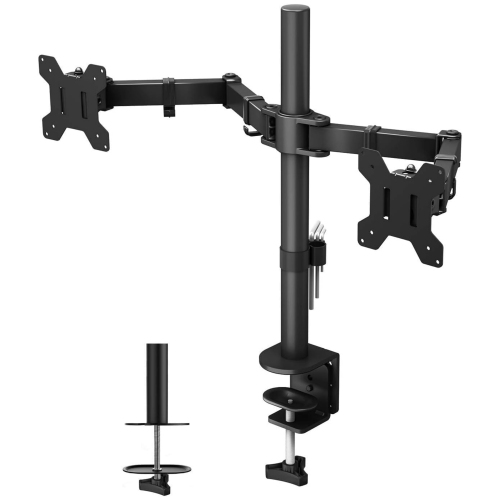
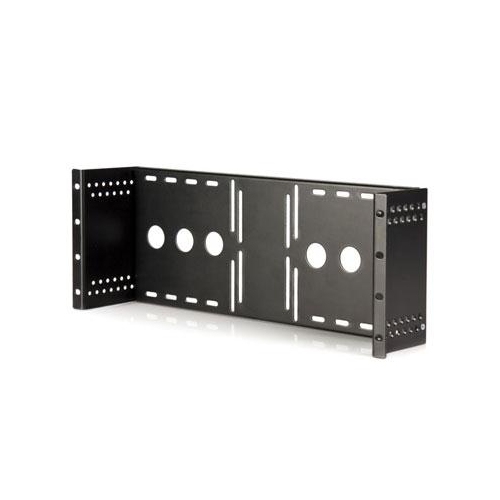
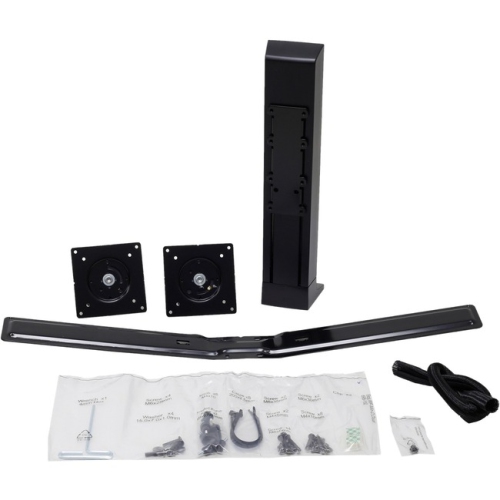
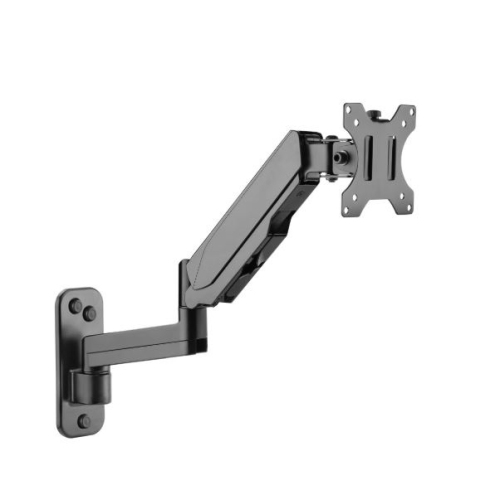
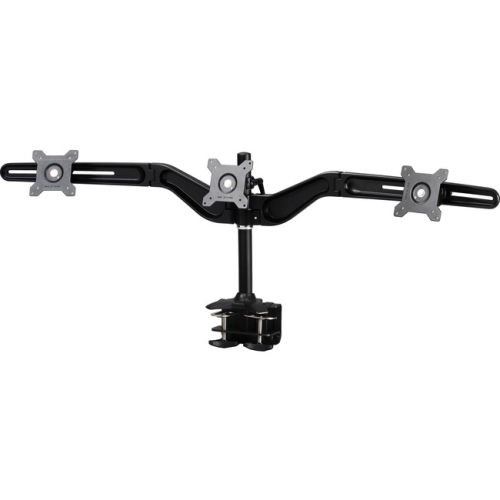
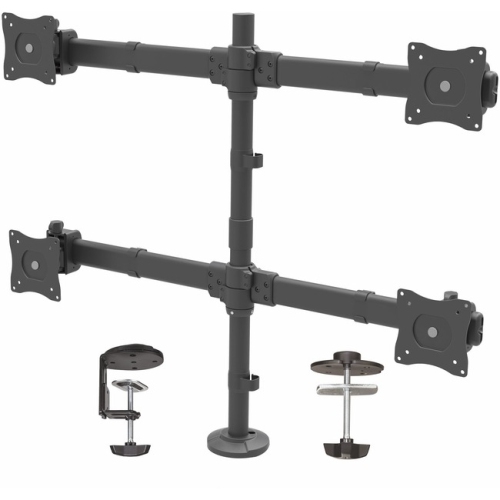
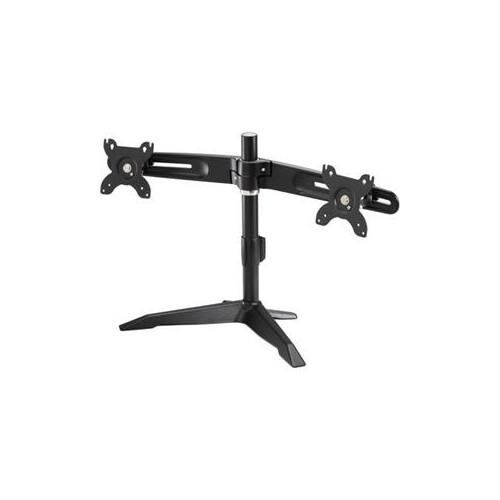
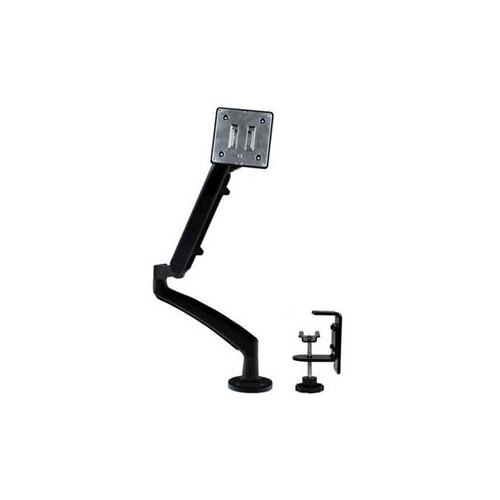
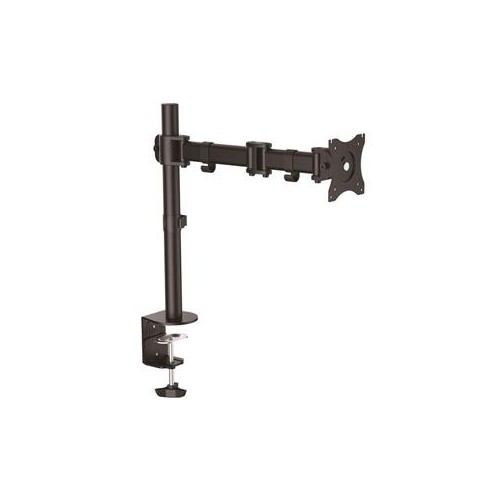
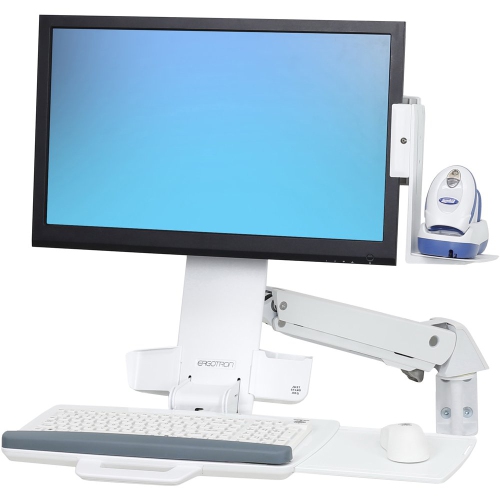
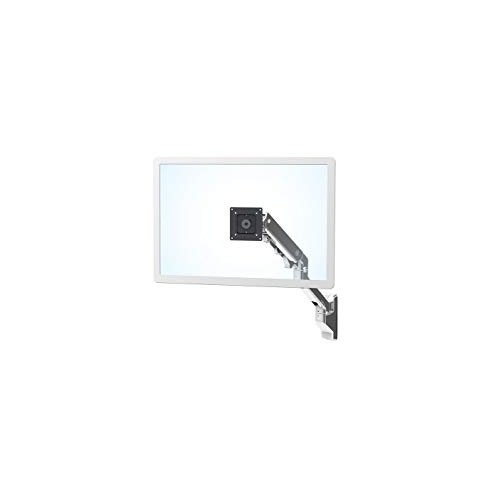

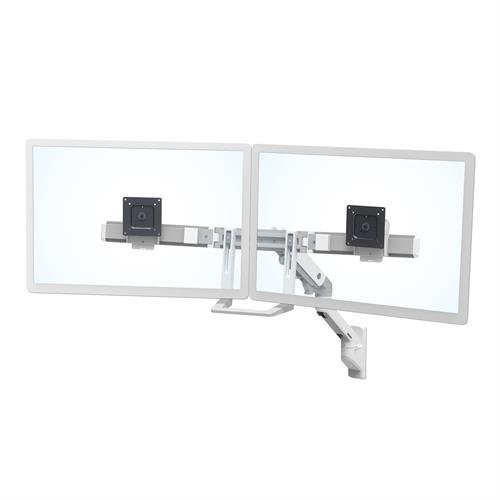
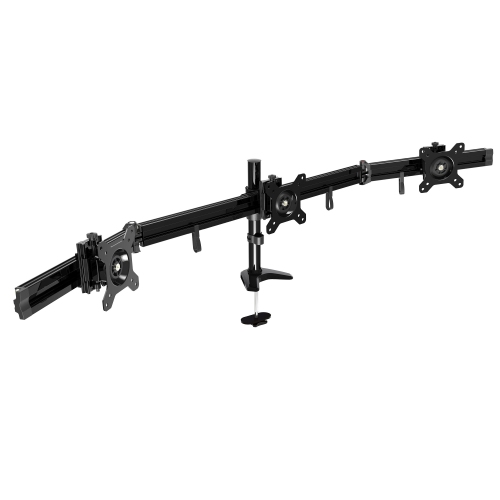

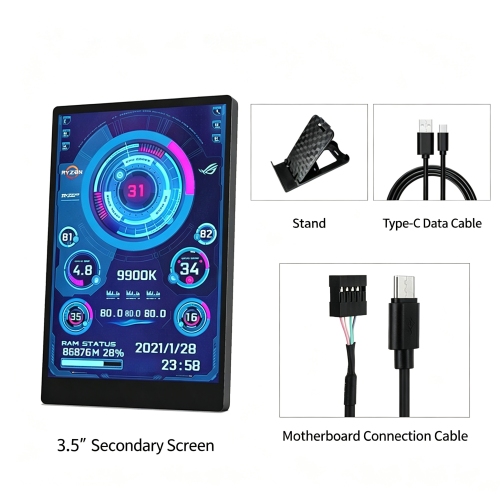
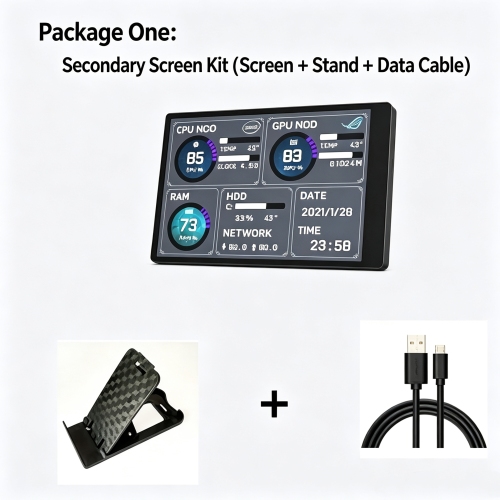
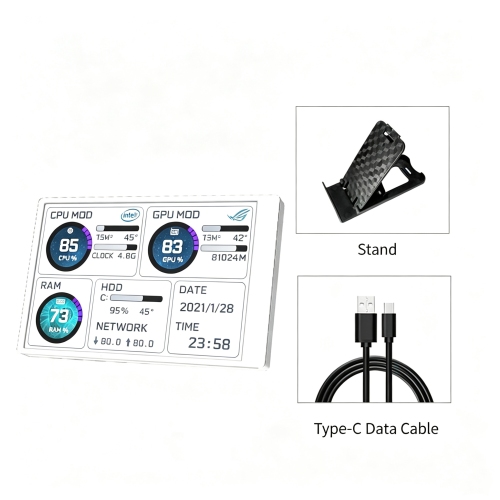
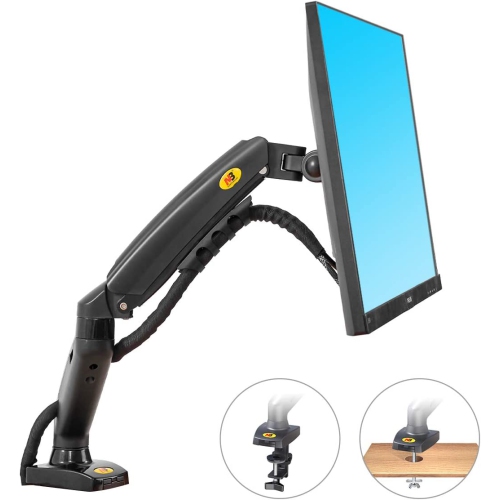
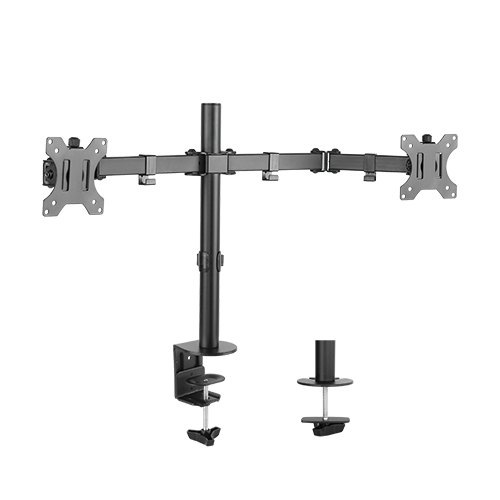
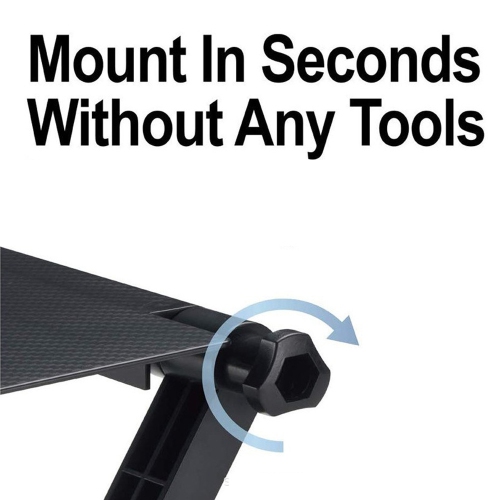
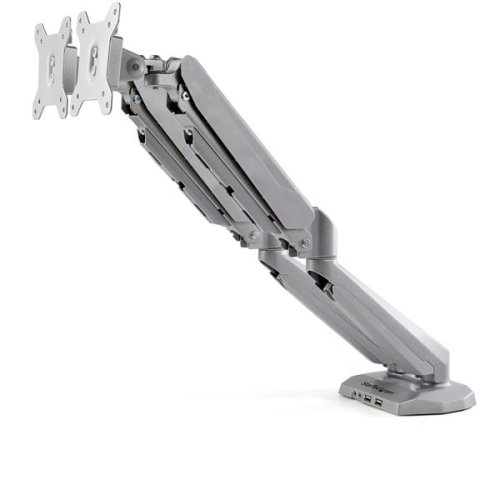
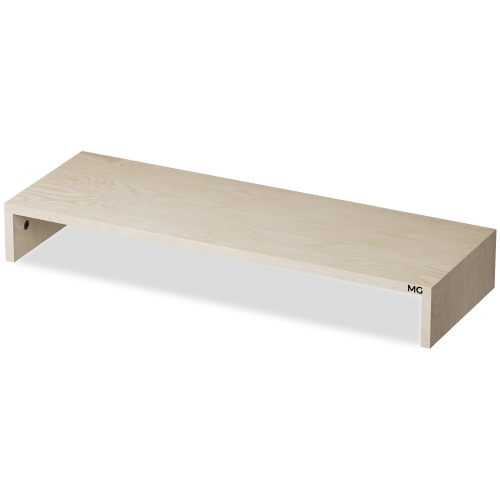
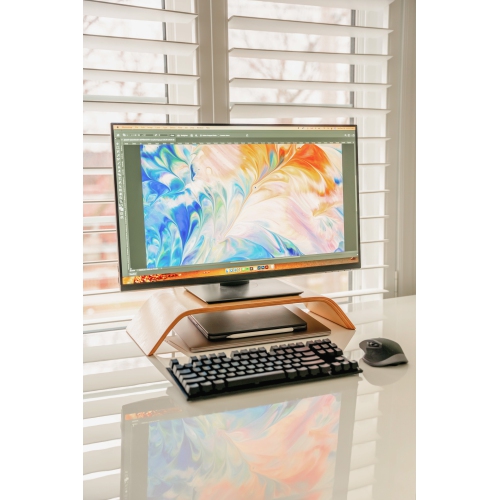

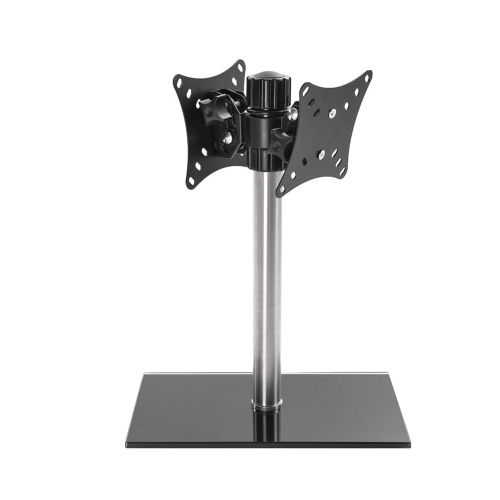
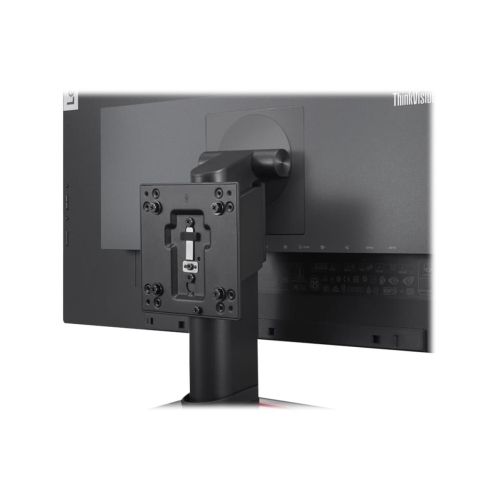
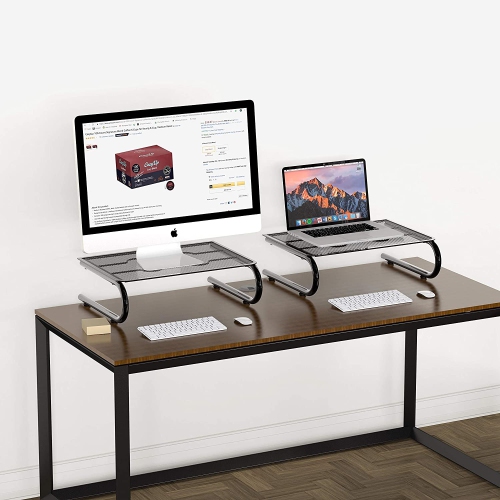
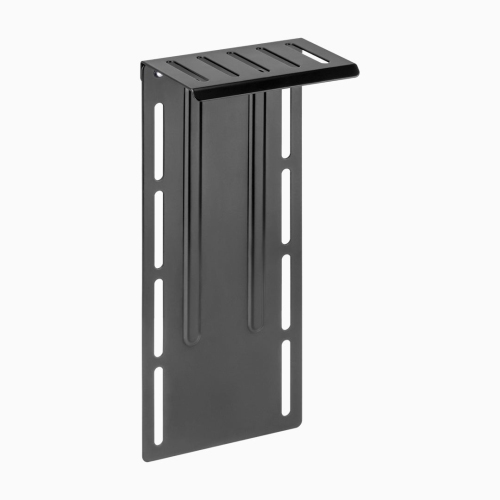
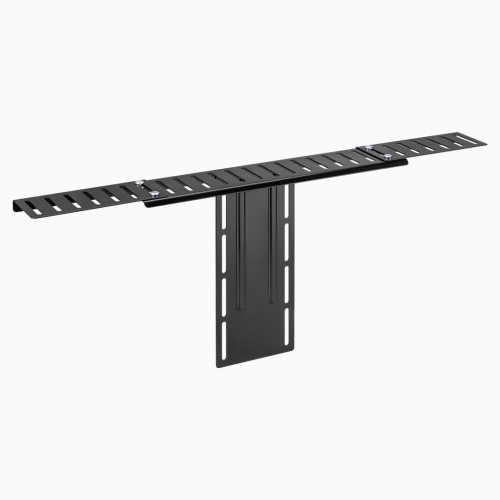
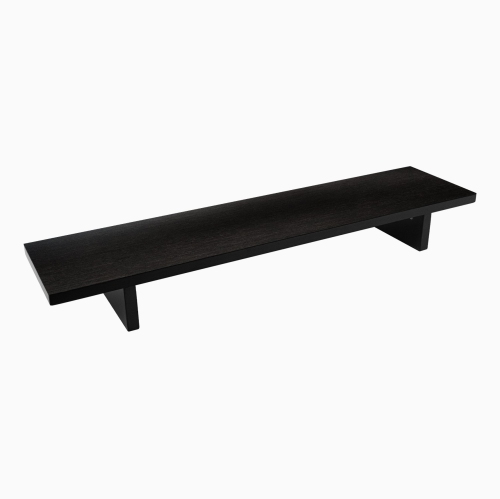
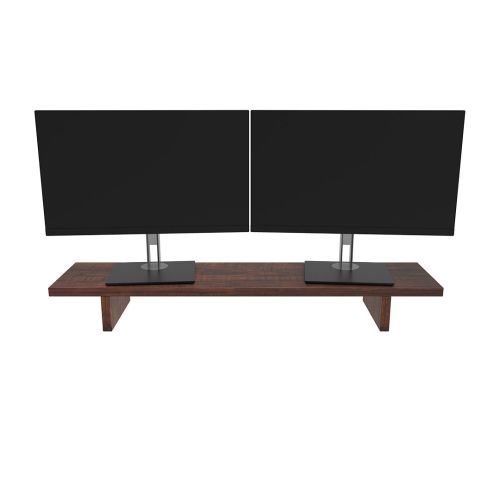
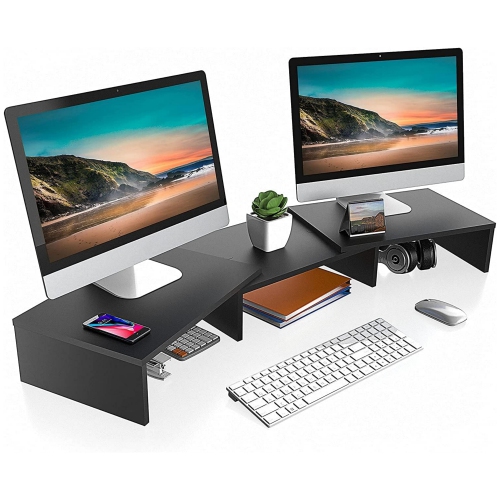
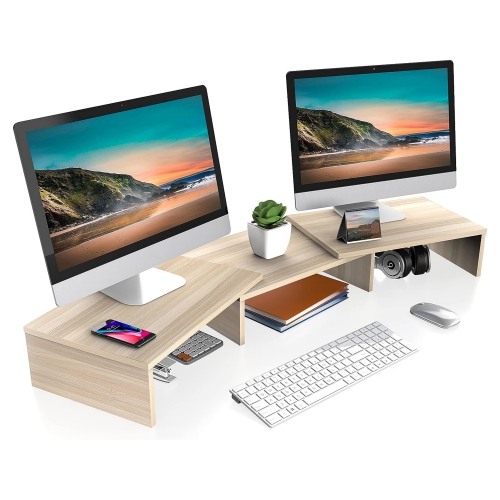
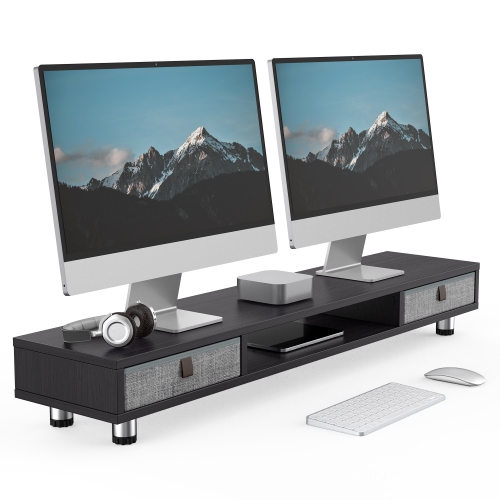
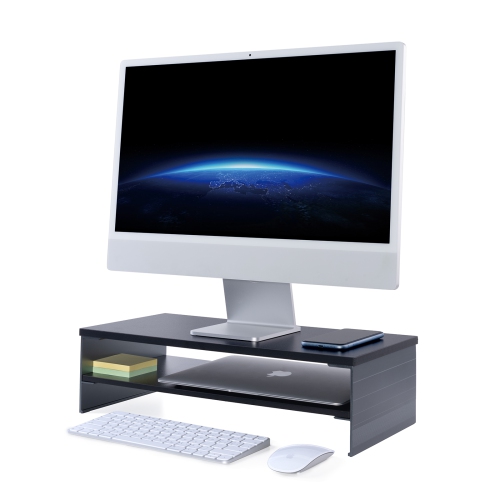


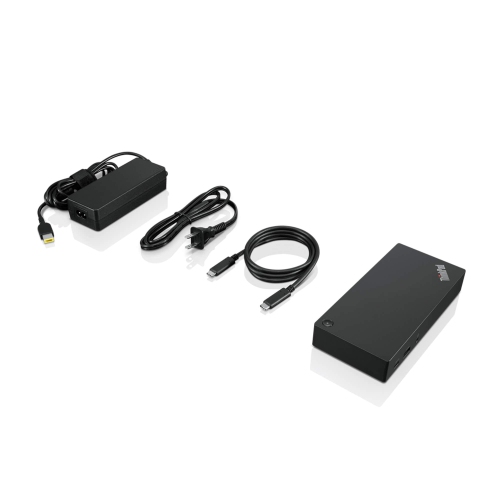
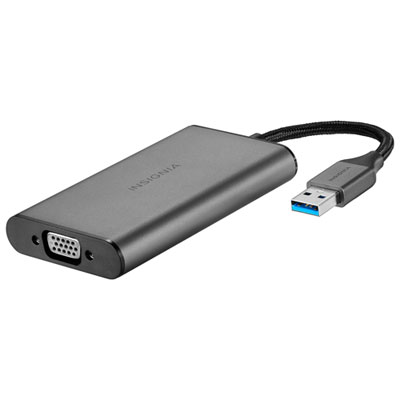
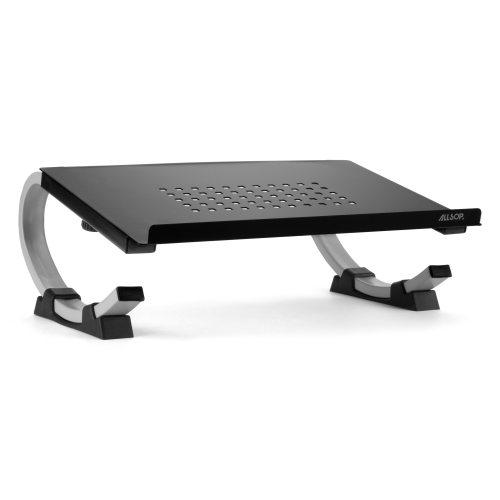

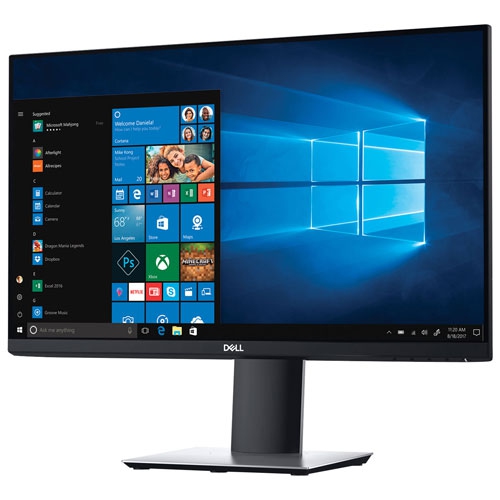
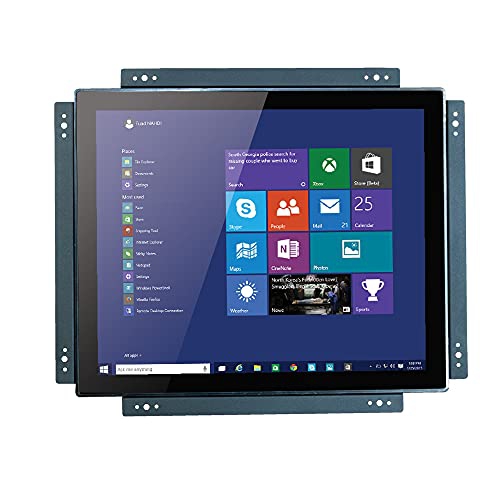
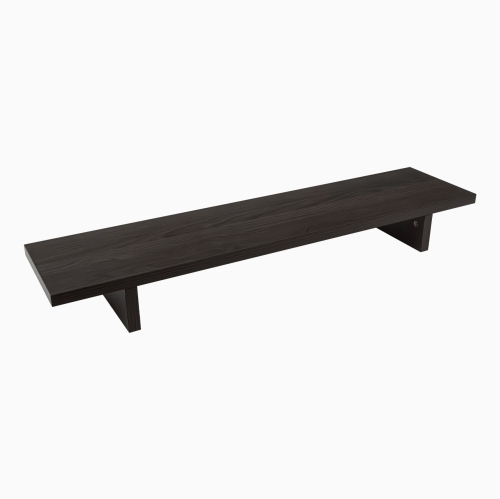
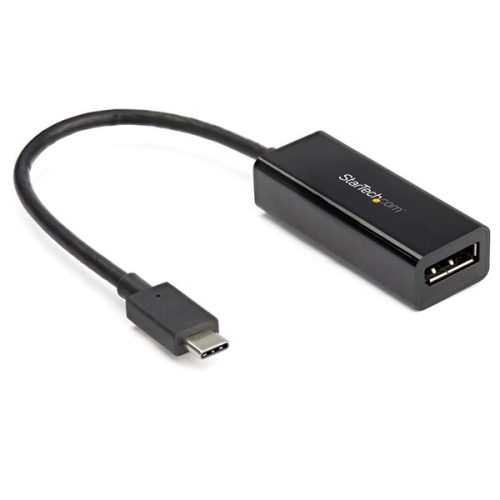
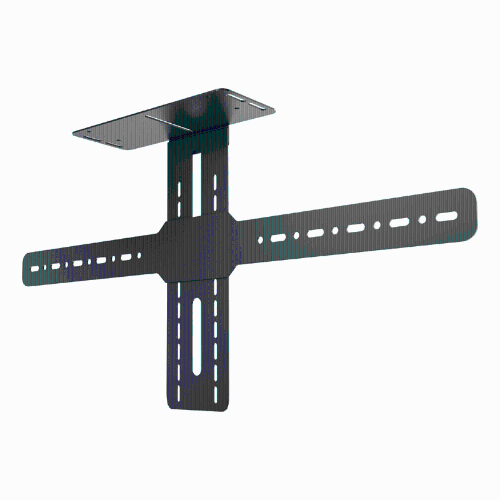
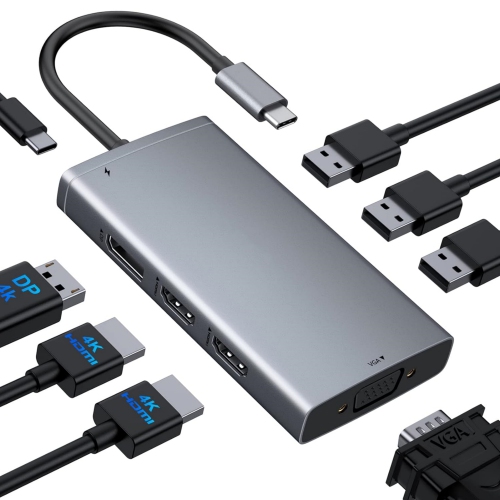
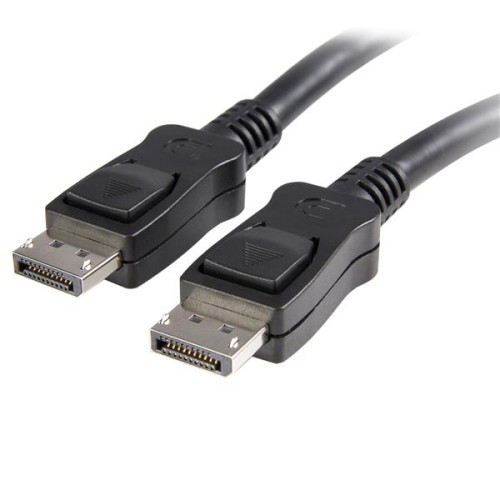
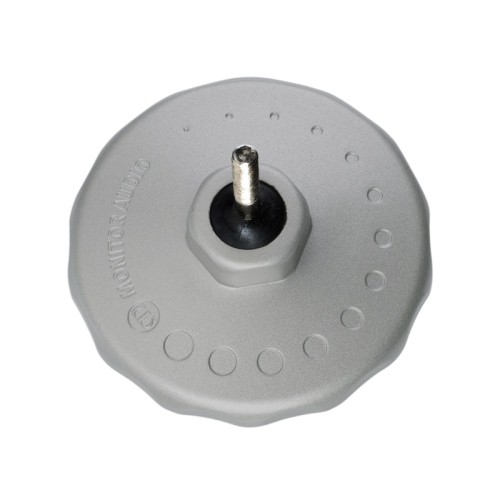
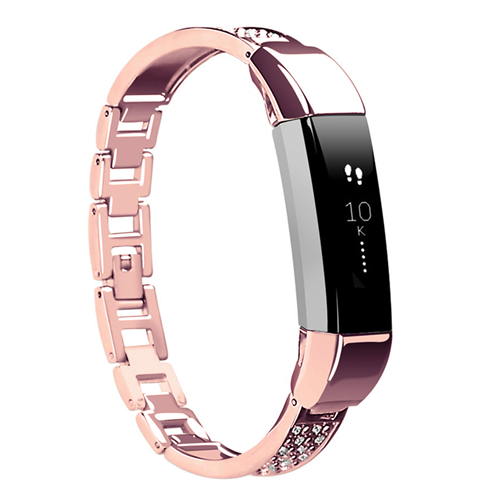
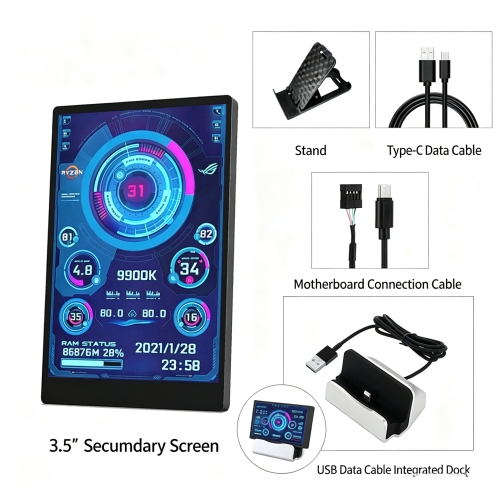
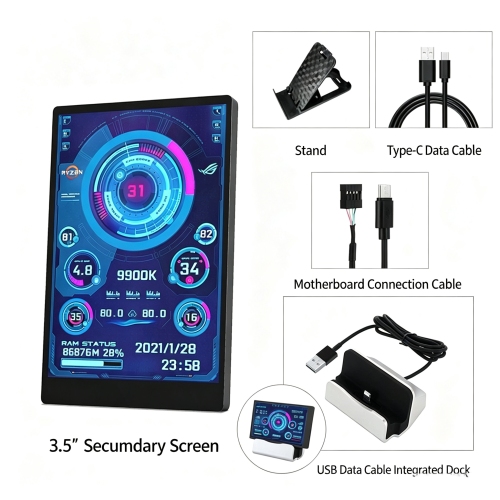
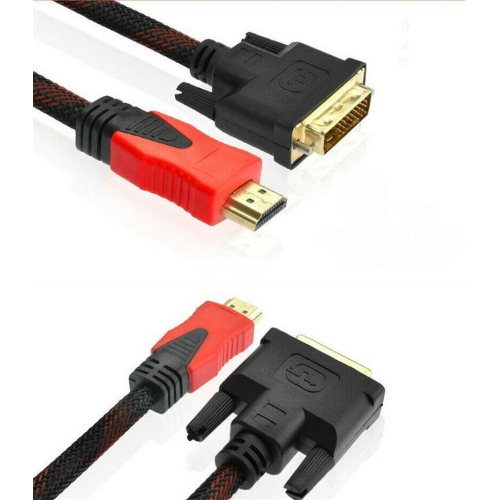
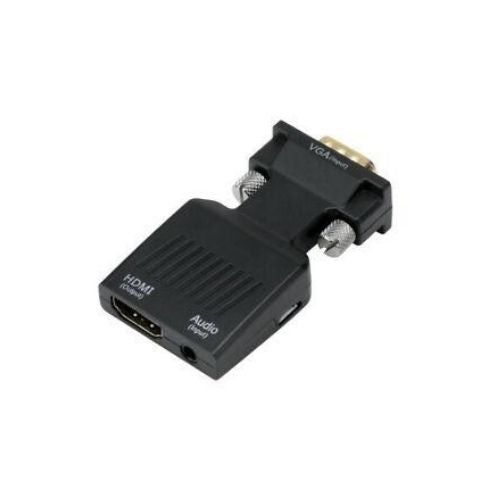
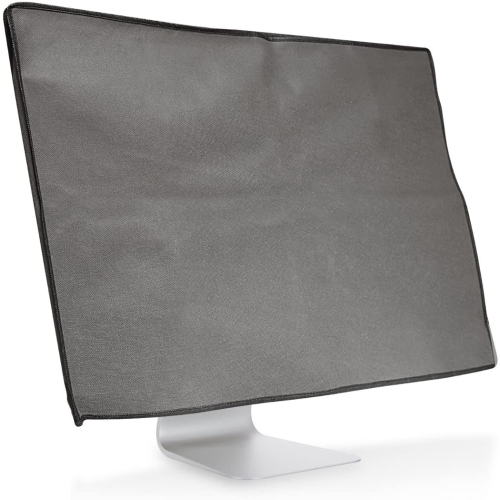
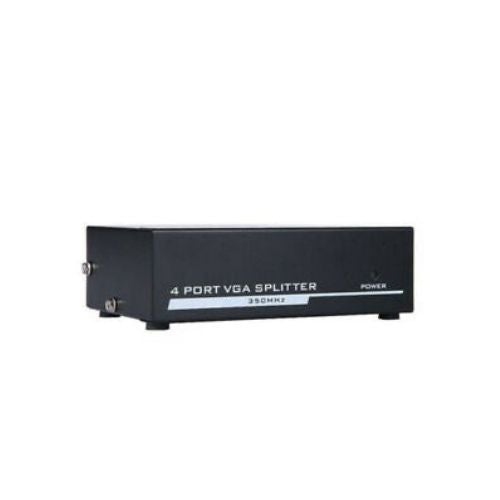
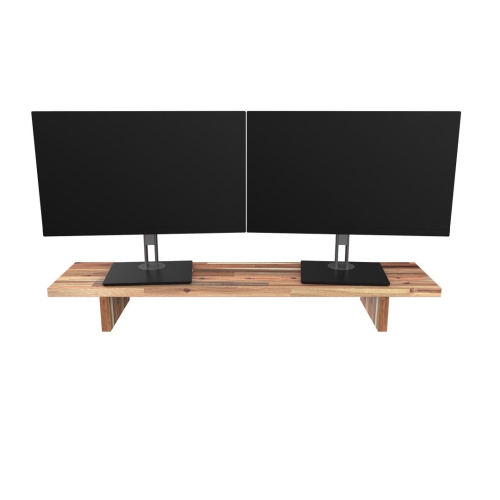
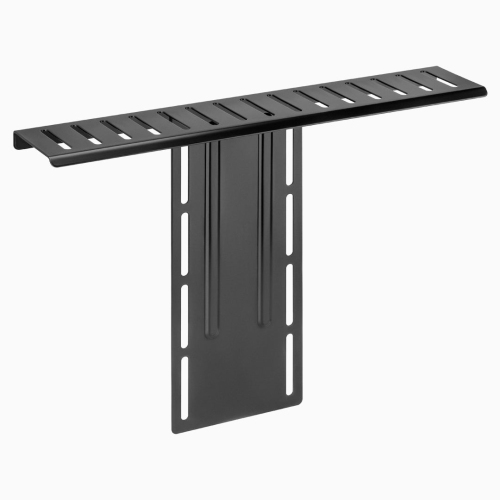
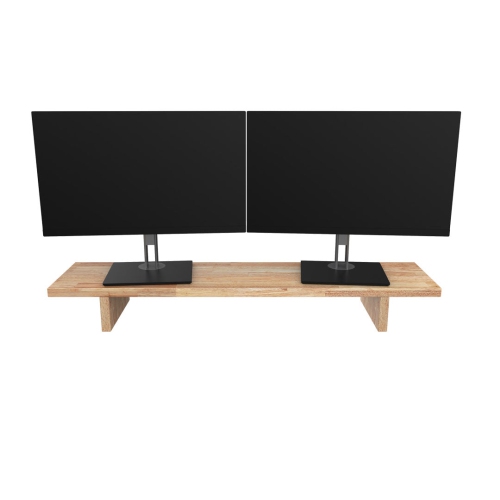
Better screen placement starts with the right fit
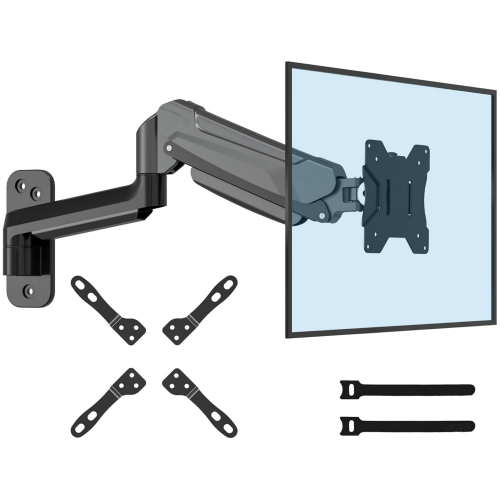
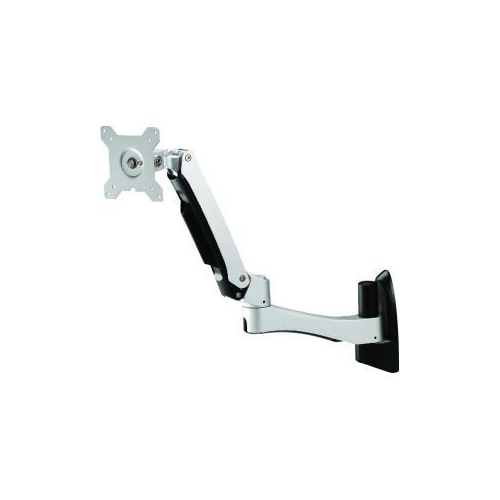
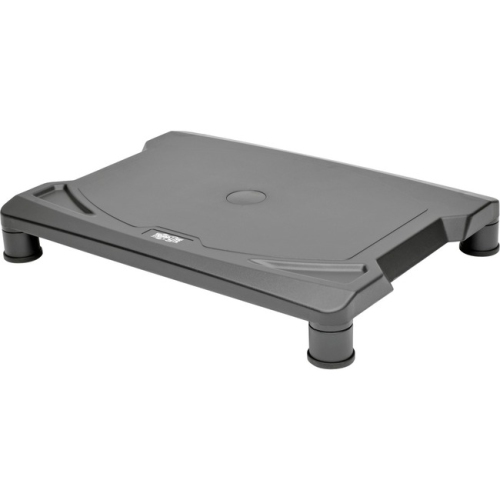
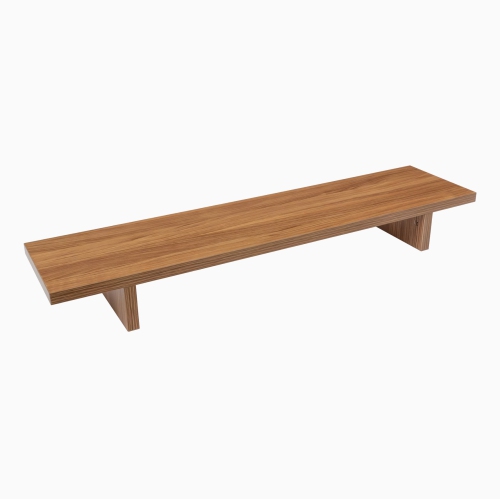
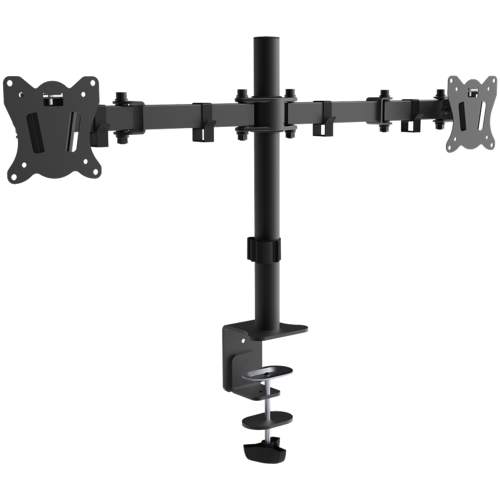
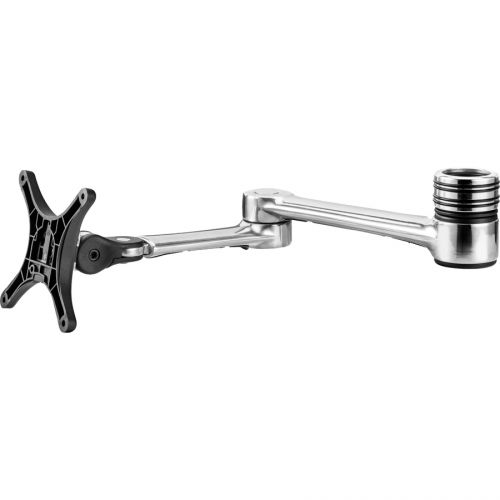
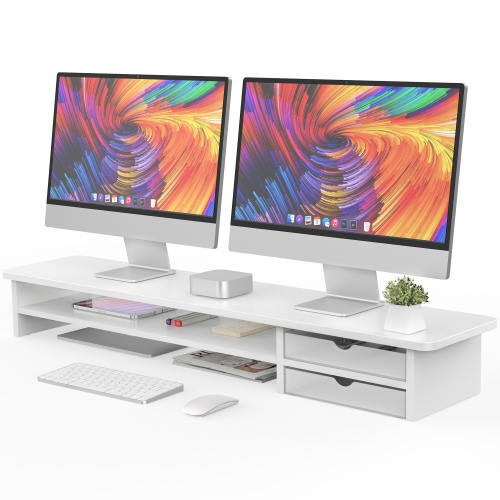
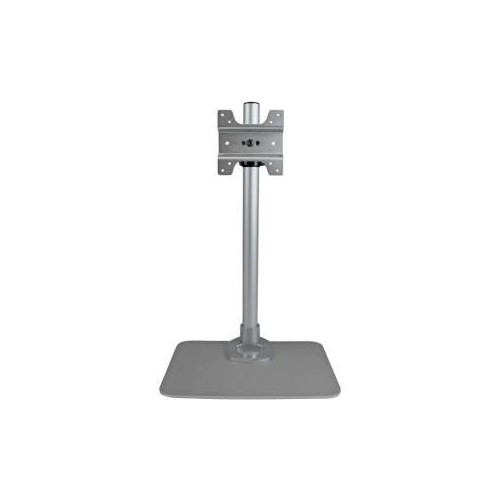
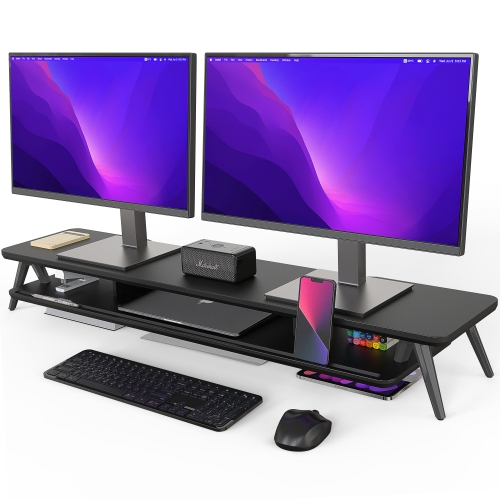
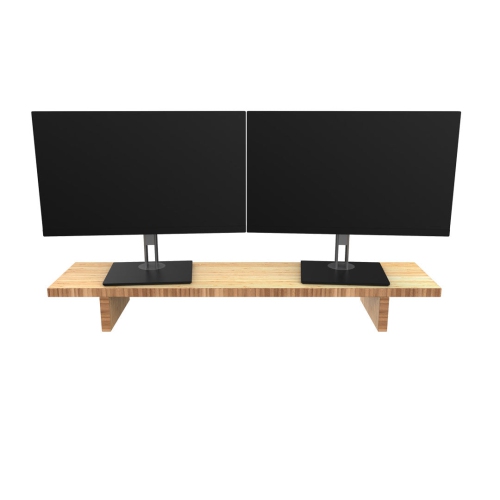
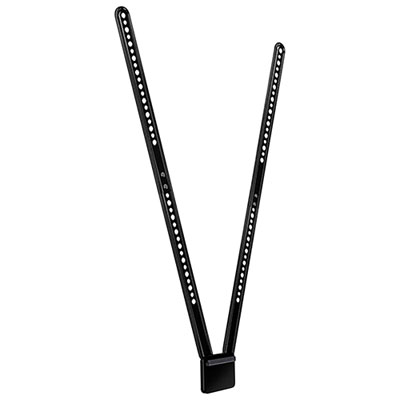
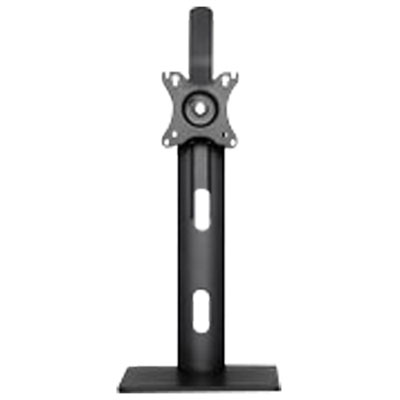
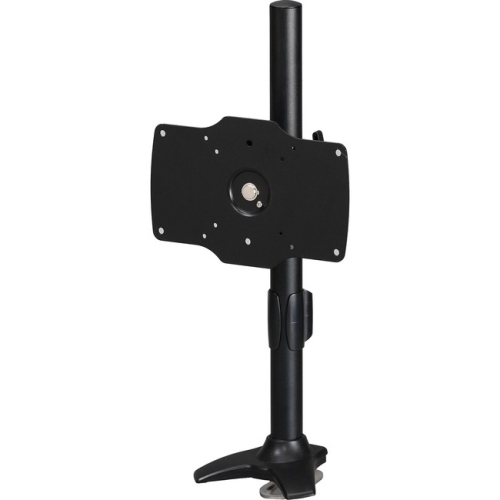
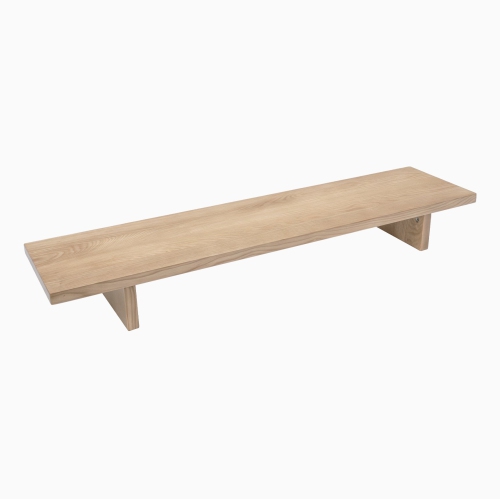
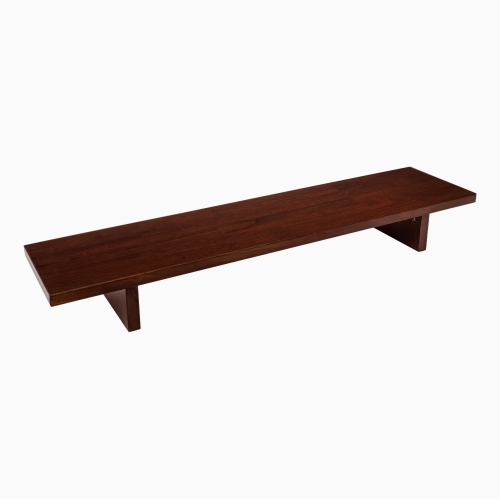
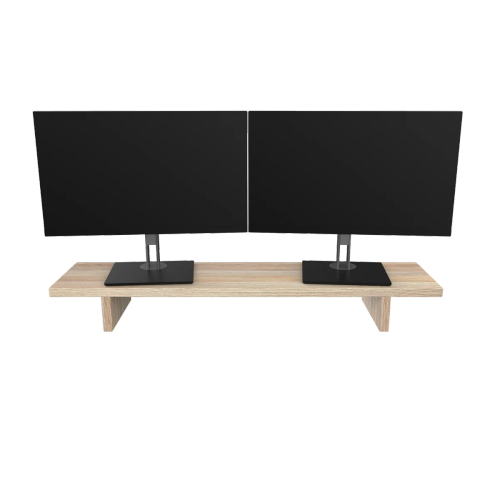
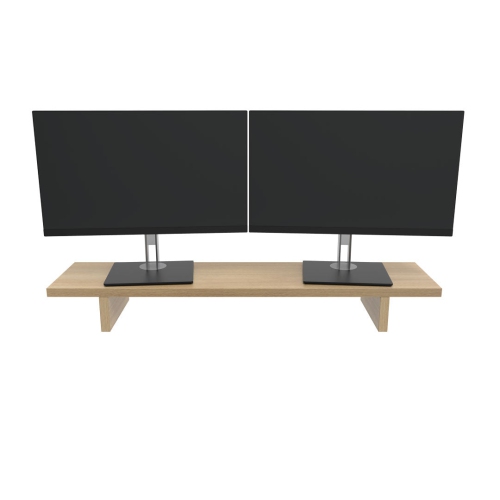
Monitor accessories help position a display comfortably, free up desk space, manage cables, and adapt a workstation to the way it is used. Monitor arms, stands, and risers address screen placement, while privacy filters, screen lighting, and connection accessories serve different needs around the display. For someone working with spreadsheets beside a laptop, raising the larger screen can make it easier to arrange both displays at a practical viewing height. For a gamer, an adjustable arm can create more room for mouse movement or bring the screen closer without moving its original base. An articulating monitor arm typically offers some combination of height, tilt, swivel, and rotation adjustments, although its range depends on the design. A freestanding riser provides a simpler raised surface and may leave room underneath for a keyboard, notebook, or small desk essentials. Fit involves more than the screen’s diagonal measurement: a mount needs to support the monitor’s weight and match its mounting interface. VESA compatibility refers to the spacing of the mounting holes on the back of a display, measured in millimetres, and both the pattern and required hardware need to match. Curved and ultrawide screens may place different demands on an arm because their shape and depth affect how the weight is supported. Desk construction matters, too. A clamp mount needs an accessible edge with suitable clearance and thickness, while a grommet mount requires a compatible opening through the desktop. Glass surfaces, hollow desktops, bevelled edges, and desks with shallow rear ledges may have restrictions that rule out certain mounting methods. A freestanding base avoids clamping but still needs a stable surface and enough room for its footprint. These details are especially important on compact home office desks, where a shelf above the screen or a wall behind it can limit movement. Enough clearance for cables, ventilation, and adjustment helps keep the finished arrangement practical rather than simply tidy.
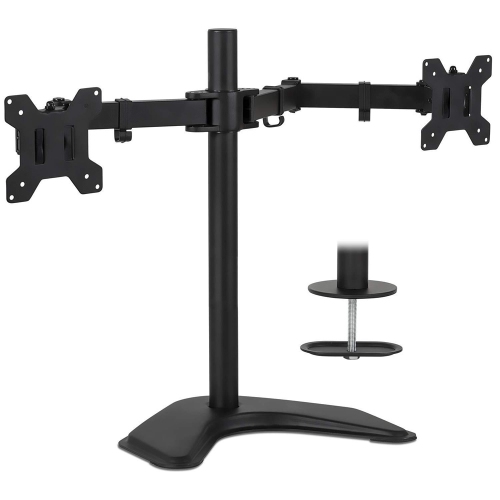
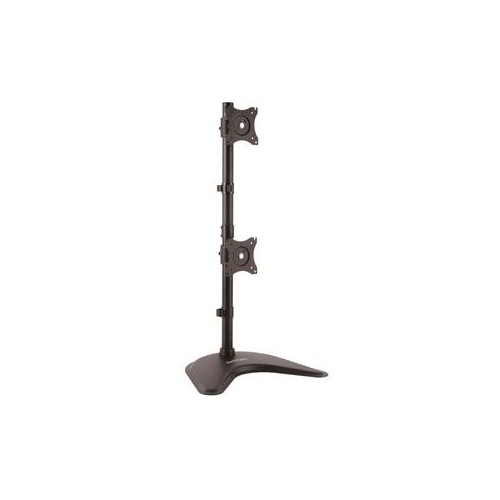
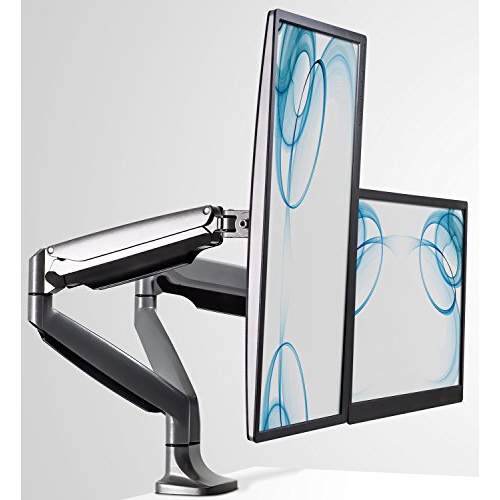
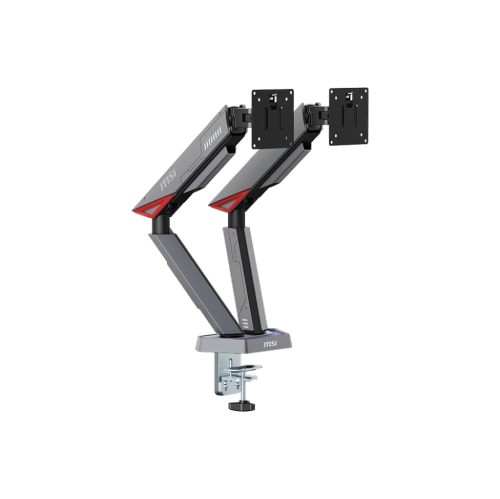
The materials and construction of monitor accessories influence their stability, appearance, and ability to handle daily adjustments. Steel and aluminium are common in monitor mounts, while risers may use metal, wood, engineered wood, plastic, or tempered glass. Material alone does not establish strength; the stated load capacity, quality of the joints, base dimensions, and intended use are more useful indicators. A riser supporting a display all day needs to remain steady when someone types nearby, and its surface should accommodate the monitor’s feet without an overhang. Non-slip pads can help reduce sliding and protect a desk finish, though they do not replace a level surface or proper installation. For adjustable arms, the monitor’s weight must fall within the specified operating range, which may include a minimum as well as a maximum. Correct tension adjustment helps the screen stay at the chosen height instead of drifting upward or sinking. Dual-monitor mounts can bring two displays together for coding, research, or document comparison, but their reach and individual weight limits determine whether the screens can sit side by side as intended. Portrait rotation can be useful for long documents, provided the monitor supports that orientation and has room to turn. On a sit-stand desk, cables need enough slack for the full height range without pulling at ports or catching on nearby furniture. Cable clips, sleeves, and routing channels help separate loose leads from the keyboard area and keep them away from moving joints. Care is usually straightforward: wipe structural surfaces with a soft cloth using a method suitable for the finish, inspect fasteners as directed, and check for worn pads or loose connections. Gas-assisted mechanisms should only be adjusted or serviced as the manufacturer specifies. For students, remote workers, and people who share a desk, stable construction and easy adjustment often matter more than an elaborate range of movements that rarely gets used.
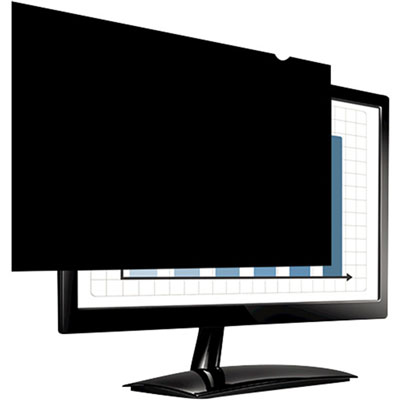
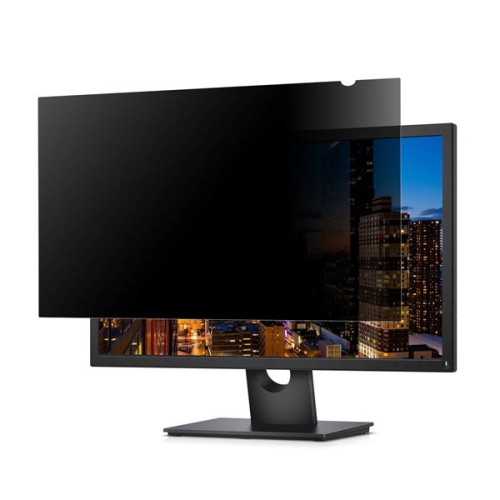
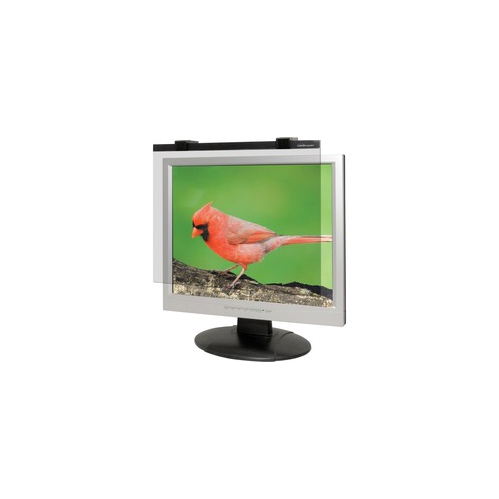
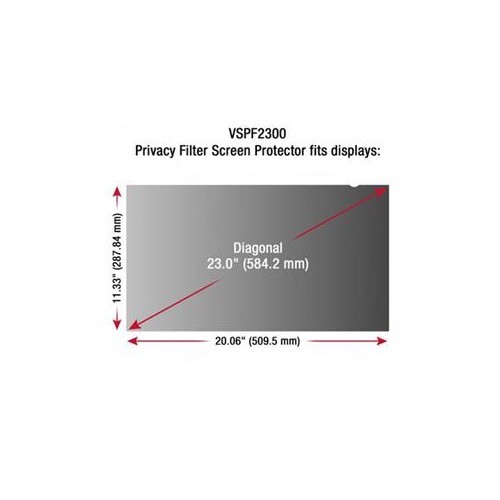
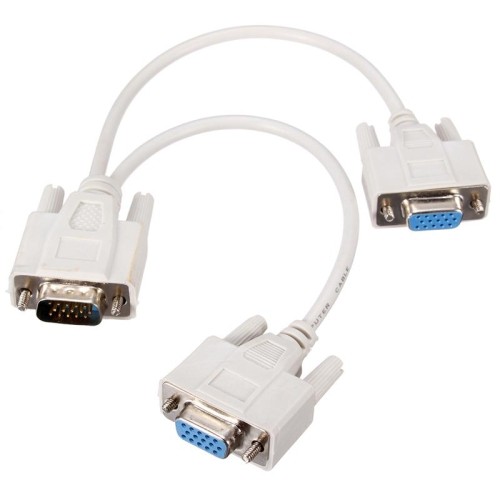
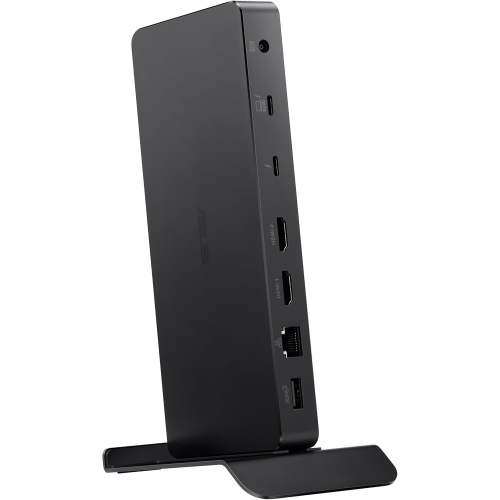
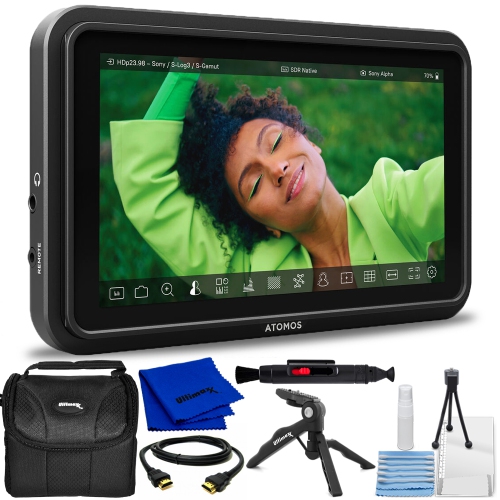
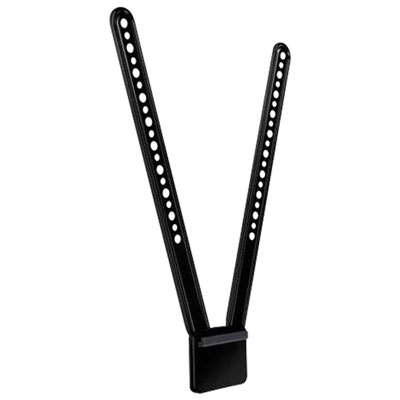
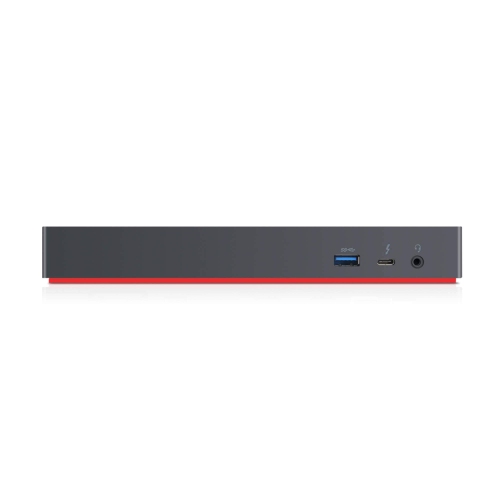
Other monitor accessories address visibility, lighting, privacy, and connections without changing the display’s position. A monitor light bar directs light towards the desk, which can help illuminate handwritten notes or a keyboard without occupying the space needed for a conventional lamp base. Its usefulness depends on the beam direction and placement: light falling across the screen can still create reflections, so the housing needs to suit the display’s thickness, shape, and top edge. A built-in camera, separate webcam, or curved panel may affect where a light can attach. Adjustable brightness and colour temperature offer flexibility for different tasks, but a desk light does not change the monitor’s own brightness or colour accuracy. Privacy filters serve another purpose by narrowing the angles from which screen content can be viewed. They can be useful when handling personal information at a shared workspace or a reception desk, although they do not prevent someone directly behind the user from seeing the display. Anti-glare treatments reduce certain reflections and are not automatically privacy filters; the stated function matters. Filter fit depends on the visible screen dimensions, aspect ratio, and attachment method, not just the advertised diagonal size. Touch compatibility and any effect on brightness or image clarity are also worth considering. For screen cleaning, a clean microfibre cloth and a display-safe method help remove fingerprints without abrasive scrubbing; liquid should not be sprayed directly onto the panel or allowed to collect along its edges. Connection accessories require equally careful matching. The ports on the computer and monitor, the direction of an adapter, and the supported resolution and refresh rate all affect whether a connection will work as expected. A USB-C connector alone does not guarantee video support, and charging capability is a separate specification. For creative desks where the display’s appearance also matters, Art Monitors offer a related category to explore alongside accessories that suit the screen and workspace. Monitor accessories can also make thoughtful gifts for someone furnishing a study area or refining a gaming setup, provided the monitor specifications and desk measurements are known. The most useful additions solve a clear everyday problem, whether that is a crowded desktop, an awkward viewing angle, distracting reflections, or cables that pull whenever the screen moves.
The materials and construction of monitor accessories influence their stability, appearance, and ability to handle daily adjustments. Steel and aluminium are common in monitor mounts, while risers may use metal, wood, engineered wood, plastic, or tempered glass. Material alone does not establish strength; the stated load capacity, quality of the joints, base dimensions, and intended use are more useful indicators. A riser supporting a display all day needs to remain steady when someone types nearby, and its surface should accommodate the monitor’s feet without an overhang. Non-slip pads can help reduce sliding and protect a desk finish, though they do not replace a level surface or proper installation. For adjustable arms, the monitor’s weight must fall within the specified operating range, which may include a minimum as well as a maximum. Correct tension adjustment helps the screen stay at the chosen height instead of drifting upward or sinking. Dual-monitor mounts can bring two displays together for coding, research, or document comparison, but their reach and individual weight limits determine whether the screens can sit side by side as intended. Portrait rotation can be useful for long documents, provided the monitor supports that orientation and has room to turn. On a sit-stand desk, cables need enough slack for the full height range without pulling at ports or catching on nearby furniture. Cable clips, sleeves, and routing channels help separate loose leads from the keyboard area and keep them away from moving joints. Care is usually straightforward: wipe structural surfaces with a soft cloth using a method suitable for the finish, inspect fasteners as directed, and check for worn pads or loose connections. Gas-assisted mechanisms should only be adjusted or serviced as the manufacturer specifies. For students, remote workers, and people who share a desk, stable construction and easy adjustment often matter more than an elaborate range of movements that rarely gets used.
Other monitor accessories address visibility, lighting, privacy, and connections without changing the display’s position. A monitor light bar directs light towards the desk, which can help illuminate handwritten notes or a keyboard without occupying the space needed for a conventional lamp base. Its usefulness depends on the beam direction and placement: light falling across the screen can still create reflections, so the housing needs to suit the display’s thickness, shape, and top edge. A built-in camera, separate webcam, or curved panel may affect where a light can attach. Adjustable brightness and colour temperature offer flexibility for different tasks, but a desk light does not change the monitor’s own brightness or colour accuracy. Privacy filters serve another purpose by narrowing the angles from which screen content can be viewed. They can be useful when handling personal information at a shared workspace or a reception desk, although they do not prevent someone directly behind the user from seeing the display. Anti-glare treatments reduce certain reflections and are not automatically privacy filters; the stated function matters. Filter fit depends on the visible screen dimensions, aspect ratio, and attachment method, not just the advertised diagonal size. Touch compatibility and any effect on brightness or image clarity are also worth considering. For screen cleaning, a clean microfibre cloth and a display-safe method help remove fingerprints without abrasive scrubbing; liquid should not be sprayed directly onto the panel or allowed to collect along its edges. Connection accessories require equally careful matching. The ports on the computer and monitor, the direction of an adapter, and the supported resolution and refresh rate all affect whether a connection will work as expected. A USB-C connector alone does not guarantee video support, and charging capability is a separate specification. For creative desks where the display’s appearance also matters, Art Monitors offer a related category to explore alongside accessories that suit the screen and workspace. Monitor accessories can also make thoughtful gifts for someone furnishing a study area or refining a gaming setup, provided the monitor specifications and desk measurements are known. The most useful additions solve a clear everyday problem, whether that is a crowded desktop, an awkward viewing angle, distracting reflections, or cables that pull whenever the screen moves.
Top selling and popular products
-
 Your price for this item is $34.95
 -
 Your price for this item is $129.99
 -
 Your price for this item is $69.99
 -
 Your price for this item is $69.99
 -
 Your price for this item is $99.99
 -
 Your price for this item is $124
 -
 Your price for this item is $256.68
 -
 Your price for this item is $300
Discover more categories related to Monitor Accessories
Top Collections:
Pokemon Centers, Kindle Devices, Best Budget Office Chairs, Apple iPhones 16, Best Laptops for Writers, iPhone 15 Apple, Canon G7X Cameras, Refurbished Apple Laptops, Alarm Clock, Motorola Razr Phones
Some products may be subject to Environmental Handling Fees
(EHF) depending on your province.
Learn more about EHFs.