Cyber Monday Deals Coming Soon
Our Cyber Monday Sale returns in December 2026. In the meantime, shop our current top deals below.

Cyber Monday Deals on 4K Monitors
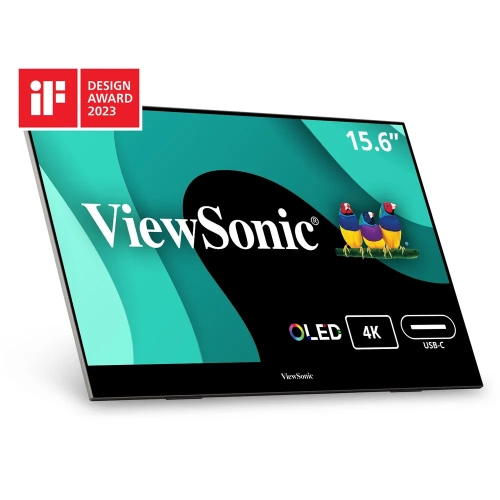
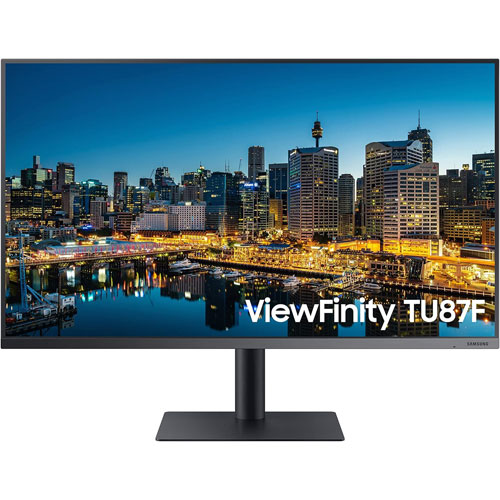
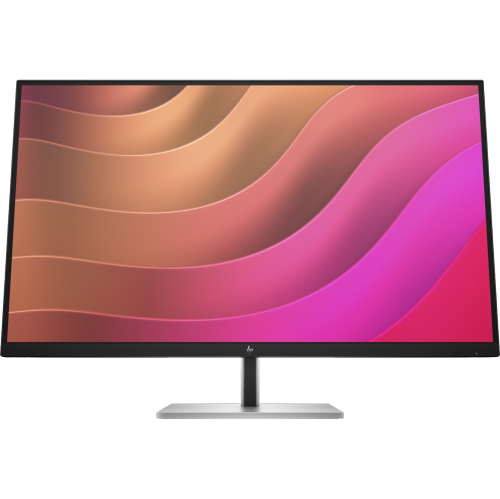
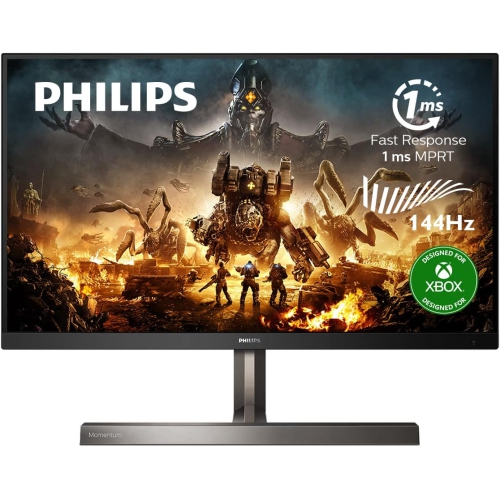
Shop Cyber Monday deals on 4K monitors to find a high-resolution display for work, gaming, or everyday use. Compare screen sizes, refresh rates, and connection options to choose a monitor that fits your desk, works with your computer, and suits your budget. Remember, our Low Price Guarantee means you can shop confidently knowing that you'll find the best price at Best Buy, all year round. We encourage you to check our website frequently for the most up-to-date information on our latest offers and savings opportunities.




FAQ
Compare panel type, refresh rate, connectivity, stand adjustments and compatibility with your computer or console. For gaming, check adaptive sync support; for creative work, review colour gamut coverage and factory calibration details.
Common connections include HDMI, DisplayPort and USB-C. Supported resolutions and refresh rates depend on the port version, cable and connected device. Some monitors also include USB hubs for peripherals such as keyboards and mice.
Refresh rate, measured in hertz (Hz), indicates how many times the display updates each second. Common options include 60 Hz, 120 Hz and 144 Hz. To use a monitor’s maximum refresh rate at 4K, your device, connection and cable must support that combination.
Common panel types include IPS, VA and OLED. IPS panels are known for wide viewing angles, while VA panels typically offer higher native contrast than IPS panels. OLED panels use individually lit pixels rather than a separate backlight. Colour specifications and other features vary by model.
Yes, when the monitor supports video over USB-C and USB Power Delivery, and the laptop has a compatible USB-C port. Check the monitor’s power delivery rating against your laptop’s charging requirements, and use a cable that supports both video and the required power level.
Top selling and popular products
Discover more categories related to Cyber Monday Deals on 4K Monitors

Some products may be subject to Environmental Handling Fees (EHF) depending on your province. Learn more about EHFs.