Cyber Monday Deals Coming Soon
Our Cyber Monday Sale returns in December 2026. In the meantime, shop our current top deals below.

Cyber Monday Deals On Cases
Get ready to score big on Cyber Monday with incredible deals on cases at Best Buy Canada. From sleek and stylish options to rugged and durable designs, our Cyber Monday deals on cases are sure to impress. Don't miss out on this opportunity to find cases for your devices at unbeatable prices. Shop now and give your electronics the protection they deserve! Remember, our Low Price Guarantee means you can shop confidently knowing that you'll find the best price at Best Buy, all year round. We encourage you to check our website frequently for the most up-to-date information on our latest offers and savings opportunities.
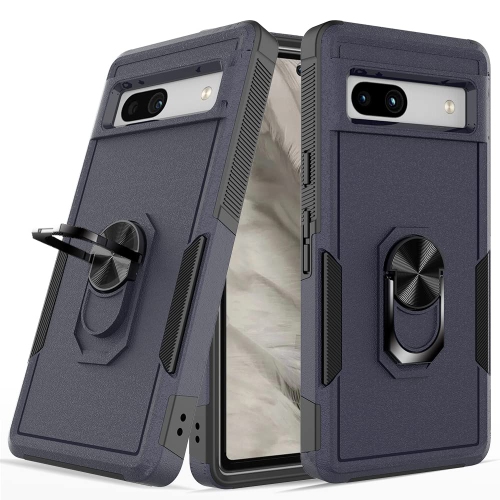
![CSMART [Cs] Anti-Drop Hybrid Magnetic Hard Armor Case With Ring Holder for Google Pixel 9 Pro Xl, Midnight In Green](https://multimedia.bbycastatic.ca/multimedia/products/500x500/183/18386/18386269.jpeg)
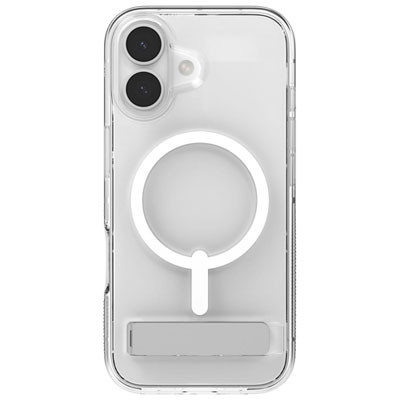
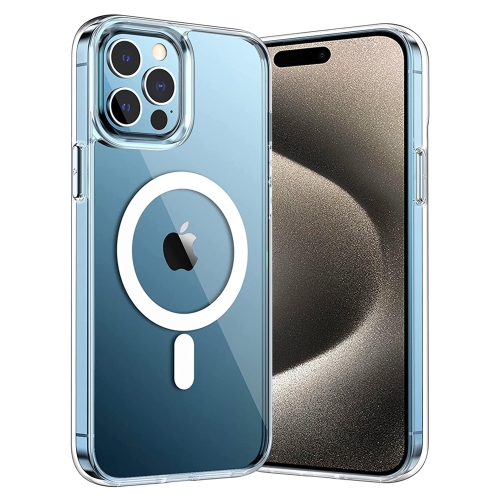
![CC Topsave Magnetic Ring Stand [Compatible With Magsafe]Translucent Back Slim Phone Case for Iphone 16 Plus 6.7" In Pink](https://multimedia.bbycastatic.ca/multimedia/products/500x500/189/18909/18909624.jpeg)
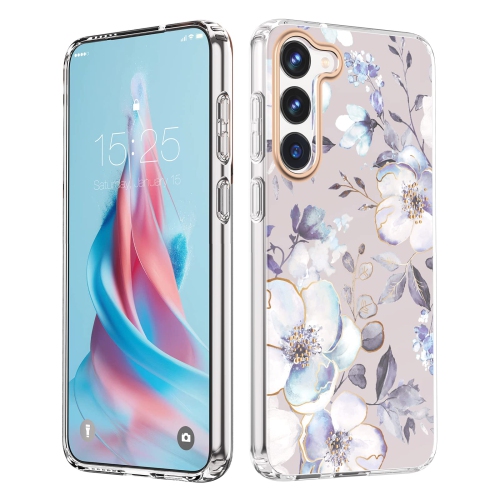
![TASNIM Case for Samsung Galaxy S23 Case Clear Magnetic Phone Case [Compatible w Magsafe] Slim Transparent Acrylic Hard Back Case Cover Military](https://multimedia.bbycastatic.ca/multimedia/products/500x500/194/19471/19471947.jpeg)
![TASNIM Case for Samsung Galaxy S23 Case Clear Magnetic Phone Case [Compatible w Magsafe] Slim Transparent Acrylic Hard Back Case Cover Military](https://multimedia.bbycastatic.ca/multimedia/products/500x500/194/19471/19471948.jpeg)
![TASNIM Case for Samsung Galaxy S23 Case Clear Magnetic Phone Case [Compatible w Magsafe] Slim Transparent Acrylic Hard Back Case Cover Military](https://multimedia.bbycastatic.ca/multimedia/products/500x500/194/19471/19471945.jpeg)
![TASNIM Case for Samsung Galaxy S23 Case Clear Magnetic Phone Case [Compatible w Magsafe] Slim Transparent Acrylic Hard Back Case Cover Military](https://multimedia.bbycastatic.ca/multimedia/products/500x500/194/19471/19471946.jpeg)
![TASNIM Case for Samsung Galaxy S23 Case Clear Magnetic Phone Case [Compatible w Magsafe] Slim Transparent Acrylic Hard Back Case Cover Military](https://multimedia.bbycastatic.ca/multimedia/products/500x500/194/19471/19471943.jpeg)
![TASNIM Case for Samsung Galaxy S23 Case Clear Magnetic Phone Case [Compatible w Magsafe] Slim Transparent Acrylic Hard Back Case Cover Military](https://multimedia.bbycastatic.ca/multimedia/products/500x500/194/19471/19471944.jpeg)

Why case fit matters beyond device size
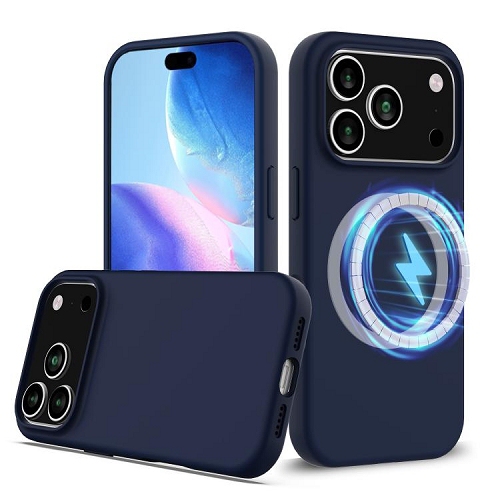
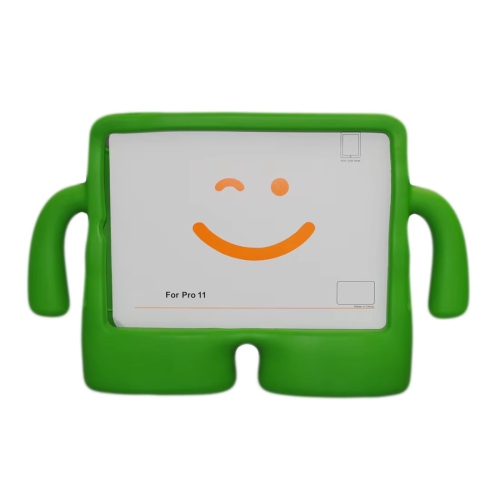
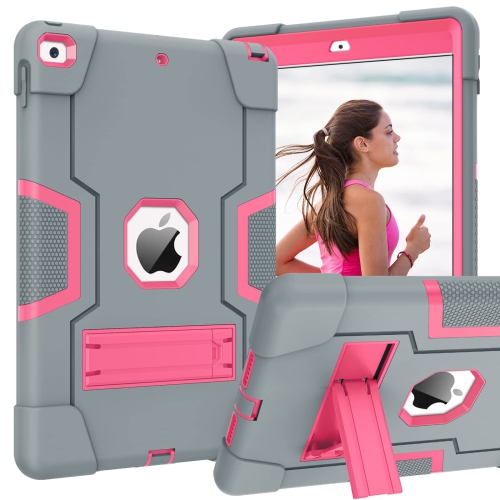
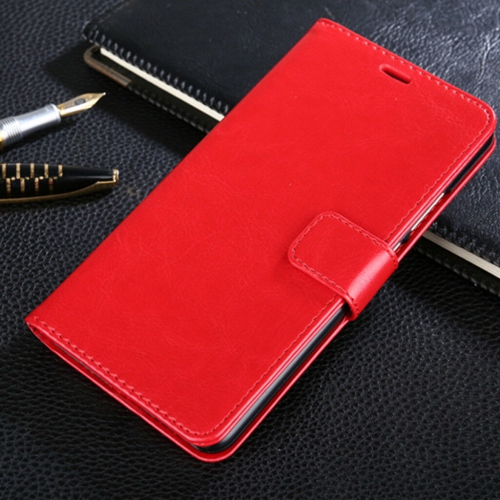
For phones and tablets, a case becomes part of the device’s everyday feel. A slim shell slides easily into a pocket, a textured finish can improve grip, and a more substantial design may provide extra coverage around corners and edges. Flexible thermoplastic polyurethane, silicone, rigid polycarbonate, leather, and fabric finishes each bring different qualities. Soft-touch surfaces can feel comfortable during long calls or reading sessions, while hard outer shells help resist everyday scuffs. Some designs combine a rigid back with flexible edges to balance structure with easier installation. Protection varies by construction, and any drop-resistance or water-resistance claim needs to be supported by the case’s stated specifications; a rugged appearance alone does not establish either capability. Exact fit is particularly important because devices with similar screen sizes may have different camera layouts, button positions, and charging ports. A well-matched case leaves microphones and speakers unobstructed, provides access to controls, and sits securely without pressing against a screen protector. Raised edges may help keep the screen or camera lenses from touching a flat surface, though they cannot prevent every type of damage. Wireless charging and magnetic accessory compatibility also depend on the combination of device, case, and charger, with thickness, metal plates, or card storage potentially affecting performance. The Cyber Monday iPhone Cases page offers a more focused category for shoppers comparing cases for that device family, where the exact model and generation remain essential fit details. Tablet cases often add a folding stand or cover, making them useful for watching a presentation, following a recipe on a counter, or reading at a table. Stand stability and supported viewing angles matter more than the number of folding positions alone. A hand strap can make a tablet easier to hold while standing, while a secure stylus holder keeps a compatible pen close at hand. These practical differences help distinguish a case intended mainly for carrying from one designed to support frequent use throughout the day.
Laptop sleeves and carrying cases focus on the journey between workspaces, classrooms, and home. A sleeve provides a close-fitting layer that can sit inside a larger bag, whereas a carrying case may include handles, a shoulder strap, and separate compartments for accessories. Fit depends on the device’s external dimensions, not just its advertised screen measurement: two laptops with the same screen size can have different widths, depths, and thicknesses. An interior that is too loose allows movement, while an overly tight fit puts strain on seams and closures. Padding around the corners and a soft lining can help cushion everyday contact and reduce rubbing against the device’s finish. Zipper guards provide separation between metal hardware and the computer, and reinforced stitching supports areas that receive repeated pulling or lifting. Woven polyester and nylon are common outer materials, while moulded shells offer a more structured shape. A water-resistant finish may help with small spills, but it does not make a case waterproof unless the product is specifically rated for that purpose. Separate accessory pockets keep charging cables, adapters, and pens organized without placing hard objects directly against a laptop lid. For someone moving between meeting rooms, comfortable handles and a balanced load may be especially useful; for a student carrying a device inside a backpack, a lightweight sleeve can take up less space. Cases can also make thoughtful gifts when the recipient’s exact device model, carrying habits, and preferred colour are known. Across the category, durability involves both construction and care. Grit trapped inside a fitted shell can rub against a device, so occasional removal and gentle cleaning can help keep contact surfaces clear. Fabric interiors benefit from having crumbs and dust removed, while leather and coated finishes need care appropriate to the material. Manufacturer cleaning directions are important, particularly where strong cleaners or excess moisture could affect adhesives, linings, or surface treatments. Secure closures, intact seams, and a fit that stays snug through repeated use are practical signs that a case is continuing to do its job.
Top selling and popular products
-
 Your price for this item is $41.99
 -
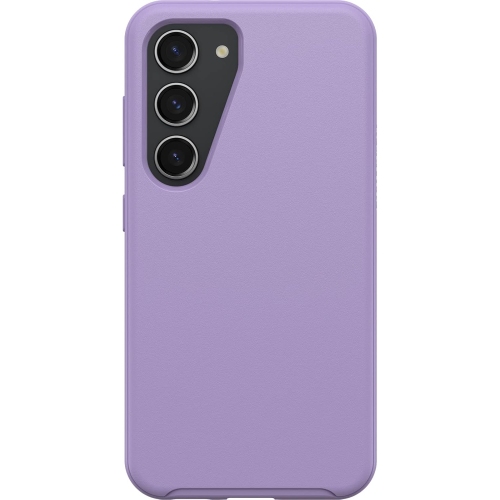 Your price for this item is $77.35
 -
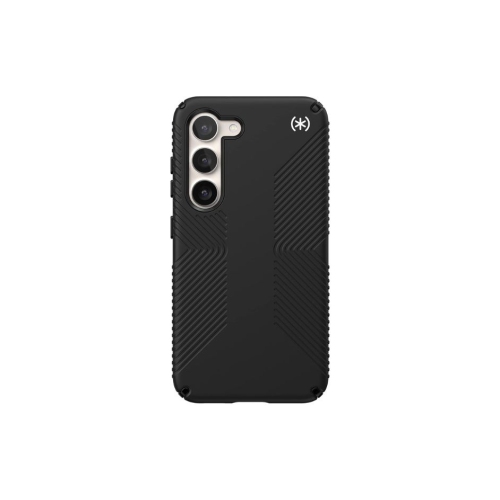 Your price for this item is $67.99
 -
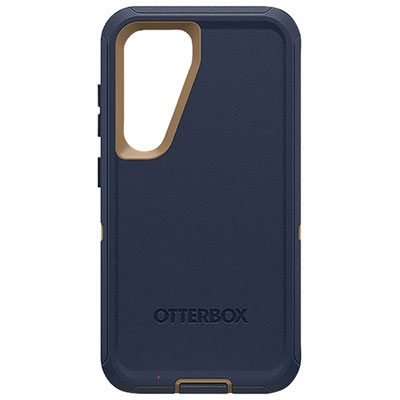 Your price for this item is $40.98
 -
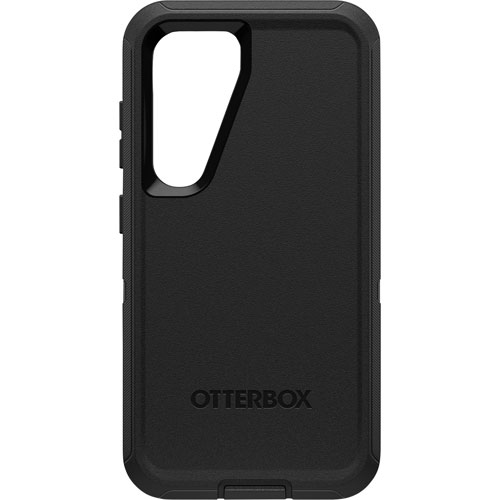 Your price for this item is $59.99
 -
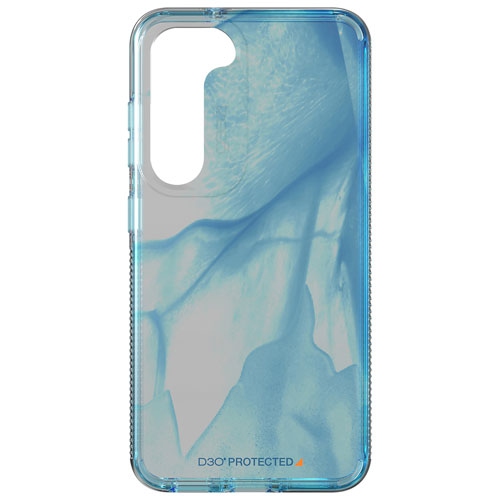 Your price for this item is $49.99
 -
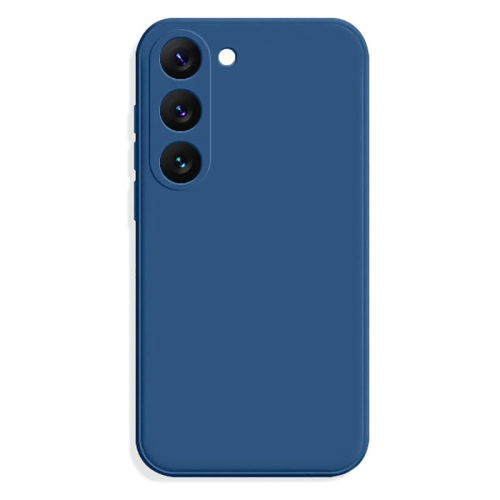 Your price for this item is $9.99
 -
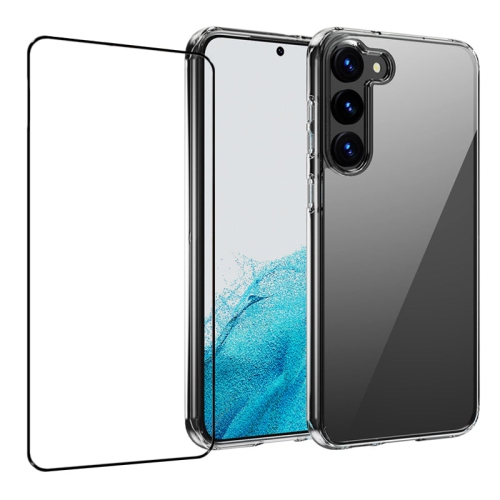 Your price for this item is $14.99