Desktop Computers with Intel Core i5 Processors

Browse desktop computers with Intel Core i5 processors for everyday tasks, office work, and multitasking. Compare RAM, storage capacity, graphics, and connectivity to find a desktop PC that fits your needs, and check the processor generation and model when weighing performance across systems.
Sort

Why desktop performance goes beyond the processor

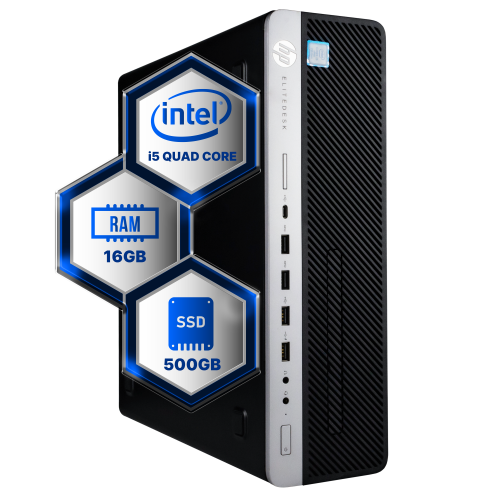
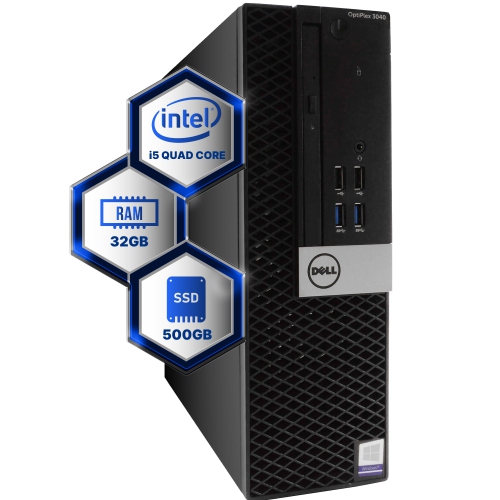
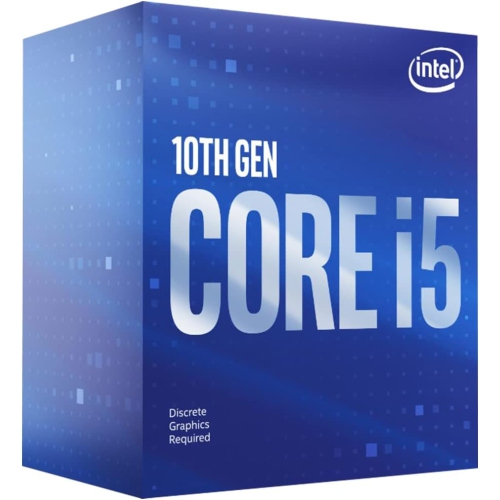
Desktop computers with Intel Core i5 processors bring together everyday versatility and the familiar comfort of a dedicated workspace. They suit home offices, shared family desks, student study areas, and small businesses where a computer may handle several different jobs throughout the day. A typical morning might involve a video meeting with a spreadsheet open beside it, followed by document editing, online research, and an evening spent streaming a film. The processor helps keep those activities moving, but the overall experience depends on the complete configuration. Memory gives active applications room to work, while storage affects how much content the computer can hold and how quickly files and programs load. An SSD can make routine interactions feel more responsive, particularly when starting the computer or opening frequently used software. Larger photo libraries, downloaded media, and work archives may call for more storage capacity than a desktop used mainly for email and browser-based tasks. Systems built around Intel Core i5 Processors span multiple processor generations, with differences in core configurations, clock speeds, graphics capabilities, and supported technologies. The family name provides a useful starting point, rather than a complete picture of performance. For someone balancing research tabs, presentation software, and a group call, sufficient memory can matter just as much as the processor designation. Photo editing, coding, and occasional video projects place different demands on the system, especially as file sizes grow. Gaming and more demanding creative applications also depend heavily on graphics hardware; integrated graphics and a dedicated graphics card serve different needs, and some processor configurations require a separate graphics card for display output. That makes the balance of processor, memory, storage, and graphics more meaningful than any one specification viewed alone. It also explains why two desktops carrying the same processor family name can feel quite different in daily use.

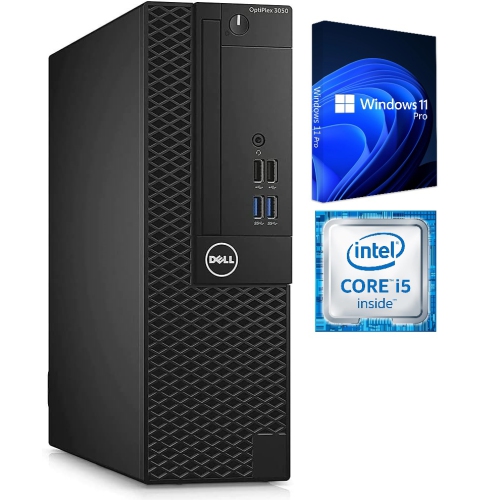
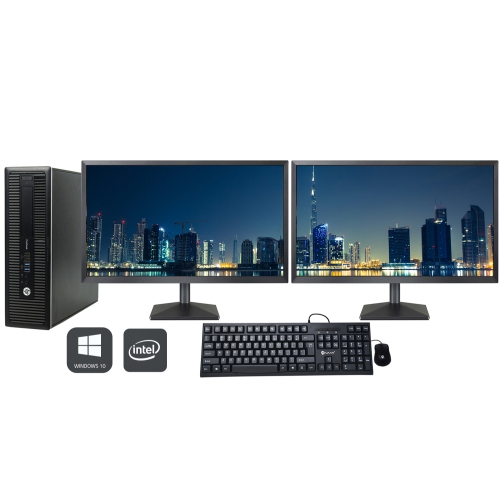
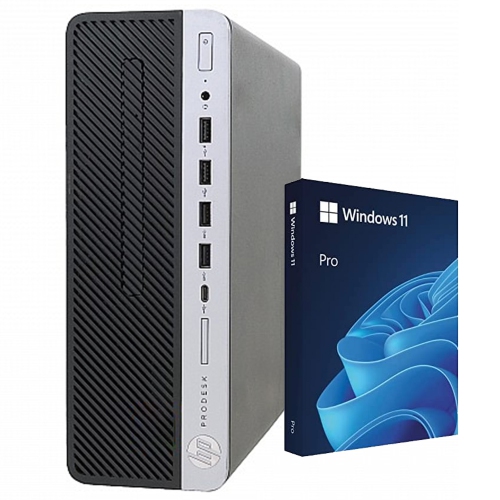
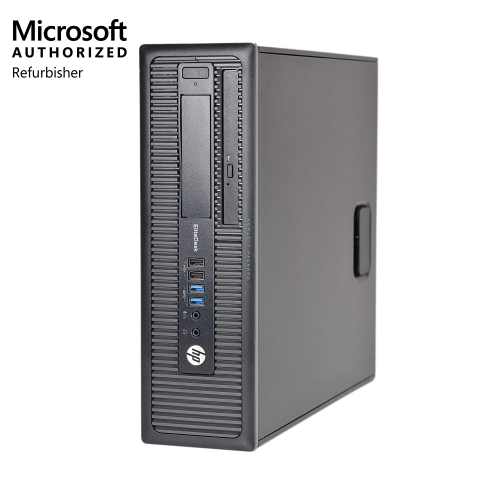
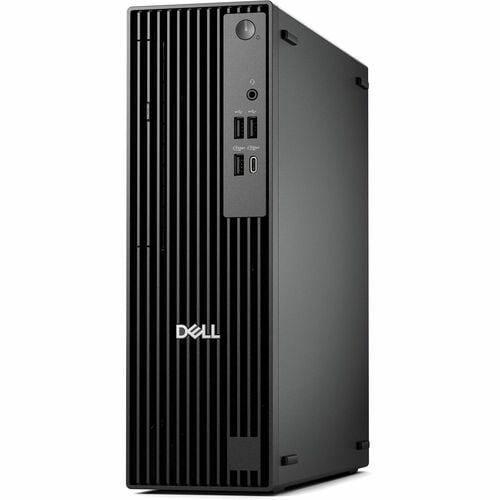
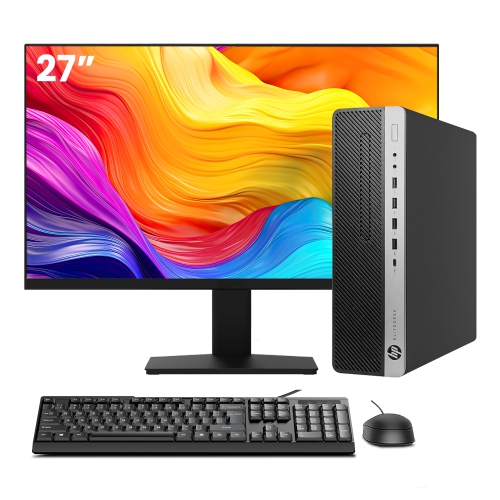
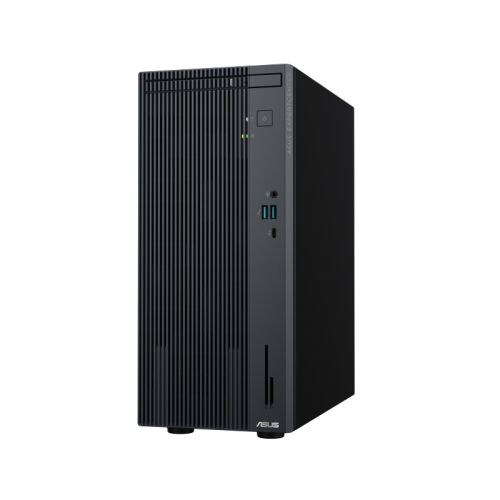
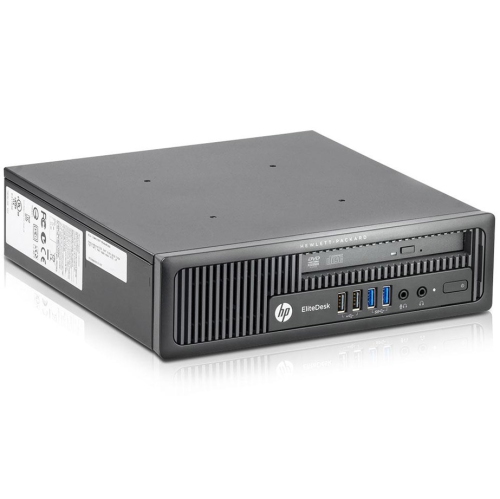
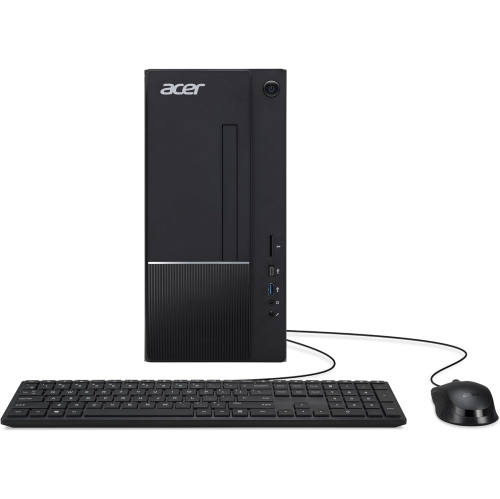
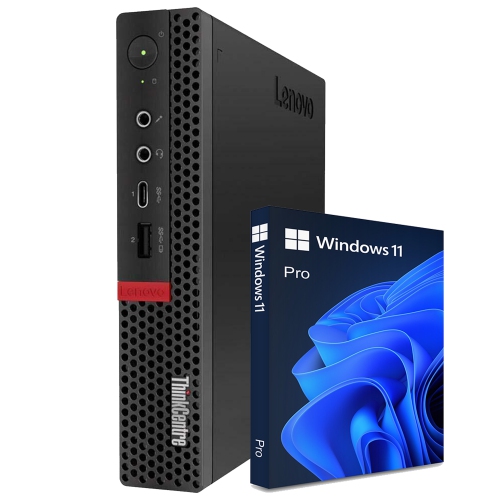
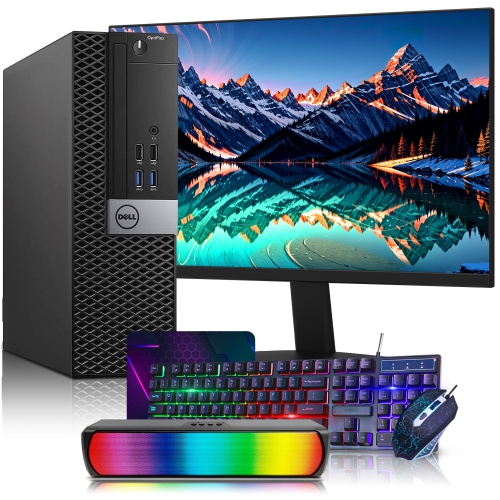
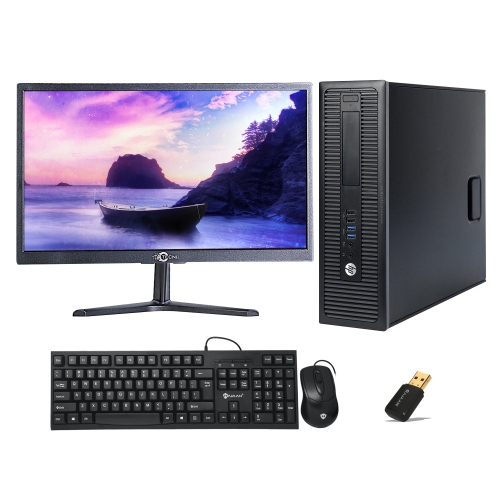
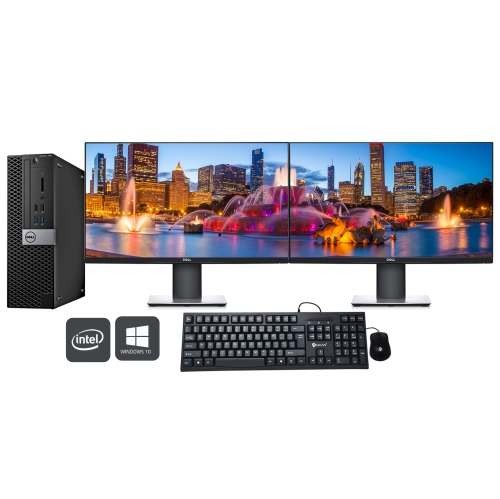
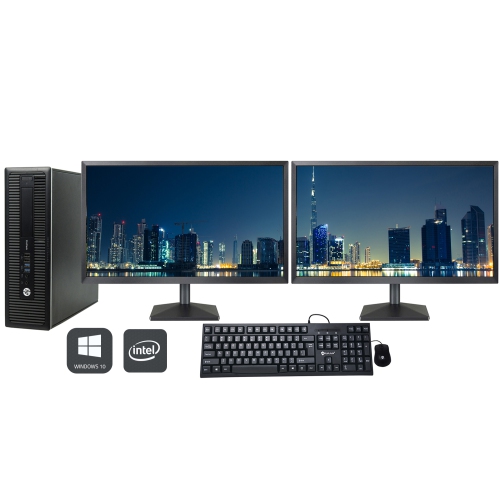
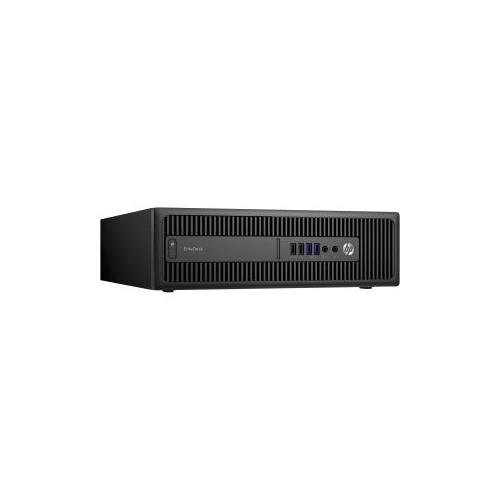
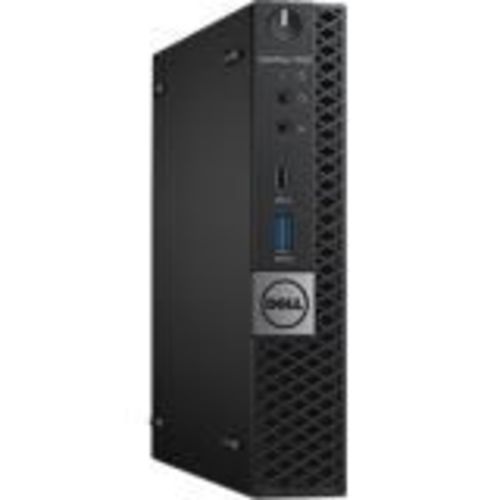
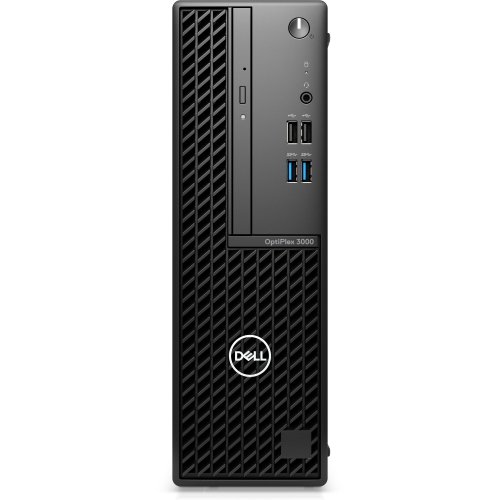
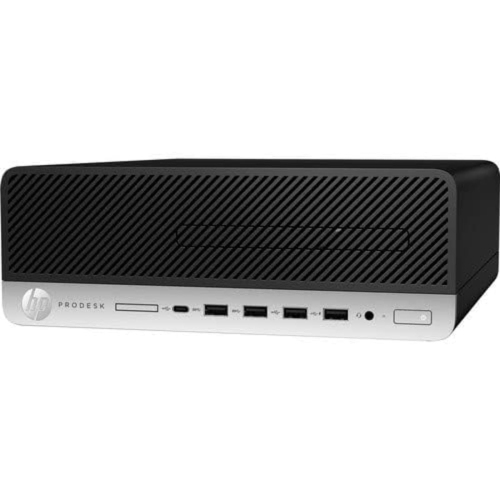
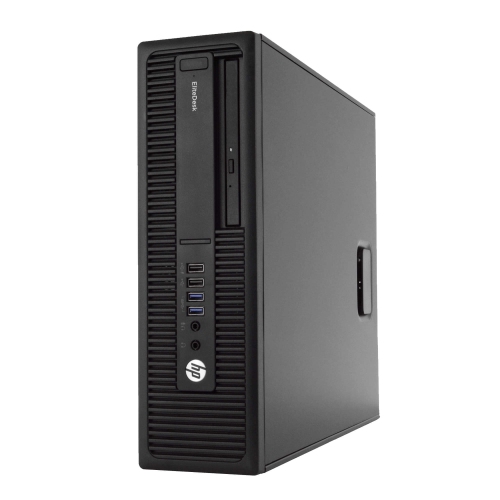
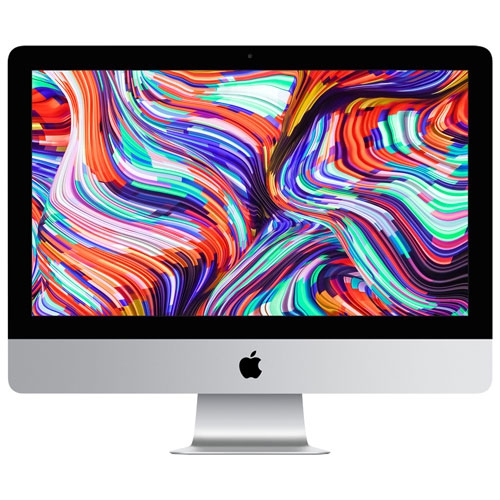
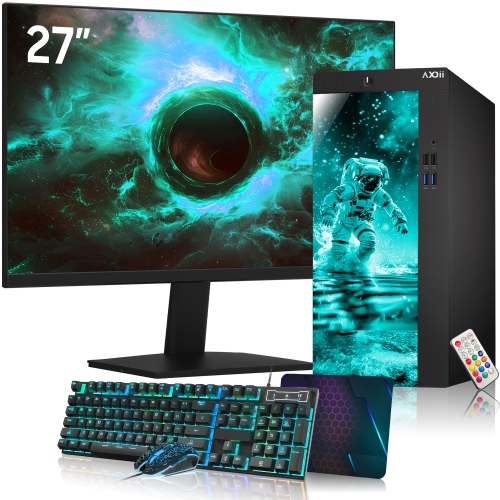
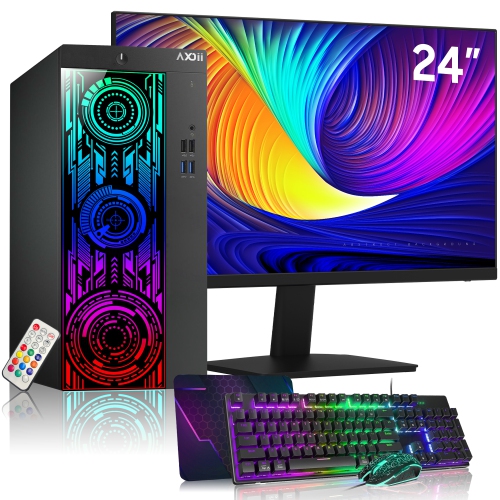
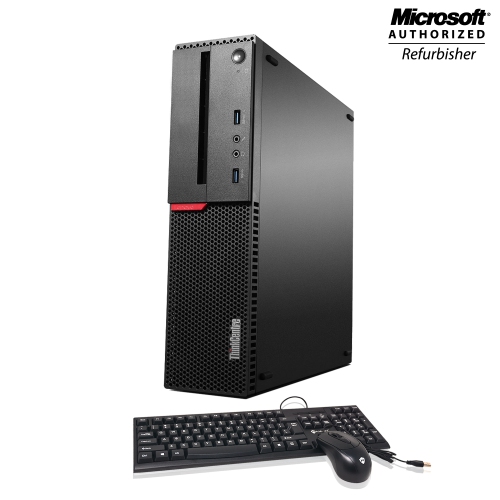
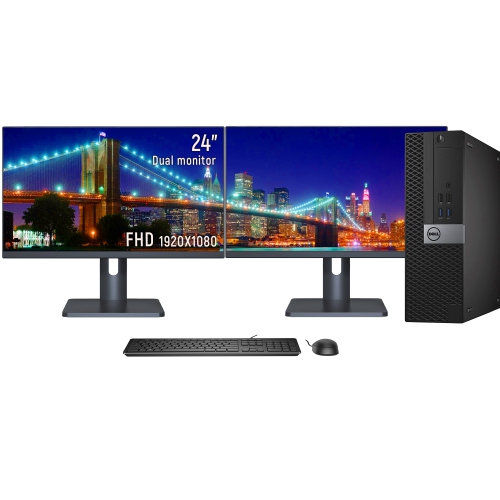
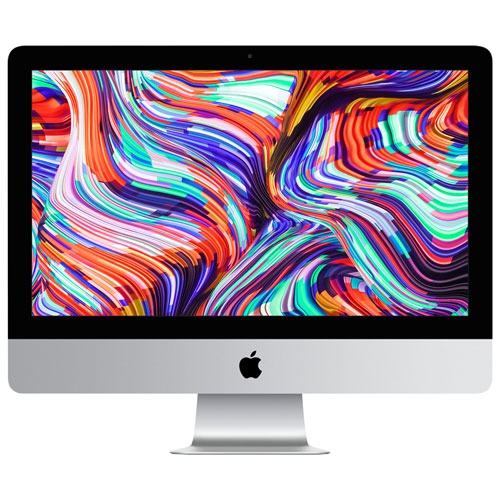
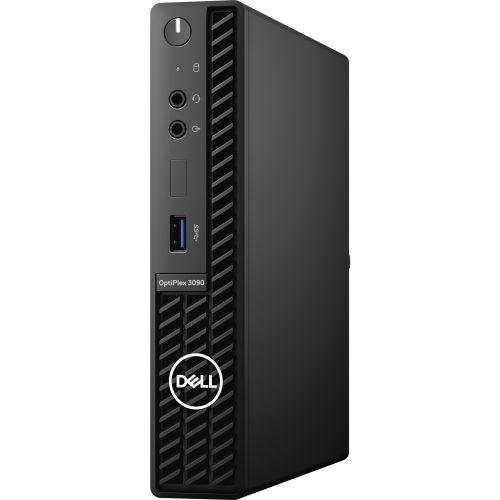
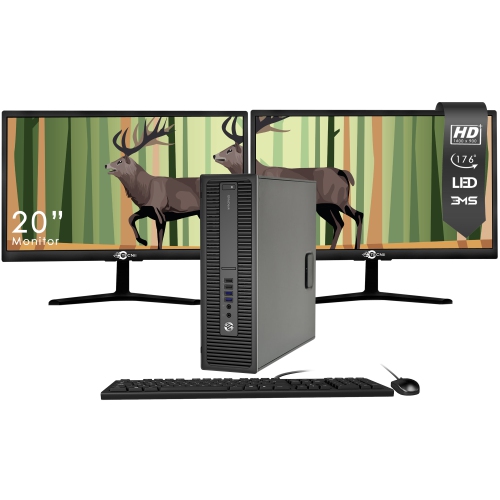
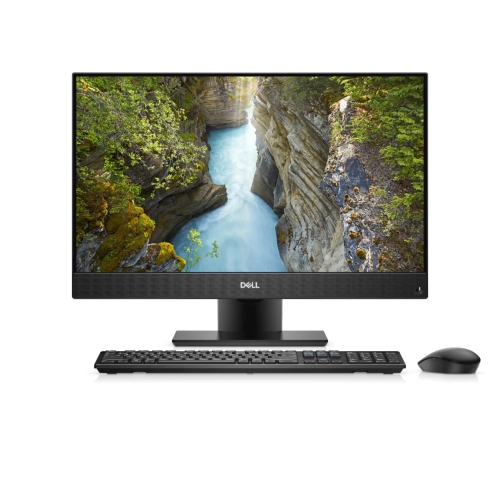
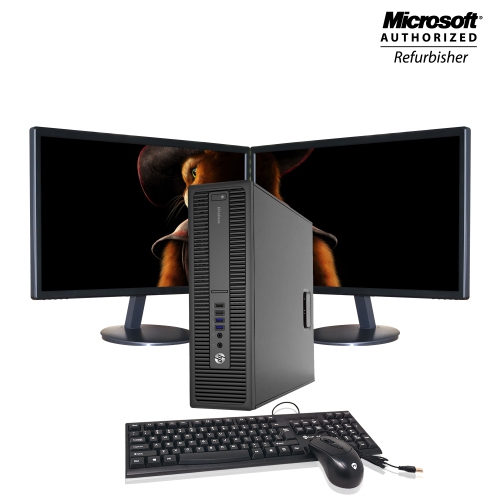
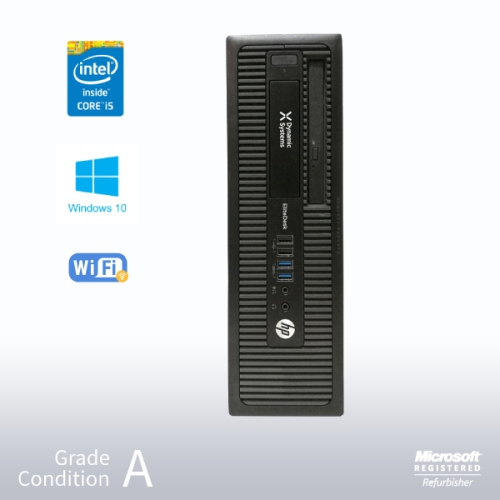
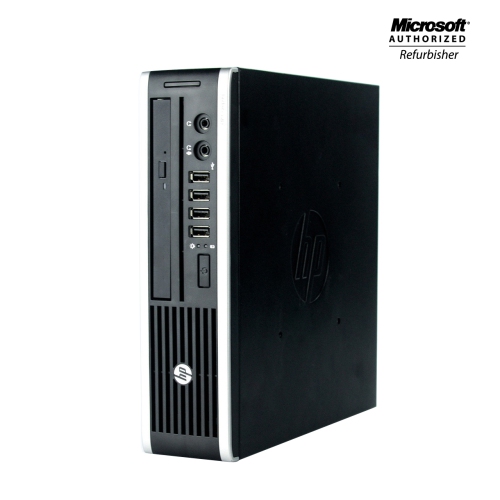
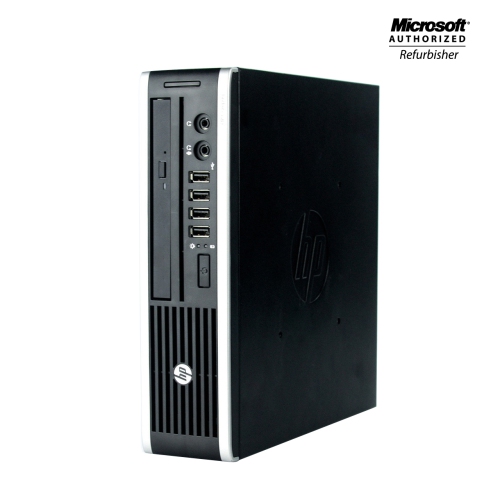
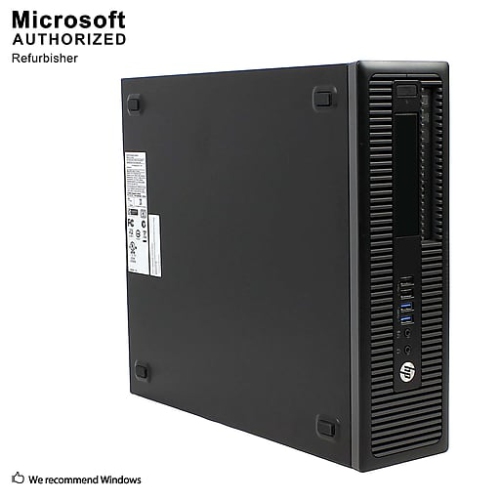
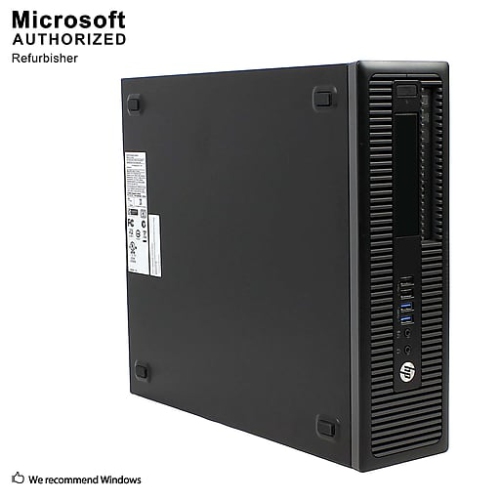
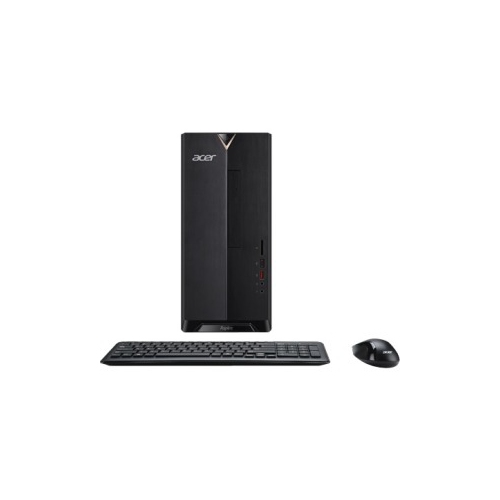
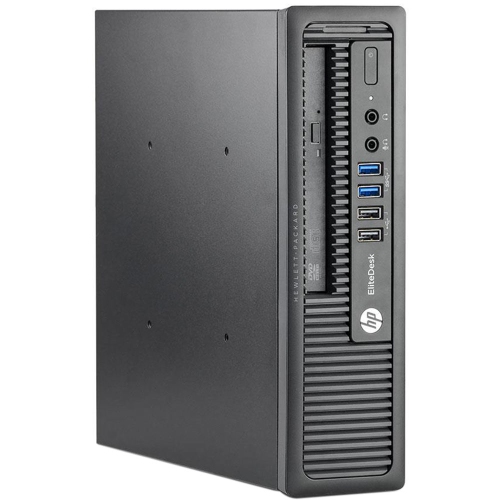
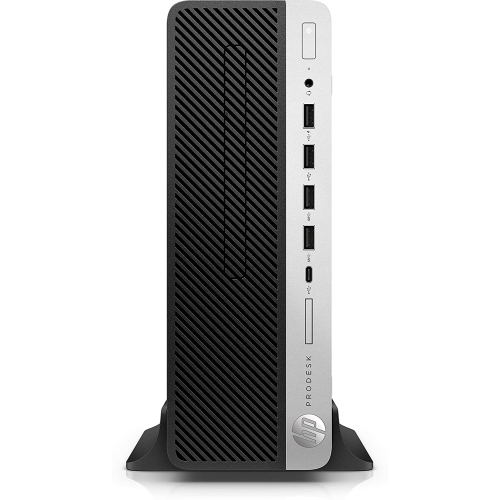
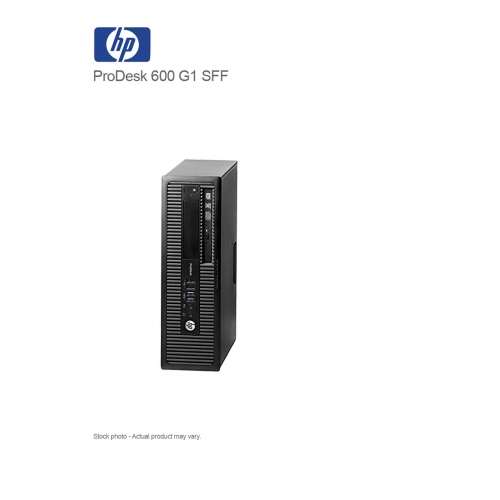
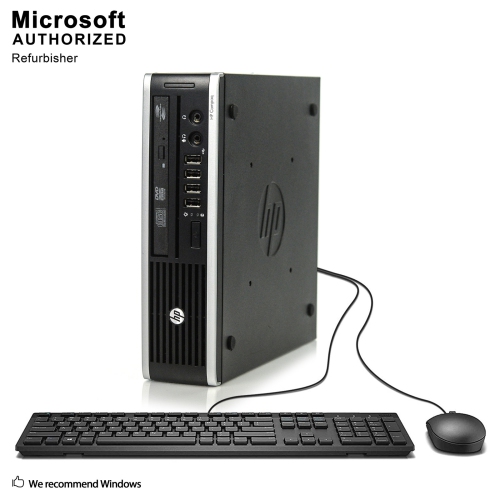
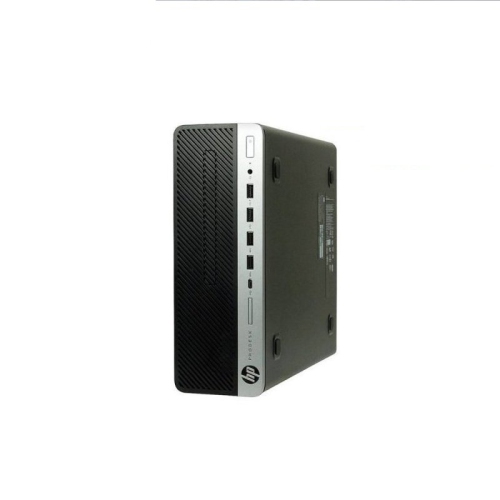
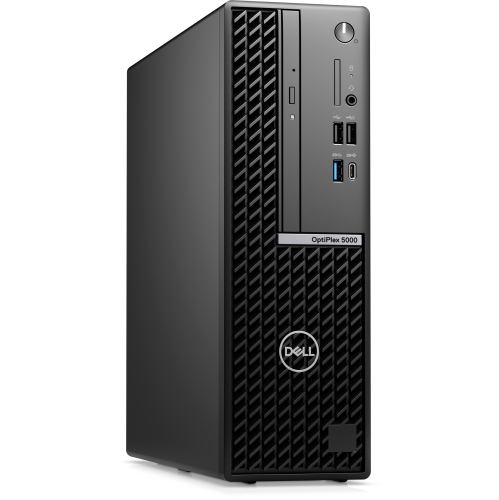
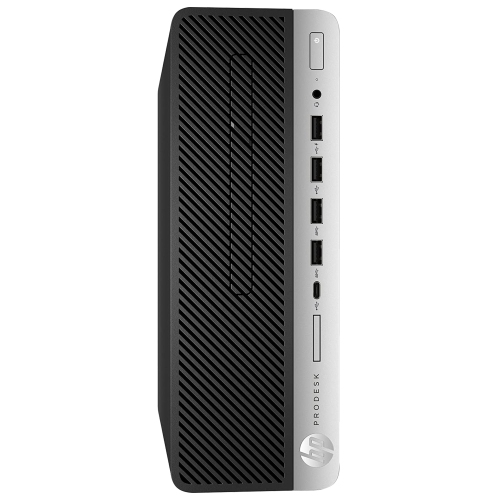
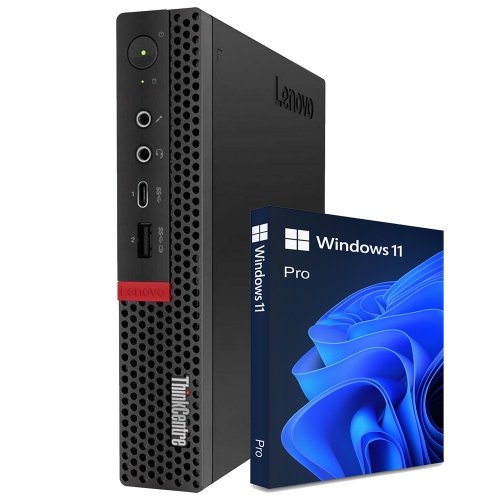
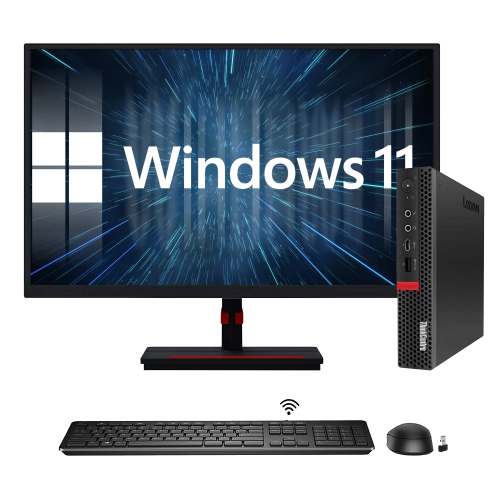
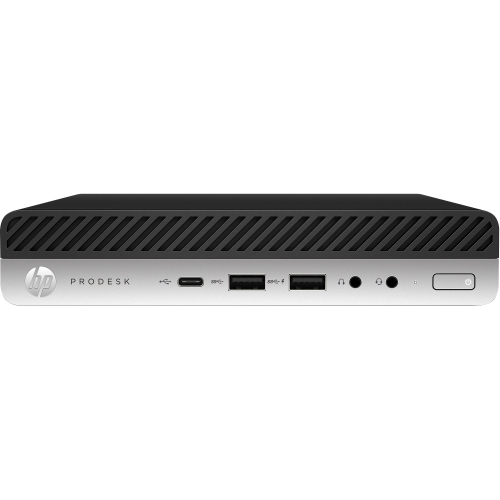
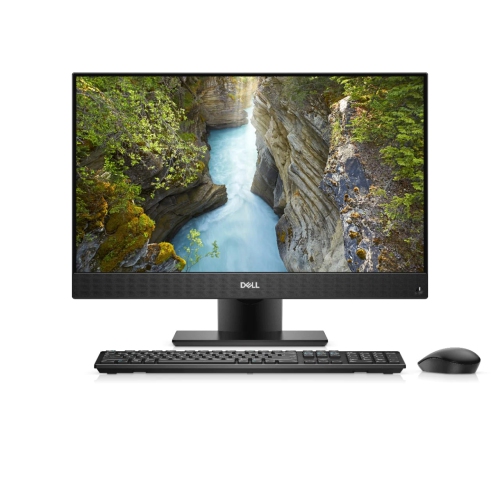
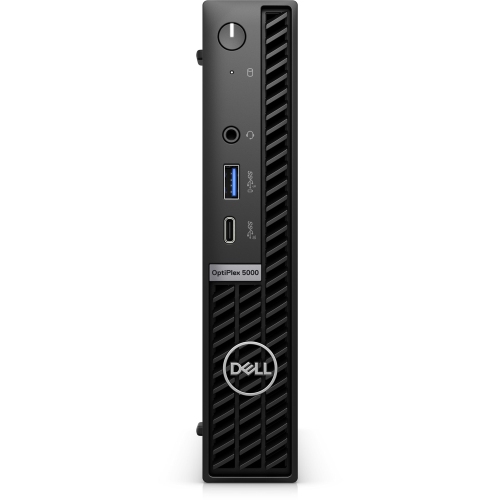
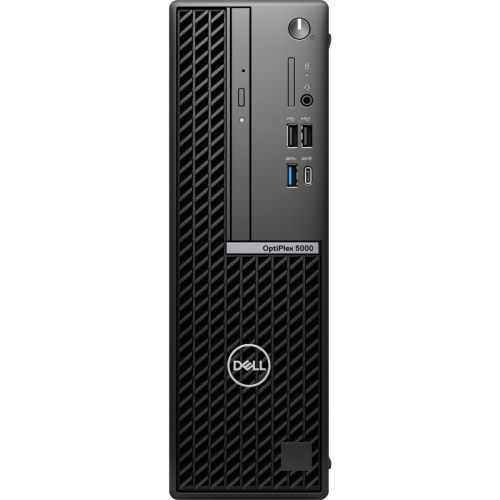
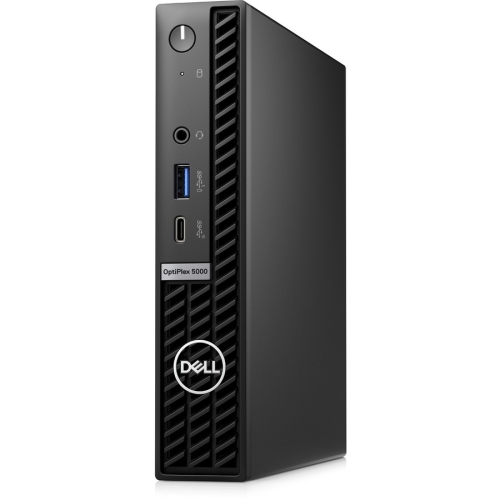
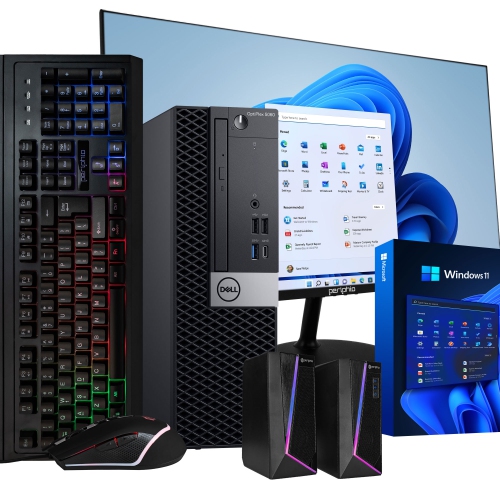
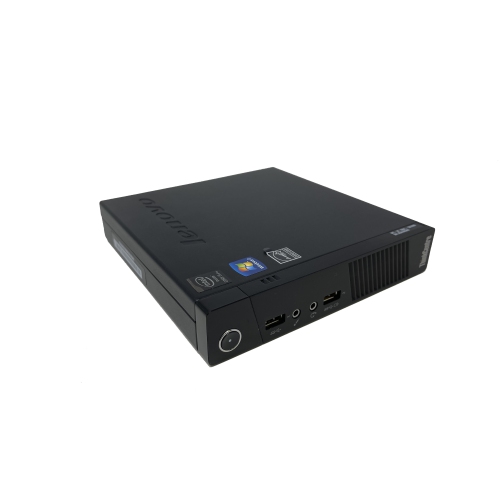
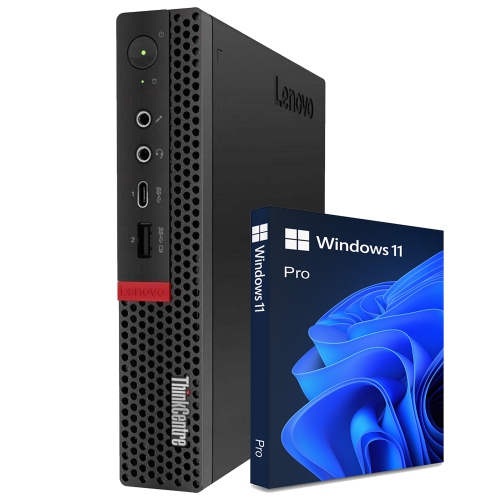
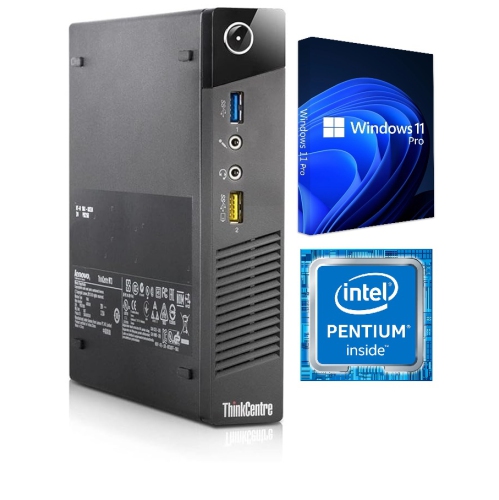
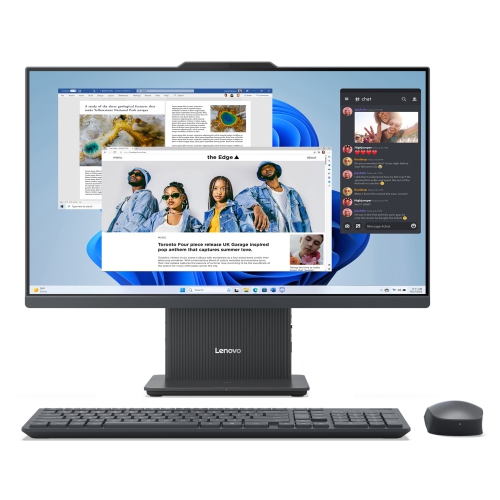
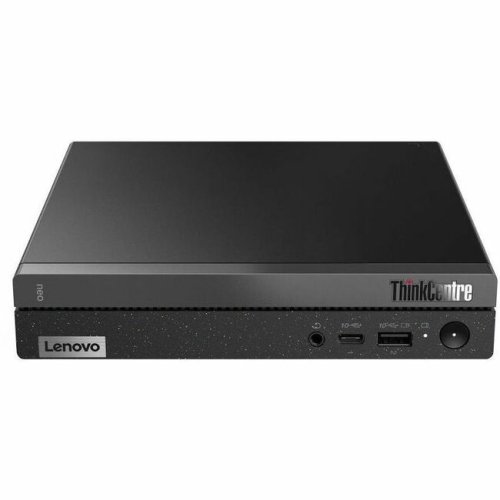
The physical design of a desktop shapes how comfortably it fits into a room and how easily it connects to the equipment already there. A tower can sit beside a desk or beneath it, provided its ventilation openings remain clear and its ports are within reach. Smaller desktop formats take up less space and can make sense on a narrow work surface, though their compact construction may leave less room for internal expansion. An all-in-one design combines the computer and display in one unit, reducing the number of separate components on the desk, while a separate tower and monitor allow each part of the setup to be changed independently. Metal chassis panels, plastic exterior trim, sturdy feet, and accessible controls all contribute to the feel of daily use. Case dimensions matter beyond the footprint: there needs to be room for connected cables, access to the power button, and enough clearance to open the case when permitted maintenance is needed. A desktop tucked into a closed cabinet may look tidy, but restricted airflow can interfere with cooling. Connection options are equally important in a working setup. Front-facing USB ports can make it easier to attach a headset, transfer files from a portable drive, or connect a phone without reaching behind the computer. Rear ports help keep permanent connections out of the way. USB-C capabilities vary, so the connector’s shape alone does not confirm support for video output, charging, or a particular transfer speed. Display connections, supported resolutions, and the number of usable monitor outputs determine how well a system suits a single-screen workspace or a broader arrangement with multiple displays. Ethernet provides a wired networking option, while built-in Wi-Fi can simplify placement where a network cable is inconvenient. Wireless accessories may also require compatible Bluetooth support or a separate receiver. These details influence whether a desk feels straightforward to use or crowded with extra adapters and cables.
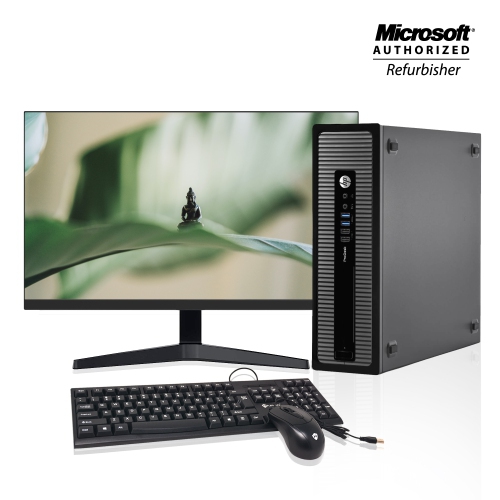
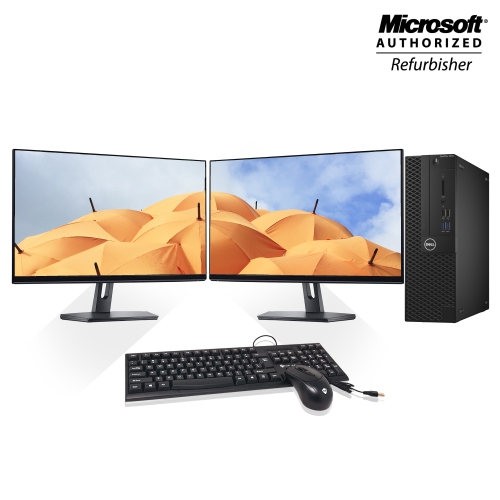
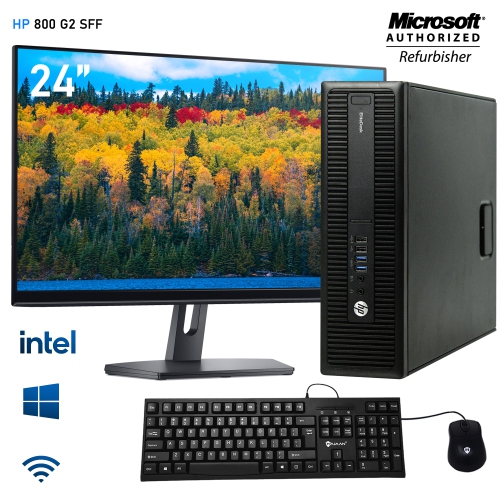
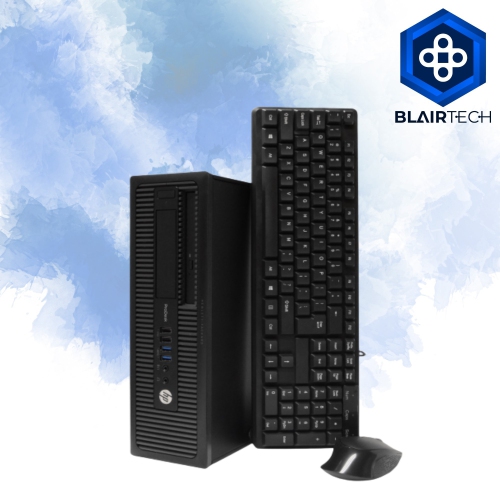
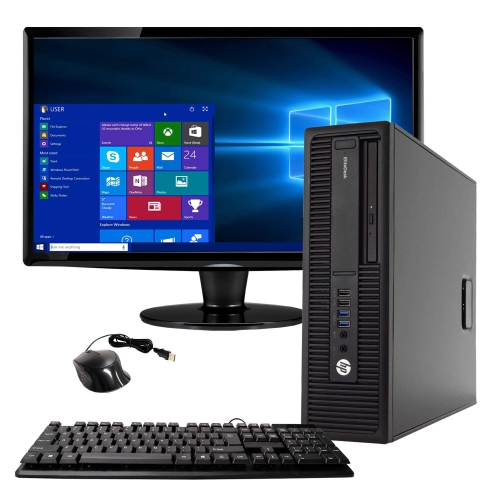
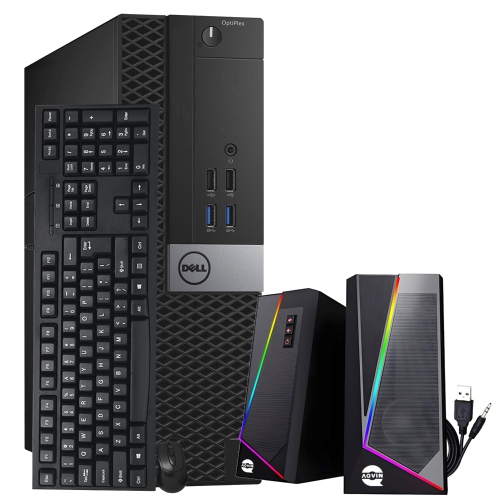
A desktop’s usefulness over time depends on both its construction and the way it is maintained. Larger cases often offer more room for replacement storage, additional memory, or other internal components, but upgrade options vary by motherboard, power supply, chassis layout, and manufacturer design. Some compact systems use specialized parts or have limited expansion space, so a small footprint should not be taken as a promise of easy upgrades. Accessible memory slots and spare drive connections can be useful for a household whose needs may grow from school assignments and household paperwork to larger media collections or more demanding software. For shared use, separate user accounts help keep documents, settings, and personal files organized, while regular backups provide protection against accidental deletion or a failed drive. Software compatibility also deserves attention, particularly when a desktop is intended for a course, a workplace application, or a creative project with specific system requirements. Everyday care is generally straightforward: keeping vents free of dust, following the manufacturer’s cleaning directions, and placing drinks away from the case and keyboard can help protect the setup. A soft cloth is useful for exterior surfaces, with cleaning products kept away from openings and connections. The surrounding accessories shape comfort just as much as the computer itself. A readable display, a keyboard that suits the user’s typing habits, and a mouse that fits comfortably in the hand can make long sessions less tiring. Speakers, a microphone, and a webcam may be separate components rather than built into the desktop, and included accessories differ between configurations. For a student, a desktop can provide a consistent place to write, research, and attend online sessions; for a family, it can become a shared station for forms, photos, and entertainment. As a gift, it is most useful when its software support, physical size, connections, and performance match the recipient’s actual routines. A well-matched configuration supports those routines without adding unnecessary complexity to the desk.

FAQ

Some products may be subject to Environmental Handling Fees (EHF) depending on your province. Learn more about EHFs.