Digital Voice Recorders for Meetings

Digital voice recorders for meetings help you capture discussions and review important details later. Compare audio recorders by microphone setup, storage capacity, battery life and file transfer options, keeping your meeting size and typical session length in mind. Look for controls that make it easy to start recording and find key moments during playback.
Read More

Sort

The meeting details handwritten notes can miss

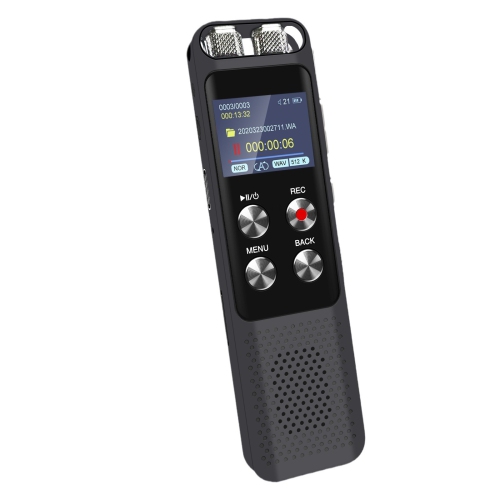
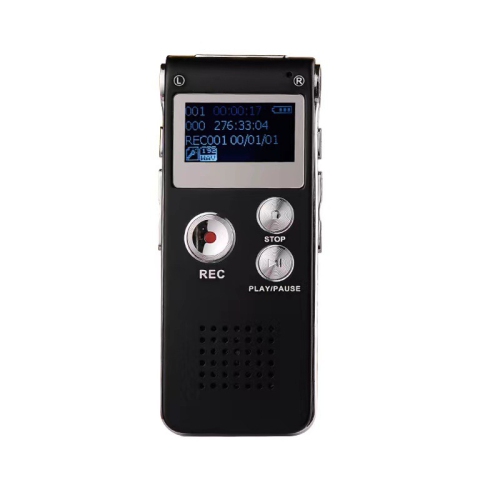
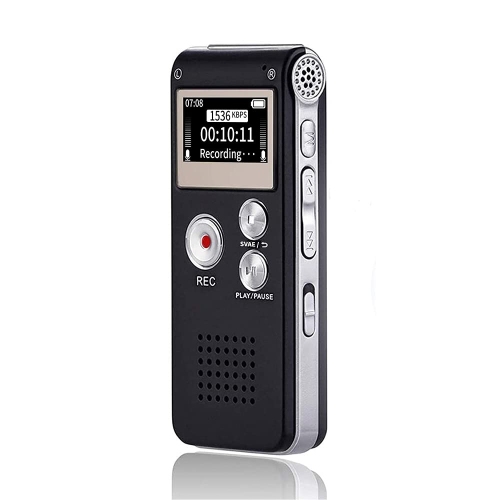
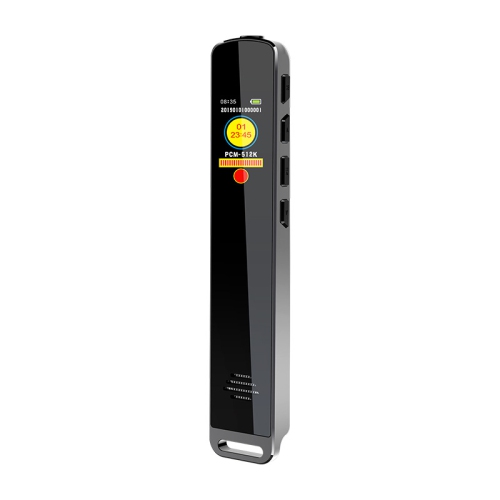
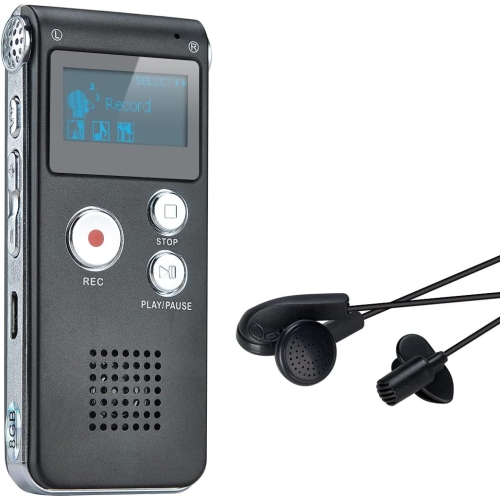
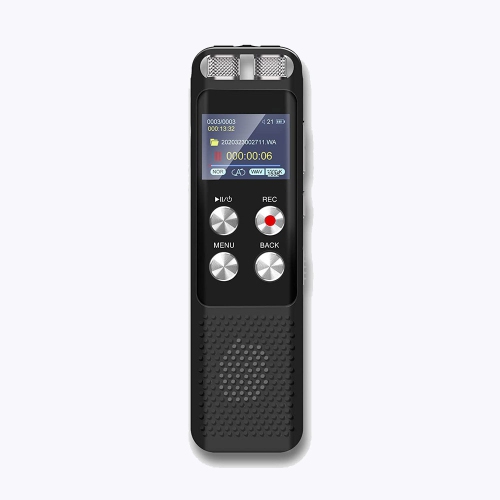
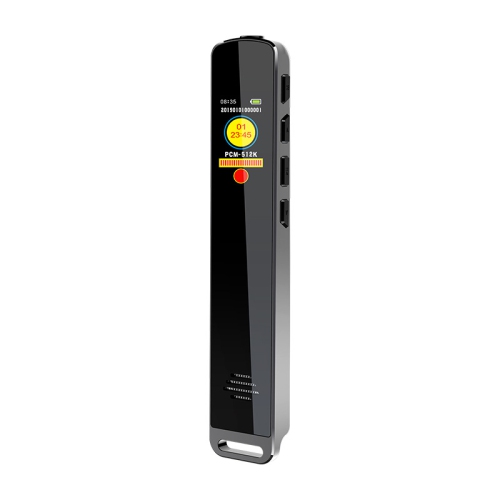
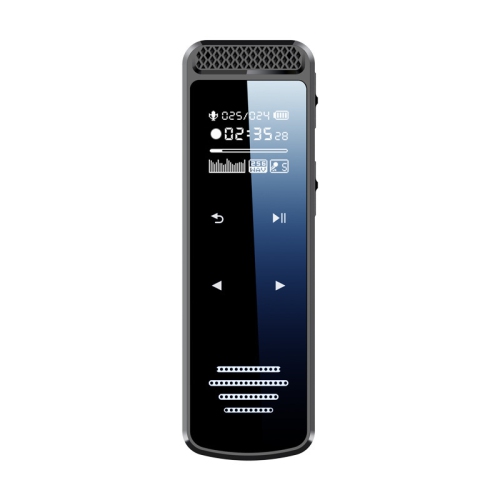
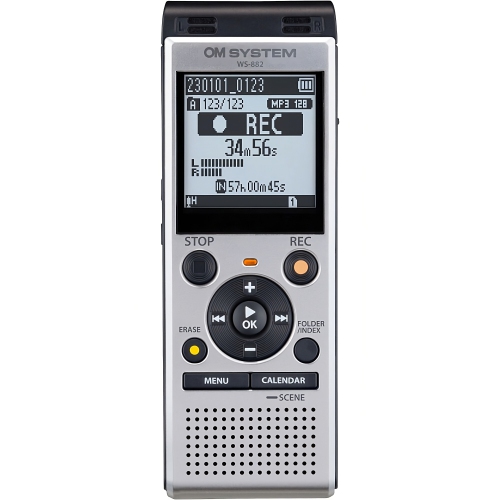
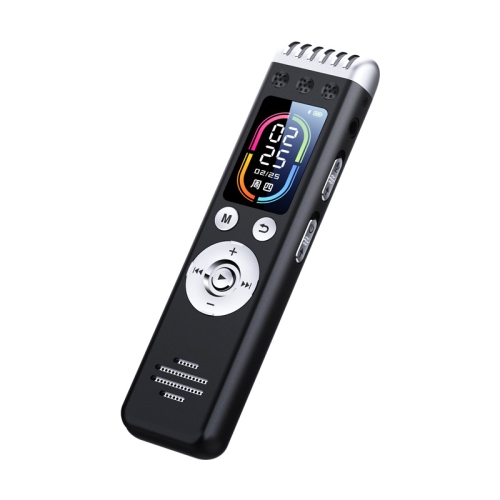
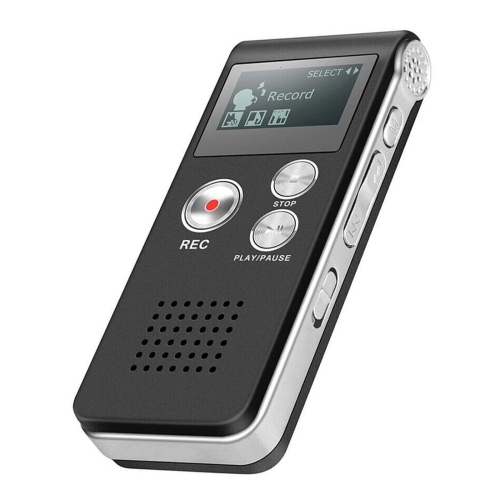
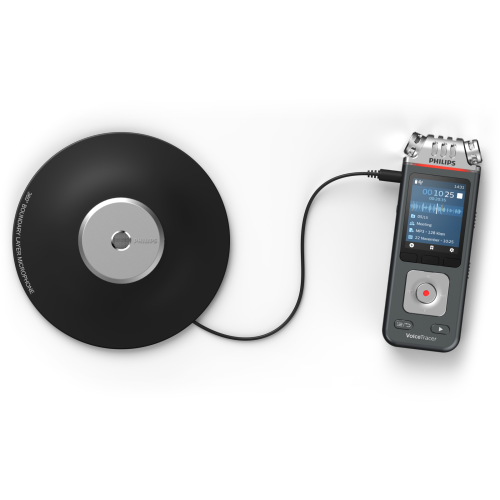
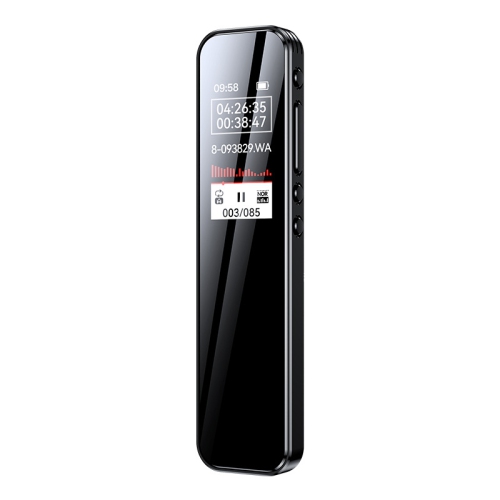
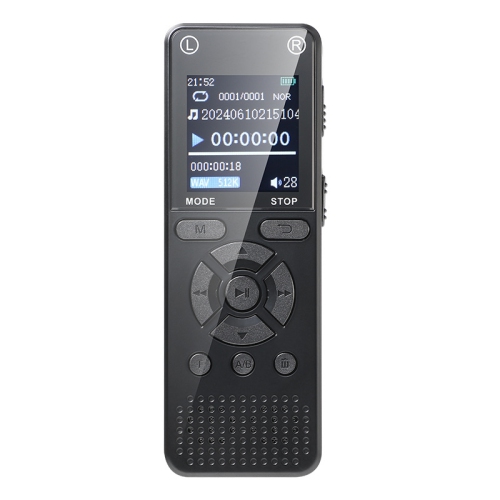
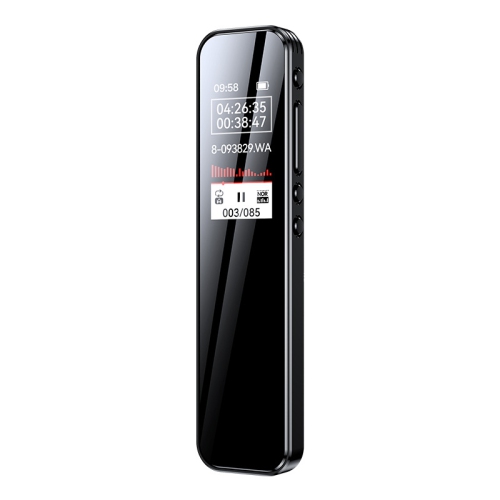
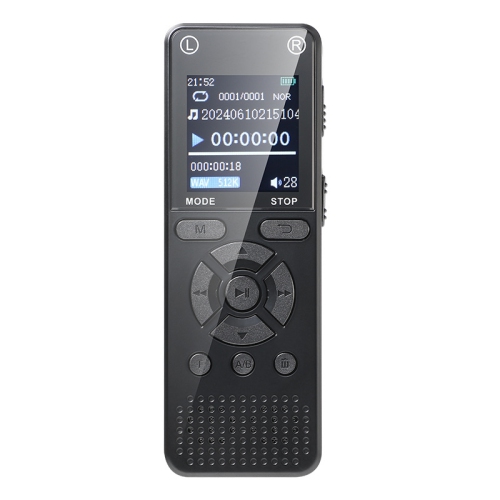
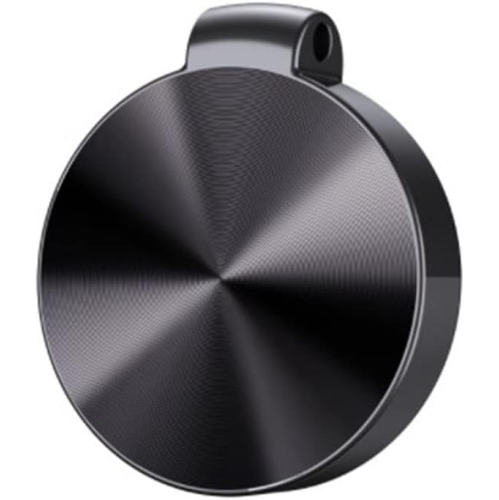
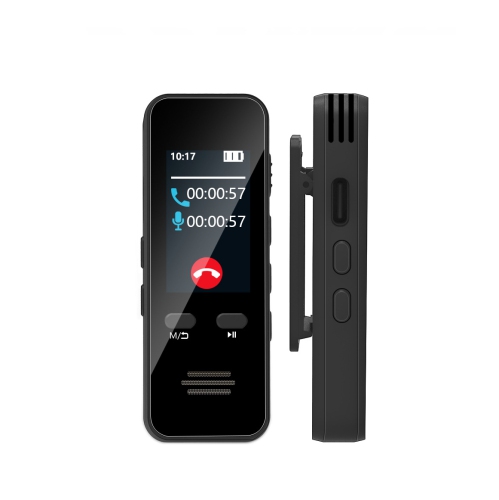
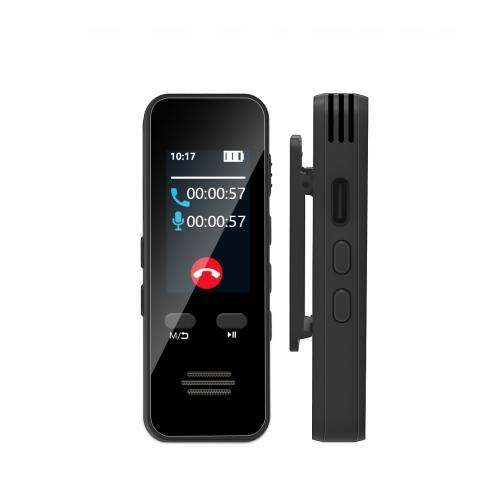
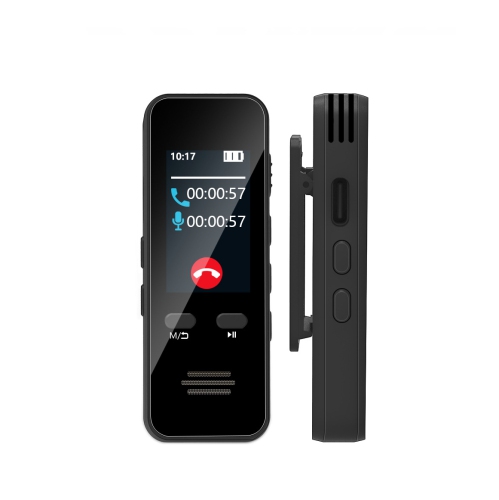
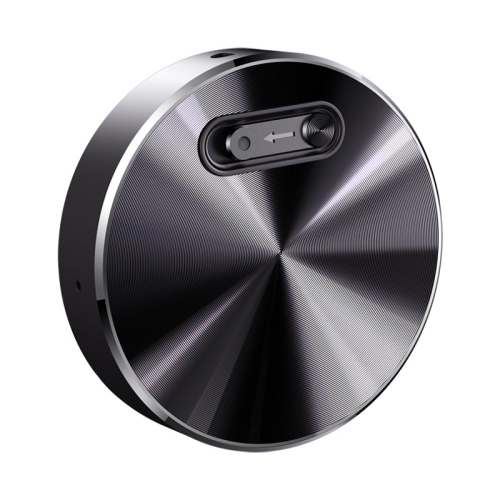
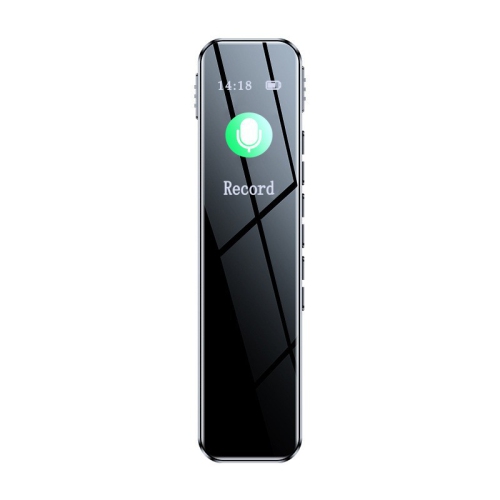
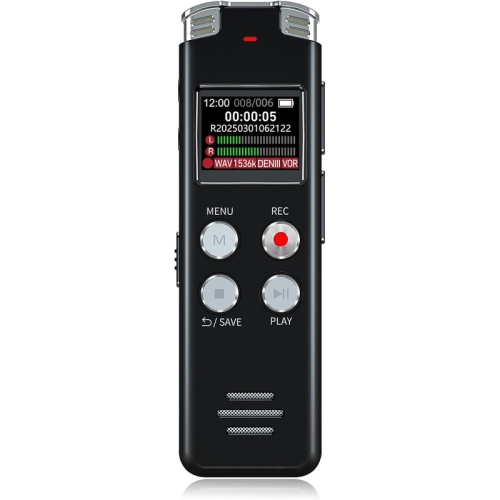
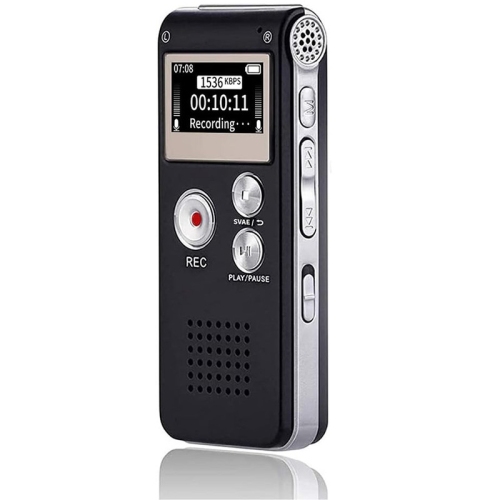
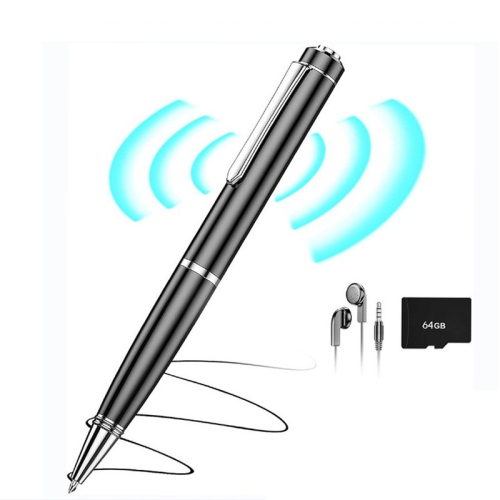
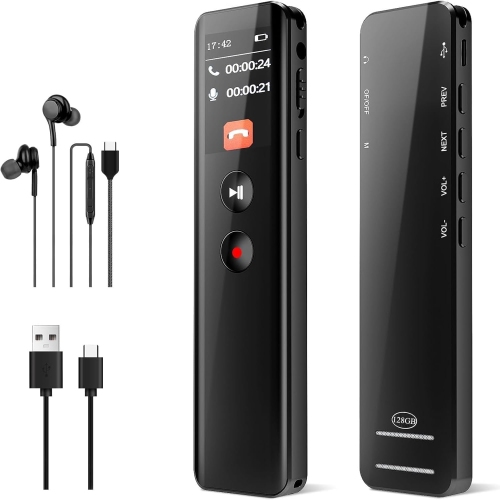
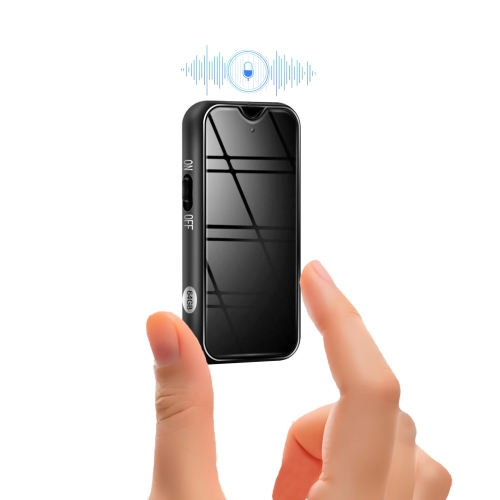
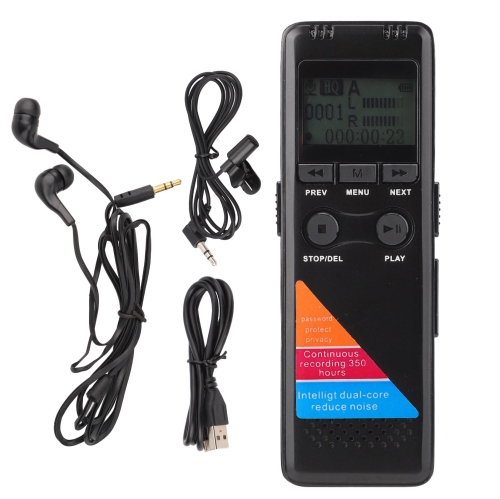
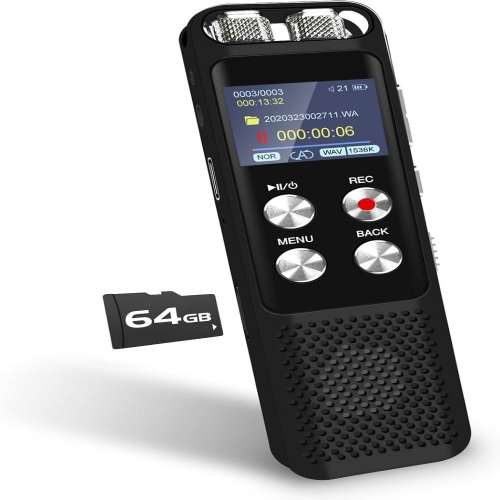
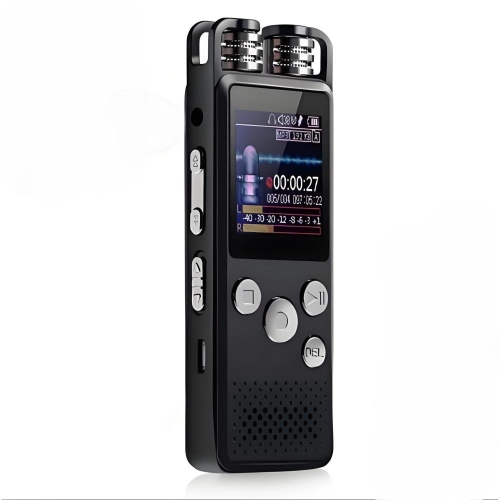
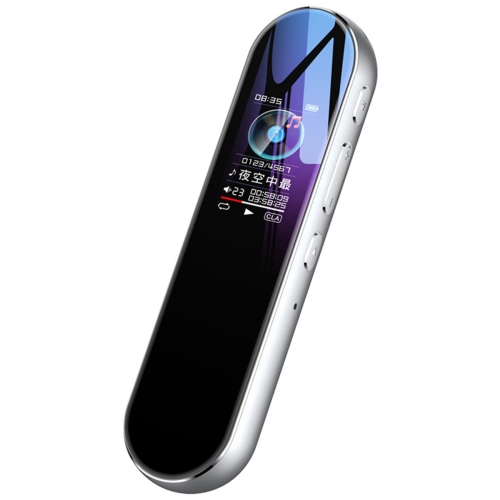
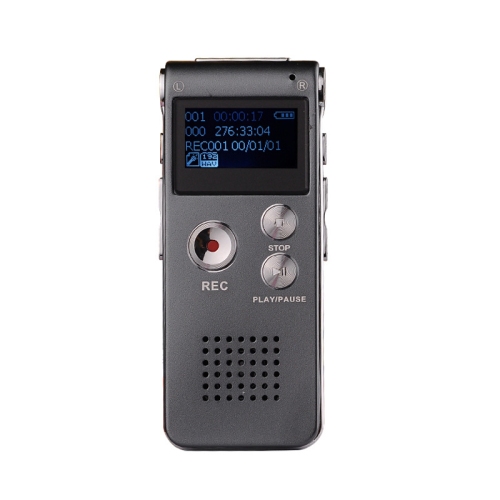
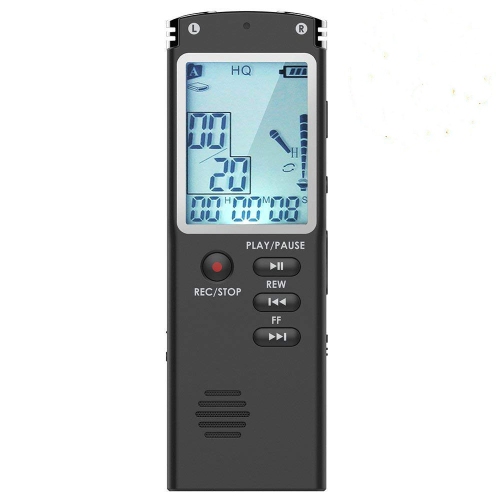
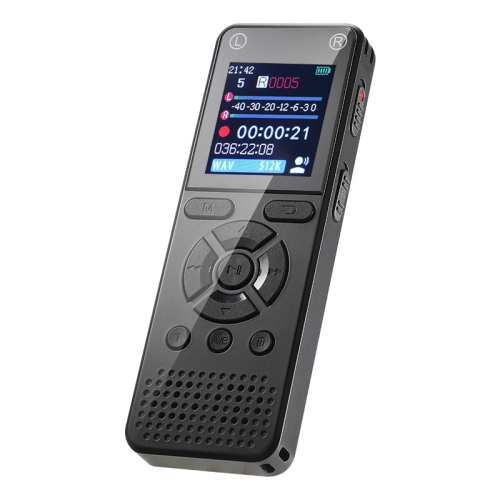
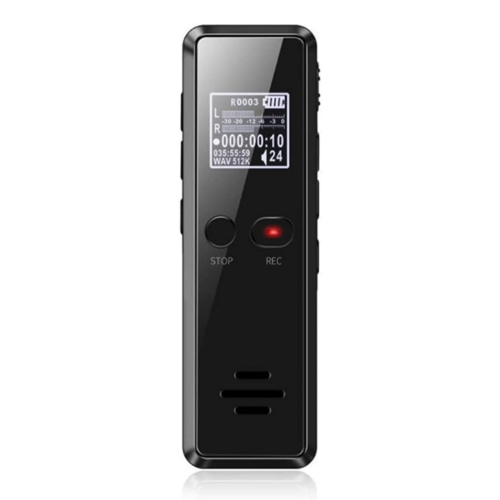
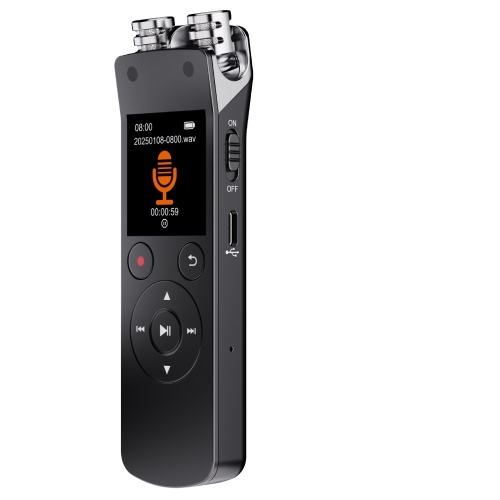
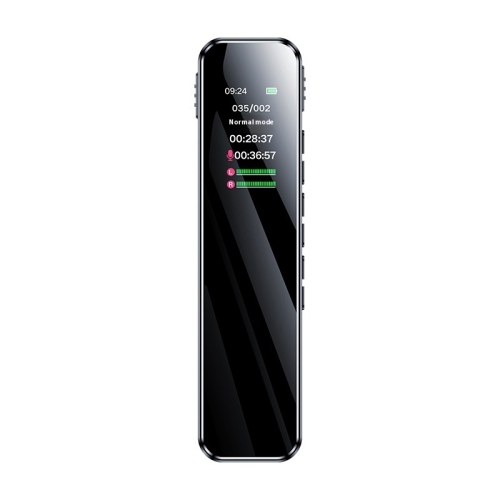
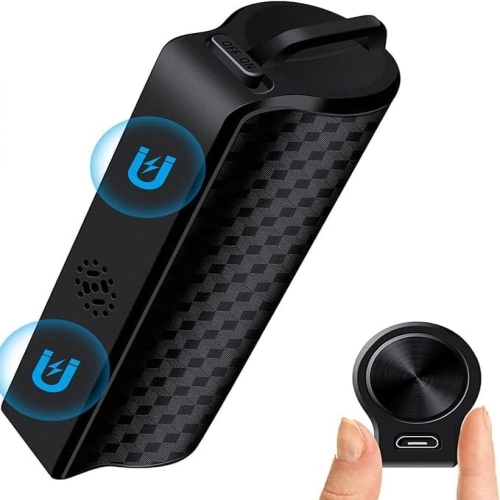
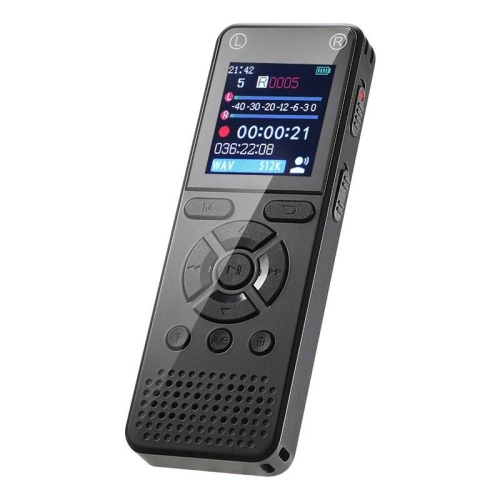
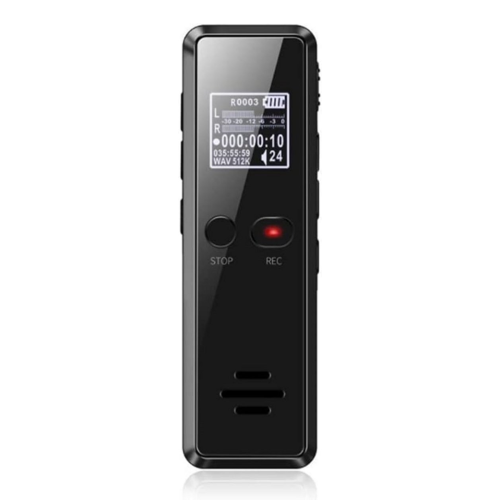
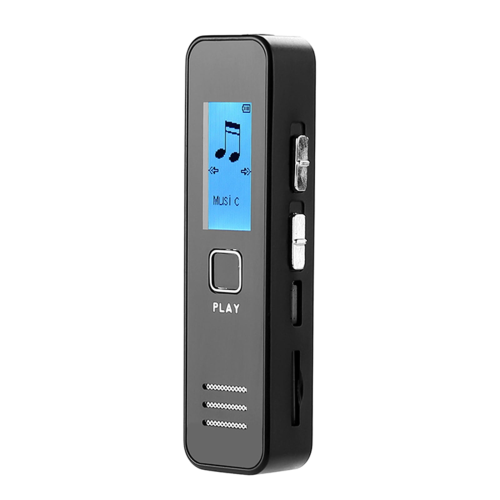
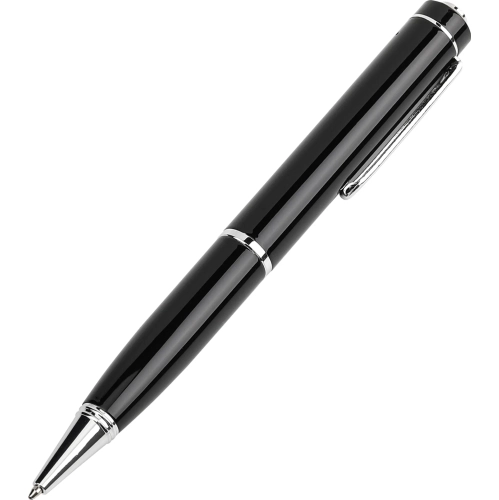
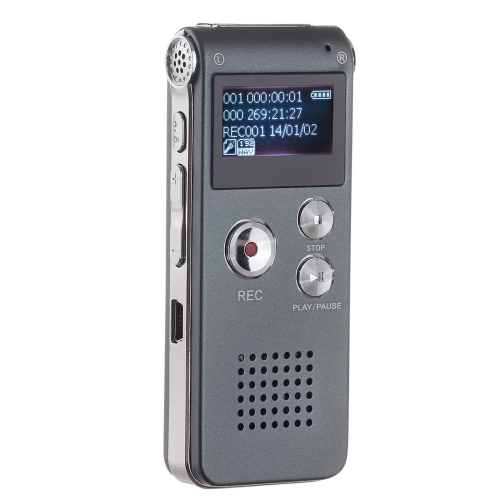
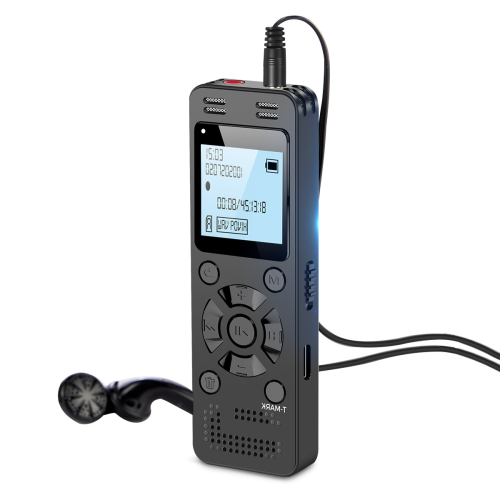
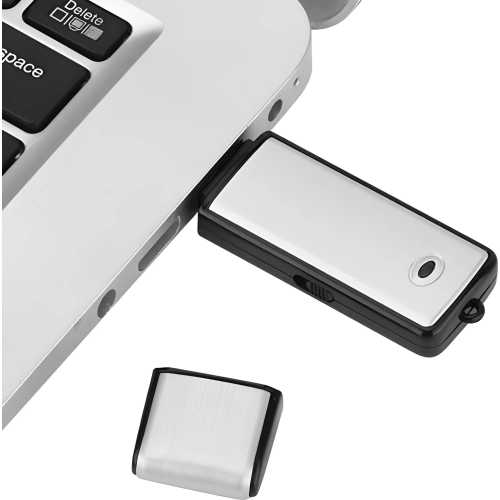
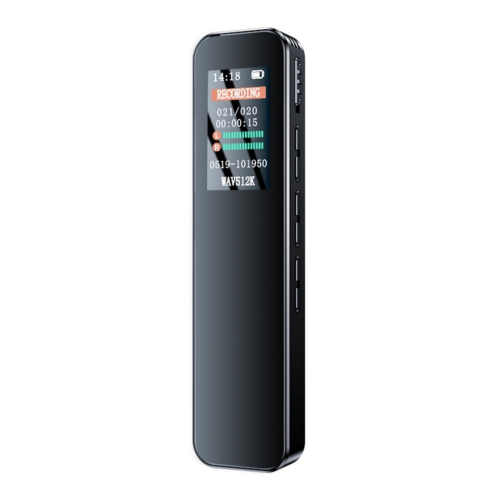
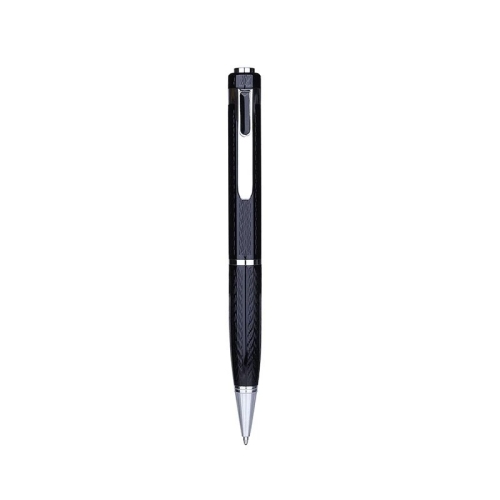
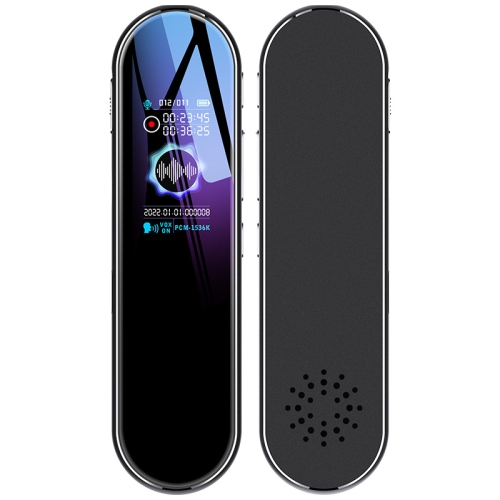
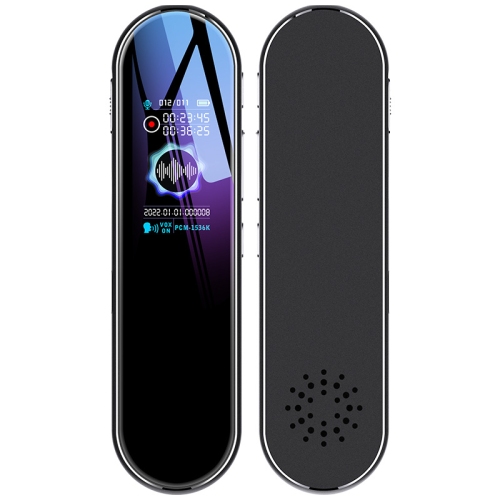
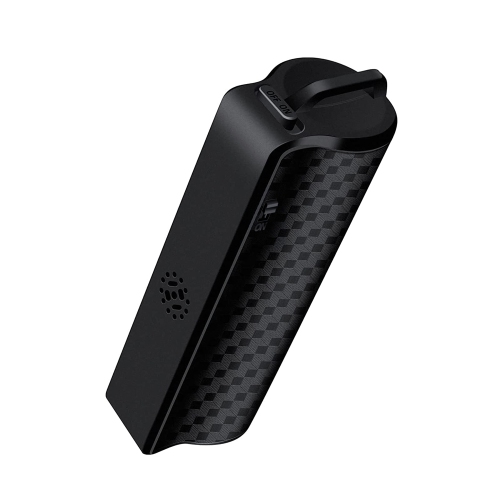
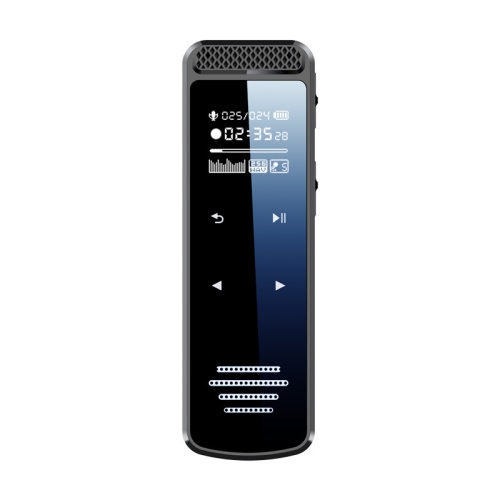
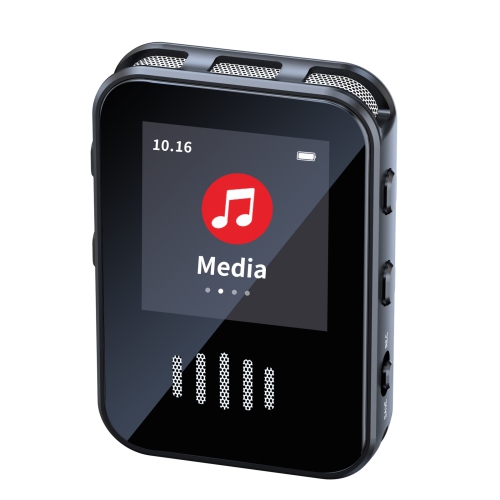
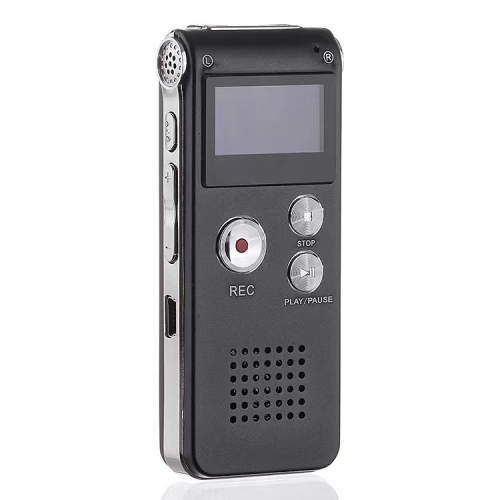
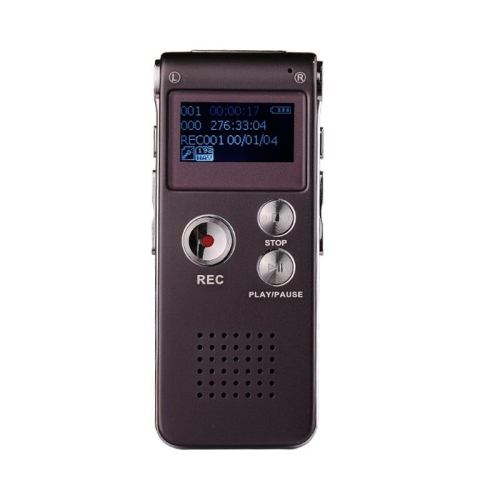
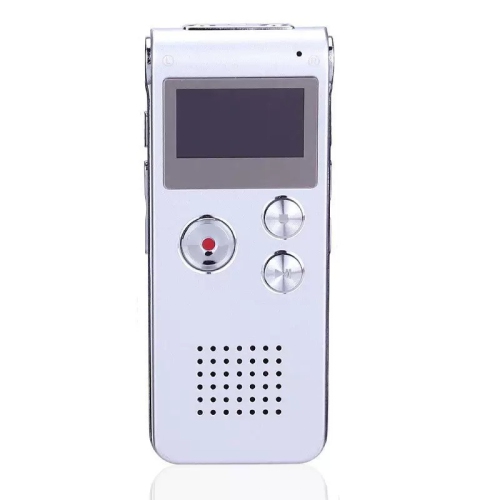
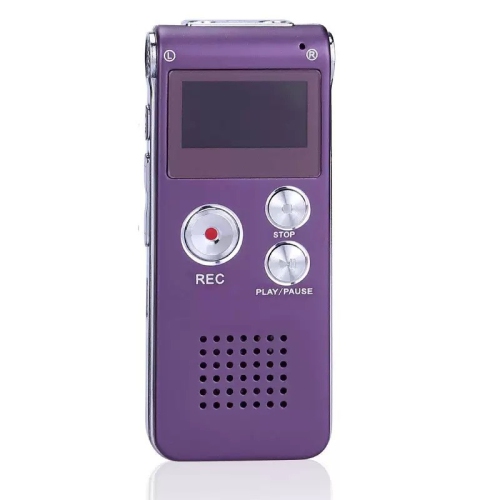
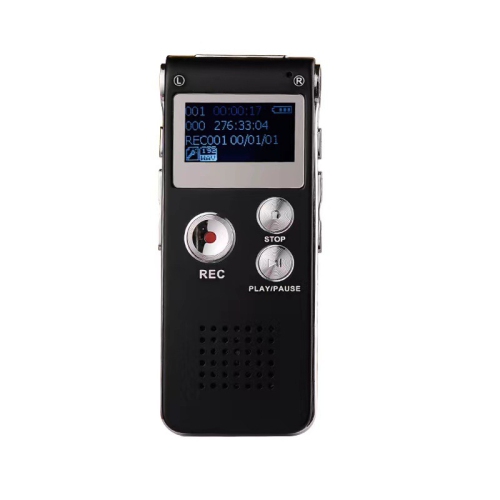
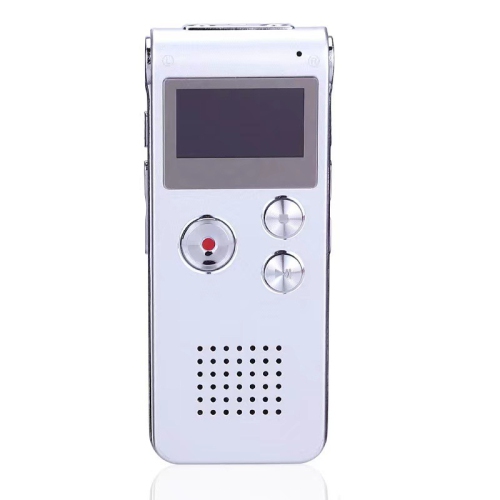
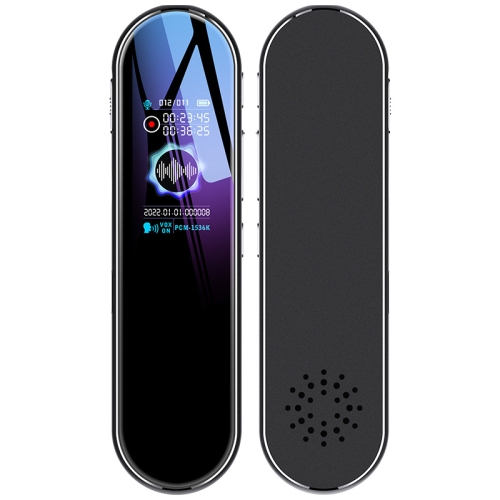
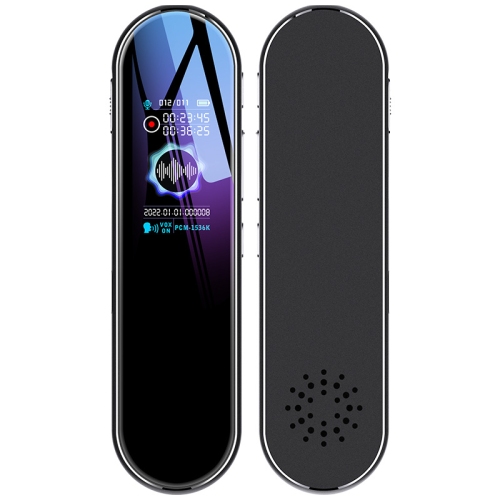
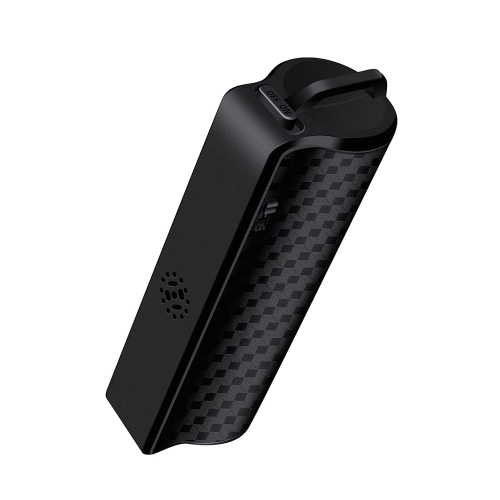
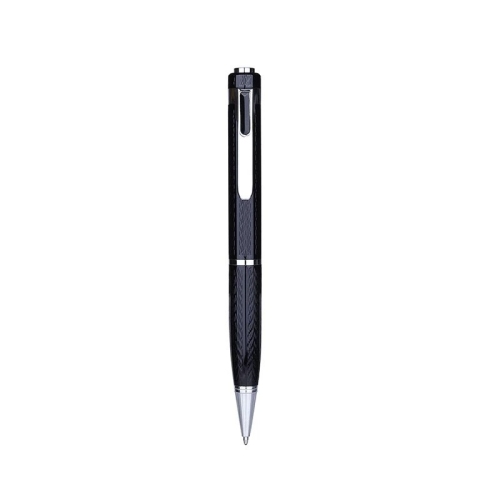
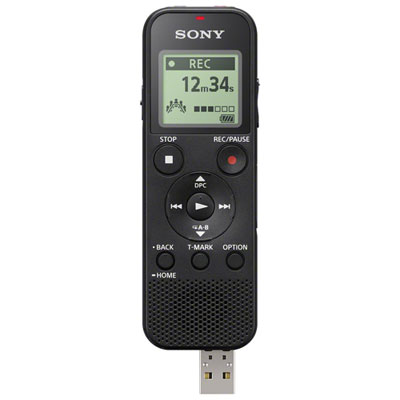
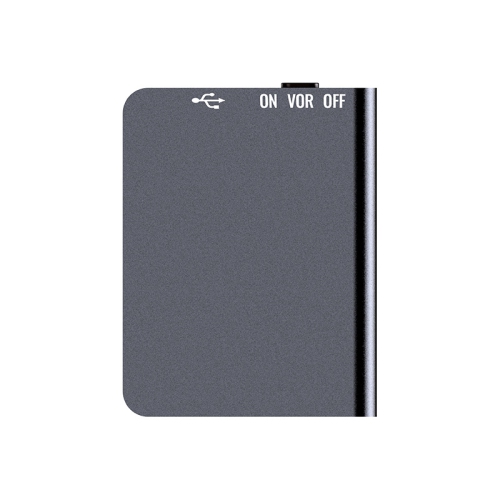
Digital voice recorders for meetings are portable audio devices designed to capture spoken discussion for later playback, helping preserve decisions, action items, and details that handwritten notes can miss. They are useful for project teams, administrative professionals, researchers, consultants, and volunteer committees, especially when several people contribute to the same conversation. A dedicated recorder keeps audio capture separate from phone calls, messages, and other tasks, while physical controls can make it easier to start, pause, and mark a recording without navigating multiple apps. For meeting use, the most relevant features are clear microphone pickup, sufficient recording time, dependable battery life, and straightforward file transfer. The best fit depends on the room and the way people speak: a quiet conversation across a small desk places different demands on a microphone than a planning session around a long boardroom table. Built-in stereo microphones can capture a sense of where voices sit in a room, while an omnidirectional microphone is designed to receive sound from all directions. Neither feature alone guarantees that every participant will sound equally clear. Distance, microphone placement, overlapping speech, and room acoustics all affect intelligibility. A compatible external conference or boundary microphone can be useful for table-based discussions, particularly when the recorder itself cannot sit near the speakers. Some designs support broad pickup around a table, but coverage still depends on the microphone and the space. Within the wider selection of Digital Voice Recorders, meeting-focused features matter more than the smallest possible body or the longest list of sound settings. A recorder used for personal dictation may sit close to one speaker’s mouth; a meeting recorder often has to capture quieter voices from several seats away. That distinction makes microphone suitability and usable playback more important than headline specifications alone. These devices can also make practical gifts for someone whose work regularly involves interviews, training sessions, or taking minutes, provided recording is permitted in their workplace.
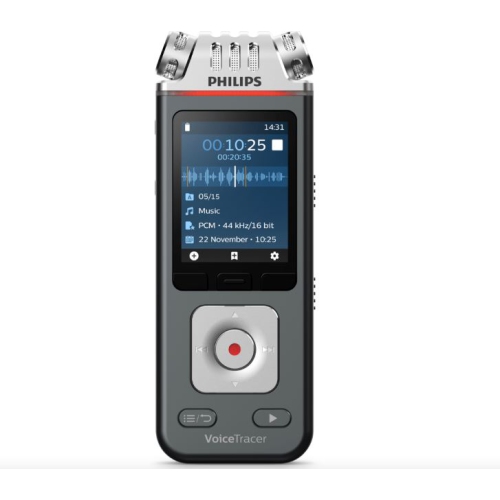
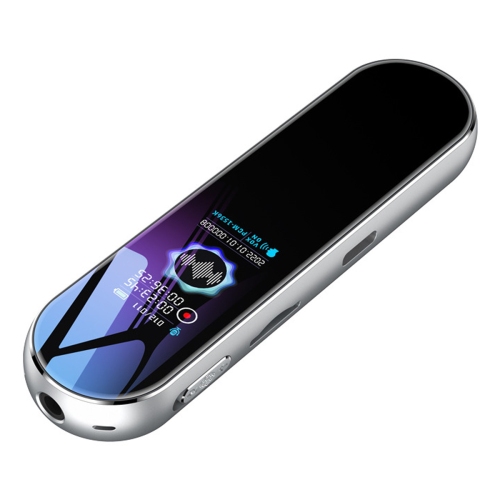
Sound quality in a meeting comes from a combination of suitable hardware and sensible placement. A recorder positioned near the centre of a small table generally has a better chance of capturing balanced speech than one tucked beside a laptop at the far end. Keeping microphones clear of folders, sleeves, and bags helps prevent muffled audio, while avoiding direct contact with typing hands or frequently moved papers can reduce distracting bumps and rustles. A soft, stable pad beneath the device may help limit table vibration, as long as it does not cover microphone openings. Carpet, curtains, and upholstered seating tend to soften reflected sound; glass walls and bare surfaces can make voices sound more distant or echoing. Adjustable microphone sensitivity or recording levels can help match the recorder to the setting. Automatic level control can be convenient when speakers vary in volume, though it may also make background noise more noticeable during pauses. Noise reduction and low-cut filters, where supported, may reduce certain steady sounds or low-frequency rumble, but they cannot reliably restore words obscured by another speaker. Voice-activated recording can save space during silence, although quiet comments or the beginning of a sentence may be missed depending on the settings. Continuous recording is often preferable when preserving the full sequence of a discussion matters. A brief test played through headphones before participants begin can reveal whether the nearest voice is too loud or the farthest seat is difficult to hear. For larger rooms, support for external microphones deserves particular attention, including connector compatibility and any microphone power requirements. In hybrid meetings, a tabletop recorder may capture people in the room more clearly than remote participants coming through a small laptop speaker. Audio from a conferencing platform is not automatically included simply because a recorder is nearby. Capturing both sides clearly may require a supported connection or an approved recording feature within the meeting platform. Participants should be informed about recording, and consent, workplace policies, and applicable privacy requirements should be addressed before a session starts.

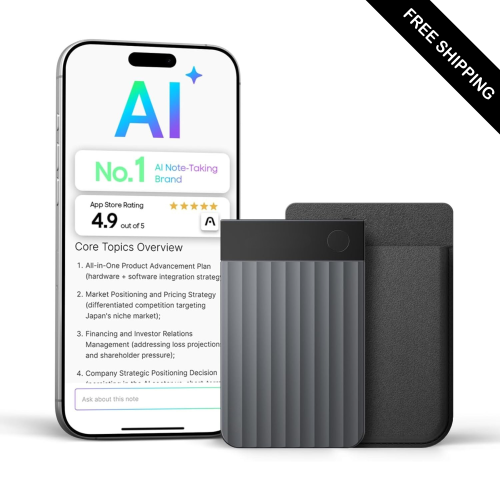
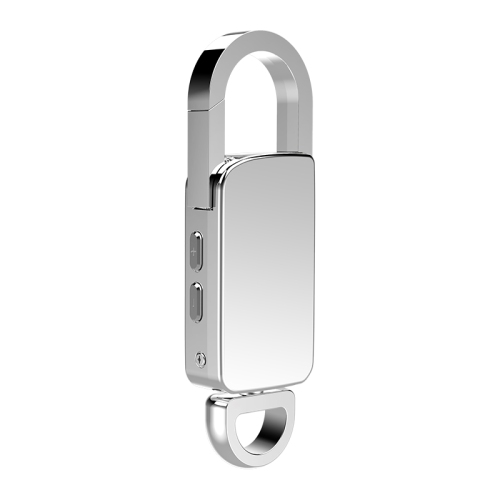
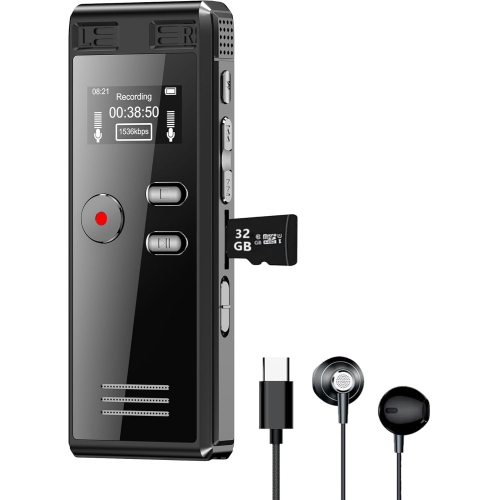
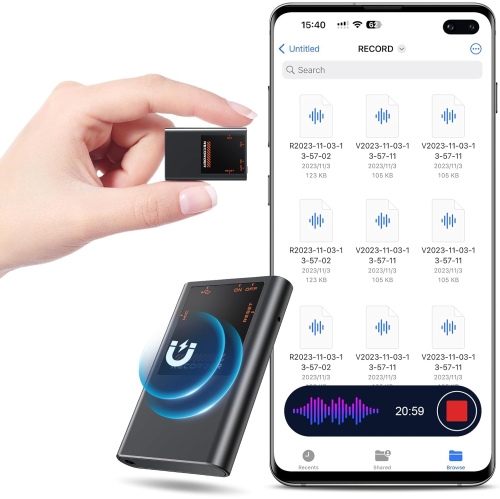
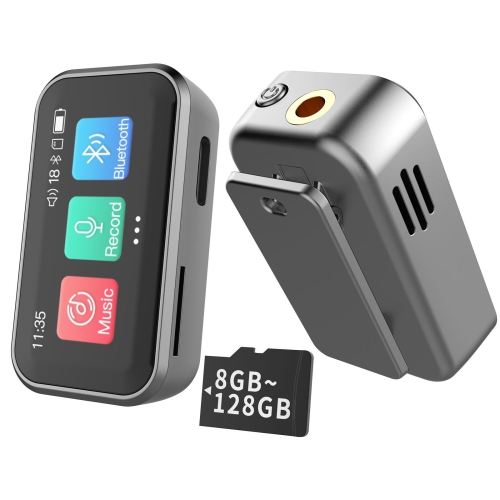
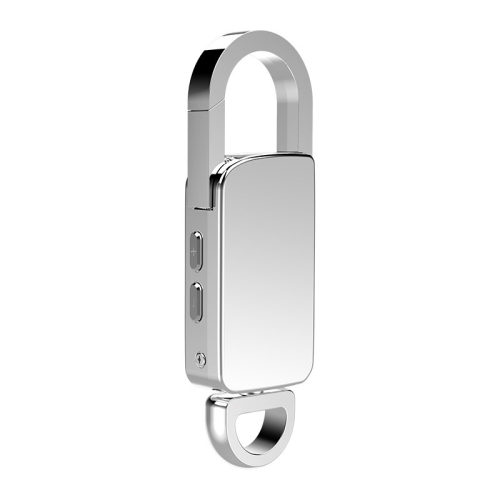
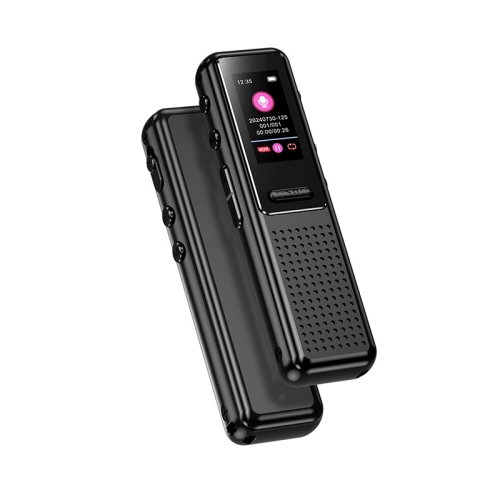
Everyday practicality becomes especially important when recordings need to move from a meeting room into an organized work routine. Storage capacity should be considered alongside recording format and quality settings, since uncompressed WAV files generally take up more space than compressed formats such as MP3. Published maximum recording times may refer to lower-quality settings, so the useful capacity for clear meeting audio can be shorter. Expandable storage, where supported, can help with frequent sessions, but memory card compatibility and file management still matter. Battery requirements vary too: built-in rechargeable designs offer convenient charging, while models using replaceable batteries allow a spare set to be carried for longer sessions. Recording time per charge, charging connections, and whether recording can continue while connected to power are worth checking for full-day workshops or back-to-back appointments. A compact body fits easily into a work bag, but tactile buttons, a readable display, and a hold switch can be more valuable than shaving off a little size. Lightweight plastic housings are practical for routine carrying, while metal housings may feel more rigid; actual durability depends on construction rather than material alone. A fitted case helps protect the screen and microphone openings from knocks and debris. Basic care involves keeping the device dry, handling ports gently, and wiping the exterior with a soft cloth according to the manufacturer’s directions. Once a meeting ends, USB transfer, compatible wireless transfer, or removable storage can make it easier to place audio in the correct project folder. Playback speed adjustment, repeat functions, and index marks can help locate a budget decision or confirm the wording of an assigned task without replaying the entire session. Transcription support may be built into associated software or provided through a separate compatible service, rather than performed by the recorder itself. Language support, account requirements, file compatibility, and data handling vary, and transcripts should be checked against the audio for names, technical terms, and overlapping speech. For confidential discussions, secure storage, controlled sharing, and a defined deletion routine are as important as clear sound. A recorder that fits these everyday habits can make spoken information easier to revisit without replacing attentive participation or concise meeting notes.
Read More

FAQ

Some products may be subject to Environmental Handling Fees (EHF) depending on your province. Learn more about EHFs.