Tablets Gifts for Diwali
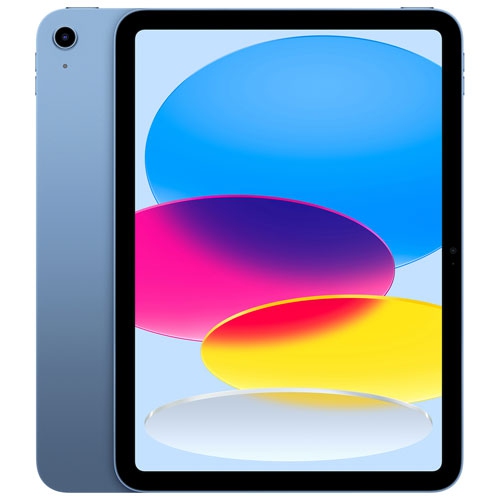
Celebrate the Festival of Lights with the perfect tech gift that combines functionality and entertainment—tablets. Whether you're looking to enhance your productivity, dive into immersive multimedia experiences, or stay connected with loved ones during Diwali, tablets offer a versatile solution that caters to all ages. With sleek designs and user-friendly interfaces, these devices make for thoughtful gifts that can illuminate the lives of your family and friends. Explore a wide range of options that blend style and performance, ensuring you find the ideal tablet to light up this joyous occasion.
Sort



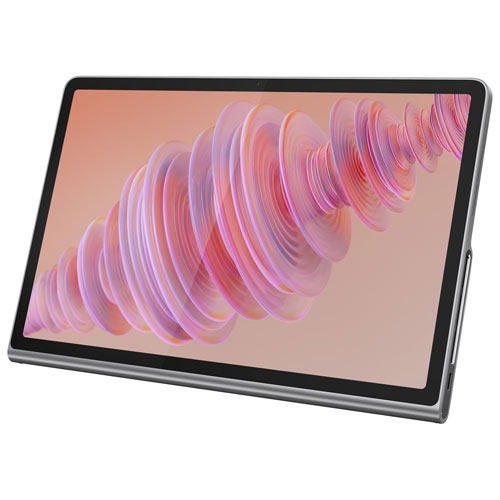
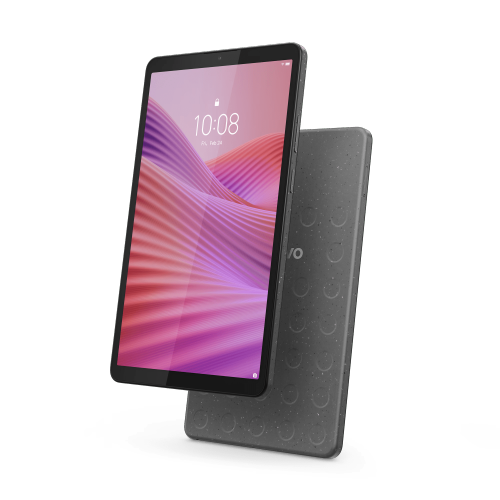


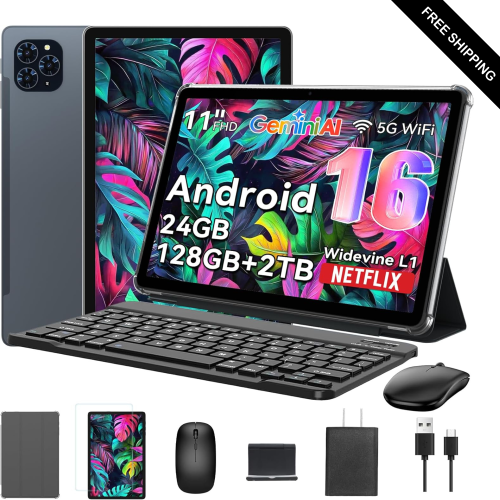
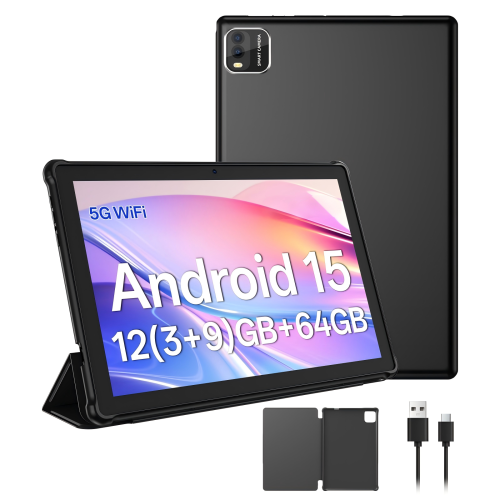
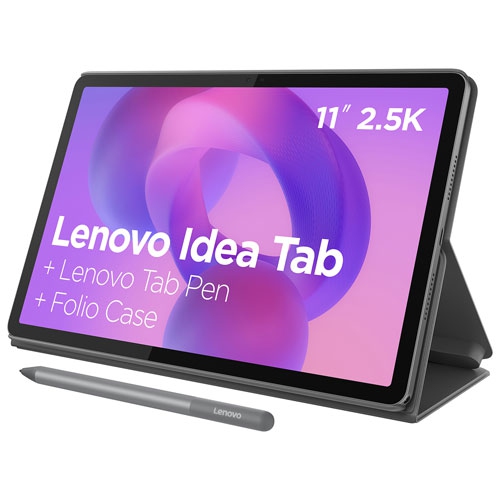
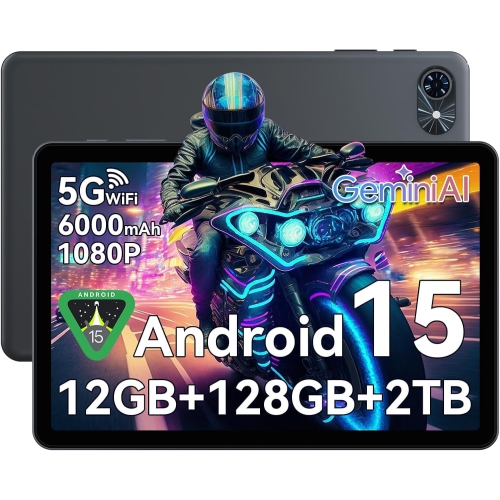


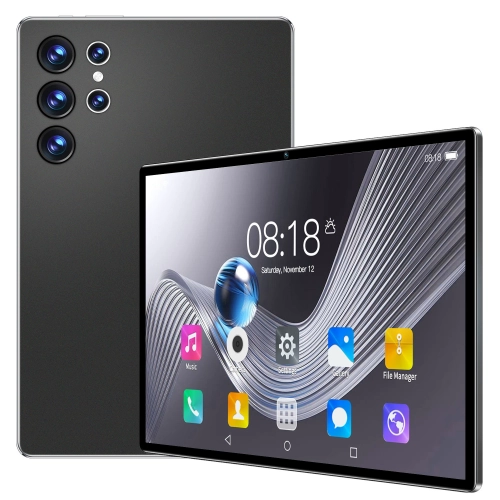
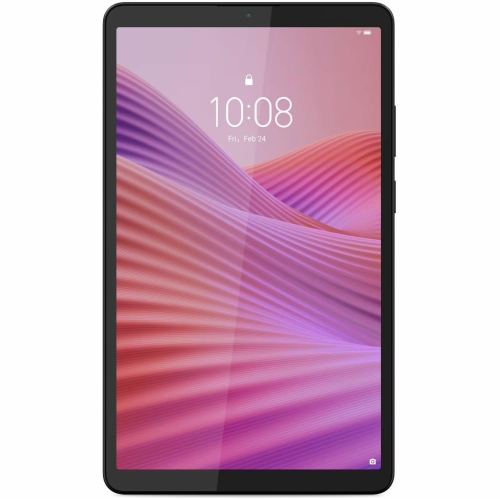
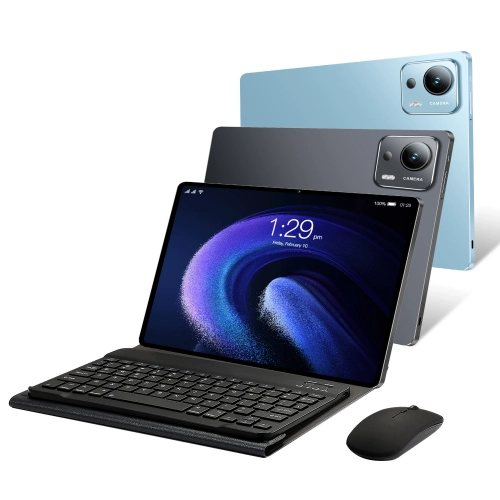
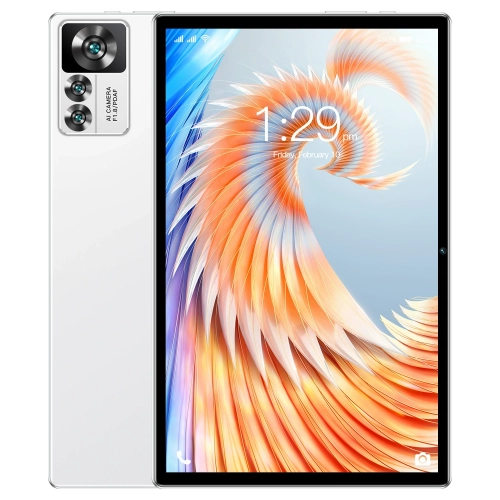
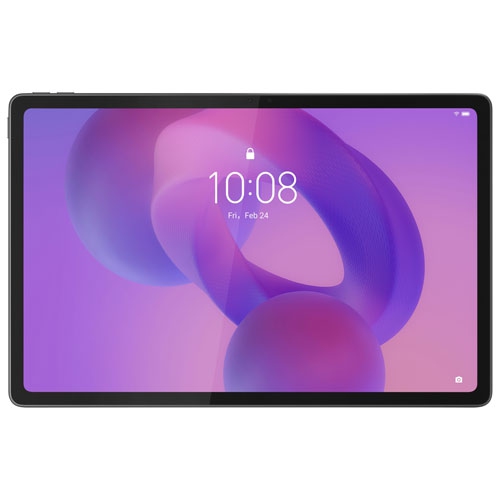
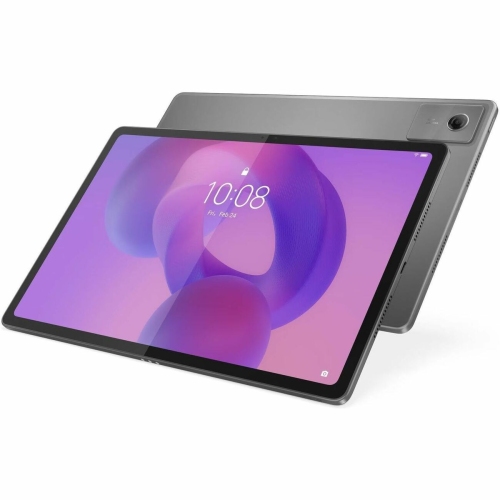
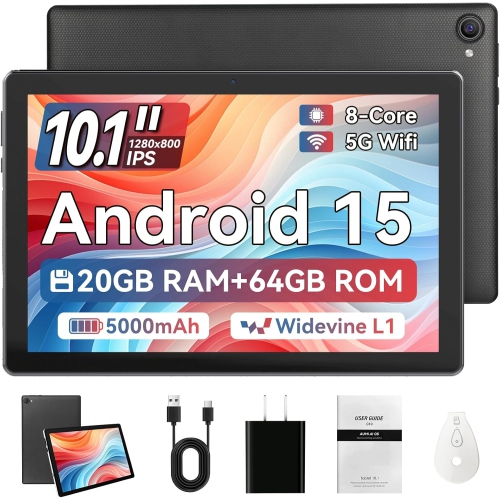
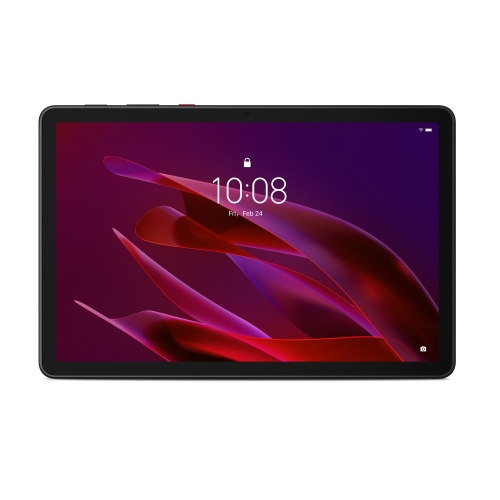
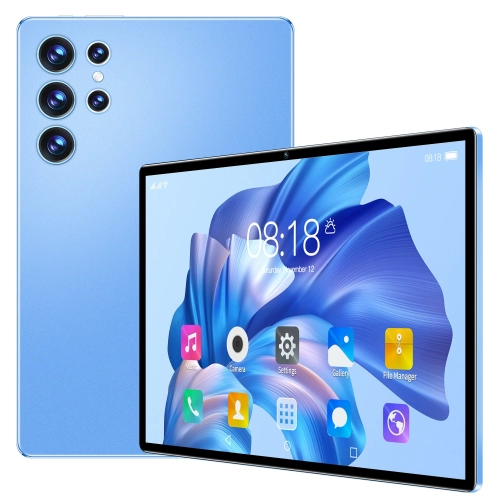
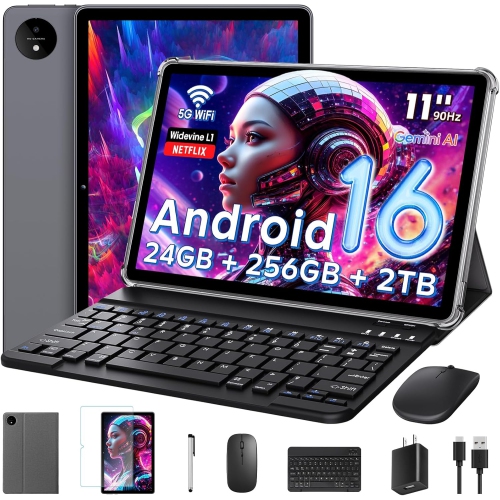
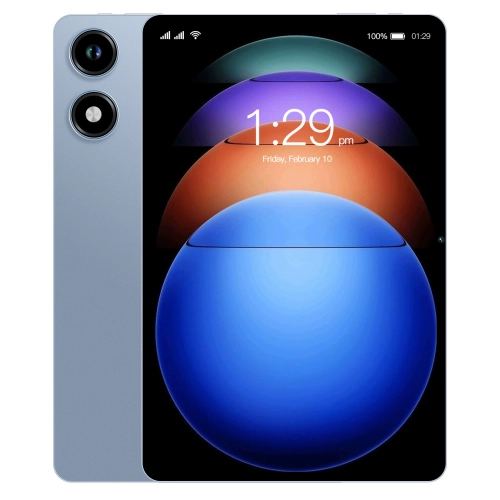
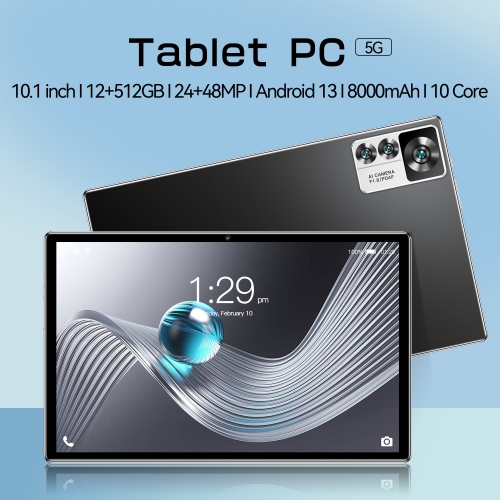

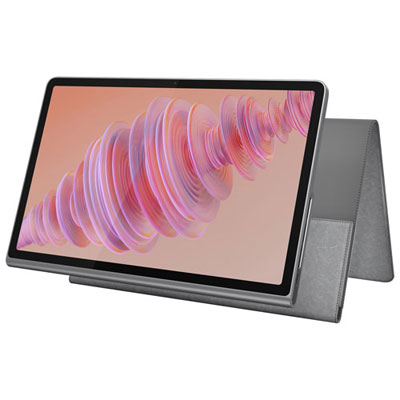

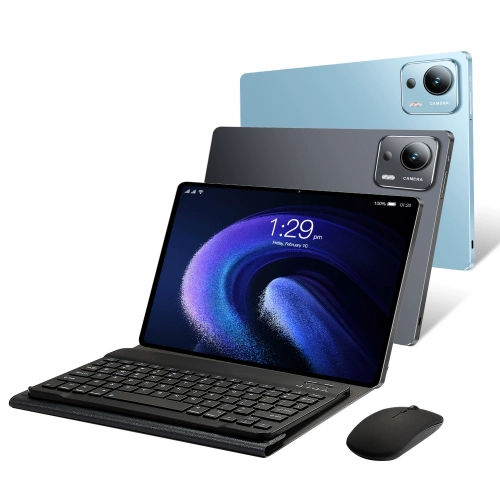
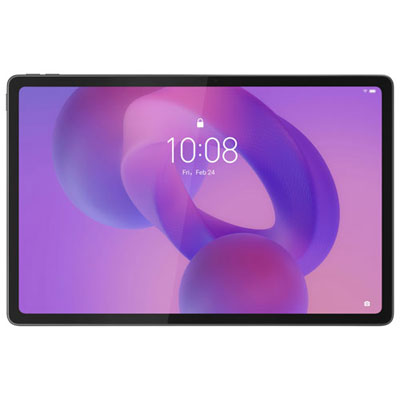

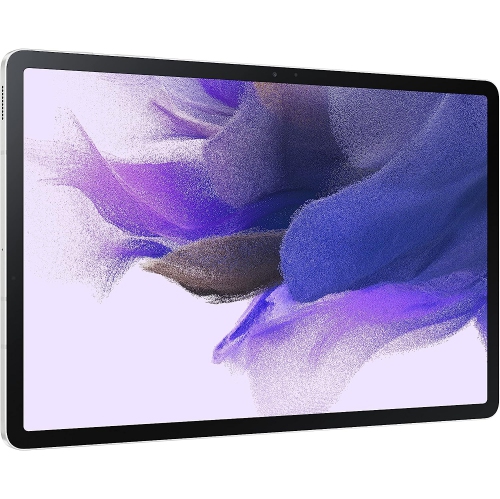


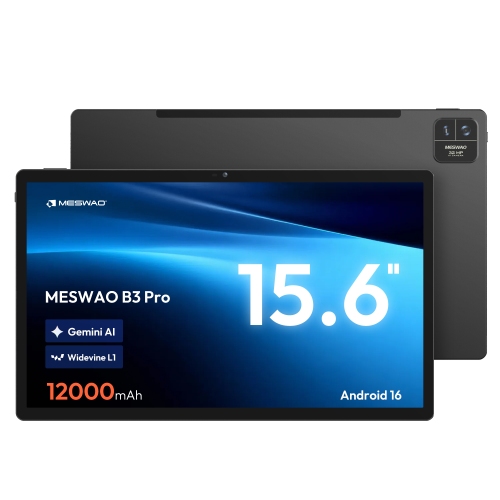
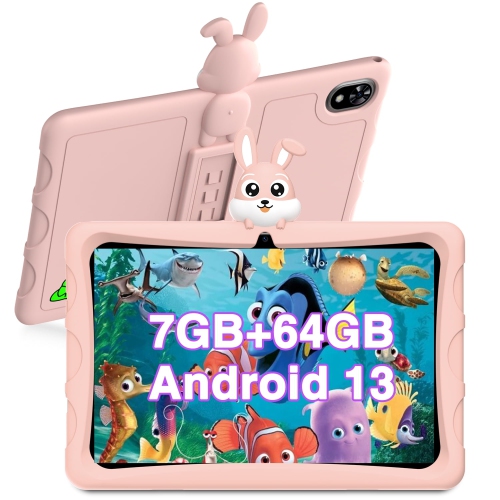
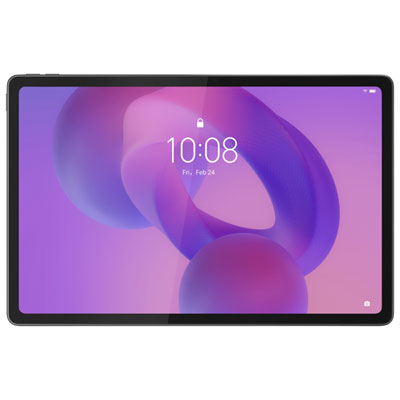
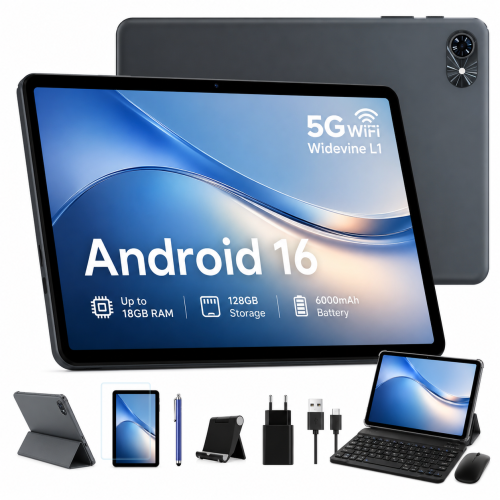
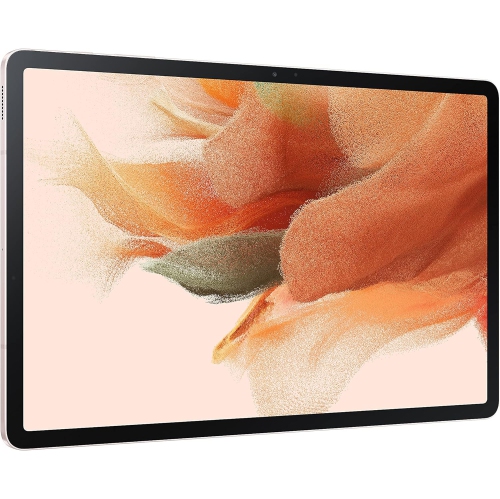

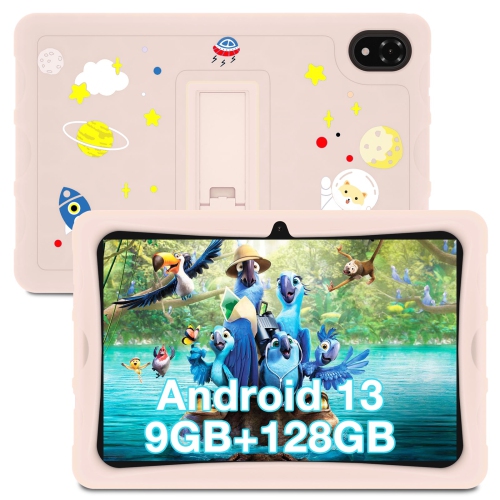
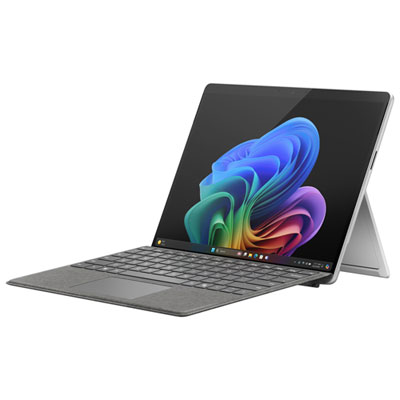
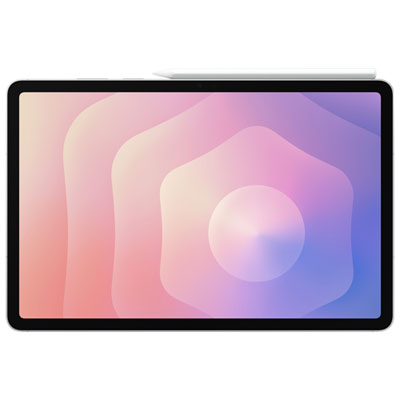
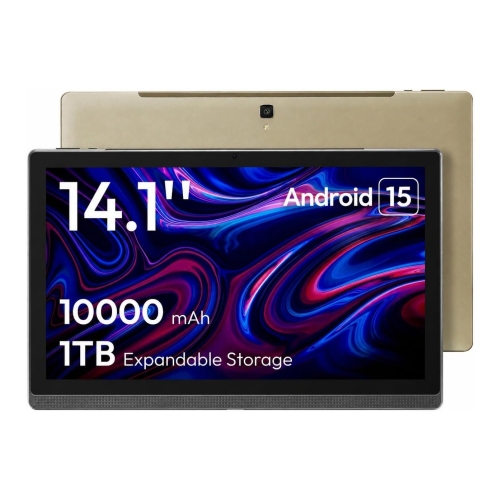
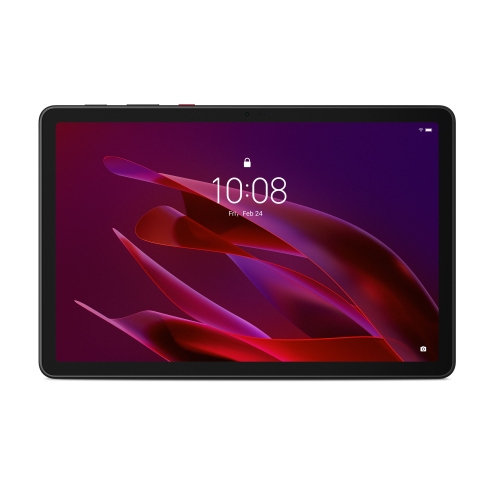
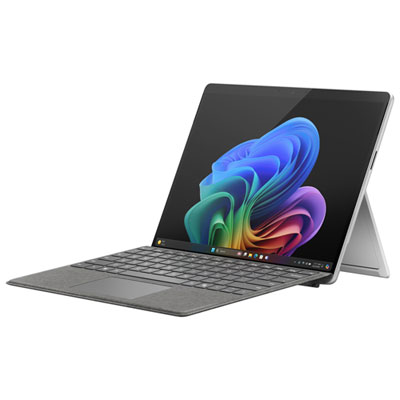

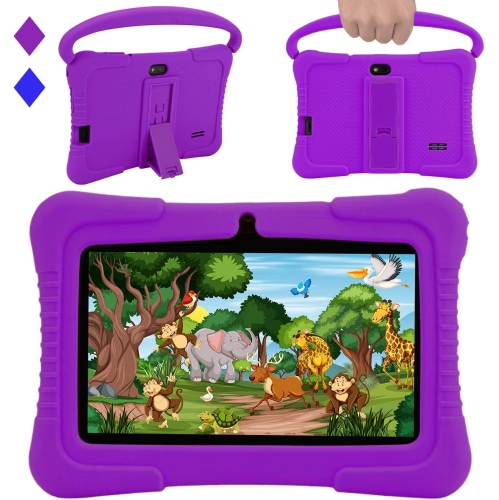

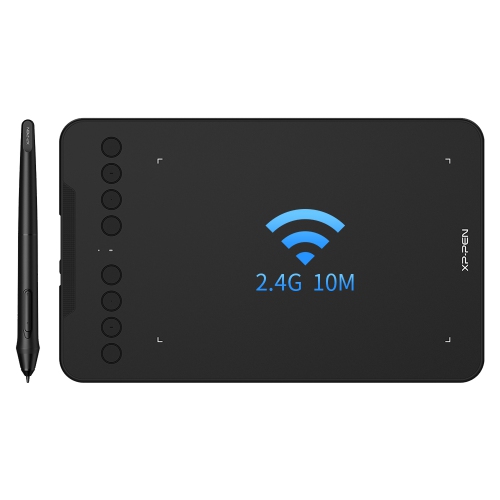


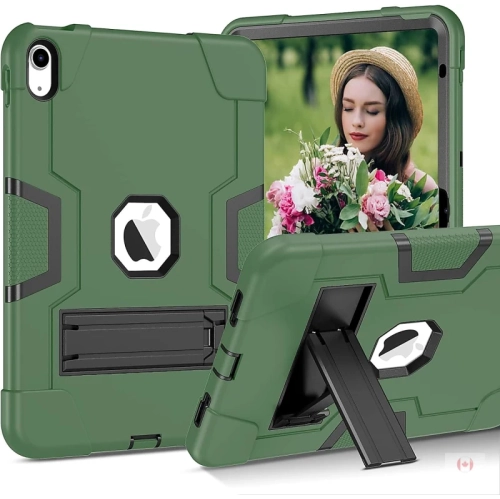
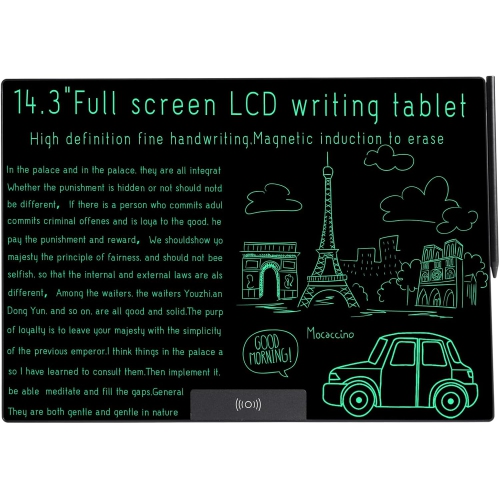
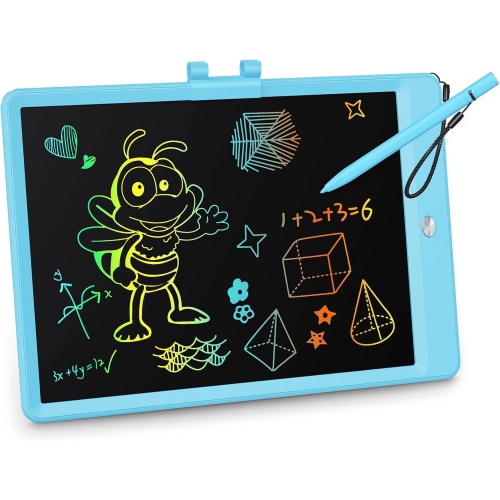
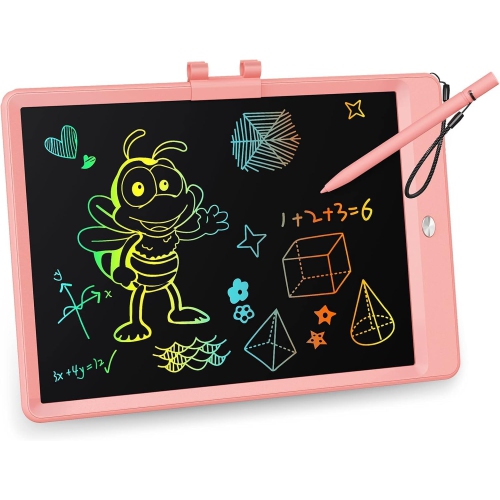
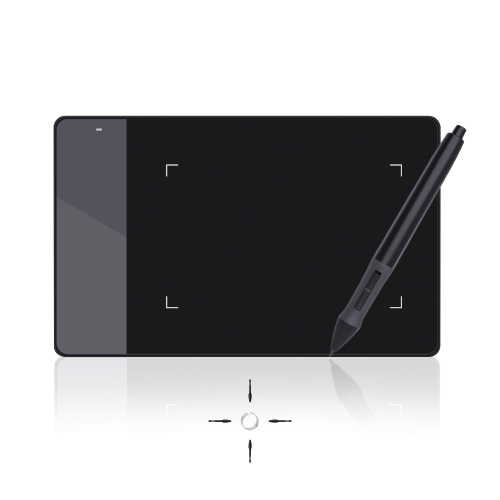
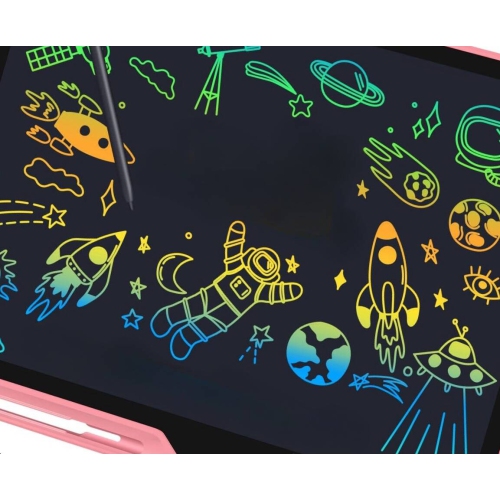
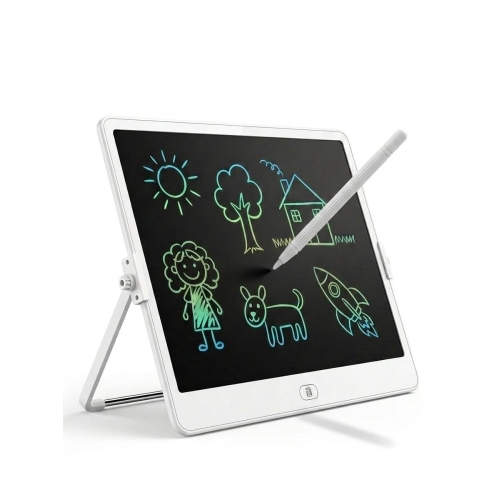
![CSMART [Cs] Rotating Pu Leather Tablet Case Smart Cover for Samsung Tablet Tab A11+ Plus / A9+ Plus 11" Sm-X210 / Sm-X230, Rose In Gold](https://multimedia.bbycastatic.ca/multimedia/products/500x500/177/17701/17701554.jpeg)
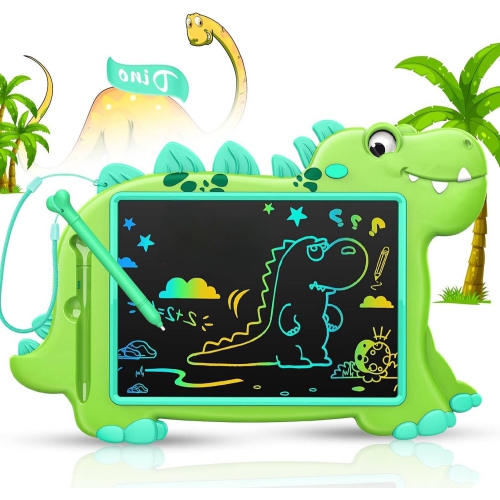

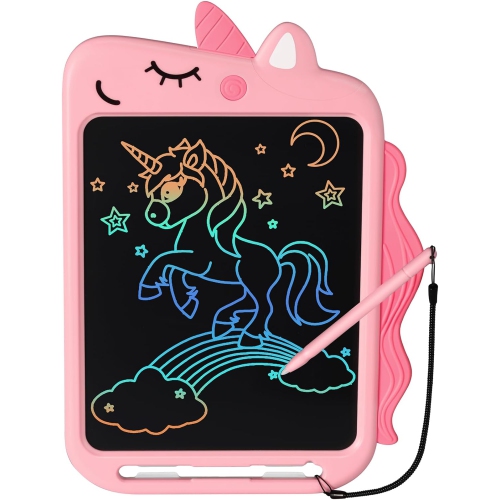
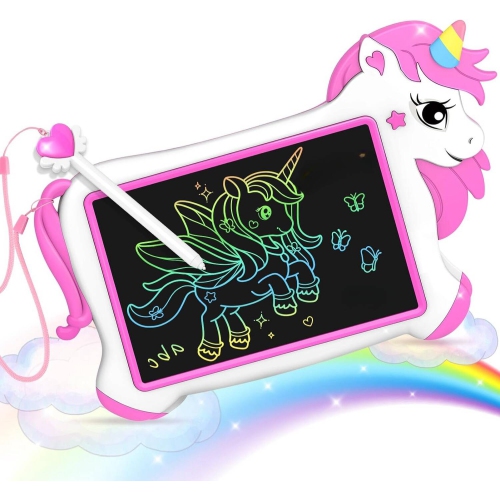
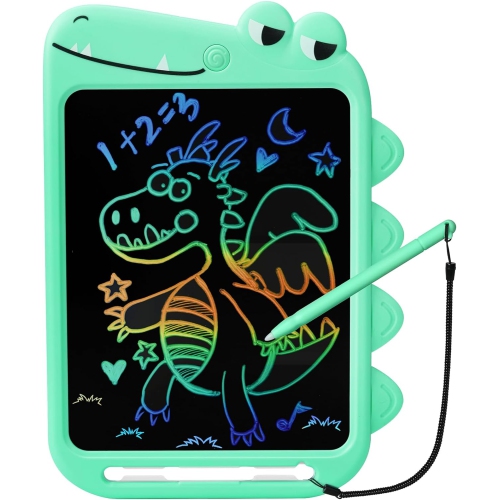
![CSMART [Cs] 360 Rotating Pu Leather Tablet Case Smart Cover for Samsung Galaxy Tab S11 Sm-X730 Tablet, Rose In Gold](https://multimedia.bbycastatic.ca/multimedia/products/500x500/196/19630/19630498.jpeg)
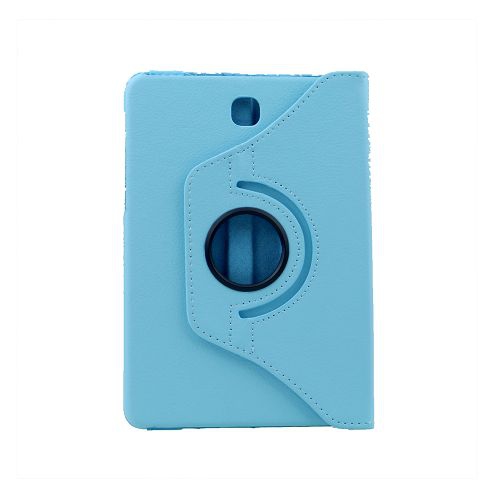
![CSMART [Cs] 360 Rotating Pu Leather Tablet Case Smart Cover for Samsung Galaxy Tab S10 Fe+ Plus, Sm-X620 Sm-X626, Rose In Gold](https://multimedia.bbycastatic.ca/multimedia/products/500x500/193/19350/19350380.jpeg)
![CSMART [Cs] 360 Rotating Pu Leather Tablet Case Smart Cover for Samsung Galaxy Tab S11 Ultra Sm-X930 Tablet, Rose In Gold](https://multimedia.bbycastatic.ca/multimedia/products/500x500/196/19630/19630490.jpeg)
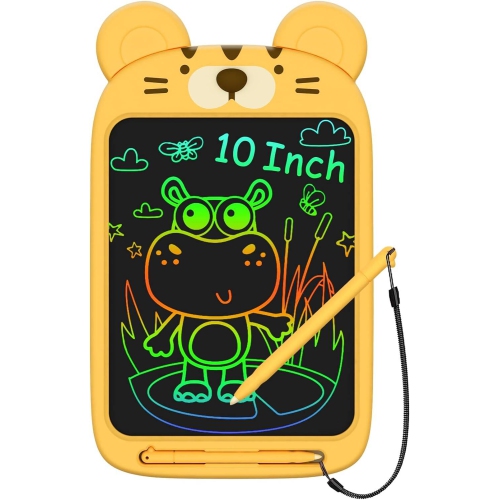
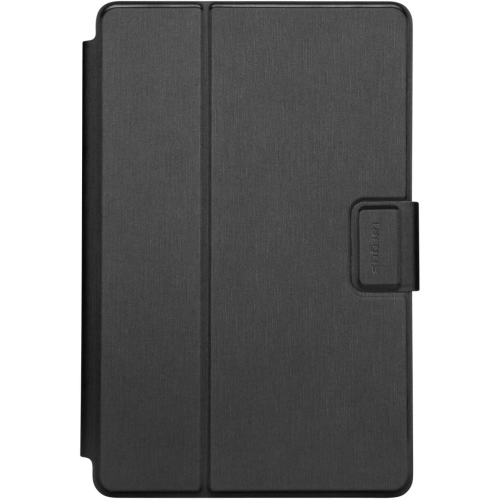
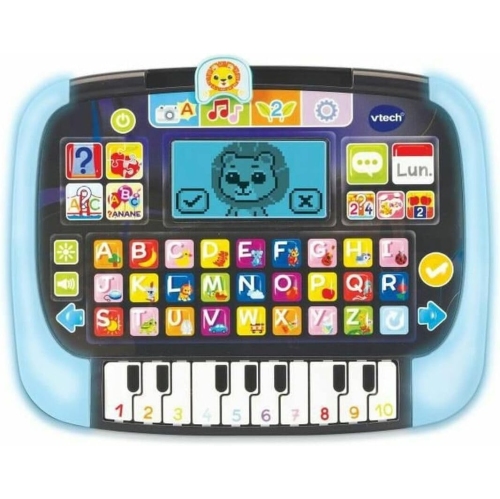
![CSMART [Cs] 360 Rotating Pu Leather Tablet Case Smart Cover for Samsung Galaxy Tab S11 Sm-X730 Tablet In Red](https://multimedia.bbycastatic.ca/multimedia/products/500x500/196/19630/19630496.jpeg)
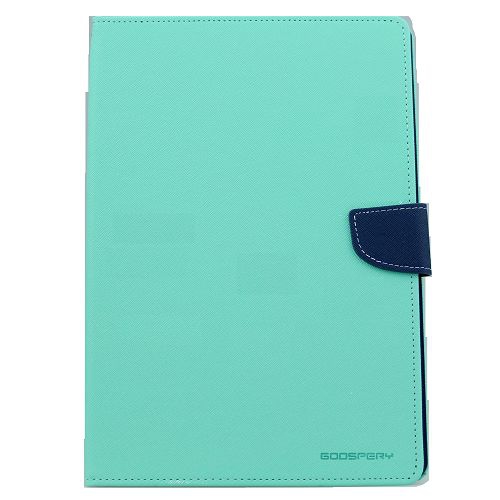
![CSMART [Cs] 360 Rotating Pu Leather Tablet Case Smart Cover for Samsung Galaxy Tab S11 Ultra Sm-X930 Tablet In Navy](https://multimedia.bbycastatic.ca/multimedia/products/500x500/196/19630/19630493.jpeg)
![CSMART [Cs] 360 Rotating Pu Leather Tablet Case Smart Cover for Samsung Galaxy Tab S11 Sm-X730 Tablet In Navy](https://multimedia.bbycastatic.ca/multimedia/products/500x500/196/19630/19630497.jpeg)
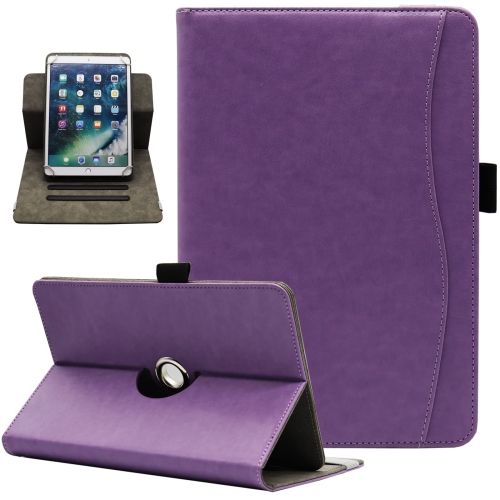
Tablets that fit daily routines and connect loved ones
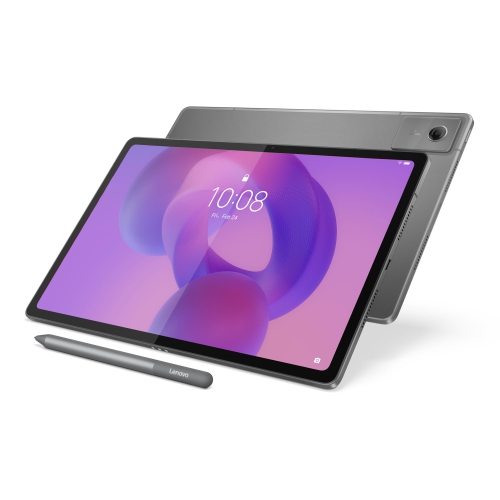
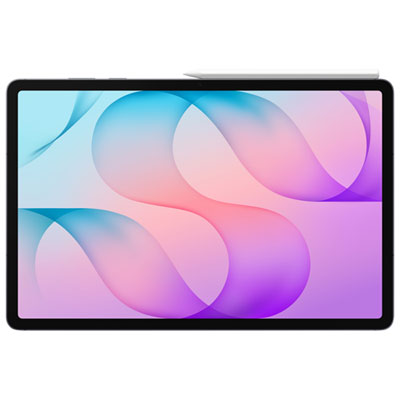
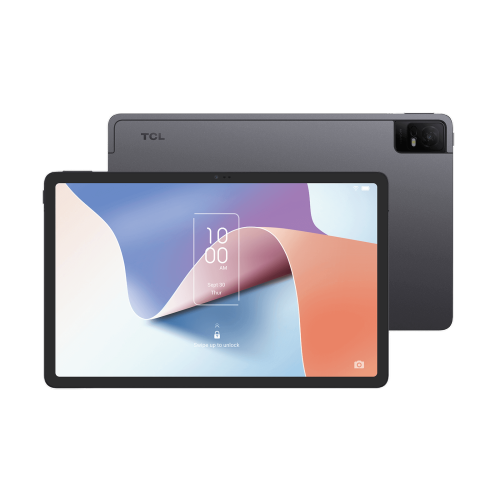
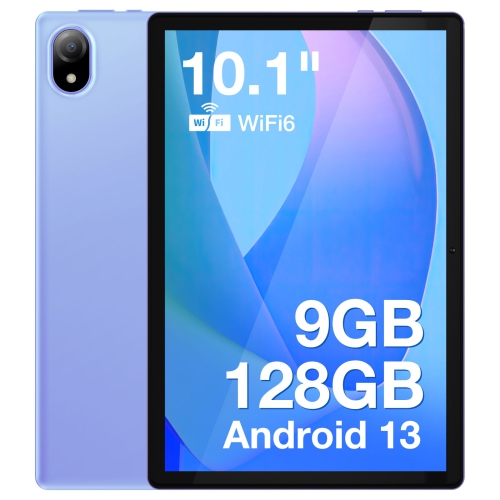
Tablet gifts for Diwali combine everyday usefulness with entertainment, learning, and a simple way to stay connected with family. A well-matched tablet can become a student’s reading companion, a parent’s place for recipes and video calls, or a creative outlet for someone who enjoys sketching and photography. For Diwali celebrations, that versatility feels especially personal: a shared photo album, a favourite playlist, or a familiar face on screen can help bring loved ones closer, even when they live far apart. Among Diwali Gifts, tablets offer a balance of practical function and enjoyment that can extend well beyond the celebration itself. The right fit depends less on choosing the largest screen and more on how the recipient spends their time. A compact tablet is easier to hold while reading on the sofa or carry in a small bag, while a larger display gives films, digital artwork, and study notes more room. For someone who watches subtitled films or reads detailed documents, screen clarity and comfortable text sizing can matter as much as the display’s dimensions. Adjustable brightness helps make the screen comfortable in different indoor settings, and reduced glare can make reflections less distracting. Built-in speakers are convenient for casual listening, while headphone support gives shared spaces a little more quiet. A front-facing camera and clear microphone are useful for joining family conversations, showing festive outfits, or sharing a glimpse of the celebration from home. For an older relative, straightforward navigation, larger icons, and accessible audio settings may be more valuable than advanced creative tools. For a younger recipient, a manageable size and comfortable grip can make regular use easier. These everyday details help a tablet feel like a gift chosen for a particular person, rather than simply another screen. A device that suits familiar routines has a natural place beside a favourite reading chair, on a study desk, or in a travel bag.
The experience also depends on what happens behind the screen. Smooth performance is useful when switching between a video call, a browser, and a document, while demanding games, detailed illustration, or video editing may call for greater processing capability. Memory helps with multitasking, and storage determines how much space is available for apps, downloaded films, photographs, and other files. A tablet used mainly for streaming and browsing has different needs from one that will hold a large collection of offline entertainment or creative projects. Expandable storage is supported by some tablets, but it is not a universal feature, so built-in capacity remains an important consideration. Wi-Fi connectivity suits home use, school networks, and other places with a reliable connection. Tablets with cellular capability can also connect through a compatible mobile service, which may suit someone who frequently works or travels away from Wi-Fi. The operating system shapes the layout, app selection, and connections with other devices, making familiarity helpful for recipients who already use a particular phone or computer platform. Shared calendars, photo libraries, and supported file transfers can make a tablet easier to work into existing routines. For students and people who enjoy writing, a compatible keyboard can make longer messages and assignments more comfortable, while supported stylus input adds possibilities for handwritten notes, annotations, and drawing. Accessory compatibility varies, including the way a keyboard connects or a stylus charges. A tablet can complement a laptop without necessarily replacing desktop software or specialised work tools. For children, family settings may help manage app access, screen time, and purchases, depending on the device and services used. Individual profiles, where supported, can also help separate family members’ content. Fingerprint or facial recognition features on supported devices offer convenient access, while a secure passcode remains important. Together, these considerations shape how comfortably a gift supports the recipient’s habits, from checking messages over breakfast to finishing a chapter before bed or keeping notes close at hand throughout the day.
Build quality, handling, and care matter just as much as the first impression when the gift is opened. Tablet bodies commonly use metal, plastic, or a combination of materials, with differences in weight, surface feel, and resistance to everyday wear. A slim metal body can feel reassuringly solid, while a lighter construction may be more comfortable during a long reading session. Glass screens still need thoughtful handling, particularly in busy households or when a tablet travels between home, school, and family visits. A well-fitting case can improve grip and help protect corners from bumps, and a folio-style cover can provide a stable viewing angle for calls or watching a recipe demonstration. Fit is specific to the tablet’s dimensions, camera placement, buttons, and charging port; screen size alone does not establish compatibility. A screen protector may help reduce surface scratches, but it does not make a device unbreakable. Everyday care is usually straightforward: a soft, lint-free cloth, cleaning methods approved by the manufacturer, and keeping liquid away from openings help protect the finish and display. Water resistance should never be assumed, and charging cables should sit where they are unlikely to be pulled or tripped over. Battery life also varies with screen brightness, apps, connectivity, and the task being performed, so a recipient’s usual routine is more useful context than a single runtime figure. Supported charging methods and long-term software support can influence convenience over time. For a Diwali gift intended for regular family use, comfortable handling and dependable daily operation can be more meaningful than a long list of rarely used features. A child drawing a first digital picture, a grandparent enlarging a family photograph, or a student reviewing notes between classes each needs something slightly different. Matching those moments with suitable screen size, performance, accessibility, and protection gives a tablet a lasting role in everyday life, while keeping the thoughtfulness of the celebration at the centre of the gift.
The experience also depends on what happens behind the screen. Smooth performance is useful when switching between a video call, a browser, and a document, while demanding games, detailed illustration, or video editing may call for greater processing capability. Memory helps with multitasking, and storage determines how much space is available for apps, downloaded films, photographs, and other files. A tablet used mainly for streaming and browsing has different needs from one that will hold a large collection of offline entertainment or creative projects. Expandable storage is supported by some tablets, but it is not a universal feature, so built-in capacity remains an important consideration. Wi-Fi connectivity suits home use, school networks, and other places with a reliable connection. Tablets with cellular capability can also connect through a compatible mobile service, which may suit someone who frequently works or travels away from Wi-Fi. The operating system shapes the layout, app selection, and connections with other devices, making familiarity helpful for recipients who already use a particular phone or computer platform. Shared calendars, photo libraries, and supported file transfers can make a tablet easier to work into existing routines. For students and people who enjoy writing, a compatible keyboard can make longer messages and assignments more comfortable, while supported stylus input adds possibilities for handwritten notes, annotations, and drawing. Accessory compatibility varies, including the way a keyboard connects or a stylus charges. A tablet can complement a laptop without necessarily replacing desktop software or specialised work tools. For children, family settings may help manage app access, screen time, and purchases, depending on the device and services used. Individual profiles, where supported, can also help separate family members’ content. Fingerprint or facial recognition features on supported devices offer convenient access, while a secure passcode remains important. Together, these considerations shape how comfortably a gift supports the recipient’s habits, from checking messages over breakfast to finishing a chapter before bed or keeping notes close at hand throughout the day.
Build quality, handling, and care matter just as much as the first impression when the gift is opened. Tablet bodies commonly use metal, plastic, or a combination of materials, with differences in weight, surface feel, and resistance to everyday wear. A slim metal body can feel reassuringly solid, while a lighter construction may be more comfortable during a long reading session. Glass screens still need thoughtful handling, particularly in busy households or when a tablet travels between home, school, and family visits. A well-fitting case can improve grip and help protect corners from bumps, and a folio-style cover can provide a stable viewing angle for calls or watching a recipe demonstration. Fit is specific to the tablet’s dimensions, camera placement, buttons, and charging port; screen size alone does not establish compatibility. A screen protector may help reduce surface scratches, but it does not make a device unbreakable. Everyday care is usually straightforward: a soft, lint-free cloth, cleaning methods approved by the manufacturer, and keeping liquid away from openings help protect the finish and display. Water resistance should never be assumed, and charging cables should sit where they are unlikely to be pulled or tripped over. Battery life also varies with screen brightness, apps, connectivity, and the task being performed, so a recipient’s usual routine is more useful context than a single runtime figure. Supported charging methods and long-term software support can influence convenience over time. For a Diwali gift intended for regular family use, comfortable handling and dependable daily operation can be more meaningful than a long list of rarely used features. A child drawing a first digital picture, a grandparent enlarging a family photograph, or a student reviewing notes between classes each needs something slightly different. Matching those moments with suitable screen size, performance, accessibility, and protection gives a tablet a lasting role in everyday life, while keeping the thoughtfulness of the celebration at the centre of the gift.
Top selling and popular products
-
 Your price for this item is $499.99
 -
 Your price for this item is $199.95
 -
 Your price for this item is $293.94
 -
 Your price for this item is $579.99
 -
 Your price for this item is $139.99
 -
 Your price for this item is $119.99
 -
 Your price for this item is $979.99
 -
 Your price for this item is $579.99
Discover more categories related to Tablets Gifts for Diwali
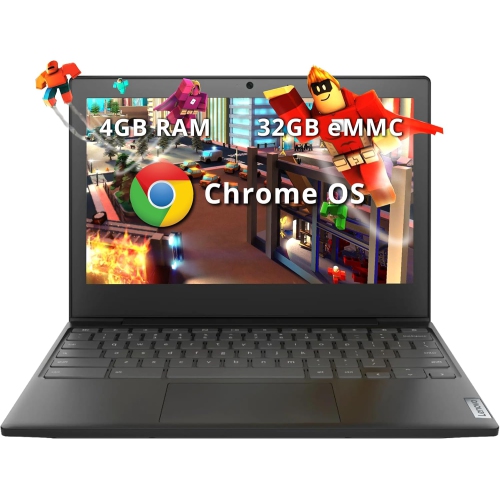
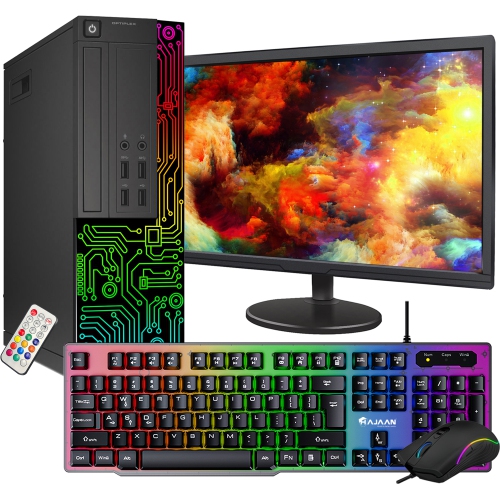
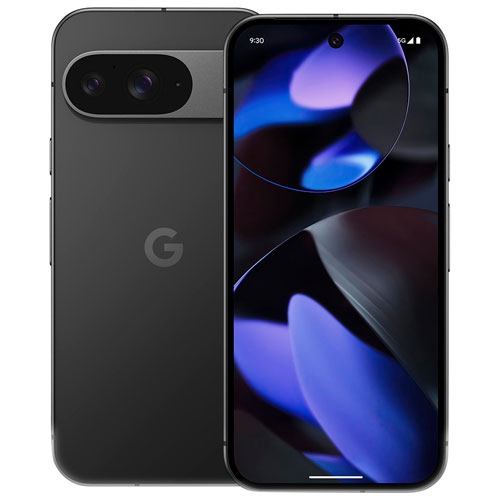
Top Collections:
Pokemon Centers, Best Cameras for Sports Photography, Kindle Devices, Samsung Galaxy Phones, Canon G7X Cameras, Pokémon 30th Celebration Cards, Refurbished Apple Laptops, iPhone 15 Apple, Laptops for Students, Budget Smartphones
Some products may be subject to Environmental Handling Fees
(EHF) depending on your province.
Learn more about EHFs.