Galaxy Note 8

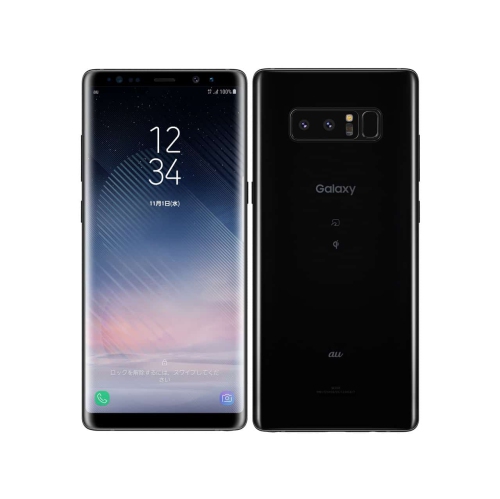
Browse Samsung Galaxy Note 8 listings and compare phones by condition, storage capacity, and price. Check each listing for carrier compatibility, included accessories, and warranty details so you know what to expect before choosing.
Read More

Sort

When a large-screen phone becomes a pocket notebook

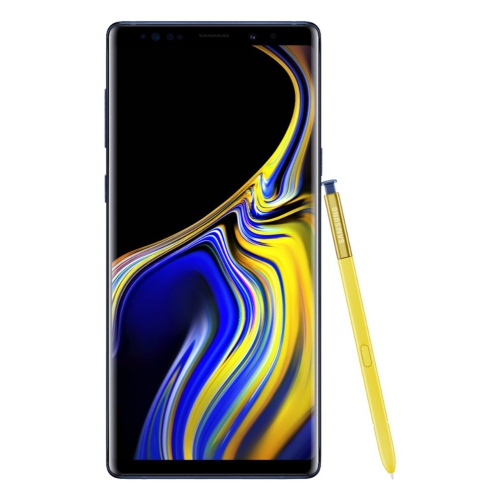
Large-screen smartphones with a built-in stylus combine everyday communication with a more precise way to write, sketch, and interact with a touchscreen. Their appeal extends beyond having extra room for photos or video: a pen can make it easier to annotate a document, mark a location on a map, or capture a handwritten thought without switching to an on-screen keyboard. For someone who regularly reviews files away from a desk, that combination can turn a phone into a convenient pocket notebook. Students may use handwriting to work through a calculation, while people who enjoy drawing can capture a quick outline whenever an idea takes shape. A tall display also provides useful space for reading messages, viewing directions, and using compatible apps side by side. Screen dimensions alone do not tell the whole story, though. The shape of the handset, the curve of its edges, and the placement of its controls all affect how comfortably it rests in a hand or slips into a pocket. A generous display may suit reading and handwriting particularly well, but reaching its upper corners with one hand can take more effort. Text-size settings and display scaling can help make everyday navigation more comfortable without changing the physical size of the phone. On older handsets, display condition deserves attention because persistent image retention, uneven colour, scratches, or damaged touch areas can interfere with both viewing and pen input. A responsive touchscreen and accurate stylus tracking matter more for handwritten notes than cosmetic appearance alone. Storage is another practical consideration for anyone keeping photos, downloaded files, and handwritten notebooks together. Where memory-card expansion is supported, it can provide additional room for compatible files, although it does not replace backing up important information. For everyday use, the most useful combination is a readable display, dependable input, sufficient storage, and software that supports the tasks the owner actually needs.

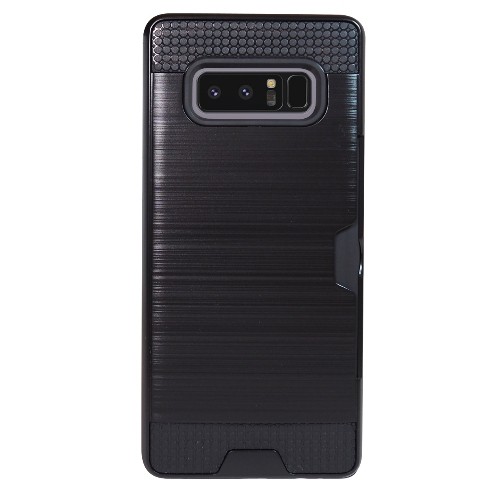
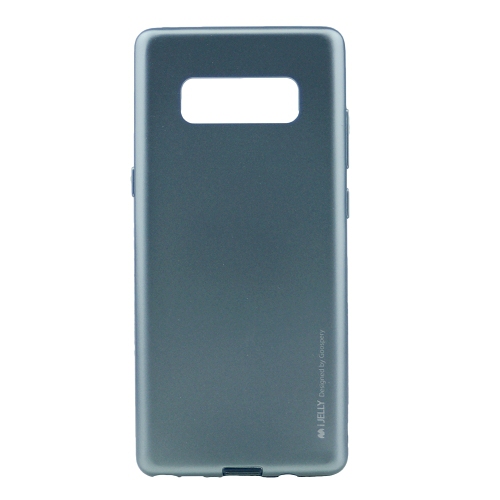
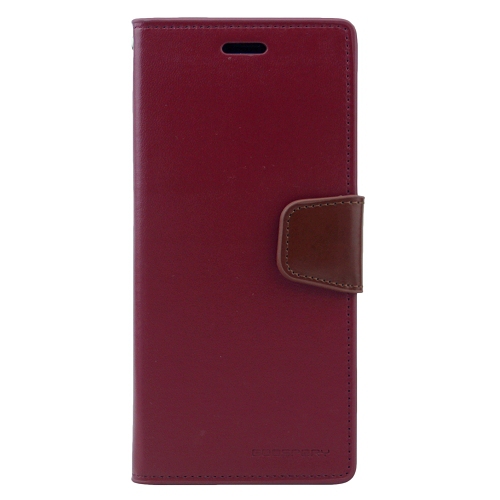
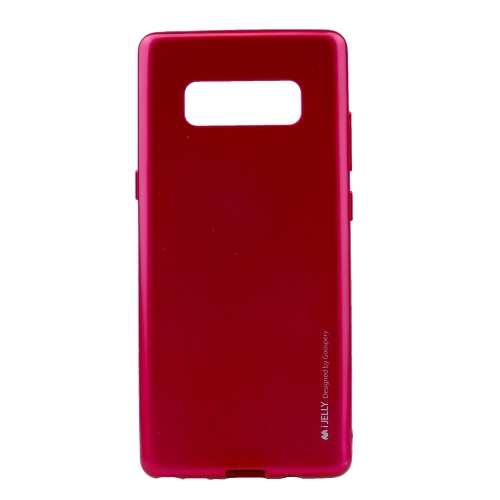
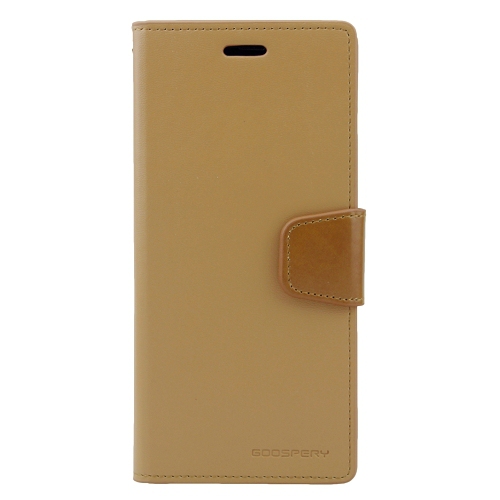
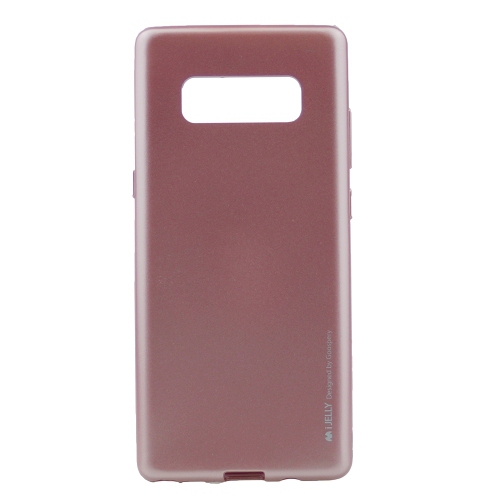
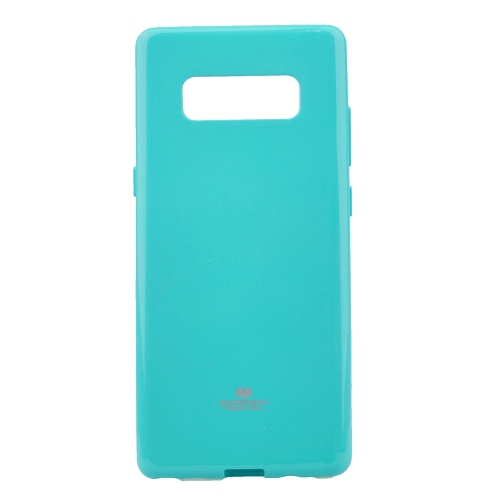
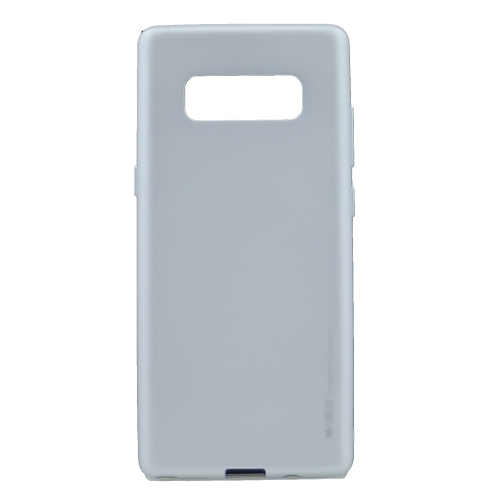
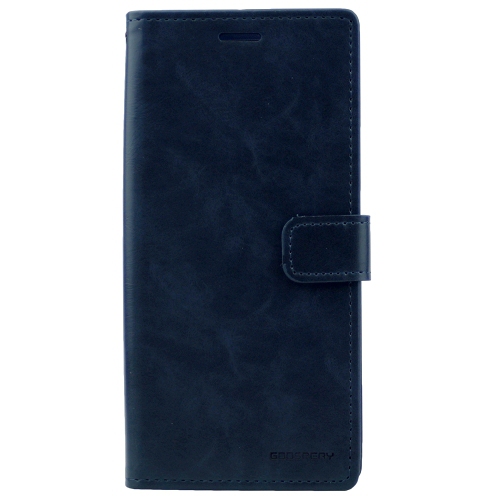
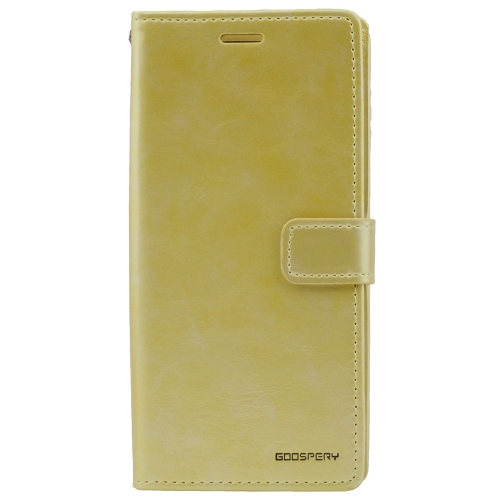
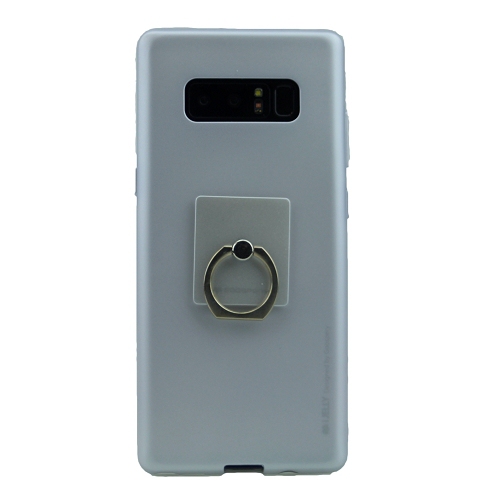
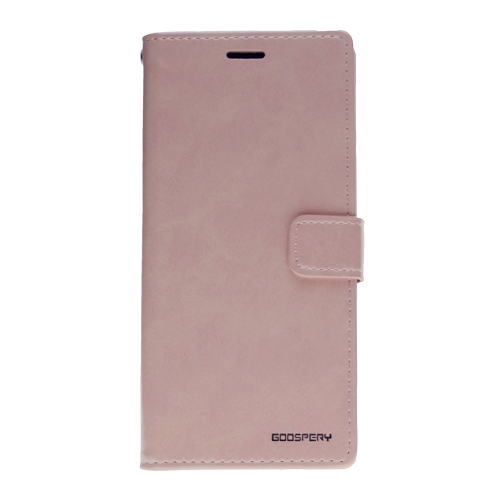
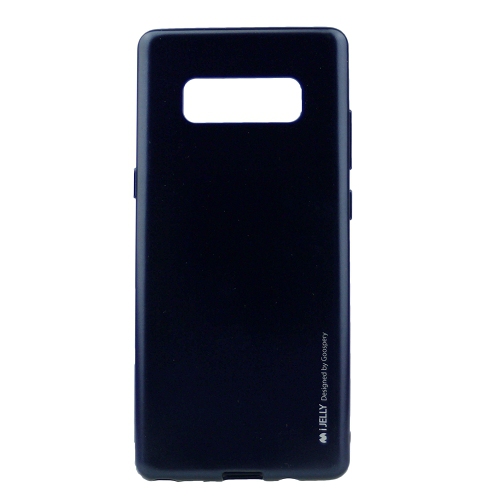
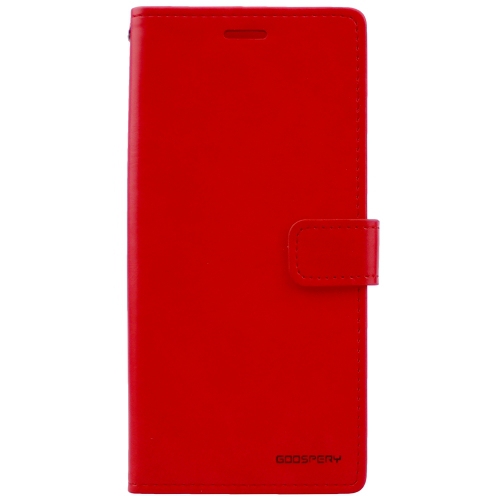
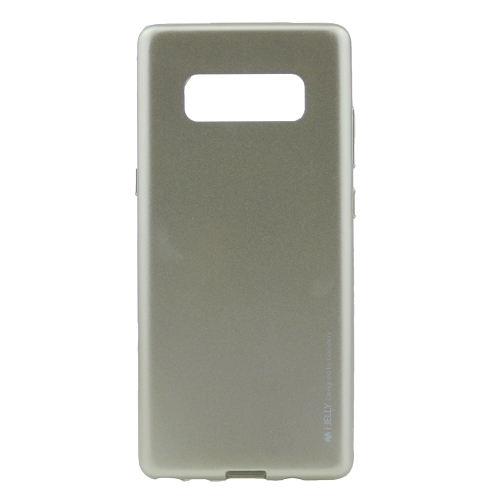
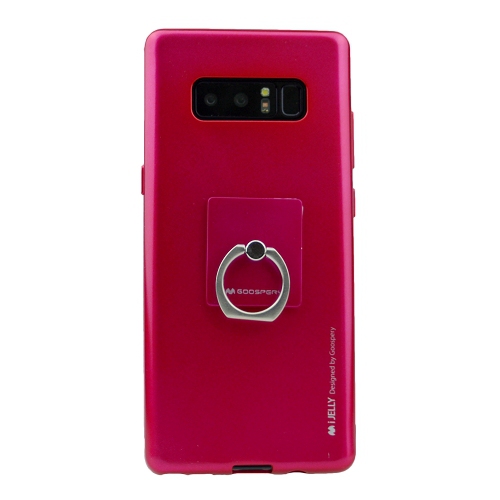
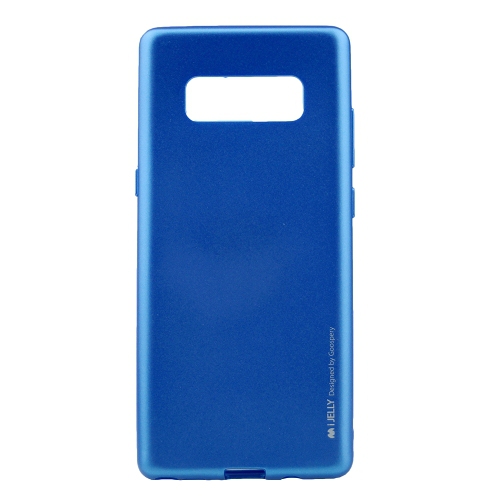
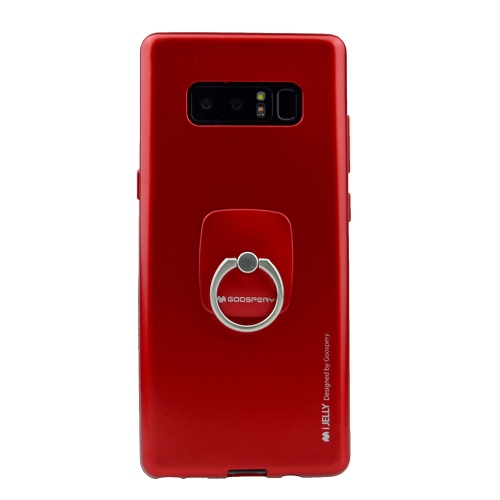
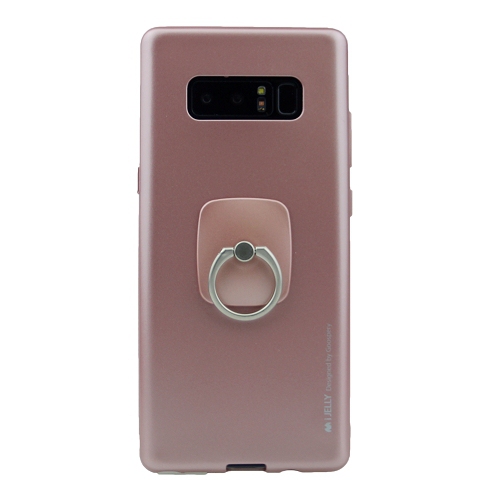
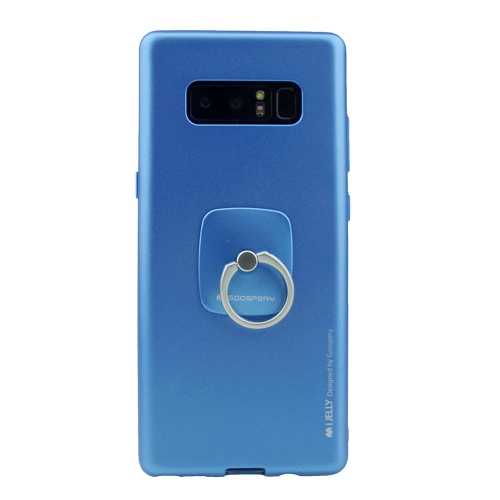
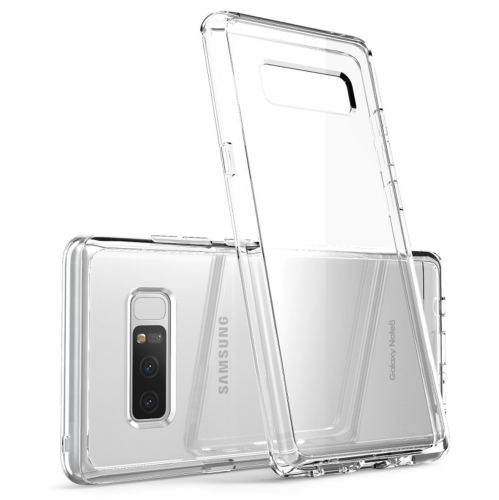
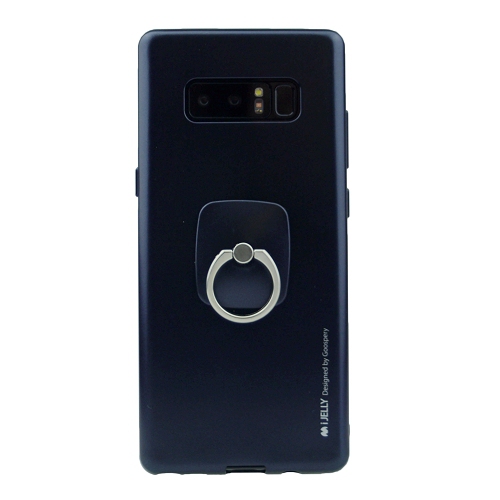
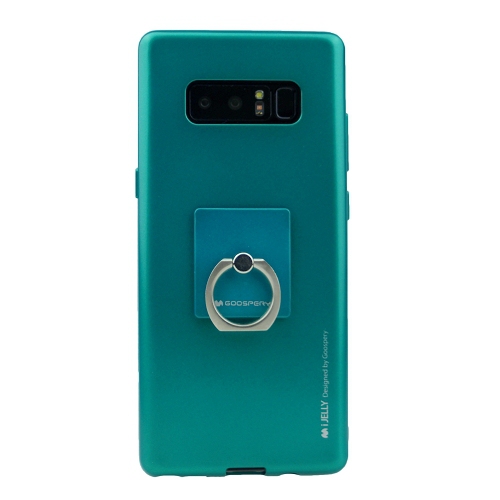
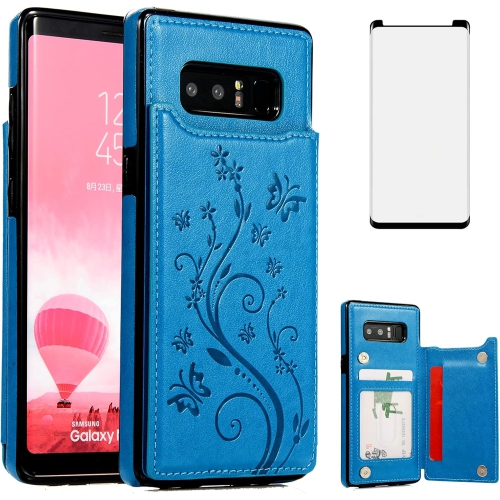
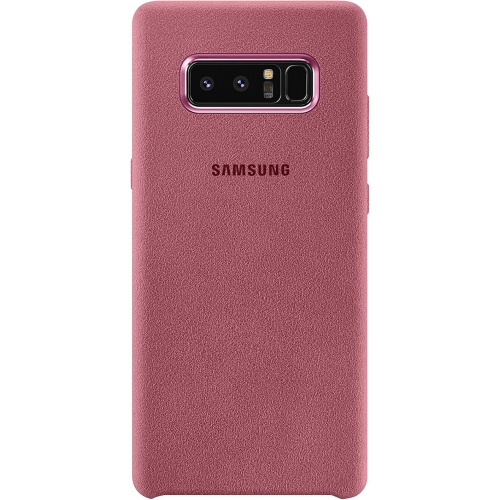
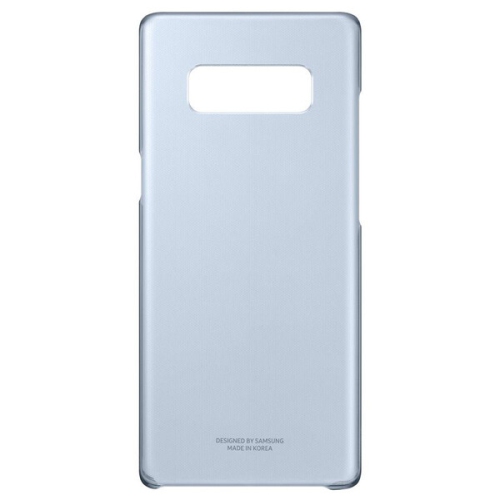
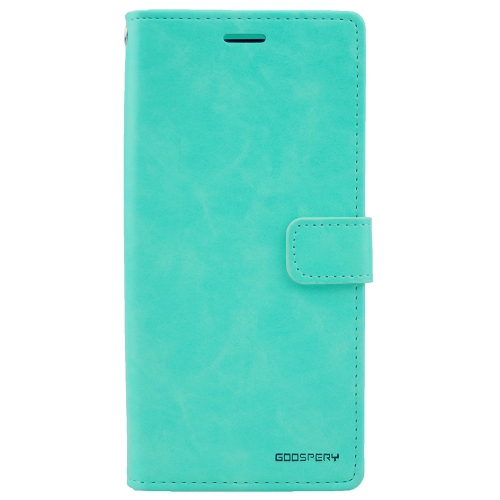
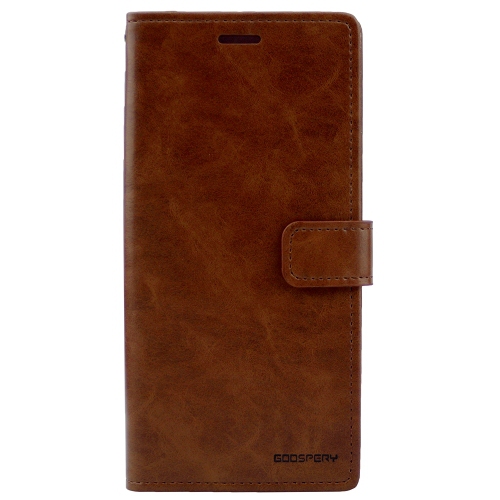
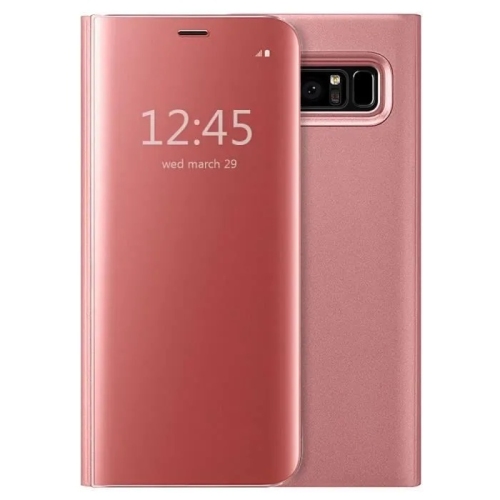
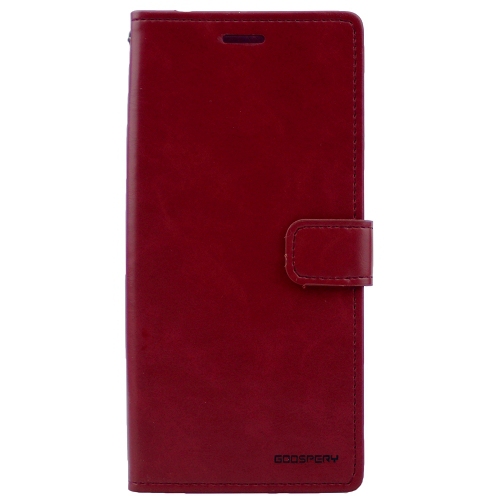
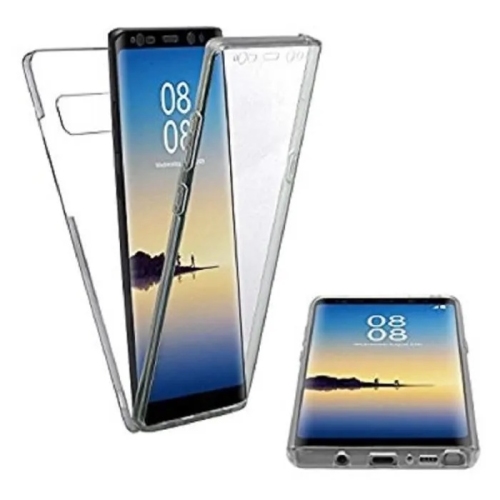
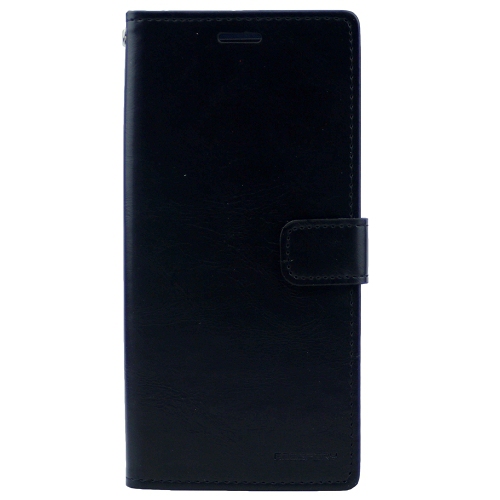
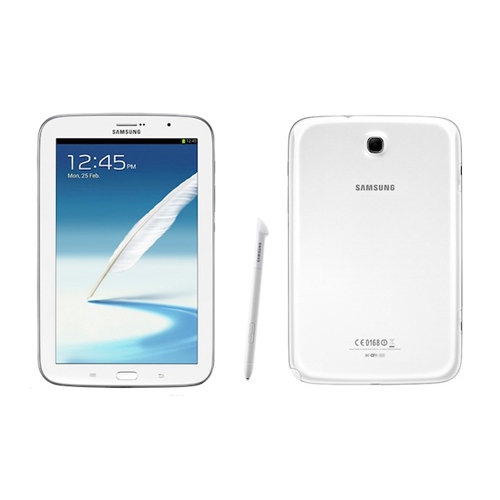
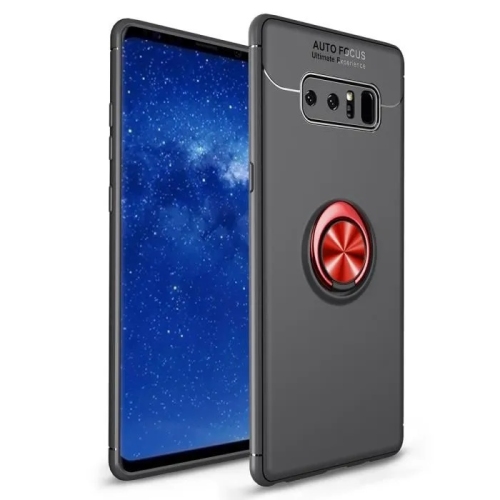
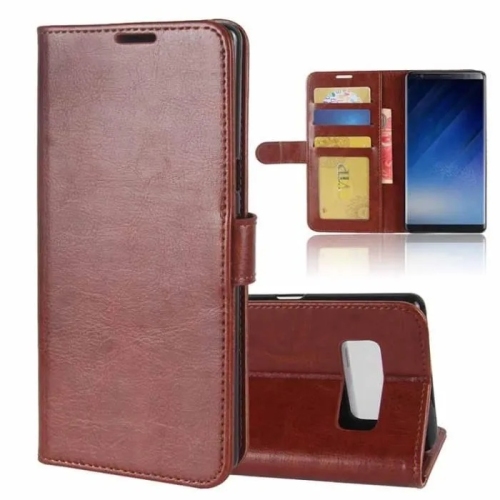
Cases, screen protectors, replacement pens, and charging accessories each serve a different purpose, and their fit depends on more than the general size of a phone. A fitted case needs openings that align with the camera, charging port, microphones, speaker, and stylus compartment, along with enough clearance to press the side buttons comfortably. Accessories designed for Galaxy Note 5 should not be assumed to fit another handset simply because both have a built-in pen. Even small differences in the body shape or camera placement can make a case unsuitable. Flexible cases can provide grip and make installation straightforward, while firmer shells help maintain their shape; designs combining a flexible inner layer with a rigid exterior balance those characteristics. Raised edges may help keep the screen and camera away from a flat surface, but they do not make a phone immune to damage from a fall. A slim case is easier to carry in a fitted pocket, whereas a more substantial design may feel reassuring during frequent handling. Folio styles can cover the display inside a bag, although the cover adds another step when answering a call or taking a photo. Screen protection also needs to match the display profile. Curved edges can affect how a protector adheres and whether a case lifts its corners, so compatibility between the two matters. Clear film is generally flexible and unobtrusive, while tempered glass offers a different surface feel and level of rigidity. Neither can repair existing screen damage. For pen use, a smooth, securely fitted protector helps maintain a consistent writing surface. Replacement styluses require equally careful matching: a basic capacitive pen that imitates a fingertip does not necessarily provide pressure sensitivity, precise tracking, or the functions of an integrated pen. The tip should move smoothly without requiring force, and the pen should sit securely in its storage slot when designed to do so. Keeping the screen and pen tip free of grit helps reduce the chance of scratches during repeated writing.
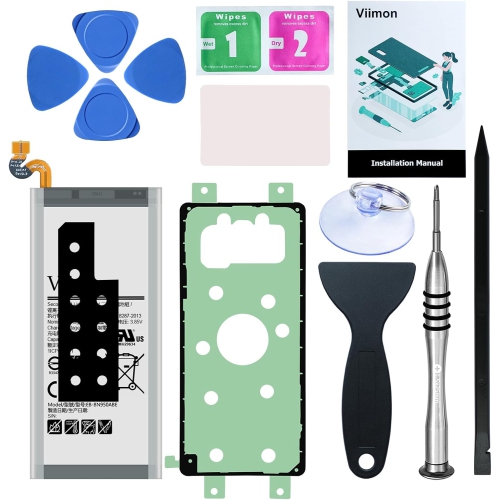
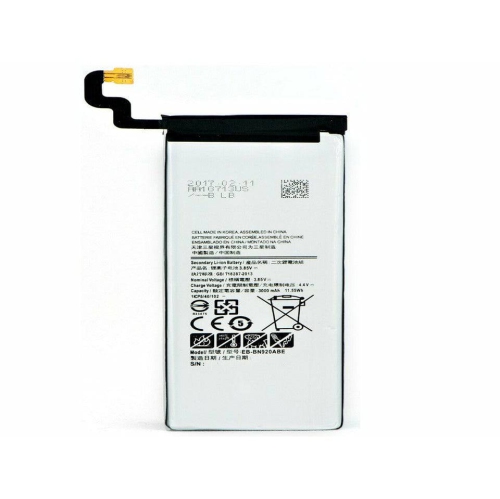
Long-term usefulness also depends on battery condition, charging compatibility, network support, and the software a handset can still run safely. An ageing battery may provide less time between charges even when the exterior looks well cared for. Unexpected shutdowns, unreliable charging, or a case that no longer sits flush can indicate a problem that needs qualified attention; a visibly swollen battery should not remain in use. Charging cables need the correct connector, while power adapters should meet the phone’s supported charging requirements. A connector that fits does not, by itself, establish compatibility with a particular fast-charging method. Wireless charging, where supported, also depends on correct placement and a suitable charger, and thick cases or metal attachments can interfere with the connection. For older phones, cellular compatibility involves more than inserting a SIM card: supported network bands, carrier requirements, and voice-calling support all matter in Canada. Software support is just as important. A handset that still turns on and runs familiar apps may no longer receive operating-system or security updates, which can make it unsuitable for sensitive activities such as banking or accessing work accounts. Individual apps can also change their minimum software requirements. These limitations matter when choosing a phone for a family member, keeping a spare for essential communication, or assigning an older device a simpler role. A dedicated notebook or media player may have different requirements from a primary phone, but important files still deserve regular backups. Routine care helps preserve the hardware: a soft, lint-free cloth removes fingerprints, gentle handling protects ports, and dry storage keeps accessories ready for use. Water-resistance ratings do not mean a phone is waterproof, and seals can deteriorate with age or repair. For someone who already enjoys handwriting on a phone, a correctly matched case, pen, or charging accessory can make a thoughtful gift without changing that familiar routine. The strongest match is practical rather than elaborate: comfortable handling, reliable connections, and accessories suited to the device’s actual design.
Read More

FAQ

Some products may be subject to Environmental Handling Fees (EHF) depending on your province. Learn more about EHFs.