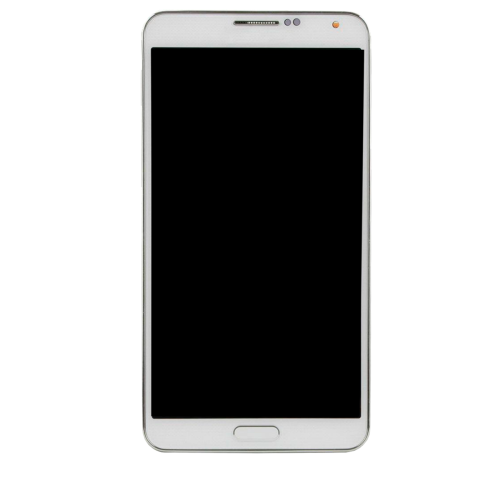
Samsung Note 8

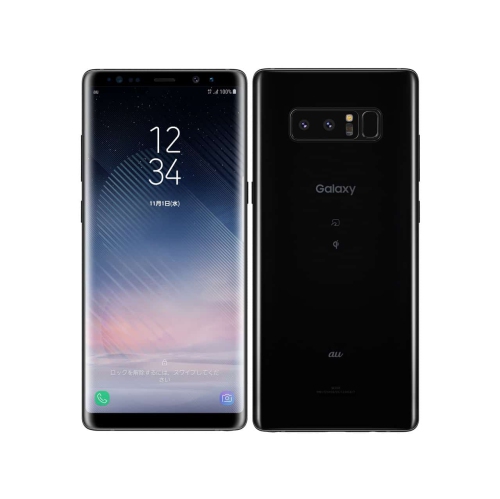
Browse Samsung Galaxy Note8 listings for this S Pen-equipped smartphone, and compare the available options. Check each listing for storage capacity, device condition, carrier compatibility, and included accessories so you know what you’re getting before you buy.
Read More

Sort

A larger screen and stylus for everyday routines

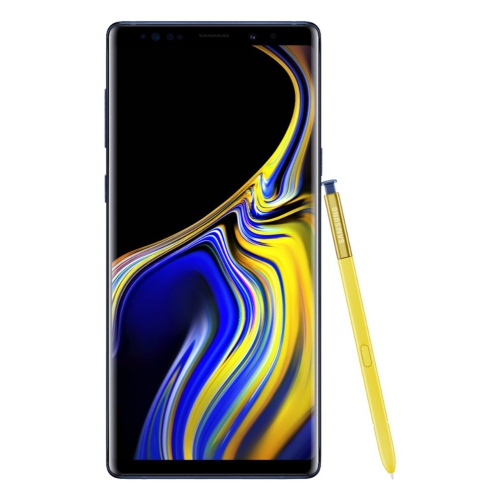
Large-screen smartphones with a built-in stylus bring together everyday communication, handwritten notes, photography, and entertainment in a format that can travel between a desk, a commute, and a café table. The extra screen space is useful for reading a document without constantly zooming, reviewing a photograph before sending it, or keeping a message visible alongside a calendar where split-screen support allows. An AMOLED display can provide deep blacks and vivid colour, while brightness settings and text size adjustments help make the screen comfortable for different tasks. A neatly stored pen adds a different way to interact with the phone: marking a meeting agenda, sketching a room layout, signing a supported document, or jotting down a measurement beside a photograph. Stylus functions vary by device and software version, so handwriting, annotation, and quick-note features depend on the particular setup. For someone who thinks best on paper but wants notes close at hand, that combination can feel more practical than typing everything on a small keyboard. Camera capabilities also matter beyond the headline resolution. Optical image stabilization can help reduce blur from hand movement, while separate camera lenses may offer different framing options without relying entirely on digital enlargement. Actual results still depend on lighting, subject movement, and the condition of the camera glass. Storage is another everyday consideration, especially when photographs, downloaded media, and handwritten files accumulate over time. Expandable storage, where supported, can provide room for certain files, although memory cards do not increase processing memory or necessarily support every app. A generous display also means a larger body, making pocket space, grip, and comfortable one-handed use important parts of the experience. These phones can suit students annotating course material, professionals keeping brief notes between appointments, and anyone who appreciates a pen for precise selections or quick sketches. The best match comes from how the screen, stylus, and physical size fit into familiar routines rather than from a long specification list alone.

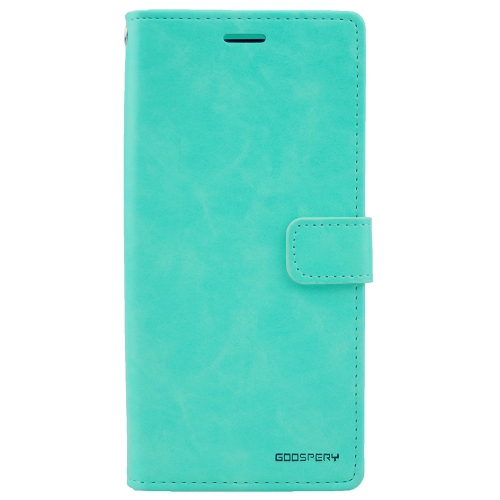
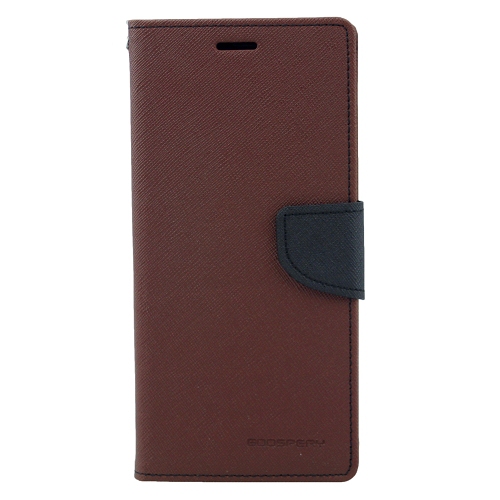
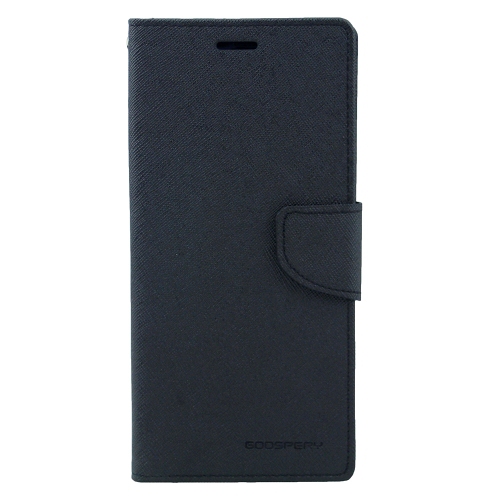
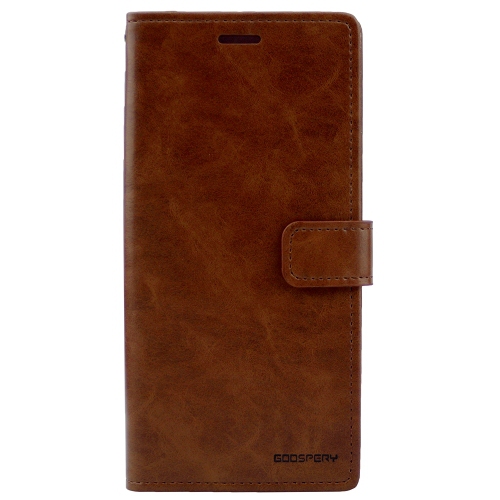
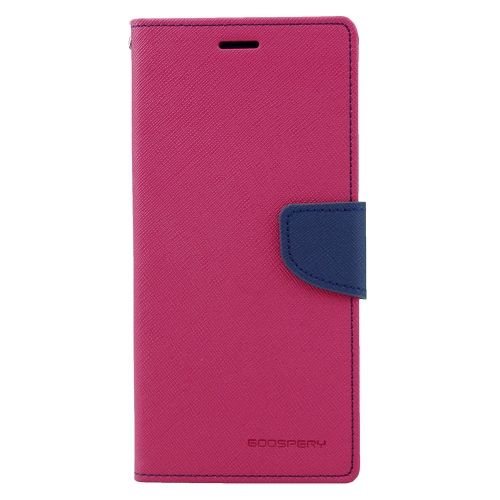
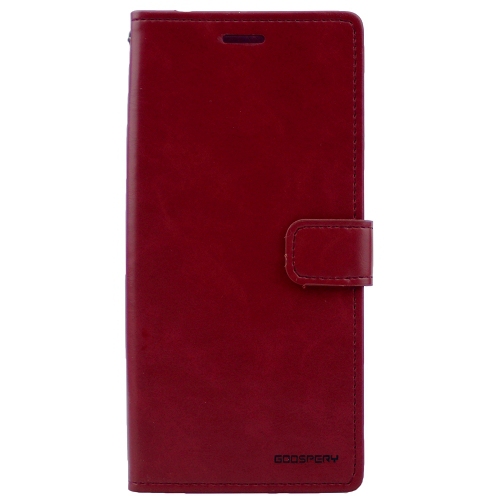
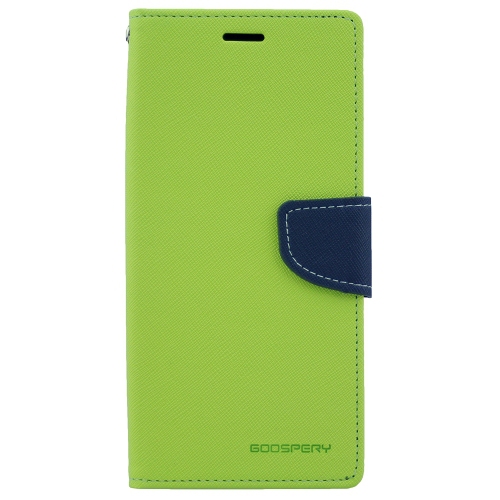
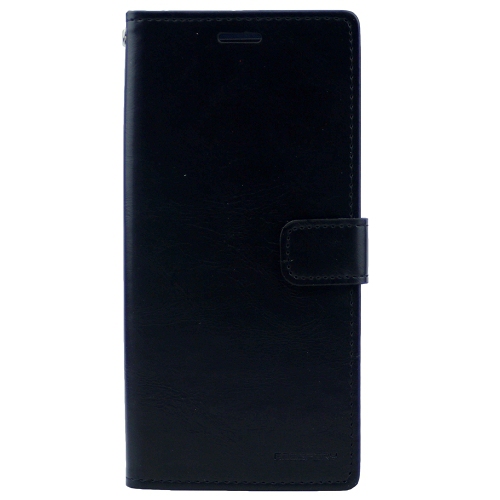
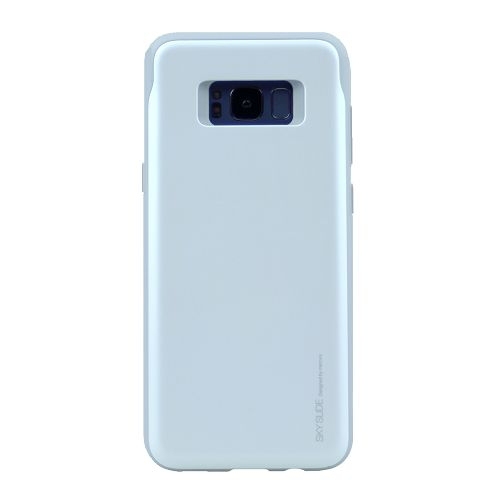
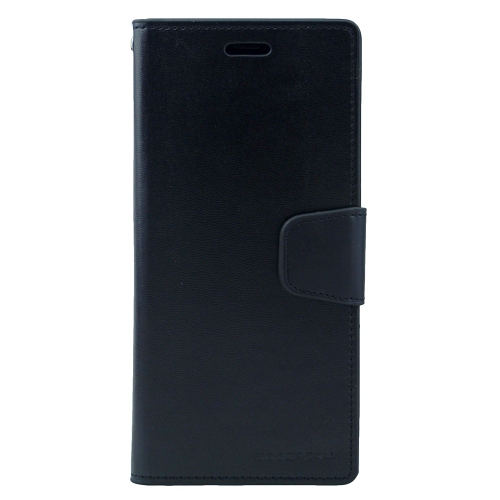
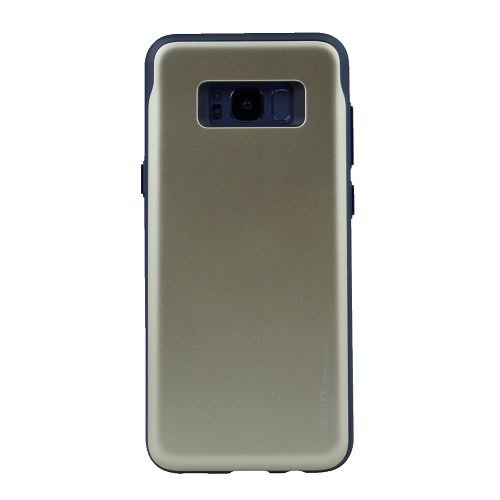
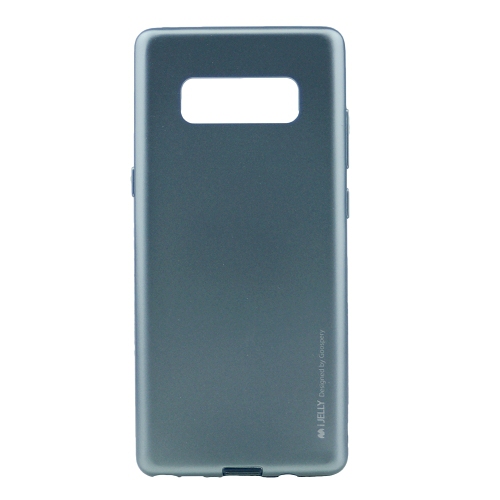
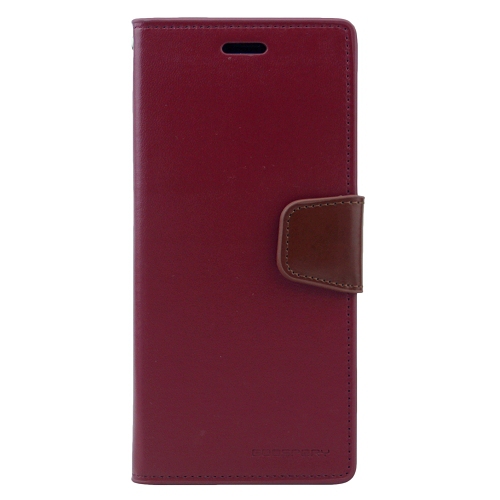
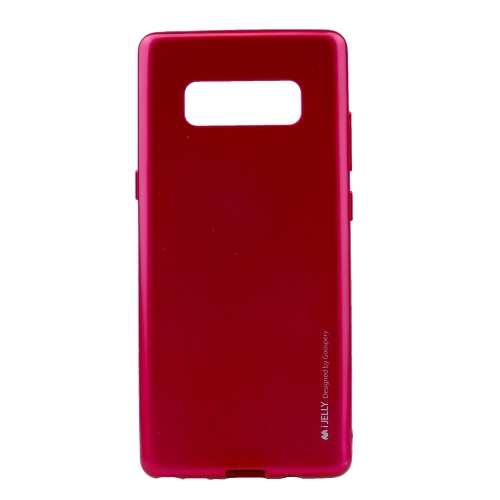
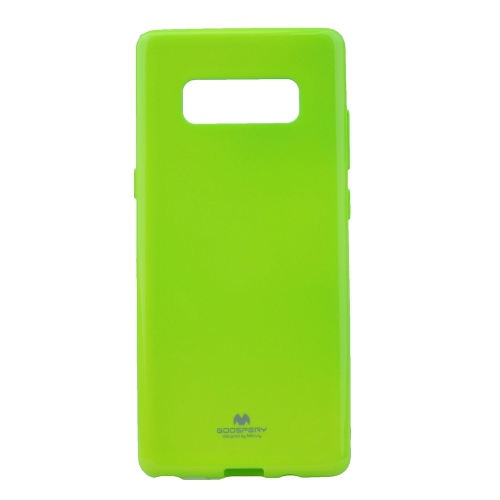
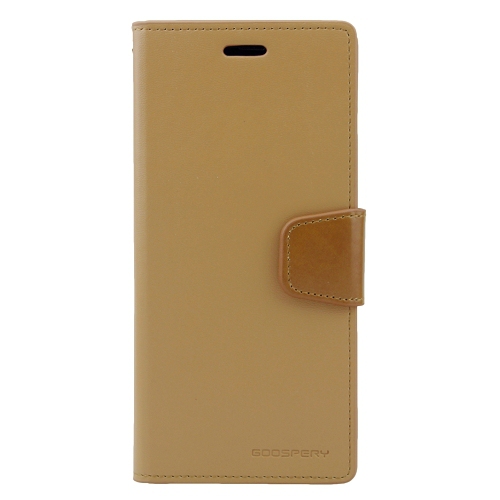
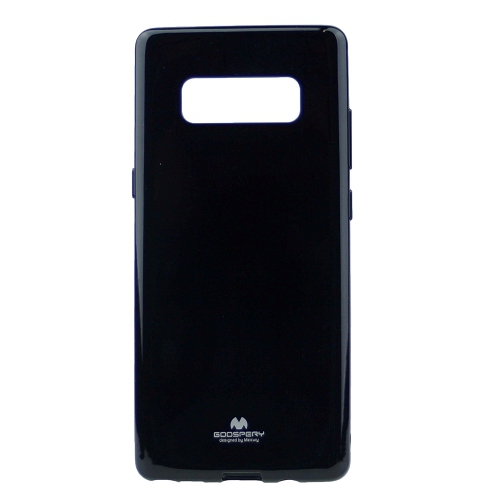
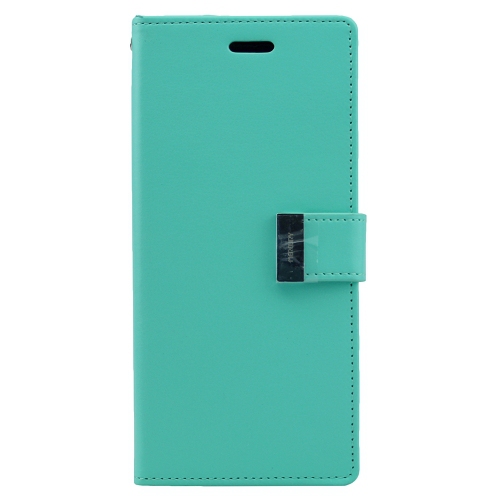
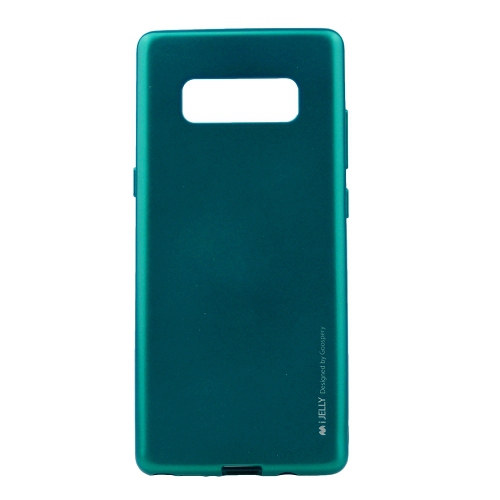
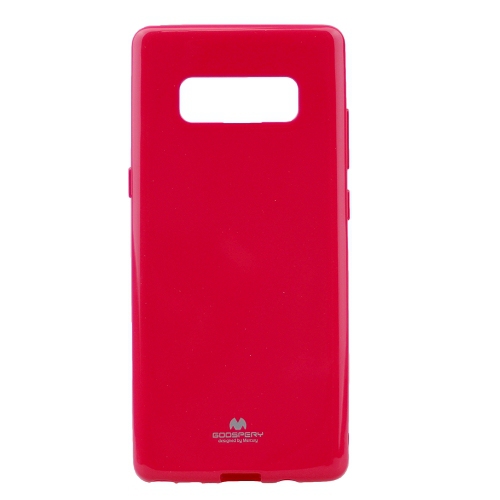
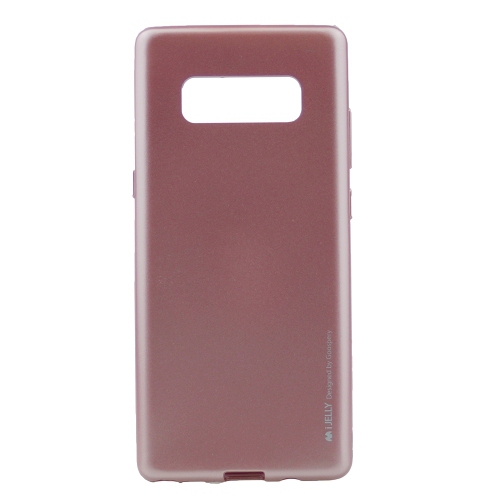
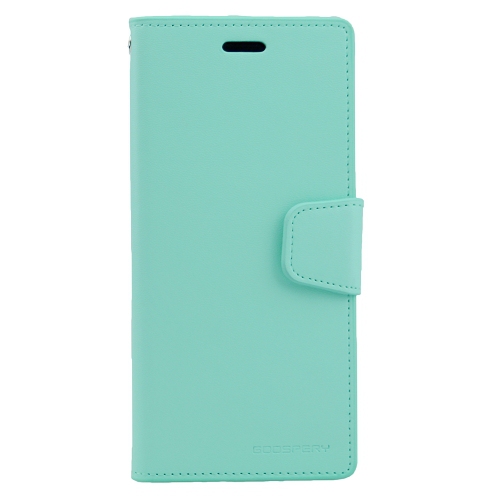
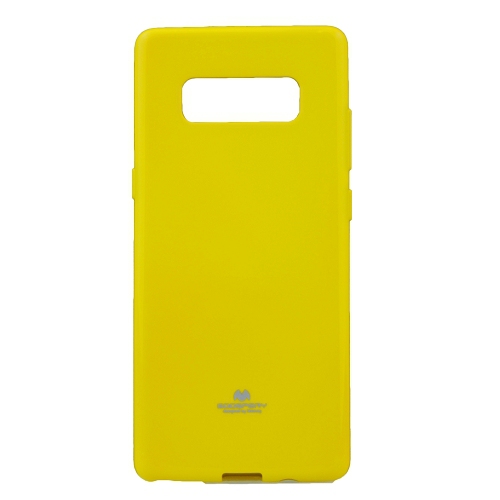
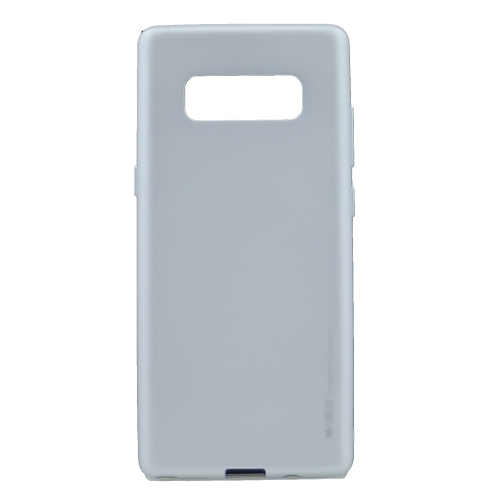
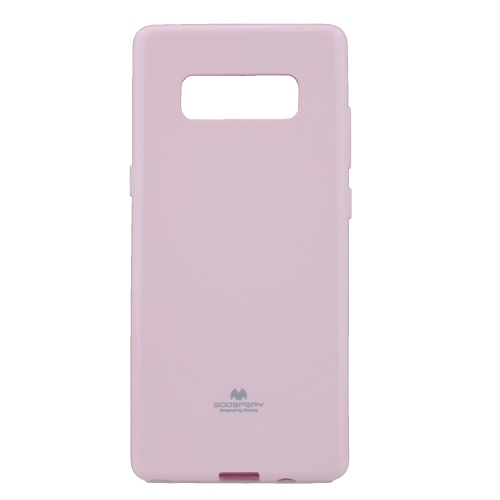
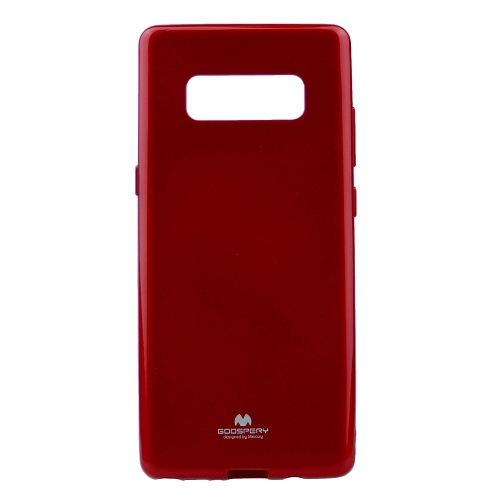
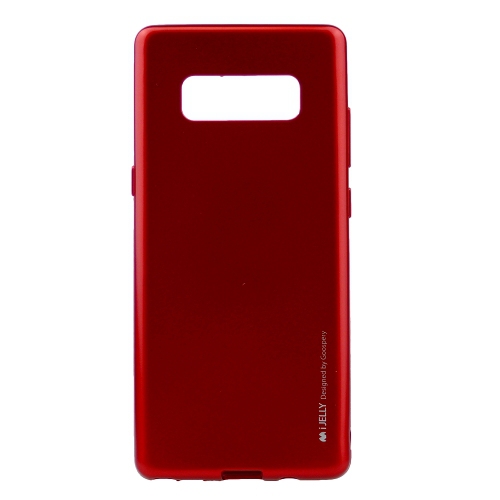
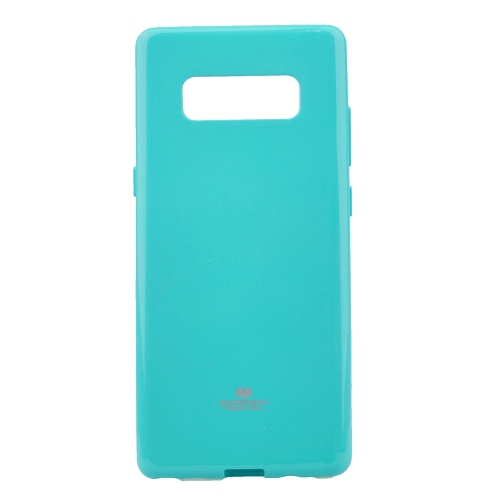
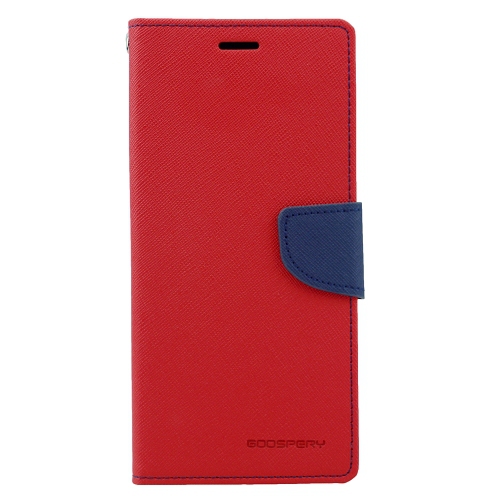
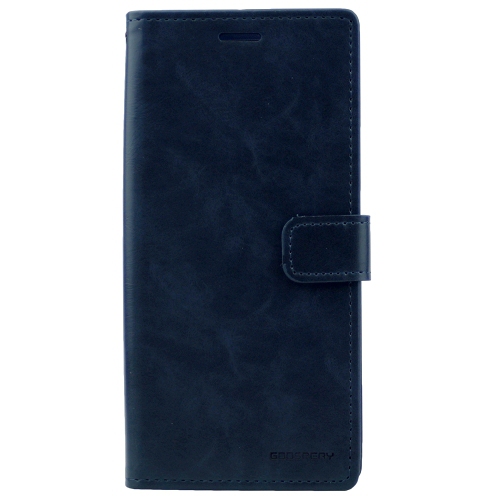
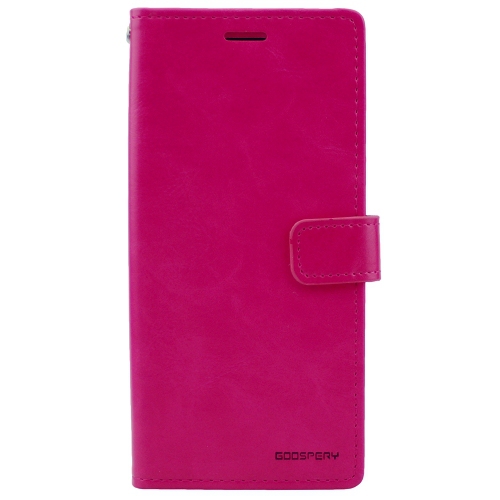
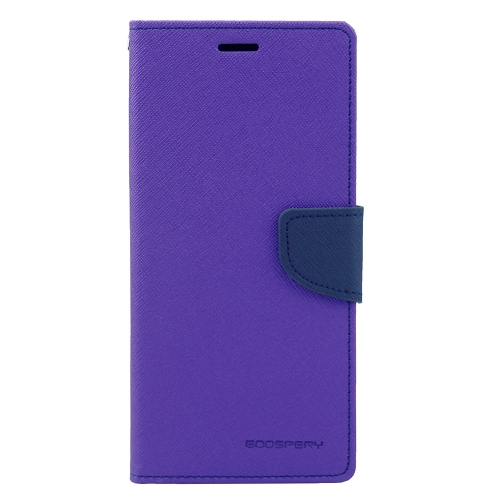
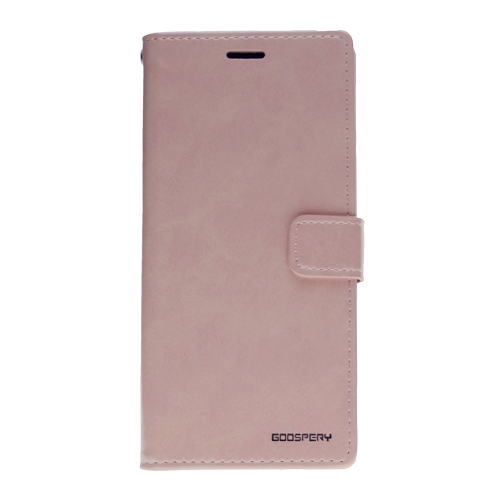
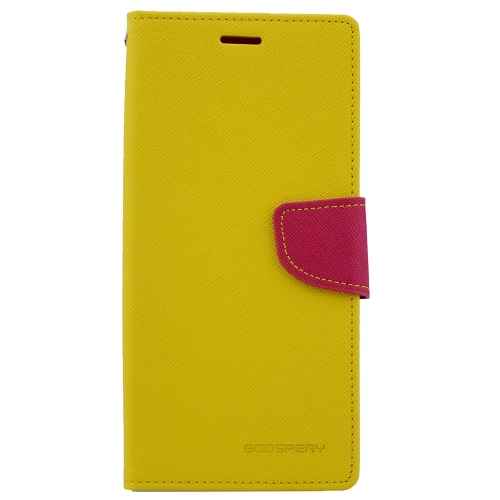
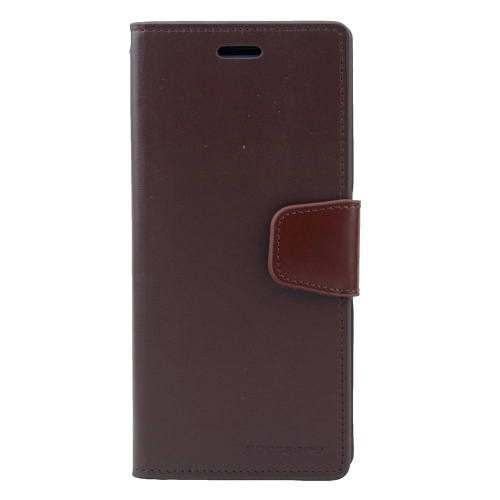
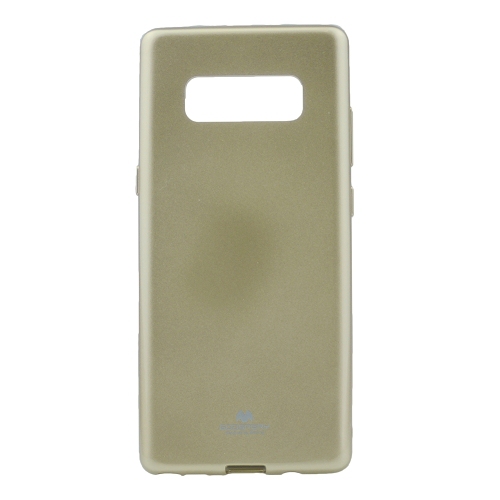
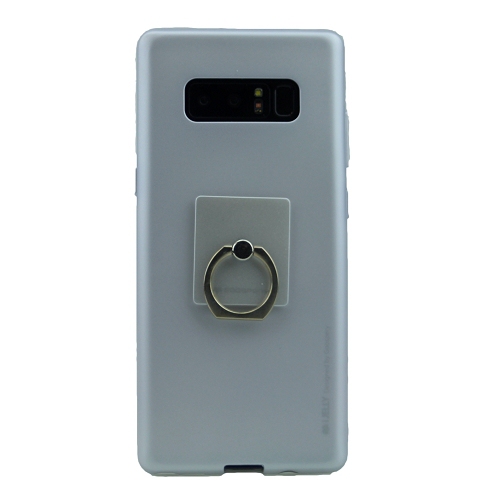
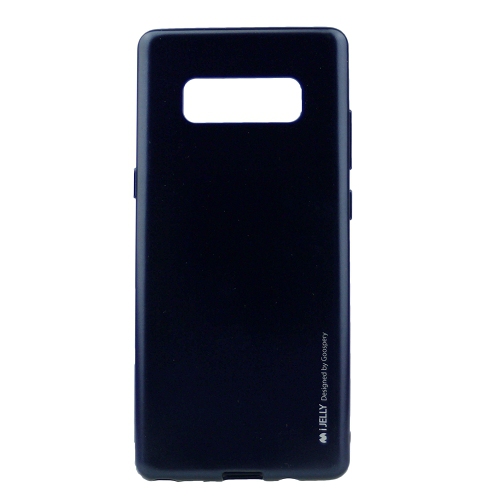
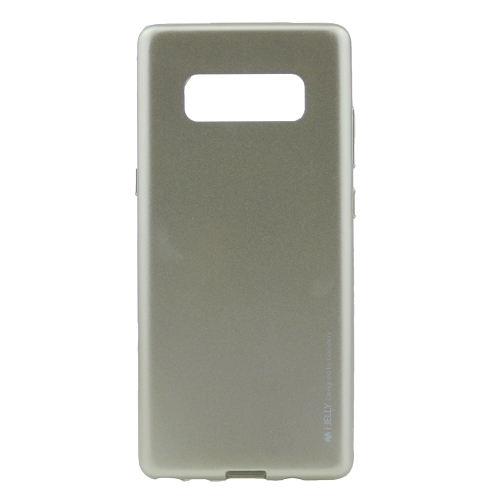
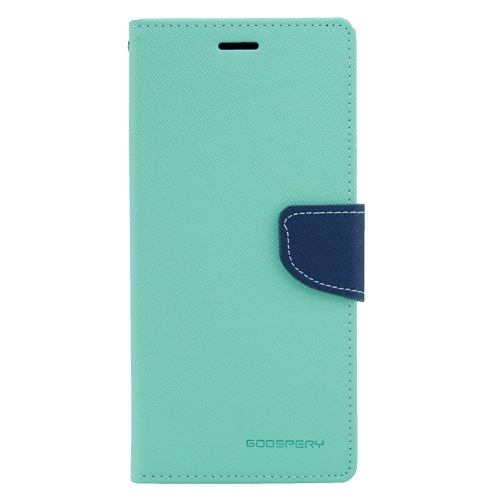
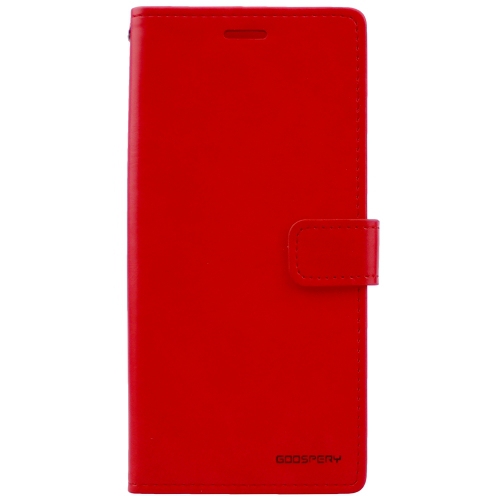
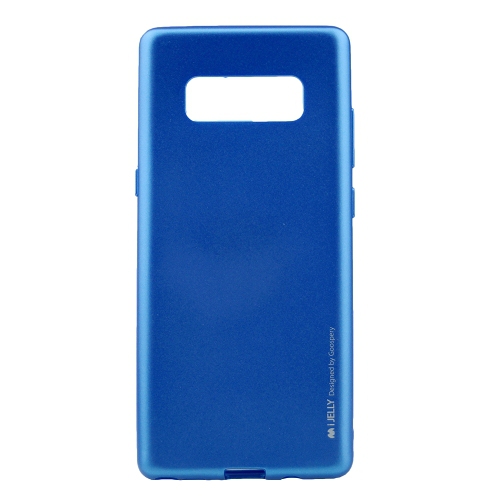
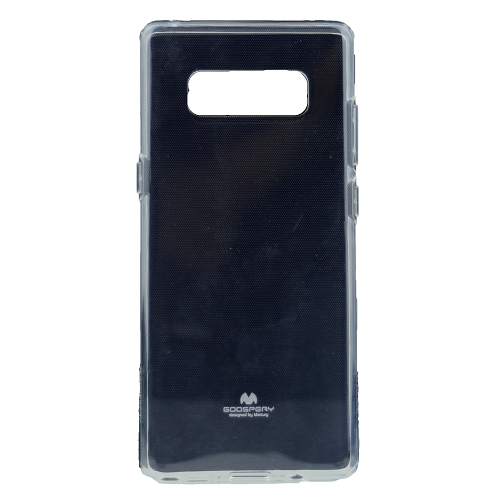
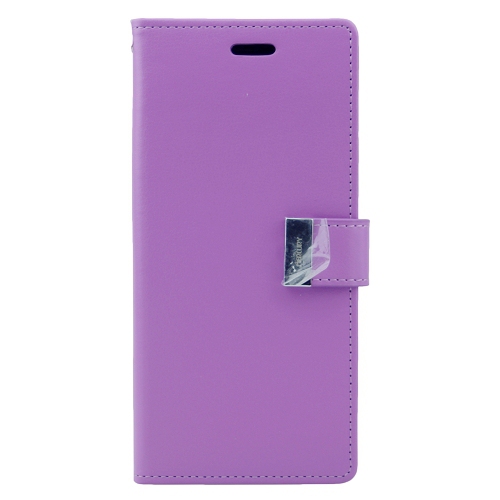
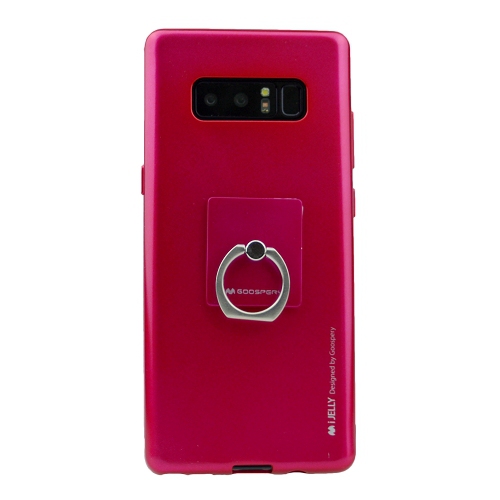
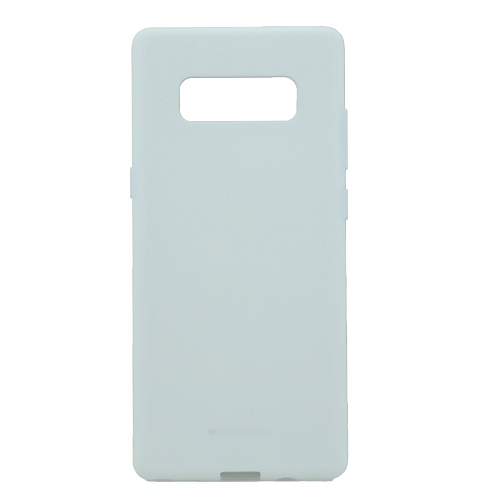
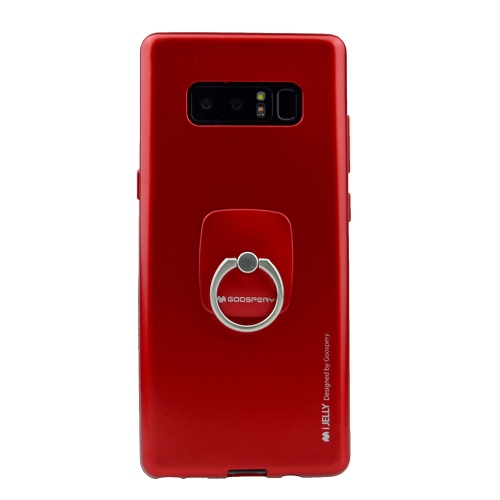
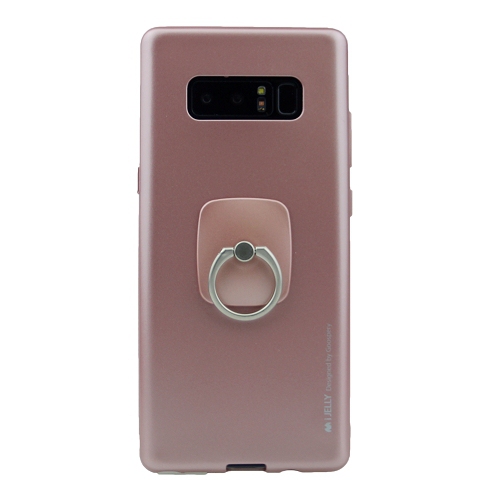
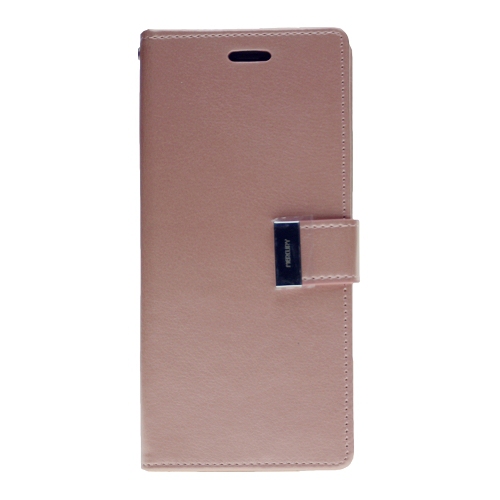
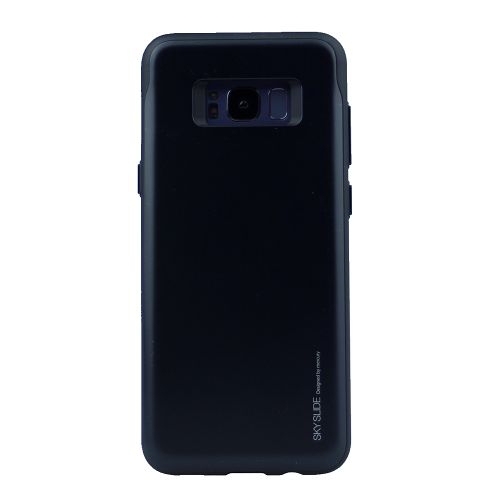
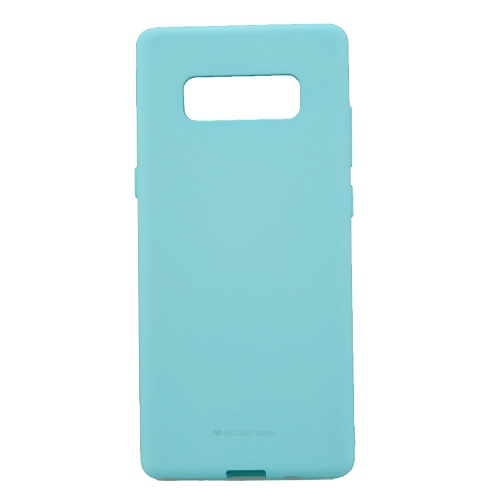
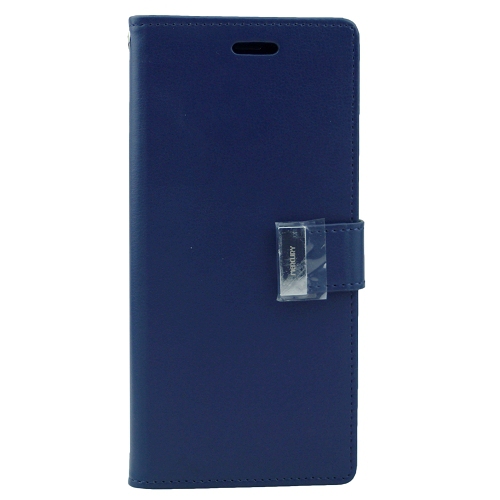
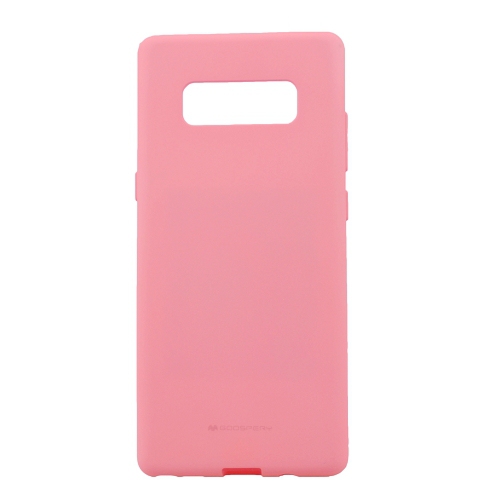
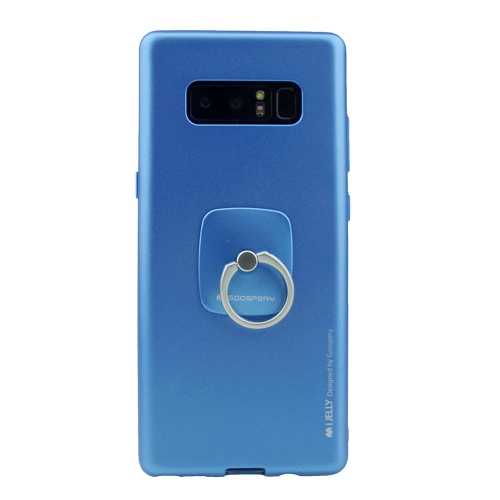
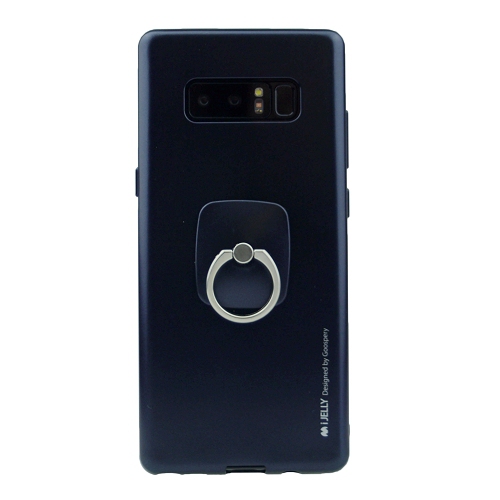
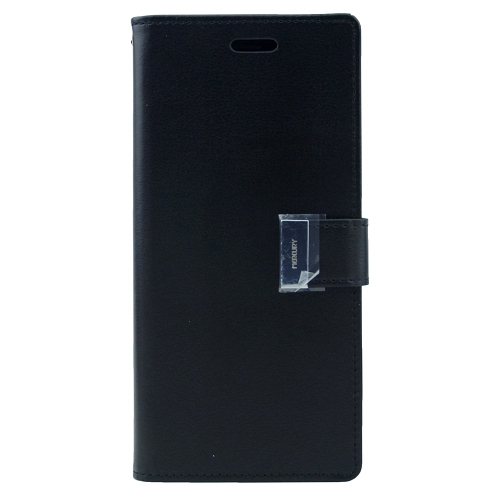
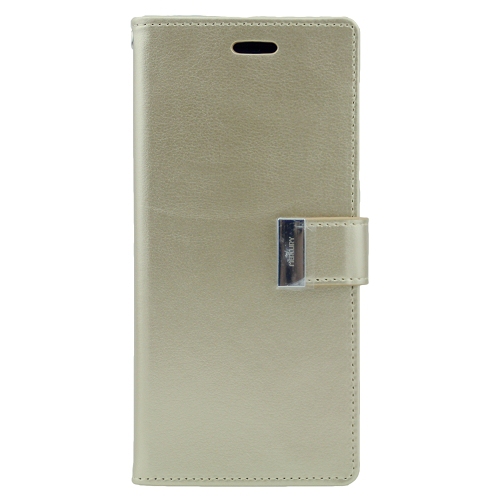
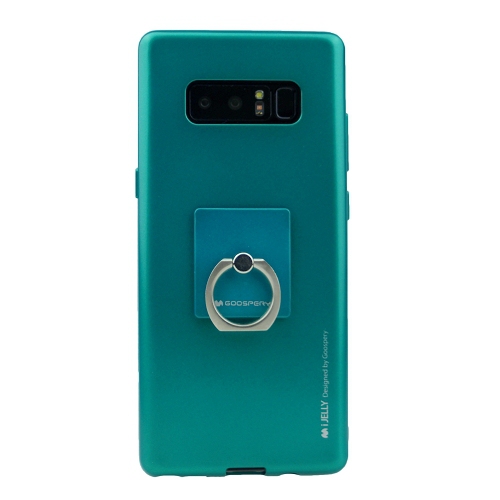
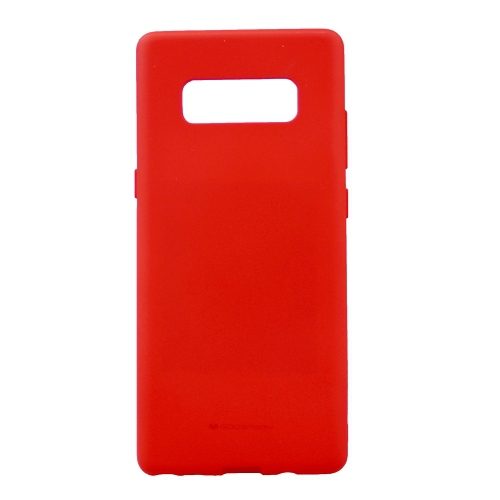
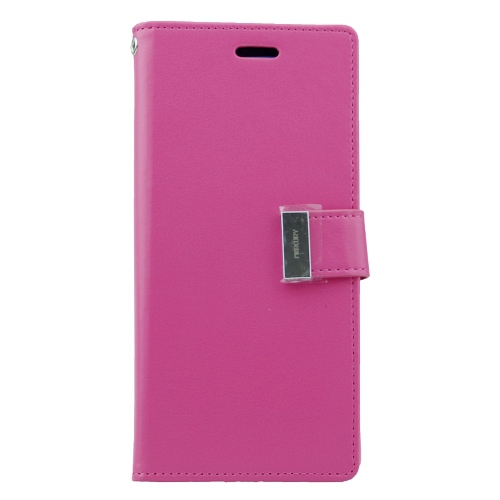
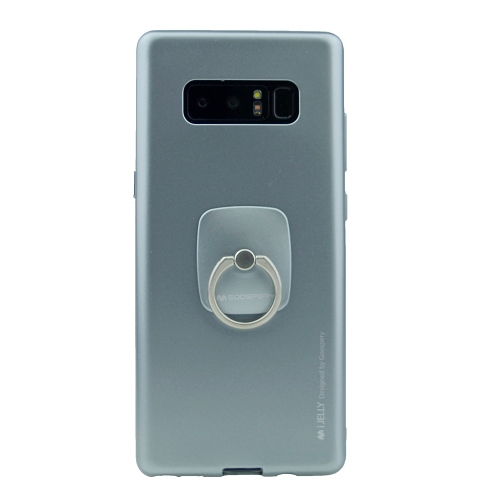
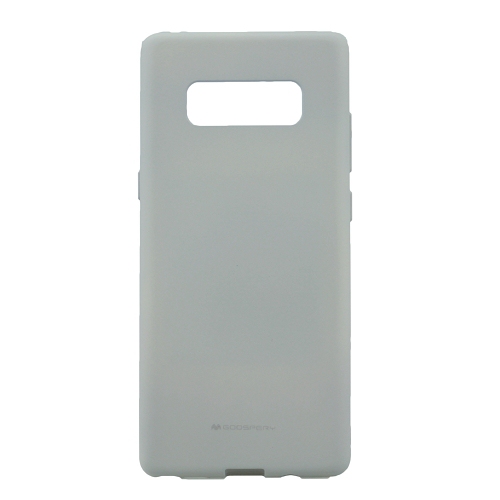
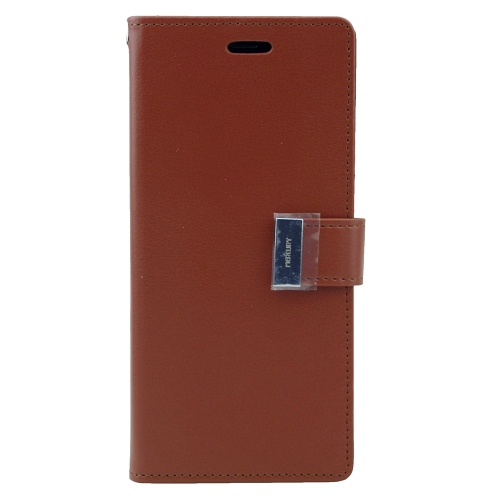
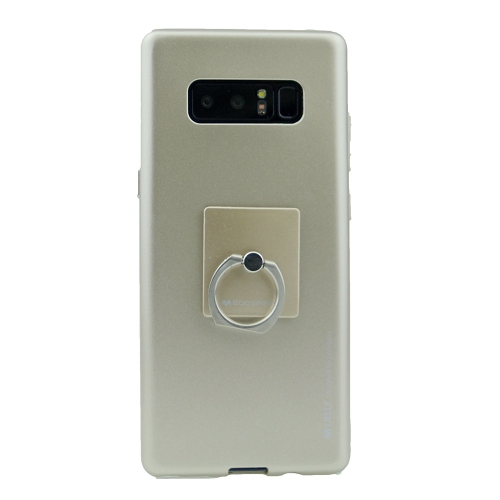
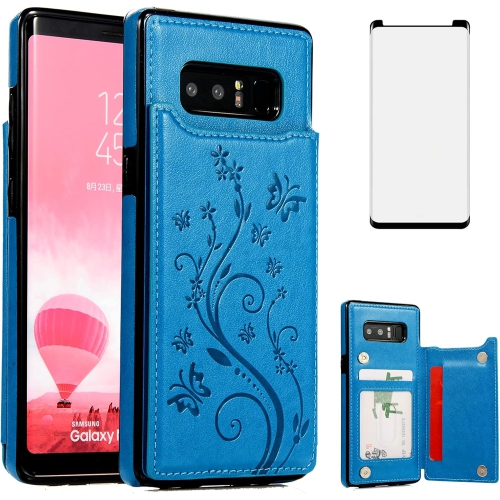
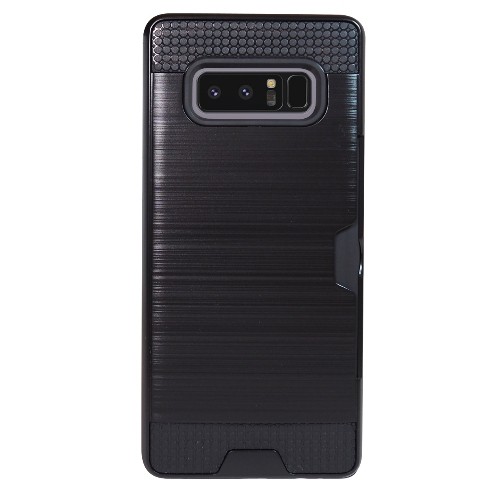
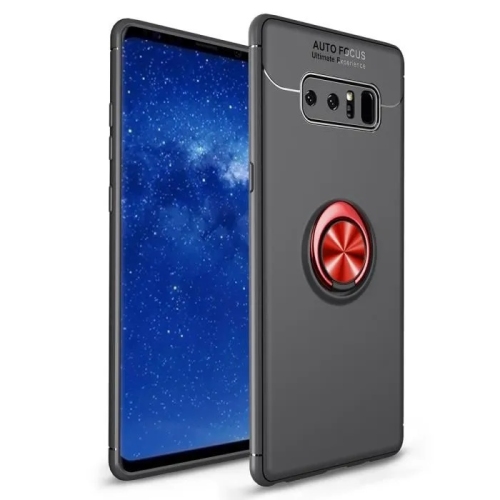
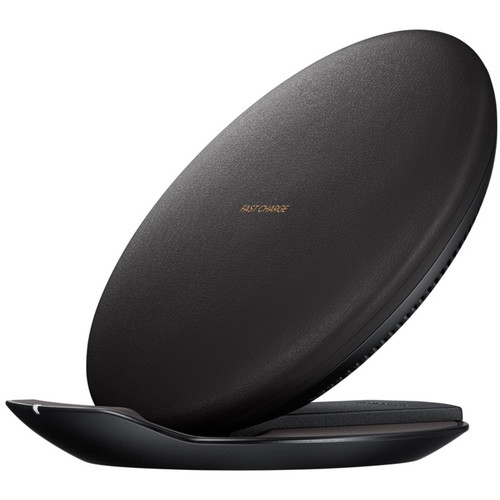
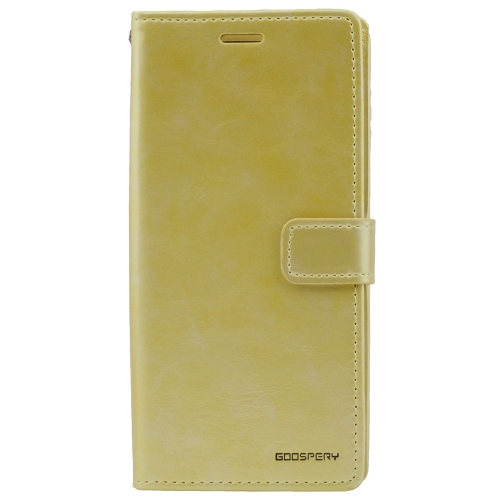
Accessories for a large, curved-screen phone need to match its shape and layout closely. A protective case should align with the camera openings, buttons, charging connection, microphones, speakers, and stylus slot without making everyday controls difficult to reach. Similar-looking phones can have different corner profiles or sensor positions, so a close visual resemblance is not enough to establish compatibility. Flexible thermoplastic polyurethane can provide a grippy feel and make a case easier to fit, while a rigid polycarbonate shell can add structure around the back and edges. Designs combining both materials may balance flexibility with firmer protection. A textured finish can be helpful when lifting the phone from a smooth tabletop, and slightly raised edges may keep the display or camera glass from resting directly against a flat surface. Neither feature makes a device immune to damage, particularly when a fall lands on an uneven surface. Screen protection needs attention around curved edges: a film may follow the shape differently from tempered glass, and an unsuitable fit can lift, trap dust, or interfere with a case. A clear viewing area and reliable touch response are especially important for handwriting and precise pen movements. Folio-style covers can add screen coverage during travel, though their thickness and opening mechanism change how the phone feels during calls or photography. Charging accessories should have a compatible connector and electrical specifications suited to the device; a cable that fits does not automatically enable faster charging. Wireless charging compatibility can also be affected by a thick case, metal components, or an attachment placed between the phone and charging pad. For daily care, a soft, lint-free cloth helps remove fingerprints from glass, while cleaning methods should follow the device and accessory manufacturers’ recommendations. Debris around the stylus opening or charging port can interfere with normal use, but sharp tools and forced insertion can cause damage. Water-resistance ratings describe performance under specified test conditions, not a promise that an older or previously repaired phone is waterproof. Careful handling remains worthwhile even when a device was originally designed with resistance to dust and water.
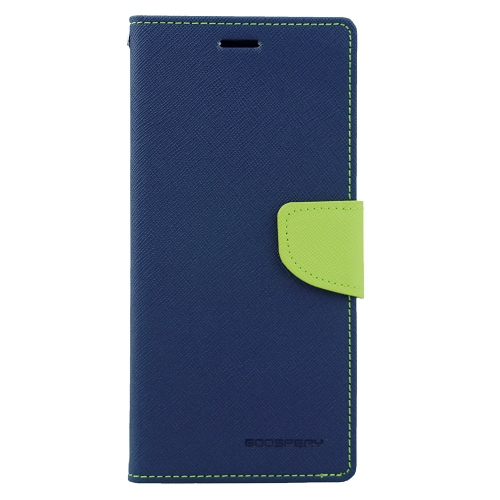
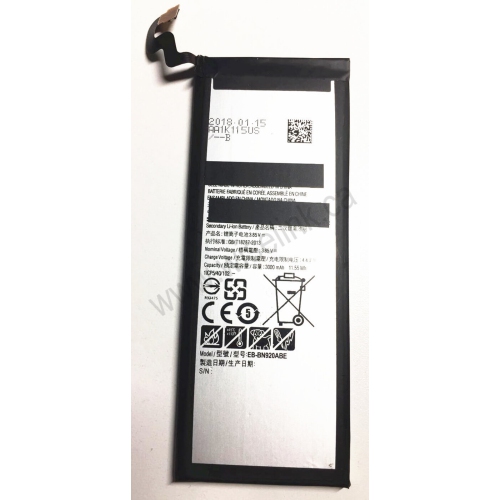
Condition and long-term usability deserve particular attention with an older smartphone, whether it is being kept as a familiar everyday device, passed to a family member, or considered as a refurbished option. Battery capacity declines with age and use, so the original capacity figure alone does not reveal how long a particular handset will last between charges. A battery that drains quickly, unexpected shutdowns, or charging interruptions can change the experience of navigation, video playback, and calls. Display condition matters just as much: persistent image marks, uneven colour, cracks, and unreliable touch response can be distracting on a phone used for reading or handwriting. A working stylus should fit securely in its slot and respond accurately across the screen, while camera focus, speakers, microphones, buttons, and charging connections all contribute to dependable use. Refurbishment descriptions and warranty terms can help clarify what has been inspected or repaired, but the scope differs between sellers. Software support is another important distinction between an older phone and a newer one. Devices that no longer receive official operating-system or security updates may have reduced compatibility with newer apps and lack fixes for newly discovered vulnerabilities. That limitation is particularly relevant to banking, work accounts, and other sensitive information. Network compatibility also depends on the exact regional version, carrier requirements, and support for features such as voice calling over LTE; an unlocked phone is not automatically compatible with every service. The related Samsung Galaxy Note 9 phone family offers another comparison point, but similar styling does not establish compatibility for cases, screen protectors, or replacement pens. As a gift, a fitted case or compatible charging accessory can be a thoughtful choice for someone already comfortable with a stylus-equipped phone, provided the exact model is known. A phone intended for another person also needs to suit their screen preferences, accessibility needs, and tolerance for software limitations. Together, those practical details determine whether the device and its accessories support everyday habits comfortably.
Read More

FAQ

Some products may be subject to Environmental Handling Fees (EHF) depending on your province. Learn more about EHFs.