Gaming Desktops for Streaming
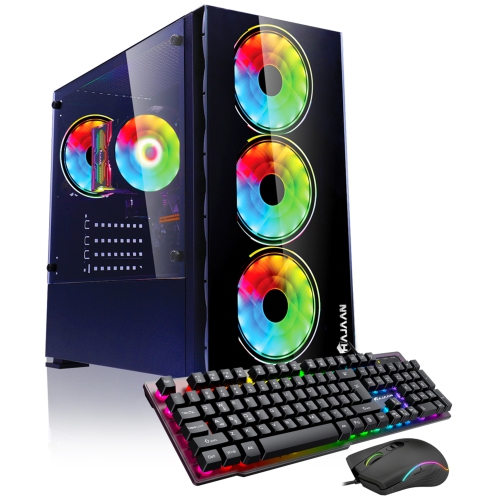
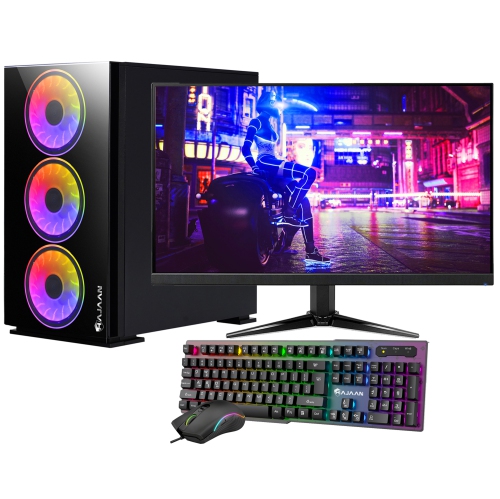
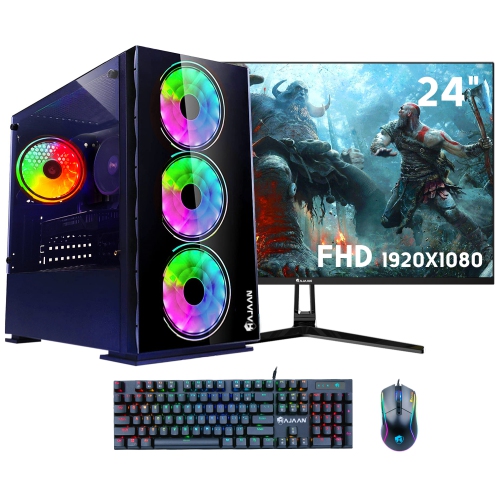
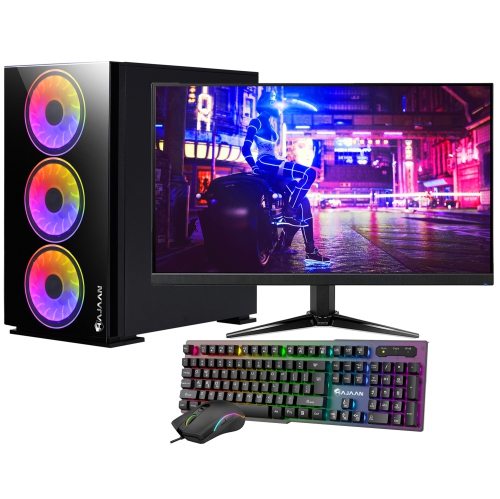
Find gaming desktops for streaming that suit your games and live broadcasting needs. Compare processor, graphics card and memory specifications against the requirements of your games and streaming software, keeping in mind any chat apps or recording tools you’ll run at the same time.







FAQ
Look for a multi-core processor, a dedicated graphics card with hardware encoding support, and RAM that meets the requirements of your games and streaming software. An SSD provides storage for games, applications, and recorded footage. Check that your streaming software supports the graphics card’s encoder.
You’ll need broadcasting software that captures gameplay, combines audio and video sources, and sends your broadcast to a streaming platform. Look for features such as scene switching, overlays, webcam integration, and separate audio controls. Confirm compatibility with your desktop’s operating system and your chosen streaming service.
A capture card is generally not required when you play and stream games on the same desktop, since broadcasting software can capture gameplay directly. A capture card is typically used to bring video from a console, a compatible camera, or a separate gaming PC into your streaming desktop.
Check for compatible connections for your microphone, webcam, headphones, and any capture equipment you plan to use. USB microphones and webcams need suitable USB ports, while an XLR microphone typically connects through an audio interface. Display connections should also match the monitors you intend to connect.
Ethernet uses a cable to connect your desktop to your router, while Wi-Fi connects wirelessly. Check whether the desktop includes the connection options you plan to use. Your internet plan’s upload speed also matters: compare it with the upload requirements for your streaming platform and selected broadcast settings.
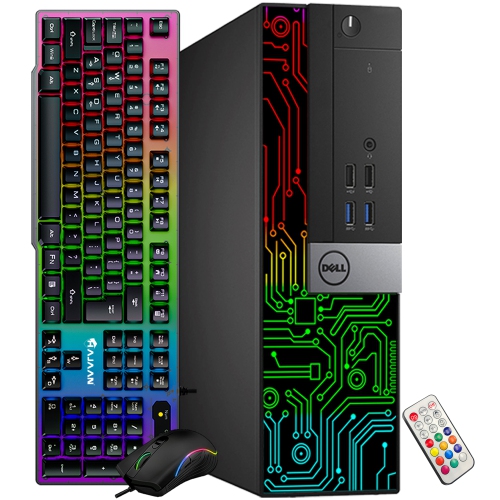
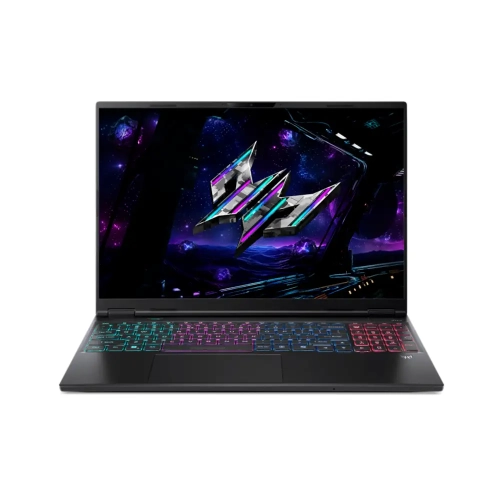
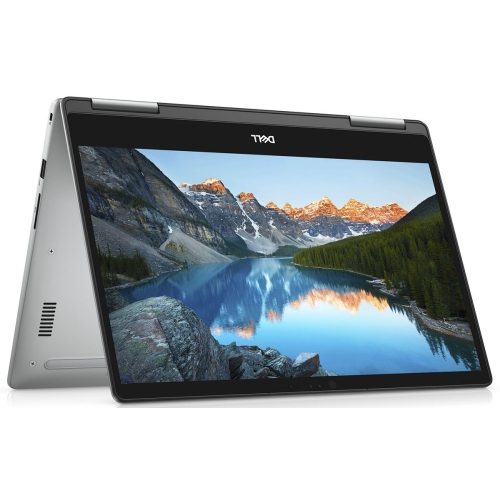
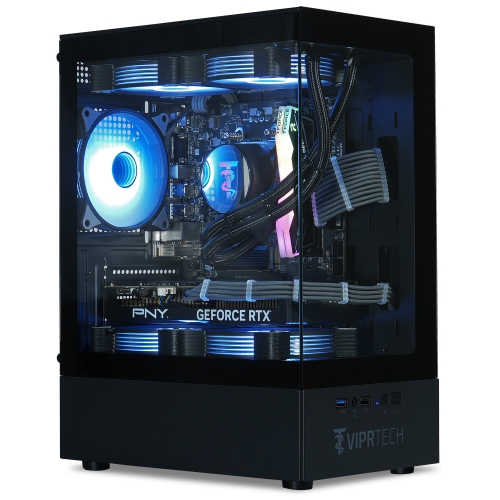
Top selling and popular products
Discover more categories related to Gaming Desktops for Streaming
Some products may be subject to Environmental Handling Fees (EHF) depending on your province. Learn more about EHFs.