1440p Gaming Laptops
1440p is the sweet spot for gaming laptops. It's high enough resolution to make out fine detail and you can still get a good performance out of most games. Here are some great options available.
Sort
A balanced path to sharper visuals and smoother gameplay
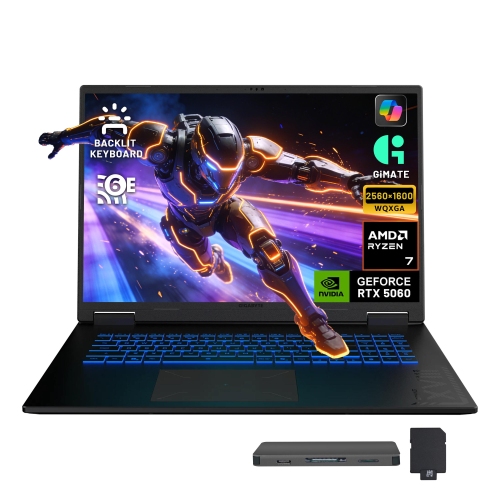
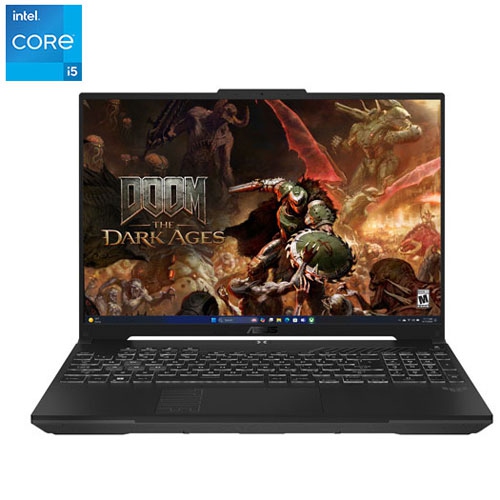
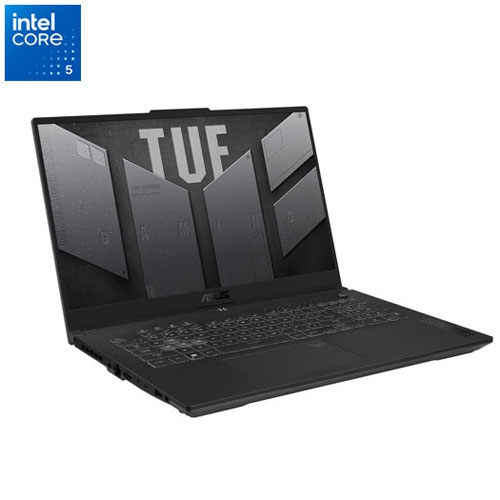
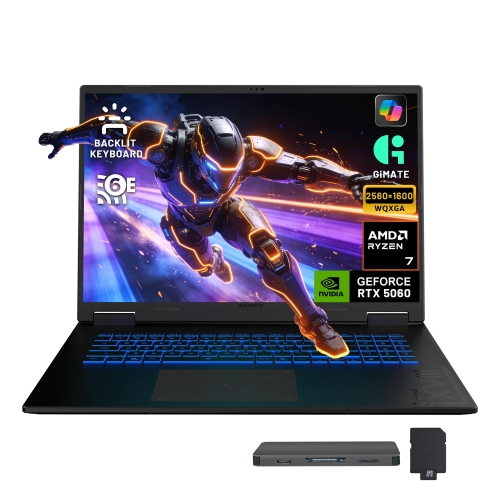
1440p gaming laptops are a strong choice for players who want a sharper image than Full HD without the heavier performance demands associated with an ultra-high-resolution screen. Often described as QHD, QHD+, or WQXGA, these displays typically provide 2560 x 1440 or 2560 x 1600 resolution, giving game worlds more definition across a 15-inch, 16-inch, or larger panel. Fine details such as distant objects, text, textures, and character features can look noticeably cleaner, while the display still leaves enough performance headroom for high frame rates. This balance makes 1440p gaming laptops suitable for a wide range of games, from competitive shooters and racing titles to expansive role-playing adventures. A fast refresh rate is especially valuable for quick-moving gameplay: panels rated at 165Hz, 180Hz, or 240Hz can make camera movement, aiming, and scrolling feel fluid when the graphics hardware can deliver matching frame rates. Adaptive sync support can further help reduce tearing and uneven motion. When comparing models, consider the full display specification rather than resolution alone. An IPS panel can offer responsive performance, wide viewing angles, and excellent everyday value, while an OLED panel can provide deep blacks, rich contrast, and very fast pixel response. Brightness, colour coverage, response time, and the finish of the screen also affect how the laptop feels in a bright room, a dim gaming space, or beside a window. A matte finish can help reduce distracting reflections, while a brighter panel may be useful for moving between rooms or using the laptop near natural light.
Graphics performance is the most important factor in a 1440p gaming laptop because the higher resolution asks the graphics processor to render more pixels in every frame. Look for a modern dedicated graphics processor with at least 8GB of video memory for a comfortable starting point in many contemporary games, while more demanding titles may benefit from additional memory and a higher performance tier. Features such as upscaling, frame generation, and ray tracing can affect the way a game looks and runs, so check which technologies are supported and whether they fit the types of games you play. Competitive players may prioritize stable, high frame rates and a 240Hz display, while someone who spends evenings exploring detailed open worlds may prefer stronger graphical capability, richer colour, and a larger screen. The processor matters as well, particularly for simulation games, strategy games, streaming, and multitasking. A capable multi-core processor paired with 16GB of RAM can handle gaming, voice chat, browser tabs, and common creative applications, while 32GB may be a better fit for heavier multitasking or longer-term flexibility. Fast solid-state storage helps games load quickly and provides a responsive experience when launching applications, but pay attention to capacity because modern game installations can be large. A 1TB drive offers more practical room than a smaller drive if you regularly keep several large titles installed. Cooling is another key consideration. Gaming laptops use fans, heat pipes, and performance profiles to manage demanding workloads, and larger 16-inch or 17-inch designs often have more room for cooling hardware than compact models. They may also provide a more spacious keyboard and a larger palm rest, whereas a 14-inch or 15-inch laptop can be easier to carry to a friend’s home, a residence, or another room. Weight, charger size, battery life, and fan noise are worth reviewing alongside performance, especially if the computer will serve as both a gaming system and a school or work laptop.
Choosing among 1440p gaming laptops usually comes down to matching the configuration to your routine and budget. Entry points may begin around $2,000, while higher-performance systems with faster displays, stronger graphics, more memory, or premium panel technology can reach $3,400 or beyond. A useful way to compare value is to identify the games you play most, decide whether native 1440p performance is important, and then weigh the graphics processor against the refresh rate. Spending more on a very fast display may have limited benefit if the rest of the system cannot produce enough frames, while a powerful graphics processor may be unnecessary for lighter esports games played at modest settings. Check the available ports for an external monitor, wired network connection, headset, controller, mouse, or storage device, and look for Wi-Fi support that suits your home network. A full-size or per-key backlit keyboard can make late-night sessions more comfortable, and a responsive trackpad, clear webcam, and dependable microphone add convenience when the laptop is used for classes, video calls, or group chat. These laptops can make thoughtful gifts for a student, a travelling player, or anyone building a gaming setup without dedicating space to a desktop tower. They are also practical for households where one computer needs to handle entertainment, productivity, and demanding creative software. If portability is the priority, compare dimensions and weight carefully; if the laptop will mostly stay on a desk, screen size, cooling, upgrade options, and connectivity may matter more. An external mouse is often preferable for precise play, and a stand or cooling pad can help improve comfort during long sessions. Players who want even more pixel density can also browse 4K Display Laptops, while 1440p remains an appealing middle ground for crisp visuals, smooth motion, and sensible performance across a broad selection of games.
Graphics performance is the most important factor in a 1440p gaming laptop because the higher resolution asks the graphics processor to render more pixels in every frame. Look for a modern dedicated graphics processor with at least 8GB of video memory for a comfortable starting point in many contemporary games, while more demanding titles may benefit from additional memory and a higher performance tier. Features such as upscaling, frame generation, and ray tracing can affect the way a game looks and runs, so check which technologies are supported and whether they fit the types of games you play. Competitive players may prioritize stable, high frame rates and a 240Hz display, while someone who spends evenings exploring detailed open worlds may prefer stronger graphical capability, richer colour, and a larger screen. The processor matters as well, particularly for simulation games, strategy games, streaming, and multitasking. A capable multi-core processor paired with 16GB of RAM can handle gaming, voice chat, browser tabs, and common creative applications, while 32GB may be a better fit for heavier multitasking or longer-term flexibility. Fast solid-state storage helps games load quickly and provides a responsive experience when launching applications, but pay attention to capacity because modern game installations can be large. A 1TB drive offers more practical room than a smaller drive if you regularly keep several large titles installed. Cooling is another key consideration. Gaming laptops use fans, heat pipes, and performance profiles to manage demanding workloads, and larger 16-inch or 17-inch designs often have more room for cooling hardware than compact models. They may also provide a more spacious keyboard and a larger palm rest, whereas a 14-inch or 15-inch laptop can be easier to carry to a friend’s home, a residence, or another room. Weight, charger size, battery life, and fan noise are worth reviewing alongside performance, especially if the computer will serve as both a gaming system and a school or work laptop.
Choosing among 1440p gaming laptops usually comes down to matching the configuration to your routine and budget. Entry points may begin around $2,000, while higher-performance systems with faster displays, stronger graphics, more memory, or premium panel technology can reach $3,400 or beyond. A useful way to compare value is to identify the games you play most, decide whether native 1440p performance is important, and then weigh the graphics processor against the refresh rate. Spending more on a very fast display may have limited benefit if the rest of the system cannot produce enough frames, while a powerful graphics processor may be unnecessary for lighter esports games played at modest settings. Check the available ports for an external monitor, wired network connection, headset, controller, mouse, or storage device, and look for Wi-Fi support that suits your home network. A full-size or per-key backlit keyboard can make late-night sessions more comfortable, and a responsive trackpad, clear webcam, and dependable microphone add convenience when the laptop is used for classes, video calls, or group chat. These laptops can make thoughtful gifts for a student, a travelling player, or anyone building a gaming setup without dedicating space to a desktop tower. They are also practical for households where one computer needs to handle entertainment, productivity, and demanding creative software. If portability is the priority, compare dimensions and weight carefully; if the laptop will mostly stay on a desk, screen size, cooling, upgrade options, and connectivity may matter more. An external mouse is often preferable for precise play, and a stand or cooling pad can help improve comfort during long sessions. Players who want even more pixel density can also browse 4K Display Laptops, while 1440p remains an appealing middle ground for crisp visuals, smooth motion, and sensible performance across a broad selection of games.
Top selling and popular products
-
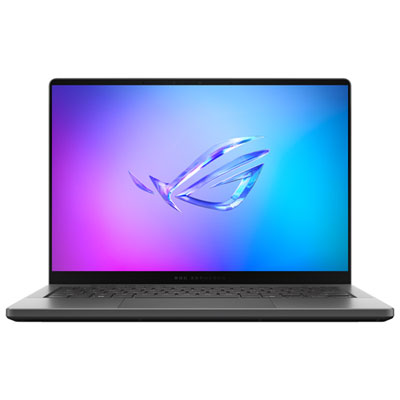 Your price for this item is $3299.99
 -
 Your price for this item is $3149
 -
 Your price for this item is $3399
 -
 Your price for this item is $3699
 -
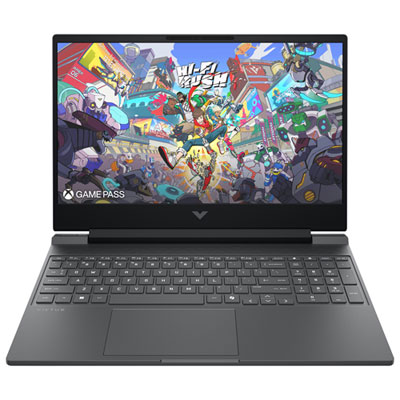 Your price for this item is $999.99
 -
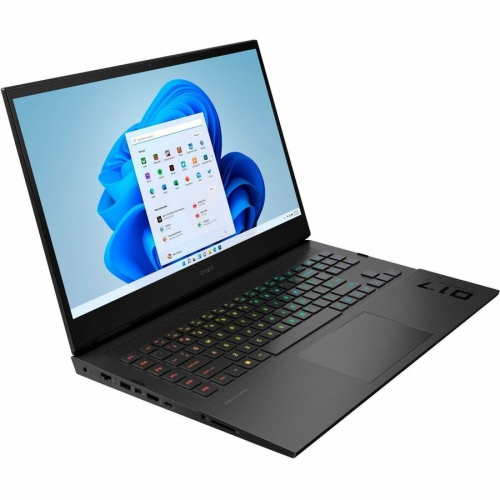 Your price for this item is $4118.21
 -
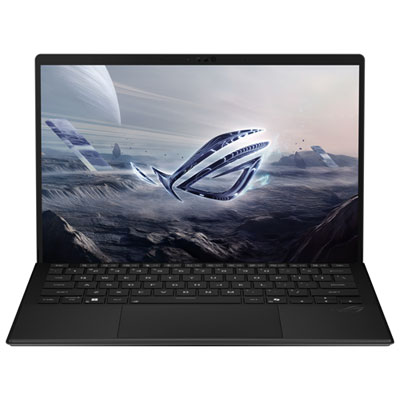 Your price for this item is $3099.99
 -
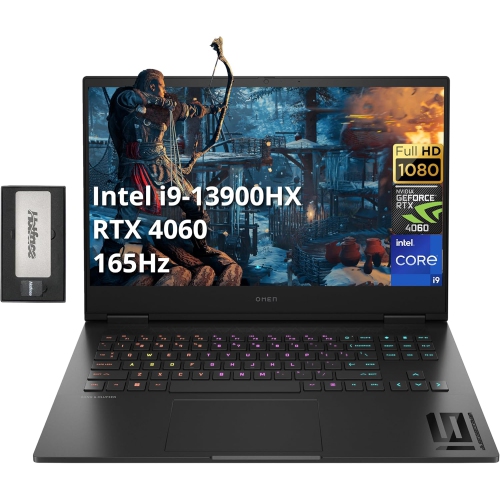 Your price for this item is $2199
Discover more categories related to 1440p Gaming Laptops
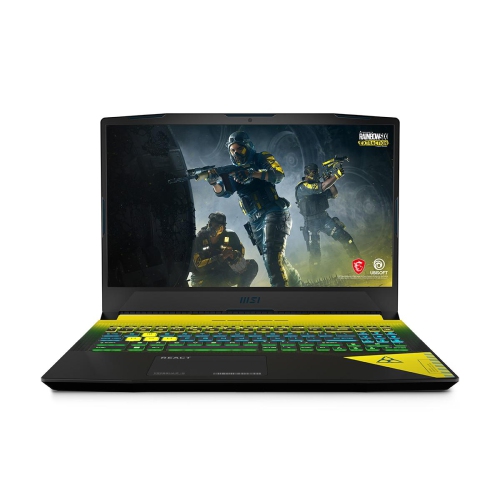
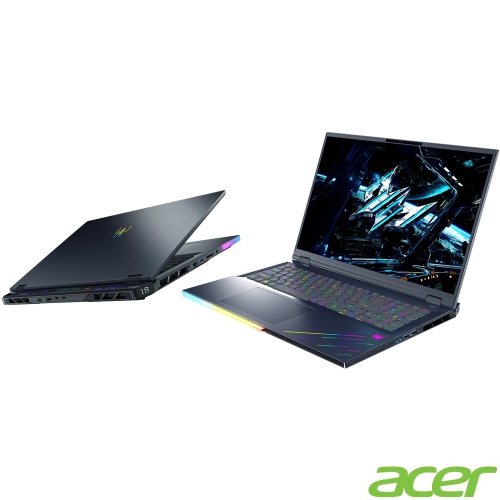
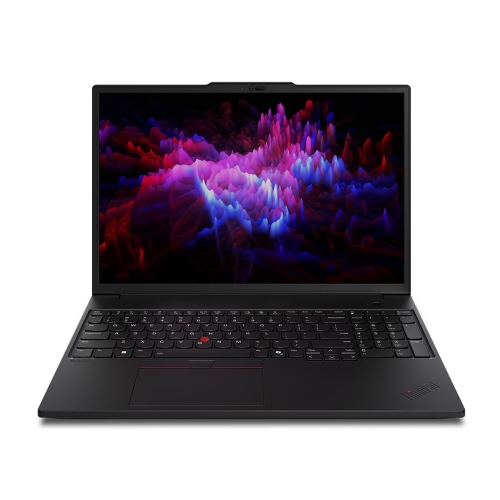
Top Collections:
Pokemon Centers, Kindle Devices, Best Budget Office Chairs, Apple iPhones 16, Best Laptops for Writers, iPhone 15 Apple, Canon G7X Cameras, Refurbished Apple Laptops, Alarm Clock, Motorola Razr Phones
Some products may be subject to Environmental Handling Fees
(EHF) depending on your province.
Learn more about EHFs.