Headphones for Business Calls
In today's fast-paced business world, clear and effective communication is essential. Whether you're working remotely, in a busy office, or constantly on the go, having the right headphones for your business calls can make all the difference. With a wide range of options available, finding the perfect pair that combines superior audio quality, comfort, and convenience is key. From noise-canceling capabilities to wireless connectivity, explore these headphones designed to elevate your professional conversations and ensure crystal-clear sound every time.
Sort








![UOLO Pulse Elite 2 True Wireless Anc/enc [Active Noise & Environmental Noise Cancelling] Bluetooth 5.3, Touch Control, Built In Mic for Phone Call -](https://multimedia.bbycastatic.ca/multimedia/products/500x500/171/17166/17166524.jpeg)
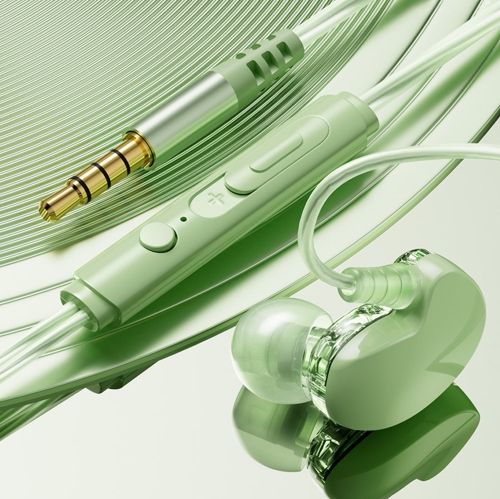
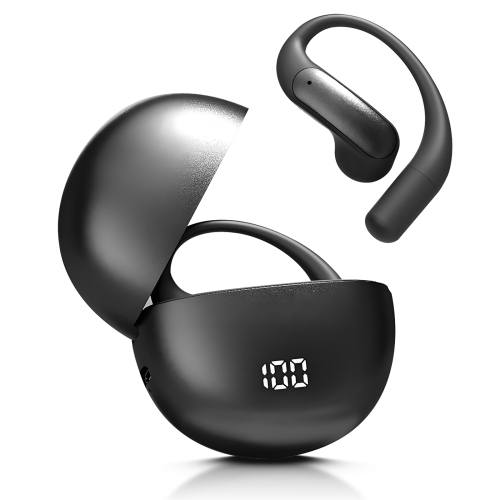
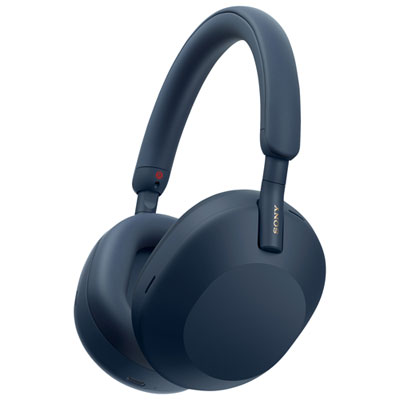
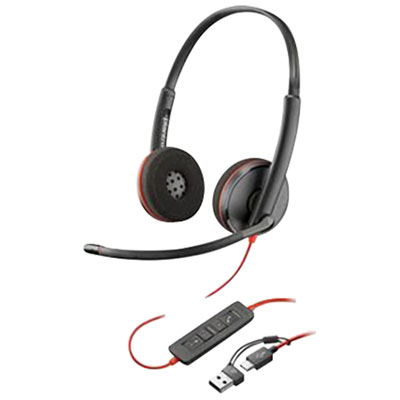
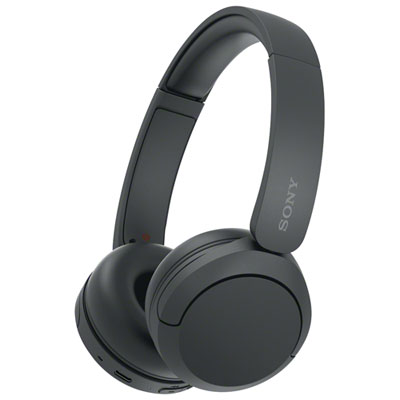
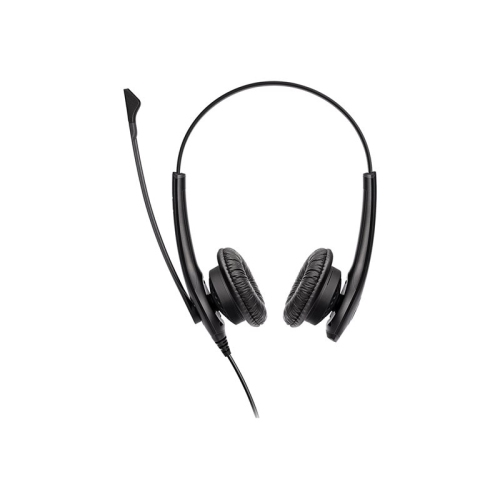
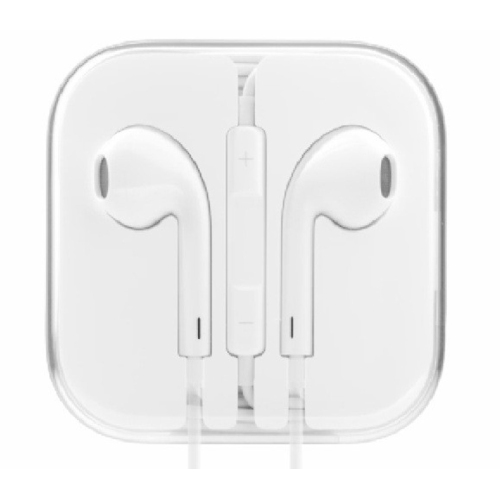
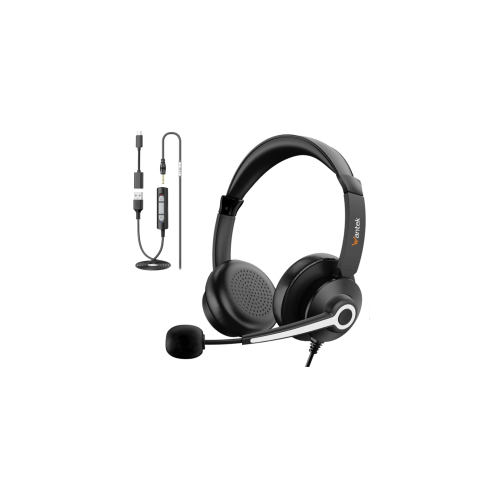

Clearer conversations across busy workdays and shared spaces
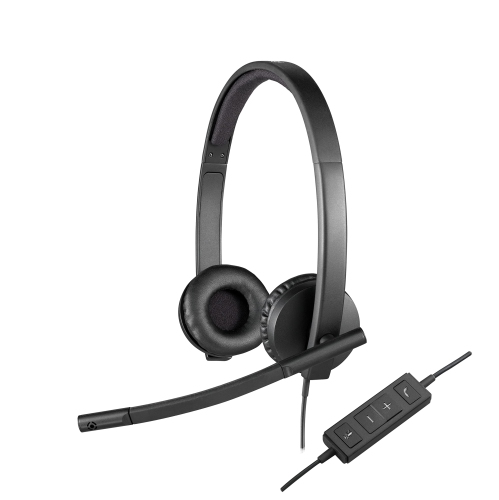
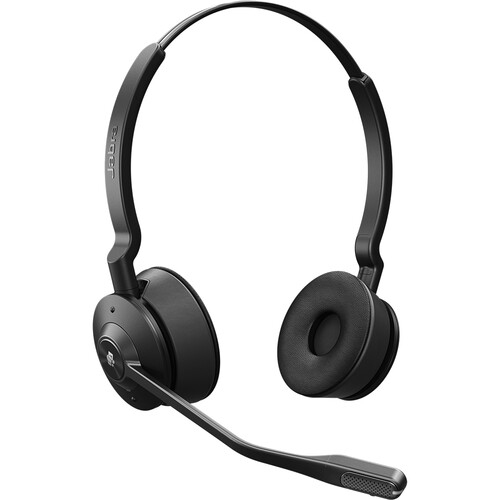
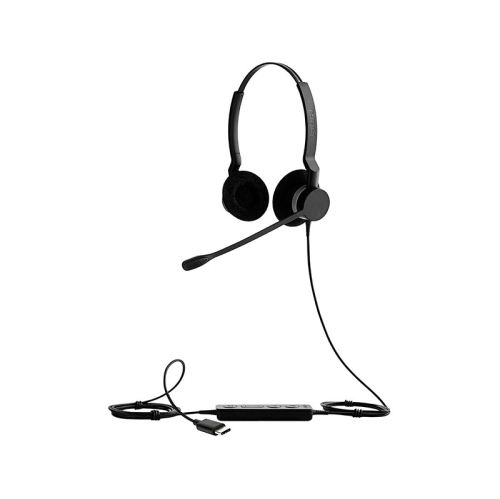
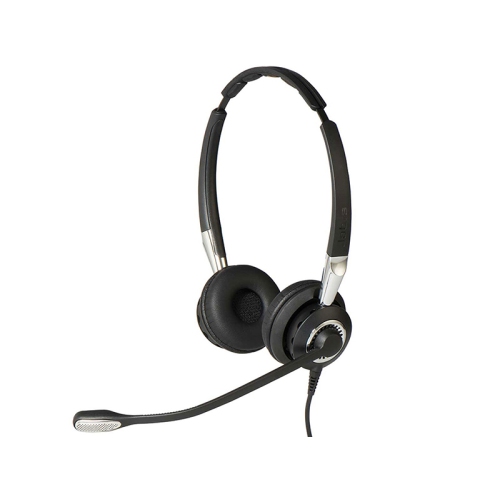
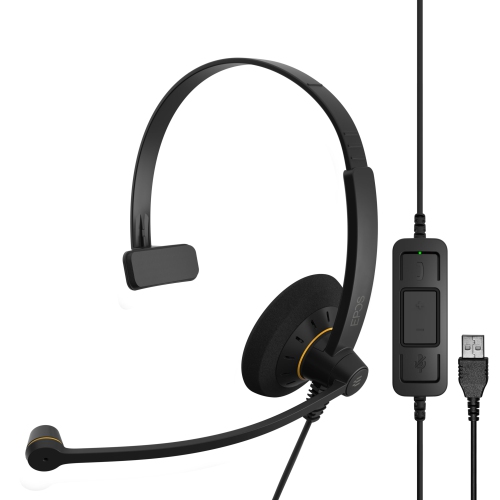
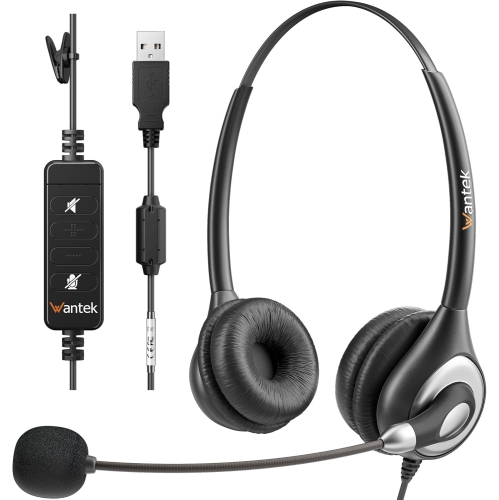
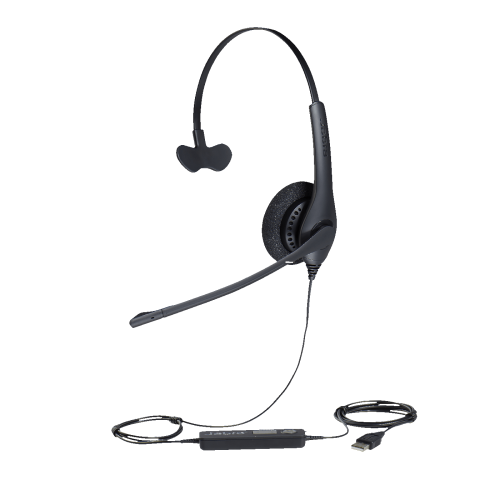
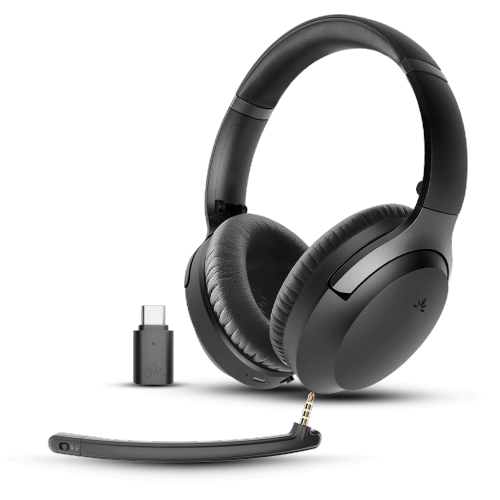
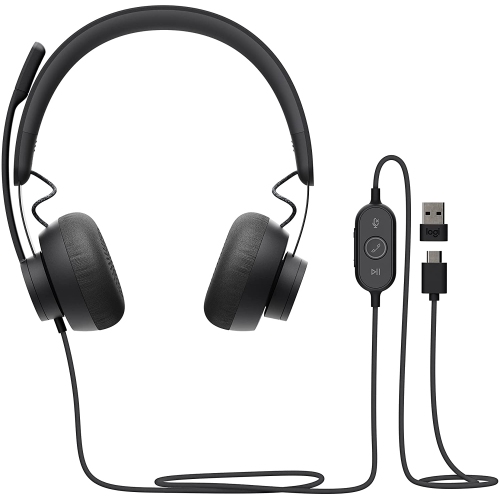
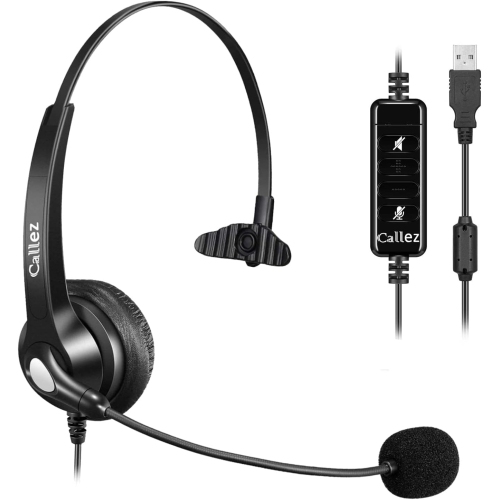
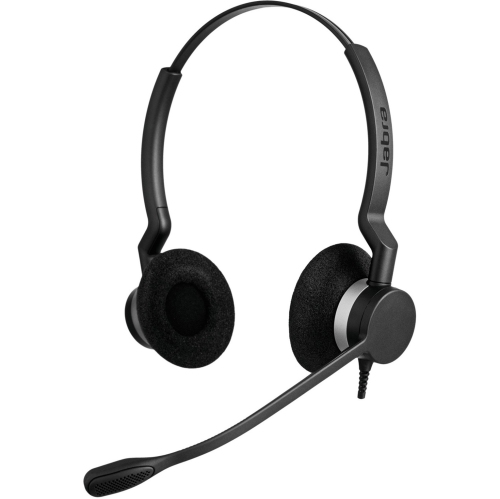
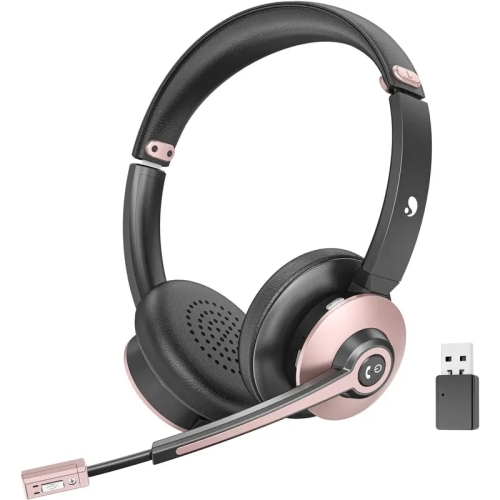
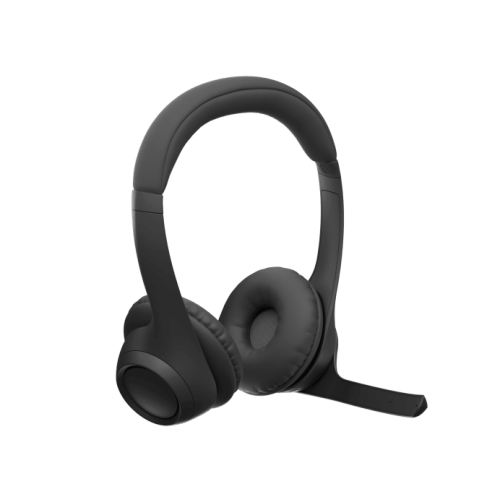
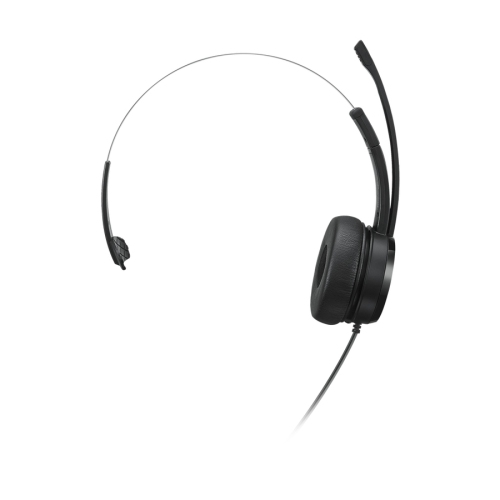
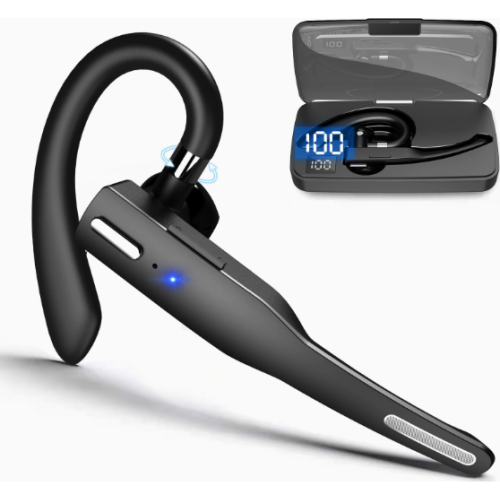
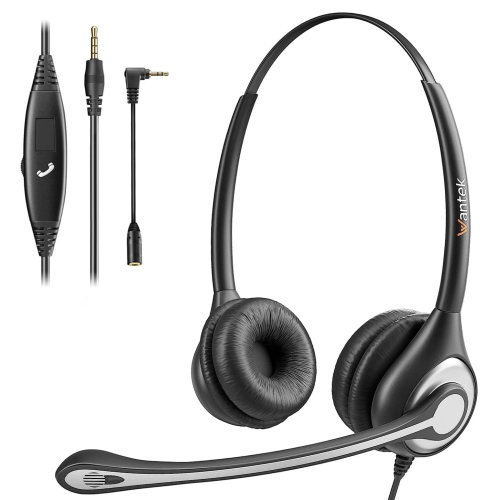
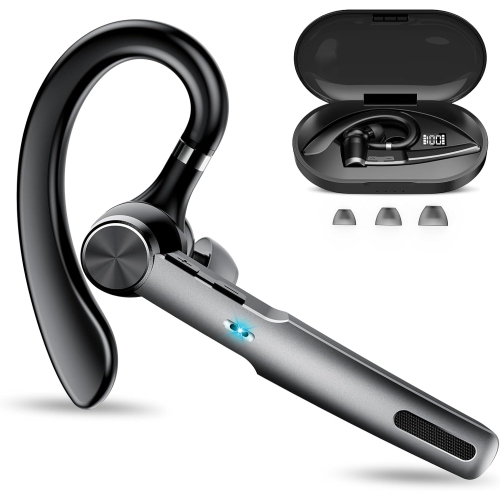
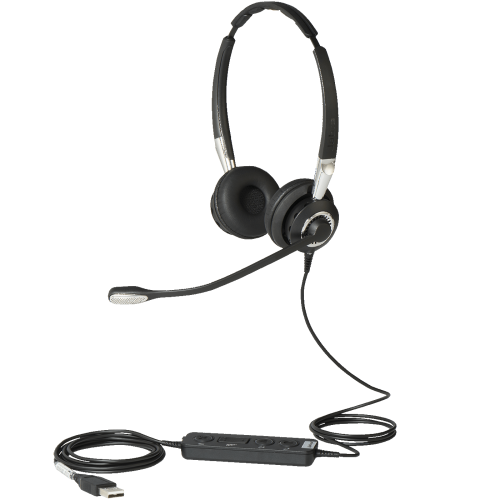
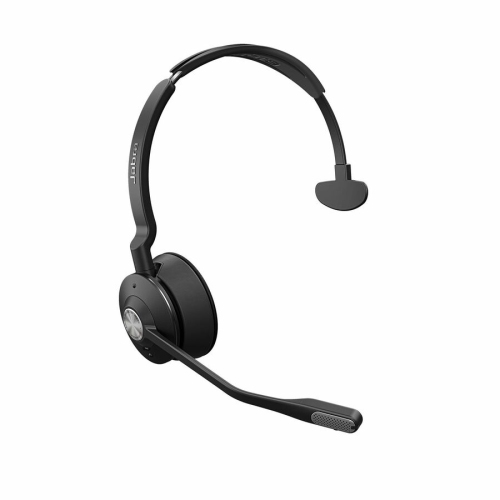
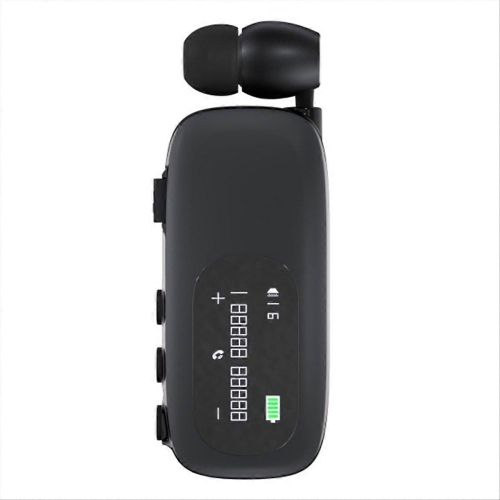
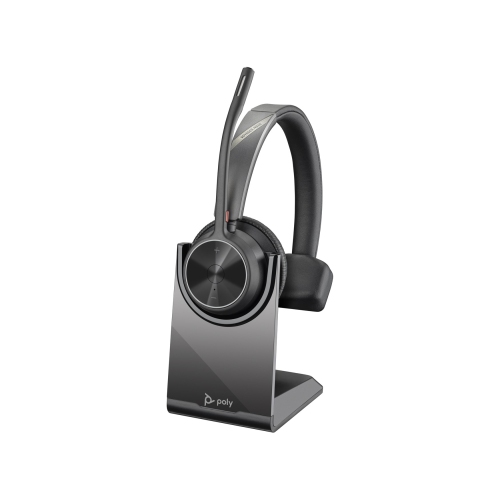
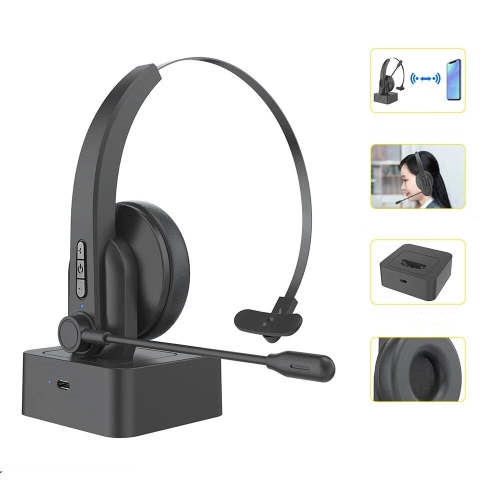
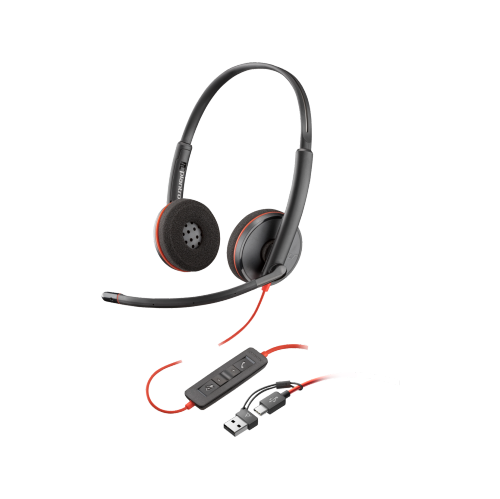
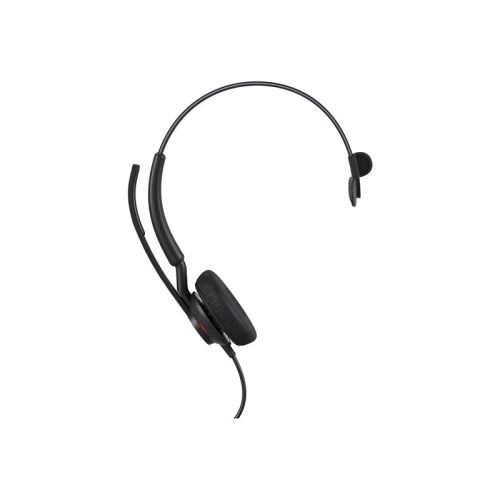
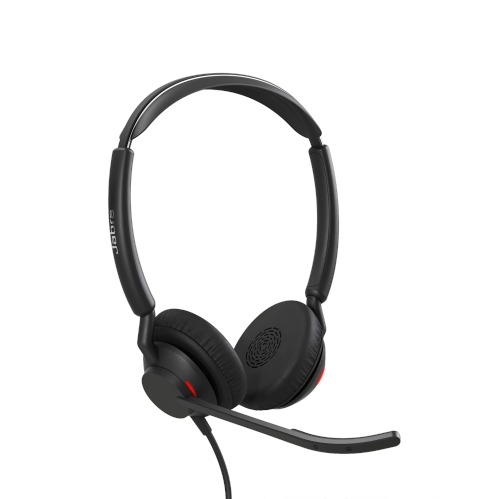
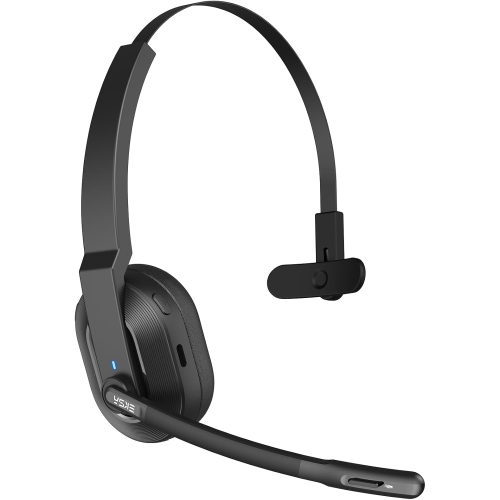
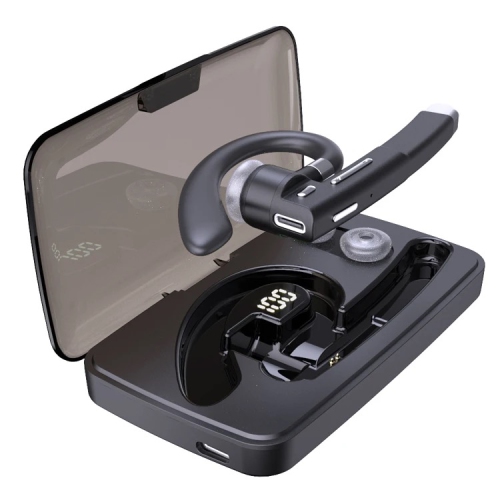
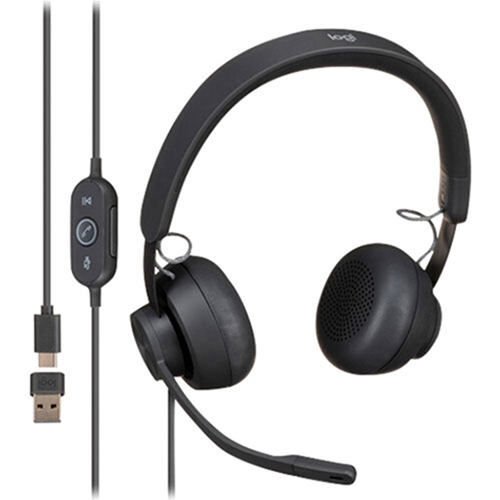
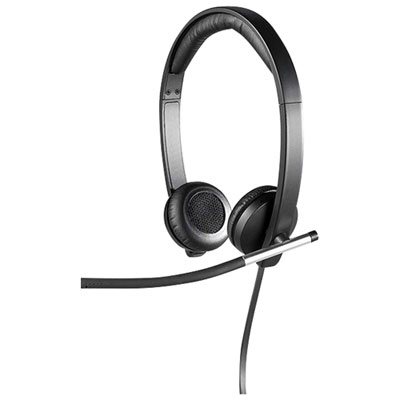
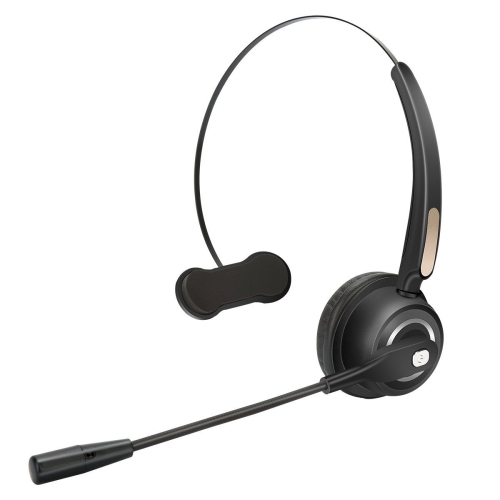
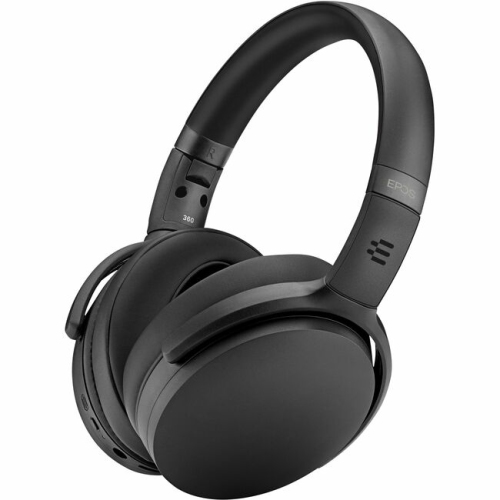
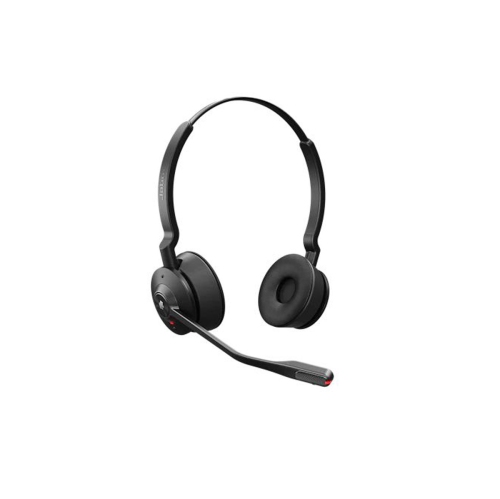
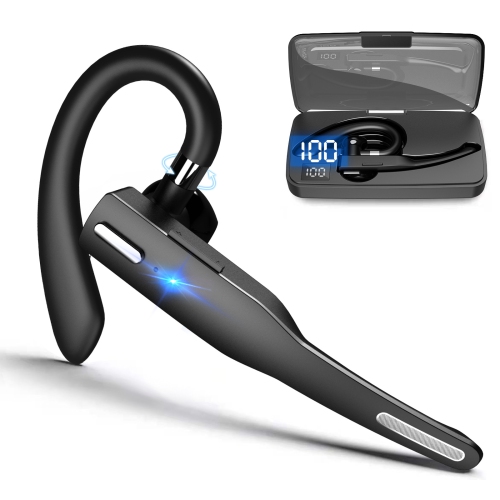
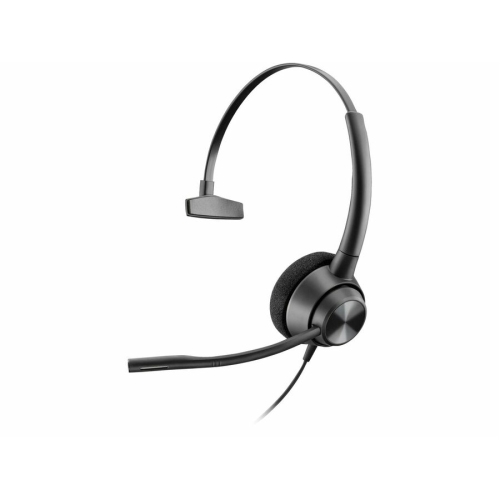
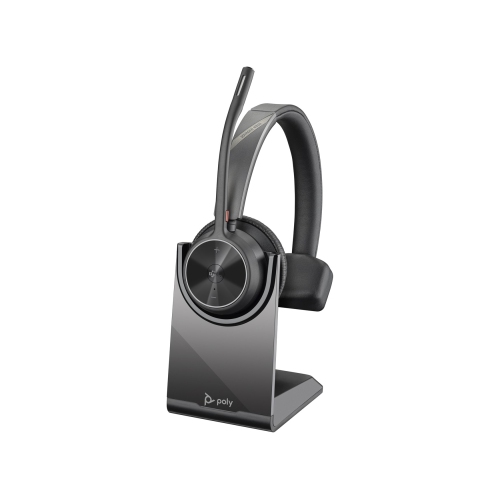
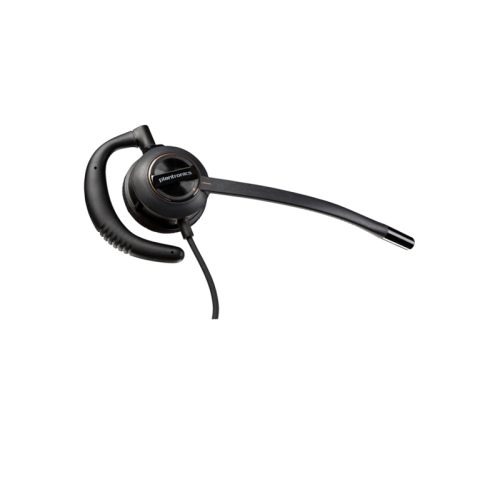
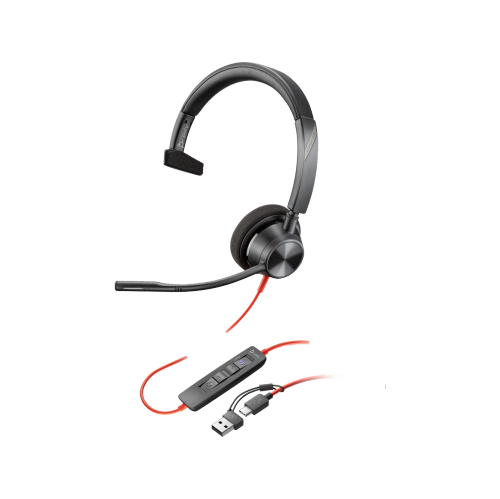
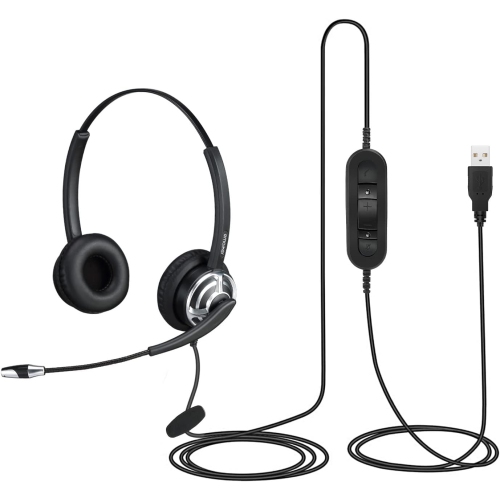
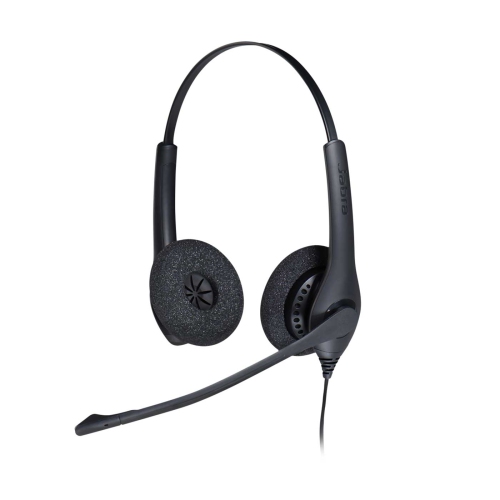
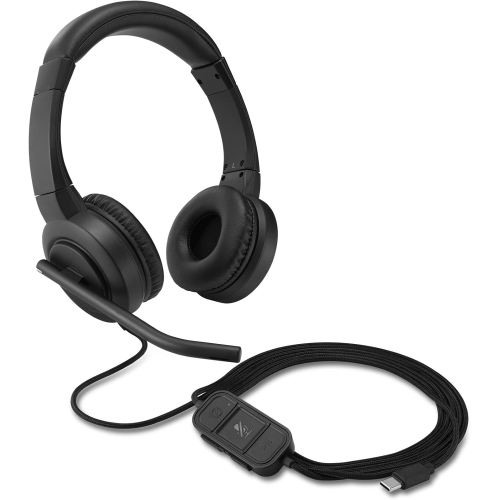
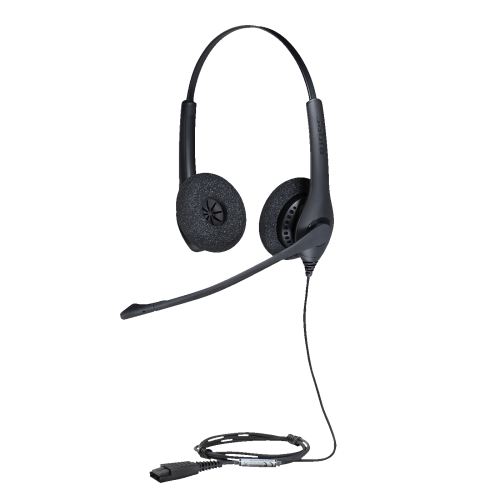
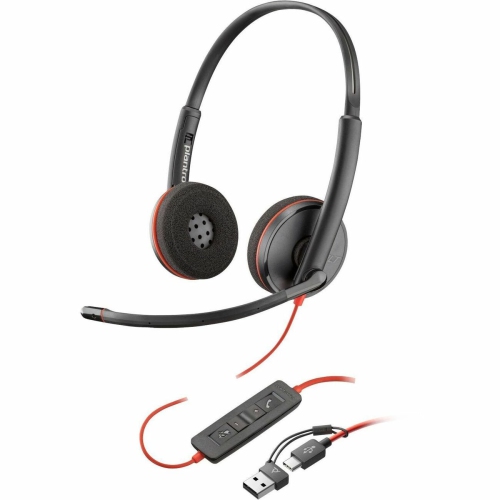
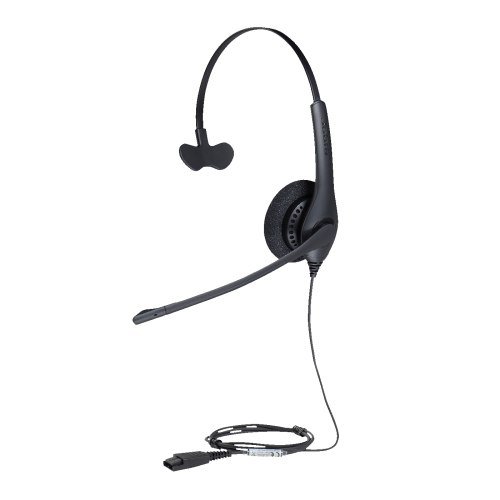
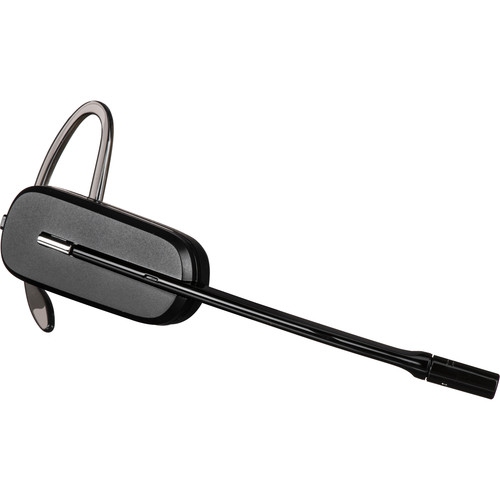
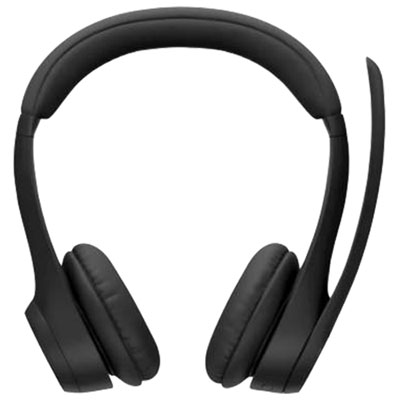
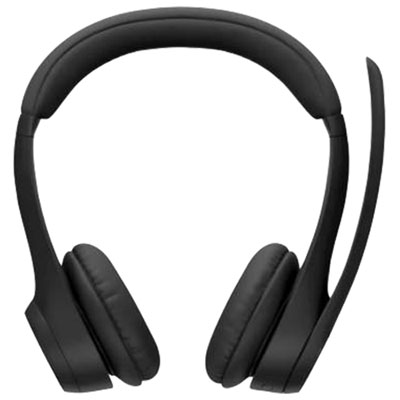
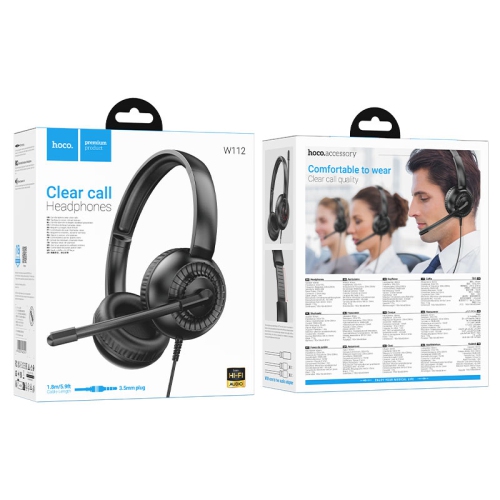
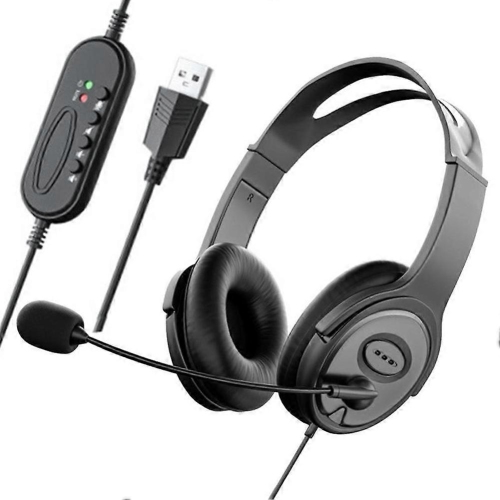
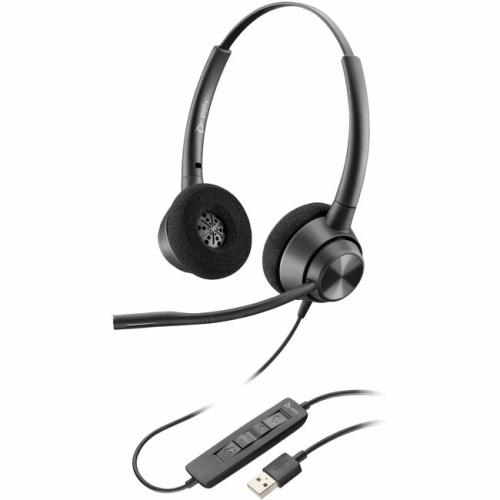
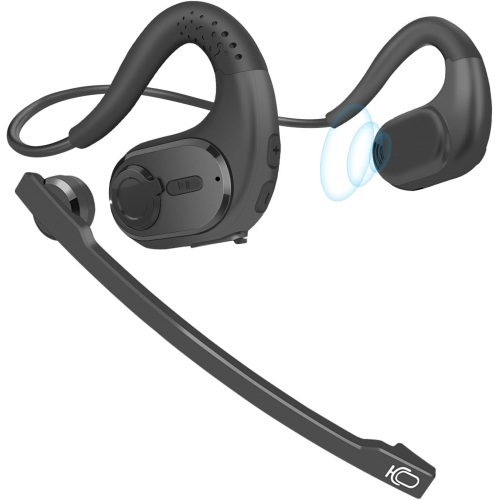
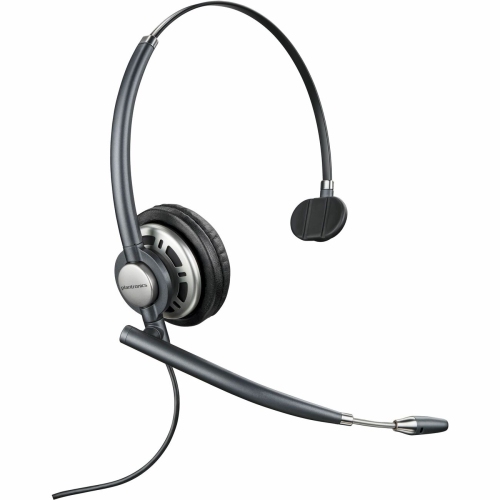
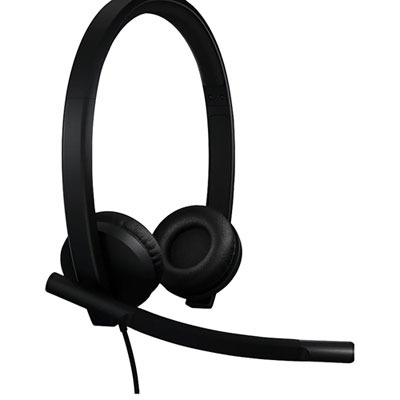
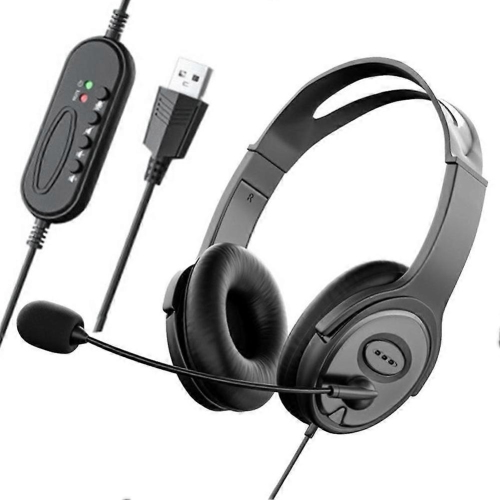
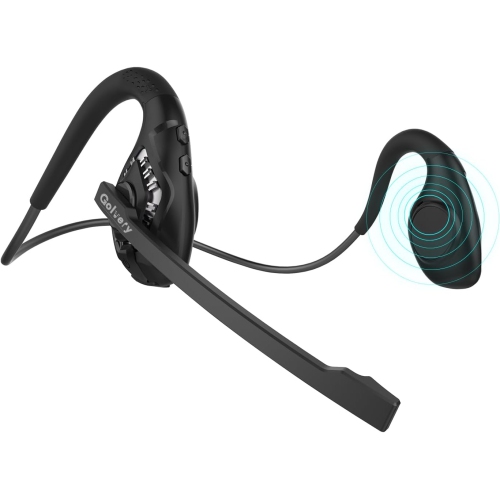
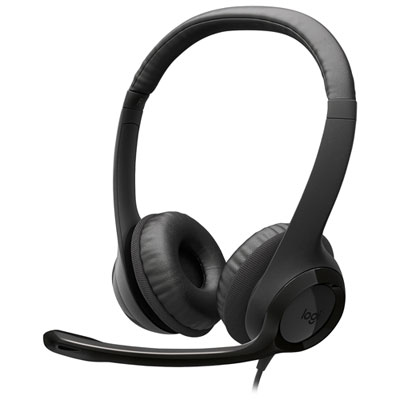
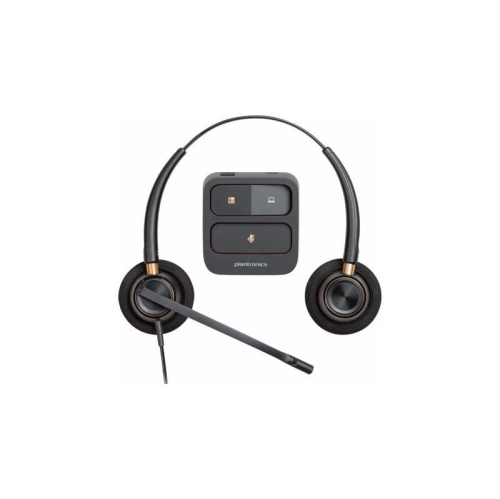
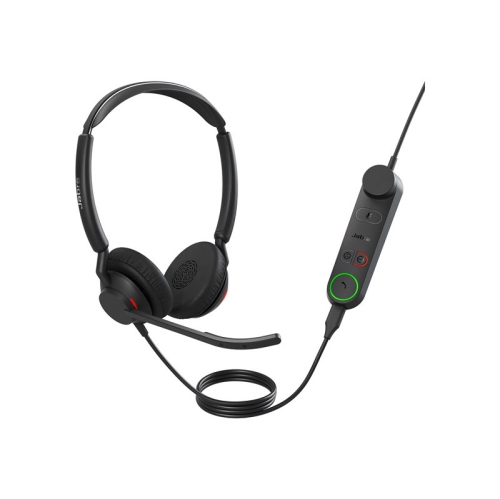
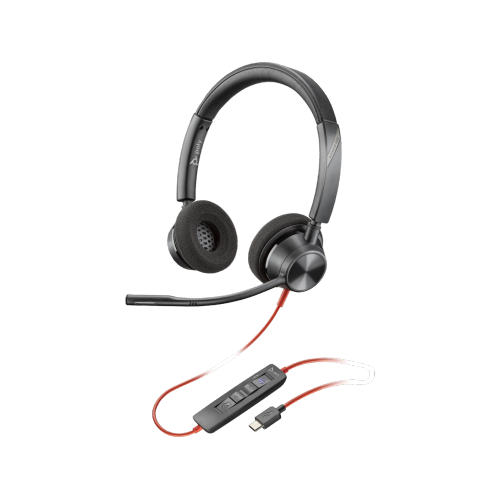
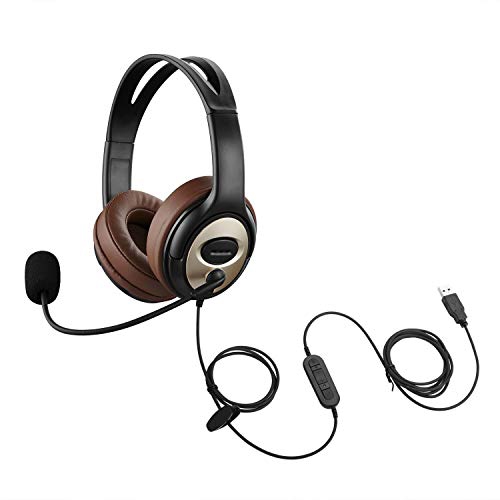
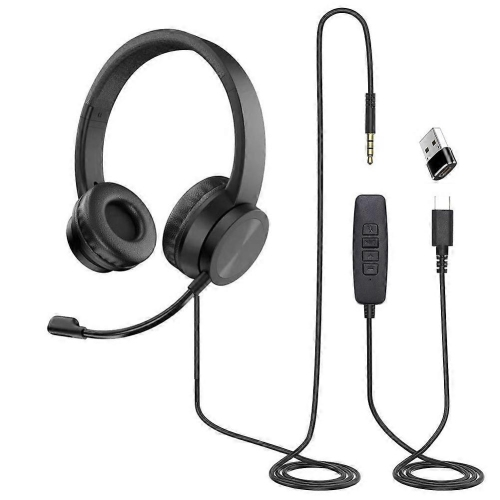
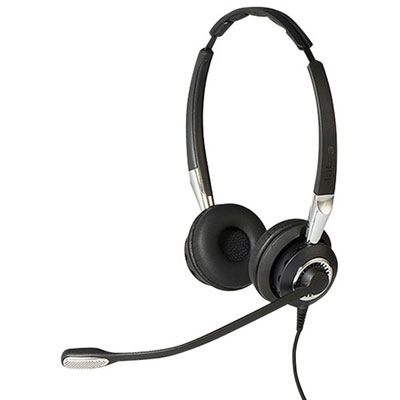
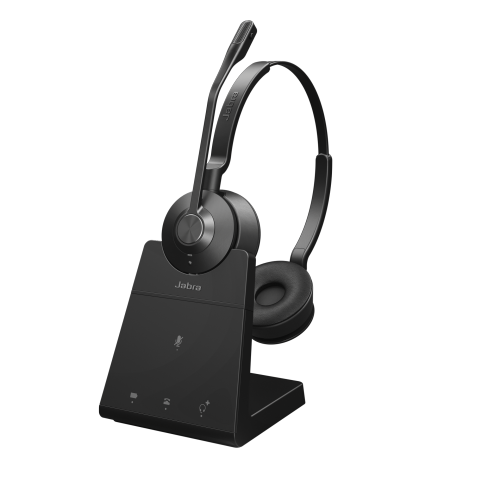
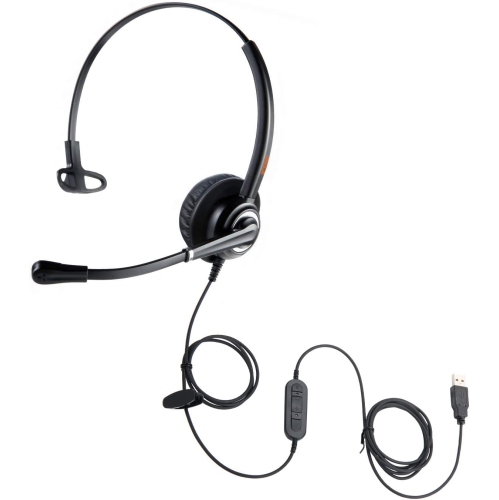
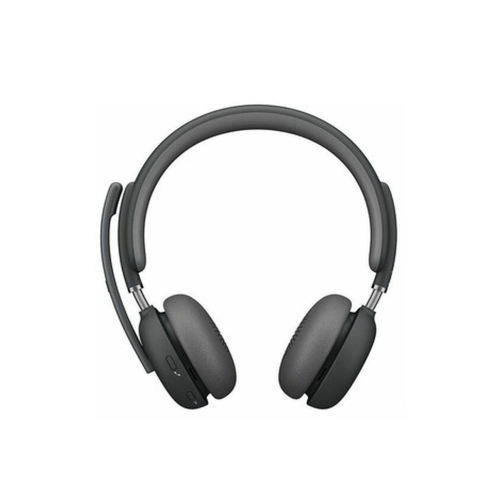
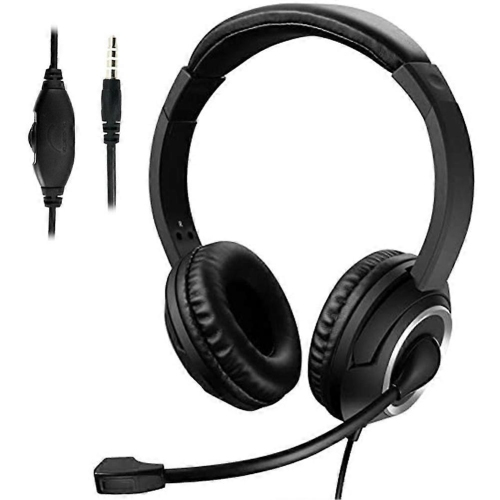
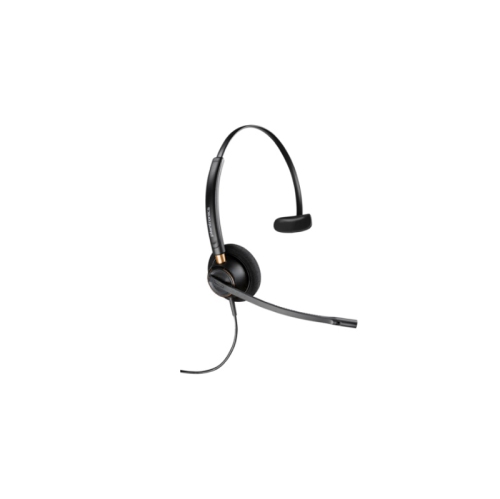
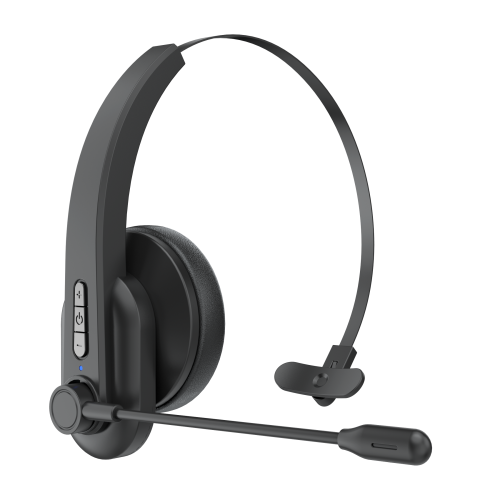
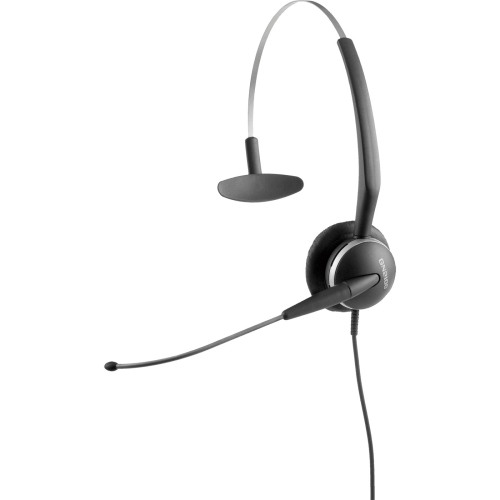
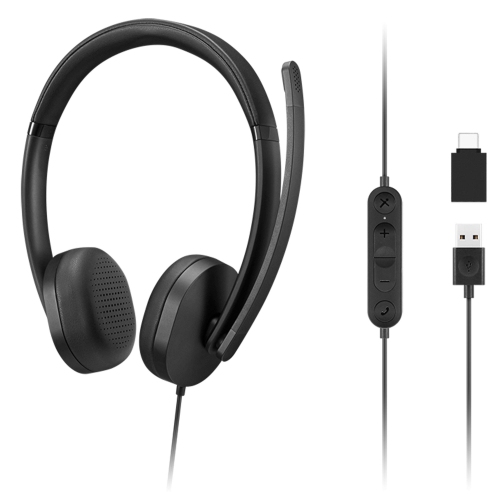
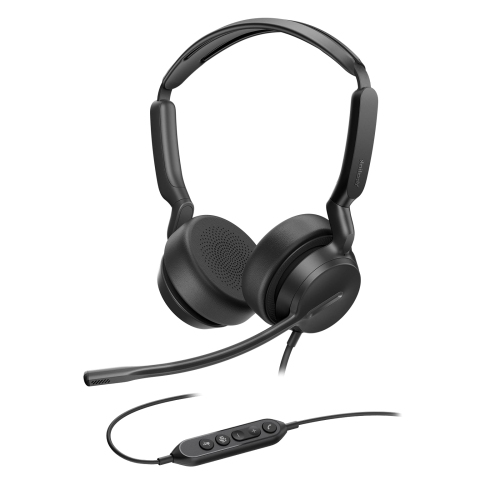
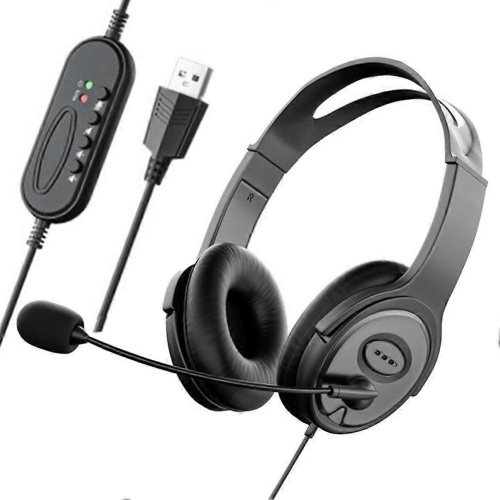
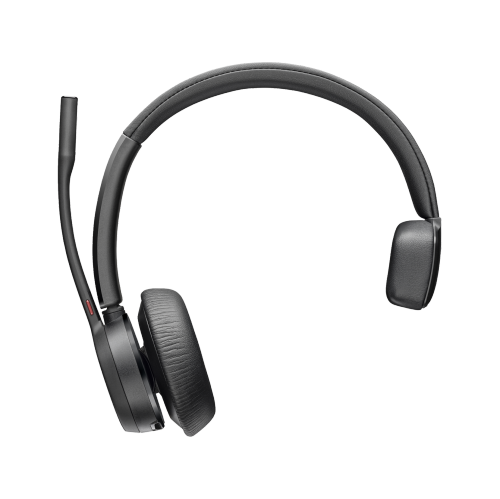
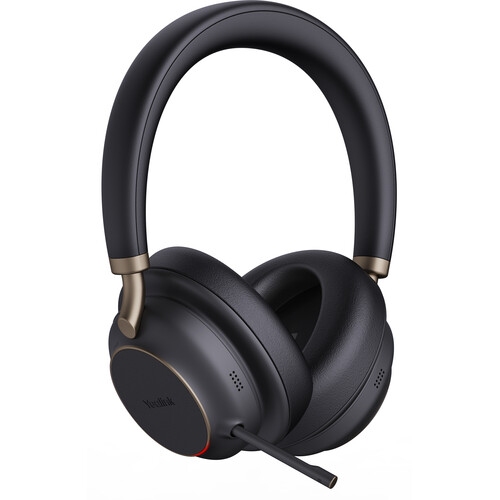
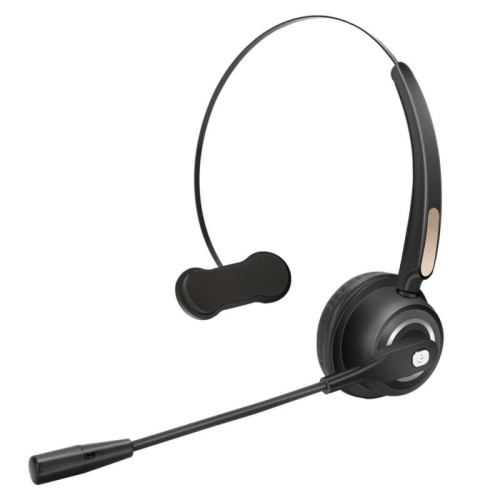
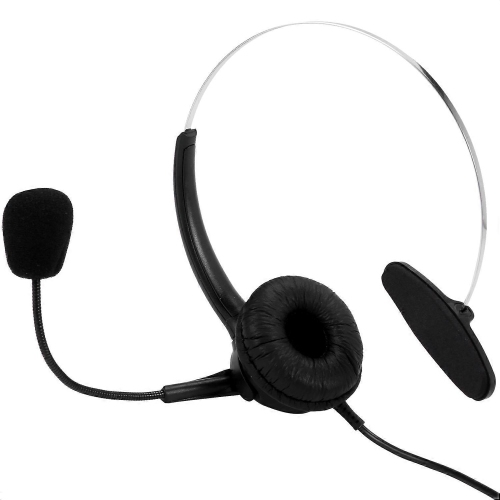
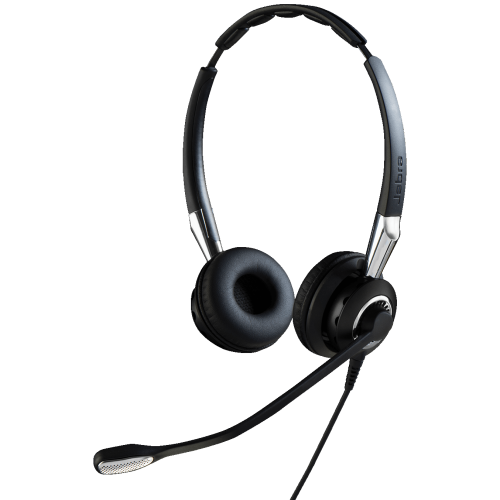
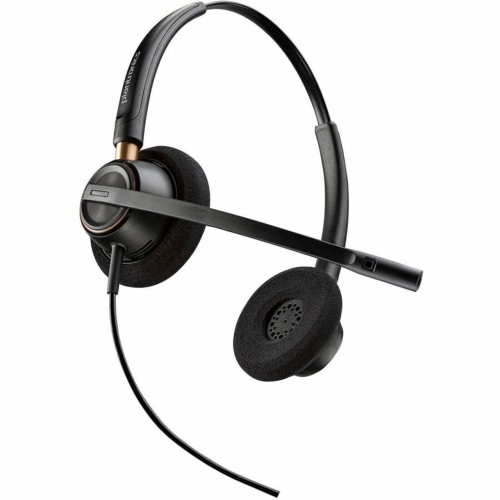
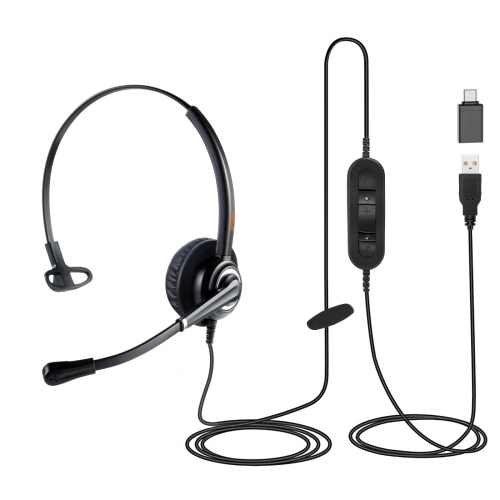
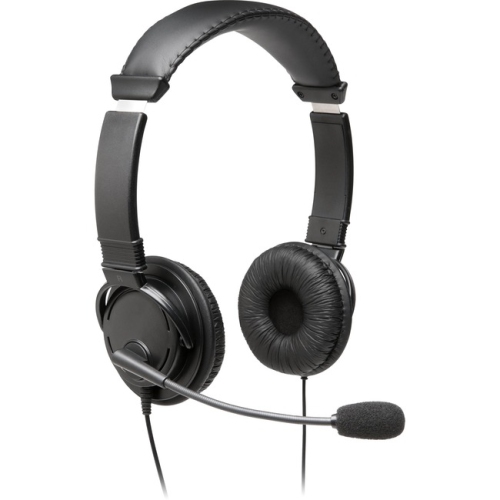
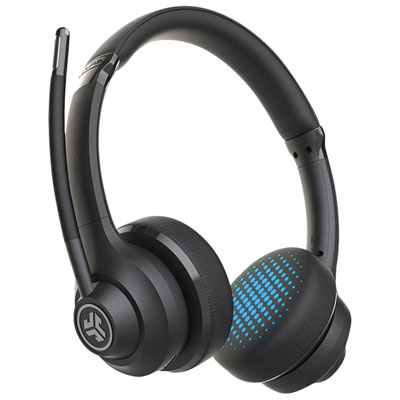
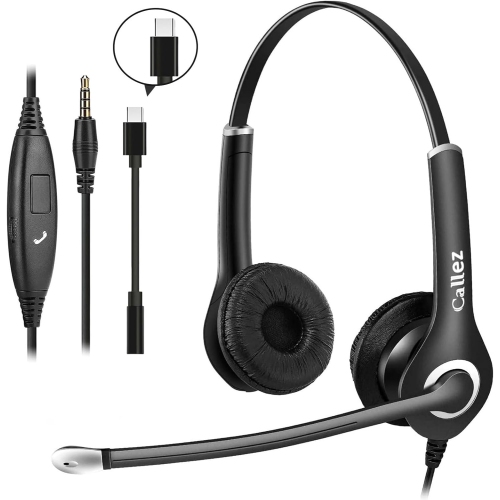
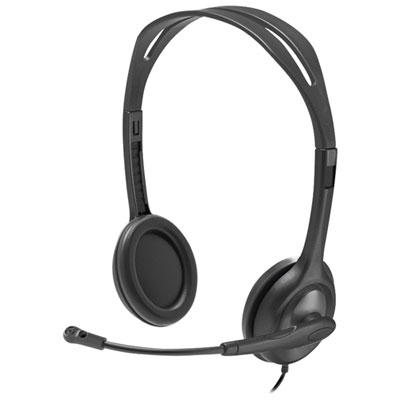
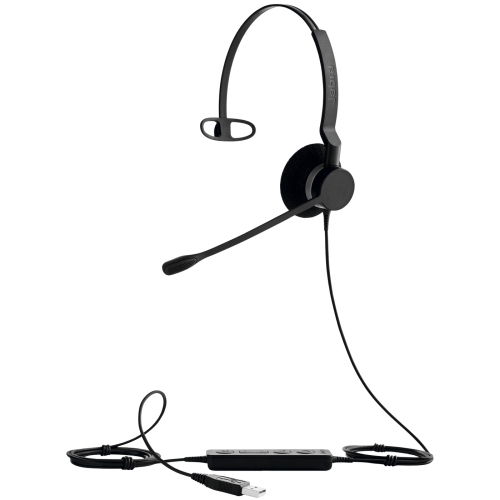
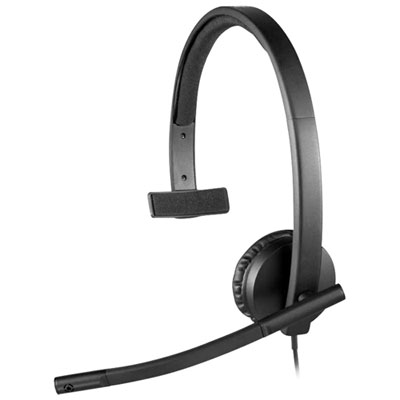
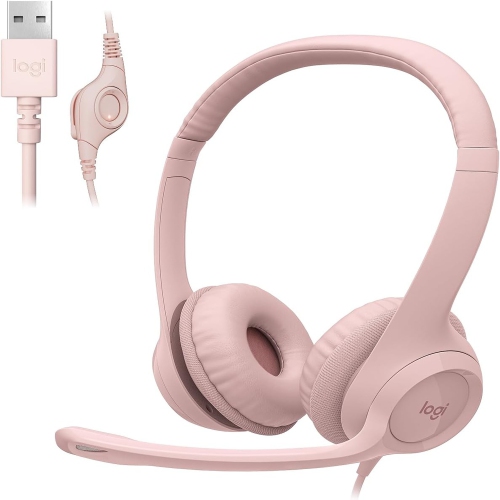
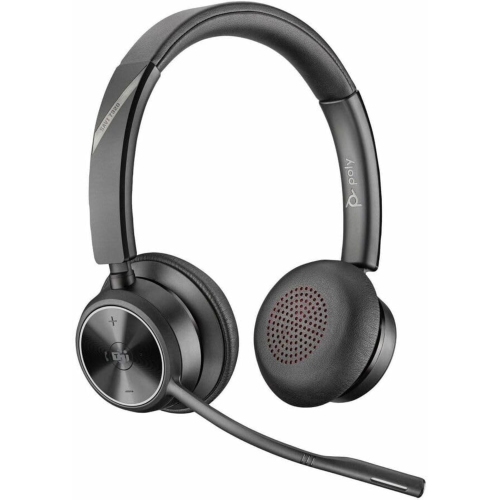
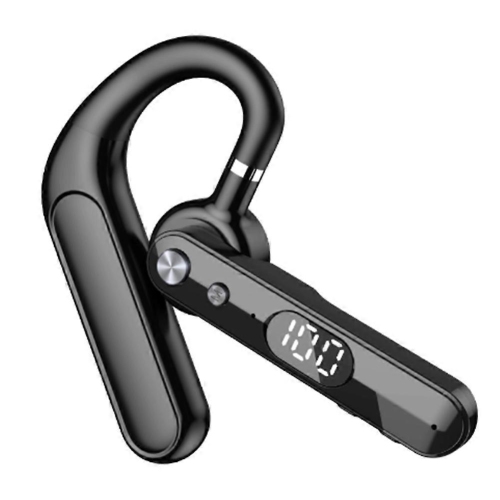
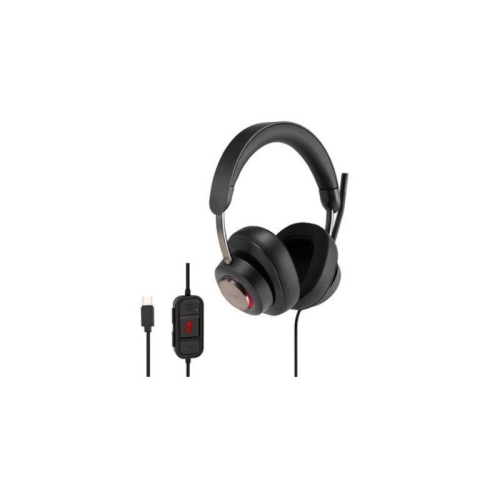
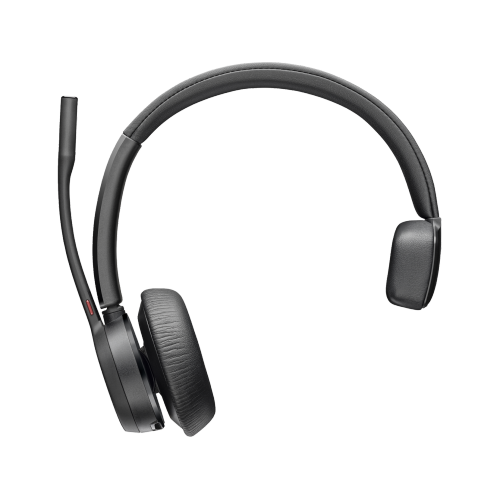
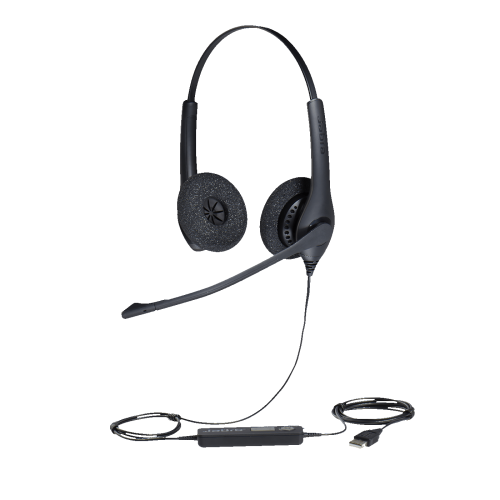
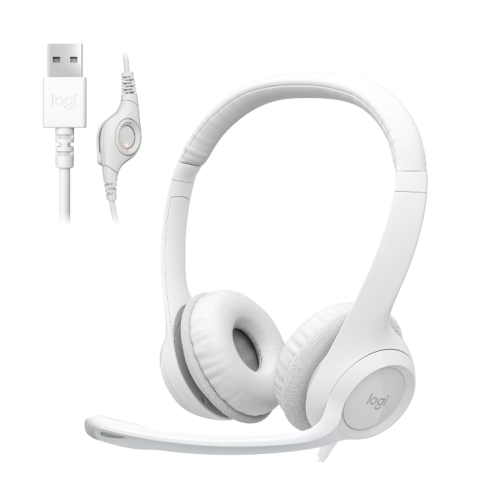
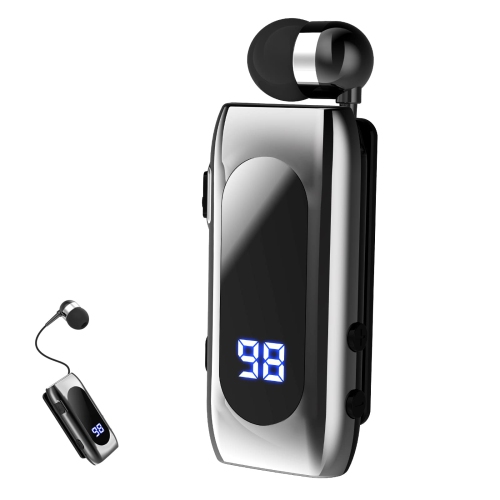
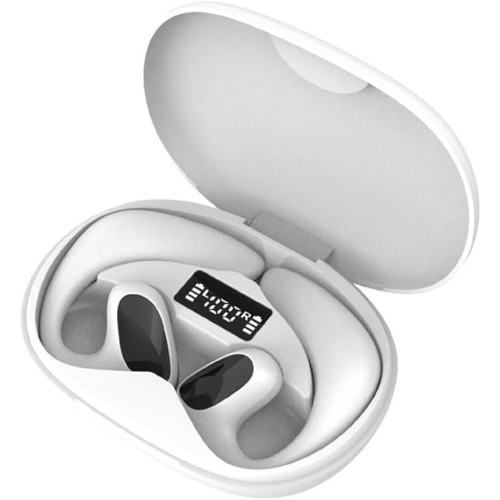
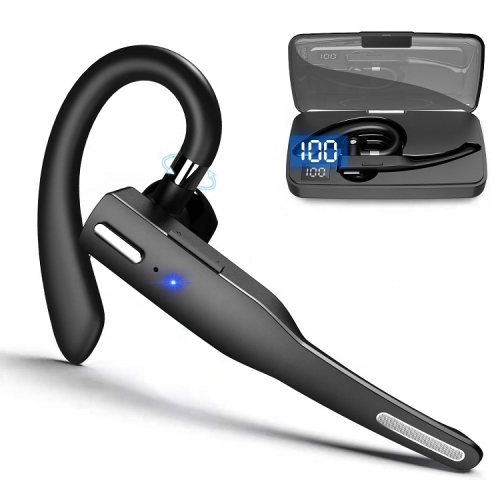
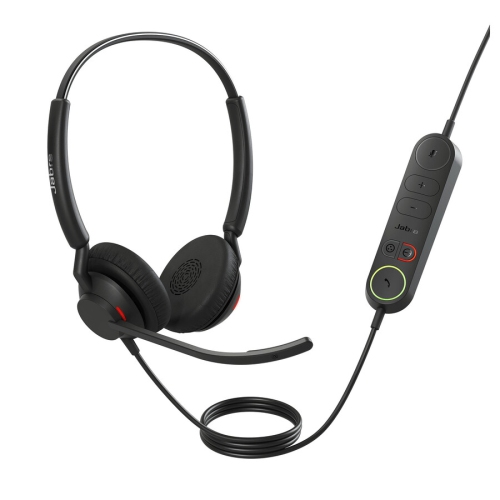
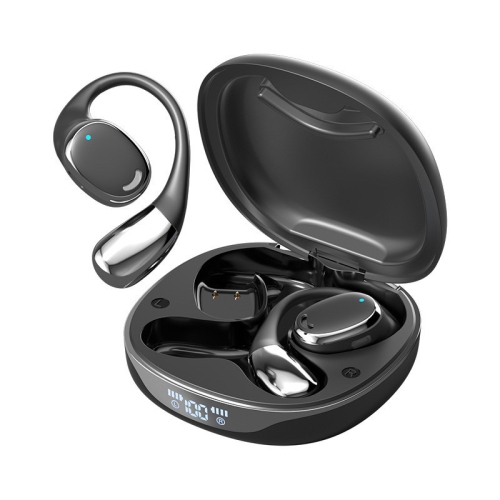
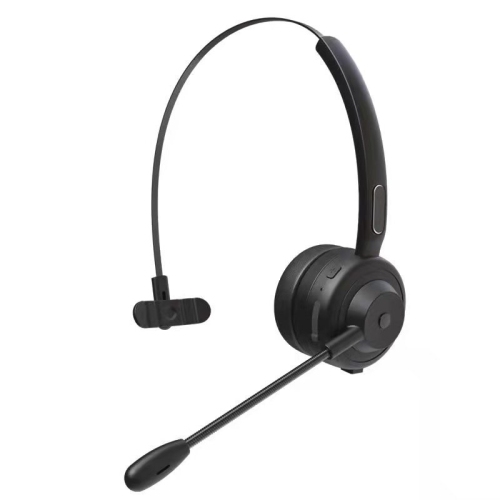
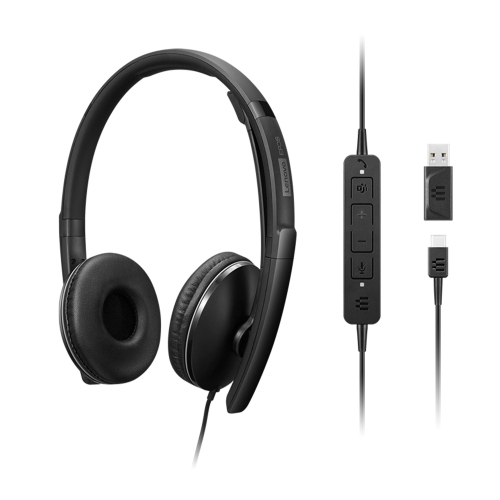
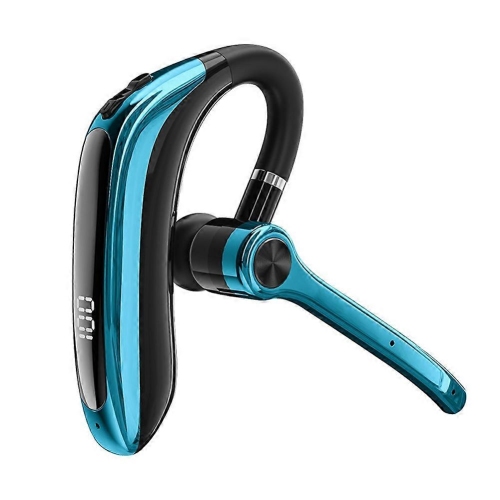
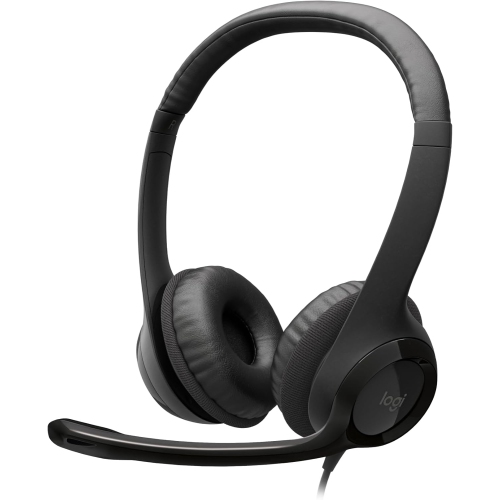
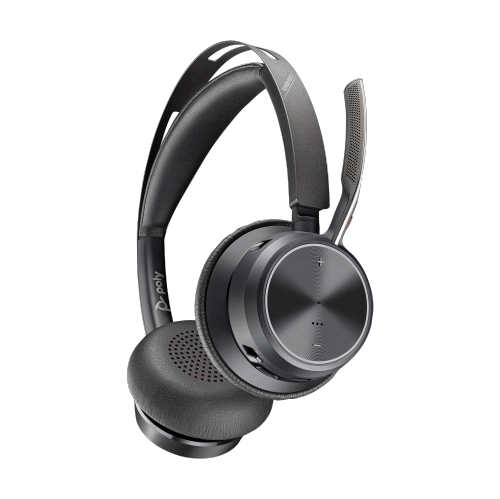
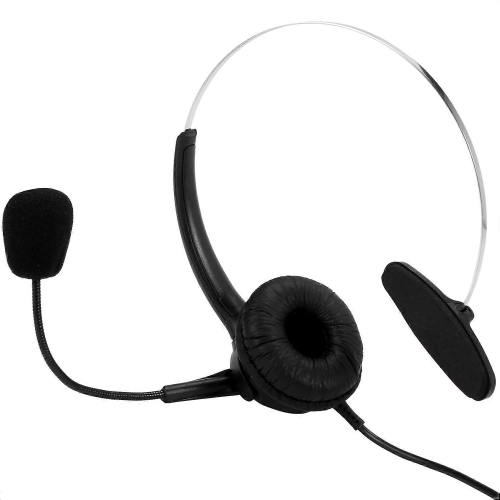
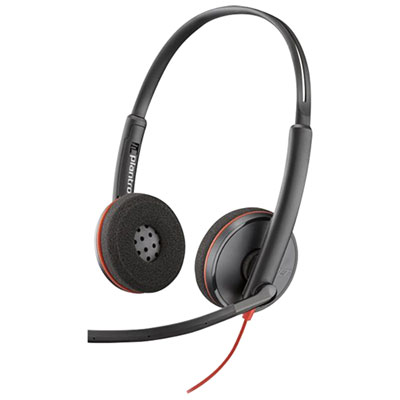
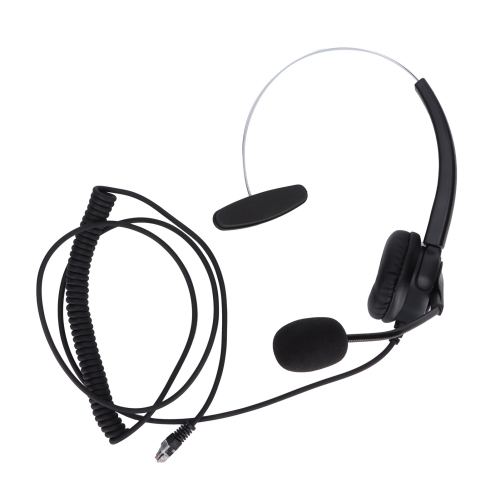
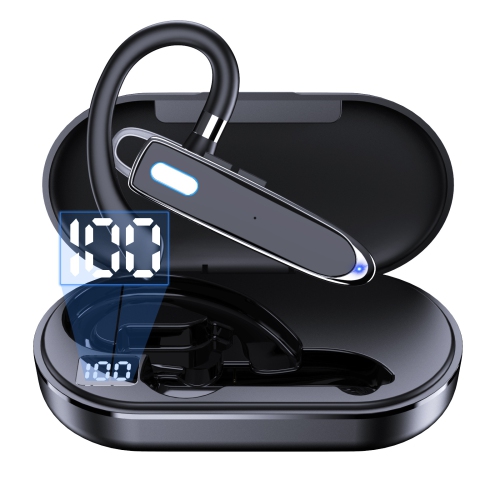
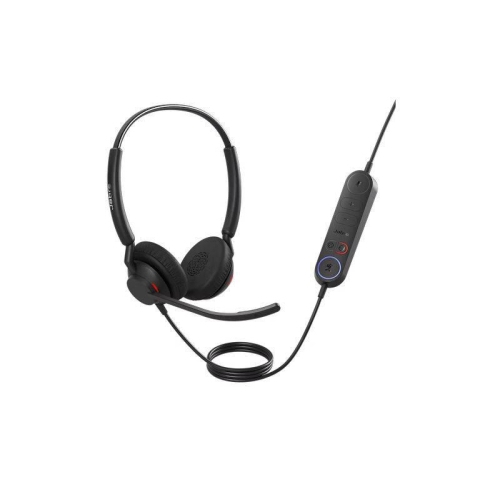
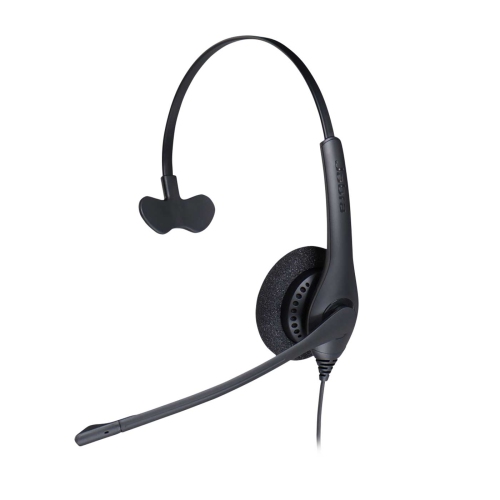
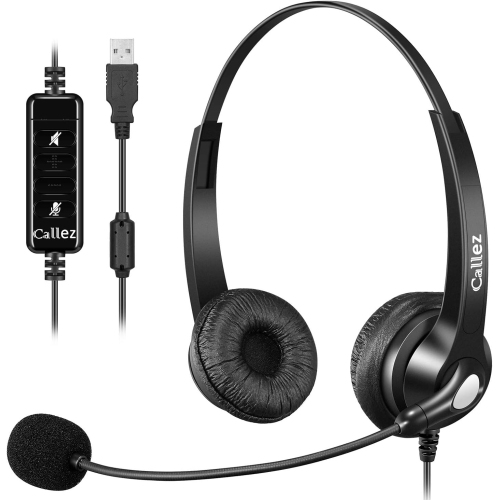
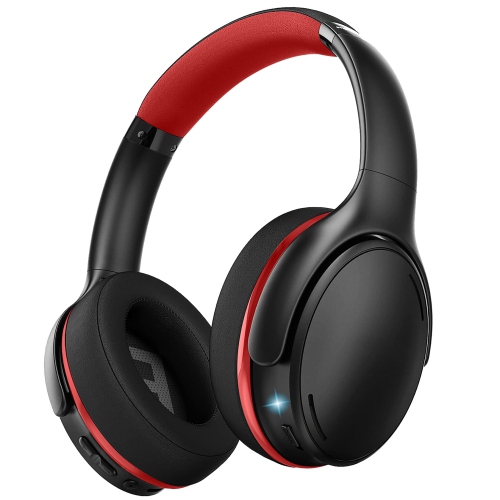
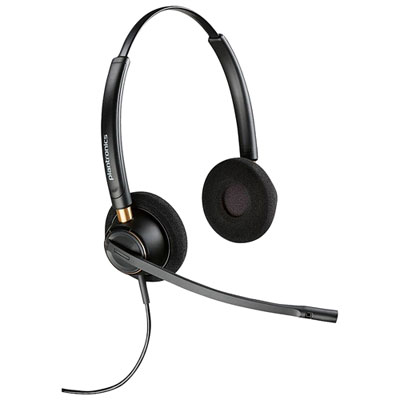
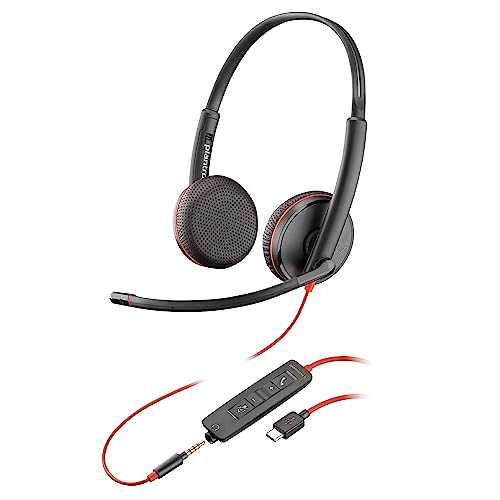
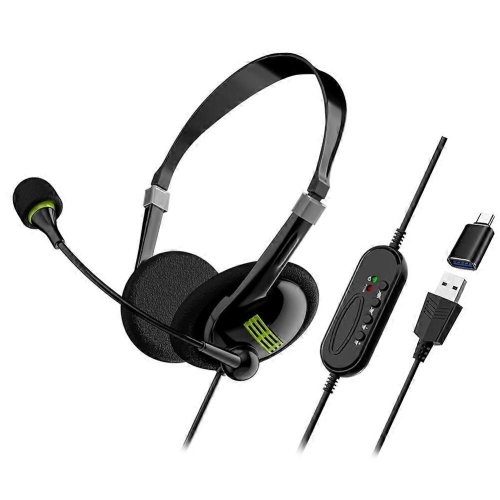
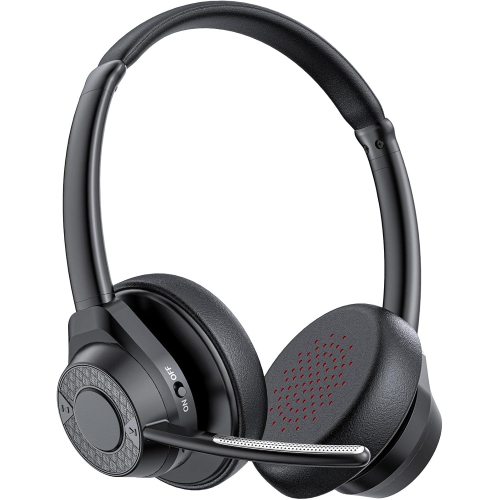
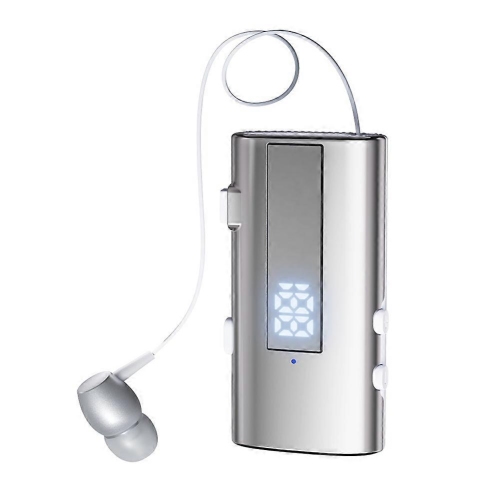
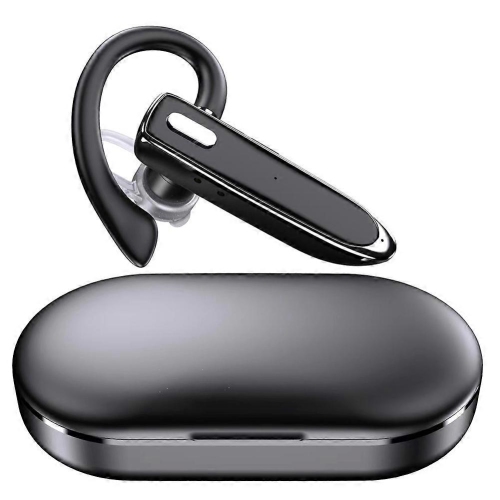
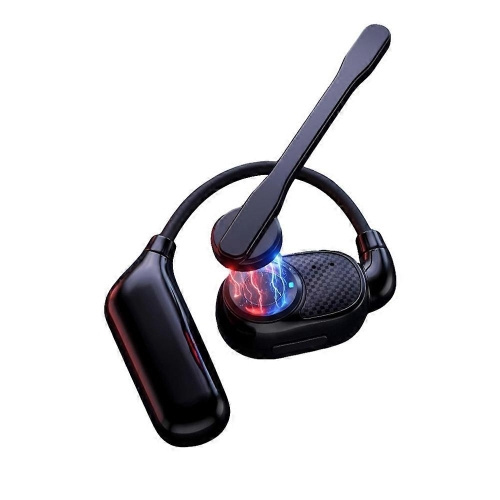
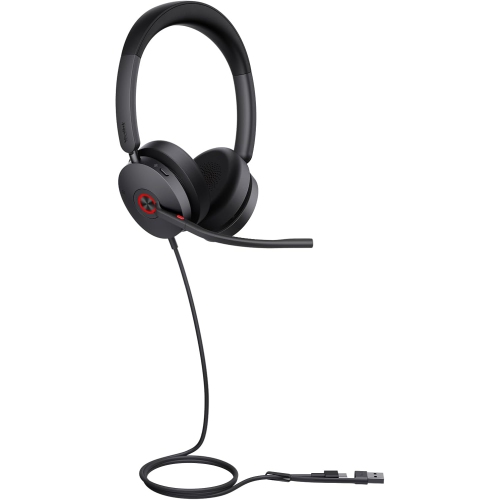
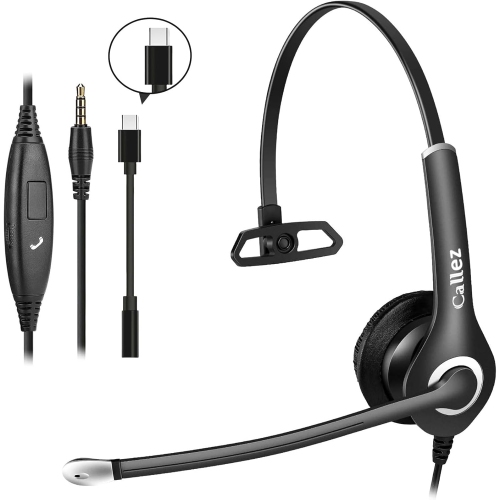
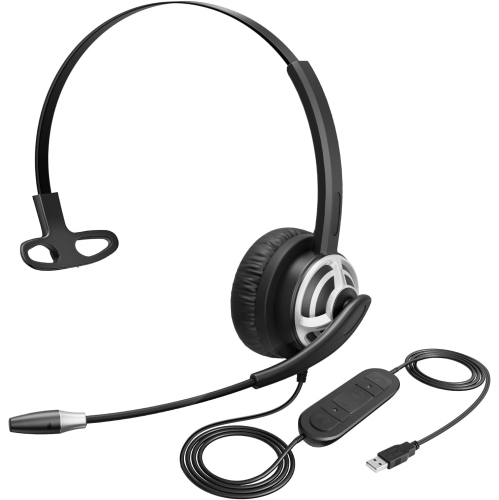
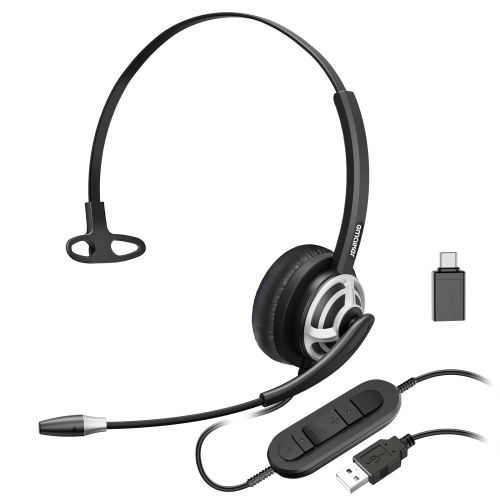
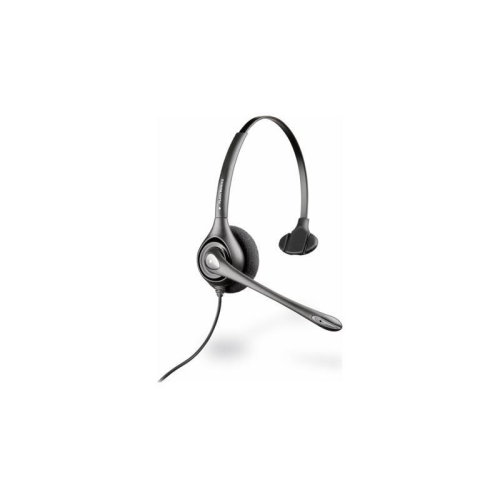
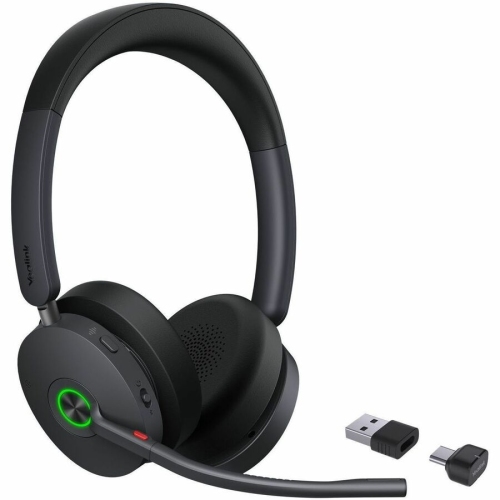
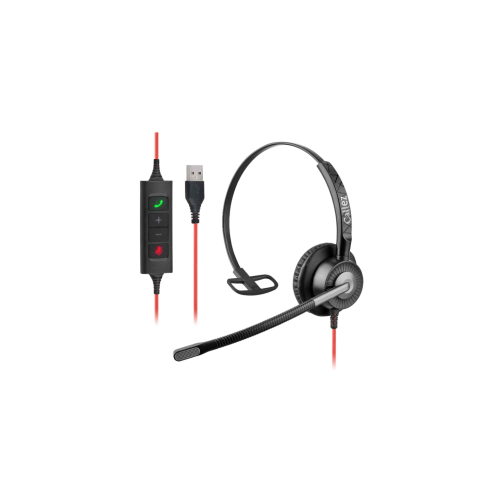
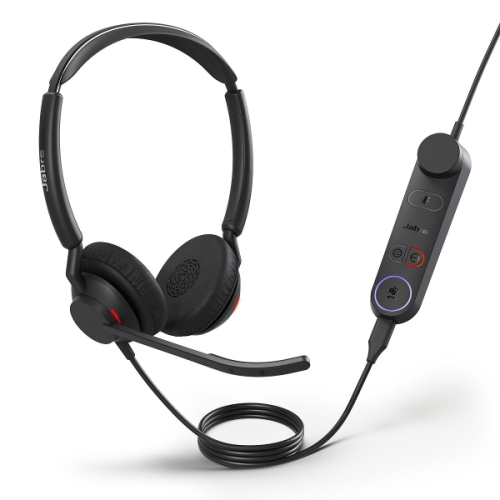
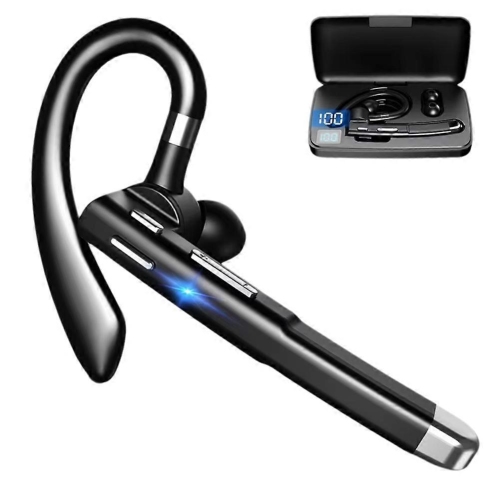
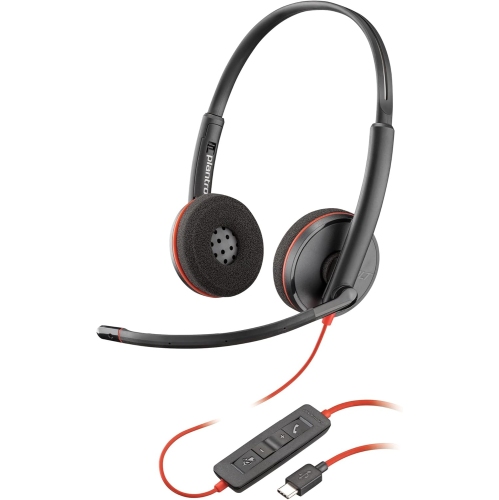
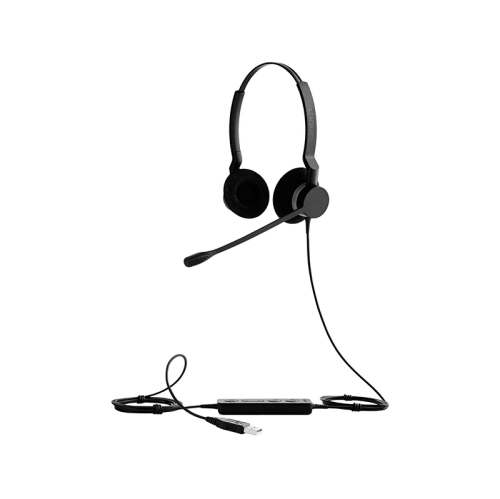
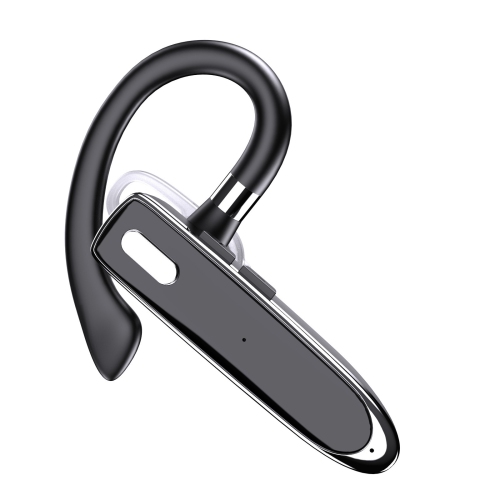
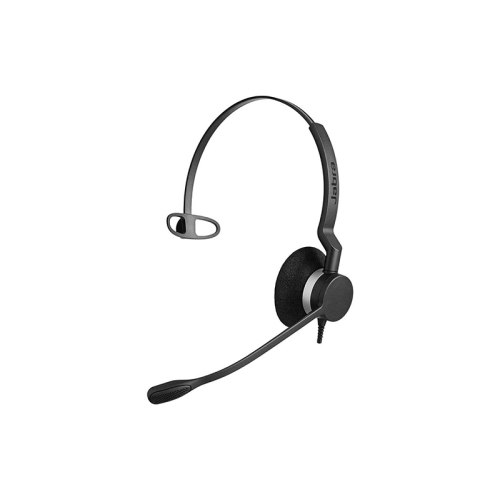
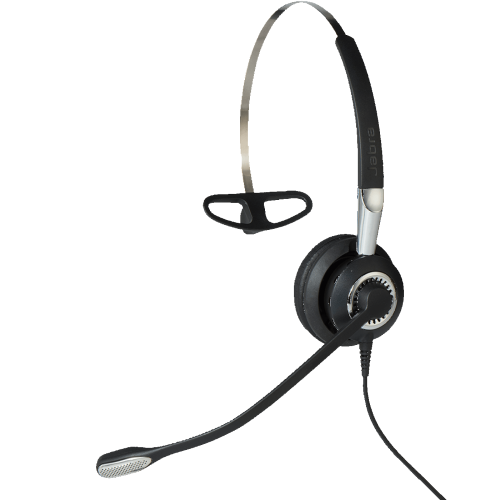
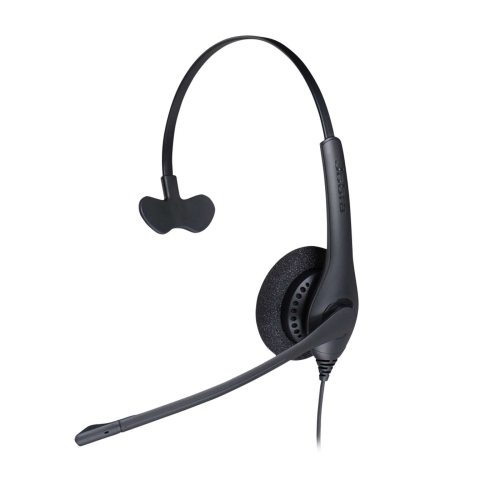
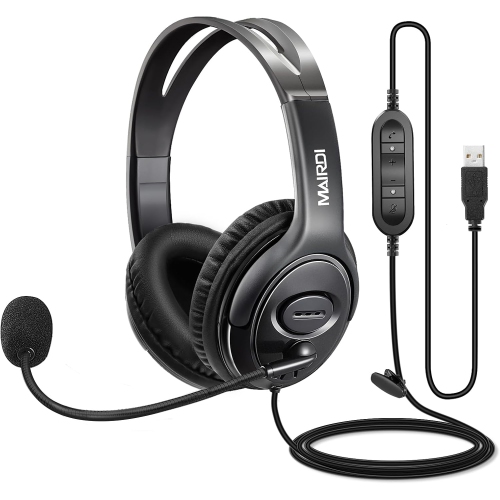
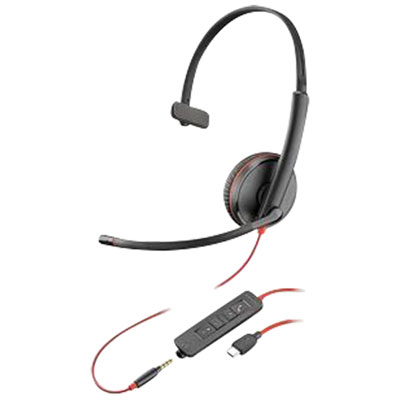
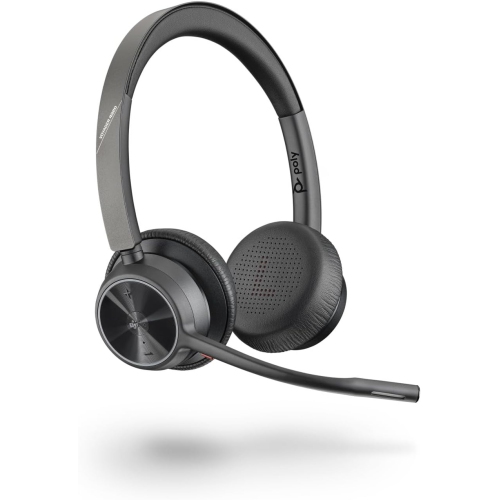
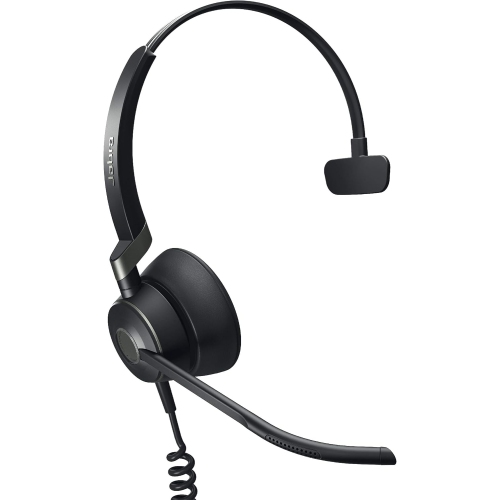
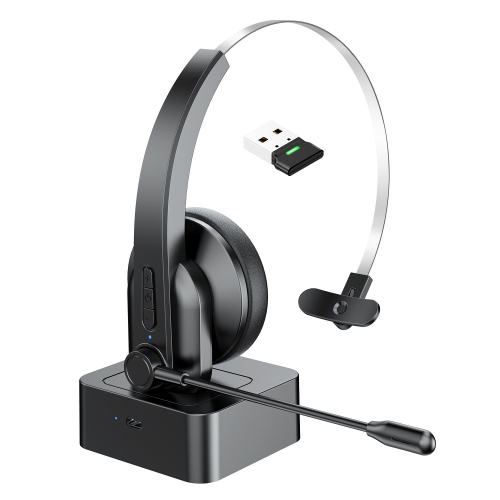
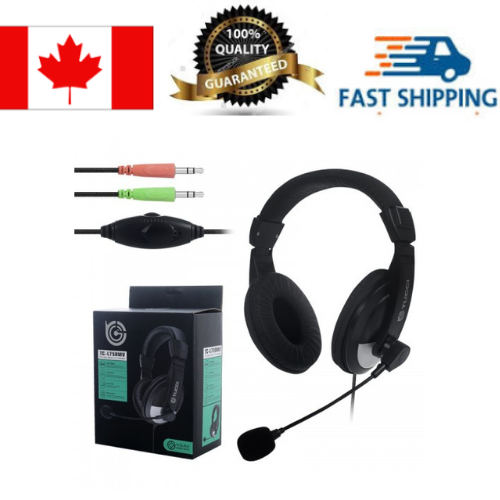
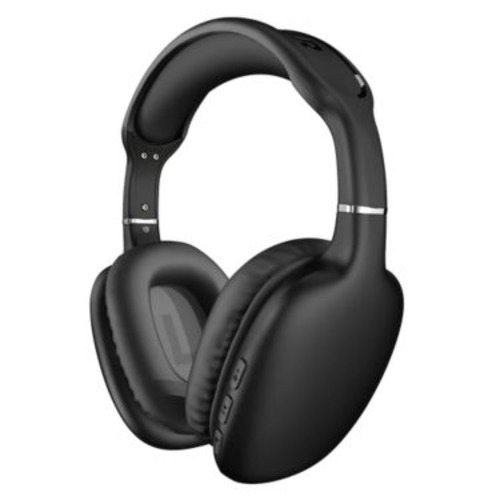
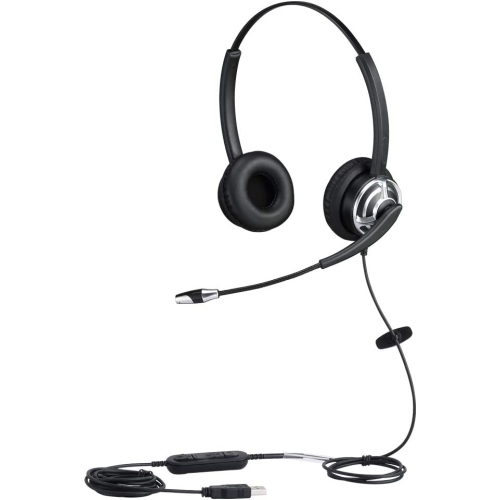
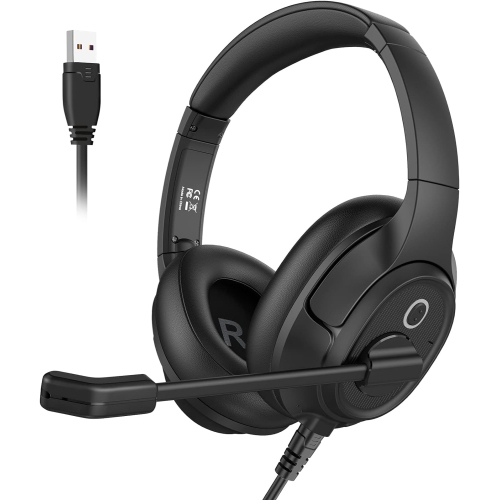
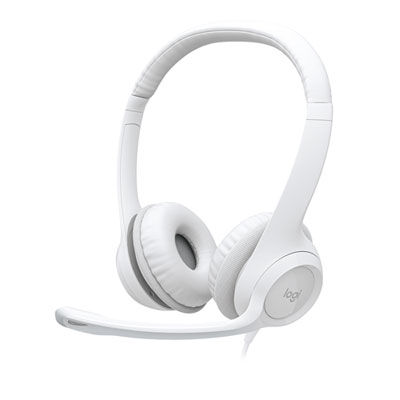
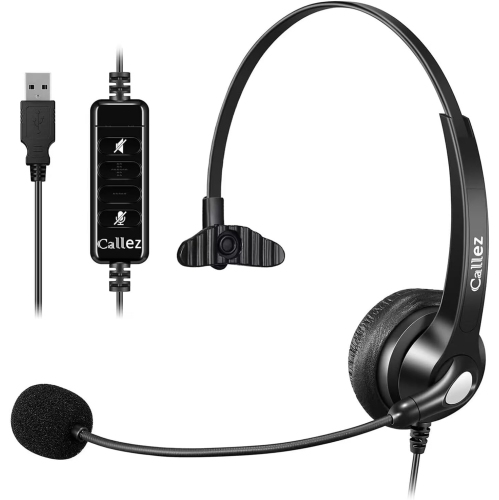
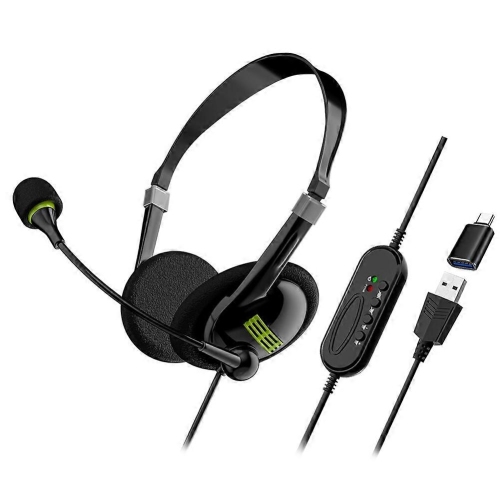
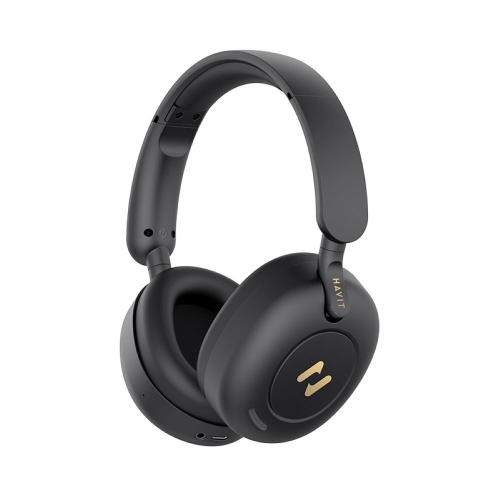
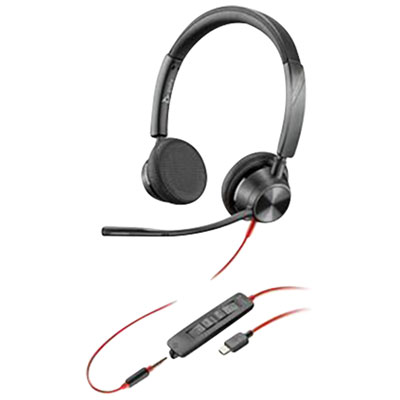
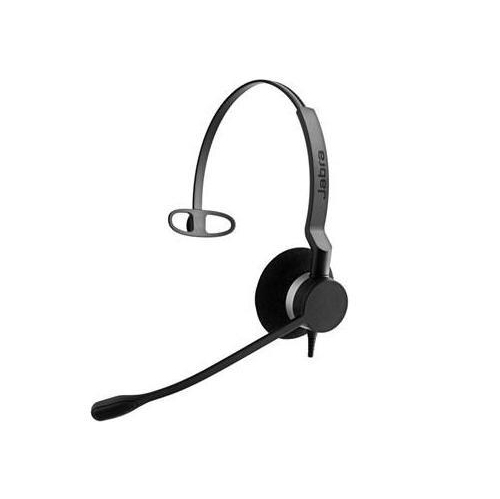
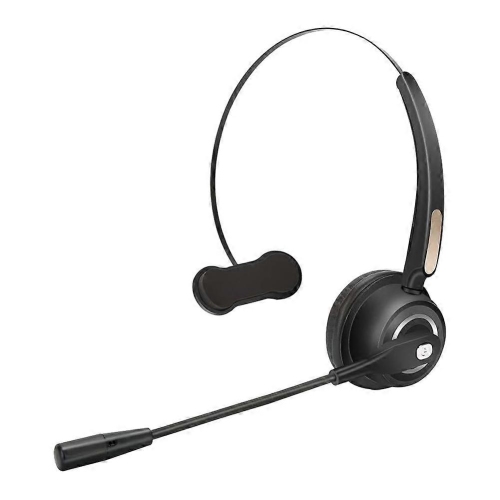
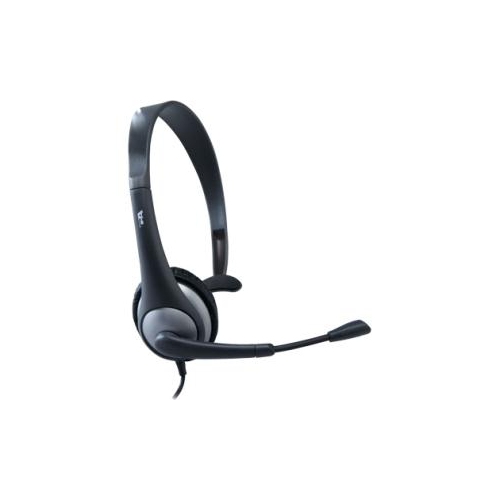
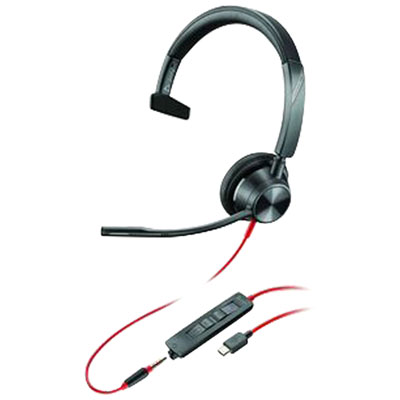
Headphones for business calls are designed to make conversations clearer, more comfortable, and easier to manage throughout the workday. They can be useful in a dedicated home office, a shared workspace, a busy workplace, or any setting where background sound competes with the person speaking. A well-designed headset typically combines cushioned ear cups or ear pads with a microphone positioned close to the mouth, helping your voice sound more direct and natural than it might through a laptop’s built-in microphone. This can make a noticeable difference when discussing project details, meeting with customers, interviewing candidates, or joining a video conference from a kitchen table while the rest of the household carries on nearby. Some models use a physical boom microphone that can be moved into place for calls and folded away when listening to music or watching training videos. A boom mic is often a practical choice for busy environments because its position near your mouth can help reduce the impact of keyboard clicks, nearby conversations, pets, and other everyday sounds. Other headphones use microphones built into the ear cups, offering a cleaner, less noticeable design that suits professionals who move between calls and general computer work. When browsing this selection, consider whether you prefer an on-ear or over-ear fit, as well as how long you typically wear your headphones at a time. On-ear designs can feel light and compact, while over-ear ear cups may provide more passive sound isolation and a spacious fit. Cushioned headbands, adjustable sliders, rotating ear cups, and a balanced weight can all contribute to comfort during long meetings. People who wear glasses may want to look for softer ear cushions and moderate clamping pressure, since a tight fit around the temples can become uncomfortable over several hours. Those who regularly travel between meeting rooms or work from different locations may prefer a foldable design, a carrying case, or a headset that can switch easily between wireless and wired use.
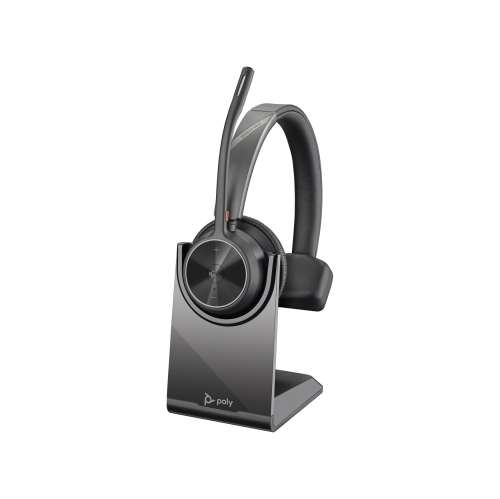
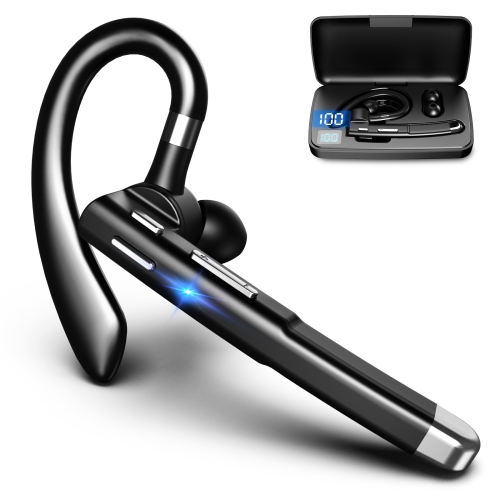
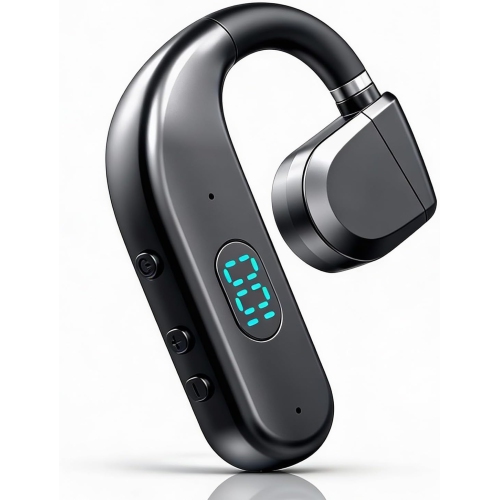
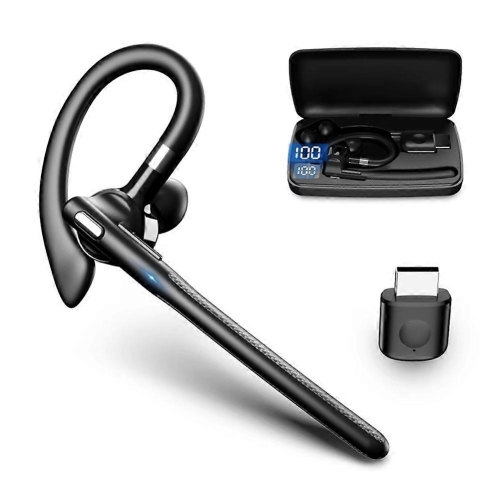
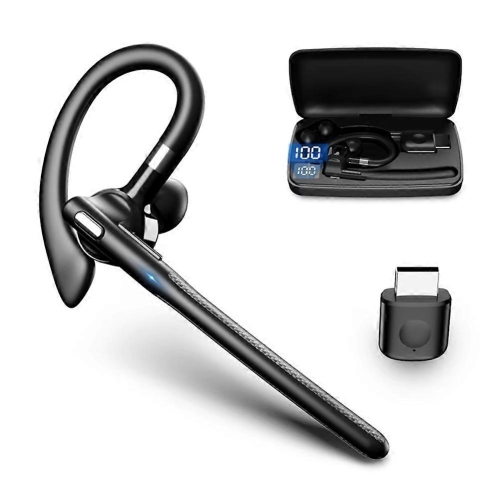
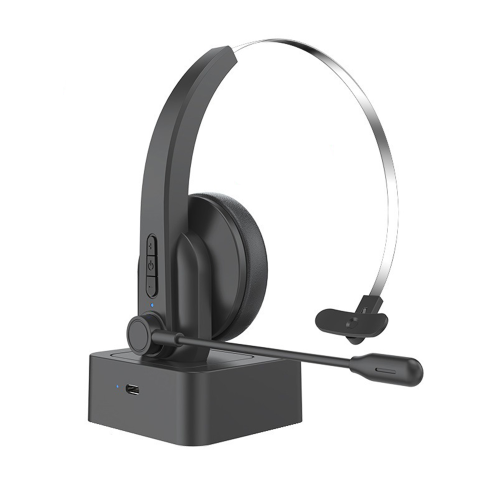
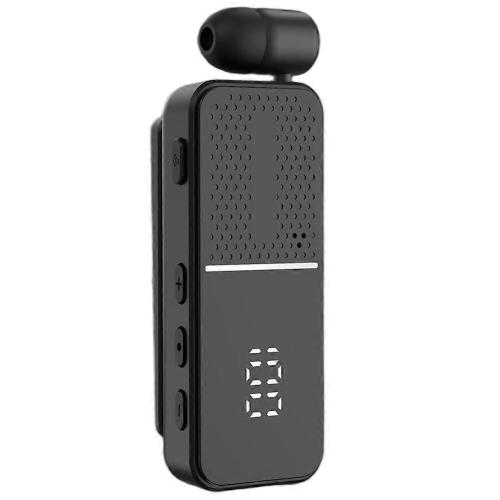
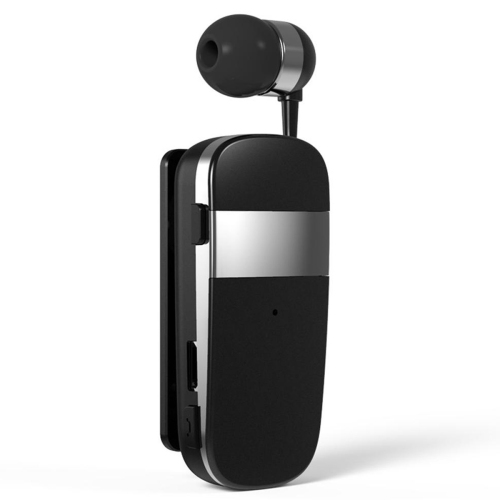
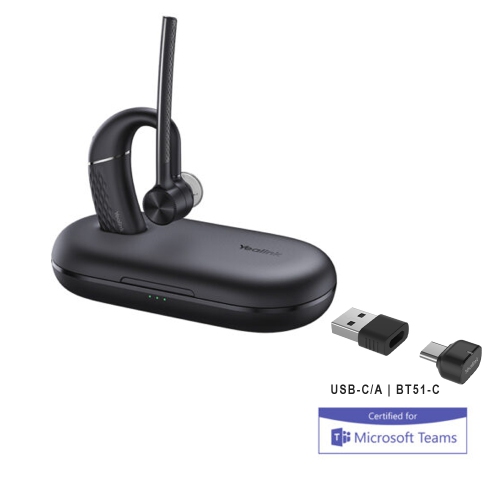
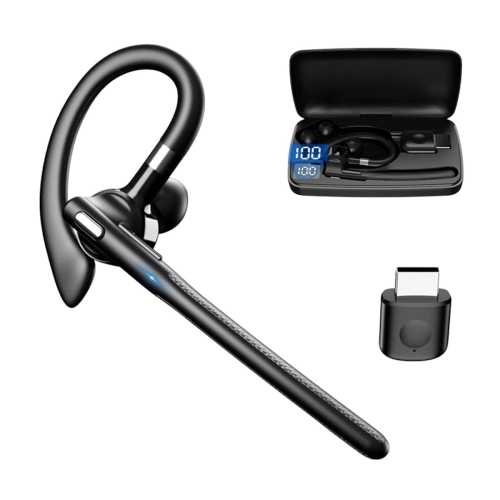
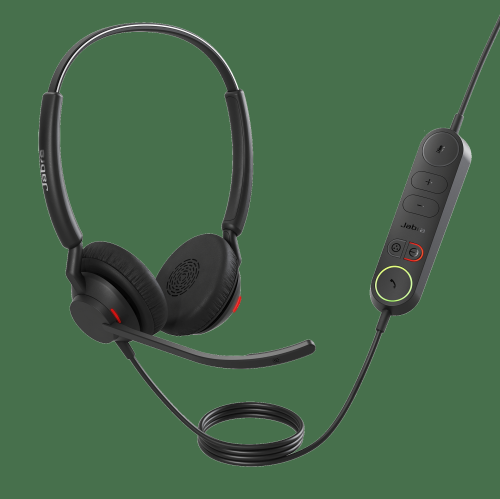
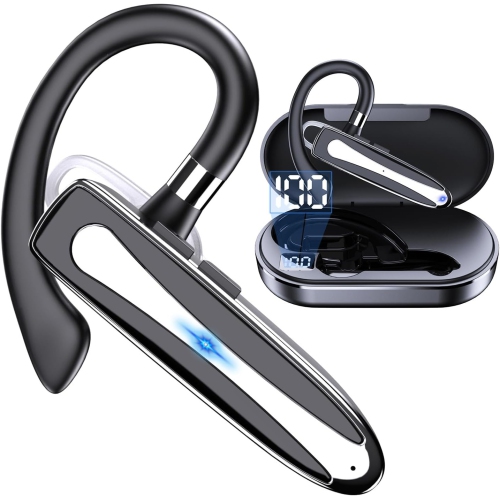
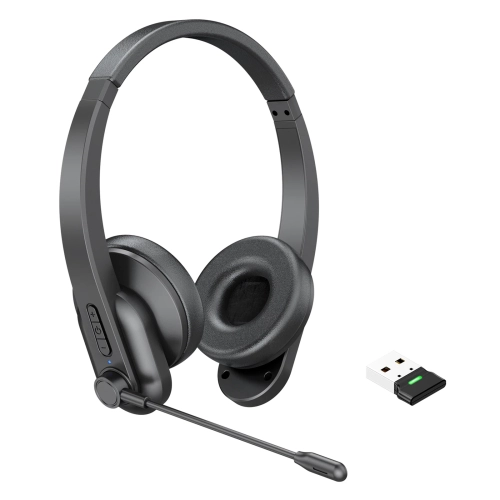
Connection options are another important part of choosing headphones for business calls. Bluetooth headphones can connect wirelessly to a laptop, tablet, or smartphone, helping keep your desk clear and making it easier to step away from the computer during a call. Bluetooth multipoint is especially useful for people who keep a computer and phone connected at the same time, since it can allow the headset to move between a video meeting and an incoming mobile call without requiring repeated pairing. A dedicated USB dongle can provide a more straightforward connection with a computer and may be helpful for workplaces that use calling and collaboration platforms such as Zoom, Microsoft Teams, Google Meet, or other web-based services. Before purchasing, check that the headset’s connection type works with your computer, phone, docking station, and any workplace equipment you plan to use. Some wireless models include a USB charging cable, while others may support a wired USB or 3.5 mm connection for situations where battery power is low. Battery life matters most for people who spend much of the day in meetings, travel frequently, or do not want to recharge between calls. Look for convenient charging features, clear battery indicators, and controls that are easy to find without taking the headset off. Dedicated buttons for answering calls, adjusting volume, activating mute, and switching between listening modes can help you stay focused on the conversation. A rotating or lift-to-mute microphone can be useful when you need to speak briefly to someone nearby, while a visible mute indicator can reduce the chance of accidentally continuing a private side conversation. Active noise cancellation can lower steady sounds such as air conditioning, traffic, or office equipment, making it easier to concentrate on the voice coming through the headset. It does not remove every sound, and it is not a replacement for a good microphone, but it can make a shared or unpredictable environment feel calmer. For people who need awareness of their surroundings, an adjustable transparency or ambient listening mode can help them hear a doorbell, colleague, or family member without removing the headphones.
The right headphones for business calls can be a practical addition to a home office setup, a thoughtful gift for a student entering a co-op placement, or a useful upgrade for someone who works in customer service, sales, administration, education, technology, or remote support. They can also suit professionals who divide their time between a private office and communal spaces during the warmer and cooler parts of the year. A person who spends mornings on video meetings, afternoons reviewing documents, and evenings catching up with clients may appreciate a headset that remains comfortable across changing tasks. Someone who works in an open office may value strong voice pickup and a focused listening mode, while a mobile worker may prioritize a lightweight fit, long battery life, and reliable switching between devices. For occasional calls, a simple wired headset can offer dependable plug-and-play convenience without charging or pairing. For daily use, wireless freedom, comfortable padding, multipoint connectivity, and a clear microphone may justify choosing a more advanced design. If calls involve confidential information, consider how much sound leaks from the ear cups and whether the microphone picks up voices from nearby desks. If several people will share the equipment, easy-to-clean surfaces, adjustable fittings, and a replaceable or removable microphone component can be worthwhile considerations. Browsing a wider selection of Headphones for Calls can help you compare styles suited to different work routines, from compact on-ear headsets for quick conversations to cushioned over-ear models intended for extended meeting schedules. Before settling on a pair, think about the rooms where calls usually take place, the devices used to join them, the amount of movement involved, and whether comfort or portability matters most. Matching those everyday details to the headset’s microphone design, connection options, controls, fit, and battery performance can make business calls sound more polished while making the workday feel a little less interrupted.
Connection options are another important part of choosing headphones for business calls. Bluetooth headphones can connect wirelessly to a laptop, tablet, or smartphone, helping keep your desk clear and making it easier to step away from the computer during a call. Bluetooth multipoint is especially useful for people who keep a computer and phone connected at the same time, since it can allow the headset to move between a video meeting and an incoming mobile call without requiring repeated pairing. A dedicated USB dongle can provide a more straightforward connection with a computer and may be helpful for workplaces that use calling and collaboration platforms such as Zoom, Microsoft Teams, Google Meet, or other web-based services. Before purchasing, check that the headset’s connection type works with your computer, phone, docking station, and any workplace equipment you plan to use. Some wireless models include a USB charging cable, while others may support a wired USB or 3.5 mm connection for situations where battery power is low. Battery life matters most for people who spend much of the day in meetings, travel frequently, or do not want to recharge between calls. Look for convenient charging features, clear battery indicators, and controls that are easy to find without taking the headset off. Dedicated buttons for answering calls, adjusting volume, activating mute, and switching between listening modes can help you stay focused on the conversation. A rotating or lift-to-mute microphone can be useful when you need to speak briefly to someone nearby, while a visible mute indicator can reduce the chance of accidentally continuing a private side conversation. Active noise cancellation can lower steady sounds such as air conditioning, traffic, or office equipment, making it easier to concentrate on the voice coming through the headset. It does not remove every sound, and it is not a replacement for a good microphone, but it can make a shared or unpredictable environment feel calmer. For people who need awareness of their surroundings, an adjustable transparency or ambient listening mode can help them hear a doorbell, colleague, or family member without removing the headphones.
The right headphones for business calls can be a practical addition to a home office setup, a thoughtful gift for a student entering a co-op placement, or a useful upgrade for someone who works in customer service, sales, administration, education, technology, or remote support. They can also suit professionals who divide their time between a private office and communal spaces during the warmer and cooler parts of the year. A person who spends mornings on video meetings, afternoons reviewing documents, and evenings catching up with clients may appreciate a headset that remains comfortable across changing tasks. Someone who works in an open office may value strong voice pickup and a focused listening mode, while a mobile worker may prioritize a lightweight fit, long battery life, and reliable switching between devices. For occasional calls, a simple wired headset can offer dependable plug-and-play convenience without charging or pairing. For daily use, wireless freedom, comfortable padding, multipoint connectivity, and a clear microphone may justify choosing a more advanced design. If calls involve confidential information, consider how much sound leaks from the ear cups and whether the microphone picks up voices from nearby desks. If several people will share the equipment, easy-to-clean surfaces, adjustable fittings, and a replaceable or removable microphone component can be worthwhile considerations. Browsing a wider selection of Headphones for Calls can help you compare styles suited to different work routines, from compact on-ear headsets for quick conversations to cushioned over-ear models intended for extended meeting schedules. Before settling on a pair, think about the rooms where calls usually take place, the devices used to join them, the amount of movement involved, and whether comfort or portability matters most. Matching those everyday details to the headset’s microphone design, connection options, controls, fit, and battery performance can make business calls sound more polished while making the workday feel a little less interrupted.
Top selling and popular products
-
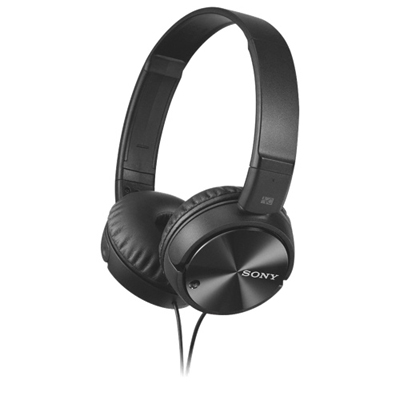 Your price for this item is $59.99
 -
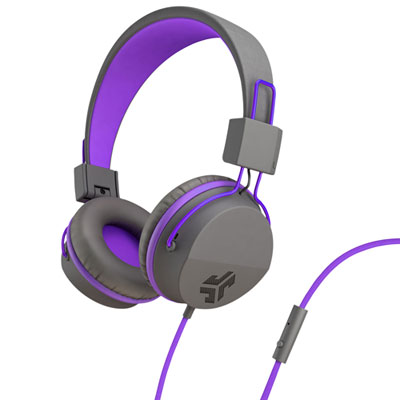 Your price for this item is $19.99
 -
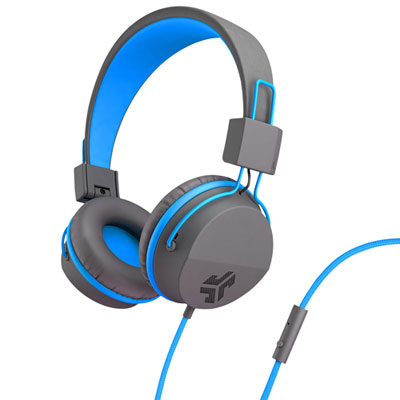 Your price for this item is $19.99
 -
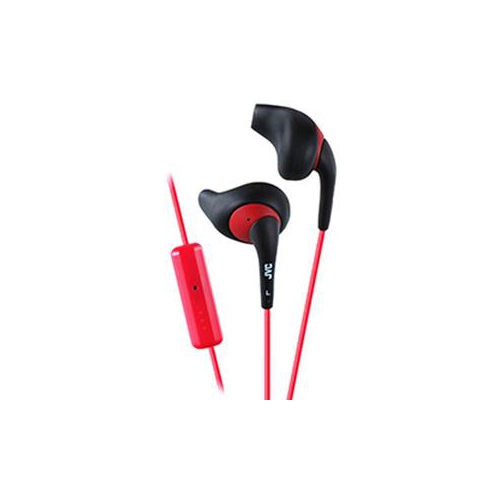 Your price for this item is $41.98
 -
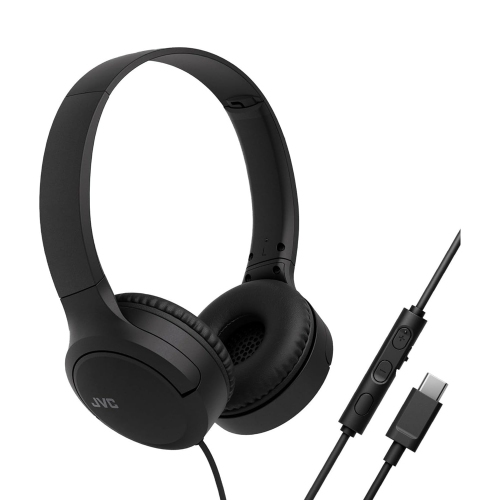 Your price for this item is $47.76
 -
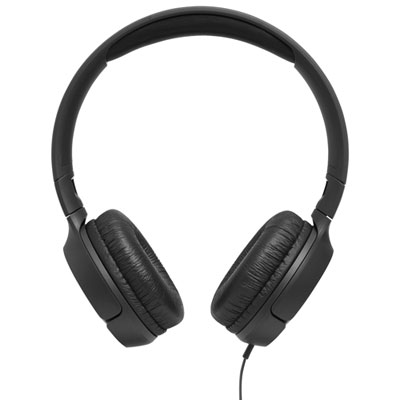 Your price for this item is $44.99
 -
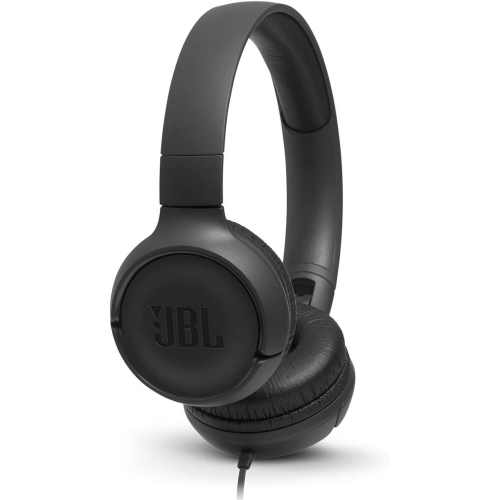 Your price for this item is $39.99
 -
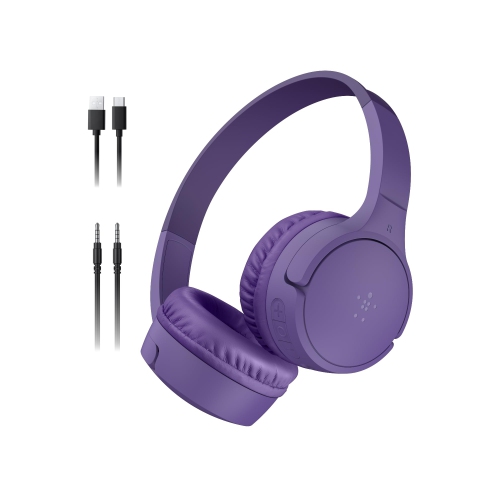 Your price for this item is $71.99
Discover more categories related to Headphones for Business Calls
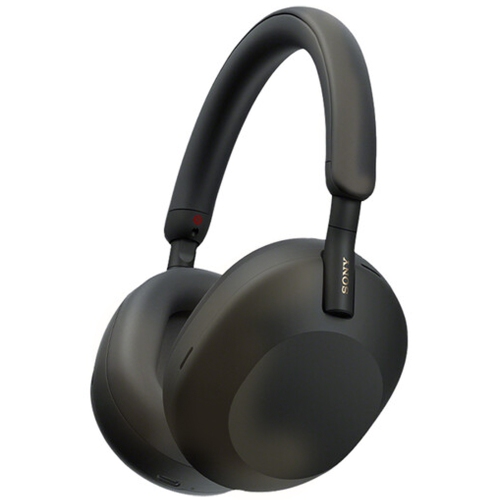
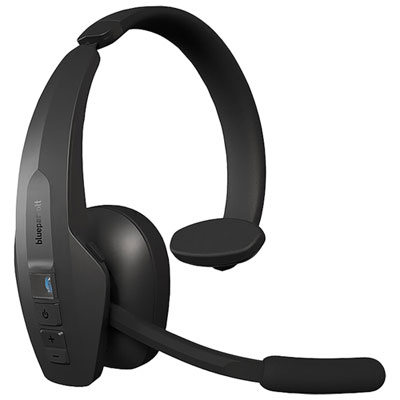
Top Collections:
Pokemon Centers, Kindle Devices, Best Budget Office Chairs, Canon G7X Cameras, Apple iPhones 16, Samsung Galaxy Phones, Refurbished Apple Laptops, Laptops for Students, iPhone 15 Apple, Budget Smartphones
Some products may be subject to Environmental Handling Fees
(EHF) depending on your province.
Learn more about EHFs.