Adjustable Keyboard Risers
Enhance your workspace with an adjustable keyboard riser, designed to help you create a more comfortable and organized desk setup. Ideal for both home offices and professional environments, these versatile accessories make it easy to find the perfect typing position. Discover options that fit seamlessly with a variety of desks and workstations, supporting your productivity throughout the day. Explore our selection to find the right adjustable keyboard riser for your needs.
Sort
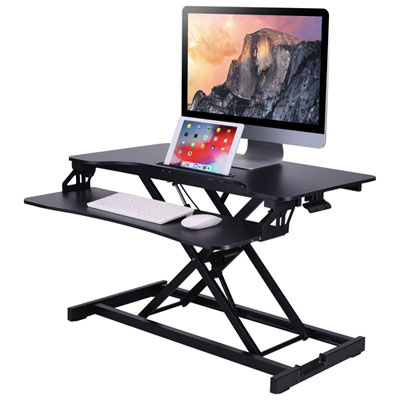
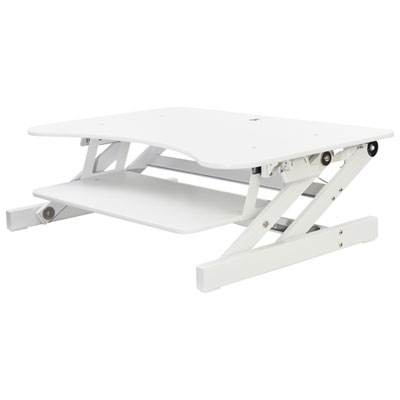
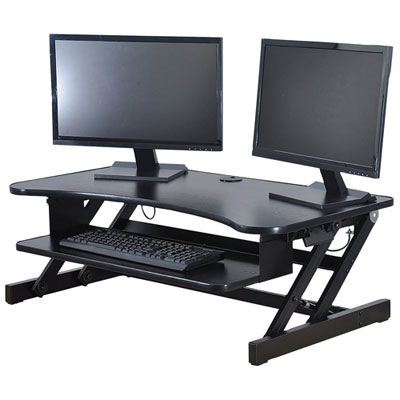
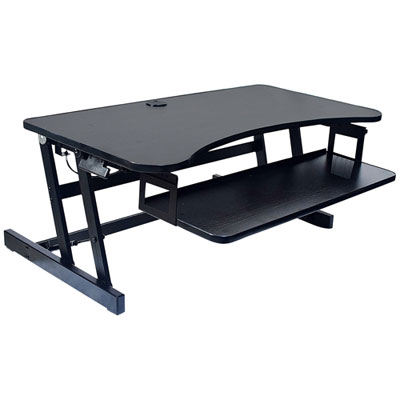
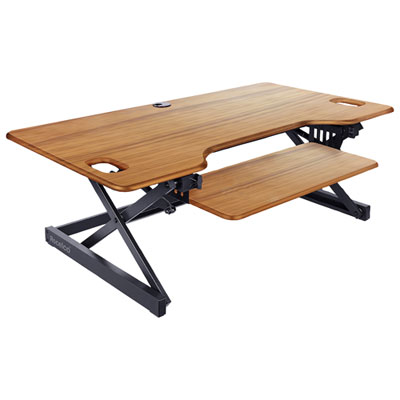
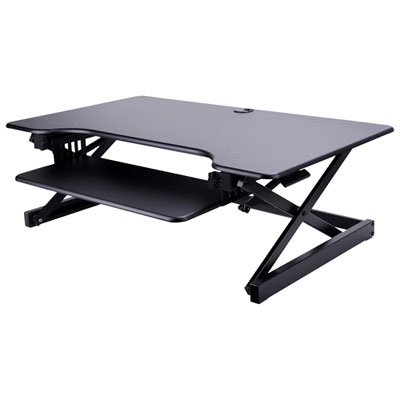

Comfortable typing takes more than extra keyboard height
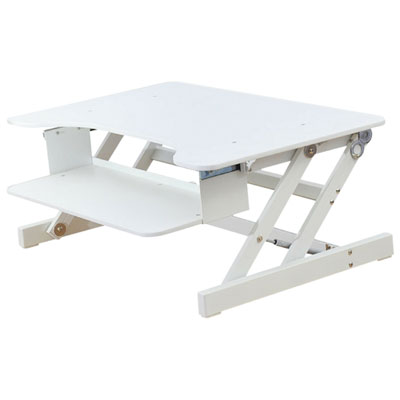
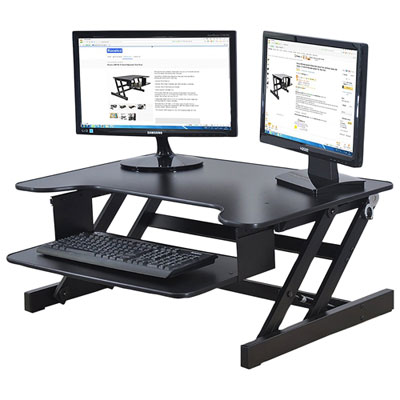
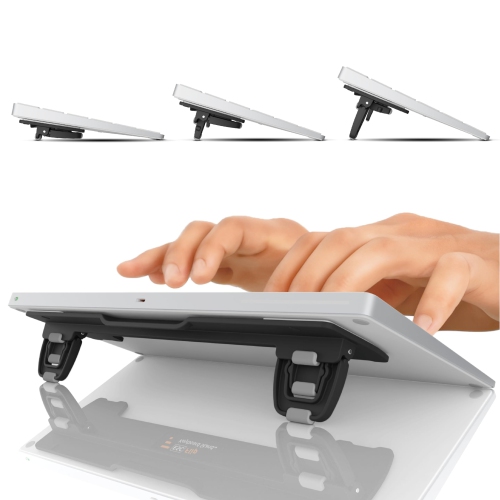
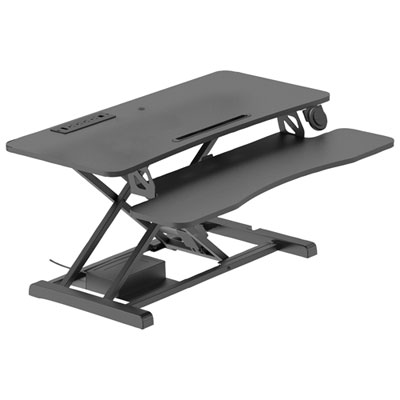
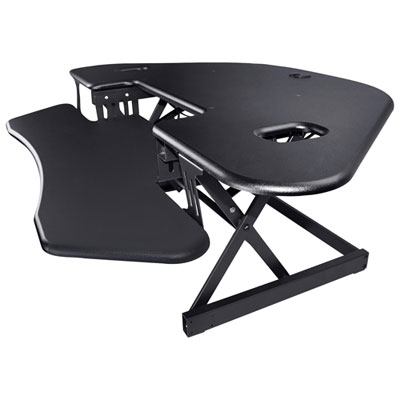
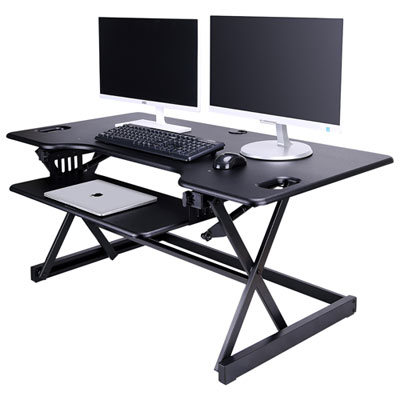
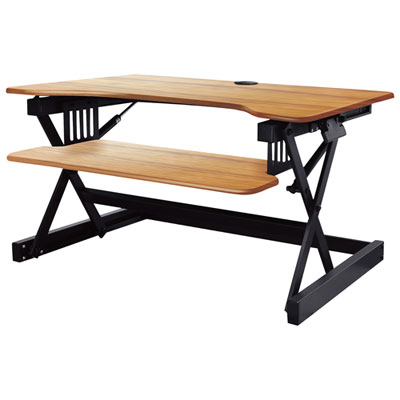
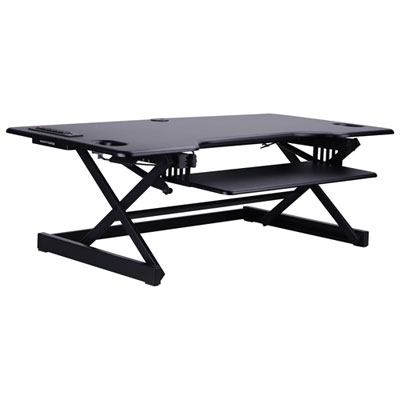
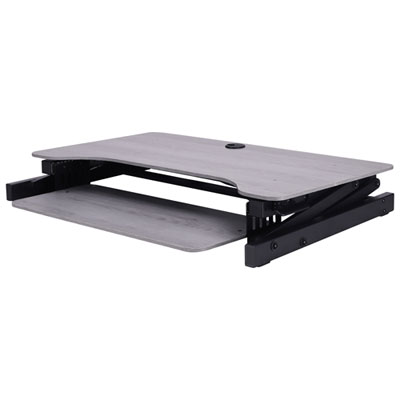
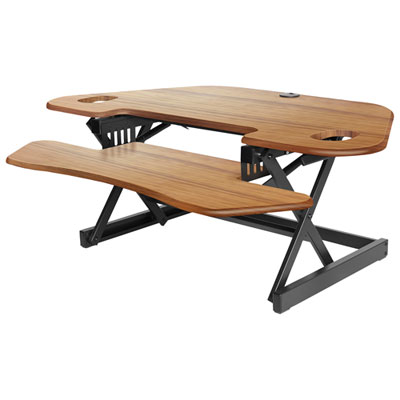
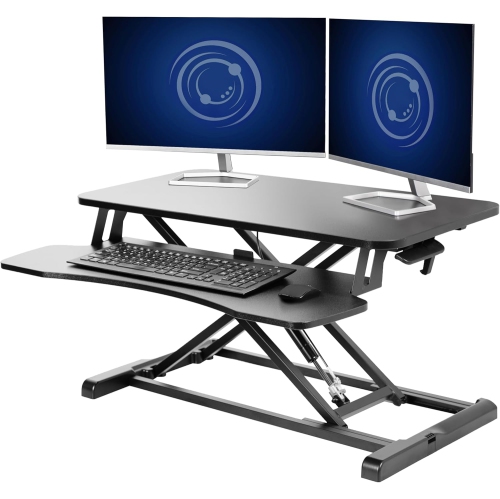
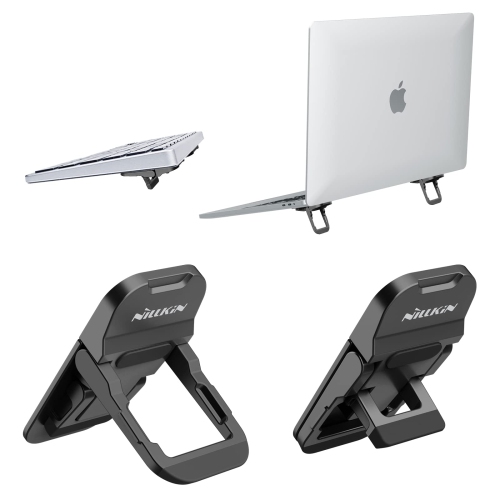
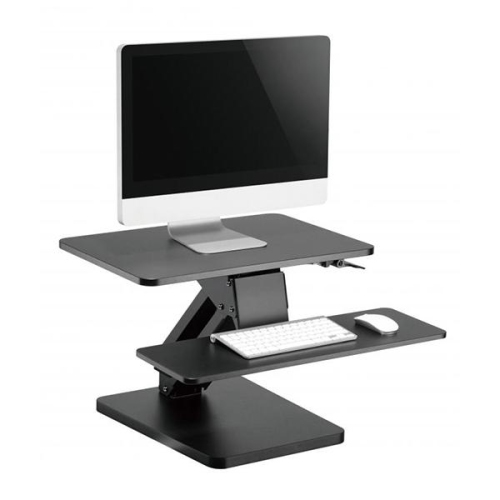
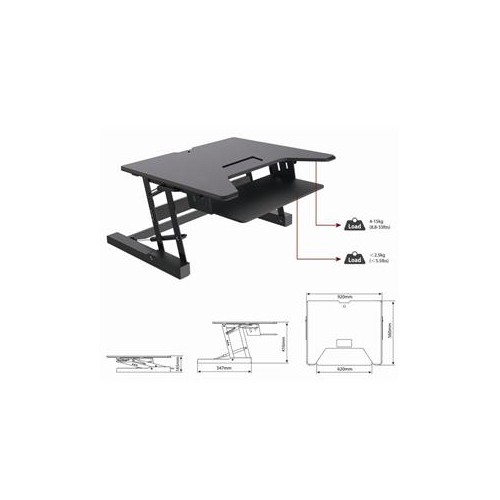
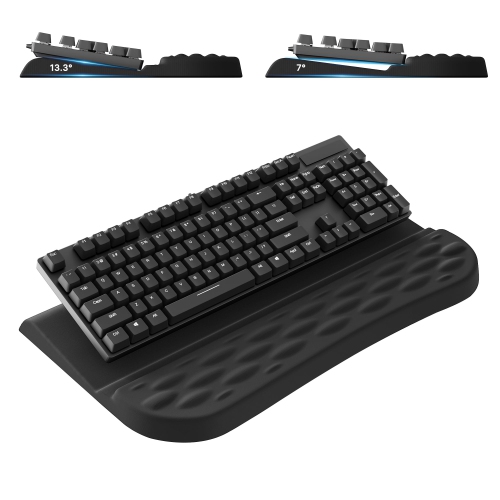
Adjustable keyboard risers raise or tilt a computer keyboard to help position the keys at a comfortable height and angle for typing. They range from compact adjustable feet that sit beneath the keyboard to wider desktop platforms that support both a keyboard and mouse. The right shape depends on what needs to change: a small tilt adjustment, extra clearance beneath the keyboard, or a higher typing surface for a particular desk setup. Compact feet and folding supports suit people who already have a suitable desk height but want more control than the keyboard’s built-in legs provide. Some attach directly to the keyboard, while others form a separate stand that can be moved between work surfaces. Larger platforms may offer several height settings, with lift mechanisms that keep the typing surface level as it rises. These can be useful when alternating between tasks or sharing a workstation with someone who prefers a different keyboard position. Height and tilt serve different purposes, though, and a steeper angle is not automatically more comfortable. Raising the back of a keyboard can bend the wrists upward, particularly when the desk is already high relative to the chair. A flatter position, or a slight downward slope where supported by the design, may better suit someone whose forearms are already level with the desktop. Comfortable positioning generally allows the shoulders to relax, the elbows to stay near the body, and the wrists to remain reasonably straight rather than sharply bent. An under-desk keyboard tray is a related but different solution: it places the keyboard beneath the work surface and may be more suitable when the existing desktop is too high. A keyboard riser cannot correct every workstation mismatch, but it can provide a useful adjustment when the chair, screen, and desk are otherwise well suited to the person using them. The aim is a usable typing position, not simply the greatest possible lift.
Fit involves more than the width of the keyboard. A full-size layout with a number pad needs more support than a compact layout, and a separate wrist rest adds depth to the footprint. Split keyboards may need a broad, continuous platform or supports designed to accommodate their separate sections without rocking. The underside matters, too: curved housings, battery compartments, existing feet, and cable channels can affect where a support makes contact. A stable riser supports the keyboard without blocking switches, ports, or charging connections. For a platform that also holds a mouse, enough room for ordinary pointer movements is just as important as space for the keyboard itself. Someone working across a large screen may use a wider mouse sweep than someone entering figures in a spreadsheet, so a narrow shared platform can feel restrictive even when both devices technically fit. Materials influence the feel and appearance of the setup. Metal frames can provide rigidity, moulded plastic can keep a portable support light, and clear acrylic can look unobtrusive on a small desktop. Wood and wood-based surfaces offer another finish, though their edges and coatings need protection from moisture. Material alone does not determine durability; sound joints, secure adjustment points, and a base that stays planted during typing are equally important. Rubber or silicone contact pads can help limit sliding and protect the desktop, provided the pads and surface are kept clean. On adjustable platforms, the locking mechanism should hold its position without gradual movement under normal typing pressure. Any stated load limit applies to the total weight being supported, including the keyboard, mouse, and other permitted accessories. Clearance around a lifting mechanism also matters, especially on a shallow work surface with a monitor stand behind it. A platform needs room to move through its adjustment range without catching cables, striking nearby equipment, or extending so far forward that it crowds the seated user. Rounded edges and an unobstructed front edge can also make a noticeable difference during longer stretches at the desk.
Everyday use often reveals which details matter most. For someone writing reports, a firm platform that does not bounce under the space bar may be more valuable than a large range of heights. A person who switches between a laptop and a separate keyboard may appreciate a support that folds away without leaving a bulky frame across the desktop. Shared workstations benefit from adjustments that are easy to repeat, while a dedicated home office may favour a wider platform that keeps the keyboard and mouse on the same level. Keeping those devices close together can help avoid reaching out to the side, particularly when a full-size keyboard occupies much of the available width. Cables need enough slack for the highest intended position, but not so much that loose loops catch in hinges or hang across leg space. Wireless devices remove that particular cable concern, although charging access still deserves attention. For a broader change that raises a monitor and typing area together, Adjustable Height Desk Risers provide a related option rather than relying on a keyboard-only support. With either approach, screen height and viewing distance remain separate considerations from the position of the keys. Care is usually straightforward and should follow the material and mechanism instructions. A soft cloth removes everyday dust; where permitted, a lightly dampened cloth can lift marks without soaking joints, pads, or adhesive areas. Abrasive cleaners can scratch clear surfaces or damage finishes, and moving parts should remain free of crumbs and other debris. Folding supports are best transported closed, with adjustment pieces protected from pressure inside a bag. Over time, checking for loose fasteners, worn grip pads, or a lock that no longer holds firmly helps maintain a dependable typing surface. As a practical gift for a student, writer, programmer, or home-office user, an adjustable keyboard riser is most useful when its dimensions and adjustment style match the recipient’s existing setup and typing preferences.
Fit involves more than the width of the keyboard. A full-size layout with a number pad needs more support than a compact layout, and a separate wrist rest adds depth to the footprint. Split keyboards may need a broad, continuous platform or supports designed to accommodate their separate sections without rocking. The underside matters, too: curved housings, battery compartments, existing feet, and cable channels can affect where a support makes contact. A stable riser supports the keyboard without blocking switches, ports, or charging connections. For a platform that also holds a mouse, enough room for ordinary pointer movements is just as important as space for the keyboard itself. Someone working across a large screen may use a wider mouse sweep than someone entering figures in a spreadsheet, so a narrow shared platform can feel restrictive even when both devices technically fit. Materials influence the feel and appearance of the setup. Metal frames can provide rigidity, moulded plastic can keep a portable support light, and clear acrylic can look unobtrusive on a small desktop. Wood and wood-based surfaces offer another finish, though their edges and coatings need protection from moisture. Material alone does not determine durability; sound joints, secure adjustment points, and a base that stays planted during typing are equally important. Rubber or silicone contact pads can help limit sliding and protect the desktop, provided the pads and surface are kept clean. On adjustable platforms, the locking mechanism should hold its position without gradual movement under normal typing pressure. Any stated load limit applies to the total weight being supported, including the keyboard, mouse, and other permitted accessories. Clearance around a lifting mechanism also matters, especially on a shallow work surface with a monitor stand behind it. A platform needs room to move through its adjustment range without catching cables, striking nearby equipment, or extending so far forward that it crowds the seated user. Rounded edges and an unobstructed front edge can also make a noticeable difference during longer stretches at the desk.
Everyday use often reveals which details matter most. For someone writing reports, a firm platform that does not bounce under the space bar may be more valuable than a large range of heights. A person who switches between a laptop and a separate keyboard may appreciate a support that folds away without leaving a bulky frame across the desktop. Shared workstations benefit from adjustments that are easy to repeat, while a dedicated home office may favour a wider platform that keeps the keyboard and mouse on the same level. Keeping those devices close together can help avoid reaching out to the side, particularly when a full-size keyboard occupies much of the available width. Cables need enough slack for the highest intended position, but not so much that loose loops catch in hinges or hang across leg space. Wireless devices remove that particular cable concern, although charging access still deserves attention. For a broader change that raises a monitor and typing area together, Adjustable Height Desk Risers provide a related option rather than relying on a keyboard-only support. With either approach, screen height and viewing distance remain separate considerations from the position of the keys. Care is usually straightforward and should follow the material and mechanism instructions. A soft cloth removes everyday dust; where permitted, a lightly dampened cloth can lift marks without soaking joints, pads, or adhesive areas. Abrasive cleaners can scratch clear surfaces or damage finishes, and moving parts should remain free of crumbs and other debris. Folding supports are best transported closed, with adjustment pieces protected from pressure inside a bag. Over time, checking for loose fasteners, worn grip pads, or a lock that no longer holds firmly helps maintain a dependable typing surface. As a practical gift for a student, writer, programmer, or home-office user, an adjustable keyboard riser is most useful when its dimensions and adjustment style match the recipient’s existing setup and typing preferences.
Top selling and popular products
-
 Your price for this item is $97.99
-
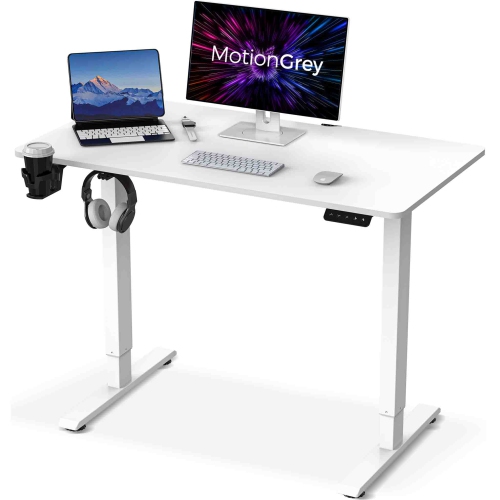 Your price for this item is $89.99
-
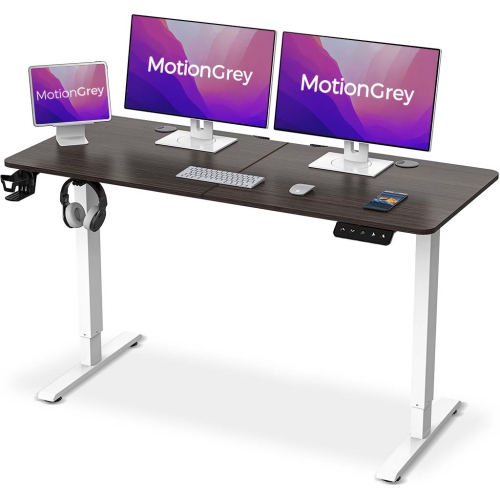 Your price for this item is $84.99
-
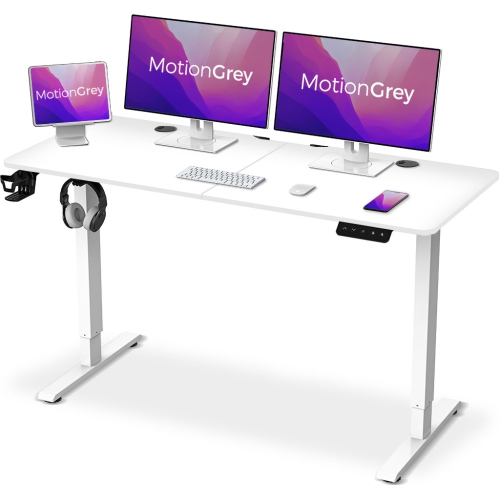 Your price for this item is $97.99
-
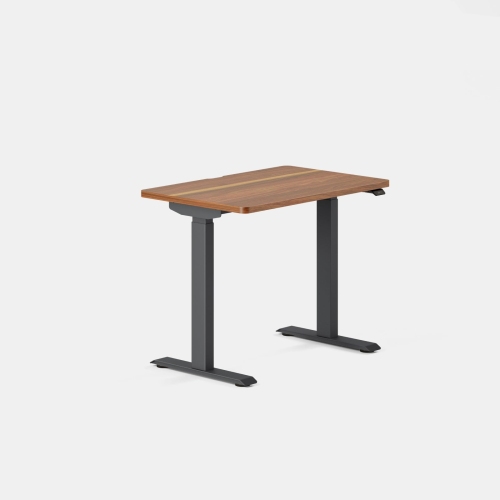 Your price for this item is $649
-
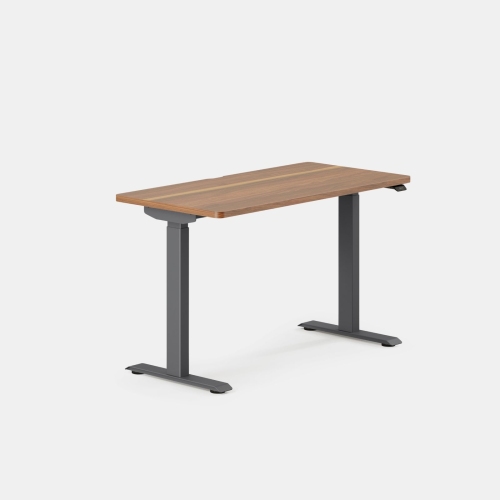 Your price for this item is $749
-
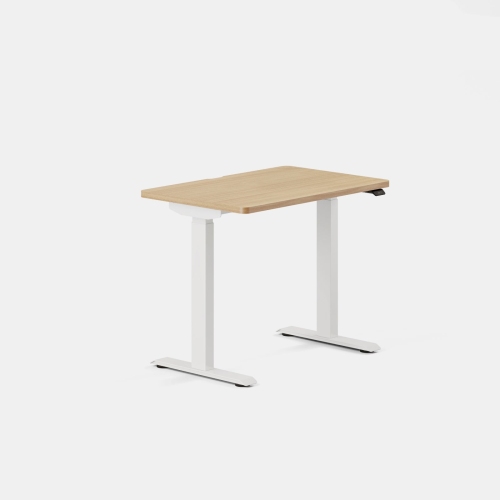 Your price for this item is $649
-
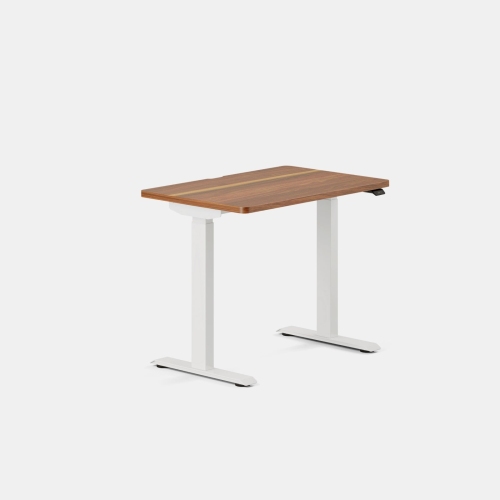 Your price for this item is $649
Discover more categories related to Adjustable Keyboard Risers
Top Collections:
Best Black Friday Deals This Year, Best Black Friday Deals On Electronics, Kindle Devices, Pokemon Centers, Best Black Friday Deals On Apple Products, Best Cameras for Sports Photography, Dyson Airwrap, Pokémon 30th Celebration Cards, Apple iPhone 17 Pro, Canon G7X Cameras
Some products may be subject to Environmental Handling Fees
(EHF) depending on your province.
Learn more about EHFs.