Best Gaming Chairs for Long Sitting
Find your next seat for marathon gaming sessions with our best gaming chairs for long sitting, ranked by user review ratings. As you compare options, look for adjustable lumbar support, cushioned seating, and flexible armrests to help you stay comfortable through extended play. Explore the list to find a chair that suits your setup, sitting preferences, and budget.
What to look for in gaming chairs for long sitting
1. Adjustable Back and Lumbar Support
2. Seat Size and Cushioning
3. Armrest and Desk Fit
4. Upholstery and Build Quality
-
1

WINGOMART Ergonomic High-Back Pu Faux Leather Gaming Chair w Built In Led Light, Office Chair W/ Lumbar Massage & Footrest High Back Adjustable
About this product
An ergonomic high-back PU faux leather chair featuring built-in LED lights, lumbar massage, and retractable footrest.
(1)$179.70Your price for this item is $179.70SAVE $320 -
2
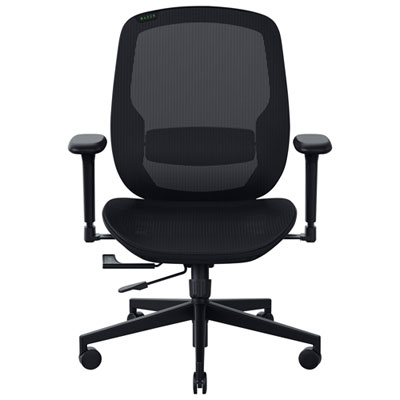
Razer Fujin Mesh Gaming Chair - Black - Exclusive Retail Partner
About this product
A black mesh gaming chair featuring breathable construction, synchro-tilt reclining, and adjustable lumbar support.
(4)$899.99 Your price for this item is $899.99 -
3
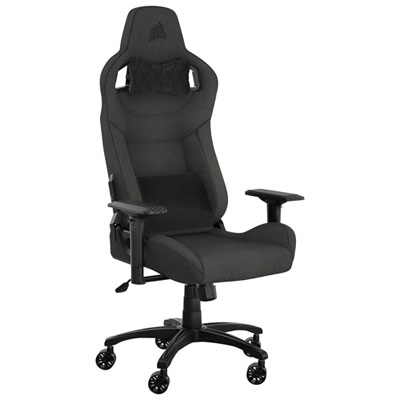
Corsair T3 Rush Fabric Ergonomic Gaming Chair (2023) - Charcoal
About this product
A charcoal ergonomic gaming chair with breathable fabric, adjustable neck cushion, and memory foam lumbar support.
What customers like
(83)$444.99 Your price for this item is $444.99 -
4
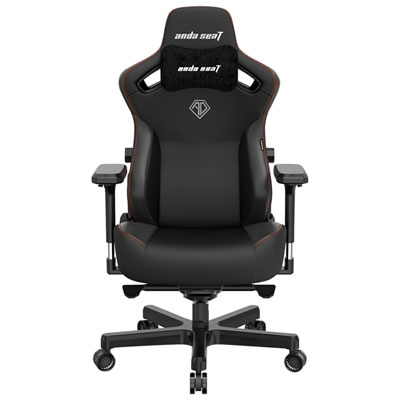
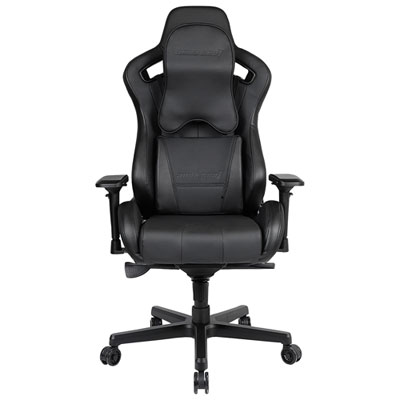
Anda Seat Kaiser 3 XL Ergonomic Genuine Leather Gaming Chair - Black
About this product
A genuine leather ergonomic chair in black with 4D armrests, four-way lumbar support, and reclining backrest.
What customers like
(107)$599.99Your price for this item is $599.99SAVE $80 -
5
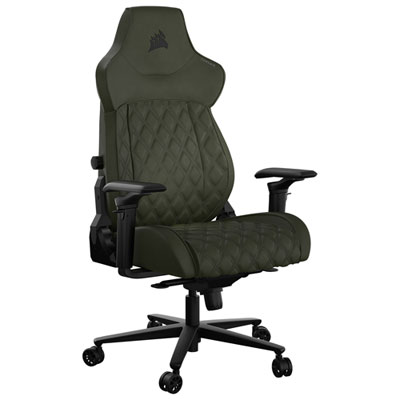
Corsair TC500 LUXE Ergonomic Fabric Gaming Chair - Sherwood
About this product
A Corsair gaming chair with a wider seat, breathable fabric, and a durable metal base in Sherwood.
(8)$699.99 Your price for this item is $699.99 -
6
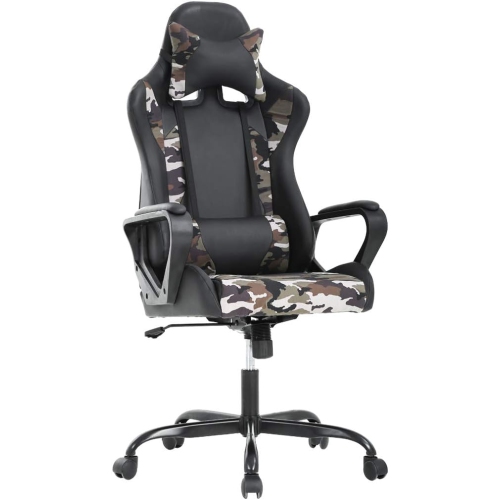
BESTOFFICE Ergonomic Office Chair High-Back Gaming Chair w Lumbar Support PC Computer Chair Racing Chair Pu Task Desk Chair Executive Swivel
About this product
An ergonomic high-back swivel chair in white PU leather with lumbar support and adjustable armrests.
(1)$138.99Your price for this item is $138.99SAVE $34 -
7
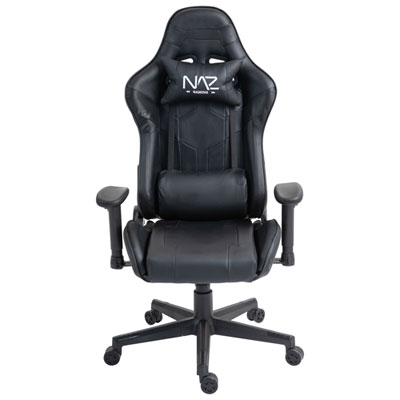
Naz Gladius Ergonomic High-Back Faux Leather Gaming Chair - Black
About this product
An ergonomic high-back chair with premium molded foam and durable steel frame, upholstered in black faux leather.
(5)$399.99 Your price for this item is $399.99 -
8
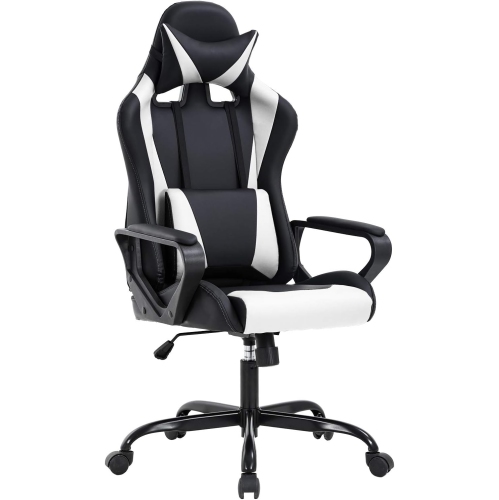
BESTOFFICE Ergonomic Office Chair High-Back Gaming Chair w Lumbar Support PC Computer Chair Racing Chair Pu Task Desk Chair Executive Swivel
About this product
An ergonomic high-back chair in white PU leather with lumbar support and adjustable armrests for comfort.
(2)$109.99Your price for this item is $109.99SAVE $70
FAQ
Compare lumbar support, headrest design, seat cushioning, adjustable armrests, and recline controls. Some gaming chairs have built-in lumbar adjustment, while others include separate cushions. Look at which settings you can adjust independently to suit your preferred sitting position.
Common options include fabric, mesh, faux leather, and genuine leather. Fabric offers a textured finish, mesh has an open weave, and leather-style upholstery provides a smooth surface. Cleaning requirements vary by material, so check the care instructions before choosing.
These labels describe the number of ways the armrests can be adjusted. Options may include height, forward-and-back movement, side-to-side movement, and pivoting. The exact adjustments can vary between brands, so compare the listed movements rather than relying on the label alone.
Recline changes the angle of the backrest relative to the seat. Tilt allows the seat, or the seat and backrest together, to rock or lean as part of the chair’s mechanism. Some chairs also include tilt tension adjustment and locks for selected positions.
Gaming chairs often feature racing-inspired shapes, pronounced side bolsters, contrasting colours, and separate headrest or lumbar cushions. Office chairs commonly use more understated styling and may feature mesh backs or integrated lumbar controls. Both categories can include adjustable armrests, tilt, and recline, so compare individual features rather than choosing by category alone.
Top selling and popular products
Discover more categories related to Best Gaming Chairs for Long Sitting
Some products may be subject to Environmental Handling Fees (EHF) depending on your province. Learn more about EHFs.