Cable Management Solutions for Student Desk
Cable management solutions for student desk help create a tidy and organized workspace, making it easier to focus on assignments and projects. Whether setting up a study area in a dorm room or at home, these options keep cords, chargers, and accessories neatly arranged and out of the way. Explore a wide range of cable management solutions for student desk setups to find the right fit for your space and needs.
Sort
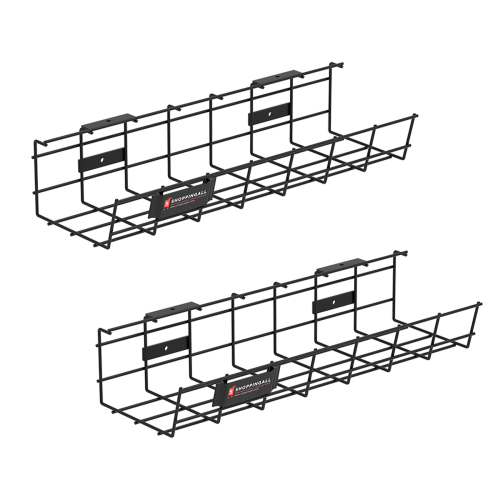
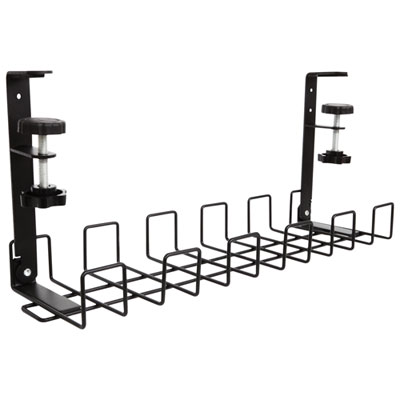
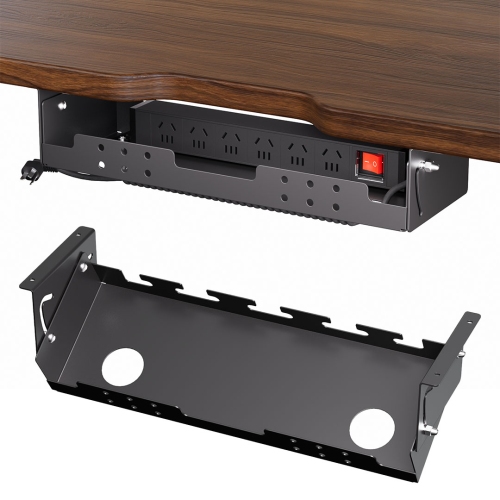
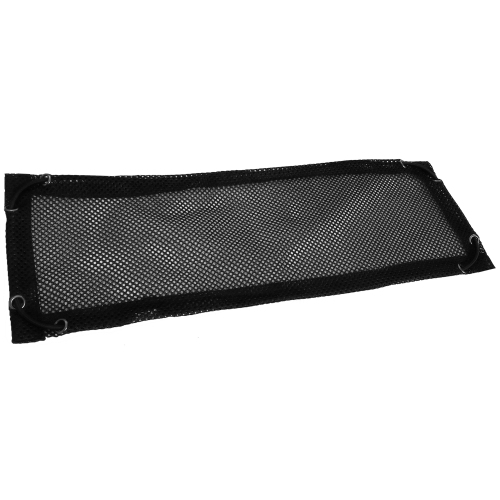
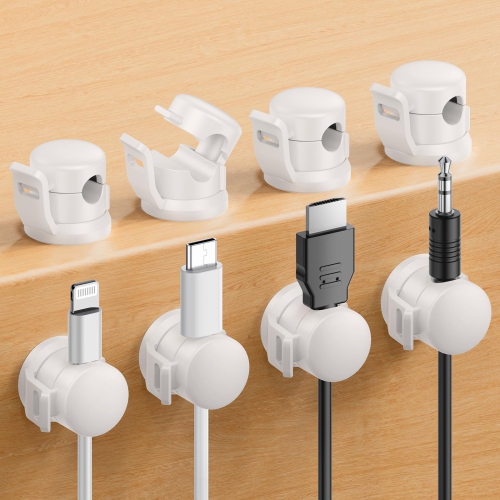
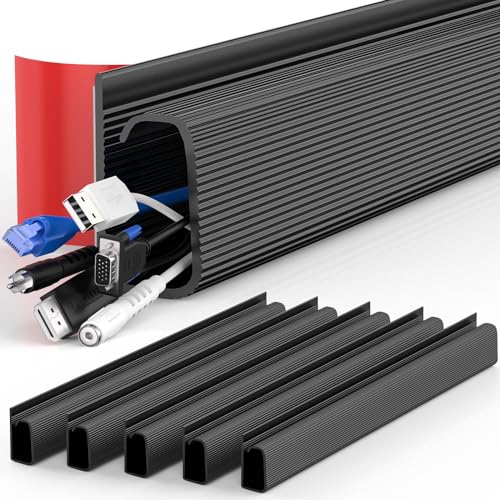
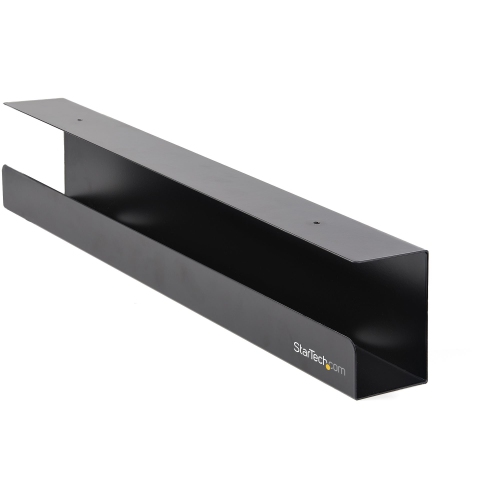
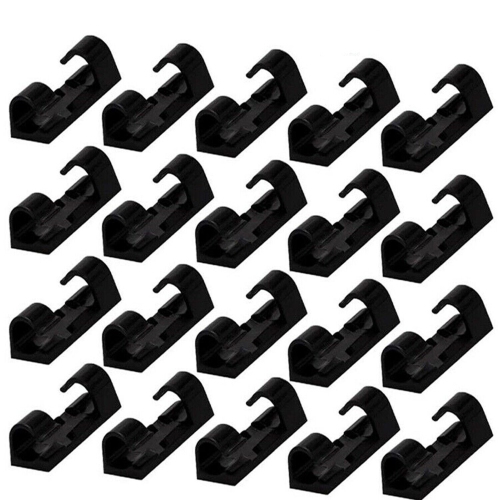
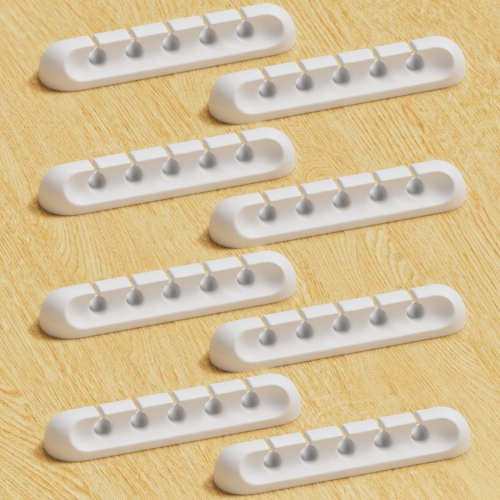
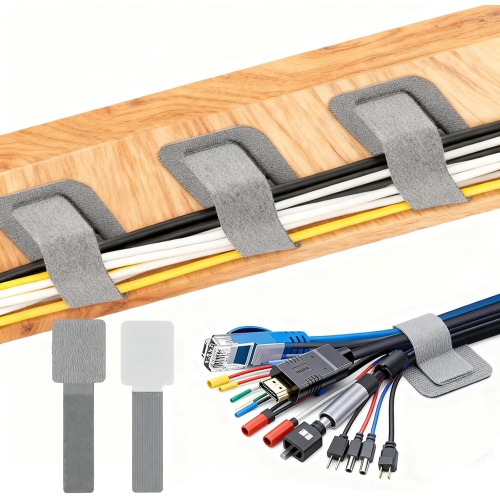
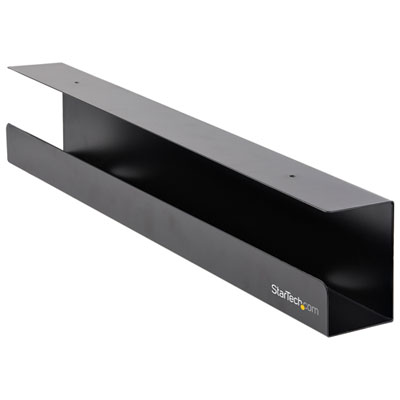
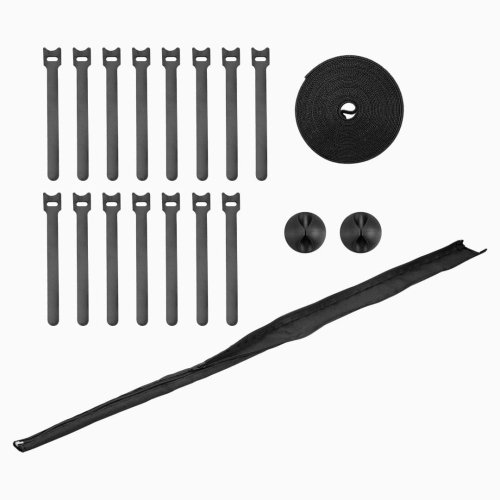
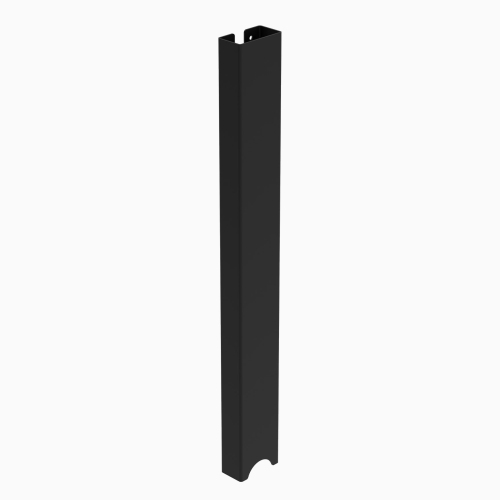
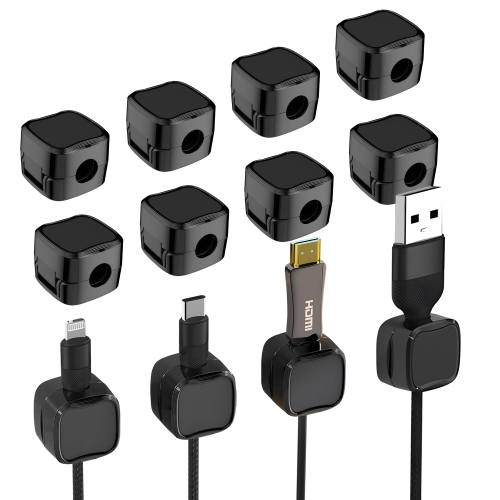
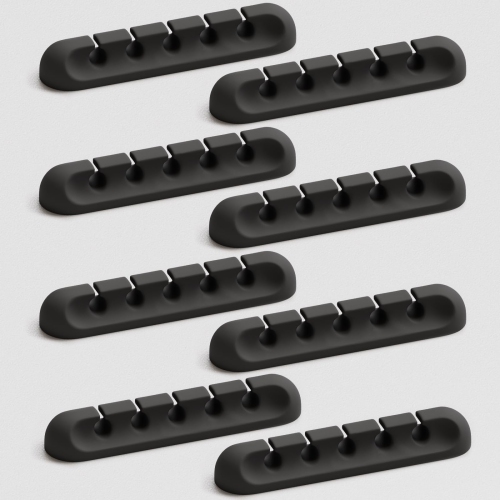
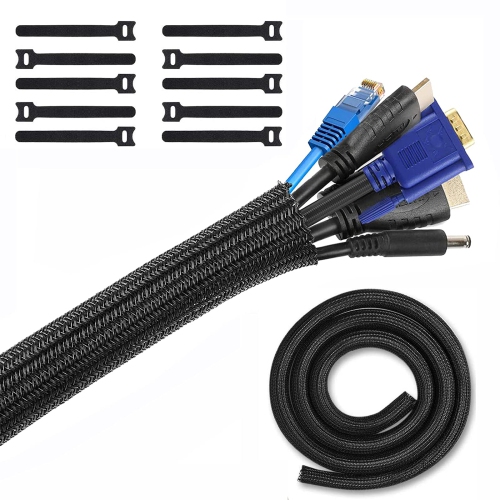
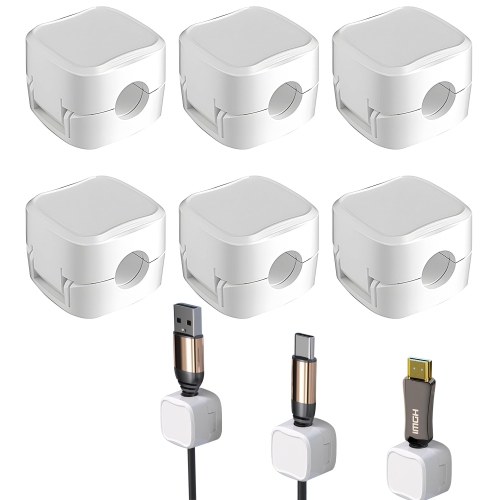

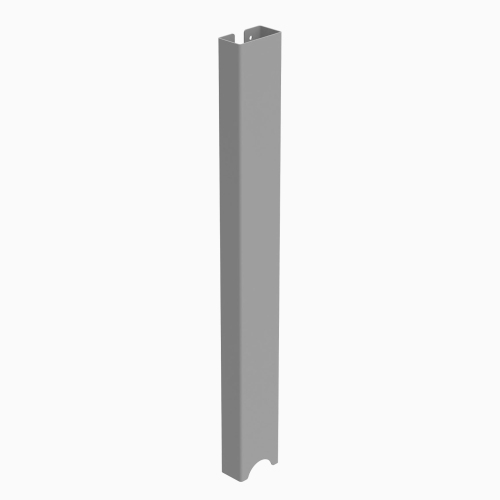
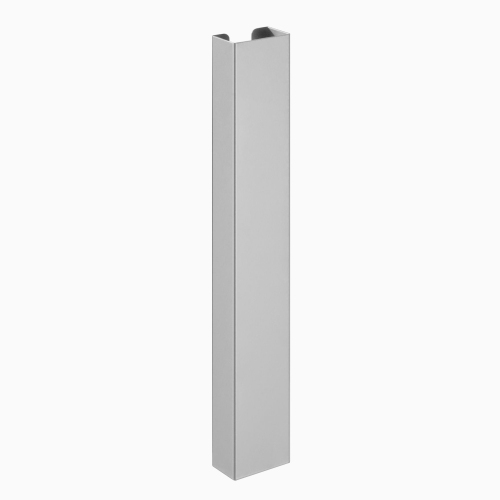
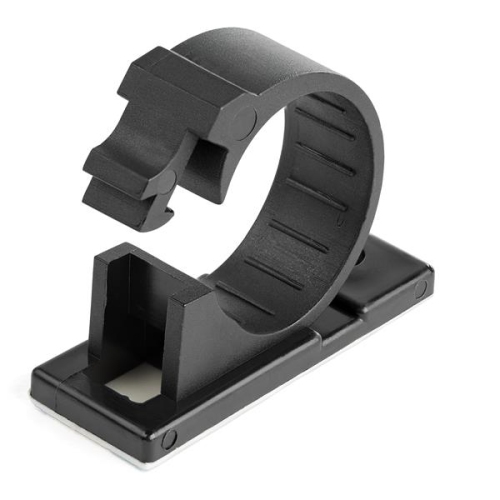
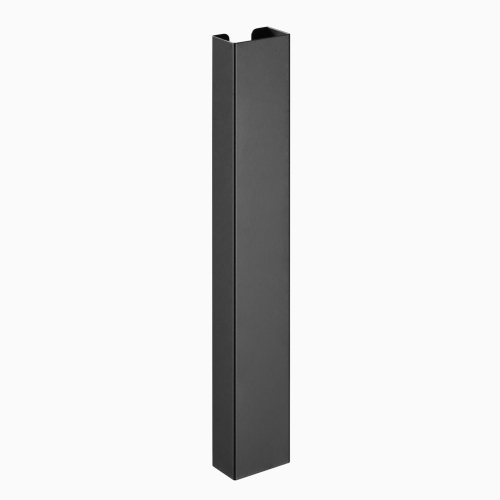
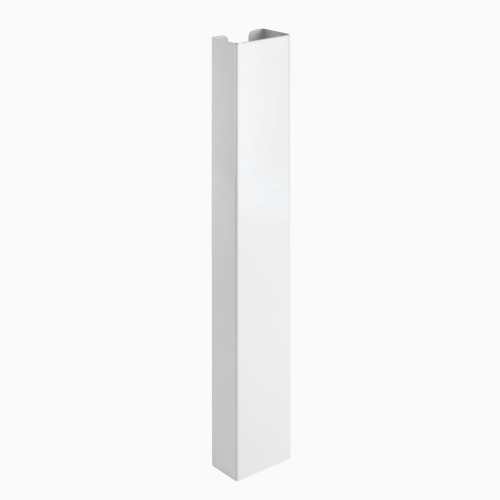
More room for notebooks with chargers within reach
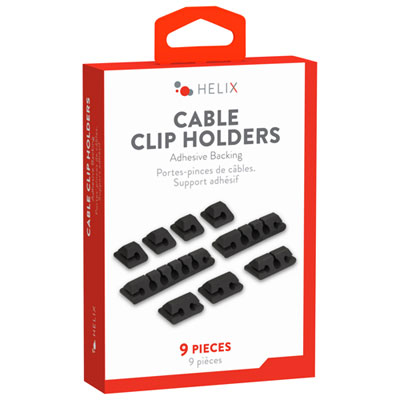
Cable management solutions for student desks keep power adapters off the floor, guide cords along the underside or back of the desk, and hold frequently used charging cables within reach. An under-desk tray or channel gives power bricks and longer cables a place to rest, while flexible ties hold cords that run in the same direction and surface clips keep loose ends from slipping behind the desk. Each part serves a different purpose. A monitor cable can stay tucked away for the whole term, but a laptop charger might need to come out of its clip and go into a backpack every day. A tray paired with easy-release clips suits that mix of permanent and portable gear better than a single tight bundle. On a narrow desktop, even moving two or three cords to the back edge can leave enough room to lay a notebook flat next to a keyboard. An open tray makes it easier to trace a cable by hand when a device needs to be unplugged, while a covered channel provides a neater finish along the side of a desk that faces into the room. A flexible sleeve is another option where several cords have to cross the same visible stretch, such as the drop from the back edge of the desk to an outlet. If the cords branch off in different directions, individual clips or short ties leave more room to move one device without disturbing the others. The assortment of Desk Cable Organizers for Students includes options for keeping the work surface clear without putting everyday connections out of reach. That distinction matters on a shared desk, where the cable for a lamp or monitor can stay in place even as two people swap laptops and chargers.
Fit depends on the shape of the desk as much as the number of cables. The usable space beneath a desktop may be smaller than it looks once a drawer, support rail, or modesty panel is in the way. A shallow channel can fit in the gap behind a drawer, but a tray for bulky adapters needs enough depth to hold them and enough clearance to lift them out. Plug shape matters, too: a straight connector can extend well beyond the edge of an adapter, while a right-angle plug may need more room to the side. Clamp-on trays suit desks with an accessible lip, provided the edge is thick enough for the clamp to grip and there is room underneath for its hardware. A desk with a bevelled edge or an apron directly below the work surface may not offer a flat place for a clamp to sit. Screw-mounted options can provide a firm hold on a suitable desktop, while adhesive clips are better suited to guiding lighter cords on a clean, smooth surface. Adhesive performance and removal can vary by finish, which is worth considering on a borrowed or rented desk. In terms of materials, a rigid metal tray can provide stable support for heavier adapters when the tray and mounting hardware are rated for the load. Rigid plastic channels hold a defined shape along a back edge, while soft sleeves bend more readily around a desk leg. Reusable hook-and-loop ties can be opened repeatedly and are useful when the desk layout changes often. Whatever the material, cords should rest without sharp bends or pinching, and power adapters should have space around them rather than being stacked or packed into a tight bundle. Placing a tray toward the back can also keep hardware away from knees and leave room for the chair to slide in.
The best layout for daily use is often the one that leaves room for small changes. A student who brings a laptop to class may want a charging end held at the side of the desk, close enough to connect without reaching past a stack of books. Someone who studies at a monitor and uses the same desktop for drawing or crafts may prefer to group the display and power cords underneath, leaving a separate lead for devices that move around. On a height-adjustable desk, cables running to a wall outlet need enough slack for the full range of motion, without sagging into the path of the chair when the desk is lowered. On a fixed desk, a little slack behind the monitor can be enough to turn the screen or bring it forward without tugging on a connector. A clip that grips the cord without crushing it is especially handy for a charging cable that gets pulled forward and put back several times a day. Simple care helps keep the setup useful: an open tray is easy to dust with a dry cloth, and ties that can be undone make it easier to remove a cord without taking apart the whole arrangement. Before shifting a desk or moving a monitor to the other side, it helps to check that cords still sit loosely in their clips and that the mounts are holding firmly. Cable organizers can also make a practical gift for a student setting up a first apartment, sharing a study area with a sibling, or making more room on a small desk at home. When the desk dimensions are unknown, flexible ties and removable clips are easier to fit than hardware that depends on a particular desktop thickness. The difference shows up in ordinary moments: the charger end is still on the desk after the laptop goes into a bag, and the chair rolls back without catching a loop of cord.
Top selling and popular products
-
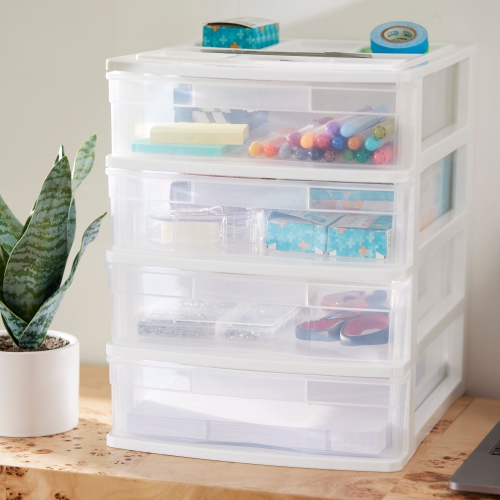 Your price for this item is $173.99
-
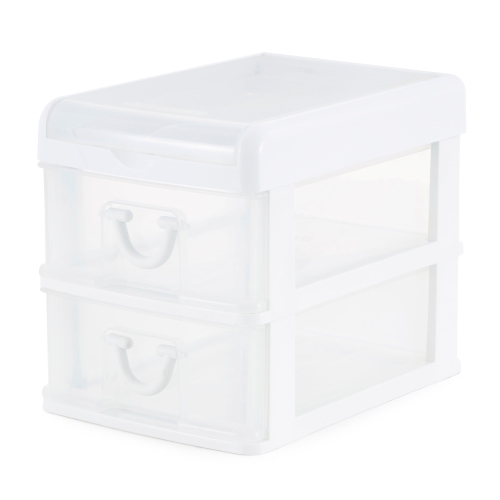 Your price for this item is $74.99
-
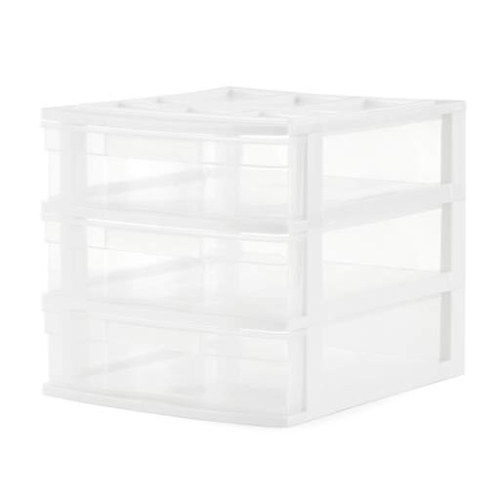 Your price for this item is $78.99
-
 Your price for this item is $309.99
-
 Your price for this item is $239.99
-
 Your price for this item is $19.99
-
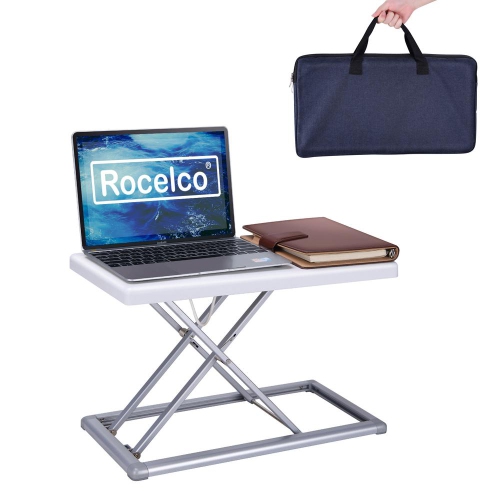 Your price for this item is $129.99
-
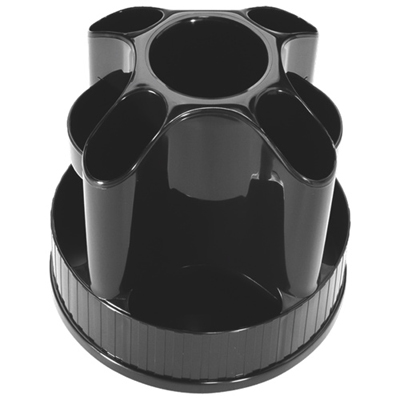 Your price for this item is $47.99
Discover more categories related to Cable Management Solutions for Student Desk
Top Collections:
Best Black Friday Deals This Year, Best Black Friday Deals On Electronics, Kindle Devices, Pokemon Centers, Best Black Friday Deals On Apple Products, Best Cameras for Sports Photography, Dyson Airwrap, Pokémon 30th Celebration Cards, Apple iPhone 17 Pro, Canon G7X Cameras
Some products may be subject to Environmental Handling Fees
(EHF) depending on your province.
Learn more about EHFs.