Chairs With Good Lumbar Support
If you've ever sat in a chair that was too small or too big for your body, you know how important lumbar support is. A good lumbar support can help prevent back pain and keep you comfortable while you work or play. Here are some of our favorite chairs with good lumbar support.
Sort
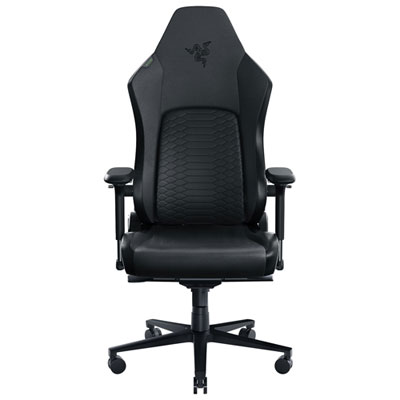
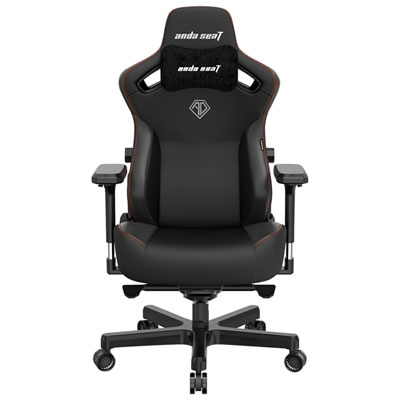
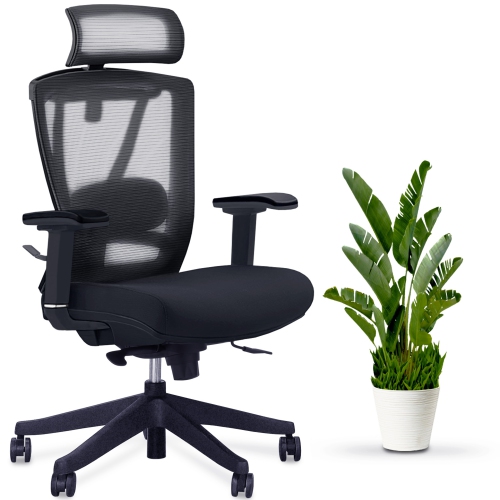
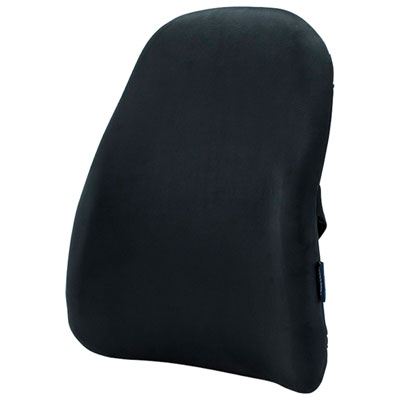
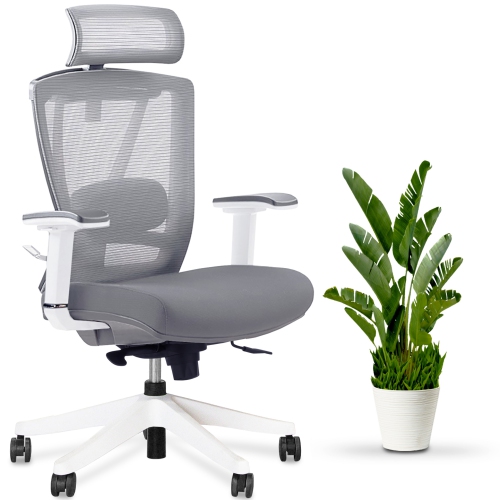
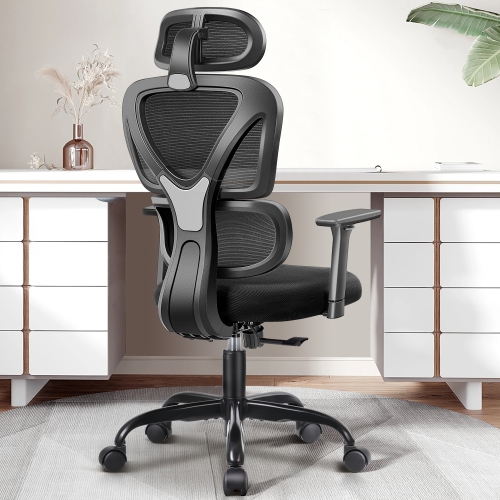
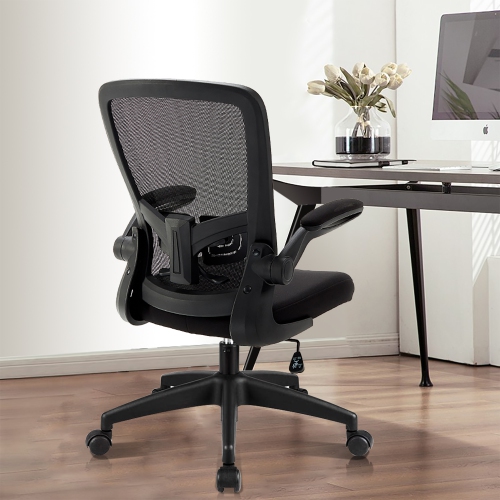
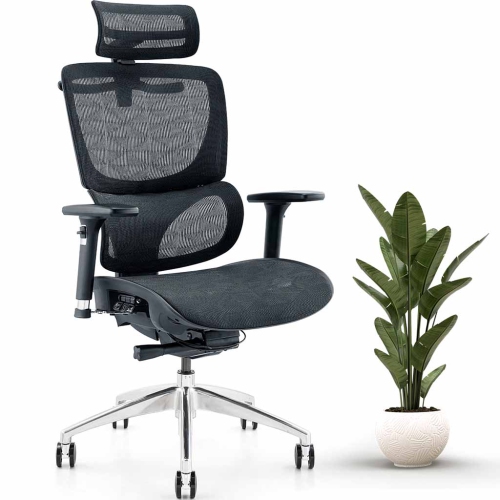
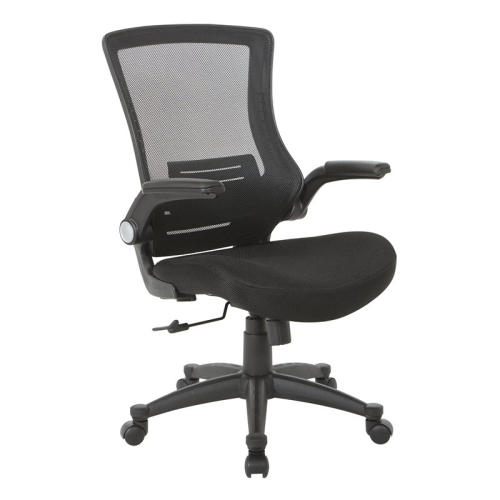
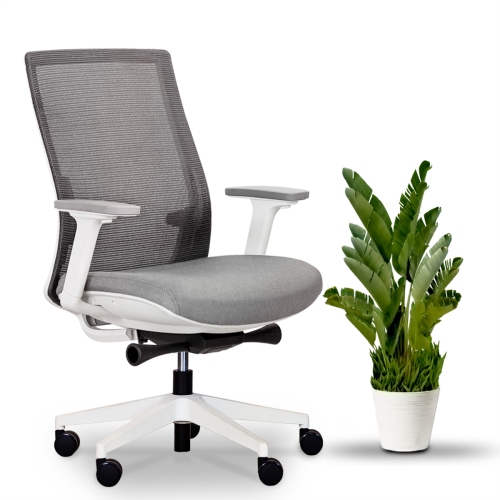
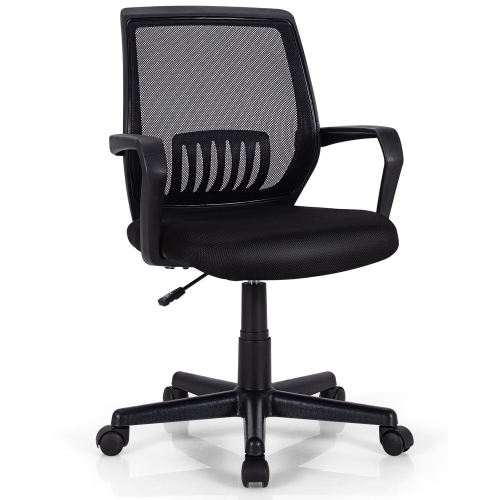
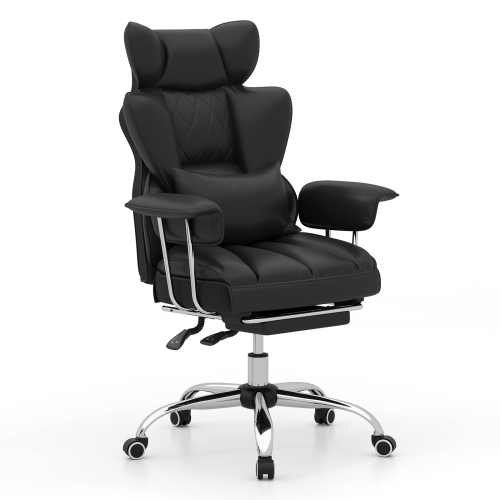
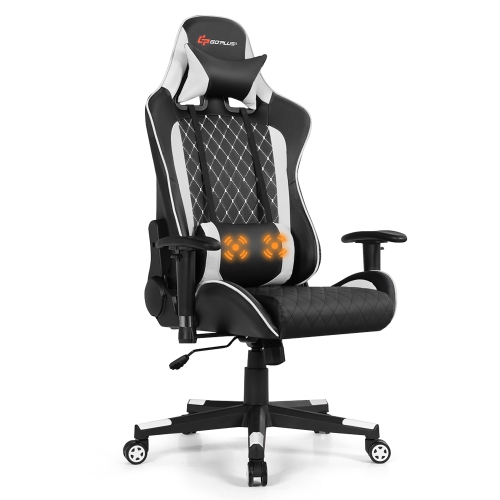
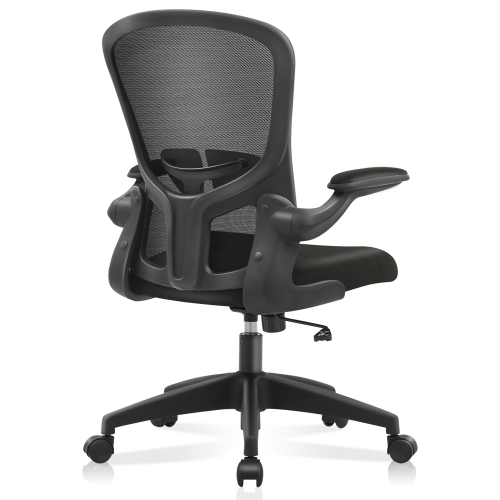
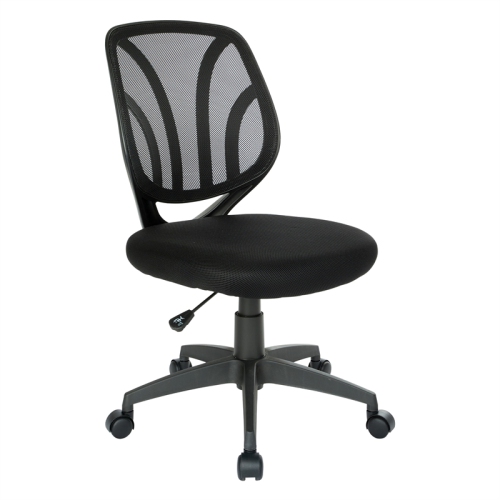
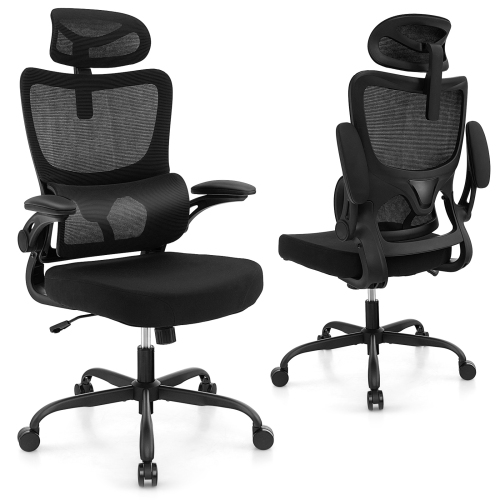
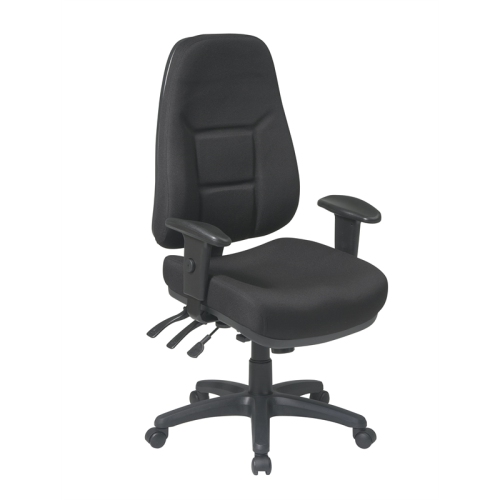
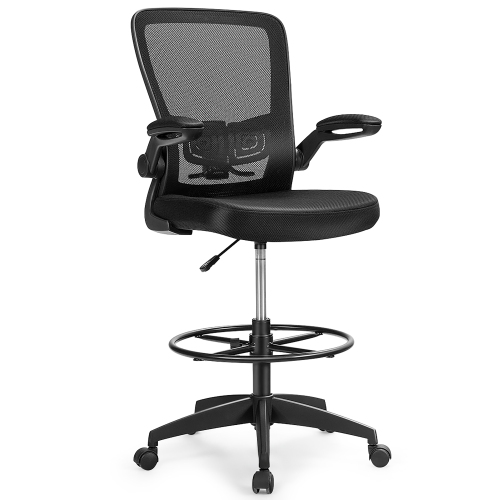
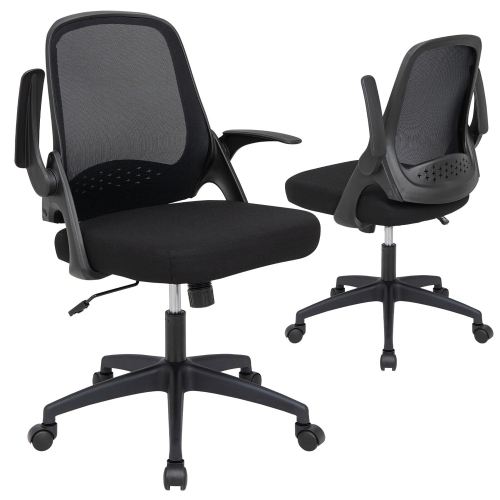
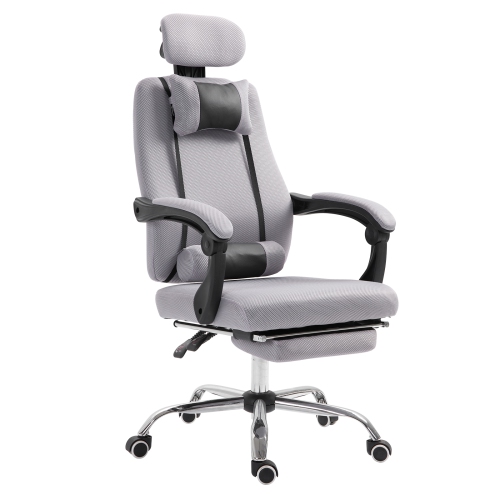
Supportive features for comfortable all-day sitting
Chairs with good lumbar support are designed to follow the natural inward curve of the lower spine, helping you maintain a more balanced sitting posture during work, study, gaming, crafting, or other seated activities. The right chair can make a noticeable difference when your day includes long periods at a desk, particularly when a basic seat leaves your lower back feeling unsupported or tired. Look for a backrest that supports the lumbar area without pushing aggressively into it, since comfort depends on both the shape of the support and how closely it matches your body. A chair with adjustable lumbar height lets you position the support where your lower back needs it most, while adjustable lumbar depth allows you to control how far the support extends towards you. These adjustments are especially useful in a shared workspace, where different people may use the same chair, or when you change between upright typing, relaxed reading, and focused screen work. Some chairs use fixed padding or a shaped backrest, while others include flexible, elastic, pressure-responsive, or dynamic lumbar systems that move as you shift position. Dynamic support can help maintain contact with the lower back when you recline, lean forward, or turn slightly, rather than leaving a gap behind you. A supportive chair should also encourage comfortable alignment from the hips upward; lumbar support works best when the seat height, backrest angle, and armrests can be adjusted to suit your proportions.
Seat design is just as important as the lumbar feature itself. A seat that is too deep may press behind your knees and make it difficult to sit back against the lumbar support, while a seat that is too shallow may not provide enough support beneath your thighs. Sliding seat depth is a useful adjustment because it lets you change the distance between the backrest and the front edge of the seat to better suit your leg length. Ideally, you should be able to sit with your feet flat on the floor, your knees at a comfortable angle, and a small amount of space between the seat edge and the backs of your knees. Seat height adjustment helps align your knees and hips with your desk, while a tilt or recline function lets you vary your position instead of holding one rigid posture for hours. Look for armrests that support your forearms without raising your shoulders, and consider whether they adjust in height, width, depth, or angle. Breathable mesh backs can provide airflow during extended use and may be a practical choice for warmer rooms, while cushioned backs and seats can offer a softer feel during the cooler months. A stable base, smooth casters, and a backrest that is tall enough for your frame also contribute to everyday comfort. If you prefer an airy backrest with supportive shaping, explore Mesh Desk Chairs With Lumbar Support for options that combine ventilation with lower-back support. When comparing chairs, pay attention to the range of adjustment rather than relying on appearance alone. A chair with many settings is not automatically the best fit; the useful features are the ones that allow the backrest, seat, arms, and lumbar area to work together for your body.
These chairs can suit people who work from home, spend long hours at a computer, attend online classes, manage household tasks from a desk, or enjoy gaming and creative hobbies that require steady seated focus. They can also make a thoughtful gift for someone setting up a home office, refreshing a study area, or replacing an older chair that no longer feels comfortable. Before choosing one, consider how many hours it will be used each day, the user’s height and leg length, the available desk space, and whether the chair needs to accommodate more than one person. Someone who alternates between typing and reclining may appreciate dynamic or auto-following lumbar support, while a person who remains upright for detailed work may prefer a firm, highly adjustable lumbar pad. For a compact room, a chair with a manageable footprint and arms that fit neatly beneath the desk can make movement easier. For a larger workspace, a wider seat, taller backrest, headrest, and more extensive armrest adjustments may provide a more relaxed fit. It is also worth checking the chair’s weight capacity, upholstery or mesh care requirements, assembly needs, and warranty details before making a decision. During the cooler months, when more time may be spent indoors at a desk, a well-fitted chair can help make everyday routines feel more comfortable, from answering messages with a morning coffee to finishing a project in the evening. Good lumbar support is not a substitute for changing positions or taking regular movement breaks, but a chair with the right fit and adjustments can provide consistent support while you work, learn, relax, or stay connected.
Seat design is just as important as the lumbar feature itself. A seat that is too deep may press behind your knees and make it difficult to sit back against the lumbar support, while a seat that is too shallow may not provide enough support beneath your thighs. Sliding seat depth is a useful adjustment because it lets you change the distance between the backrest and the front edge of the seat to better suit your leg length. Ideally, you should be able to sit with your feet flat on the floor, your knees at a comfortable angle, and a small amount of space between the seat edge and the backs of your knees. Seat height adjustment helps align your knees and hips with your desk, while a tilt or recline function lets you vary your position instead of holding one rigid posture for hours. Look for armrests that support your forearms without raising your shoulders, and consider whether they adjust in height, width, depth, or angle. Breathable mesh backs can provide airflow during extended use and may be a practical choice for warmer rooms, while cushioned backs and seats can offer a softer feel during the cooler months. A stable base, smooth casters, and a backrest that is tall enough for your frame also contribute to everyday comfort. If you prefer an airy backrest with supportive shaping, explore Mesh Desk Chairs With Lumbar Support for options that combine ventilation with lower-back support. When comparing chairs, pay attention to the range of adjustment rather than relying on appearance alone. A chair with many settings is not automatically the best fit; the useful features are the ones that allow the backrest, seat, arms, and lumbar area to work together for your body.
These chairs can suit people who work from home, spend long hours at a computer, attend online classes, manage household tasks from a desk, or enjoy gaming and creative hobbies that require steady seated focus. They can also make a thoughtful gift for someone setting up a home office, refreshing a study area, or replacing an older chair that no longer feels comfortable. Before choosing one, consider how many hours it will be used each day, the user’s height and leg length, the available desk space, and whether the chair needs to accommodate more than one person. Someone who alternates between typing and reclining may appreciate dynamic or auto-following lumbar support, while a person who remains upright for detailed work may prefer a firm, highly adjustable lumbar pad. For a compact room, a chair with a manageable footprint and arms that fit neatly beneath the desk can make movement easier. For a larger workspace, a wider seat, taller backrest, headrest, and more extensive armrest adjustments may provide a more relaxed fit. It is also worth checking the chair’s weight capacity, upholstery or mesh care requirements, assembly needs, and warranty details before making a decision. During the cooler months, when more time may be spent indoors at a desk, a well-fitted chair can help make everyday routines feel more comfortable, from answering messages with a morning coffee to finishing a project in the evening. Good lumbar support is not a substitute for changing positions or taking regular movement breaks, but a chair with the right fit and adjustments can provide consistent support while you work, learn, relax, or stay connected.
Top selling and popular products
-
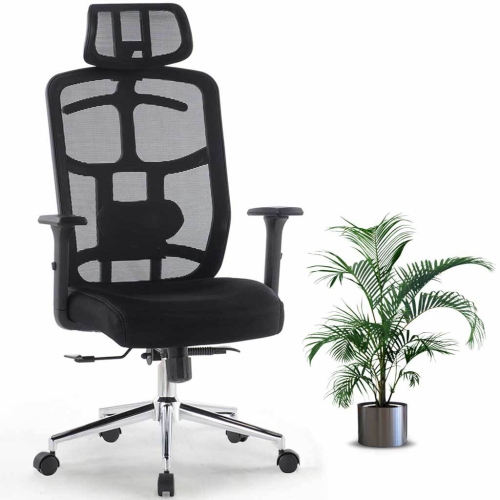 Your price for this item is $114.99
 -
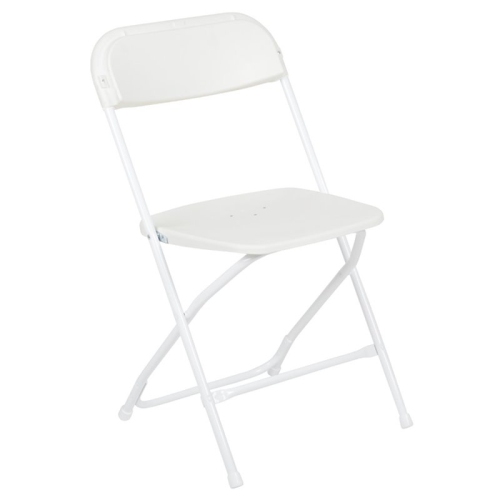 Your price for this item is $123
 -
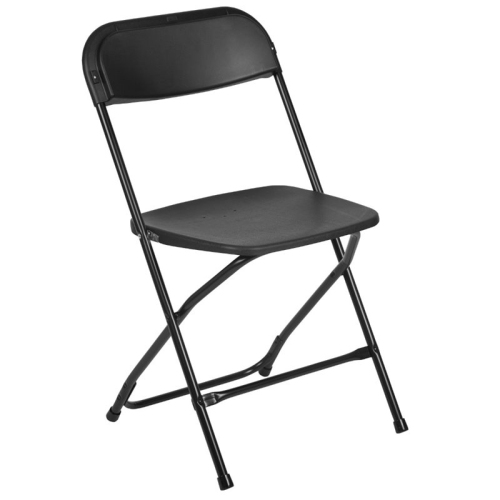 Your price for this item is $139.99
 -
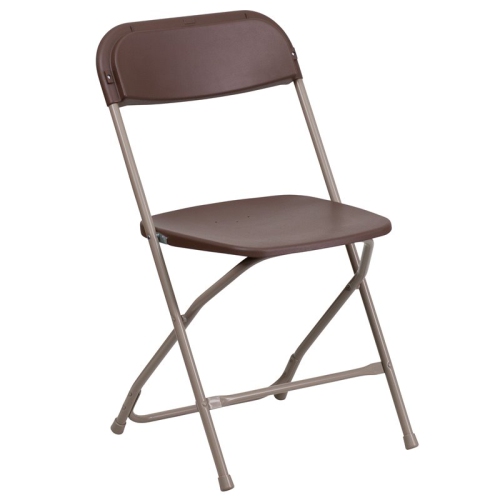 Your price for this item is $139.99
 -
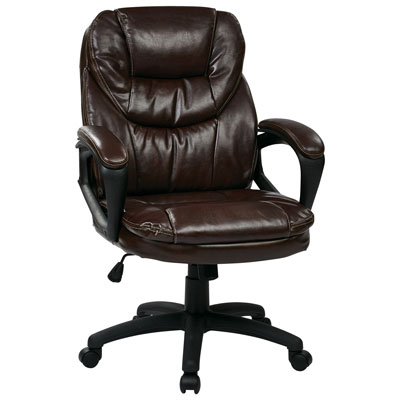 Your price for this item is $203.98
 -
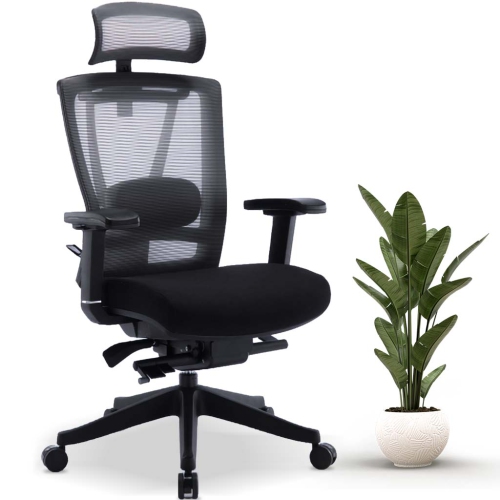 Your price for this item is $379.99
 -
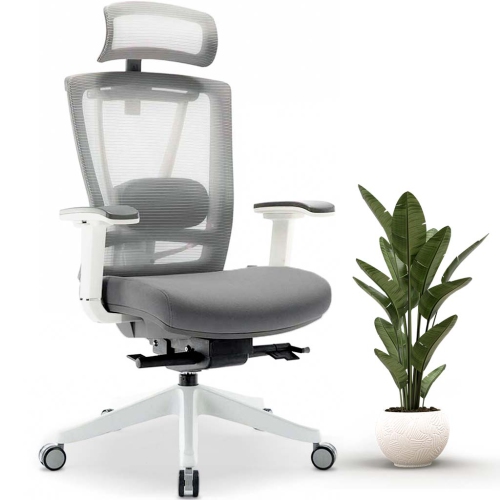 Your price for this item is $379.99
 -
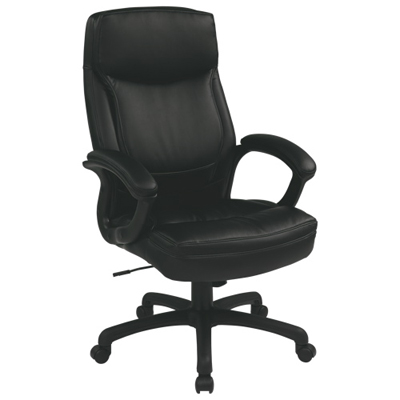 Your price for this item is $594.99
Discover more categories related to Chairs With Good Lumbar Support
Top Collections:
Pokemon Centers, Kindle Devices, Best Budget Office Chairs, Apple iPhones 16, Best Laptops for Writers, iPhone 15 Apple, Canon G7X Cameras, Refurbished Apple Laptops, Alarm Clock, Motorola Razr Phones
Some products may be subject to Environmental Handling Fees
(EHF) depending on your province.
Learn more about EHFs.