Computer Office Chairs With Lumbar Support
Computer office chairs with lumbar support are designed to help you stay comfortable and focused throughout your workday. Whether you're setting up a home office or upgrading your workspace, these chairs offer a supportive solution for long hours at the desk. Browse a wide selection of styles and designs to find the perfect fit for your needs and enhance your productivity with computer office chairs with lumbar support.
Sort



Why lumbar support placement matters more than prominence
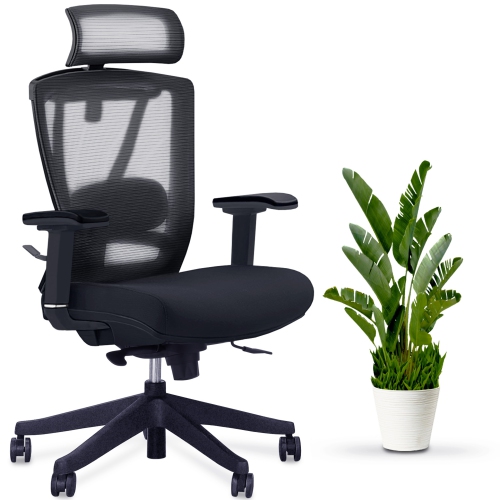
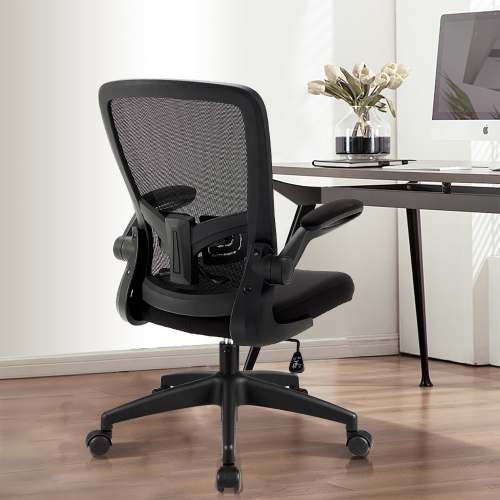
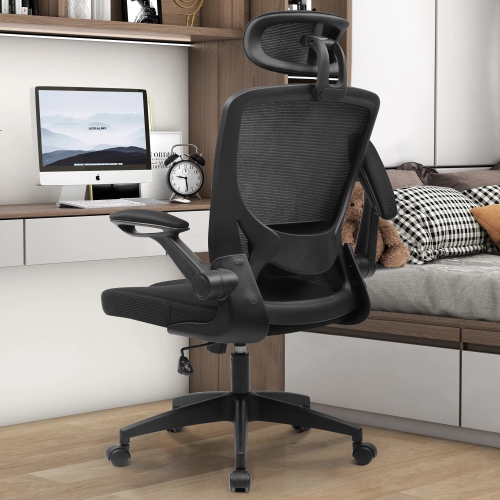
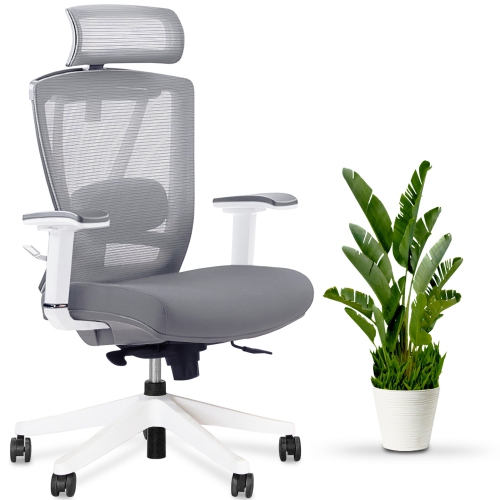
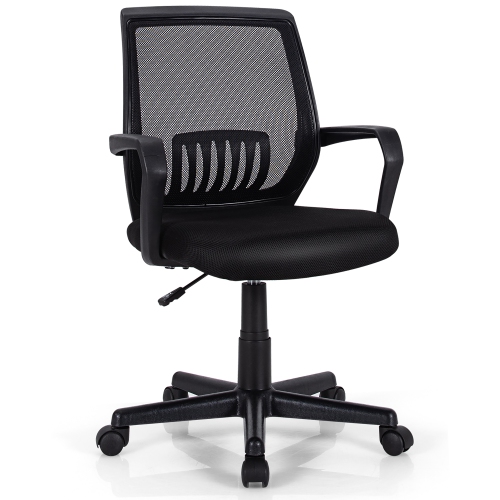
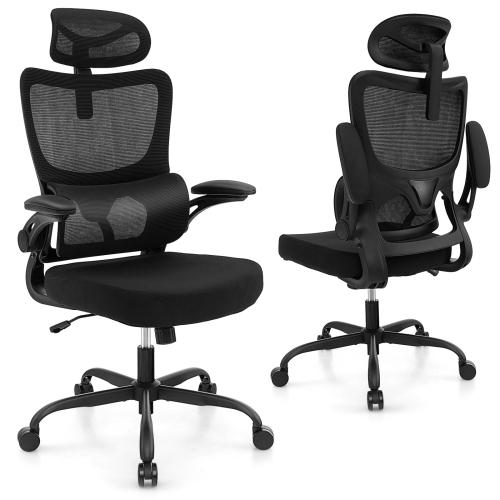
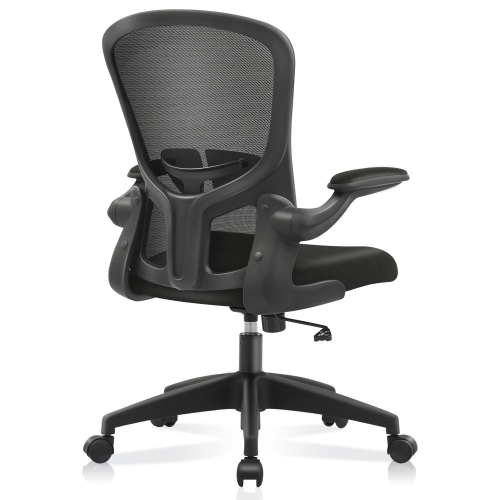
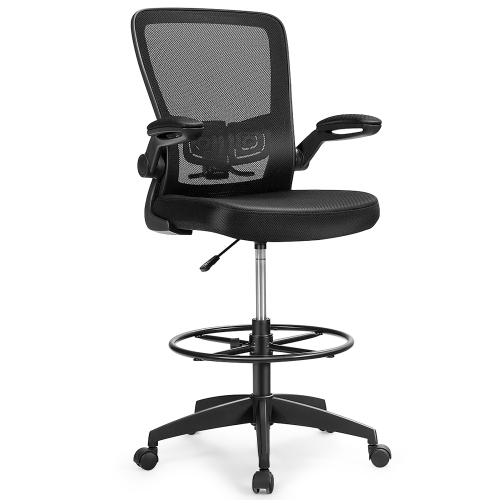
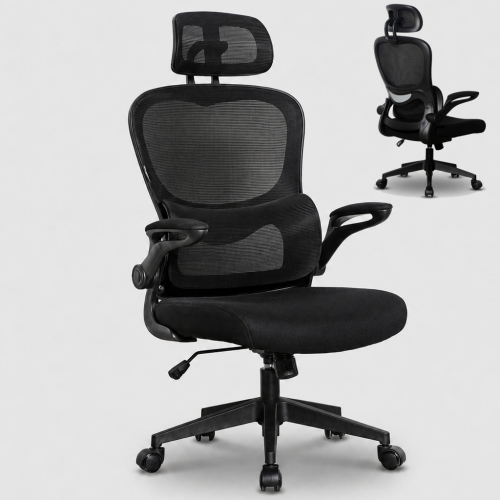
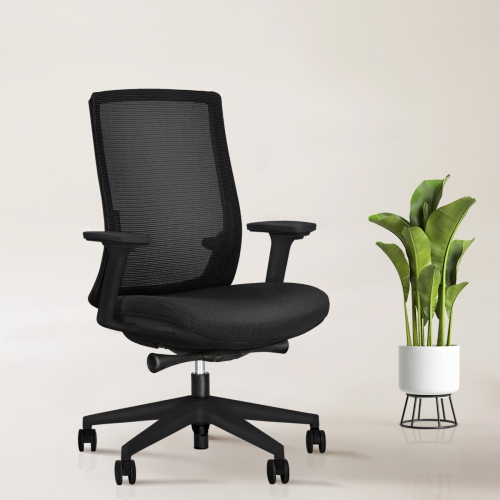
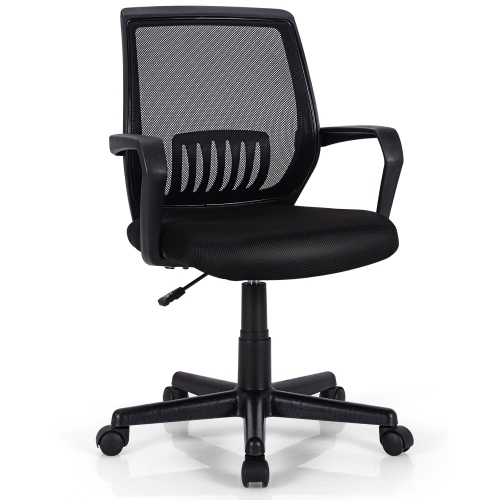
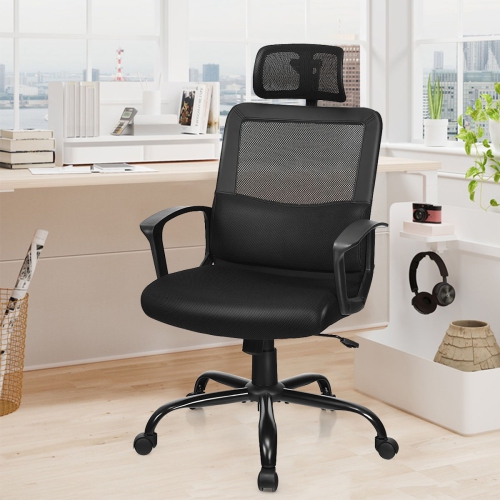
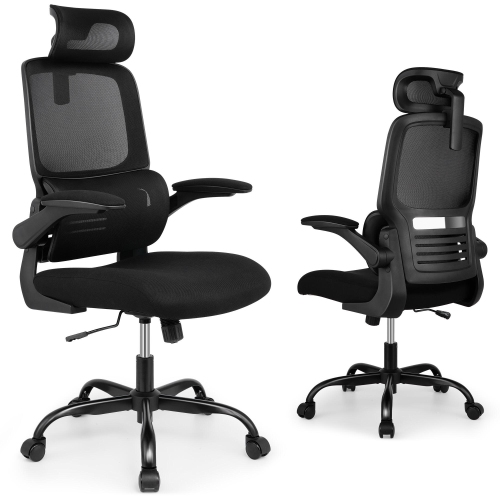
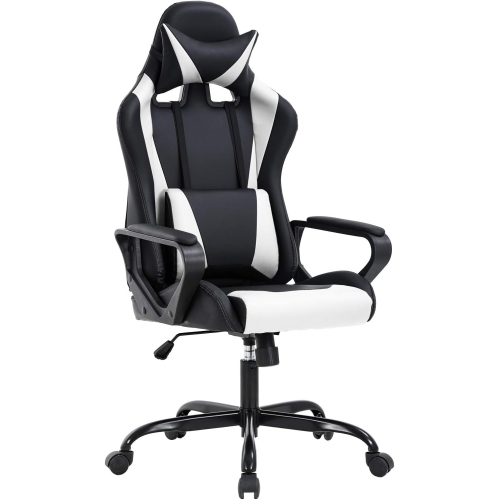
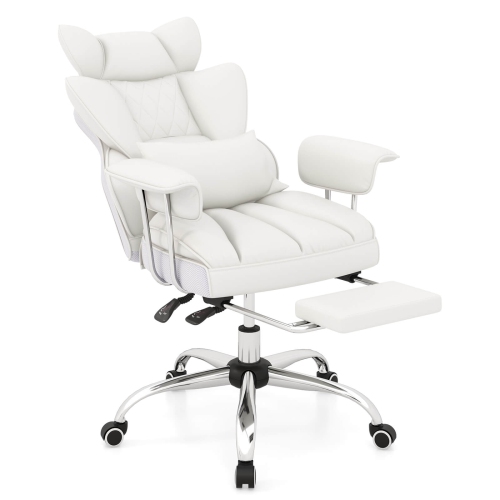
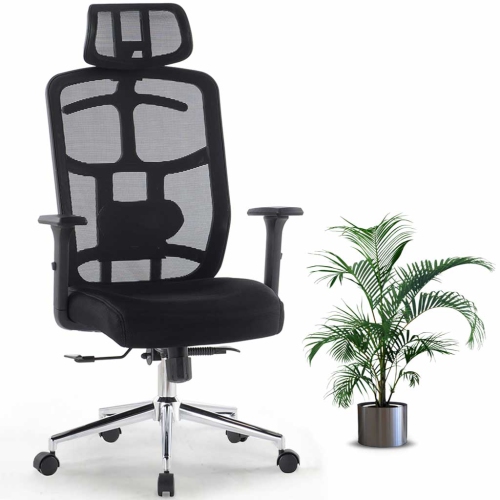
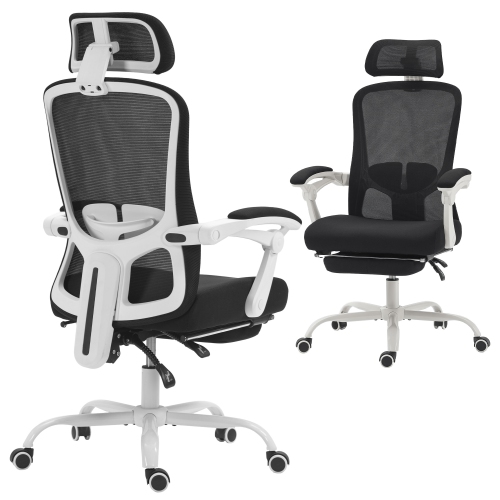
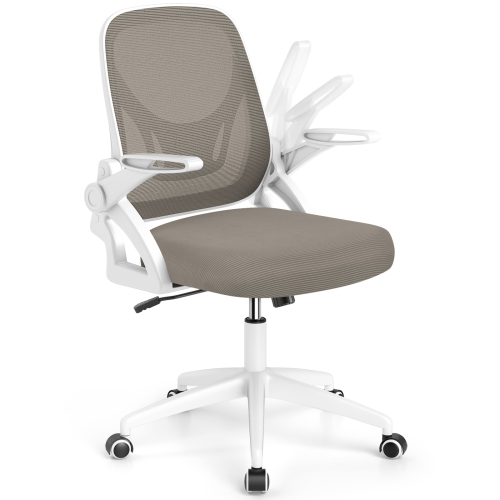
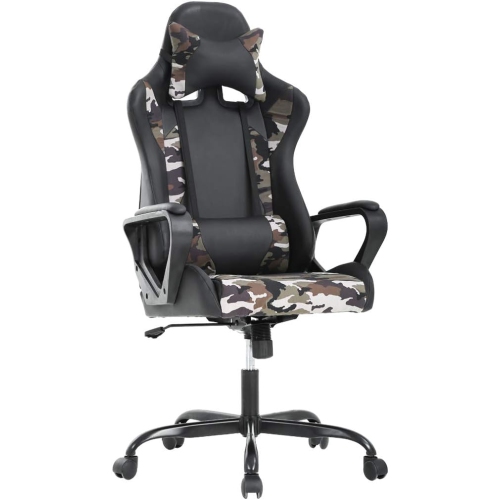
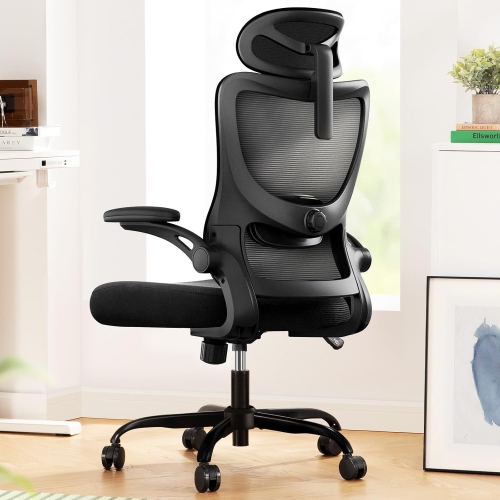
Computer office chairs with lumbar support are designed to give the lower back a defined point of support during desk work, studying, and other seated computer tasks. The lumbar section usually sits within the inward curve above the hips, helping the backrest feel more supportive than a flat surface. Its usefulness depends on where it meets the body, not simply how prominent it looks. A pronounced curve that sits too high can feel intrusive, while one positioned too low may miss the intended area. Fixed lumbar support is built into the shape of the backrest; adjustable versions may move up and down, change depth, or use a separate cushion. Some designs also allow the lumbar section to respond to movement as the sitter changes position. These differences matter in everyday situations, whether someone is leaning towards a screen to review a spreadsheet or settling back during a video call. Height adjustment helps bring the seat into a comfortable relationship with the desk, while seat depth determines how much support reaches along the thighs. A small gap between the front edge of the seat and the backs of the knees allows room to move without the edge pressing into the legs. Feet should rest securely on the floor or on a suitable footrest rather than hang unsupported. Adjustable armrests can help position the forearms near keyboard height without forcing the shoulders upwards, although their width and height also need to suit the desk. A headrest may offer support when reclining, but it does not replace a well-positioned backrest during typing. Tilt tension and recline controls provide another way to adapt the chair to different tasks. No single setting suits every person or every activity, and even a comfortable chair works best alongside regular changes of position and time away from sitting. Taken together, these features make fit more important than the number of adjustments listed.
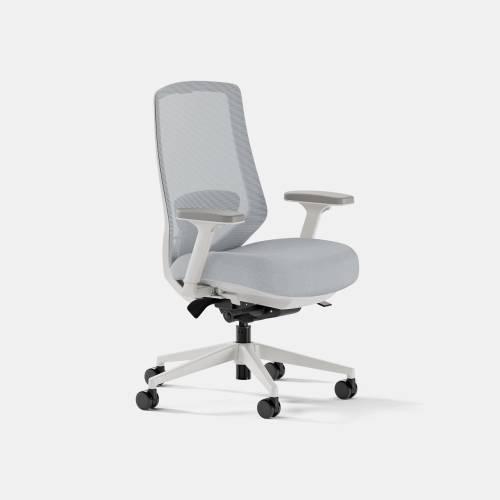
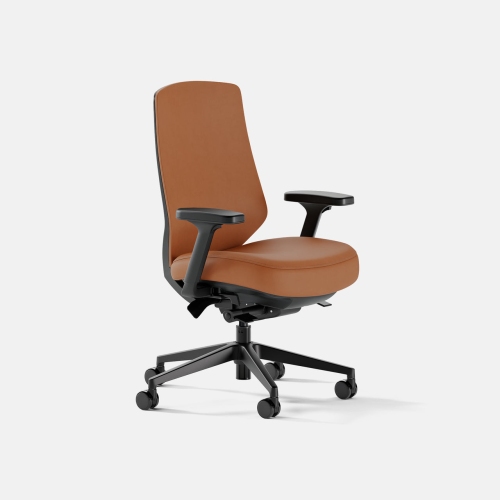
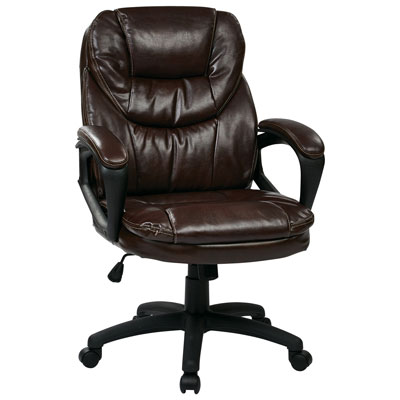
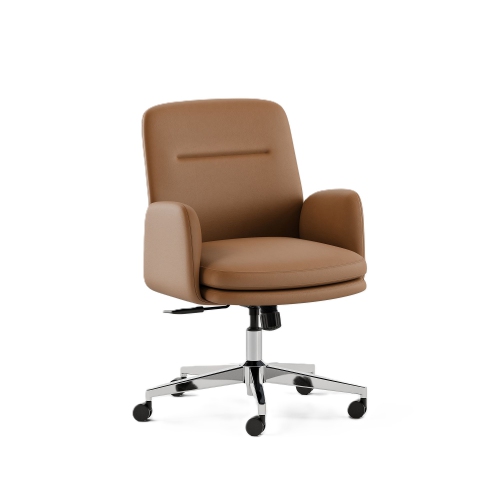
Materials influence how a lumbar-support office chair feels throughout the day and how it holds up to repeated use. Mesh backrests allow air to move through the seating surface and often have a lighter visual presence beside a compact desk. Their feel depends on the tension, weave, and surrounding frame: firm mesh can provide a noticeably different experience from a softly padded backrest. Upholstered fabric brings texture and cushioning, with weave and colour affecting how visible dust, lint, and everyday marks become. Leather and leather-look upholstery offer a smoother surface, though their care requirements differ, and repeated friction against desk edges or clothing hardware can affect the finish. Seat construction deserves as much attention as the backrest. Cushion thickness alone does not determine comfort; the density of the padding, the shape of the seat, and the support underneath all contribute. A gently rounded front edge can reduce pressure behind the knees, while a strongly contoured seat may feel comfortable for one body shape and restrictive for another. Overall dimensions are especially important for taller, shorter, or broader users. Backrest height, usable seat width, armrest spacing, and the stated weight capacity help establish whether a chair is an appropriate match. For shared workstations, a useful adjustment range can make it easier for different people to reset the chair between sessions. Durability also involves the less visible components, including the seat mechanism, lift cylinder, armrest mounts, and connections between the backrest and base. A stable base and smoothly operating controls contribute to a reassuring feel when sitting down, swivelling, or reclining. Casters should be suitable for the flooring beneath them, since a wheel intended for carpet may behave differently on a hard surface. Where a floor mat is used, its edges and thickness should allow the chair to move without catching. The overall footprint includes the space needed to roll back and recline, not just the width of the seat.
The right computer chair also needs to fit the way a room is used. In a dedicated home office, there may be space for a taller backrest, wider armrests, and a full range of recline. At a bedroom workstation or a desk tucked into a living area, clearance can be more important. Armrests that lower or move out of the way may help a chair sit closer to the desk, but the desk’s underside, drawers, and crossbars still affect whether it can tuck in neatly. A swivel seat can make it easier to turn between a monitor and nearby storage without repeatedly twisting through the torso. Students moving between reading and typing, people handling long stretches of administrative work, and gamers using a desk-based setup may all value lumbar support, though their preferred seat firmness and adjustment needs can differ. For seating used away from a computer workstation, Chairs With Good Lumbar Support provides another place to explore related options. Day-to-day care helps keep desk seating comfortable and presentable. Dust and crumbs can collect along seams, beneath cushions, and around adjustment levers, so gentle cleaning with tools suited to the material is useful. Upholstery care should follow the manufacturer’s directions, particularly before applying cleaners to mesh, fabric, leather, or coated surfaces. Spills are generally easier to manage when blotted promptly rather than rubbed into the covering. Casters benefit from having trapped hair and fibres removed, and assembly hardware should be checked as directed if movement or looseness develops. Adjustable parts should operate without being forced. When a chair is intended as a gift or for another household member, body fit and desk measurements are more useful than appearance alone. A chair that suits the person, supports their usual tasks, and fits comfortably within the room is more likely to become a practical part of the daily routine.
Top selling and popular products
-
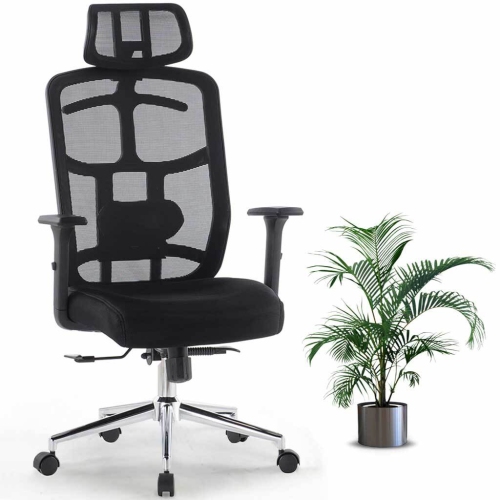 Your price for this item is $126.99
-
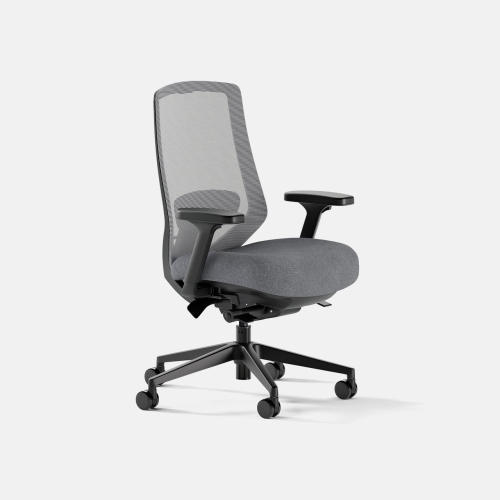 Your price for this item is $599
-
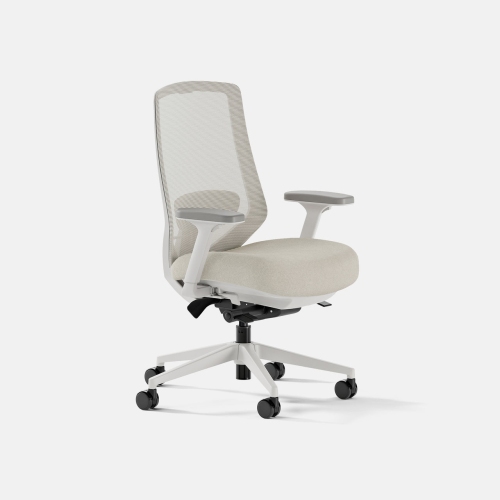 Your price for this item is $599
-
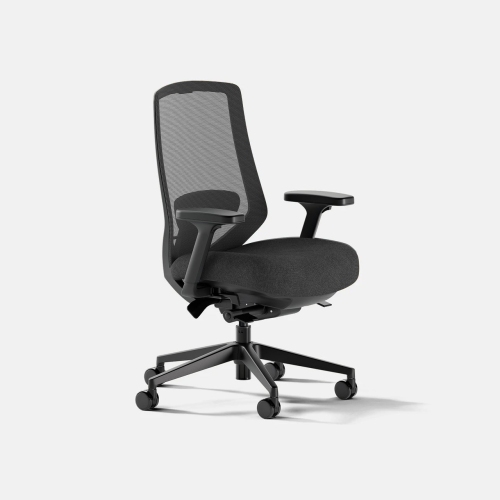 Your price for this item is $599
-
 Your price for this item is $599
-
 Your price for this item is $649
-
 Your price for this item is $459.99
-
 Your price for this item is $429
Discover more categories related to Computer Office Chairs With Lumbar Support
Top Collections:
Best Black Friday Deals This Year, Best Black Friday Deals On Electronics, Kindle Devices, Pokemon Centers, Best Black Friday Deals On Apple Products, Best Cameras for Sports Photography, Dyson Airwrap, Pokémon 30th Celebration Cards, Apple iPhone 17 Pro, Canon G7X Cameras
Some products may be subject to Environmental Handling Fees
(EHF) depending on your province.
Learn more about EHFs.