Computer Screwdrivers
Discover the essential tools you need for any computer repair or upgrade with our selection of computer screwdrivers. Whether you're a seasoned tech enthusiast or just starting out on your DIY journey, having the right screwdriver can make all the difference in ensuring your components are handled with precision and care. Designed to fit a variety of screws commonly found in laptops, desktops, and other electronic devices, these screwdrivers offer durability and ease of use. Explore our range to find the perfect fit for your toolkit and take the first step towards seamless computer maintenance and assembly.
Sort
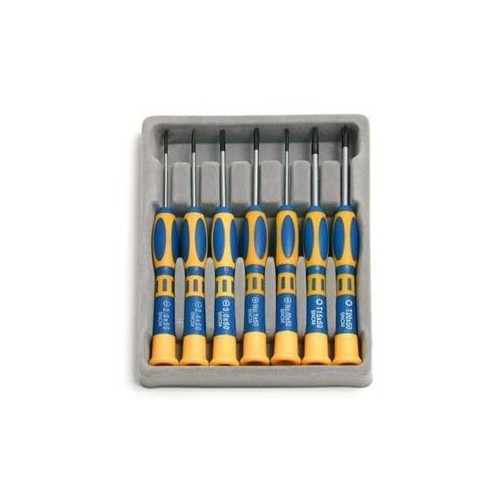


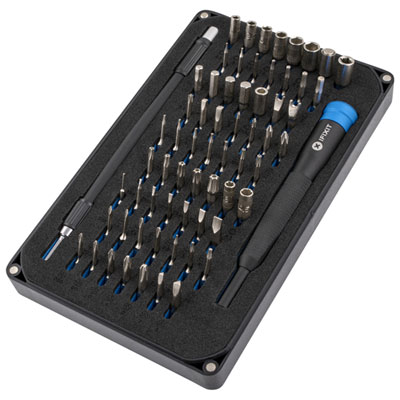
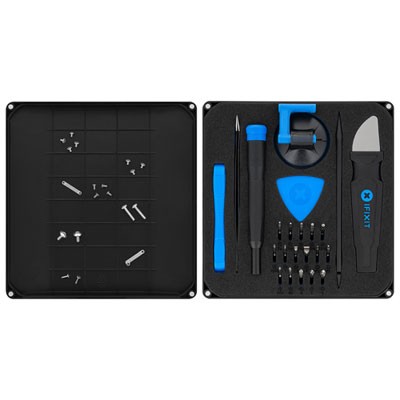
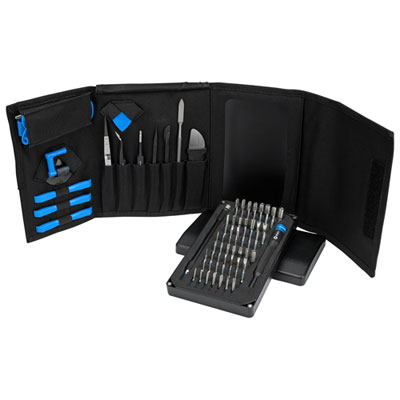
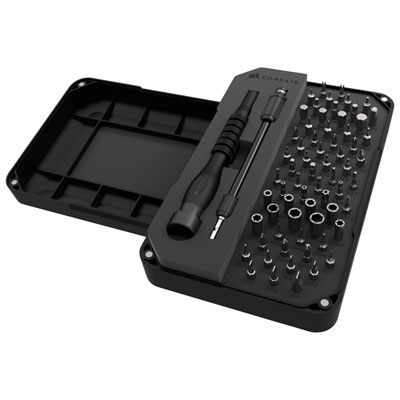
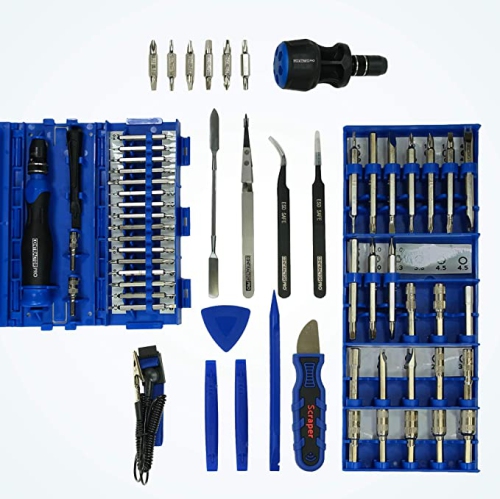
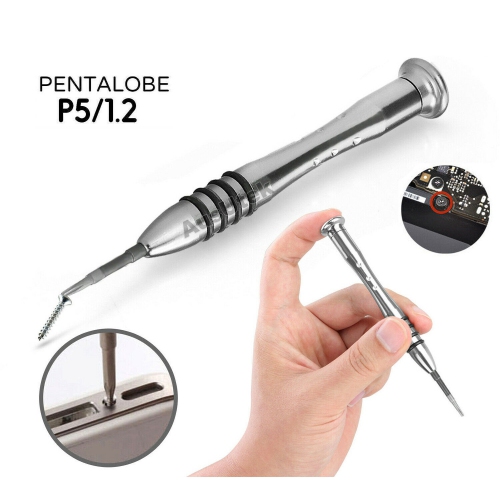

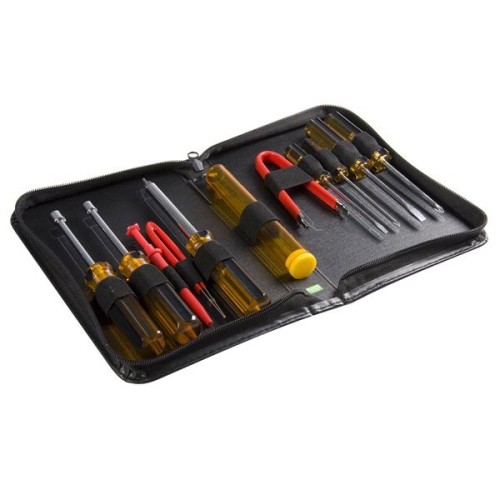
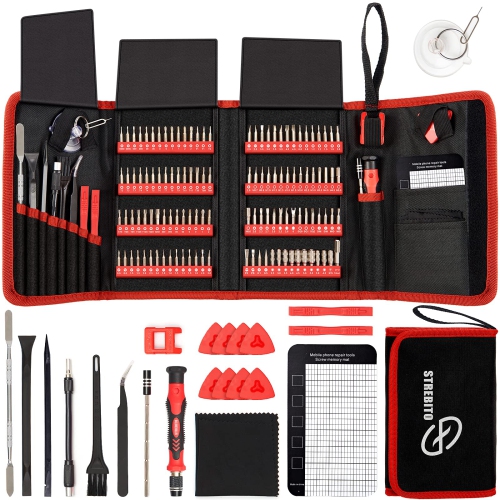
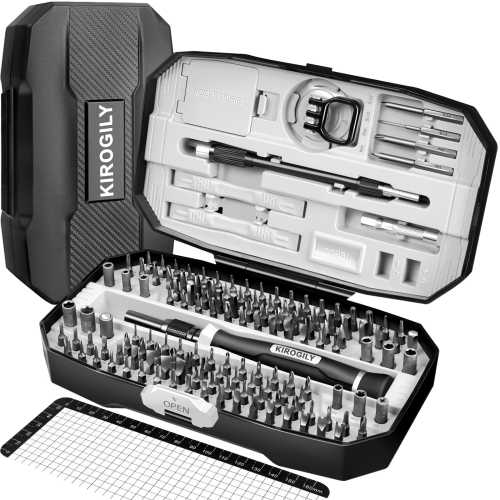
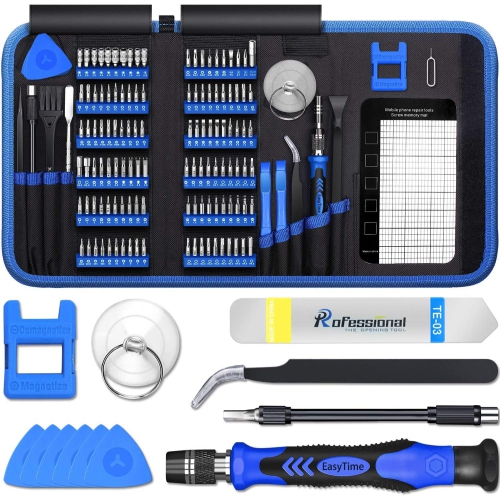
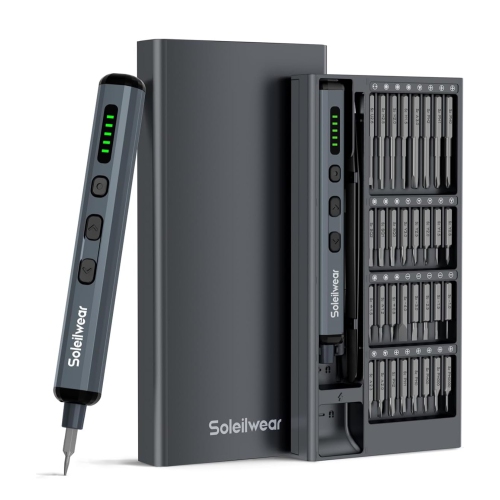
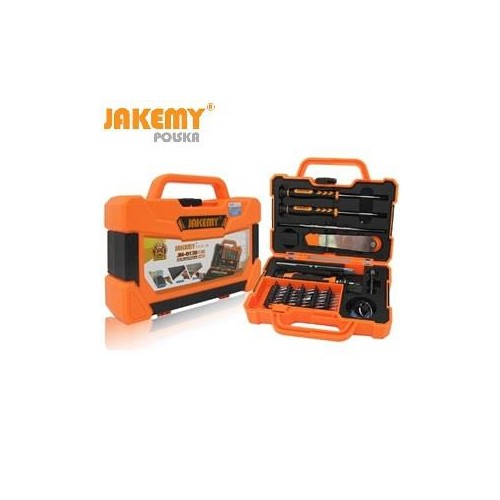
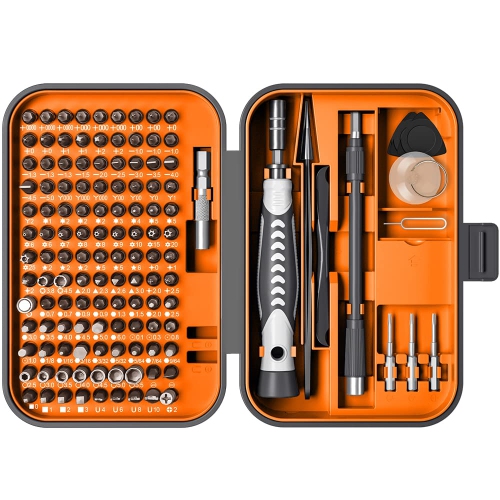
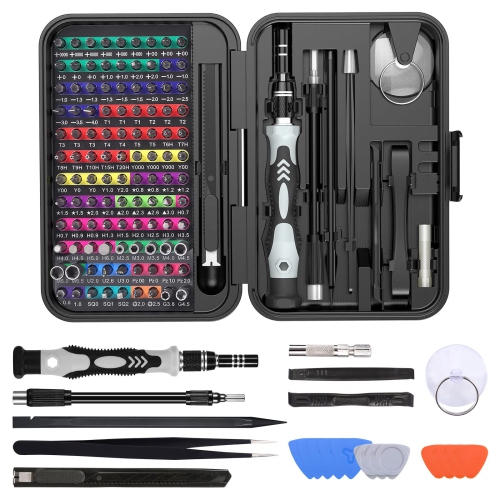
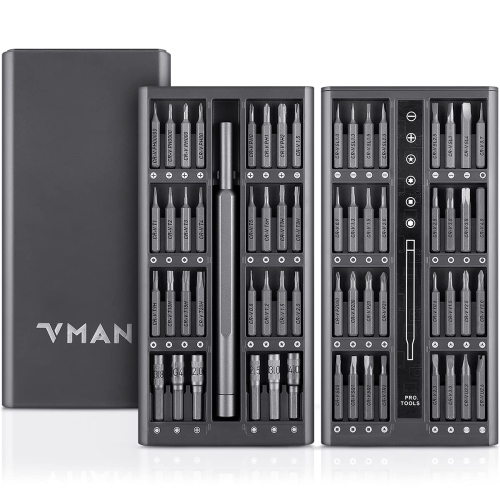
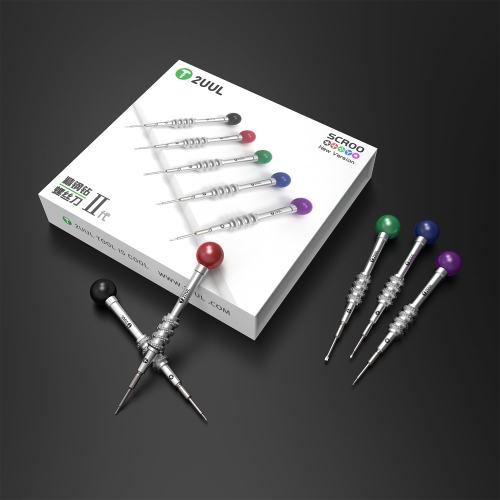
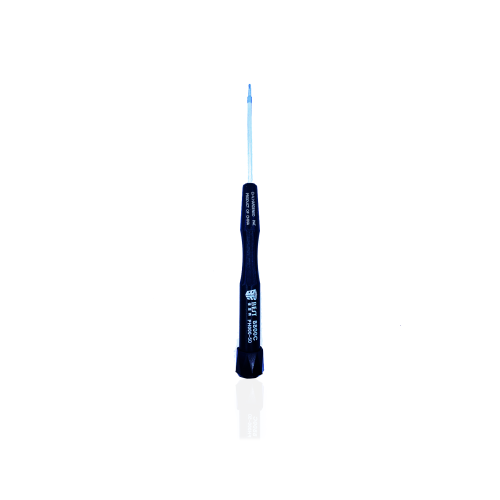
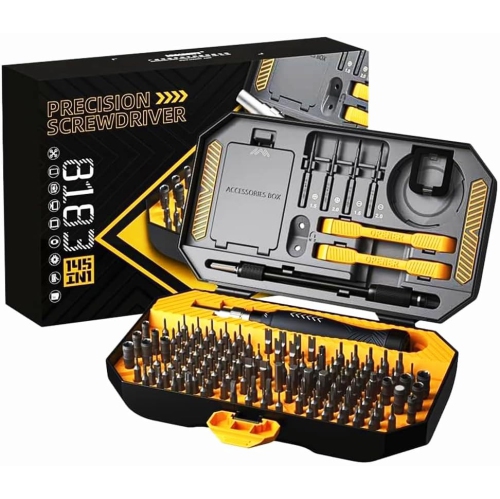
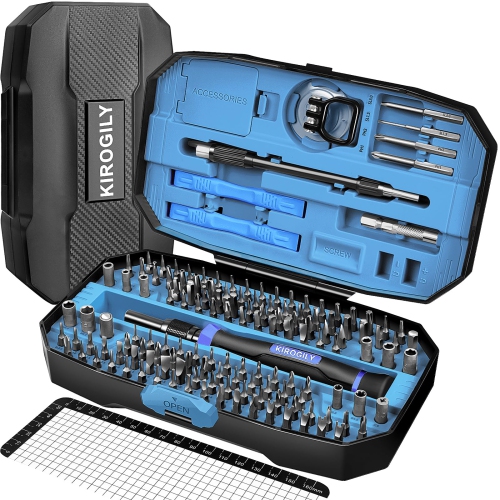
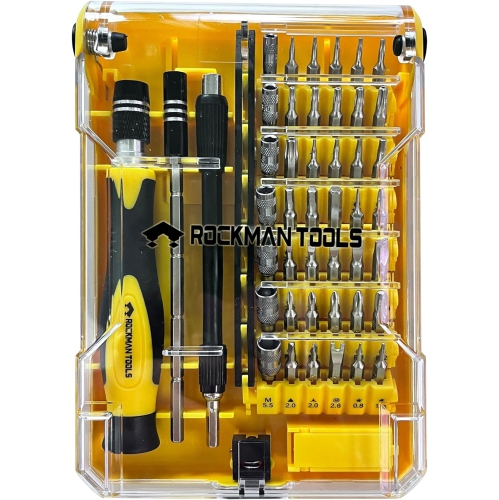
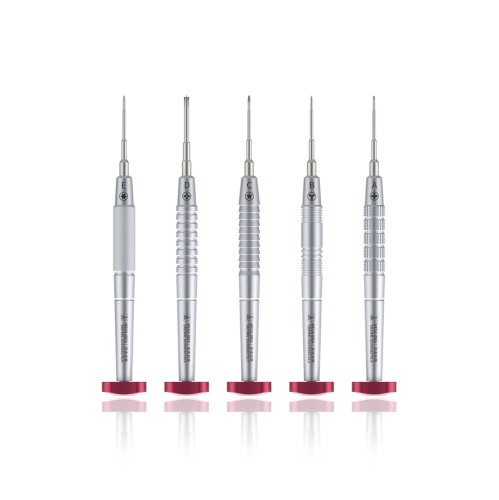

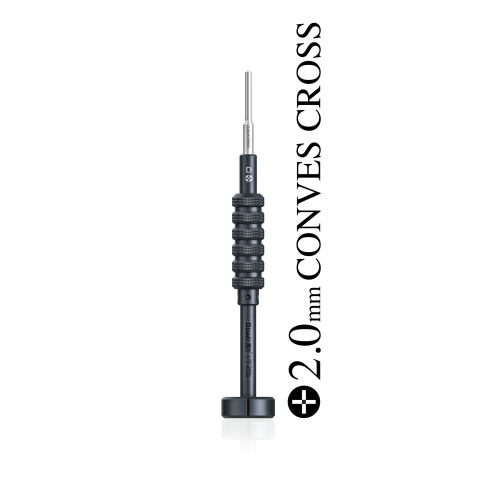
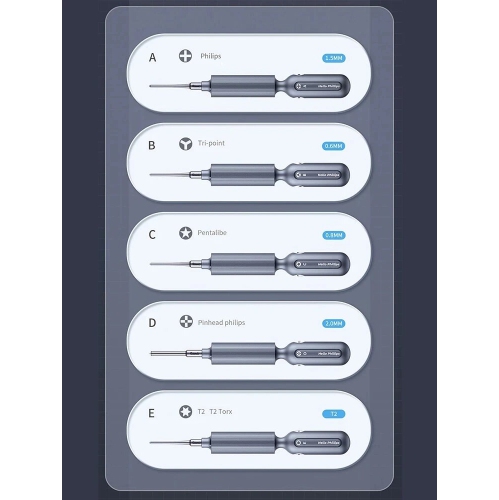
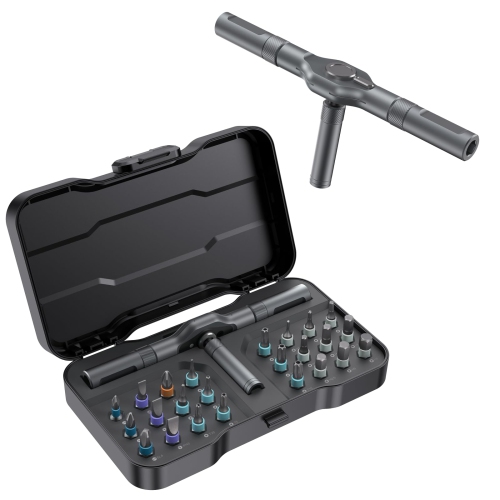
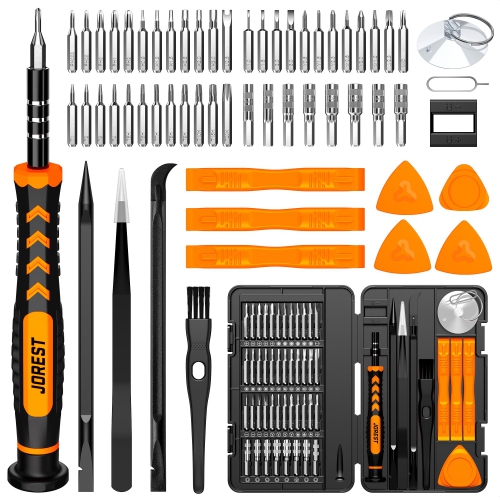
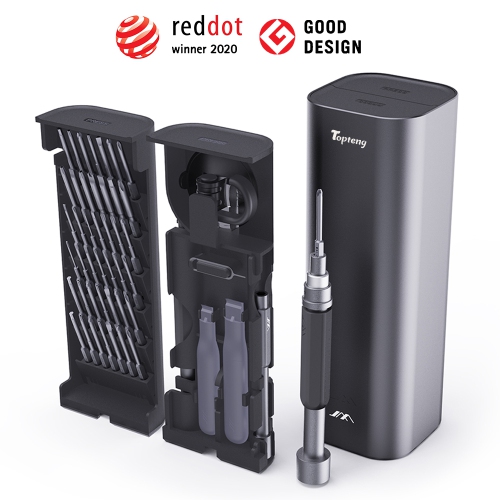
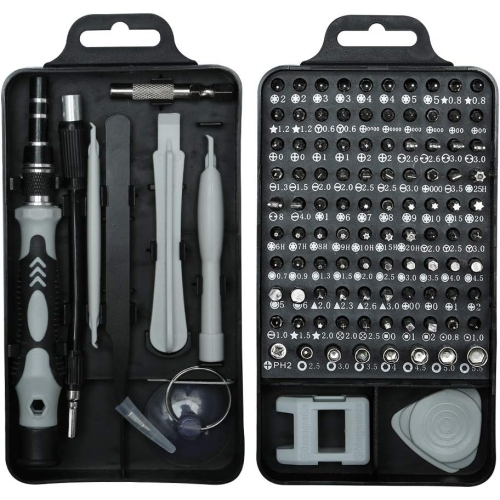

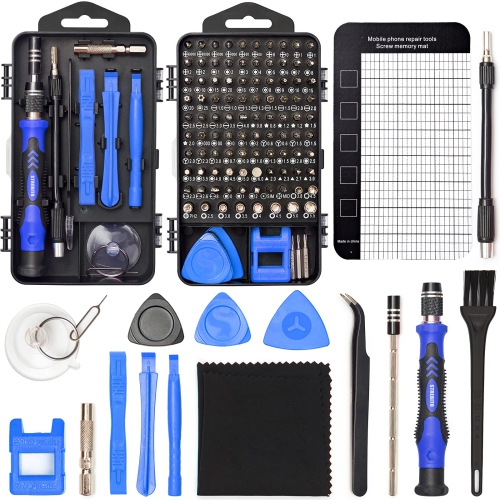
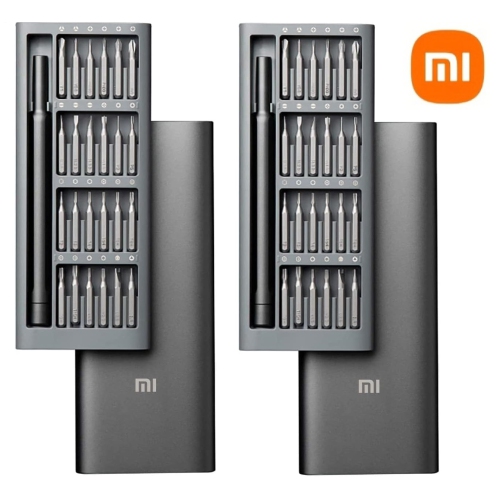
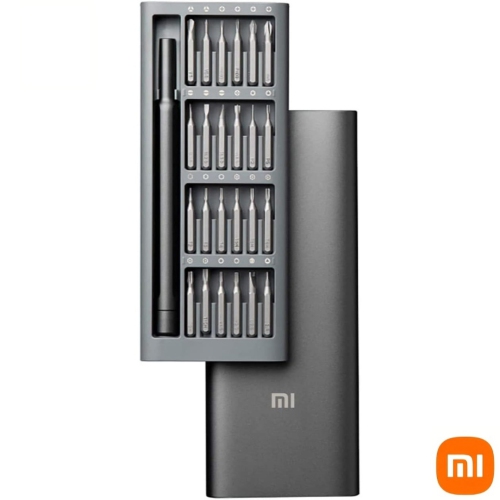
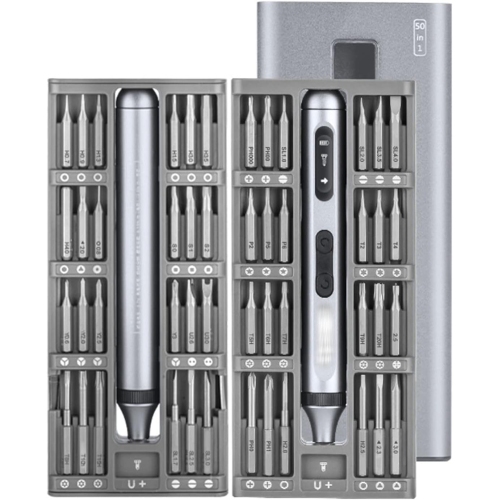
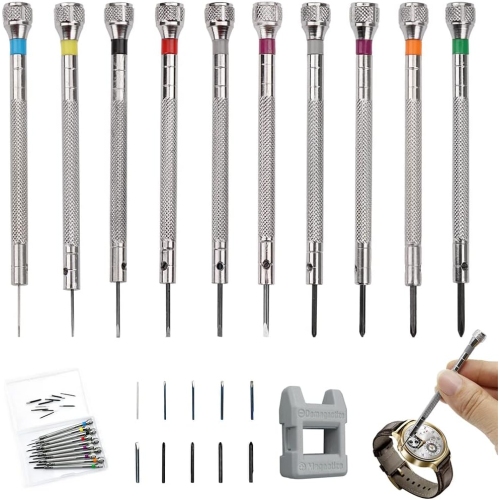

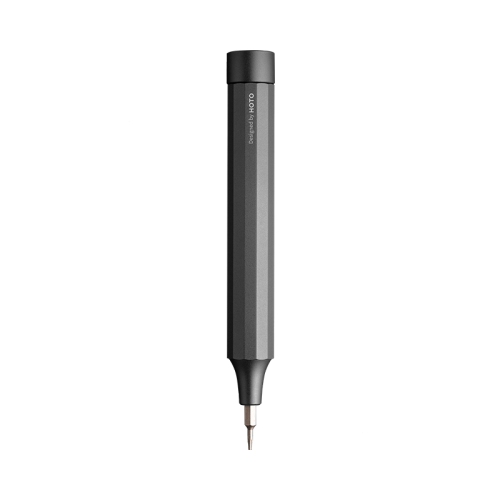
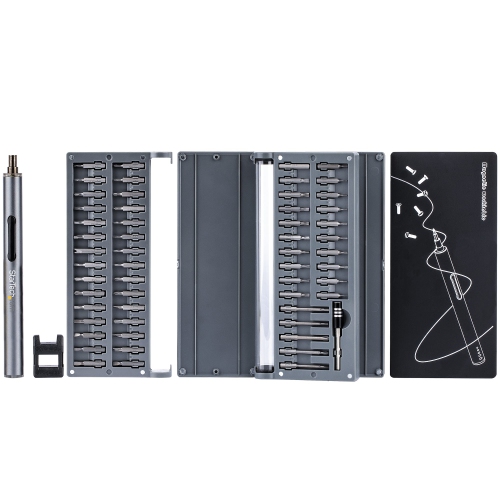
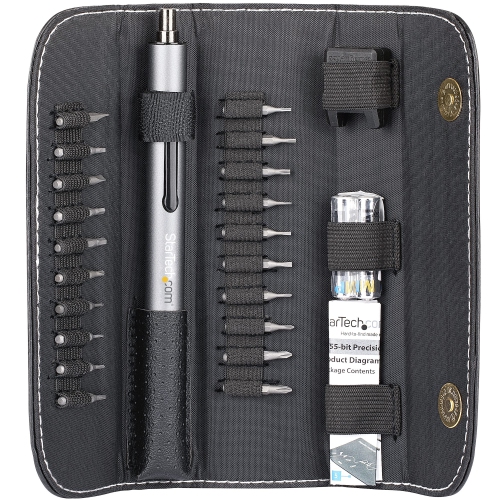
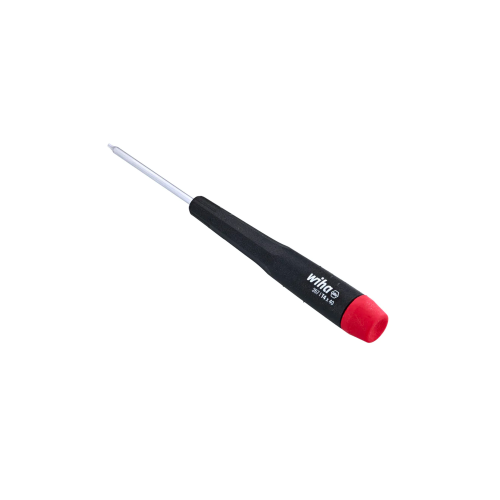
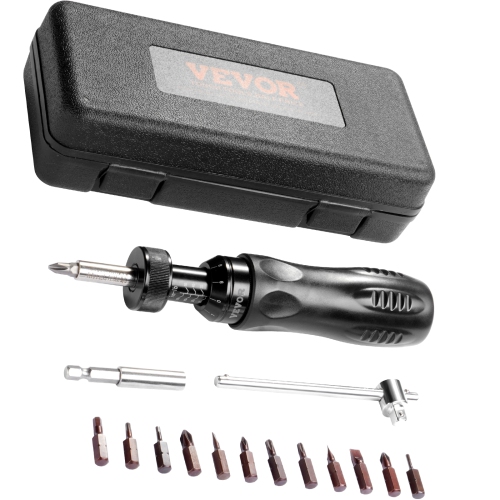
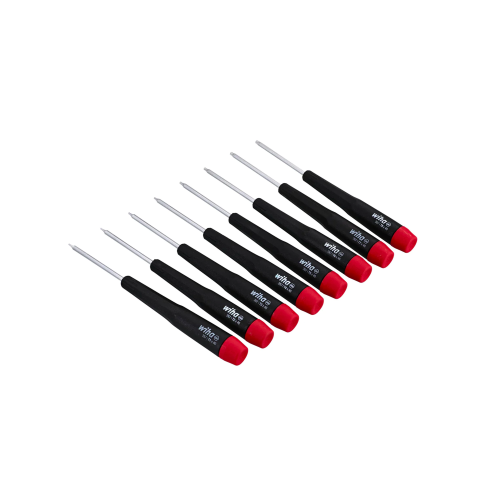
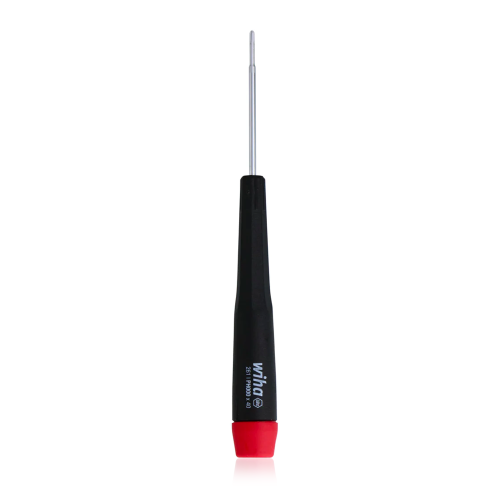
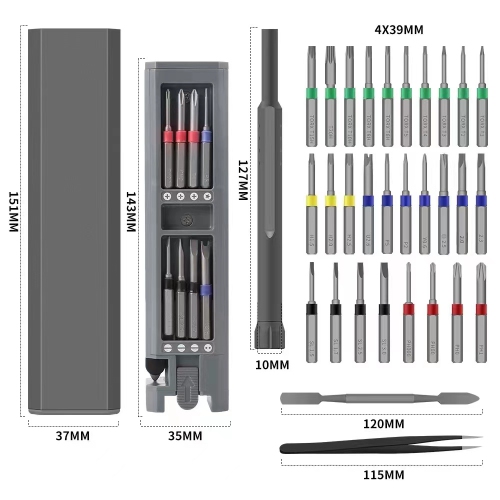
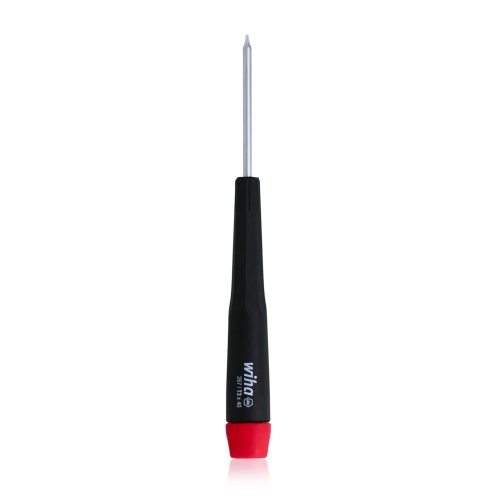
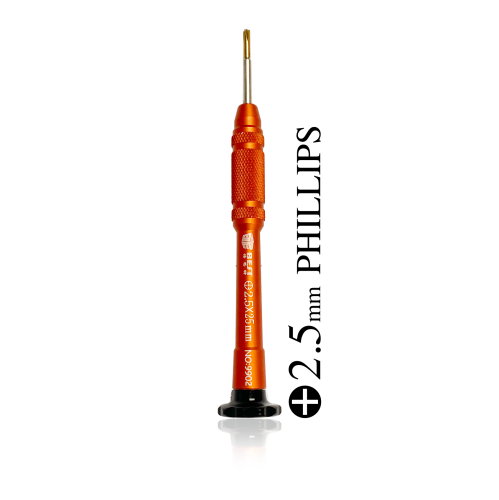
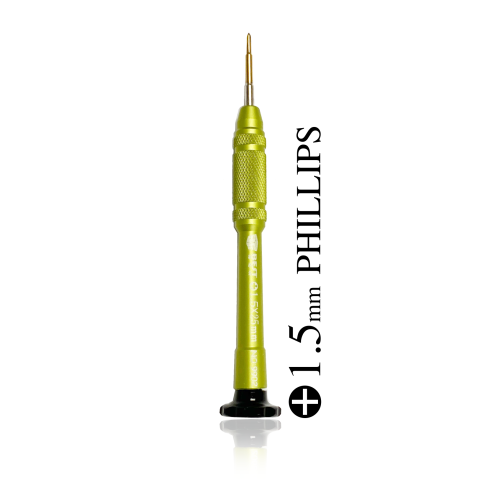
Essential tools and techniques for precise computer repairs
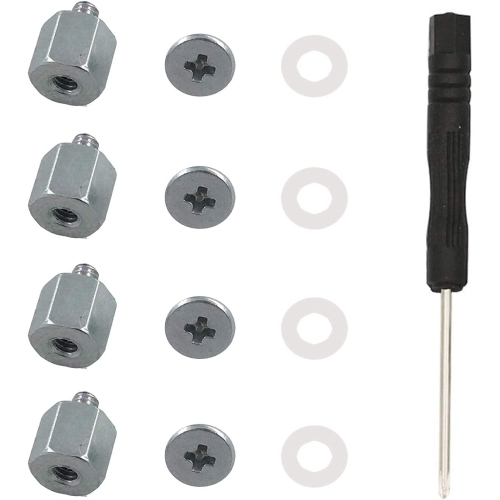
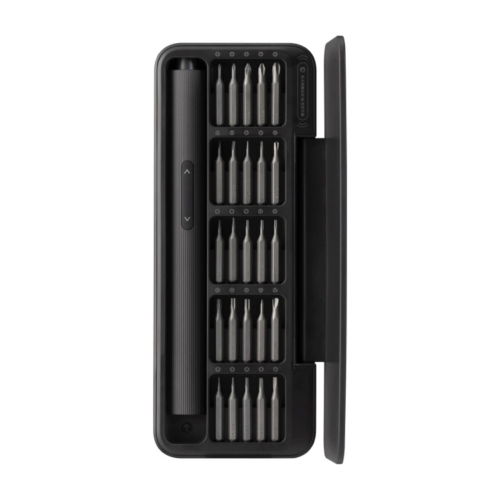
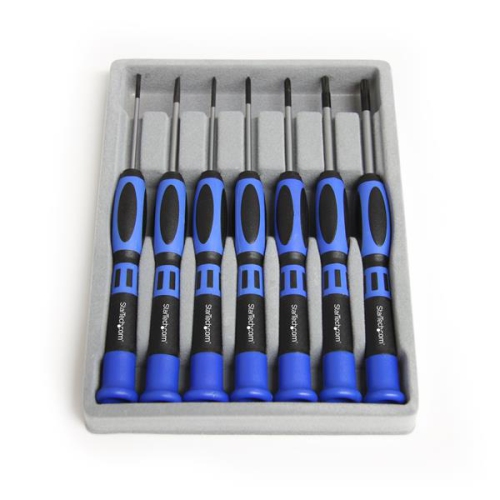
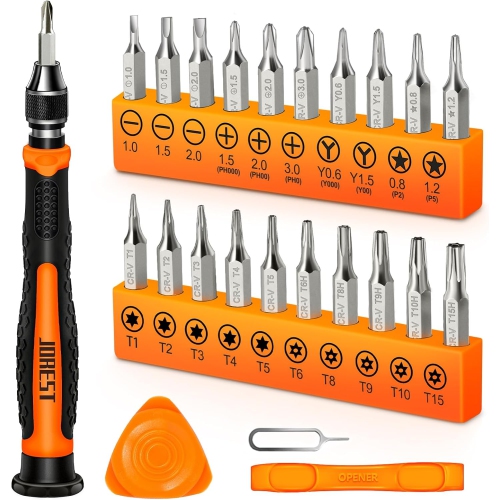
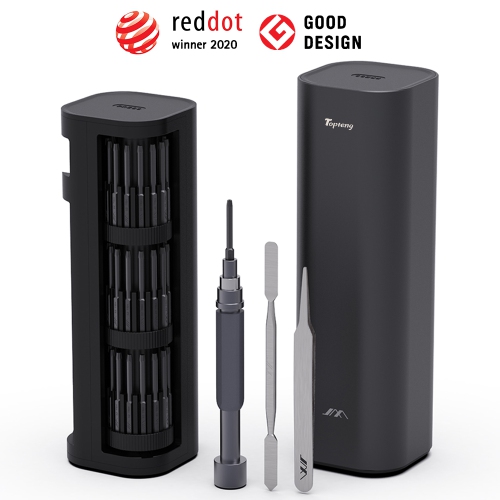
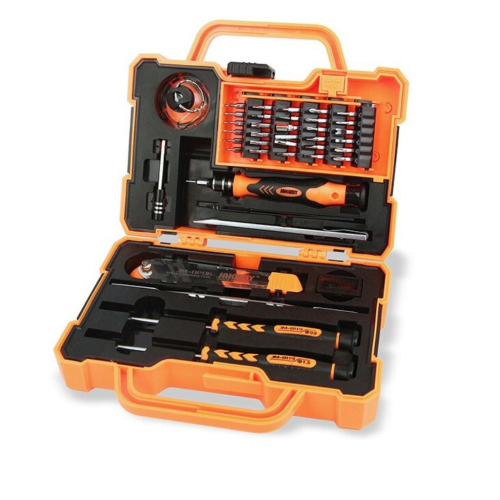
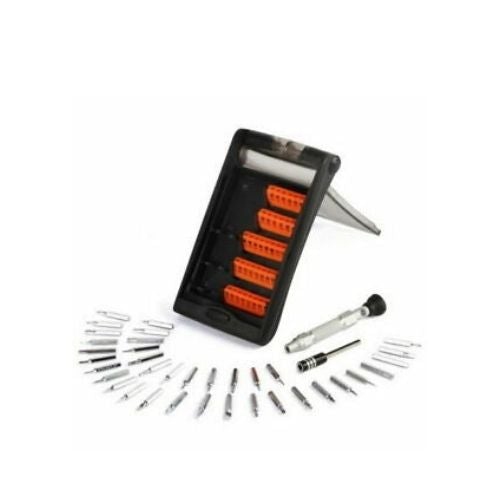
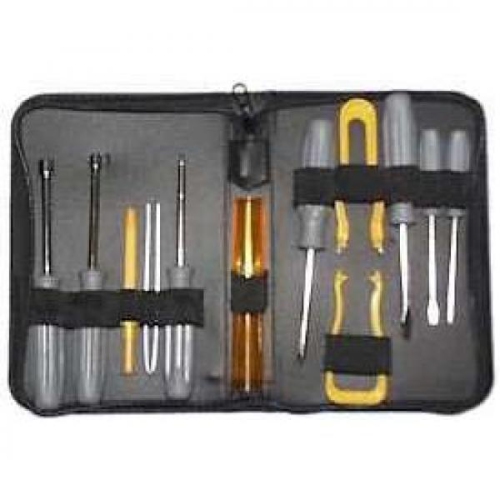
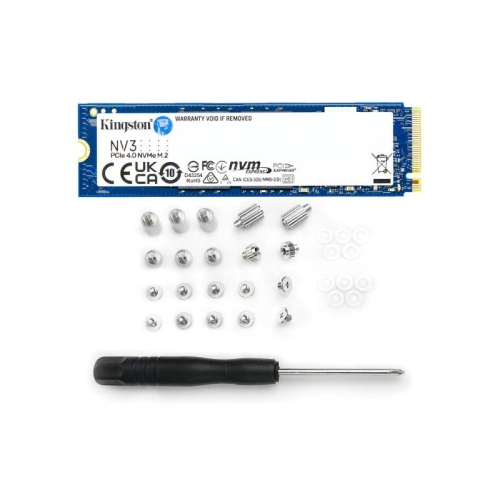
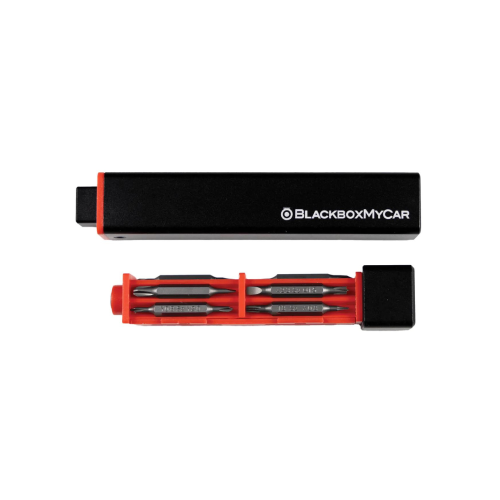
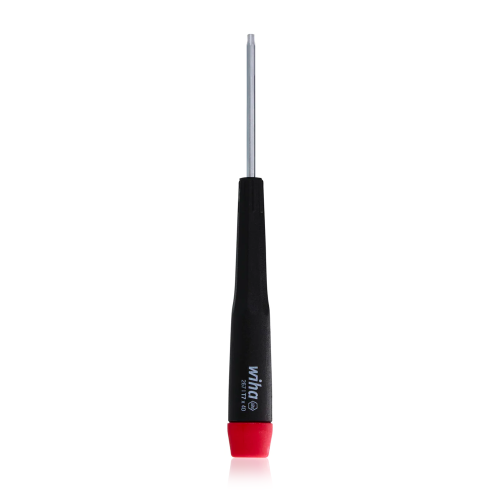
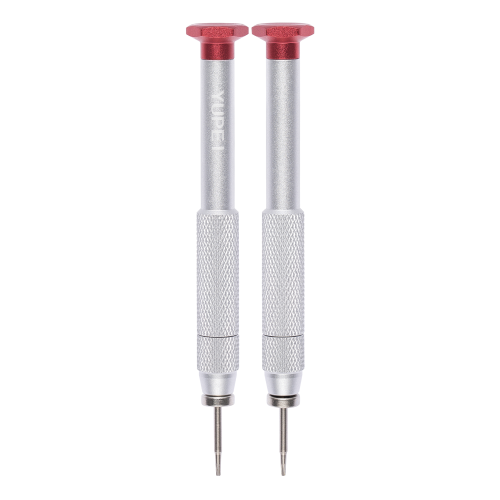
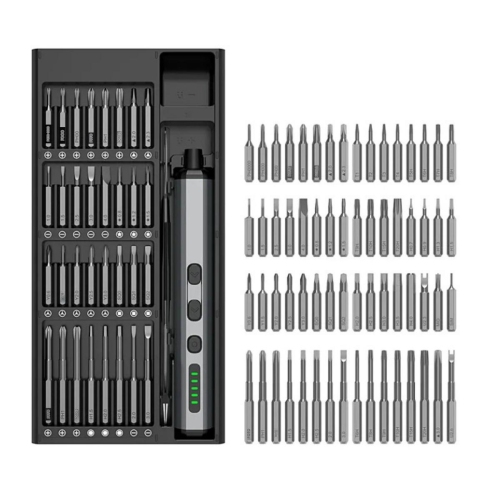
Computer screwdrivers are practical tools for assembling, upgrading, maintaining, and repairing a wide range of computers and related electronics. A basic magnetic Phillips #2 screwdriver is often the most useful starting point for desktop work, since this size commonly fits case screws, power supply fasteners, expansion cards, hard drive brackets, cooling components, and many other parts found inside a tower. Smaller Phillips #0 and #00 tips are better suited to compact hardware, including laptop covers, M.2 storage drives, wireless cards, fans, and other delicate internal components. Some computers and accessories use star-shaped Torx screws, while certain slim devices may require pentalobe or other less familiar profiles. A set with interchangeable bits can therefore be more versatile than a single driver, especially when the exact screw type varies between a computer case, monitor stand, keyboard, game console, or small peripheral. For shoppers comparing computer screwdrivers, it helps to look at the range of included bit sizes, the quality of the tips, the strength of the handle, and the way the bits are stored. A clearly organized case makes it easier to identify the right size without scattering tiny pieces across a desk, while a secure bit holder helps prevent a replacement tip from disappearing under a workbench. Magnetic tips can hold screws against the driver while they are positioned, which is especially helpful when working in narrow spaces around a motherboard or when removing a fastener from the bottom of a laptop. A magnetized tip should still be used with care around sensitive components, and screws should be kept in a small tray or labelled container so they can be returned to their original locations during reassembly.
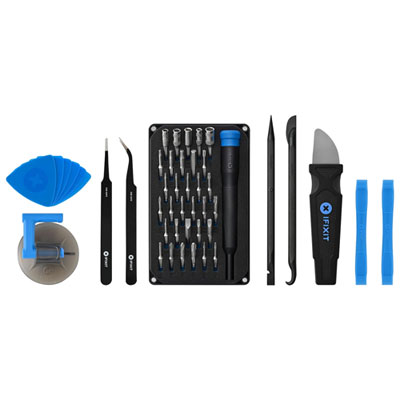
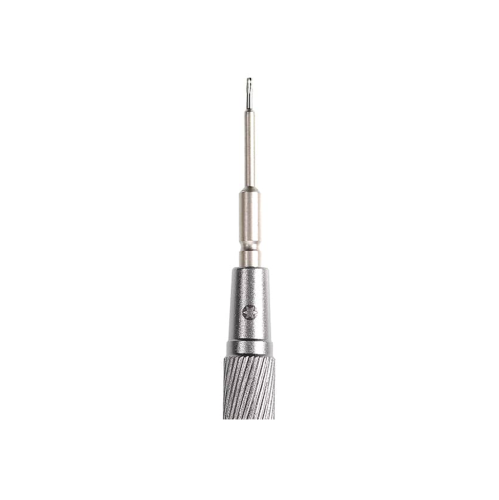
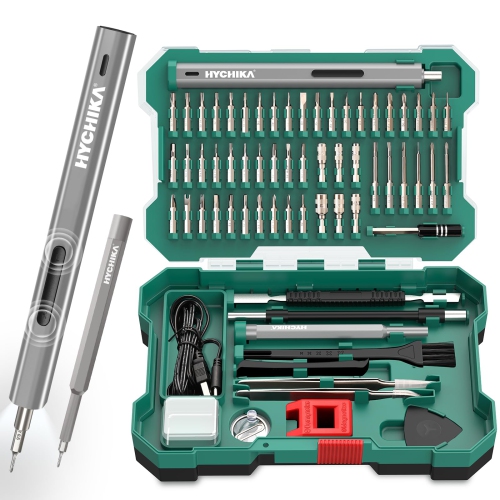
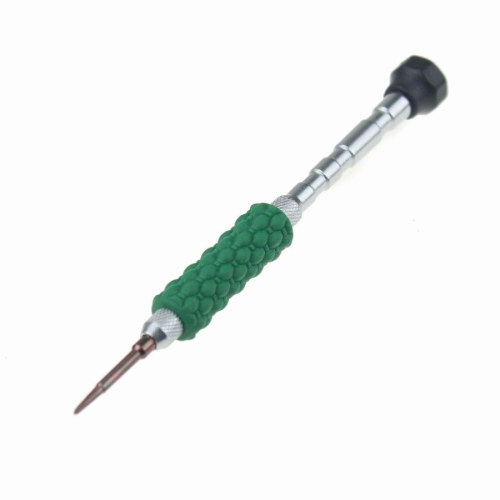
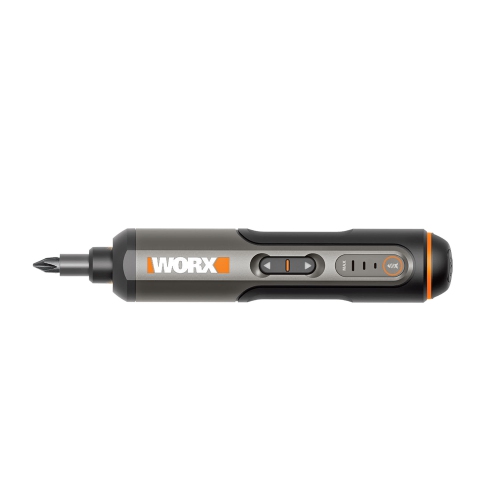
The right screwdriver set depends on the kind of computer work being done and the person using it. Desktop builders and PC enthusiasts will generally appreciate a sturdy full-size handle, a magnetic Phillips #2 bit, an extension shaft, and additional bits for graphics cards, cooling systems, storage mounts, and case hardware. Someone servicing laptops or compact electronics may benefit more from a precision set with slim handles, fine Phillips bits, Torx sizes, pentalobe bits, and a swivel cap that allows smooth fingertip turning. A swivel cap is useful when a screw has already been loosened and needs to be backed out slowly without repeatedly lifting the tool. An extension shaft can provide extra reach inside a deep computer case, while a flexible shaft may help access fasteners positioned behind brackets or in recessed openings. Sets that include tweezers, pry tools, spudgers, or small suction tools can also be convenient for separating covers and handling tiny components, although each accessory should be used gently to avoid marking plastic or damaging cables. Electric precision screwdrivers can make repeated work faster, particularly for someone who repairs or upgrades several computers, but adjustable torque settings are important because excessive force can strip a screw head, crack a plastic mount, or damage delicate threads. For occasional home use, a manual driver set often provides more control and a better feel as a screw tightens. These tools can make thoughtful gifts for a student building a first desktop, a family member setting up a home office, a gamer who enjoys upgrading a computer, or a hobbyist who likes restoring older electronics. They are also useful for anyone who has experienced the familiar frustration of dropping a tiny screw inside a laptop or finding that a household screwdriver is too large for a recessed fastener. A compact set stored beside a work mat or in a home office drawer can be ready for replacing a solid-state drive, tightening a loose fan, installing memory, or opening a device for cleaning.
Good technique makes computer screwdrivers easier and safer to use. Before opening a desktop or laptop, shut it down fully, disconnect the power cable and accessories, and allow components to cool. A clean, well-lit surface helps reveal small screws and reduces the chance of losing them among cables, papers, or carpet fibres. Choosing a bit that fills the screw head closely is essential; if the tip rocks, slips, or only catches the corners, a different size or profile is needed. Place the driver straight over the fastener and apply steady downward pressure while turning slowly. This approach is particularly important with small Phillips screws, which can strip quickly when a bit is undersized. Avoid forcing a bit that does not fit, and do not use a flat-head screwdriver as a substitute for a star-shaped or precision screw unless the fastener is specifically designed for it. When a screw begins to resist, check whether another screw, bracket, or cable is holding the part in place rather than adding more torque. Keep removed screws grouped by location, since two screws that appear identical may have different lengths, and a longer one installed in the wrong place can interfere with internal components. Precision drivers are also useful for tightening external accessories, replacing battery covers, adjusting monitor mounts, and maintaining small household electronics, making them useful beyond a single computer project. During the cooler months, when more time may be spent indoors organizing a workspace, studying, gaming, or completing home projects, a reliable set can keep routine upgrades and repairs from turning into a search for the right tool. Shoppers looking for tools for general household projects may also wish to browse Small Screwdrivers for additional compact options. Whether the task involves a full-size desktop or a slim laptop with tiny recessed screws, selecting the appropriate bit, using controlled pressure, and keeping the work area organized can make computer maintenance feel precise, manageable, and far less frustrating.
The right screwdriver set depends on the kind of computer work being done and the person using it. Desktop builders and PC enthusiasts will generally appreciate a sturdy full-size handle, a magnetic Phillips #2 bit, an extension shaft, and additional bits for graphics cards, cooling systems, storage mounts, and case hardware. Someone servicing laptops or compact electronics may benefit more from a precision set with slim handles, fine Phillips bits, Torx sizes, pentalobe bits, and a swivel cap that allows smooth fingertip turning. A swivel cap is useful when a screw has already been loosened and needs to be backed out slowly without repeatedly lifting the tool. An extension shaft can provide extra reach inside a deep computer case, while a flexible shaft may help access fasteners positioned behind brackets or in recessed openings. Sets that include tweezers, pry tools, spudgers, or small suction tools can also be convenient for separating covers and handling tiny components, although each accessory should be used gently to avoid marking plastic or damaging cables. Electric precision screwdrivers can make repeated work faster, particularly for someone who repairs or upgrades several computers, but adjustable torque settings are important because excessive force can strip a screw head, crack a plastic mount, or damage delicate threads. For occasional home use, a manual driver set often provides more control and a better feel as a screw tightens. These tools can make thoughtful gifts for a student building a first desktop, a family member setting up a home office, a gamer who enjoys upgrading a computer, or a hobbyist who likes restoring older electronics. They are also useful for anyone who has experienced the familiar frustration of dropping a tiny screw inside a laptop or finding that a household screwdriver is too large for a recessed fastener. A compact set stored beside a work mat or in a home office drawer can be ready for replacing a solid-state drive, tightening a loose fan, installing memory, or opening a device for cleaning.
Good technique makes computer screwdrivers easier and safer to use. Before opening a desktop or laptop, shut it down fully, disconnect the power cable and accessories, and allow components to cool. A clean, well-lit surface helps reveal small screws and reduces the chance of losing them among cables, papers, or carpet fibres. Choosing a bit that fills the screw head closely is essential; if the tip rocks, slips, or only catches the corners, a different size or profile is needed. Place the driver straight over the fastener and apply steady downward pressure while turning slowly. This approach is particularly important with small Phillips screws, which can strip quickly when a bit is undersized. Avoid forcing a bit that does not fit, and do not use a flat-head screwdriver as a substitute for a star-shaped or precision screw unless the fastener is specifically designed for it. When a screw begins to resist, check whether another screw, bracket, or cable is holding the part in place rather than adding more torque. Keep removed screws grouped by location, since two screws that appear identical may have different lengths, and a longer one installed in the wrong place can interfere with internal components. Precision drivers are also useful for tightening external accessories, replacing battery covers, adjusting monitor mounts, and maintaining small household electronics, making them useful beyond a single computer project. During the cooler months, when more time may be spent indoors organizing a workspace, studying, gaming, or completing home projects, a reliable set can keep routine upgrades and repairs from turning into a search for the right tool. Shoppers looking for tools for general household projects may also wish to browse Small Screwdrivers for additional compact options. Whether the task involves a full-size desktop or a slim laptop with tiny recessed screws, selecting the appropriate bit, using controlled pressure, and keeping the work area organized can make computer maintenance feel precise, manageable, and far less frustrating.
Top selling and popular products
-
 Your price for this item is $39.99
 -
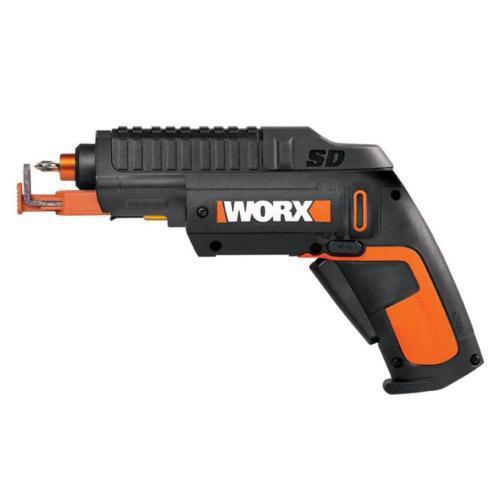 Your price for this item is $39.99
 -
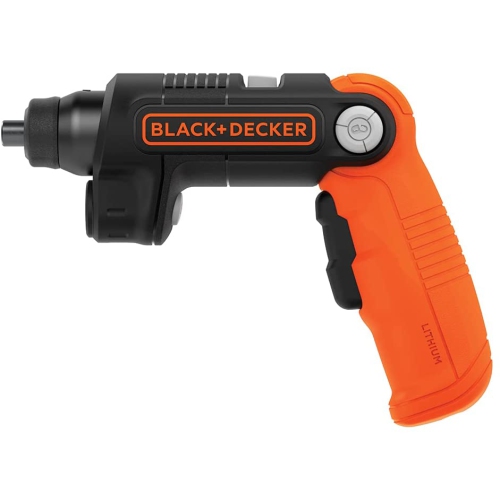 Your price for this item is $94.99
 -
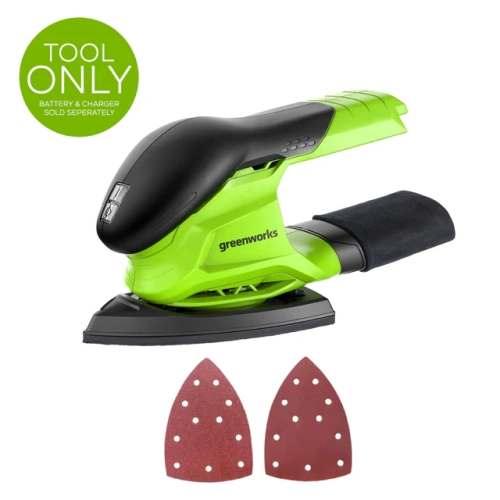 Your price for this item is $49.99
 -
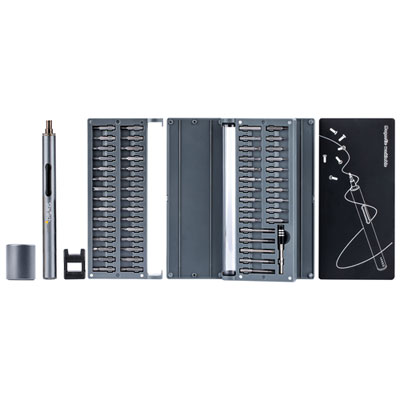 Your price for this item is $120.99
 -
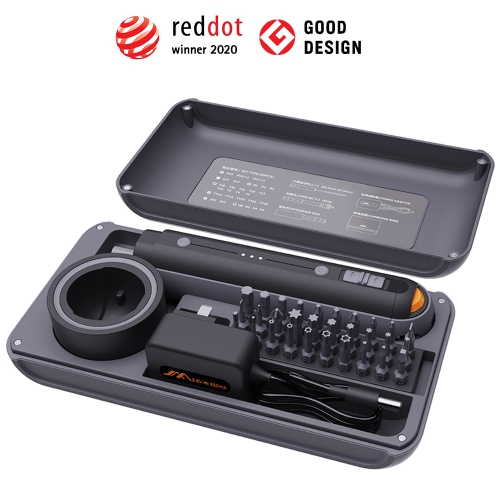 Your price for this item is $96.99
 -
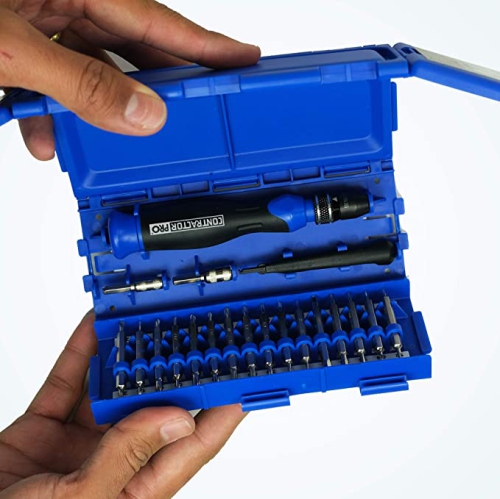 Your price for this item is $15.99
 -
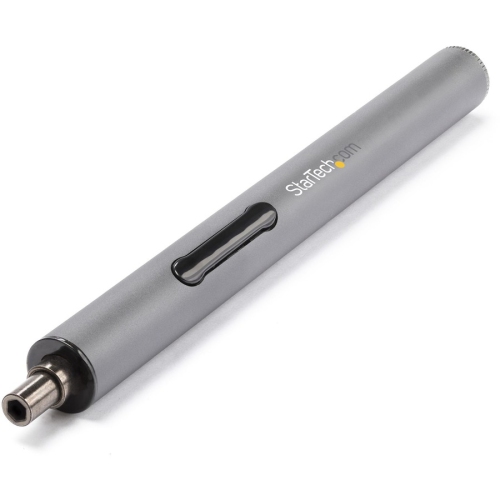 Your price for this item is $90.68
Discover more categories related to Computer Screwdrivers
Top Collections:
Pokemon Centers, Kindle Devices, Best Budget Office Chairs, Apple iPhones 16, Best Laptops for Writers, iPhone 15 Apple, Canon G7X Cameras, Refurbished Apple Laptops, Alarm Clock, Motorola Razr Phones
Some products may be subject to Environmental Handling Fees
(EHF) depending on your province.
Learn more about EHFs.