Computer Shelves
For those looking to optimize their workspace and keep their computer area organized, computer shelves are a must-have solution. These versatile shelves are designed to provide a dedicated space for your computer tower, printer, and other peripherals, helping you maximize your desk space and create a more efficient work environment. With various sizes, styles, and materials available, finding the perfect computer shelf to suit your needs and décor is easy.
Sort
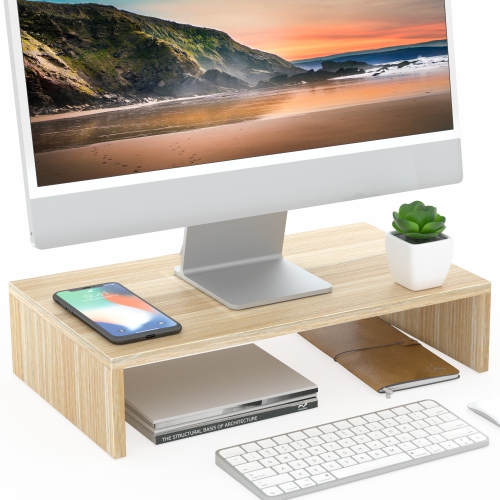
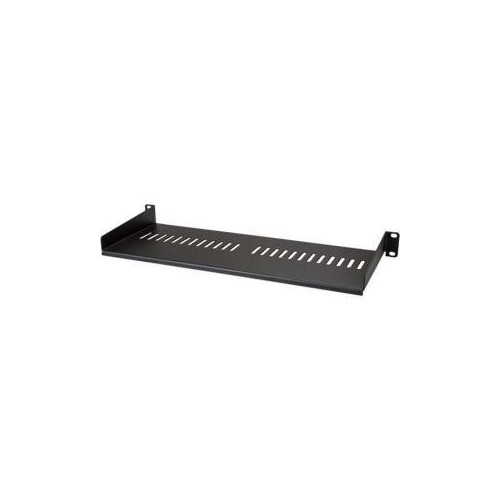

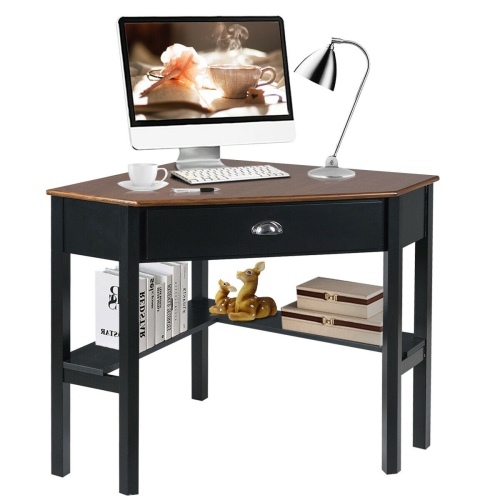
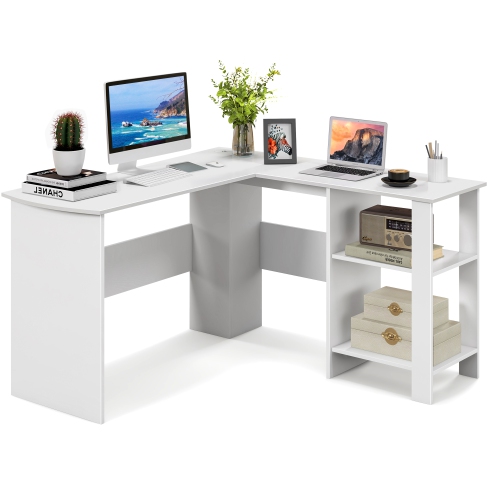
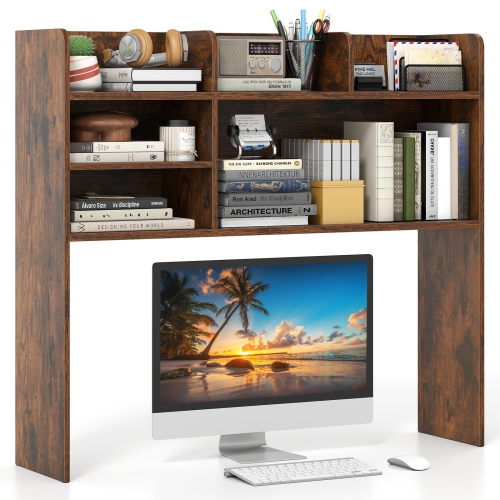
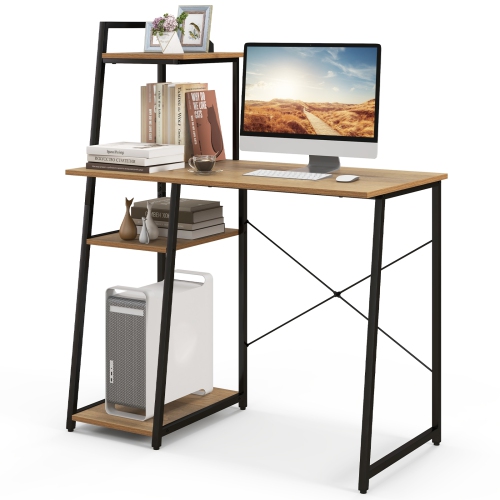
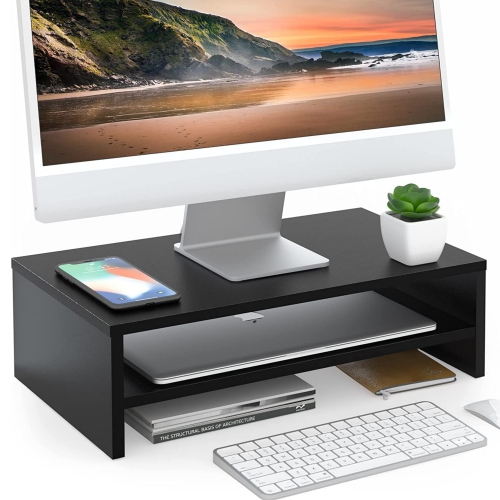
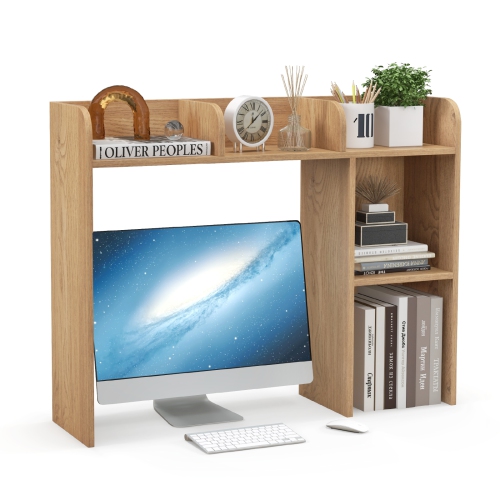
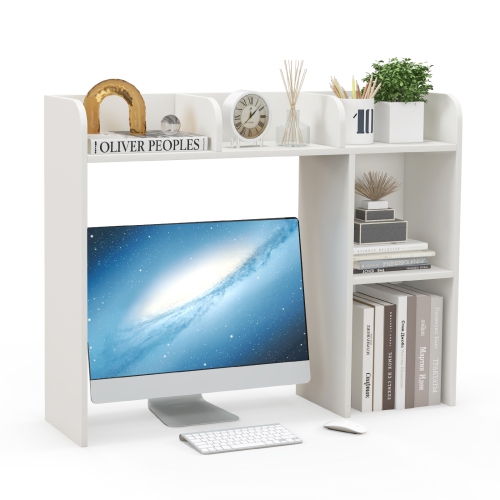
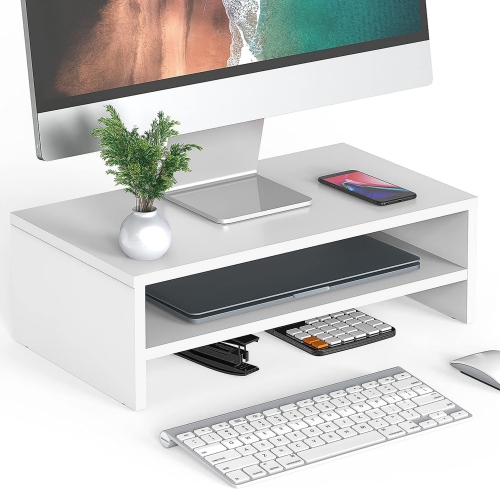
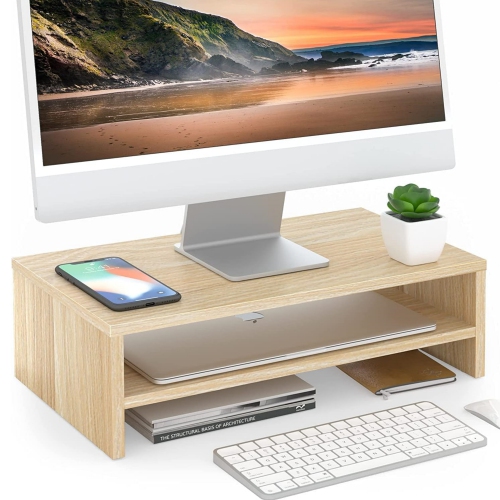
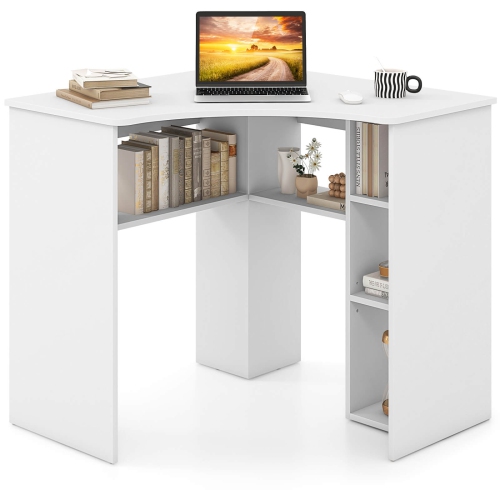
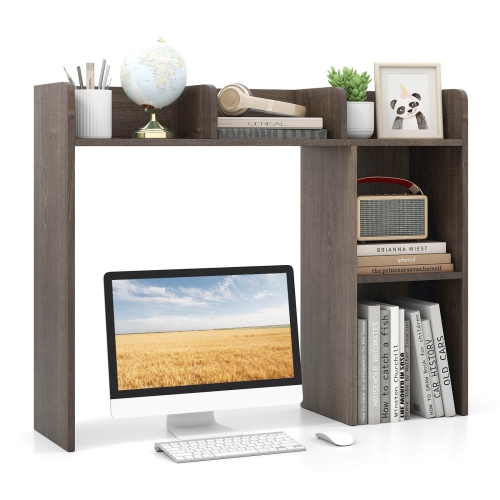
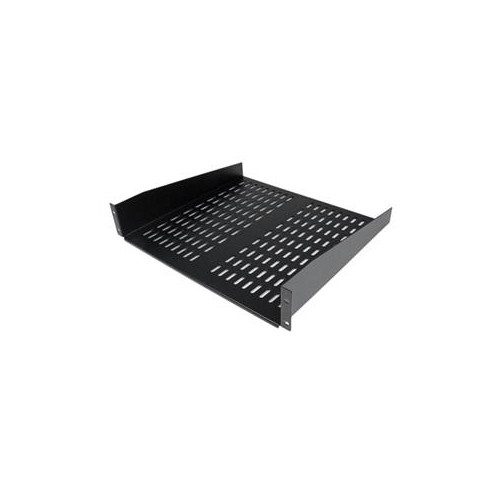
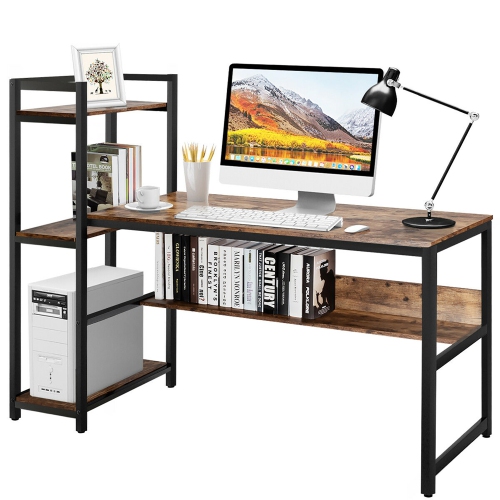
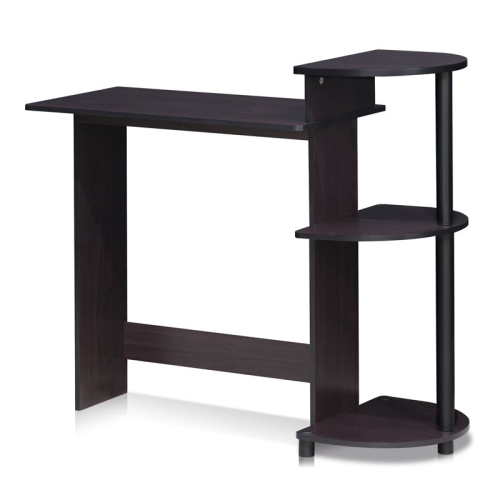
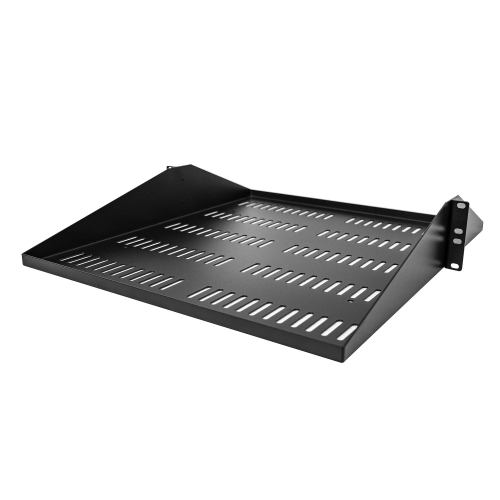
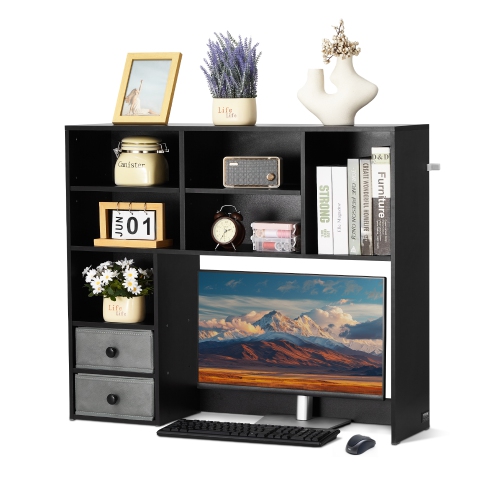
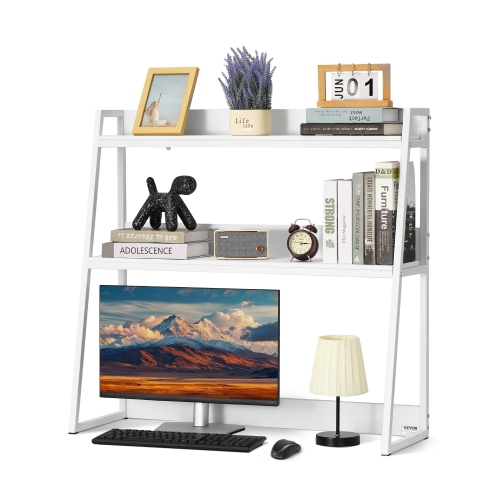
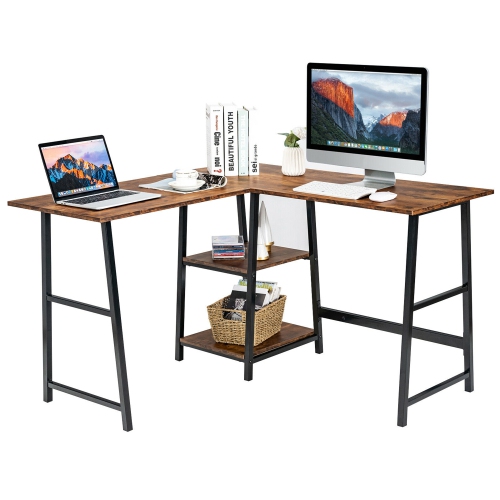
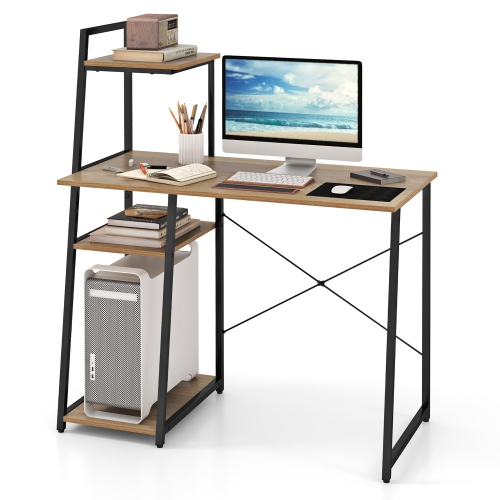
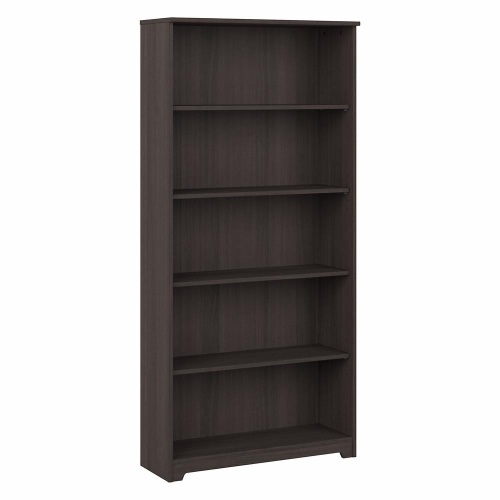
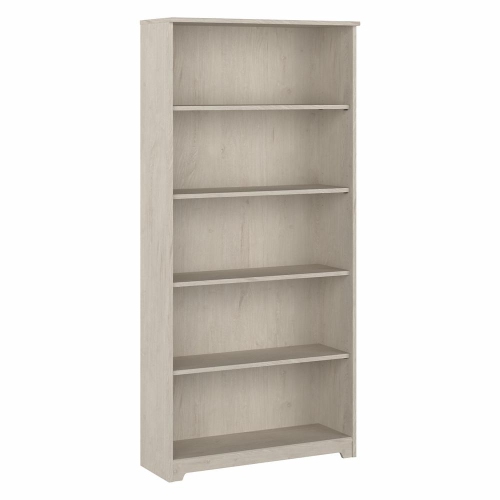
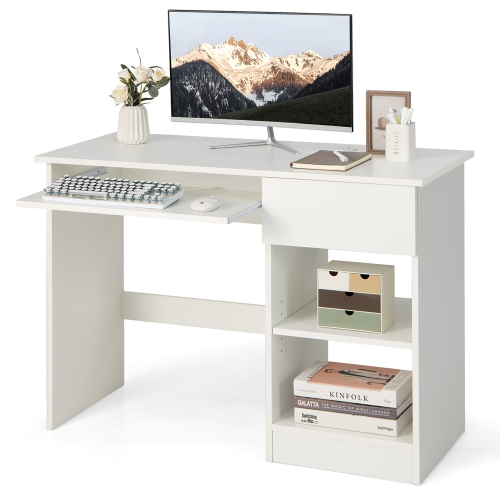
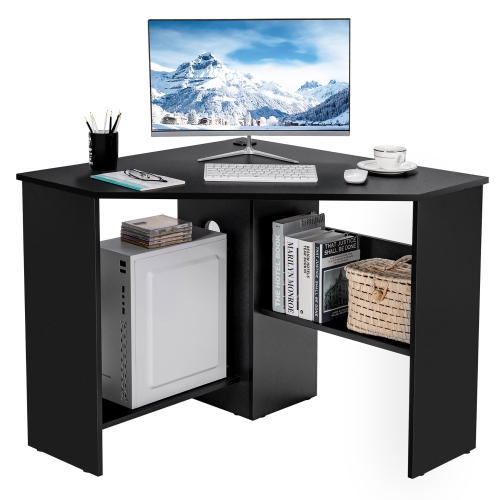
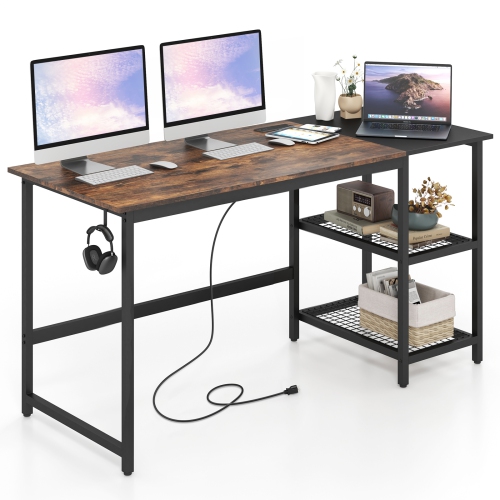
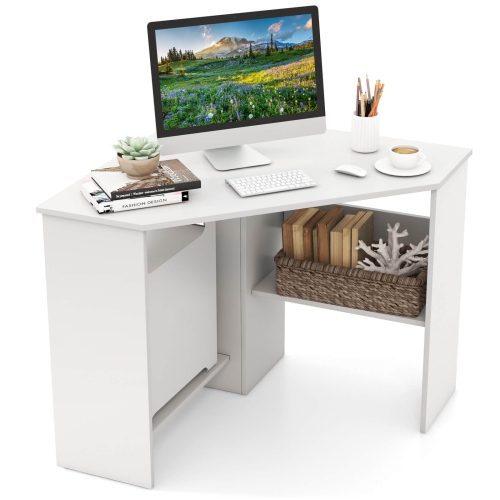
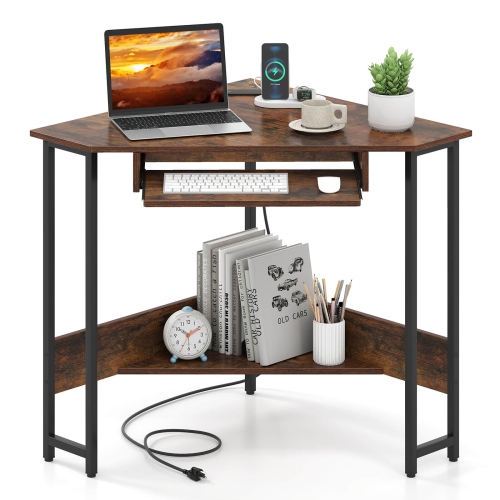
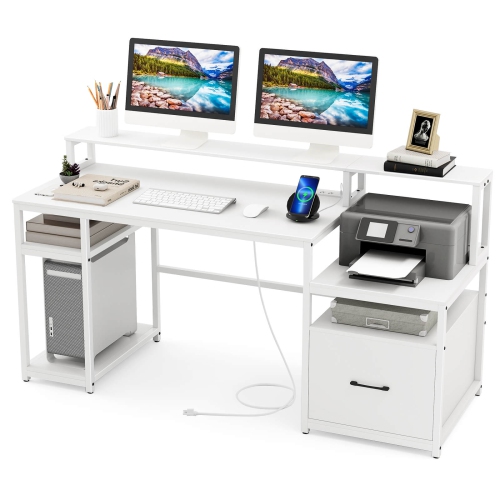
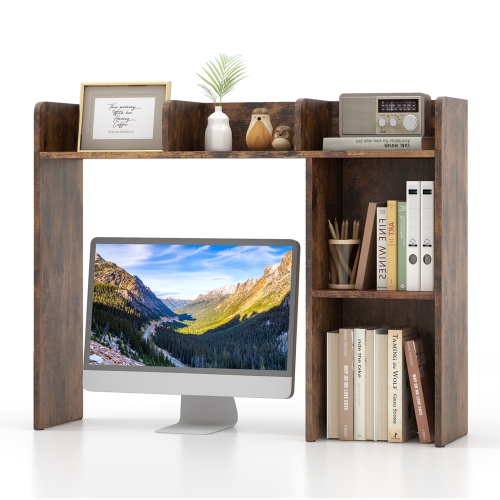
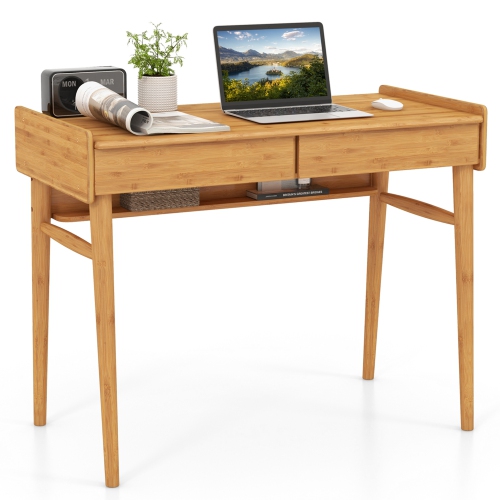
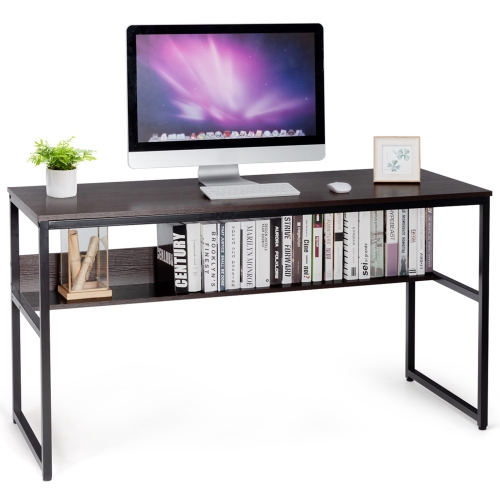
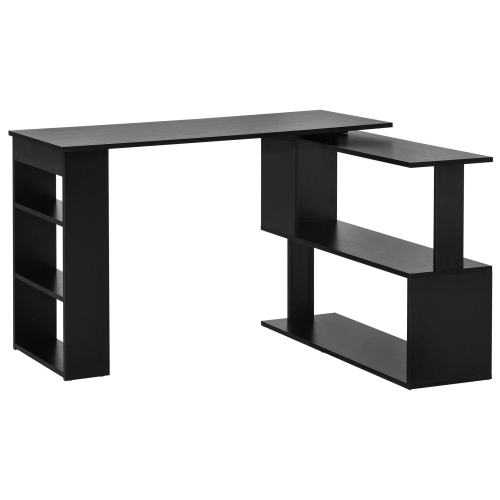
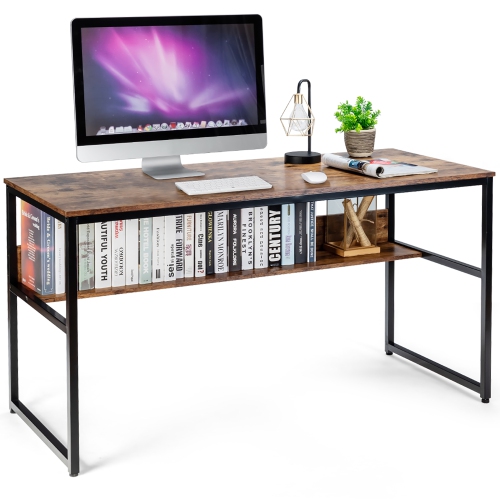
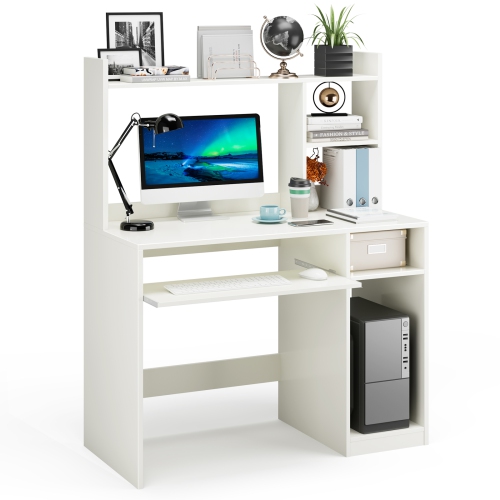

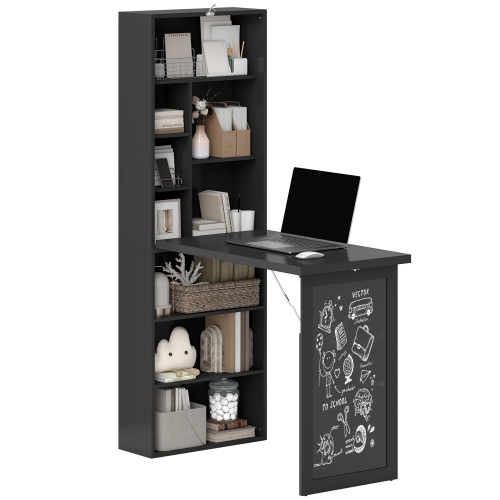
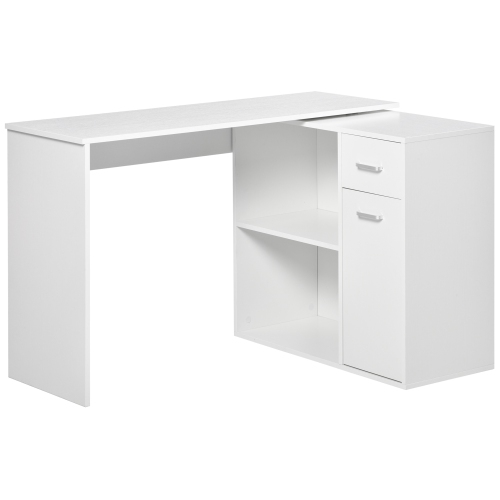
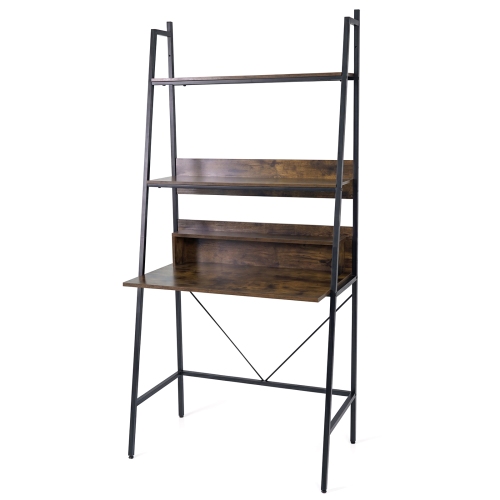
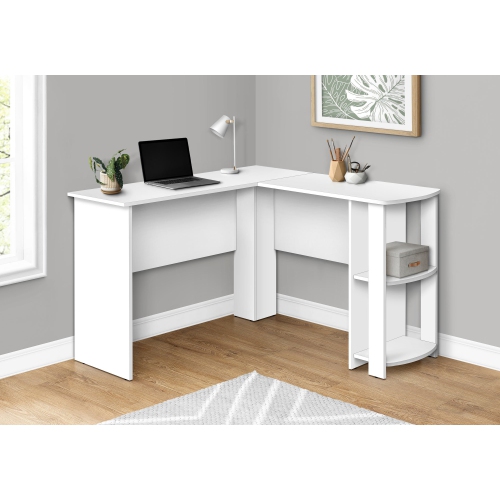
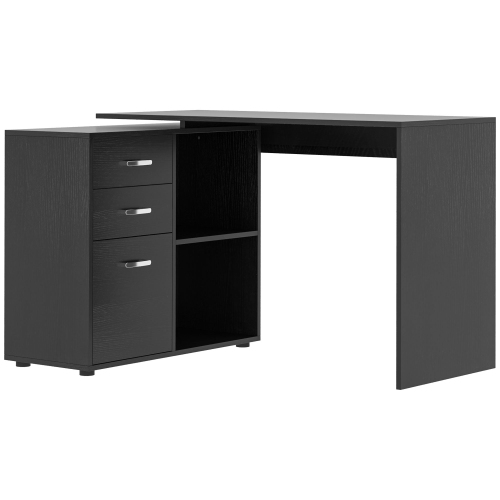
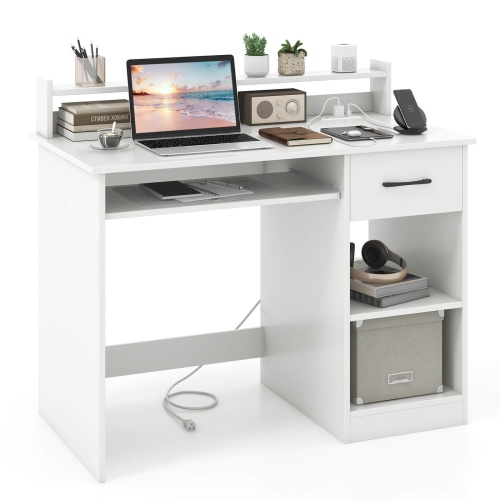
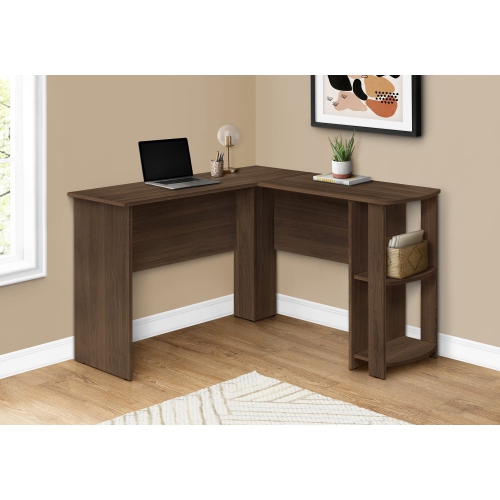
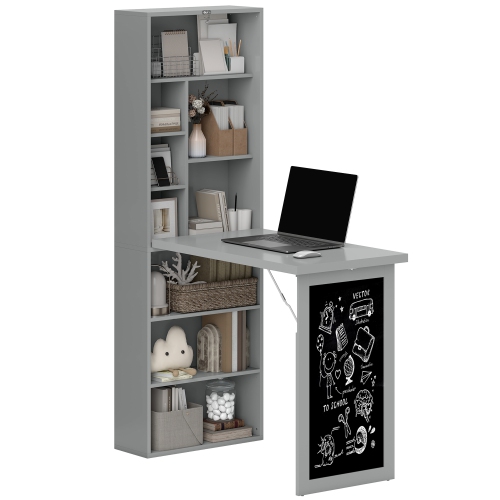
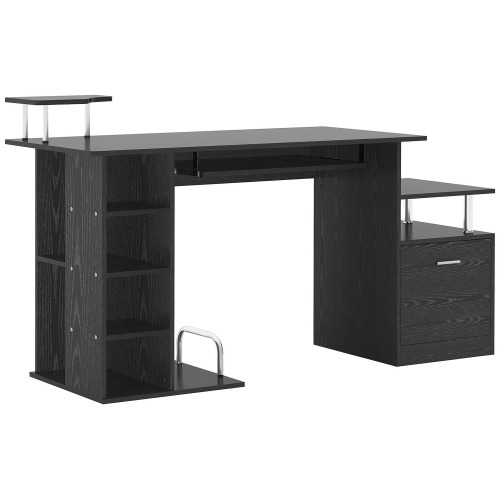
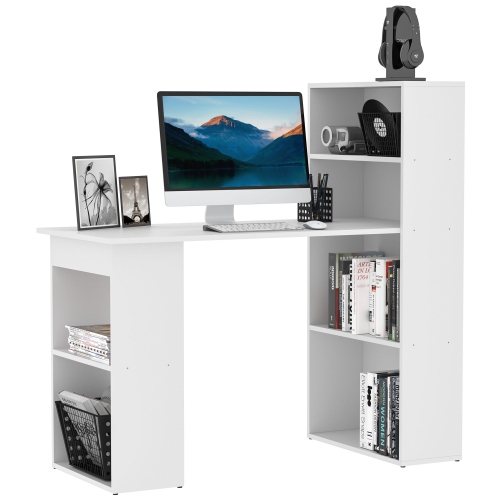
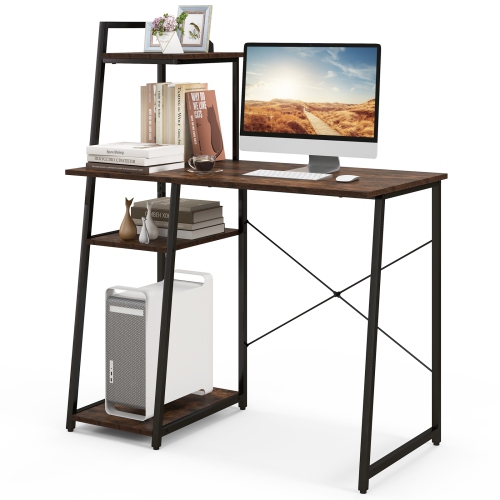
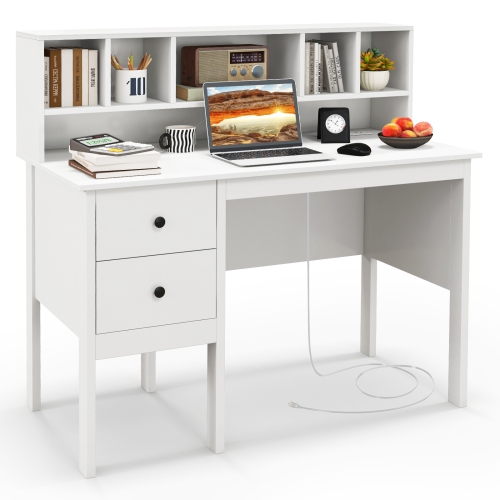
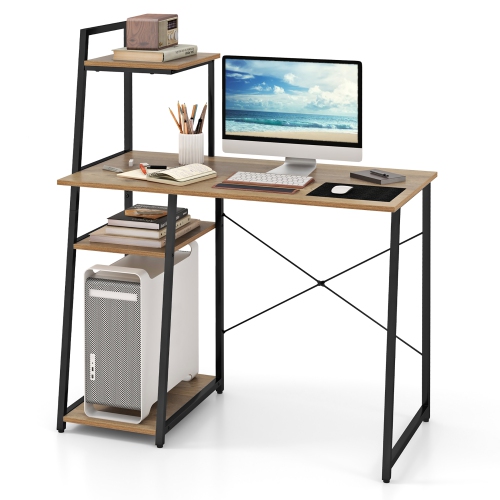
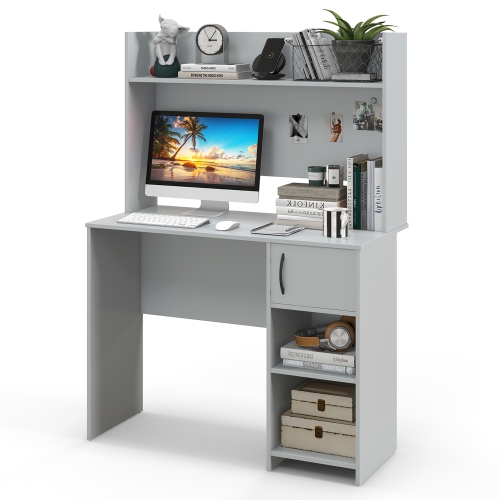
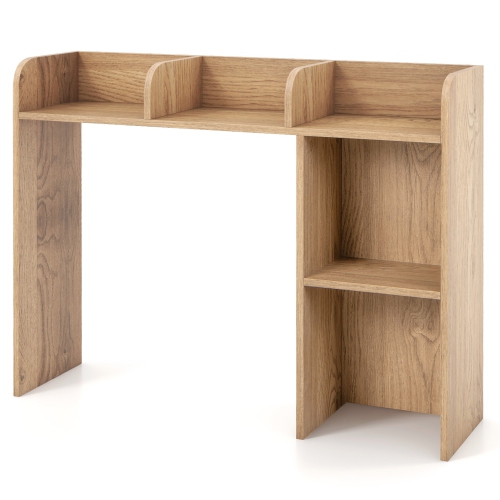
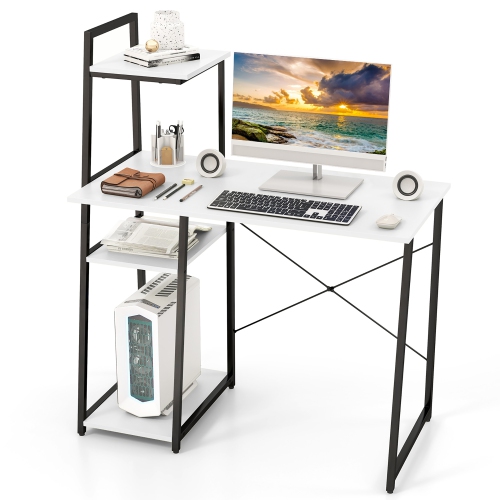
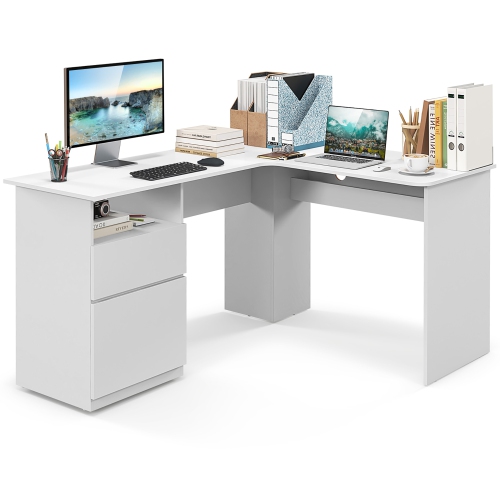
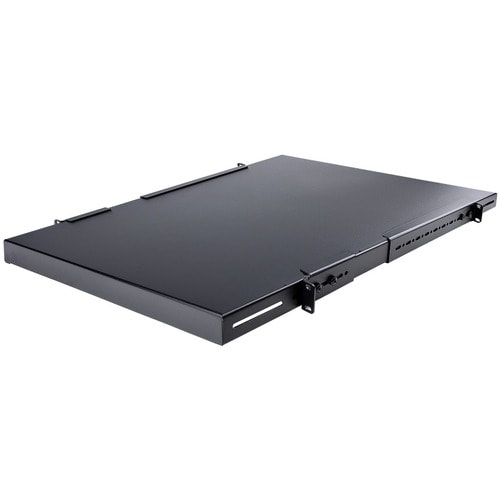
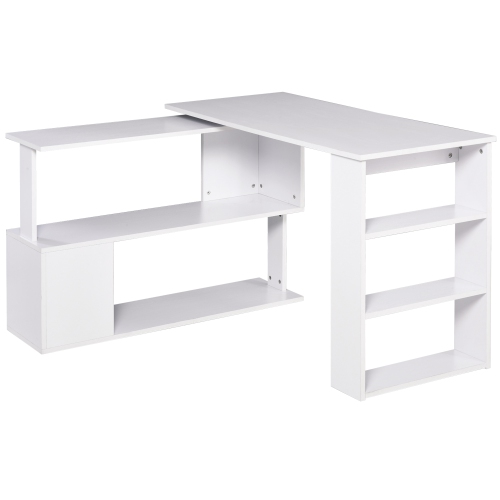
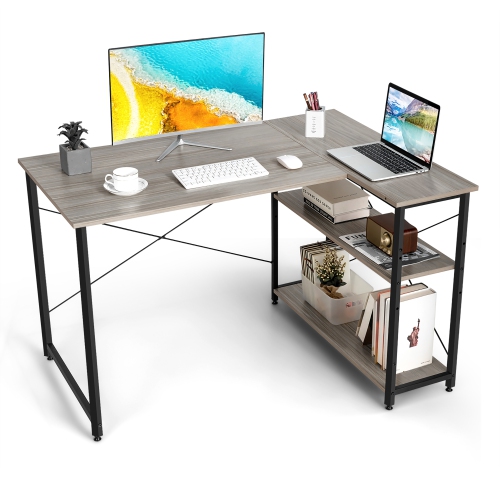
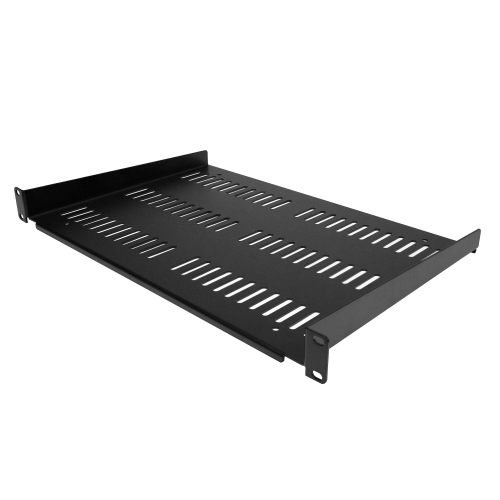
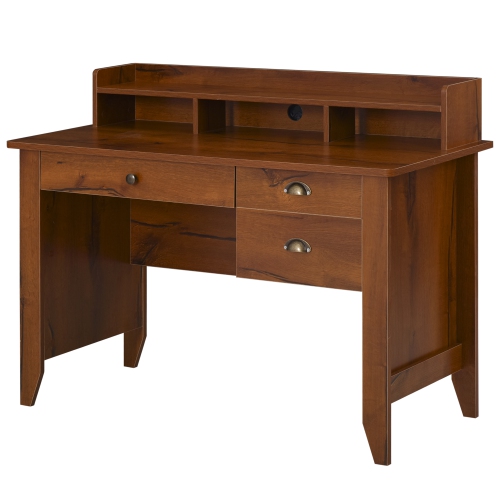
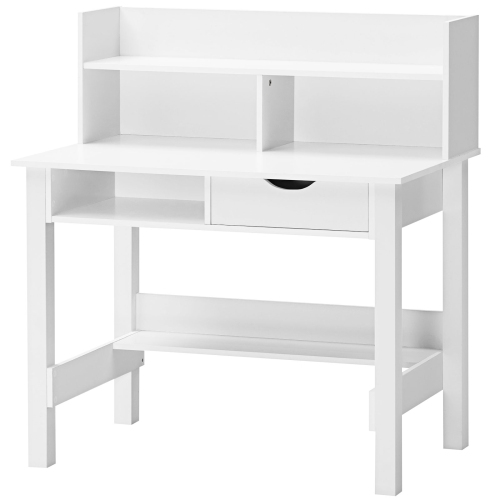
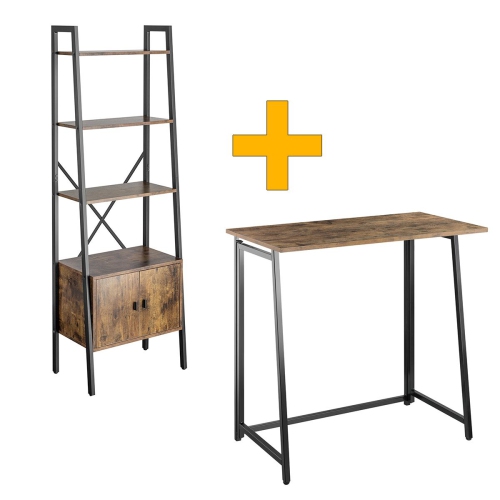
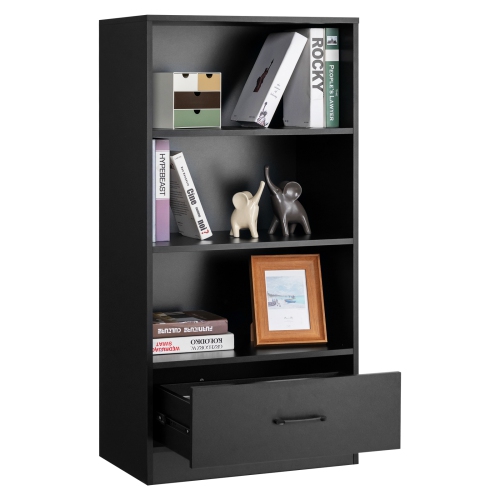
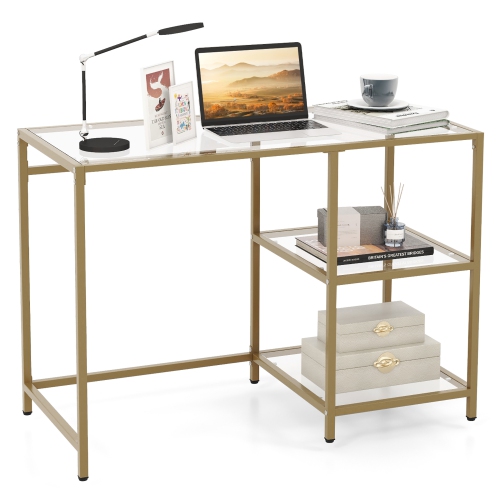
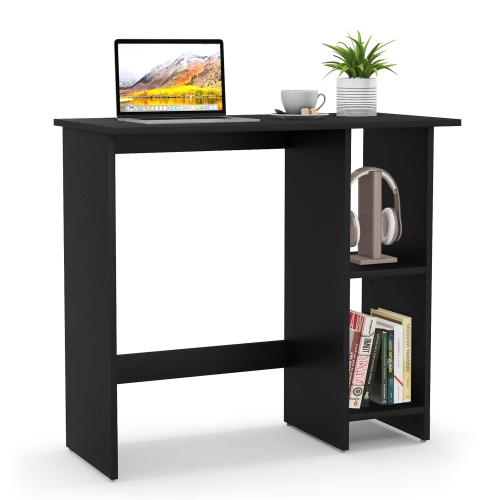
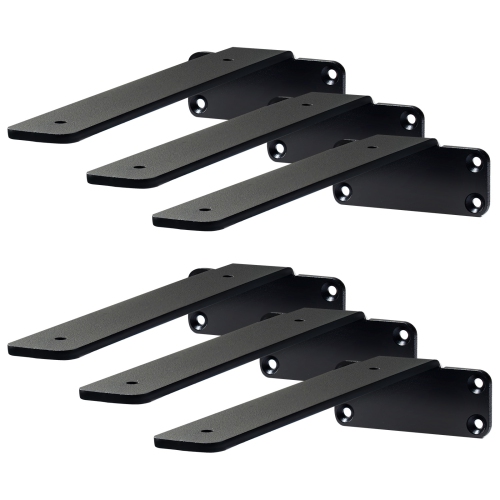
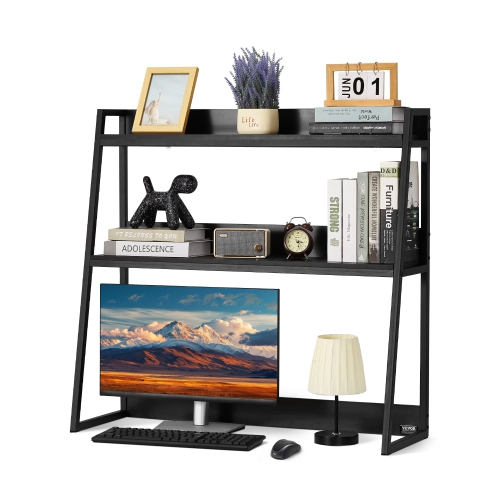
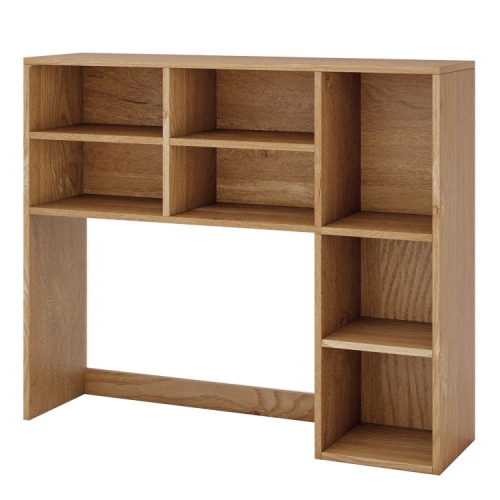
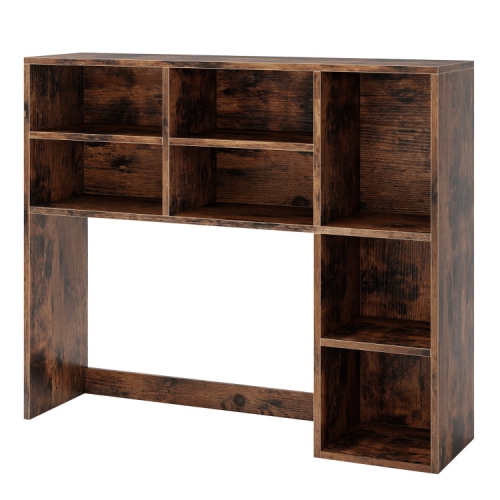

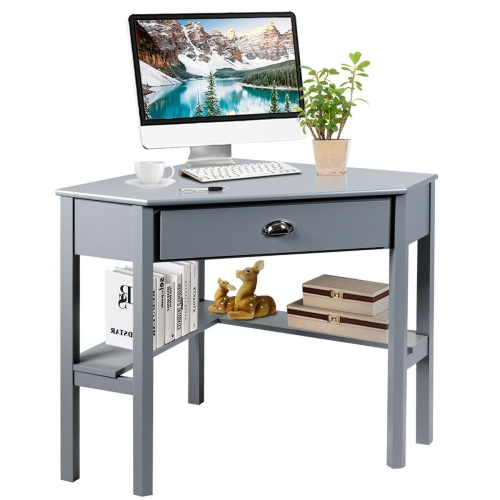
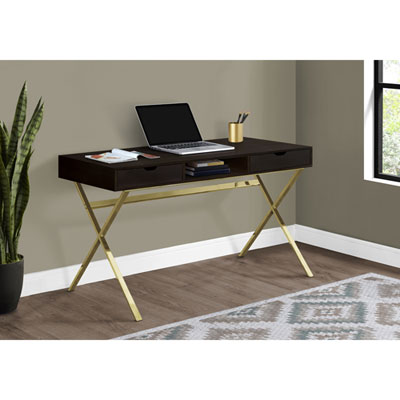
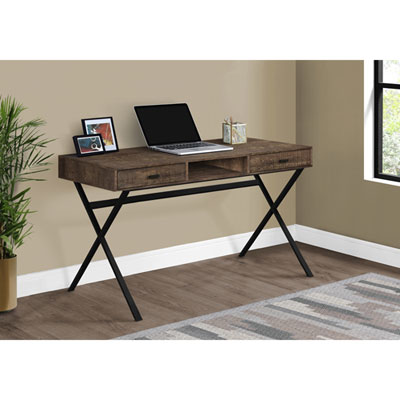
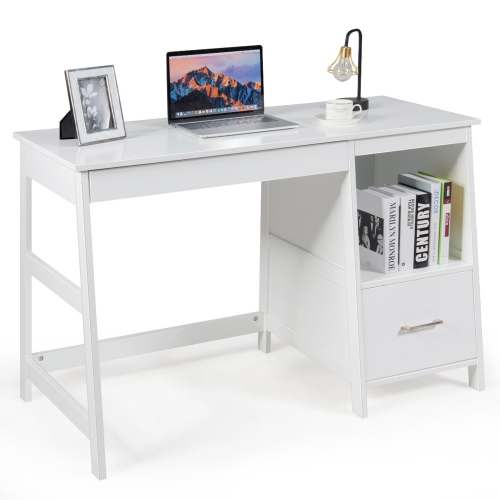
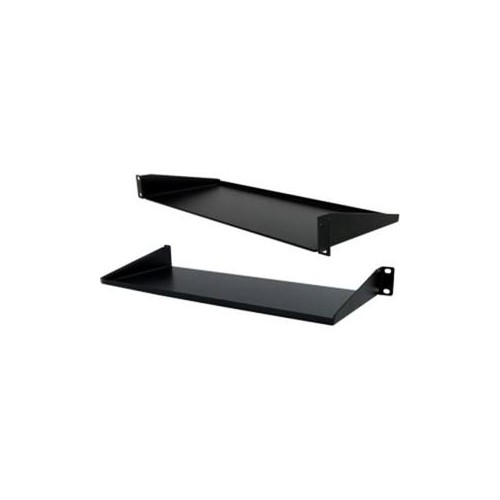
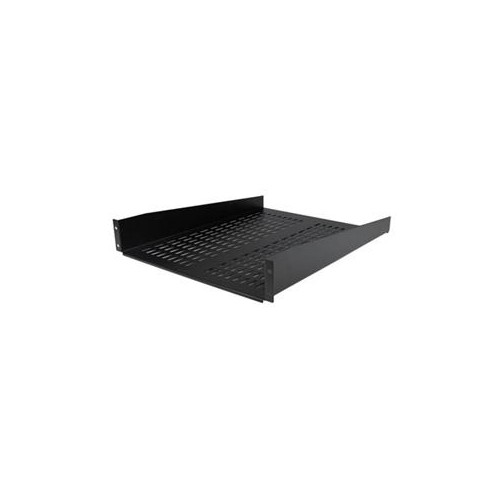
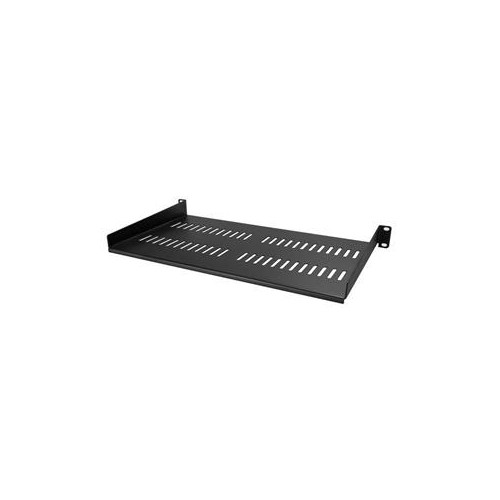
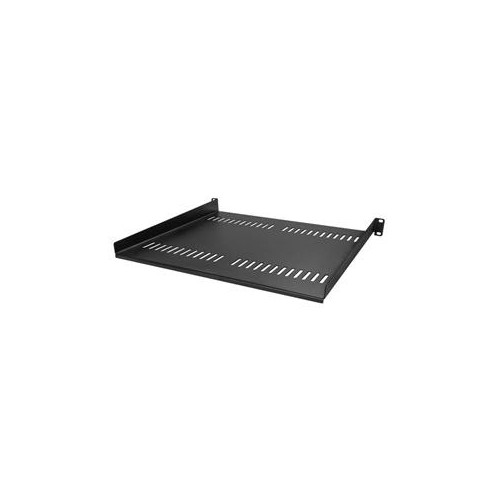
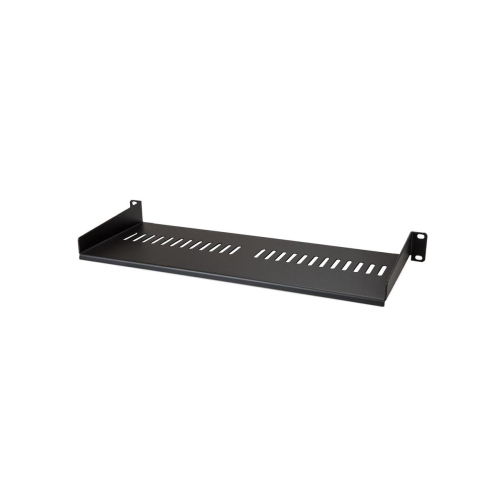
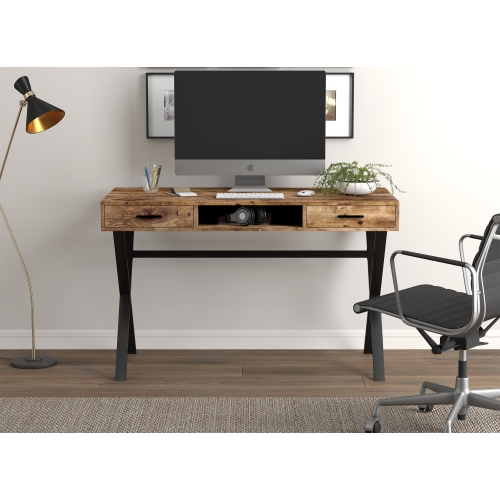
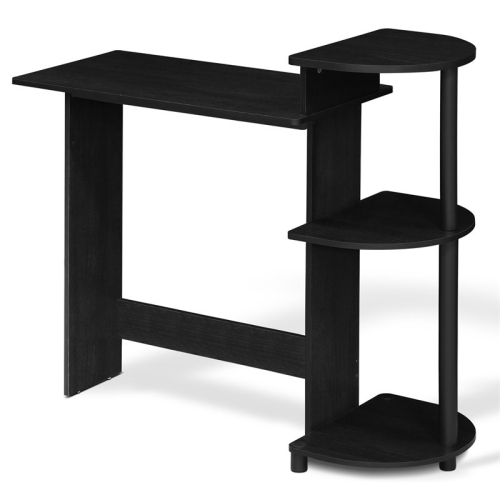
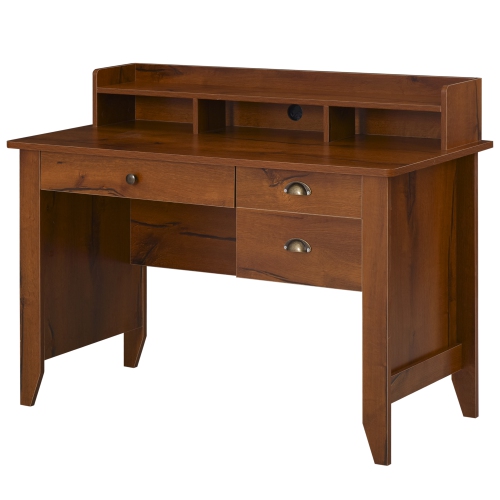
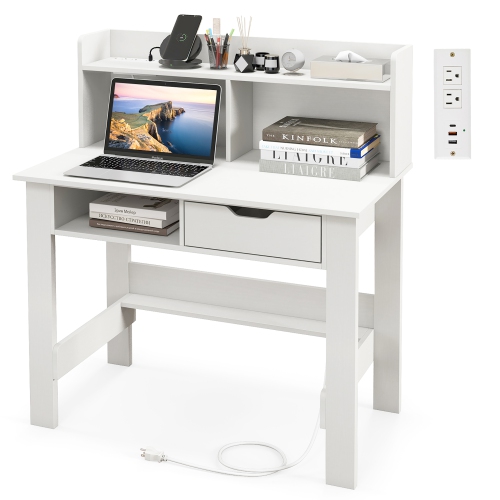
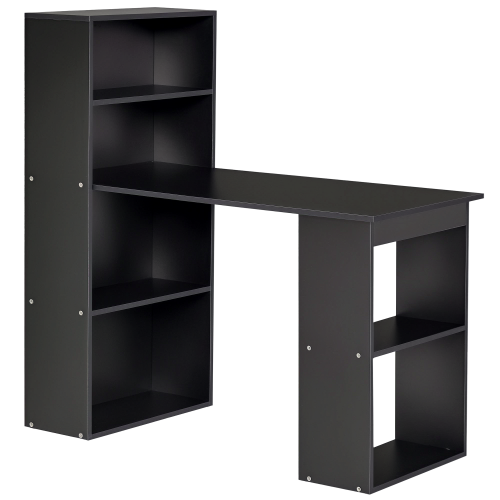
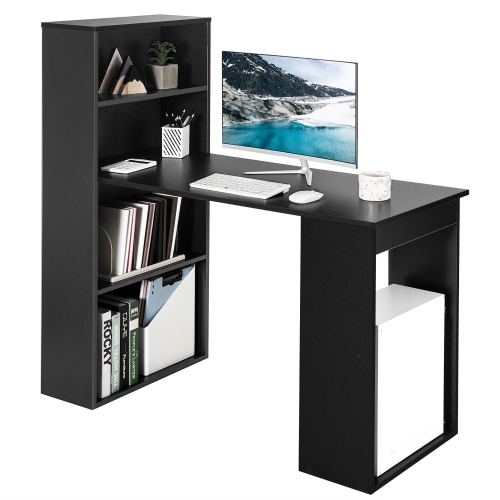
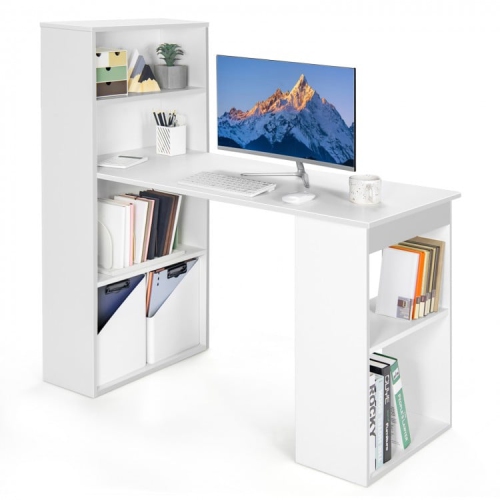
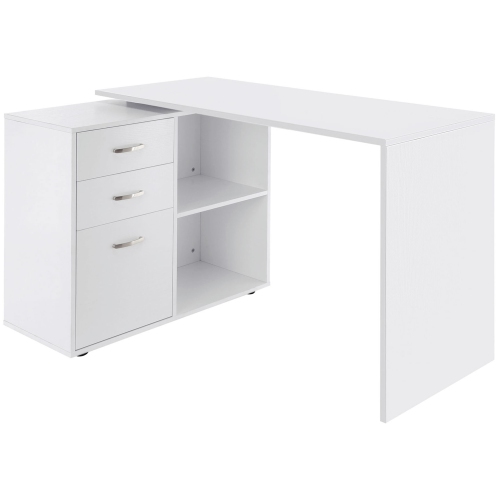
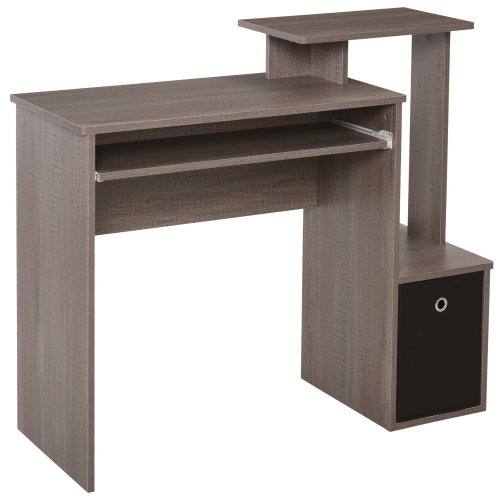
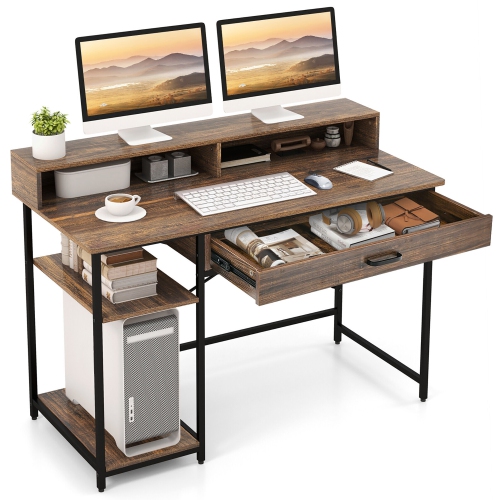
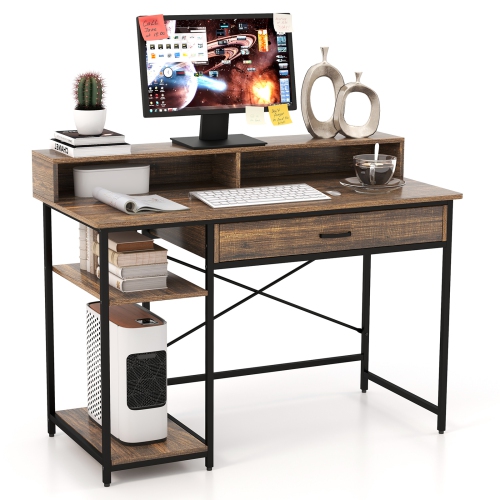

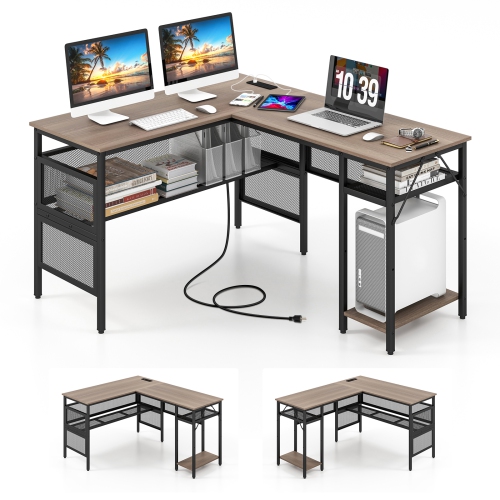
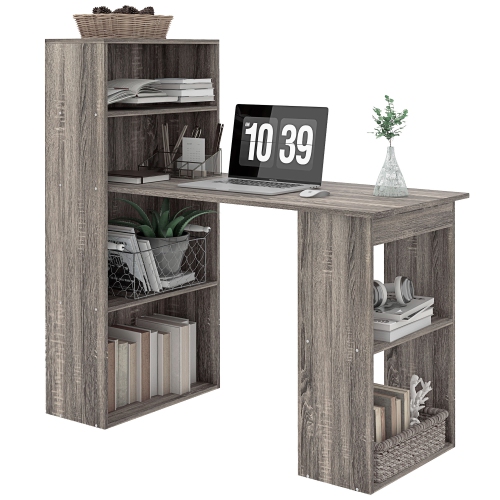
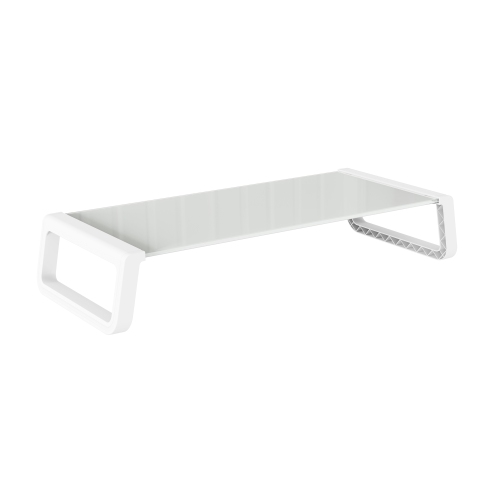
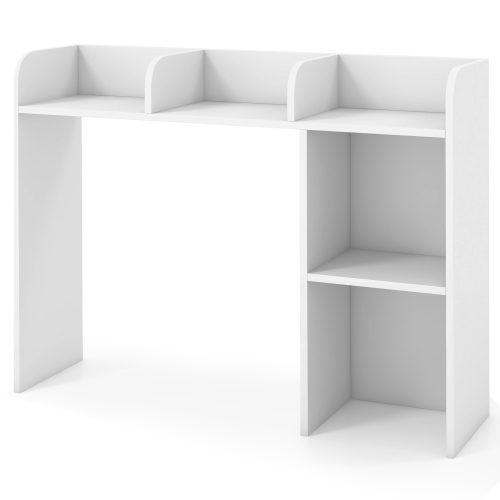
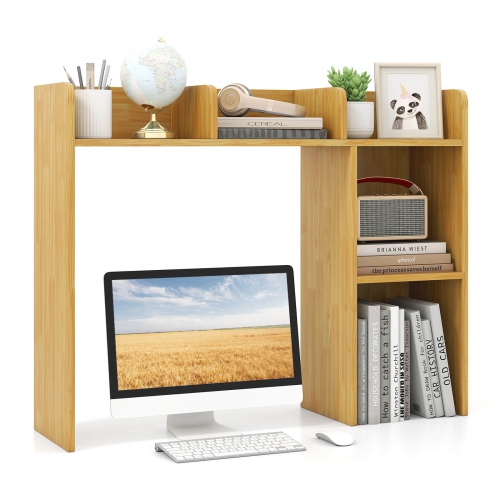
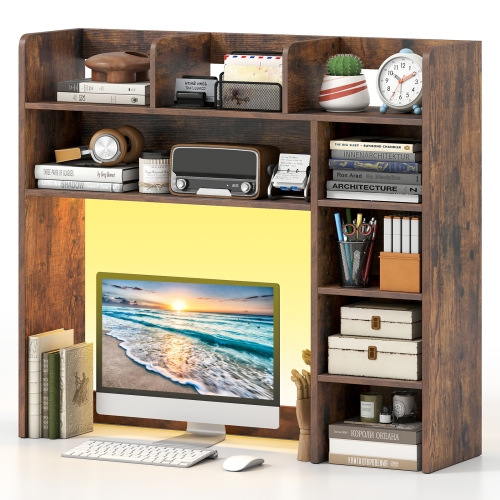
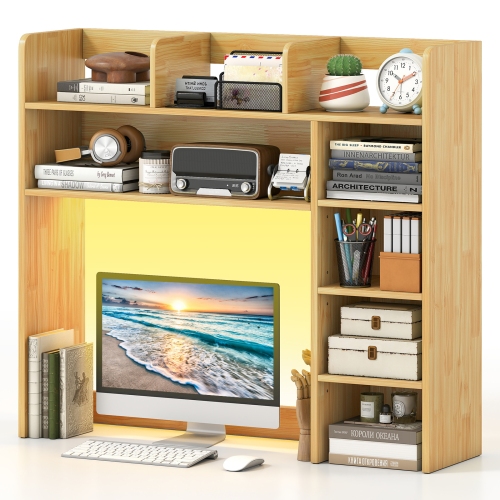
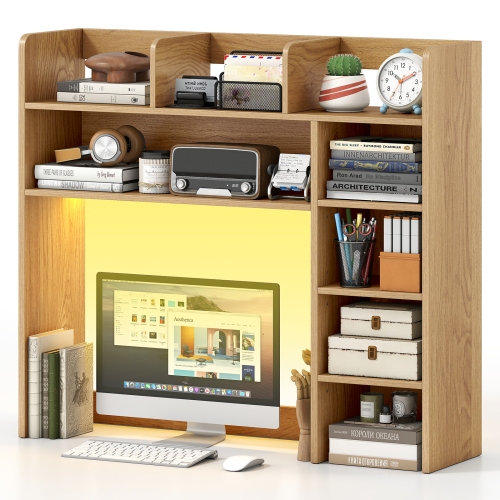
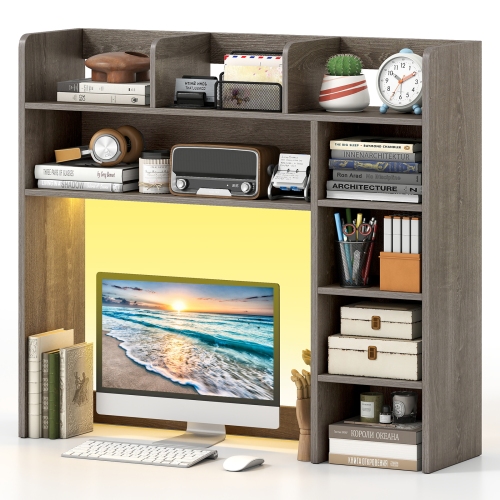
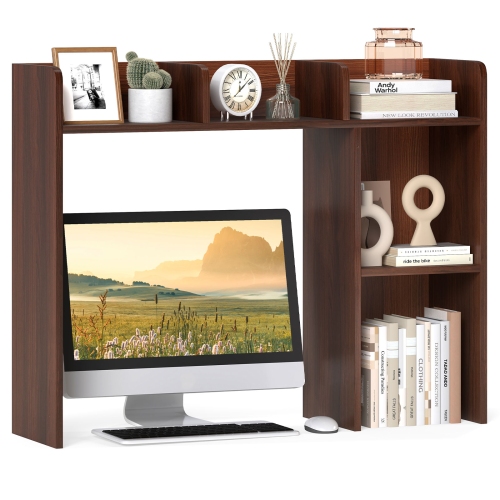
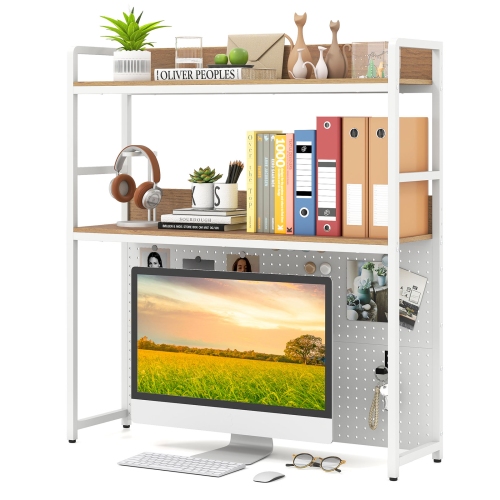
Vertical storage for organised, comfortable computer workspaces
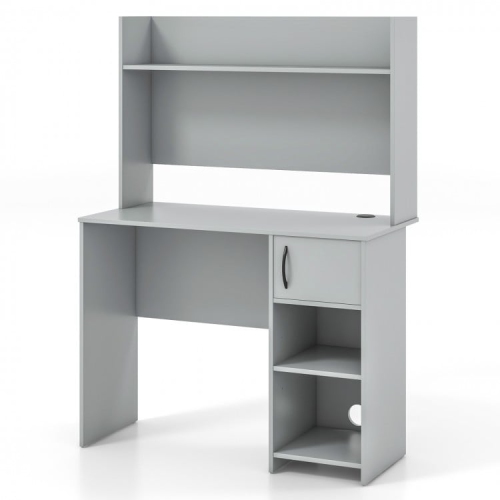
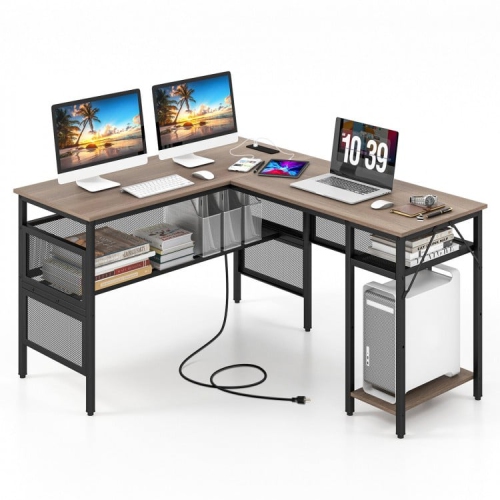
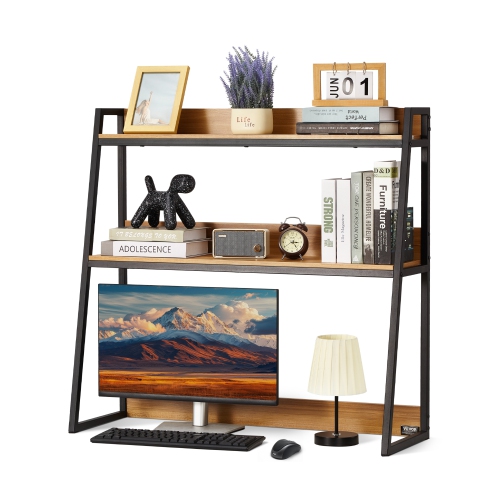
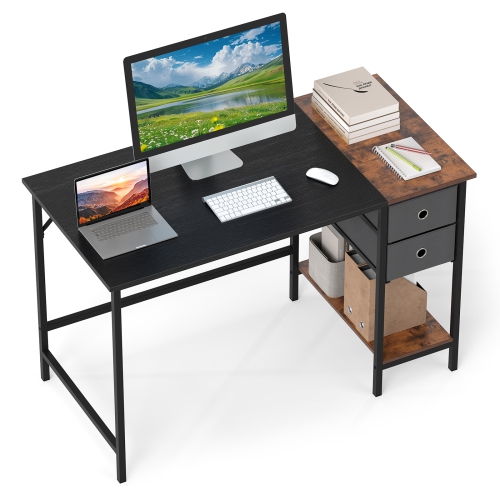
Computer shelves can help turn a crowded workstation into a more comfortable, organised place to study, work, create and relax. Designed to keep computers, monitors, accessories and everyday supplies within easy reach, these shelves come in a range of shapes and configurations to suit compact bedrooms, home offices, shared workspaces and larger entertainment areas. Some are intended to sit on or beside a desk, while others provide several levels of storage for a complete computer setup. Depending on the design, shelves may offer room for a monitor, laptop, keyboard, speakers, a printer, gaming accessories, notebooks or decorative touches that make the area feel more personal. They can be especially useful when floor space is limited, as vertical storage makes use of the area above or beside a work surface without spreading equipment across the room. A student might use a shelf to keep course materials separated from cables and electronics, while someone working from home may appreciate a dedicated spot for a webcam, headset or document tray. Families can also use computer shelving to create a shared station where each person has a place for their own accessories. During the cooler months, when more time is often spent indoors, a well-arranged computer area can make it easier to settle in for a video call, finish a project or enjoy a favourite digital activity without first having to clear away a pile of loose equipment.
When choosing computer shelves, begin by considering the dimensions of the equipment and the space available. Measure the width and depth of the monitor, computer tower, laptop dock or other larger items, then leave enough clearance for cables, ventilation and comfortable access. A shelf that looks spacious in a product image may feel tight once a monitor stand, keyboard and power bar are in place, so checking measurements carefully can make a noticeable difference. Think about the shelf’s weight capacity as well, particularly if it will hold a desktop computer, multiple monitors, a printer or heavier books. Adjustable shelves can be helpful when equipment changes over time, while fixed compartments may provide a neat, structured appearance for a permanent setup. Open shelving keeps devices visible and easy to reach, whereas enclosed sections can help keep less frequently used accessories out of sight. Cable management is another practical detail worth considering. Openings, rear cut-outs or a clear path behind the shelves can help route charging cables and display connections without creating a tangled bundle along the wall. It is also wise to consider the height of the screen and the position of the keyboard so that the setup supports a natural posture. A monitor placed too low may encourage hunching, while a shelf that leaves no room for arm movement can make everyday tasks feel cramped. Finish, colour and overall style matter too, especially when the computer area shares space with a living room or bedroom. A simple neutral design can blend into a variety of décor, while a more distinctive finish can give a dedicated workspace a confident focal point. Before placing shelves near a window, heater or doorway, check that the location will not interfere with curtains, airflow or regular movement through the room.
Computer shelves can be paired with other storage solutions to create a workstation that feels considered rather than crowded. A compact shelf beside a desk can hold reference books, a printer or a small collection of controllers, leaving the main surface open for writing and computer work. A raised shelf can create room underneath for a keyboard, notebook or charging station, while a multi-level unit may separate work equipment from personal items. If your setup includes a laptop, look for a configuration that keeps the screen at a comfortable height and leaves room for a separate keyboard and mouse. For a desktop computer, consider whether the tower will sit on a shelf, underneath the desk or in a side compartment, and make sure the chosen layout allows access to ports and the power button. In a shared home, clearly assigned sections can reduce misplaced chargers and make tidying up easier at the end of the day. A young person setting up a first study area may benefit from shelves that display school supplies, headphones and books, while a remote worker may prefer a more restrained arrangement with space for office essentials. Computer shelves can also make a thoughtful gift for someone moving into a new home, beginning a course, building a creative workspace or refreshing a gaming area. For more ways to organise smaller items around a workstation, explore Desk Shelves. Whether the goal is to make better use of a small corner or to bring order to a full-size office, the right shelving can keep essential technology accessible, reduce visual clutter and help the space work smoothly from the first task of the day to the final screen shutoff.
When choosing computer shelves, begin by considering the dimensions of the equipment and the space available. Measure the width and depth of the monitor, computer tower, laptop dock or other larger items, then leave enough clearance for cables, ventilation and comfortable access. A shelf that looks spacious in a product image may feel tight once a monitor stand, keyboard and power bar are in place, so checking measurements carefully can make a noticeable difference. Think about the shelf’s weight capacity as well, particularly if it will hold a desktop computer, multiple monitors, a printer or heavier books. Adjustable shelves can be helpful when equipment changes over time, while fixed compartments may provide a neat, structured appearance for a permanent setup. Open shelving keeps devices visible and easy to reach, whereas enclosed sections can help keep less frequently used accessories out of sight. Cable management is another practical detail worth considering. Openings, rear cut-outs or a clear path behind the shelves can help route charging cables and display connections without creating a tangled bundle along the wall. It is also wise to consider the height of the screen and the position of the keyboard so that the setup supports a natural posture. A monitor placed too low may encourage hunching, while a shelf that leaves no room for arm movement can make everyday tasks feel cramped. Finish, colour and overall style matter too, especially when the computer area shares space with a living room or bedroom. A simple neutral design can blend into a variety of décor, while a more distinctive finish can give a dedicated workspace a confident focal point. Before placing shelves near a window, heater or doorway, check that the location will not interfere with curtains, airflow or regular movement through the room.
Computer shelves can be paired with other storage solutions to create a workstation that feels considered rather than crowded. A compact shelf beside a desk can hold reference books, a printer or a small collection of controllers, leaving the main surface open for writing and computer work. A raised shelf can create room underneath for a keyboard, notebook or charging station, while a multi-level unit may separate work equipment from personal items. If your setup includes a laptop, look for a configuration that keeps the screen at a comfortable height and leaves room for a separate keyboard and mouse. For a desktop computer, consider whether the tower will sit on a shelf, underneath the desk or in a side compartment, and make sure the chosen layout allows access to ports and the power button. In a shared home, clearly assigned sections can reduce misplaced chargers and make tidying up easier at the end of the day. A young person setting up a first study area may benefit from shelves that display school supplies, headphones and books, while a remote worker may prefer a more restrained arrangement with space for office essentials. Computer shelves can also make a thoughtful gift for someone moving into a new home, beginning a course, building a creative workspace or refreshing a gaming area. For more ways to organise smaller items around a workstation, explore Desk Shelves. Whether the goal is to make better use of a small corner or to bring order to a full-size office, the right shelving can keep essential technology accessible, reduce visual clutter and help the space work smoothly from the first task of the day to the final screen shutoff.
Top selling and popular products
-
 Your price for this item is $304.99
 -
 Your price for this item is $93.99
 -
 Your price for this item is $248.99
 -
 Your price for this item is $83.99
 -
 Your price for this item is $108.99
 -
 Your price for this item is $94.99
 -
 Your price for this item is $74.97
 -
 Your price for this item is $83.95
Discover more categories related to Computer Shelves
Top Collections:
Pokemon Centers, Kindle Devices, Best Budget Office Chairs, Apple iPhones 16, Best Laptops for Writers, iPhone 15 Apple, Canon G7X Cameras, Refurbished Apple Laptops, Alarm Clock, Motorola Razr Phones
Some products may be subject to Environmental Handling Fees
(EHF) depending on your province.
Learn more about EHFs.