Desktop Computer Shelves
Organize your workspace and keep your desktop computer setup clutter-free with our selection of desktop computer shelves. These versatile shelves are designed to fit seamlessly into any office or home environment, providing you with a convenient storage solution for your computer tower, monitor, keyboard, and other accessories. With various sizes and styles available, you can find the perfect shelf to suit your needs and create an efficient and stylish workspace. Say goodbye to tangled cables and hello to a clean and organized desk with our desktop computer shelves.
Sort
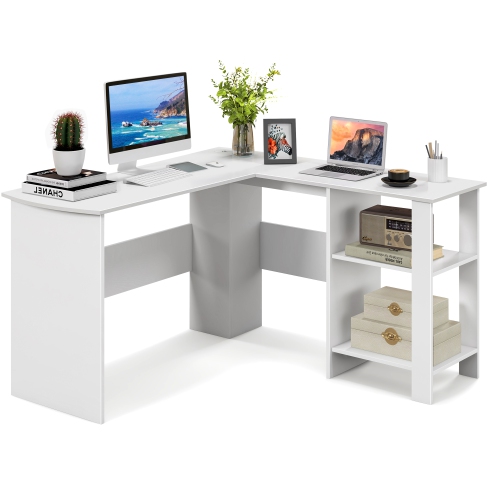
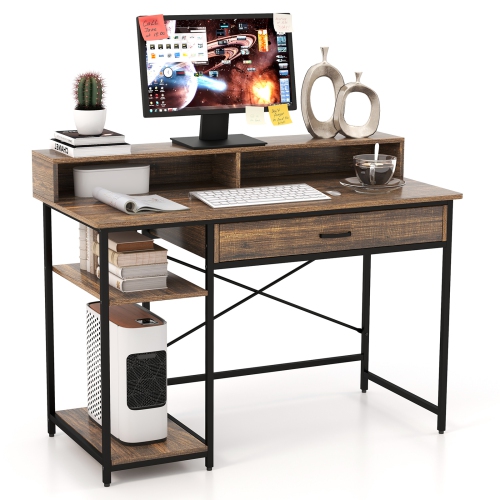
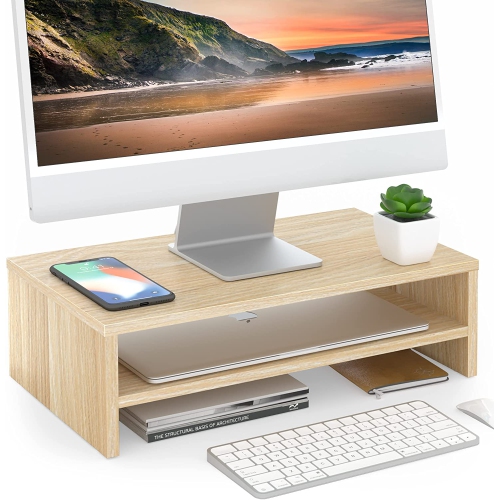
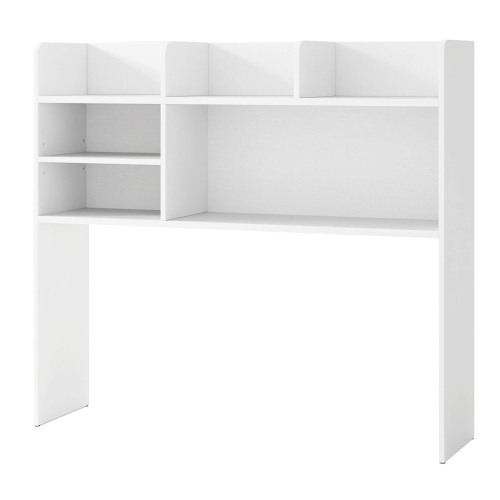
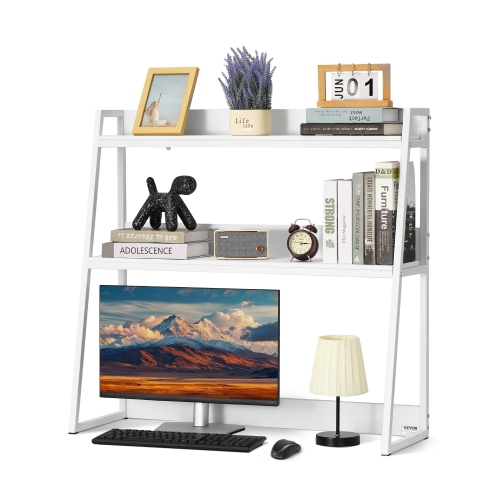
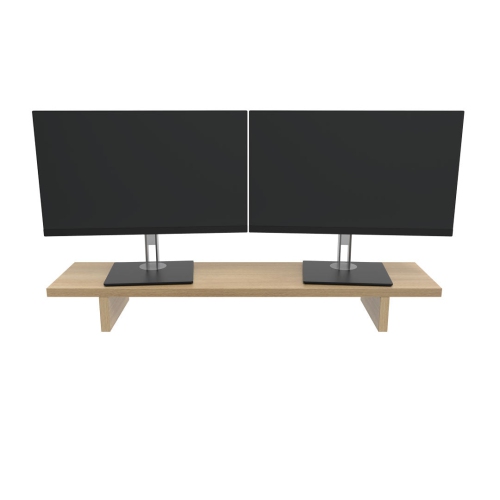
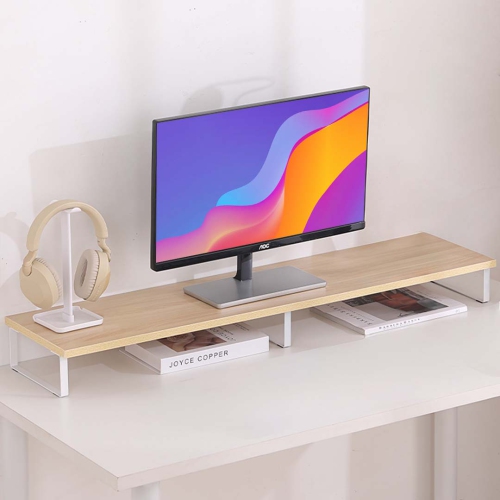
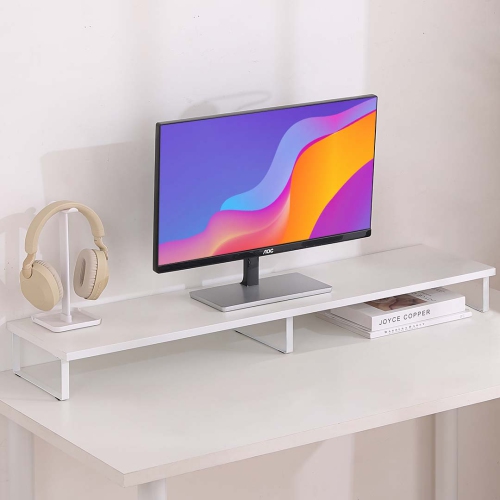
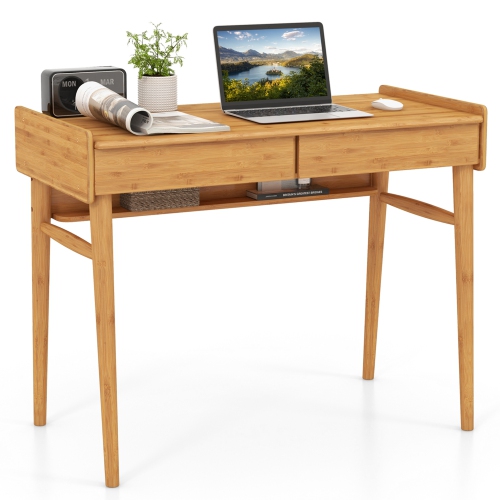
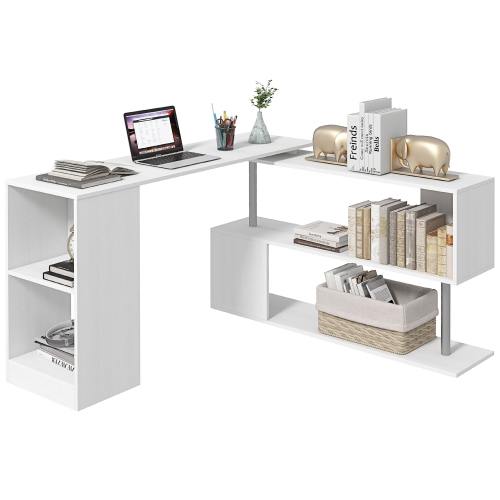
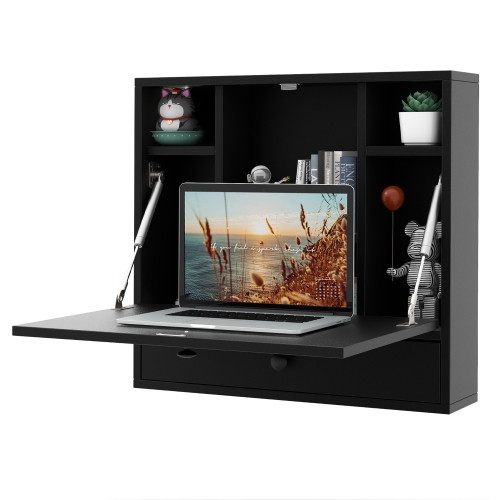
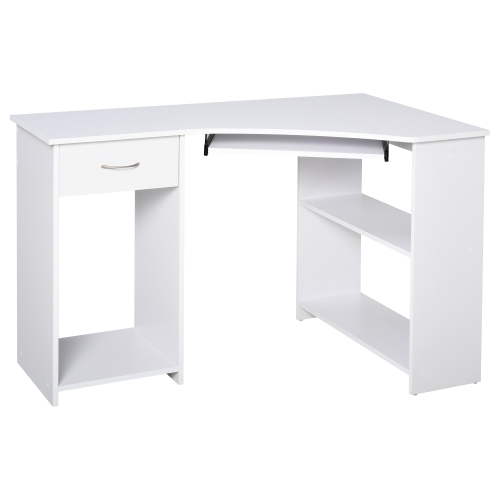
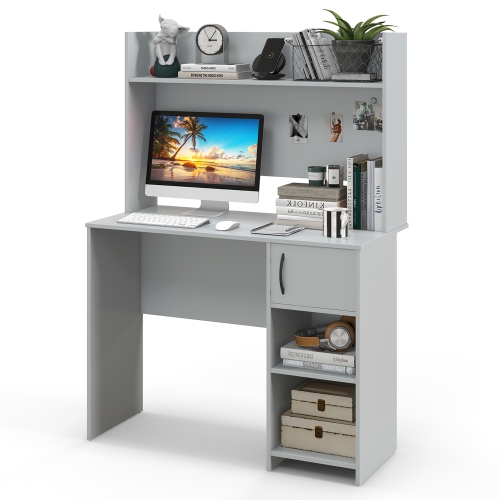
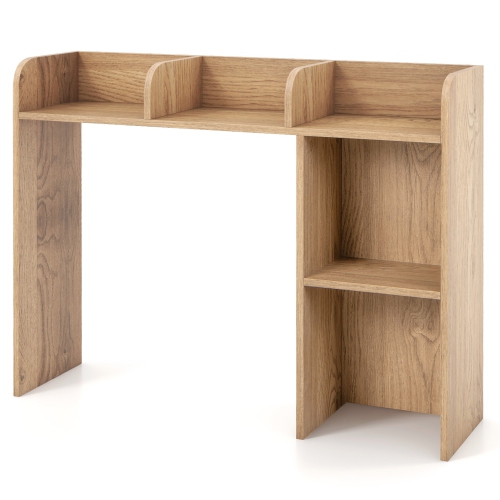
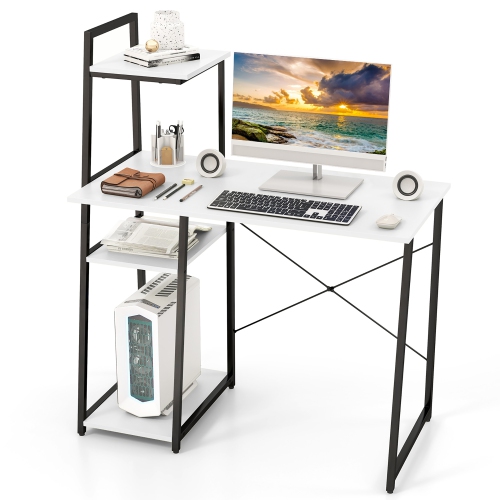
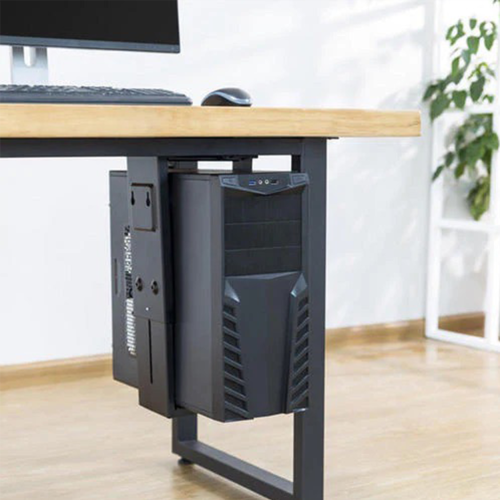


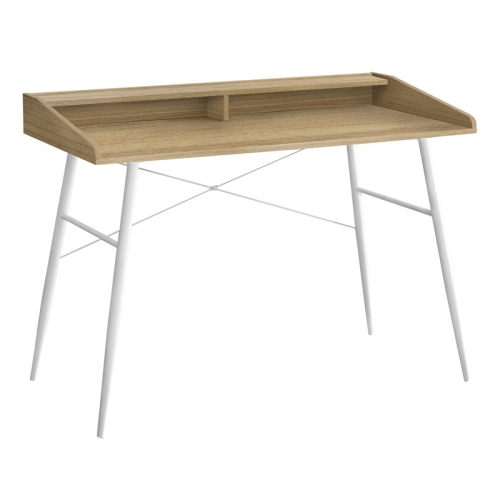
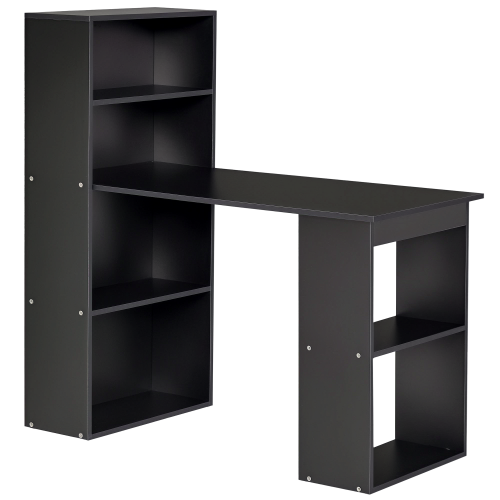
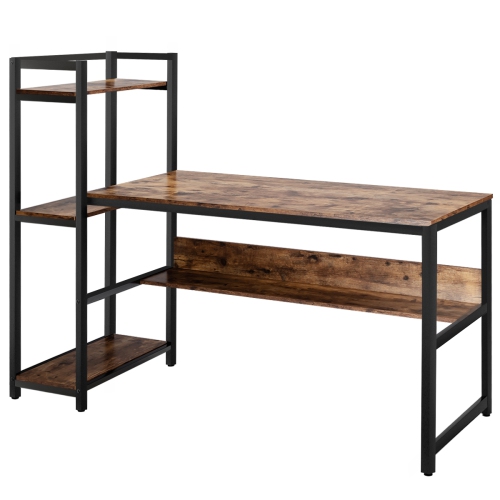
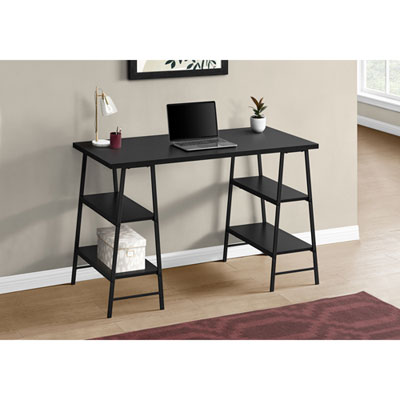
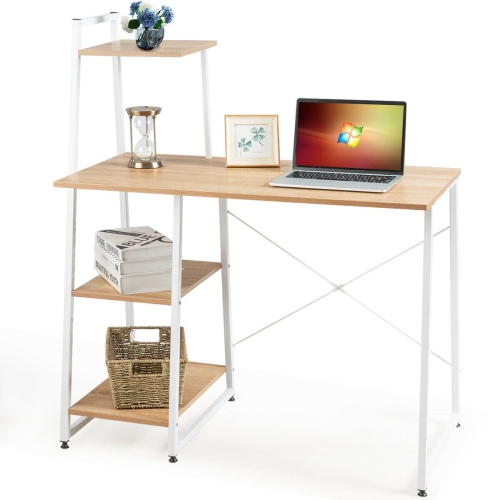
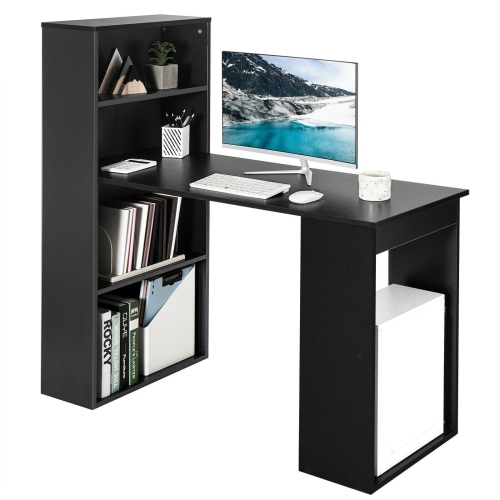
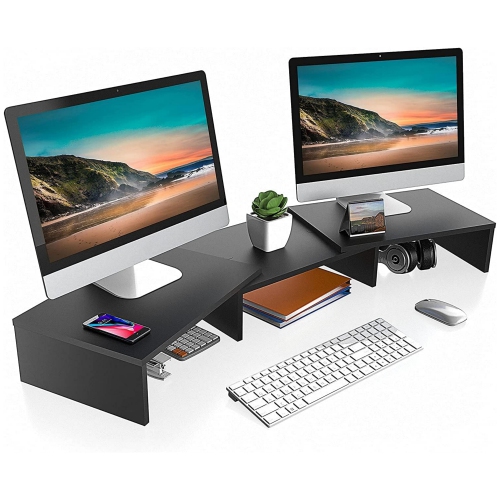
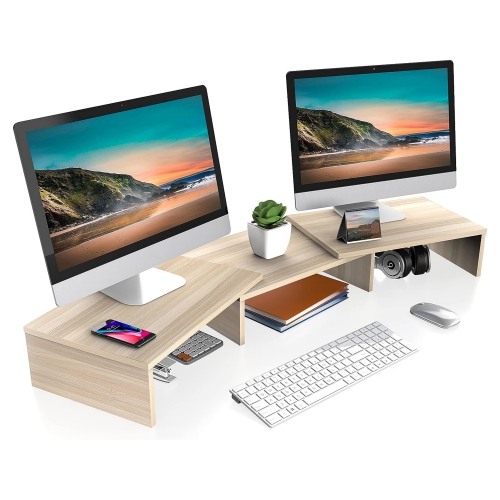
Vertical storage for a tidier, more comfortable workstation
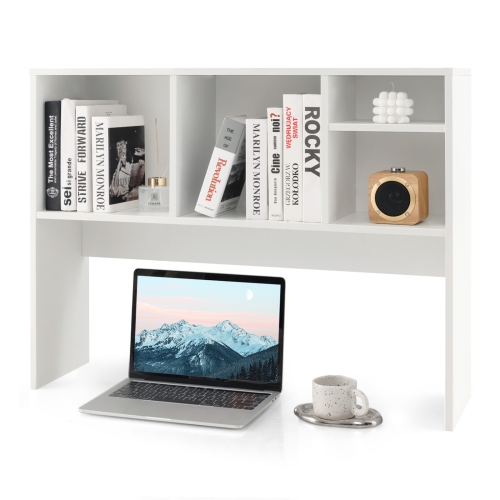
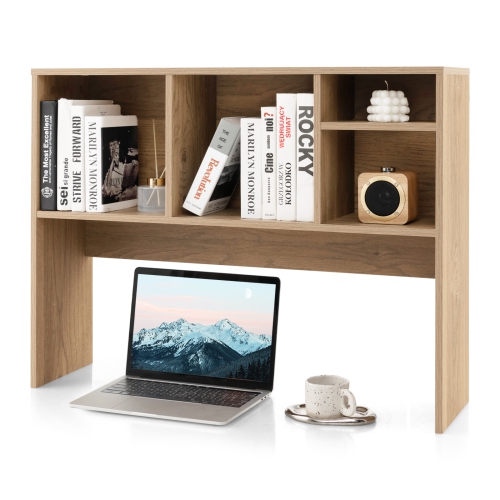
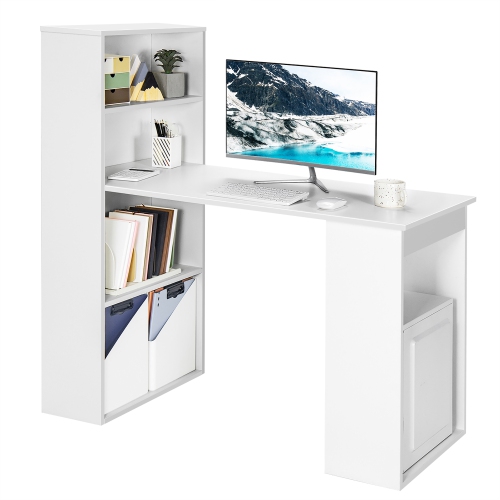
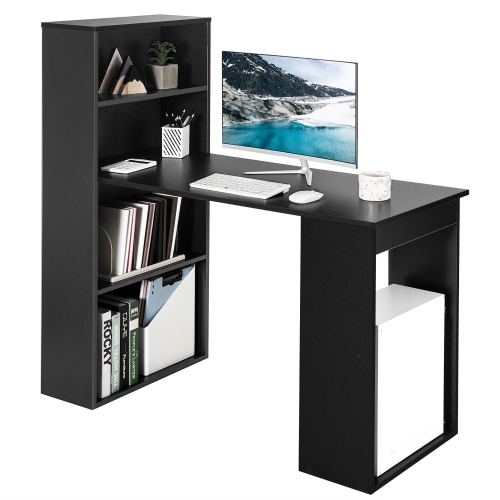
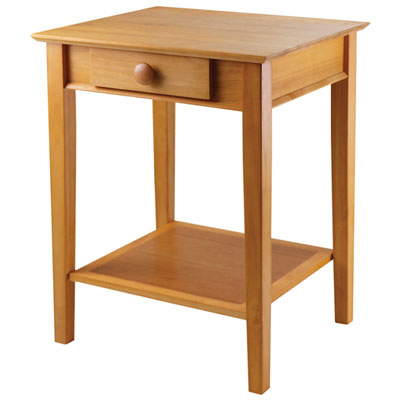
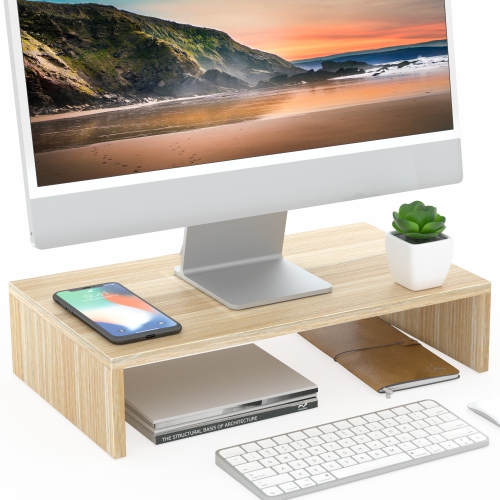
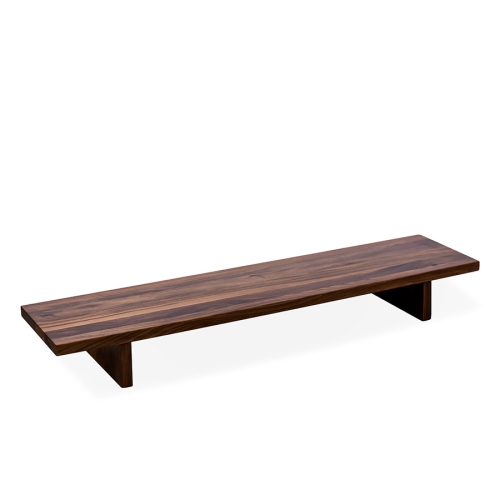
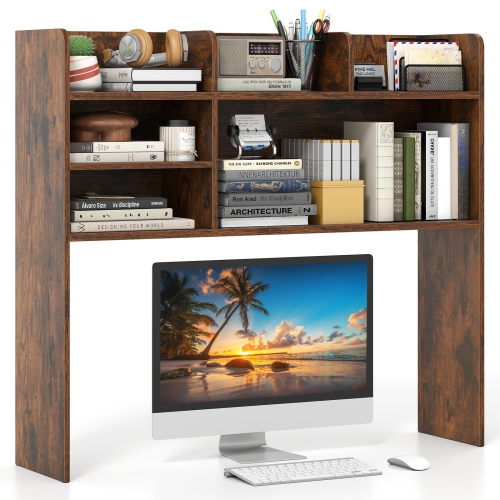
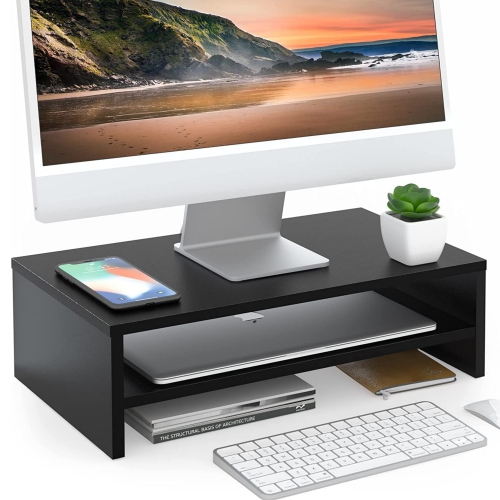
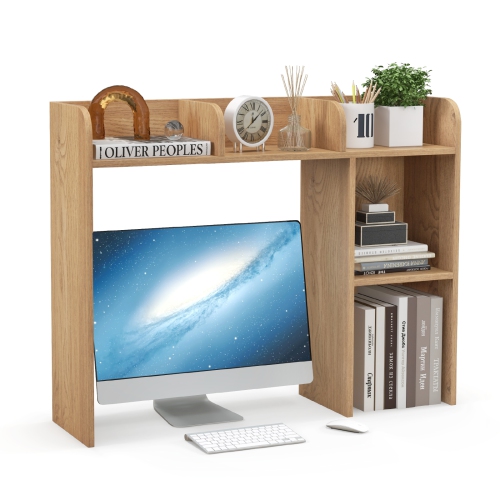
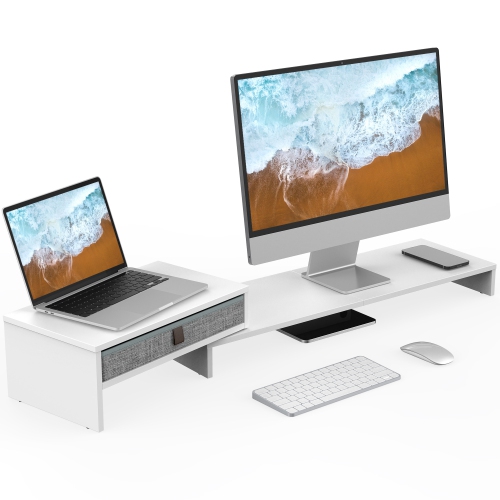
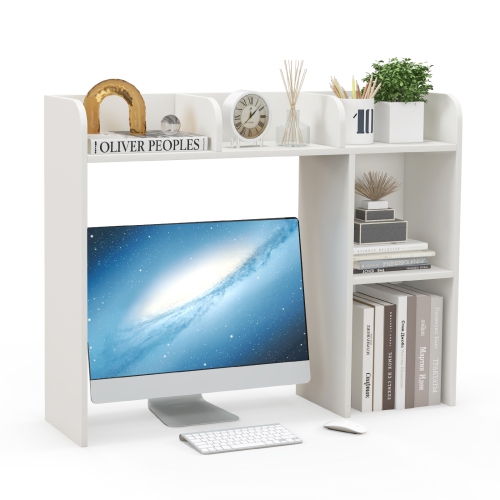
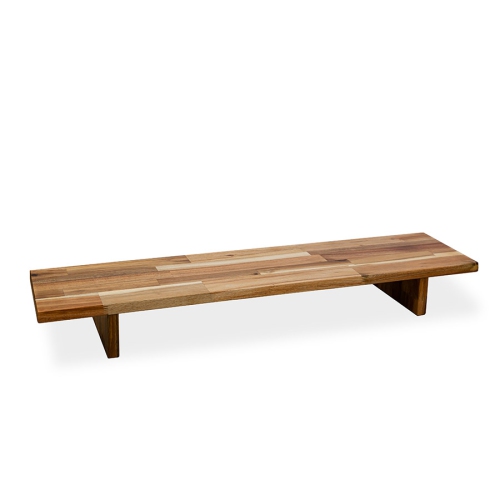
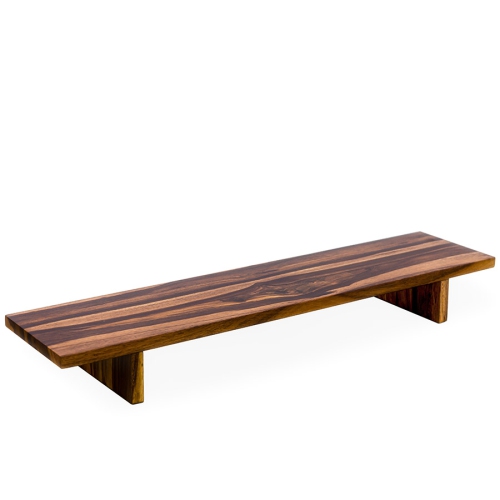
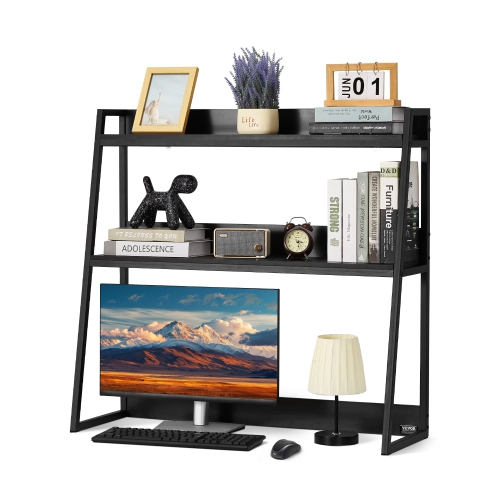
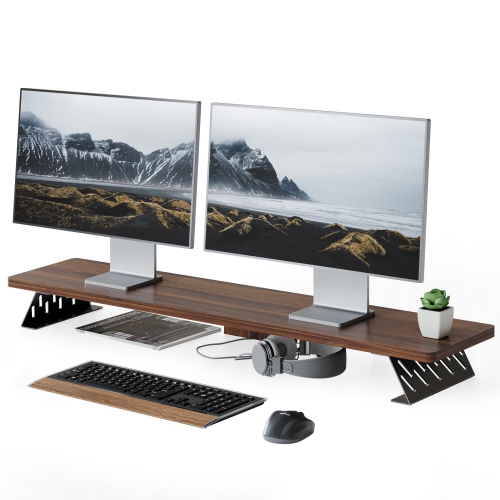
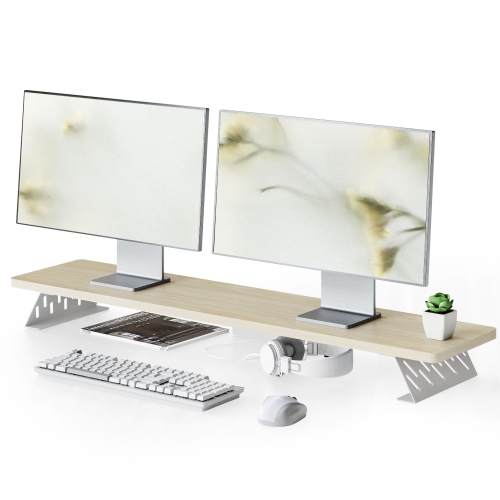
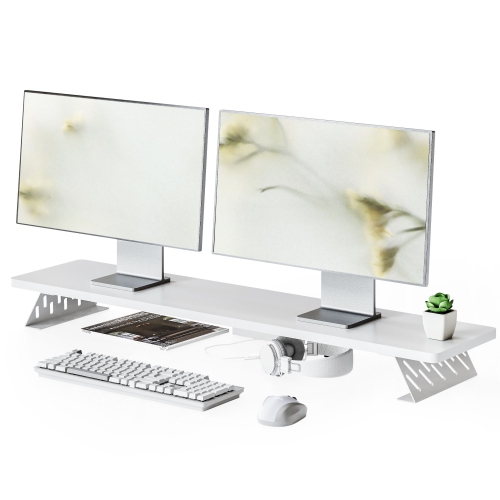
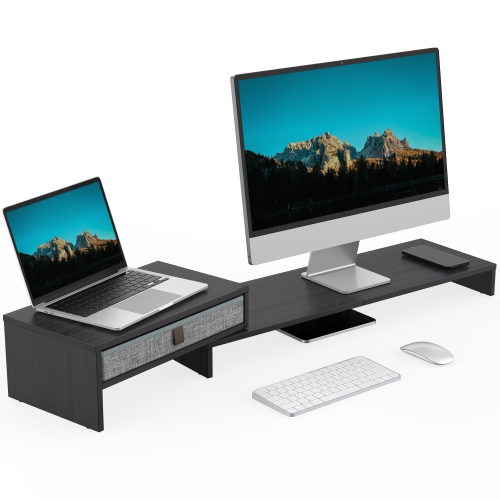
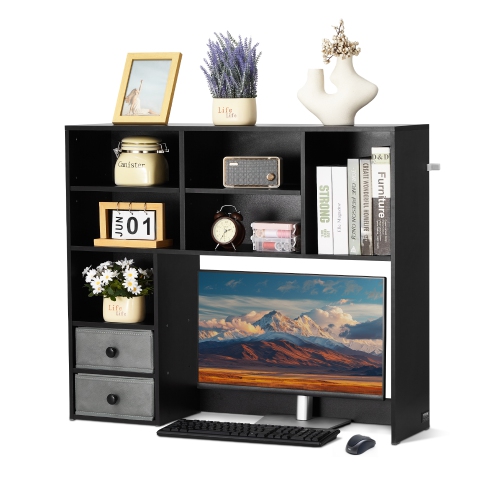
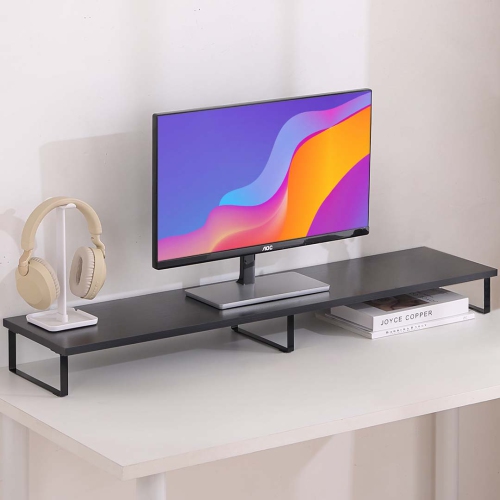
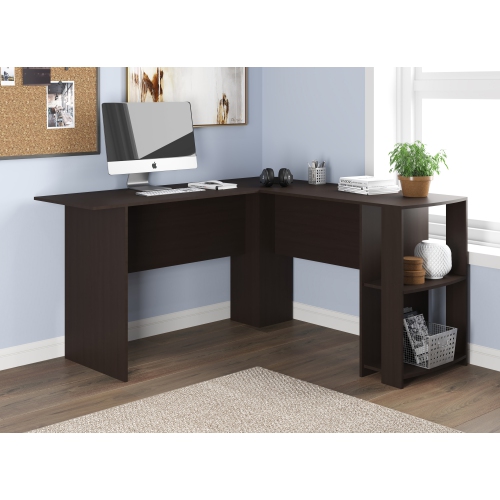
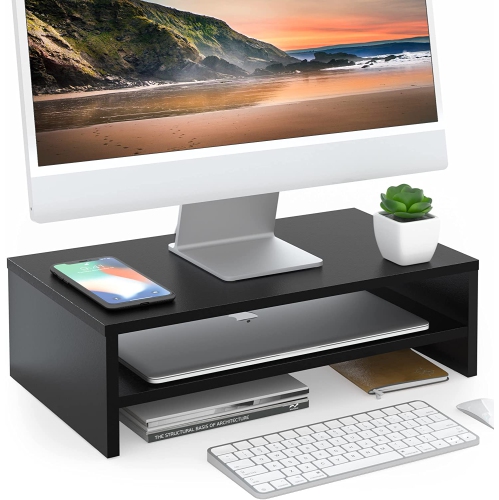
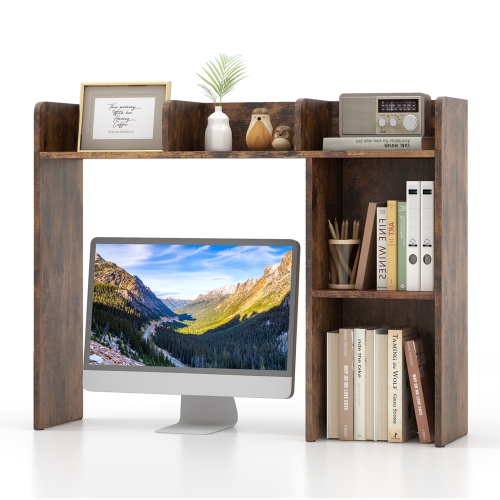
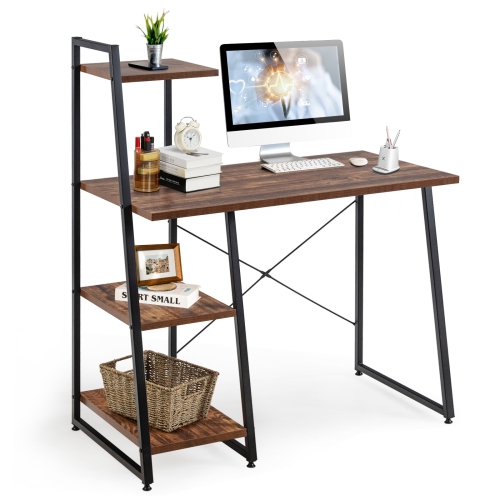
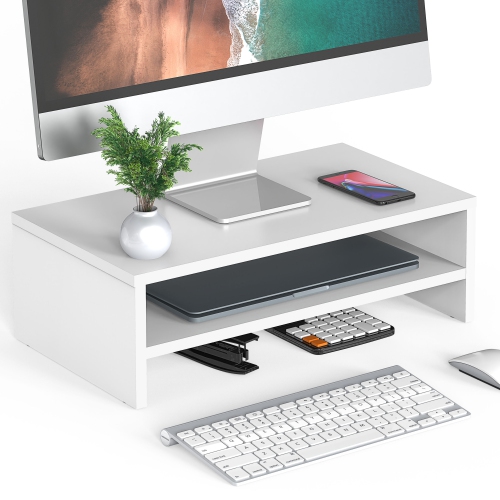
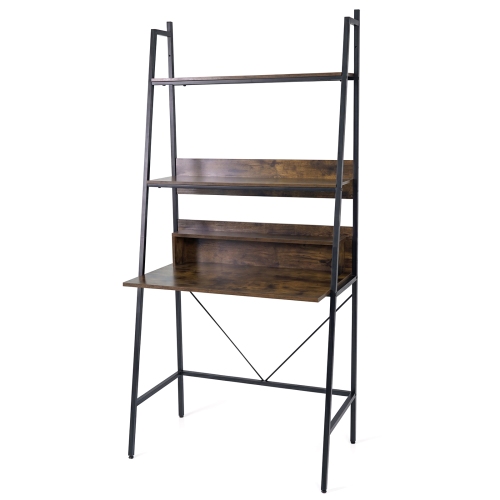
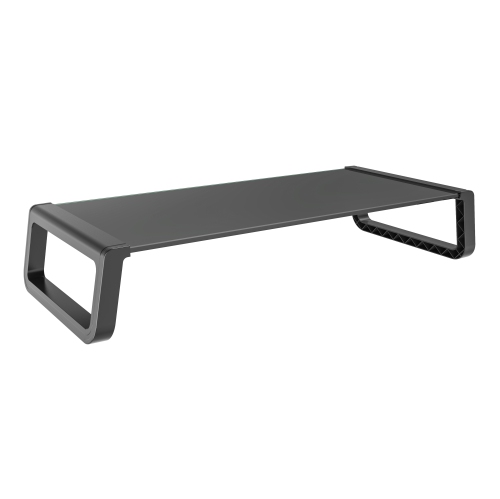
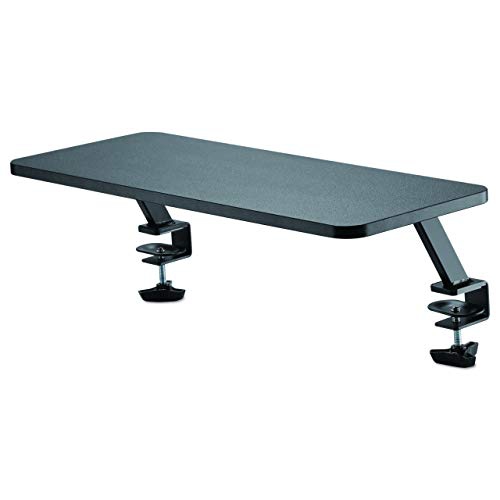
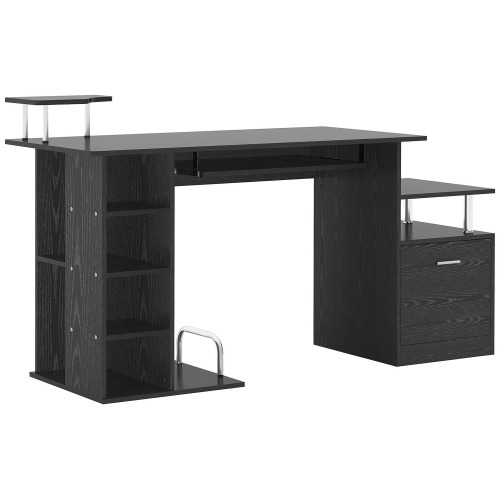
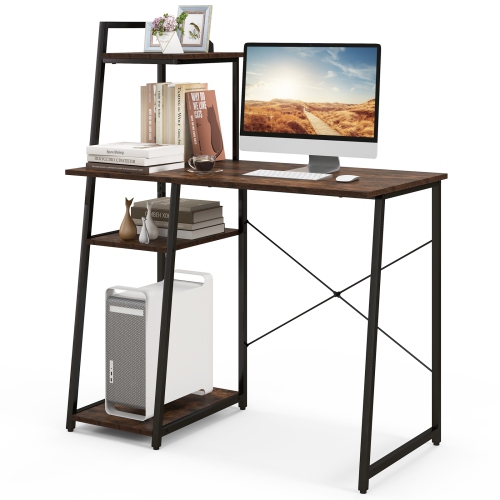
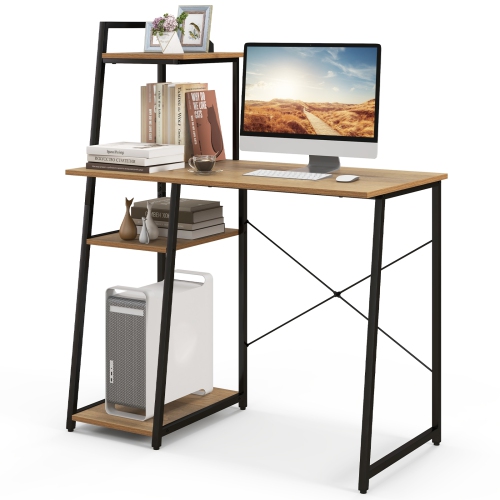
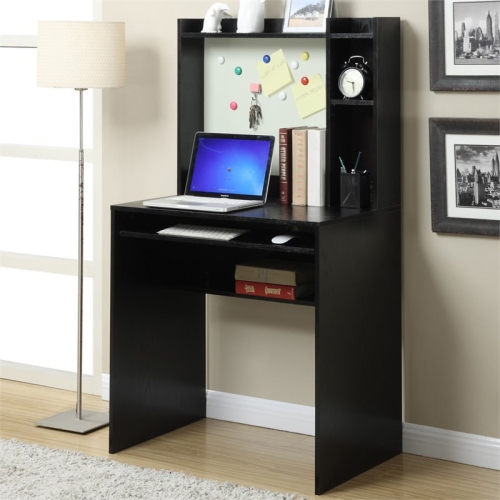
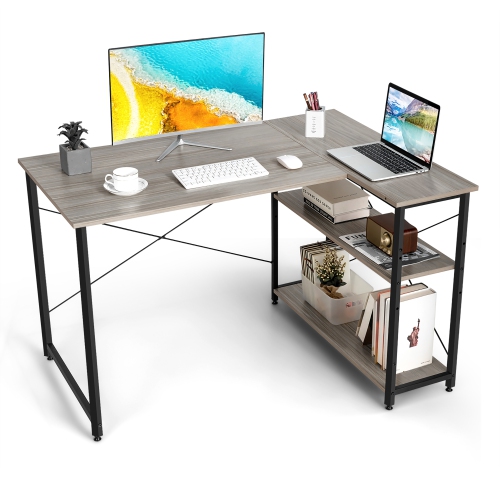
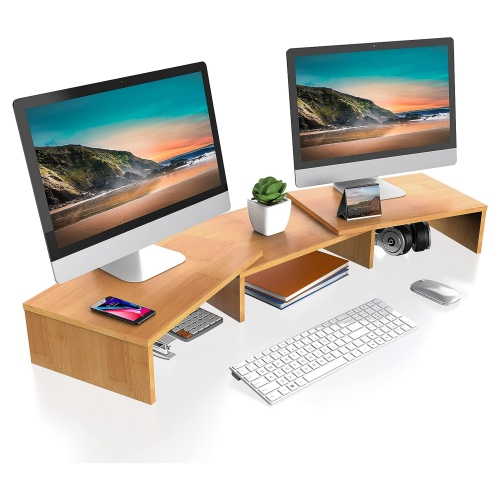
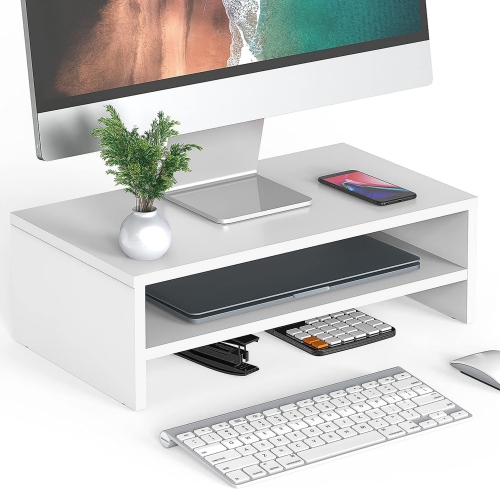
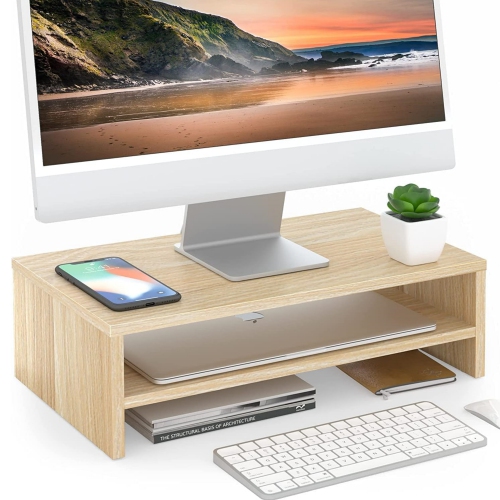
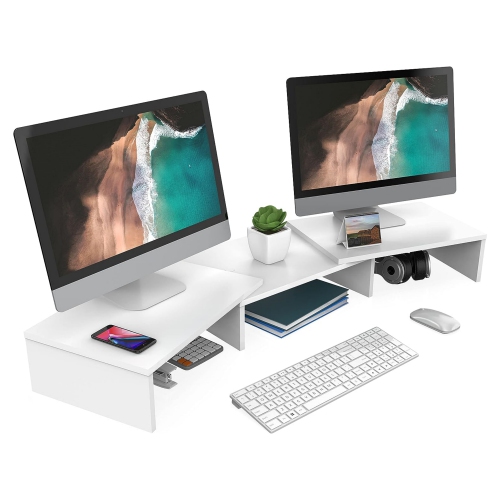
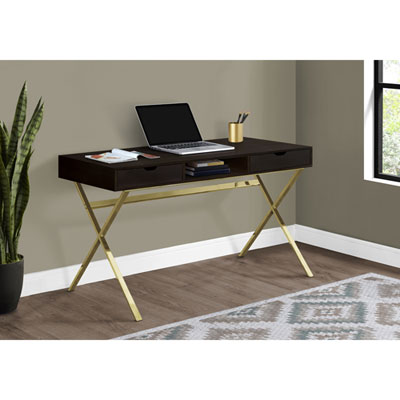
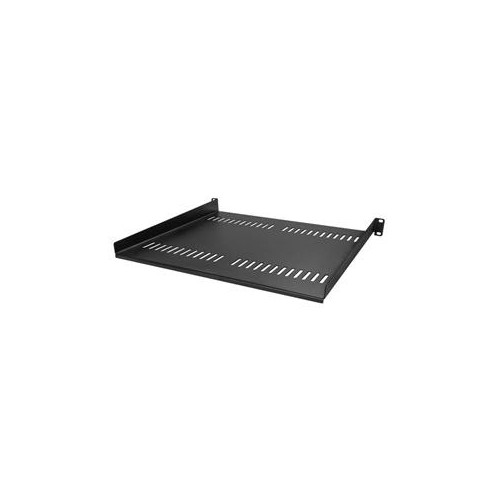
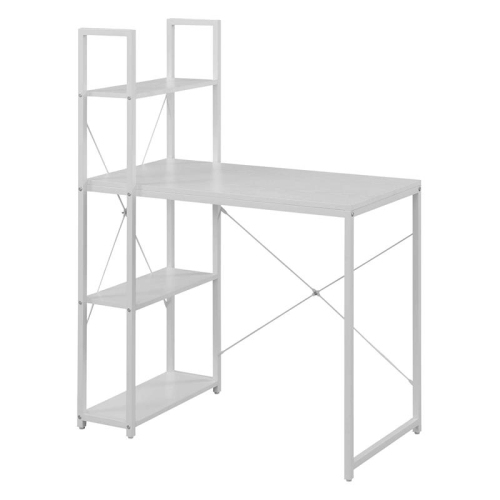
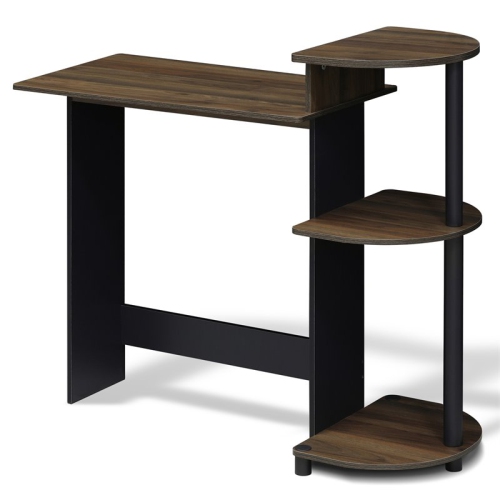
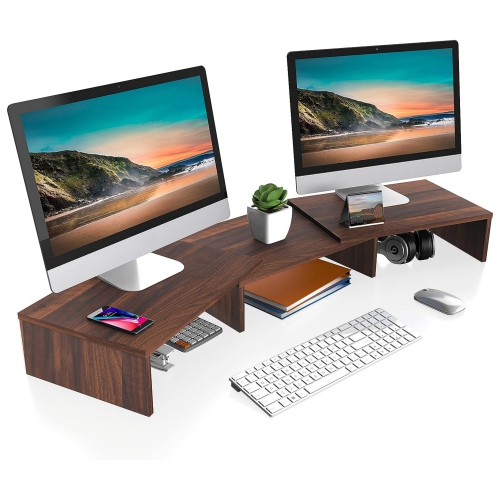
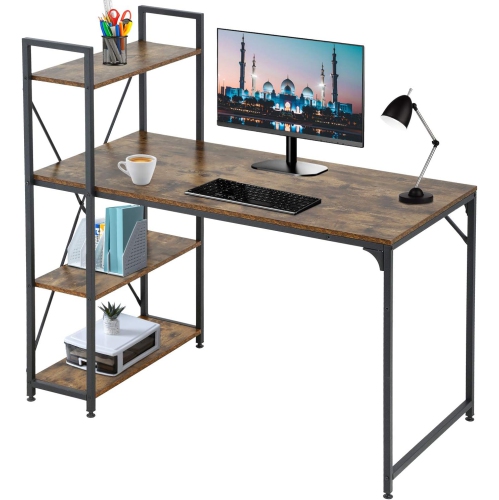
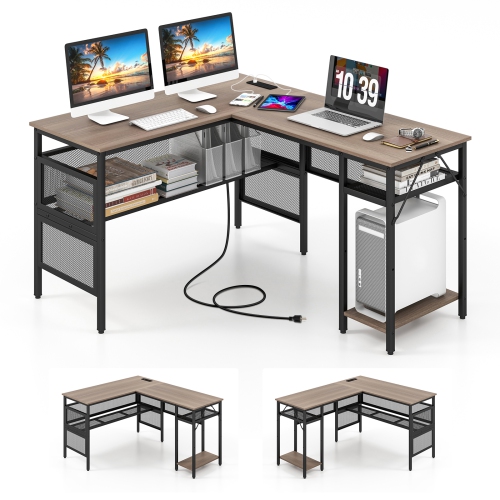
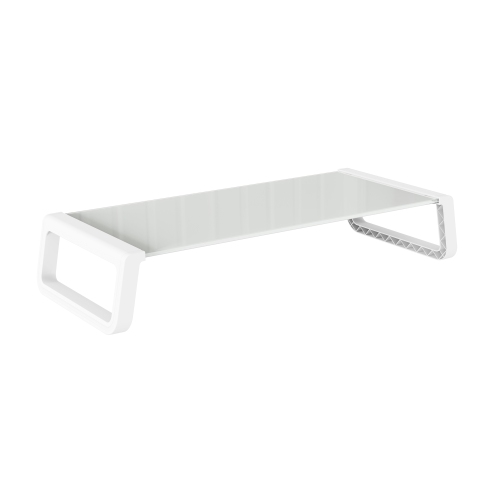
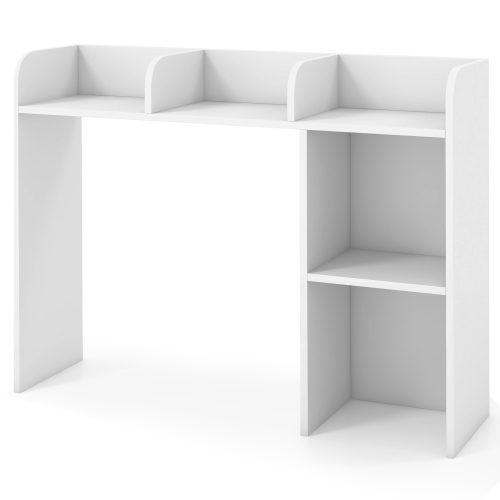
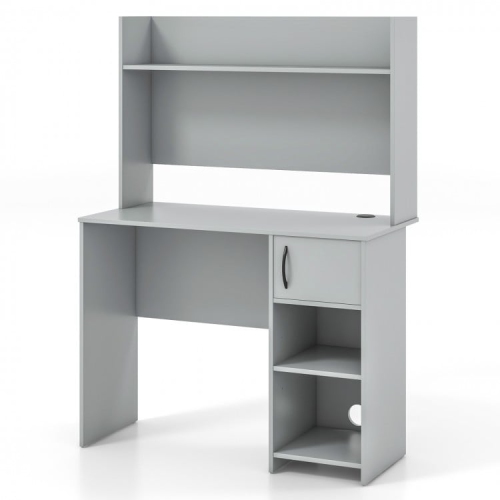
Desktop computer shelves are a practical way to make better use of the space above and around a workstation. Instead of allowing a monitor, keyboard, speakers, notebooks, and charging accessories to spread across the entire surface, a shelf can create distinct zones that keep everyday essentials close at hand. Monitor stand risers are a straightforward option for lifting a screen to a more comfortable viewing height while leaving useful room underneath for a keyboard, laptop, small drawer, or other accessories. Multi-tier desktop bookshelves and hutches add vertical storage for reference books, controllers, stationery, small speakers, and personal items, making them especially useful in compact home offices, student bedrooms, shared work areas, and multipurpose rooms. Pegboard and grid-style designs bring another layer of flexibility, with hooks or attachments for headphones, cables, notes, and lightweight equipment. Clamp-on shelves can extend a work surface without taking up as much of the main desktop, which is helpful when a desk already holds a computer tower, drawing tablet, printer, or writing materials. For a broader look at related storage solutions, explore Desk Shelves to compare styles that can complement a computer setup. During the cooler months, a well-organized workstation can make a home office, study corner, or gaming area feel more comfortable and inviting, with clear space for a warm drink, a notebook, or the small tools used throughout the day.
Choosing the right desktop computer shelf begins with measuring the available area rather than relying on appearance alone. Check the width of the desk, the depth from the front edge to the wall, and the amount of space needed for a chair or monitor arm behind the unit. A shelf around 30 to 36 inches wide can work well for a single monitor, while a dual-monitor arrangement may require 40 inches or more, depending on bezel width and how far apart the screens sit. Depths of approximately 9 to 12 inches are common, but the ideal measurement depends on whether the shelf will hold a monitor, compact speakers, books, or several accessories. Clearance beneath the lowest shelf deserves particular attention: measure the height of the monitor stand and allow room for ventilation, cable connections, and comfortable adjustment. If the screen will sit underneath a hutch shelf, it should not feel boxed in or force the viewer to angle their head downward. Weight capacity is equally important. A lightweight riser may suit a single display and a few small items, while a wider multi-tier frame should be rated to support heavier monitors, dense stacks of books, or a more substantial multi-monitor setup. Look for a stable base, reinforced joints, broad supports, and, where appropriate, a back panel, guardrail, or anti-tipping hardware. Clamp-on designs also need a compatible desktop edge and enough clearance beneath the surface for the clamp mechanism. Smooth edges, cable openings, and a finish that is easy to wipe can make a noticeable difference when the shelf becomes part of the daily routine.
These shelves can suit many kinds of users and can also make a thoughtful gift for someone setting up a first apartment, school workspace, home office, or gaming station. A student may use the upper levels for textbooks and the lower space for a keyboard, while a remote worker may keep a notebook, webcam, headset, and charging hub arranged within reach. For creative work, a shelf can separate a monitor from sketchbooks, memory cards, or compact speakers without crowding a drawing surface. In a family workspace, assigning one section to each person can help keep cables, controllers, and stationery from becoming mixed together. Even a simple riser can change the feel of a desk: the monitor sits closer to eye level, the keyboard can slide underneath when the surface is needed for writing, and small items are less likely to disappear beneath papers. Before selecting a style, consider whether the shelf will remain in one location or be moved between rooms, and whether its appearance should blend with existing furniture. Open shelves make equipment easy to see and reach, while enclosed or backed designs can give the workstation a more defined, tidy profile. Leave room for airflow around computers and accessories, avoid placing unstable stacks near the edge, and keep heavier items on lower levels whenever possible. With the right measurements and a clear idea of how the space is used, desktop computer shelves can turn an untidy corner into a comfortable, functional setup that supports work, study, entertainment, and everyday organization.
Choosing the right desktop computer shelf begins with measuring the available area rather than relying on appearance alone. Check the width of the desk, the depth from the front edge to the wall, and the amount of space needed for a chair or monitor arm behind the unit. A shelf around 30 to 36 inches wide can work well for a single monitor, while a dual-monitor arrangement may require 40 inches or more, depending on bezel width and how far apart the screens sit. Depths of approximately 9 to 12 inches are common, but the ideal measurement depends on whether the shelf will hold a monitor, compact speakers, books, or several accessories. Clearance beneath the lowest shelf deserves particular attention: measure the height of the monitor stand and allow room for ventilation, cable connections, and comfortable adjustment. If the screen will sit underneath a hutch shelf, it should not feel boxed in or force the viewer to angle their head downward. Weight capacity is equally important. A lightweight riser may suit a single display and a few small items, while a wider multi-tier frame should be rated to support heavier monitors, dense stacks of books, or a more substantial multi-monitor setup. Look for a stable base, reinforced joints, broad supports, and, where appropriate, a back panel, guardrail, or anti-tipping hardware. Clamp-on designs also need a compatible desktop edge and enough clearance beneath the surface for the clamp mechanism. Smooth edges, cable openings, and a finish that is easy to wipe can make a noticeable difference when the shelf becomes part of the daily routine.
These shelves can suit many kinds of users and can also make a thoughtful gift for someone setting up a first apartment, school workspace, home office, or gaming station. A student may use the upper levels for textbooks and the lower space for a keyboard, while a remote worker may keep a notebook, webcam, headset, and charging hub arranged within reach. For creative work, a shelf can separate a monitor from sketchbooks, memory cards, or compact speakers without crowding a drawing surface. In a family workspace, assigning one section to each person can help keep cables, controllers, and stationery from becoming mixed together. Even a simple riser can change the feel of a desk: the monitor sits closer to eye level, the keyboard can slide underneath when the surface is needed for writing, and small items are less likely to disappear beneath papers. Before selecting a style, consider whether the shelf will remain in one location or be moved between rooms, and whether its appearance should blend with existing furniture. Open shelves make equipment easy to see and reach, while enclosed or backed designs can give the workstation a more defined, tidy profile. Leave room for airflow around computers and accessories, avoid placing unstable stacks near the edge, and keep heavier items on lower levels whenever possible. With the right measurements and a clear idea of how the space is used, desktop computer shelves can turn an untidy corner into a comfortable, functional setup that supports work, study, entertainment, and everyday organization.
Top selling and popular products
-
 Your price for this item is $304.99
 -
 Your price for this item is $93.99
 -
 Your price for this item is $248.99
 -
 Your price for this item is $83.99
 -
 Your price for this item is $108.99
 -
 Your price for this item is $94.99
 -
 Your price for this item is $74.97
 -
 Your price for this item is $83.95
Discover more categories related to Desktop Computer Shelves
Top Collections:
Pokemon Centers, Kindle Devices, Best Budget Office Chairs, Apple iPhones 16, Best Laptops for Writers, iPhone 15 Apple, Canon G7X Cameras, Refurbished Apple Laptops, Alarm Clock, Motorola Razr Phones
Some products may be subject to Environmental Handling Fees
(EHF) depending on your province.
Learn more about EHFs.