Contemporary Corner Computer Desks
Contemporary corner computer desks offer a stylish and functional solution for maximizing space in any home office or workspace. Designed to fit seamlessly into corners, these desks provide an efficient layout that helps keep your work area organized and visually appealing. Whether you’re updating your office or creating a new study nook, contemporary corner computer desks blend modern design with practical versatility to suit a variety of needs and décor preferences. Explore options that complement your space while enhancing productivity and comfort.
Sort
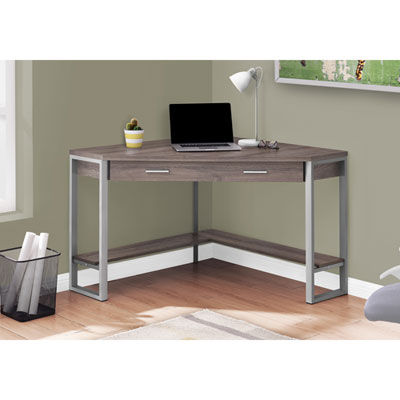
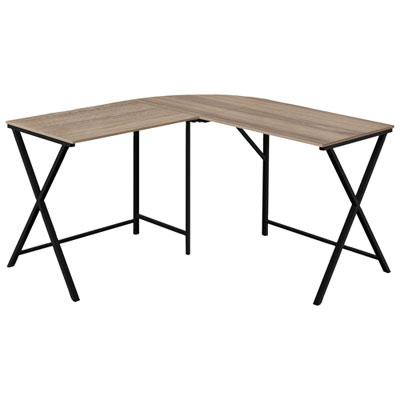
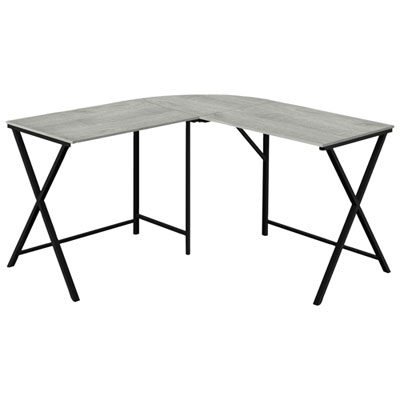
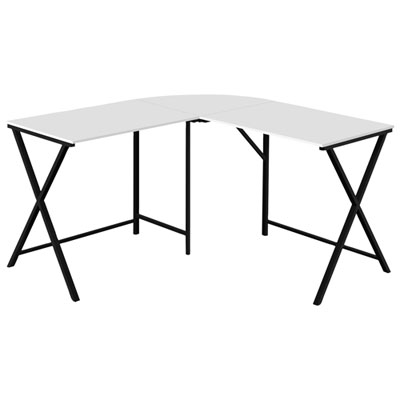


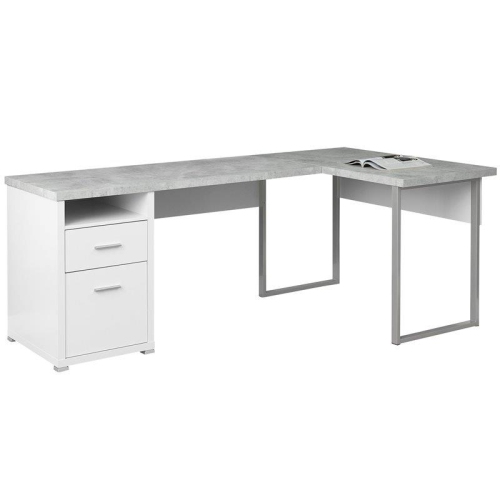
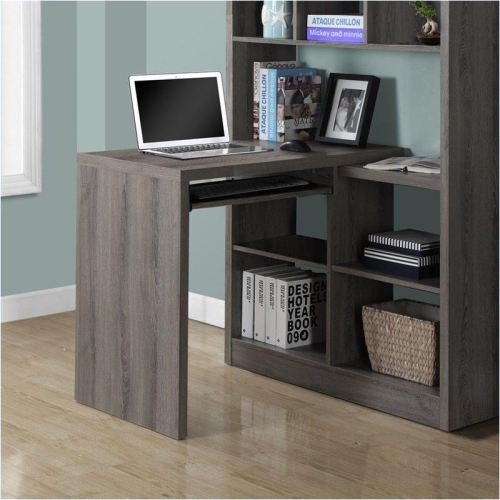
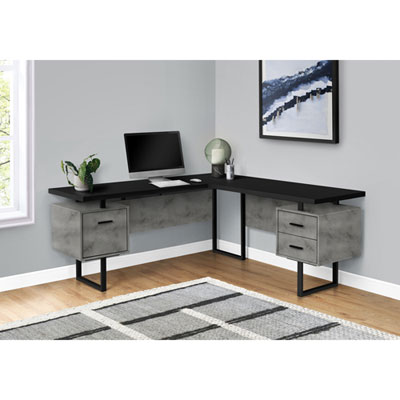
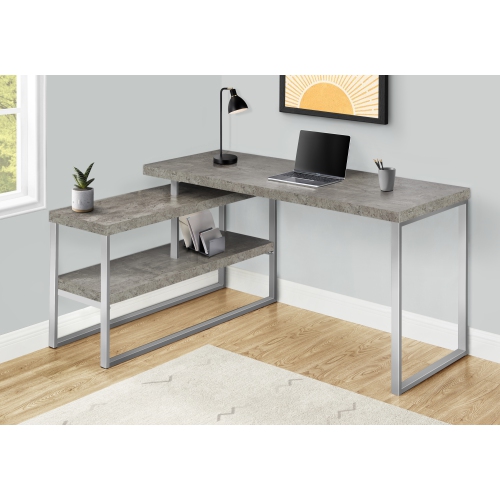
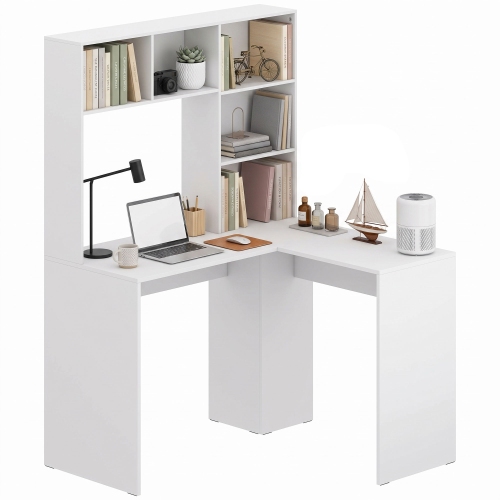
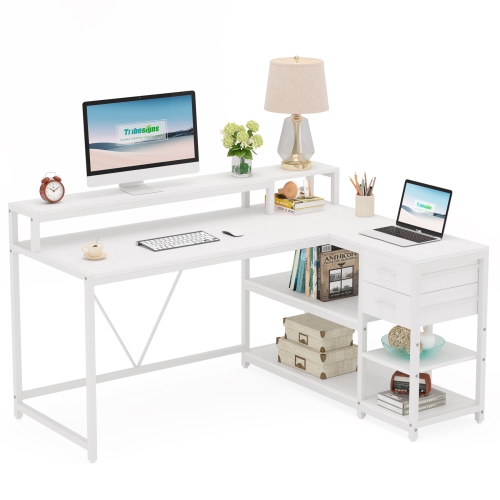
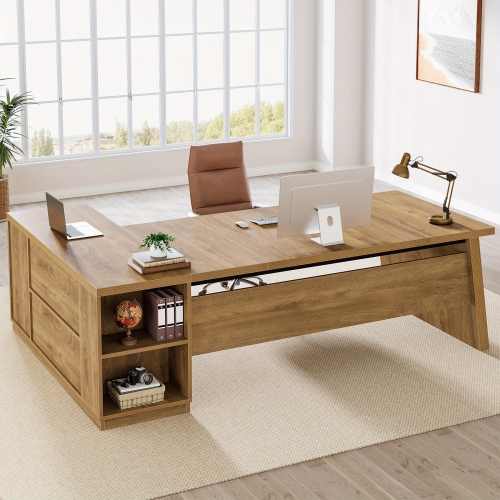
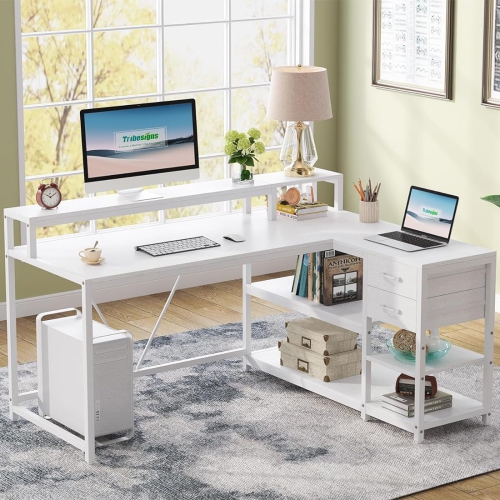

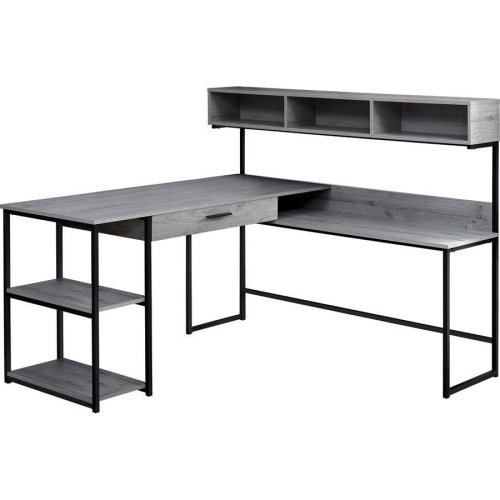
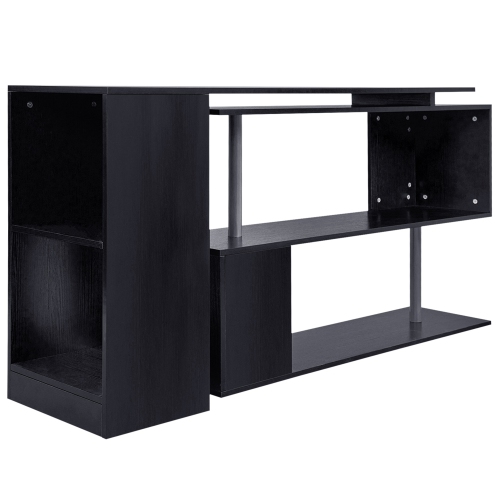
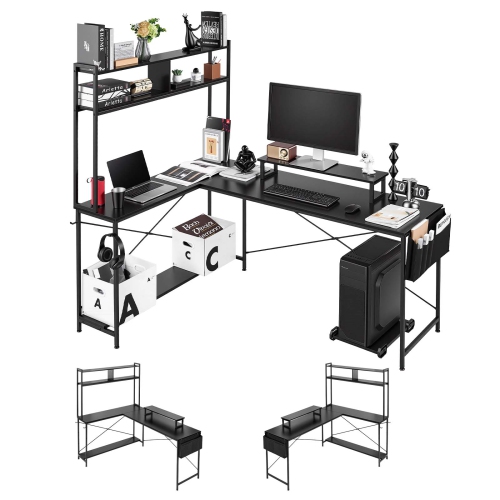
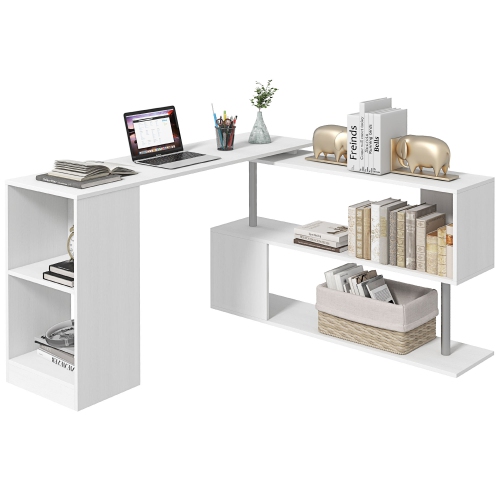
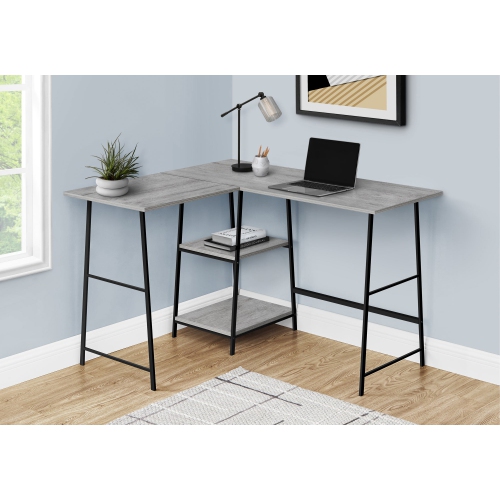
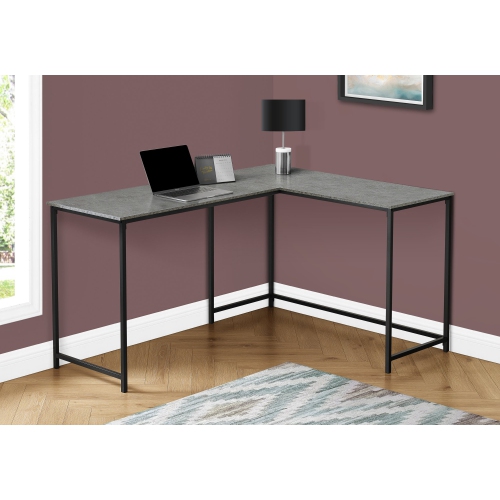
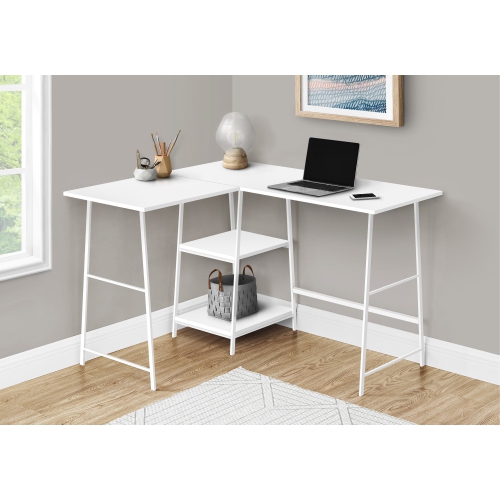
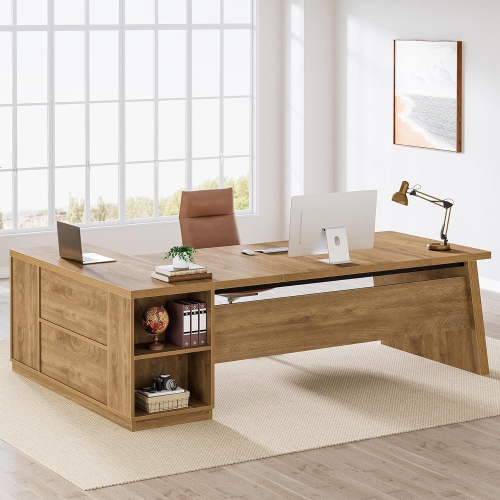
A corner workspace that leaves room to move
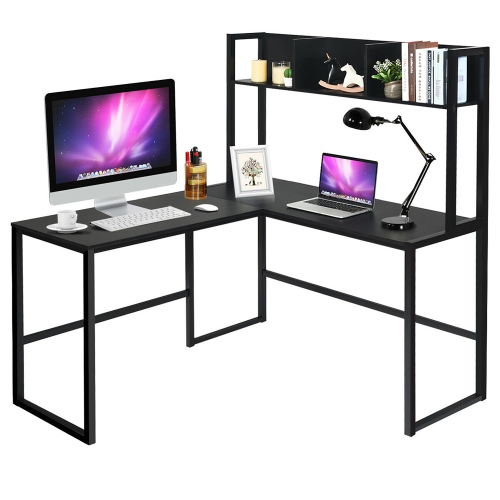
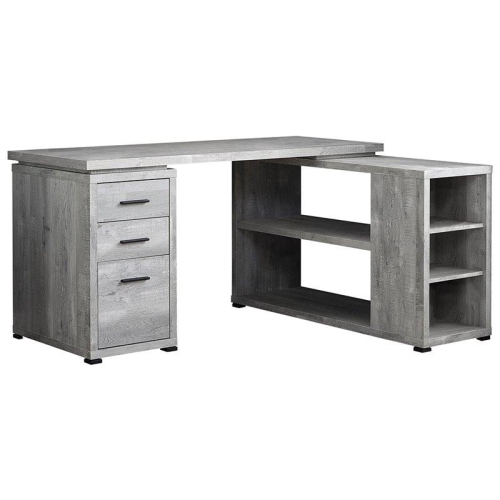
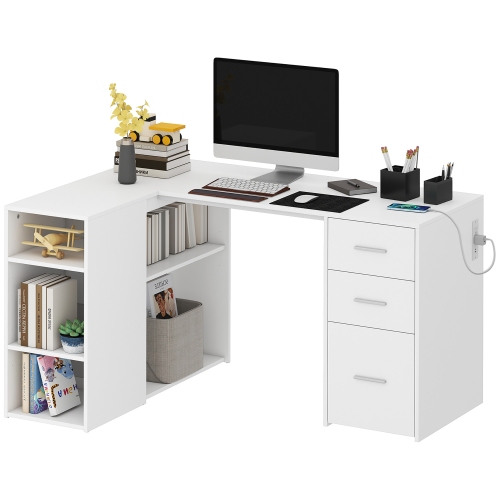
Contemporary corner computer desks bring a dedicated work surface into the meeting point of two walls, making them a practical choice for home offices, bedrooms, study areas, and shared living spaces. Their defining benefit is the way they use a corner without requiring a desk to project across the middle of a room. Compact triangular designs typically provide a central computer surface with sides that tuck against adjacent walls, while L-shaped designs extend along both walls to create separate areas for screen-based work and other tasks. A laptop and notebook might sit on one side, with a larger monitor, keyboard, and mouse on the other. The extended return found in Contemporary L Shaped Desks can also provide room for paperwork, drawing materials, or a printer without crowding the main workstation. The most useful shape depends on the room as much as the equipment: a narrow bedroom corner may suit a shallow, open-frame desk, while a dedicated office can accommodate a deeper desktop and additional storage. Overall width alone does not describe how a corner desk will fit. The depth of each section, the length of the return, and the space needed to pull out a chair all affect everyday movement. Baseboards, wall outlets, heating vents, and nearby doors can also influence placement. Reversible designs offer flexibility by allowing the return or selected storage components to be assembled on either side, although the permitted configurations depend on the desk. Visually, contemporary styling tends towards clean lines, simple hardware, and uncluttered silhouettes. White or light wood-look surfaces can create a lighter visual footprint, while darker finishes and metal frames give a workstation a more defined presence. A desk with finished outer panels can look more cohesive when one side faces into the room rather than sitting entirely against a wall. These details help a computer corner feel like part of the home rather than a temporary setup.
Materials and construction shape both the appearance of a contemporary corner computer desk and how it handles daily use. Engineered wood desktops with laminate or melamine finishes offer a consistent surface and a wide range of colours and wood-grain effects. Their edges and joins deserve attention because repeated contact from chair arms, bags, or equipment can wear these areas differently from the middle of the desktop. Solid wood brings natural grain variation and may develop visible marks with use, while wood veneer provides a real wood surface over a supporting core. Glass tops have a lighter appearance but tend to show fingerprints and require care around edges, corners, and attached accessories. Metal frames can provide an open look with fewer visually heavy panels, although stability also depends on the joints, bracing, and correct assembly. Published weight limits matter for any material, especially when the setup includes several monitors, a desktop tower, or other substantial equipment. Storage changes how the workspace functions just as much as the surface does. Drawers keep stationery and charging cables out of sight, open shelves make frequently used books easy to reach, and a raised shelf can lift a screen while leaving space underneath for small accessories. An enclosed cabinet may look tidy, but a computer tower still needs the ventilation clearance specified by its manufacturer. Storage positioned beneath the return can leave the main seating area open; storage directly beside the chair can be convenient but may reduce legroom. Cable openings, rear routing channels, and under-desk trays help separate power cords from the working surface. Some designs incorporate power outlets or USB ports, with charging capabilities depending on the desk’s specifications. Built-in connections can simplify access, but the location of the wall socket and the path of the supply cord remain important. A practical arrangement keeps cables clear of chair wheels and walking routes without pulling them tight across the corner.
A corner computer desk works best when its proportions support the person using it, not just the devices placed on top. Desktop depth affects viewing distance: a large monitor placed on a shallow surface may sit uncomfortably close, while a deeper corner can provide more room between the screen and the seated user. The keyboard and mouse need a comfortable working area with enough space for forearm movement, rather than being squeezed between a monitor stand and the desk edge. A monitor arm can free up surface space, provided the desktop’s material, thickness, edge profile, and load rating are suitable for the mounting method. Fixed shelves and crossbars also deserve attention, since they can limit knee clearance or prevent a chair from moving fully underneath the desk. In a shared household, an adjustable chair and a clear central seating position can make the same workstation more practical for different users, though a fixed-height desk will not suit every person equally. For someone working from home, the return can hold reference documents during a video call; for a student, it can separate a computer assignment from handwritten notes. Creative hobbies also benefit from a secondary surface where a sketchbook or small project can remain undisturbed. Long-term care is generally straightforward but should follow the finish-specific instructions supplied with the desk. A soft cloth removes everyday dust, spills are best wiped up promptly, and excess moisture should not be left along seams or exposed edges. Coasters and desk mats help reduce direct contact with drinks, writing tools, and frequently moved accessories. Cleaning products need to be compatible with the surface rather than chosen solely for their strength. Connections may need occasional checking according to the assembly instructions, particularly after the desk has been moved. With appropriate dimensions, accessible storage, and a finish suited to everyday routines, a contemporary corner computer desk can provide a comfortable, organized place for work, study, and personal projects.
Top selling and popular products
-
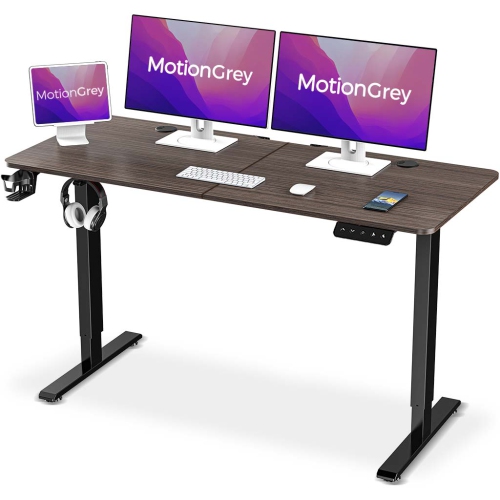 Your price for this item is $97.99
-
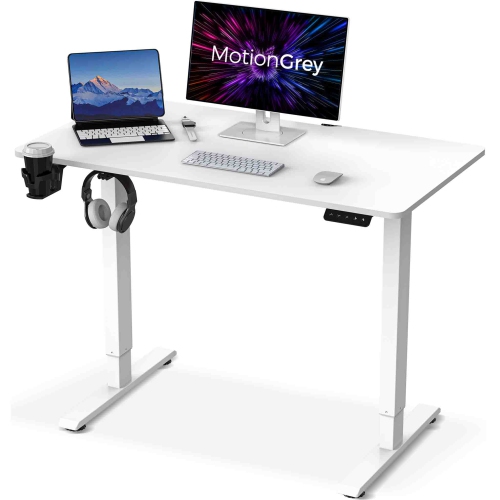 Your price for this item is $89.99
-
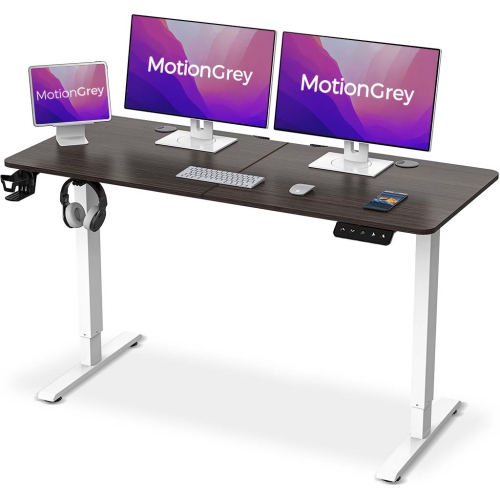 Your price for this item is $84.99
-
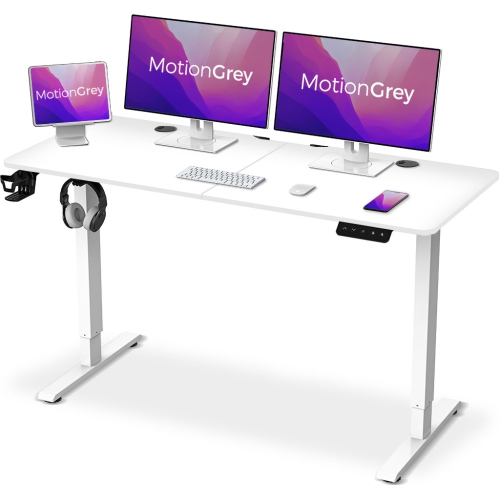 Your price for this item is $97.99
-
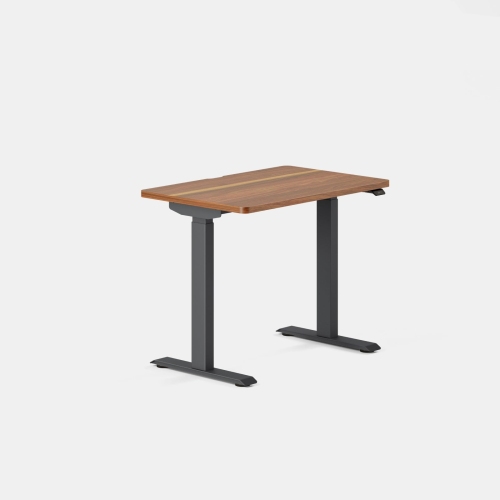 Your price for this item is $649
-
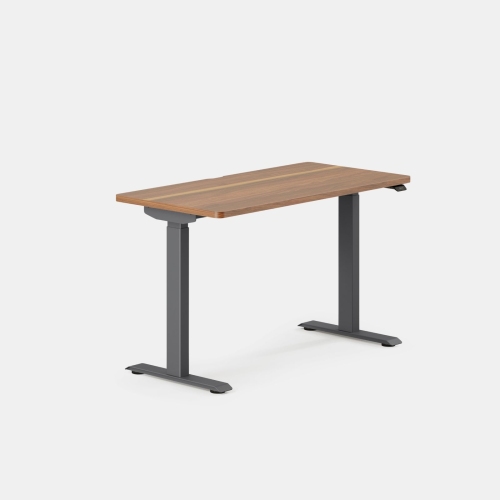 Your price for this item is $749
-
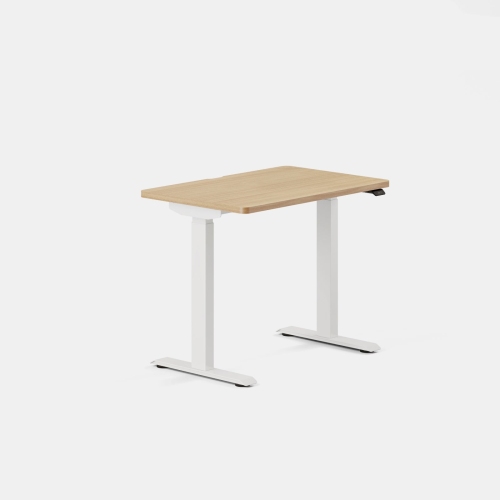 Your price for this item is $649
-
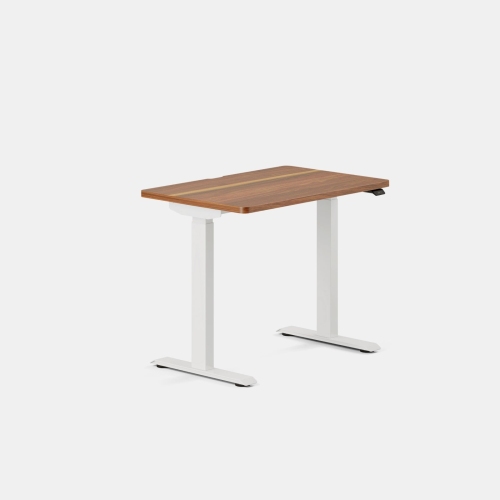 Your price for this item is $649
Discover more categories related to Contemporary Corner Computer Desks
Top Collections:
Best Black Friday Deals This Year, Best Black Friday Deals On Electronics, Kindle Devices, Pokemon Centers, Best Black Friday Deals On Apple Products, Best Cameras for Sports Photography, Dyson Airwrap, Pokémon 30th Celebration Cards, Apple iPhone 17 Pro, Canon G7X Cameras
Some products may be subject to Environmental Handling Fees
(EHF) depending on your province.
Learn more about EHFs.