Desk Cable Management Trays
A Desk Cable Management Tray is the ideal solution for keeping your workspace organized and clutter-free. Designed to help you manage cords and wires efficiently, these trays provide a neat and tidy look for any office or home setup. Whether you're working from a dedicated desk or setting up a gaming station, a Desk Cable Management Tray makes it easy to maintain a clean environment while preventing tangled cables. Discover options that fit seamlessly under desks or along workstations for a streamlined appearance.
Sort
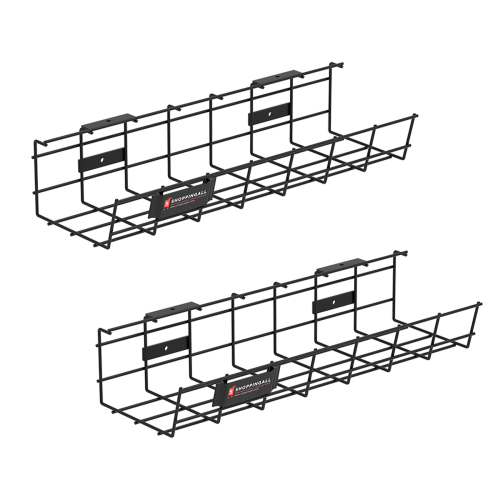
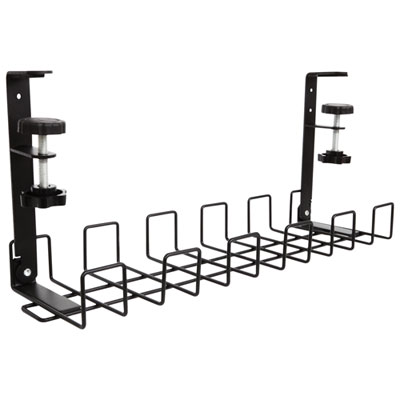
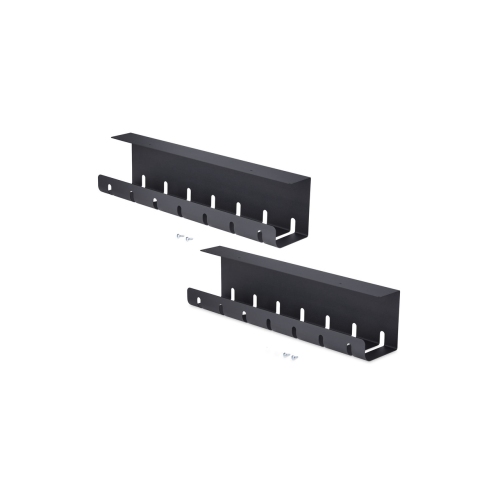
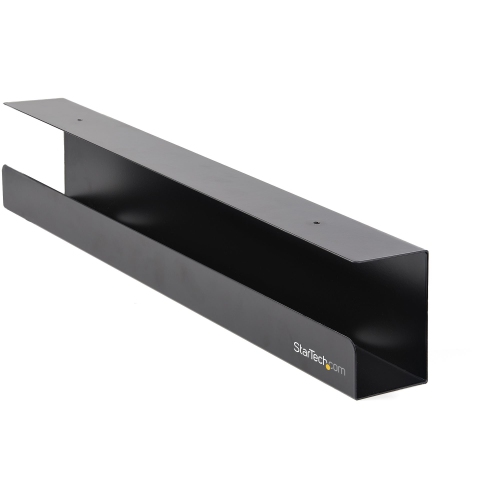
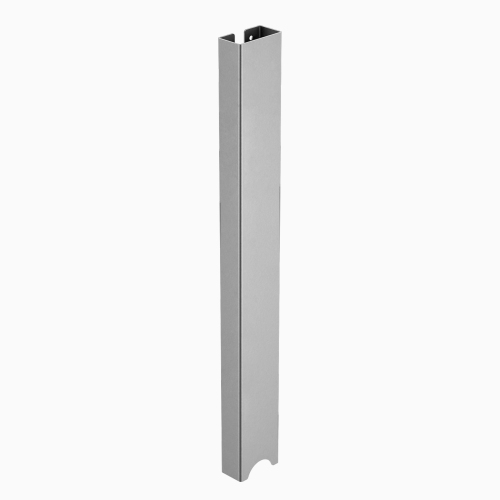
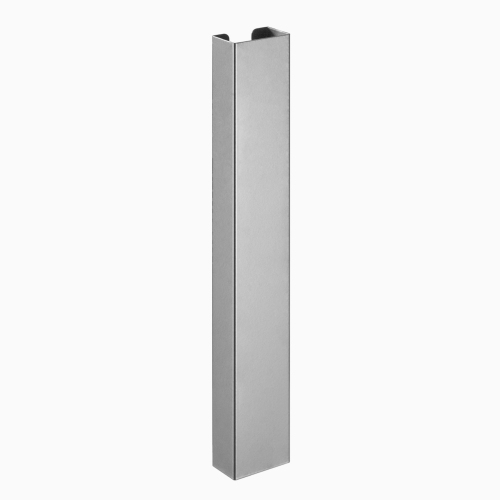
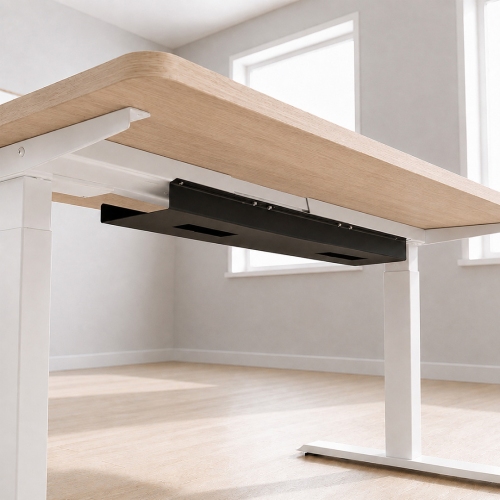

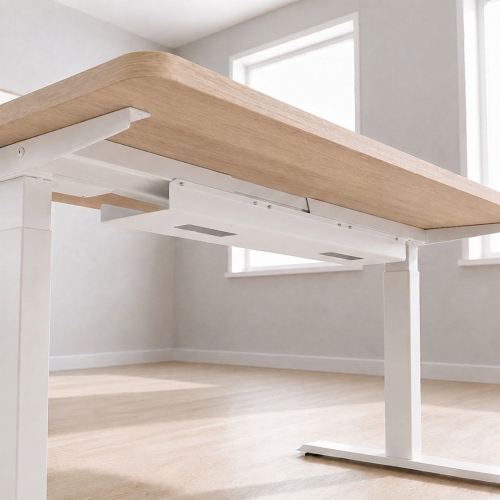


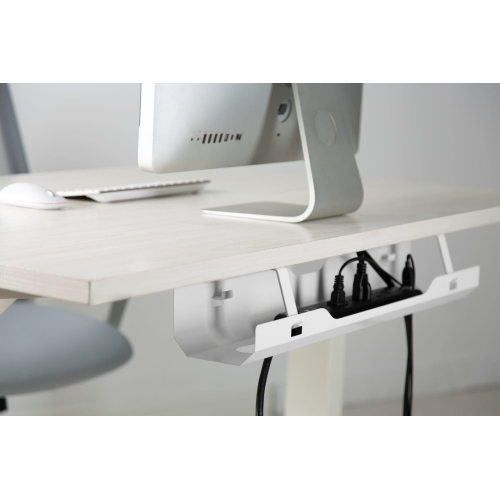

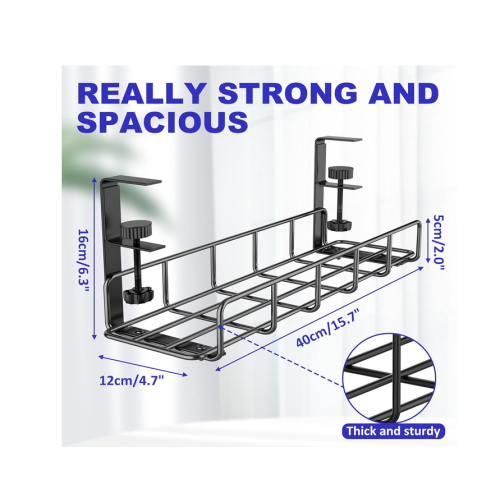
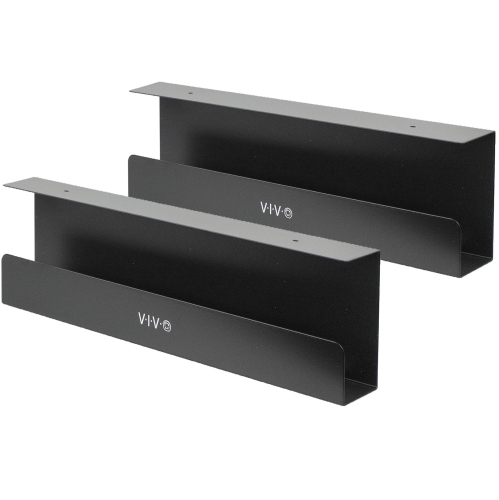
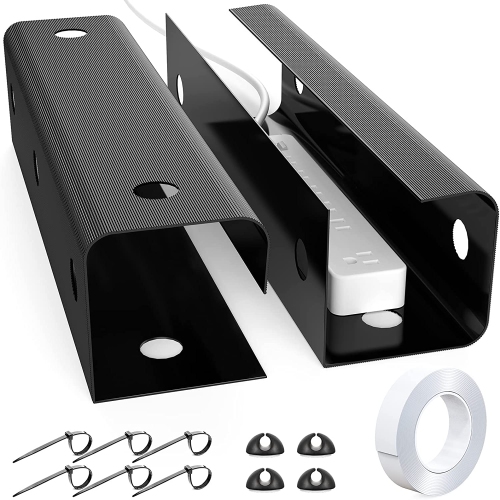
Less cable clutter without losing access to connections
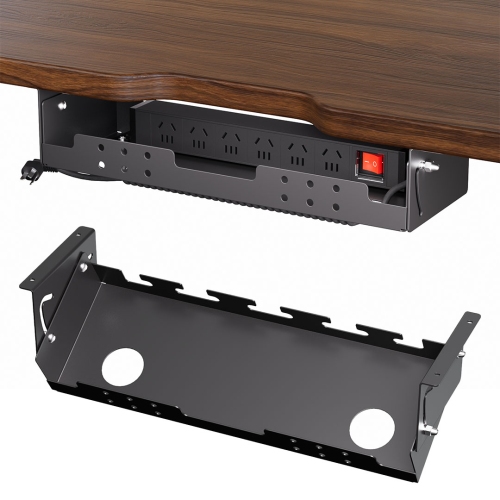
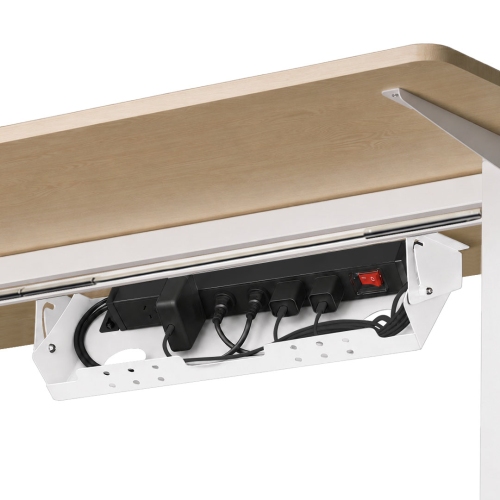
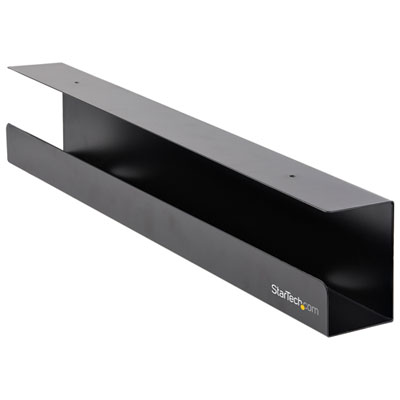
Desk cable management trays hold power strips, adapters, and loose cables beneath a desktop, keeping everyday connections together without taking up space beside a keyboard, monitor, or notebook. Unlike a cable sleeve that gathers wires into a bundle, a tray provides a supported resting place for compatible electrical accessories and excess cable length. This makes it useful for home offices, gaming desks, study spaces, and shared workstations where several devices connect to the same area. A laptop charger can rest off the floor, monitor cables can follow a more direct route, and the space beneath the desk can feel less cluttered. The main mounting styles are clamp-on and screw-mounted designs. Clamp-on trays attach around the edge of a suitable desktop and can be convenient where drilling is not desirable, while screw-mounted trays attach to the underside for a more permanent arrangement. Adhesive-mounted designs also exist, although their suitability depends closely on the surface, installation conditions, and stated load limit. Fit involves more than the length of the tray: desktop thickness, edge shape, underside clearance, and the position of drawers or support rails all affect where it can sit. A clamp needs a compatible gripping surface, and mounting screws need a desktop material and thickness that can accept them without damage. Glass tops, hollow-core surfaces, bevelled edges, and deep desk aprons may require a different mounting approach or may not suit a particular design. Tray width, depth, and height also determine whether a power strip fits with its plugs attached, especially when larger charging blocks occupy neighbouring outlets. With Under Desk Cable Trays, the practical goal is accessible storage below the work surface, not simply hiding every wire from view. Enough room around connectors makes it easier to unplug a charger, identify a cable, or add a device without dismantling the whole arrangement.
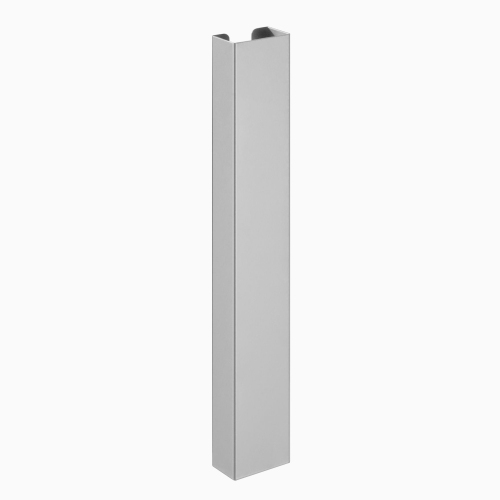
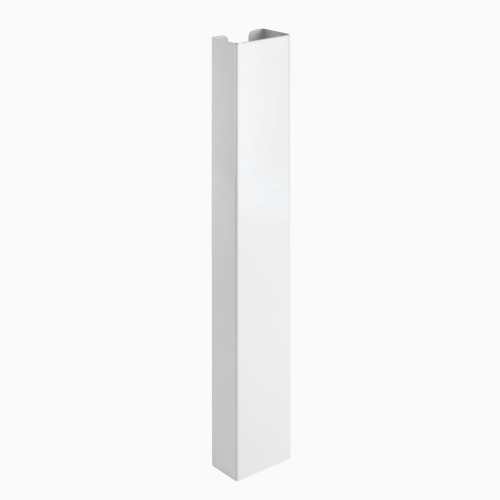
Materials and construction influence how a desk cable tray looks, carries weight, and stands up to repeated adjustments. Steel trays can provide a rigid structure for power strips and cable bundles, while aluminium designs can offer a lighter structure; actual capacity still depends on the complete design and mounting hardware. Rigid plastic trays provide another construction option, with performance determined by the material, shape, and attachment method rather than appearance alone. Powder-coated metal finishes add a finished surface, while rounded edges and smooth cable openings help reduce rubbing where cords enter or leave the tray. Open wire baskets and perforated trays provide visibility and space around cables, making individual connections easier to trace. More enclosed designs conceal wiring more fully but may offer less direct access, so the position of openings matters. Neither style removes the need to follow ventilation instructions for chargers, adapters, and power strips. Equipment should not be crowded together or covered in a way that traps heat, and a cable tray is not a substitute for properly rated electrical accessories. Load capacity includes everything the tray supports: the power strip itself, charging blocks, bundled cords, and any accessories permitted by the manufacturer. A wide tray is not necessarily rated to carry more weight than a narrow one. Placement also affects everyday comfort. A tray tucked too close to the front edge can intrude on knee space, while one positioned behind a crossbar may be awkward to reach. On height-adjustable desks, a tray mounted to the moving desktop can keep connections travelling with the work surface, provided the design and installation are compatible. The cable running to the wall still needs sufficient free length throughout the desk’s full movement, without pulling tight, catching on furniture, or forming a loop where feet can snag it. Clear routes around lifting columns, drawer runners, and monitor-arm hardware help preserve both access and movement.
A well-fitted cable tray is especially useful where a desk serves several purposes throughout the day. In a compact home office, it can keep a laptop power supply and monitor connections below the surface while leaving room above for paperwork. At a gaming station, it can gather the longer leads associated with monitors, speakers, and accessories without leaving the entire bundle across the floor. Students and people sharing a workspace may appreciate being able to disconnect a laptop without disturbing the cables that stay attached to the desk. The most useful arrangement leaves frequently handled connectors within comfortable reach while giving permanent connections a more settled route. Reusable cable ties or straps can help keep separate runs recognizable, provided they are not tightened enough to crush or sharply bend the cords. Leaving a little working slack near a device allows for ordinary repositioning, such as turning a monitor or moving a laptop stand. At the same time, unnecessary loops do not need to hang below the tray where they can catch on a chair. Appearance can matter too: a finish close to the desk frame can make the tray less noticeable, while an open design may suit a workspace where quick access matters more than concealment. For care, accessible openings make it easier to remove dust and inspect connections. Cleaning methods should suit the tray’s finish and the manufacturer’s directions; a soft, dry cloth is often appropriate for routine surface dust, with electrical accessories disconnected before handling or cleaning around them. Moisture and abrasive cleaners can damage finishes or nearby equipment. Over time, checking attachment points, cable contact areas, and clearance helps account for changes in the setup. A new monitor arm, a different power strip, or a drawer added beneath the desk can alter a previously comfortable fit. A tray with suitable capacity, reachable openings, and mounting that matches the desk can remain useful through those changes, keeping the workspace easier to manage without making everyday connections difficult to reach.
Top selling and popular products
-
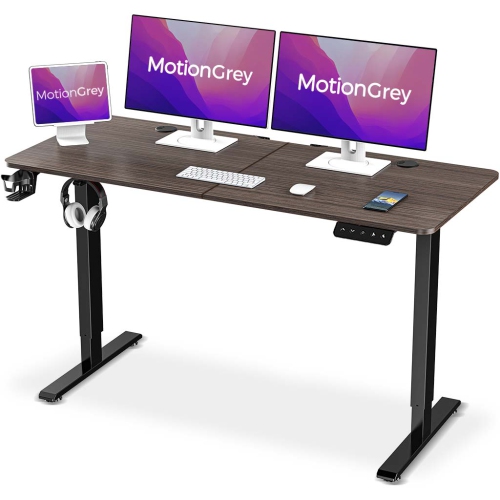 Your price for this item is $97.99
-
 Your price for this item is $89.99
-
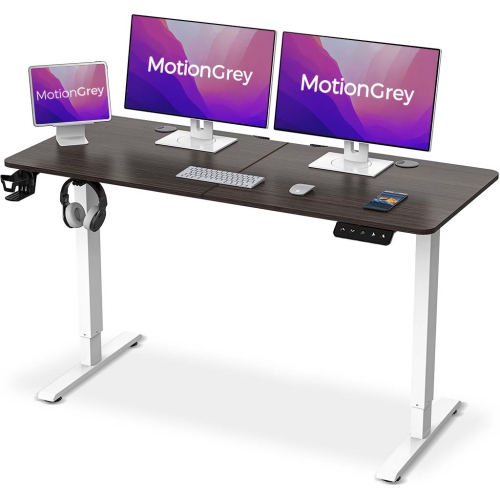 Your price for this item is $84.99
-
 Your price for this item is $97.99
-
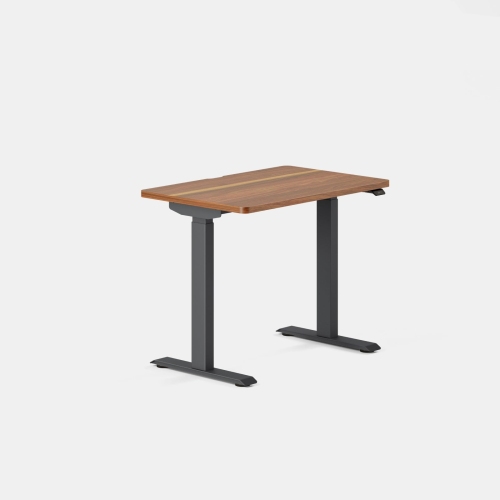 Your price for this item is $649
-
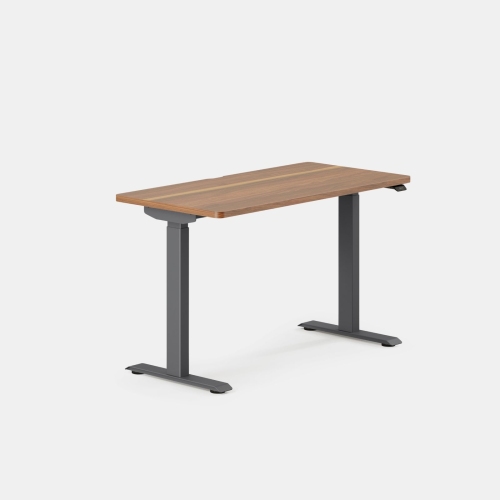 Your price for this item is $749
-
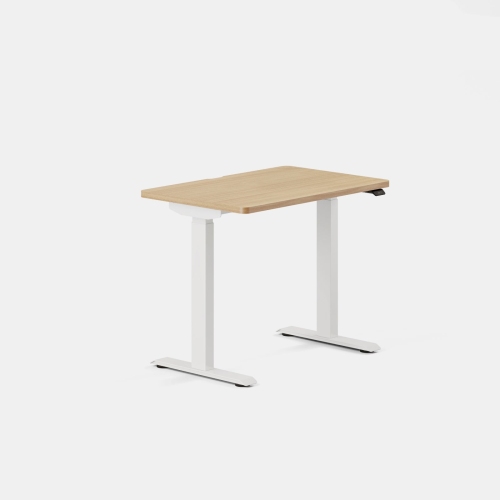 Your price for this item is $649
-
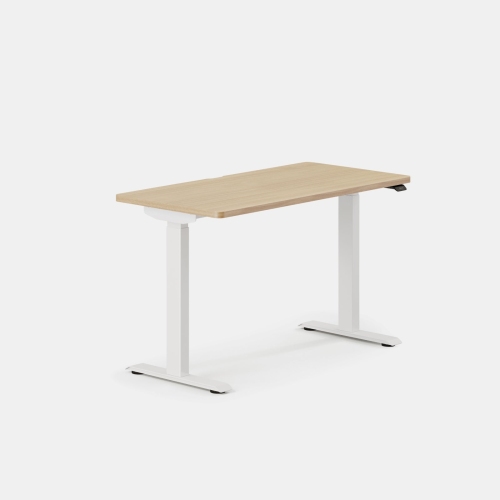 Your price for this item is $749
Discover more categories related to Desk Cable Management Trays
Top Collections:
Best Black Friday Deals This Year, Best Black Friday Deals On Electronics, Kindle Devices, Pokemon Centers, Best Black Friday Deals On Apple Products, Best Cameras for Sports Photography, Dyson Airwrap, Pokémon 30th Celebration Cards, Apple iPhone 17 Pro, Canon G7X Cameras
Some products may be subject to Environmental Handling Fees
(EHF) depending on your province.
Learn more about EHFs.