Desk Chairs for Good Posture
Sitting for long periods can take a toll on our bodies, but with the right desk chairs, you can maintain good posture and support your overall well-being. Whether you're working from home or spending hours gaming, finding a chair that promotes proper alignment and reduces strain is essential. Discover our selection of desk chairs that provide comfort and support for good posture.
Sort
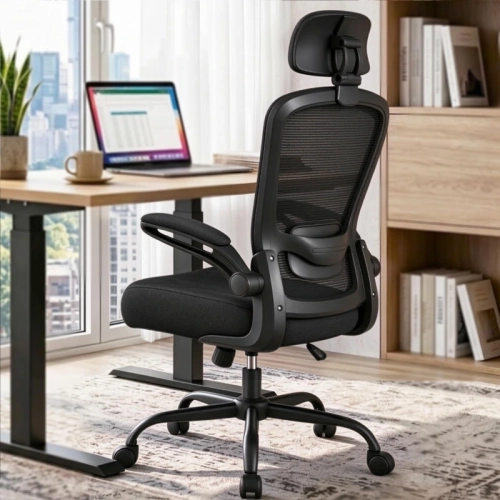
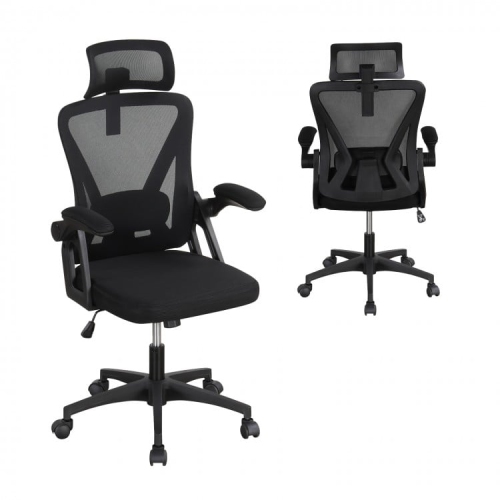
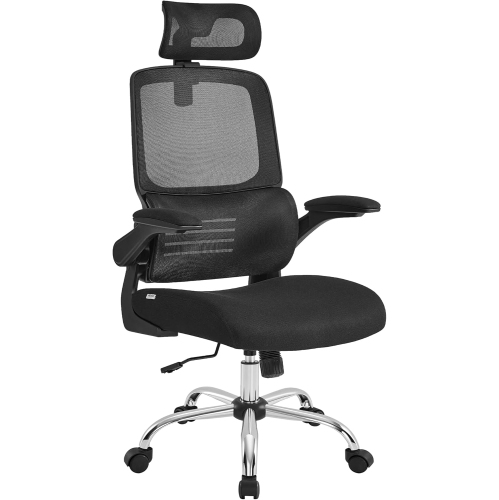
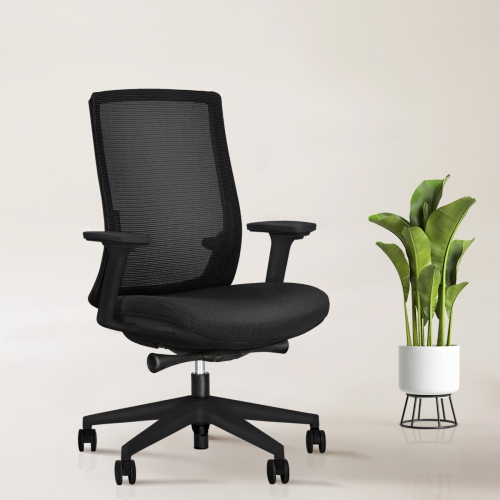
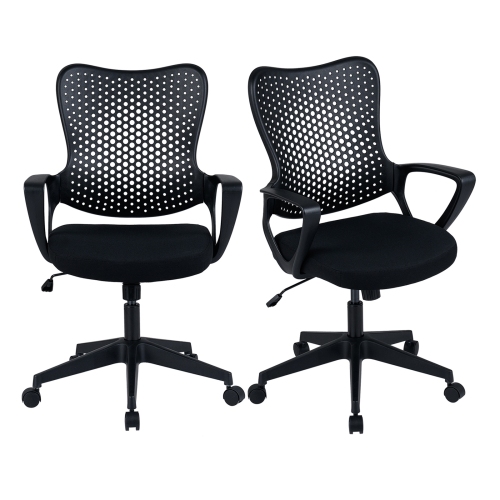
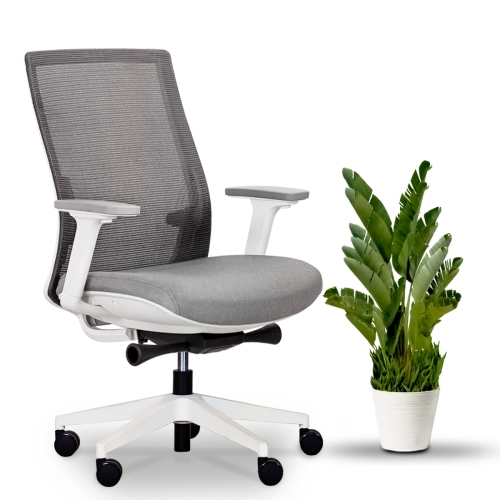
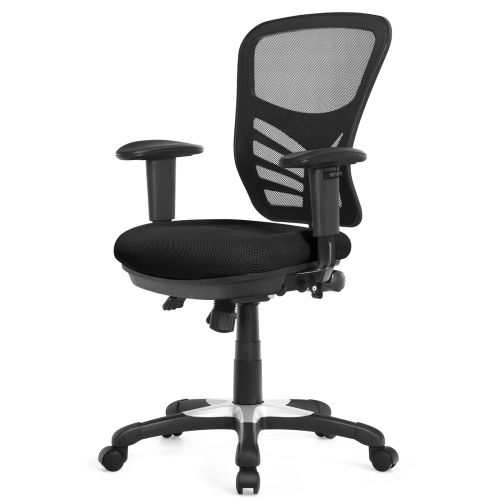
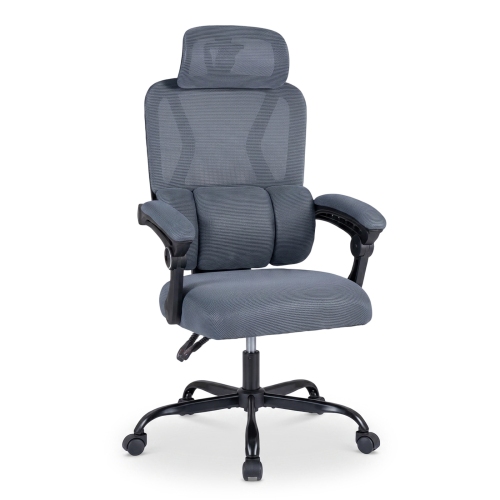
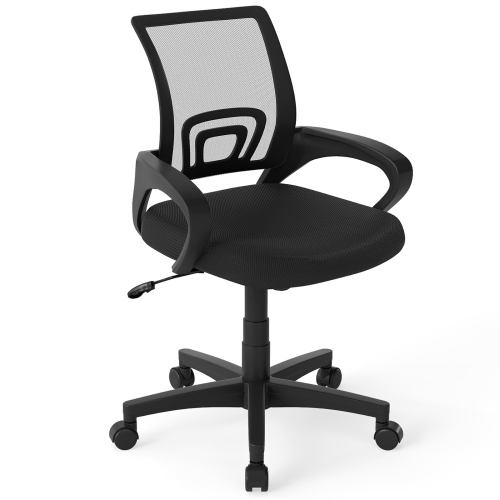
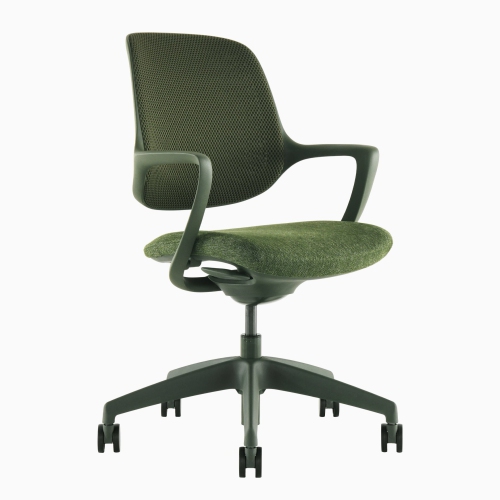
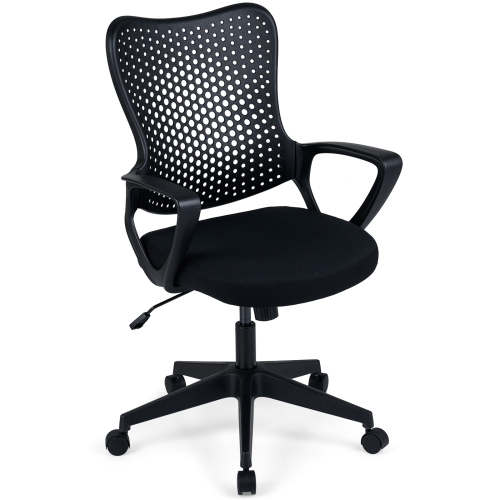
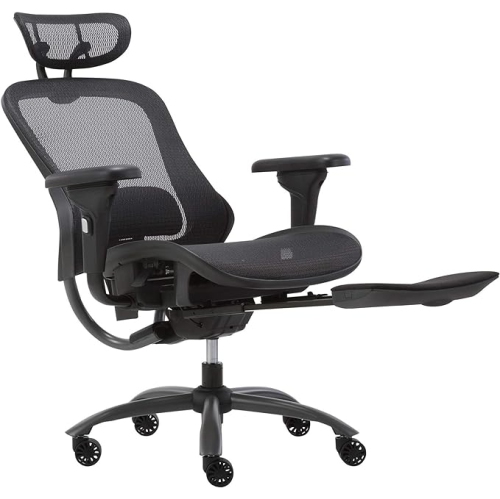
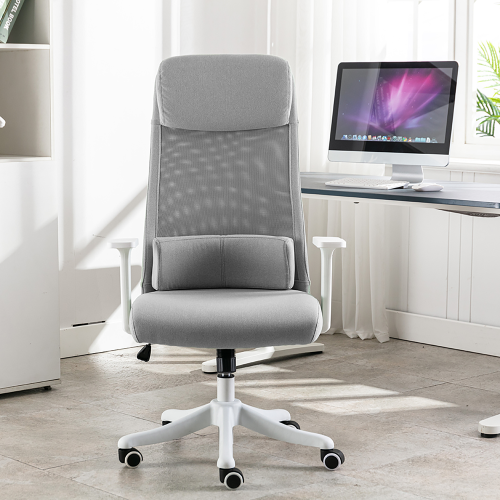
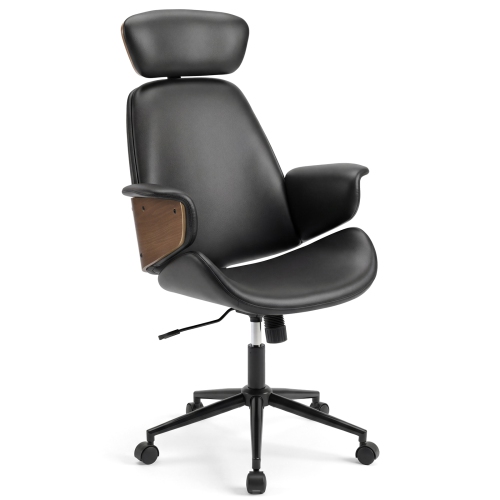
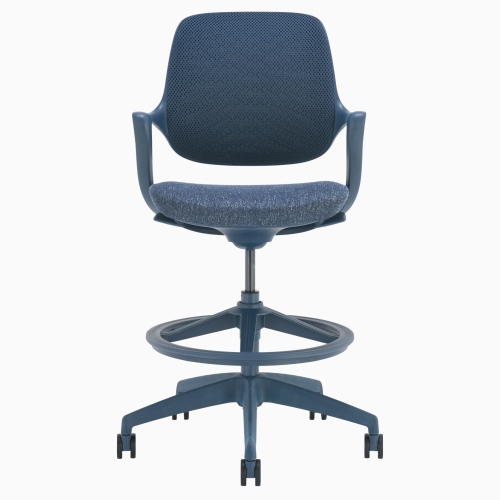
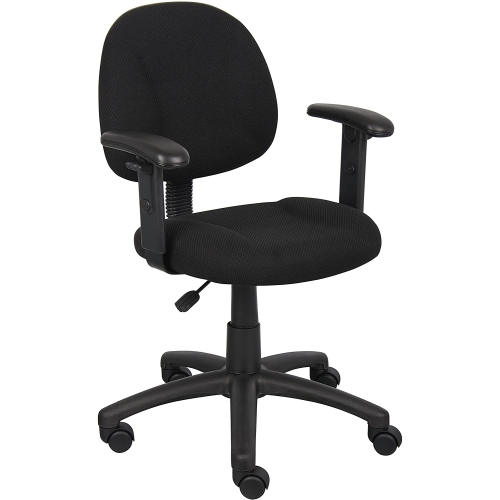

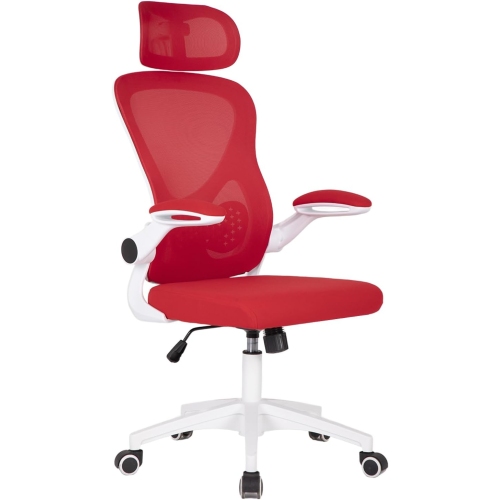
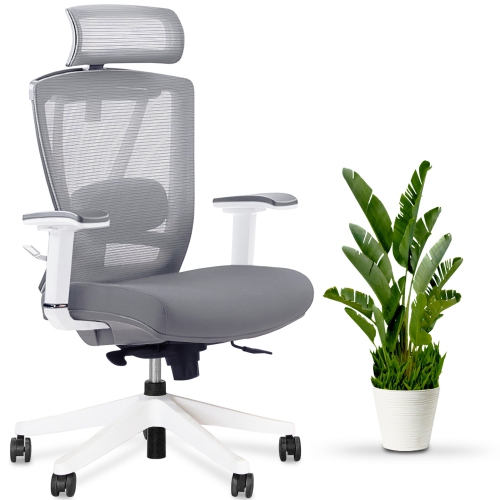
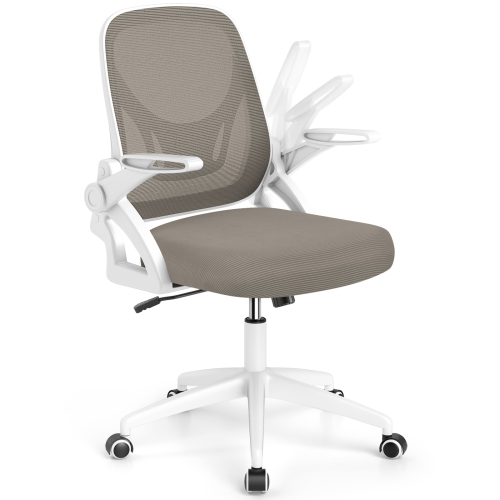
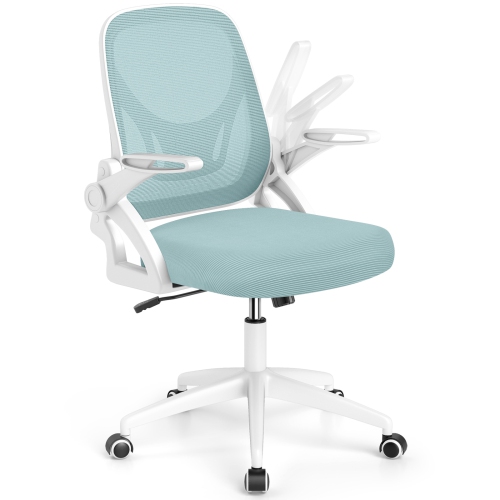
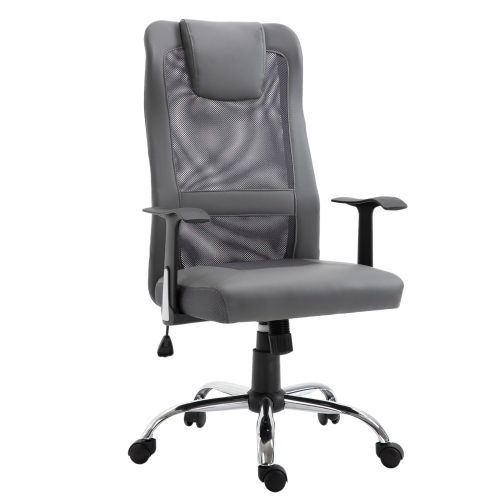
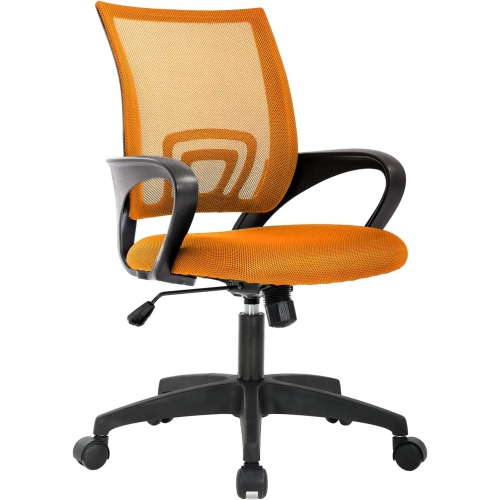
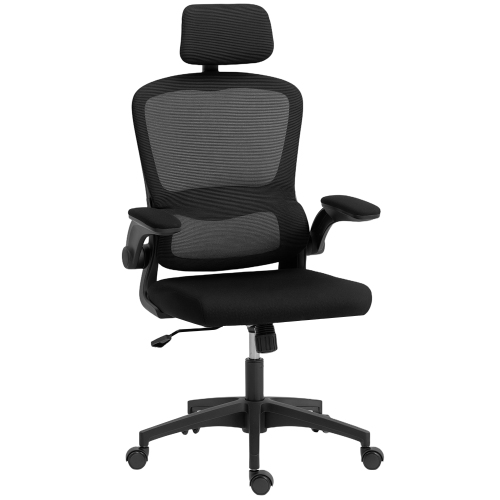
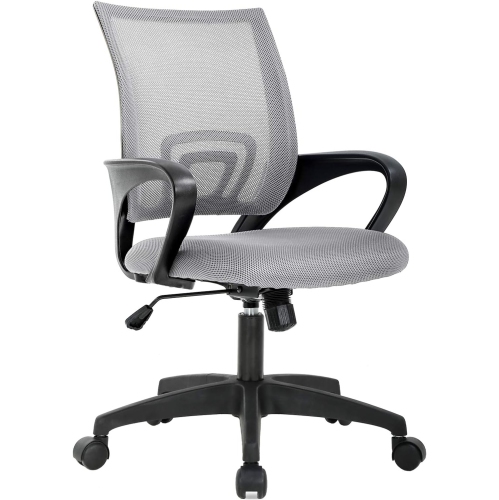
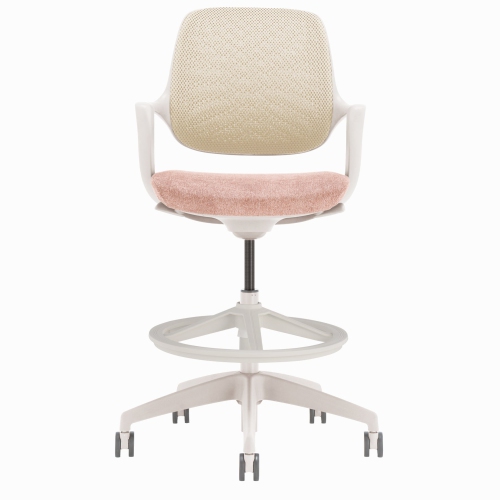
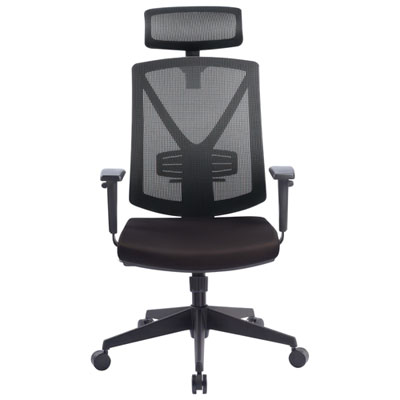

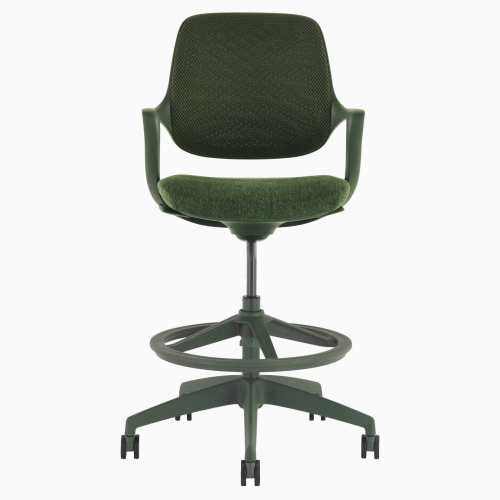
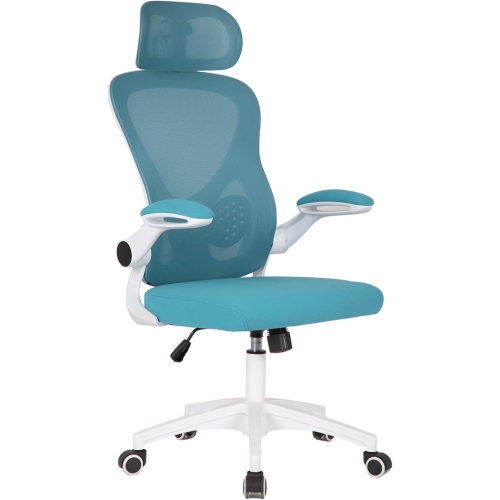
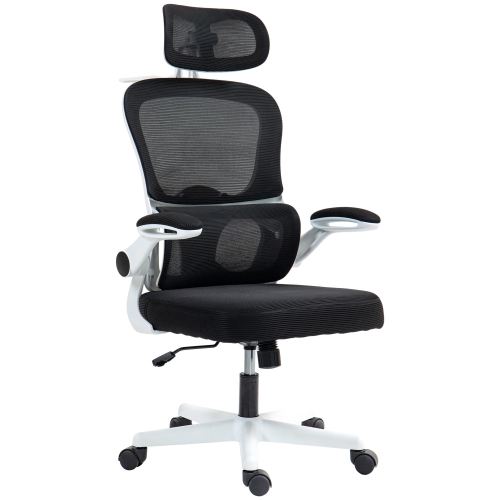
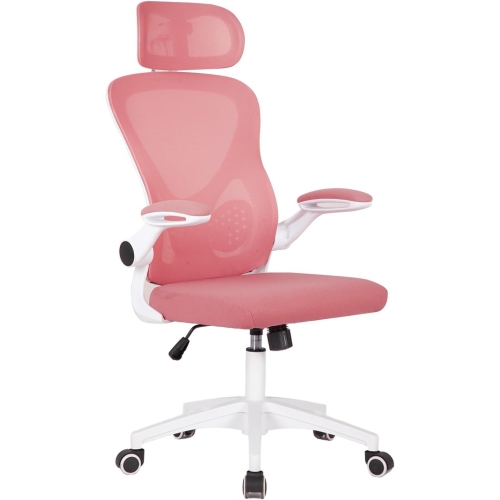
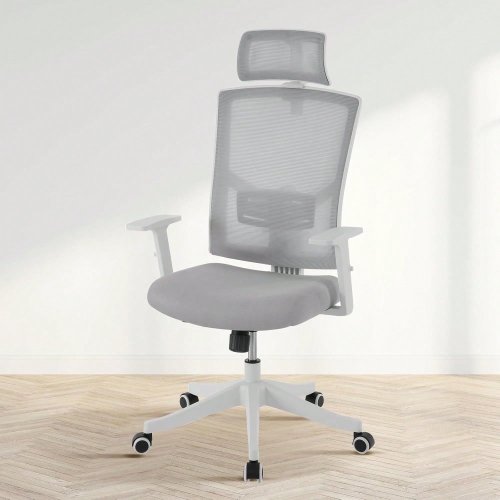
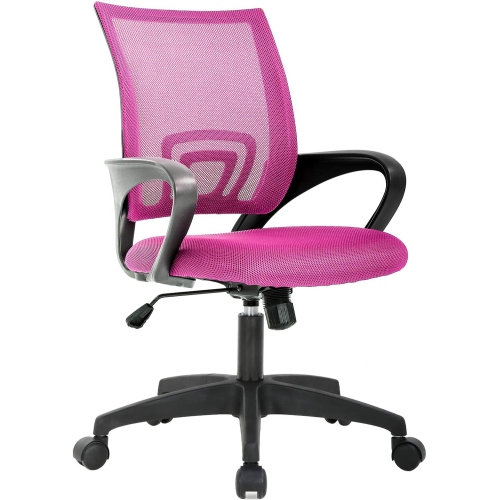
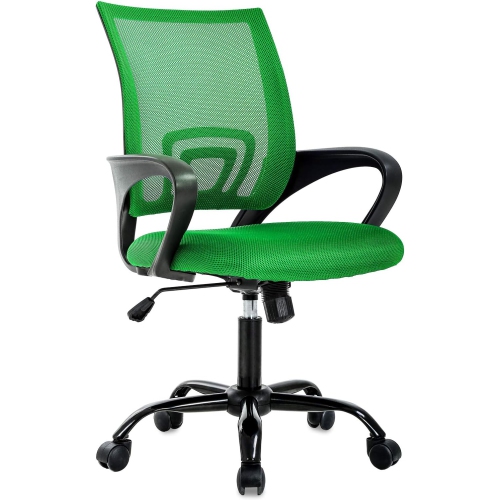
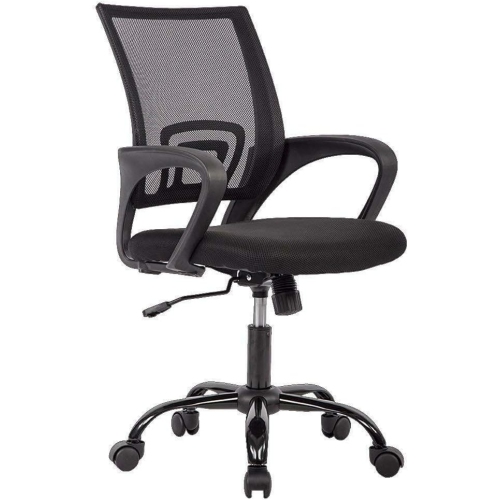

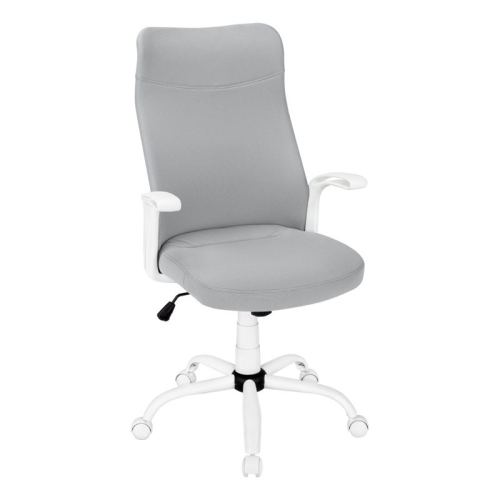
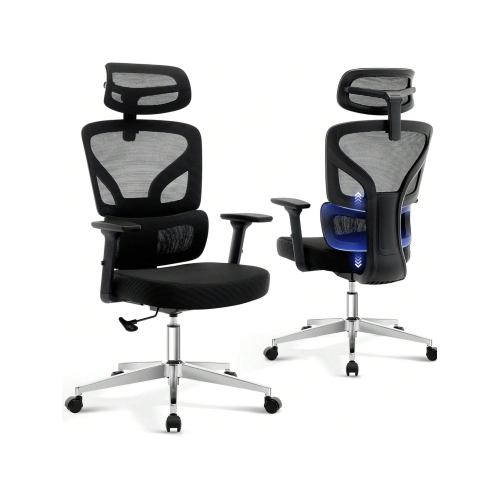
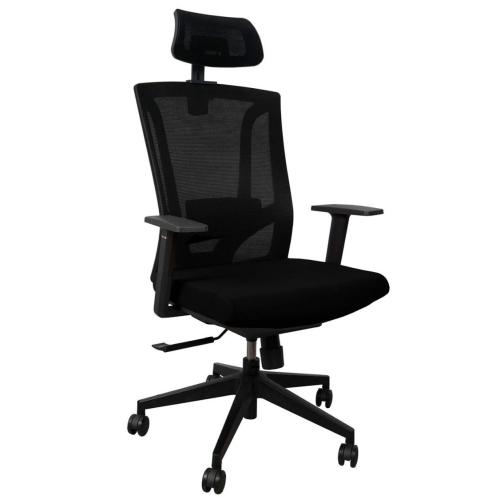
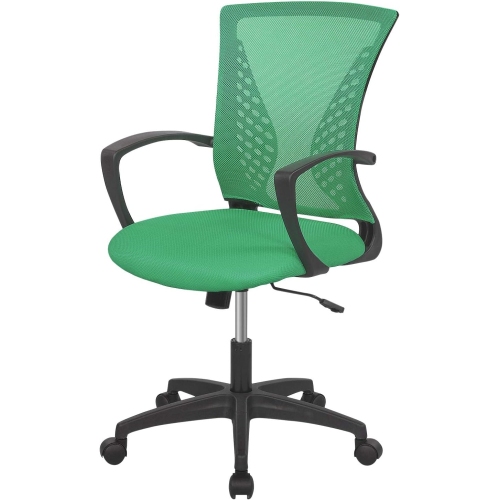
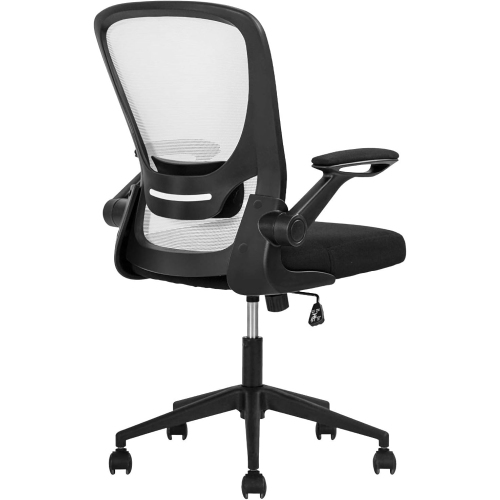
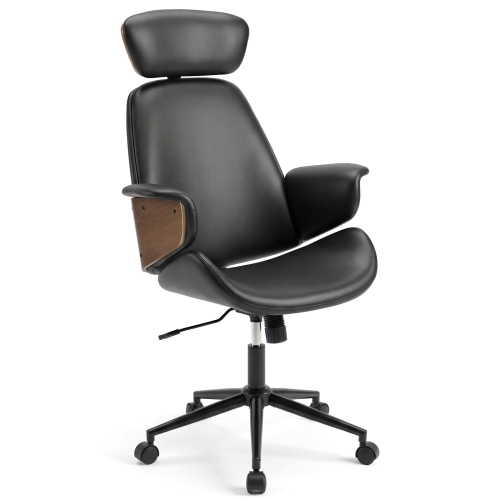
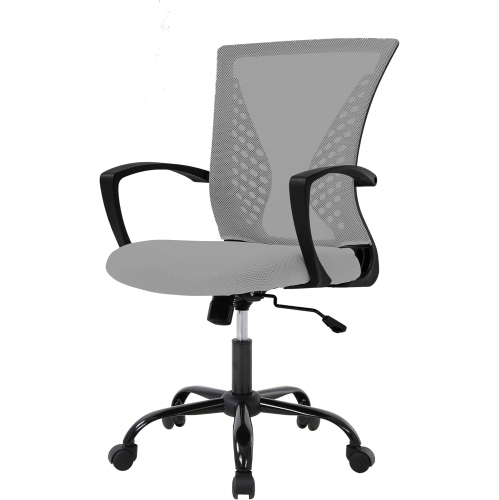
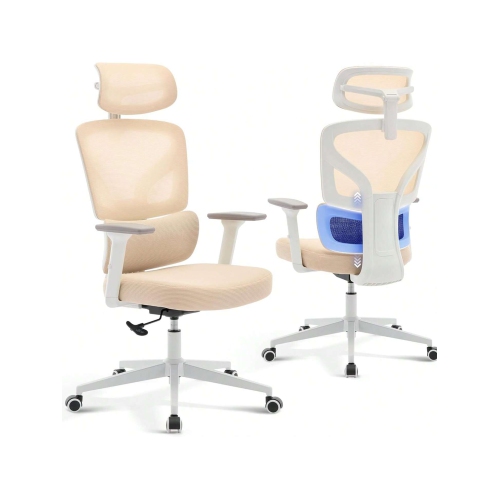
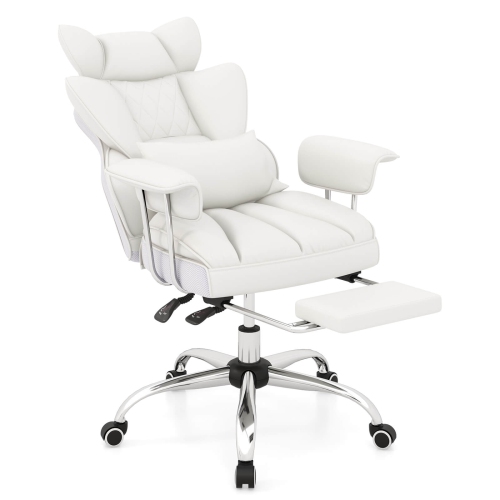
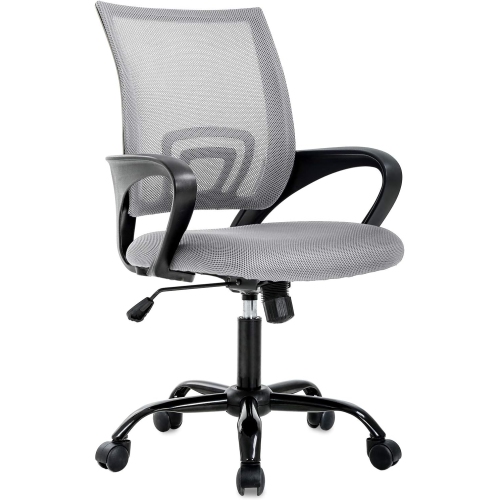
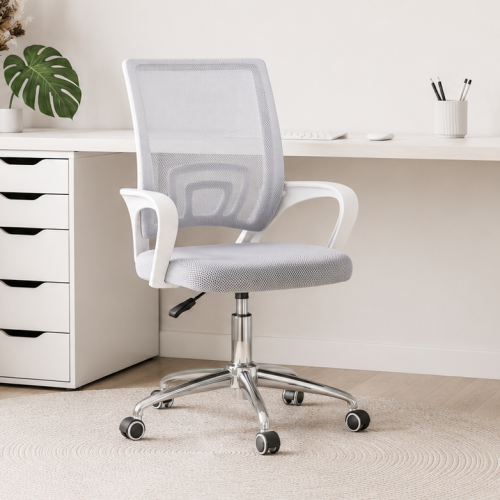
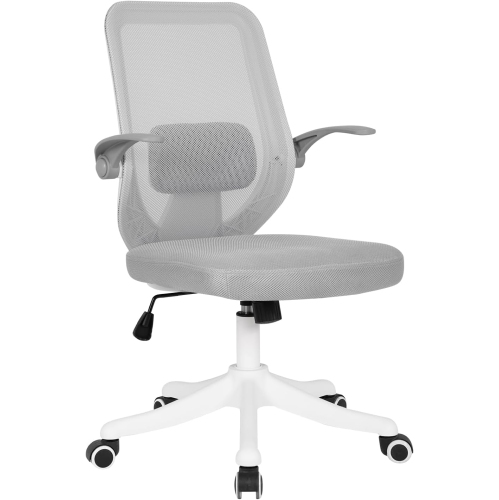
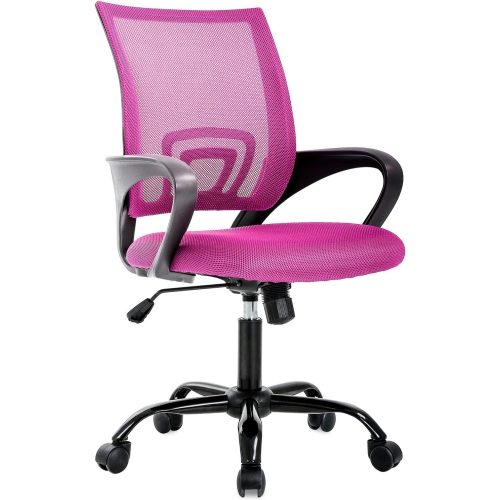
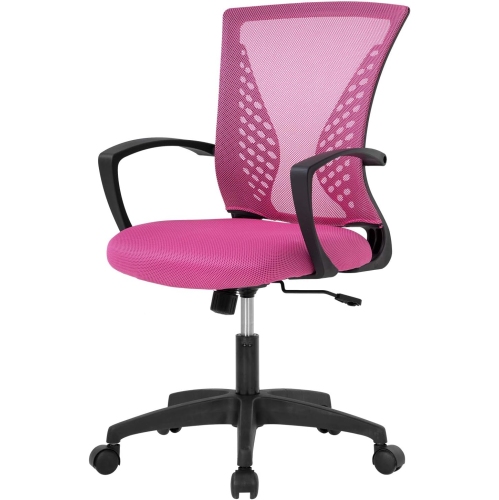
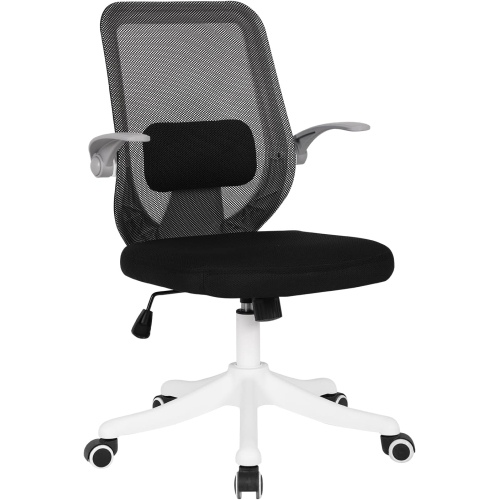
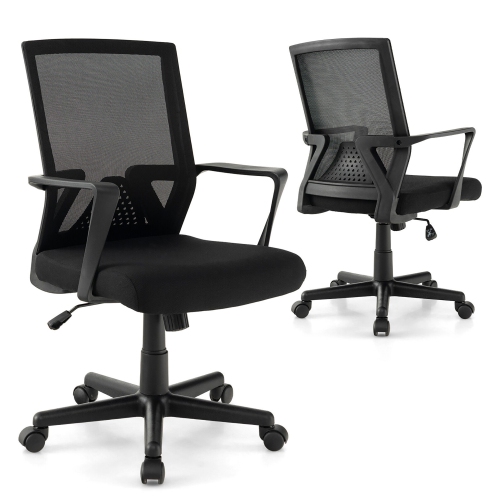

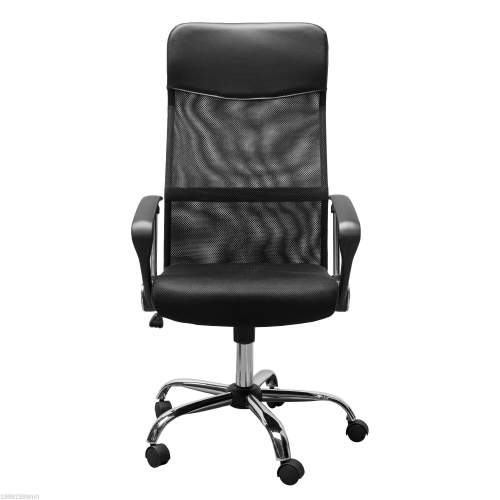
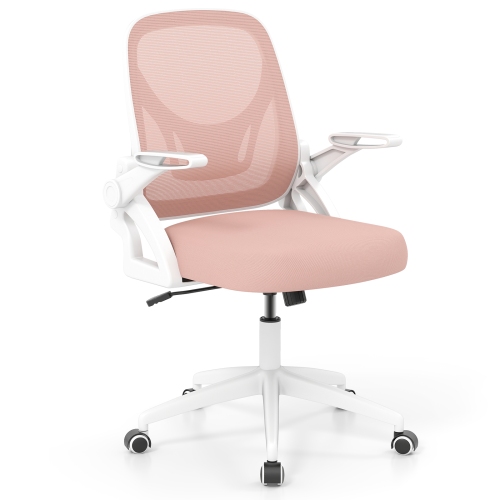
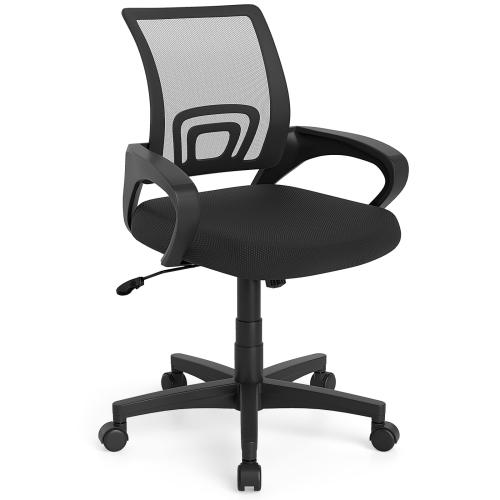
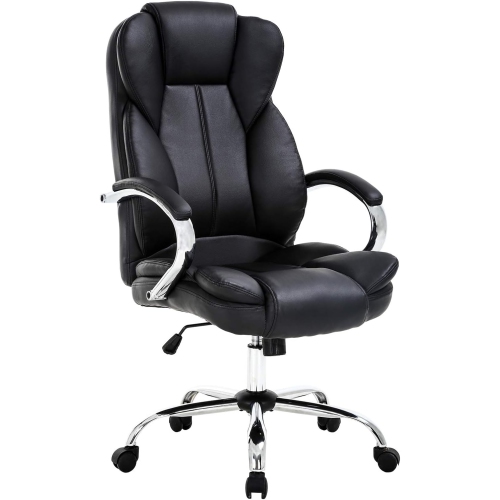
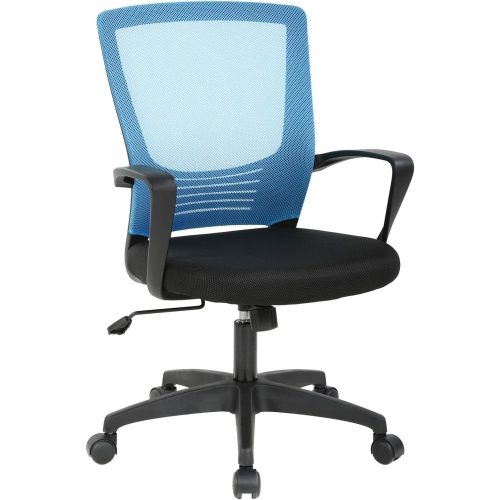
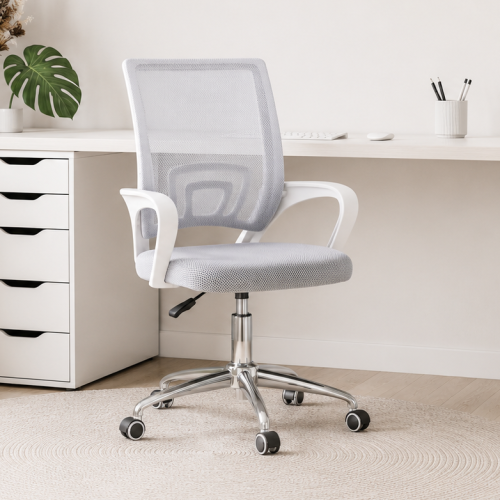
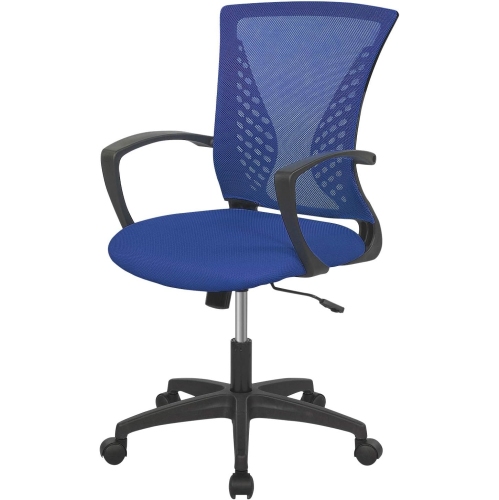
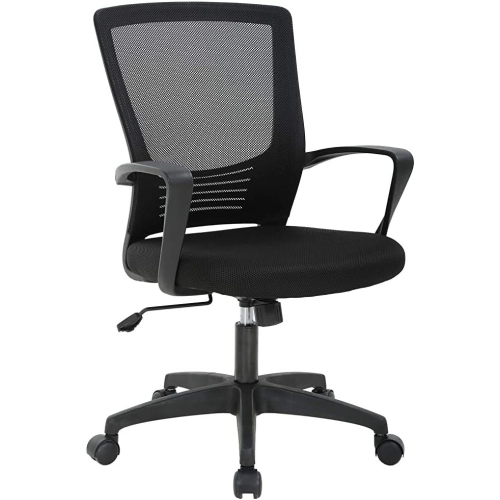
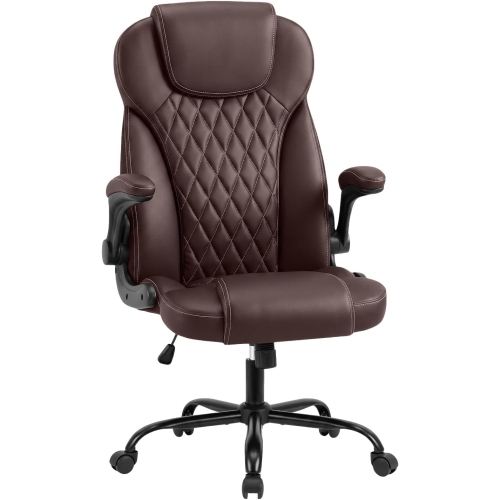
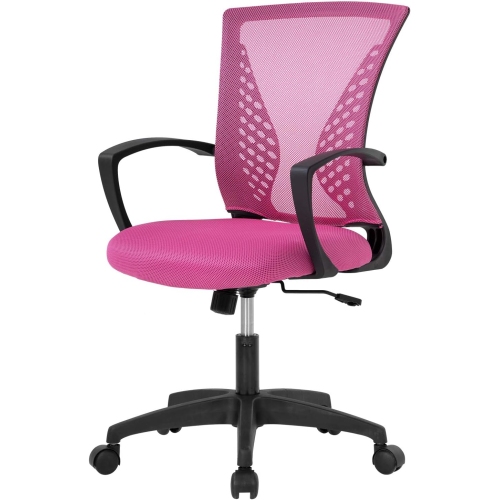
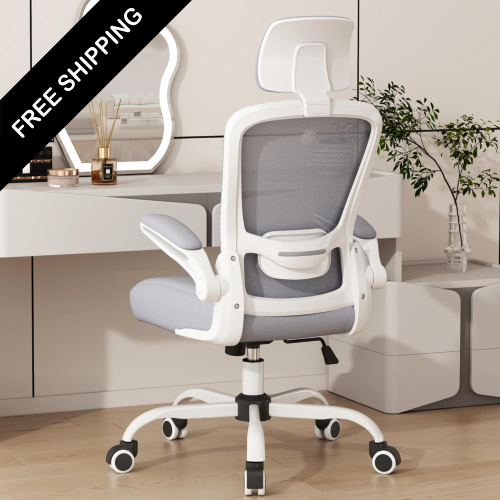
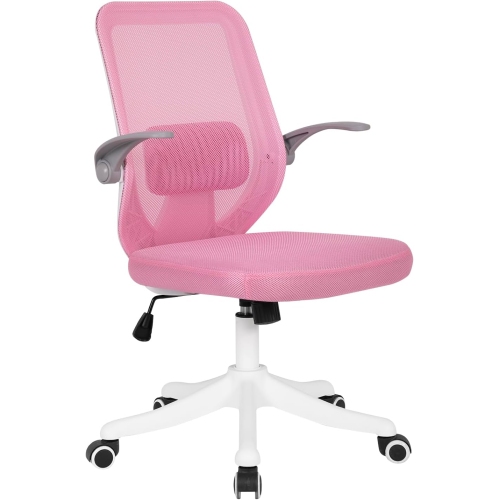
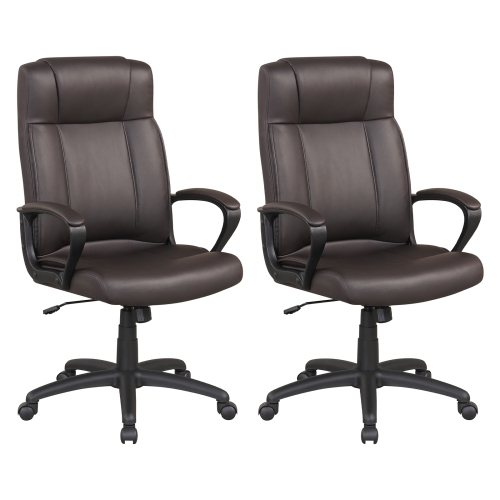
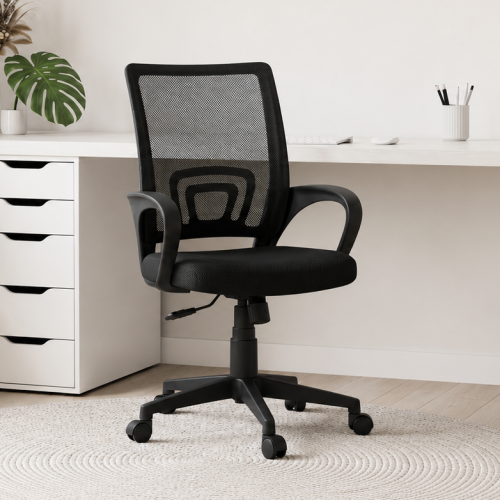
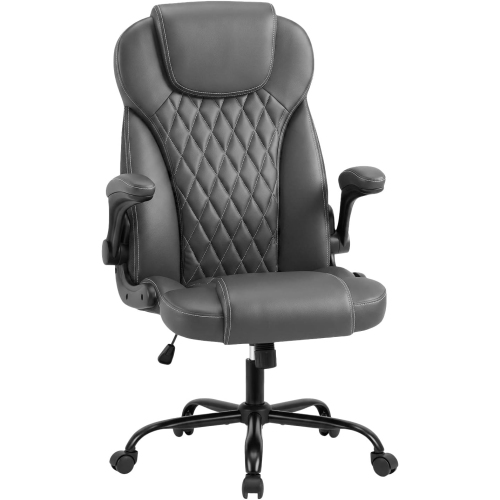

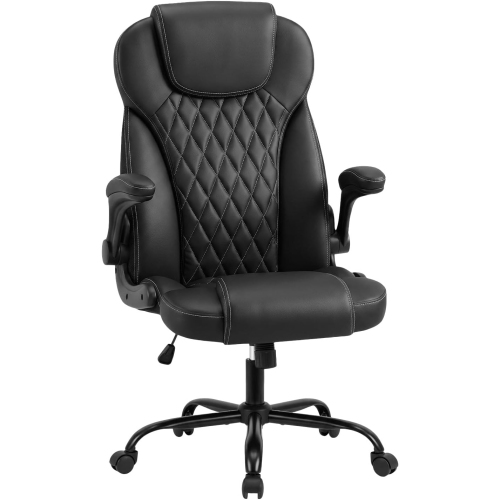
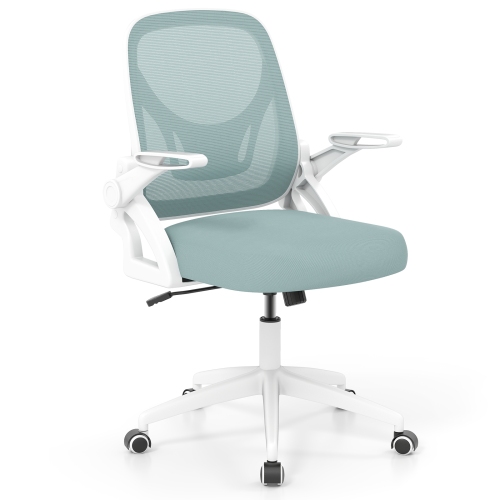
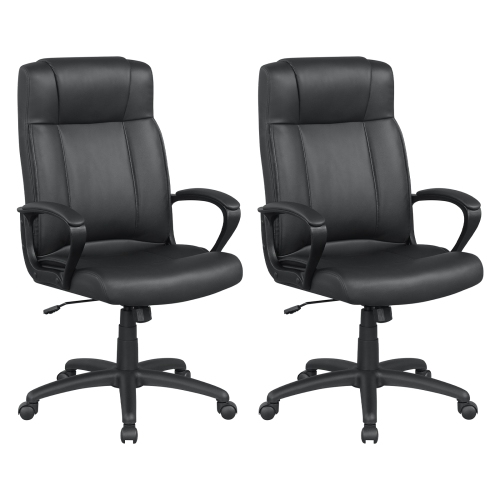

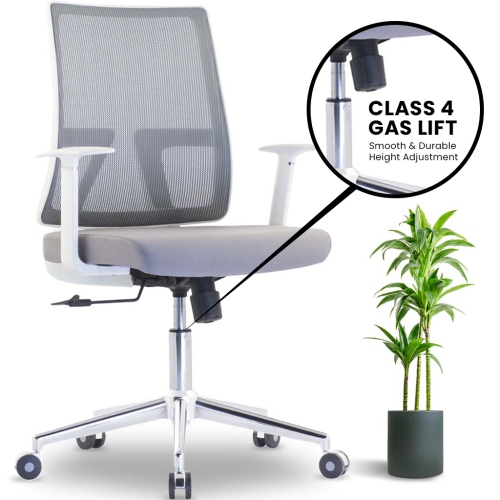
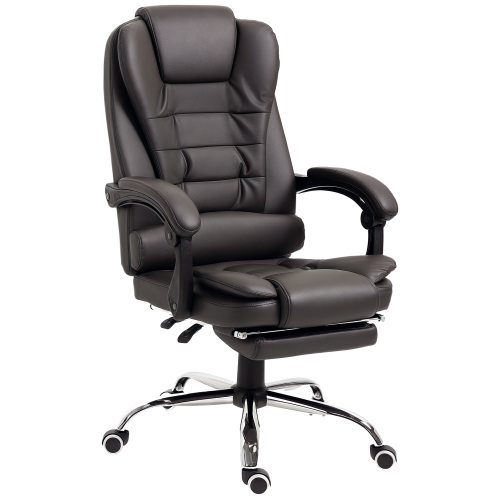
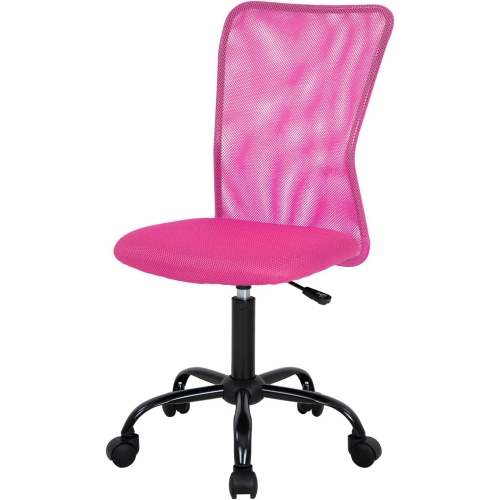

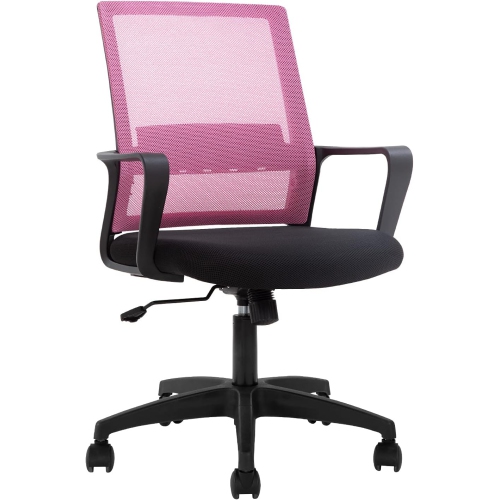
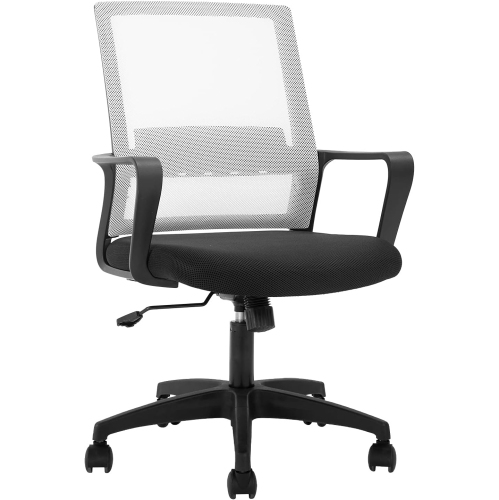
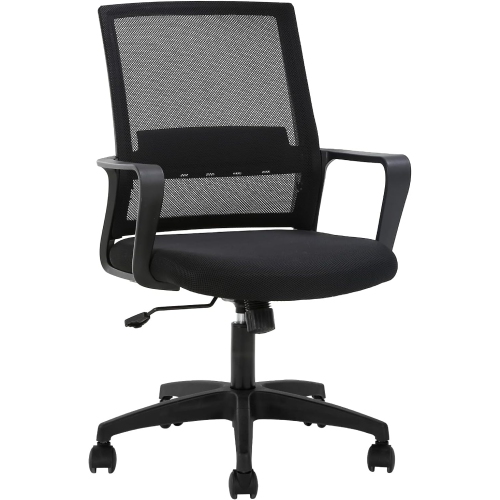
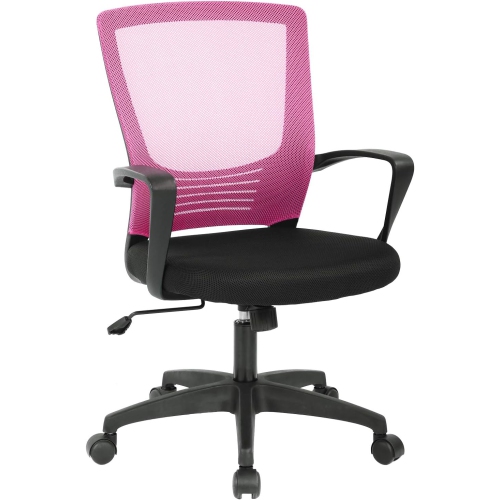

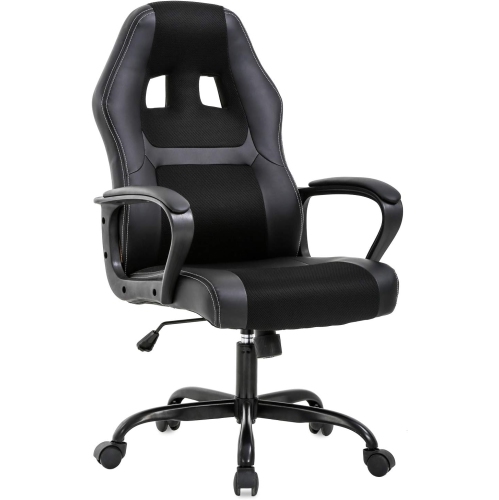
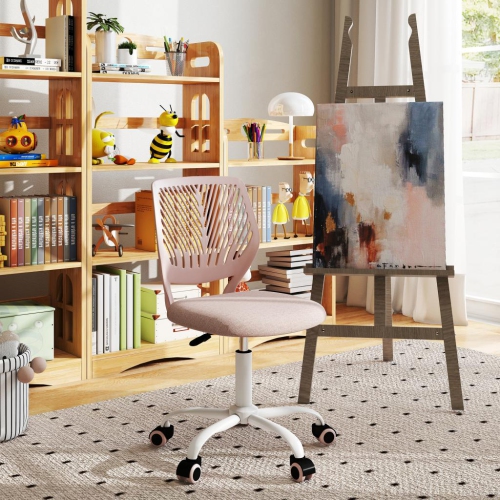
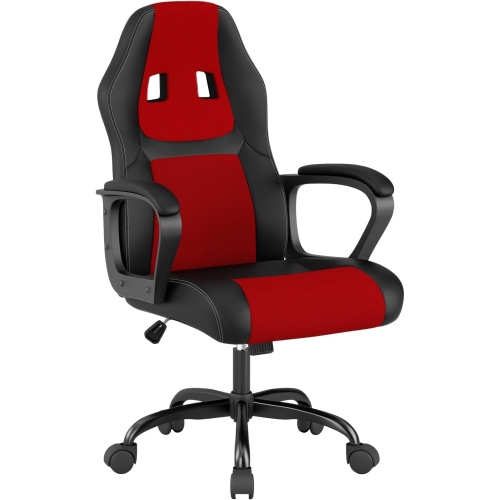

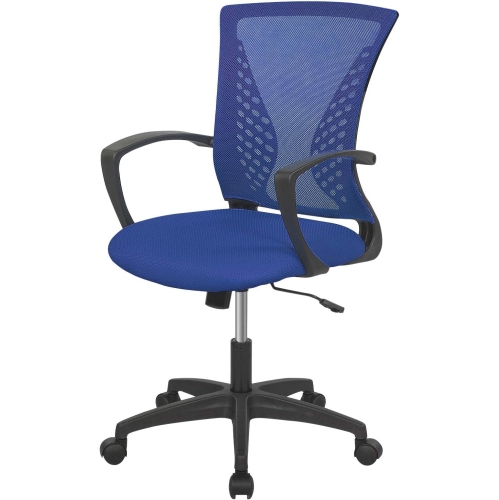
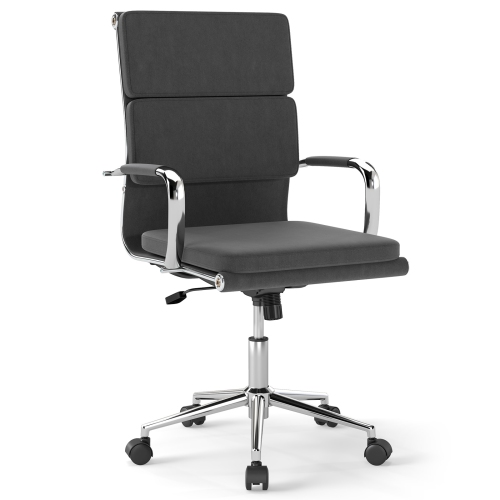

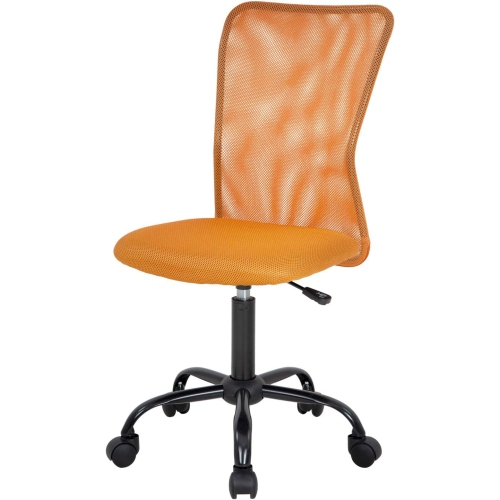
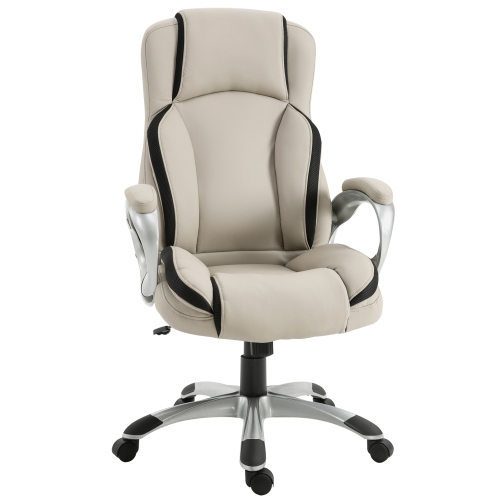
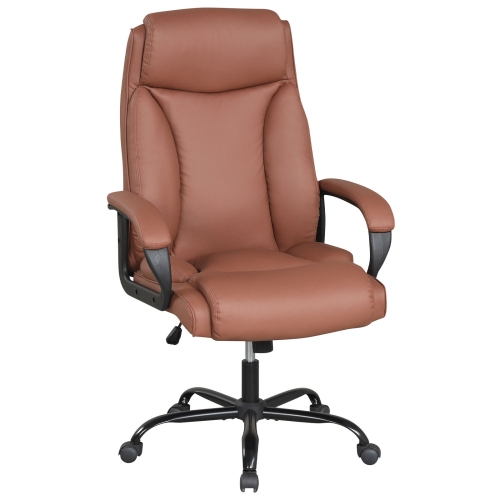
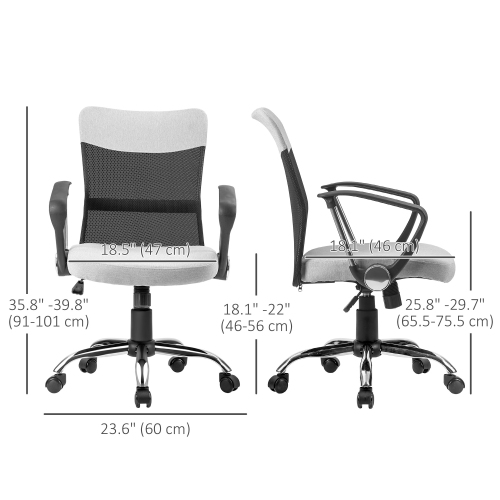

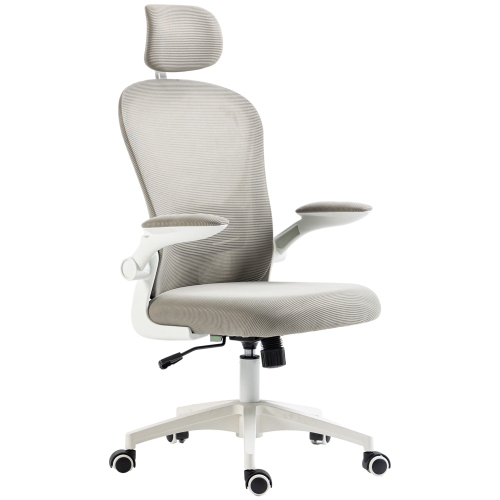
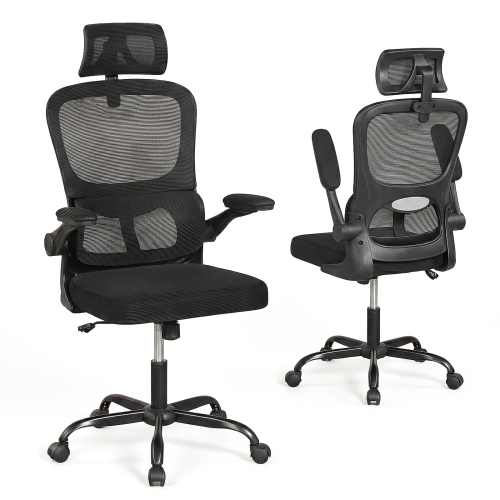
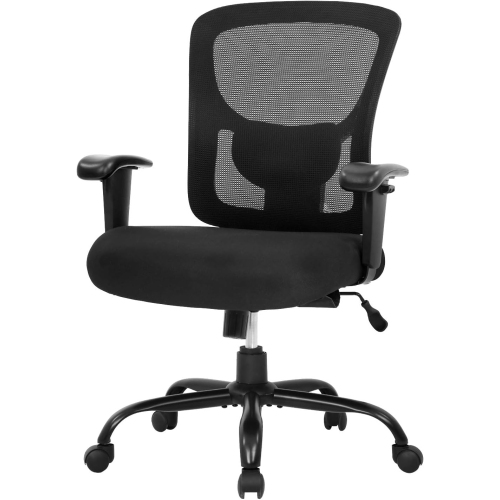

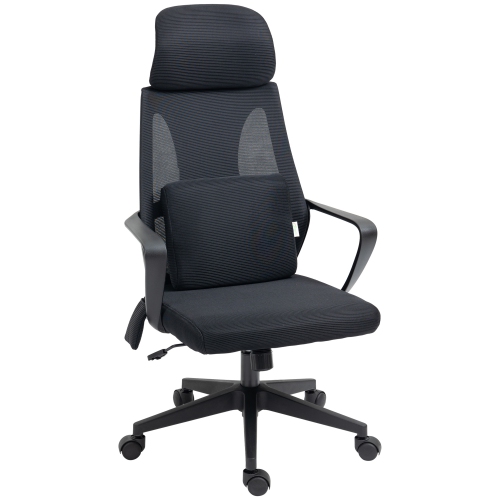

Why chair fit matters more than extra cushioning
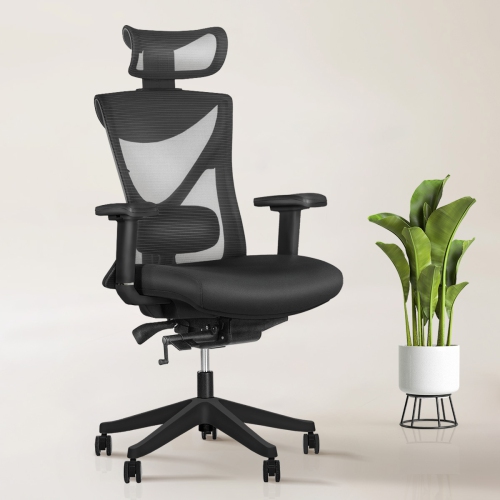
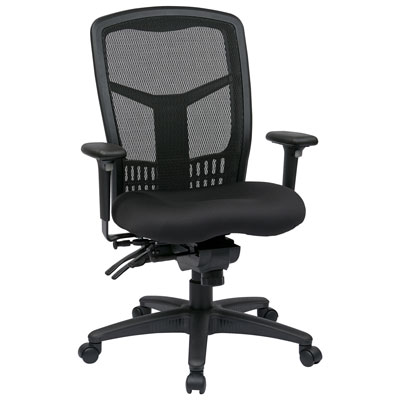
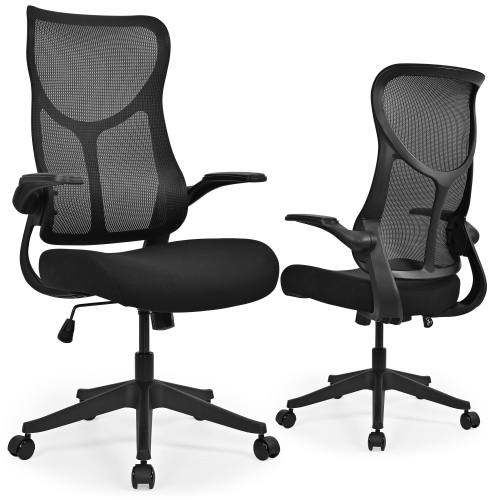
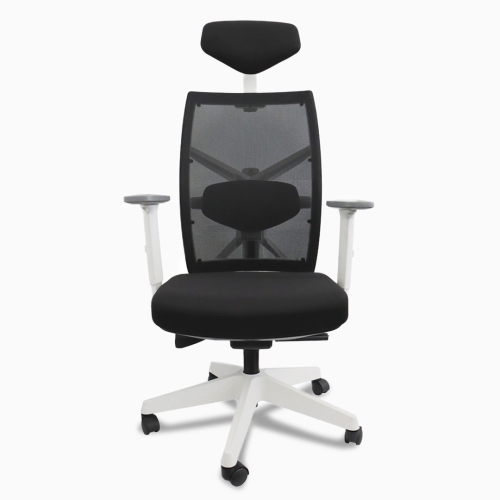
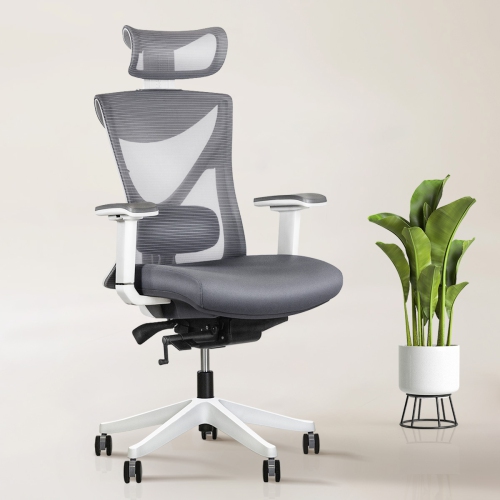
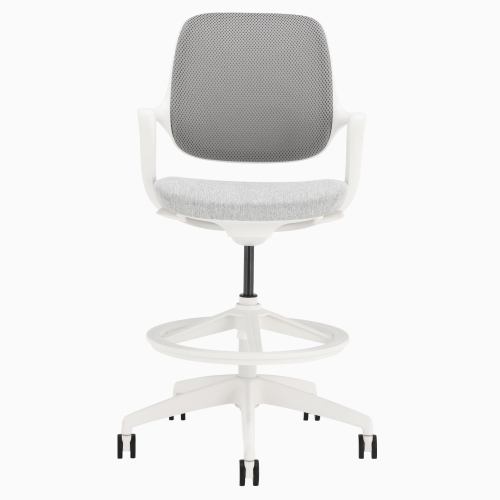
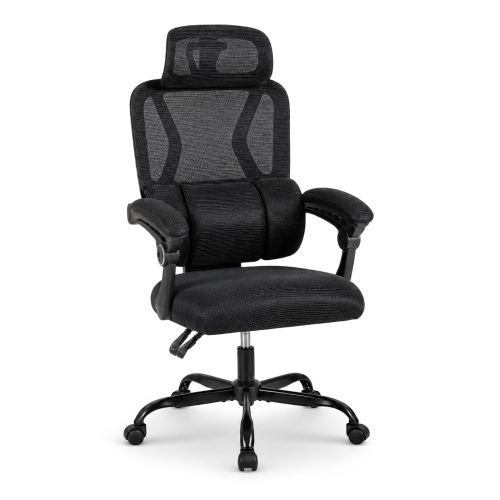
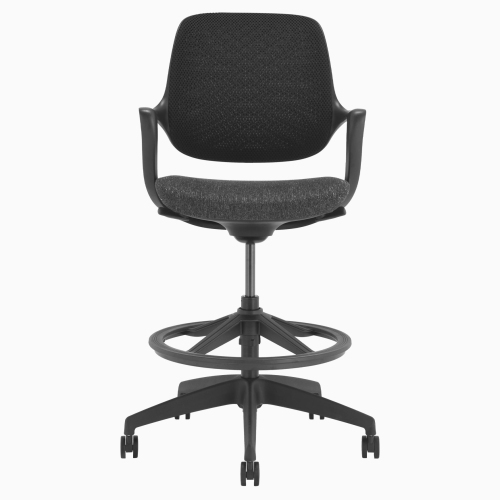
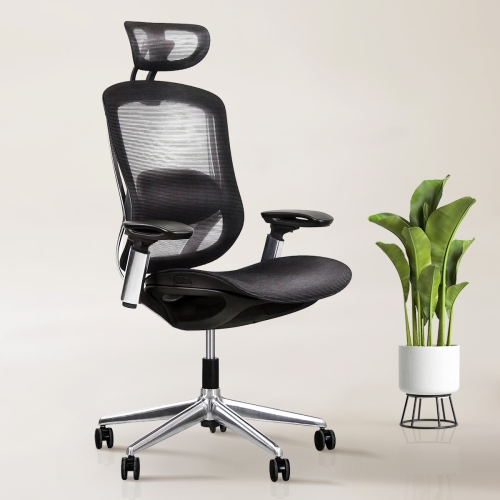
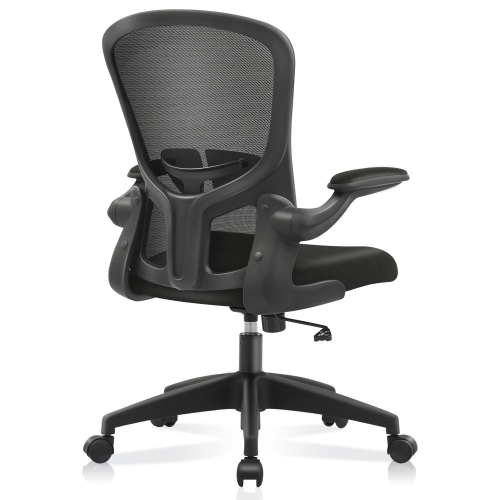
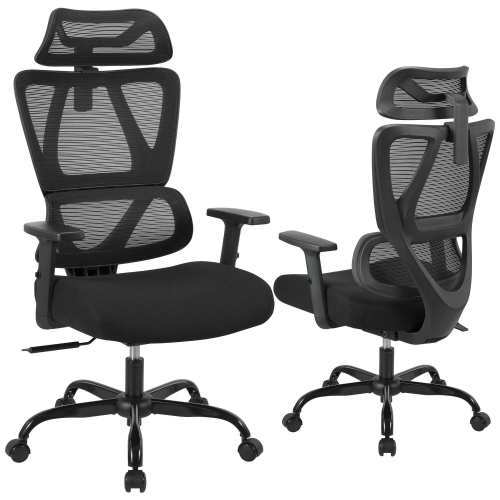
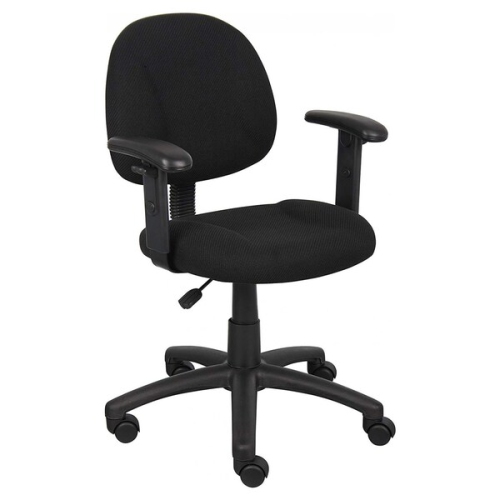
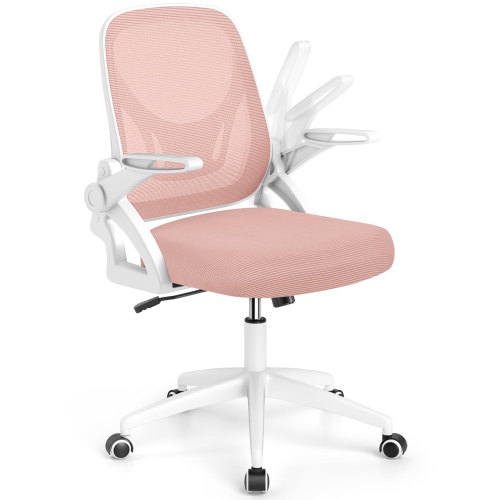
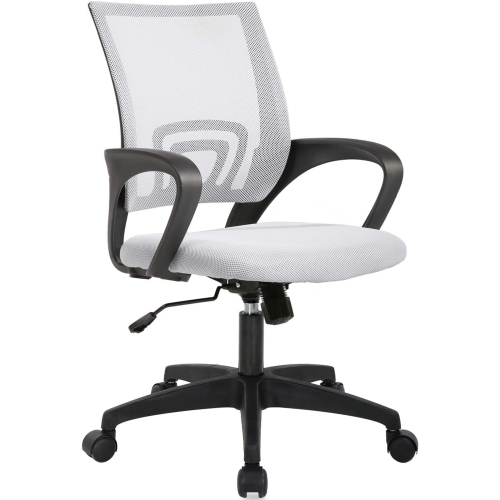
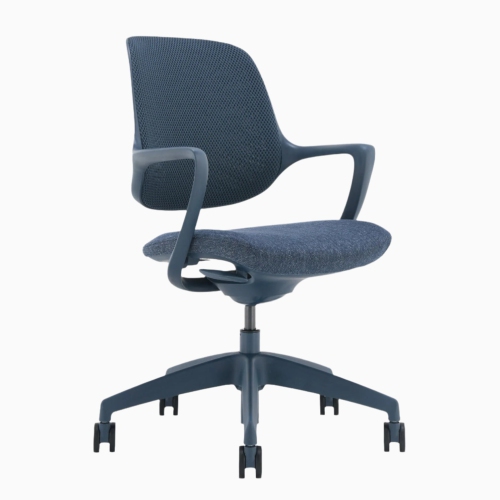
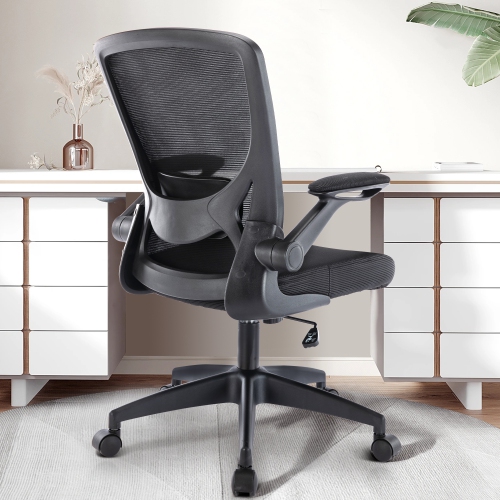
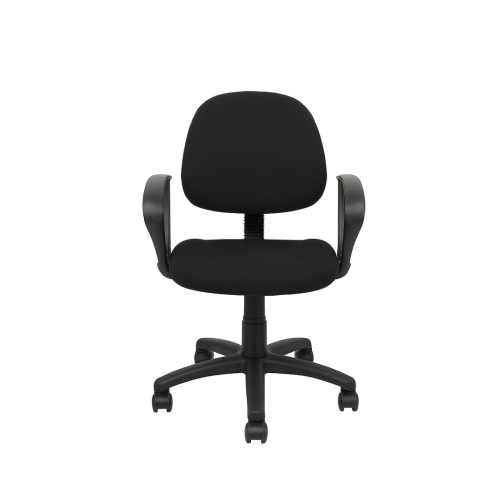
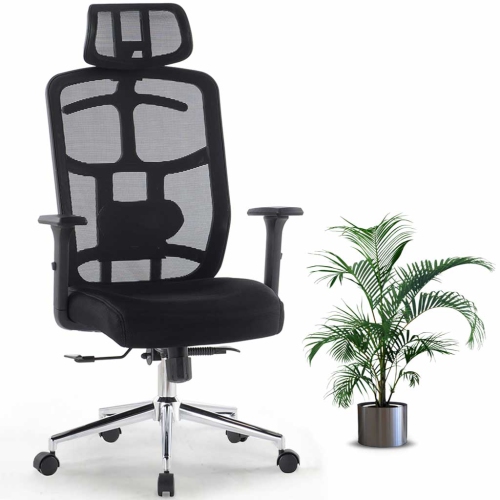
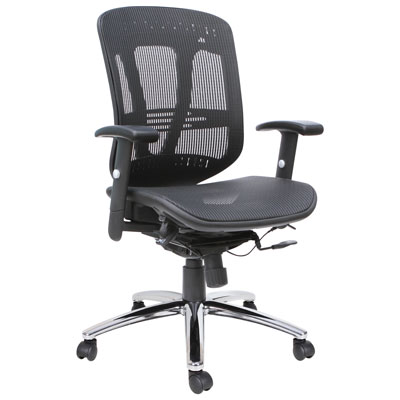
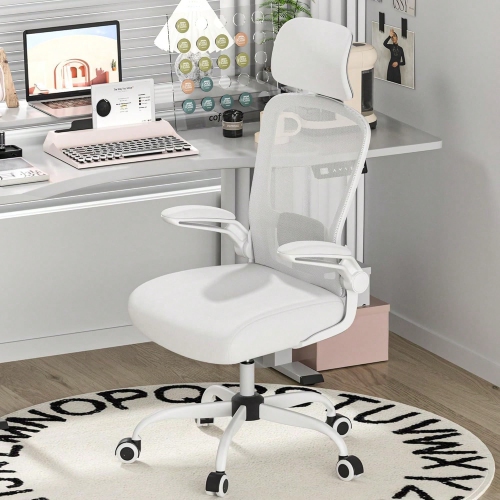
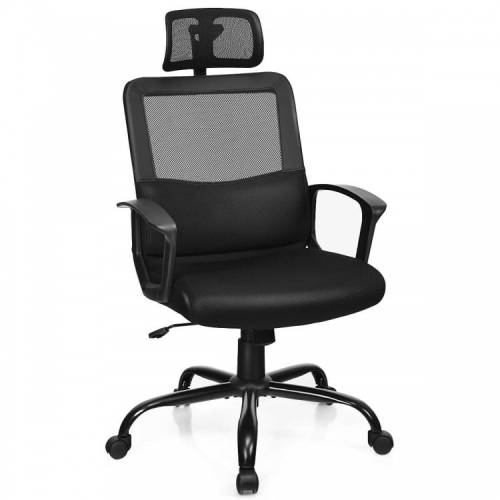
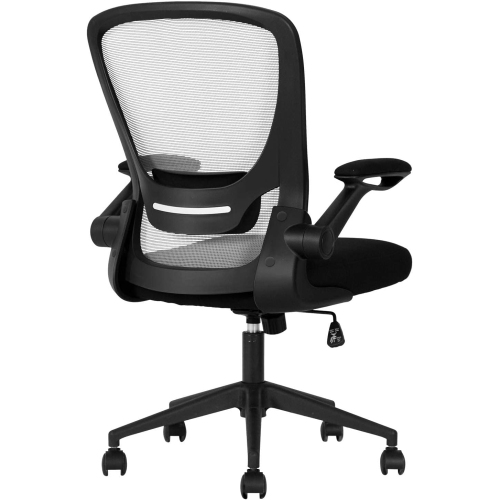
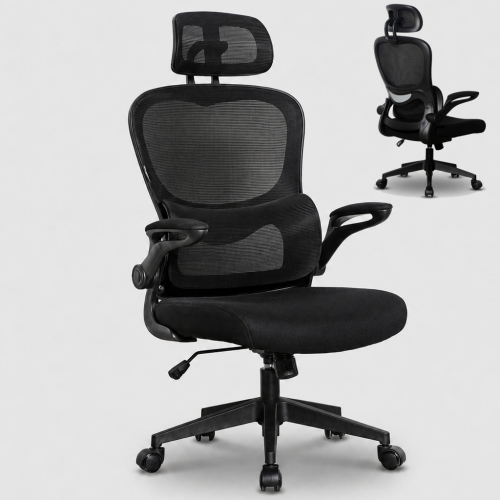
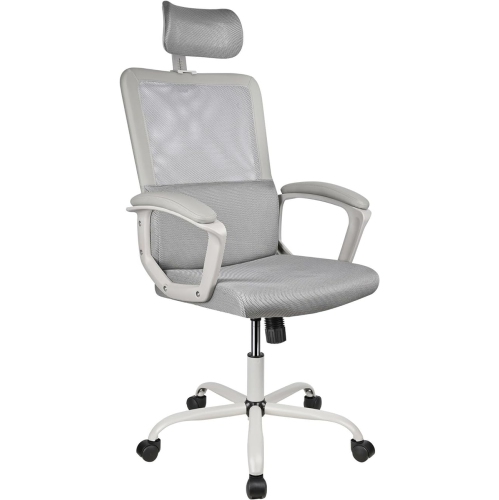
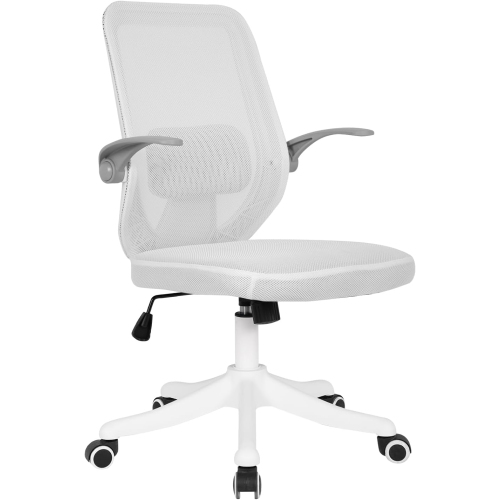
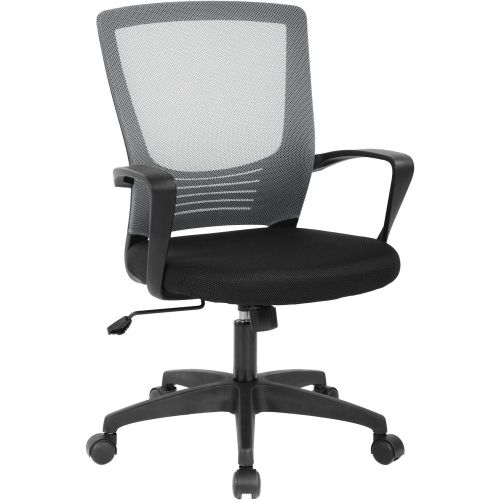
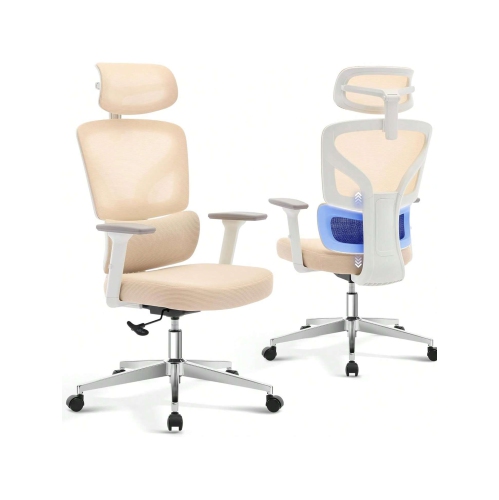
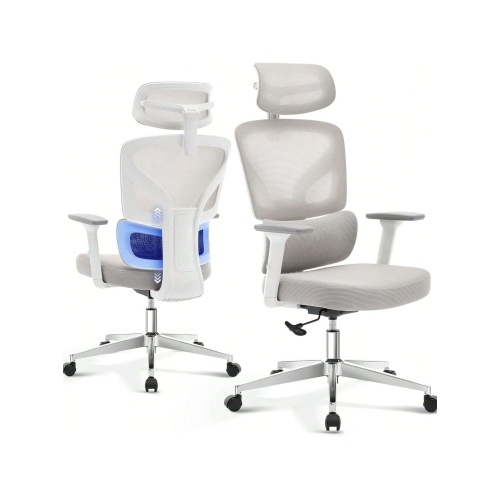
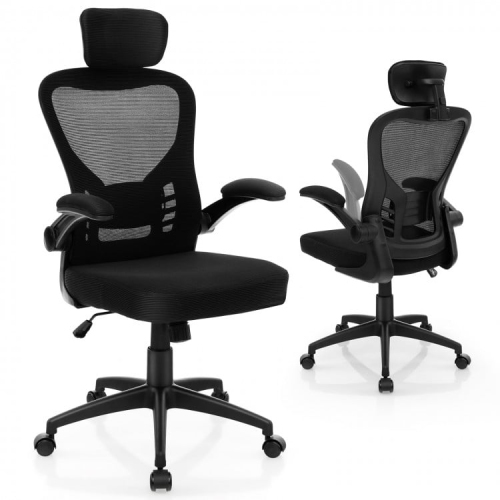
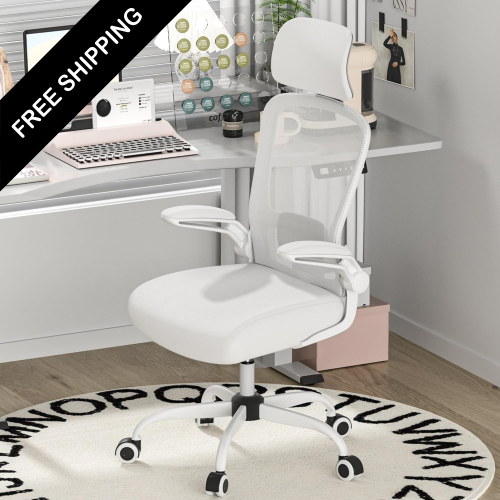
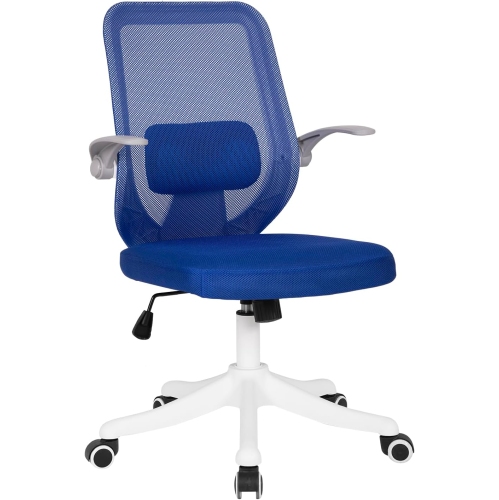
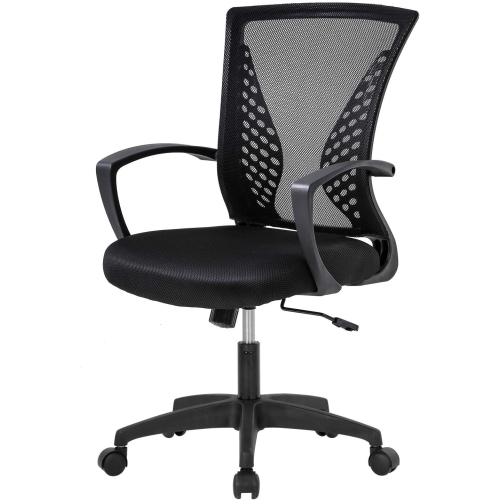
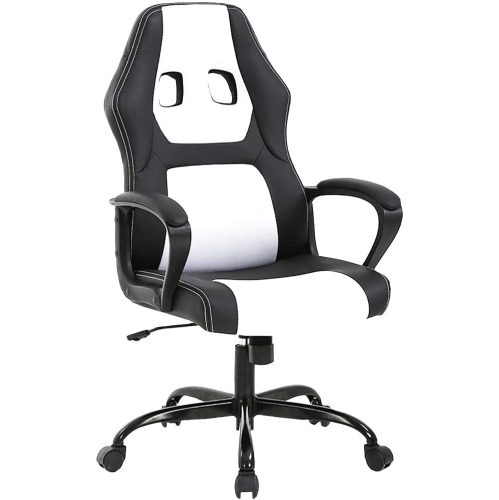
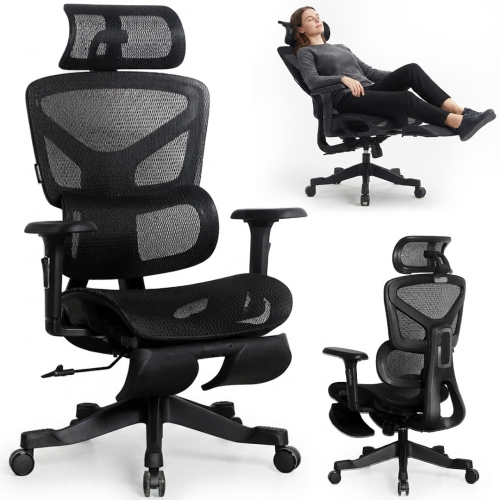
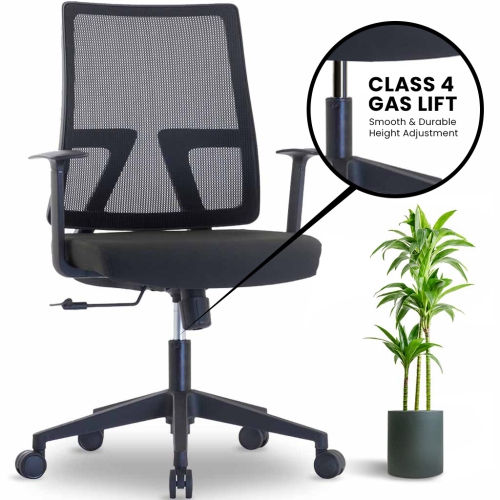
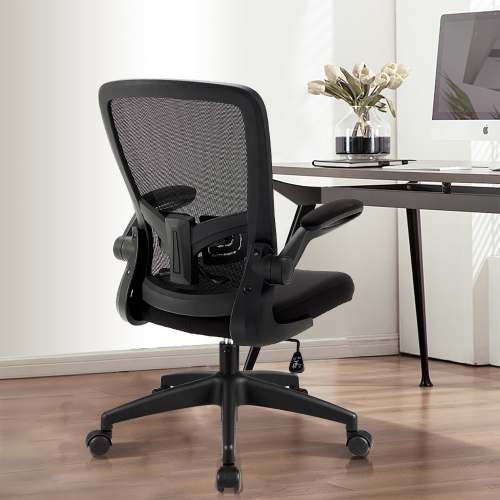
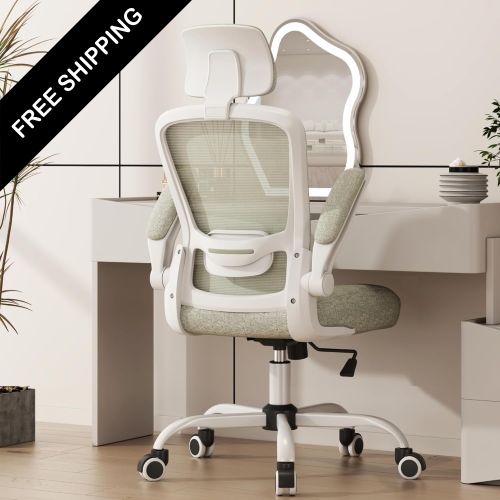
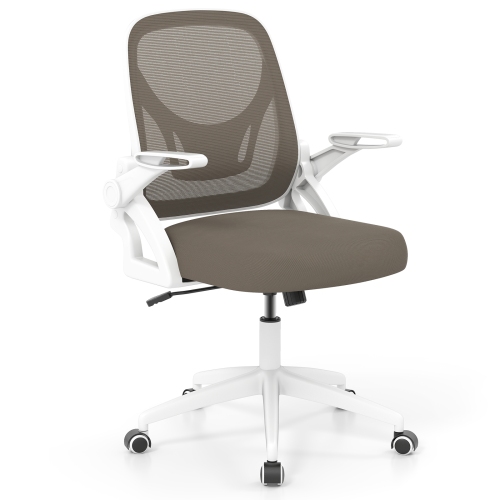
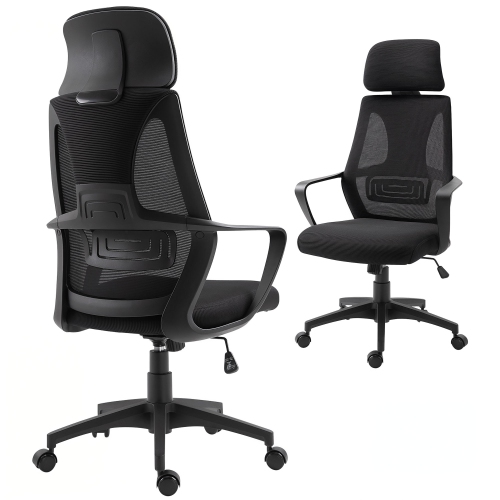
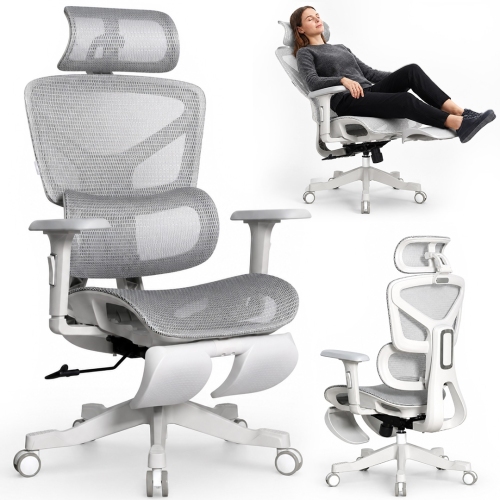
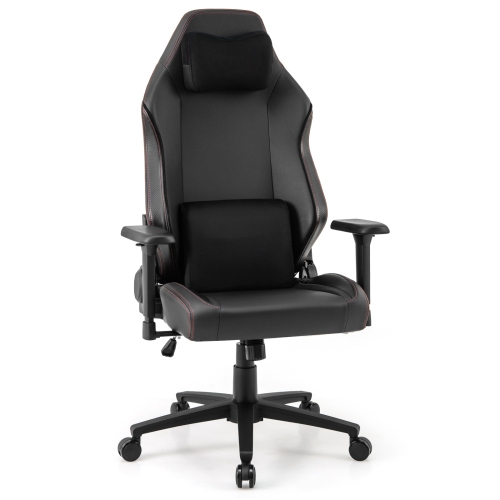
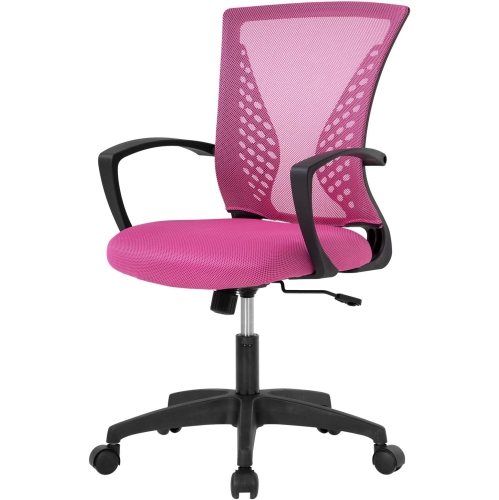
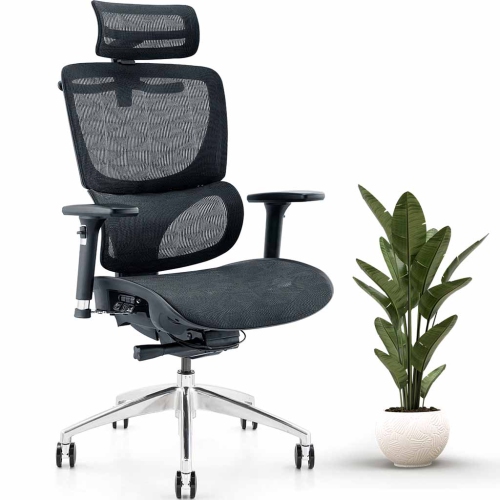
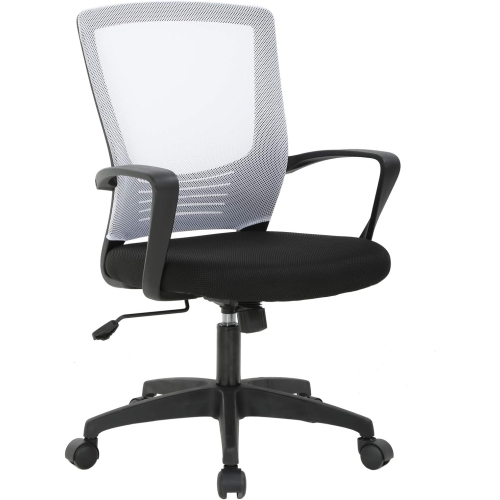
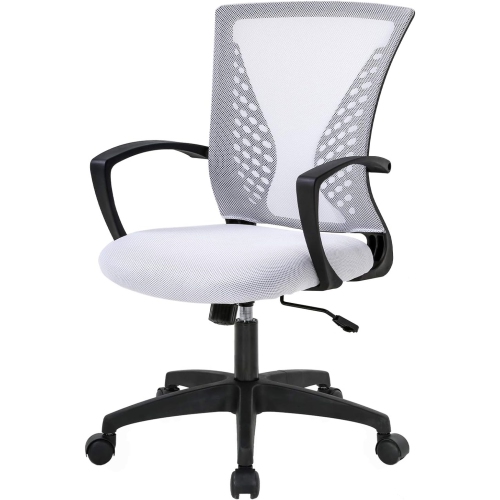
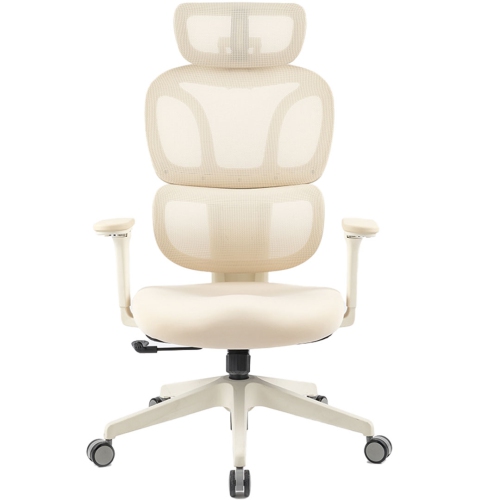
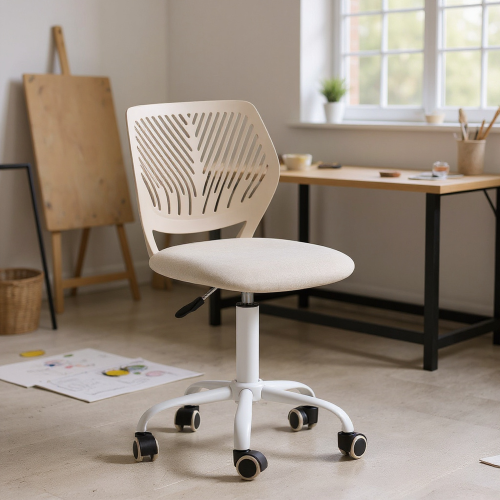
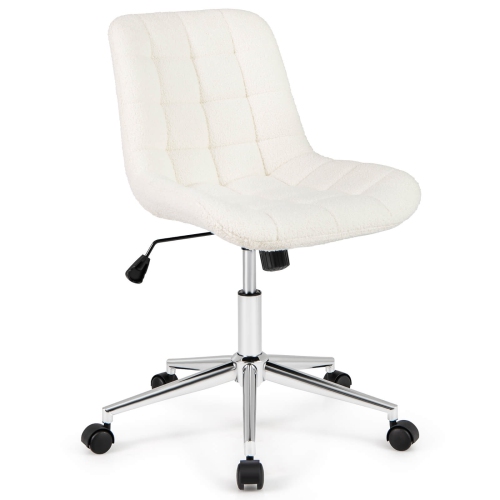
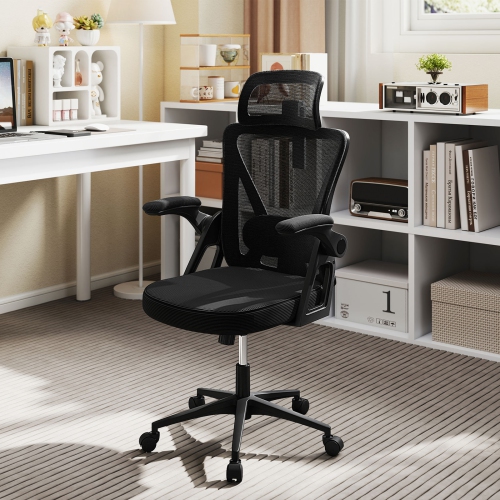
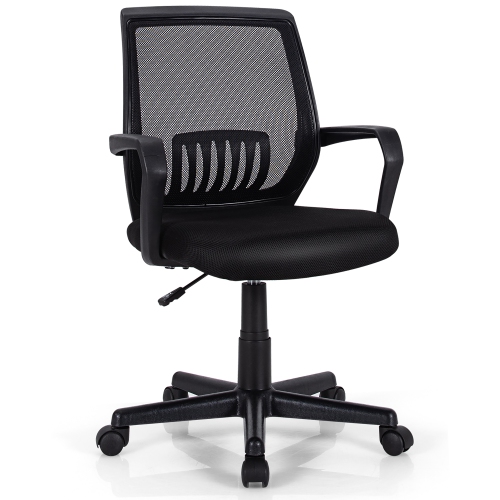
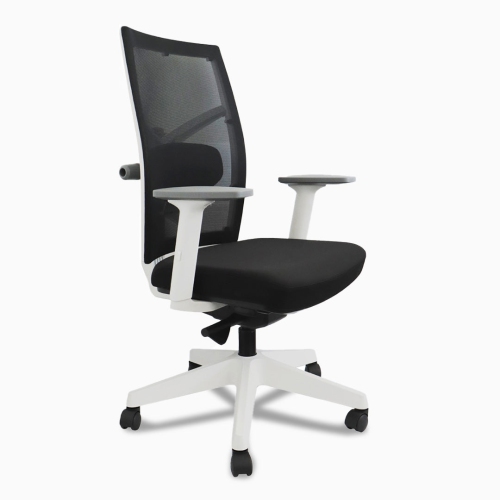
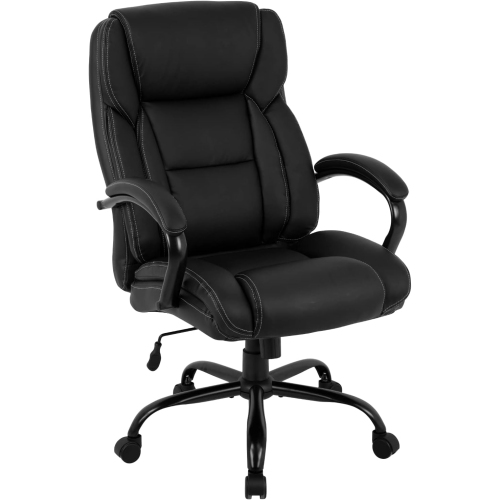
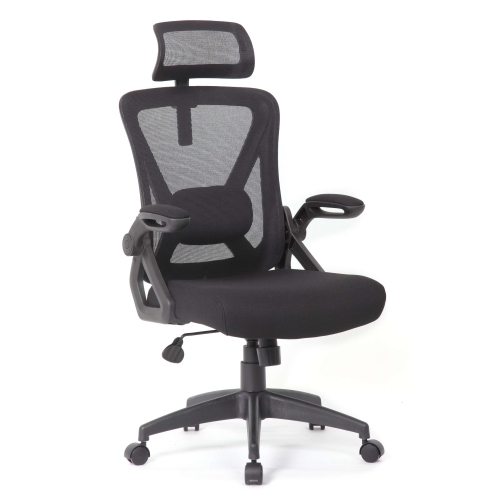
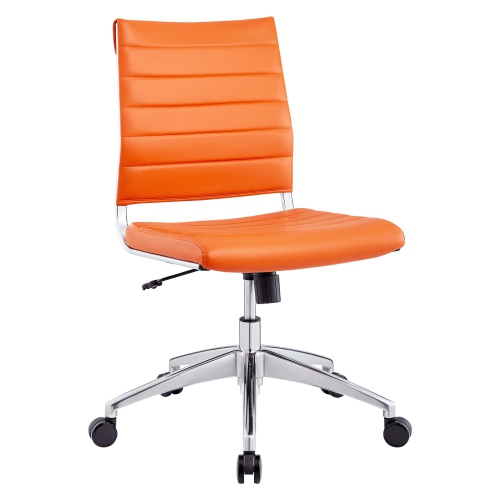
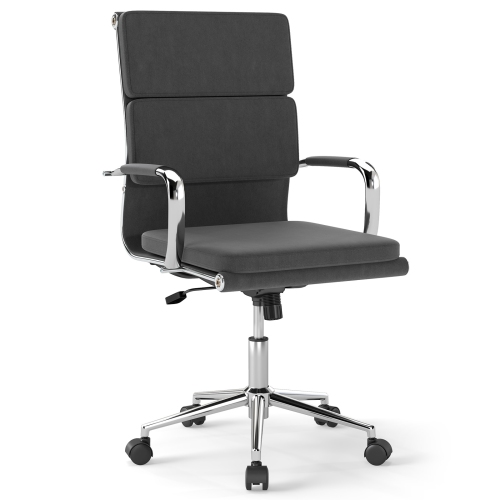
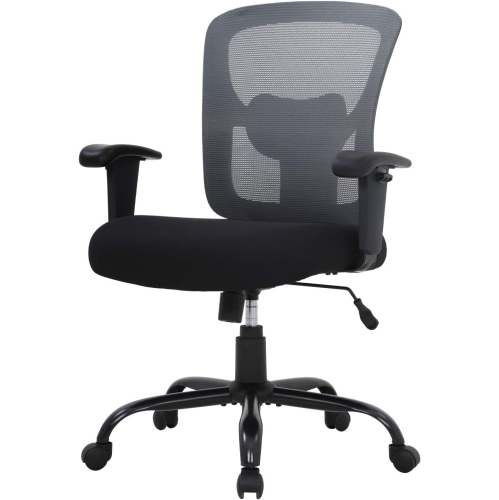
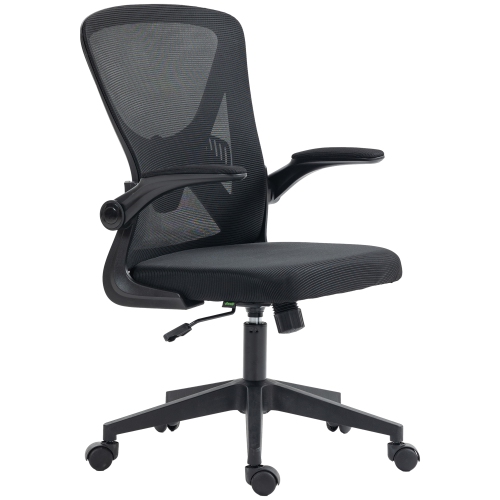
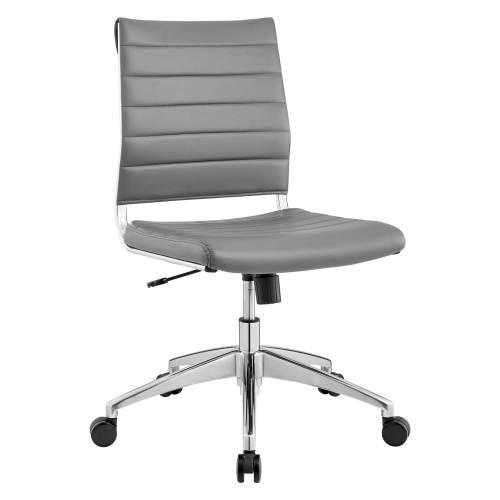
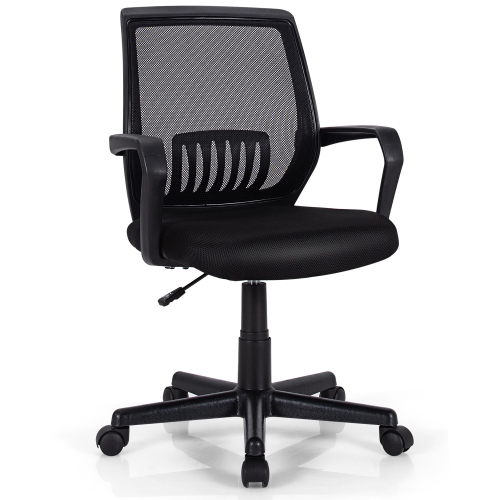
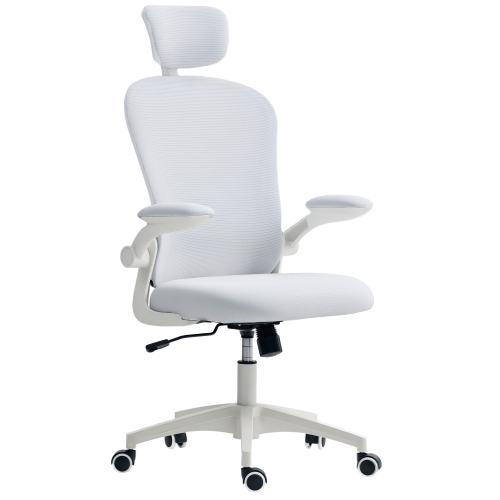
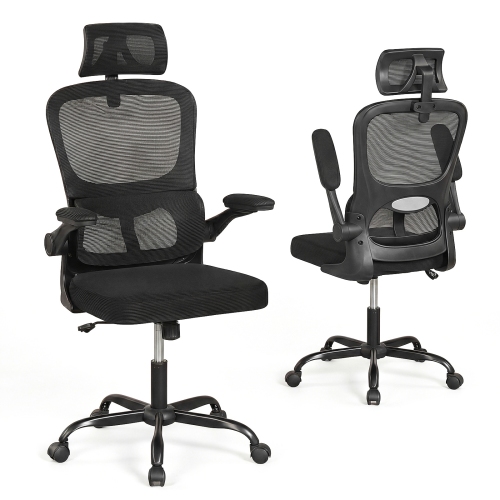
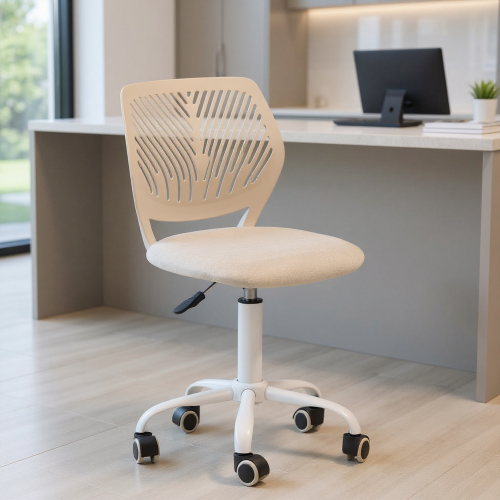
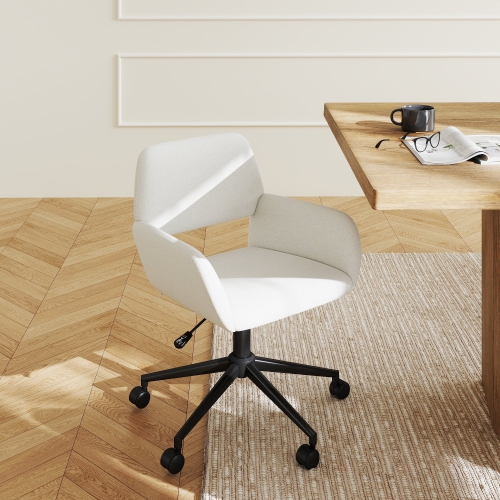
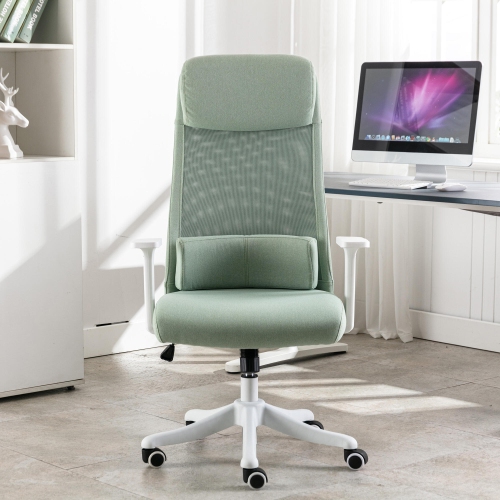
Desk chairs for good posture are designed to support a comfortable seated position while allowing the adjustments needed for different bodies and workspaces. Rather than holding the body rigidly upright, a supportive chair helps the lower back maintain its natural curve, keeps the shoulders relaxed, and makes it easier to sit close enough to a desk without reaching forward. This matters during everyday tasks such as typing a report, attending video meetings, studying, or working on a creative project. Fit is more important than a tall backrest or thick cushioning alone. Adjustable seat height allows the feet to rest flat on the floor, or on a footrest when the desk height requires a higher seat position. The thighs should feel supported without pressure from the front edge of the cushion. Seat depth is equally important: with the back resting against the backrest, a small gap of roughly two to three finger widths behind the knees can help prevent the seat edge from pressing into the legs. A sliding seat makes that relationship easier to adjust, particularly for people with shorter or longer thighs. Seat width also affects comfort, allowing room to change position without placing the armrests too far from the body. Lumbar support should meet the curve of the lower back rather than push the torso forward; height and depth adjustments offer more control over where that support sits and how pronounced it feels. A gently contoured seat can help distribute pressure, but pronounced side bolsters may restrict movement for some users. These details make posture-supporting desk chairs relevant to home offices, student workspaces, and shared household desks alike. The chair also works as part of the wider setup: a screen positioned comfortably in front of the user, a keyboard within easy reach, and enough space beneath the desk all influence how naturally someone can sit. Even a highly adjustable chair has limits when a low desk forces the knees sideways or a distant monitor encourages leaning forward.
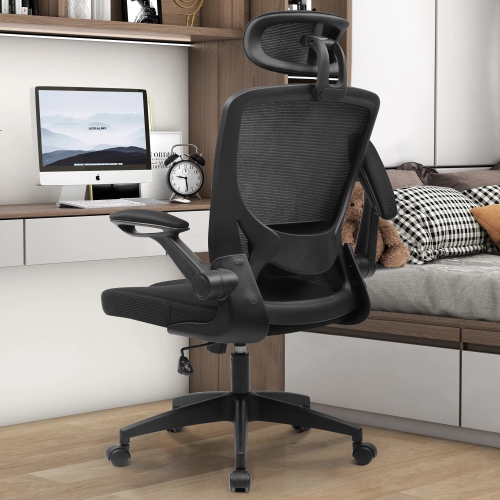
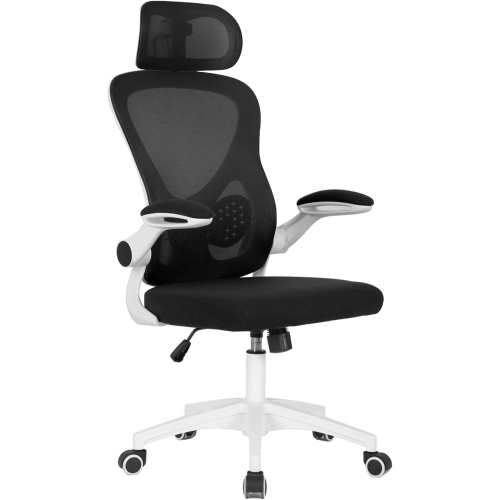
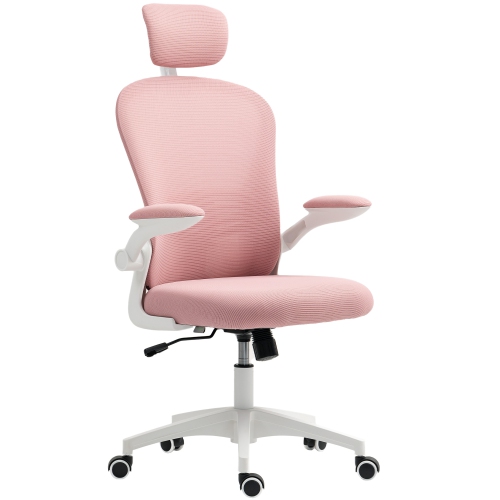
The most useful adjustments are those that match the way the chair will actually be used. Height-adjustable armrests can support the forearms while keeping the shoulders relaxed, with the elbows resting at approximately a right angle during keyboard work. Armrests that also move inward, outward, forward, backward, or through different angles offer additional flexibility, although adjustment ranges vary between chairs. For someone who moves between typing and handwritten notes, arm pads that stay out of the way can be as valuable as extra cushioning. Clearance beneath the desktop matters too, since armrests that strike the desk edge may prevent a comfortable working distance. Backrest height, tilt tension, and recline controls provide other ways to personalize support. A synchronized tilt mechanism moves the backrest and seat at different rates, allowing a more open hip angle when leaning back; the precise movement and available locking positions depend on the design. Adjustable tension helps the recline respond to body weight without feeling unexpectedly loose or difficult to move. A headrest may be comfortable during a reclined pause, but it should not push the head forward during upright work. Swivel movement makes it easier to turn towards nearby storage or another part of the desk without repeatedly twisting through the back. In a compact office, the chair’s overall width, base diameter, and clearance behind the backrest affect how easily it fits into the room. Shared workspaces benefit from controls that are easy to reach and reset, especially when users have different heights. Published seat dimensions, adjustment ranges, and weight capacity give a clearer picture of suitability than photographs alone. Someone spending much of the day at a computer may value adjustable lumbar support and seat depth, while a chair used for shorter administrative tasks may need fewer adjustments. In either case, comfortable support should leave room for small changes in position rather than demand one fixed pose.
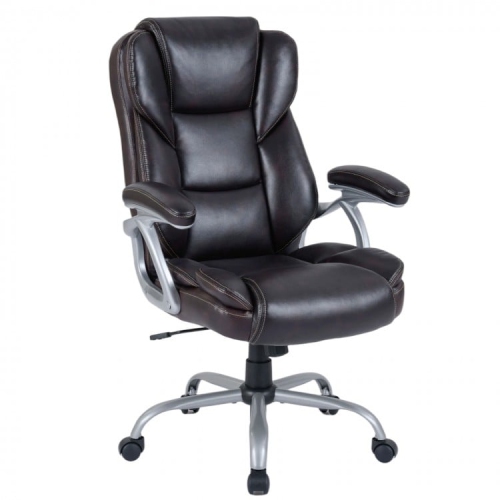
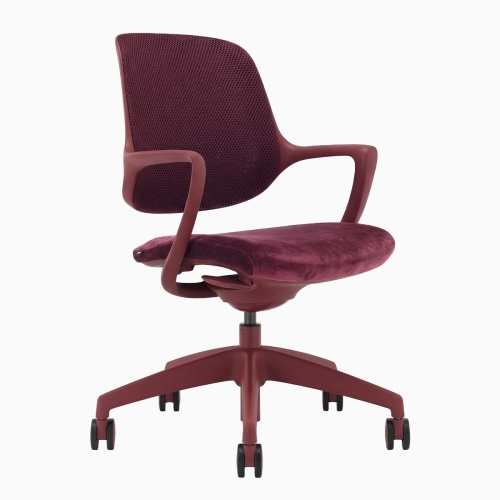
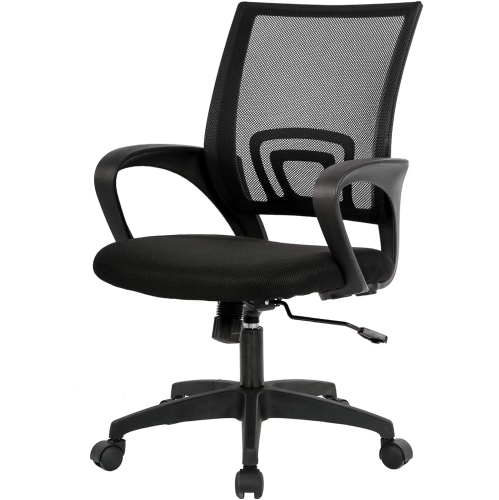
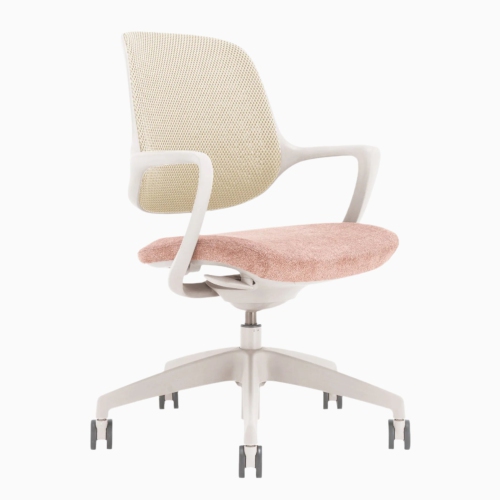
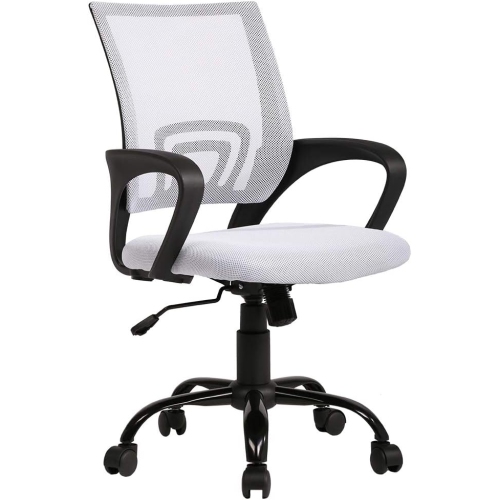
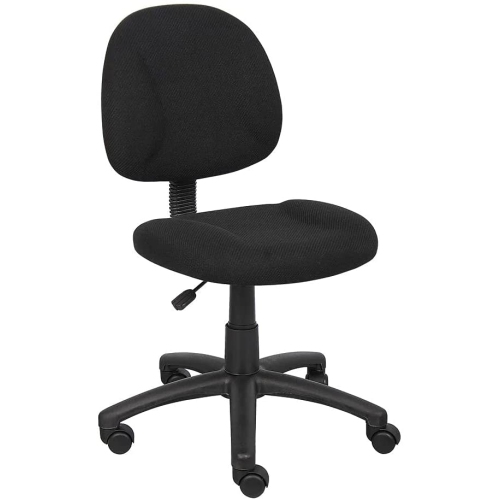
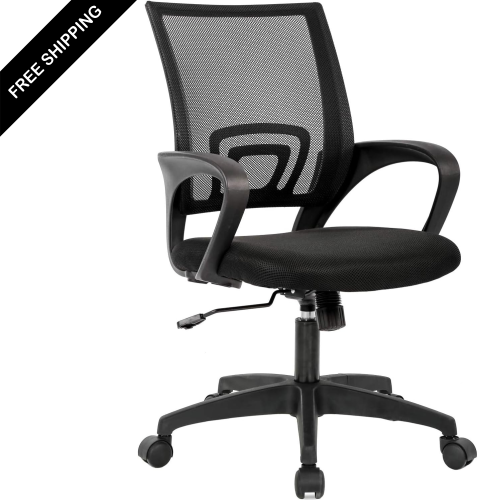
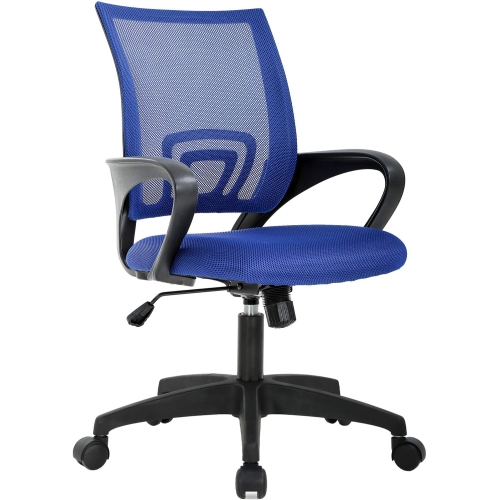
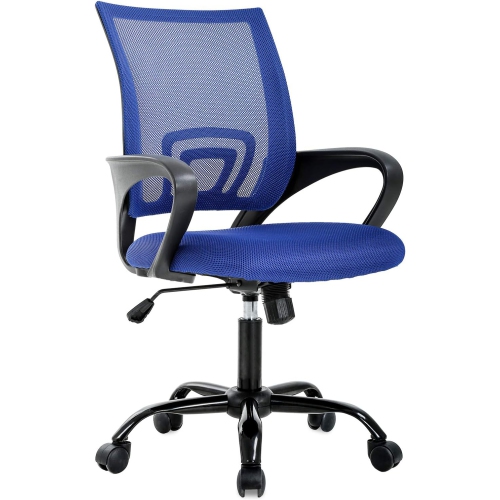
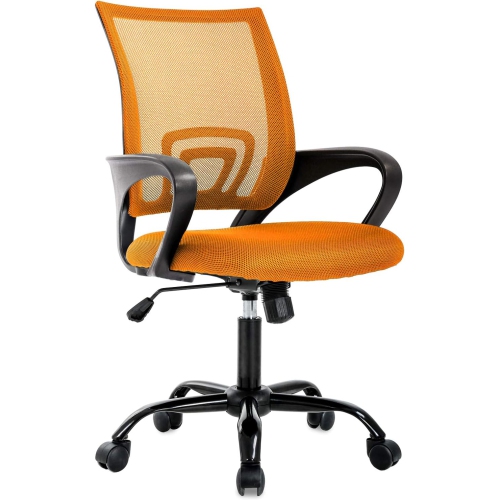
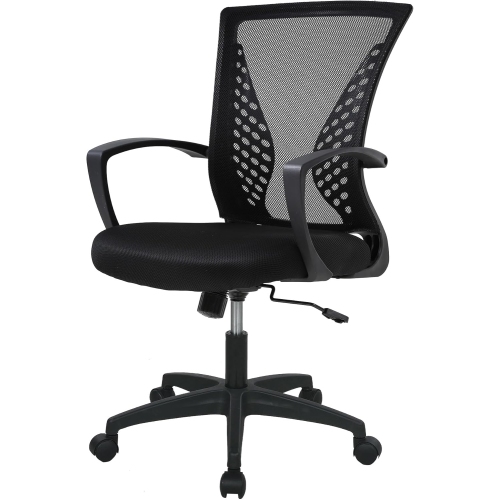
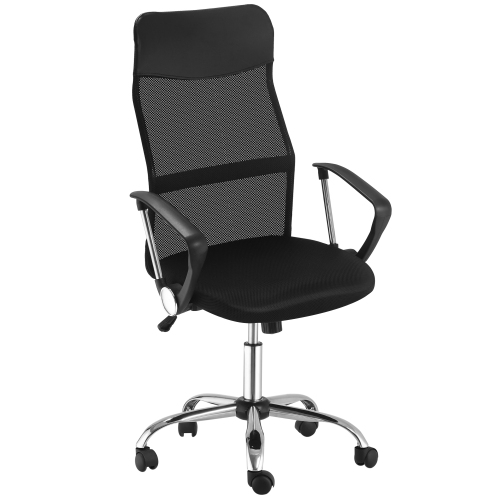
Materials influence how a posture-supporting desk chair feels throughout the day and how it stands up to regular use. Mesh backrests allow airflow and can provide flexible support, although the shape of the frame and tension of the mesh affect the experience. A firm frame edge should not press uncomfortably against the body. Upholstered backs and padded seats offer a softer contact surface, with cushion density and construction influencing how evenly weight is supported. A very plush seat may feel inviting at first but is not necessarily more supportive over a longer session. Woven fabric provides texture and a broad choice of colours, while leather and synthetic upholstery offer different surface finishes and care requirements. Durability depends on more than the covering: the frame, base, adjustment mechanisms, stitching, and casters all contribute to everyday performance. Casters should suit the flooring, since wheels intended for carpet may behave differently on hard surfaces; a compatible chair mat can help protect the floor and support smoother movement. Regular care can include vacuuming fabric and mesh with a suitable attachment, wiping compatible surfaces with a soft cloth, and treating spills promptly according to the manufacturer’s directions. Cleaning products should be appropriate for the upholstery, and moving parts may need periodic checks or maintenance as specified in the care information. For a household member setting up a dedicated study area or home office, seating can be a practical gift when their measurements and preferences are known. Comfort remains personal, particularly when there is existing back discomfort. The related selection of Office Chairs for Back Pain offers another way to explore seating with support-focused features, without treating a chair as a medical solution. No desk chair guarantees good posture or replaces regular movement. Alternating tasks, changing position, and taking opportunities to stand or walk remain important alongside a well-fitted seat, especially during extended desk work.
Top selling and popular products
-
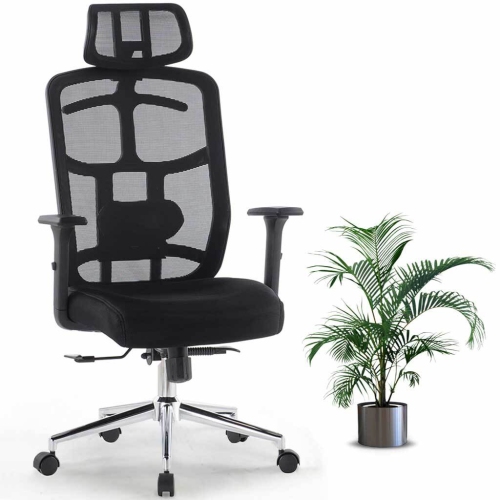 Your price for this item is $129.99
-
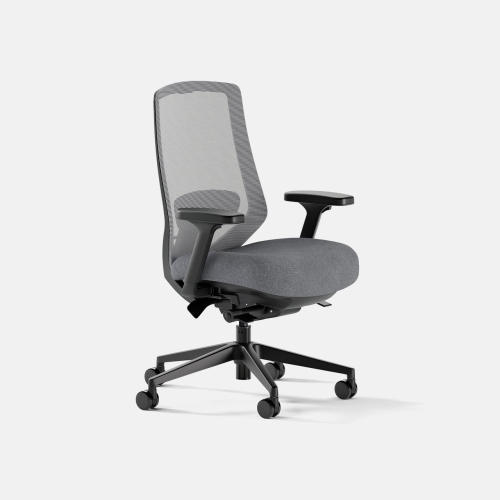 Your price for this item is $539.1
-
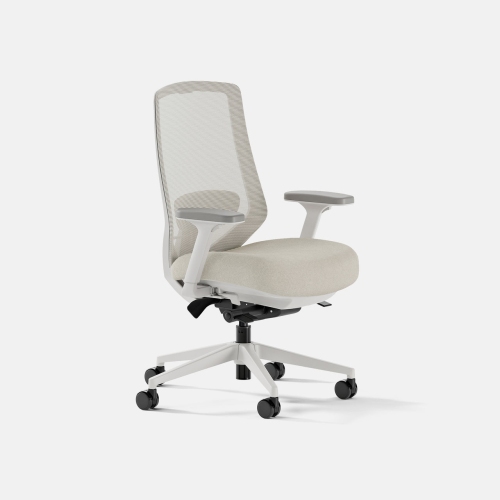 Your price for this item is $539.1
-
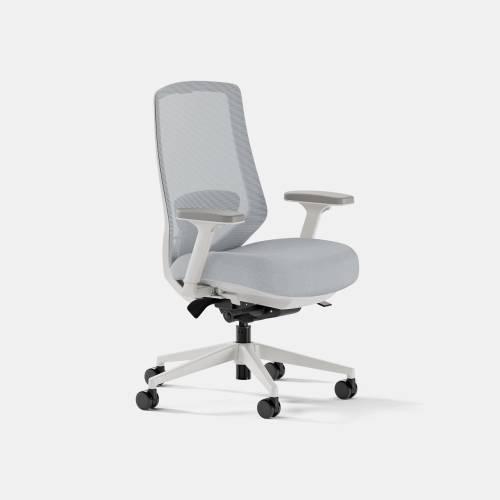 Your price for this item is $539.1
-
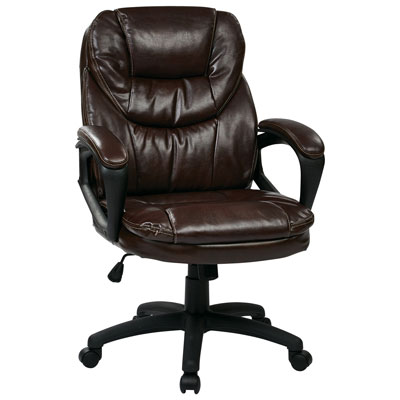 Your price for this item is $459.99
-
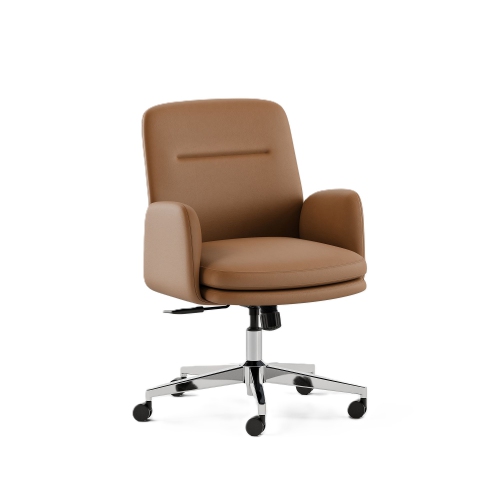 Your price for this item is $343.2
-
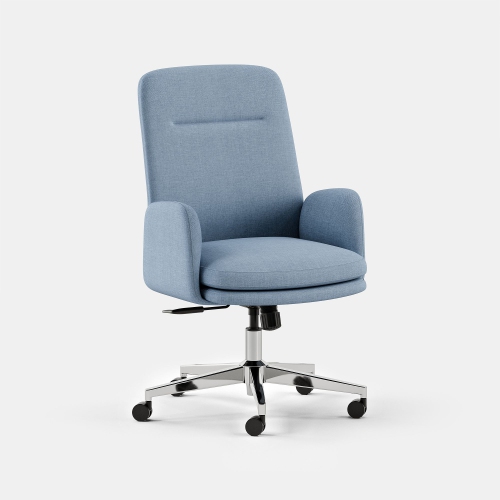 Your price for this item is $343.2
-
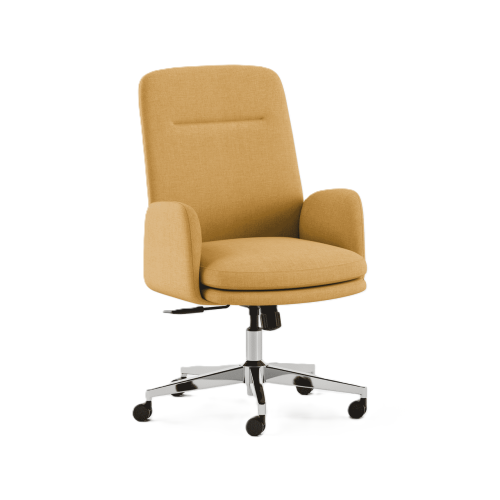 Your price for this item is $343.2
Discover more categories related to Desk Chairs for Good Posture
Top Collections:
Best Black Friday Deals This Year, Best Black Friday Deals On Electronics, Kindle Devices, Best Black Friday Deals On Apple Products, Best Budget Office Chairs, Best Cameras for Sports Photography, Dyson Airwrap, Canon G7X Cameras, Best Laptops for Writers, Samsung Galaxy Phones
Some products may be subject to Environmental Handling Fees
(EHF) depending on your province.
Learn more about EHFs.