Desk Printer Stands
A Desk Printer Stand is a smart addition to any home office or workspace, offering a convenient way to keep your printer and accessories organized. With a variety of styles and sizes available, finding the right stand can help maximize your desk space and create a more efficient work environment. Whether you need extra storage for paper and supplies or want to keep your printer within easy reach, a Desk Printer Stand provides practical solutions for staying tidy and productive. Explore options that complement your décor and meet your organizational needs.
Sort
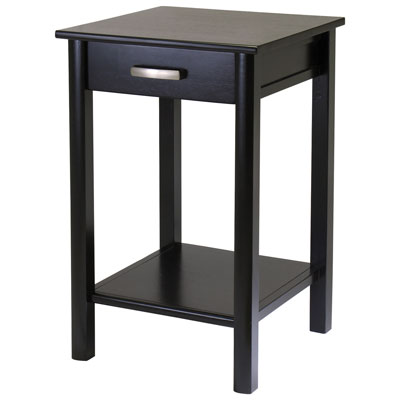
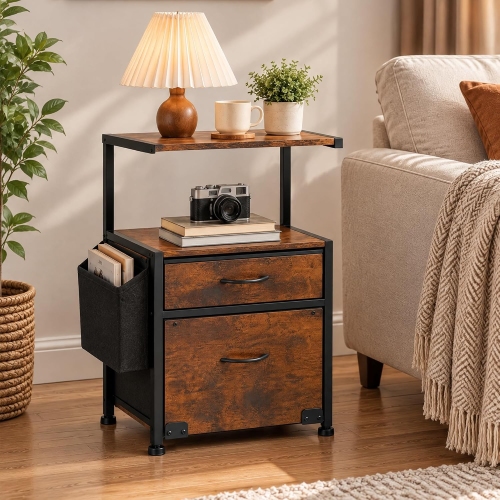
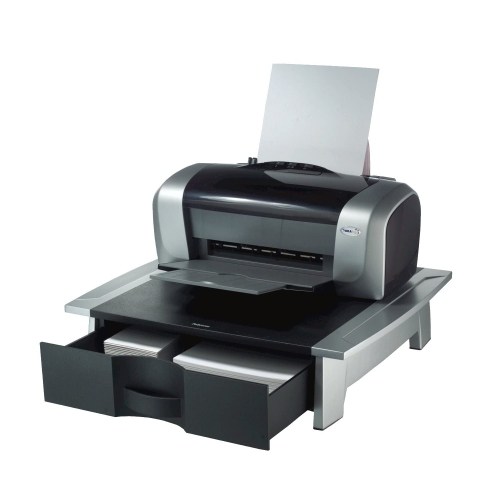
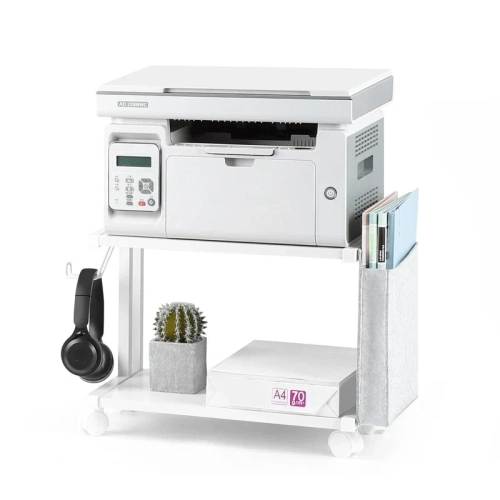
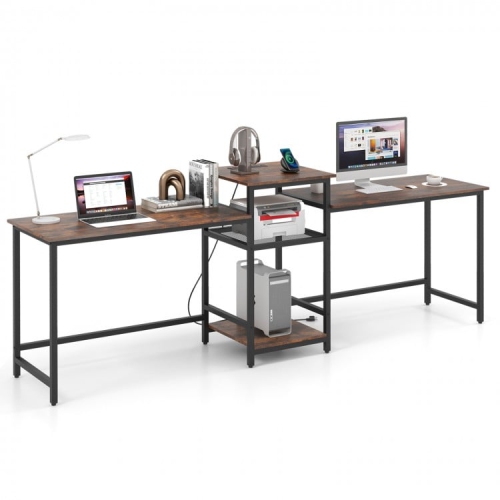
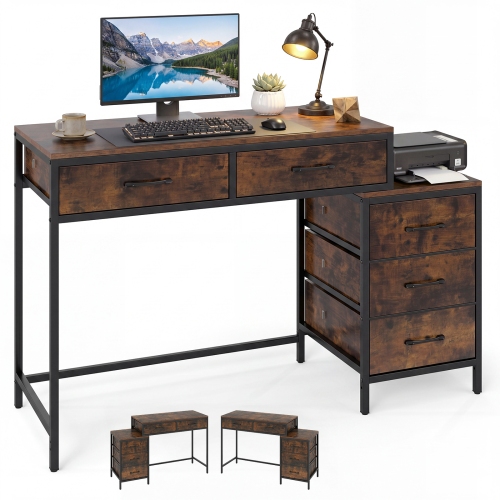
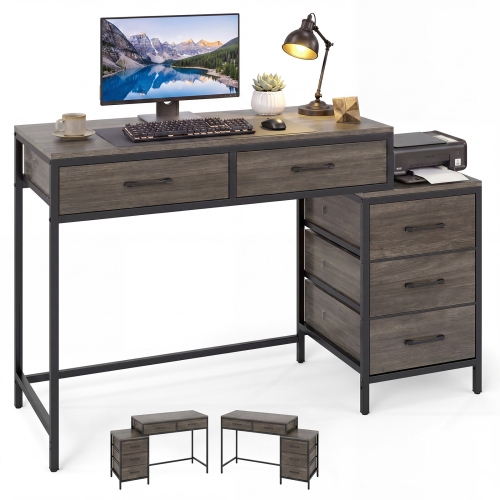
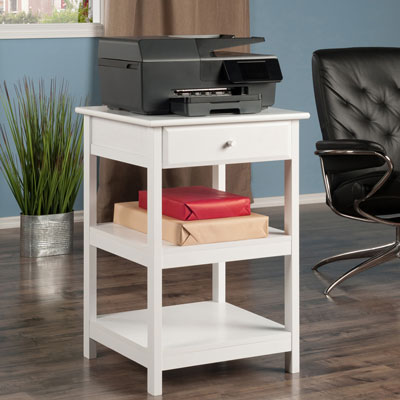


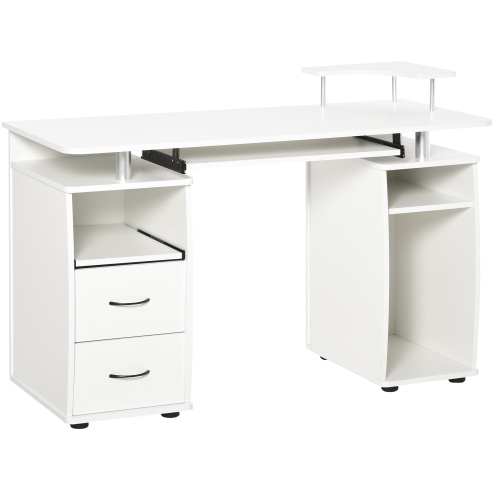

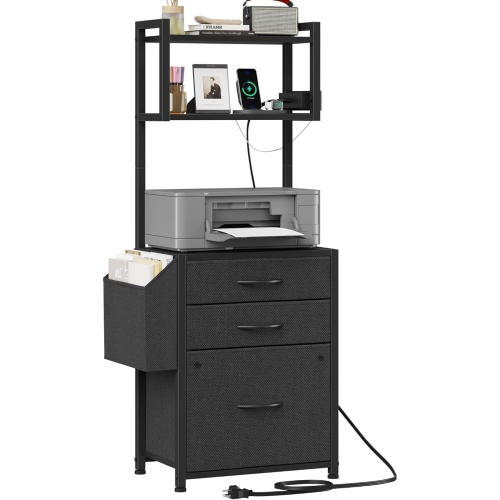
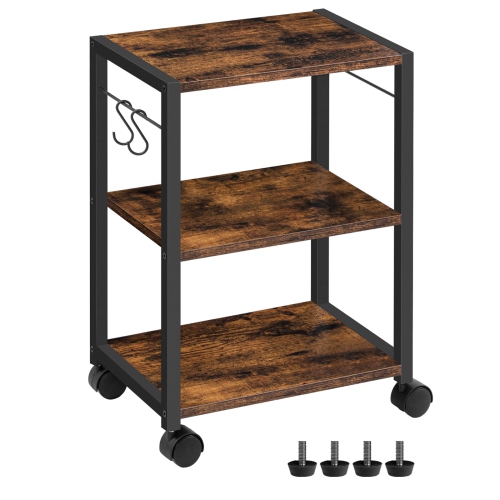


More desk space without crowding your printer
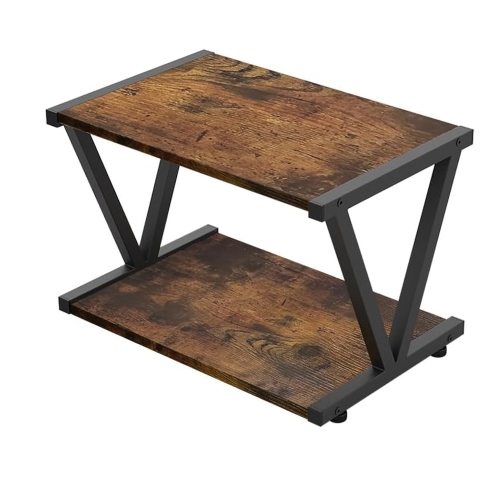
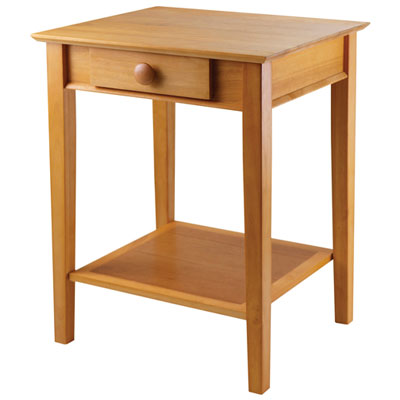
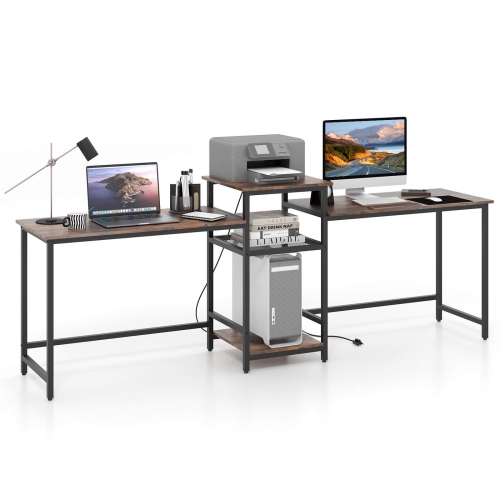
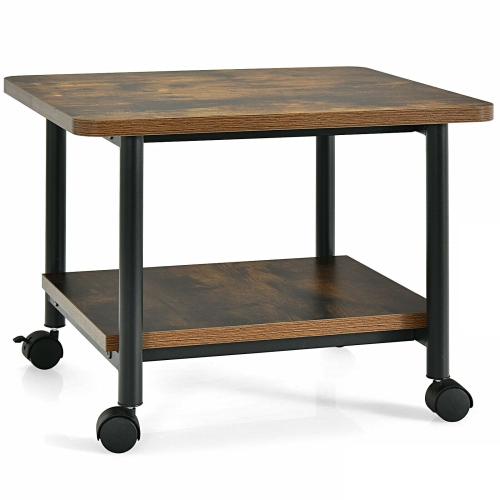
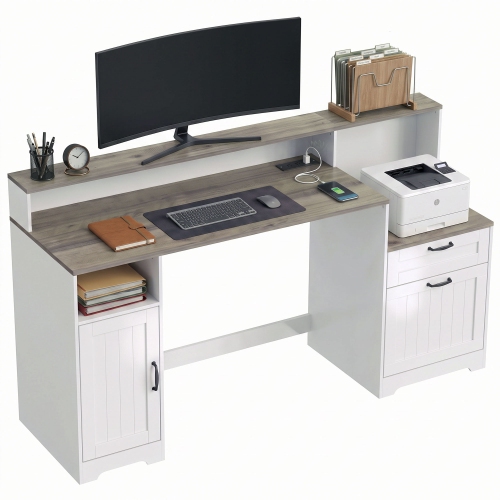
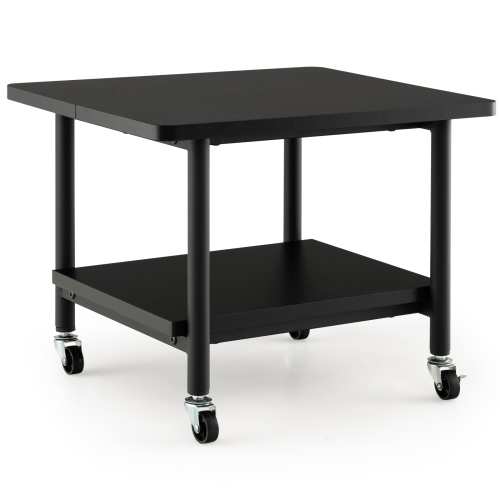
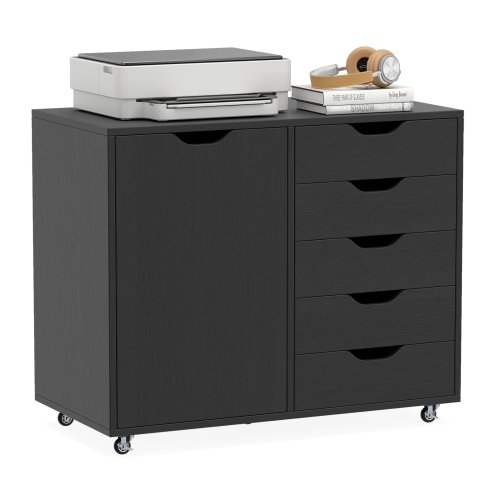
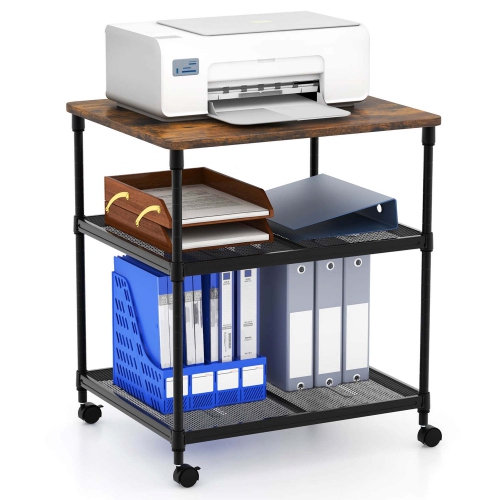
Desk printer stands give a printer a dedicated, stable place to sit while making better use of the space around a desk. They range from compact tabletop risers with room underneath for paper to freestanding shelving units that sit beside or beneath a work surface. A desktop stand can separate printing tasks from the main work area, leaving more room for a keyboard, notebook, or paperwork. An under-desk model keeps the desktop clear, while a desk-height stand can put printed pages within easy reach without taking over the space used for a monitor. The best fit depends on the printer’s dimensions, weight, and everyday operation, not just the size of its base. Paper trays may extend beyond the front or back, and a multifunction printer needs clearance above its scanner lid as well as access to controls, ink cartridges, or toner. A stand that looks roomy with the printer switched off can feel cramped once an output tray is open and a stack of documents is ready to collect. For that reason, the usable top surface, shelf spacing, and surrounding clearance matter as much as the stand’s overall dimensions. A listed weight capacity should accommodate the printer with its normal paper load and supplies, with each shelf used within its own stated limit. On tabletop models, the desk beneath must also support the combined weight of the stand, printer, and stored materials. A level top and a rigid frame help keep the setup steady as paper feeds through the machine. Ventilation openings need unobstructed space, and cables should reach their connections without being stretched or sharply bent. For a compact home office, these details can make the difference between a stand that simply holds a printer and one that makes the whole desk easier to use. They also help preserve access for routine maintenance, such as opening a rear panel to clear a paper jam, without having to lift the printer out of a tight compartment.
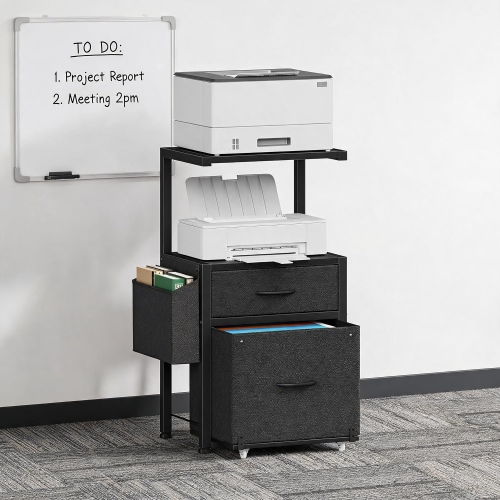
Materials and construction influence both the appearance of a printer stand and how it holds up to daily use. Metal frames can provide a slim profile with open shelving, while wood and wood-look surfaces bring a furniture-like finish to a study, den, or shared living space. Engineered wood with a laminate finish often has a smooth surface that is straightforward to wipe clean, although exposed edges and joints still benefit from protection against moisture. Solid wood has natural grain variation and may need care suited to its finish. Powder-coated metal surfaces generally need only gentle cleaning, with attention to corners, fasteners, and any areas where the coating has been scratched. Across materials, secure joints, properly supported shelves, and a top that does not flex noticeably under its intended load contribute to a more dependable setup. Adjustable feet can help a freestanding stand sit evenly on a slightly uneven floor, while protective pads on a tabletop riser can help limit contact marks on a desk. Storage layout is another important part of the design. An open shelf keeps a ream of paper or a frequently used folder close at hand; drawers conceal smaller supplies that might otherwise spread across the desktop. Taller compartments can accommodate binders or upright files, provided their dimensions suit what needs to be stored. Shelf depth matters, too: paper should rest flat rather than curl over an edge, and supplies should remain easy to retrieve without reaching around the printer. Closed storage creates a tidier appearance in a room used for both work and relaxation, while open storage makes contents easier to see. Colour, frame shape, and the balance of open and enclosed sections can help a stand sit comfortably alongside an existing desk or bookcase. For routine care, a soft cloth and a cleaner approved for the surface are usually more appropriate than abrasive pads, and spills are best wiped up promptly before liquid reaches seams, drawer interiors, or stored paper.
The way a workspace is shared often determines which printer stand feels most practical. Someone printing shipping labels for a small business may benefit from a clear top, accessible label storage, and space nearby for packing materials. A student or remote worker may prefer a compact stand that holds everyday paper and keeps the main desk free for reading or video calls. In a family workspace, a separate printing station can give homework sheets, forms, and scanned documents a consistent place to land rather than letting them collect beside a laptop. Placement should leave enough room for a chair to move and for drawers or cupboard doors to open fully. An under-desk stand is most useful when it does not take away needed legroom or force someone to twist awkwardly to collect pages. Where the printer needs to move between a desk and a shared work area, Mobile Printer Stands offer a related option built around that flexibility. On rolling designs, caster size, floor compatibility, and wheel locks affect how easily the stand moves and how securely it stays in place during use. A loaded stand should be moved carefully, with loose paper secured and cables disconnected when necessary; a power cord should never become the means of pulling it into position. Cable routing also matters on stationary setups, especially where power and data connections run behind a desk or across a shared area. Keeping cords clear of chair wheels and walking paths supports a tidier, more usable arrangement. The final fit is about more than matching furniture dimensions: it includes reaching the paper tray comfortably, changing supplies without rearranging the room, and having a sensible place for finished documents. With the right proportions, storage, and support, a desk printer stand can turn an awkward corner or crowded desktop into an organized printing area that works naturally with daily routines.
Top selling and popular products
-
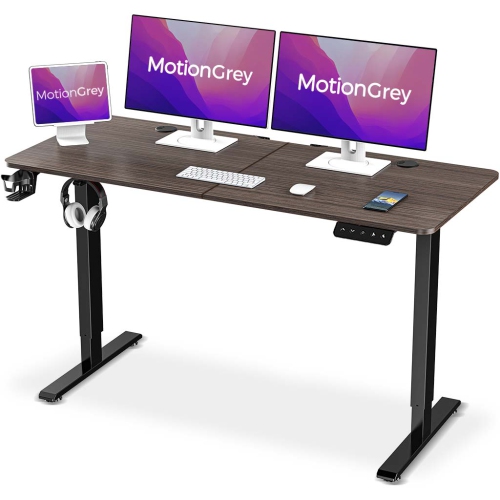 Your price for this item is $133.96
-
 Your price for this item is $122.92
-
 Your price for this item is $132.99
-
 Your price for this item is $149.99
-
 Your price for this item is $679.2
-
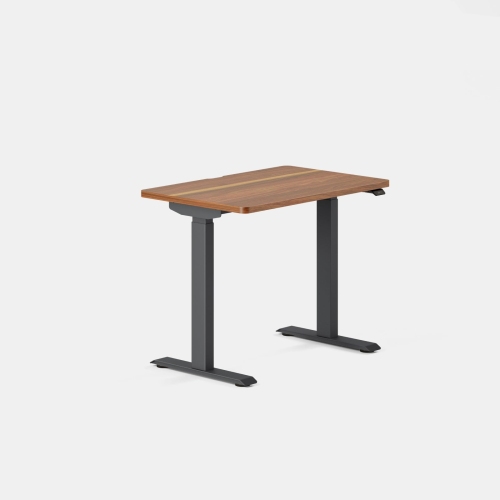 Your price for this item is $519.2
-
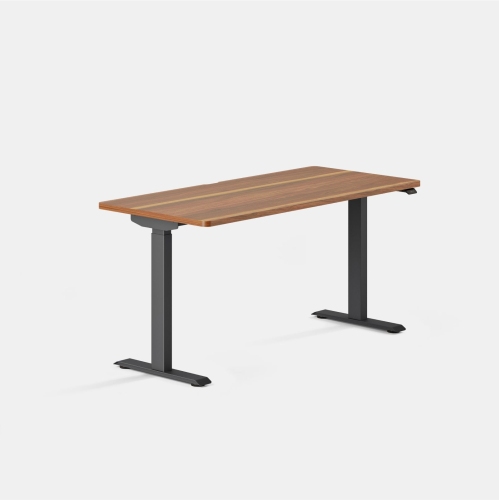 Your price for this item is $679.2
-
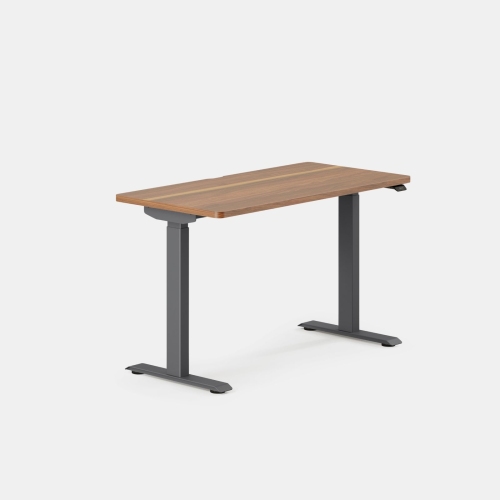 Your price for this item is $599.2
Discover more categories related to Desk Printer Stands
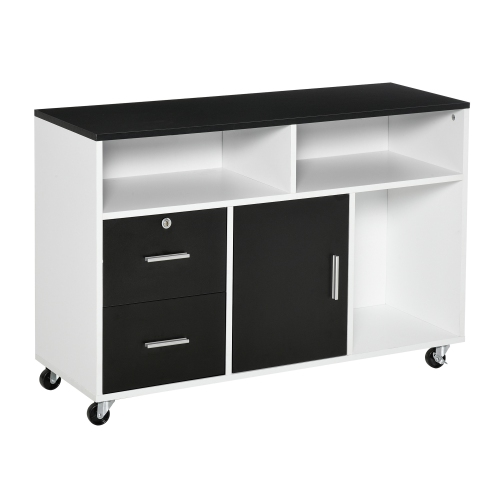


Top Collections:
Best Black Friday Deals This Year, Best Black Friday Deals On Electronics, Kindle Devices, Dyson Airwrap, Best Cameras for Sports Photography, Best Budget Office Chairs, Canon G7X Cameras, PS5 Pro Consoles, Best Black Friday Deals On Apple Products, XBOX One S Consoles
Some products may be subject to Environmental Handling Fees
(EHF) depending on your province.
Learn more about EHFs.