Desks With Power Outlets
Looking for a desk that seamlessly combines style and functionality? Look no further than our collection of desks with power outlets. These versatile workstations are designed to meet the modern demands of today's tech-savvy individuals. With built-in power outlets, you can conveniently charge your devices and keep your workspace organized and clutter-free. Whether you're working from home, studying, or simply needing a designated area for your electronics, our desks with power outlets offer the perfect solution.
Sort
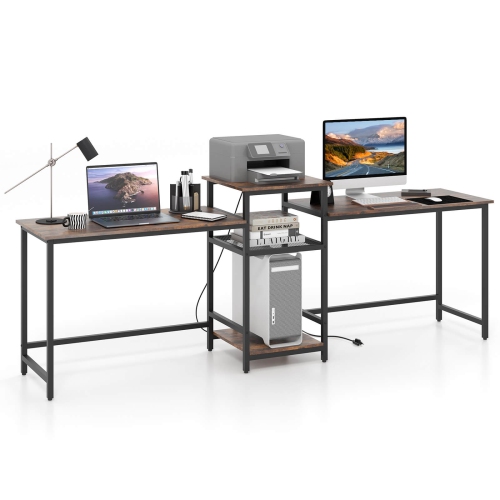
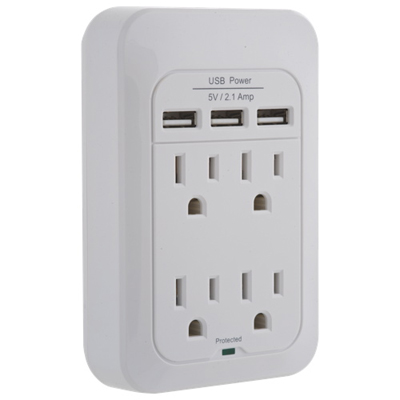
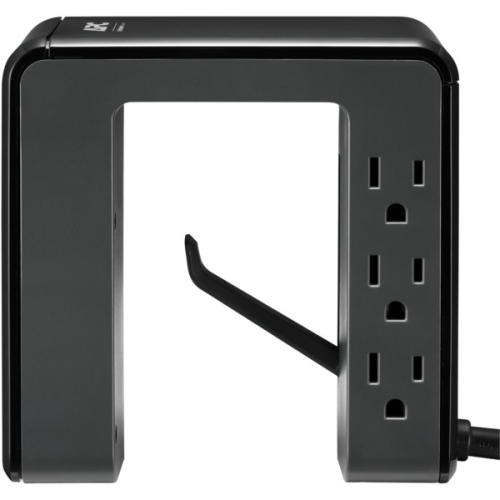
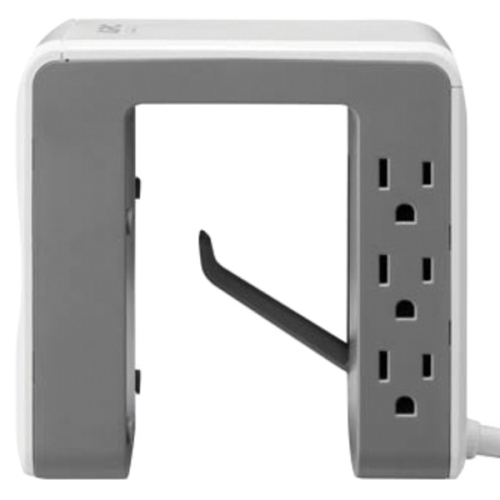

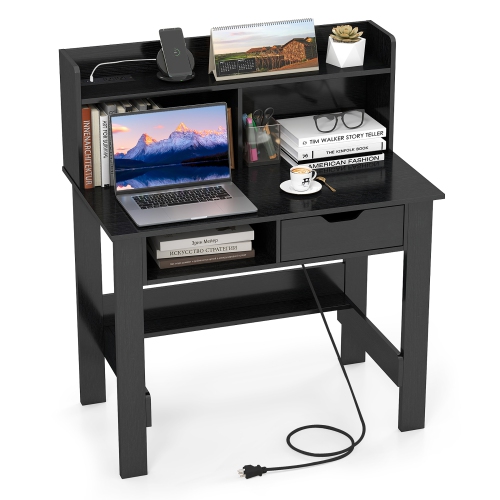
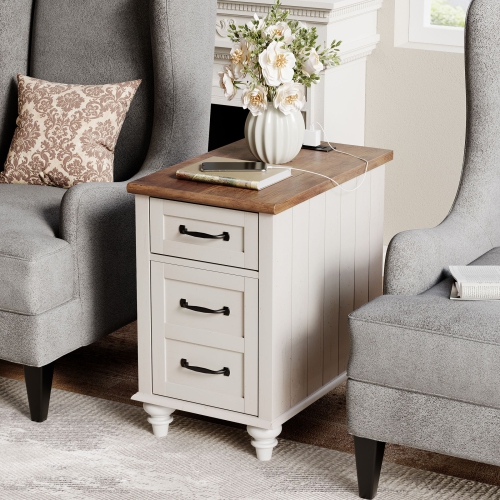
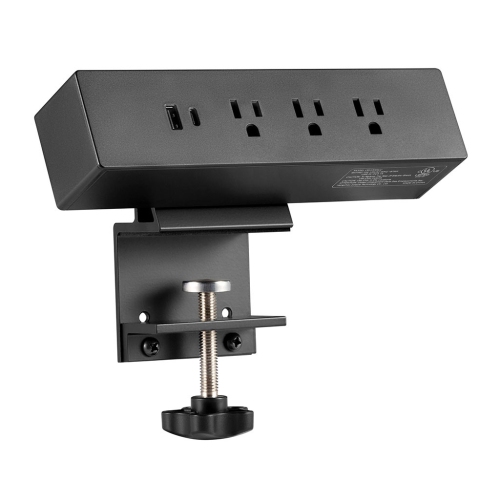
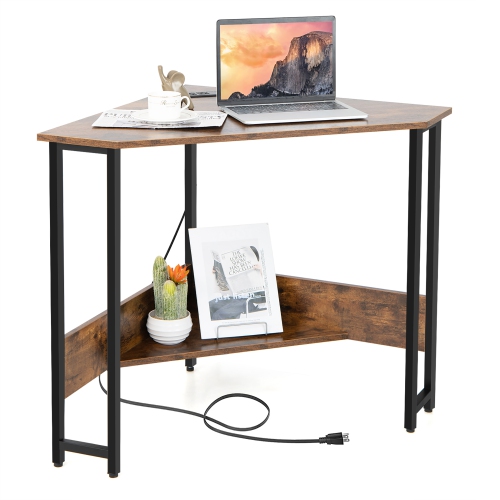
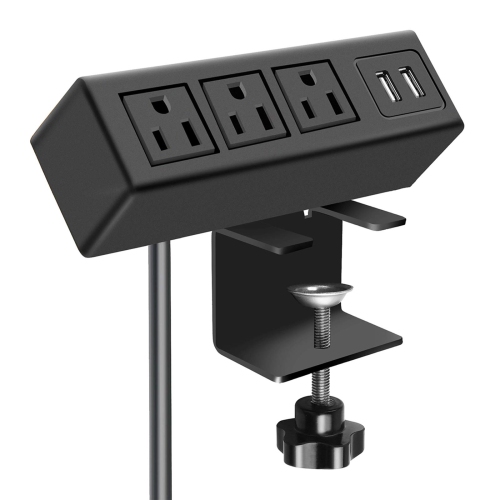
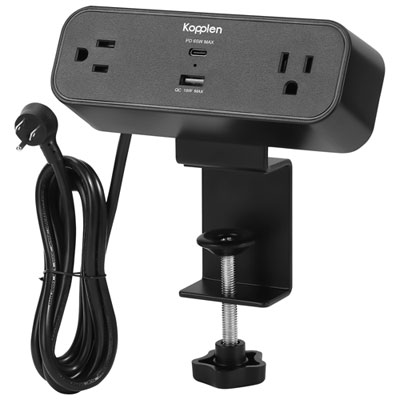
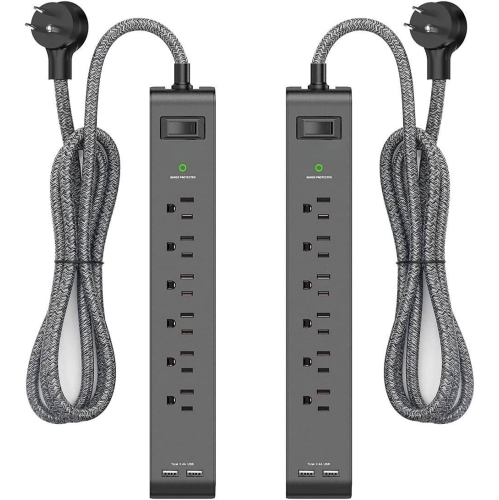
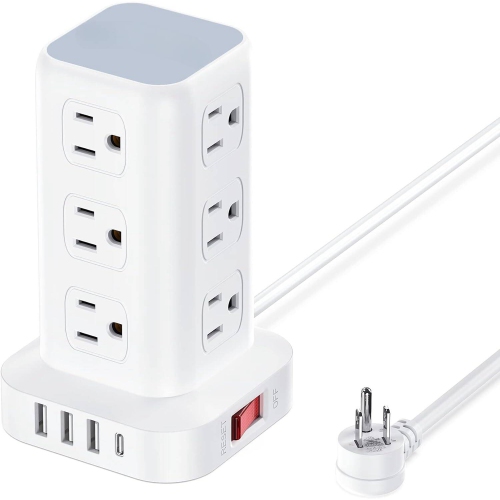
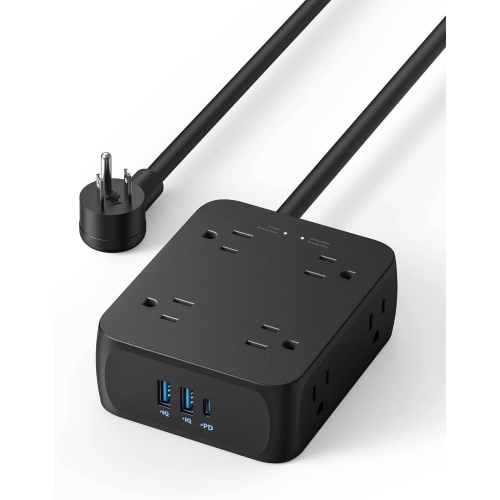
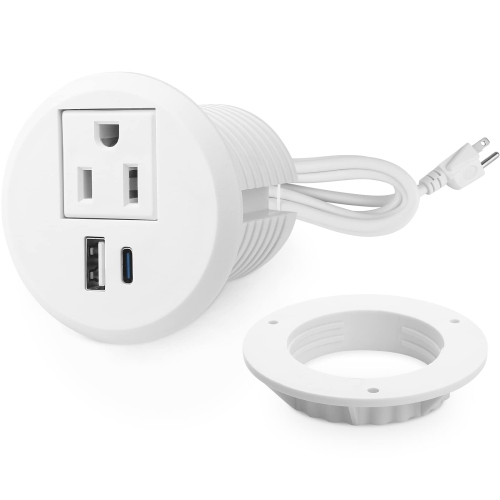
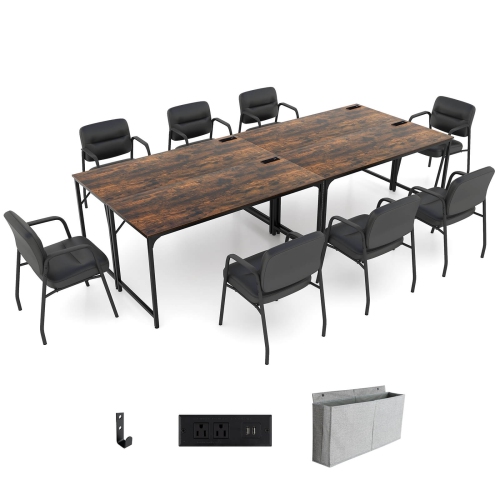
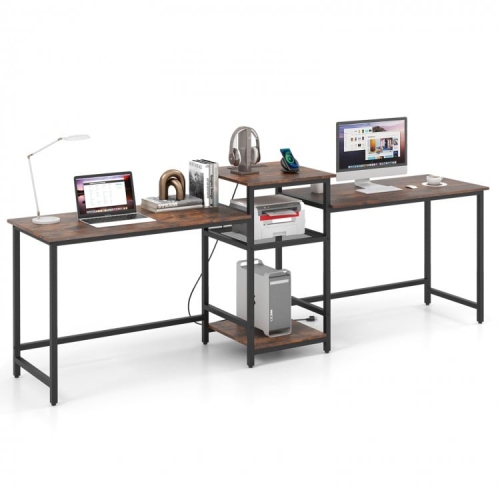
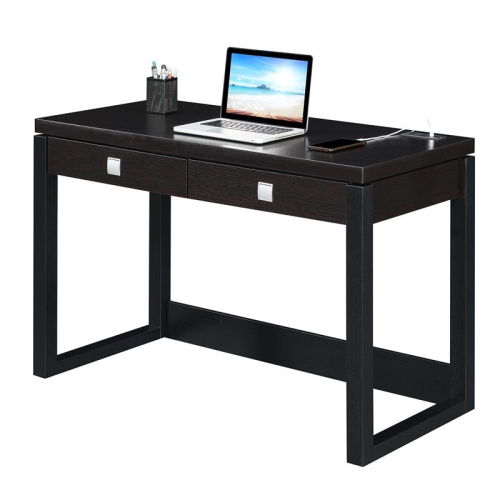
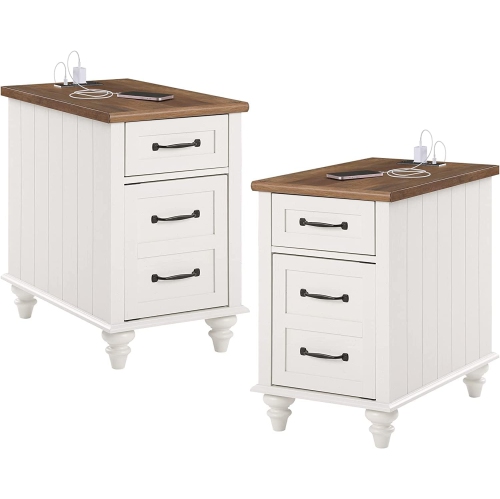
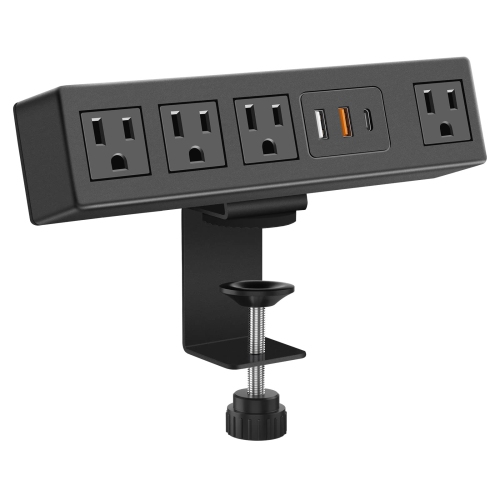
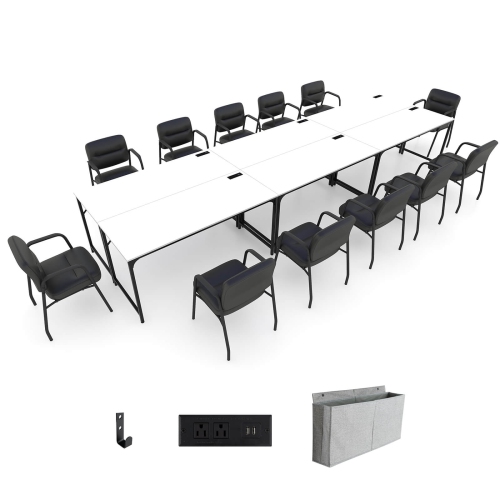
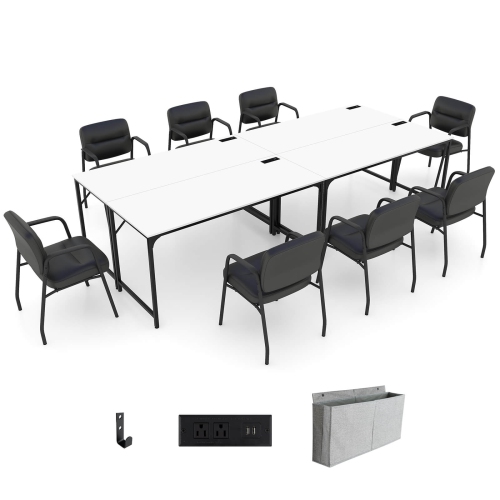
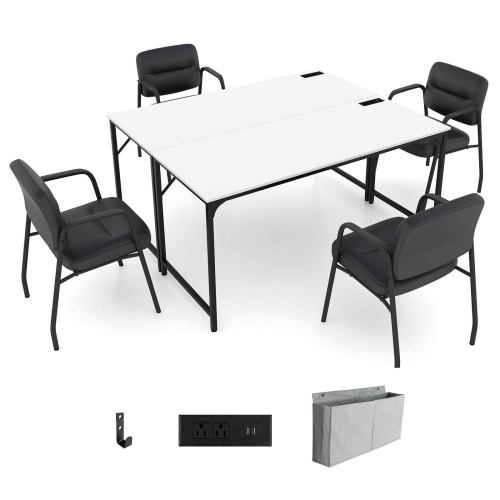
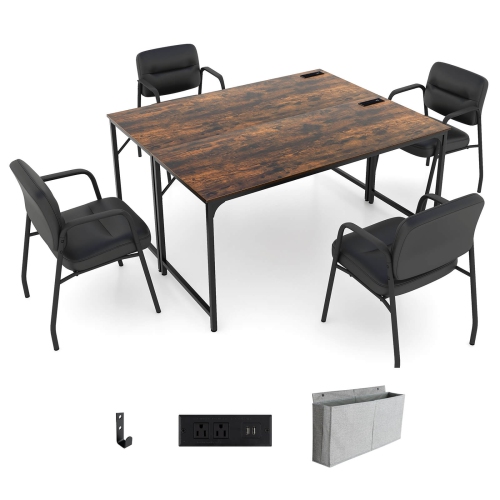

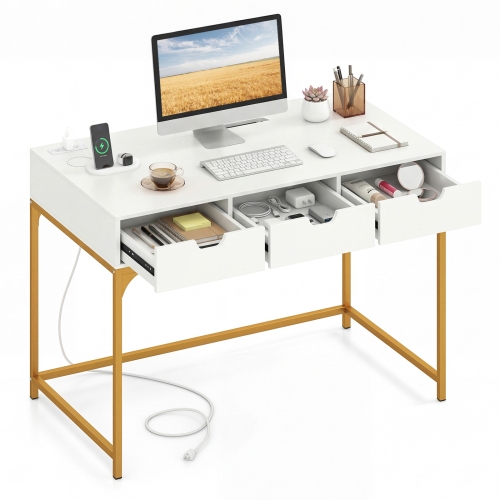
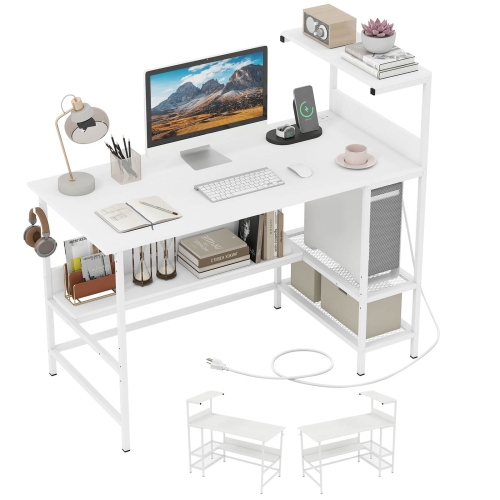
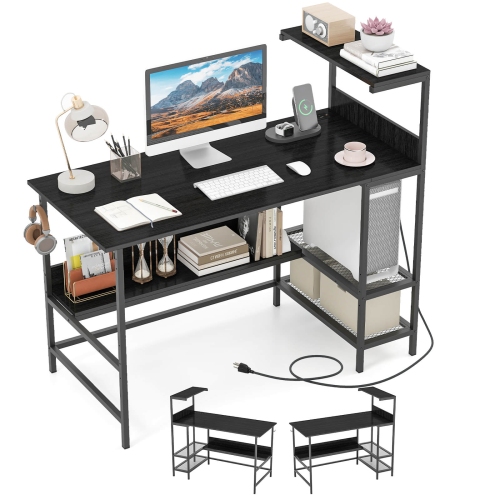
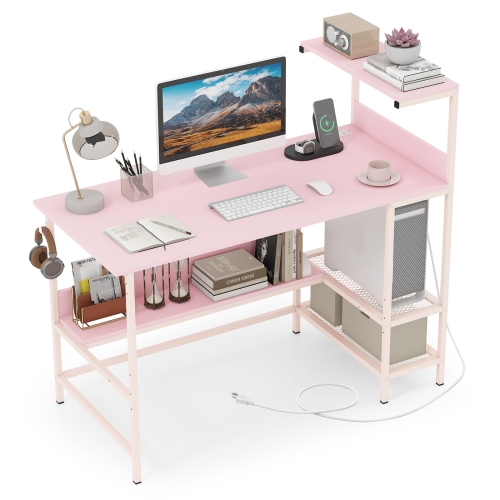
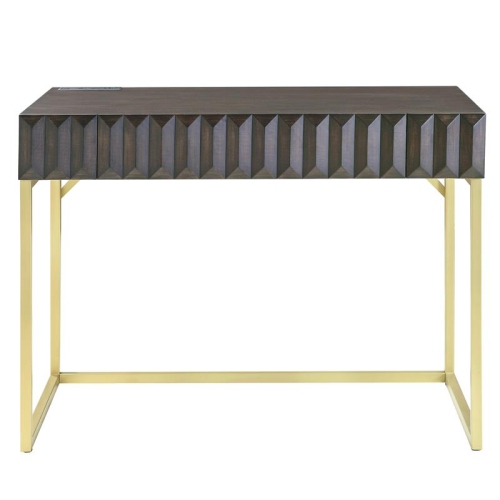
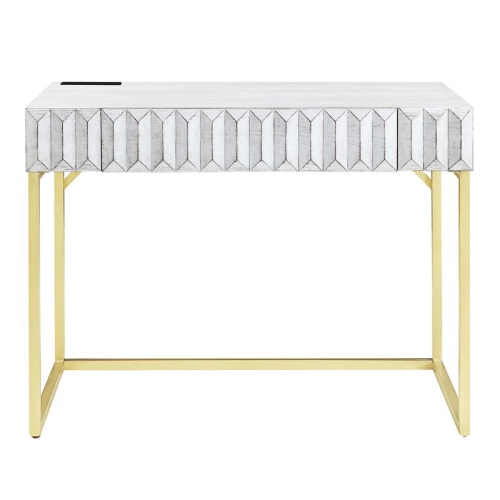
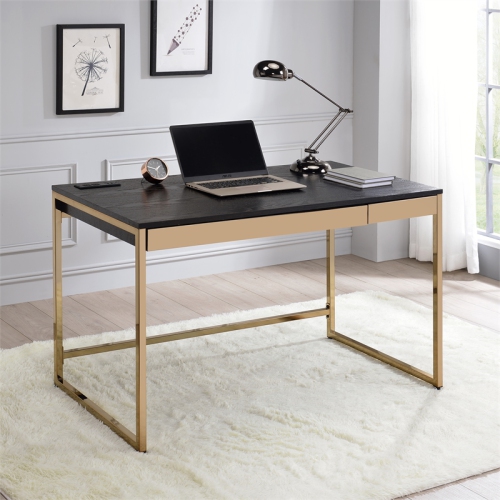
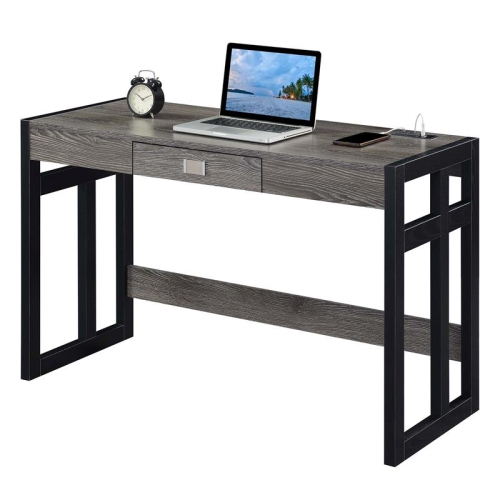
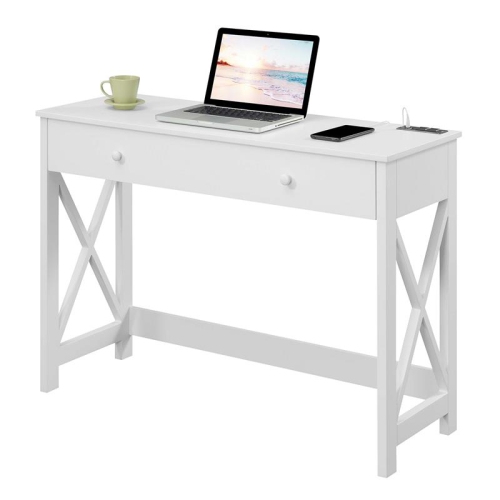
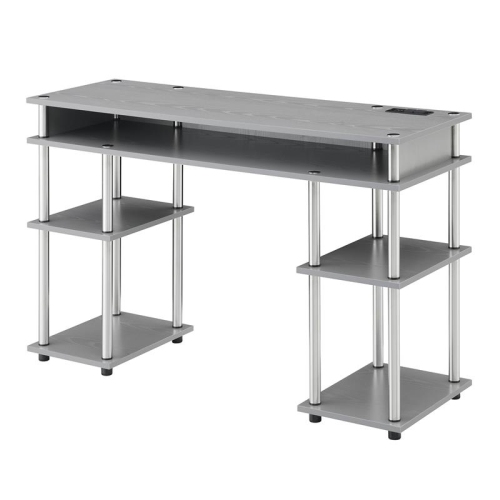
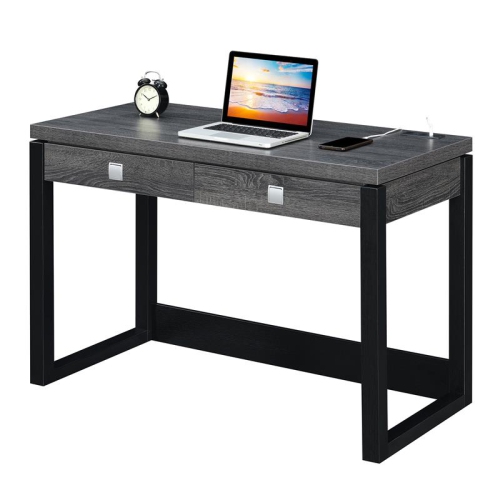
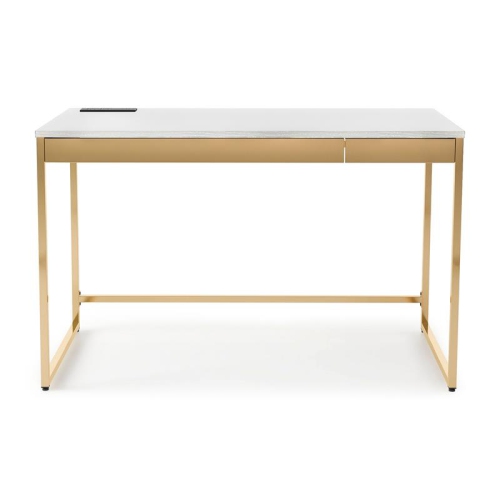
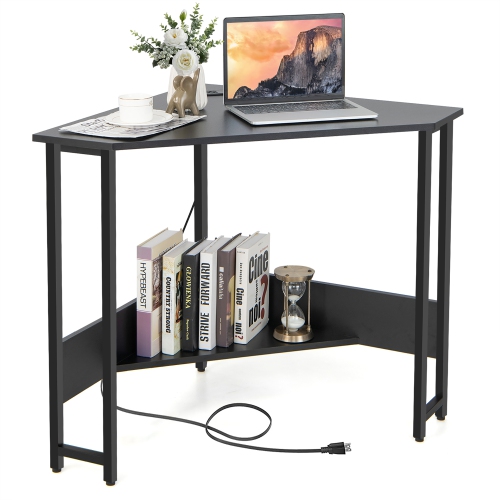
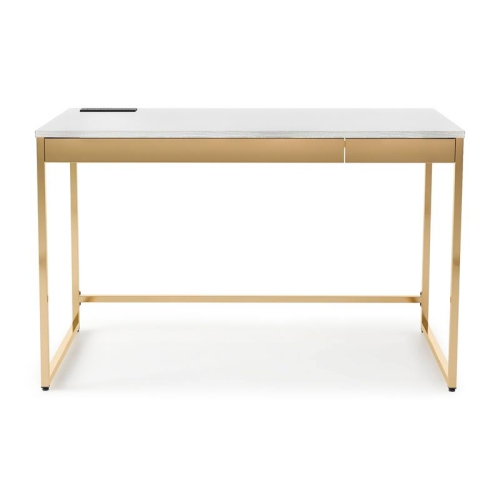
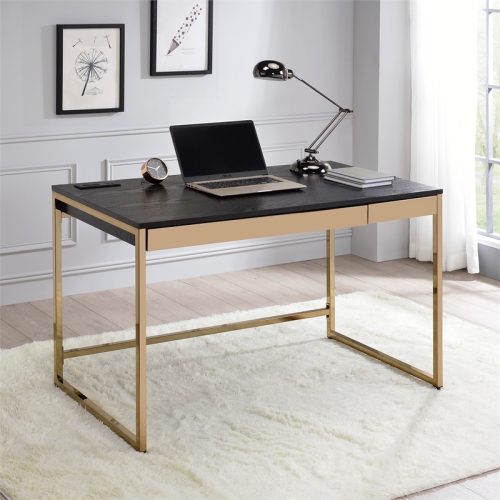

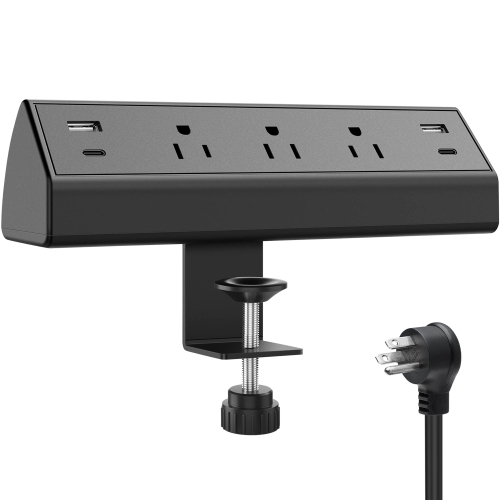
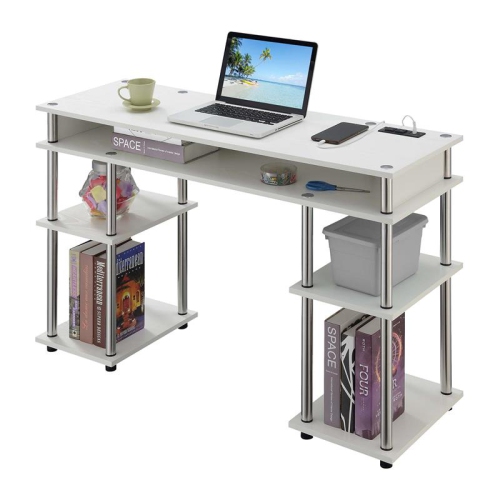
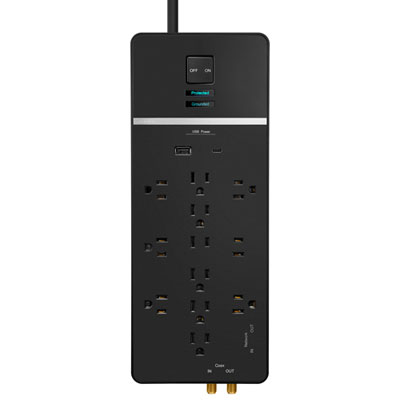
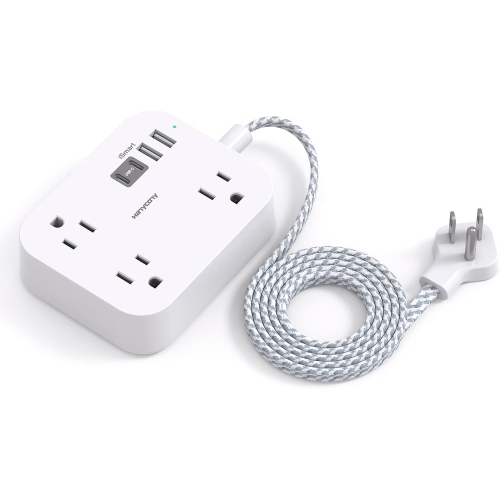
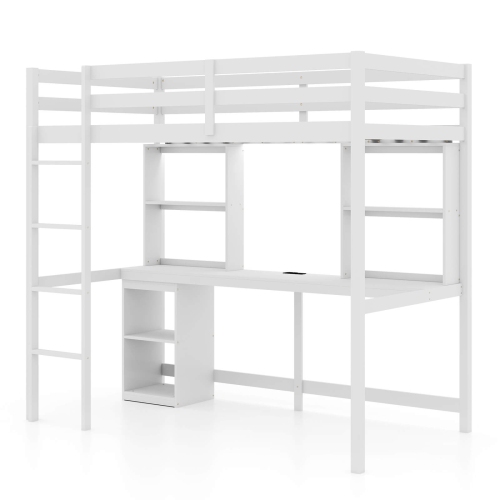

Power access and workspace planning for everyday setups
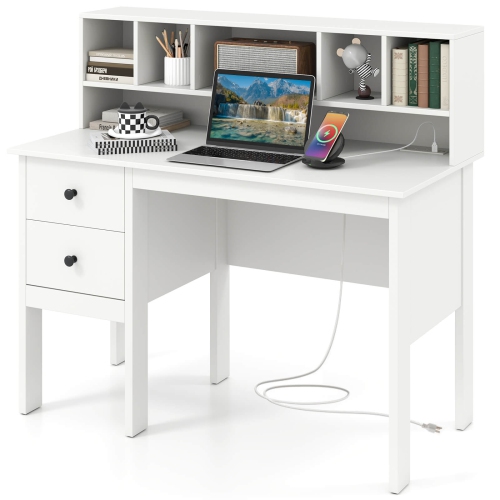
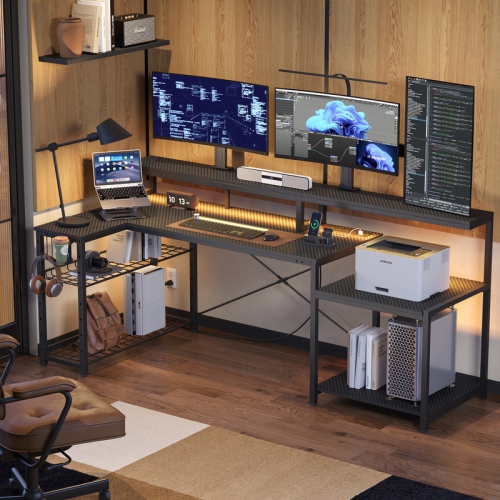
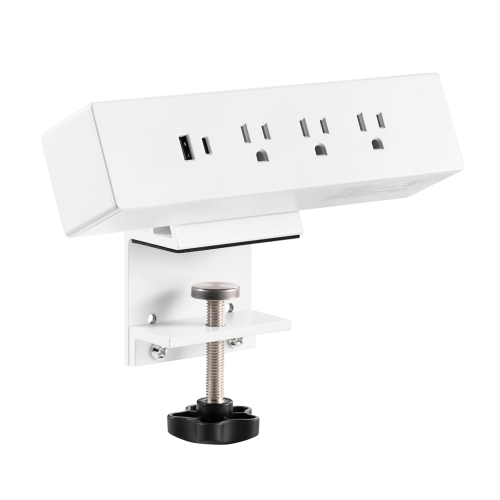
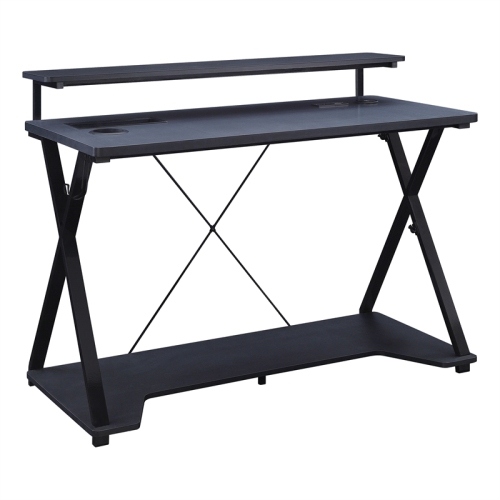
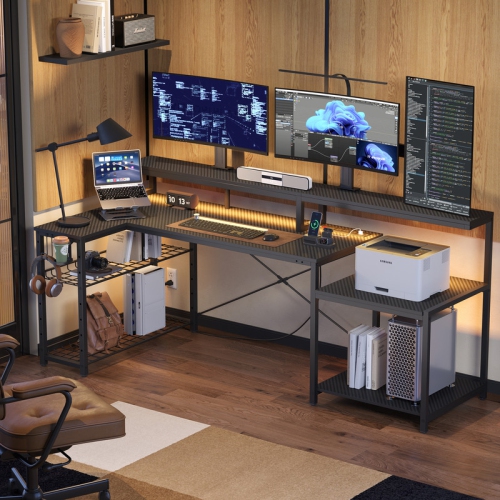
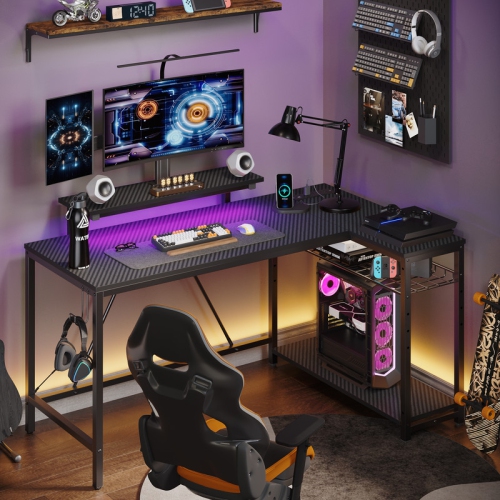
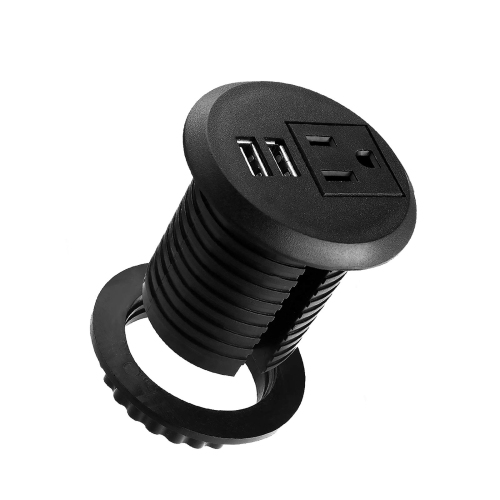
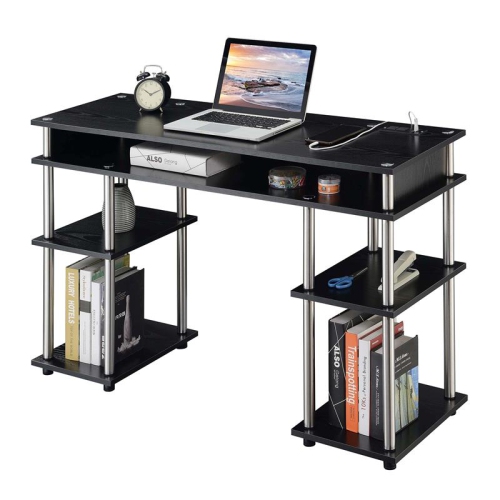
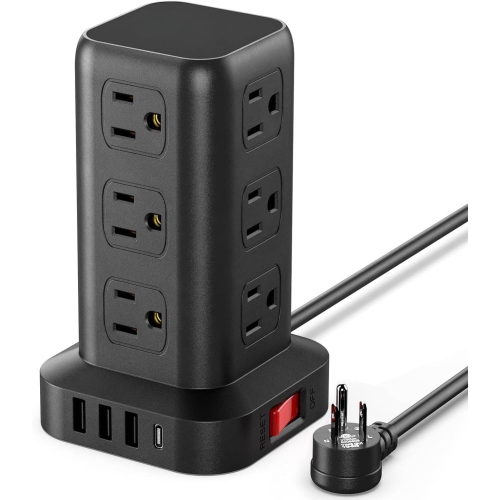
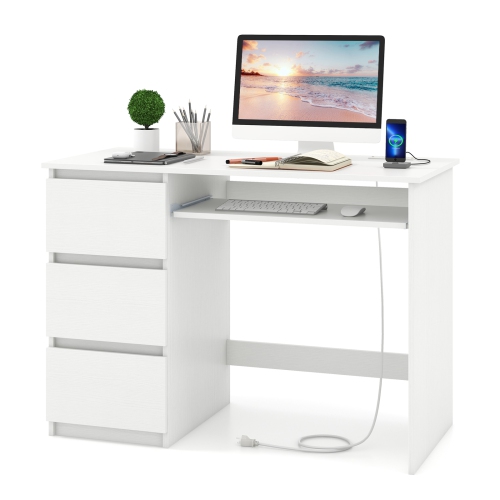
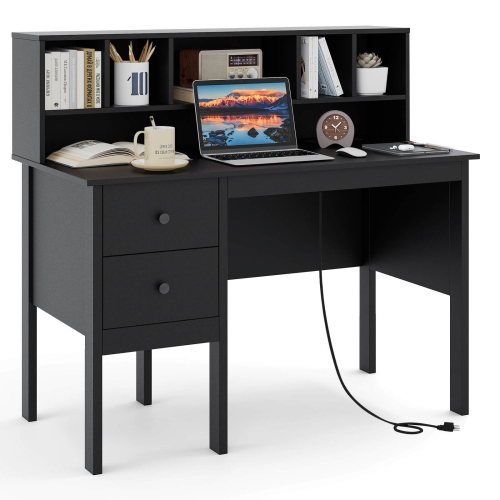
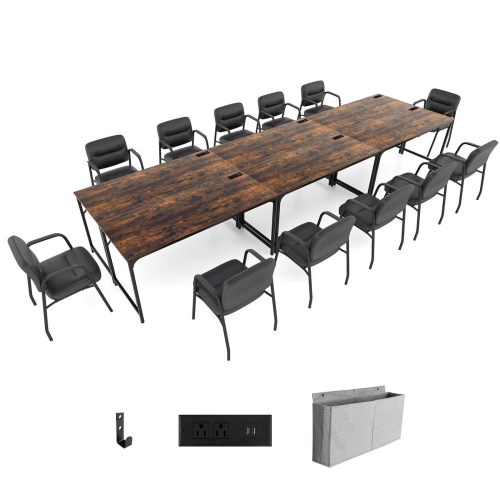
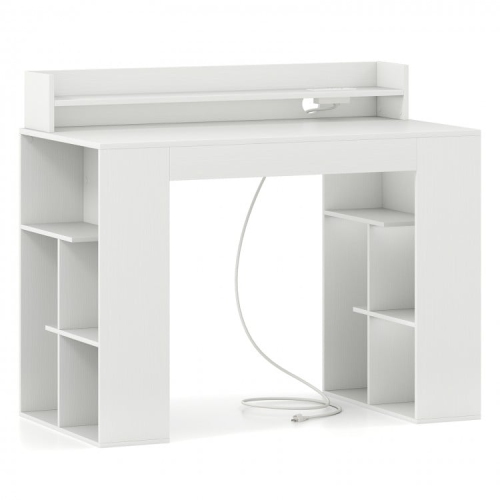
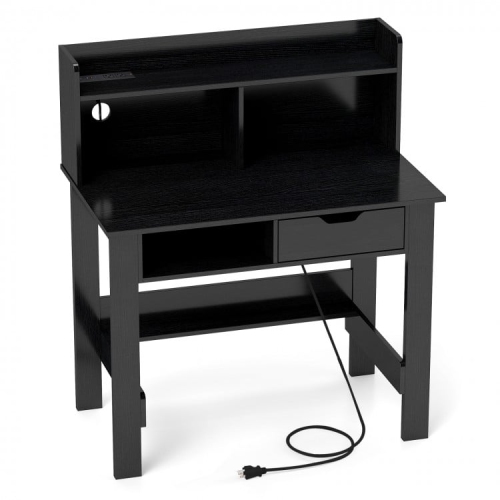
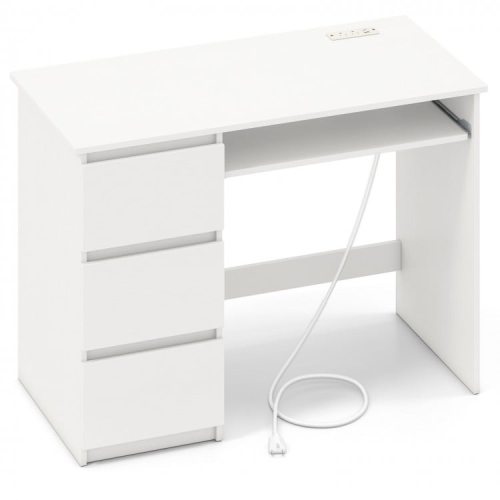
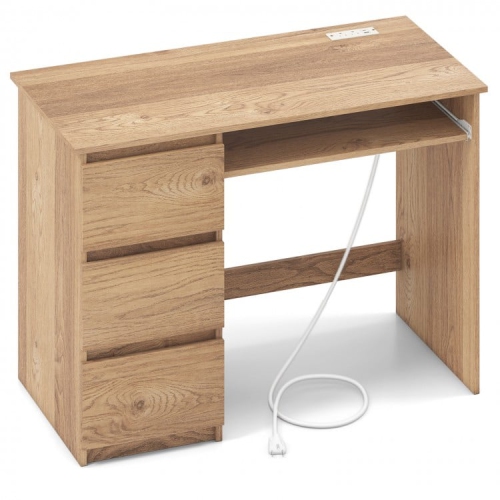
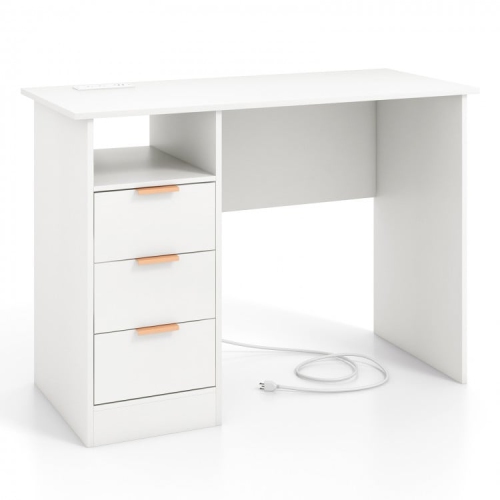
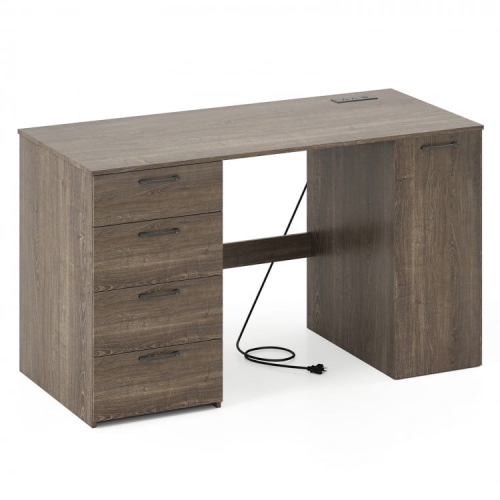
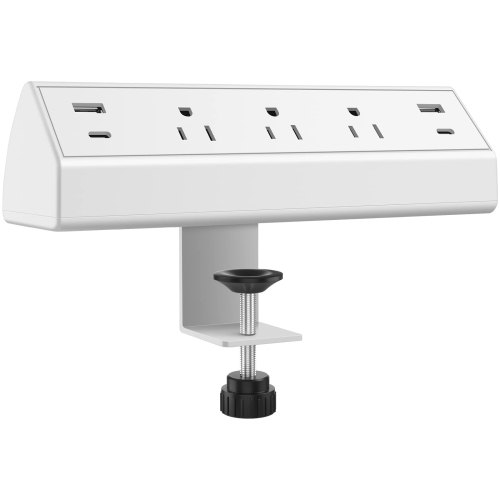
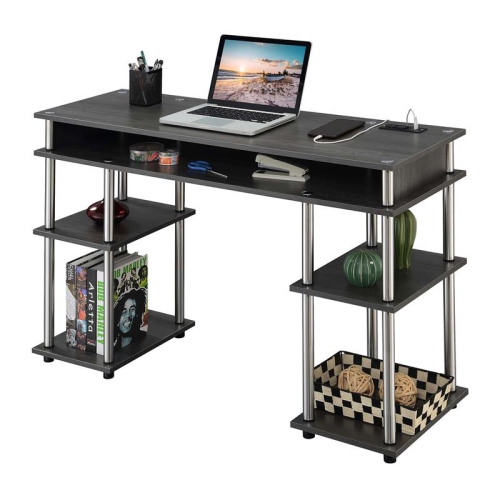
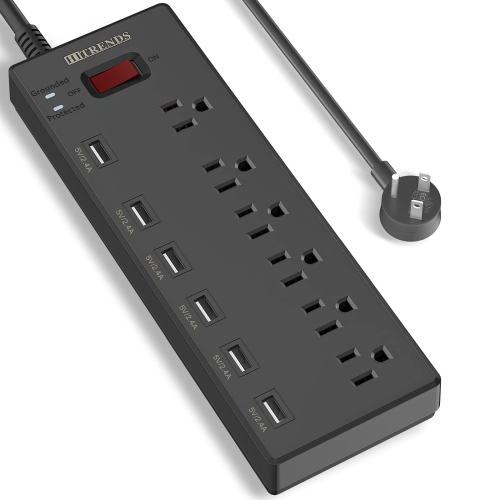
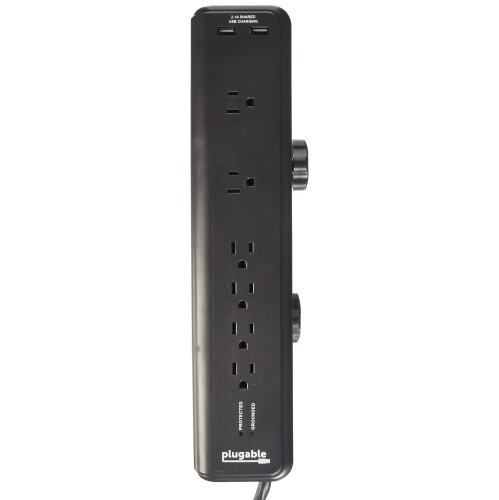
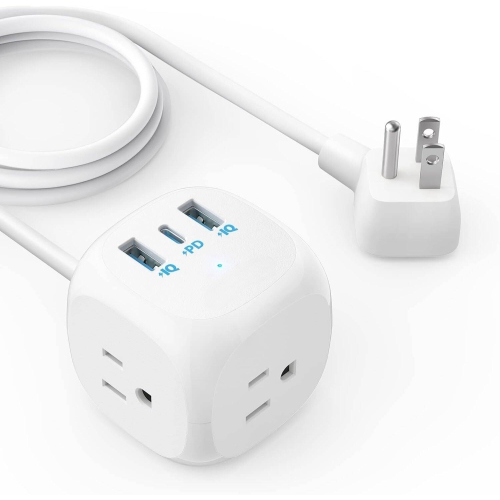
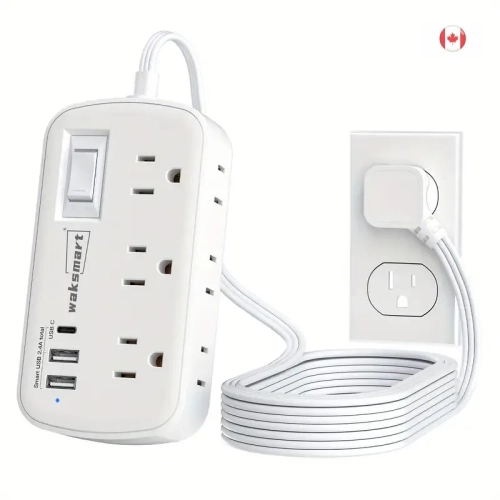
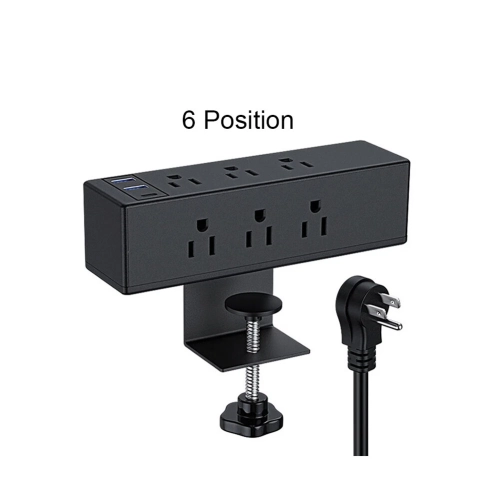
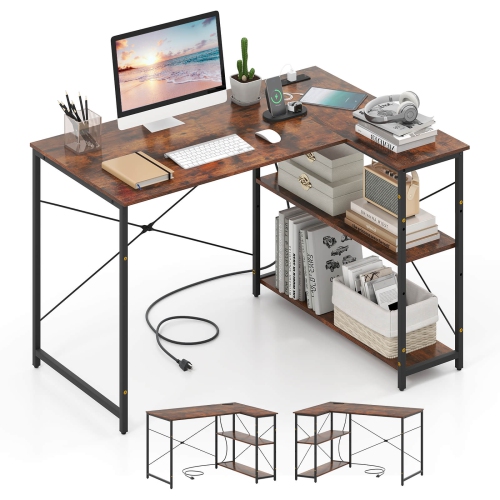
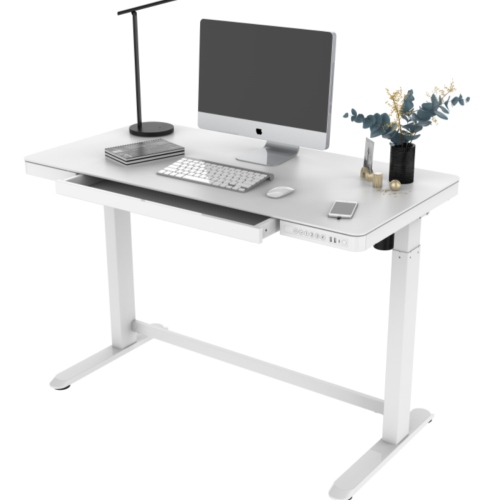
Desks with power outlets bring everyday charging within easy reach, making it simpler to organize a workspace without stretching cords across the floor or climbing behind furniture. These desks may include built-in AC outlets, USB-A ports, USB-C ports, or a combination of connection types, depending on the design. An AC outlet can power a laptop charger, monitor, lamp, speaker, or other desktop accessory, while USB ports are generally intended for charging compatible devices. In many cases, the USB ports provide power only and do not transfer data, so a keyboard, mouse, printer, or external drive may still need to connect directly to a computer. A desk with power outlets can be useful in a home office, bedroom, student study area, gaming setup, apartment, or shared family workspace. It can also make a thoughtful gift for someone setting up a first home office, returning to school, upgrading a gaming corner, or working from home during the cooler months. Rather than reaching towards a wall outlet each time a phone battery runs low, users can keep a charger close to the work surface and maintain a neater arrangement around their chair. Before choosing a desk, consider how many devices are likely to be connected at once and whether the built-in outlet layout will suit left-handed or right-handed use. Some power panels are positioned along the rear edge, while others are placed on a side panel or desktop shelf for quick access. Check the total power capacity, plug configuration, and any instructions about suitable devices, especially if the desk will support multiple monitors, a desktop computer, lighting, or gaming equipment.
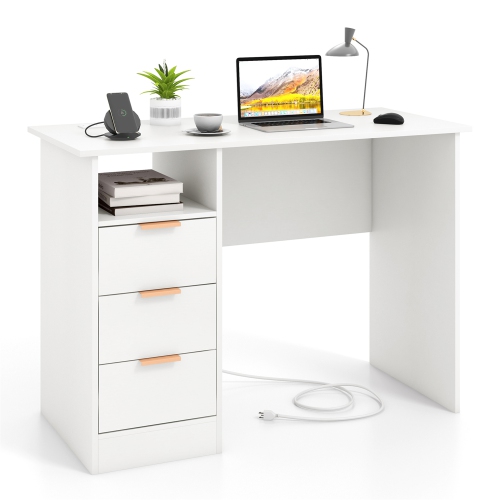
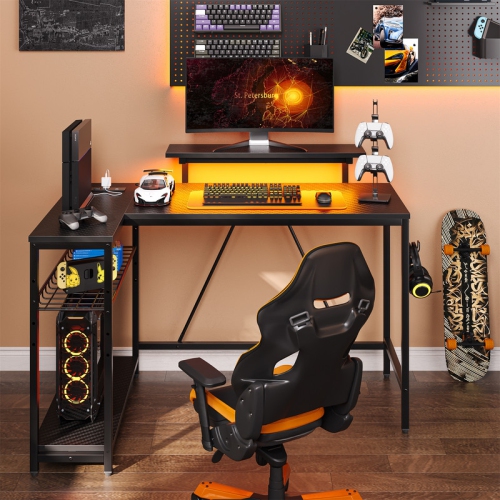
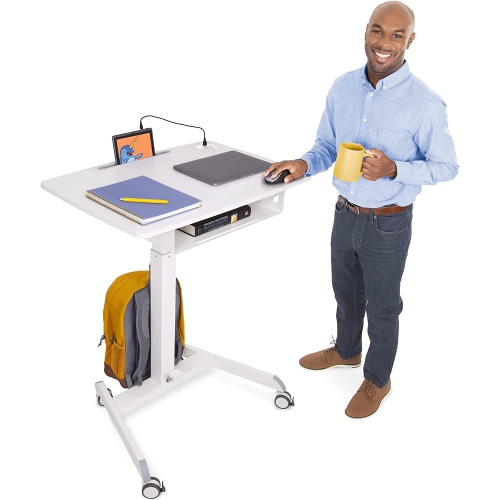
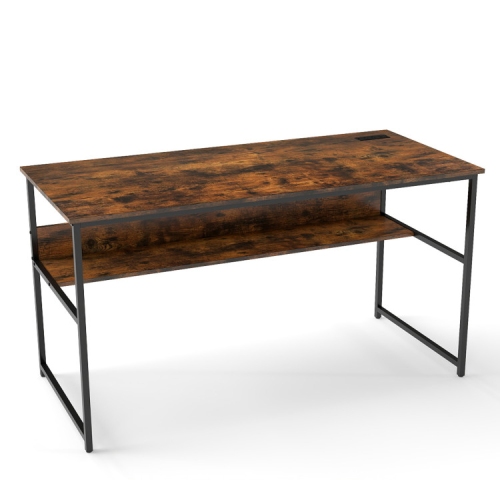
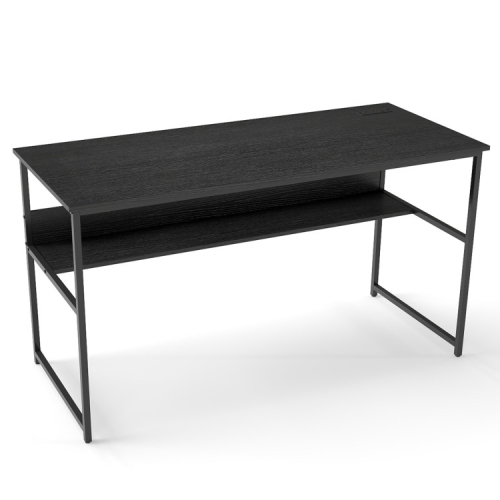
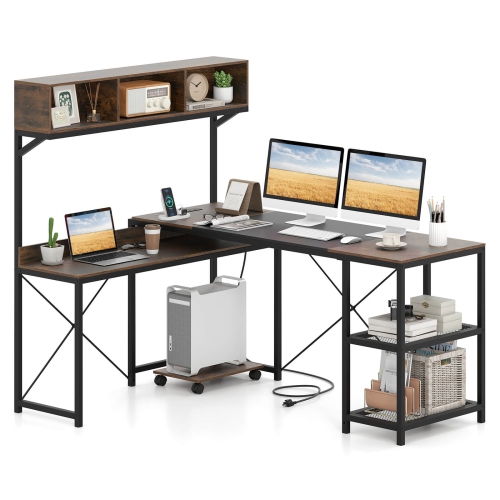
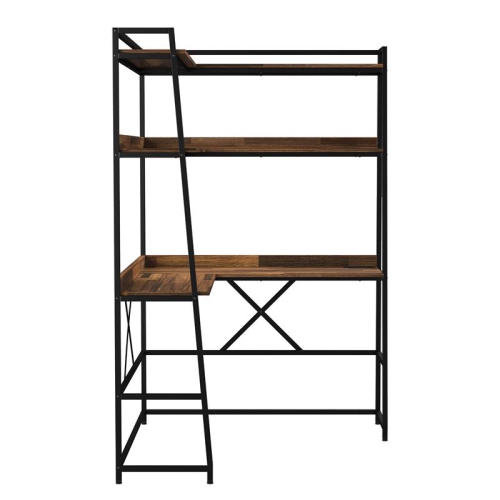
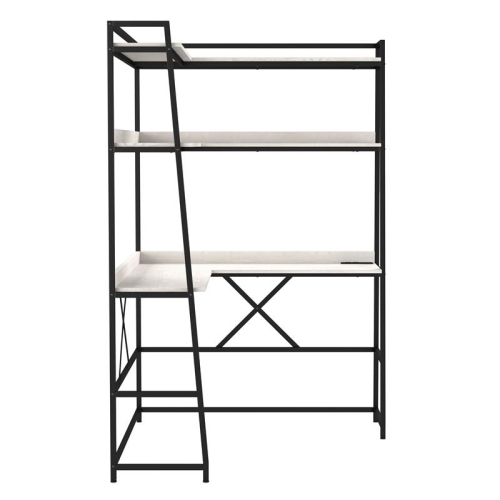
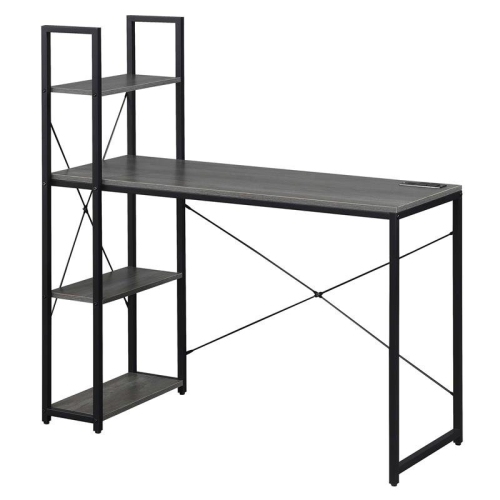
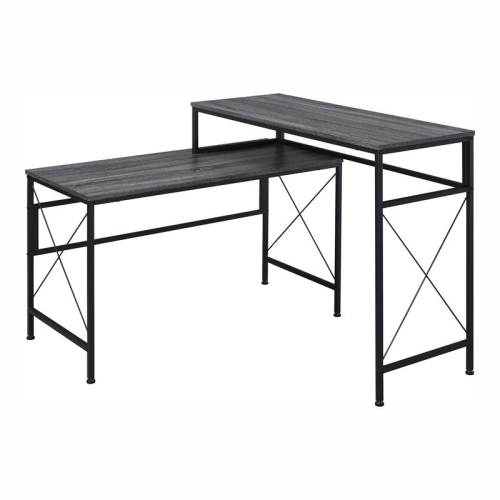
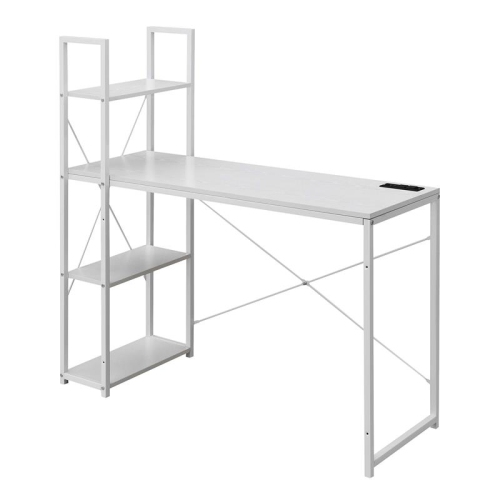
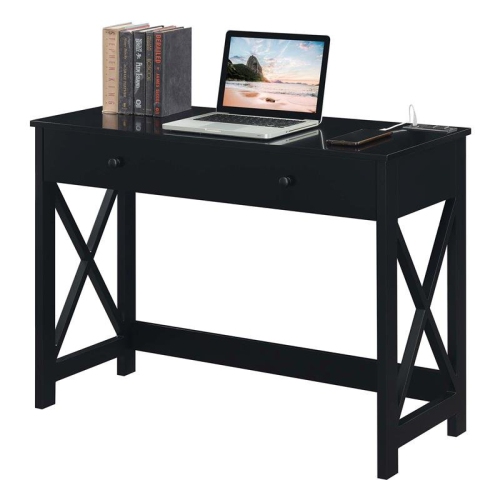
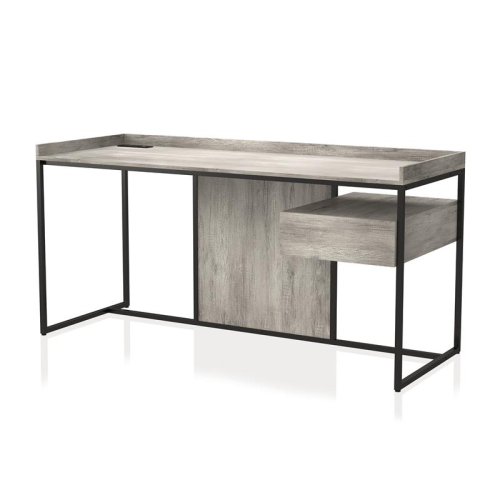
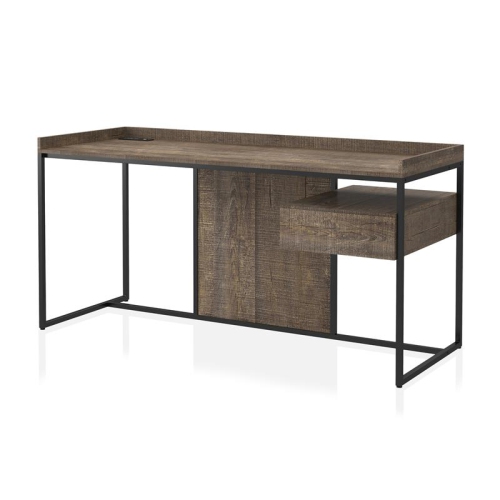
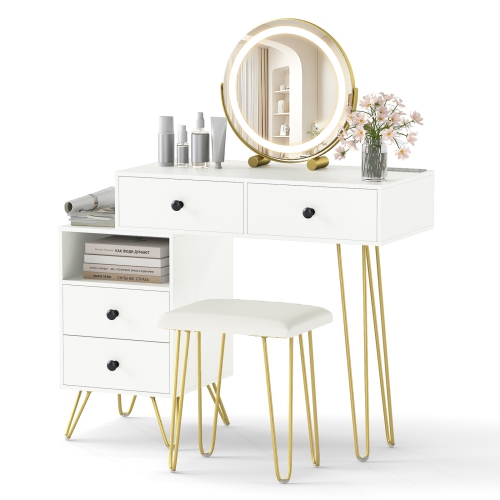
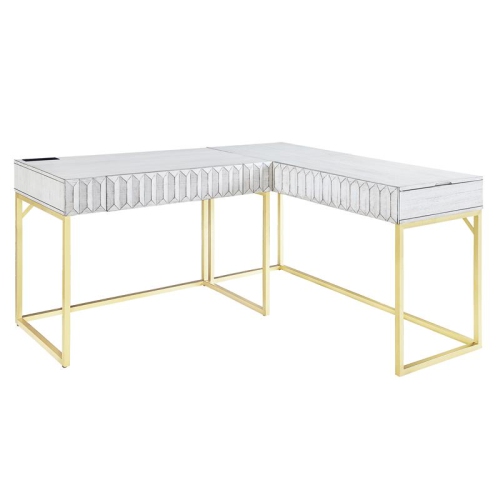
Desk shape and size are equally important. A standard rectangular desk offers a straightforward surface for a laptop, display, notebook, and accessories, making it a practical choice for a writing area or compact home office. Smaller writing desks can fit into a bedroom, hallway nook, condo, or corner of a living room, although their limited surface area may require a laptop stand or separate storage solution. L-shaped desks provide two connected work surfaces and can help divide activities between a computer station, paperwork area, hobby space, or gaming setup. They are often a good fit for a corner, but measure both walls carefully before ordering and account for baseboards, radiators, windows, and door clearance. Gaming desks may offer room for larger monitors, speakers, controllers, and accessories, while executive-style desks tend to provide a broader work surface and more substantial storage. If the desk will be used by a student, pay attention to legroom and chair clearance so that study materials do not feel cramped. For a shared workspace, an adjustable or generously sized design can accommodate different users and changing routines. Families may appreciate a desk that keeps chargers in one central location, while remote workers may prefer an arrangement that leaves enough space for a notebook, coffee mug, headset stand, and a second screen. Built-in drawers, cabinets, shelves, and modesty panels can help keep supplies nearby, but storage features may add to the desk’s overall footprint. Compare the stated dimensions with the available room, and remember to leave enough space to open drawers, pull out a chair, and access the wall outlet behind the desk.
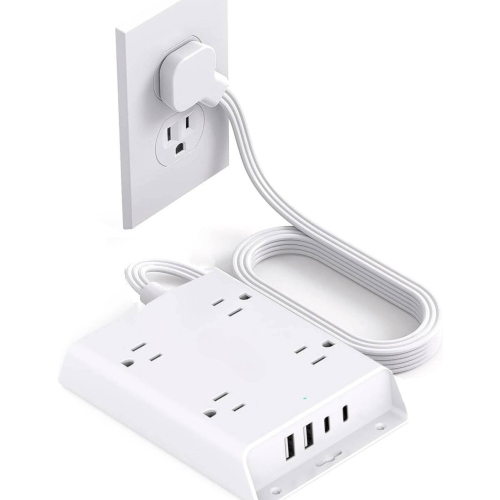
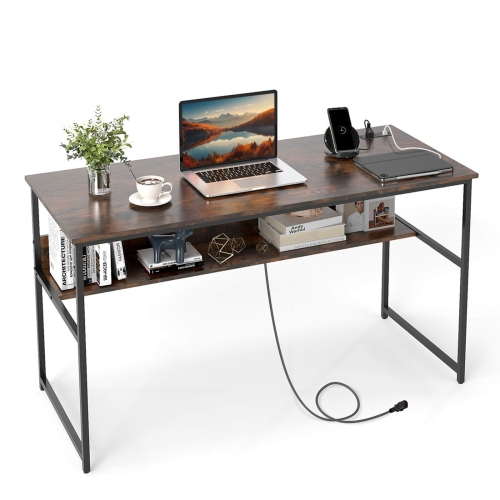
Pay close attention to the power cord, because built-in outlets do not eliminate the need for connection to a nearby wall receptacle. Integrated power strips commonly have attached cords in the approximate range of 4.5 to 6 feet, although the exact length varies by design. Measure the distance from the intended desk position to the wall outlet and consider whether the cord will need to travel around a corner or behind another piece of furniture. A cable channel, rear opening, or wire basket can guide the cord away from foot traffic, and a dedicated Desks With Cable Management design can provide additional help for routing monitor, computer, and charging cables. Look for a stable frame, level feet, durable work surface, and clear assembly instructions, particularly when the desk will hold heavier equipment. If the desk includes a power module, review the product specifications for outlet types, USB charging output, placement, cord length, and maximum supported load. Keep liquids away from electrical connections, avoid overloading the built-in outlets, and follow the manufacturer’s guidance for installation and use. During early fall and the colder season, a well-planned desk can become the dependable centre of a home routine: a quiet place for online classes, video calls, creative projects, gaming sessions, bill payments, or catching up on reading while daylight fades earlier. Choosing the right combination of surface area, storage, outlet access, and cable routing helps create a workspace that feels comfortable from the first plugged-in device to the last task of the day.
Desk shape and size are equally important. A standard rectangular desk offers a straightforward surface for a laptop, display, notebook, and accessories, making it a practical choice for a writing area or compact home office. Smaller writing desks can fit into a bedroom, hallway nook, condo, or corner of a living room, although their limited surface area may require a laptop stand or separate storage solution. L-shaped desks provide two connected work surfaces and can help divide activities between a computer station, paperwork area, hobby space, or gaming setup. They are often a good fit for a corner, but measure both walls carefully before ordering and account for baseboards, radiators, windows, and door clearance. Gaming desks may offer room for larger monitors, speakers, controllers, and accessories, while executive-style desks tend to provide a broader work surface and more substantial storage. If the desk will be used by a student, pay attention to legroom and chair clearance so that study materials do not feel cramped. For a shared workspace, an adjustable or generously sized design can accommodate different users and changing routines. Families may appreciate a desk that keeps chargers in one central location, while remote workers may prefer an arrangement that leaves enough space for a notebook, coffee mug, headset stand, and a second screen. Built-in drawers, cabinets, shelves, and modesty panels can help keep supplies nearby, but storage features may add to the desk’s overall footprint. Compare the stated dimensions with the available room, and remember to leave enough space to open drawers, pull out a chair, and access the wall outlet behind the desk.
Pay close attention to the power cord, because built-in outlets do not eliminate the need for connection to a nearby wall receptacle. Integrated power strips commonly have attached cords in the approximate range of 4.5 to 6 feet, although the exact length varies by design. Measure the distance from the intended desk position to the wall outlet and consider whether the cord will need to travel around a corner or behind another piece of furniture. A cable channel, rear opening, or wire basket can guide the cord away from foot traffic, and a dedicated Desks With Cable Management design can provide additional help for routing monitor, computer, and charging cables. Look for a stable frame, level feet, durable work surface, and clear assembly instructions, particularly when the desk will hold heavier equipment. If the desk includes a power module, review the product specifications for outlet types, USB charging output, placement, cord length, and maximum supported load. Keep liquids away from electrical connections, avoid overloading the built-in outlets, and follow the manufacturer’s guidance for installation and use. During early fall and the colder season, a well-planned desk can become the dependable centre of a home routine: a quiet place for online classes, video calls, creative projects, gaming sessions, bill payments, or catching up on reading while daylight fades earlier. Choosing the right combination of surface area, storage, outlet access, and cable routing helps create a workspace that feels comfortable from the first plugged-in device to the last task of the day.
Top selling and popular products
-
 Your price for this item is $304.99
 -
 Your price for this item is $93.99
 -
 Your price for this item is $248.99
 -
 Your price for this item is $83.99
 -
 Your price for this item is $108.99
 -
 Your price for this item is $94.99
 -
 Your price for this item is $74.97
 -
 Your price for this item is $83.95
Discover more categories related to Desks With Power Outlets
Top Collections:
Pokemon Centers, Kindle Devices, Best Budget Office Chairs, Apple iPhones 16, Best Laptops for Writers, iPhone 15 Apple, Canon G7X Cameras, Refurbished Apple Laptops, Alarm Clock, Motorola Razr Phones
Some products may be subject to Environmental Handling Fees
(EHF) depending on your province.
Learn more about EHFs.