Ergonomic Equipment
Discover a range of ergonomic equipment designed to optimize comfort and productivity in your workspace. From adjustable standing desks to supportive office chairs and wrist rests, our collection offers solutions to help you create a healthier and more efficient work environment. Whether you're working from home or in an office setting, investing in ergonomic equipment can make a significant difference in reducing strain and promoting better posture throughout your day. Explore our selection of ergonomic essentials to enhance your work setup and elevate your overall well-being.
Sort
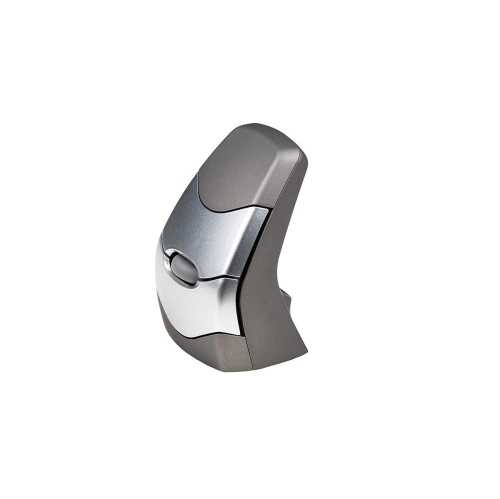


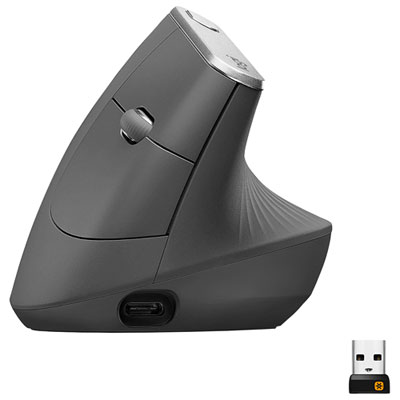
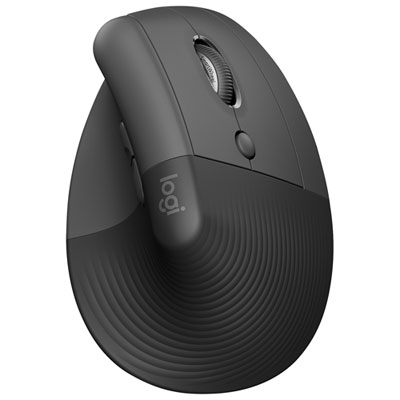
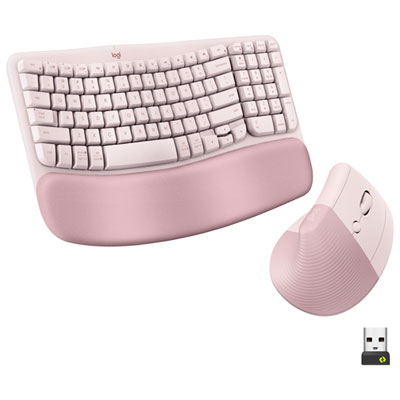
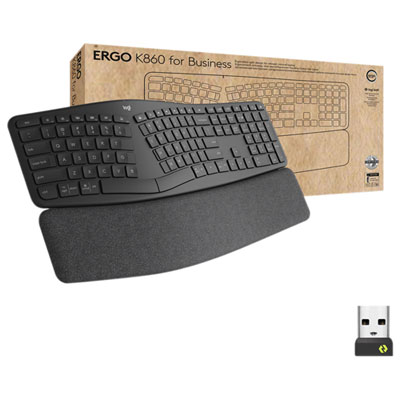


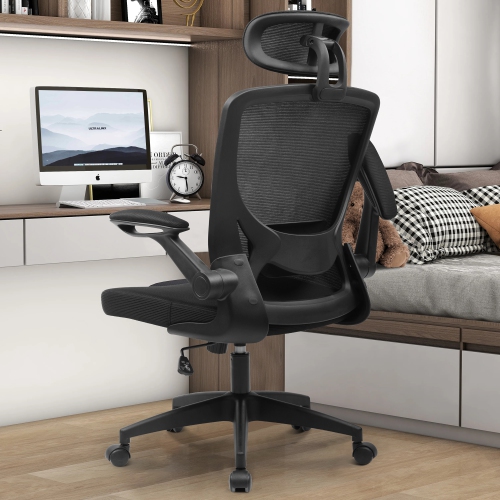
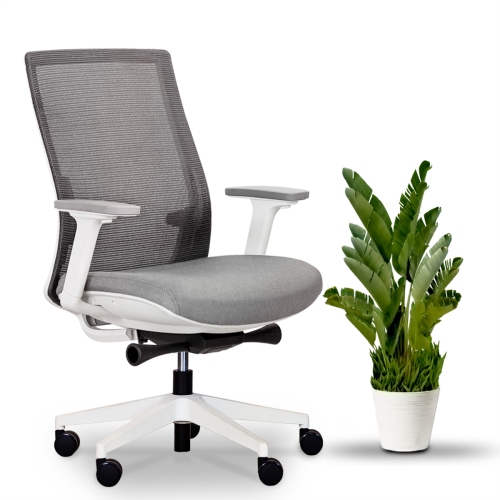
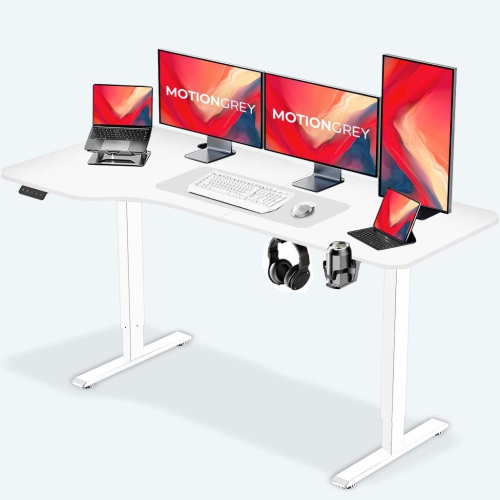
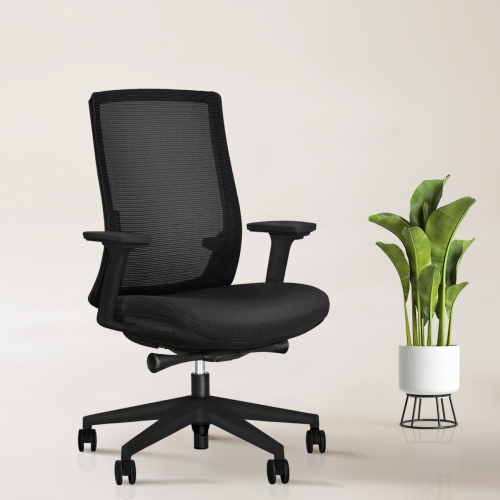
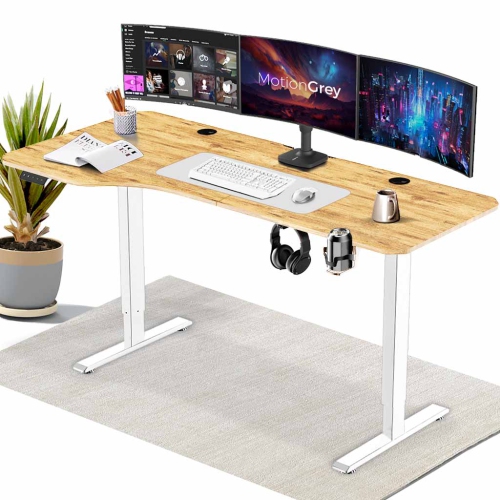
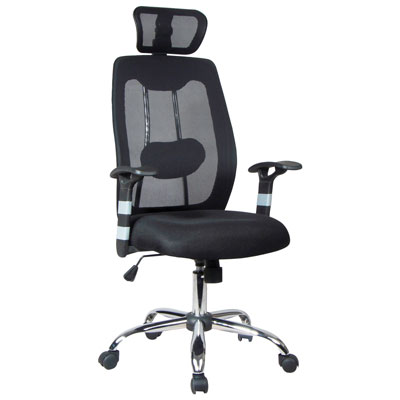
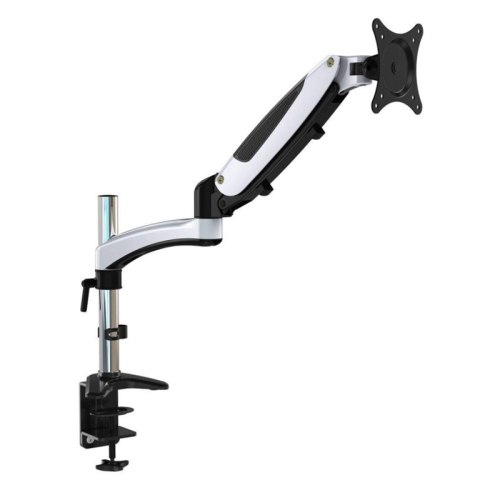

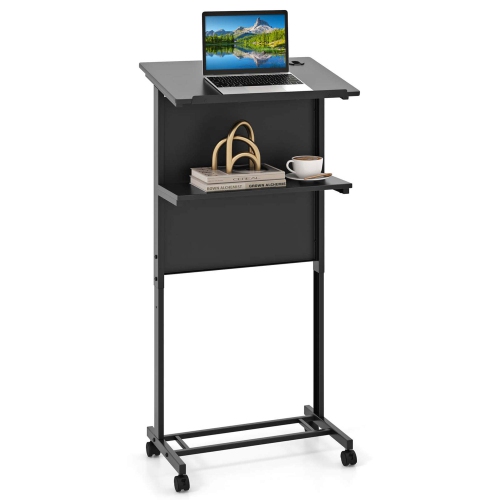
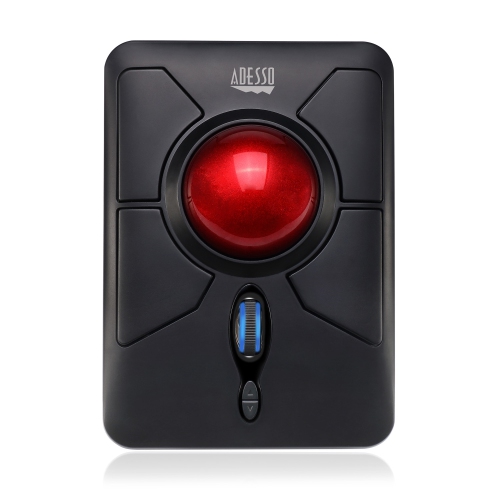
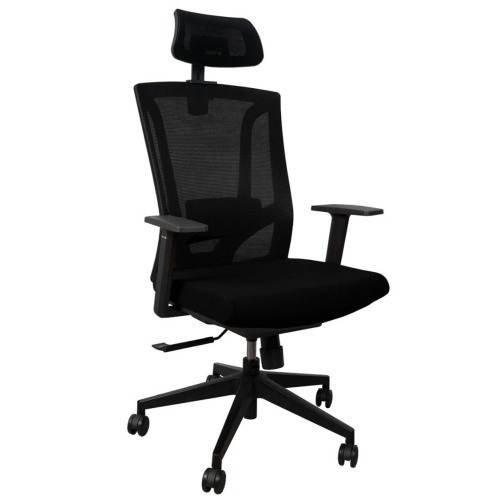
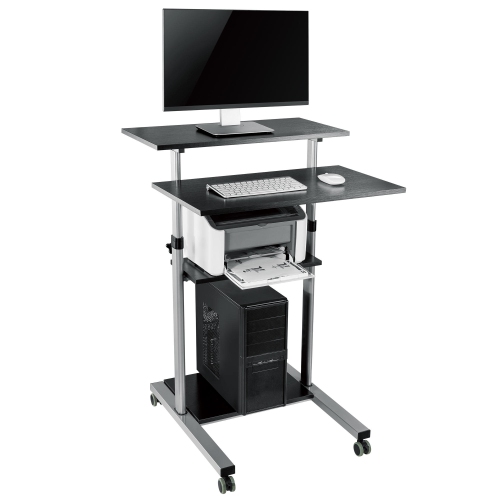
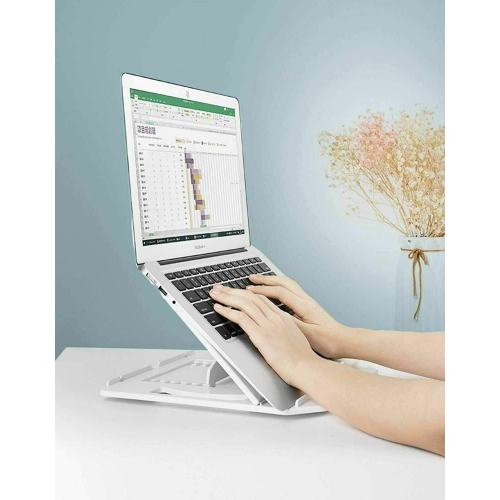
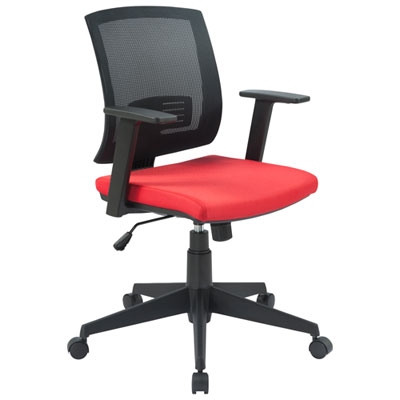
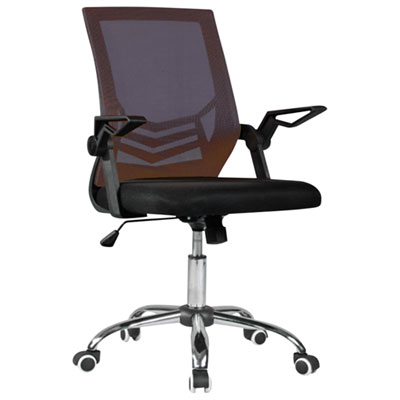
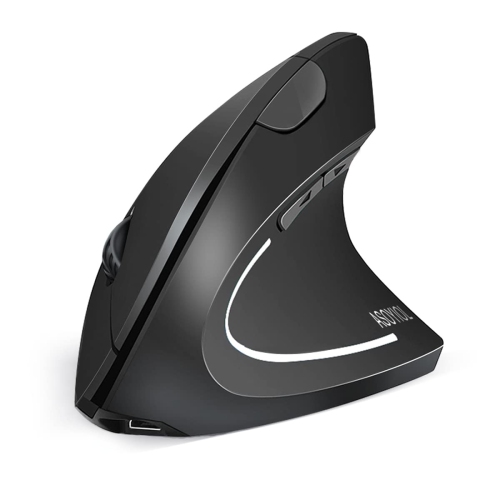
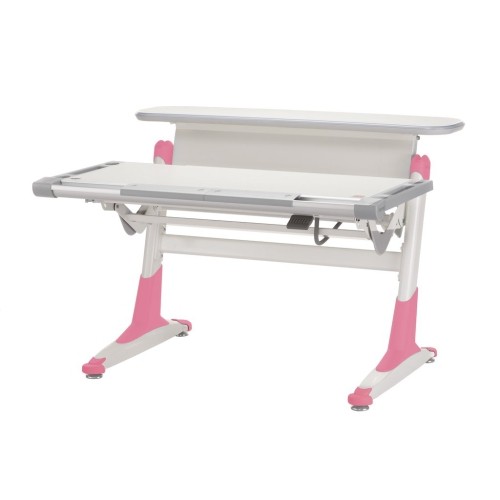
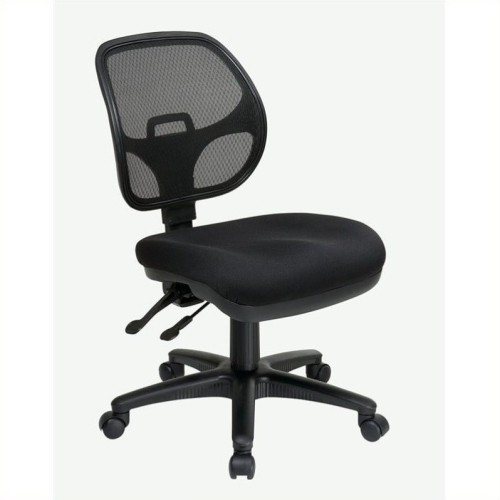
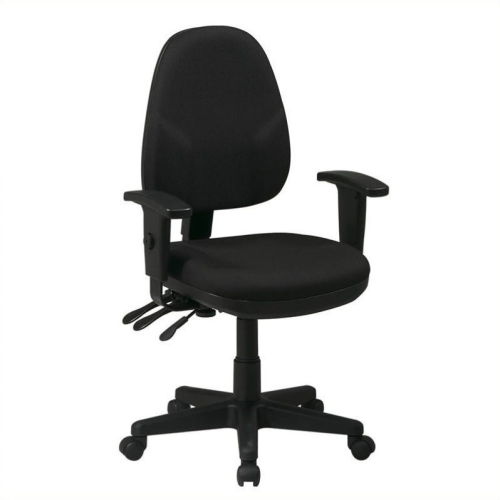
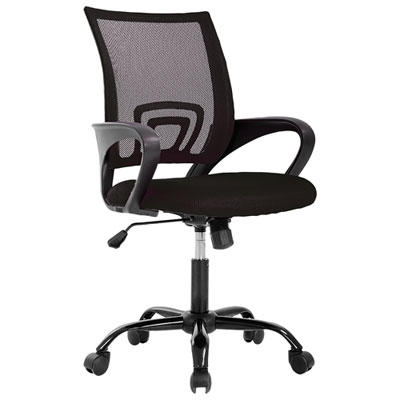
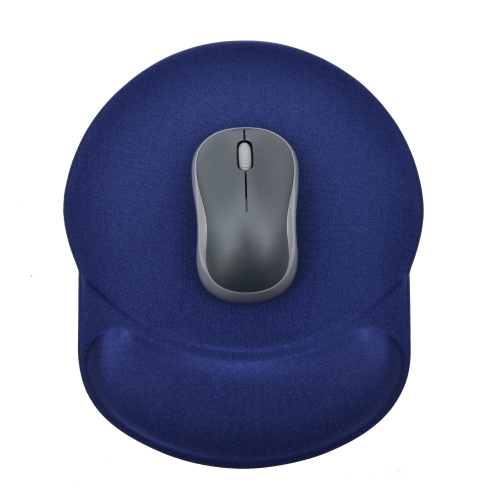
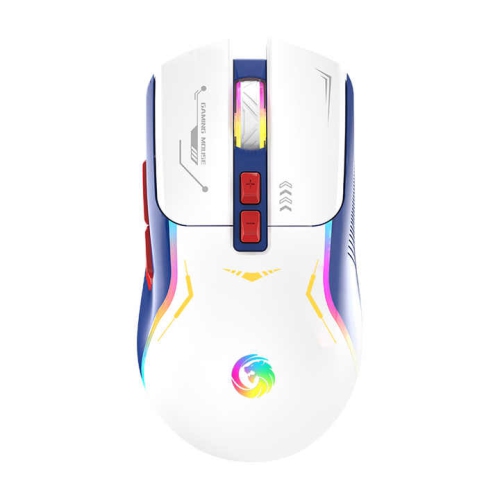
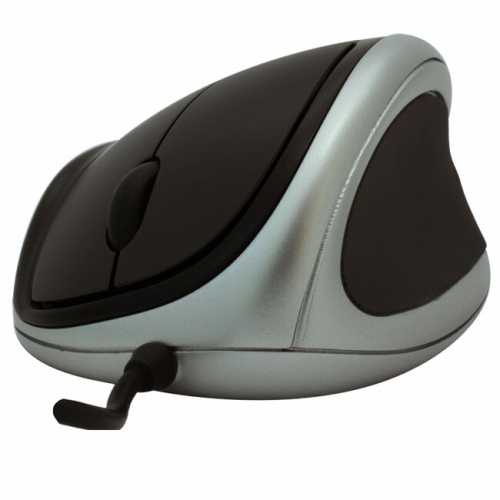
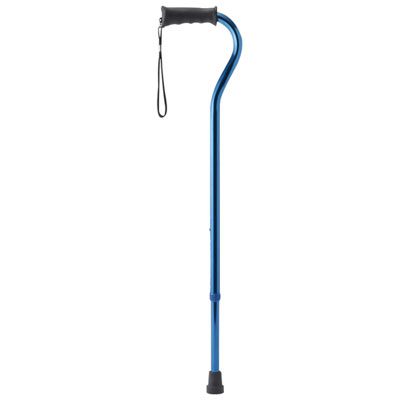
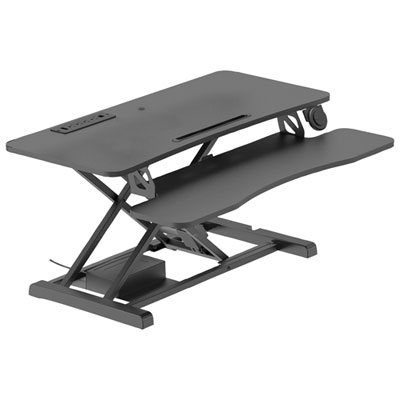
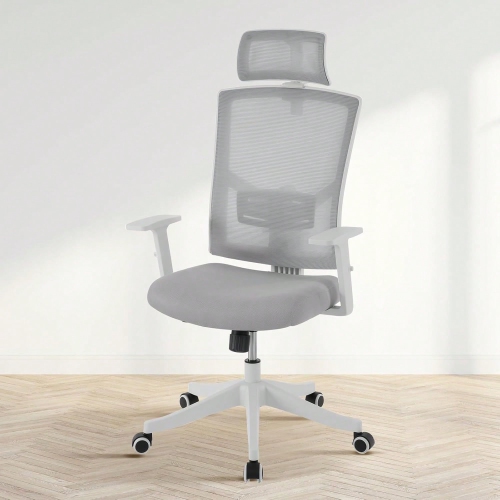
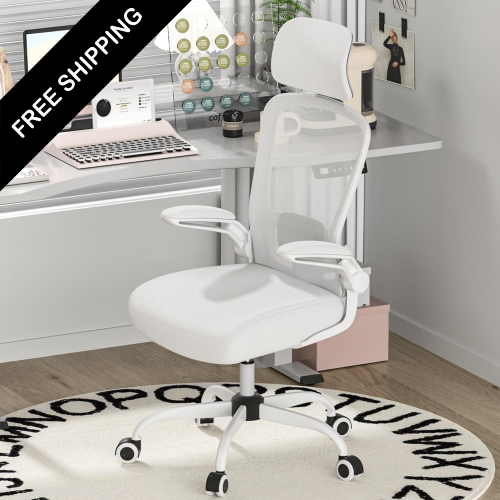
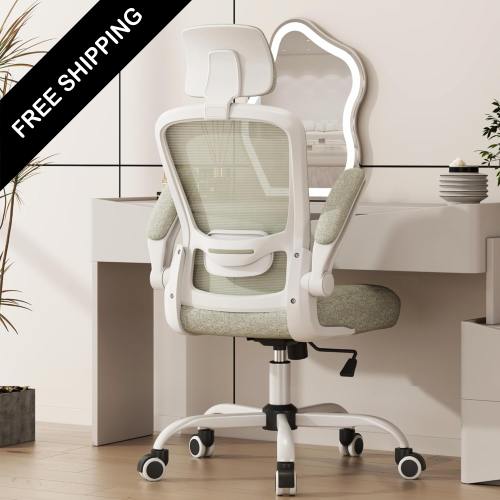
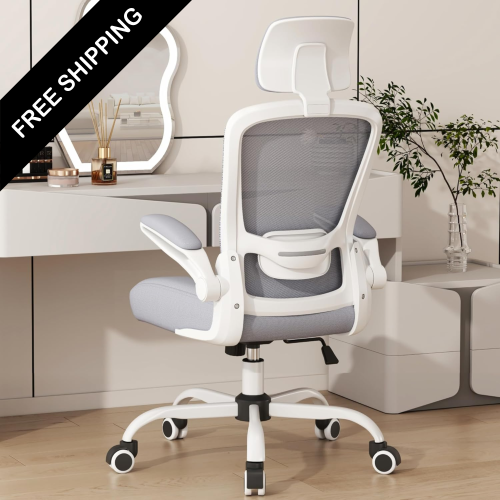
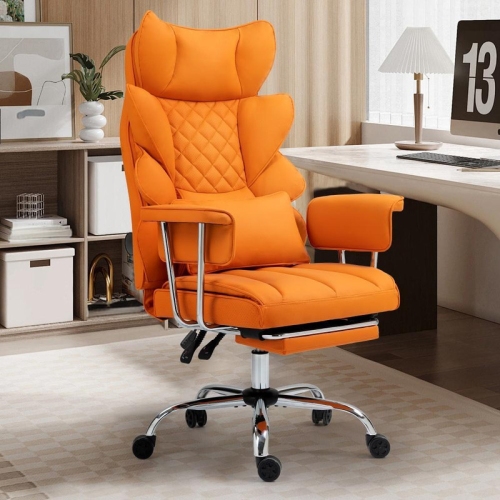
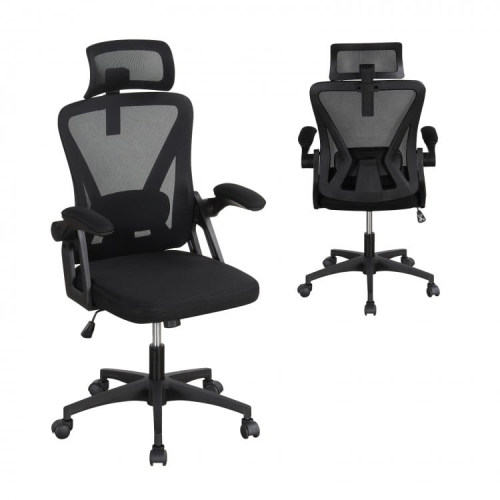
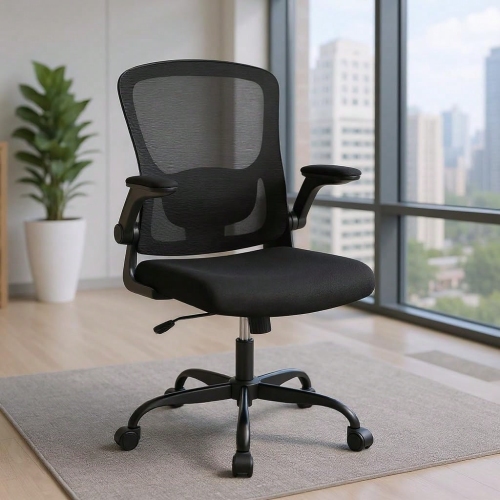
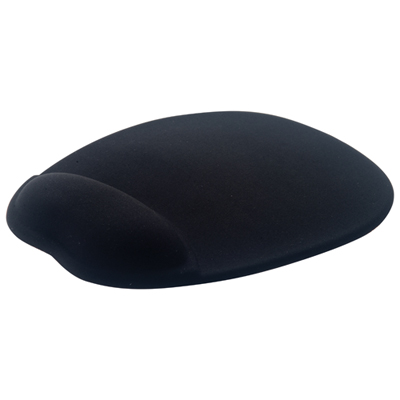
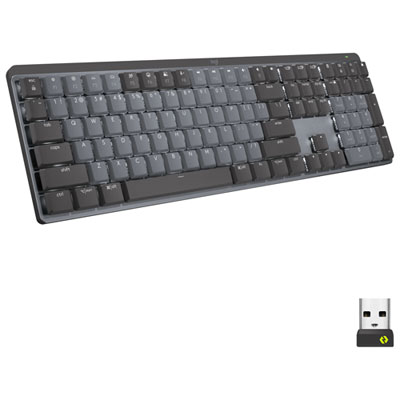
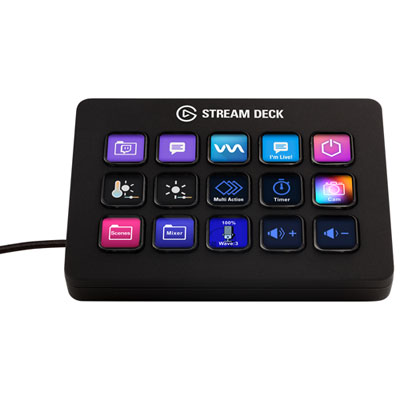
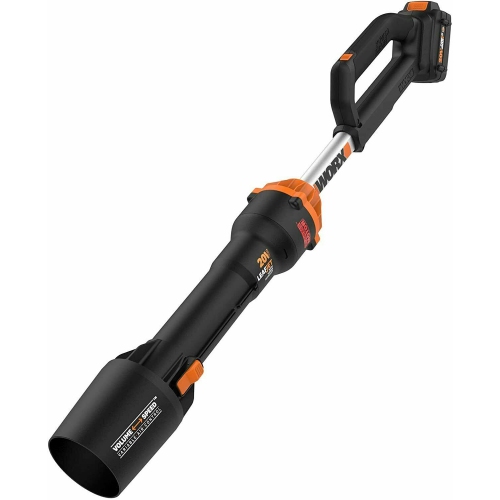

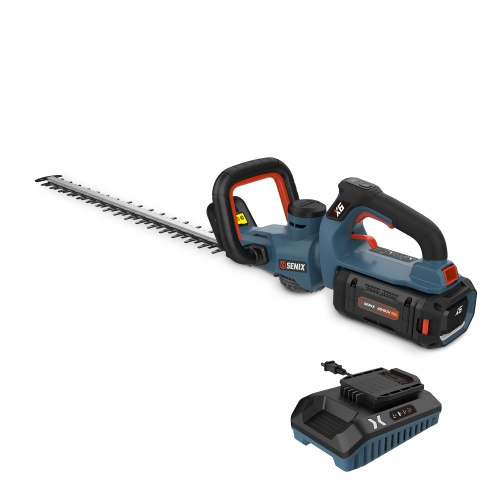
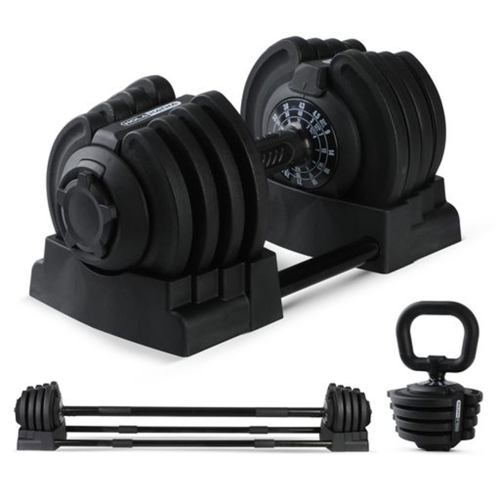



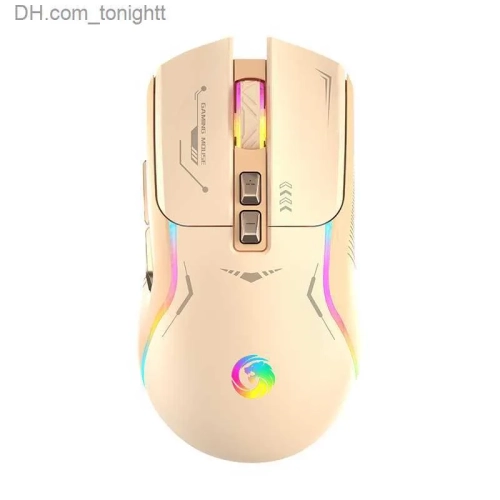
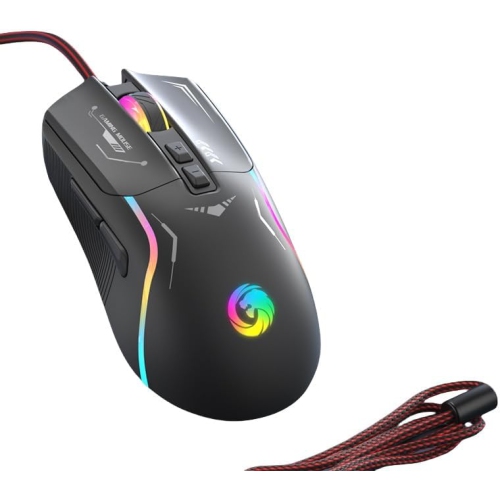
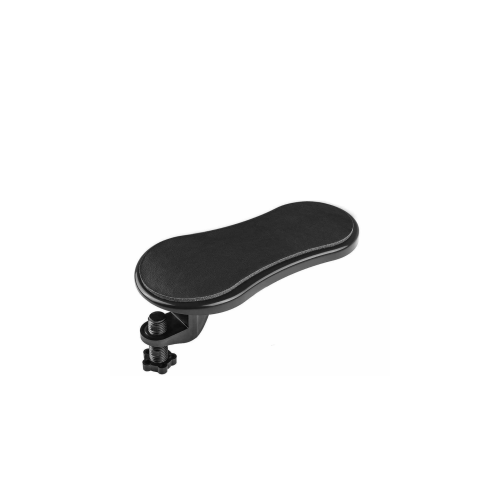
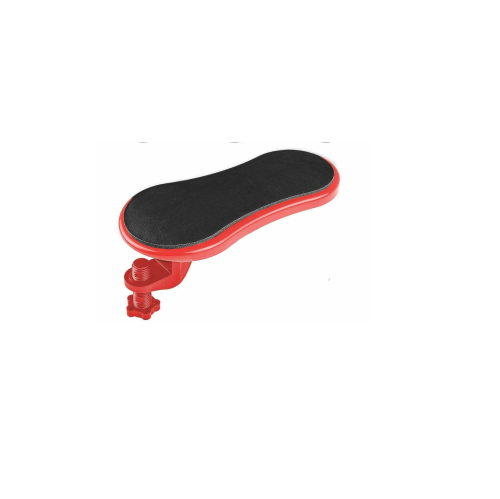

Small adjustments can make long work sessions more comfortable
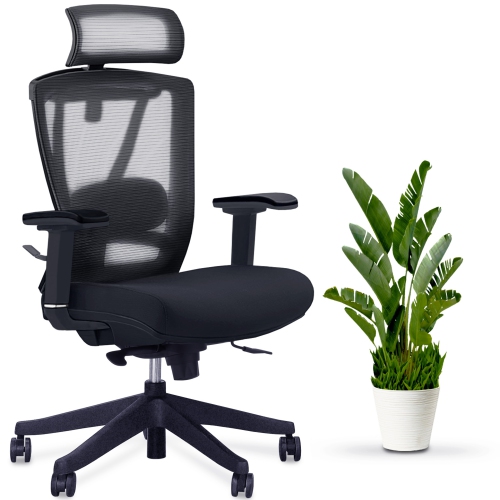
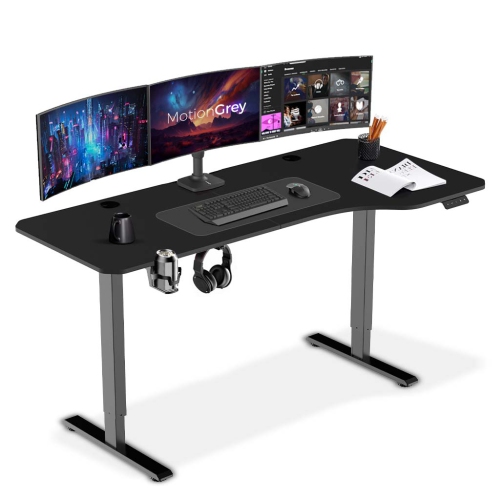
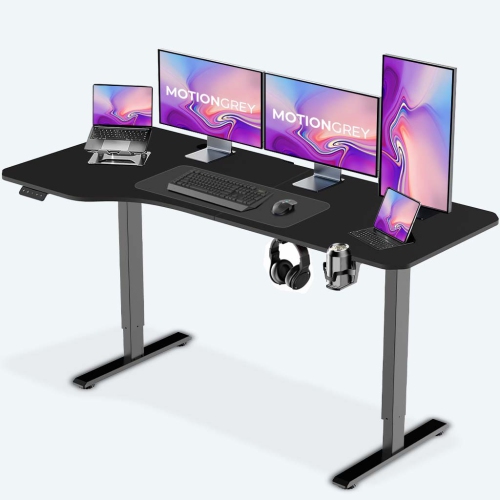
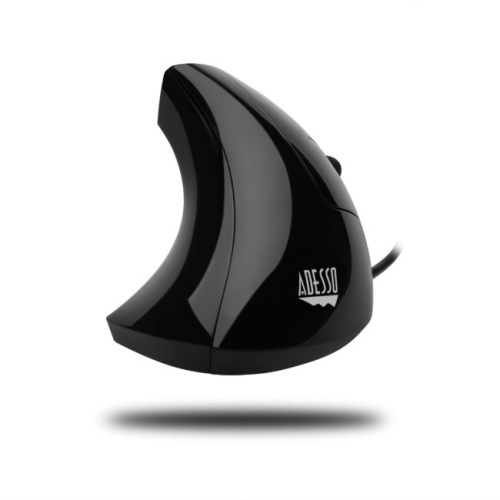
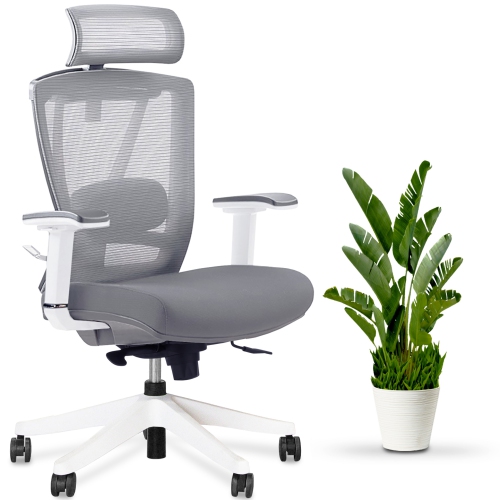
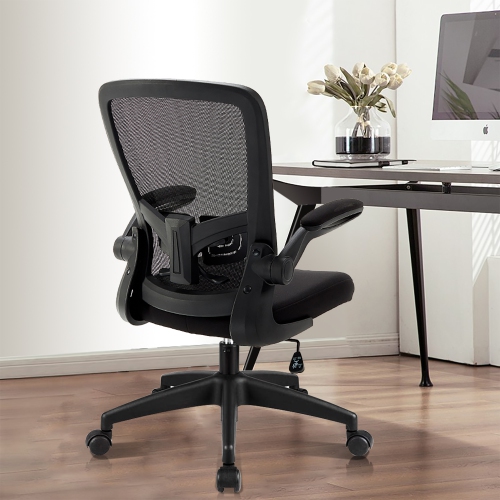
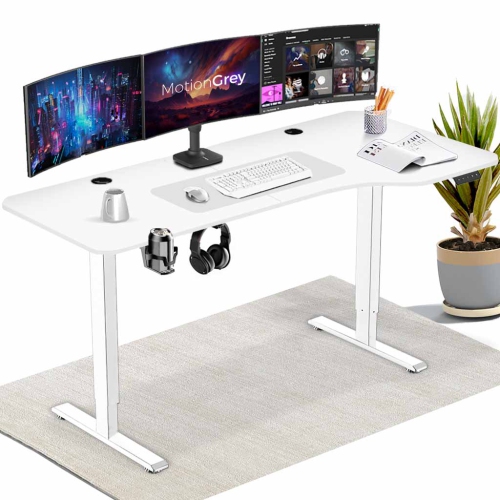
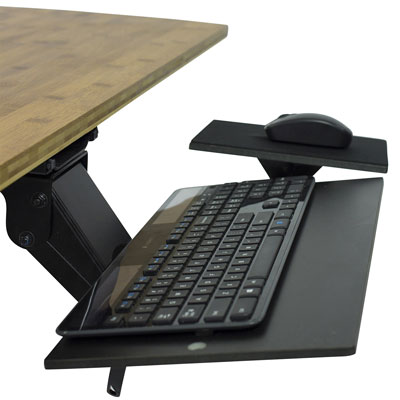
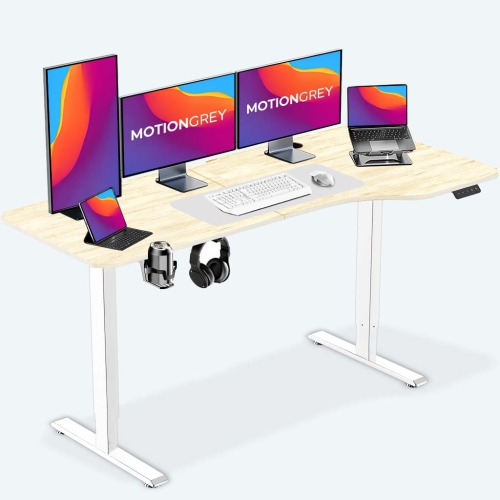
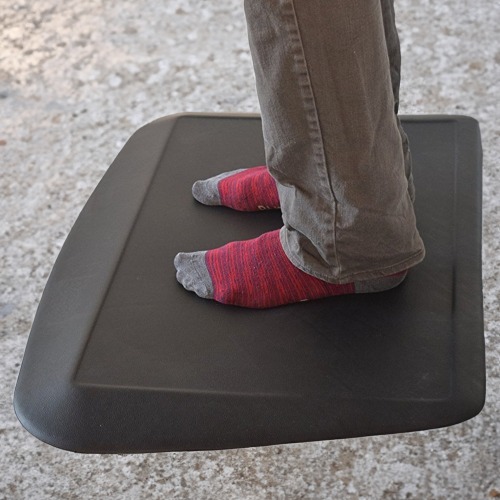
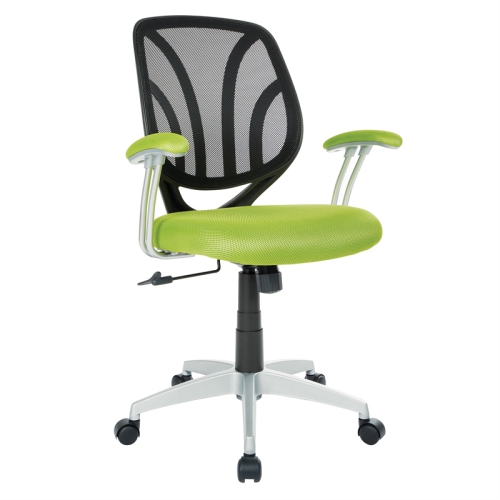
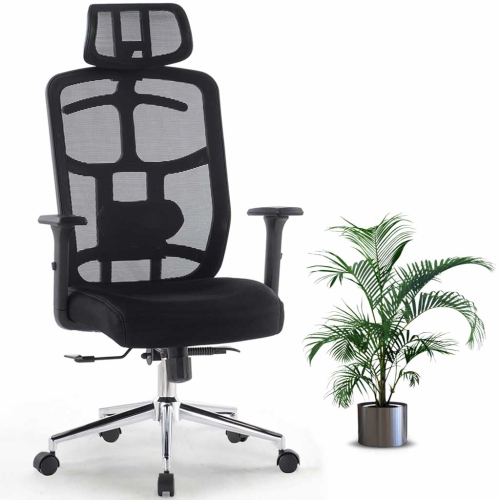
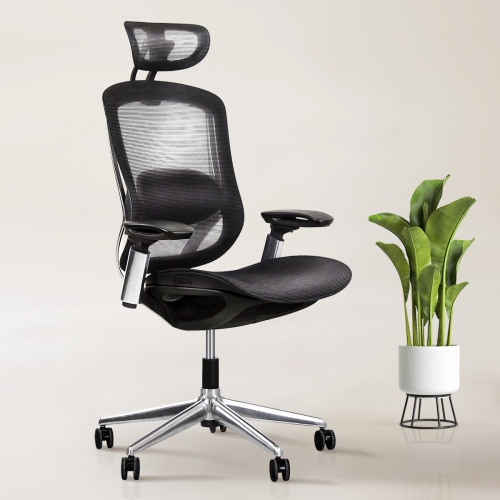
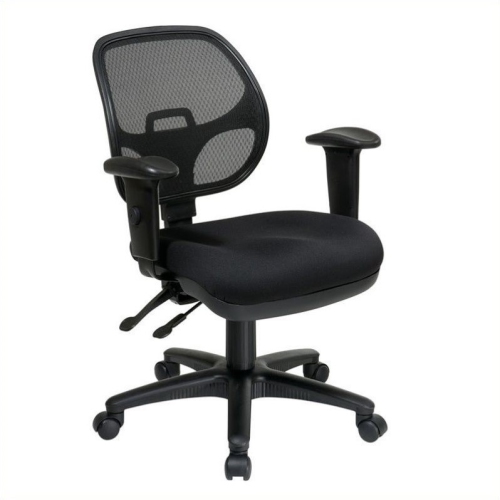
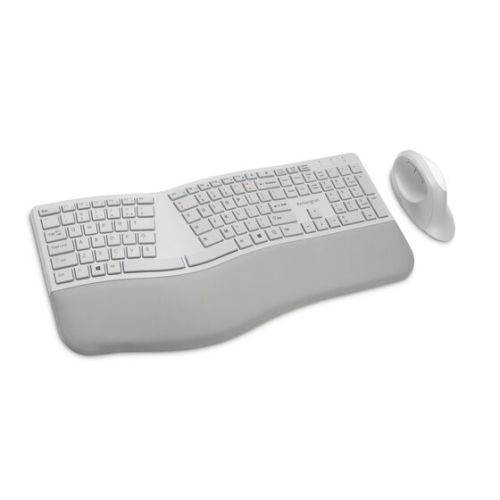
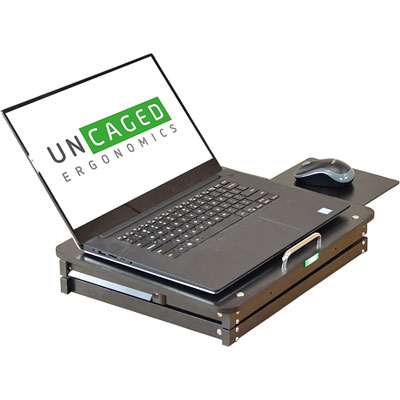
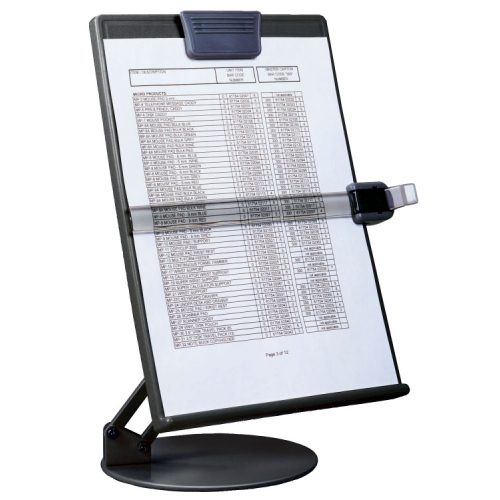
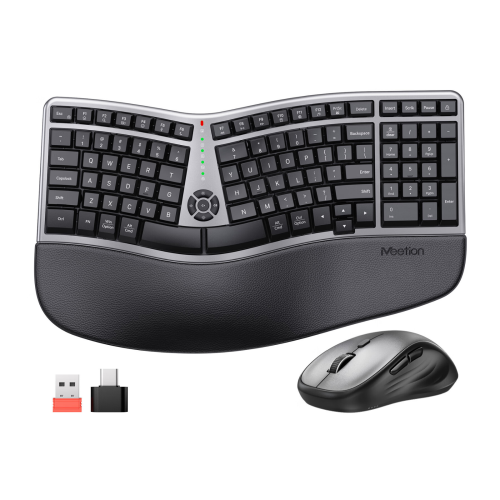
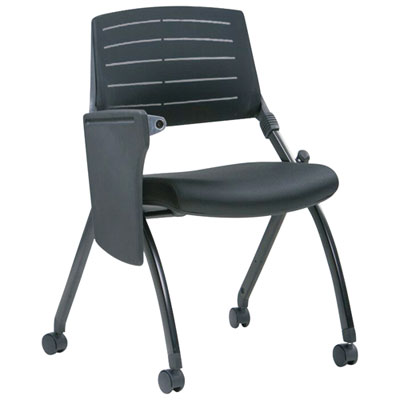
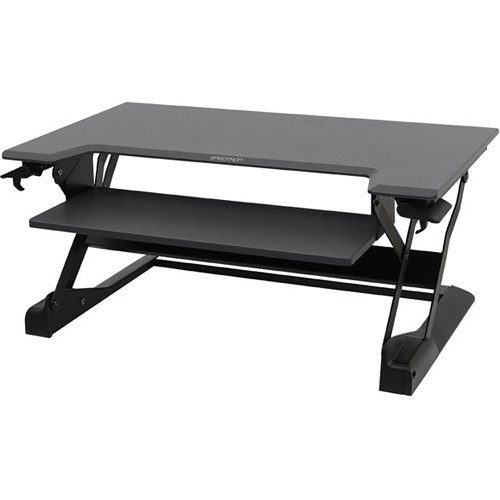
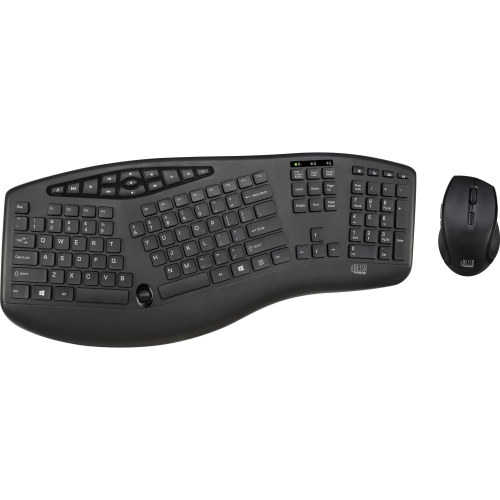
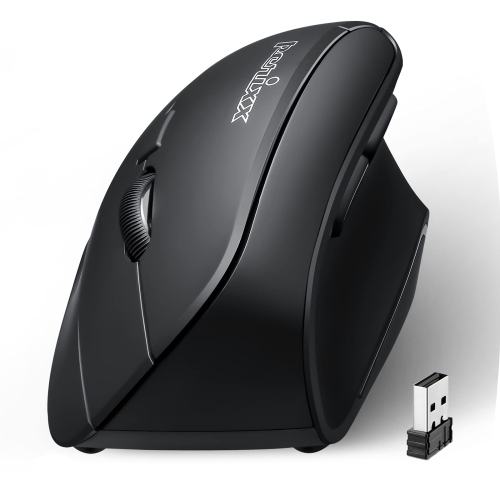
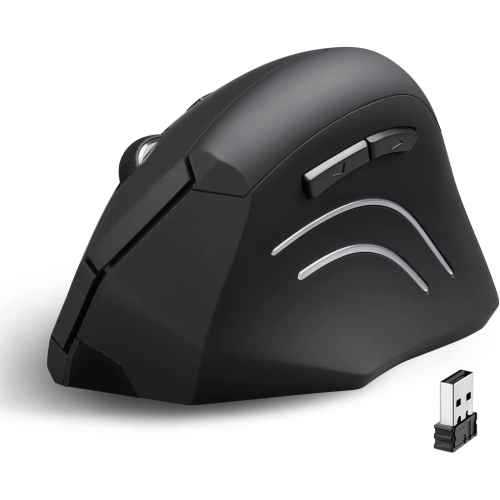
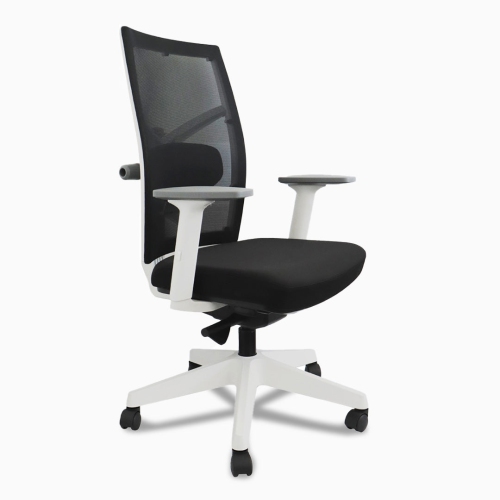
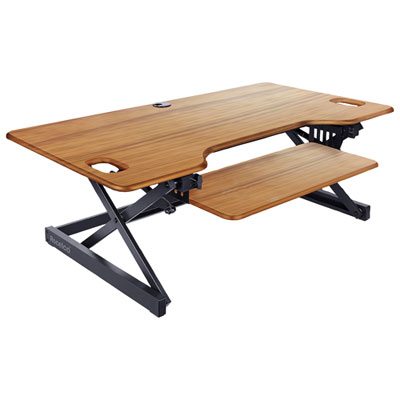
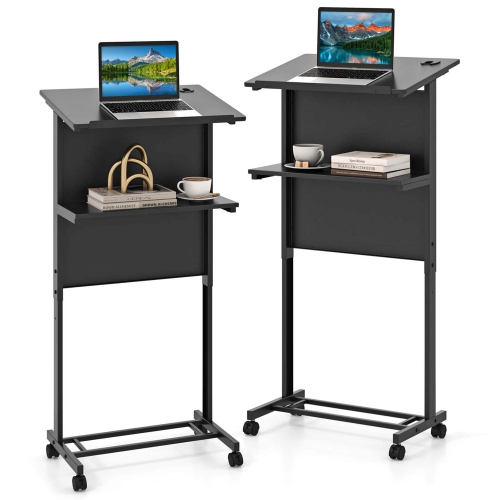
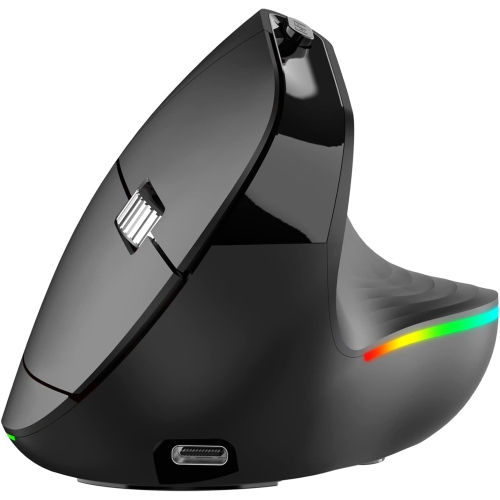
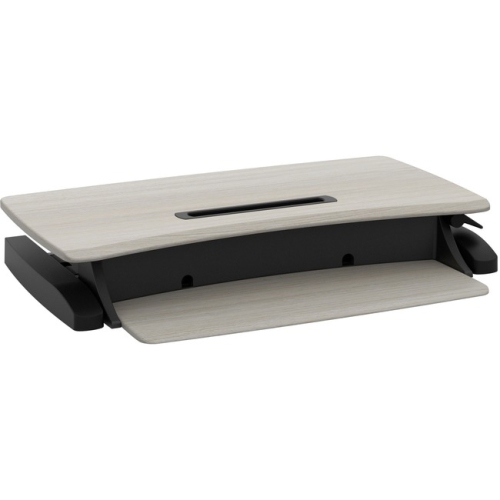
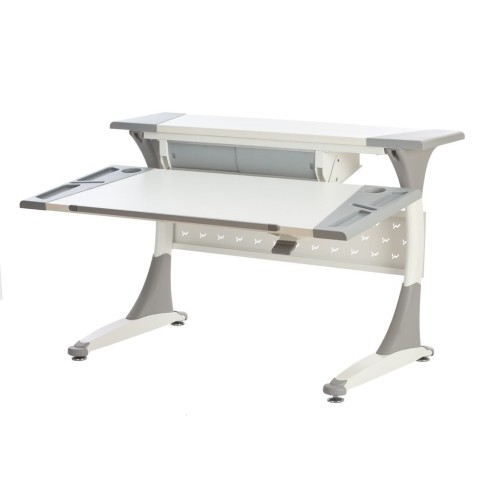
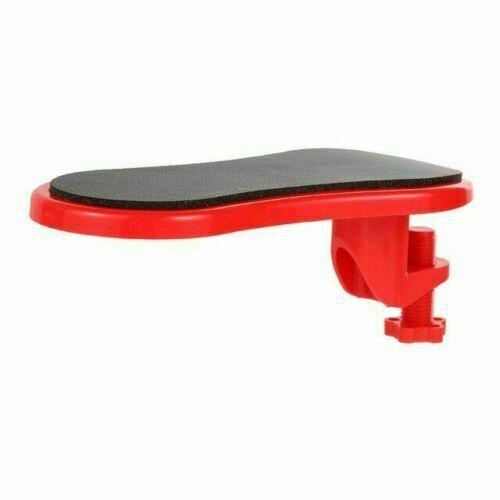
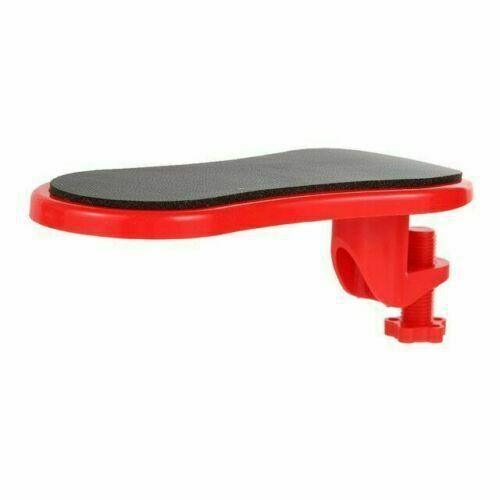
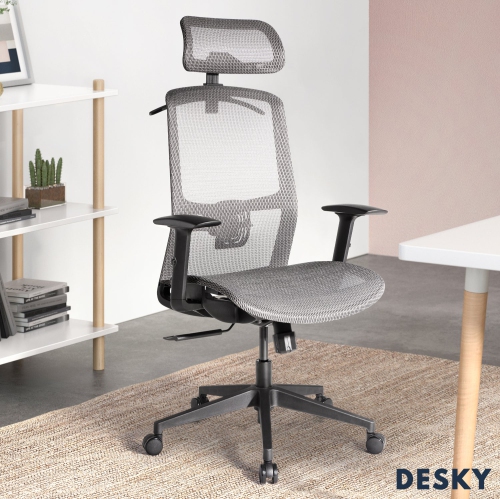
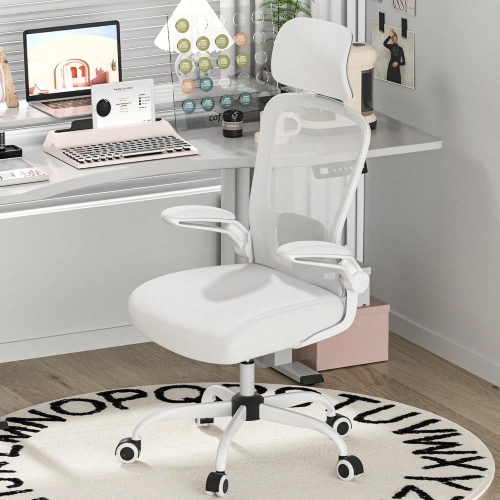
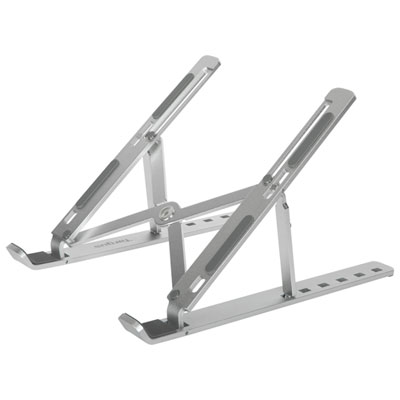
Ergonomic equipment can help create a more comfortable, adaptable workspace by supporting better positioning while you work, study, create or manage everyday tasks. Rather than treating comfort as a one-size-fits-all feature, think of an ergonomic setup as a collection of adjustments that work together. An ergonomic chair with adjustable seat height, backrest angle, armrests and lumbar support can help you keep your feet supported, your hips level and your spine in a natural position. Look for cushioning and breathable materials that suit the amount of time you expect to spend seated, along with controls that are easy to reach and use. A chair should allow some movement rather than holding you rigidly in place; changing position throughout the day is often more comfortable than trying to maintain one perfect posture. If your feet do not rest flat on the floor after adjusting the seat, a footrest can help support your legs and reduce pressure beneath the thighs. A height-adjustable desk provides another way to vary your position, allowing you to alternate between sitting and standing during a long work session. When standing, an anti-fatigue mat can provide a more cushioned surface, while a stable desk frame and a work surface with enough room help keep your equipment organised. Monitor placement is equally important. A monitor arm, stand or riser can lift the screen so the upper portion is close to eye level, reducing the need to repeatedly tilt your head downward. The screen should also sit at a comfortable viewing distance, with brightness and text size adjusted for the room and the task. If you use more than one screen, arranging the displays according to how often you use them can reduce frequent twisting. A separate keyboard and mouse may be useful when a laptop is raised to a comfortable screen height, since this lets your hands and elbows stay in a more relaxed position. Split, curved or angled keyboards are designed to encourage a more neutral wrist position, while a vertical or contoured mouse can suit shoppers who prefer a different hand and forearm alignment. Pay attention to the size of each device, the location of its buttons and whether it feels natural after several minutes of use. Ergonomic equipment is not limited to office furniture; it can also include laptop stands, document holders, headset stands, wrist supports, cable management accessories and other workspace additions that make frequent tasks easier to arrange. The best combination depends on your height, desk dimensions, dominant hand, work habits and available space. Someone who spends cooler months working from a compact home office may value a folding or easily repositioned accessory, while a student moving between a bedroom, shared study area and dining table may prefer equipment that is simple to adjust and store. For a fuller selection of supportive seating and workspace pieces, explore Ergonomic Furniture.
When choosing ergonomic equipment, begin by observing the moments when your workspace feels uncomfortable or inefficient. If your shoulders rise while typing, adjustable arm support or a different desk height may help you keep your elbows closer to your body. If you lean forward to read, raising the display or bringing printed material onto a document holder may make the arrangement easier to use. If your wrists bend sharply toward the desk, experiment with keyboard placement, mouse shape and the angle of the work surface rather than relying on one accessory to solve every concern. Small measurements make a noticeable difference: compare the chair’s height range with your desk, check the width and depth of the seat, make sure the armrests can fit beneath the work surface if needed, and confirm that a monitor mount is compatible with the display size and mounting pattern. For a standing desk, consider the lowest and highest settings as well as the available surface area for a computer, notebooks, lighting and other daily essentials. A quiet motor, sturdy construction and straightforward controls can be especially helpful in a shared room or open living area. Wireless accessories can keep a smaller surface tidy, while wired options may appeal to users who prefer continuous power and a simple connection. Students, remote workers, gamers, crafters, designers and anyone who spends extended periods at a computer can benefit from a workspace that is easier to customise. These items can also make practical gifts for someone starting a home office, preparing for a new course, setting up a creative station or replacing a worn-out desk arrangement. A thoughtful gift does not have to be elaborate: a footrest for a tall desk, a monitor riser for a laptop user or an adjustable light and device stand can make a familiar space feel more considered. During the cooler months, when more work, schoolwork and hobbies may take place indoors, flexible equipment can help a room serve several purposes without requiring a permanent office. Consider the recipient’s habits before choosing, since a person who works on a laptop has different needs from someone who uses multiple monitors, and a shared household may prioritise easy height changes and compact storage. Ergonomic equipment should feel supportive without restricting normal movement. Stand up, stretch, walk briefly and change your viewing distance as part of a varied routine, and adjust the setup if discomfort continues. Products with broad adjustment ranges are useful when more than one person uses the same desk, while fixed-height accessories may suit a dedicated station with a single user. By combining an adjustable chair, appropriately positioned screen, comfortable input devices and practical support beneath the feet, you can build a workspace that feels more natural from the first email or lesson through the final task of the day.
When choosing ergonomic equipment, begin by observing the moments when your workspace feels uncomfortable or inefficient. If your shoulders rise while typing, adjustable arm support or a different desk height may help you keep your elbows closer to your body. If you lean forward to read, raising the display or bringing printed material onto a document holder may make the arrangement easier to use. If your wrists bend sharply toward the desk, experiment with keyboard placement, mouse shape and the angle of the work surface rather than relying on one accessory to solve every concern. Small measurements make a noticeable difference: compare the chair’s height range with your desk, check the width and depth of the seat, make sure the armrests can fit beneath the work surface if needed, and confirm that a monitor mount is compatible with the display size and mounting pattern. For a standing desk, consider the lowest and highest settings as well as the available surface area for a computer, notebooks, lighting and other daily essentials. A quiet motor, sturdy construction and straightforward controls can be especially helpful in a shared room or open living area. Wireless accessories can keep a smaller surface tidy, while wired options may appeal to users who prefer continuous power and a simple connection. Students, remote workers, gamers, crafters, designers and anyone who spends extended periods at a computer can benefit from a workspace that is easier to customise. These items can also make practical gifts for someone starting a home office, preparing for a new course, setting up a creative station or replacing a worn-out desk arrangement. A thoughtful gift does not have to be elaborate: a footrest for a tall desk, a monitor riser for a laptop user or an adjustable light and device stand can make a familiar space feel more considered. During the cooler months, when more work, schoolwork and hobbies may take place indoors, flexible equipment can help a room serve several purposes without requiring a permanent office. Consider the recipient’s habits before choosing, since a person who works on a laptop has different needs from someone who uses multiple monitors, and a shared household may prioritise easy height changes and compact storage. Ergonomic equipment should feel supportive without restricting normal movement. Stand up, stretch, walk briefly and change your viewing distance as part of a varied routine, and adjust the setup if discomfort continues. Products with broad adjustment ranges are useful when more than one person uses the same desk, while fixed-height accessories may suit a dedicated station with a single user. By combining an adjustable chair, appropriately positioned screen, comfortable input devices and practical support beneath the feet, you can build a workspace that feels more natural from the first email or lesson through the final task of the day.
Top selling and popular products
-
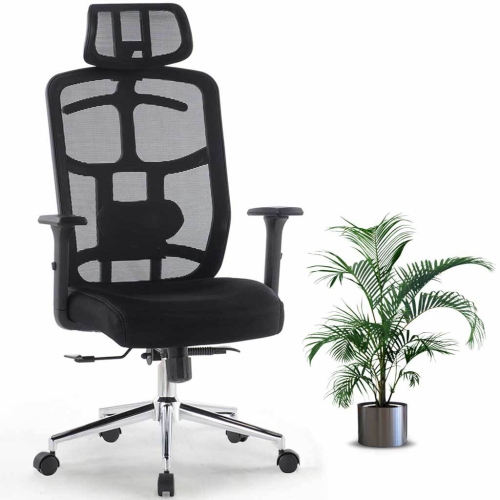 Your price for this item is $114.99
 -
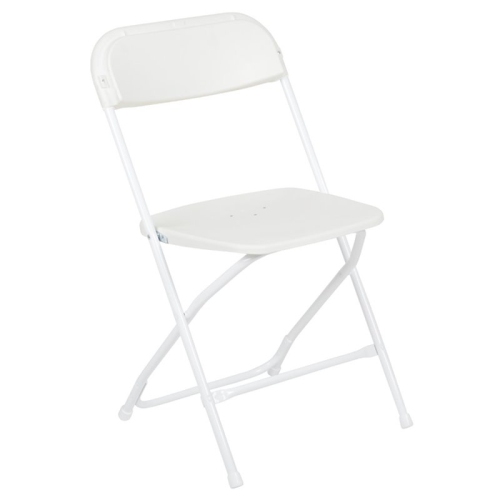 Your price for this item is $123
 -
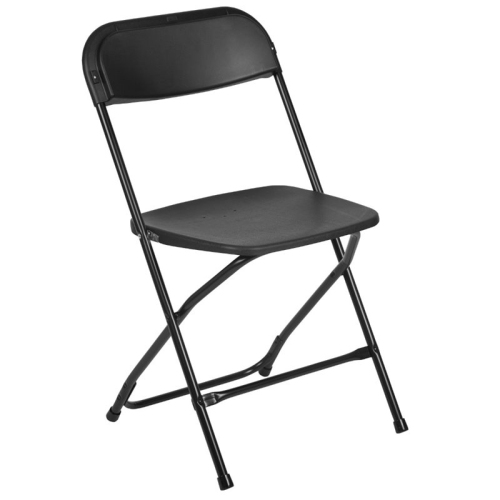 Your price for this item is $139.99
 -
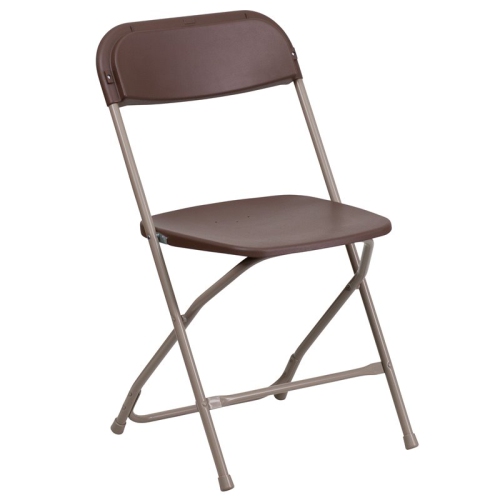 Your price for this item is $139.99
 -
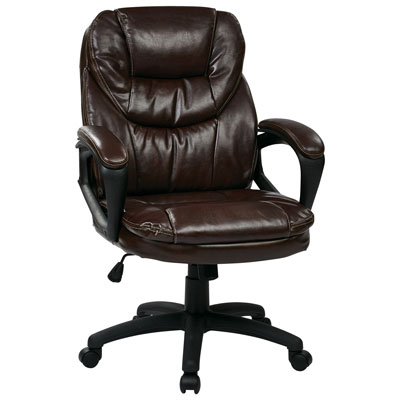 Your price for this item is $203.98
 -
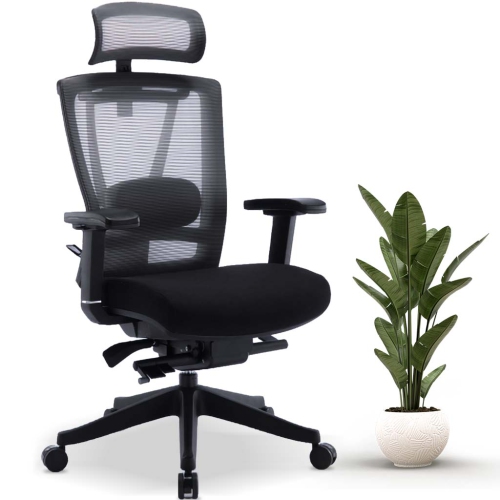 Your price for this item is $379.99
 -
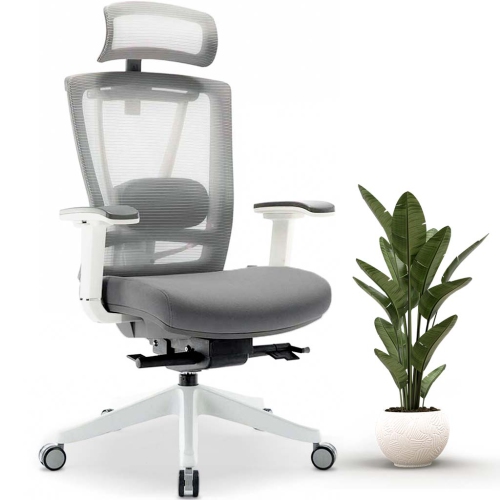 Your price for this item is $379.99
 -
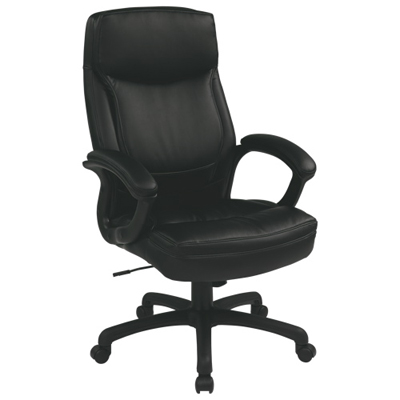 Your price for this item is $594.99
Discover more categories related to Ergonomic Equipment
Top Collections:
Pokemon Centers, Kindle Devices, Best Budget Office Chairs, Apple iPhones 16, Best Laptops for Writers, iPhone 15 Apple, Canon G7X Cameras, Refurbished Apple Laptops, Alarm Clock, Motorola Razr Phones
Some products may be subject to Environmental Handling Fees
(EHF) depending on your province.
Learn more about EHFs.