Gaming Setups for Small Rooms
Gaming Setups for Small Rooms offer the perfect solution for maximizing your play space without sacrificing style or comfort. Designed to fit seamlessly into compact areas, these setups help you create an immersive gaming experience even when space is limited. Whether you're transforming a bedroom corner or making the most of a shared living space, you'll find options that make organizing your gear effortless and enhance your gaming environment. Discover how Gaming Setups for Small Rooms can turn any small area into a functional and exciting gaming zone.
Sort
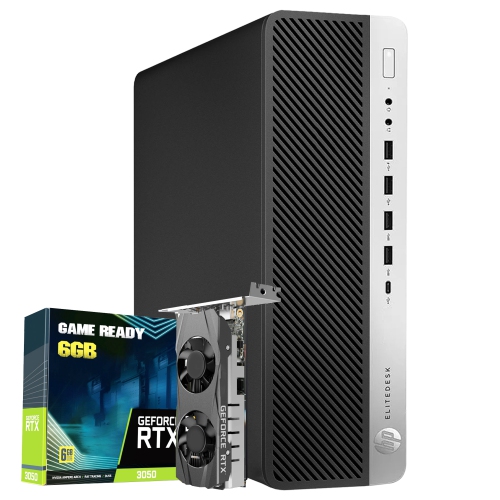
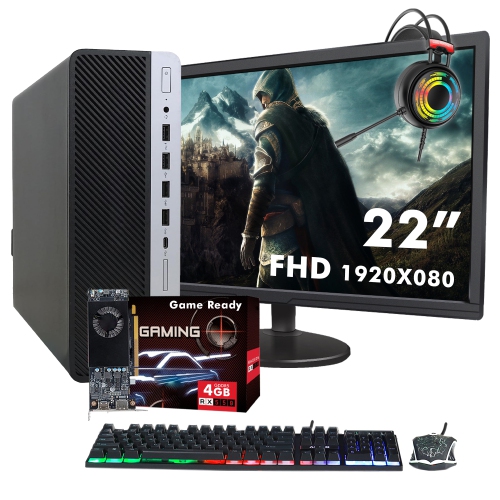
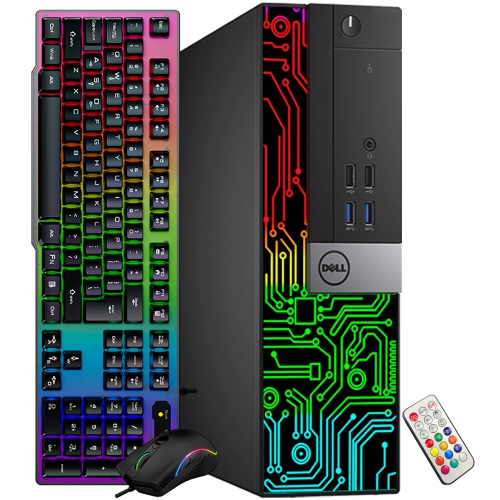
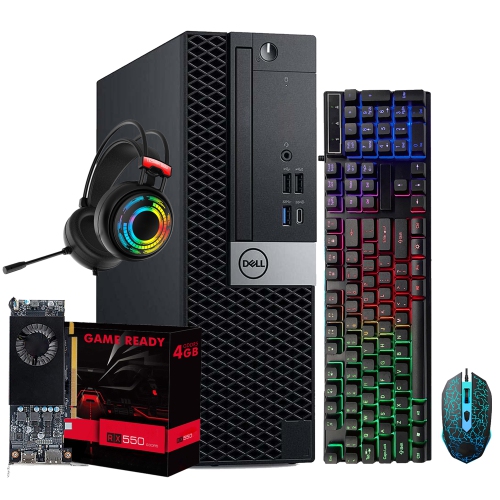

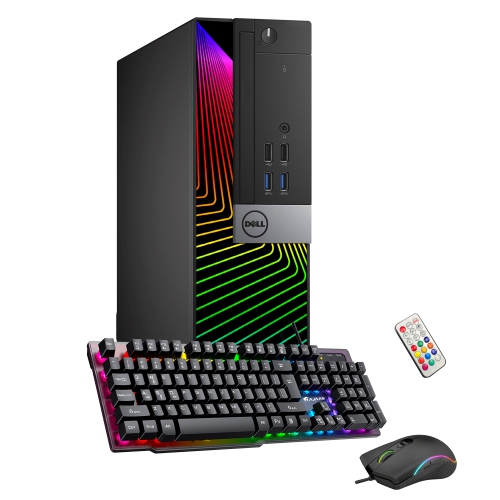
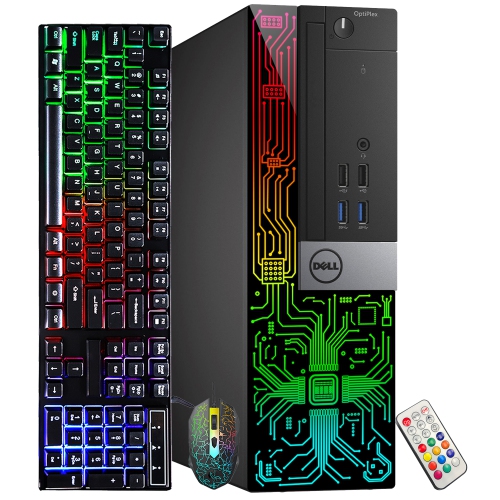
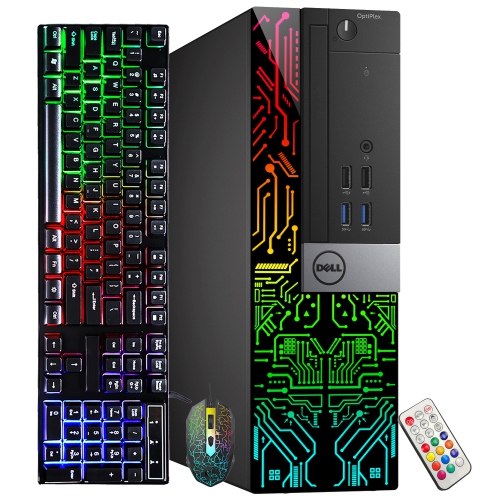
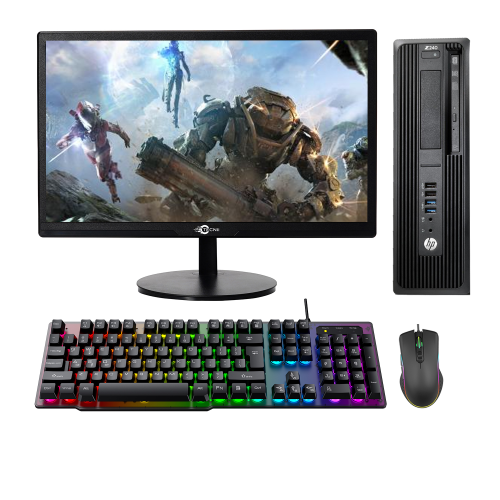
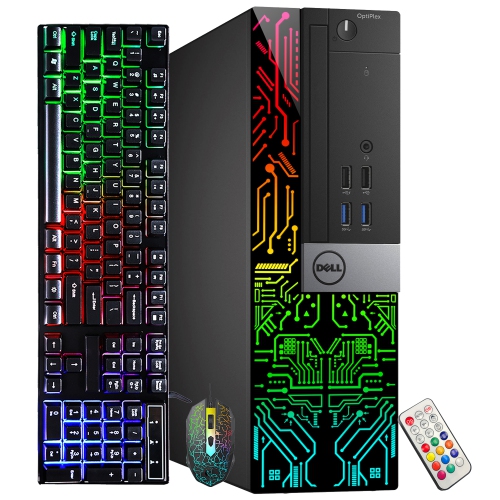
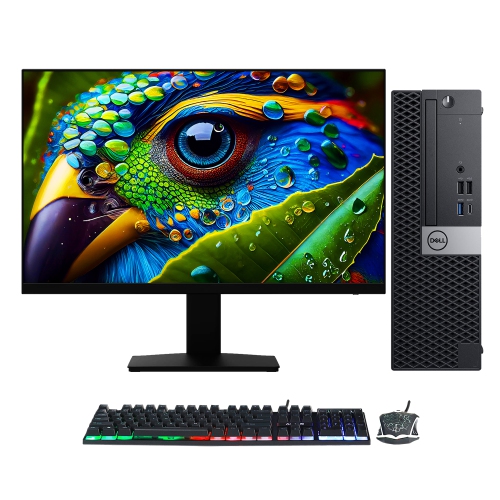
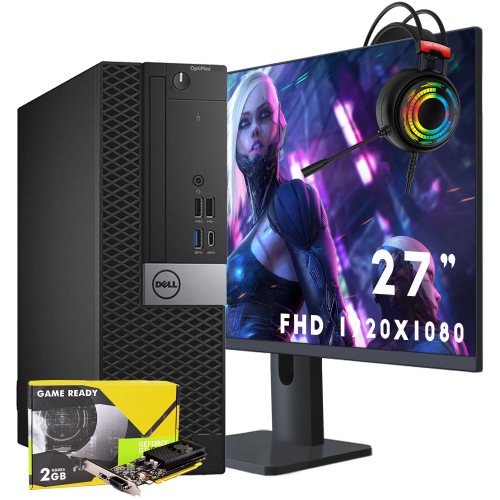
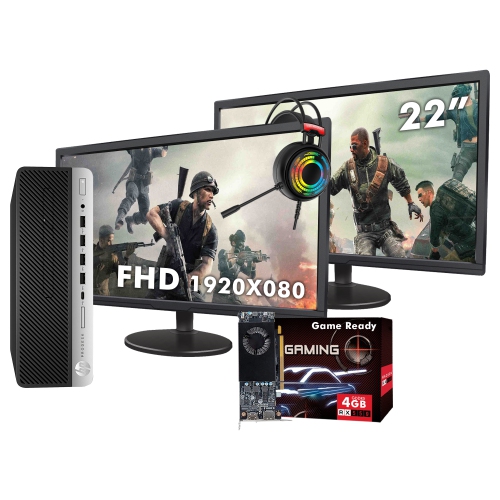

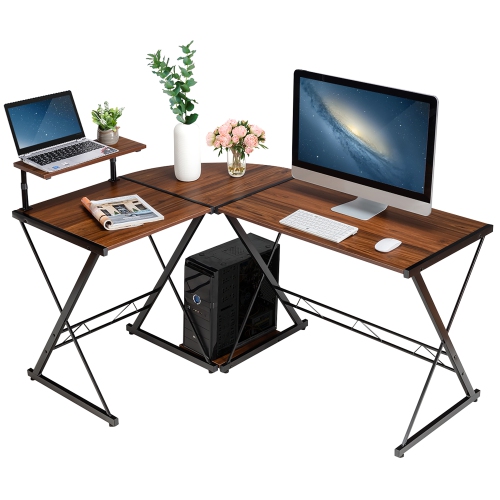
Room to play without crowding out everyday life
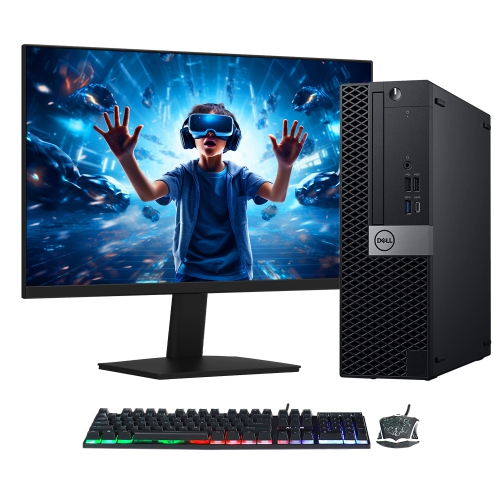
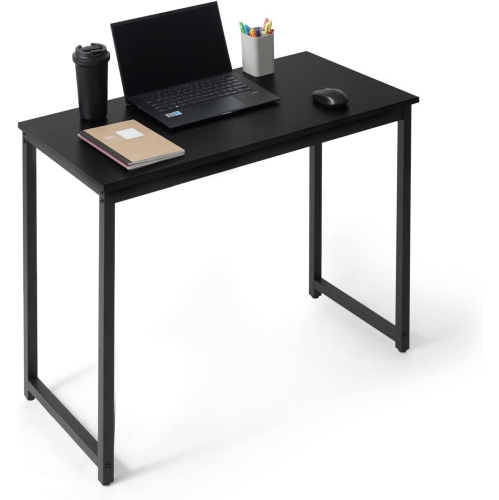
Gaming setups for small rooms combine compact furniture, a practical screen layout, vertical storage, and neatly routed cables to create a comfortable place to play without taking over the room. The most useful pieces preserve floor space while leaving enough room for a keyboard, mouse, controller, and everyday movement. In a bedroom, shared apartment, or study corner, a setup often sits beside furniture that already has a purpose, so its footprint includes more than the desktop alone. Desk depth, chair movement, drawer clearance, and access to nearby doors all affect how comfortably the space works. A compact desk from the Gaming Desks for Small Room category can anchor a setup without dominating the room. Straight desks fit naturally along an open wall, while corner shapes can make use of an otherwise awkward area when their dimensions suit the layout. A shallow surface leaves more floor space, although it still needs enough depth for a comfortable viewing distance and forearm support. Raised shelves and monitor arms can free the area beneath a display, provided the desk, mounting hardware, and screen are compatible with the intended installation. Furniture materials influence both appearance and everyday upkeep. Laminated surfaces are generally easy to wipe clean, metal frames can provide support without bulky legs, and wood finishes bring texture to a room that also serves as a living or sleeping space. Stability matters more than an aggressive gaming profile: a desk that stays steady during quick mouse movements is useful whether the session involves a competitive match or a relaxed building game. Rounded edges, accessible storage, and a finish that tolerates regular cleaning can make a compact station easier to live with. For students and people who work and play at the same desk, a clear central surface also makes the transition between a notebook, a laptop, and gaming accessories feel less cramped. The result is a dedicated gaming area that still leaves the rest of the room usable.
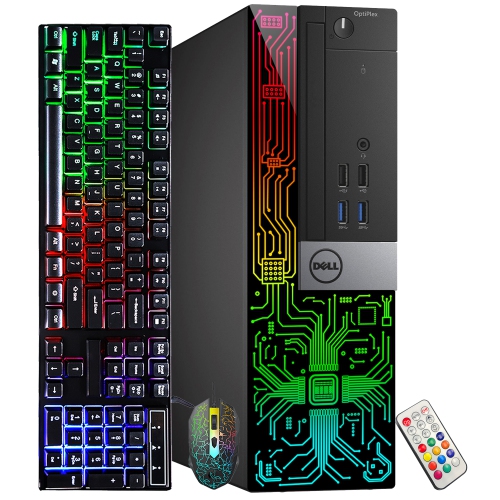
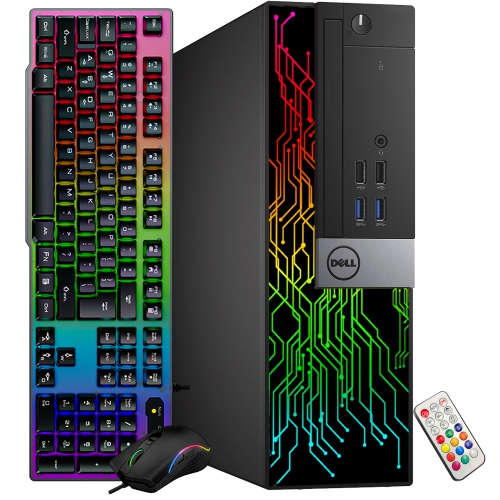
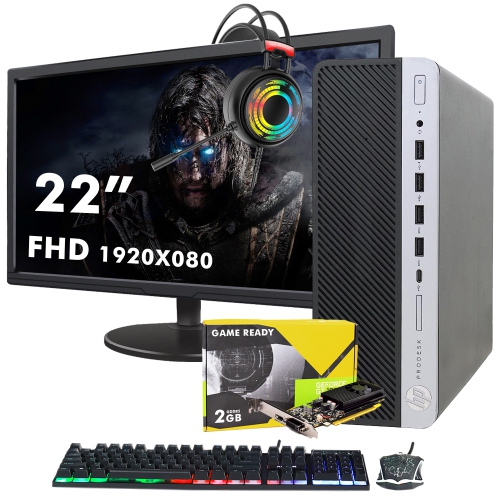
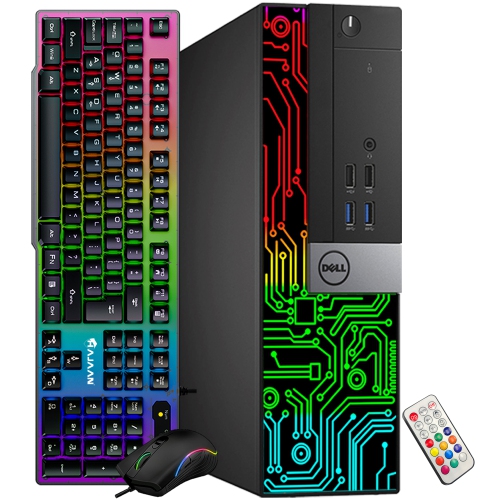
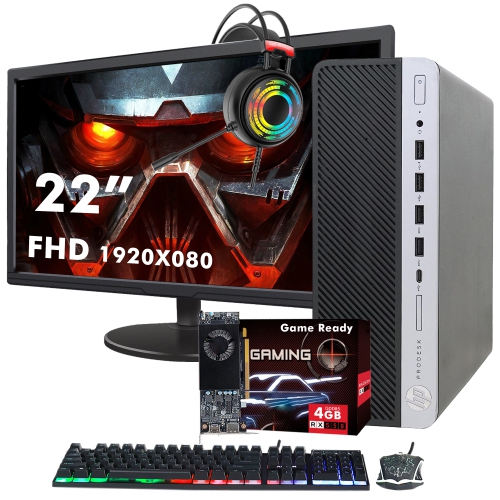
Hardware choices shape how much furniture a gaming area actually needs. A gaming laptop can keep the main components together, while a compact desktop may suit someone who wants a separate display and a machine that remains in place. Smaller cases are not automatically interchangeable with larger systems; component clearance, upgrade options, port access, and ventilation remain important considerations. Consoles also need space around their vents and room for cables, even when their overall footprint looks modest. An enclosed cubby can appear tidy but may not provide the airflow required for the equipment inside it. For many small-room layouts, one well-positioned monitor leaves more usable desk space than a pair of screens. Display size works best in proportion to desk depth, seating distance, and the type of games being played, rather than simply filling every available centimetre. A height-adjustable stand or compatible arm can help place the screen comfortably while leaving space for accessories underneath. Where one display serves both a computer and a console, suitable inputs and accessible controls can reduce the need for extra equipment. Compact keyboards offer additional mouse space, though layouts without a number pad may be less convenient for someone who also works with spreadsheets. Wireless peripherals reduce visible cords, but they still need charging space and compatible connections. Wired options can be equally tidy with a clear route along the rear of the desk. Headsets are especially practical in shared rooms, where speaker sound can carry into a conversation or study session nearby. Closed-back designs generally let less sound escape than open-back styles, while microphone placement and accessible mute controls help keep voice chat manageable. A small accessory shelf or headset hook can keep the main surface clear without adding another piece of floor-standing furniture. Thoughtful hardware proportions make room for the movements that matter during play, from a wide mouse sweep to setting a controller down without knocking into a drink or keyboard.
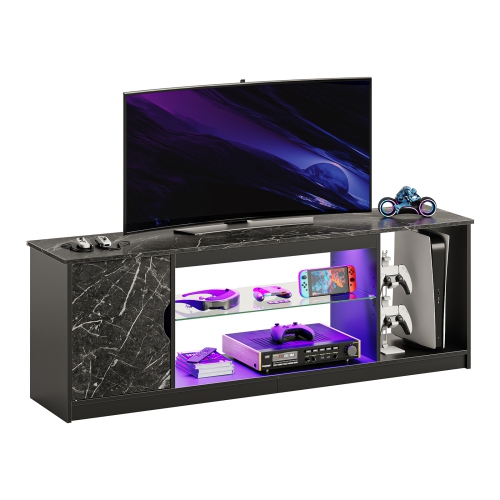
Seating and storage complete a small gaming setup by making it comfortable to use and easier to keep organized. A chair needs to fit both the person and the space beneath the desk; a narrow-looking seat can still have a wide base or armrests that prevent it from tucking away. Adjustable seat height, supportive cushioning, and armrests that work with the desktop are more useful considerations than styling alone. Breathable fabric, mesh, and smooth upholstered surfaces each have different care needs, so the best fit depends partly on everyday use, pets, and how easily the material can be cleaned according to its care directions. Durable stitching, a stable base, and casters suitable for the floor help support regular movement between gaming, studying, and other activities. Storage is most effective when it gives frequently used accessories an obvious home. Wall-mounted shelves, narrow drawer units, and desk-mounted holders can keep controllers, charging cables, and headphones within reach without covering the work surface. Wall storage needs suitable fixings and respect for the stated load limit, particularly above valuable equipment. Cable trays and reusable straps help contain loose leads beneath the desk, while accessible power connections make it easier to disconnect equipment without pulling the whole setup apart. Cords kept away from chair wheels and walking routes also make a shared room more comfortable to move through. Simple care habits support the longevity of the entire arrangement: dust-free vents, clean desk surfaces, and spills kept away from electronics all matter in a tightly packed space. For a teenager’s bedroom, a student’s study area, or an adult’s multipurpose room, the strongest setup is one that feels ready to use without requiring everything around it to be rearranged. Coordinated colours and restrained lighting can give the area its own identity, but usable space remains the priority. A compact gaming station feels complete when the screen is comfortable to view, the chair moves freely, and each accessory has somewhere to go after play.
Top selling and popular products
-
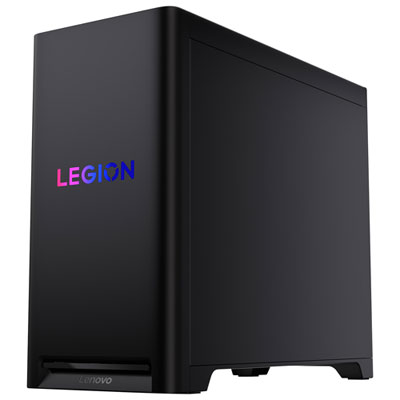 Your price for this item is $3499.99
-
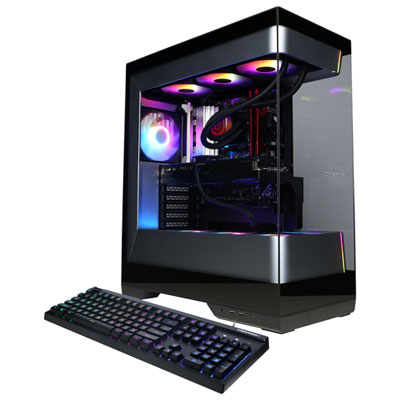 Your price for this item is $3559.99
-
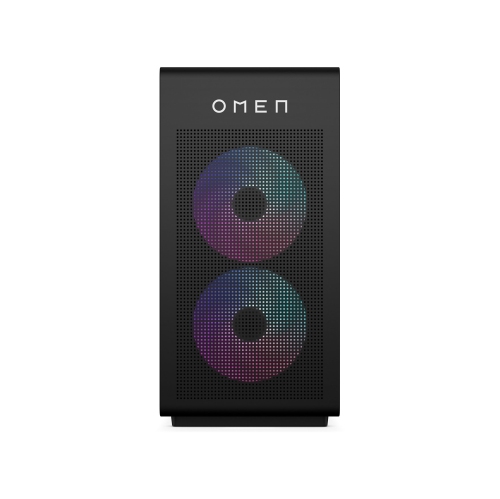 Your price for this item is $7958.99
-
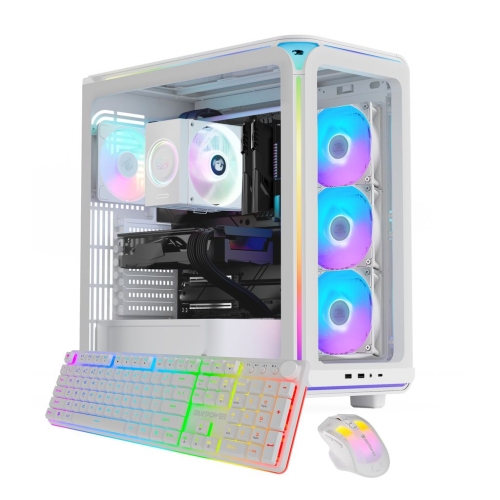 Your price for this item is $2999.99
-
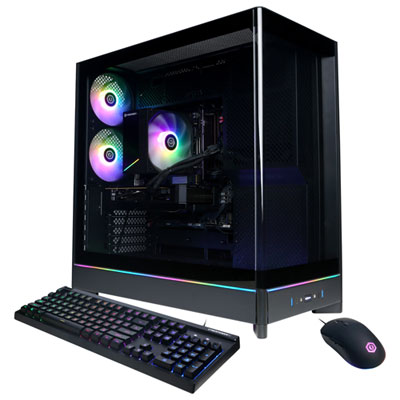 Your price for this item is $2149.99
-
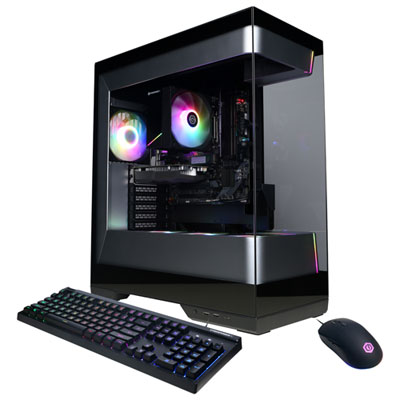 Your price for this item is $1549.99
-
 Your price for this item is $7579.99
-
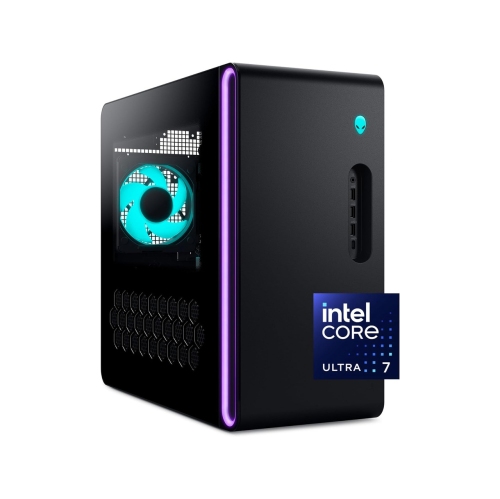 Your price for this item is $3150.49
Discover more categories related to Gaming Setups for Small Rooms
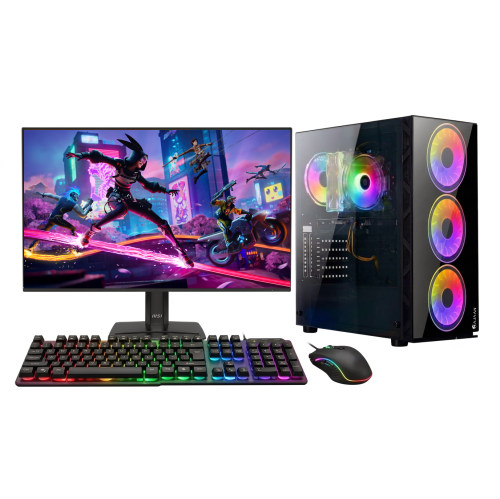
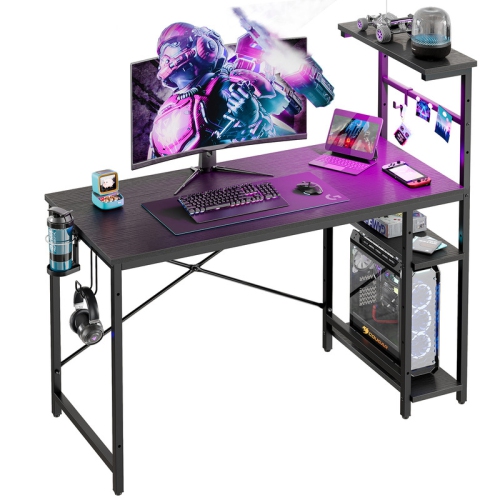

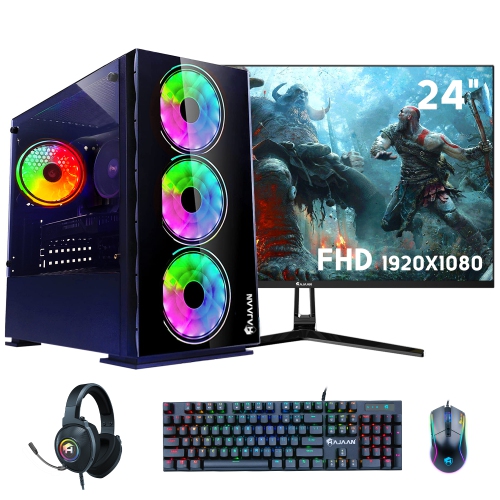
Top Collections:
Best Black Friday Deals This Year, Best Black Friday Deals On Electronics, Kindle Devices, Pokemon Centers, Best Black Friday Deals On Apple Products, Best Cameras for Sports Photography, Dyson Airwrap, Pokémon 30th Celebration Cards, Apple iPhone 17 Pro, Canon G7X Cameras
Some products may be subject to Environmental Handling Fees
(EHF) depending on your province.
Learn more about EHFs.