Height Adjustable Office Furniture
Upgrade your workspace with these height-adjustable office furniture pieces. Whether you're looking to improve ergonomics, increase productivity, or simply add a touch of modernity to your office, this range of adjustable desks, chairs, and accessories has got you covered. With customizable options to suit any style and budget, you can create a workspace that promotes comfort and efficiency. Say goodbye to the limitations of traditional office furniture and embrace the flexibility and versatility that height-adjustable solutions bring.
Sort






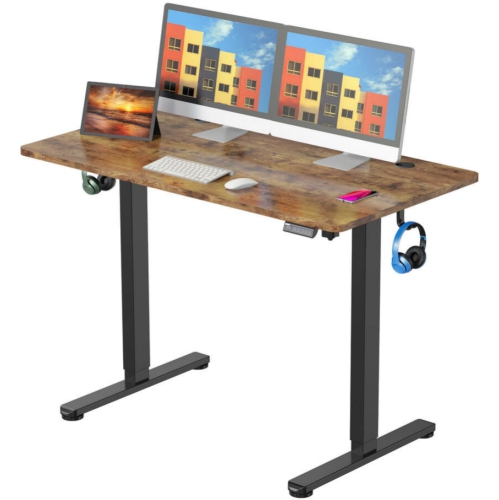

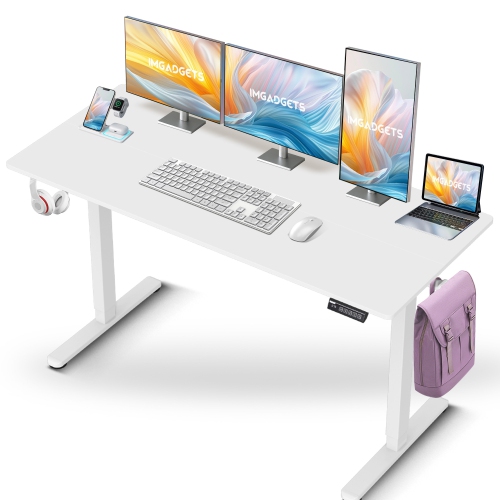
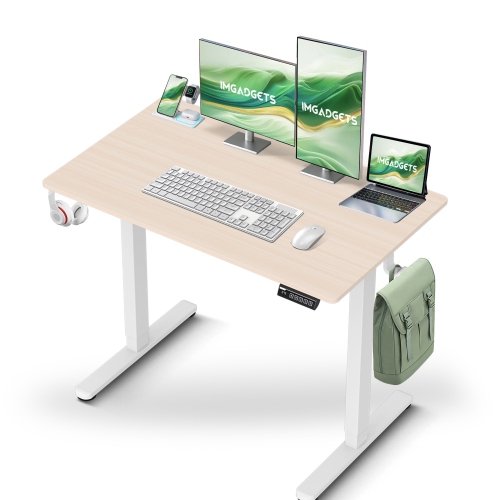
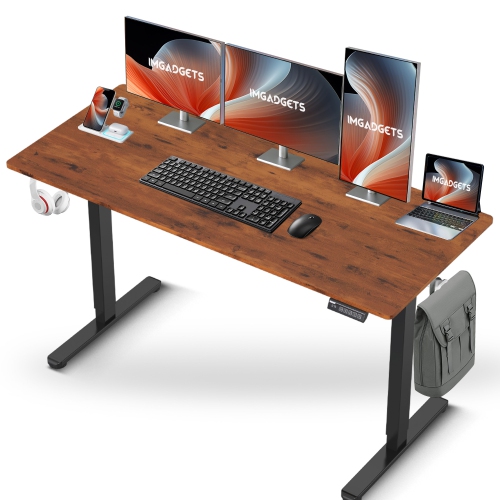
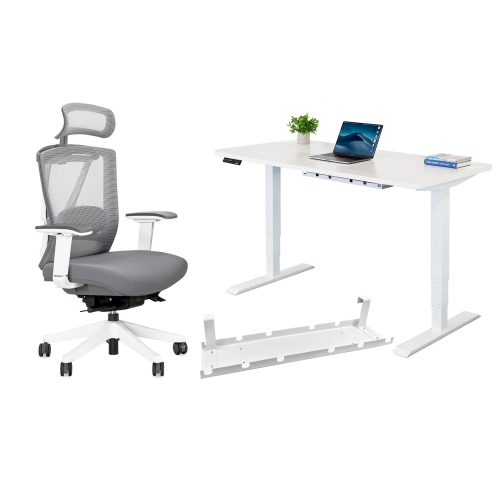
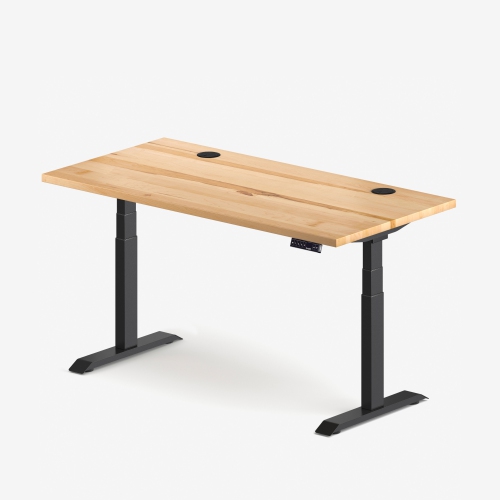
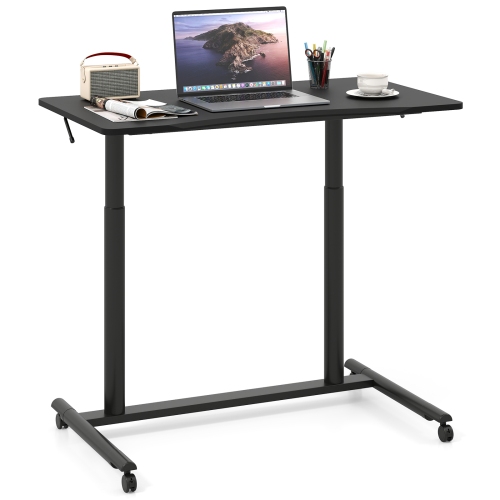
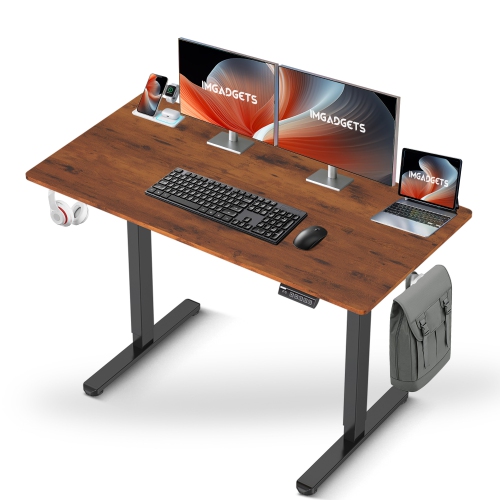
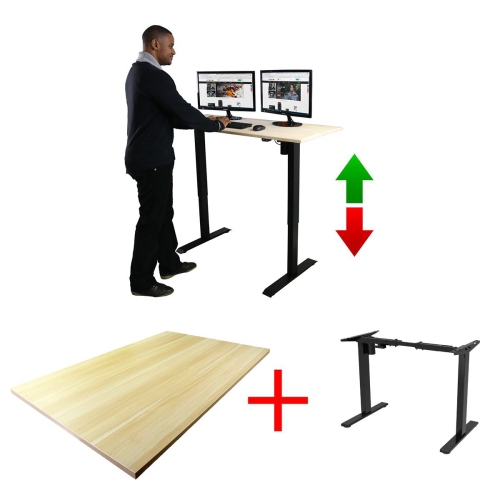
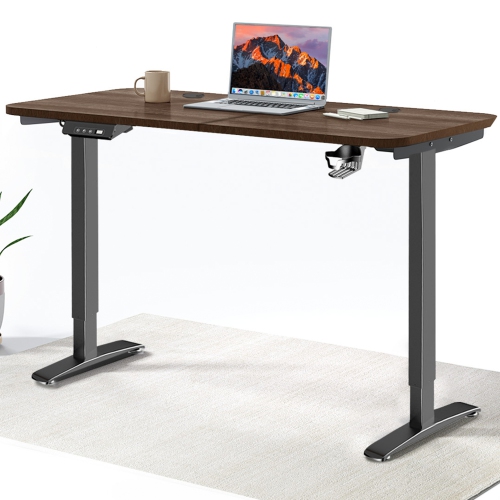

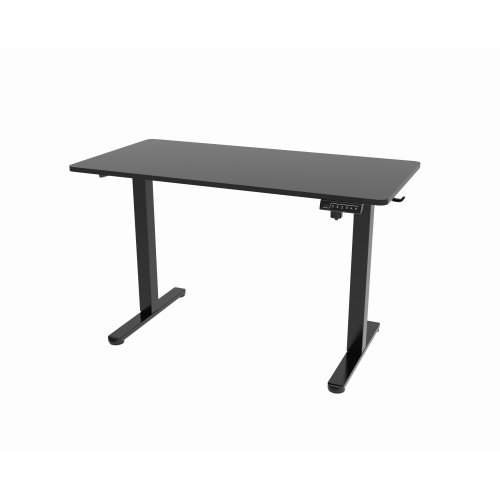
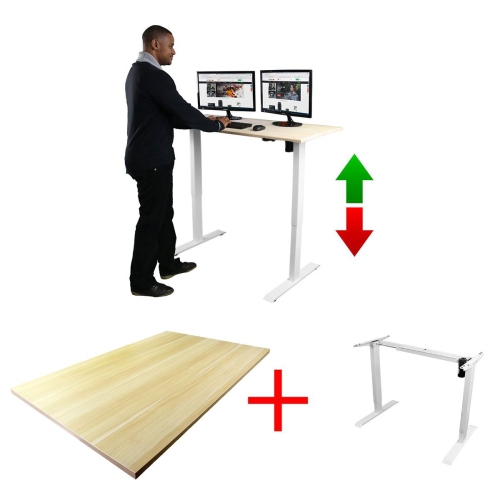


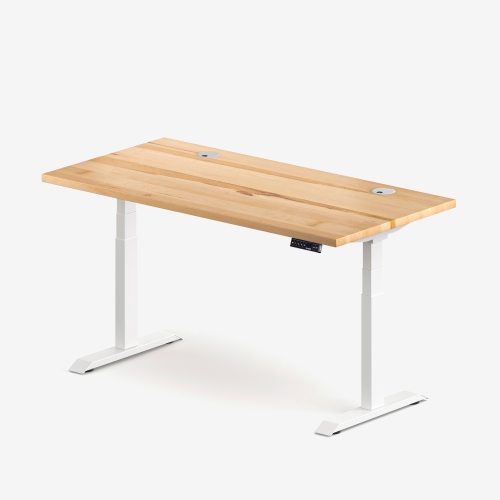
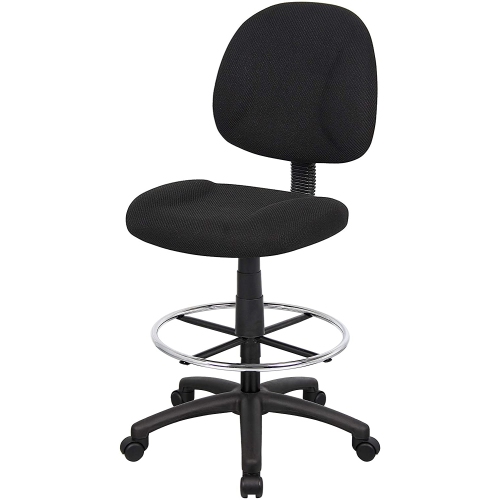
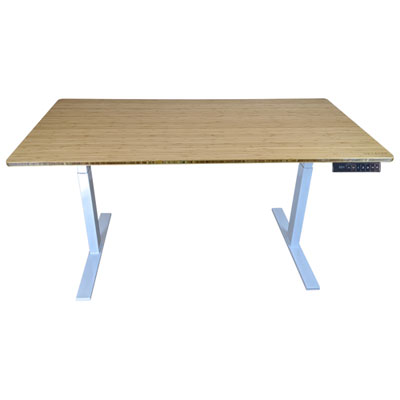
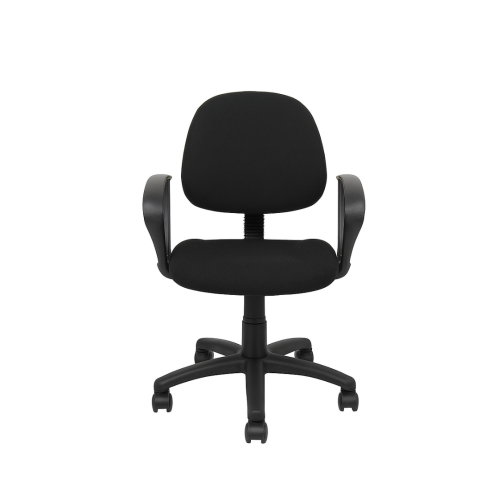


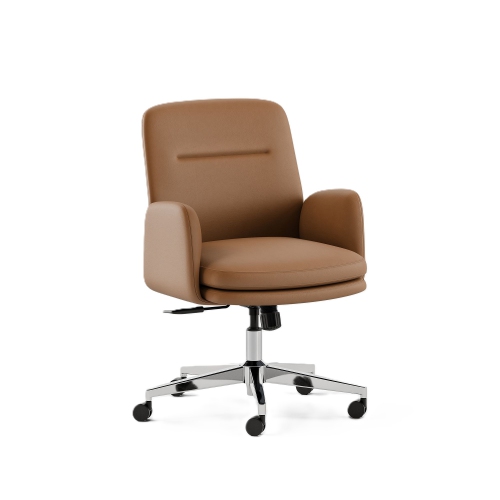
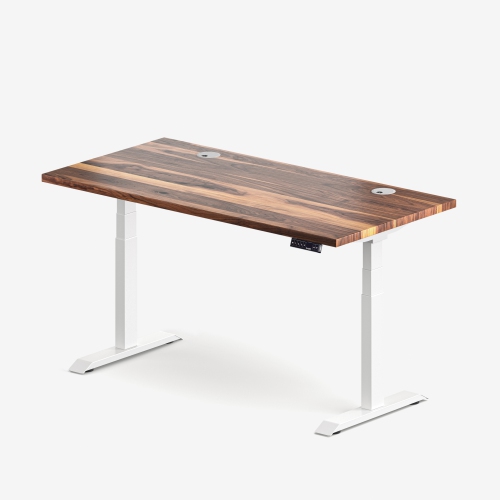
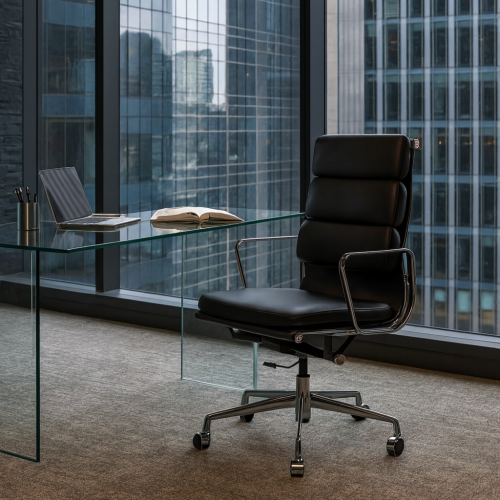
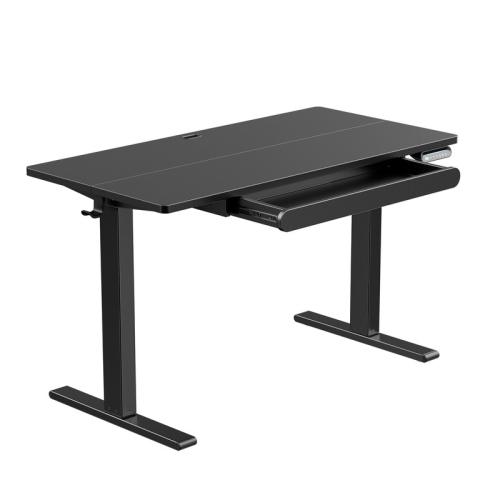

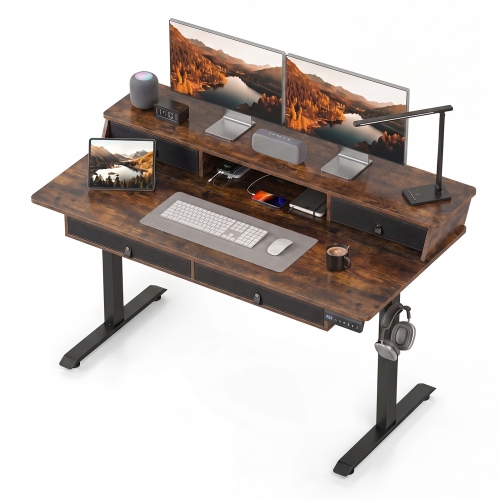
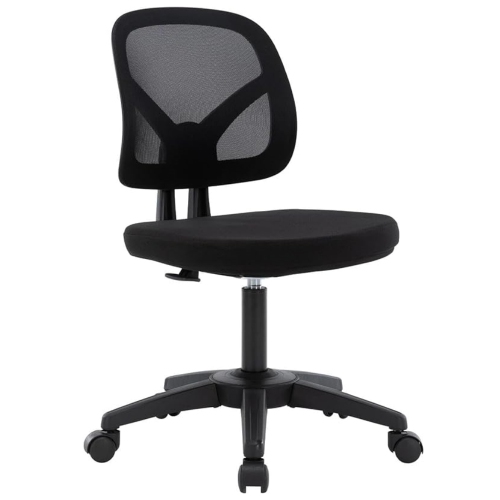
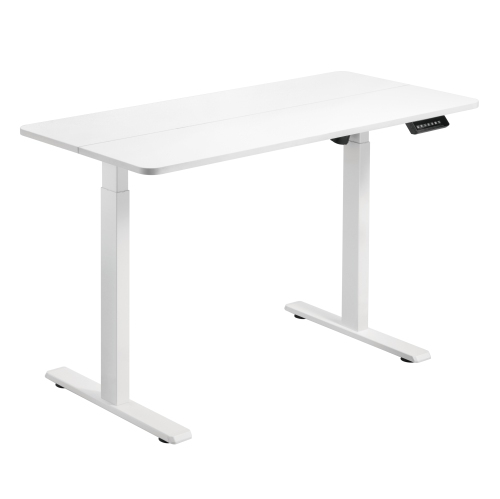
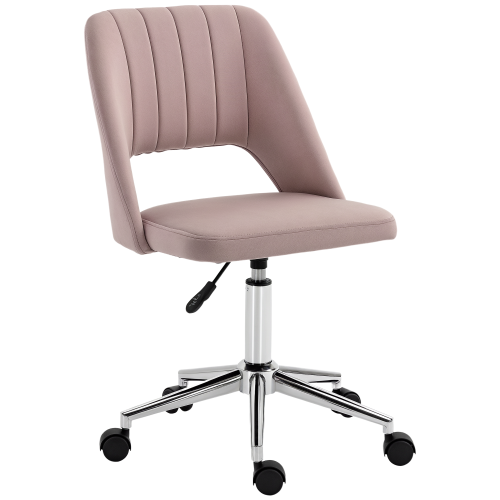
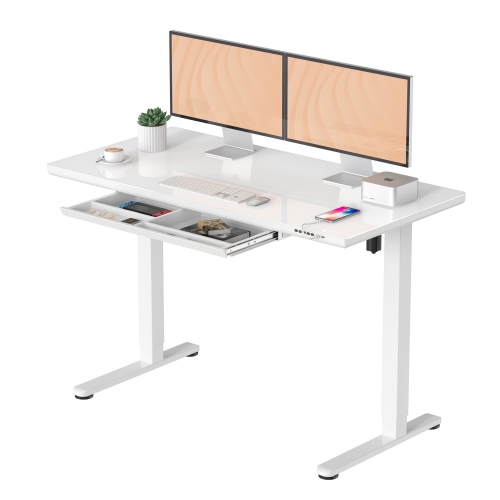
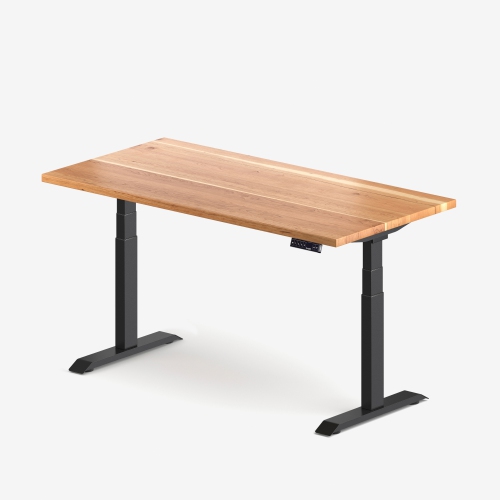
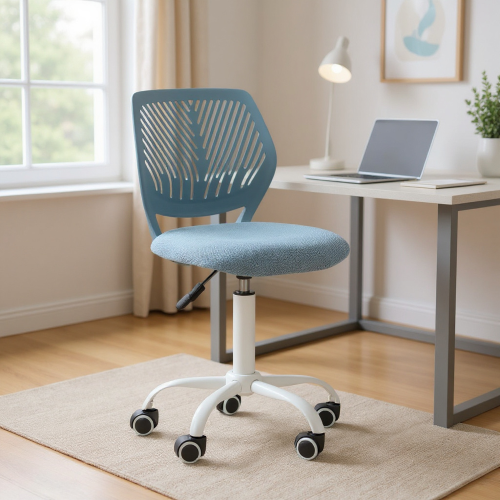
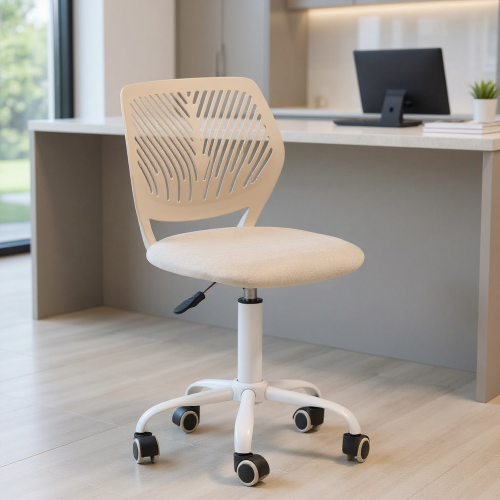
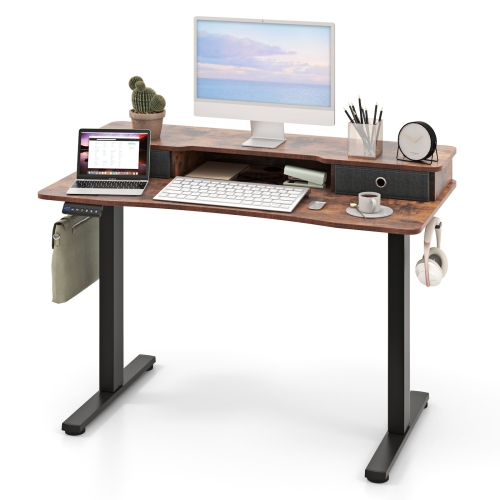
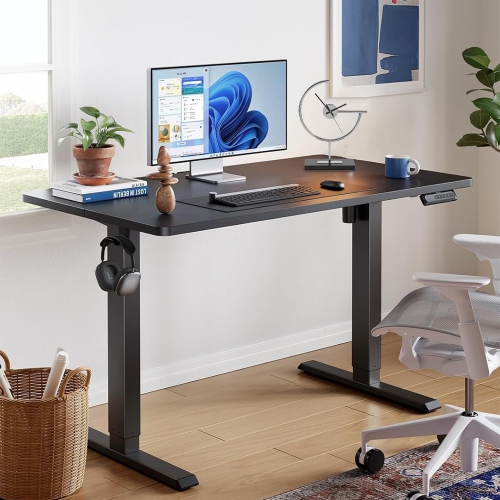

The right workspace fit goes beyond height
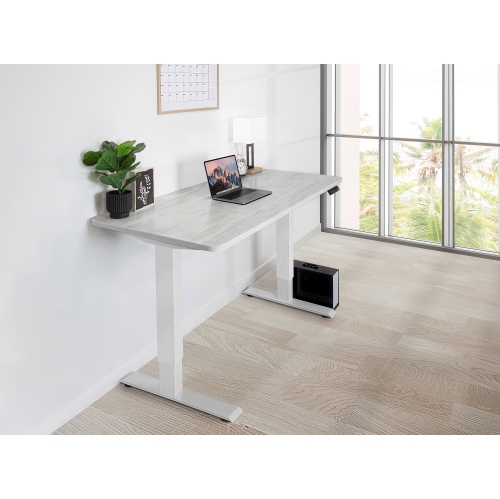
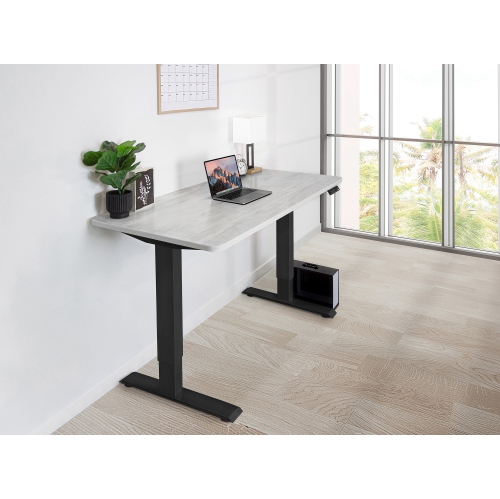
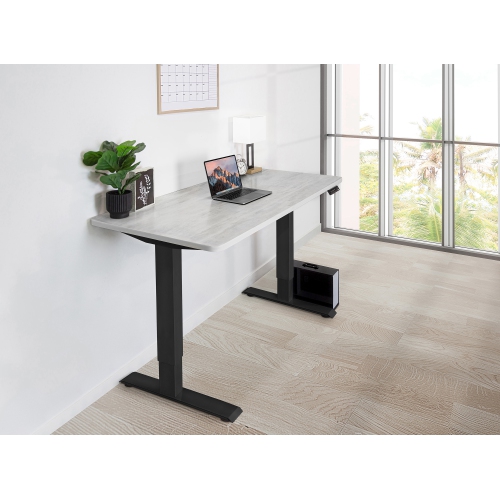
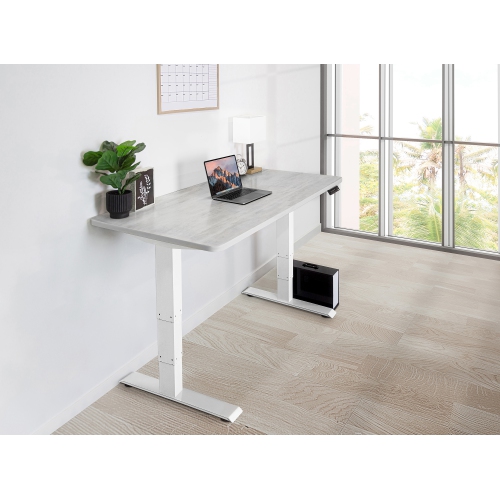
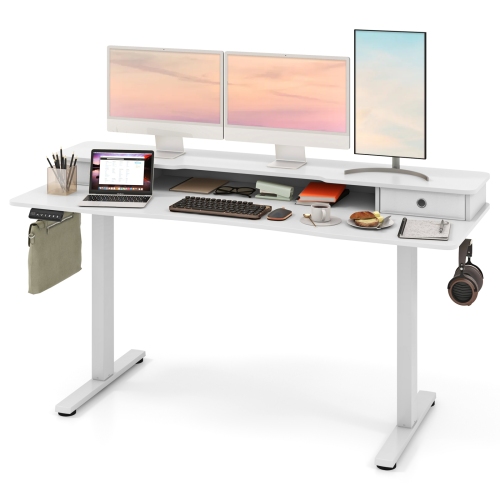
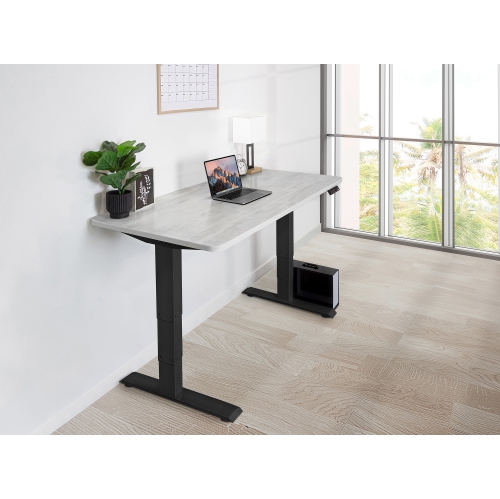
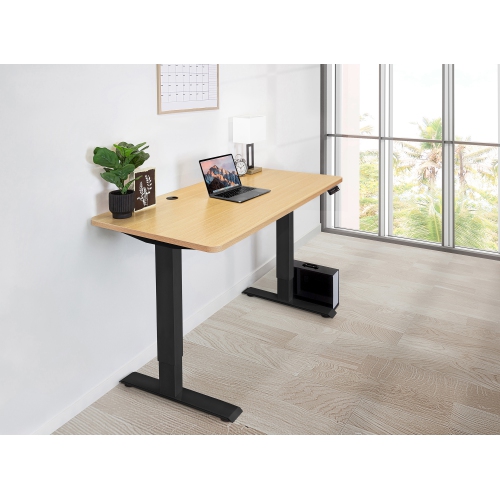
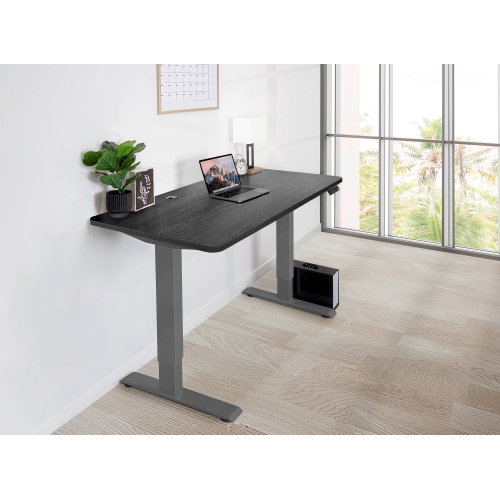
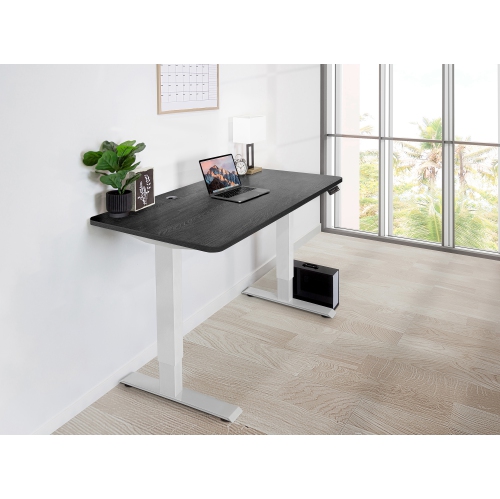
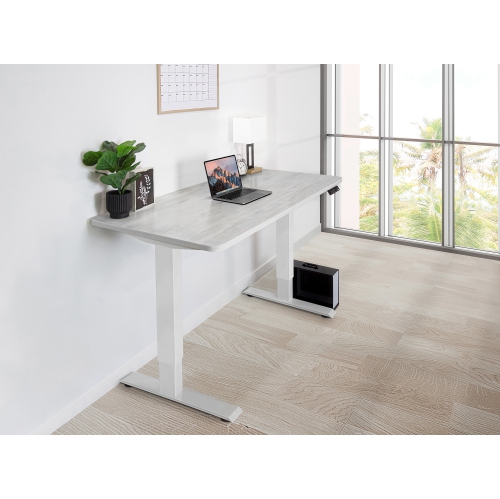
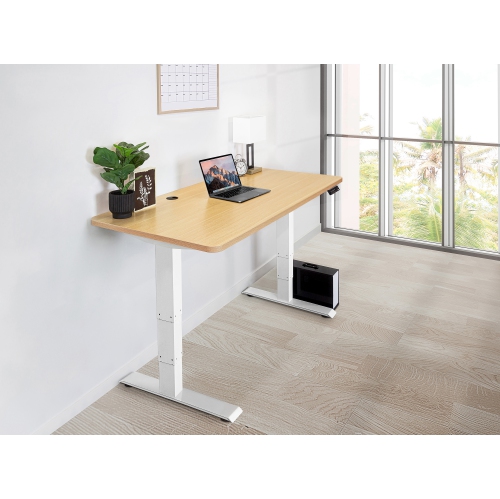
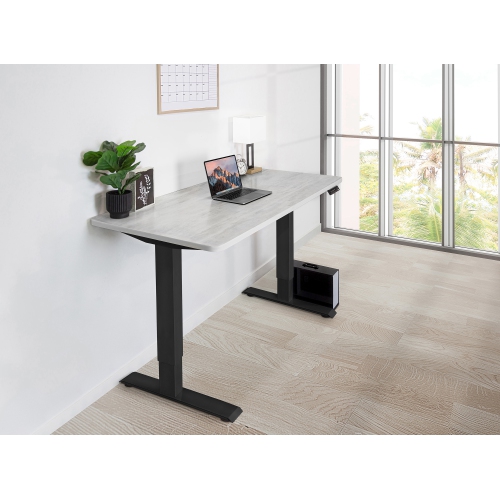
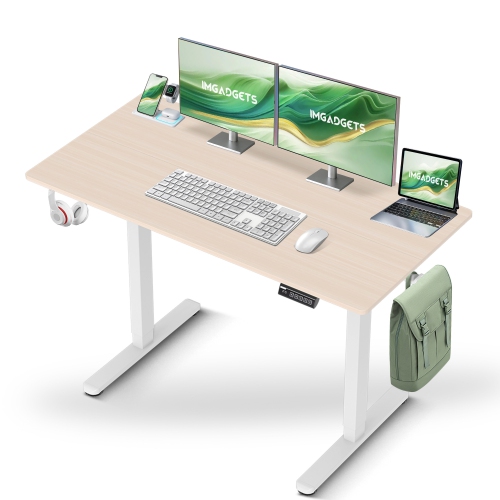
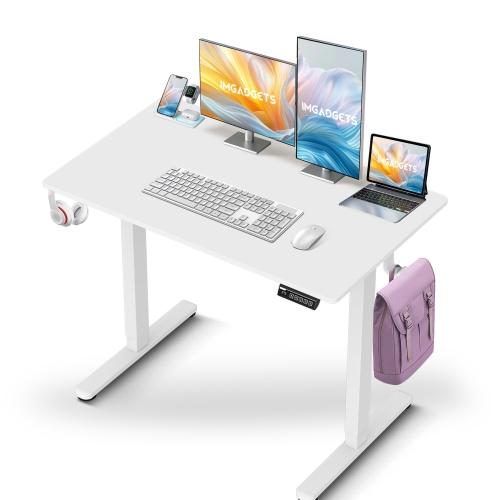
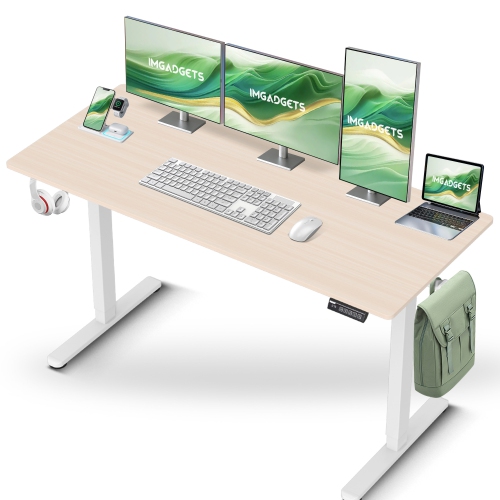
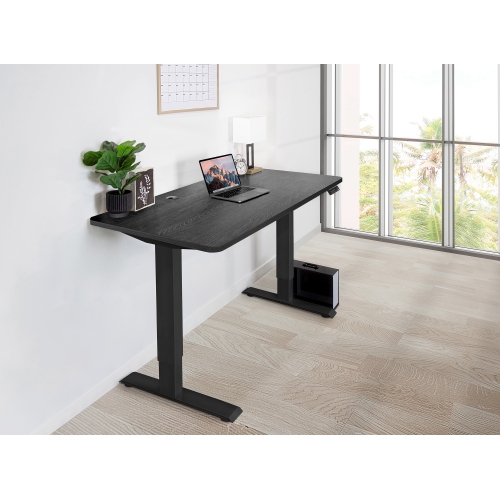
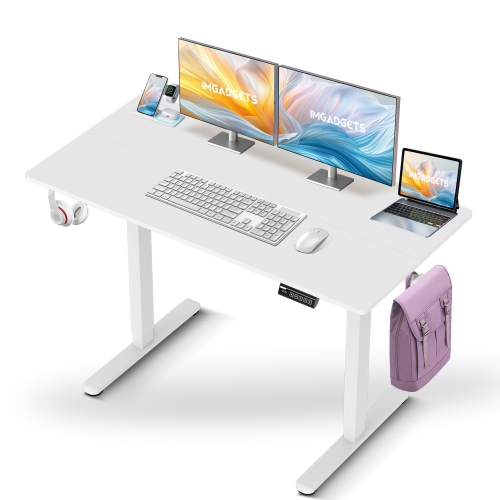
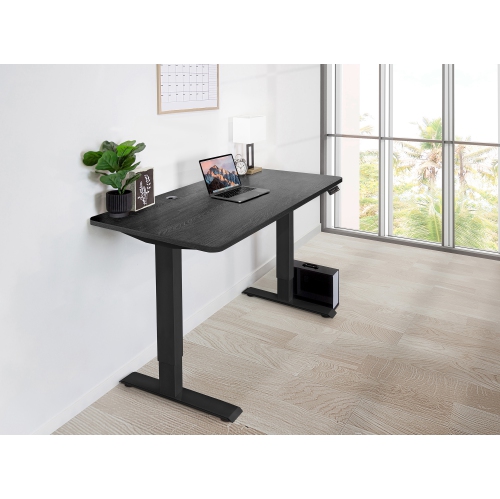
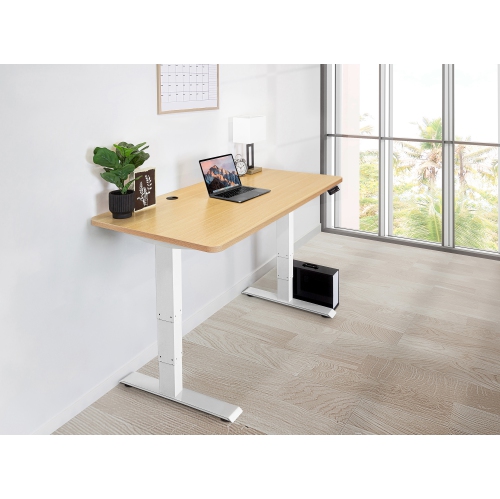
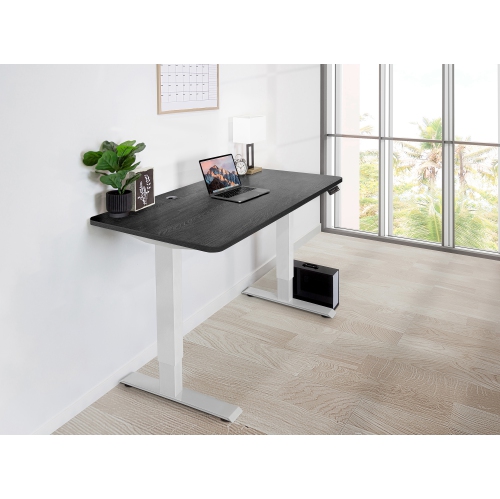
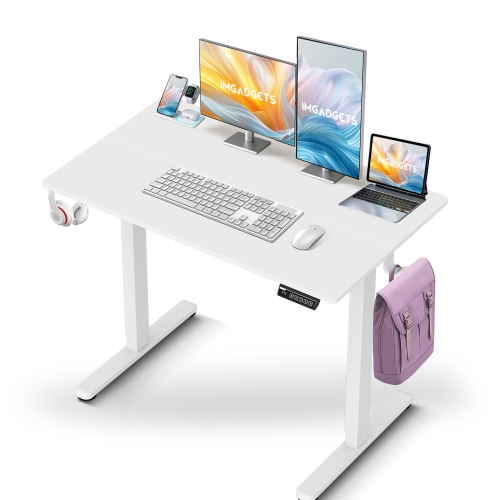
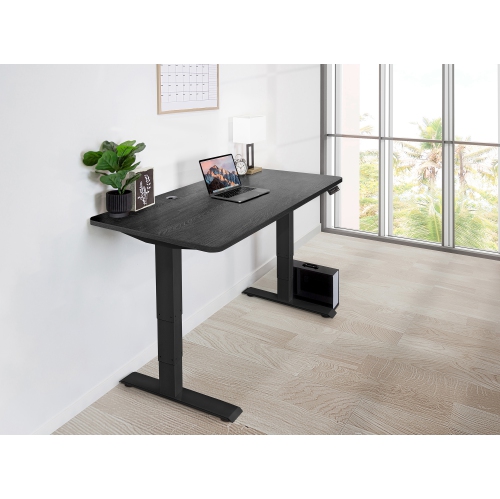
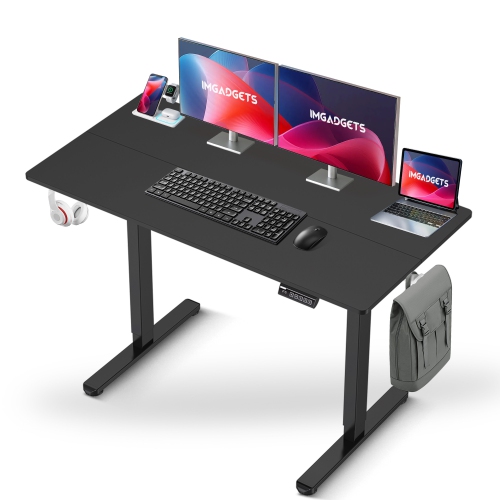
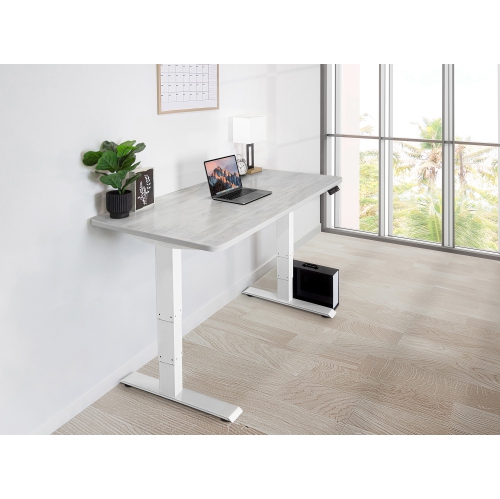
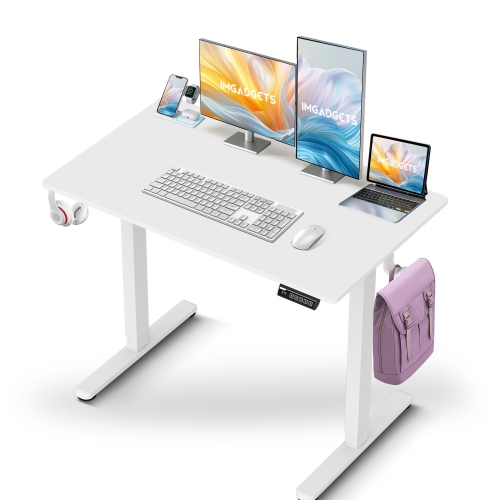
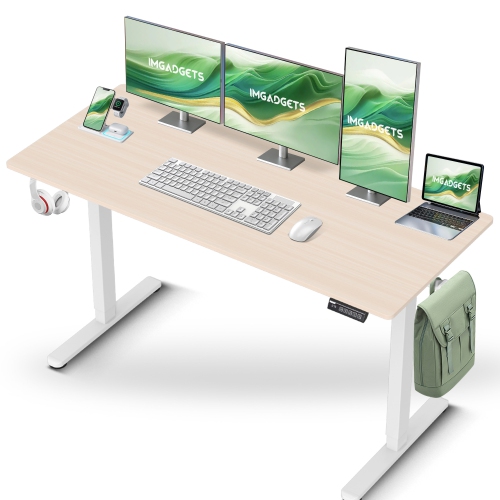
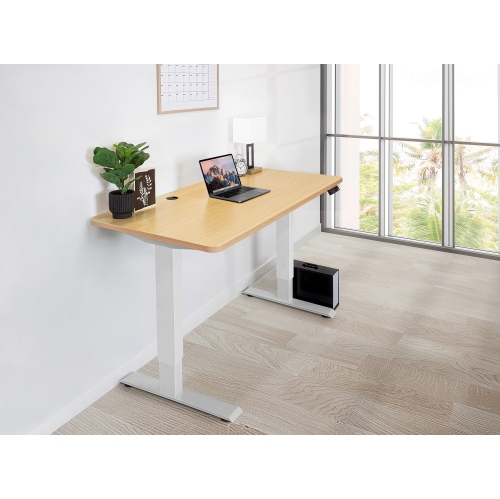
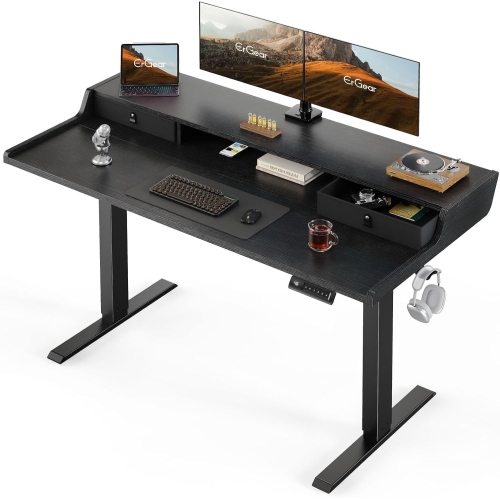
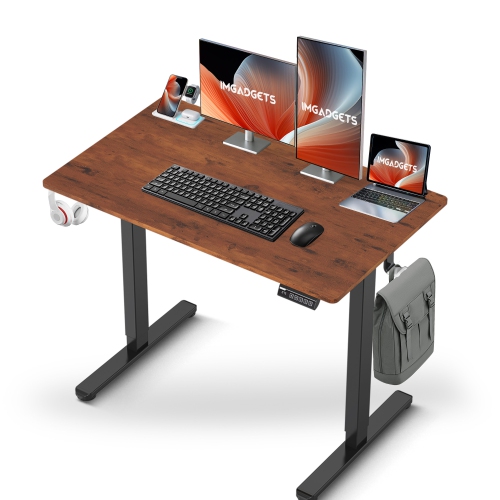
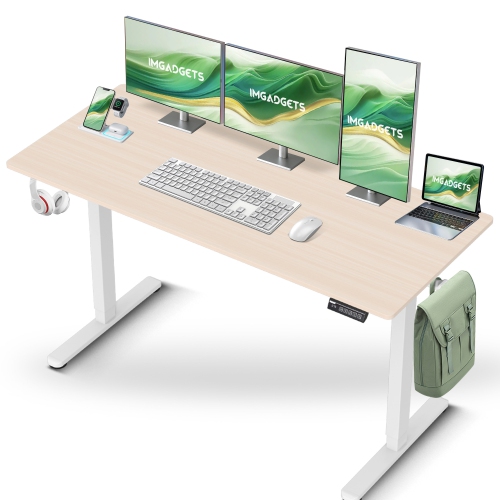
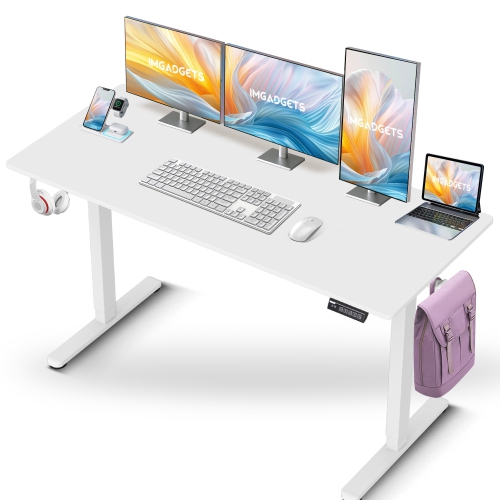
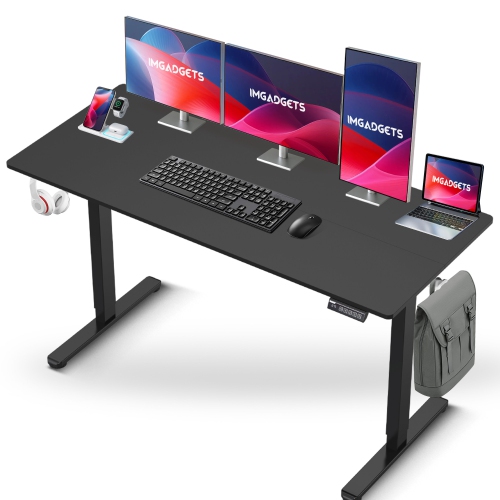
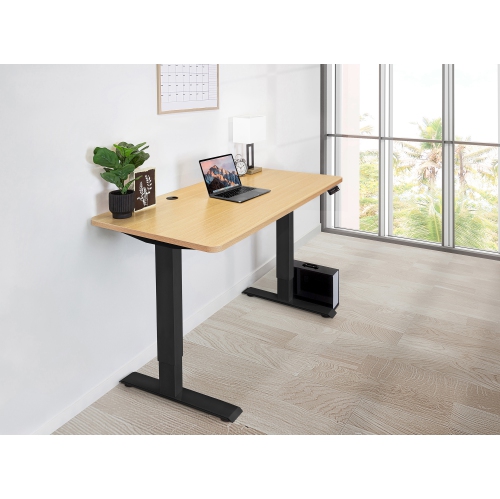
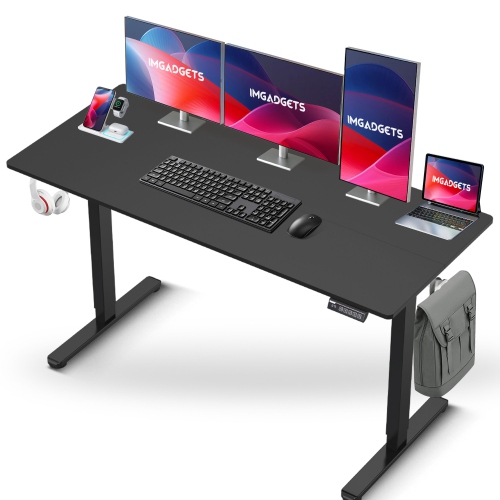
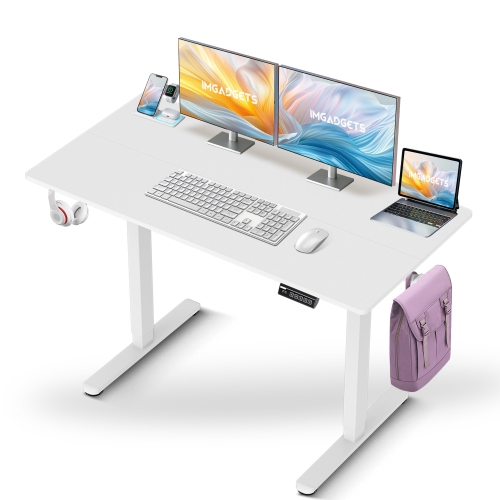
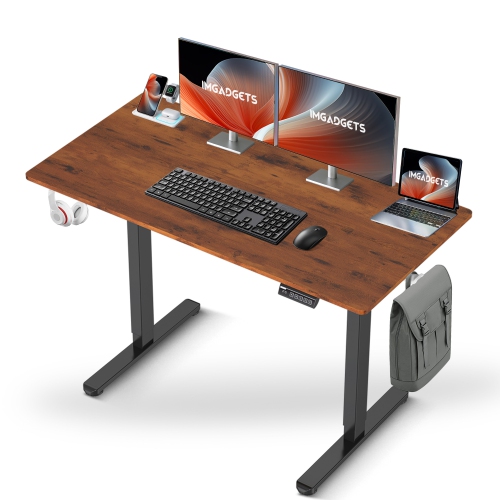
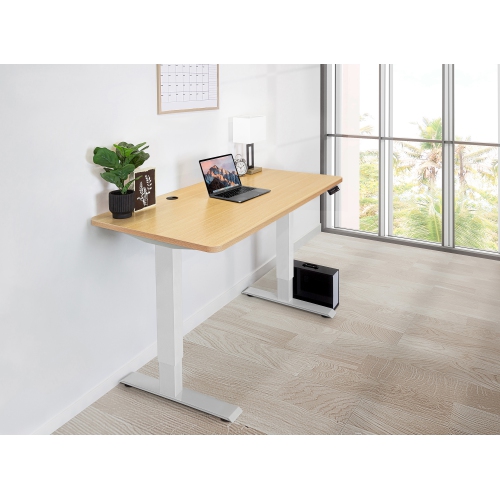
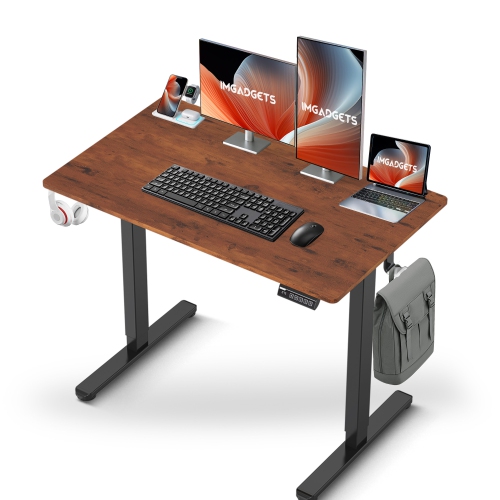
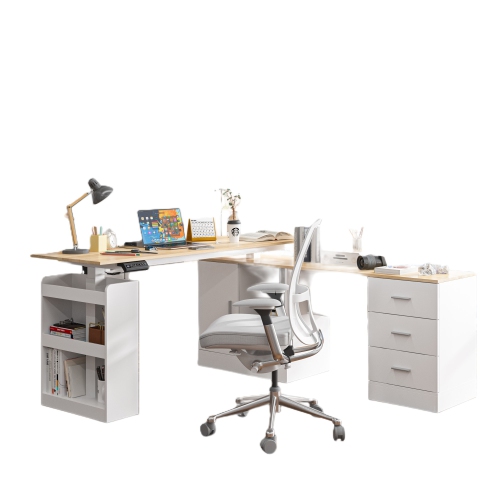
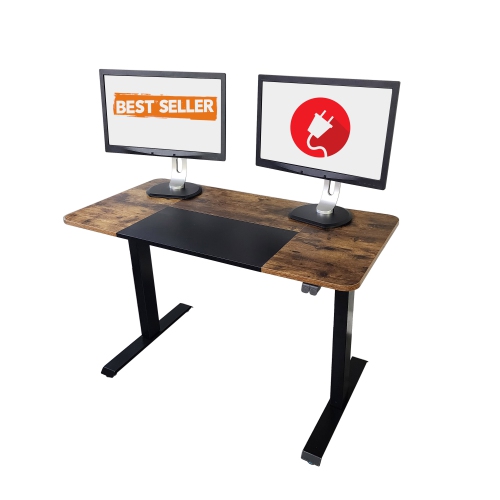
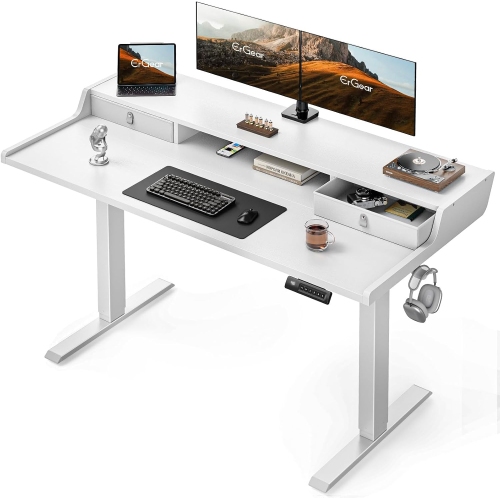
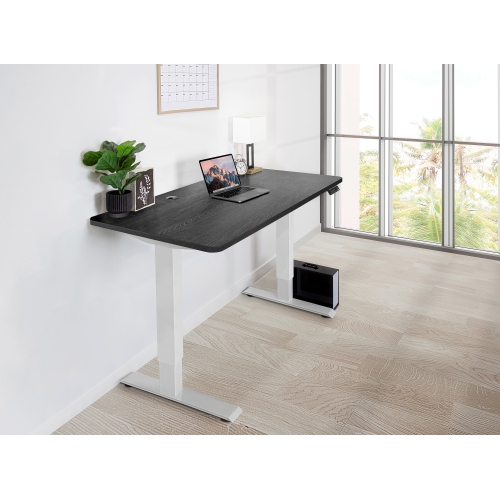
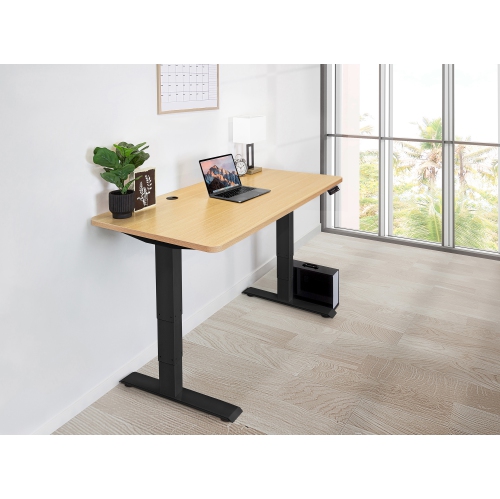
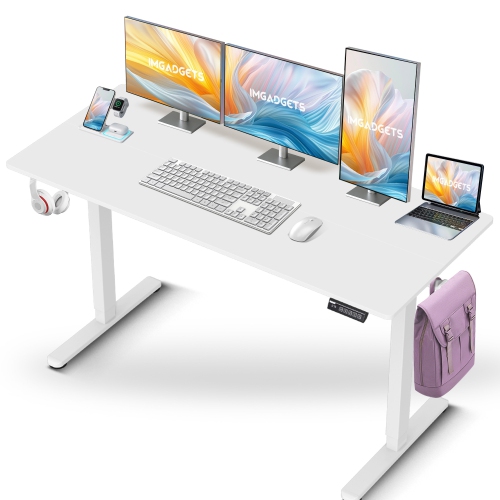
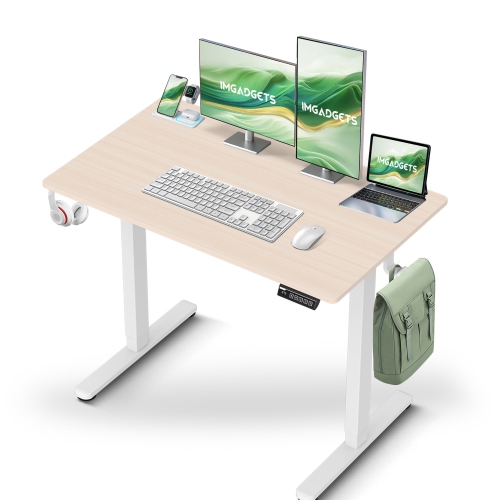
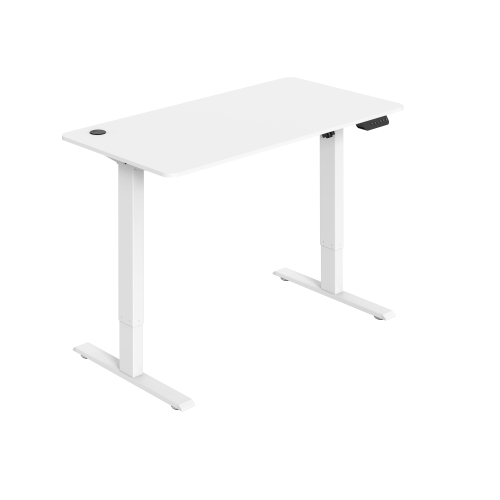
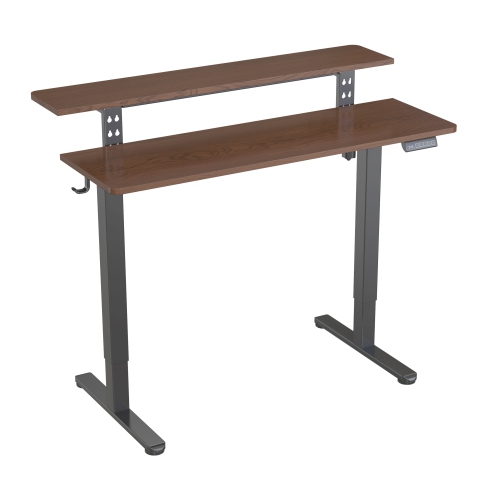
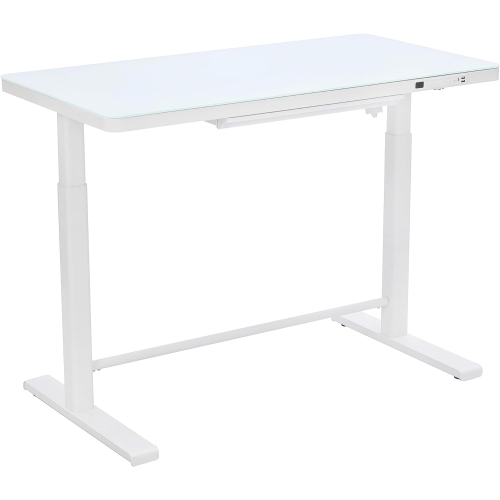
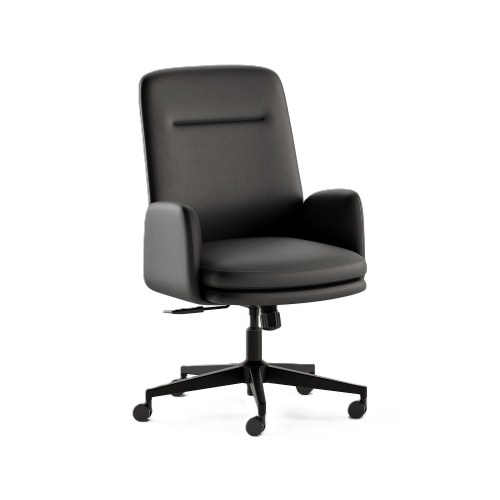
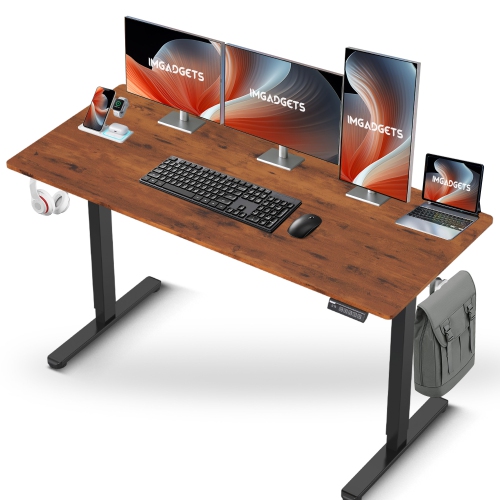
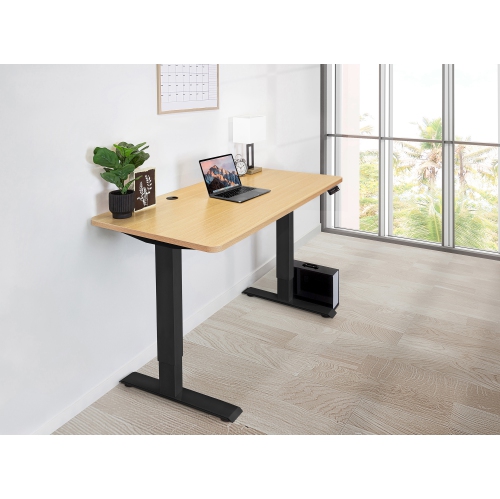
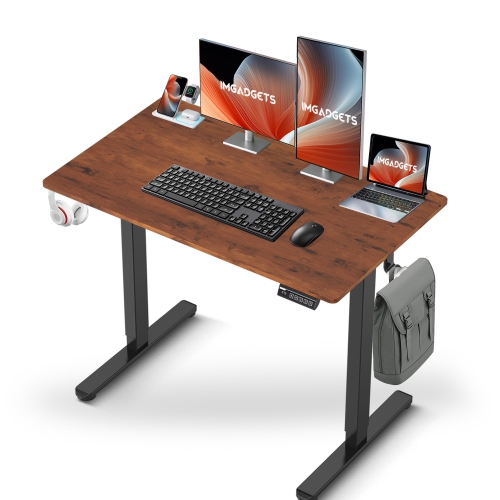
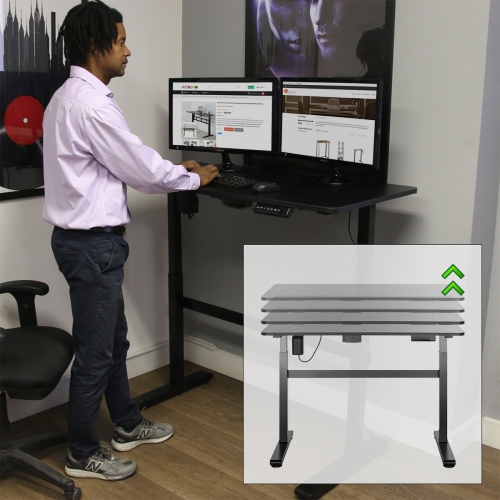
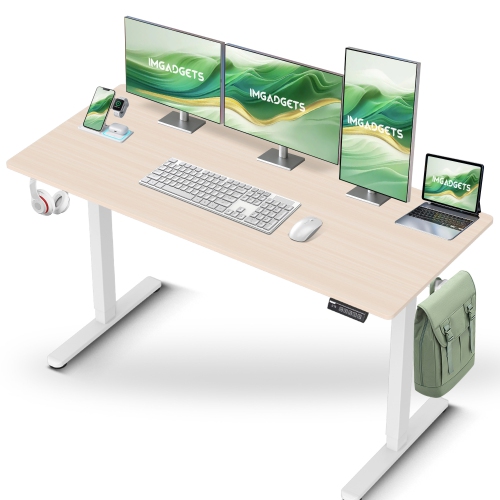
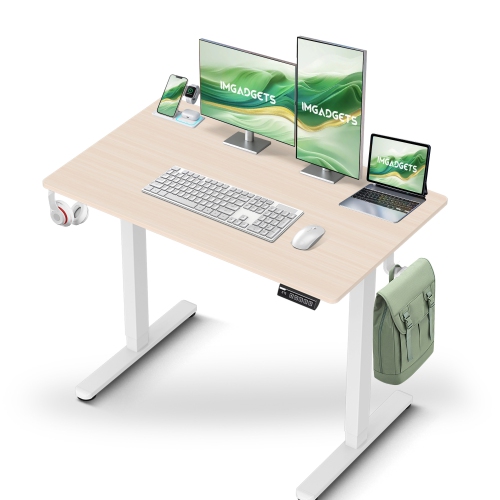
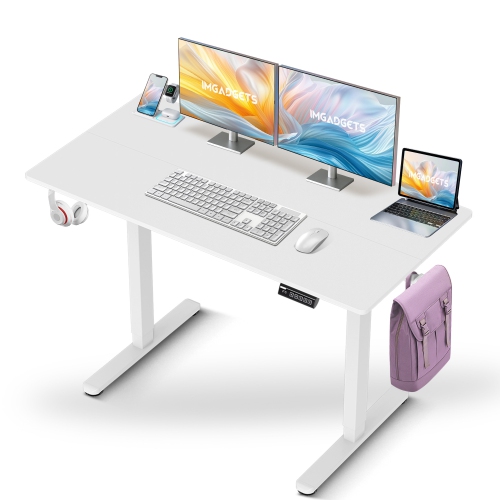
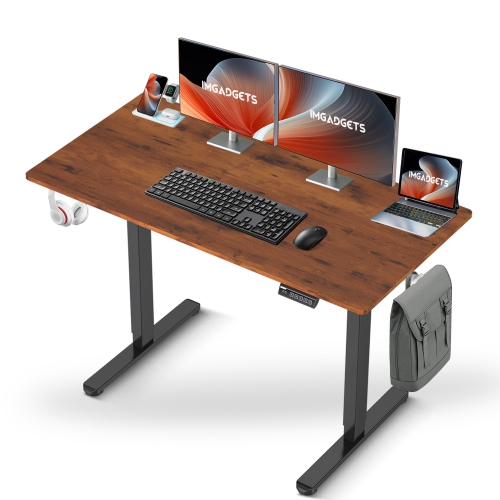
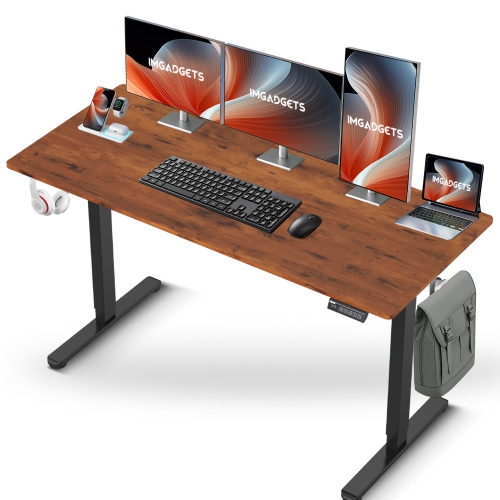
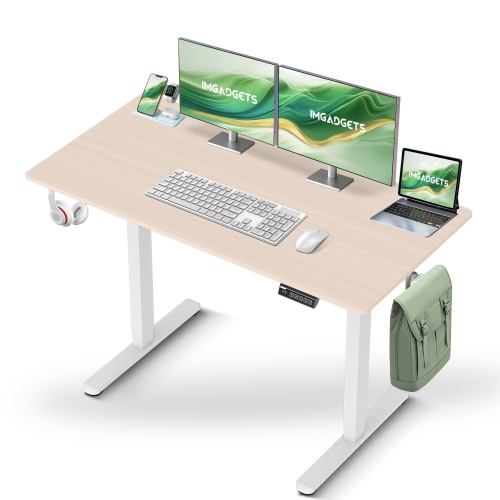
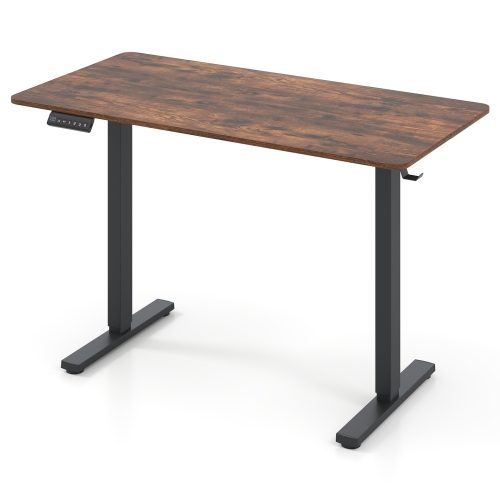
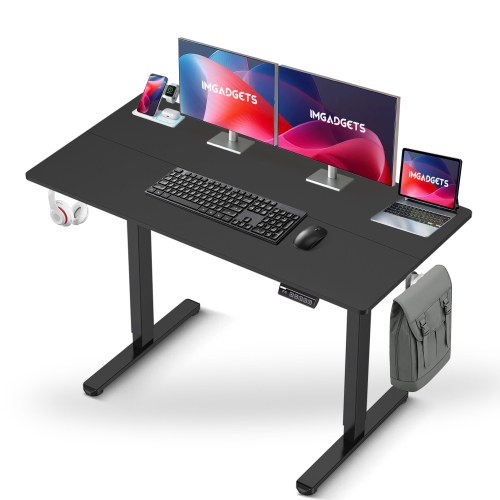
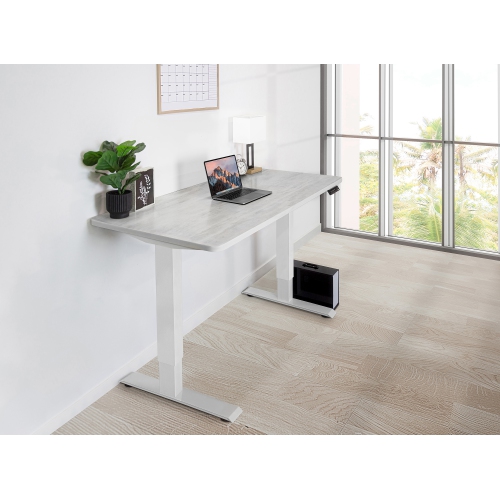
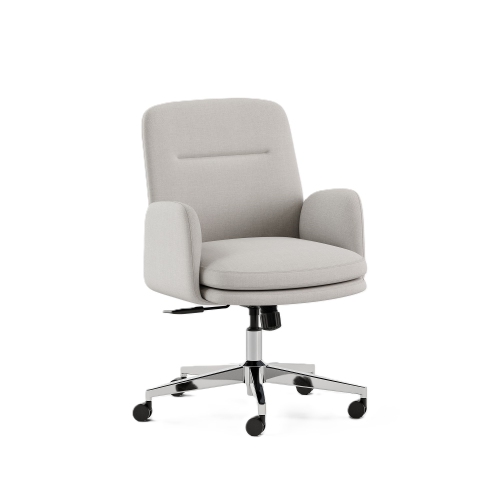
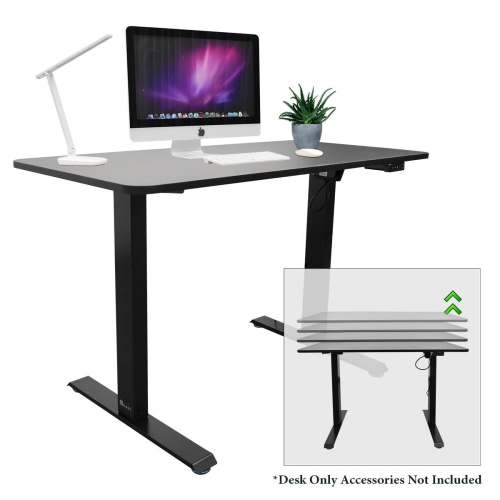
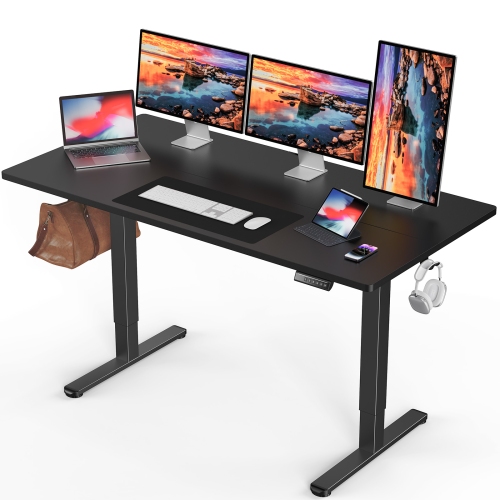
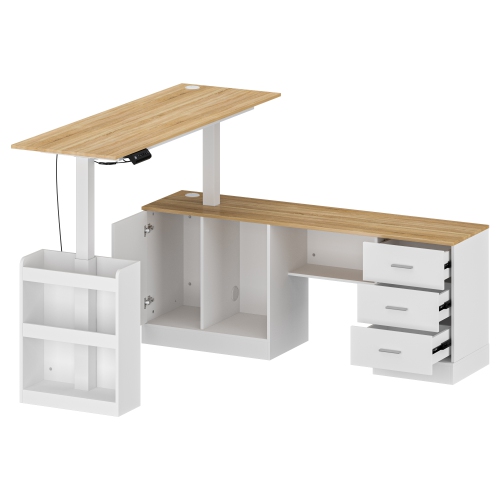
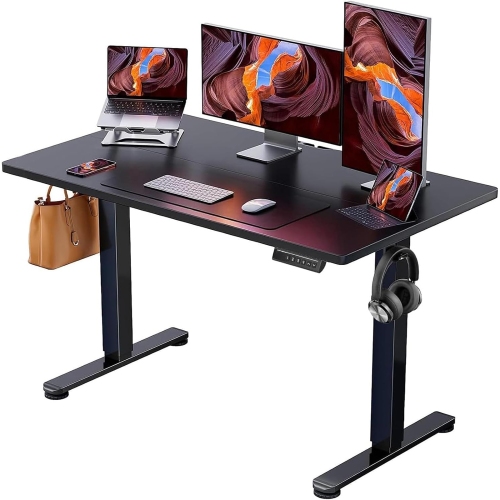
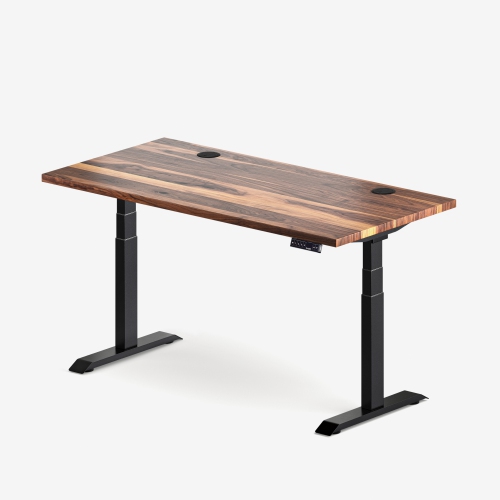
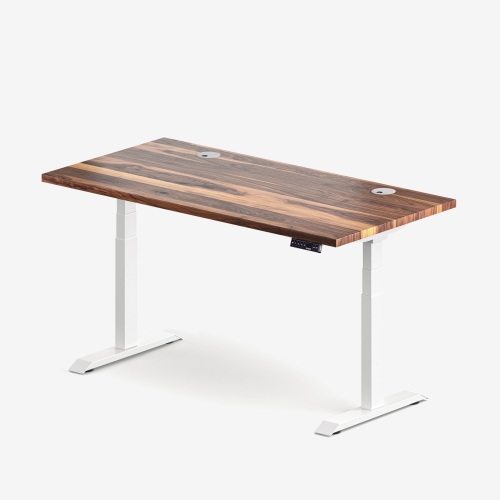
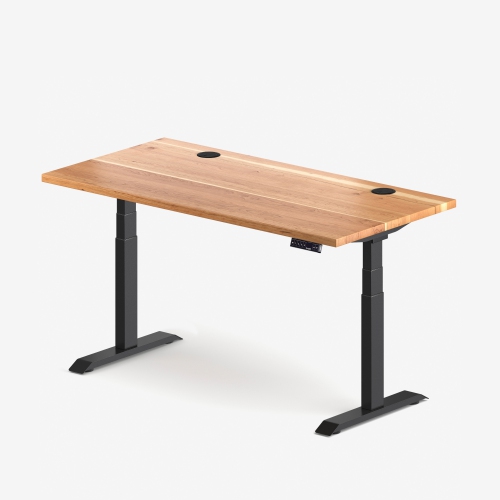
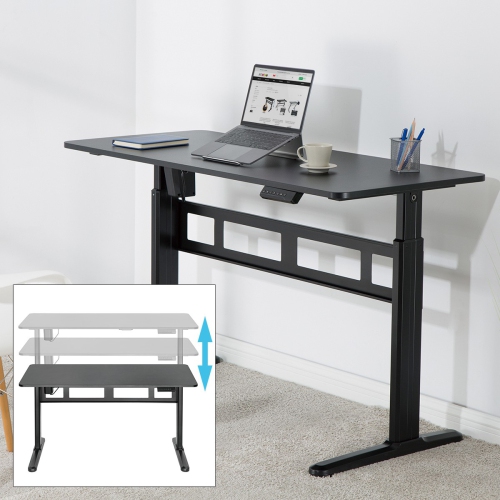
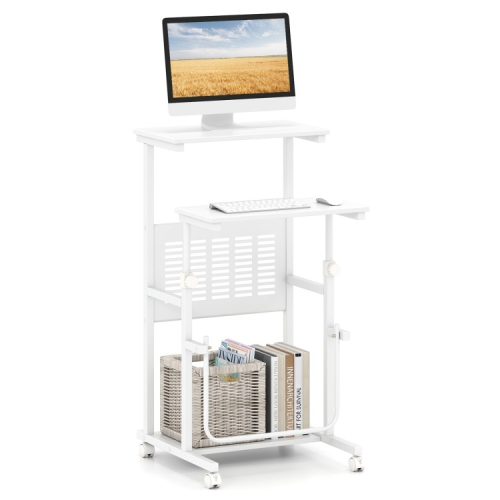
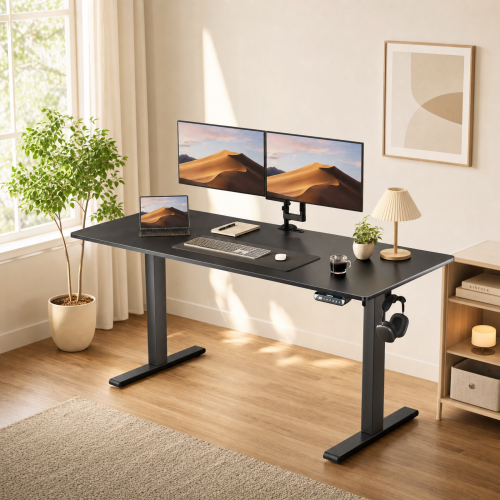
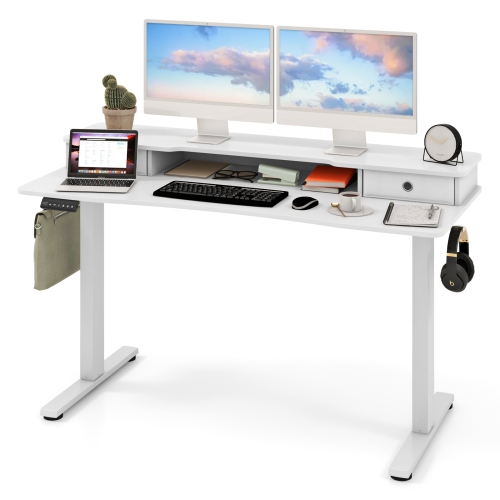
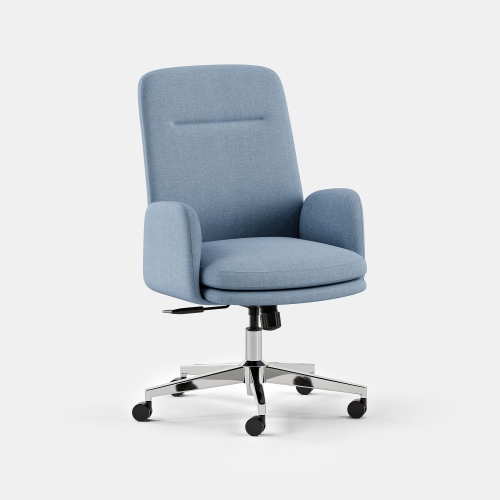
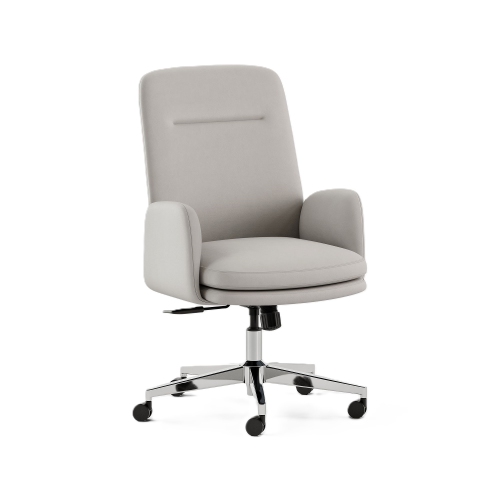
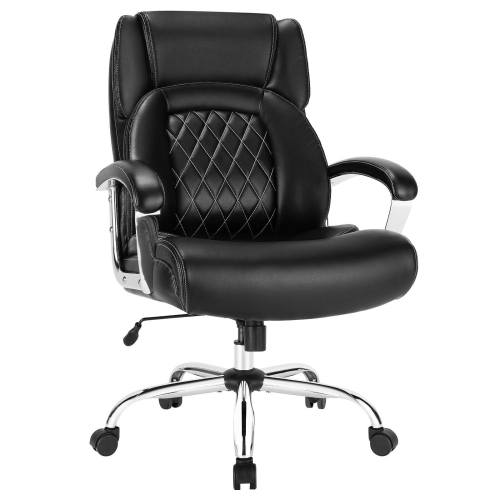
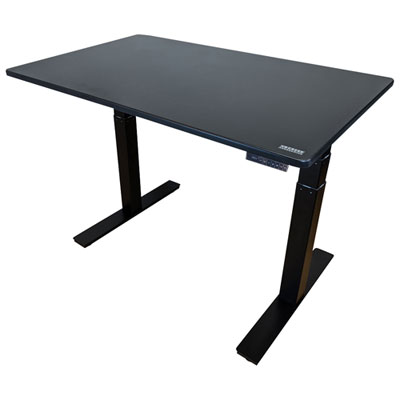
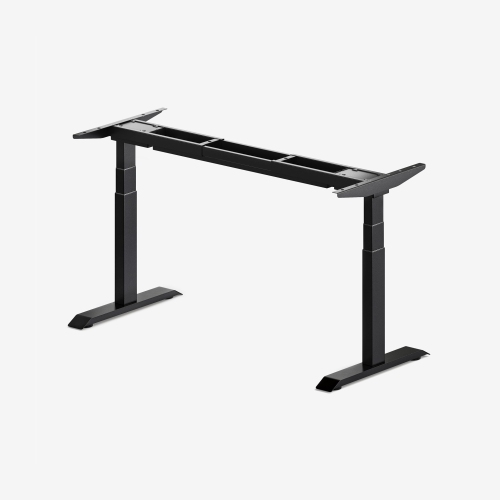
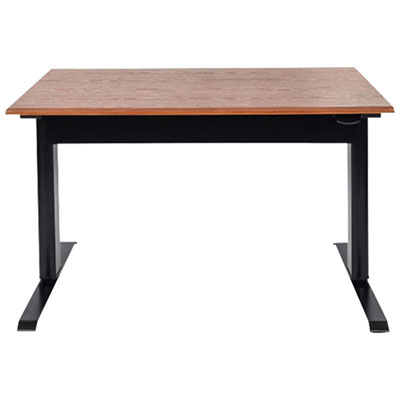
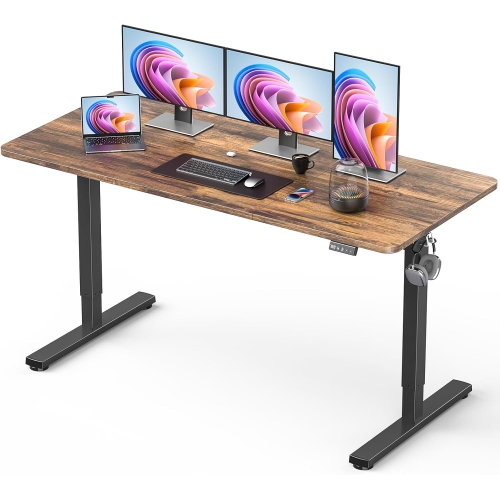
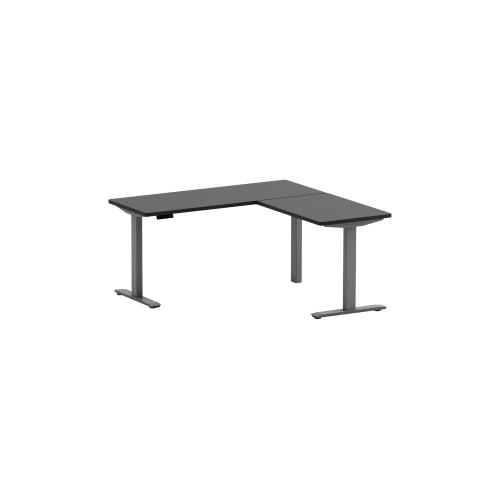
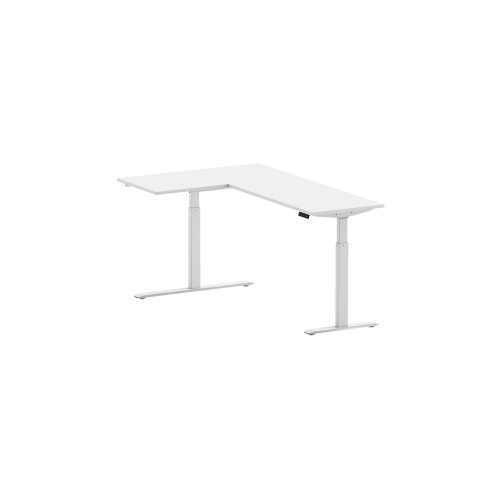
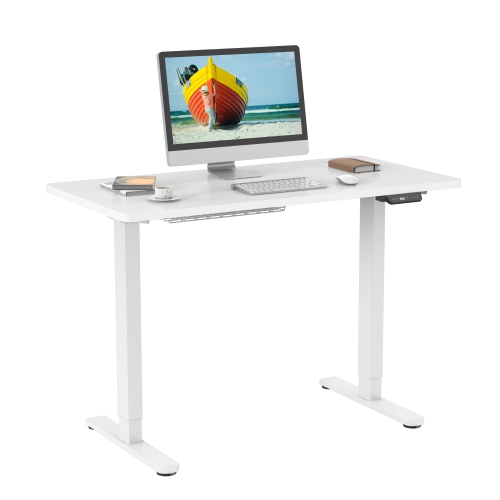
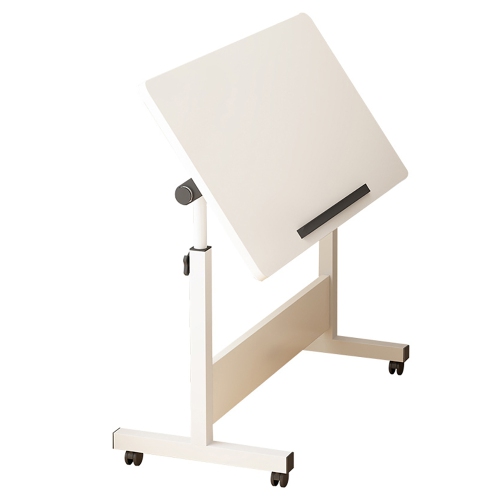
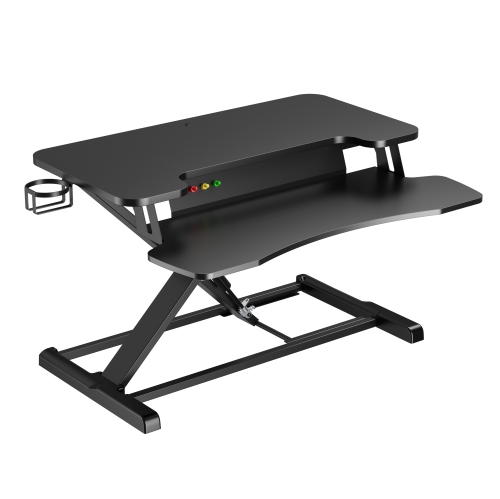
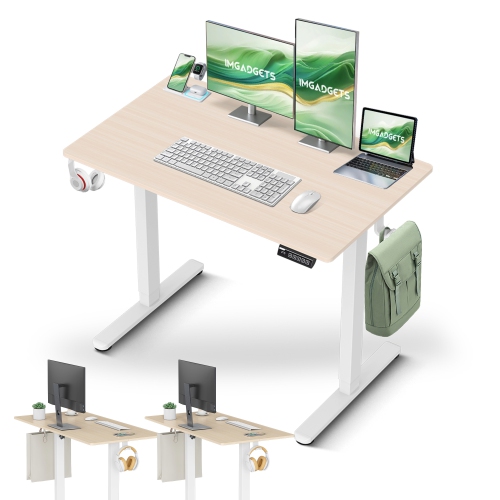
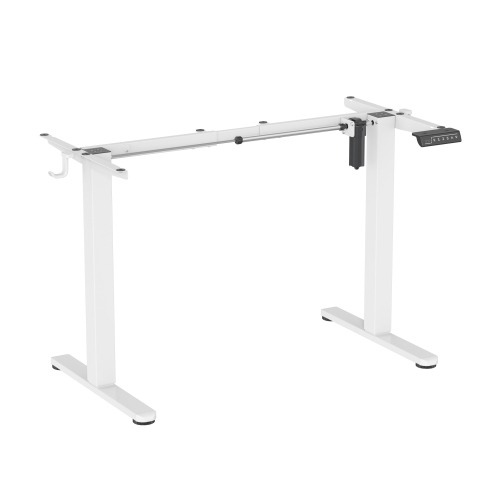
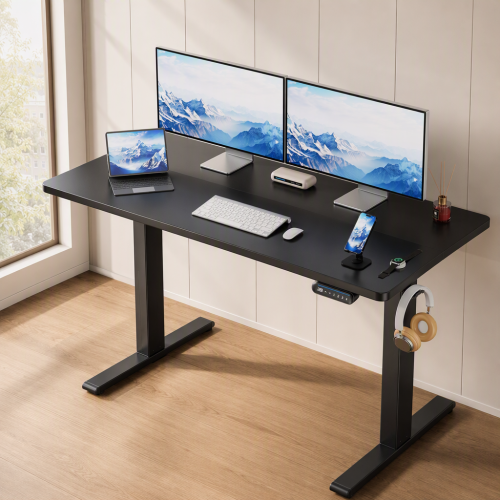
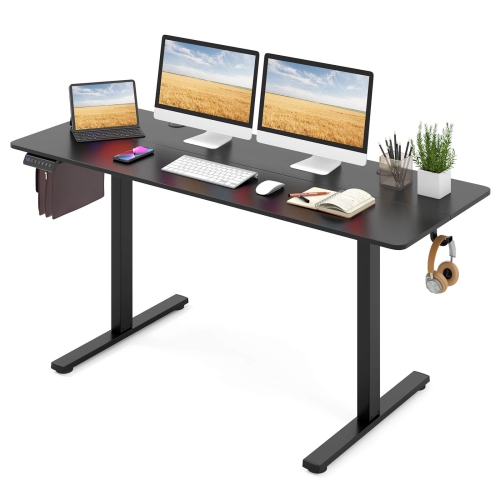
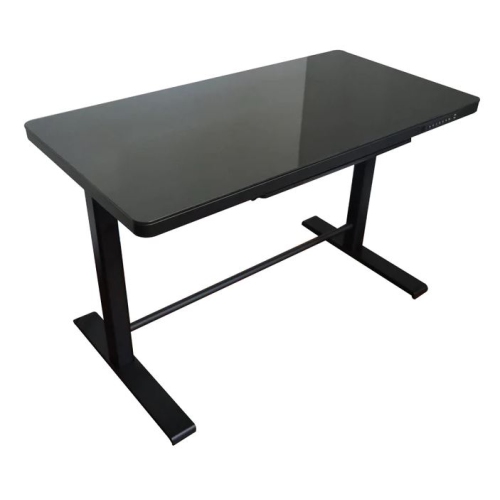
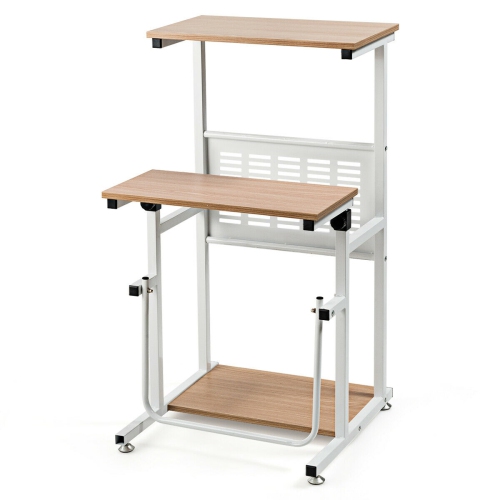
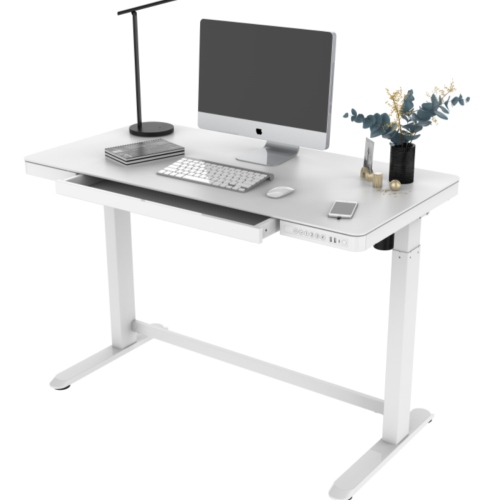
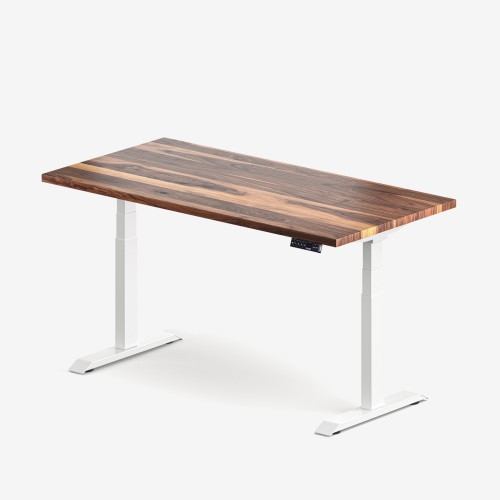
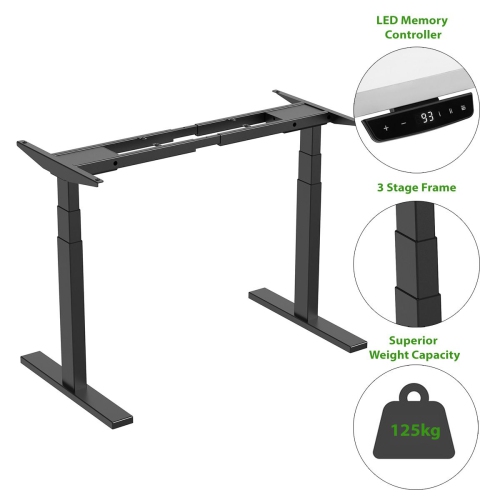
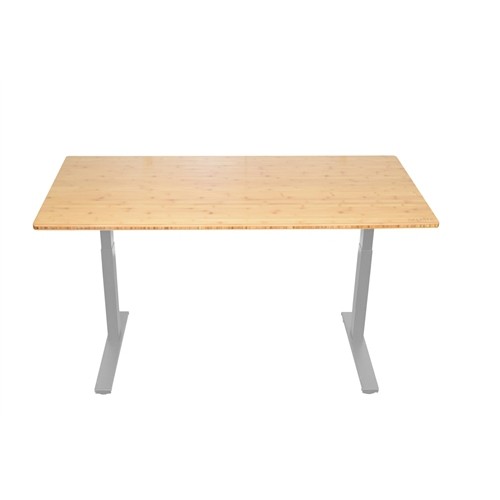
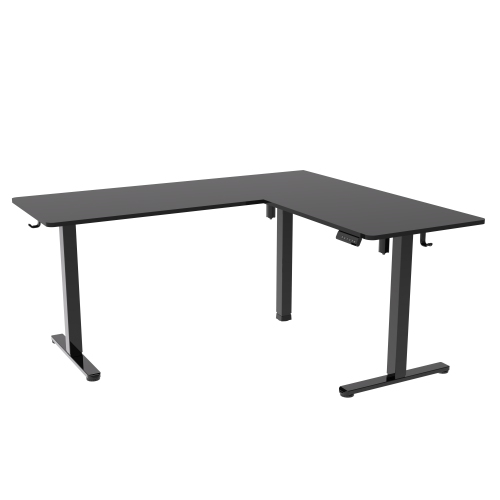
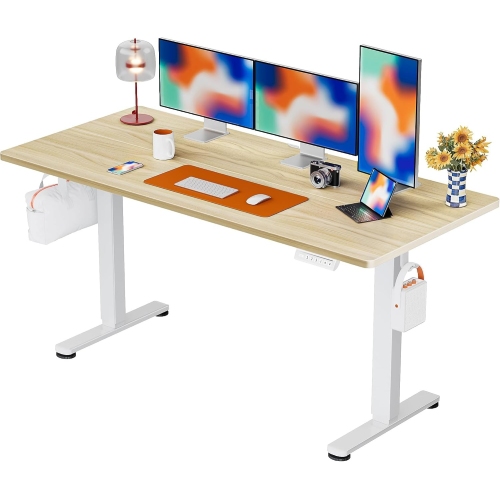
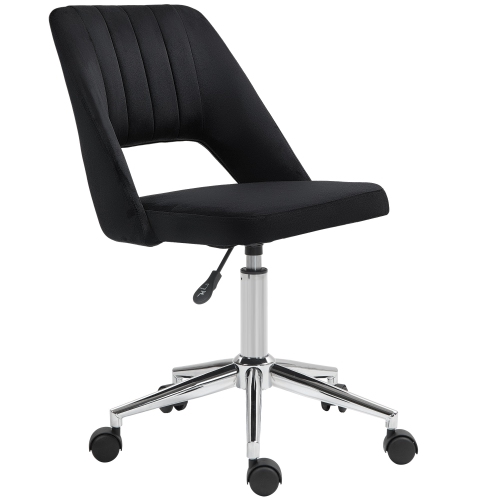
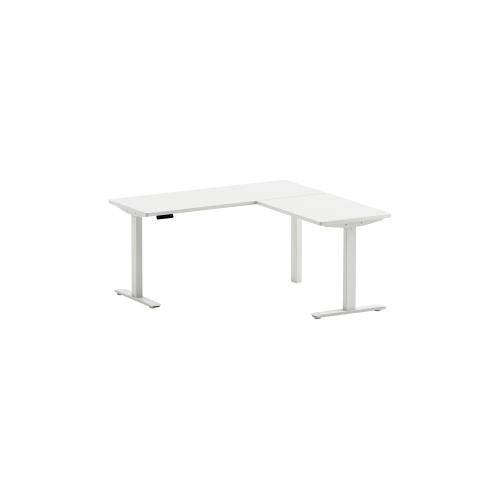
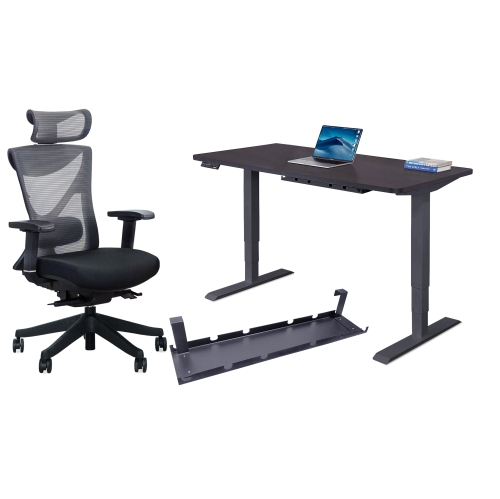
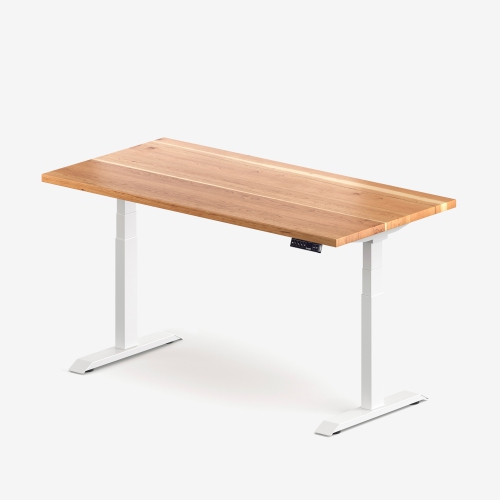
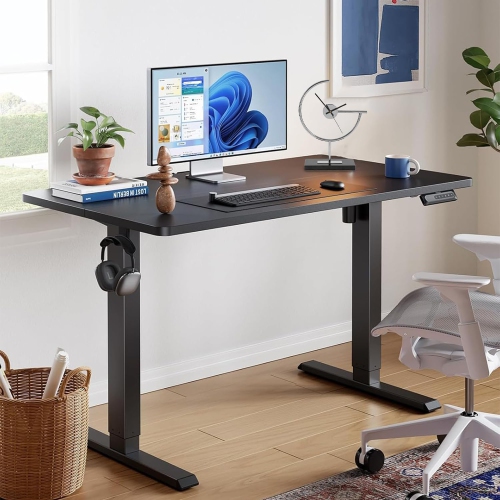
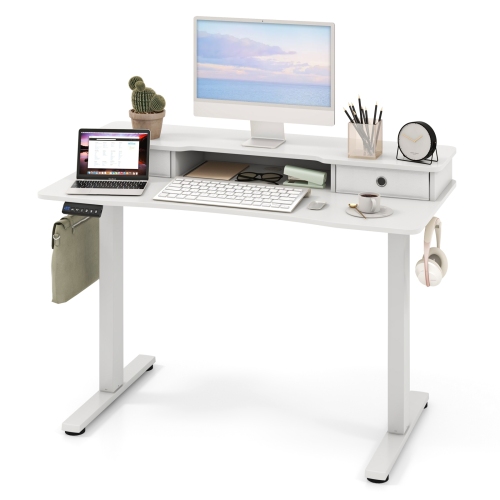
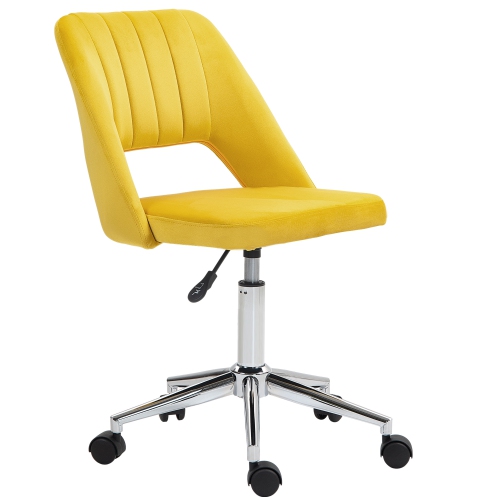
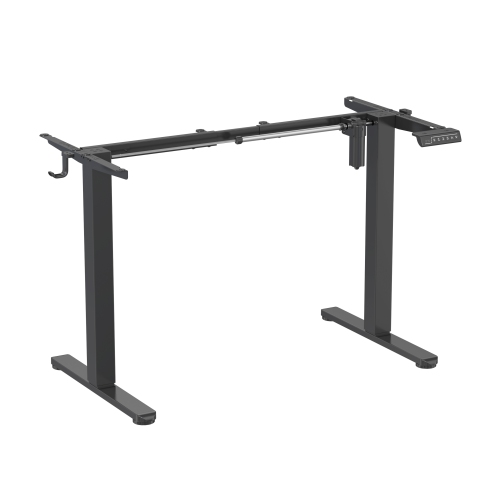
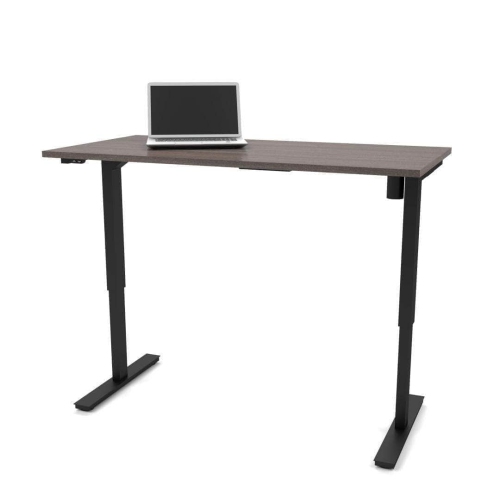
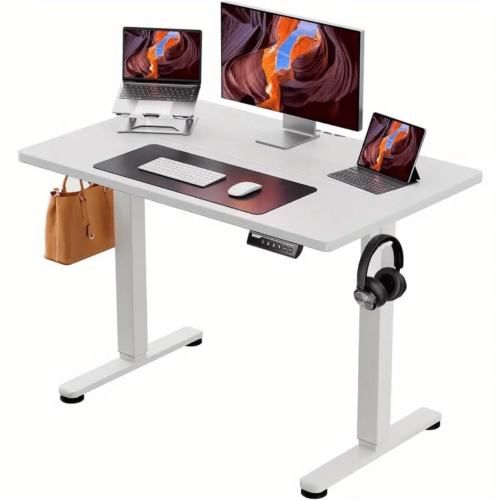
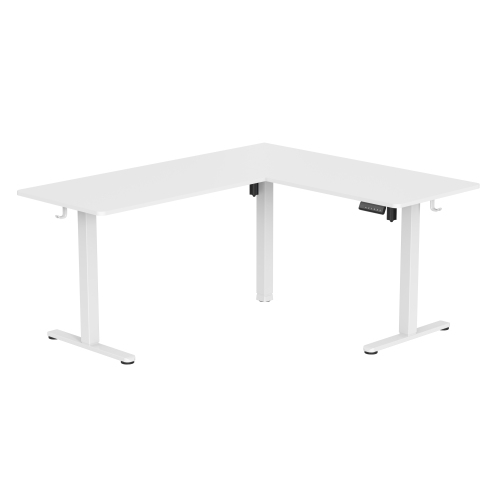
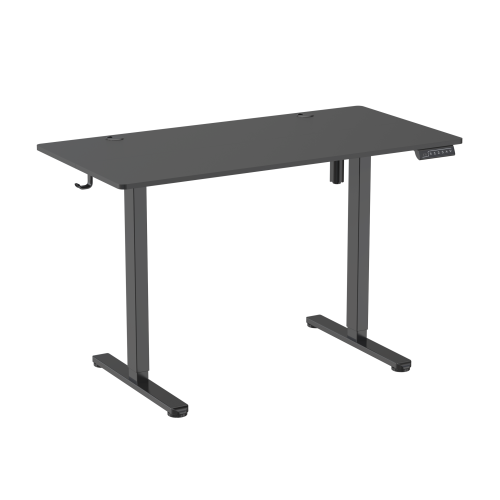
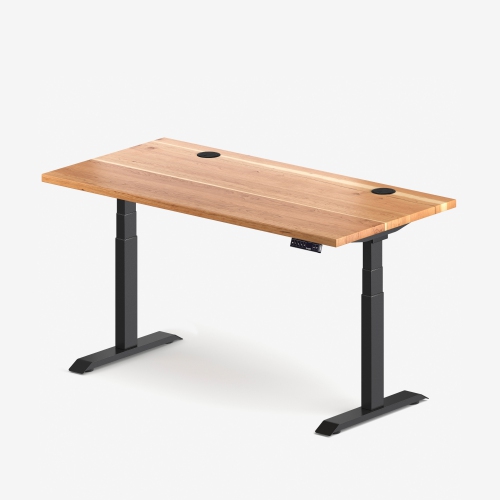
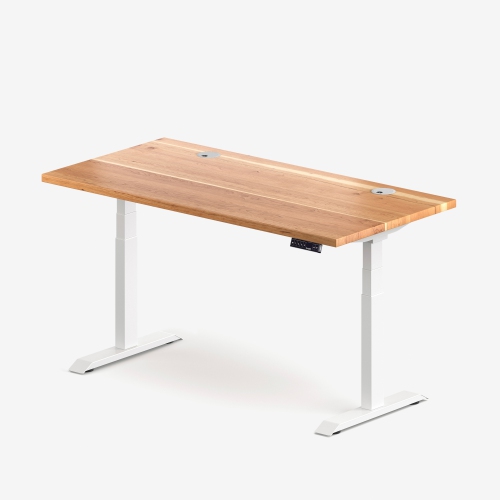
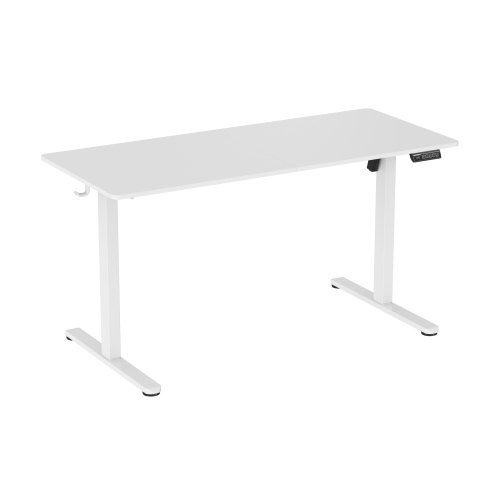
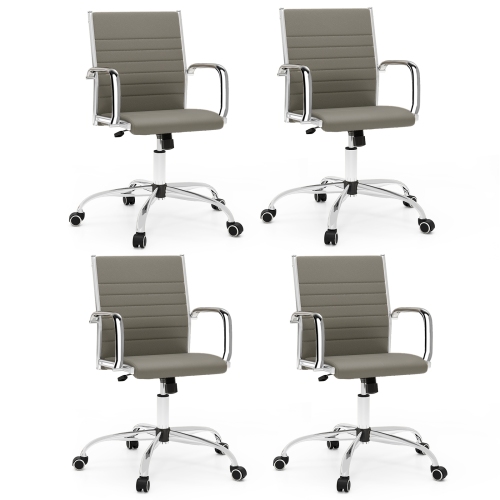
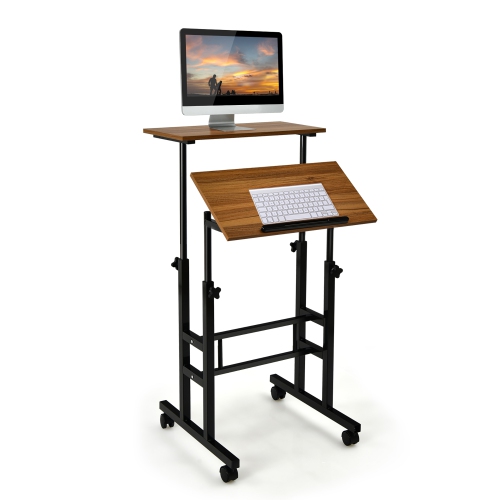
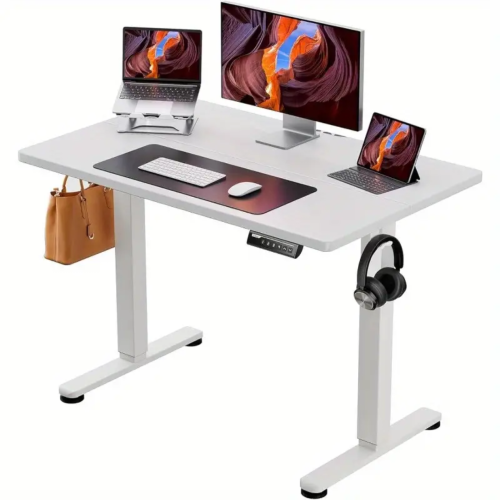
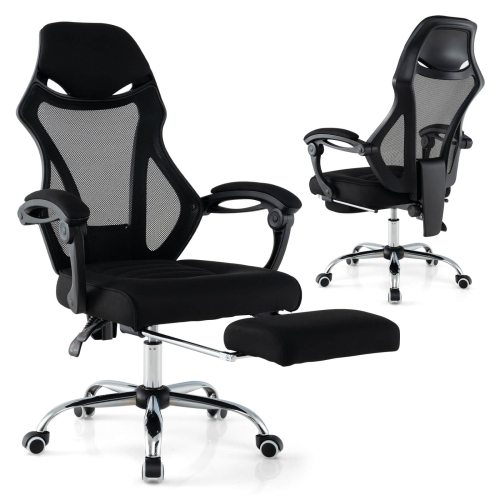
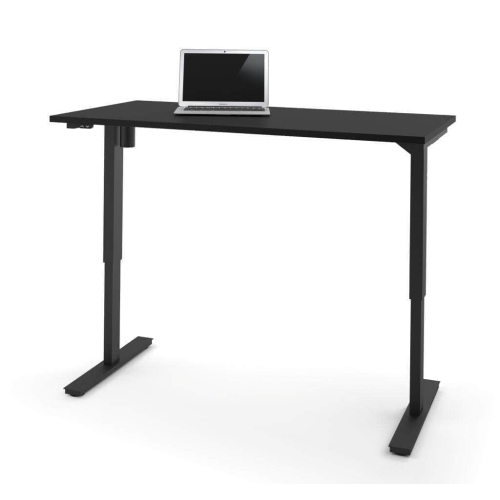
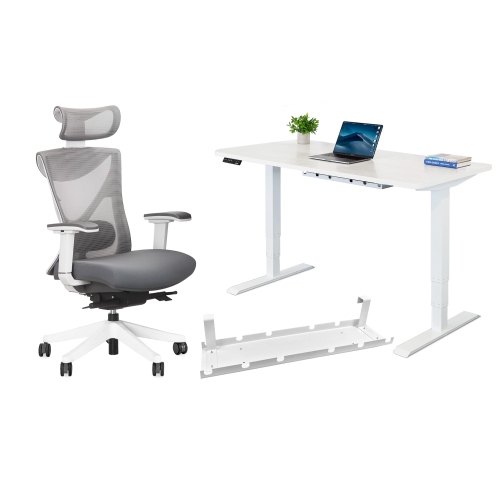
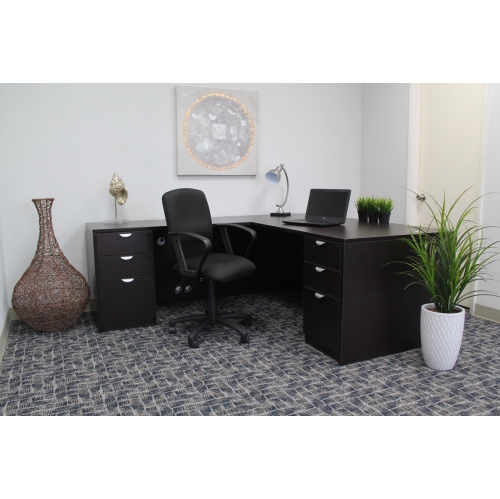
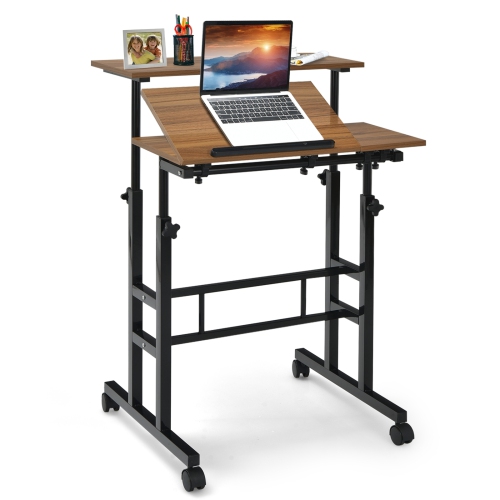
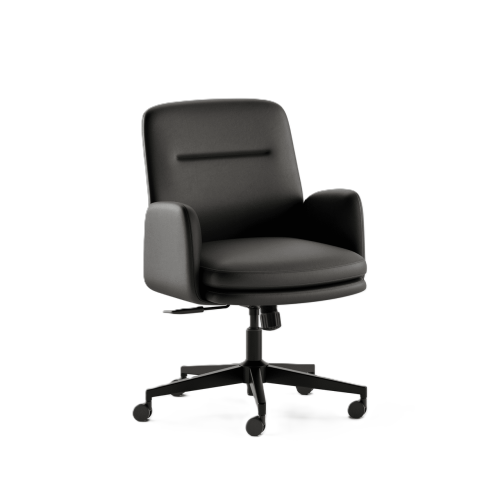
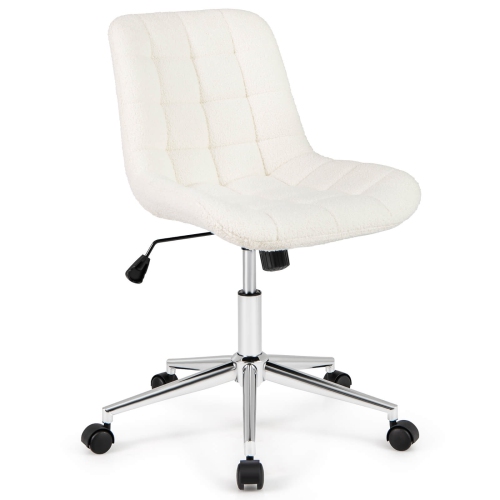
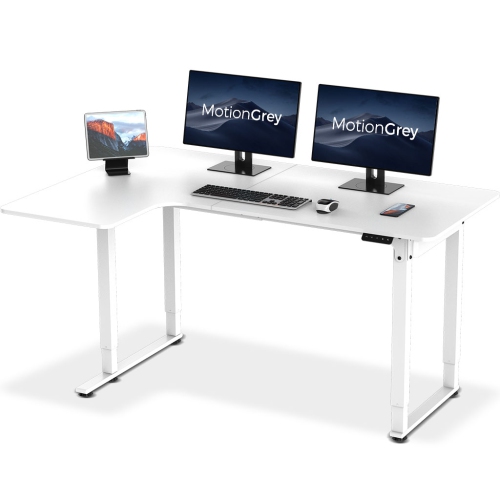
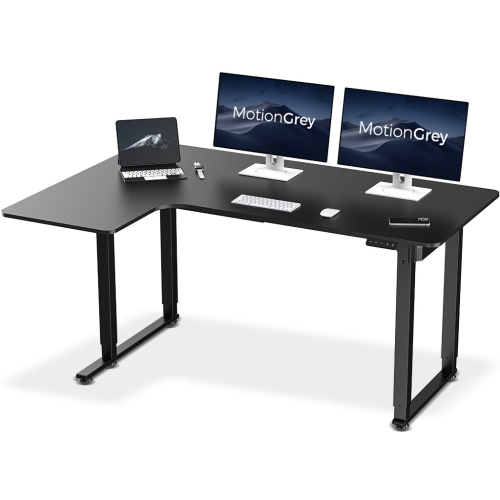
Height-adjustable office furniture lets a work surface or seat move to different heights so a workspace can fit the person using it and the task at hand. The category includes sit-stand desks, adjustable worktables, desktop converters, and office chairs with seat-height adjustment. A sit-stand desk raises and lowers the main work surface, while a desktop converter adds a movable platform to an existing desk. Adjustable tables can serve as flexible surfaces for paperwork, drawing, or shared projects, depending on their design. These options suit home offices, shared workstations, study areas, and multipurpose rooms where a fixed-height surface may not fit every user. Someone working with a laptop and a notebook needs a different layout from someone using two monitors, a full-size keyboard, and reference documents spread across the desktop. Width determines how much equipment can sit side by side, while depth helps provide viewing distance and space to rest the forearms without crowding the keyboard. For a compact room, the furniture’s footprint matters as much as its usable surface: leave room for a chair to pull back, drawers to open, and people to move past comfortably. A corner layout can provide more working area, but its full shape needs to fit the room without blocking doors or access to storage. Collections of Height Adjustable Tables offer another way to explore movable-height surfaces for office tasks and shared spaces. Beyond the desktop dimensions, consider what happens underneath. A crossbar, drawer, or low shelf can reduce knee clearance even when the top appears spacious. In a room that also serves as a guest room or living area, a simple frame and neatly routed cables can help the workspace feel less intrusive. The most useful configuration leaves everyday tools within easy reach and makes changing position a practical part of the workday rather than a furniture-moving exercise.
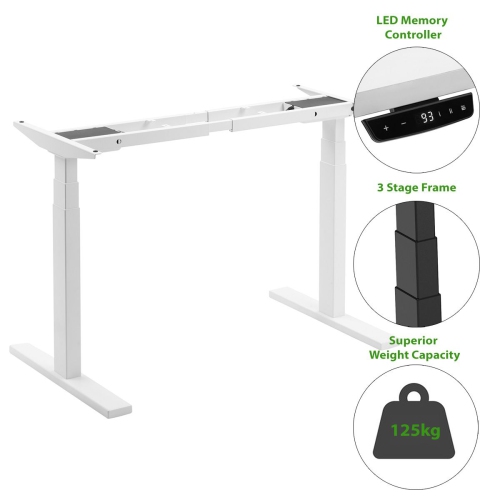
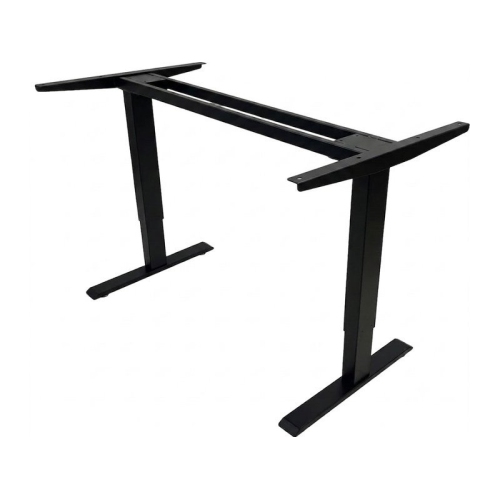
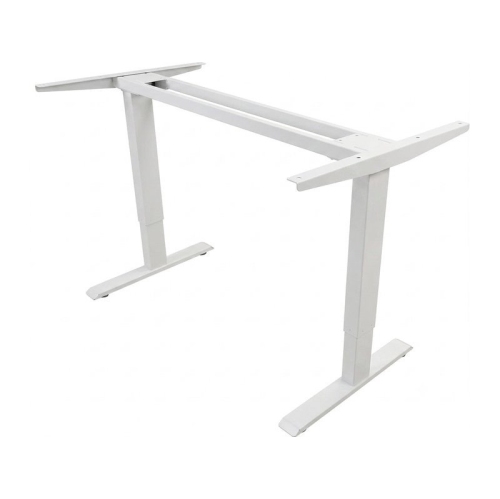
Adjustment range is one of the most important distinctions between height-adjustable desks. The lowest and highest settings need to suit the intended user in both seated and standing positions; a broad advertised range does not automatically guarantee a comfortable fit. Check whether the stated measurements include the desktop thickness, and account for the height added by a keyboard tray or desktop converter. When seated, a useful starting point is to keep feet supported, shoulders relaxed, and the keyboard near elbow height. When standing, the work surface should allow a similarly relaxed arm position without requiring raised shoulders or a bent back. Screen placement is a separate consideration: raising a laptop to a comfortable viewing height generally calls for an external keyboard and mouse to keep the hands lower. An adjustable monitor arm can make screen positioning easier, provided its mounting method and weight requirements match the desktop and display. Electric lifting mechanisms offer push-button adjustment, and some include memory presets for returning to preferred heights. Manual crank systems do not require a powered lift, though they need accessible crank clearance and physical effort to operate. Pneumatic mechanisms use assisted movement and may have specific load requirements for smooth adjustment. For any design, the lifting capacity needs to accommodate the working setup, including monitors, mounts, speakers, and other equipment, according to the manufacturer’s stated limits. Stability matters throughout the adjustment range, especially with extended monitor arms or a large display. Frame construction, joint quality, desktop dimensions, and floor levelling all influence how steady a surface feels during typing. Where included, collision-detection features may help interrupt movement when an obstruction is sensed, but the desk still needs a clear path above and below it. Leave enough cable slack for the highest position without allowing cords to snag on chair wheels or moving parts. In a shared workspace, clearly accessible controls and repeatable settings can simplify handovers between users of different heights.
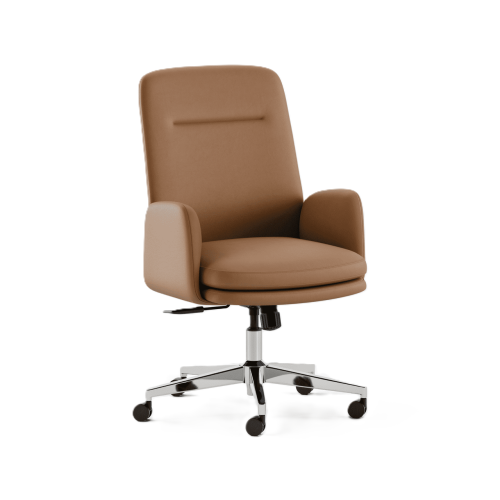
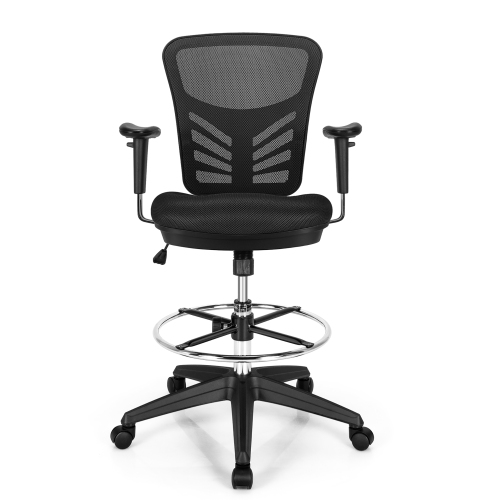
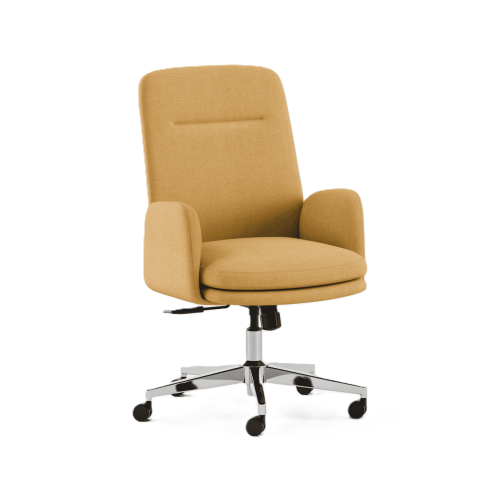
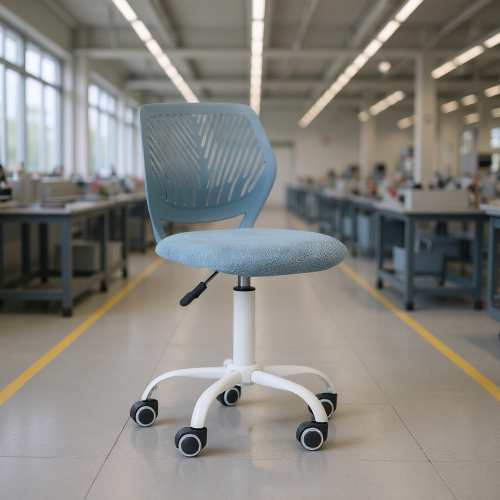
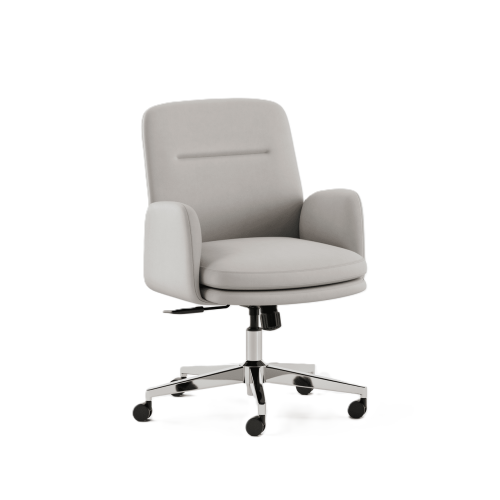
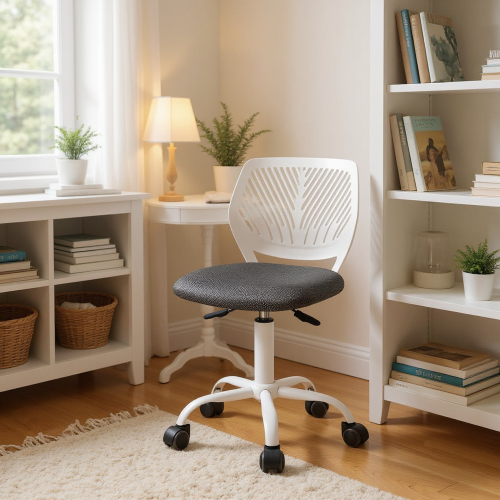
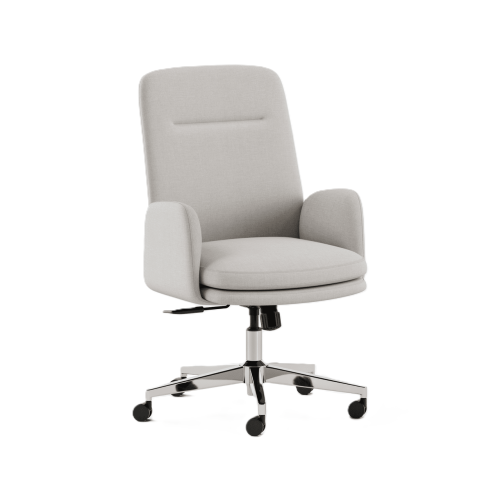
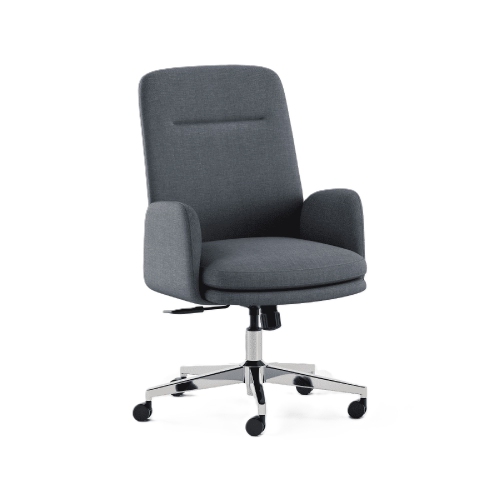
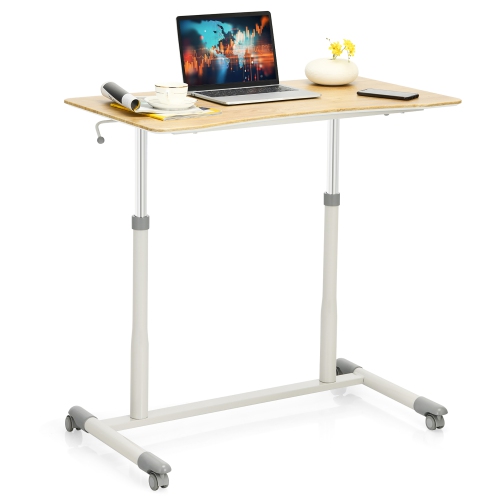
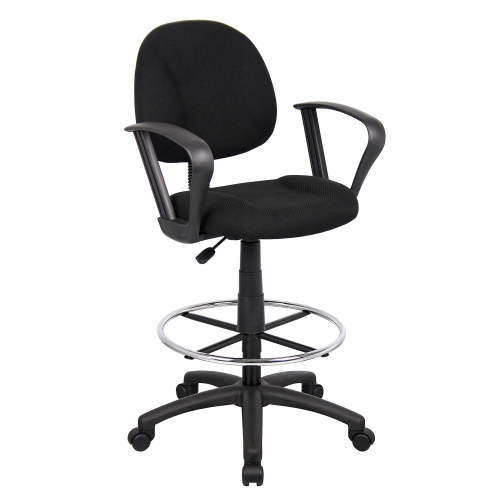
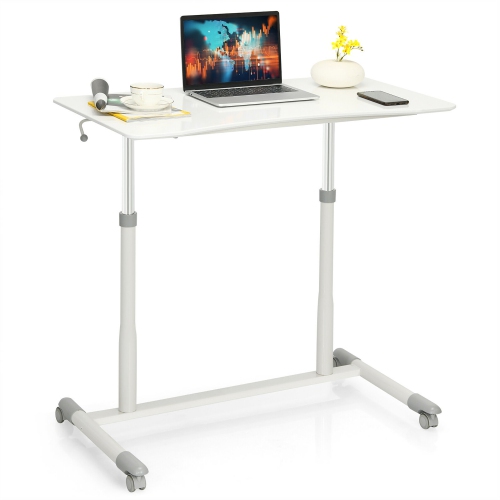
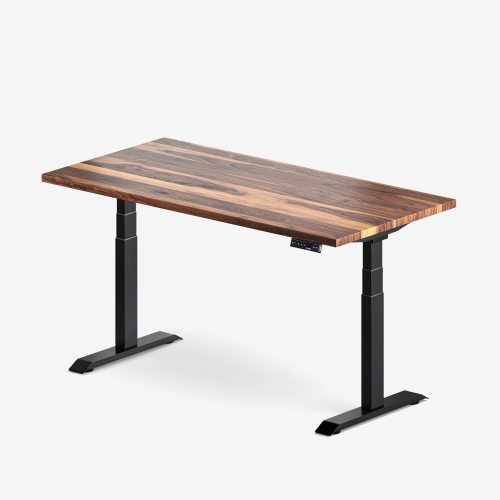
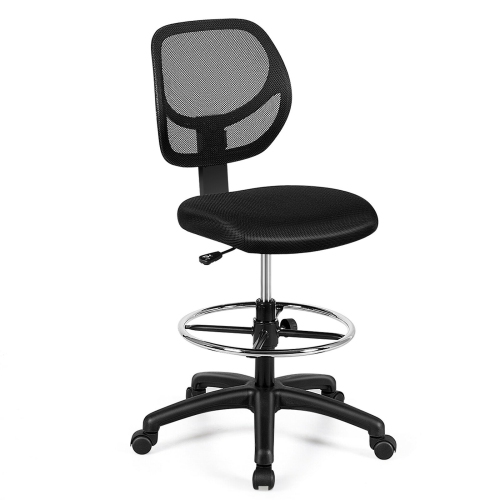
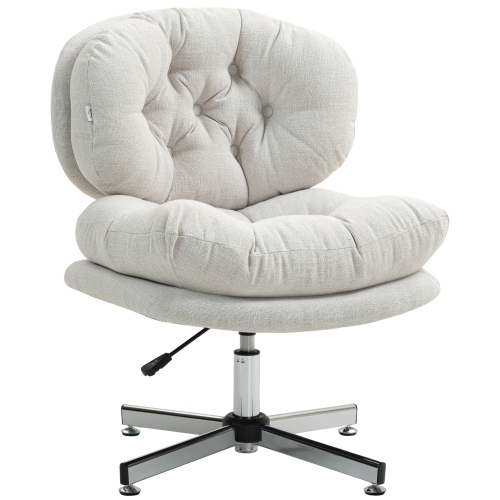
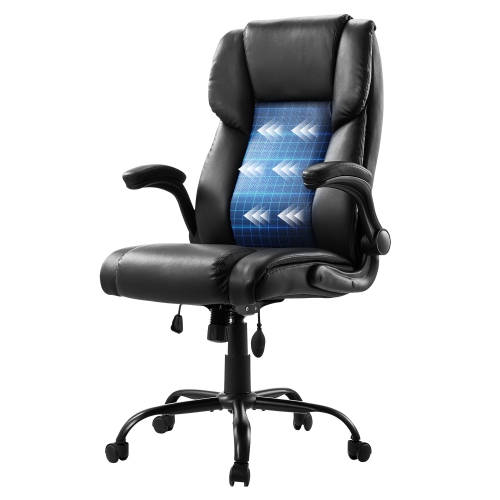
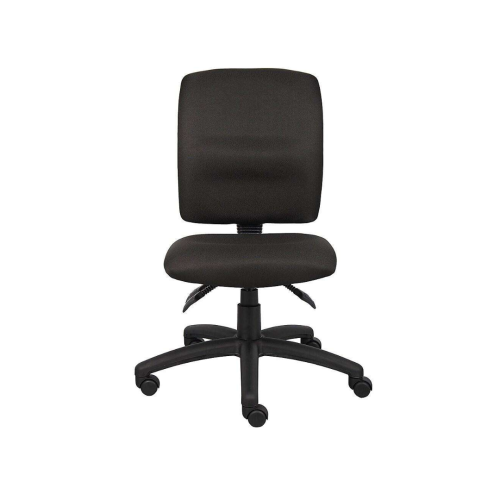
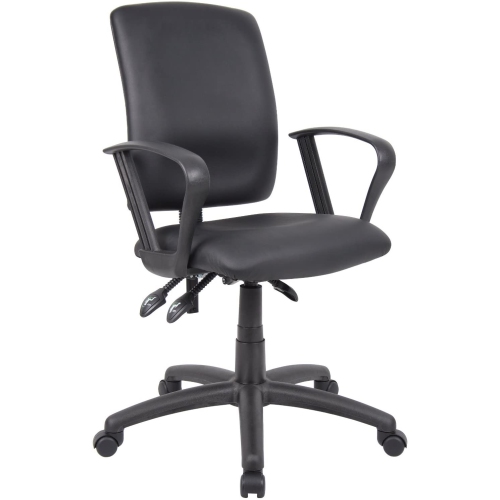
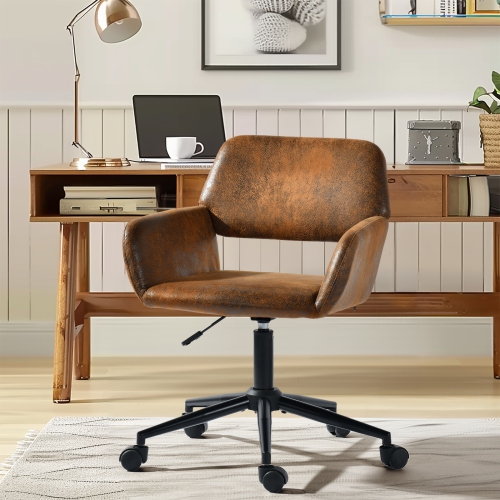
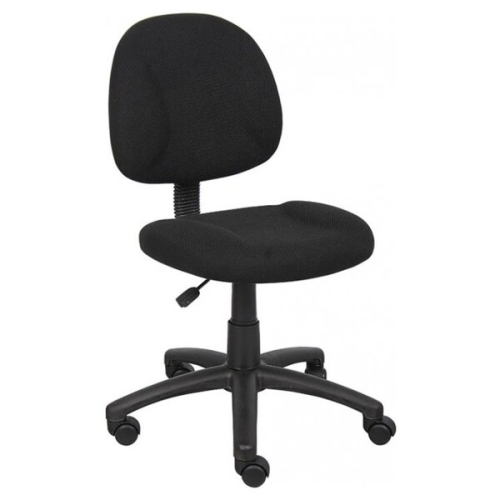
Materials and construction shape both the appearance and the long-term usefulness of adjustable office furniture. Steel frames are common, while desktops may use laminate-covered particleboard, medium-density fibreboard, solid wood, or other materials. Laminate surfaces are often easy to wipe clean, though their edges and seams still need protection from standing moisture. Wood brings natural grain and variation, with care requirements that depend on the finish. A smooth surface supports writing and mouse movement, while rounded or gently bevelled edges can feel more comfortable where forearms meet the desktop. Desktop thickness and internal construction are particularly important when attaching a clamped monitor arm, as not every top can support the same concentrated load. Assembly quality also affects durability: aligned components, correctly tightened fasteners, and properly installed feet help the frame perform as intended. Follow the manufacturer’s assembly sequence and arrange help when lifting heavy sections or turning a completed desk upright. Routine care usually involves removing dust, wiping spills promptly, and using cleaning methods approved for the surface finish. Keep liquids away from controls and electrical components, and check accessible fasteners periodically according to the care instructions. For an office chair, seat-height adjustment works alongside seat depth, back support, and armrest position; raising the seat alone does not address every aspect of fit. A footrest can provide support when the required seated height leaves feet above the floor. Mobile adjustable tables add flexibility for presentations or collaborative work, but their caster design, locking function, and intended use deserve attention before equipment is placed on top. For remote workers, students, creative professionals, and households sharing one office, these details can make a workspace easier to use across different activities. Adjustable furniture is best understood as a way to vary working positions, not a reason to remain standing all day or a treatment for discomfort. Alternating positions, taking movement breaks, and keeping frequently used tools close at hand can complement a well-fitted setup. A suitable combination of adjustment range, usable space, sturdy construction, and straightforward care supports everything from focused keyboard work to reviewing a large set of printed plans.
Adjustment range is one of the most important distinctions between height-adjustable desks. The lowest and highest settings need to suit the intended user in both seated and standing positions; a broad advertised range does not automatically guarantee a comfortable fit. Check whether the stated measurements include the desktop thickness, and account for the height added by a keyboard tray or desktop converter. When seated, a useful starting point is to keep feet supported, shoulders relaxed, and the keyboard near elbow height. When standing, the work surface should allow a similarly relaxed arm position without requiring raised shoulders or a bent back. Screen placement is a separate consideration: raising a laptop to a comfortable viewing height generally calls for an external keyboard and mouse to keep the hands lower. An adjustable monitor arm can make screen positioning easier, provided its mounting method and weight requirements match the desktop and display. Electric lifting mechanisms offer push-button adjustment, and some include memory presets for returning to preferred heights. Manual crank systems do not require a powered lift, though they need accessible crank clearance and physical effort to operate. Pneumatic mechanisms use assisted movement and may have specific load requirements for smooth adjustment. For any design, the lifting capacity needs to accommodate the working setup, including monitors, mounts, speakers, and other equipment, according to the manufacturer’s stated limits. Stability matters throughout the adjustment range, especially with extended monitor arms or a large display. Frame construction, joint quality, desktop dimensions, and floor levelling all influence how steady a surface feels during typing. Where included, collision-detection features may help interrupt movement when an obstruction is sensed, but the desk still needs a clear path above and below it. Leave enough cable slack for the highest position without allowing cords to snag on chair wheels or moving parts. In a shared workspace, clearly accessible controls and repeatable settings can simplify handovers between users of different heights.
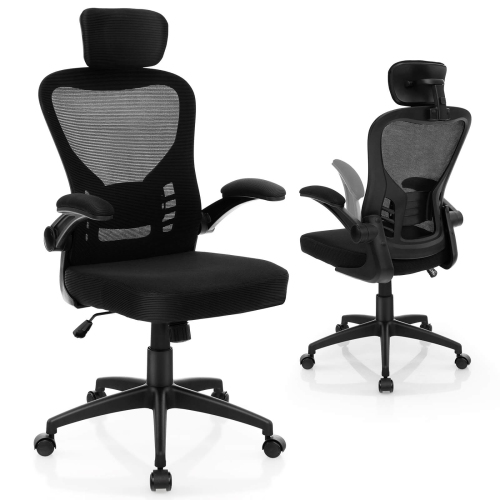
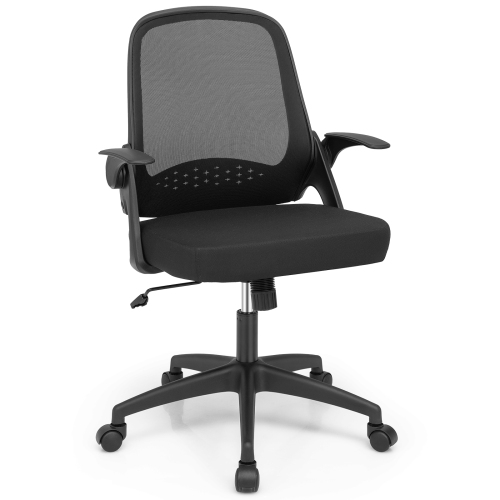
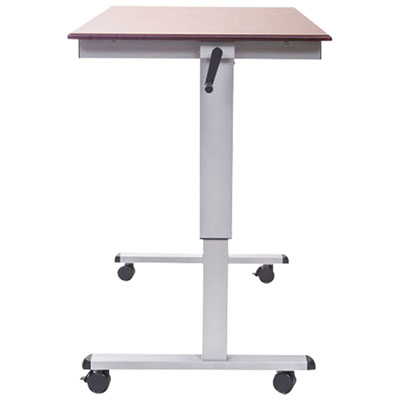
Materials and construction shape both the appearance and the long-term usefulness of adjustable office furniture. Steel frames are common, while desktops may use laminate-covered particleboard, medium-density fibreboard, solid wood, or other materials. Laminate surfaces are often easy to wipe clean, though their edges and seams still need protection from standing moisture. Wood brings natural grain and variation, with care requirements that depend on the finish. A smooth surface supports writing and mouse movement, while rounded or gently bevelled edges can feel more comfortable where forearms meet the desktop. Desktop thickness and internal construction are particularly important when attaching a clamped monitor arm, as not every top can support the same concentrated load. Assembly quality also affects durability: aligned components, correctly tightened fasteners, and properly installed feet help the frame perform as intended. Follow the manufacturer’s assembly sequence and arrange help when lifting heavy sections or turning a completed desk upright. Routine care usually involves removing dust, wiping spills promptly, and using cleaning methods approved for the surface finish. Keep liquids away from controls and electrical components, and check accessible fasteners periodically according to the care instructions. For an office chair, seat-height adjustment works alongside seat depth, back support, and armrest position; raising the seat alone does not address every aspect of fit. A footrest can provide support when the required seated height leaves feet above the floor. Mobile adjustable tables add flexibility for presentations or collaborative work, but their caster design, locking function, and intended use deserve attention before equipment is placed on top. For remote workers, students, creative professionals, and households sharing one office, these details can make a workspace easier to use across different activities. Adjustable furniture is best understood as a way to vary working positions, not a reason to remain standing all day or a treatment for discomfort. Alternating positions, taking movement breaks, and keeping frequently used tools close at hand can complement a well-fitted setup. A suitable combination of adjustment range, usable space, sturdy construction, and straightforward care supports everything from focused keyboard work to reviewing a large set of printed plans.
Top selling and popular products
-
 Your price for this item is $304.99
 -
 Your price for this item is $142.92
 -
 Your price for this item is $248.99
 -
 Your price for this item is $133.91
 -
 Your price for this item is $158.99
 -
 Your price for this item is $142.94
 -
 Your price for this item is $119.99
 -
 Your price for this item is $133.91
Discover more categories related to Height Adjustable Office Furniture
Top Collections:
Pokemon Centers, Best Cameras for Sports Photography, Kindle Devices, Samsung Galaxy Phones, Canon G7X Cameras, Pokémon 30th Celebration Cards, Refurbished Apple Laptops, iPhone 15 Apple, Laptops for Students, Budget Smartphones
Some products may be subject to Environmental Handling Fees
(EHF) depending on your province.
Learn more about EHFs.