L Shaped Desk Standing
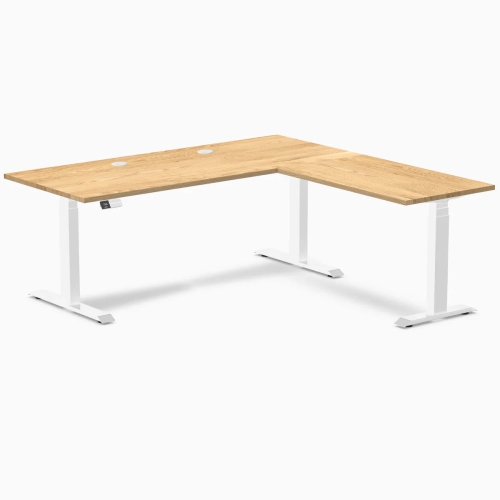
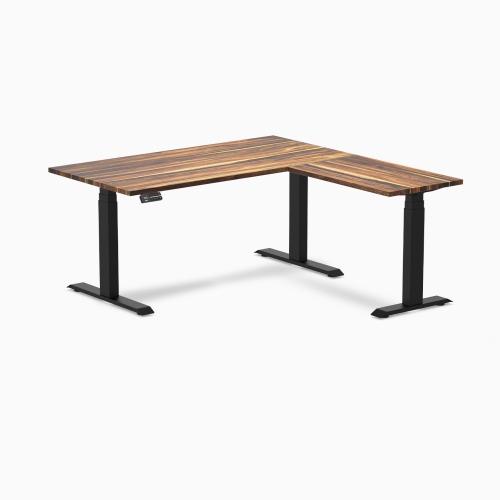
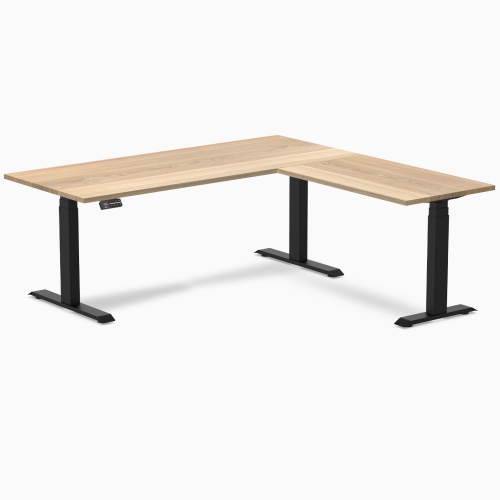
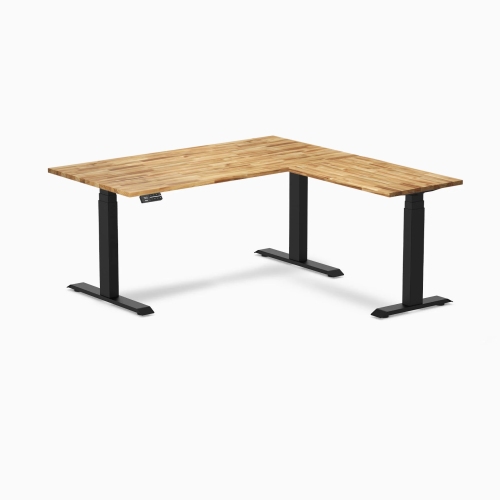
A L-shaped desk is a classic. It's a great place to work, with plenty of room for your computer, monitor, keyboard, and other equipment. And it looks good in almost any home office. But how do you choose the right L-shaped desk for your needs? There are many different types of L-shaped desks, so we've picked some of our favorites below. Here are some standing options on the market.
Sort
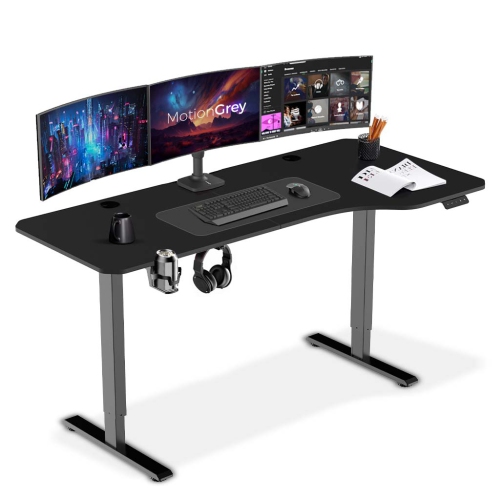
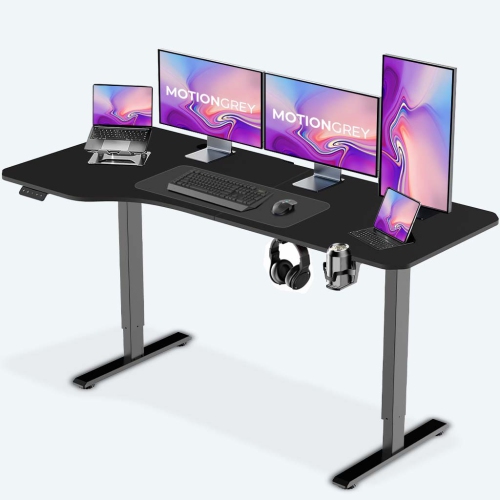
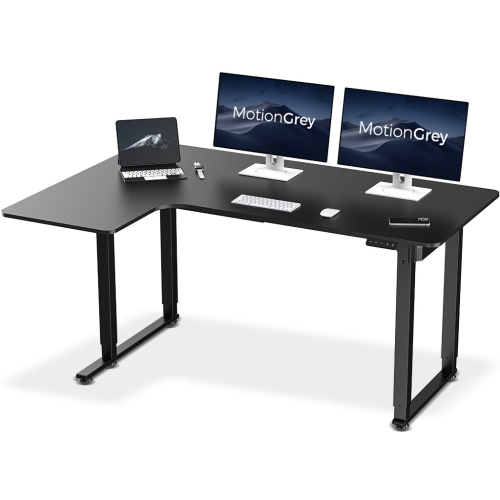
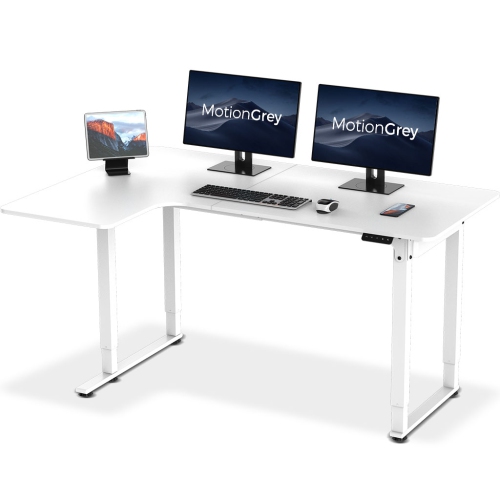
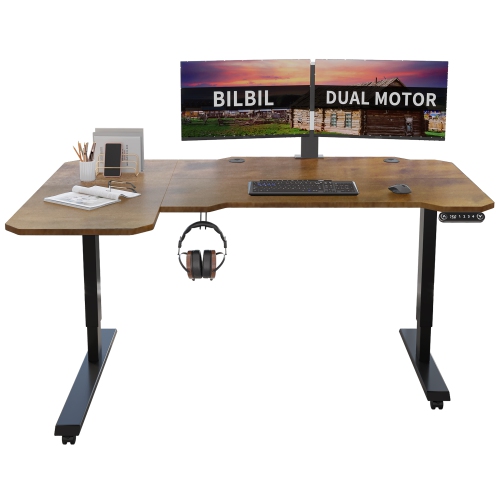
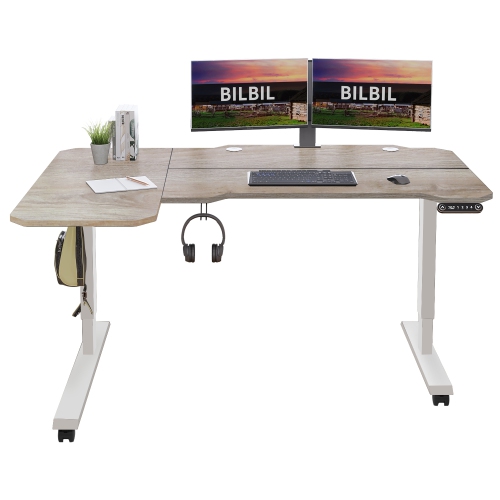
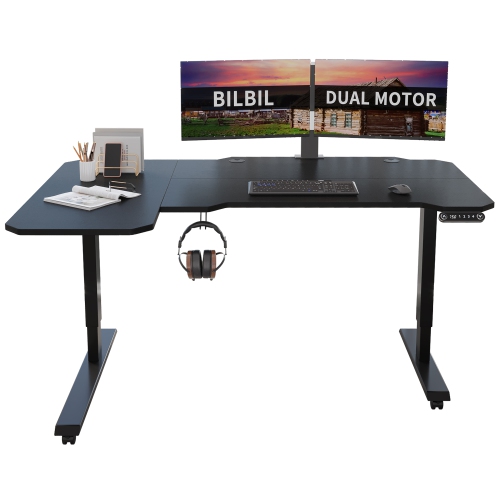
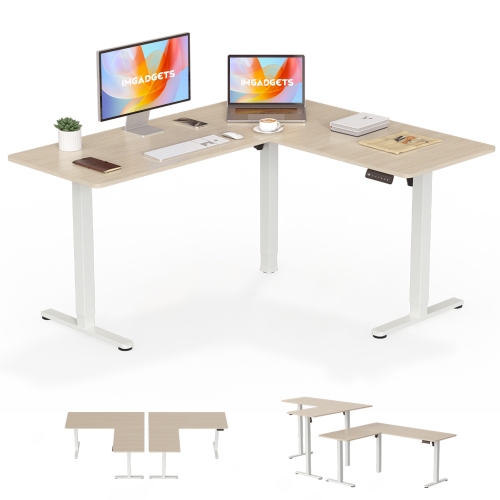
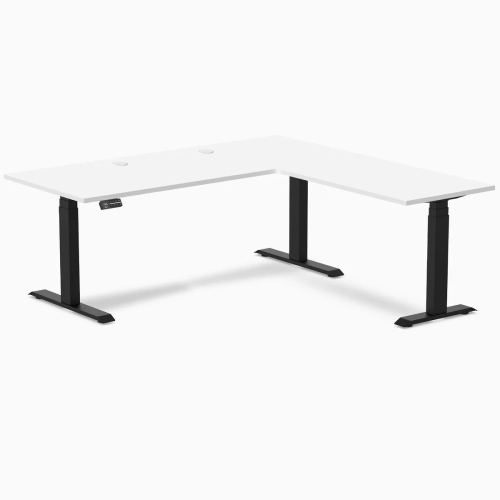
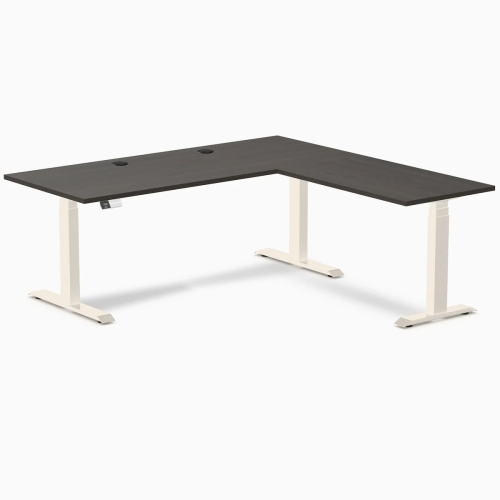
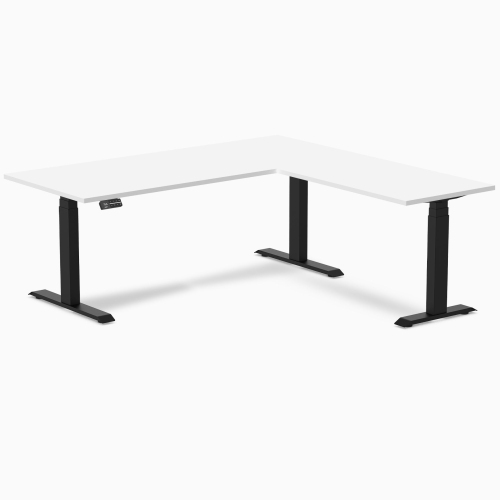
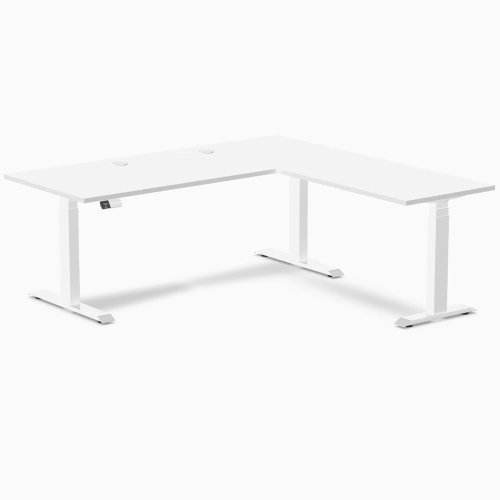
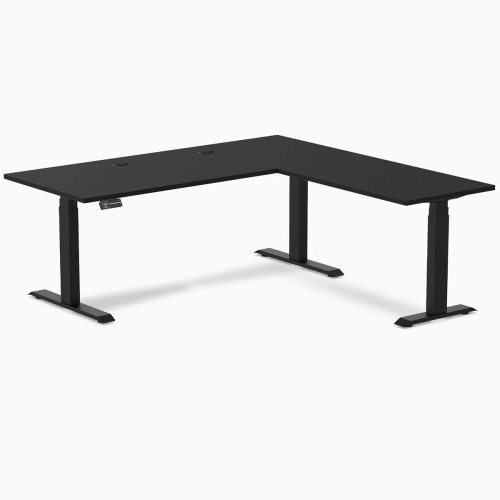
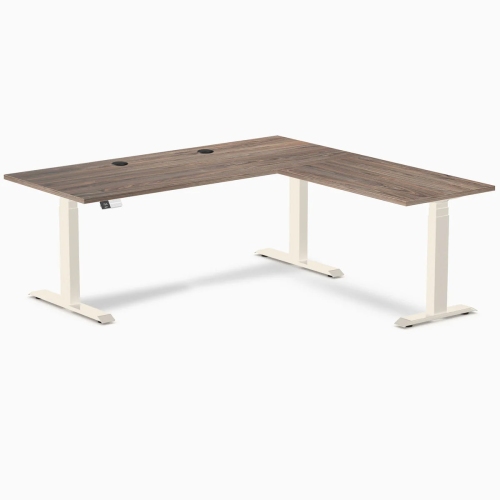
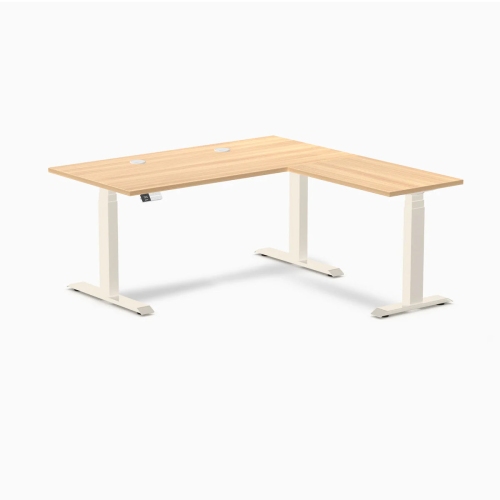
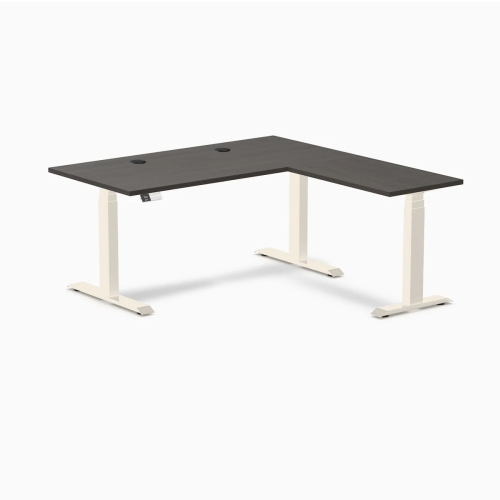
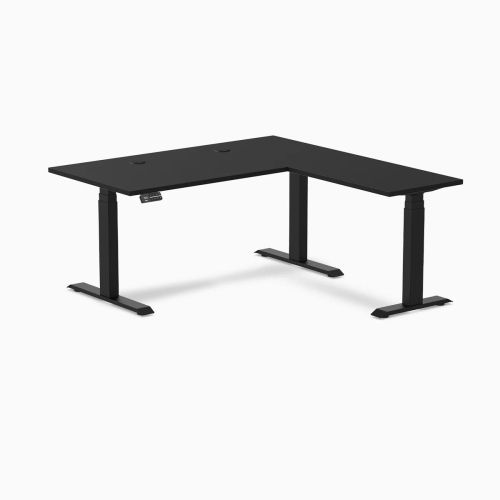
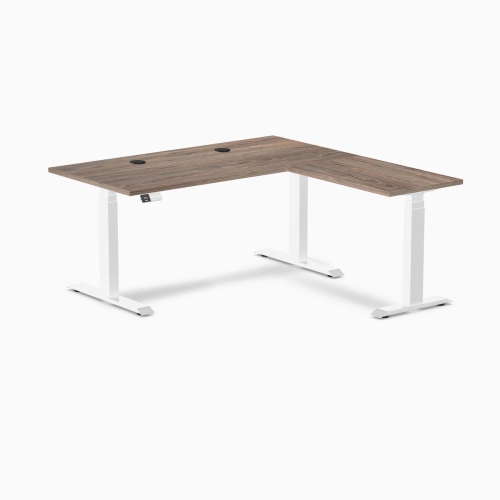
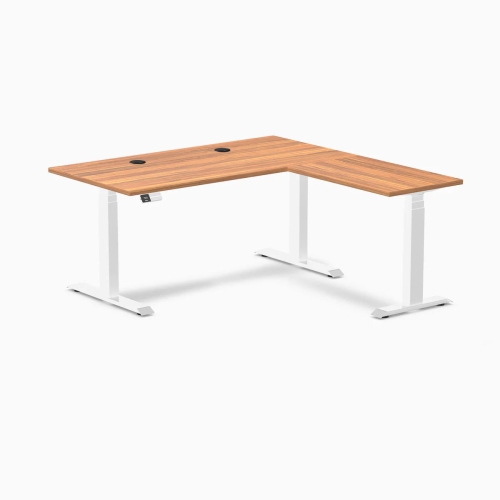
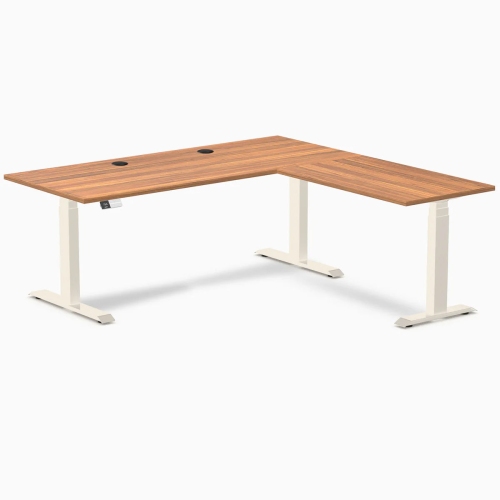
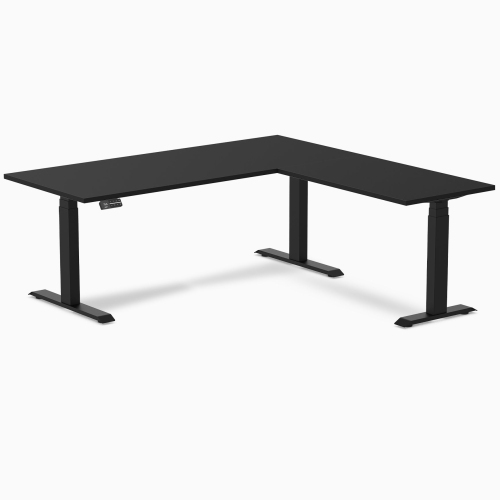
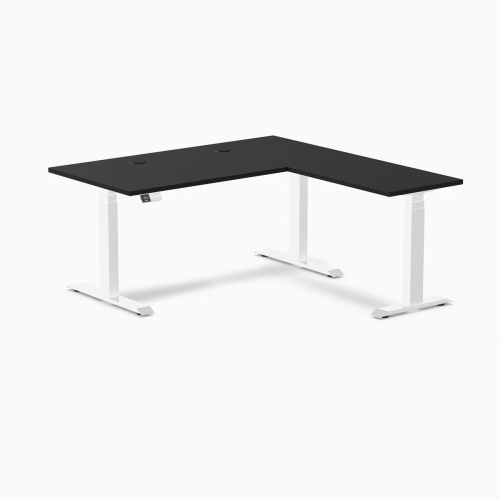
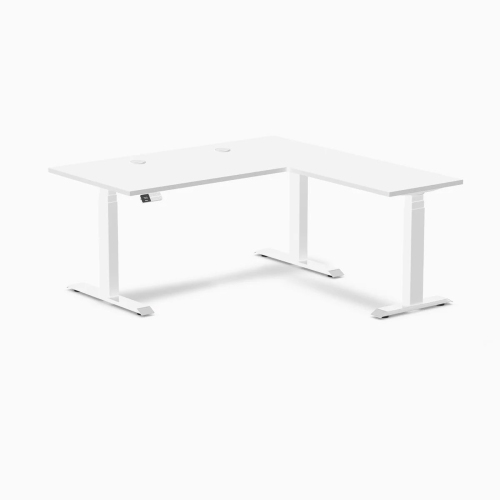
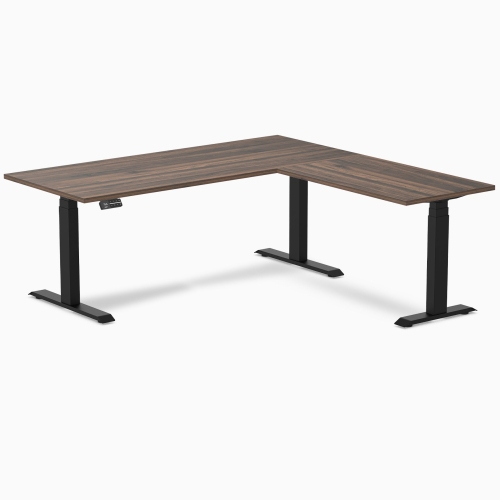
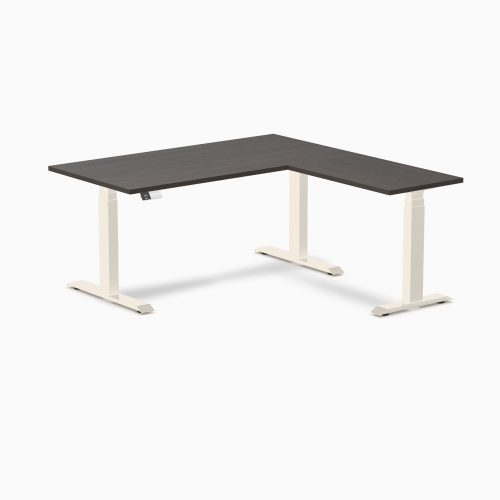
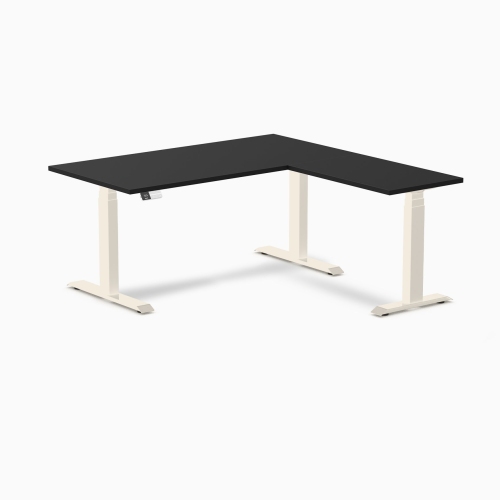
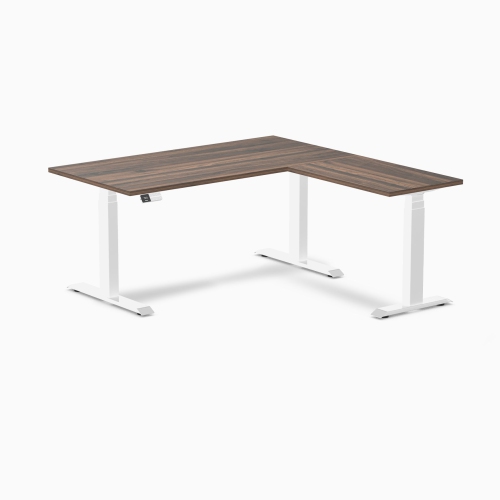
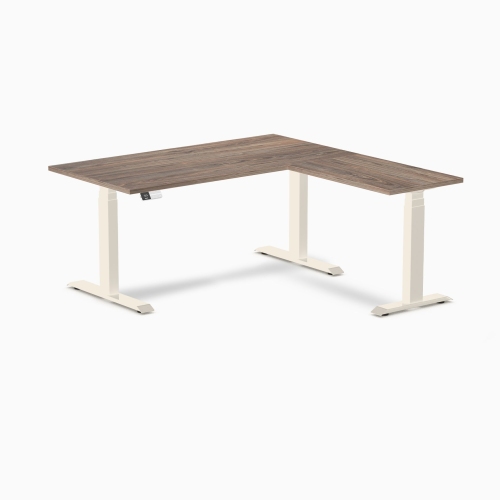
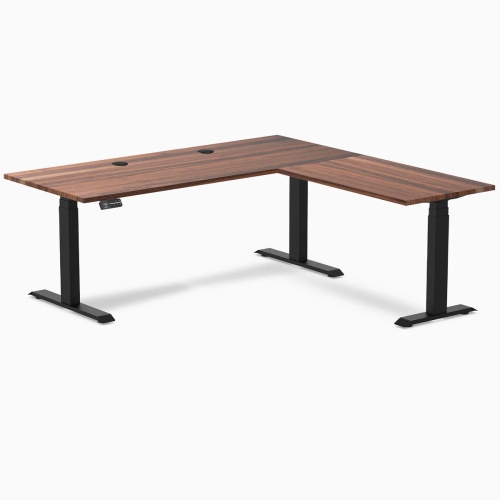
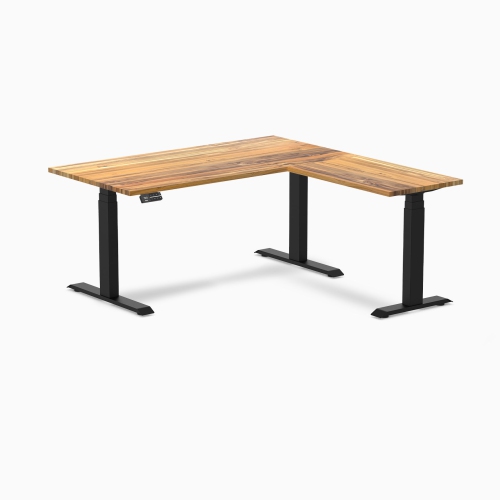
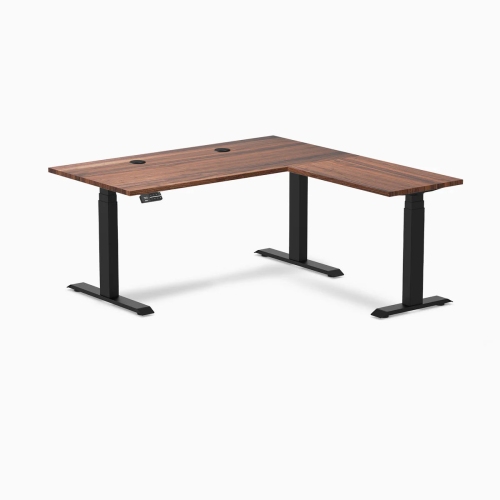
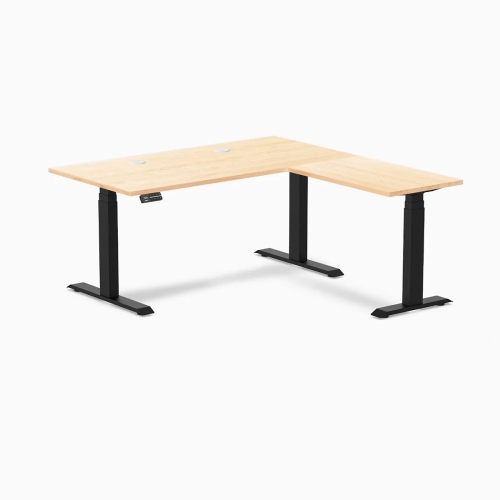

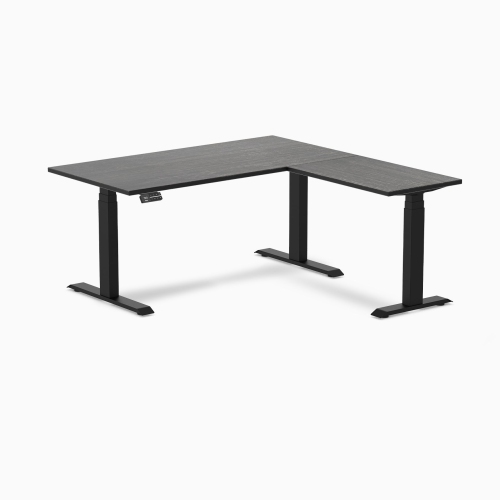
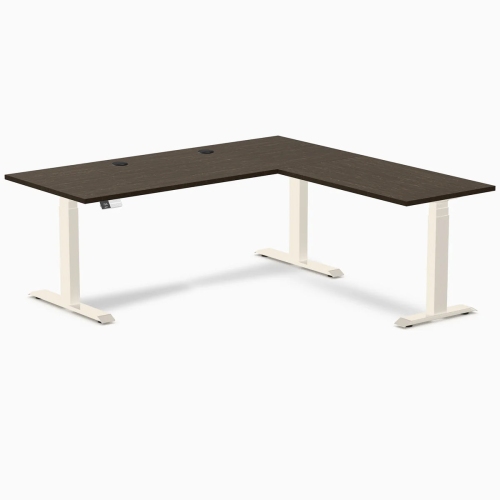
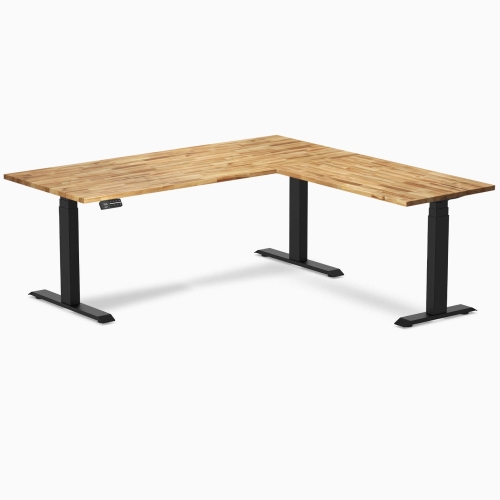
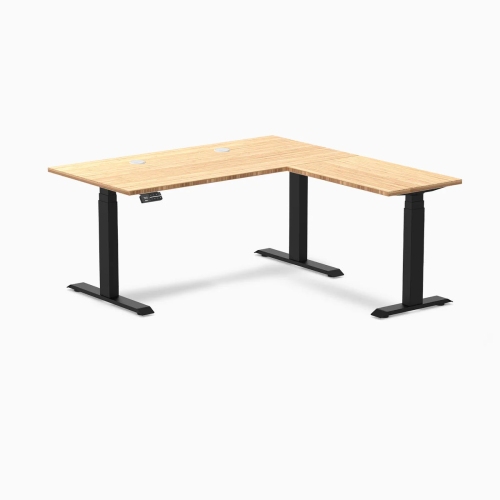
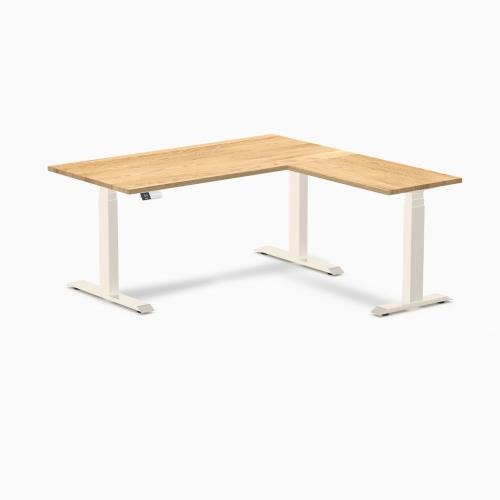
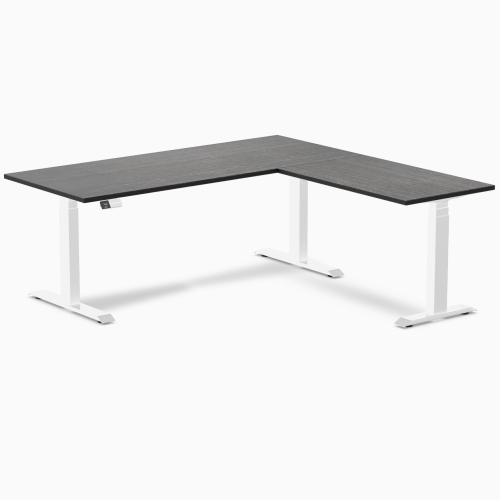
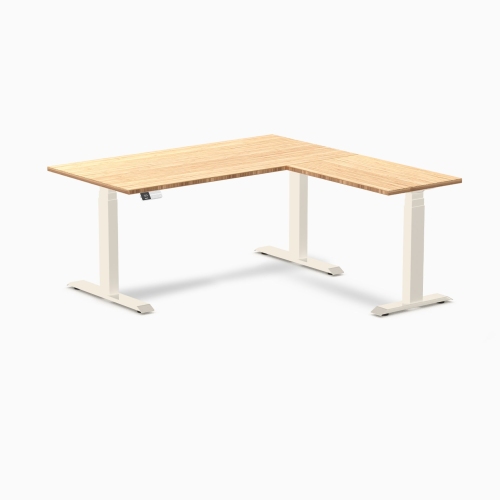
More workspace and flexibility for changing work routines
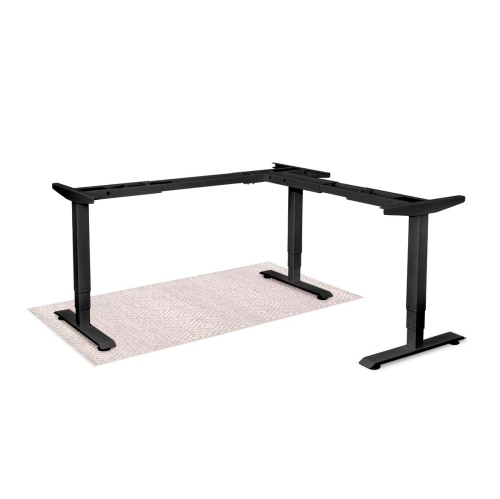
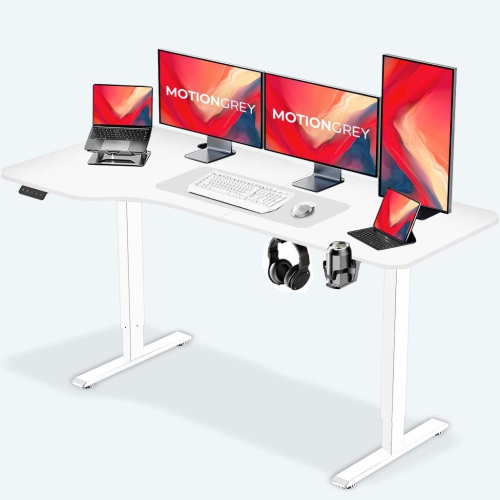
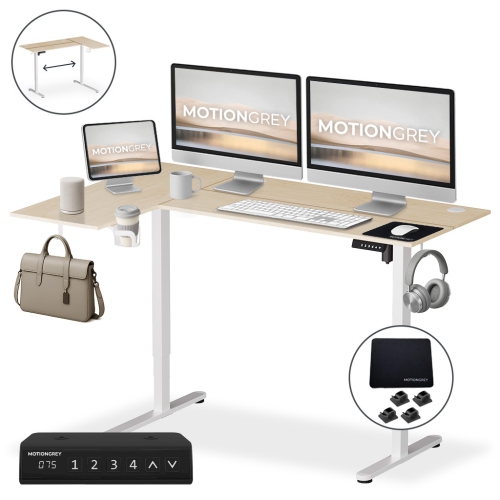
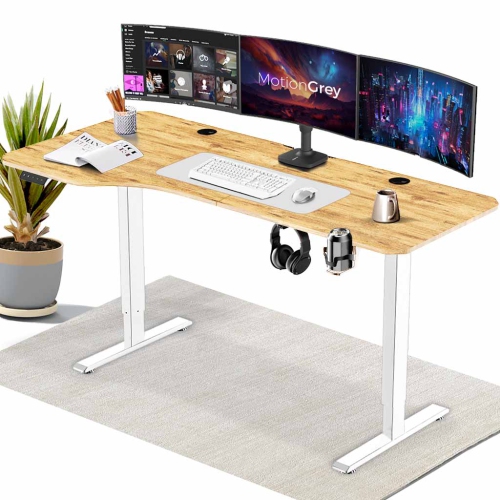
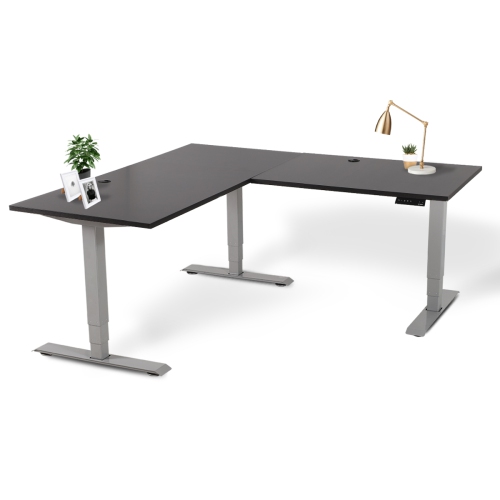
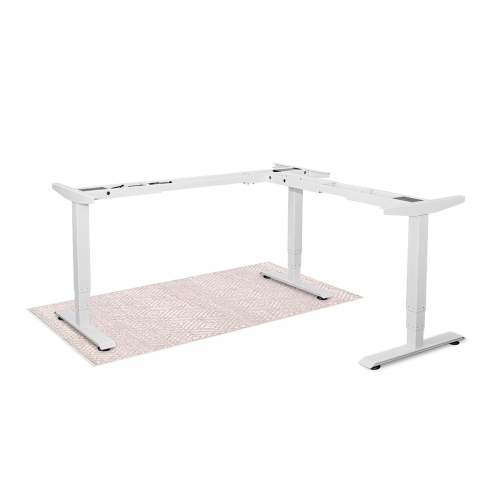
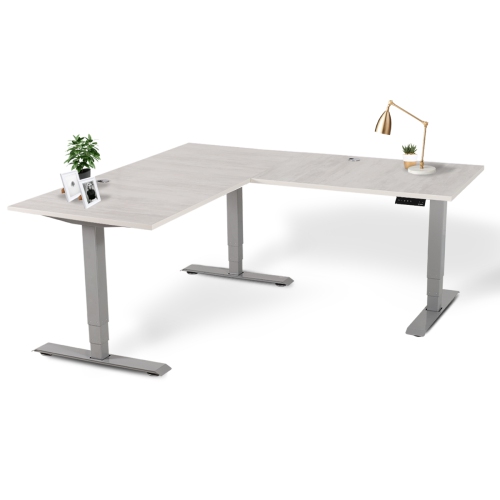
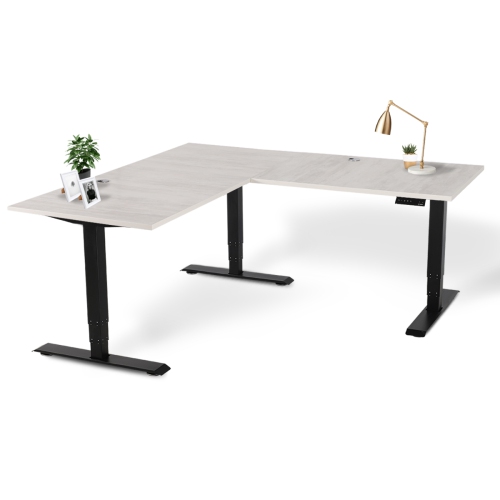
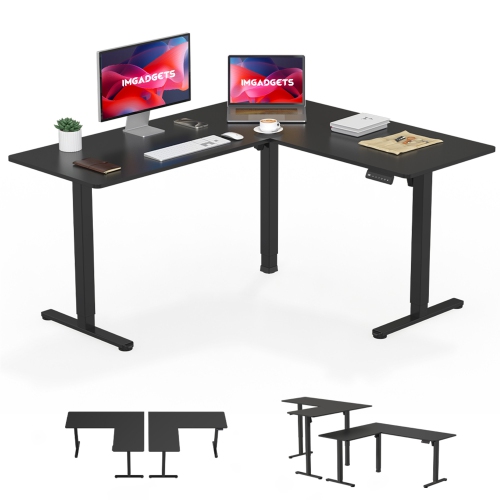
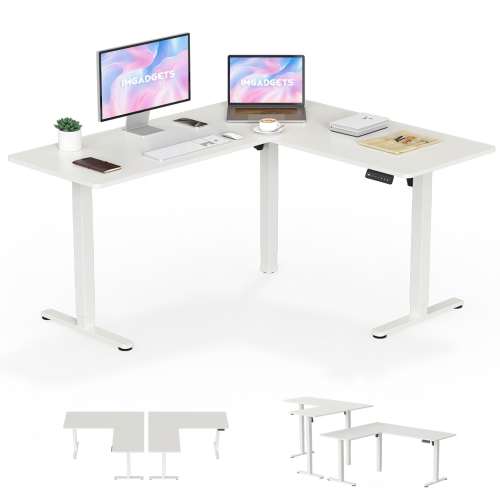
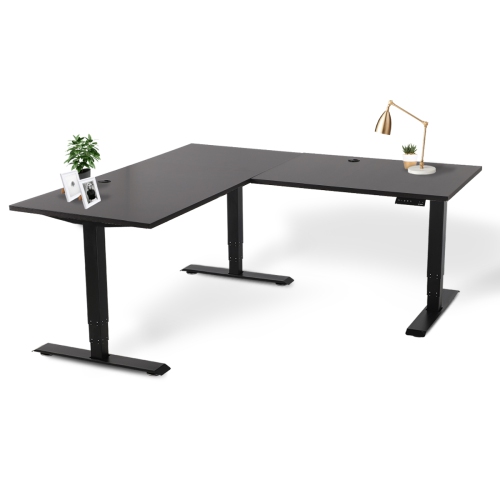
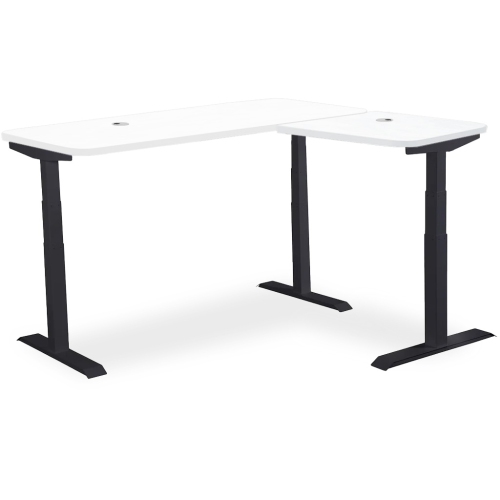
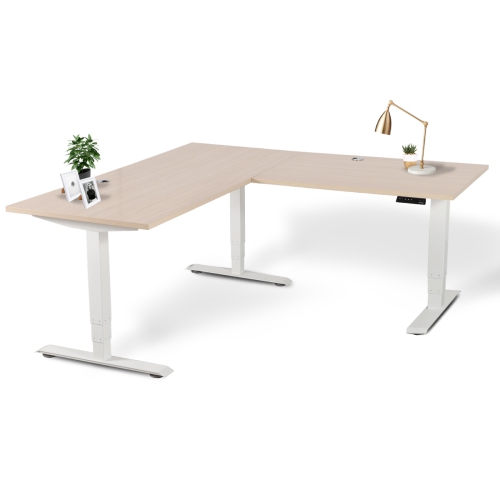
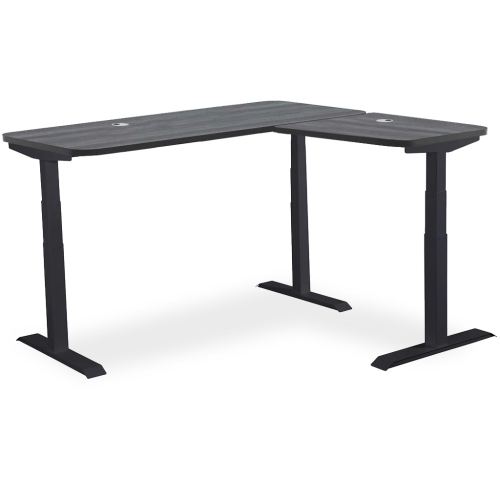
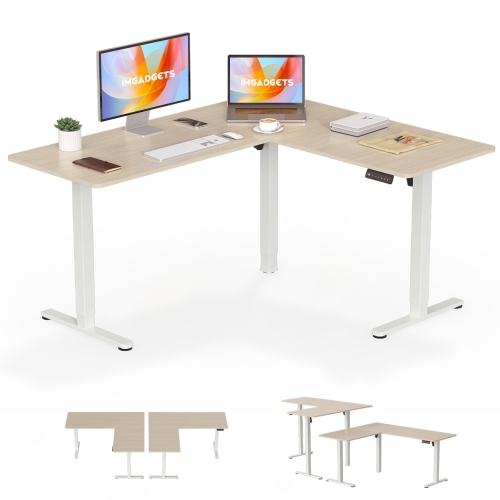
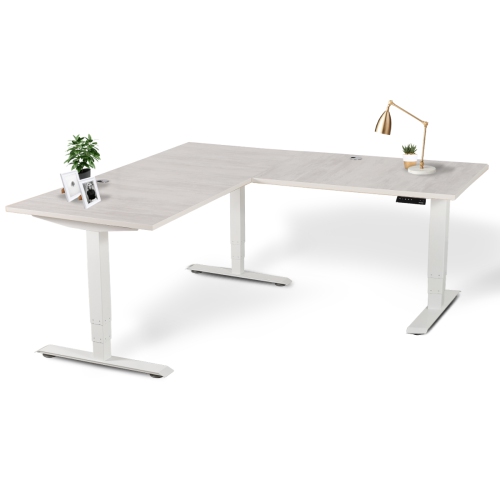
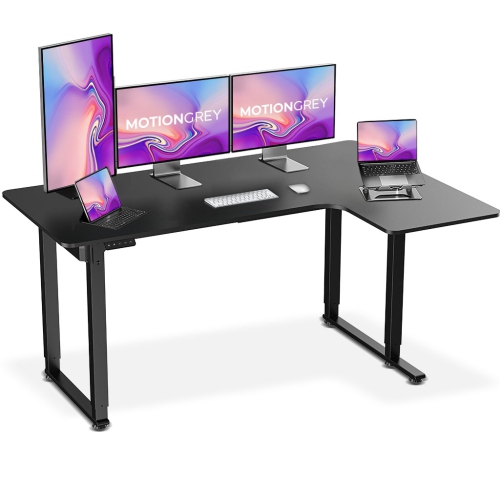
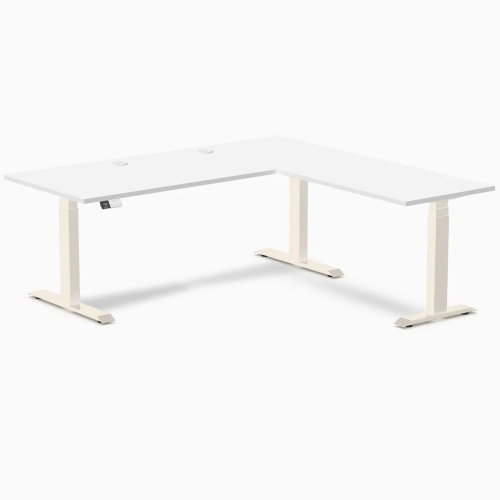
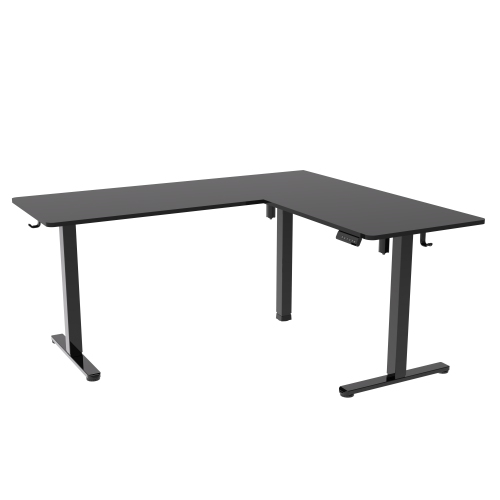
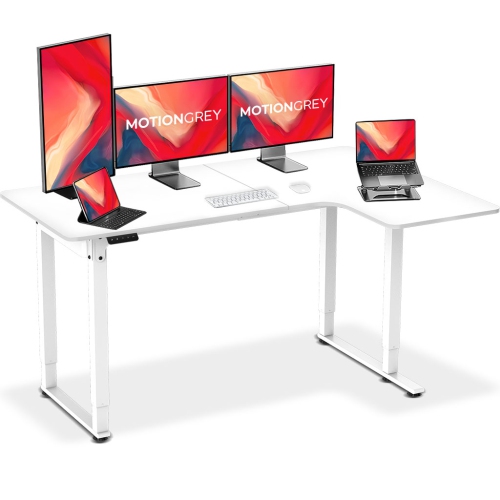
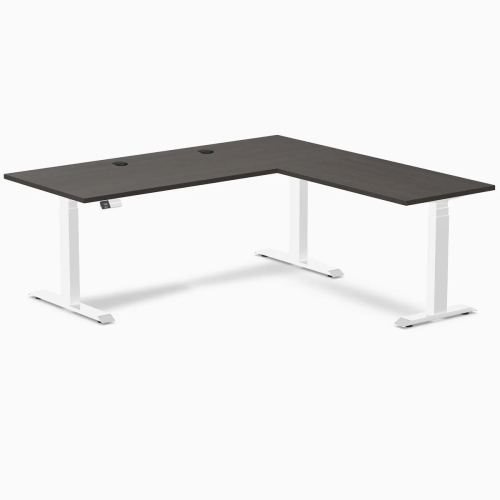
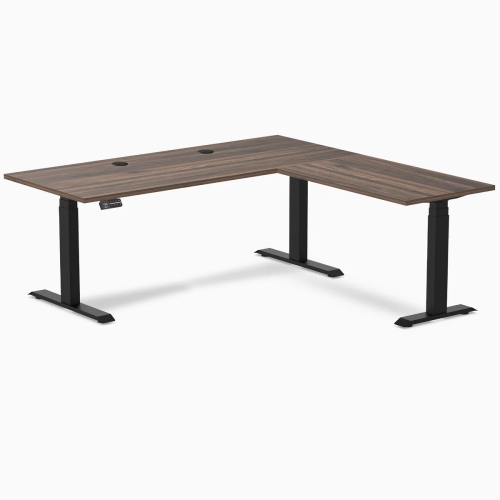
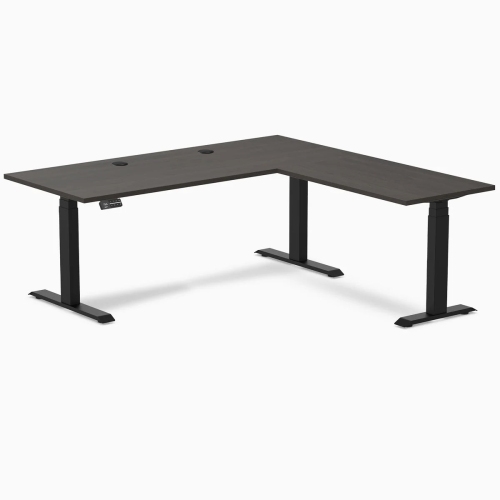
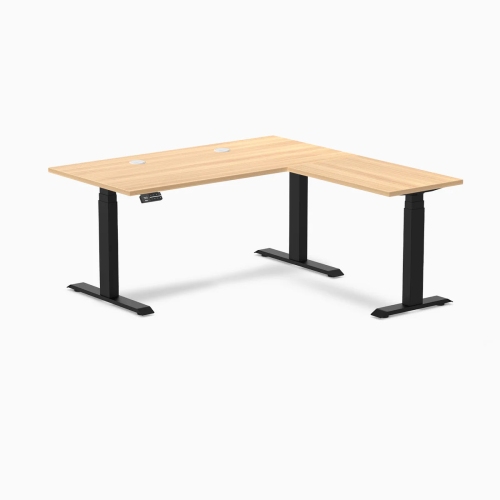
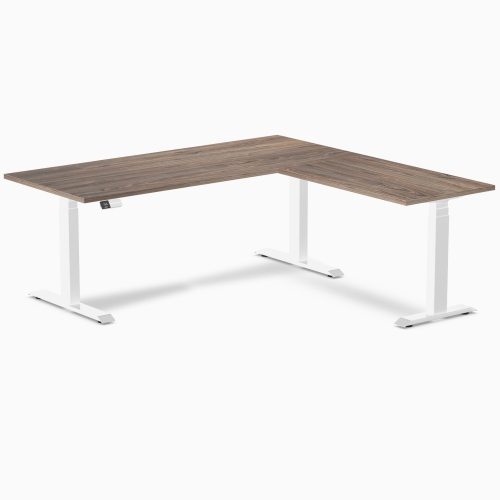
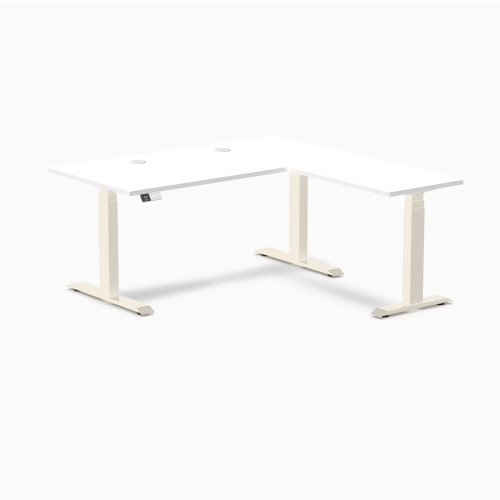
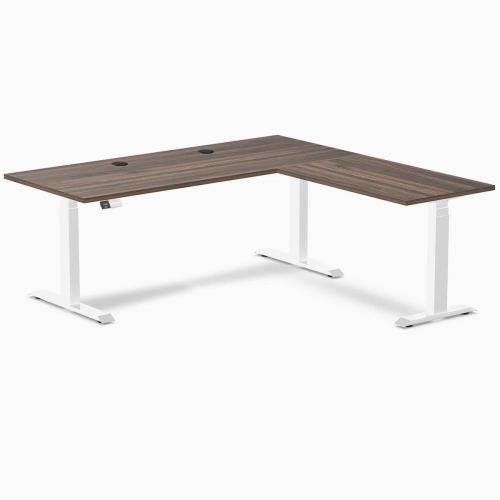
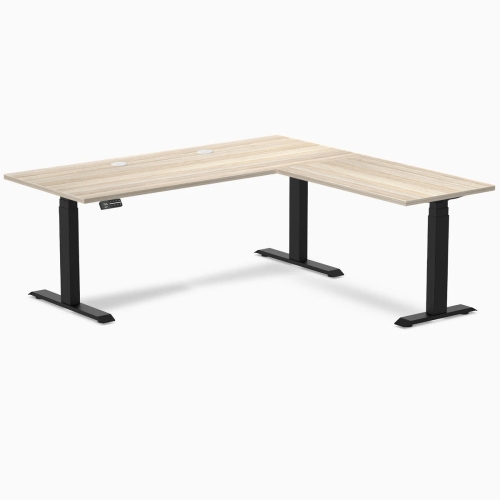
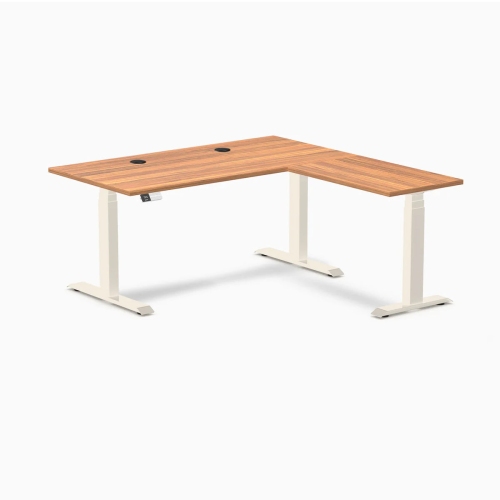
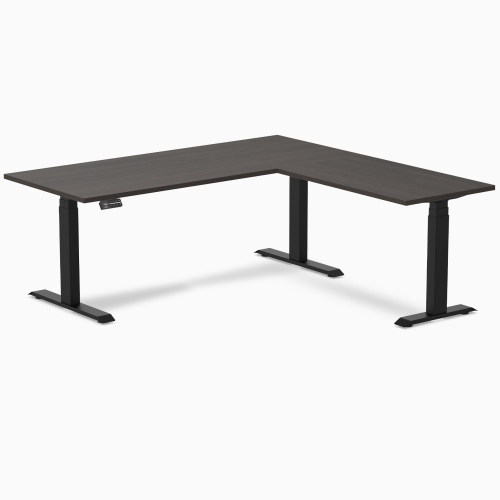
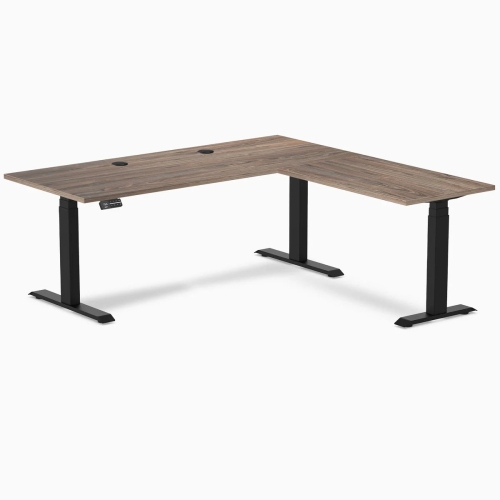
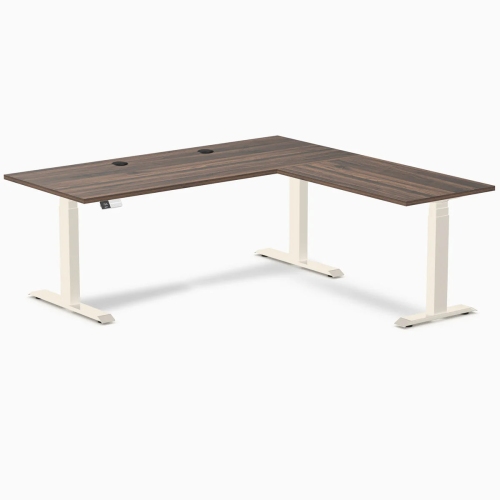
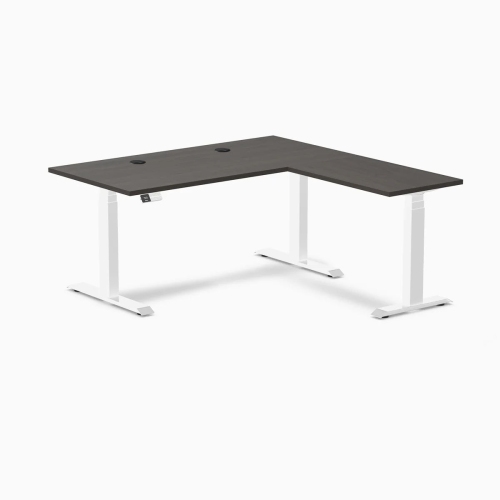
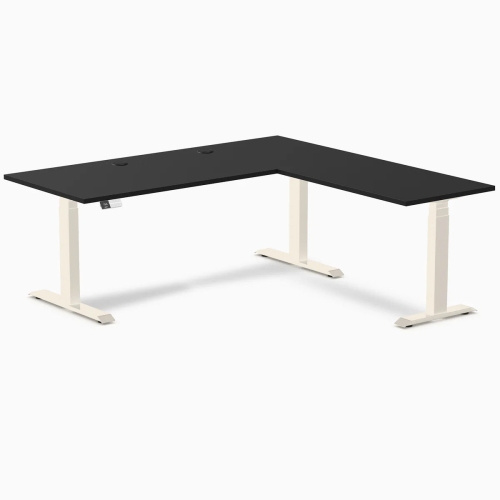
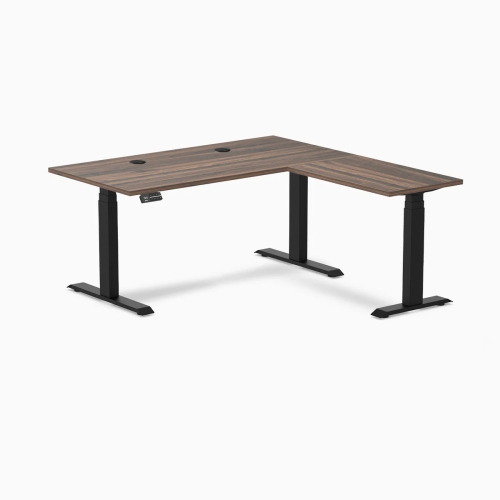
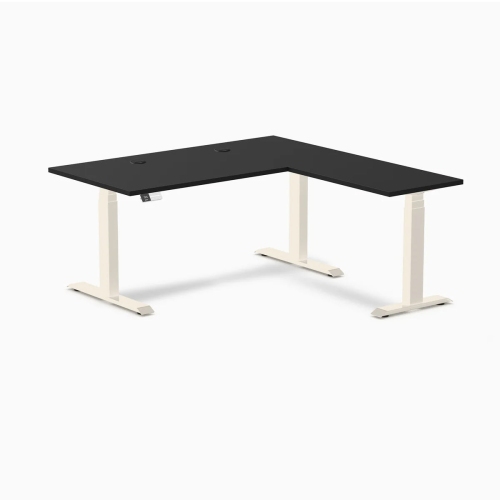
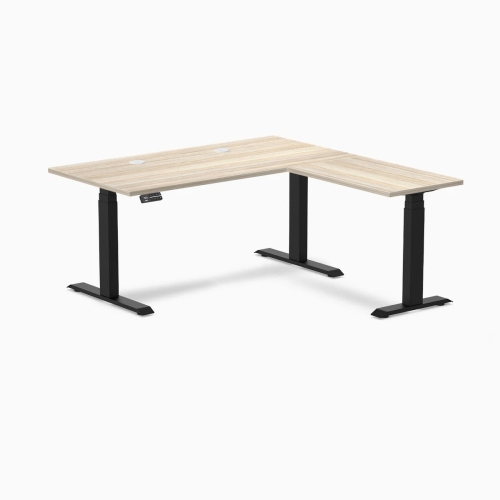
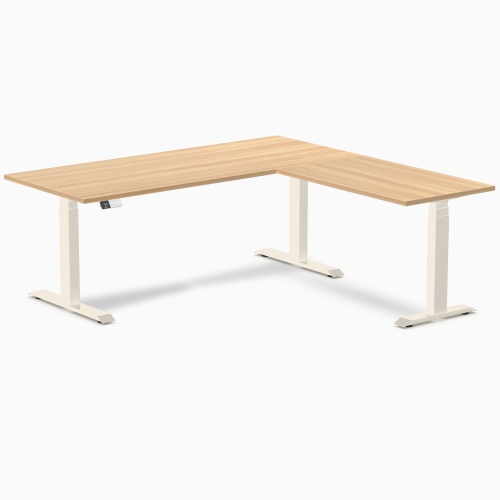
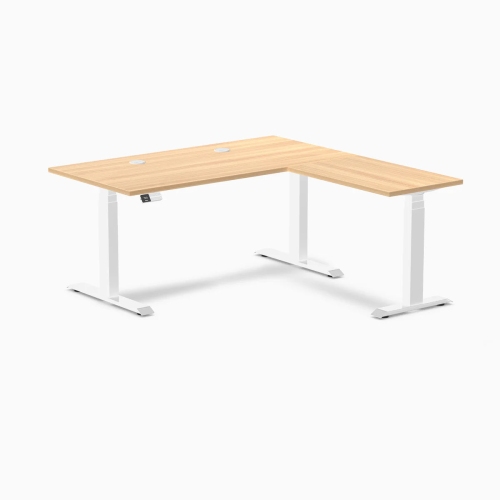
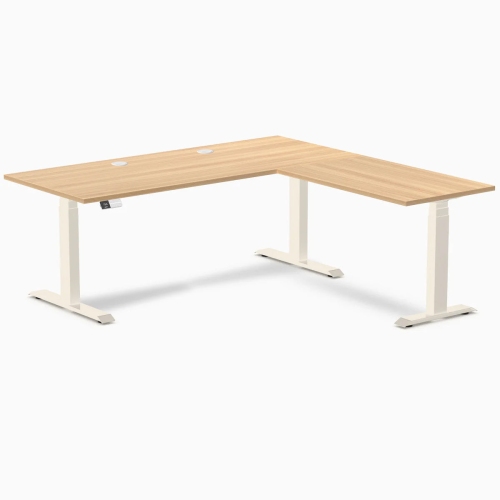
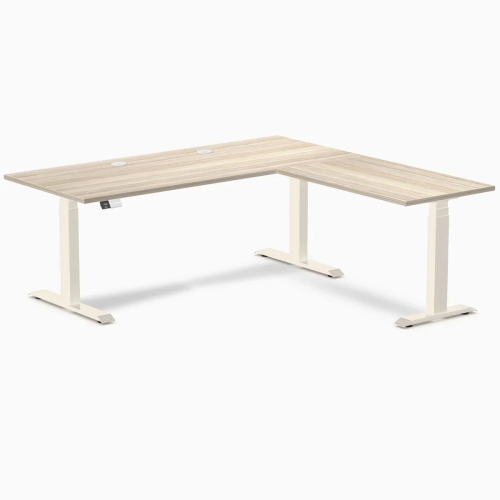
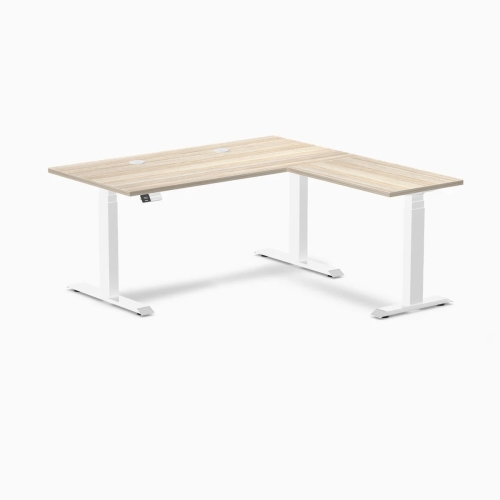
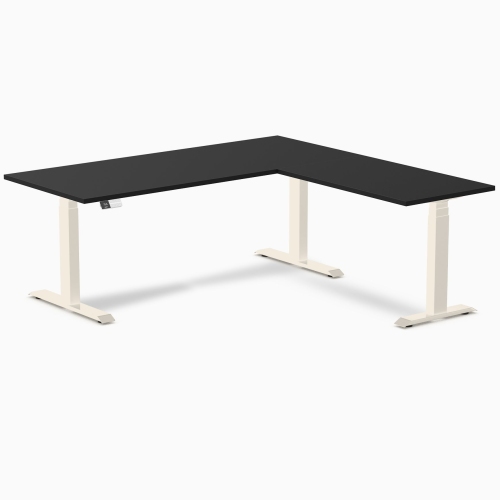
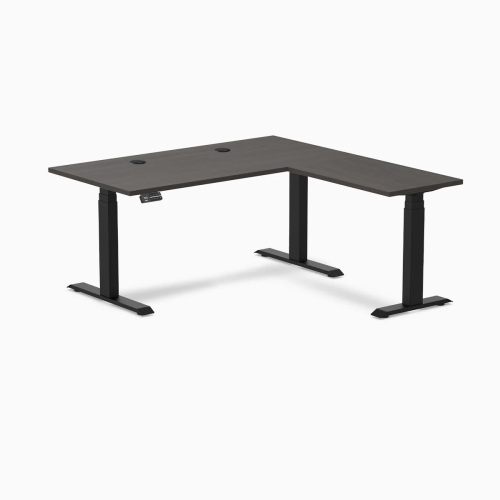
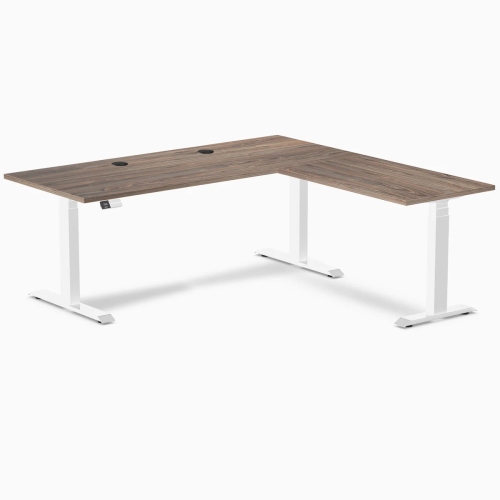
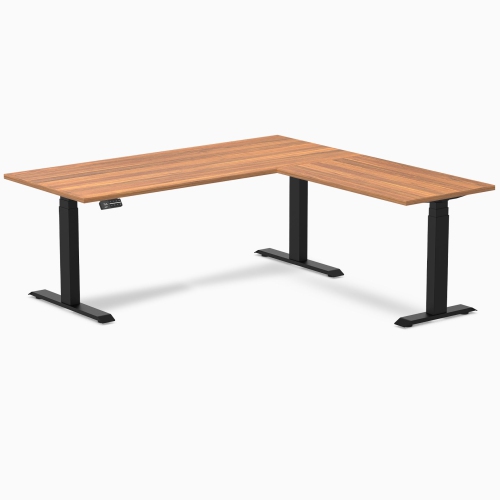
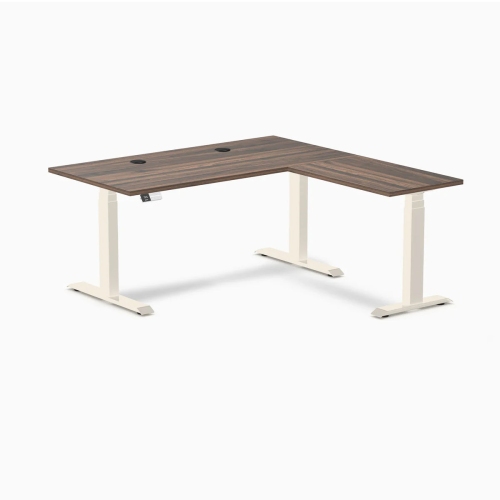
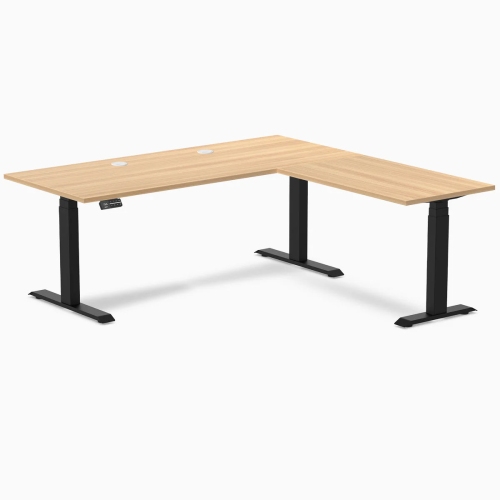
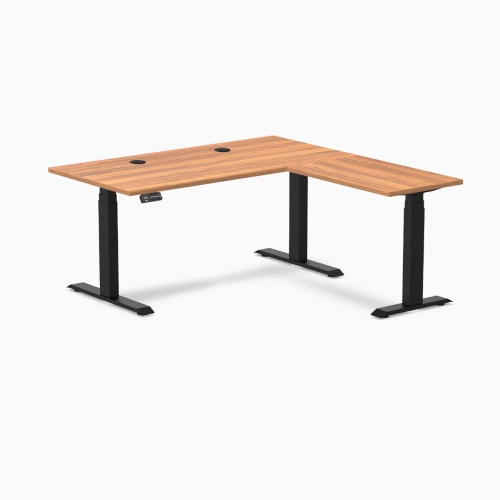
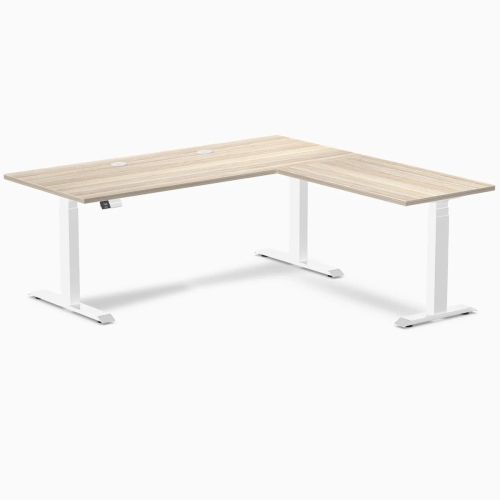
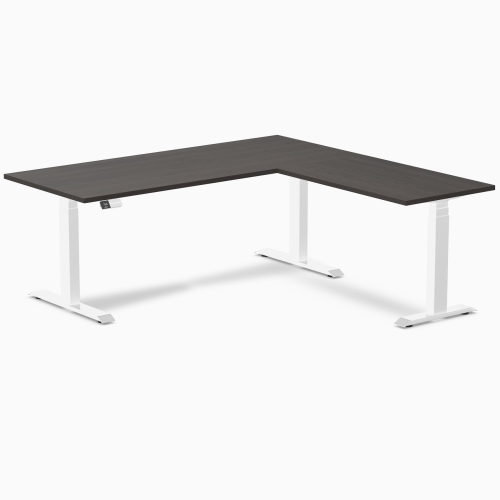
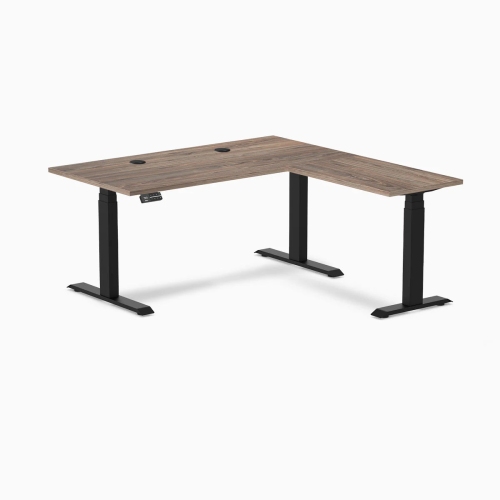
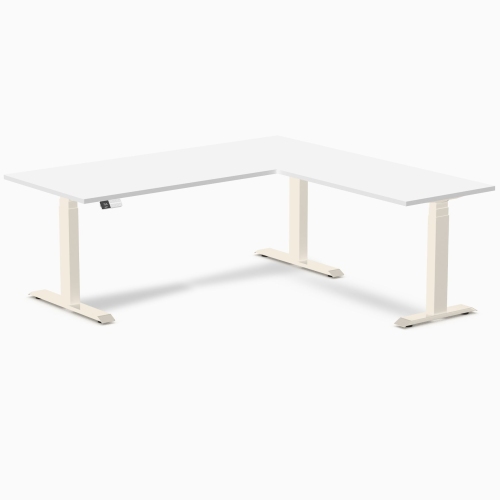
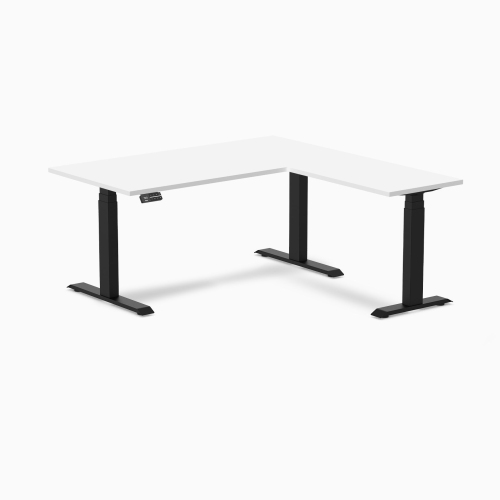
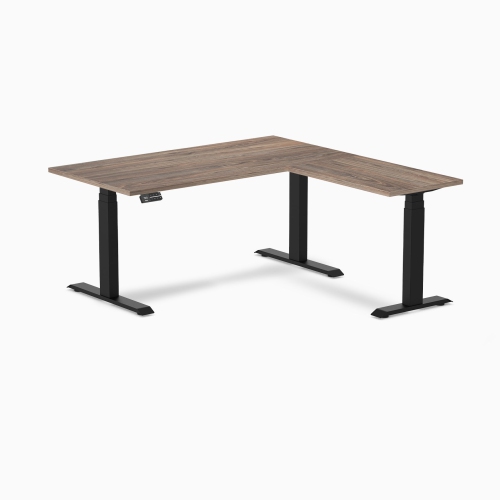
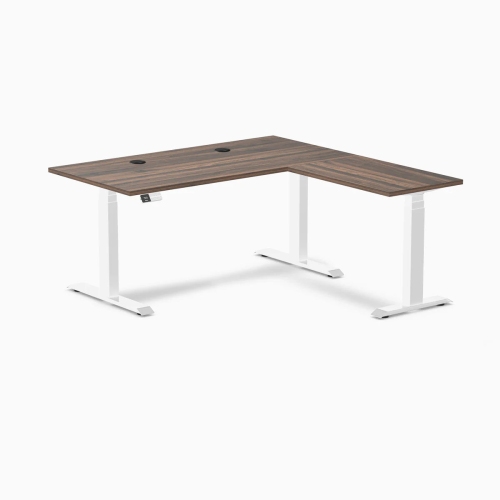
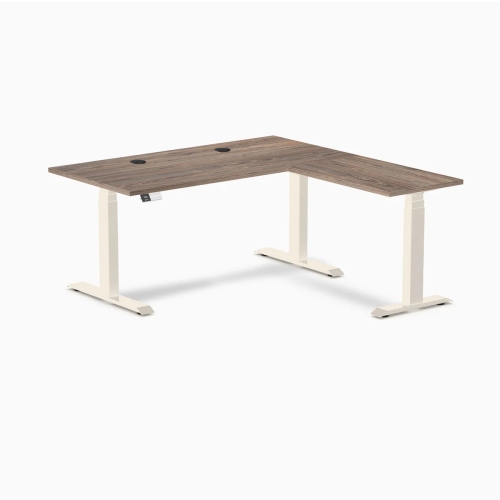
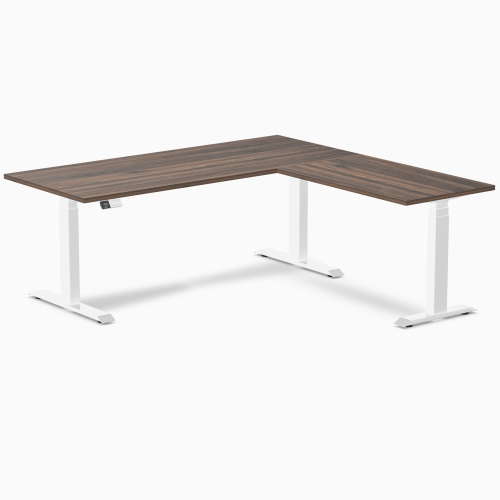
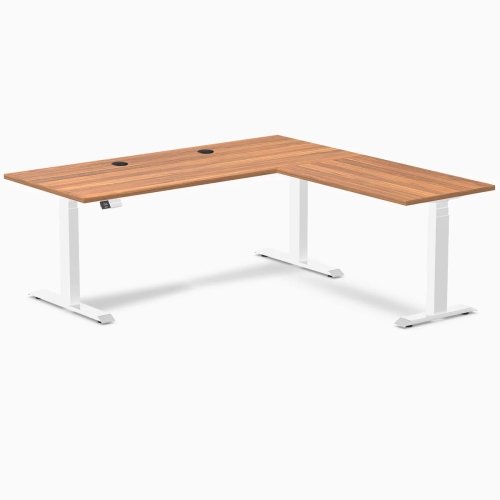
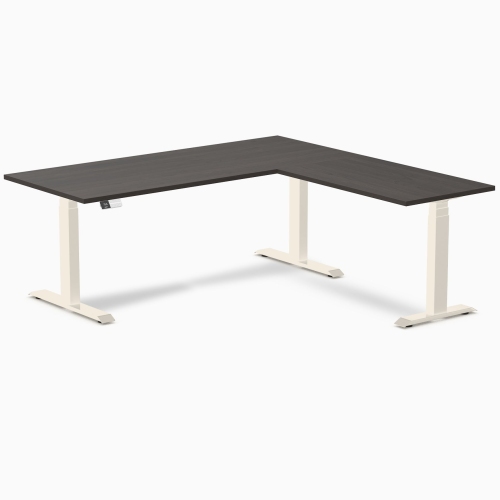
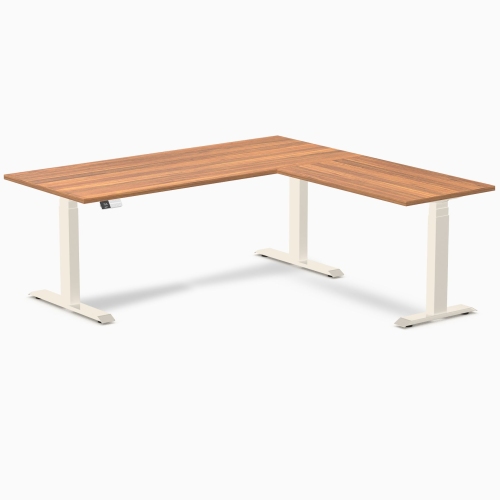
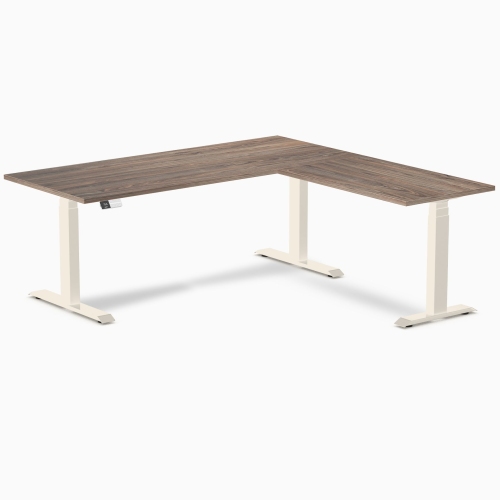
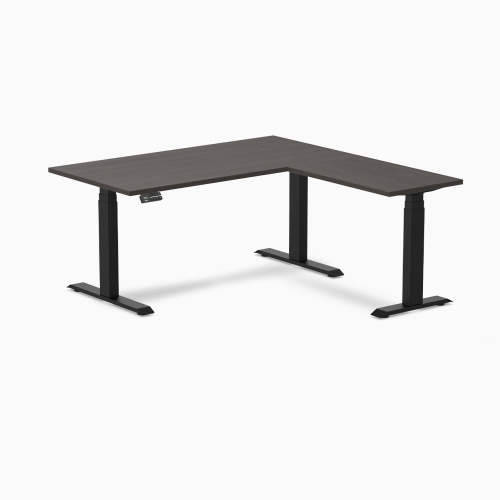
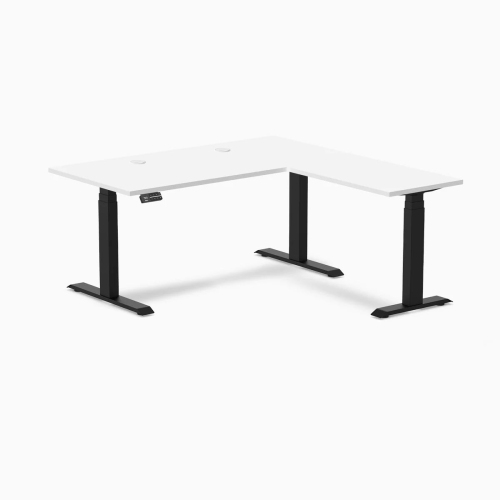
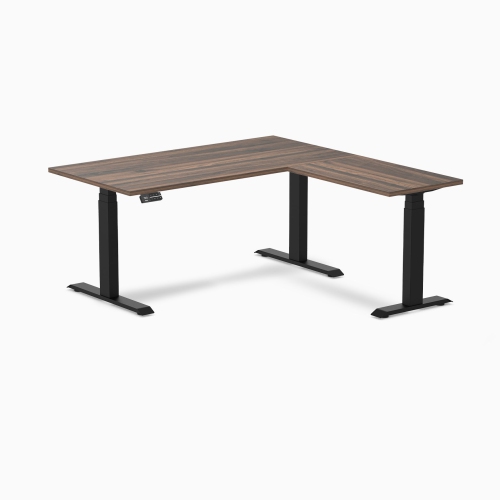
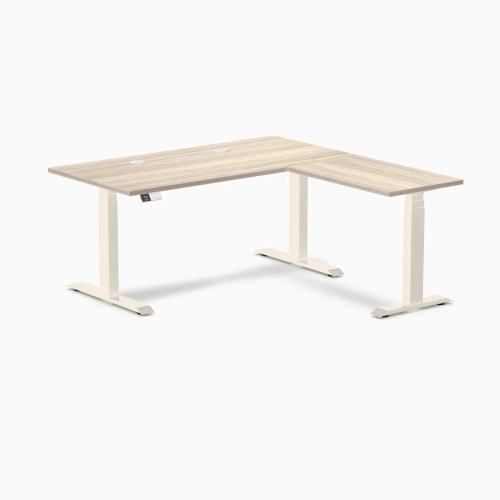
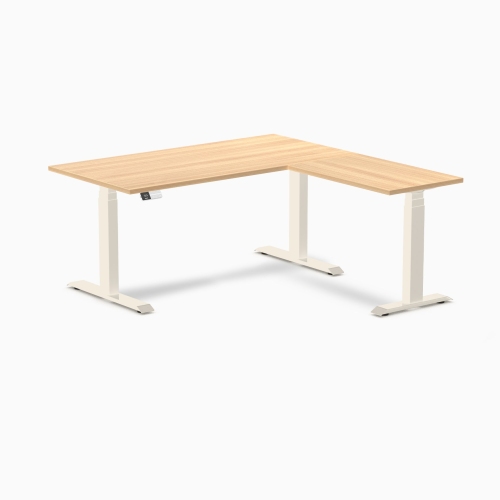
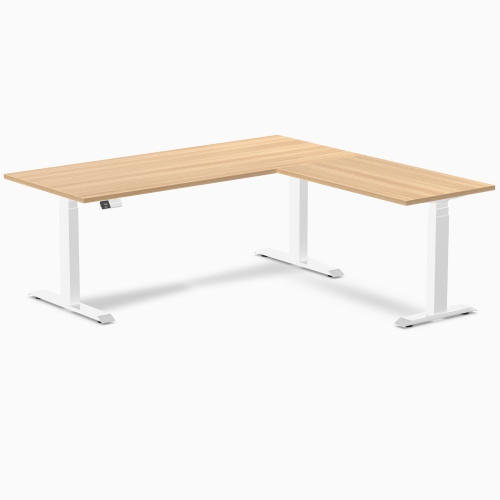
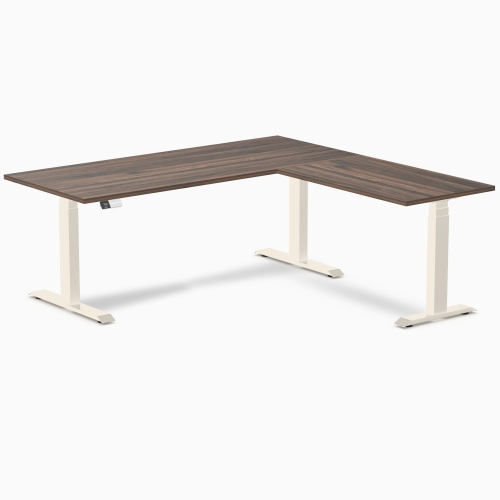
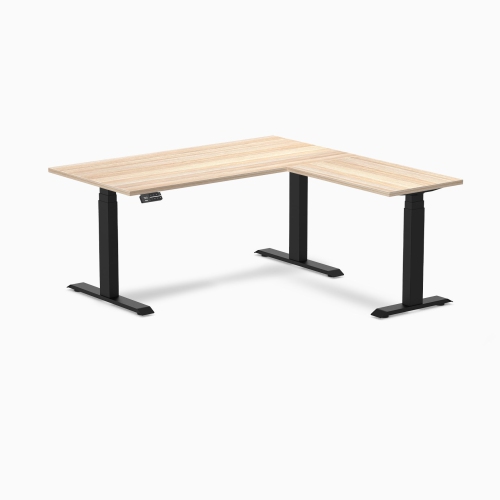
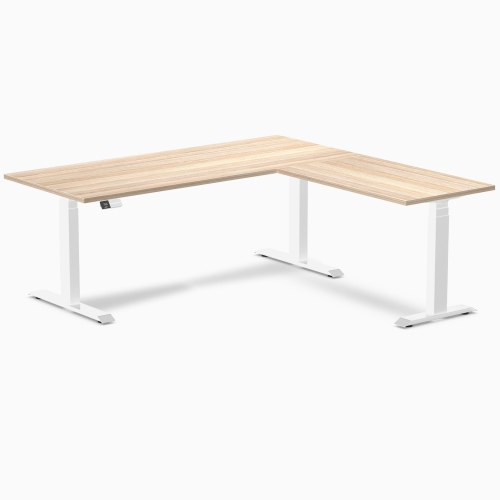
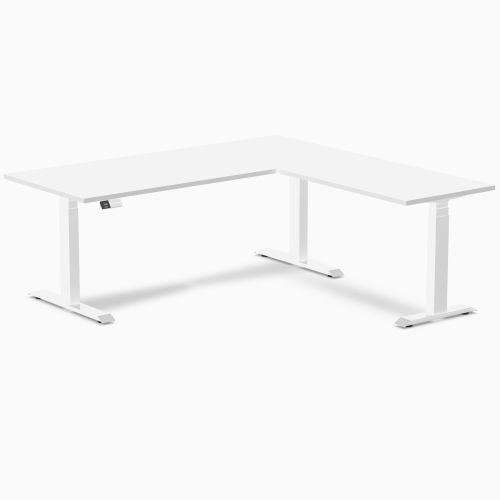
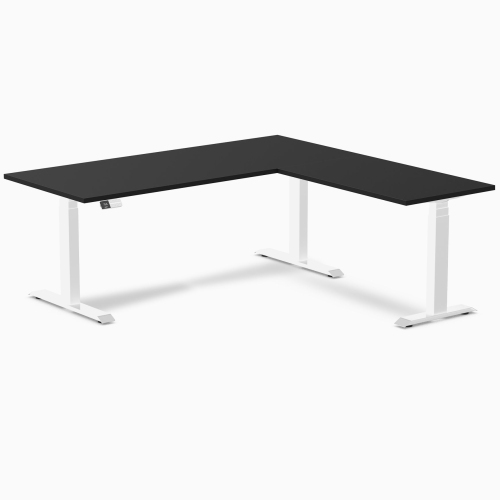
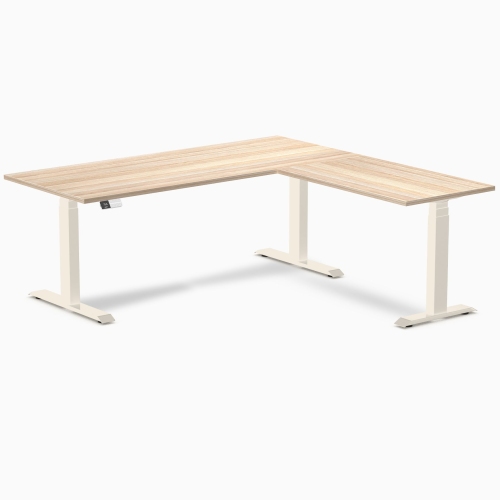
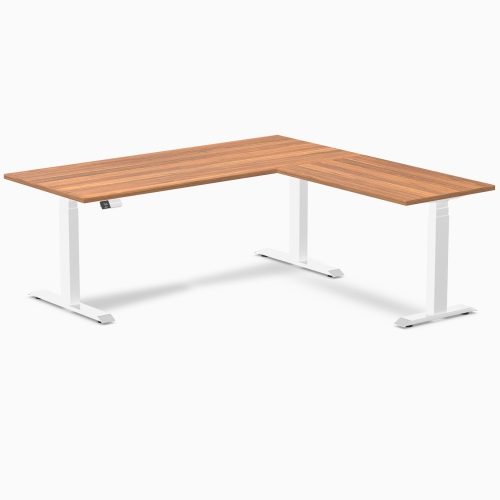
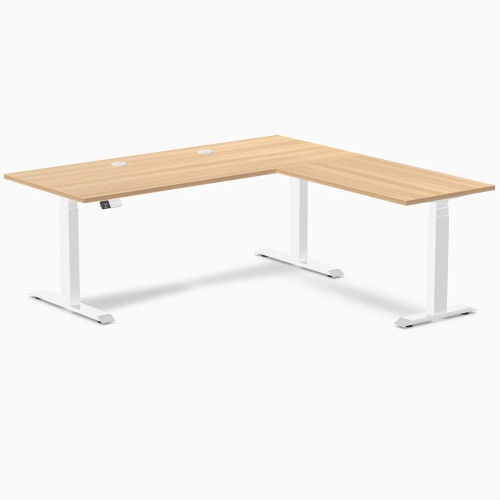
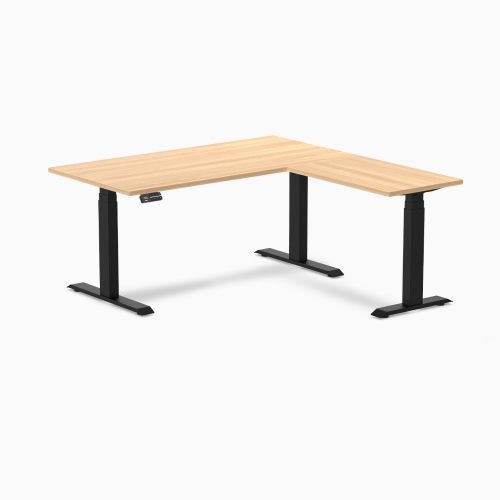
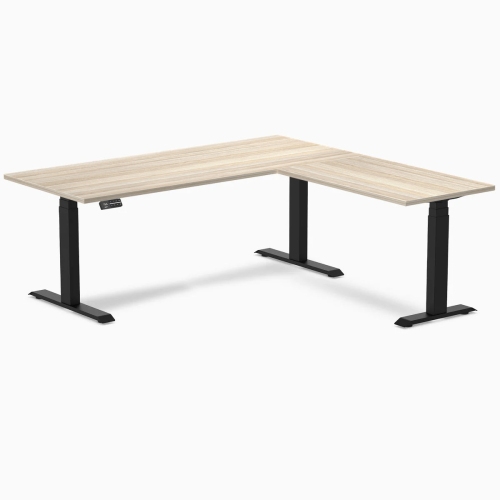
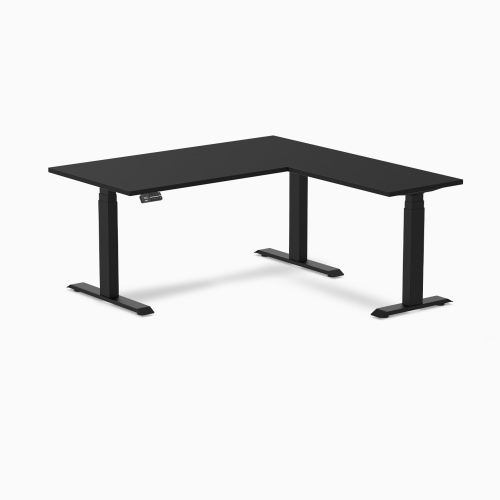
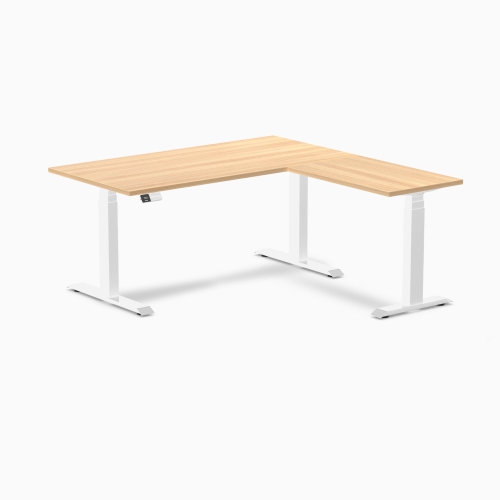
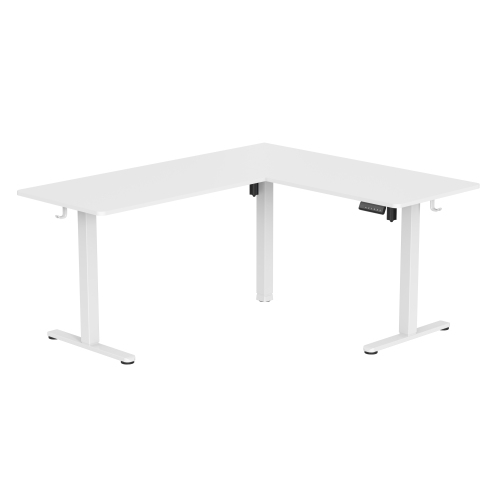
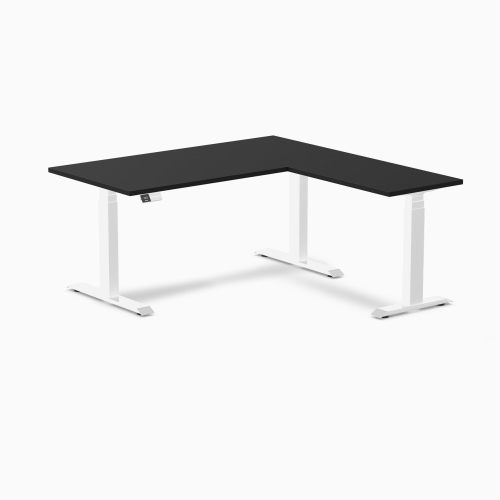
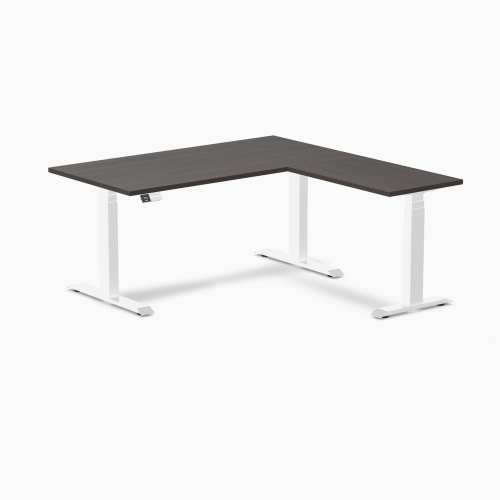
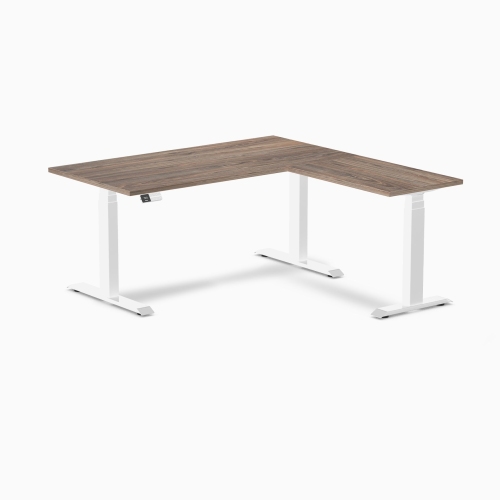
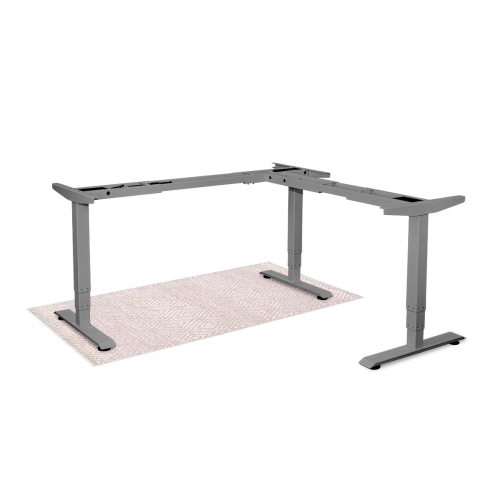
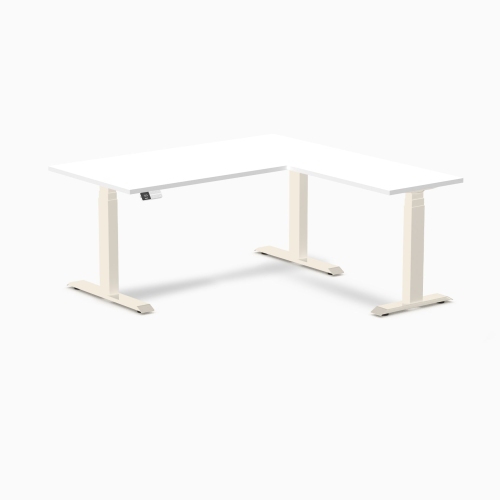
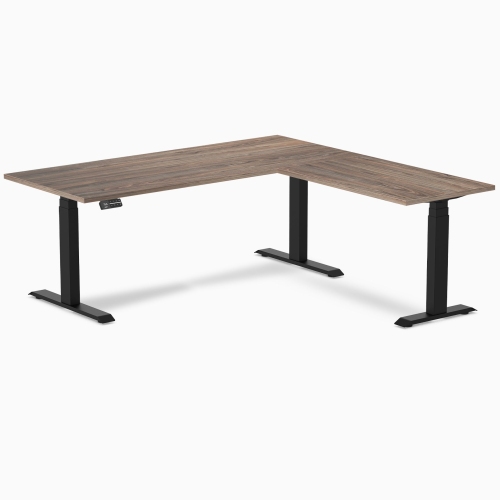
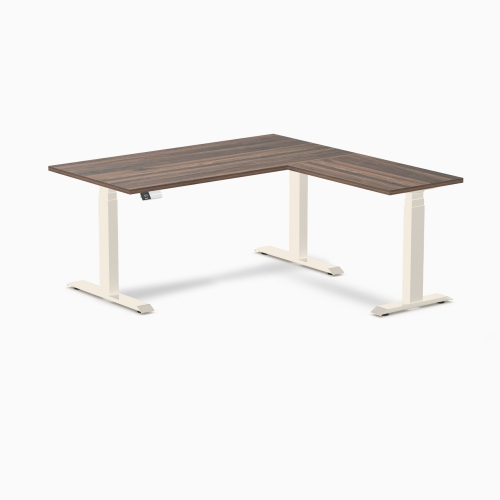
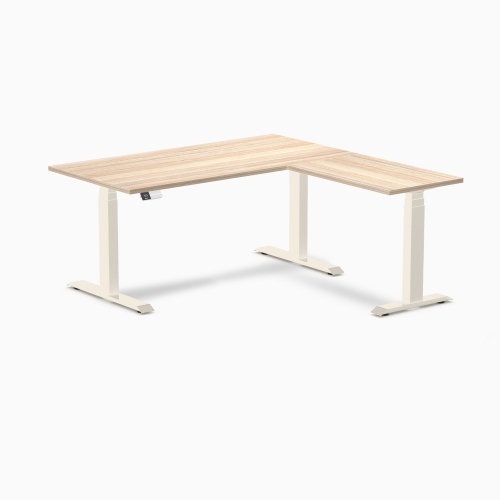
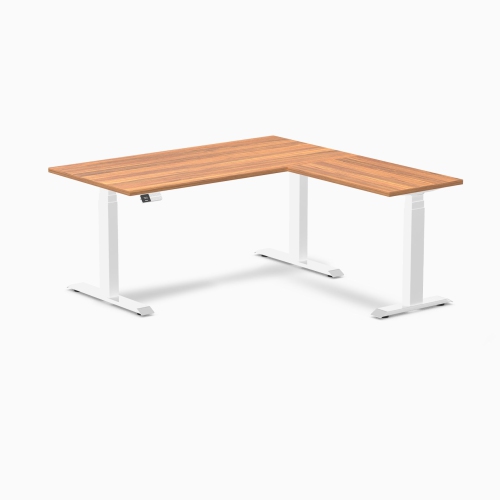
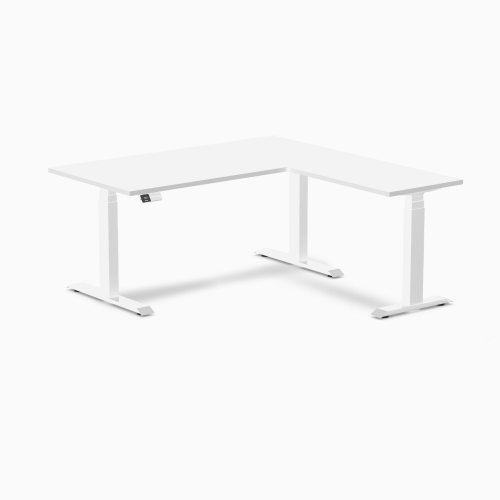
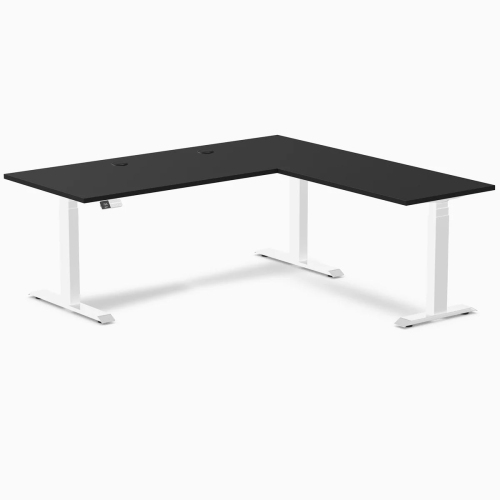
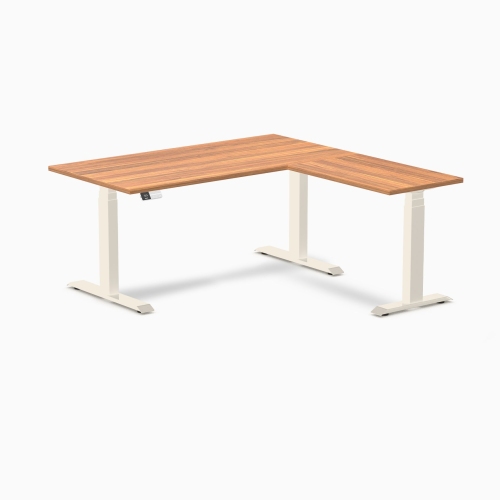
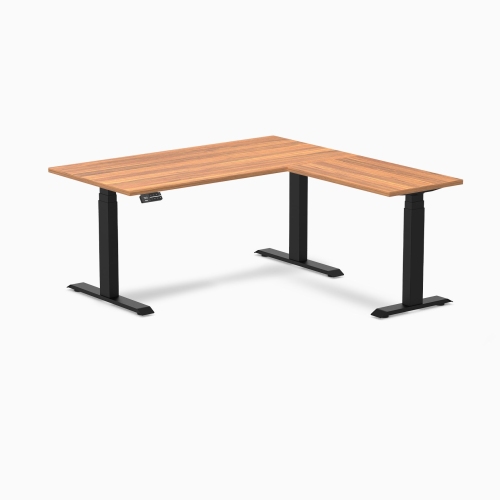
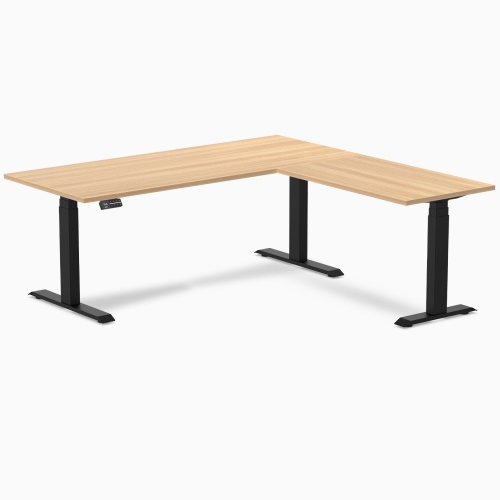
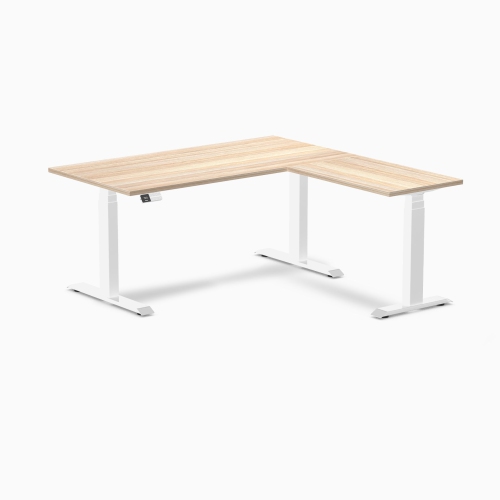
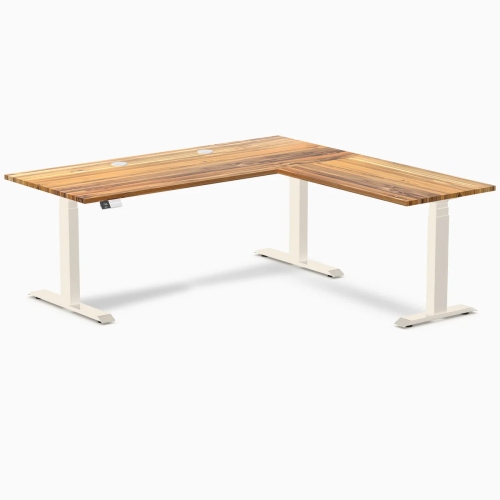
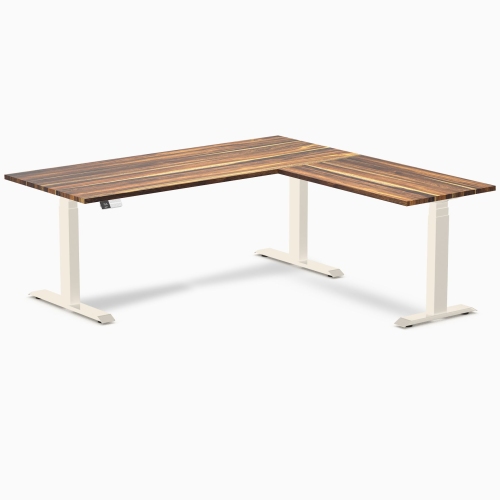
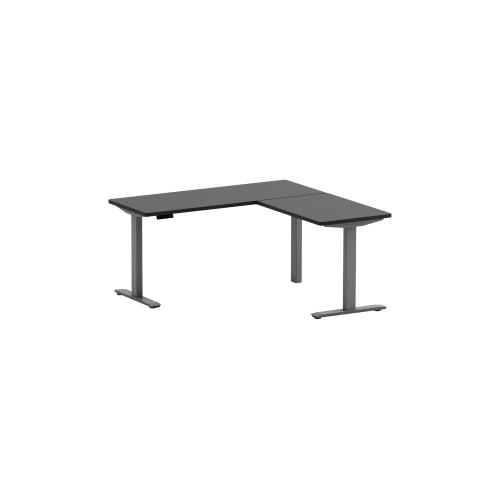
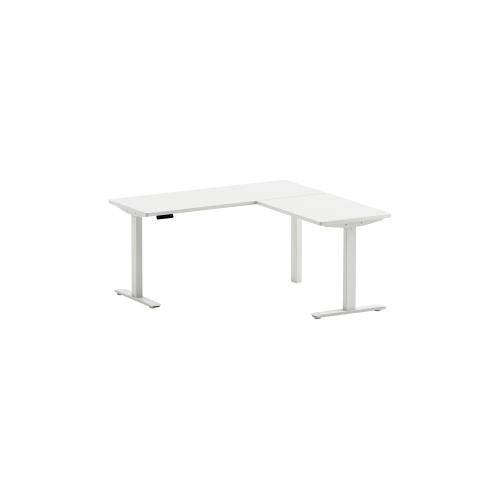
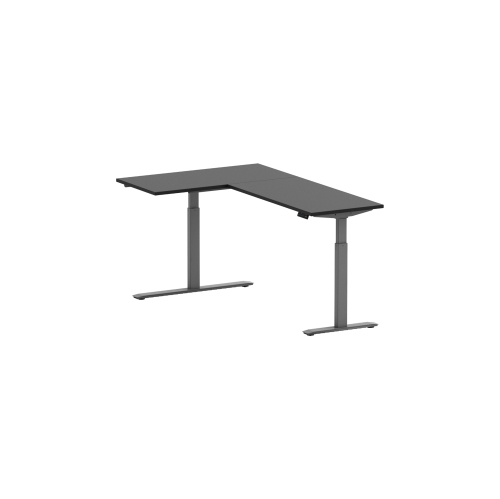
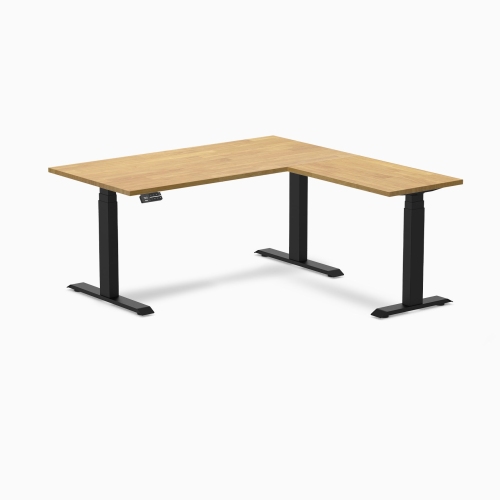
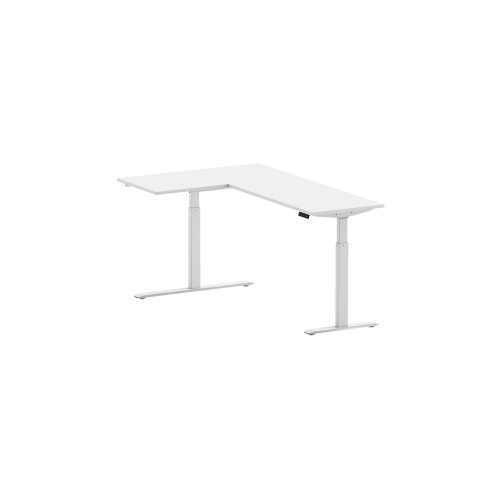
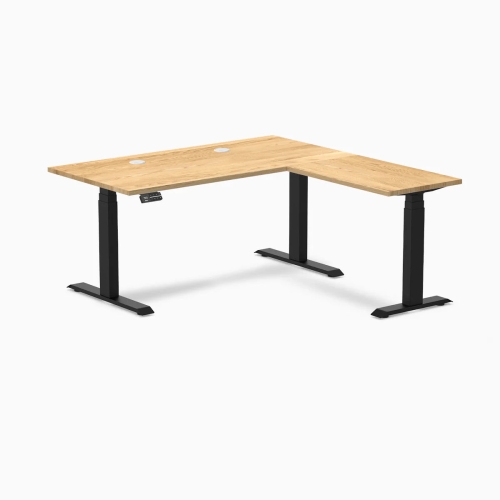
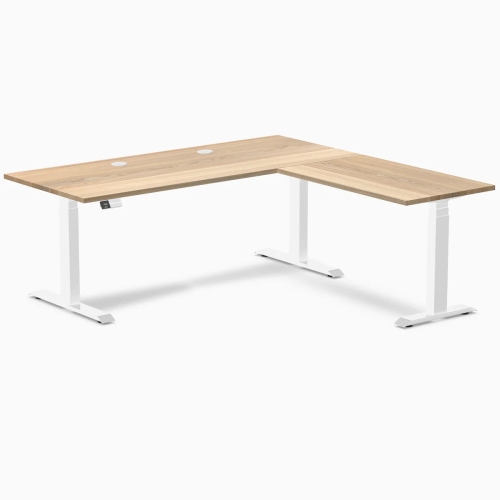
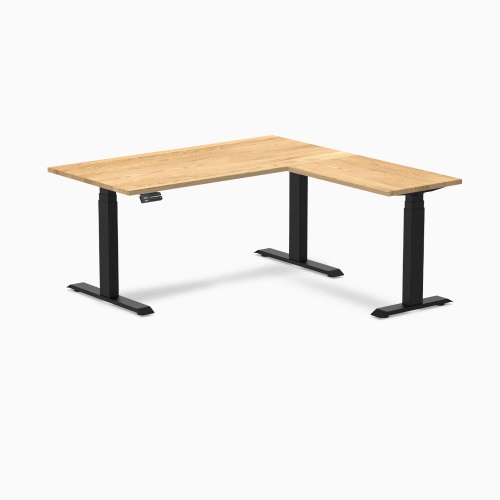
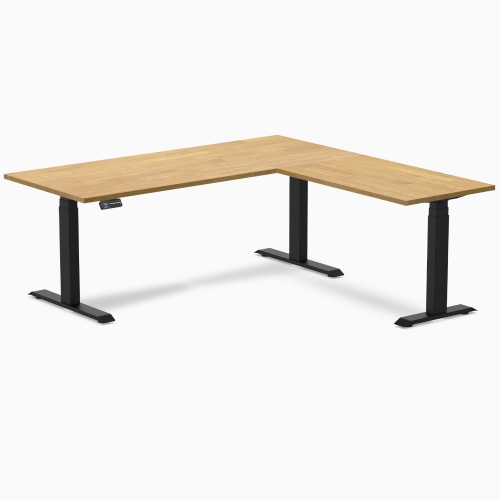
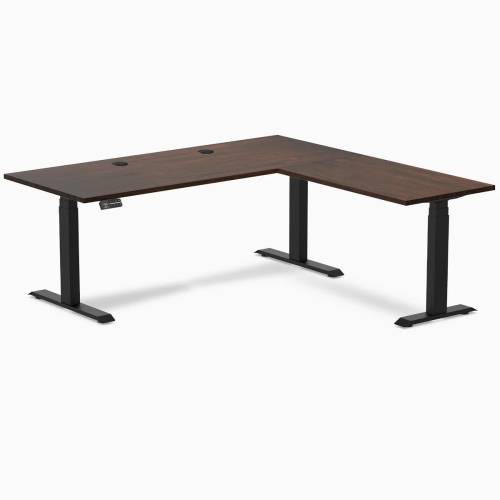
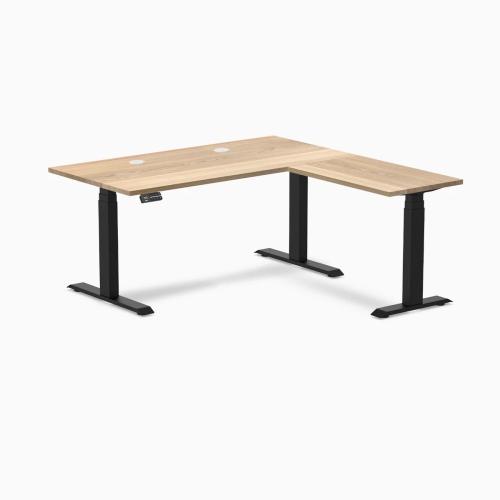
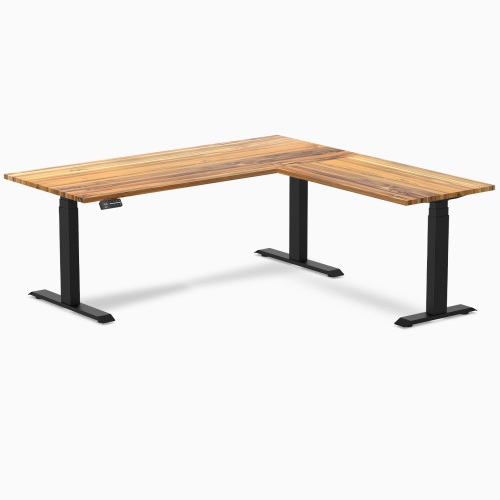
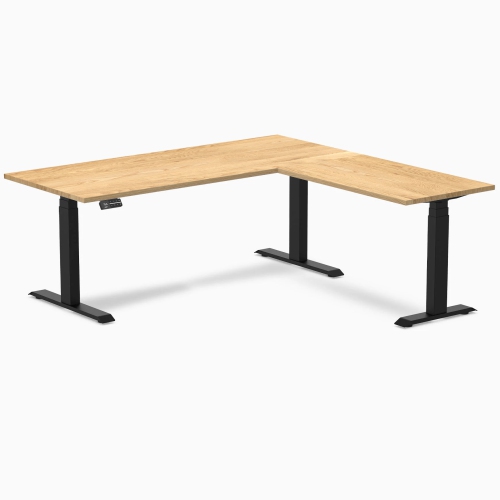
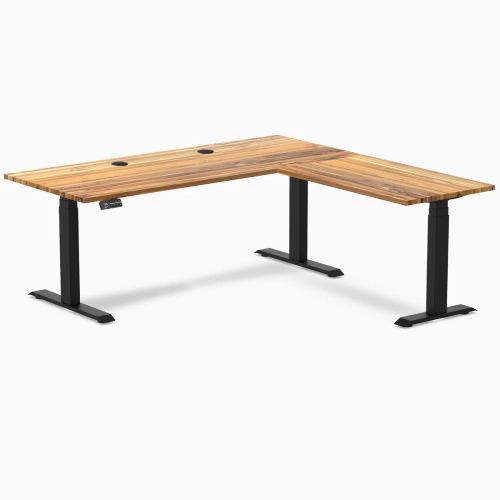
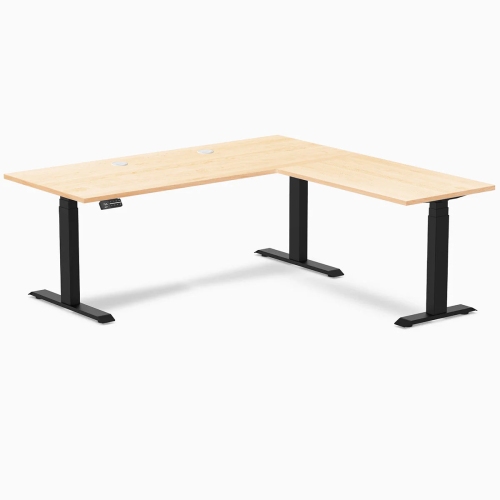
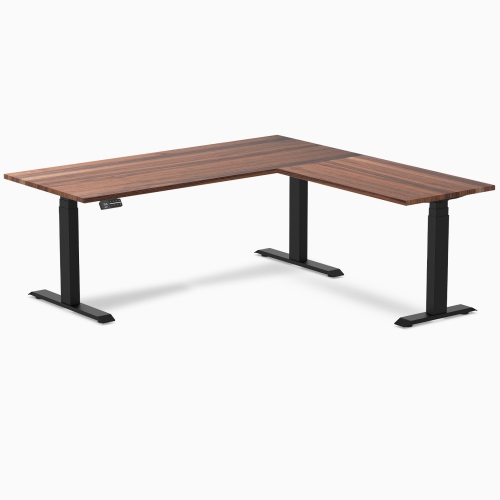
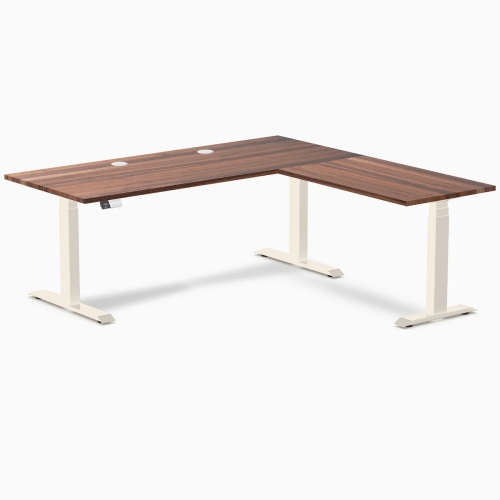
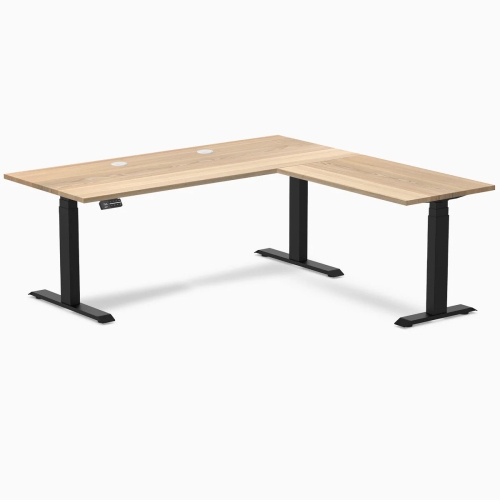
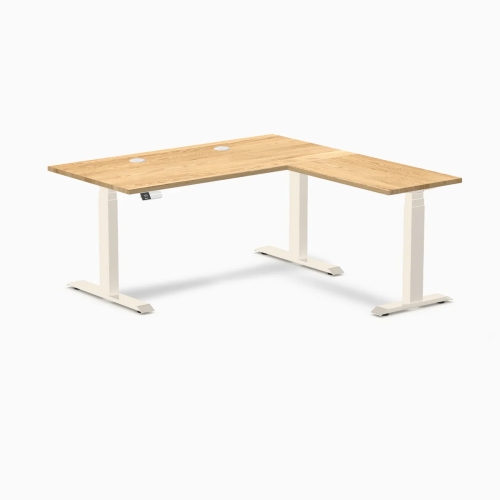
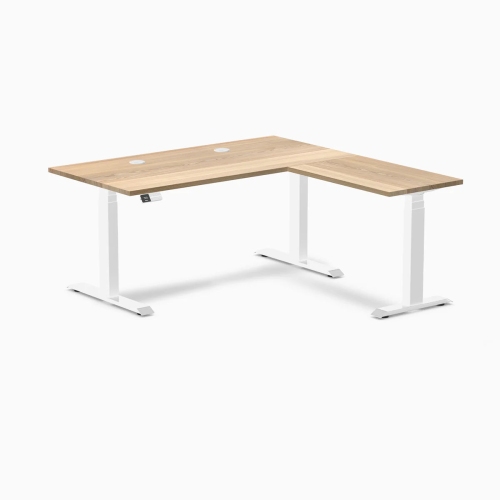
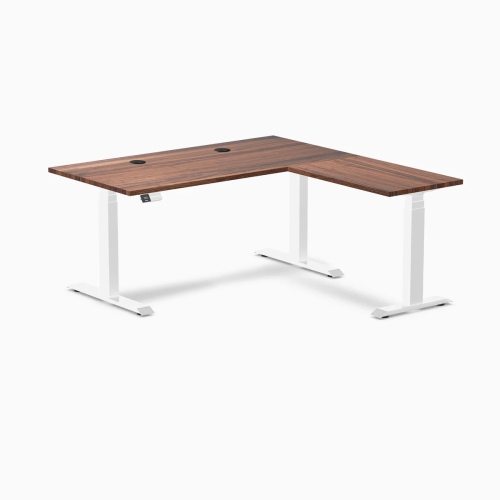
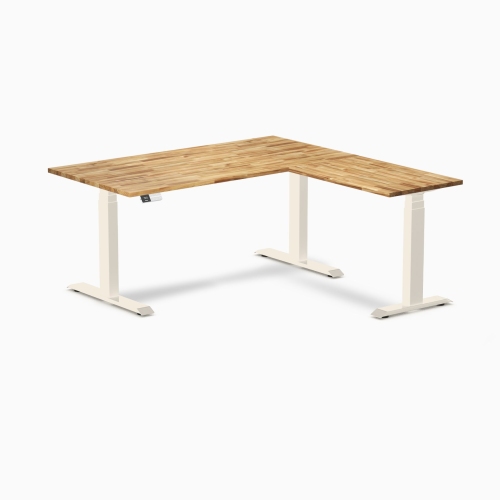
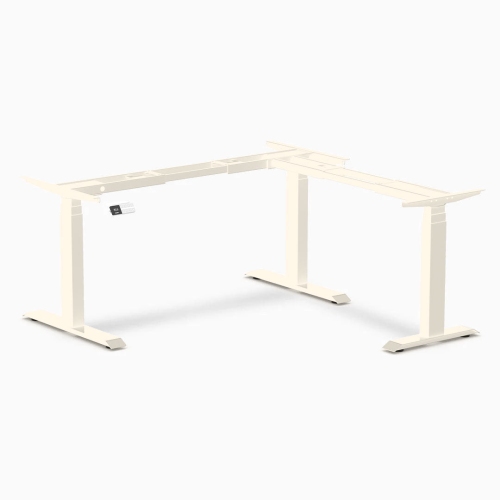
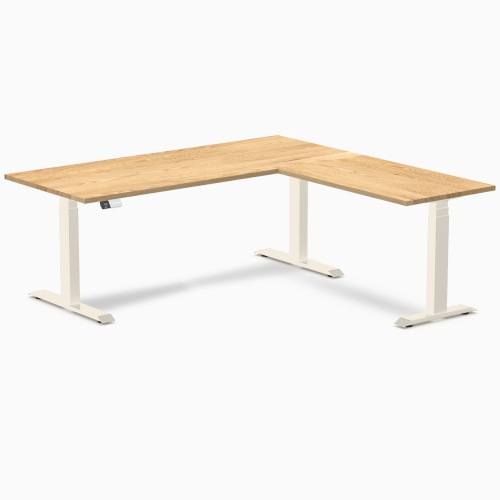
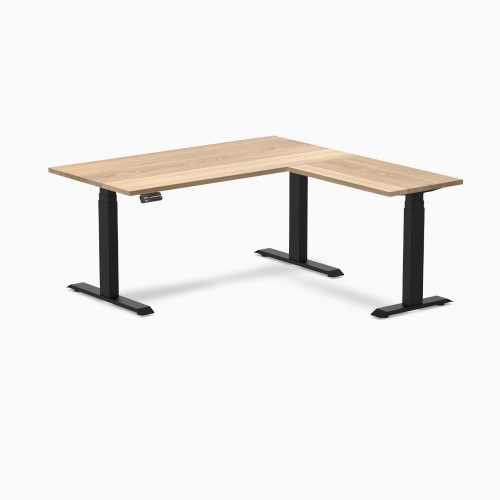
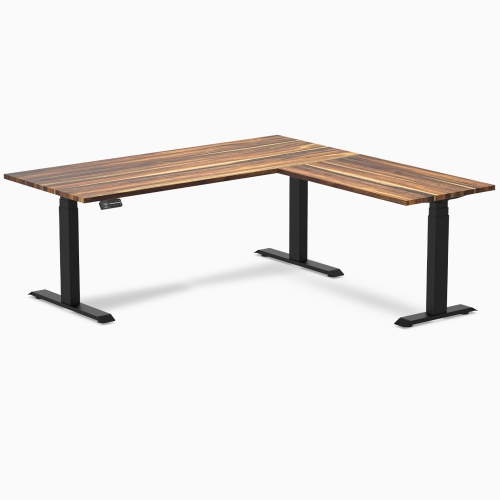
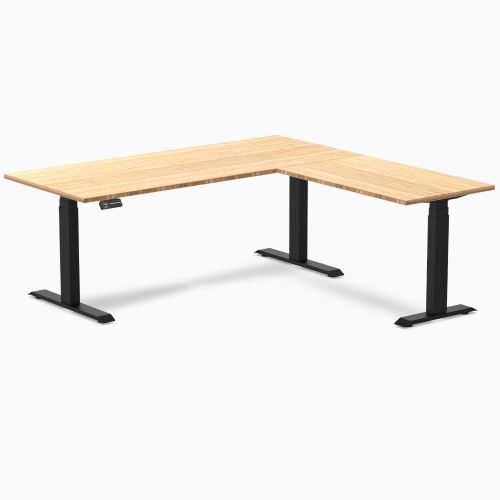
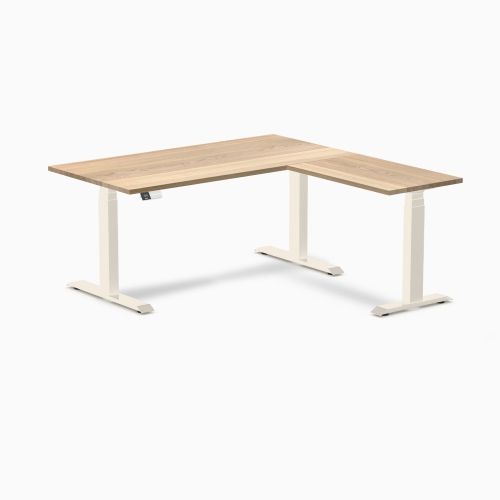
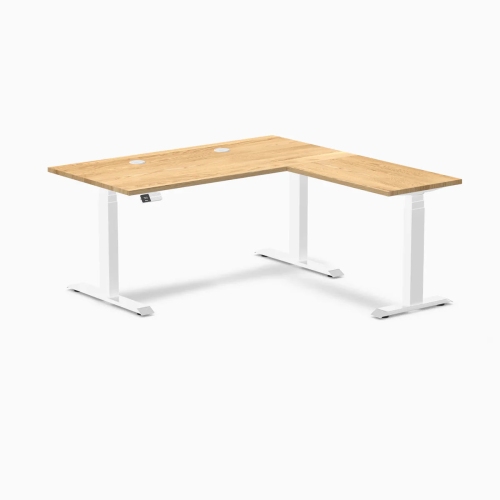
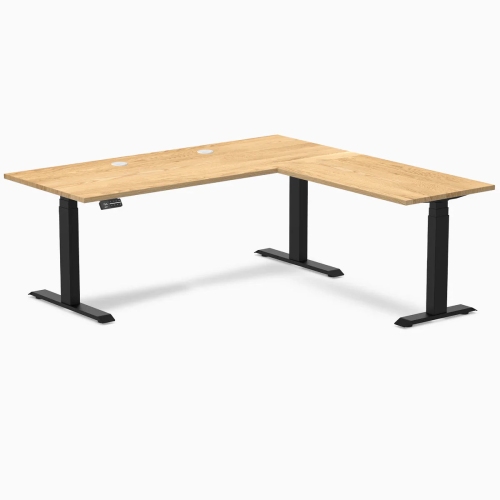
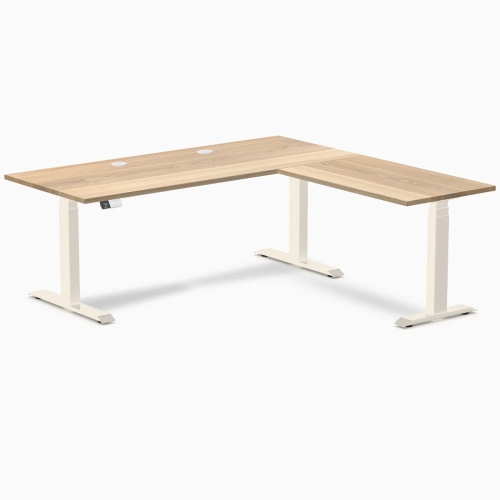
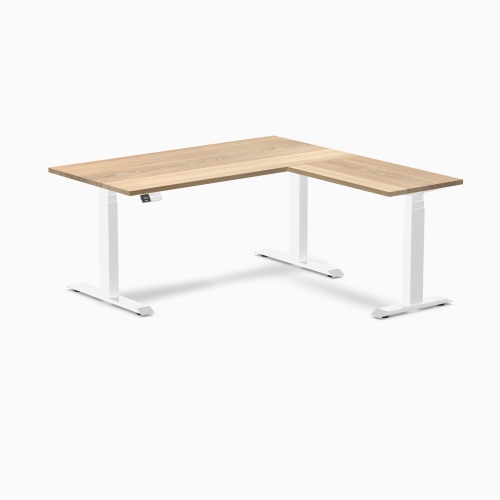
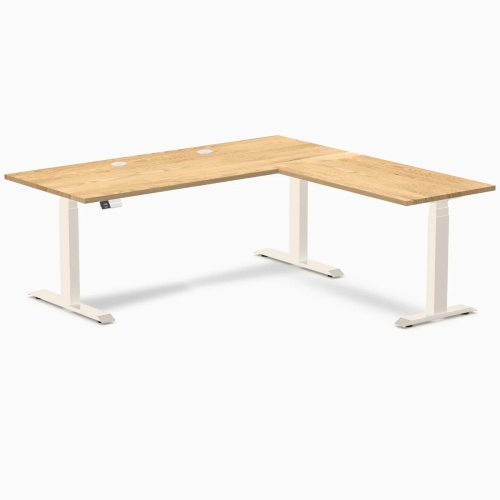
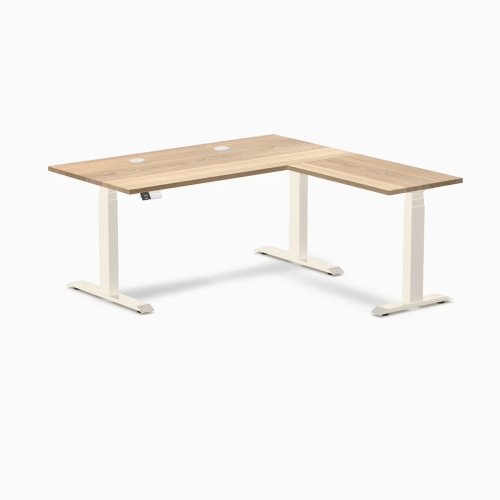
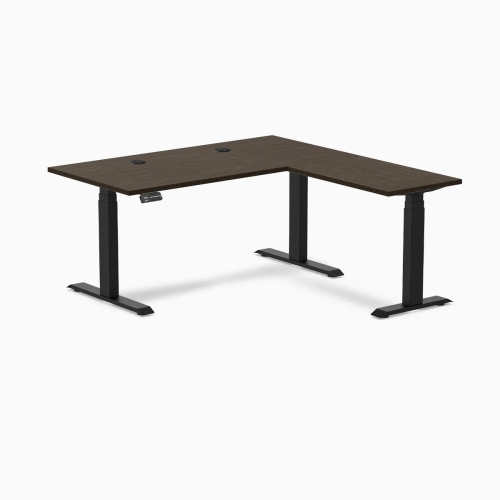
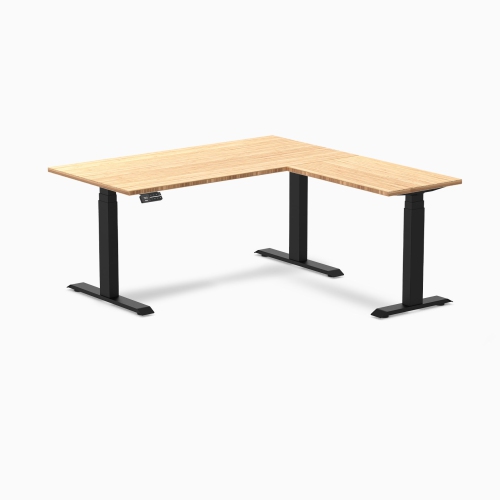
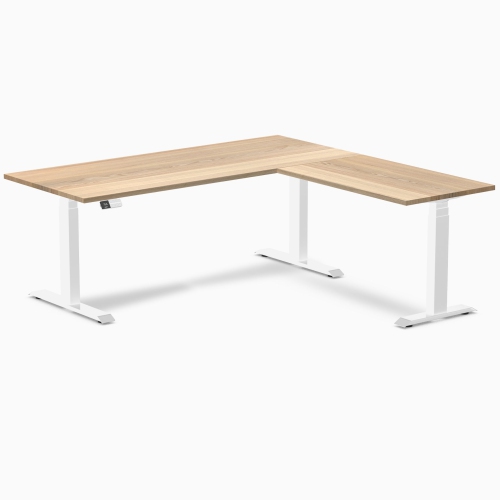
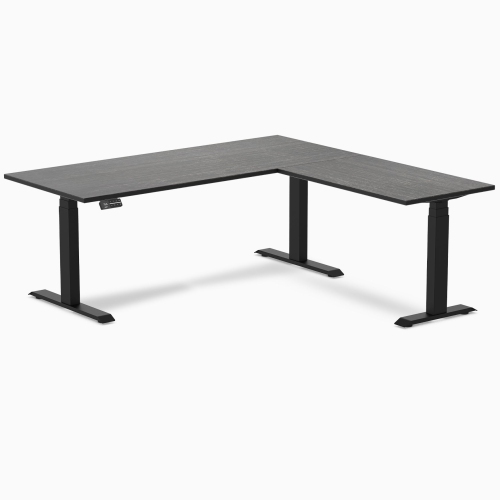
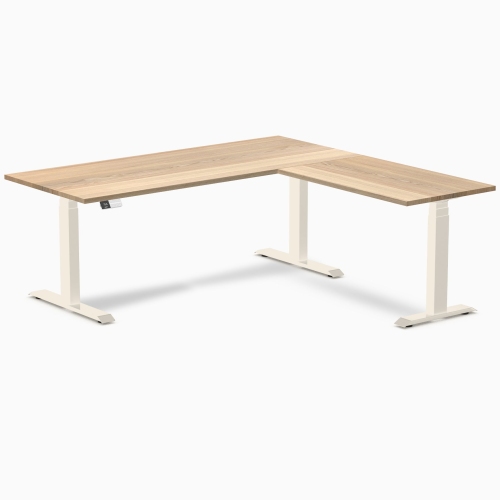
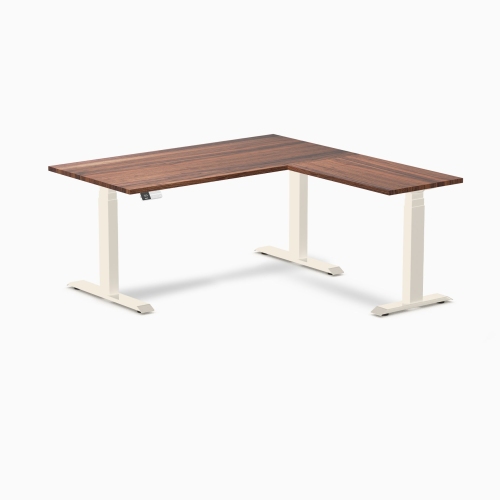
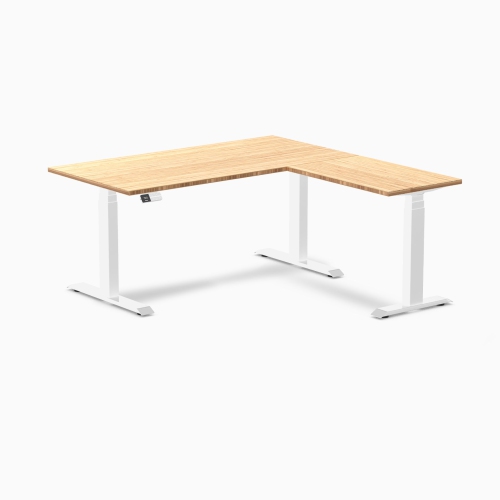
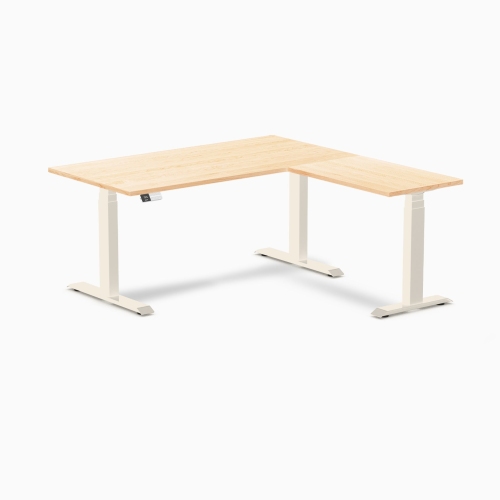
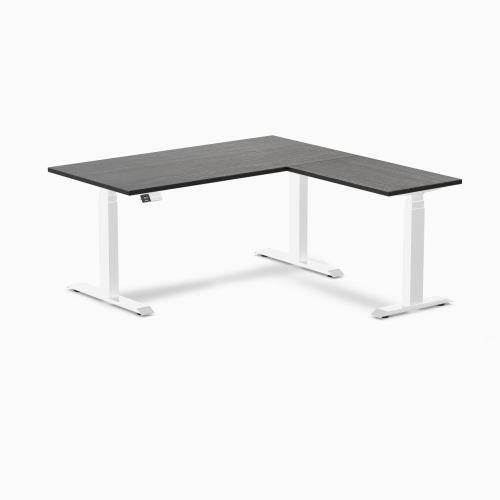
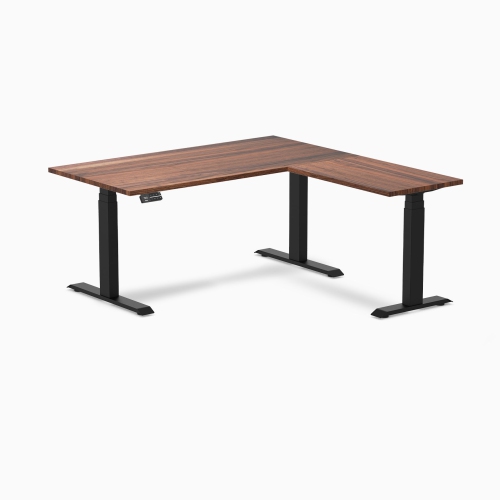
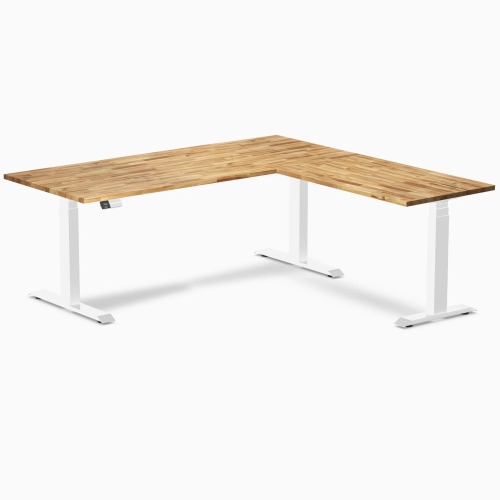
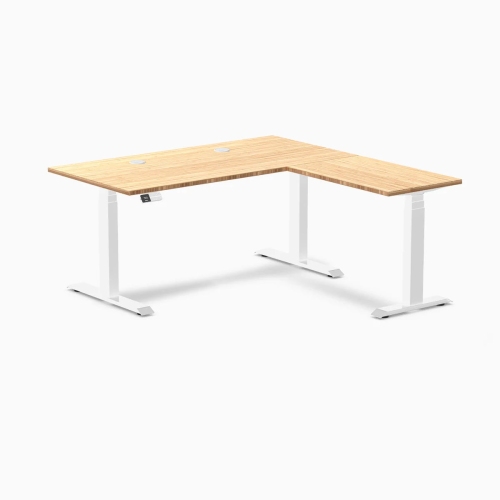
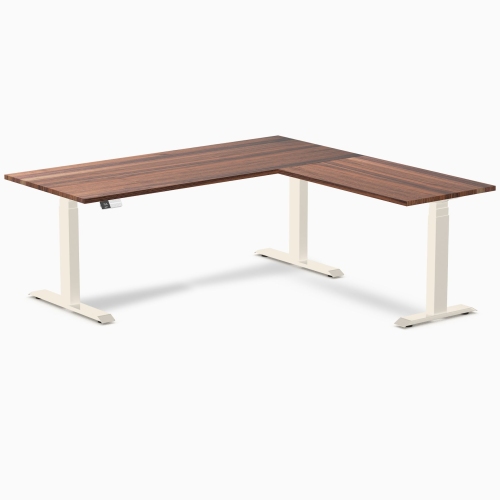
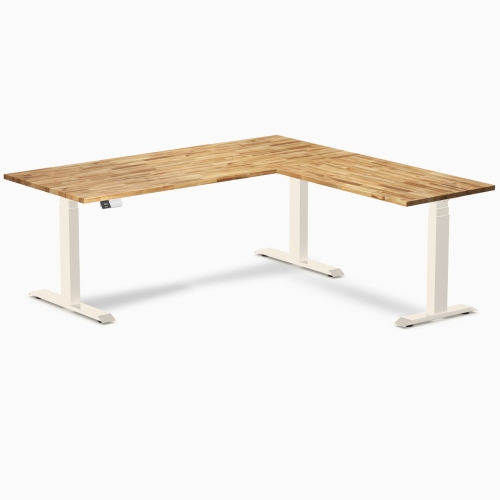
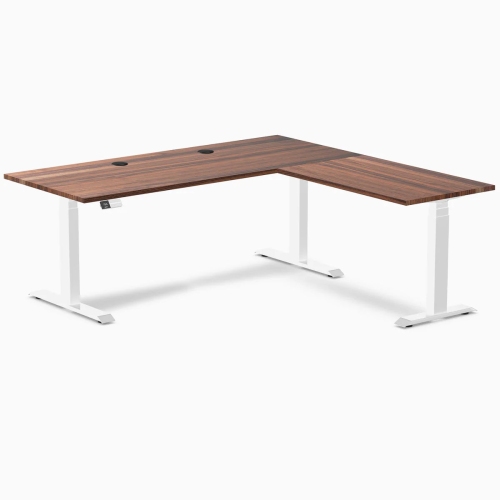
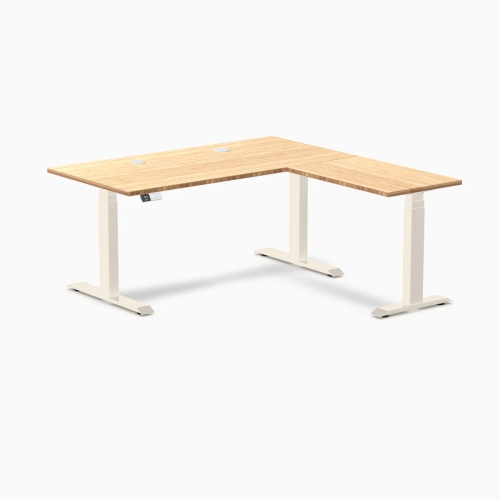
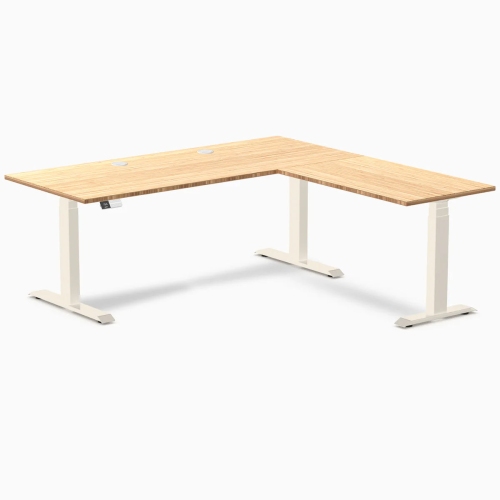
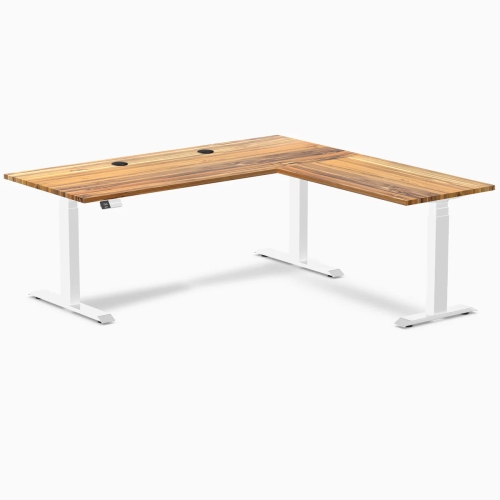
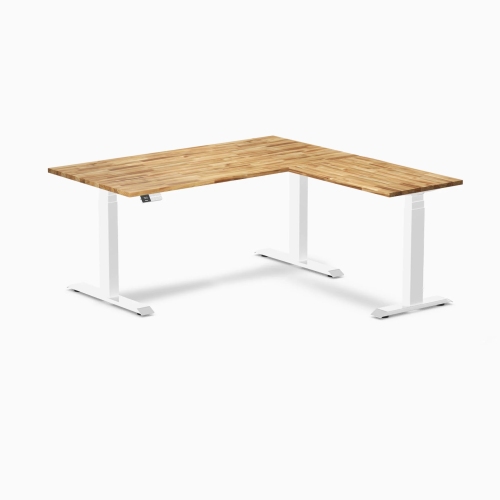
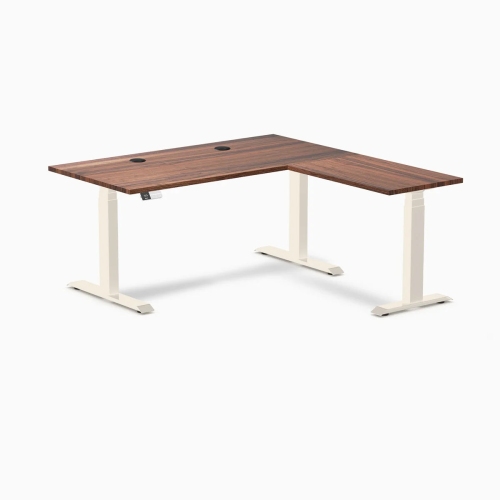
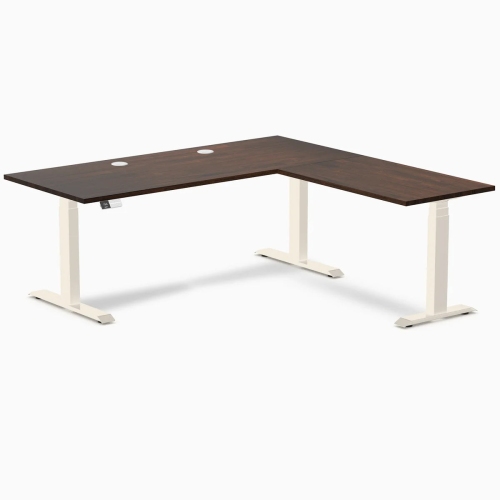
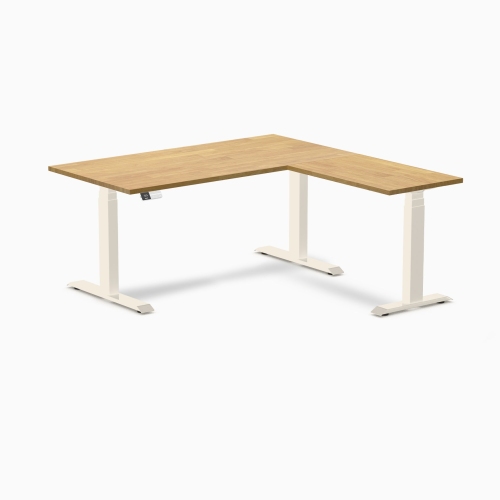
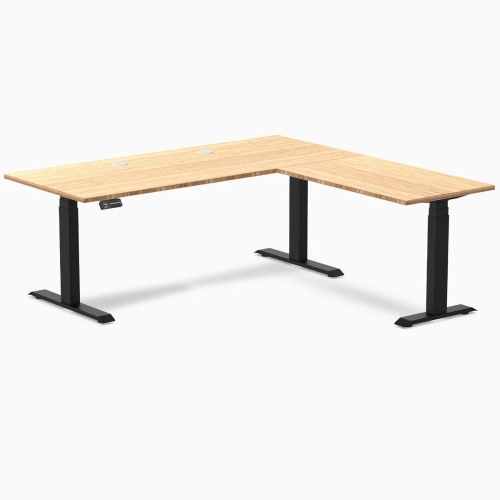
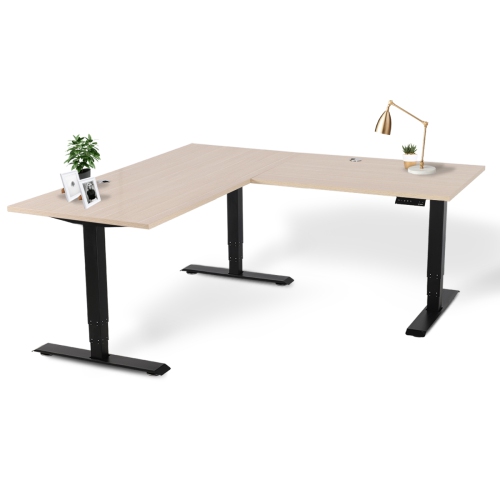
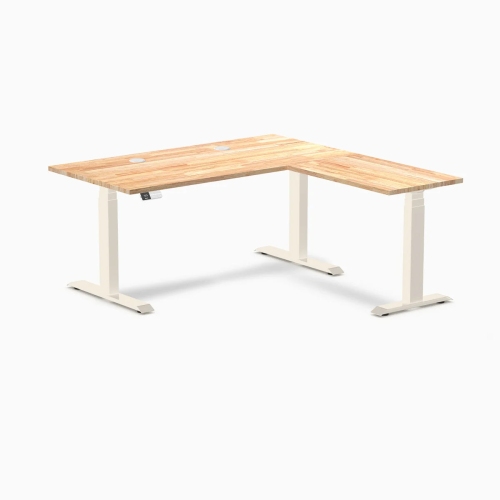
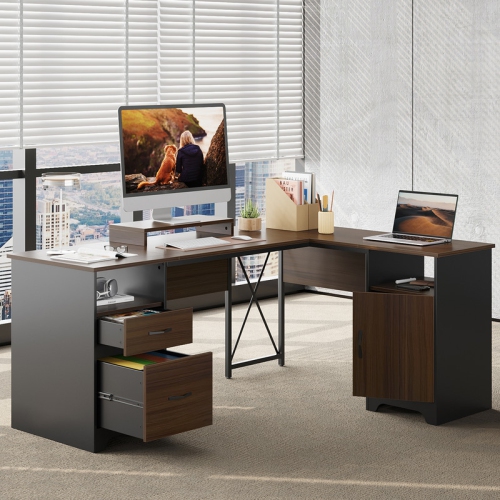
L shaped standing desks bring the convenience of an adjustable-height workstation to spaces where every square foot matters. Designed to fit neatly into a corner, they create two connected work surfaces instead of leaving the unused floor area that a traditional rectangular desk may require. That extra room can make a noticeable difference for anyone working with multiple monitors, a laptop, notebooks, paperwork, speakers, or other everyday equipment. One side can hold a main display and keyboard while the other provides space for a second screen, reference materials, a printer, or a place to sort through documents without pushing everything into a crowded pile. For shoppers comparing options, start by measuring the corner carefully, including baseboards, nearby doors, windows, radiators, and the amount of space needed to pull out a chair. Pay attention to the length of each wing as well as the overall depth, since an L-shaped desk can fit a corner beautifully while still extending farther into a room than expected. It is also worth checking whether the corner orientation suits the room layout, because some designs are reversible while others are intended for a fixed left- or right-hand configuration. The top should offer enough usable surface for the way you work, and the frame should be rated to support the combined weight of monitors, computers, accessories, and anything else kept on the desk.
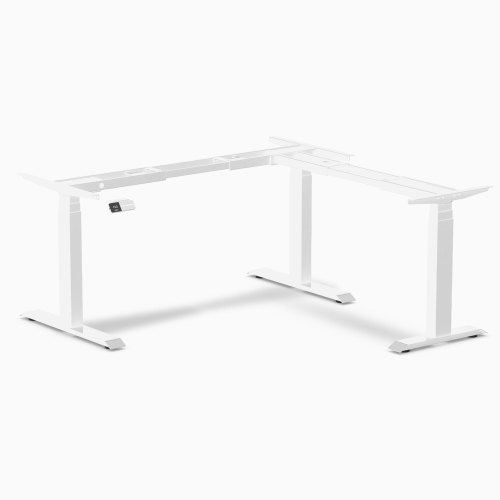
The standing function is central to choosing an L shaped standing desk. Electric height adjustment makes it easier to alternate between sitting and standing throughout the day, rather than treating standing as a separate task that requires rearranging the workspace. A broad height range helps accommodate different users, chair heights, and footwear, while memory presets can make frequent transitions smoother by saving preferred positions. A quiet single-motor design may suit a lighter setup or a shared home office, while dual-motor or three-legged frames can offer more lifting power and stability for larger multi-monitor arrangements. Stability matters especially at higher settings: look for a solid frame, a well-supported corner, adjustable feet for uneven flooring, and a weight capacity that comfortably exceeds the equipment you plan to place on top. A steady surface keeps screens from shaking when you type and helps prevent the small distractions that can make a busy afternoon feel longer. Cable management is another practical detail. Grommets, under-desk trays, clips, and accessible power solutions can keep cords from hanging across the corner or becoming tangled around the moving frame. Built-in drawers, shelves, and storage pockets are useful when you want supplies close at hand, although a cleaner desktop may be preferable if you already have a separate filing cabinet or shelving unit. Consider the finish and edge profile as well; a surface that is easy to wipe clean and comfortable against your wrists can make the desk feel better during long stretches of work, study, gaming, or creative projects.
These desks can suit a home office, a bedroom workspace, a studio, or a shared family area where one surface needs to support several activities. A remote worker may keep a monitor, keyboard, and headset on the main side while reserving the return for a notebook and video-call materials. A student can use one section for a computer and the other for textbooks, helping keep research and writing materials within reach. For a gaming setup, the extended layout can accommodate displays, a keyboard, a mouse, controllers, and accessories without forcing everything into a narrow row. During the cooler months, when more time may be spent indoors, an adjustable corner workstation can help make a spare room or quiet nook feel purposeful rather than temporary. It can also be a thoughtful gift for someone setting up a first apartment, refreshing a study area, or spending more time at home, provided you know the available measurements and their preferred desk orientation. Before choosing, compare the adjustment controls, motor performance, stability, storage, surface dimensions, assembly requirements, and warranty information. Keep heavier equipment distributed across the frame rather than concentrated at one end, and leave enough clearance for the top to rise without striking shelves, artwork, window coverings, or overhead cabinets. Browse Sit Stand L Shape Desks to compare configurations that combine corner-friendly space with the flexibility to work seated or standing. With the right size, sturdy support, and a layout that matches your routine, an L shaped standing desk can turn an overlooked corner into an organized workstation that adapts as your day changes.
The standing function is central to choosing an L shaped standing desk. Electric height adjustment makes it easier to alternate between sitting and standing throughout the day, rather than treating standing as a separate task that requires rearranging the workspace. A broad height range helps accommodate different users, chair heights, and footwear, while memory presets can make frequent transitions smoother by saving preferred positions. A quiet single-motor design may suit a lighter setup or a shared home office, while dual-motor or three-legged frames can offer more lifting power and stability for larger multi-monitor arrangements. Stability matters especially at higher settings: look for a solid frame, a well-supported corner, adjustable feet for uneven flooring, and a weight capacity that comfortably exceeds the equipment you plan to place on top. A steady surface keeps screens from shaking when you type and helps prevent the small distractions that can make a busy afternoon feel longer. Cable management is another practical detail. Grommets, under-desk trays, clips, and accessible power solutions can keep cords from hanging across the corner or becoming tangled around the moving frame. Built-in drawers, shelves, and storage pockets are useful when you want supplies close at hand, although a cleaner desktop may be preferable if you already have a separate filing cabinet or shelving unit. Consider the finish and edge profile as well; a surface that is easy to wipe clean and comfortable against your wrists can make the desk feel better during long stretches of work, study, gaming, or creative projects.
These desks can suit a home office, a bedroom workspace, a studio, or a shared family area where one surface needs to support several activities. A remote worker may keep a monitor, keyboard, and headset on the main side while reserving the return for a notebook and video-call materials. A student can use one section for a computer and the other for textbooks, helping keep research and writing materials within reach. For a gaming setup, the extended layout can accommodate displays, a keyboard, a mouse, controllers, and accessories without forcing everything into a narrow row. During the cooler months, when more time may be spent indoors, an adjustable corner workstation can help make a spare room or quiet nook feel purposeful rather than temporary. It can also be a thoughtful gift for someone setting up a first apartment, refreshing a study area, or spending more time at home, provided you know the available measurements and their preferred desk orientation. Before choosing, compare the adjustment controls, motor performance, stability, storage, surface dimensions, assembly requirements, and warranty information. Keep heavier equipment distributed across the frame rather than concentrated at one end, and leave enough clearance for the top to rise without striking shelves, artwork, window coverings, or overhead cabinets. Browse Sit Stand L Shape Desks to compare configurations that combine corner-friendly space with the flexibility to work seated or standing. With the right size, sturdy support, and a layout that matches your routine, an L shaped standing desk can turn an overlooked corner into an organized workstation that adapts as your day changes.
Top selling and popular products
-
 Your price for this item is $304.99
 -
 Your price for this item is $142.92
 -
 Your price for this item is $248.99
 -
 Your price for this item is $133.91
 -
 Your price for this item is $158.99
 -
 Your price for this item is $142.94
 -
 Your price for this item is $119.99
 -
 Your price for this item is $133.91
Discover more categories related to L Shaped Desk Standing
Top Collections:
Pokemon Centers, Best Cameras for Sports Photography, Kindle Devices, Samsung Galaxy Phones, Canon G7X Cameras, Pokémon 30th Celebration Cards, Refurbished Apple Laptops, iPhone 15 Apple, Laptops for Students, Budget Smartphones
Some products may be subject to Environmental Handling Fees
(EHF) depending on your province.
Learn more about EHFs.