Metal L Shaped Desks
Looking for sleek and functional desks that will elevate your workspace? Look no further than our metal L-shaped desks. These versatile pieces combine modern design with practicality, offering ample space for your computer, paperwork, and other essentials. Whether you work from home or need a stylish addition to your office, our metal L-shaped desks are the perfect solution. With their sturdy construction and contemporary aesthetic, these desks will not only enhance your productivity but also add a touch of sophistication to any room.
Sort
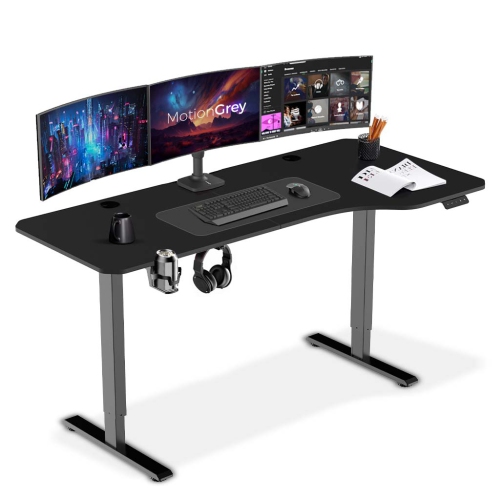
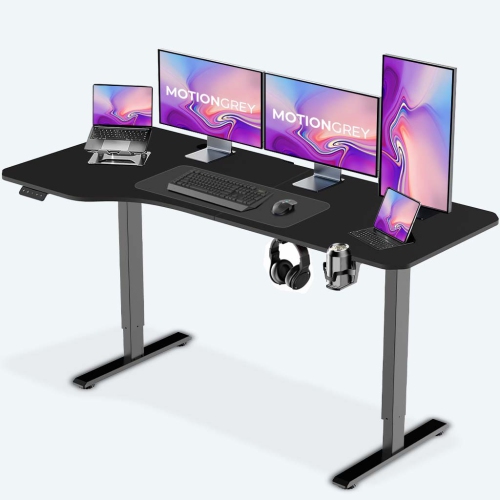
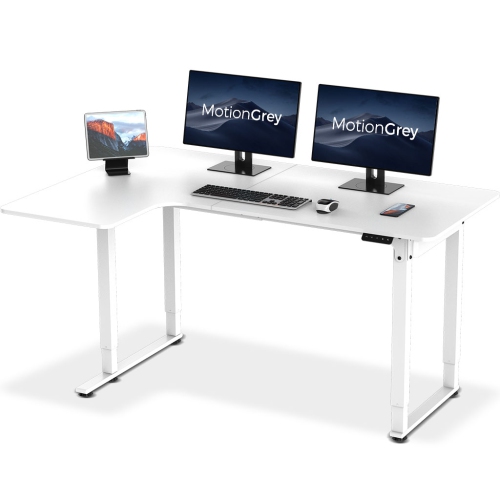
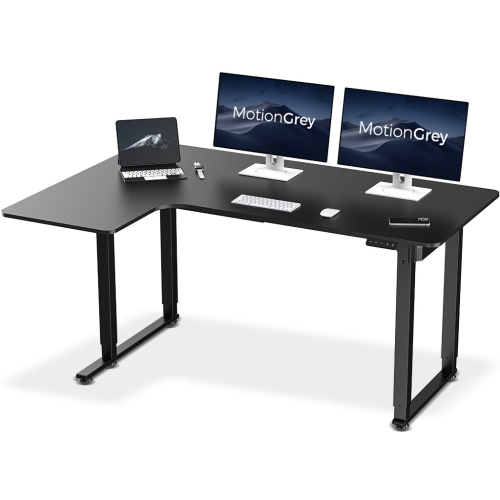
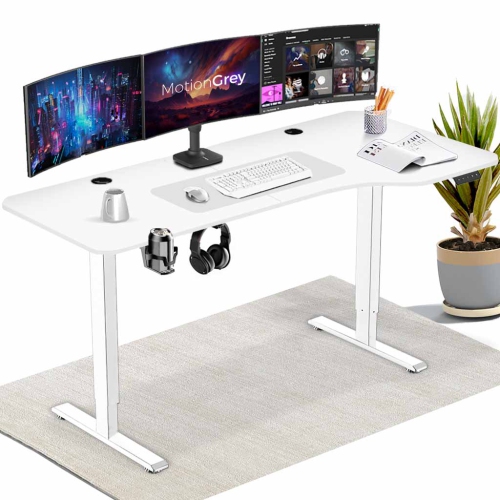
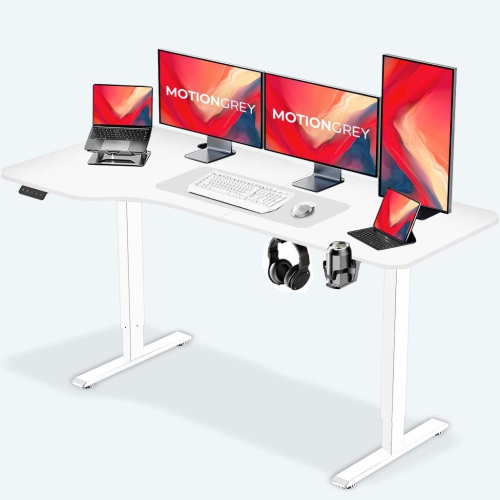
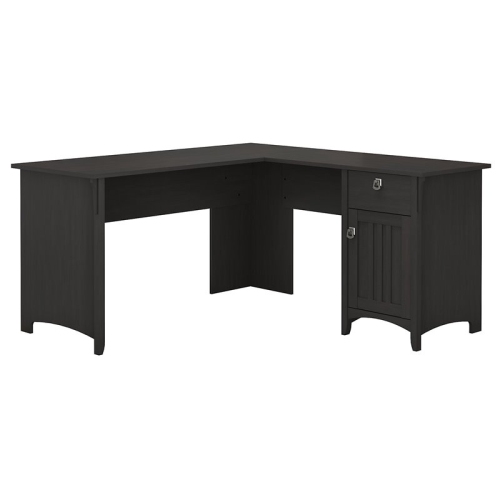
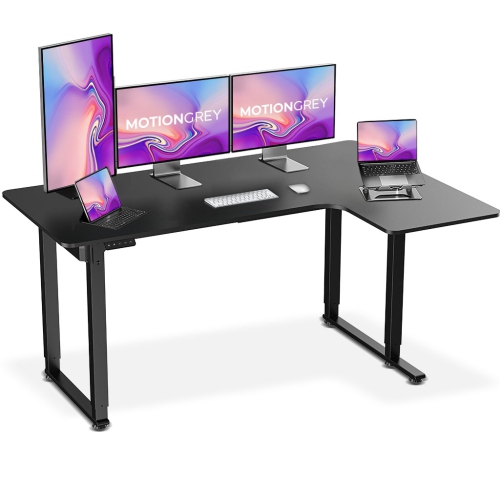
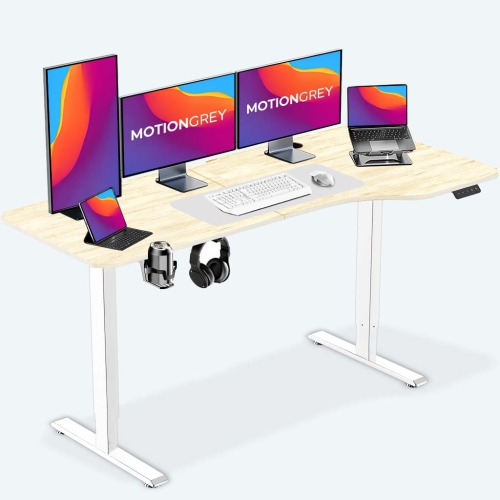
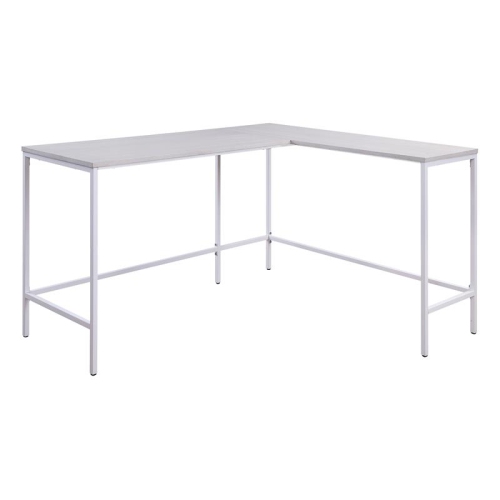
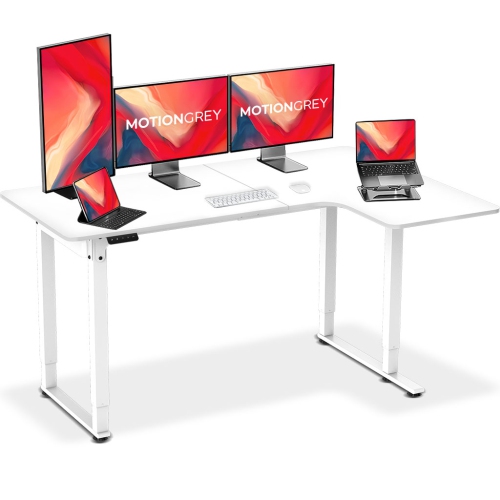

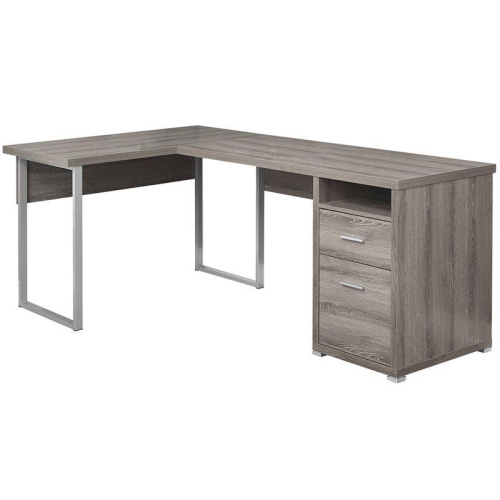

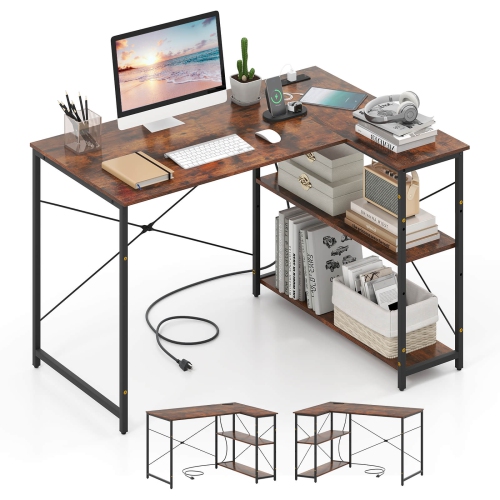
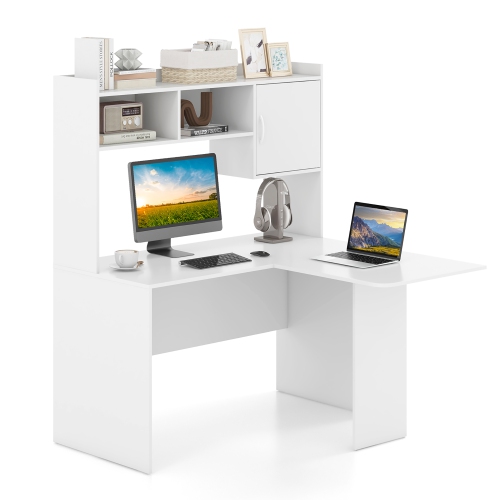
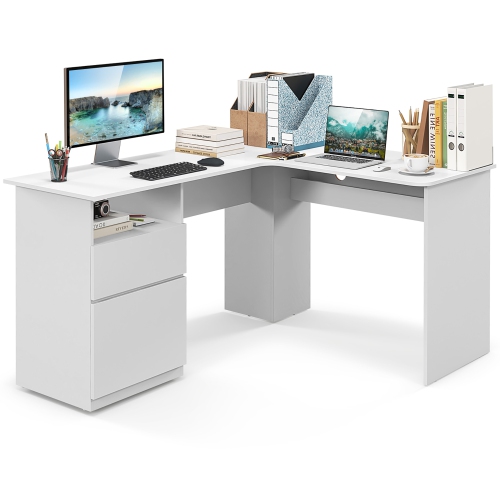
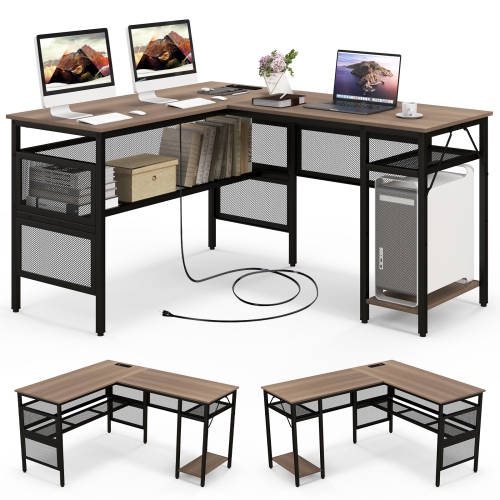
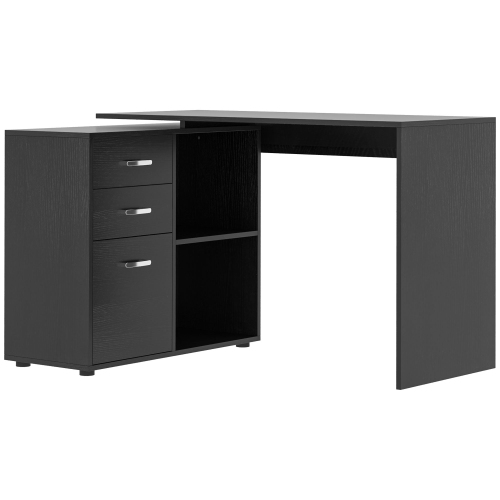
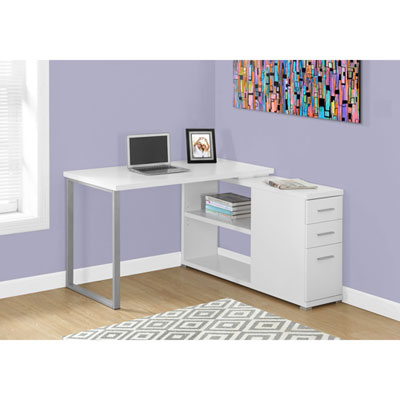
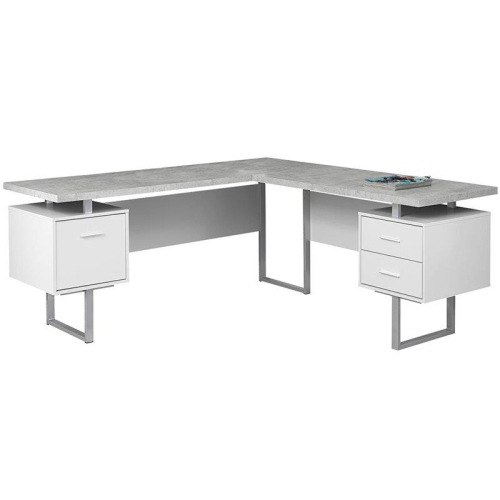
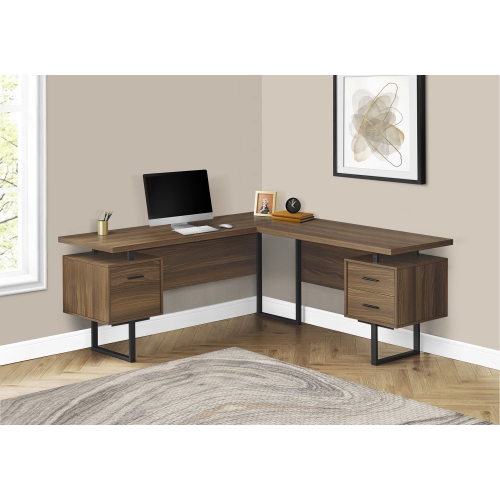
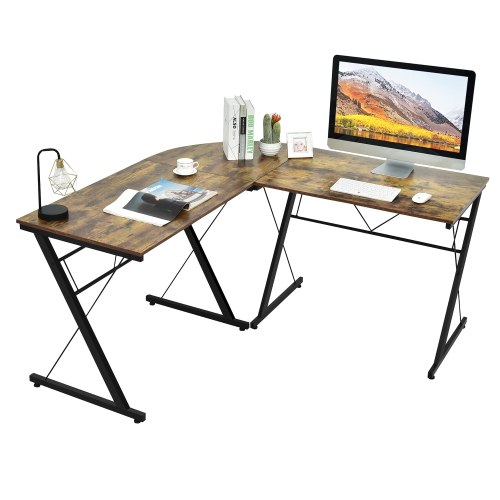
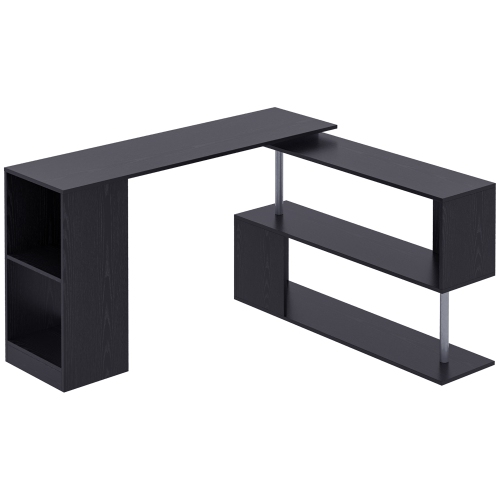

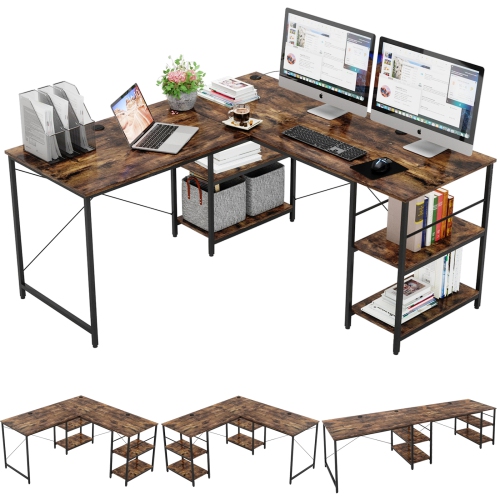
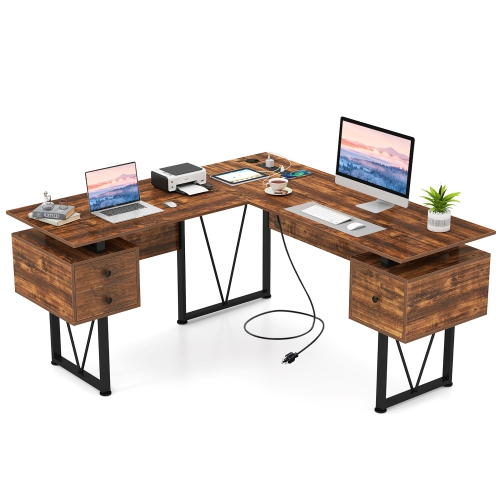
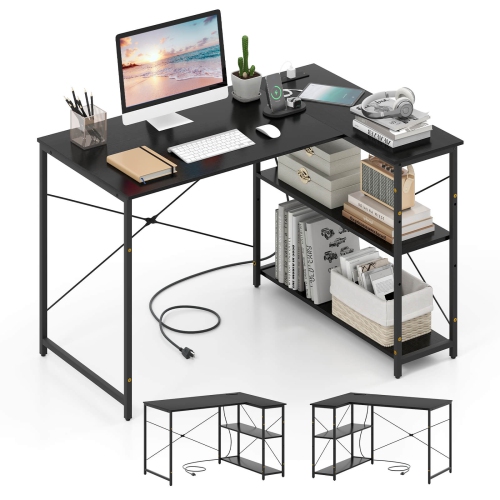
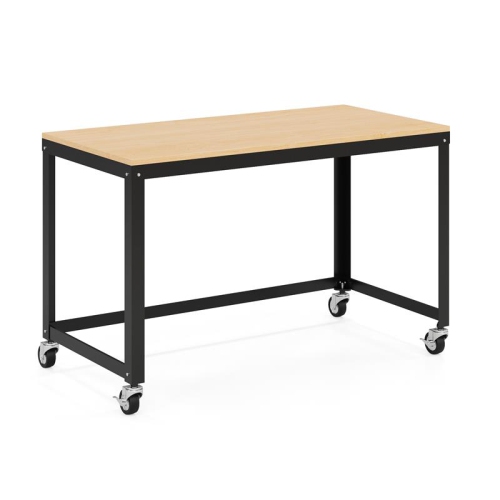
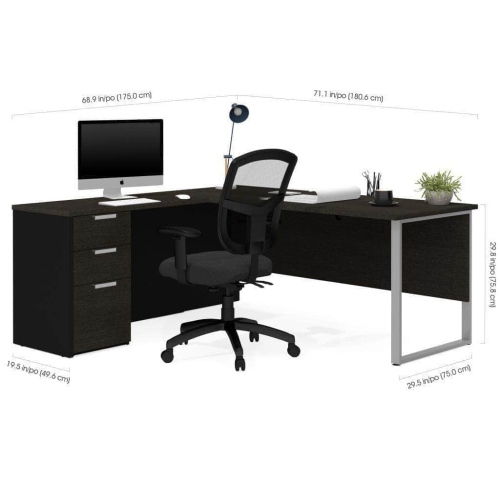
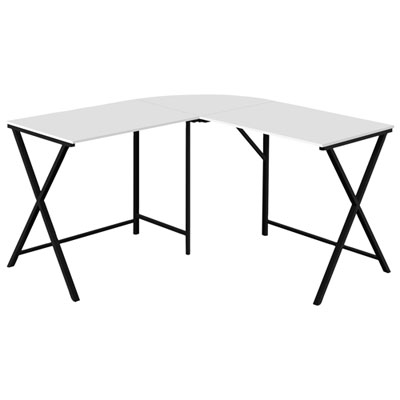
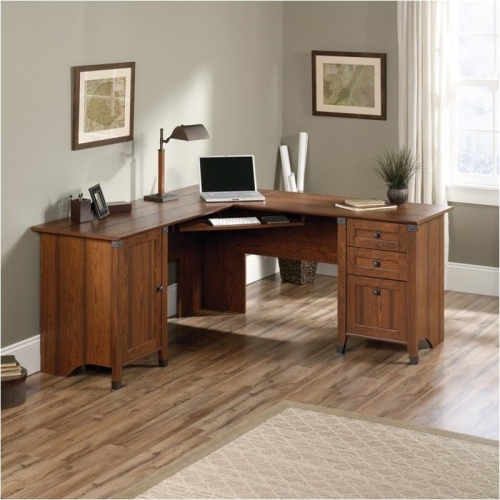
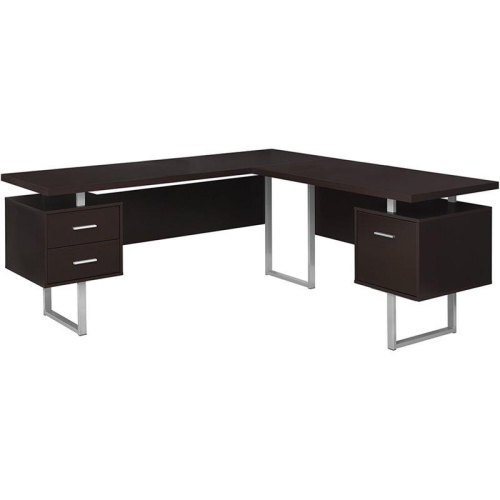
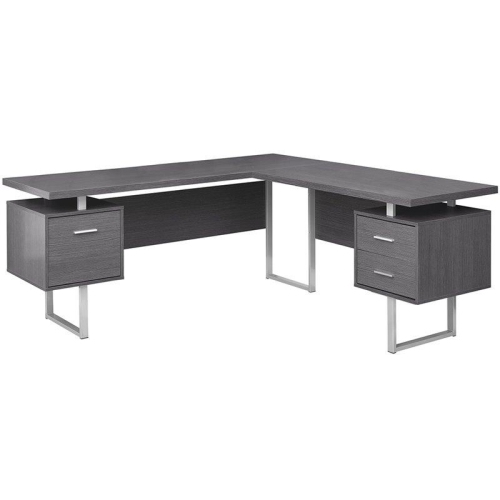
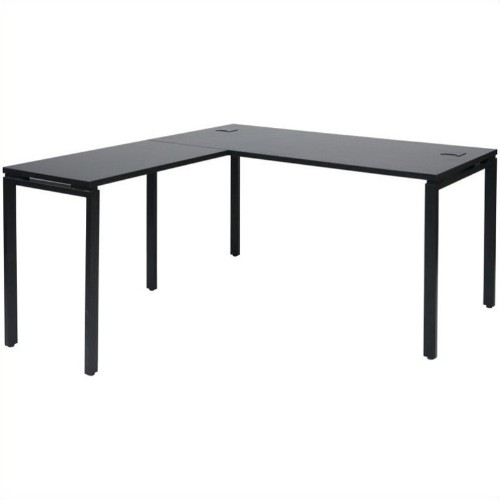
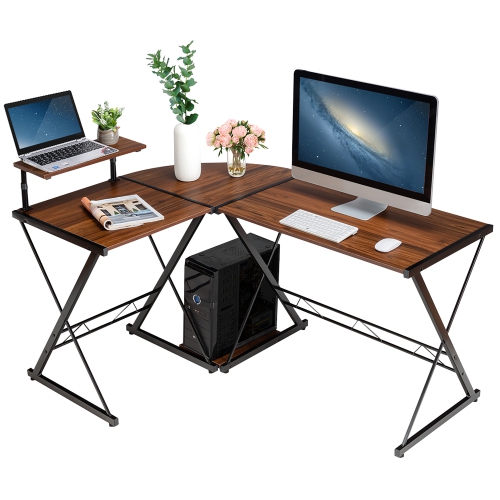
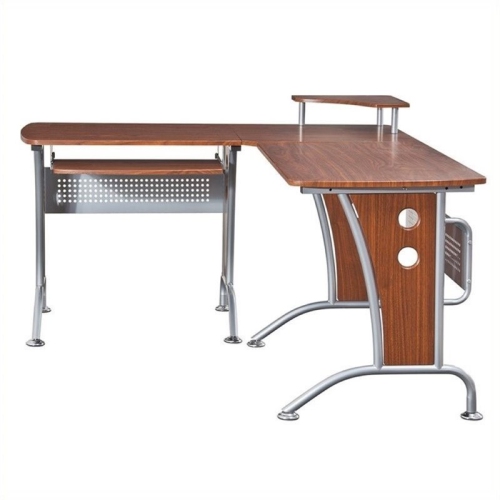
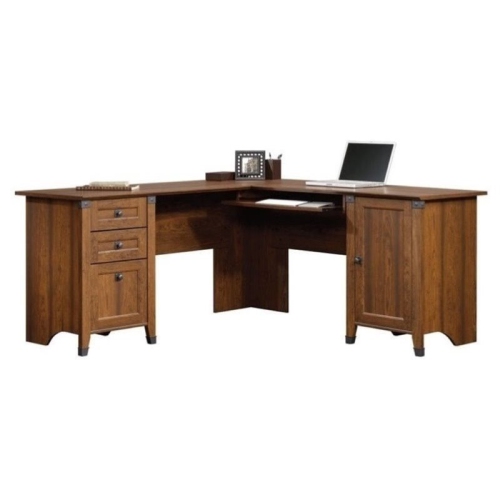
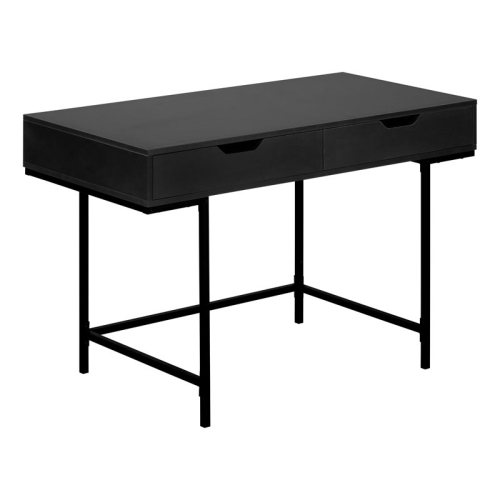
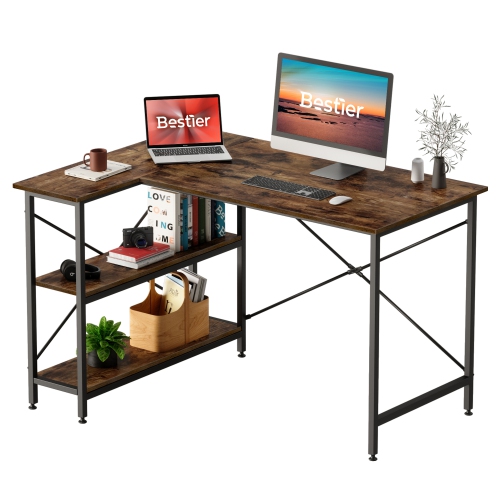
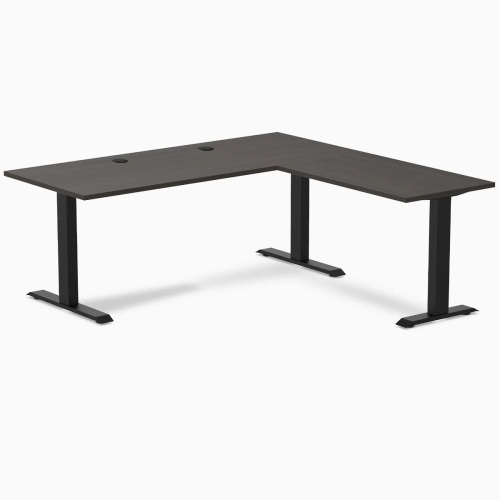
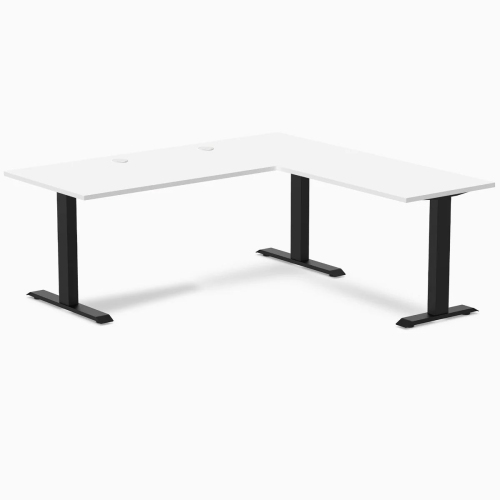
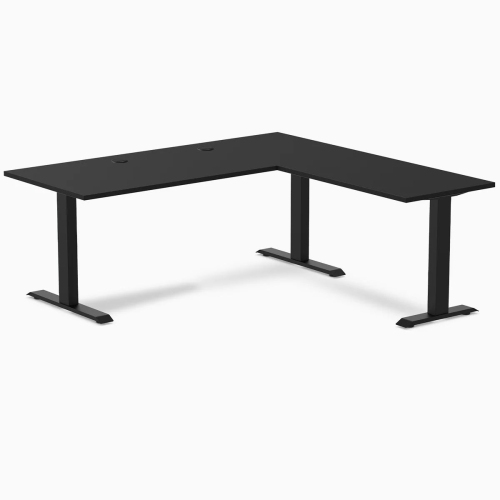
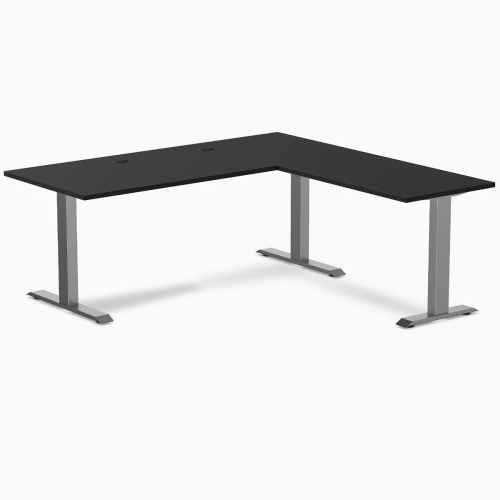
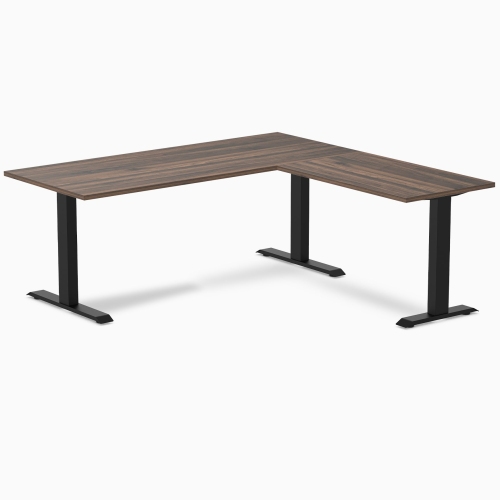
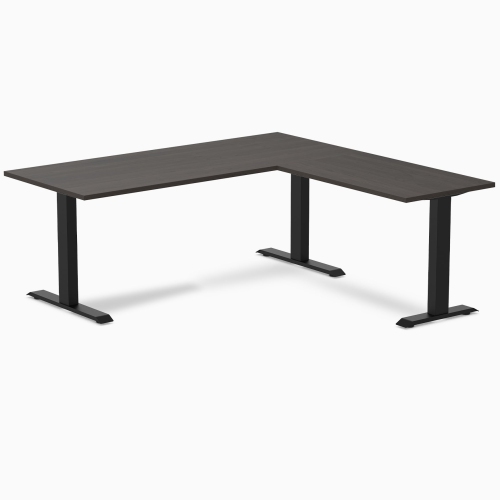
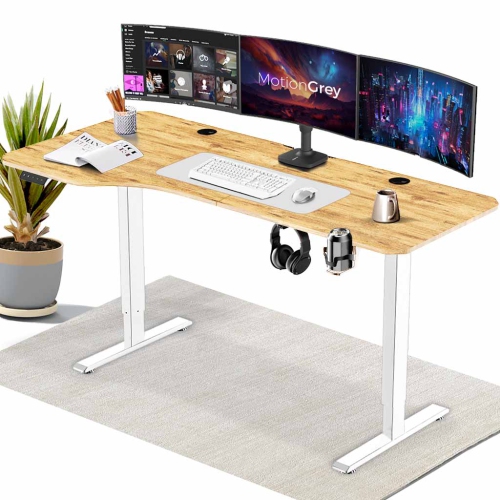
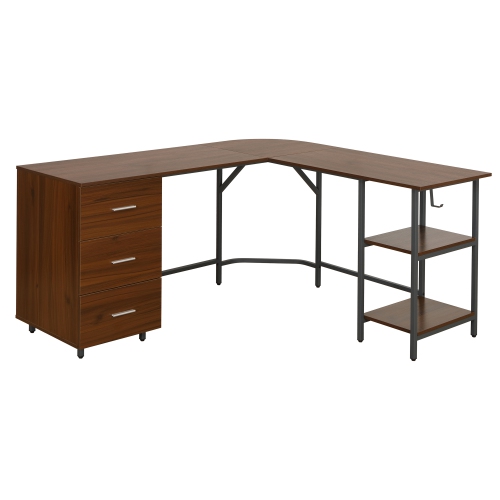
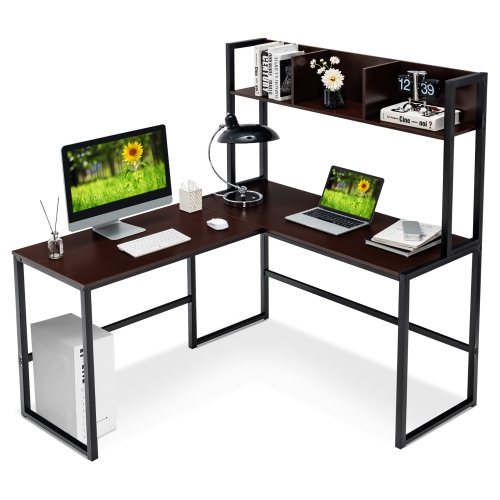
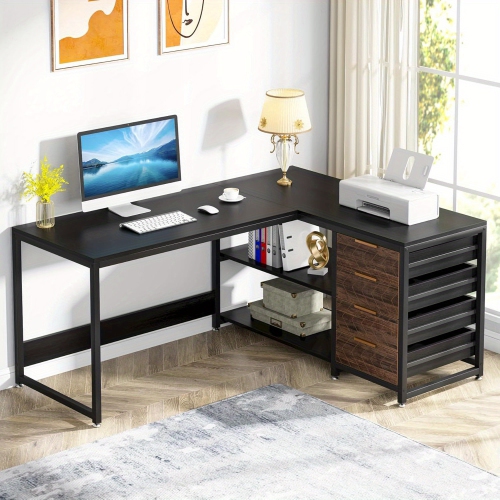
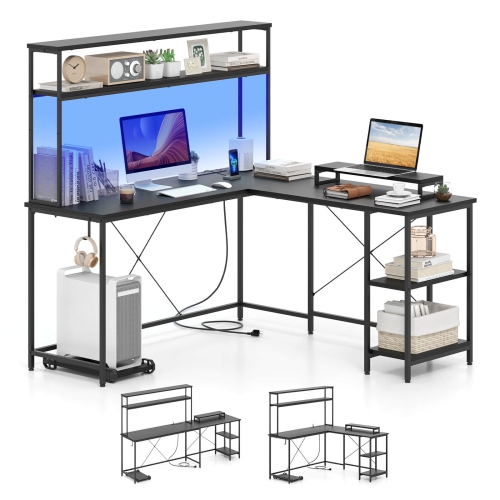
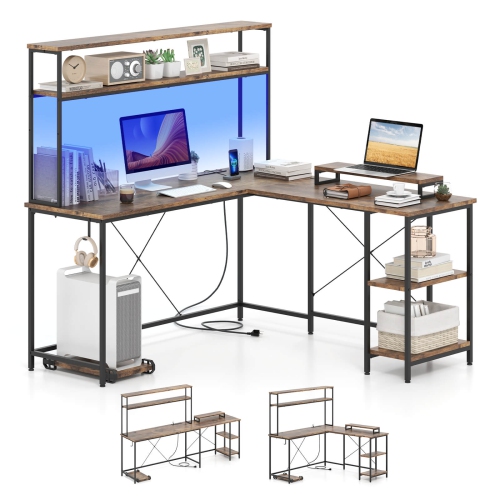
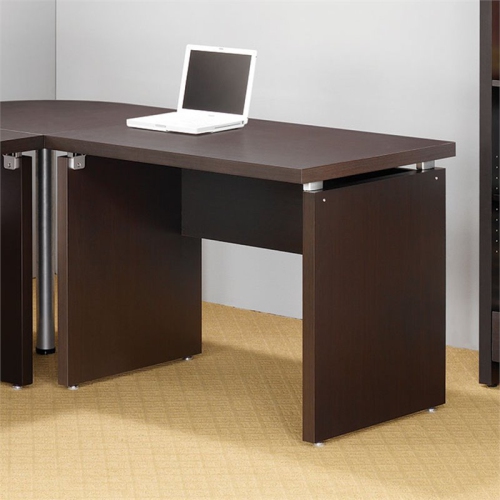
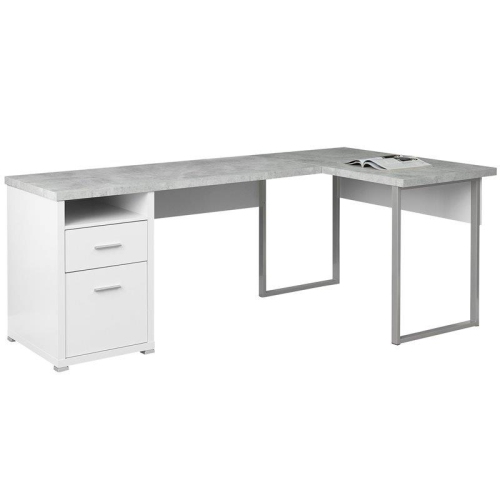
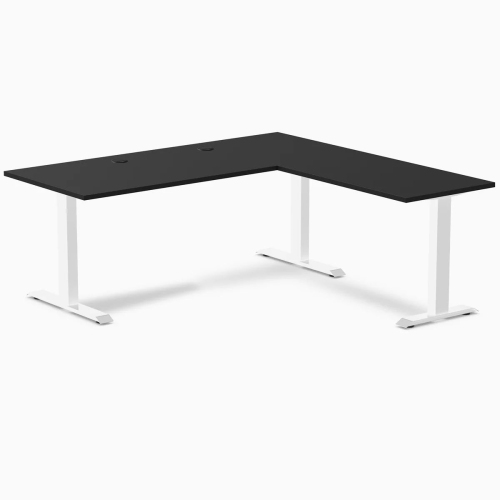
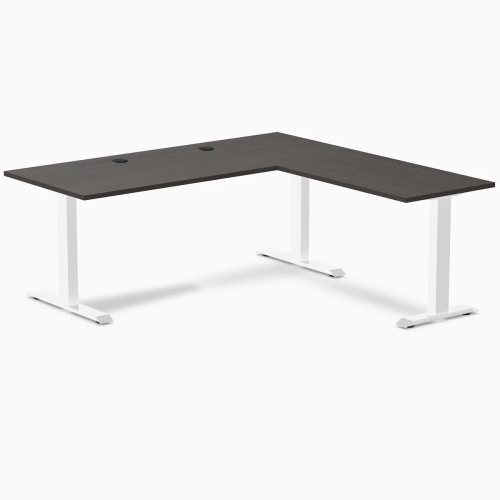
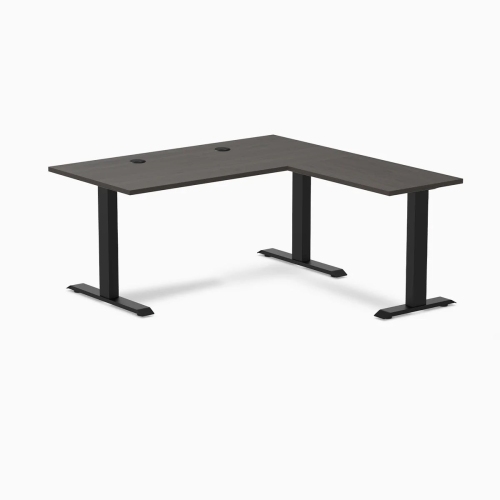
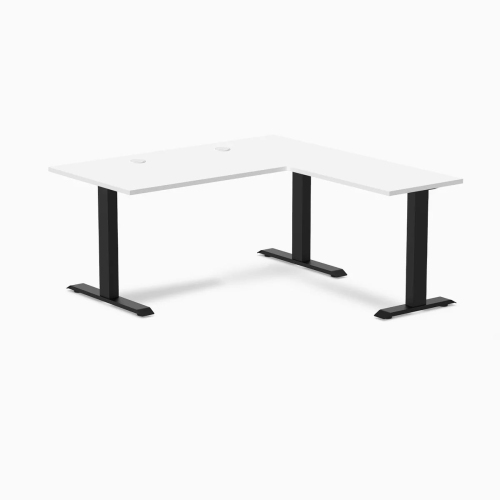
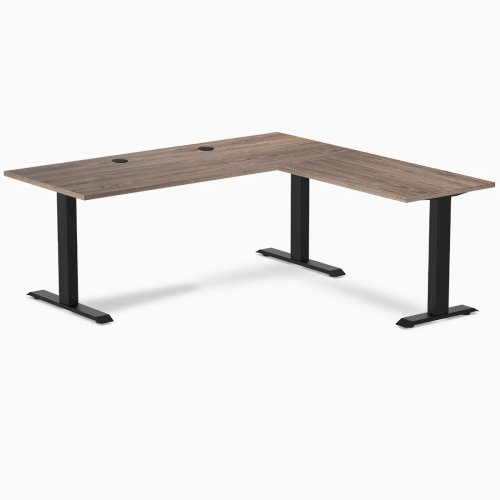
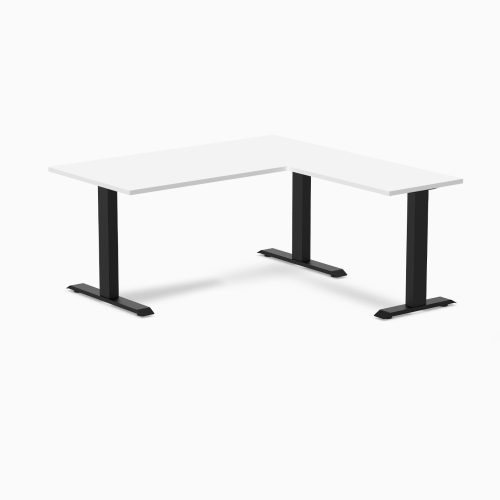

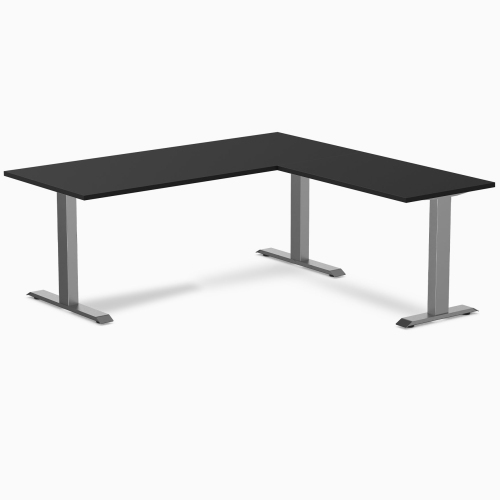
Corner layouts support focused work and flexible room arrangements
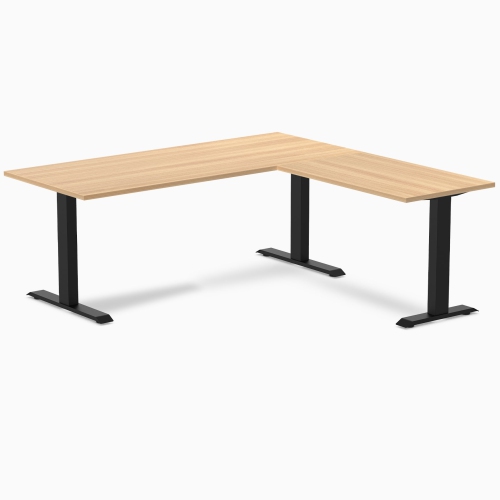
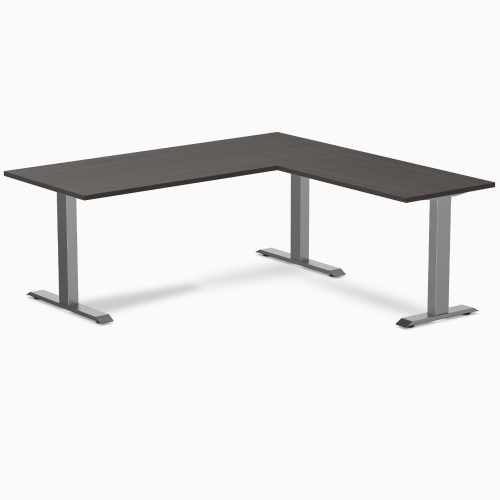
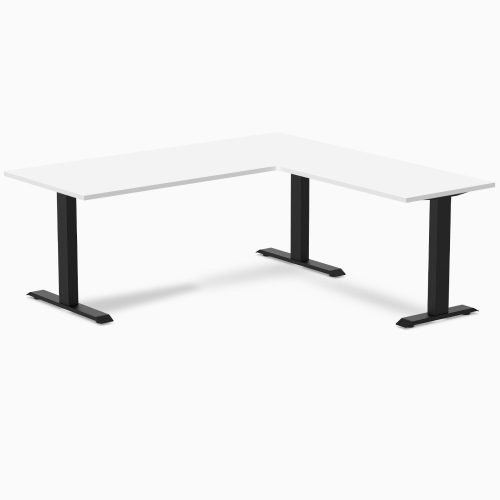
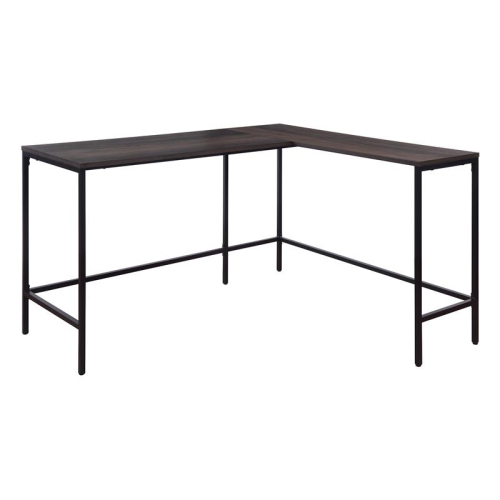
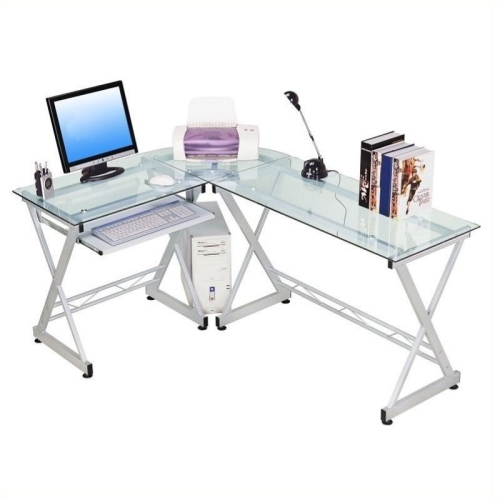
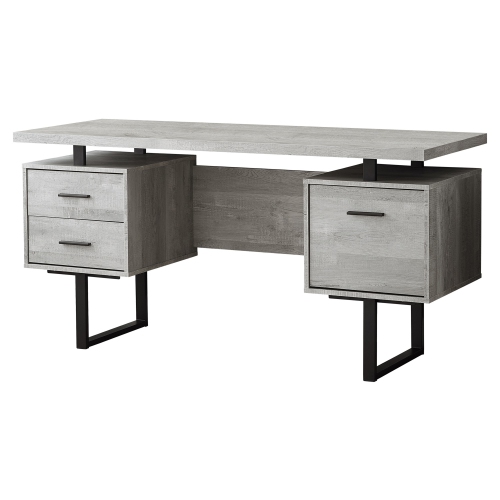
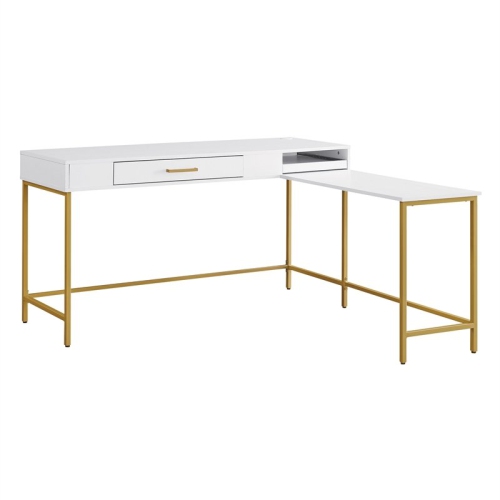
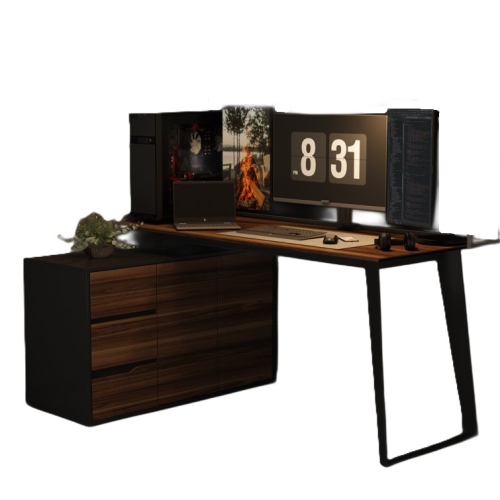
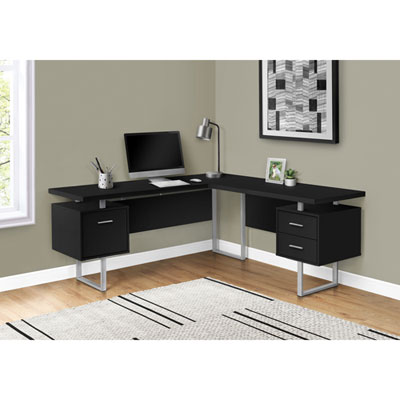
Metal L-shaped desks combine a strong, contemporary frame with the generous workspace of a corner design. Their two connected surfaces create separate zones for different tasks, making it easier to keep a computer, monitor, keyboard, paperwork, and everyday accessories within reach without crowding everything onto one straight desktop. One side can hold a primary computer setup while the other provides room for writing, studying, crafting, planning, or a second screen. This arrangement is especially useful in home offices, bedrooms, shared work areas, and gaming rooms where making good use of a corner matters. The metal structure can provide dependable support for heavier equipment, while the desktop may be made from materials such as MDF, laminate, or wood-look surfaces that are easy to coordinate with existing furniture. Industrial-inspired frames pair naturally with modern interiors, but their clean lines can also work in more traditional spaces when matched with a comfortable chair, practical lighting, and well-organized accessories. For a cohesive look, consider browsing Black L Shaped Desks alongside other finishes and configurations. A metal L-shaped desk may suit a remote worker who needs room for a laptop, full-size monitor, files, and a notebook; a student managing coursework and creative projects; or a gamer who wants dedicated space for a display, keyboard, mouse, speakers, and accessories. It can also be a thoughtful gift for someone setting up a first apartment, refreshing a study area, or creating a more focused workstation during the cooler months when more time is spent indoors. Since the desk becomes part of a room’s daily routine, selecting a layout that fits both the user and the available space is more important than choosing a design based on appearance alone.
Begin by measuring the intended corner, including baseboards, radiators, windows, doors, and nearby shelving. L-shaped desks vary considerably in width, depth, and height, and the connected sides need enough clearance for a chair to move comfortably in and out. Check whether the longer section should sit on the left or right, and look for a reversible layout if the room may be rearranged later. A reversible desk can be particularly helpful in a shared office, rental home, or multipurpose room where the configuration may change. Also confirm the orientation of shelves, drawers, CPU stands, and other built-in features, since these details affect access and the amount of usable legroom. Stability is another key consideration: review the frame design, crossbars, adjustable feet, and stated weight capacity before placing multiple monitors, a desktop computer, speakers, or other substantial equipment on the surface. Adjustable feet can help compensate for slightly uneven flooring and reduce wobbling. If changing positions throughout the day is important, some designs include height-adjustable or motorized standing functionality, allowing the work surface to move between seated and standing positions. When comparing desktops, consider their finish, edge profile, resistance to everyday marks, and the amount of room available beyond the equipment footprint. A wide surface is useful, but a deeper surface may be more valuable for comfortable monitor placement and forearm support. Leave enough space for a lamp, charging accessories, writing materials, and a drink without pushing essential equipment to the edge.
Organization features can make a noticeable difference in how an L-shaped desk feels after several hours of use. Shelves offer a visible home for books, controllers, stationery, and small devices, while drawers can keep paperwork and less frequently used items out of sight. A CPU stand may lift a computer tower off the floor and make it easier to access ports, although the tower’s dimensions and ventilation requirements should be checked first. Cable management openings, clips, trays, power outlets, USB ports, monitor risers, and headphone hooks can help keep cords from crossing the work area. For a gaming setup, look for enough surface depth for a large monitor or multiple displays, a stable area for a keyboard and mouse, and a frame that leaves room for natural leg movement. For office or study use, consider whether the desk can hold documents beside the screen and whether storage is positioned on the side used most often. Assembly is also worth planning for: measure doorways and stairwells, identify where the finished desk will be built, and set aside time to tighten every fastener evenly. A soft mat beneath the chair can make movement easier on hard floors, while a monitor positioned near eye level and a chair adjusted so feet rest flat can support a more comfortable posture. During the cooler months, when a workstation may see longer stretches of use, these small setup choices can make the corner feel more inviting and practical. With the right size, orientation, storage, and support features, a metal L-shaped desk can serve as a durable home base for work, study, gaming, creative projects, and everyday digital tasks.
Begin by measuring the intended corner, including baseboards, radiators, windows, doors, and nearby shelving. L-shaped desks vary considerably in width, depth, and height, and the connected sides need enough clearance for a chair to move comfortably in and out. Check whether the longer section should sit on the left or right, and look for a reversible layout if the room may be rearranged later. A reversible desk can be particularly helpful in a shared office, rental home, or multipurpose room where the configuration may change. Also confirm the orientation of shelves, drawers, CPU stands, and other built-in features, since these details affect access and the amount of usable legroom. Stability is another key consideration: review the frame design, crossbars, adjustable feet, and stated weight capacity before placing multiple monitors, a desktop computer, speakers, or other substantial equipment on the surface. Adjustable feet can help compensate for slightly uneven flooring and reduce wobbling. If changing positions throughout the day is important, some designs include height-adjustable or motorized standing functionality, allowing the work surface to move between seated and standing positions. When comparing desktops, consider their finish, edge profile, resistance to everyday marks, and the amount of room available beyond the equipment footprint. A wide surface is useful, but a deeper surface may be more valuable for comfortable monitor placement and forearm support. Leave enough space for a lamp, charging accessories, writing materials, and a drink without pushing essential equipment to the edge.
Organization features can make a noticeable difference in how an L-shaped desk feels after several hours of use. Shelves offer a visible home for books, controllers, stationery, and small devices, while drawers can keep paperwork and less frequently used items out of sight. A CPU stand may lift a computer tower off the floor and make it easier to access ports, although the tower’s dimensions and ventilation requirements should be checked first. Cable management openings, clips, trays, power outlets, USB ports, monitor risers, and headphone hooks can help keep cords from crossing the work area. For a gaming setup, look for enough surface depth for a large monitor or multiple displays, a stable area for a keyboard and mouse, and a frame that leaves room for natural leg movement. For office or study use, consider whether the desk can hold documents beside the screen and whether storage is positioned on the side used most often. Assembly is also worth planning for: measure doorways and stairwells, identify where the finished desk will be built, and set aside time to tighten every fastener evenly. A soft mat beneath the chair can make movement easier on hard floors, while a monitor positioned near eye level and a chair adjusted so feet rest flat can support a more comfortable posture. During the cooler months, when a workstation may see longer stretches of use, these small setup choices can make the corner feel more inviting and practical. With the right size, orientation, storage, and support features, a metal L-shaped desk can serve as a durable home base for work, study, gaming, creative projects, and everyday digital tasks.
Top selling and popular products
-
 Your price for this item is $304.99
 -
 Your price for this item is $109.99
 -
 Your price for this item is $79.99
 -
 Your price for this item is $79.99
 -
 Your price for this item is $84.99
 -
 Your price for this item is $63.39
 -
 Your price for this item is $79.99
 -
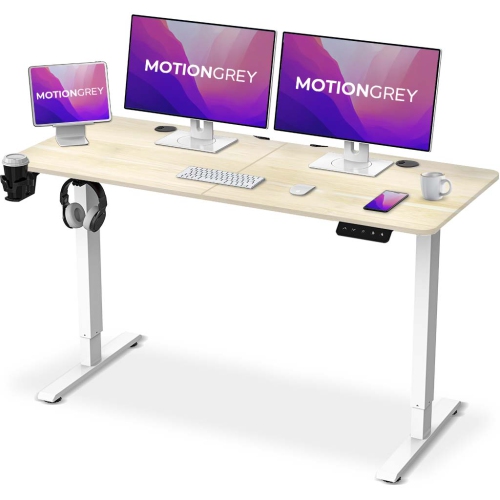 Your price for this item is $109.99
Discover more categories related to Metal L Shaped Desks
Top Collections:
Best Laptops for Video Editing, Pokemon Centers, Samsung Z Fold, Kindle Devices, Best Cell Phones Under $300, Best Laptops for Writers, Best Budget Office Chairs, Best Cell Phones Under $500, Best Laptop Computers for Students, iPhone 15 Apple
Some products may be subject to Environmental Handling Fees
(EHF) depending on your province.
Learn more about EHFs.