Standing Desk Accessories
Enhance your productivity and upgrade your workspace with our wide selection of standing desk accessories. Elevate your work routine by personalizing your standing desk setup with these essential add-ons. From monitor stands and cable management solutions to ergonomic keyboard trays and anti-fatigue mats, our collection of accessories is designed to optimize comfort, organization, and efficiency. Whether you're a professional looking for a more ergonomic work environment or a student seeking a versatile study space, our range of standing desk accessories has everything you need to create your ideal setup. Explore our selection now and take the first step towards a more productive and comfortable workday.
Sort





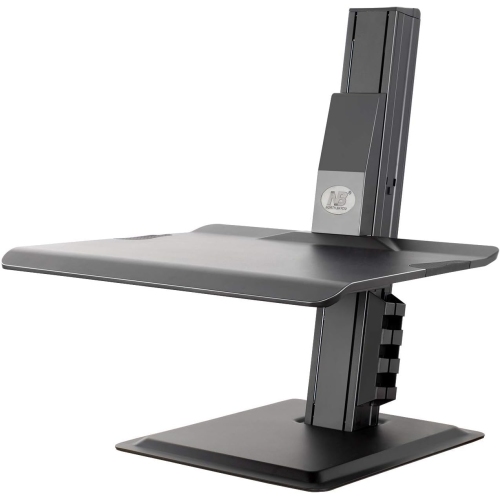
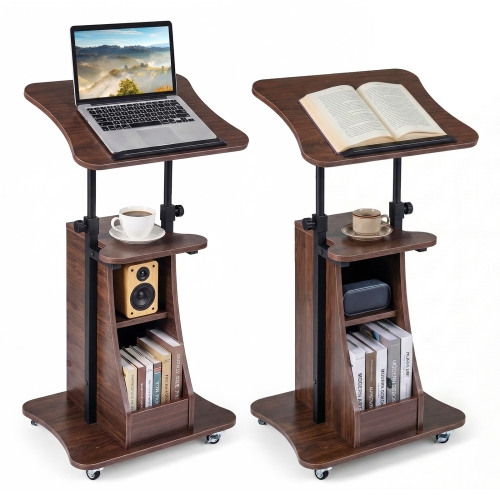
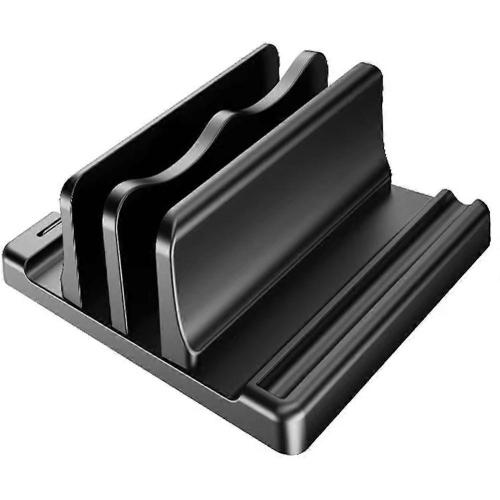
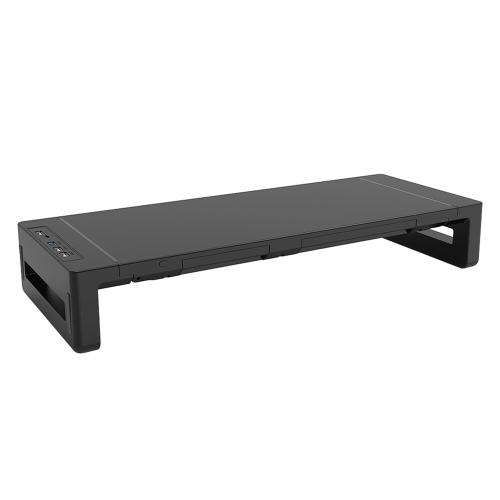



Comfort and organization that move with your desk
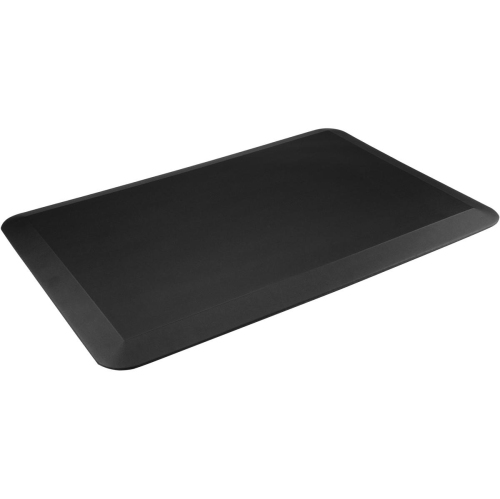
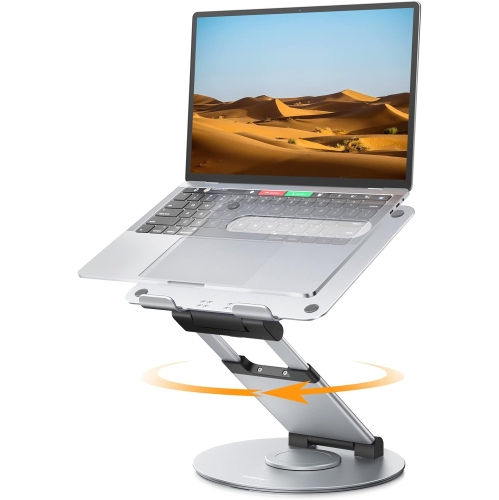
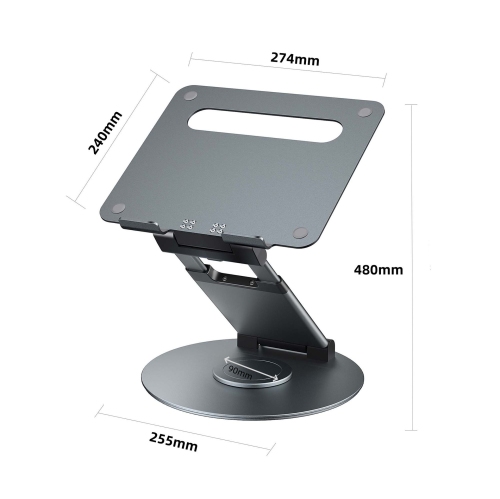
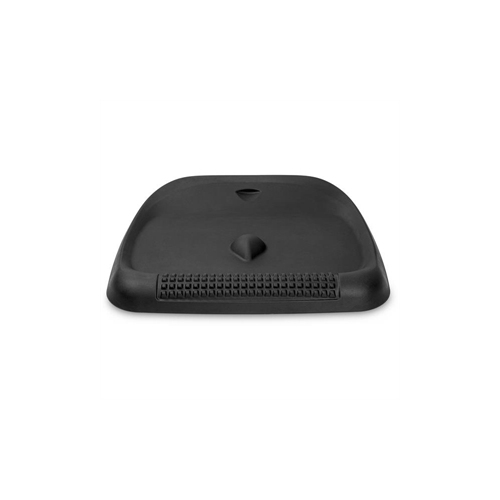
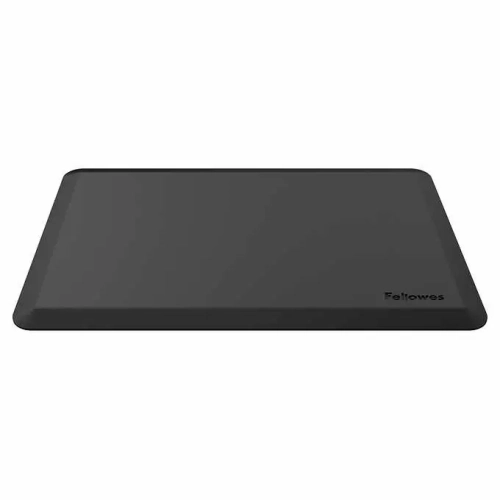
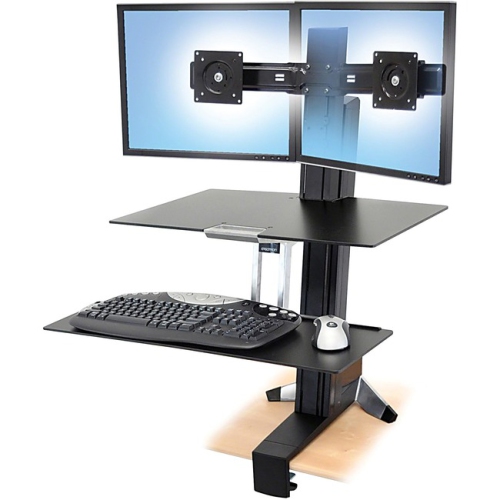
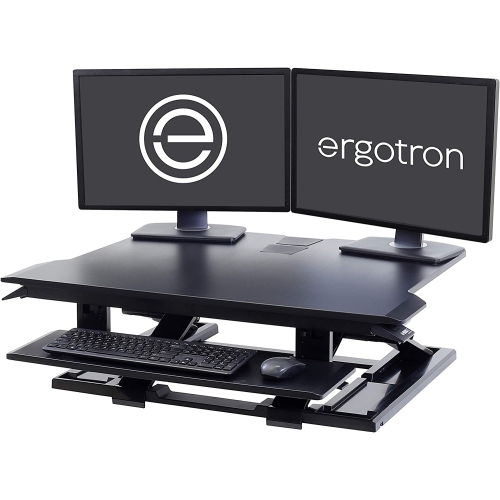
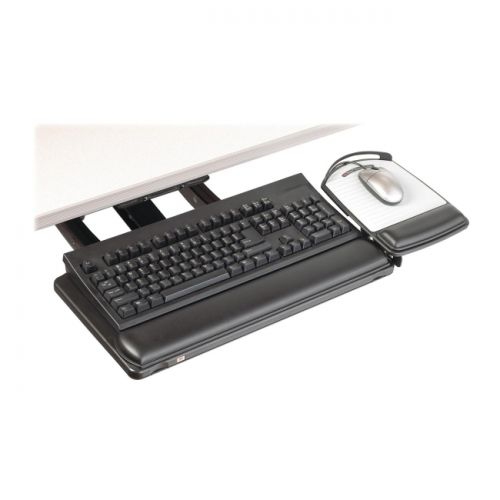
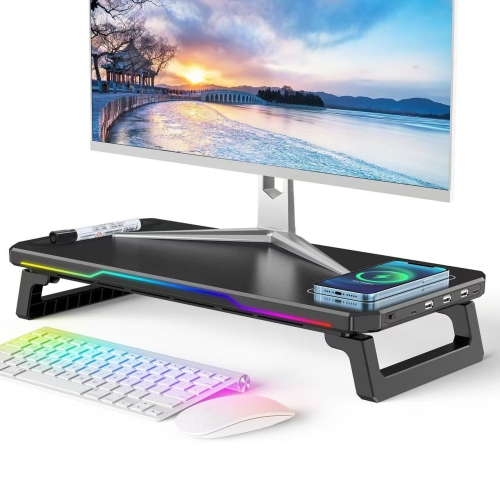
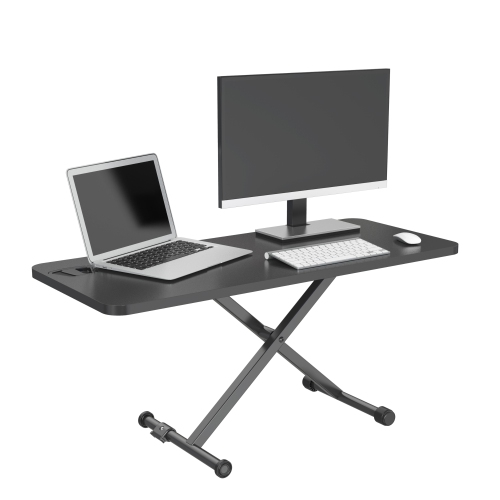
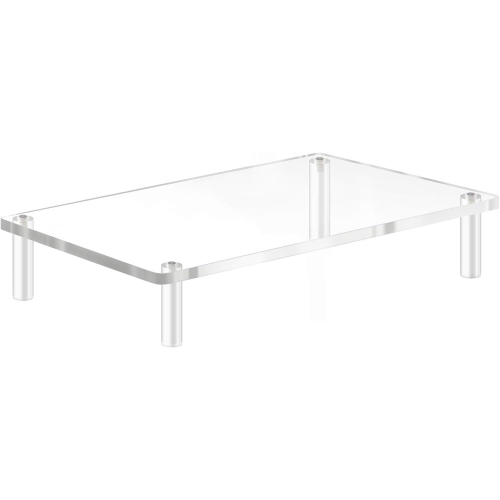
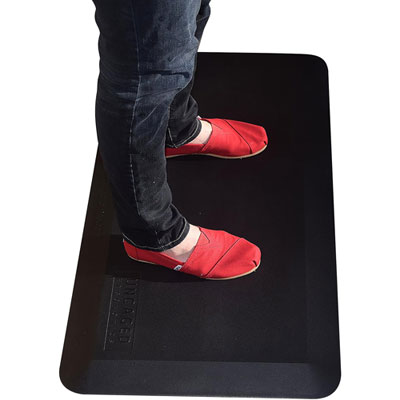
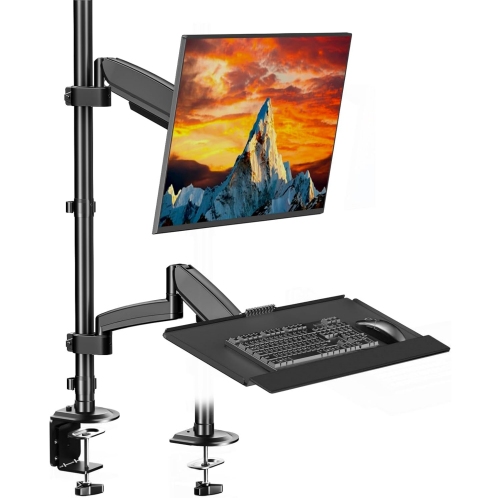
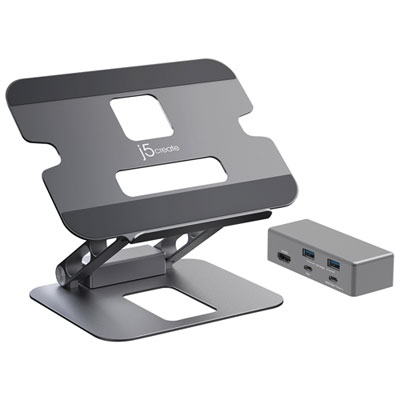
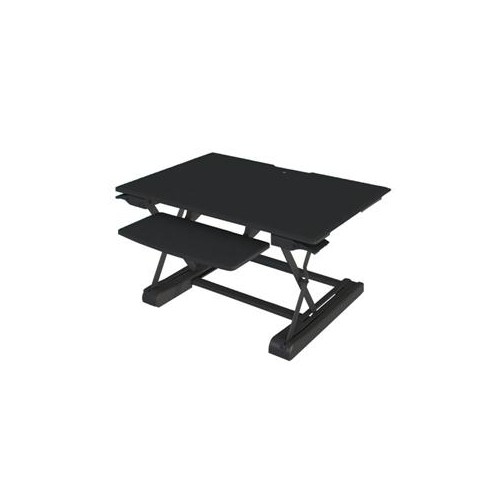
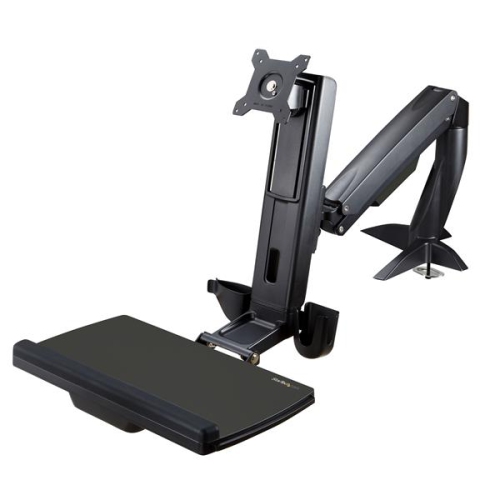
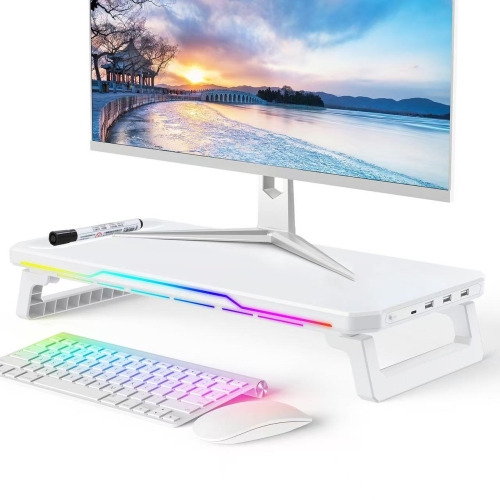
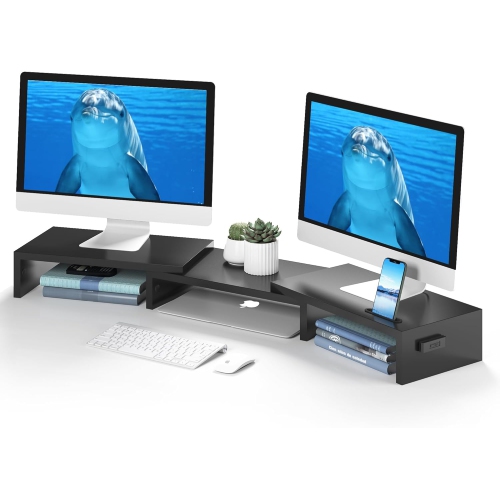
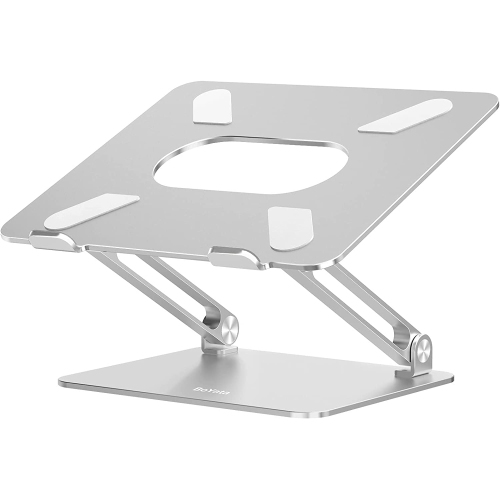
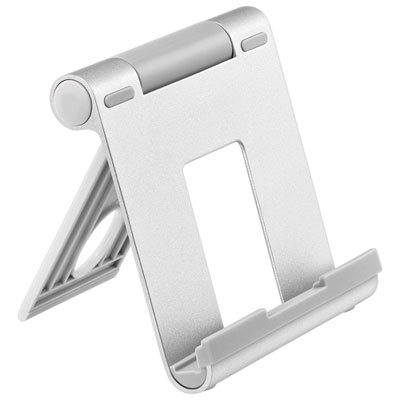
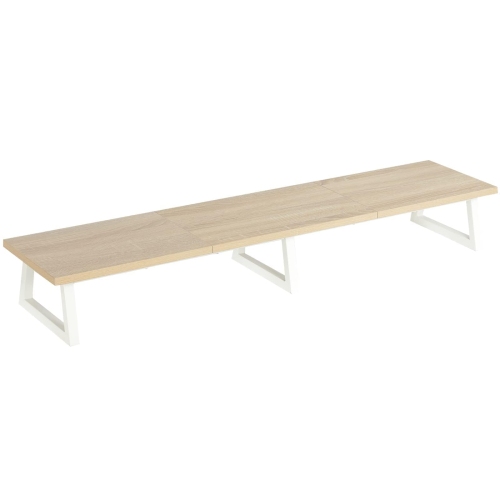
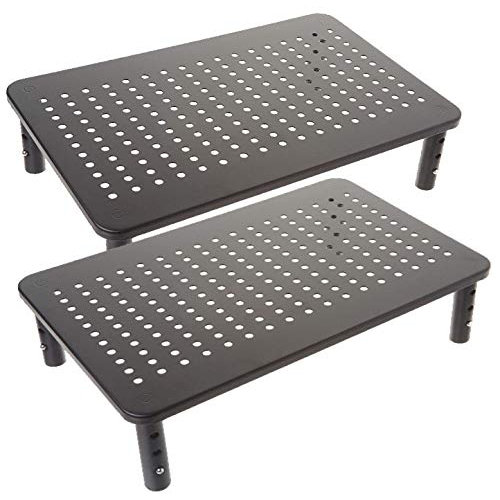
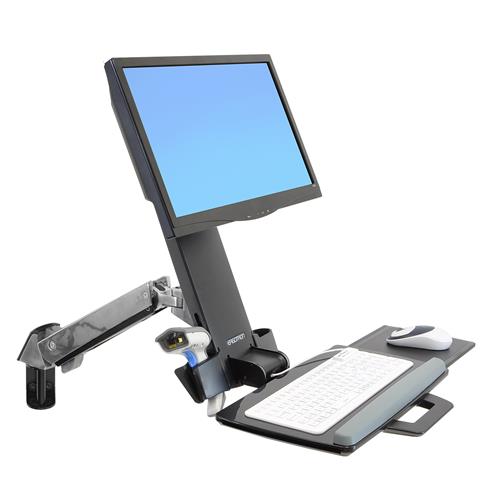
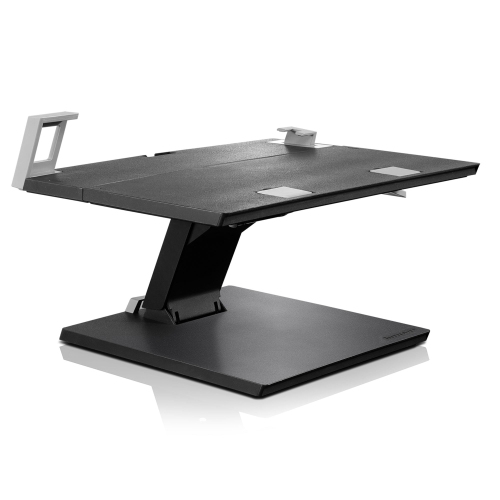
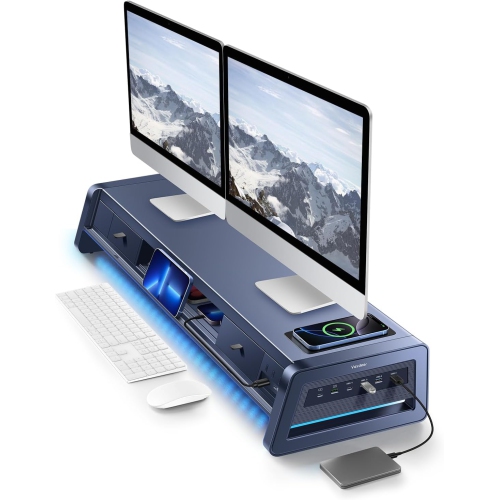
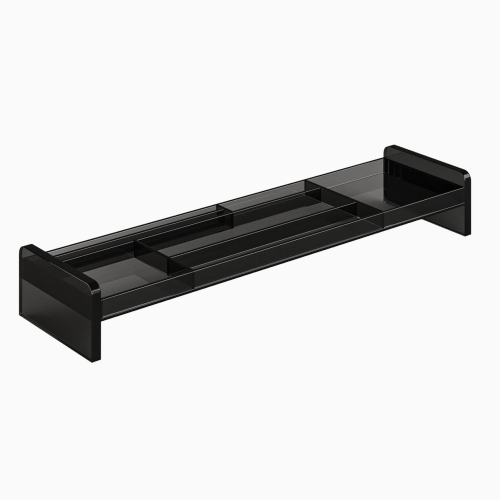
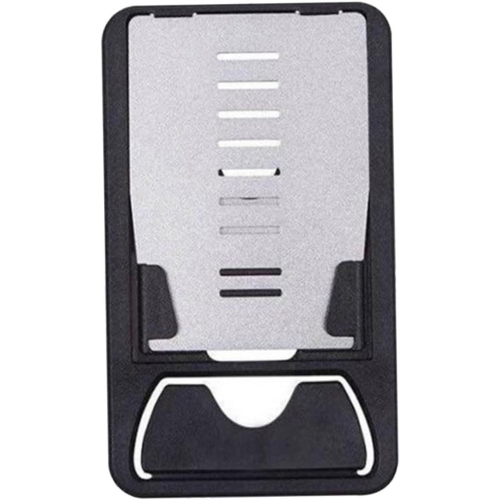
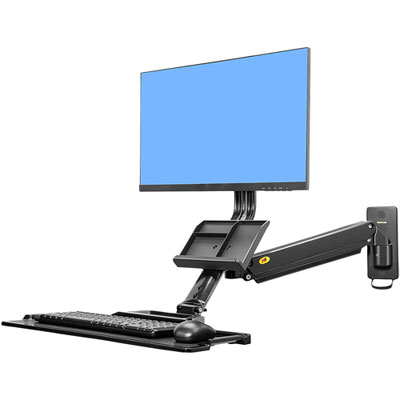
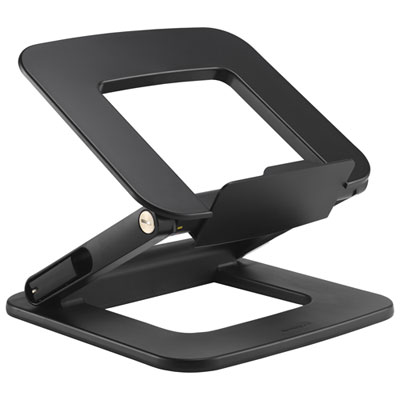
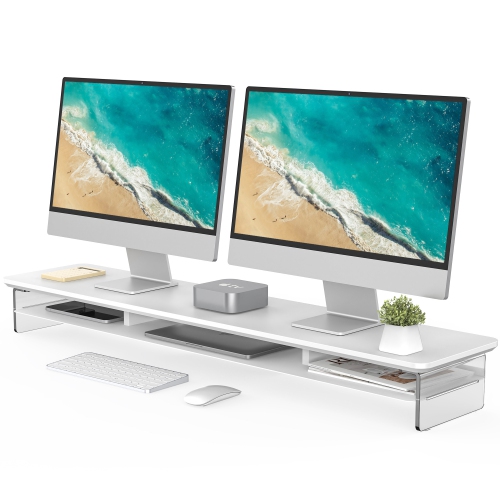
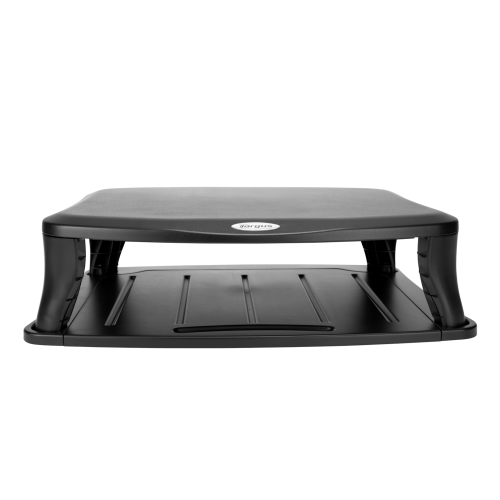
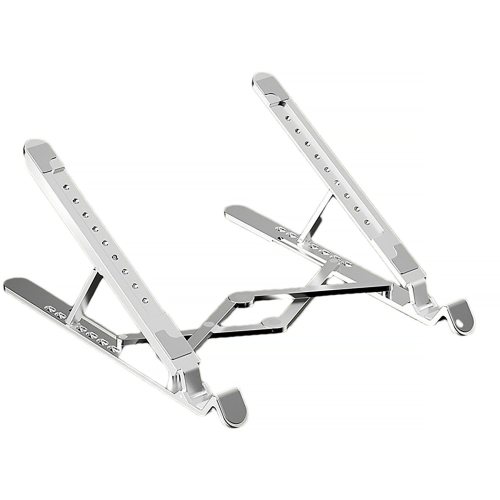
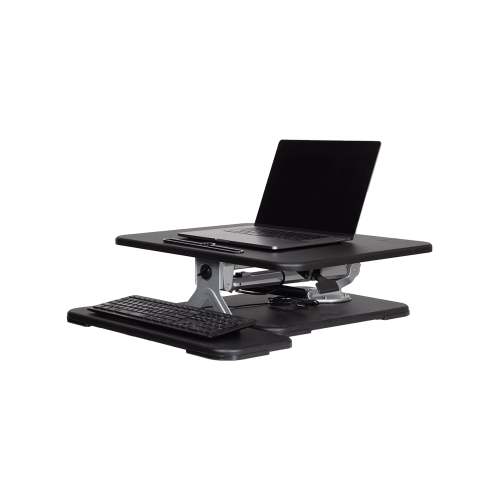
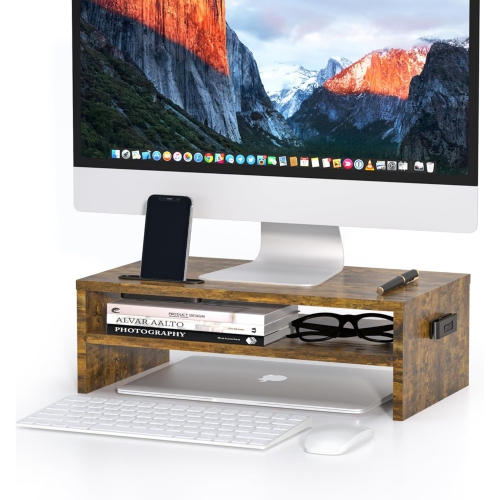
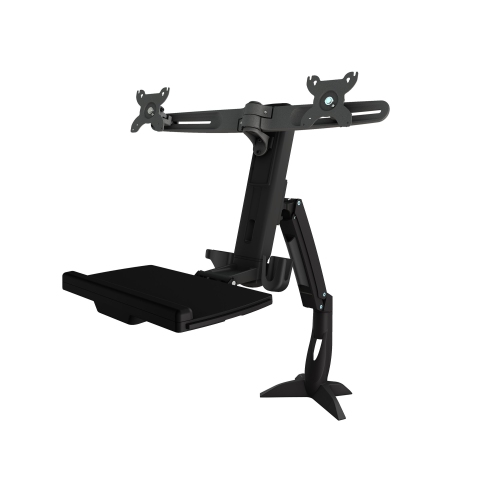
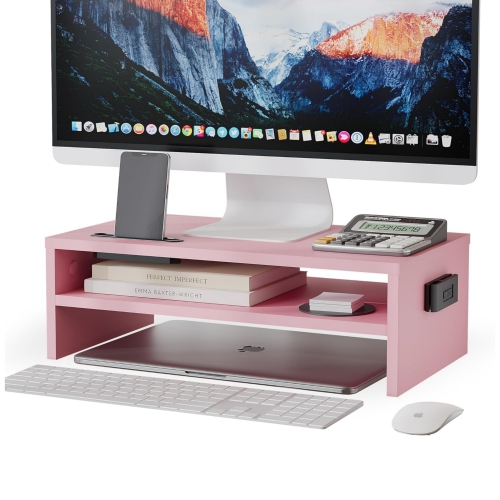
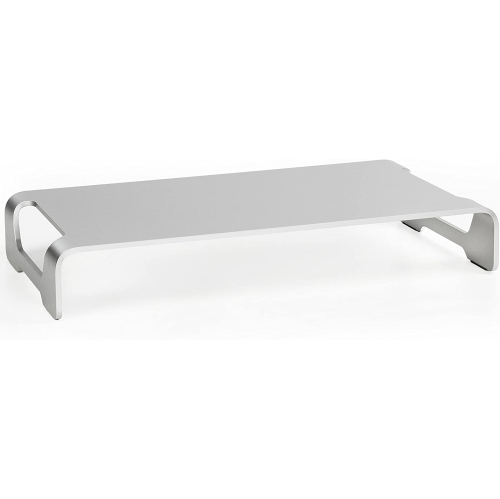
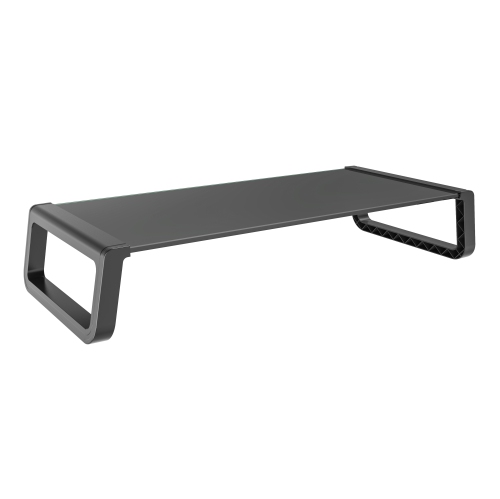
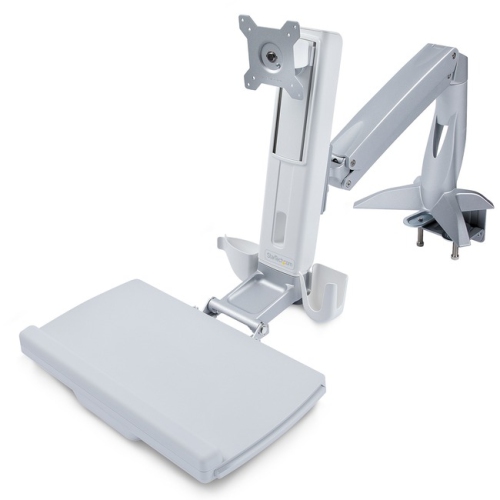
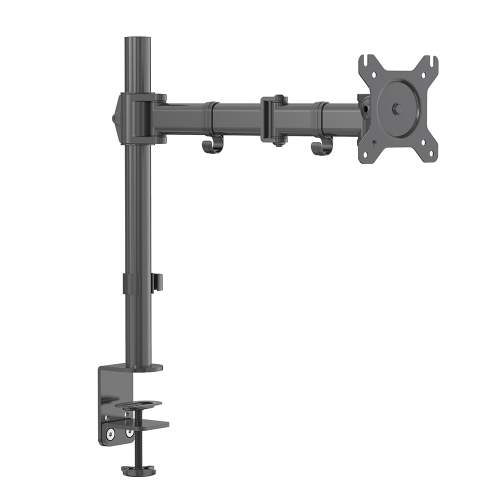
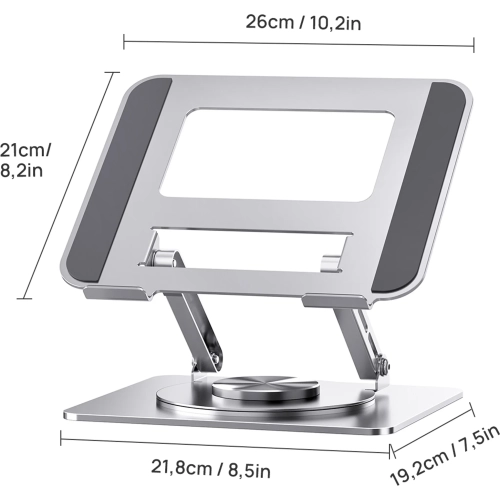
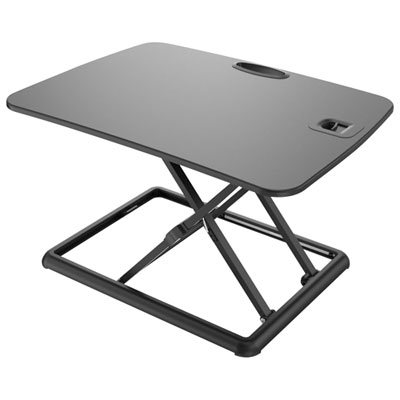
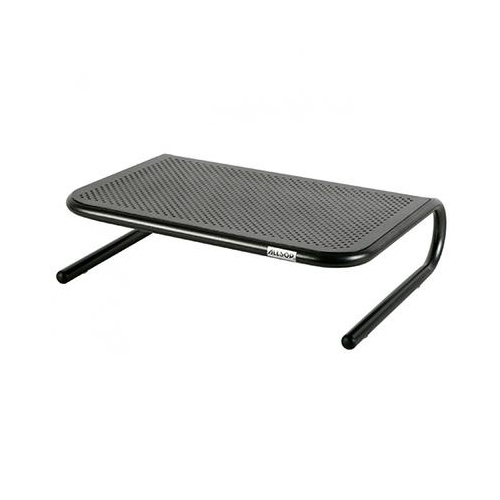
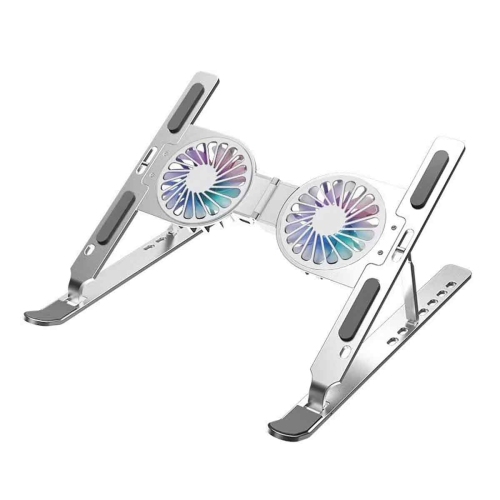
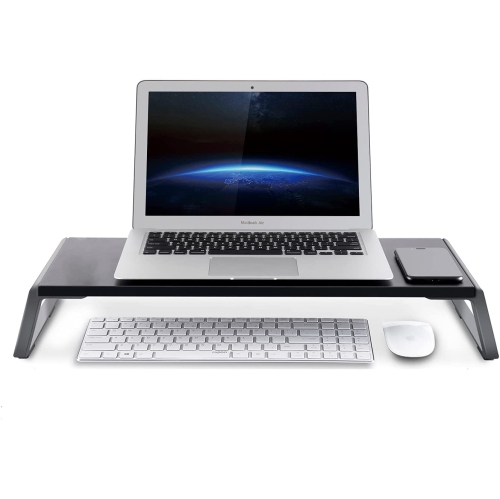
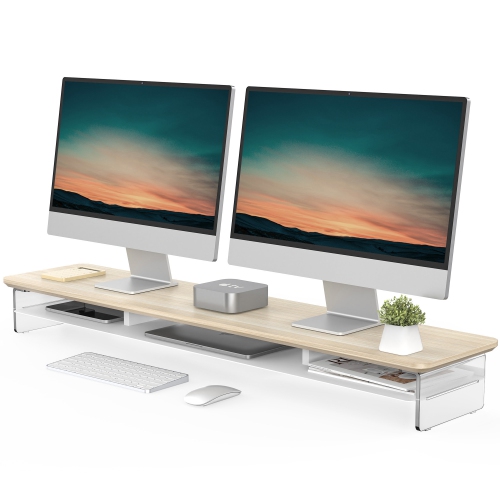
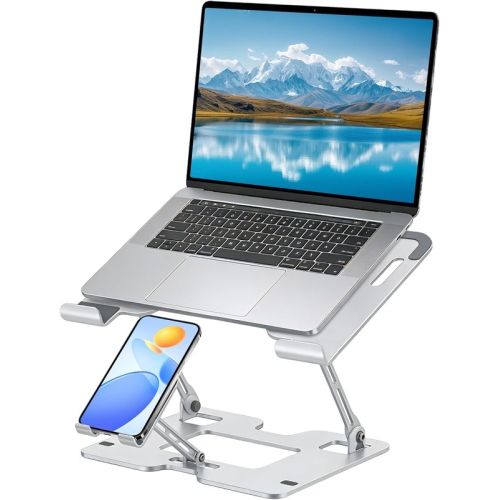
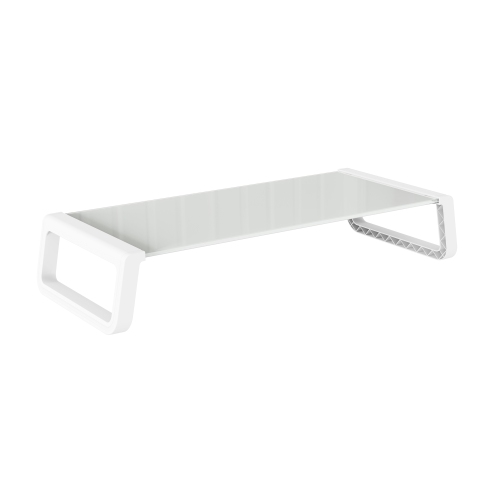
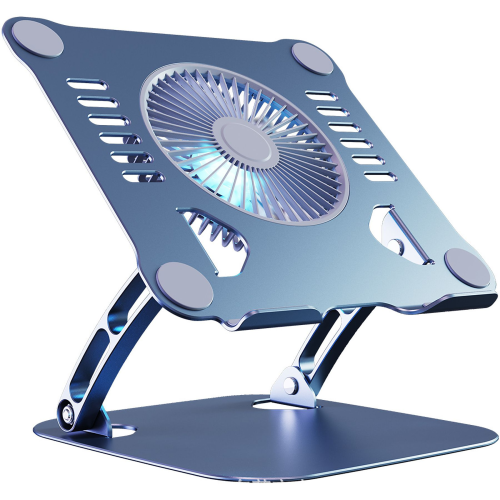
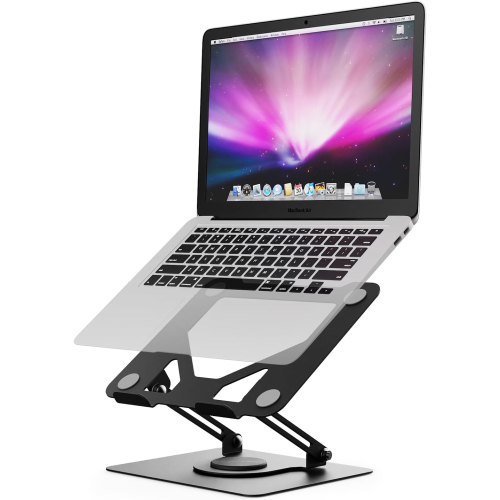
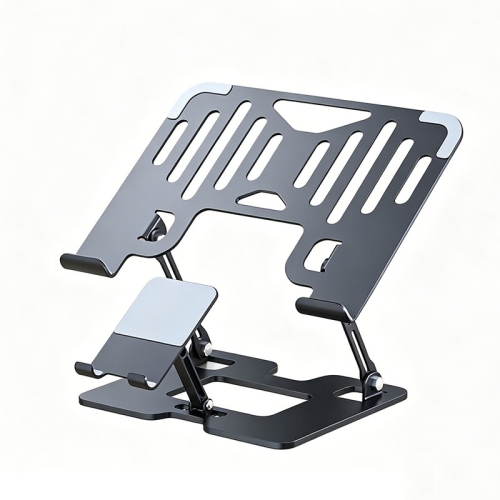
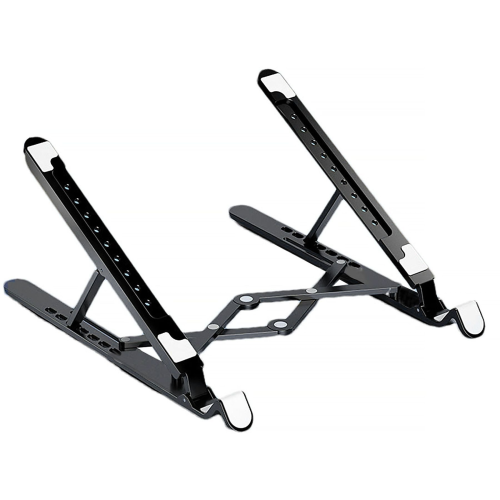
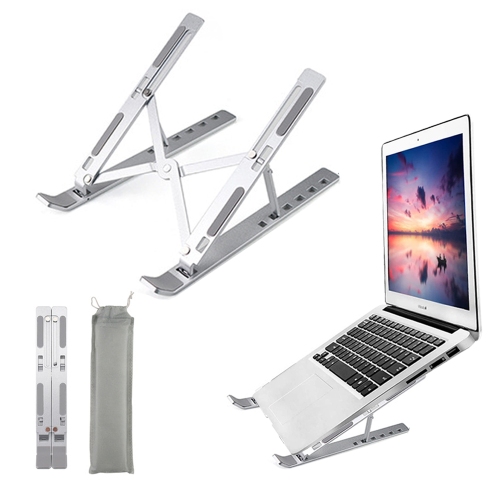
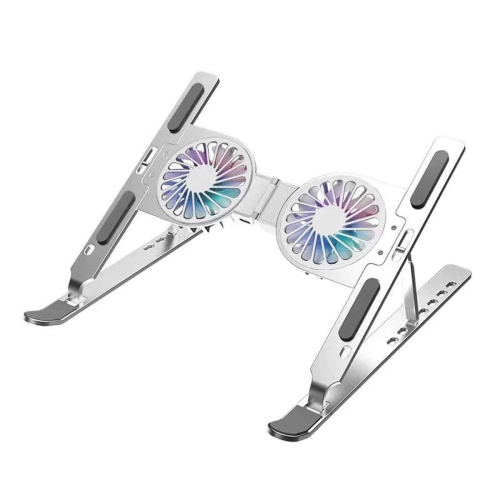
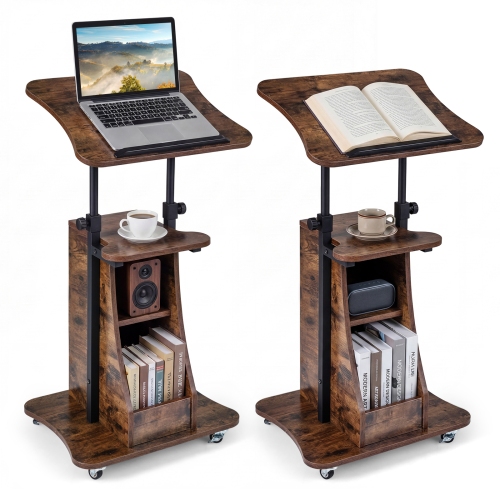
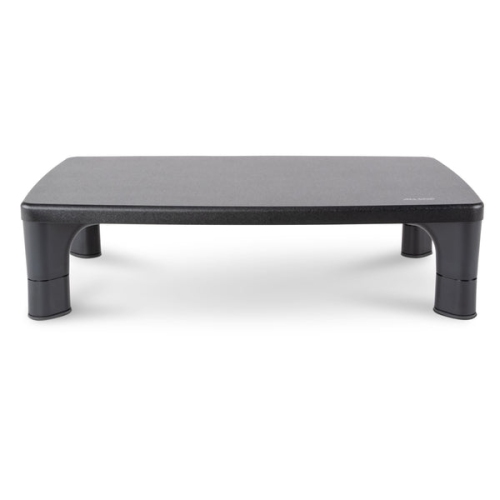
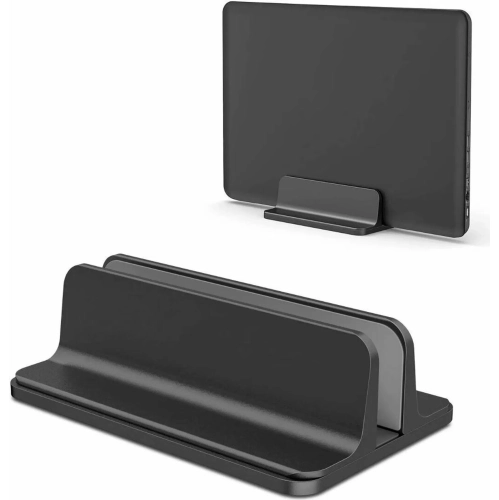
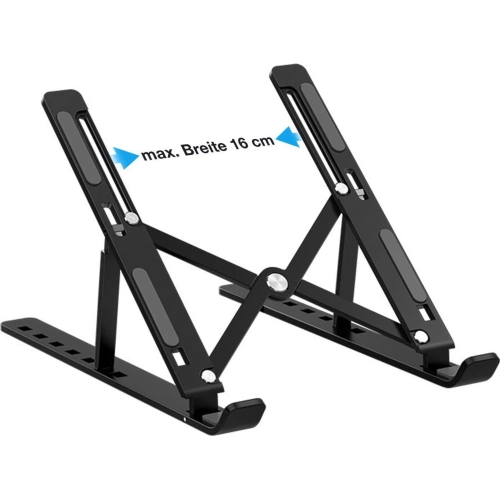
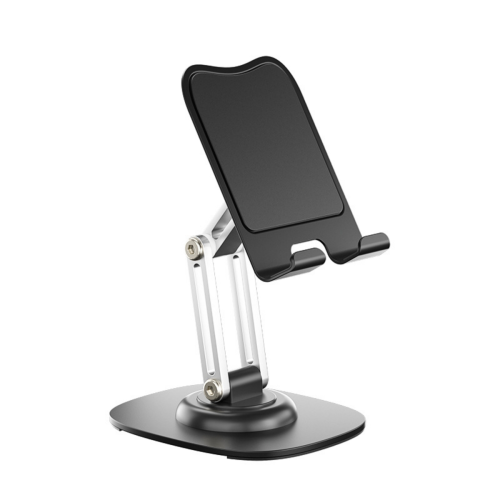
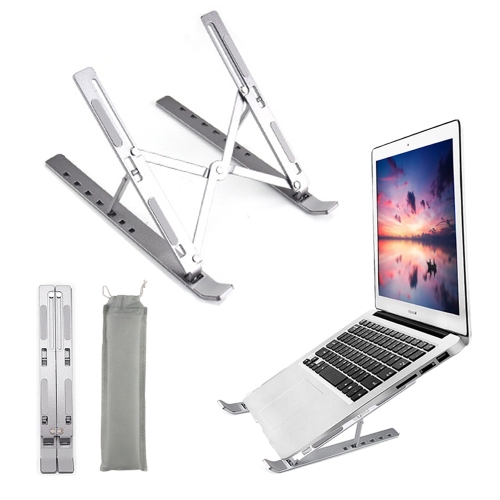
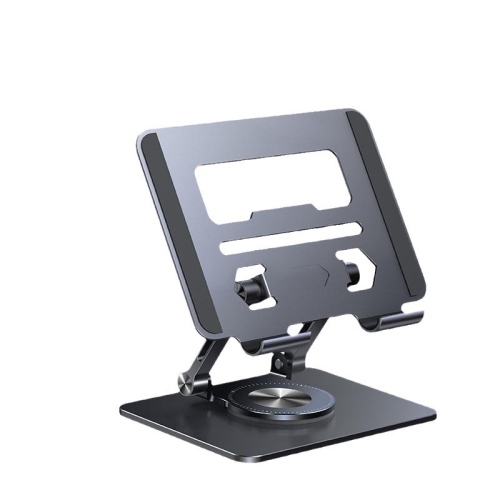
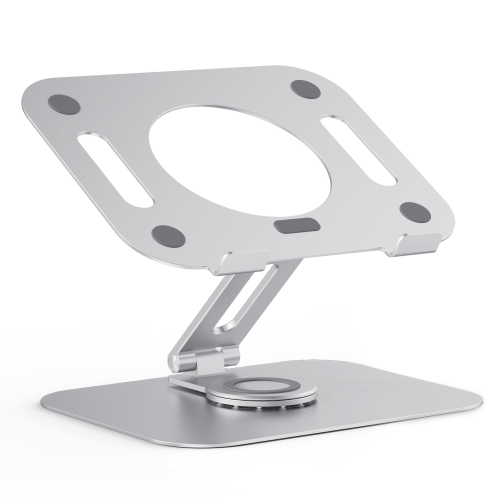
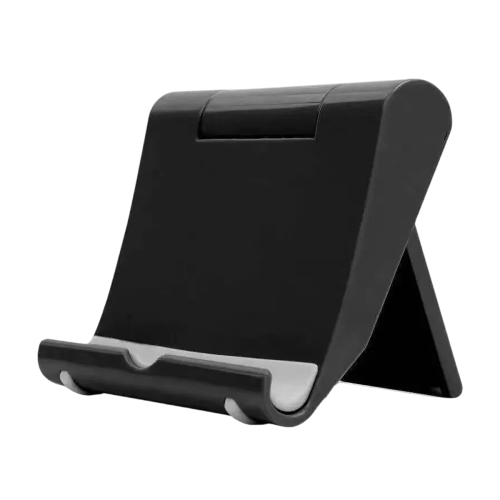
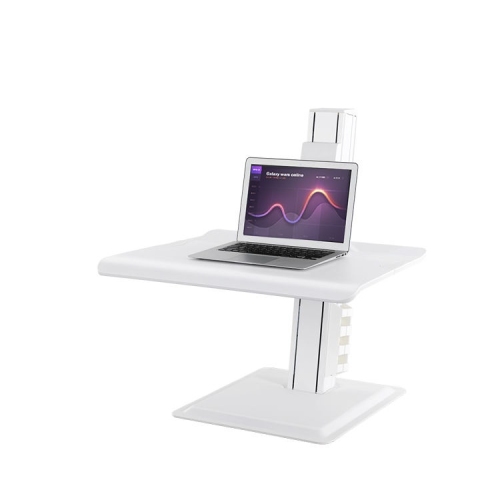
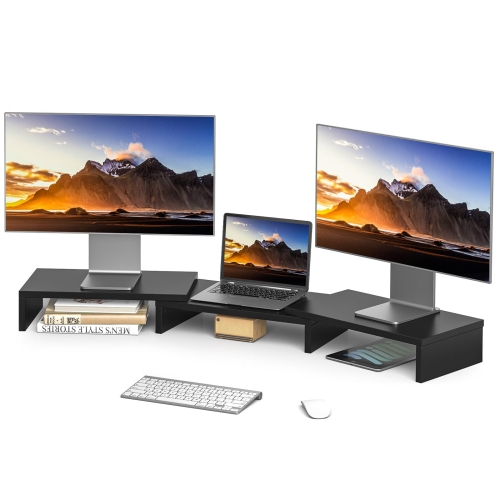
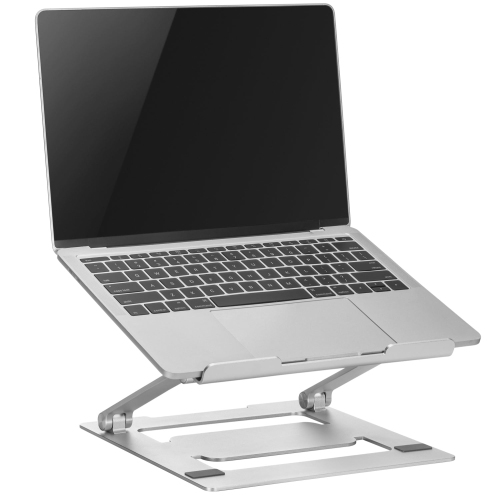
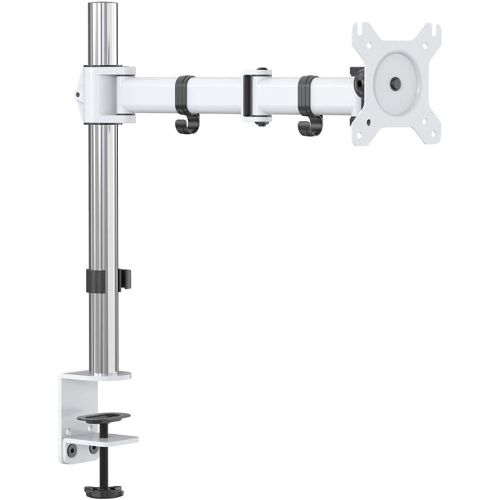
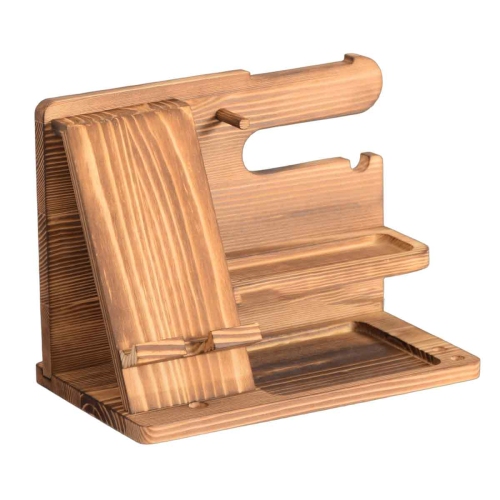
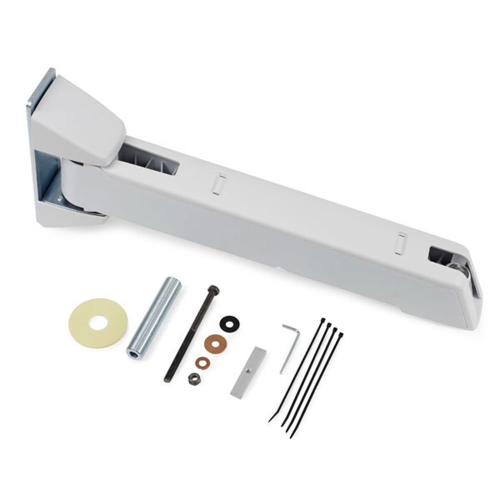
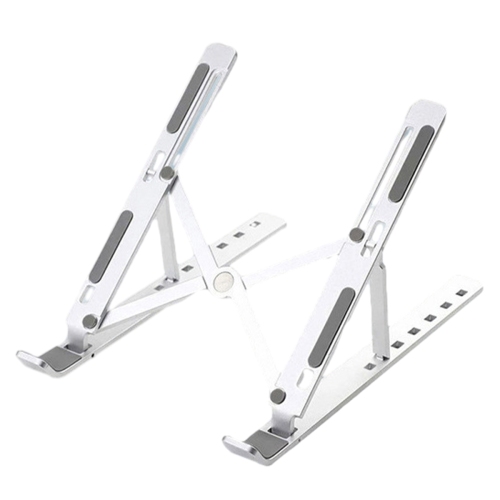
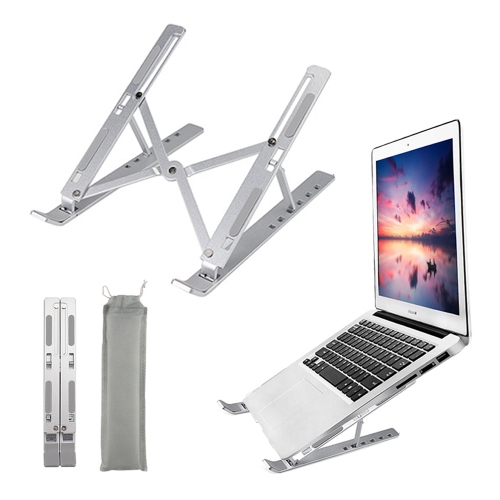
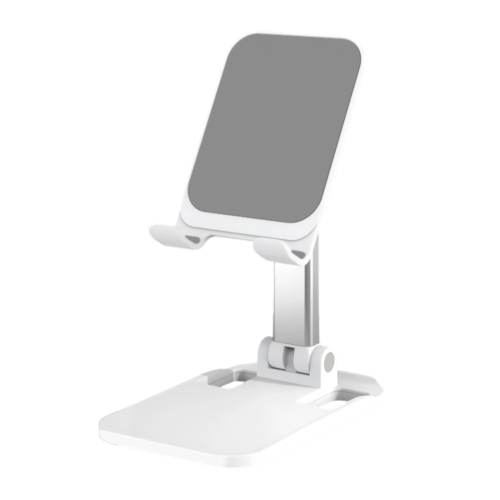
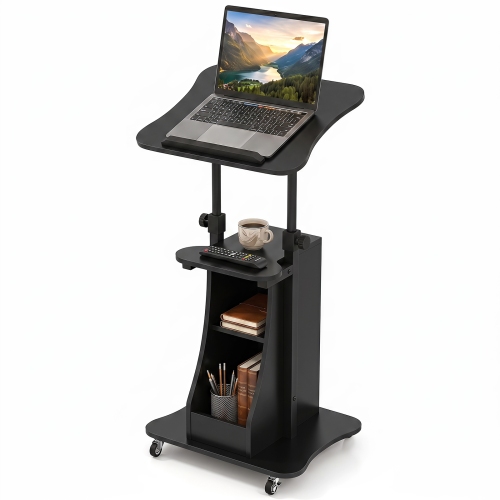
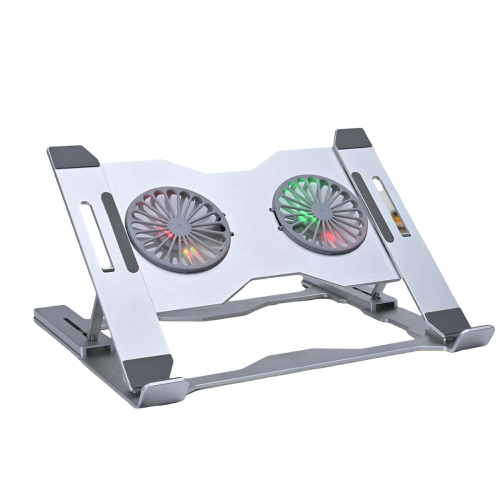
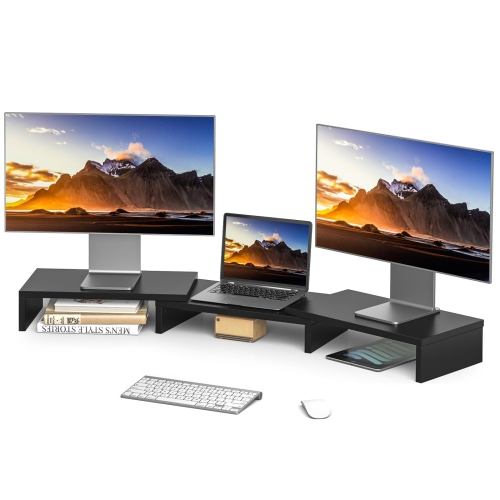
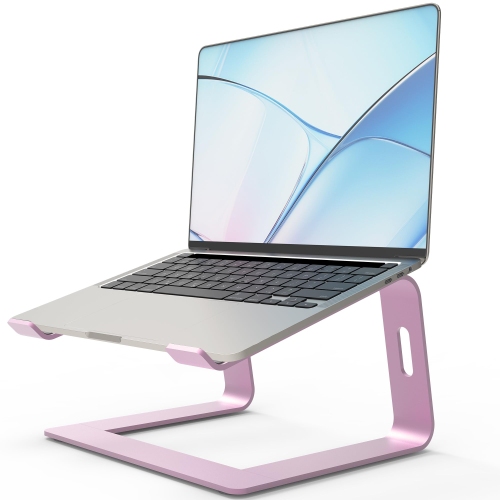
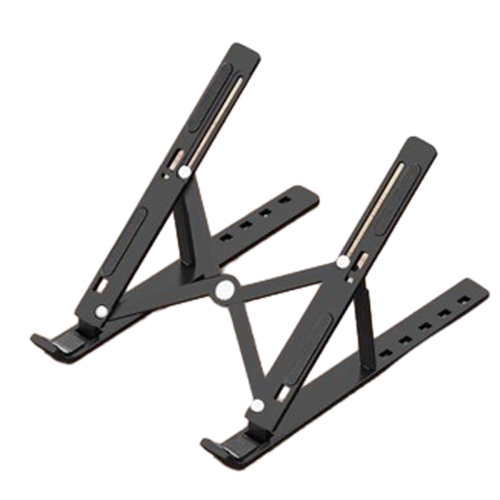
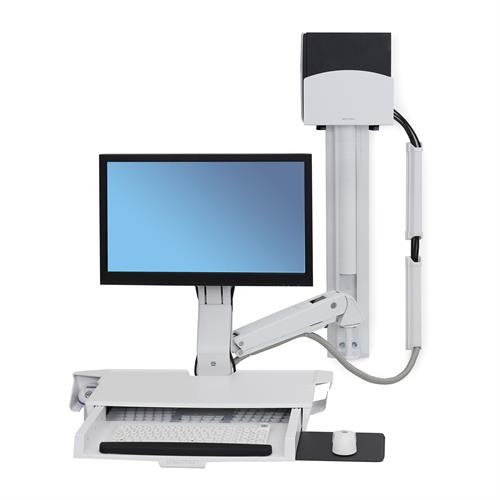
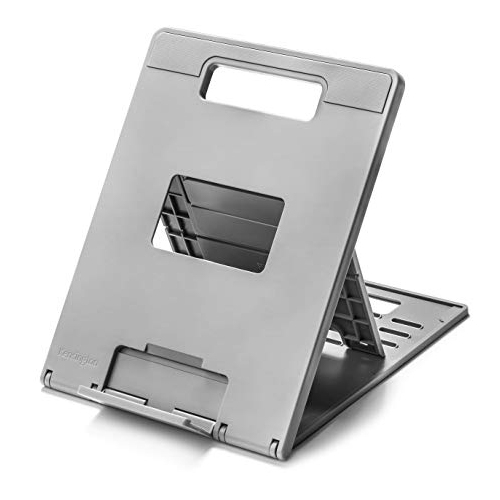
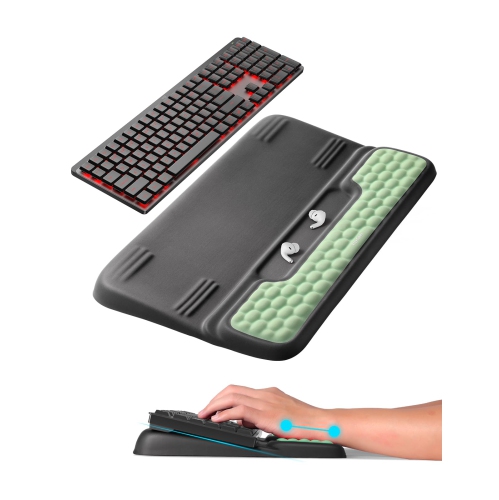
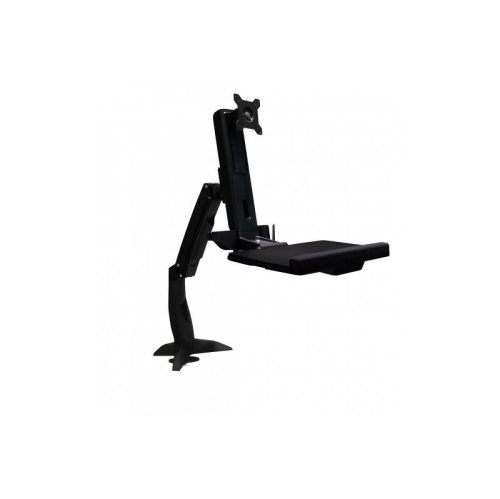
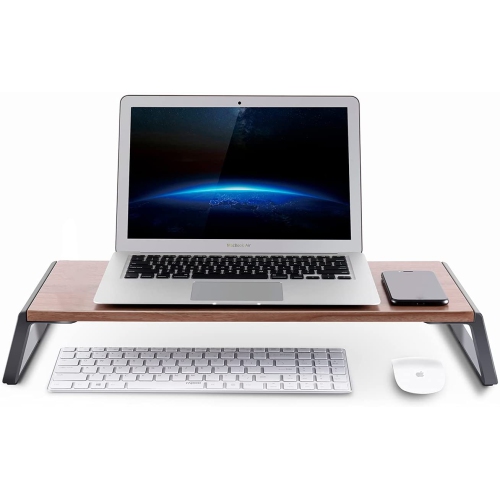
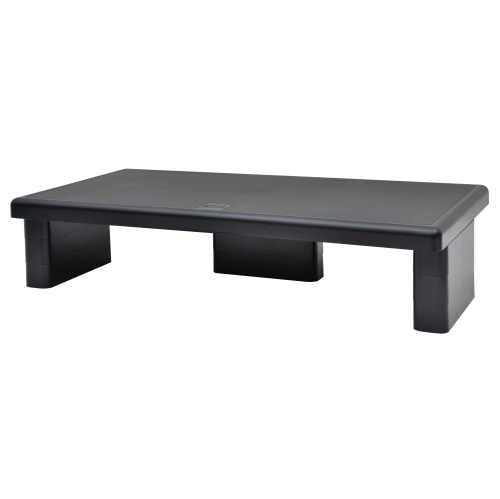
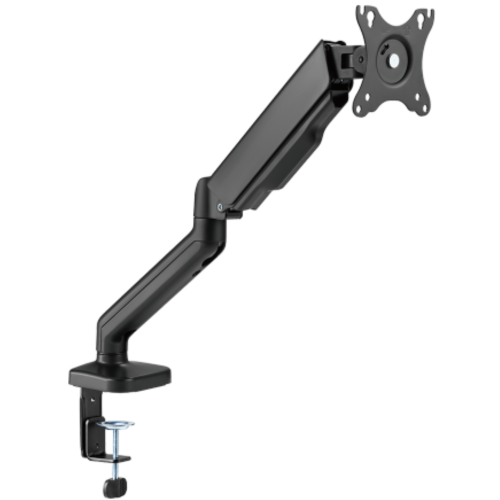
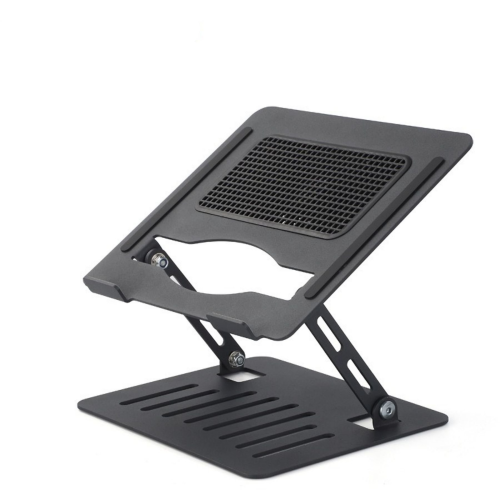
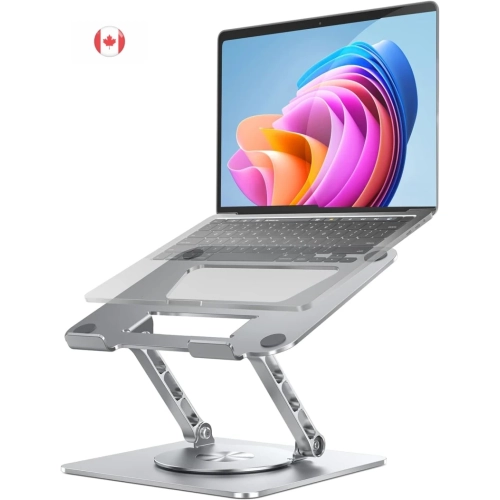
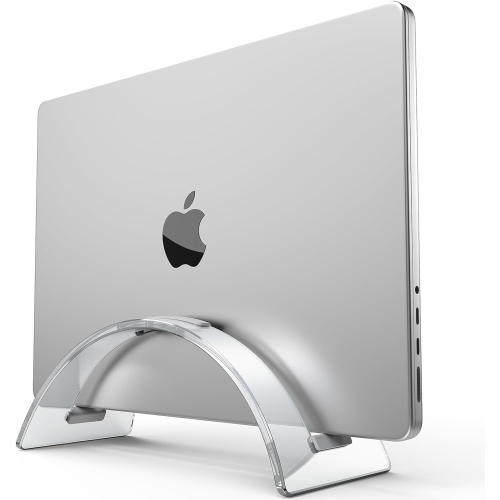
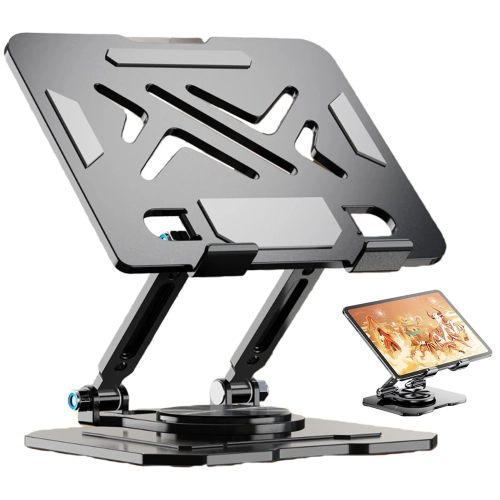
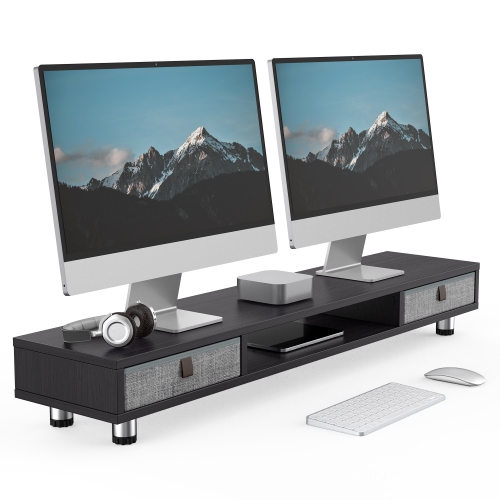
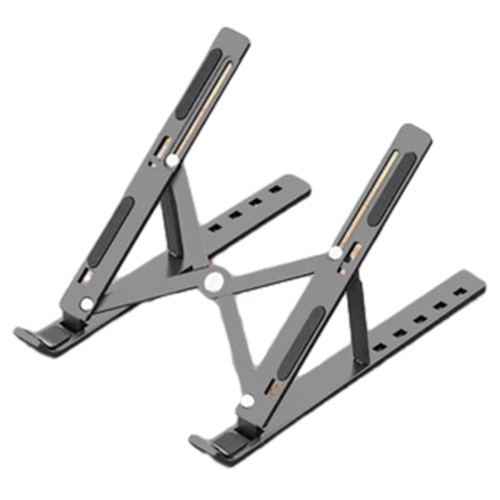
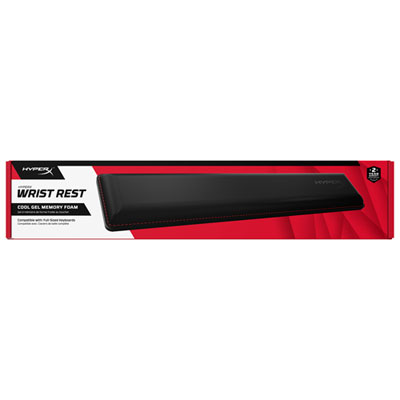
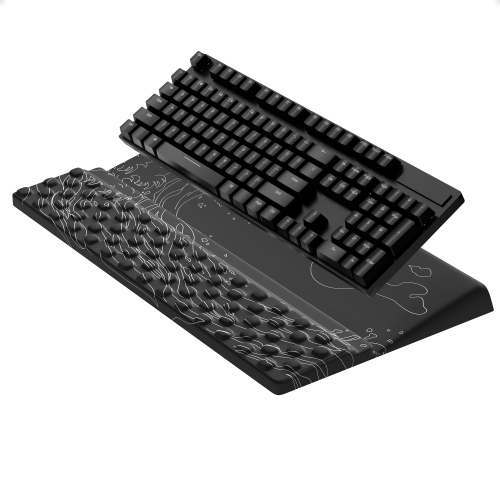
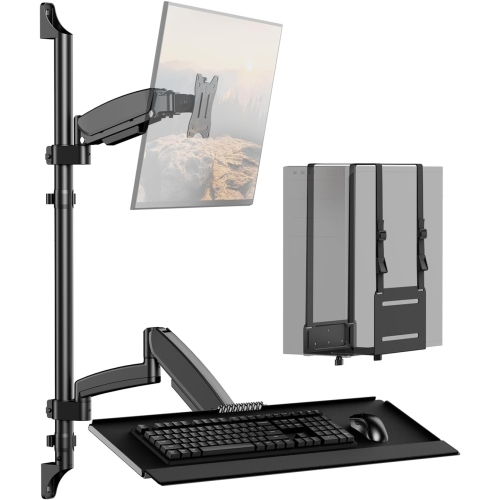
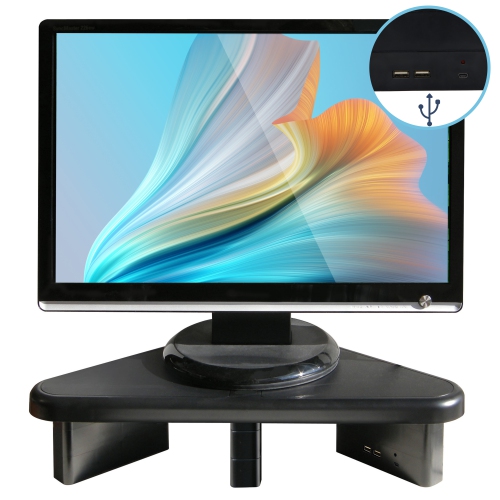
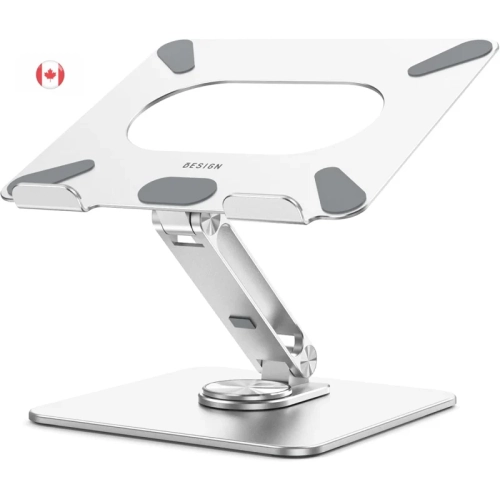
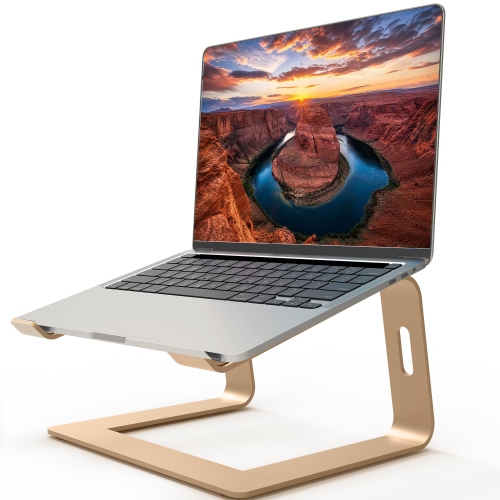
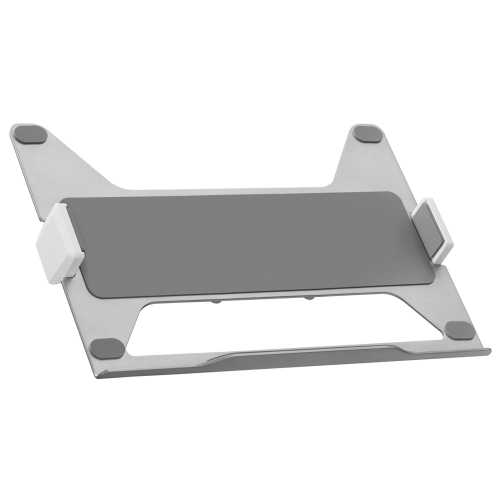
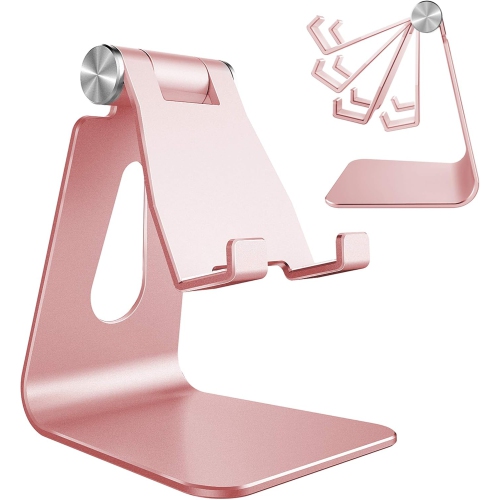
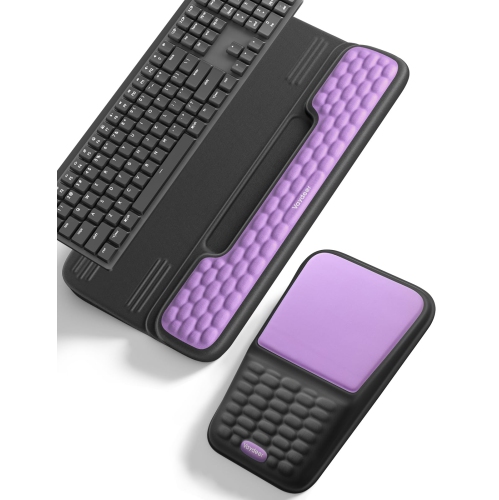
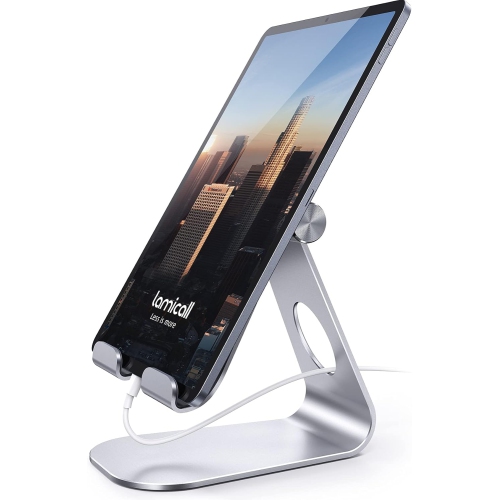
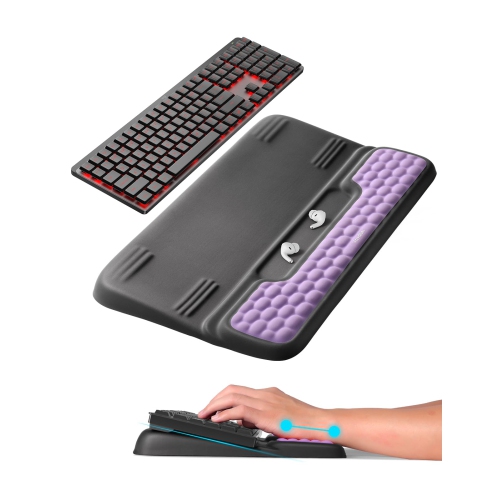
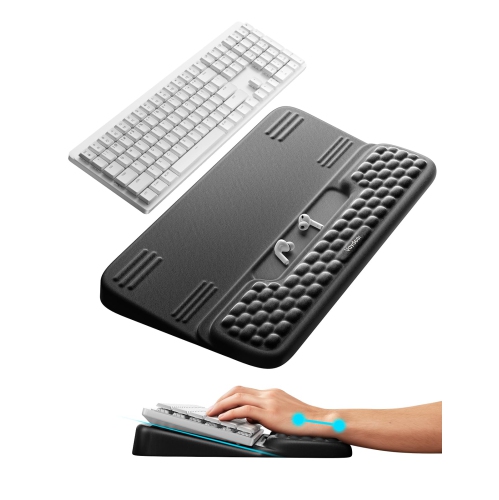
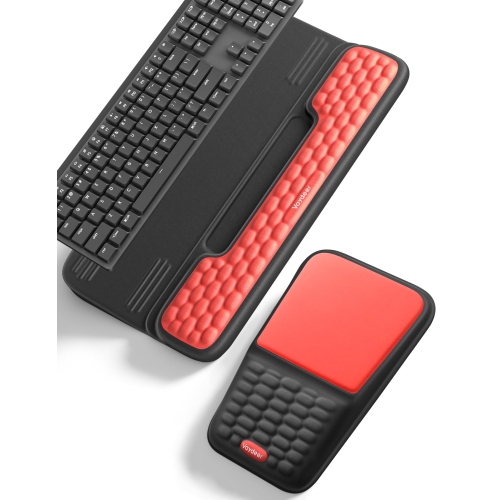
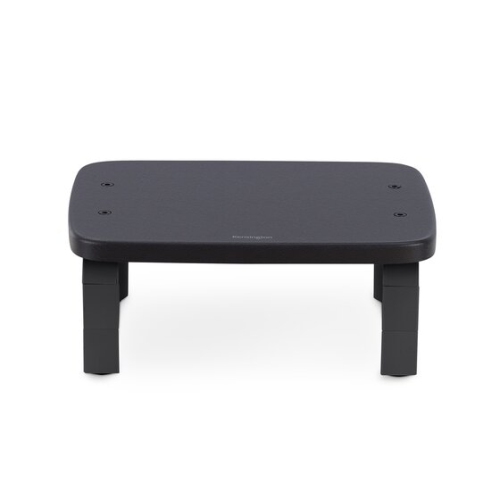
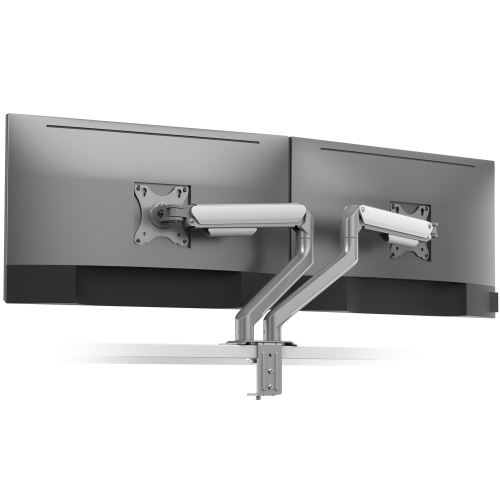
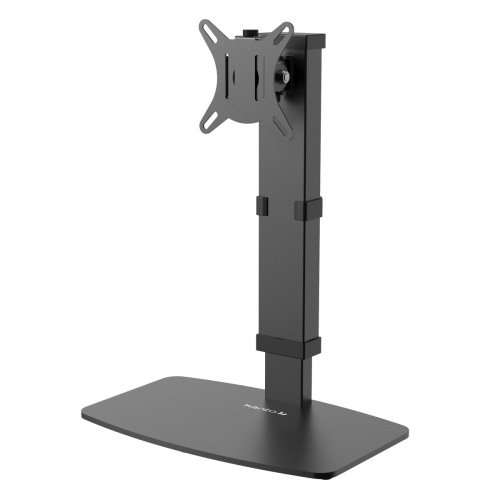
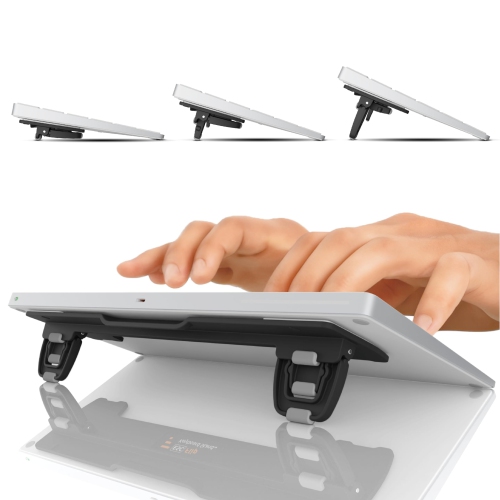
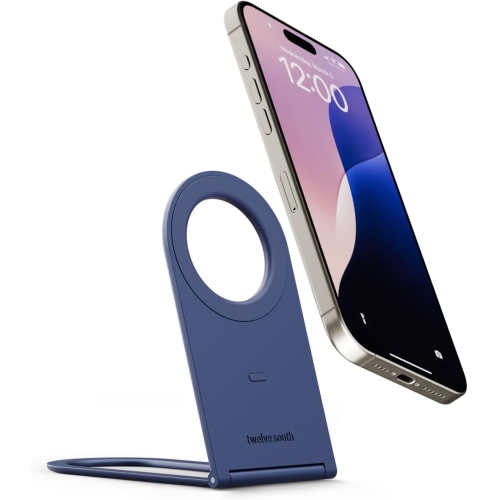
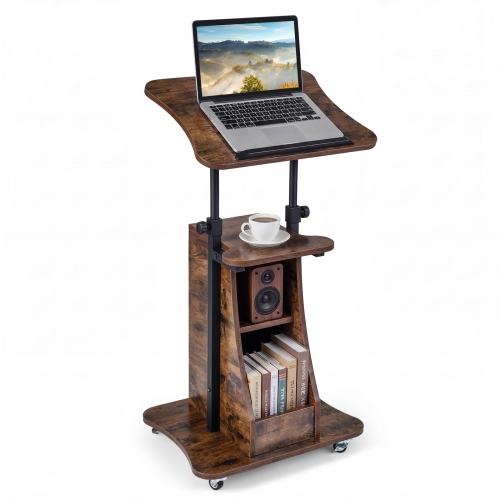
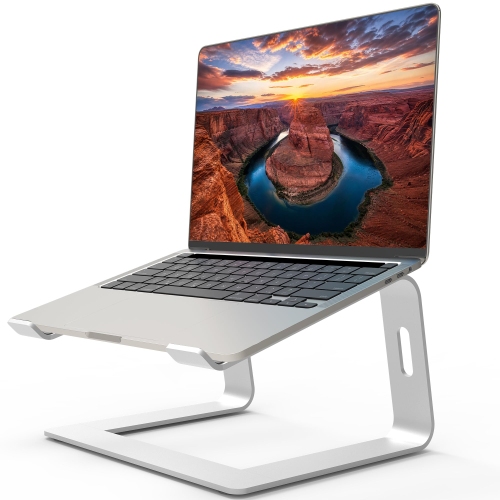
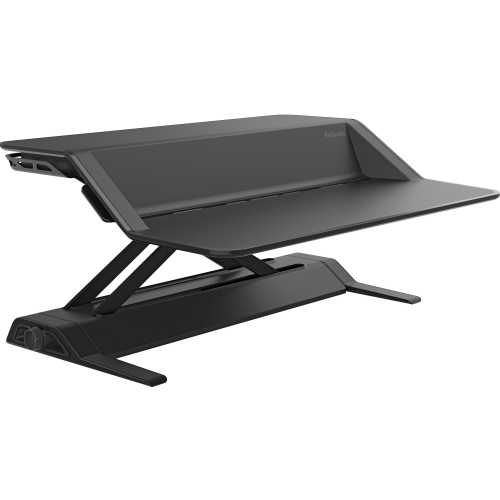
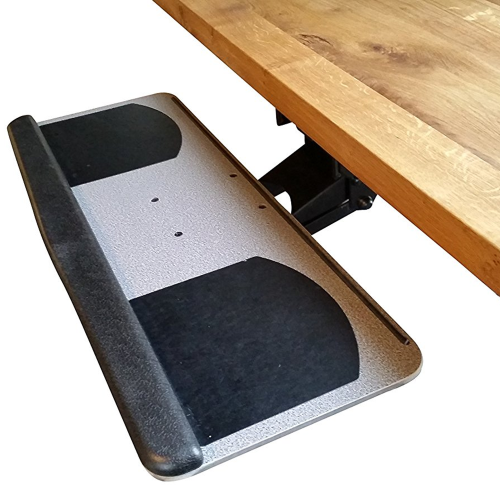
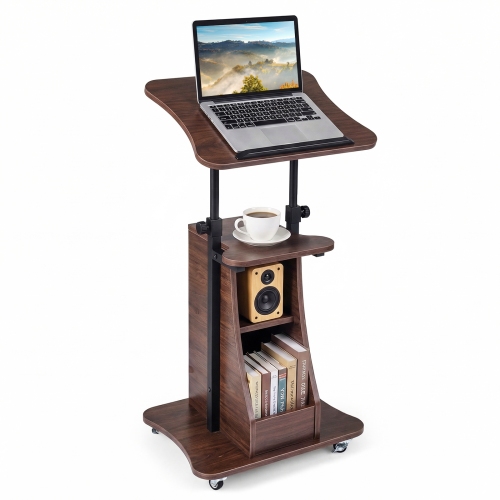
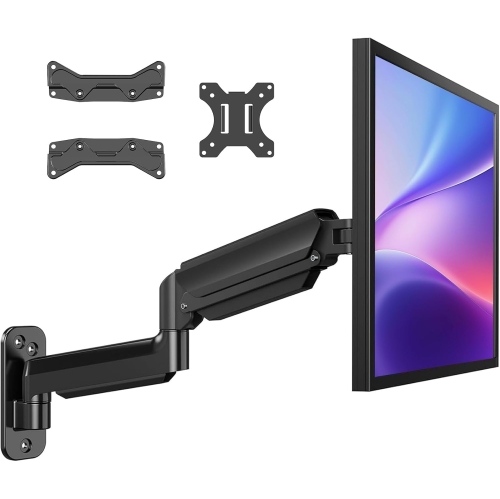
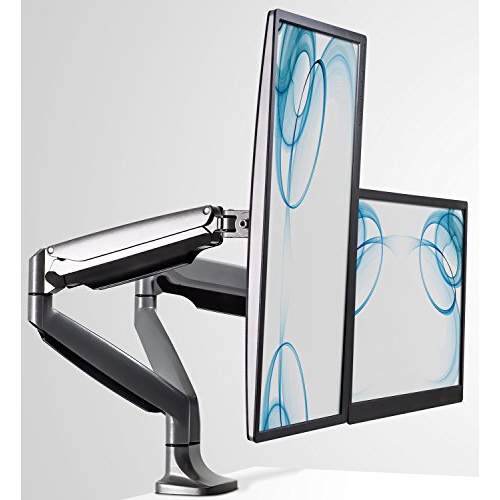
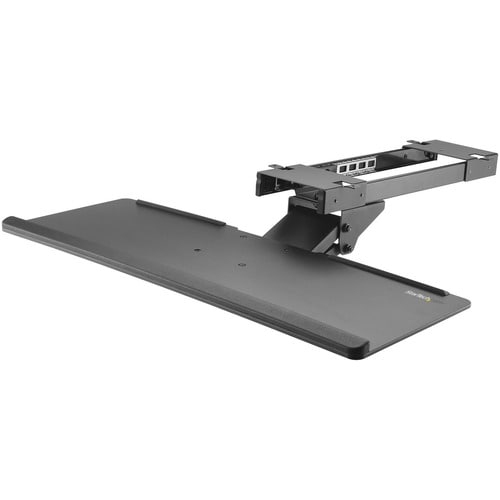
Standing desk accessories help a height-adjustable workspace stay comfortable, organized, and easy to use as the desktop moves between sitting and standing positions. Cushioned floor mats, monitor arms, cable organizers, keyboard supports, and storage attachments each address a different part of that movement. An anti-fatigue mat provides a softer standing surface than a hard floor and can make longer periods on your feet more comfortable, though changing position and taking breaks still matter. Mat thickness alone does not tell the whole story: a supportive core, a stable underside suited to the flooring, and bevelled edges are useful features for a workspace where feet and chair wheels share the same area. A mat should leave enough room for a natural stance without extending into a busy walkway, and it should be easy to move aside before rolling a chair back to the desk. Monitor arms bring a different kind of flexibility, allowing screen height, distance, and angle to change independently of the desktop. That adjustment can help keep the display near eye level while leaving the keyboard at a comfortable working height. For someone moving between spreadsheets, video calls, and handwritten notes, lifting the monitor off its original stand also frees space directly beneath the screen. Compatibility depends on more than screen size; the arm must support the display’s weight and mounting pattern, and its range of motion needs to suit the desk’s depth. A laptop riser can serve a similar purpose for a smaller setup, particularly when paired with a separate keyboard and mouse so the screen and hands are not tied to the same height. Keyboard trays and wrist supports may also help position frequently used controls, provided they leave room for relaxed shoulders and do not press against the wrists during typing. These accessories are useful for home-office workers, students, designers, and anyone sharing a workstation with people of different heights, where a few easy adjustments can make the space feel much more personal.
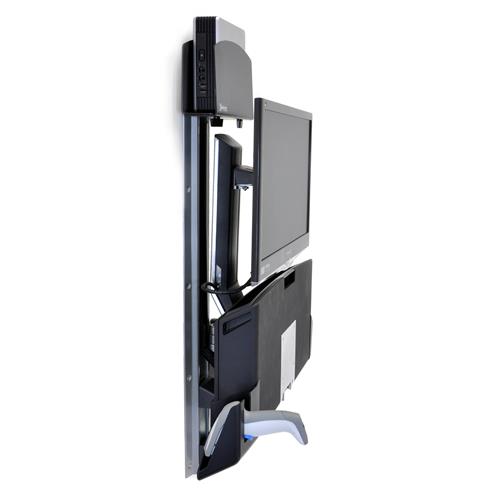
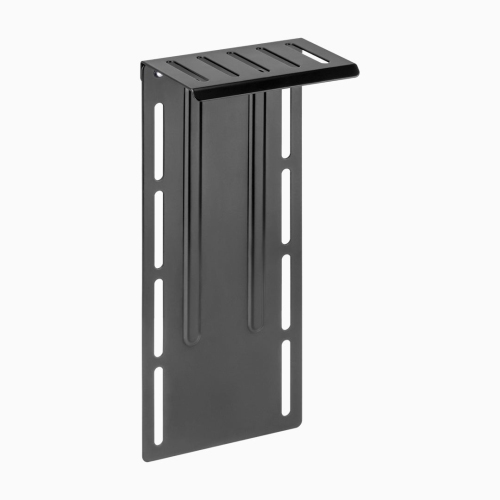
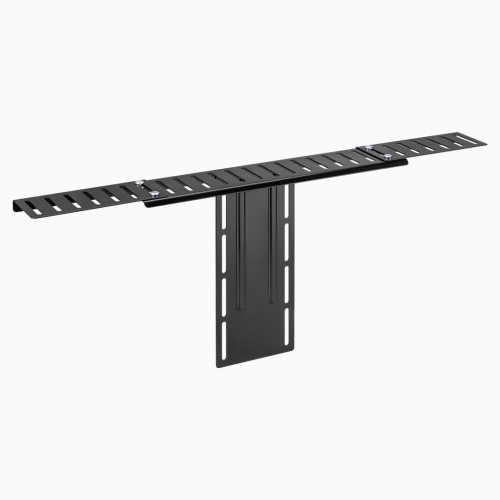
Cable management is especially important on a standing desk because every height change alters the distance between the desktop, the floor, and nearby outlets. A cable tray can hold excess cord length and compatible power accessories beneath the work surface, while clips guide individual leads away from knees, chair wheels, and the desk’s moving mechanism. Flexible cable sleeves and vertical cable spines gather wires into a more orderly route while allowing the movement their design supports. The key is leaving enough slack for the desk to reach its full raised position without pulling on plugs, then checking that the same cords do not bunch up or catch when it lowers. A charging cable that reaches comfortably while seated may become tight at standing height, particularly if its power source stays on the floor. Clamp-on power strips can bring outlets closer to the desktop, reducing the need to reach behind furniture, but their own supply cord still needs a clear path to the wall. Electrical accessories should be used within their rated capacity and according to the manufacturer’s instructions, without linking power strips together. Under-desk computer tower mounts can help a compatible desktop computer travel with the work surface, keeping its connected cables at a more consistent distance from peripherals. The mount must fit the tower’s dimensions and weight, preserve access to ports, and leave ventilation openings clear. Its placement also needs to account for knees, desk legs, and the full travel of the lifting frame. For other ways to adapt a workspace, the Standing Desks Add On collection offers a related place to explore desk additions. Across all mounted accessories, attachment style matters: clamps need a suitable desktop edge and thickness, while screw-mounted fittings require a surface that can accept the specified hardware. Bevelled edges, shallow overhangs, drawers, and support rails can all affect fit, even when the overall desktop looks spacious. Checking the underside before choosing an attachment helps avoid a bracket occupying the exact space needed by the desk frame or a seated user’s legs.
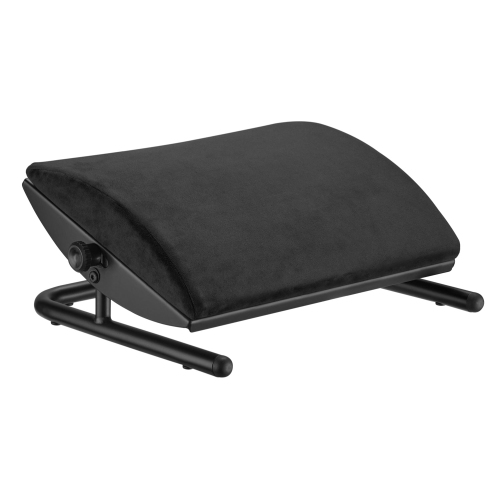
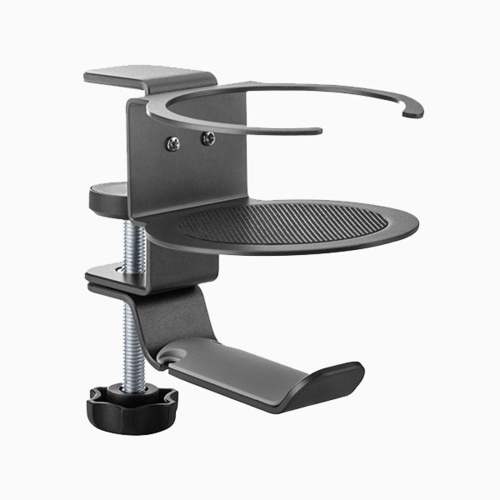
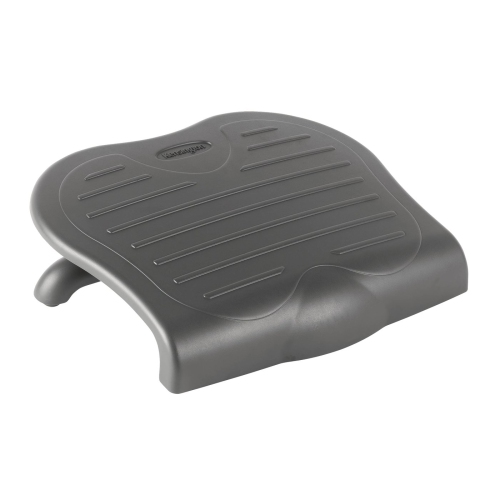
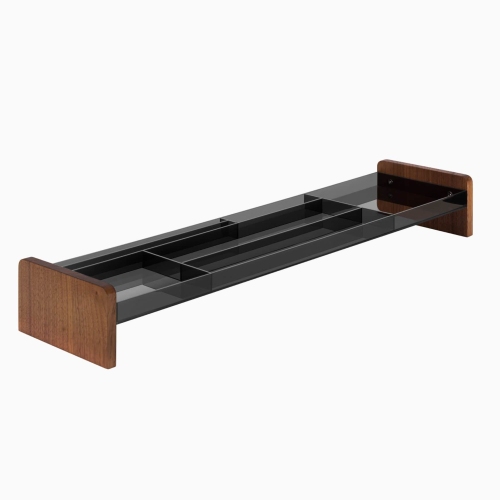
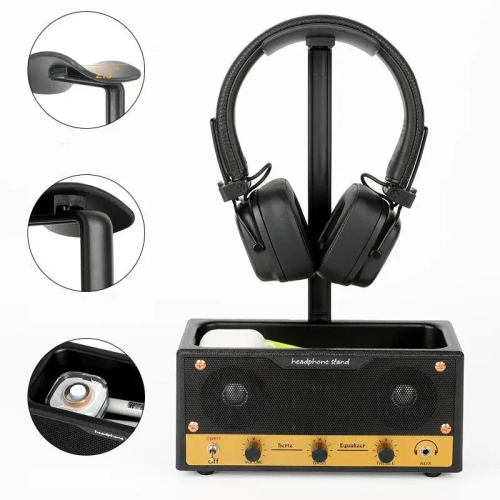
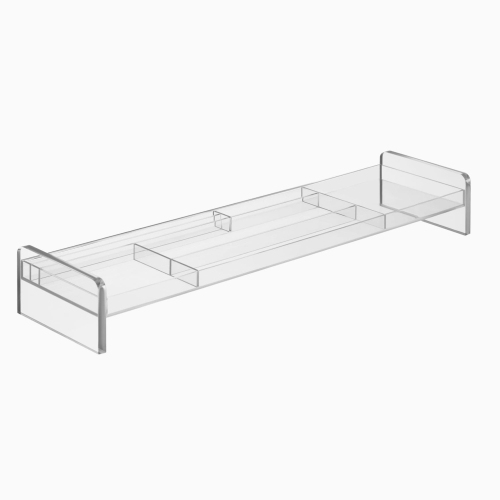
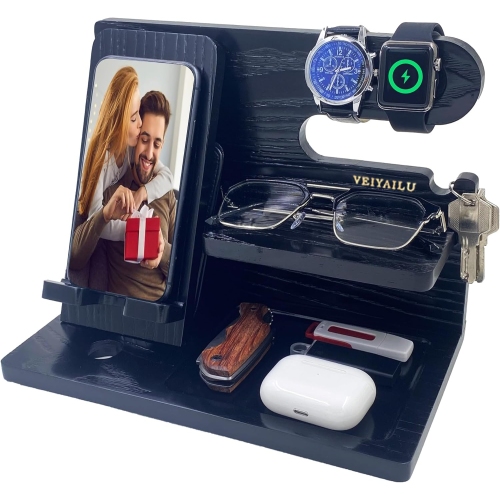
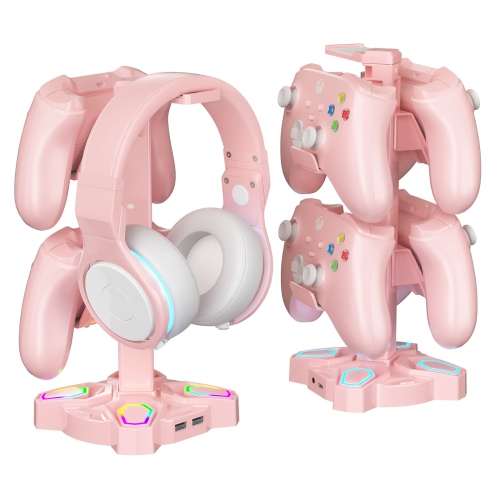
Storage and small organizational accessories can make a standing desk feel less crowded without turning it into a complicated workstation. A headphone hook keeps a headset within reach between calls, a shallow drawer gives pens and charging leads a home, and a document holder can position reference pages closer to the screen. The benefit is often most noticeable on compact desks, where clearing a notebook-sized area creates room to write without shifting the keyboard. Balance boards and footrests serve different purposes and need enough clear floor space for their intended use; a stable footrest allows a change in foot position, while a balance board introduces movement and requires attention to footing. Neither should obstruct the desk controls or become a trip hazard when stepping away. Materials influence both the feel of these accessories and how they hold up to daily handling. Steel brackets can provide firm support but add weight, while aluminium designs may be lighter; in either case, the stated load rating and attachment design matter more than appearance alone. Moulded plastics, rubber contact pads, fabric sleeves, and coated surfaces each have practical roles, from cushioning a clamp against the desktop to bundling cords neatly. Smooth, accessible surfaces are generally easier to wipe clean, while textured mats and fabric organizers may need more attention to remove dust and crumbs. Care should follow the material’s instructions, with electrical accessories disconnected before cleaning and fully dry before use. Periodically checking fasteners, clamp pressure, and cable routing helps catch looseness or wear after repeated height adjustments. The desk’s lifting capacity must accommodate the combined load of equipment and attached accessories, not just the monitors resting on top. For a shared office or a gift recipient’s workspace, fit and daily habits are more useful starting points than adding every possible feature. A well-chosen accessory solves a familiar inconvenience, whether that is a screen sitting too low, a cable brushing against a leg, or a headset repeatedly disappearing beneath paperwork.
Cable management is especially important on a standing desk because every height change alters the distance between the desktop, the floor, and nearby outlets. A cable tray can hold excess cord length and compatible power accessories beneath the work surface, while clips guide individual leads away from knees, chair wheels, and the desk’s moving mechanism. Flexible cable sleeves and vertical cable spines gather wires into a more orderly route while allowing the movement their design supports. The key is leaving enough slack for the desk to reach its full raised position without pulling on plugs, then checking that the same cords do not bunch up or catch when it lowers. A charging cable that reaches comfortably while seated may become tight at standing height, particularly if its power source stays on the floor. Clamp-on power strips can bring outlets closer to the desktop, reducing the need to reach behind furniture, but their own supply cord still needs a clear path to the wall. Electrical accessories should be used within their rated capacity and according to the manufacturer’s instructions, without linking power strips together. Under-desk computer tower mounts can help a compatible desktop computer travel with the work surface, keeping its connected cables at a more consistent distance from peripherals. The mount must fit the tower’s dimensions and weight, preserve access to ports, and leave ventilation openings clear. Its placement also needs to account for knees, desk legs, and the full travel of the lifting frame. For other ways to adapt a workspace, the Standing Desks Add On collection offers a related place to explore desk additions. Across all mounted accessories, attachment style matters: clamps need a suitable desktop edge and thickness, while screw-mounted fittings require a surface that can accept the specified hardware. Bevelled edges, shallow overhangs, drawers, and support rails can all affect fit, even when the overall desktop looks spacious. Checking the underside before choosing an attachment helps avoid a bracket occupying the exact space needed by the desk frame or a seated user’s legs.
Storage and small organizational accessories can make a standing desk feel less crowded without turning it into a complicated workstation. A headphone hook keeps a headset within reach between calls, a shallow drawer gives pens and charging leads a home, and a document holder can position reference pages closer to the screen. The benefit is often most noticeable on compact desks, where clearing a notebook-sized area creates room to write without shifting the keyboard. Balance boards and footrests serve different purposes and need enough clear floor space for their intended use; a stable footrest allows a change in foot position, while a balance board introduces movement and requires attention to footing. Neither should obstruct the desk controls or become a trip hazard when stepping away. Materials influence both the feel of these accessories and how they hold up to daily handling. Steel brackets can provide firm support but add weight, while aluminium designs may be lighter; in either case, the stated load rating and attachment design matter more than appearance alone. Moulded plastics, rubber contact pads, fabric sleeves, and coated surfaces each have practical roles, from cushioning a clamp against the desktop to bundling cords neatly. Smooth, accessible surfaces are generally easier to wipe clean, while textured mats and fabric organizers may need more attention to remove dust and crumbs. Care should follow the material’s instructions, with electrical accessories disconnected before cleaning and fully dry before use. Periodically checking fasteners, clamp pressure, and cable routing helps catch looseness or wear after repeated height adjustments. The desk’s lifting capacity must accommodate the combined load of equipment and attached accessories, not just the monitors resting on top. For a shared office or a gift recipient’s workspace, fit and daily habits are more useful starting points than adding every possible feature. A well-chosen accessory solves a familiar inconvenience, whether that is a screen sitting too low, a cable brushing against a leg, or a headset repeatedly disappearing beneath paperwork.
Top selling and popular products
-
 Your price for this item is $34.95
 -
 Your price for this item is $149.99
 -
 Your price for this item is $79.99
 -
 Your price for this item is $69.99
 -
 Your price for this item is $144.49
 -
 Your price for this item is $69.99
 -
 Your price for this item is $123.5
 -
 Your price for this item is $274.68
Discover more categories related to Standing Desk Accessories
Top Collections:
Pokemon Centers, Best Cameras for Sports Photography, Kindle Devices, Samsung Galaxy Phones, Canon G7X Cameras, Pokémon 30th Celebration Cards, Refurbished Apple Laptops, iPhone 15 Apple, Laptops for Students, Budget Smartphones
Some products may be subject to Environmental Handling Fees
(EHF) depending on your province.
Learn more about EHFs.