HP 60 and HP 60XL Ink Multipacks
Find HP 60 and HP 60XL ink multipacks for compatible HP printers, including standard and high-yield cartridge options. Compare the included ink colours and cartridge counts, and check compatibility with your printer model before choosing a pack.

FAQ
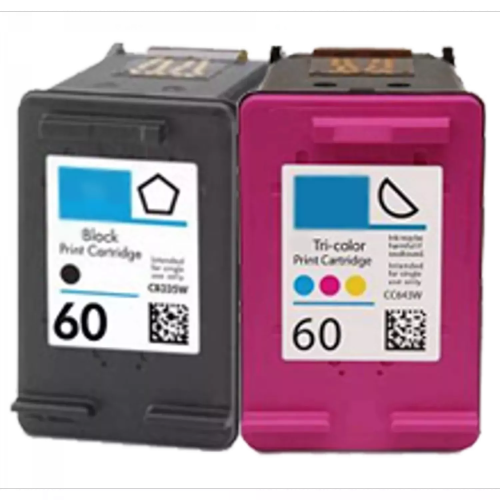
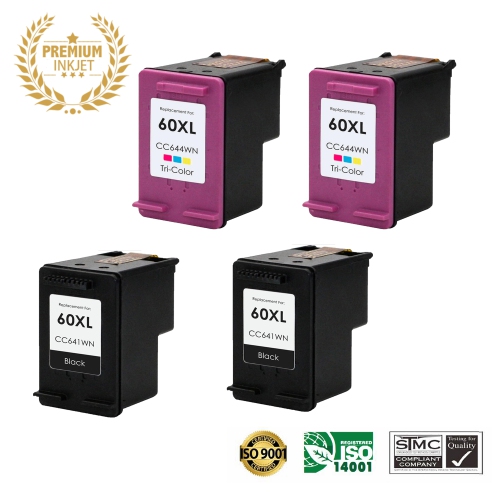
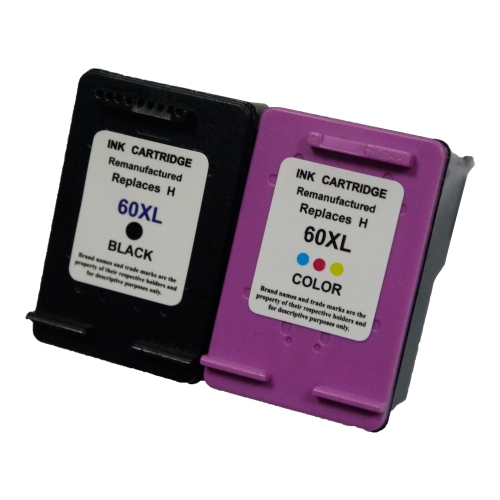
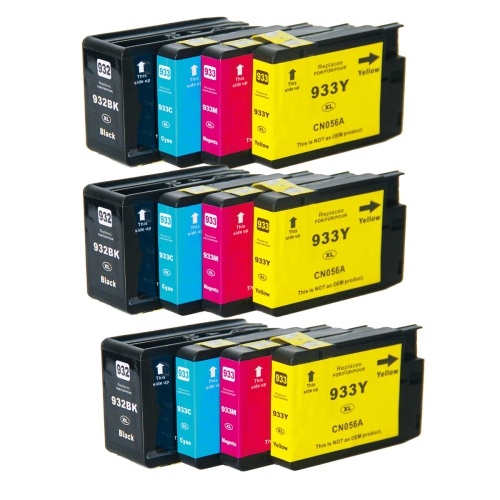
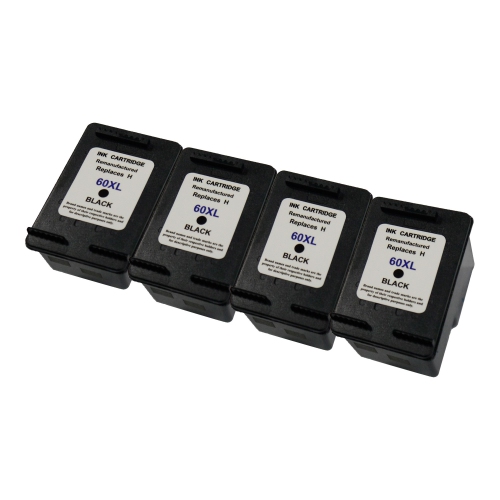
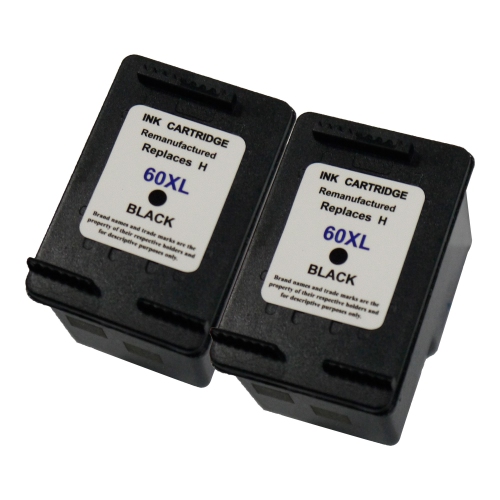
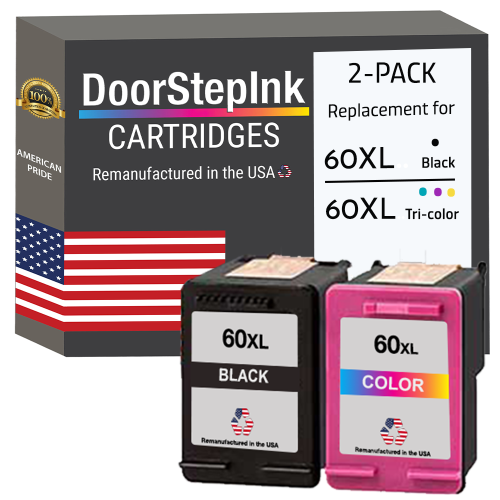
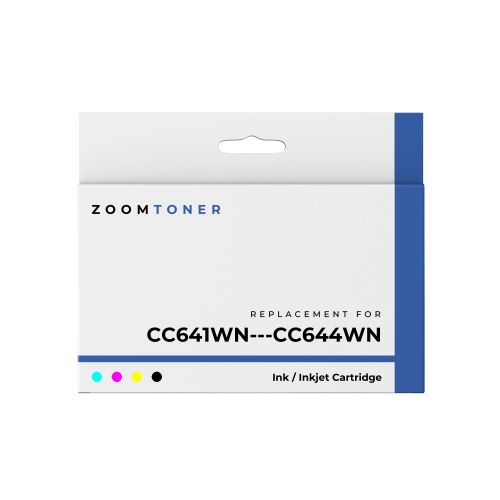
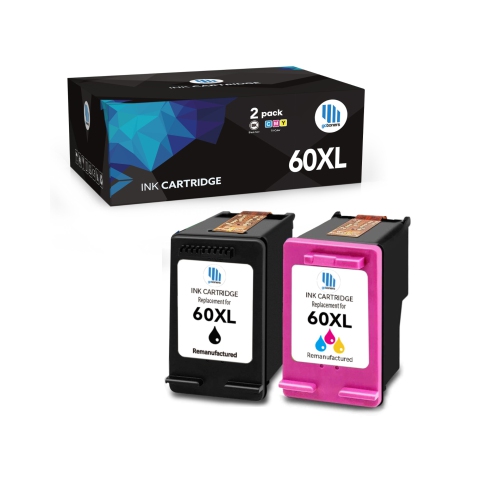
These multipacks typically pair a black ink cartridge with a tri-colour cartridge containing cyan, magenta and yellow ink. Package contents can vary, so check the listing to confirm which cartridges are included.
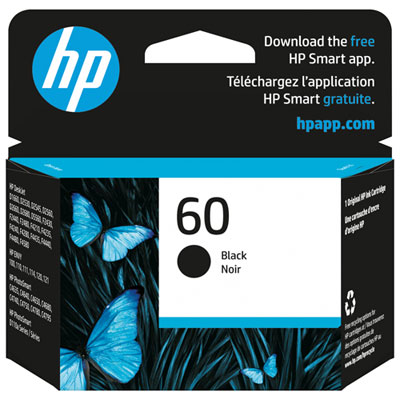
Look up the cartridge numbers listed in your printer’s manual, on its cartridge access label or on HP’s support page for your exact printer model. Compatibility depends on the printer model, not simply the HP brand name.
HP 60 and HP 60XL cartridges are designed for compatible inkjet printers. They contain liquid ink and cannot be used in laser printers, which require toner cartridges.
Follow your printer’s cartridge replacement instructions. Installation generally involves turning on the printer, opening the cartridge access door, waiting for the carriage to stop and removing the old cartridge. Remove the new cartridge’s protective tape, insert it into the matching black or tri-colour slot, and complete any on-screen alignment prompts.
Depending on your printer model, you can view estimated ink levels through the printer’s display, compatible HP software or printer utilities on your computer. These readings are estimates, and some cartridges may not report an ink level.
Top selling and popular products
Discover more categories related to HP 60 and HP 60XL Ink Multipacks

Some products may be subject to Environmental Handling Fees (EHF) depending on your province. Learn more about EHFs.