HP 60 Ink Cartridges
Looking to keep your printer running smoothly? Look no further than our selection of HP 60 ink cartridges. These essential printer accessories are designed to deliver high-quality prints with every use. Whether you're printing important documents for work or capturing precious memories in vibrant color, our range of ink cartridges has got you covered. With their reliable performance and easy installation, you can trust that your prints will always come out crisp and clear. Explore our collection of ink cartridges today and never worry about running out of ink again.
Sort
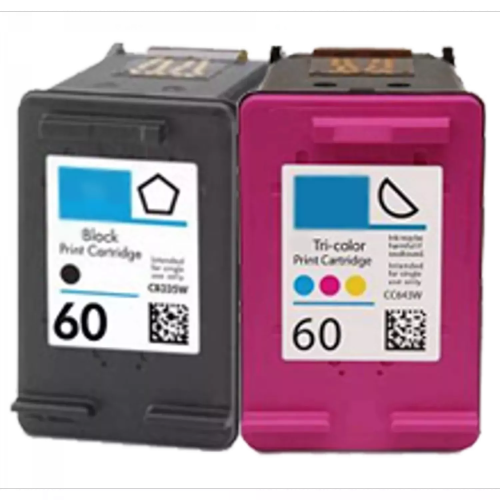
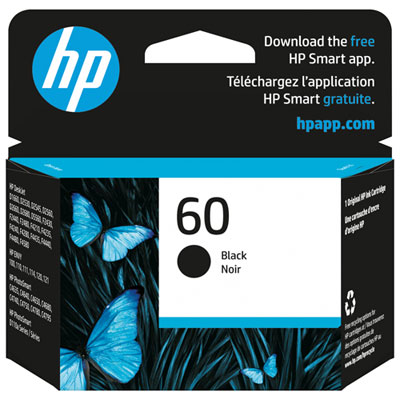
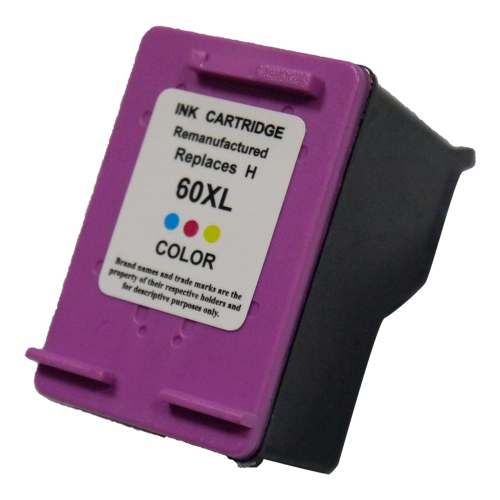
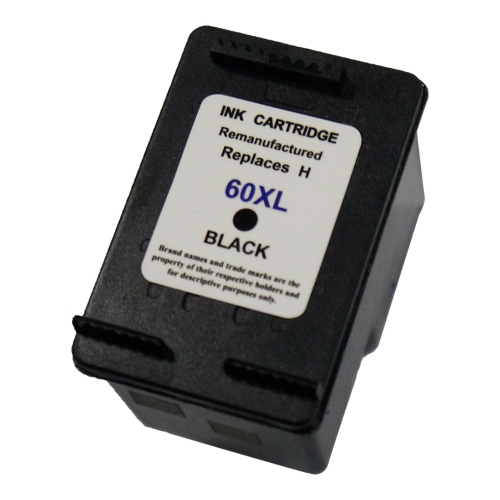
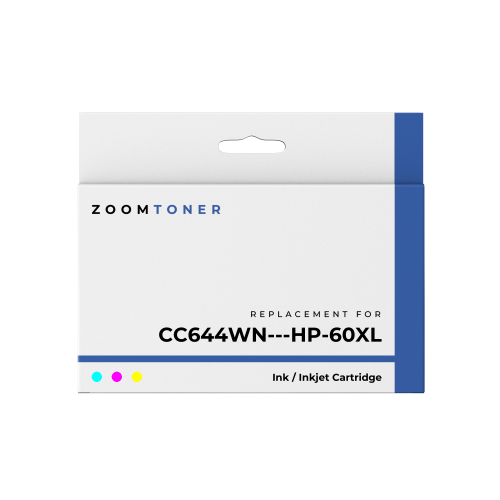
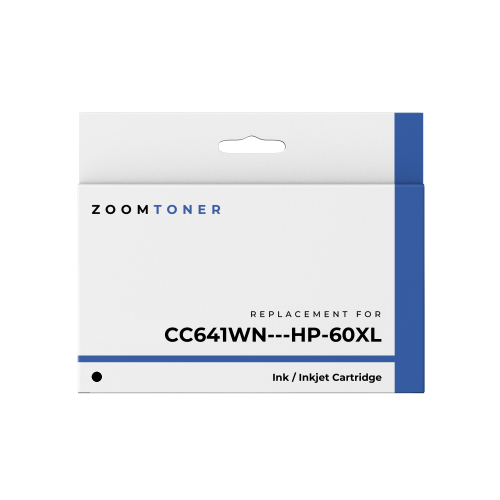
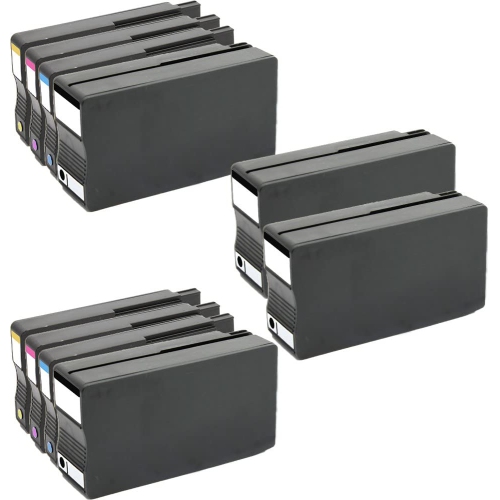
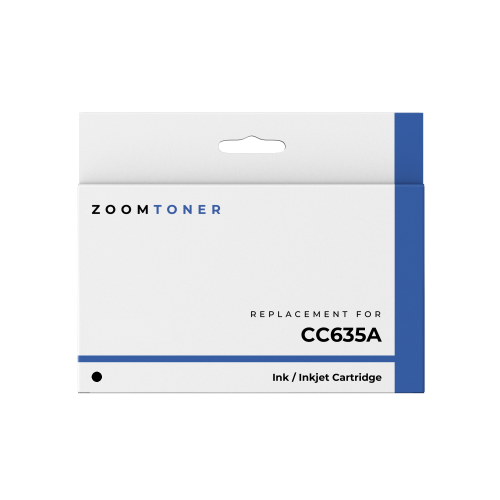

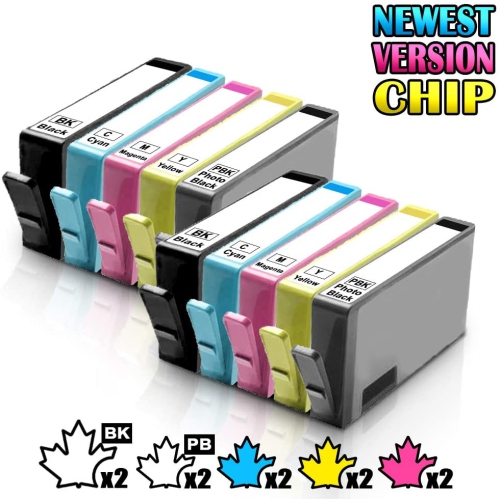
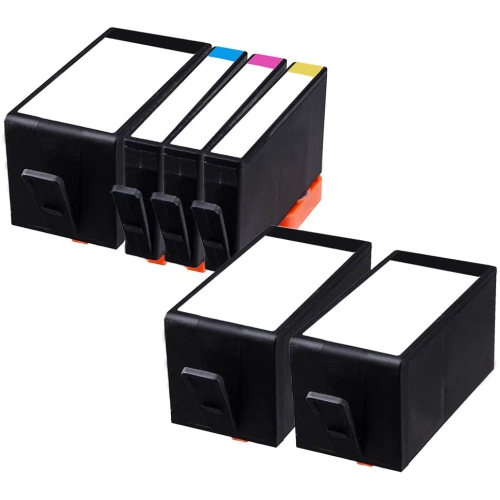
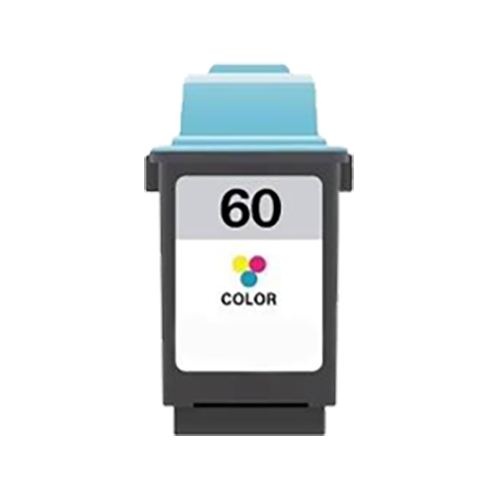
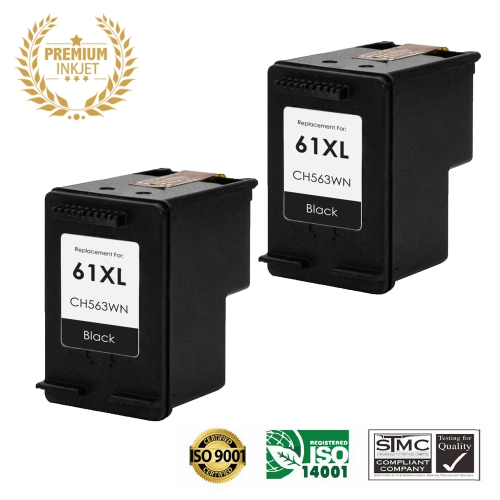
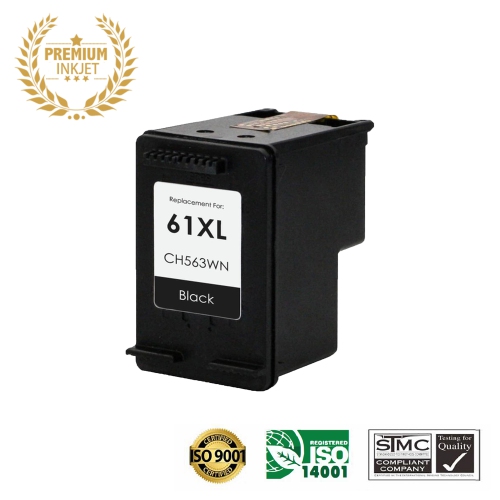
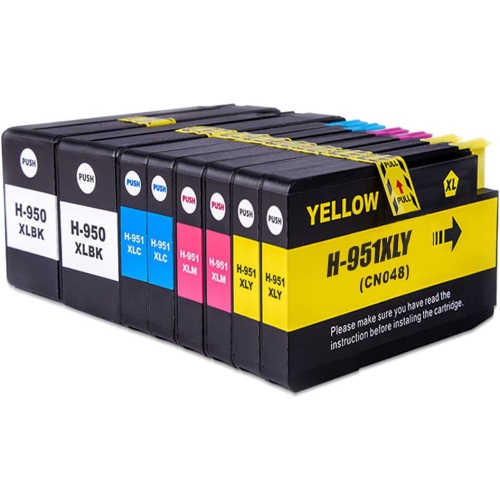
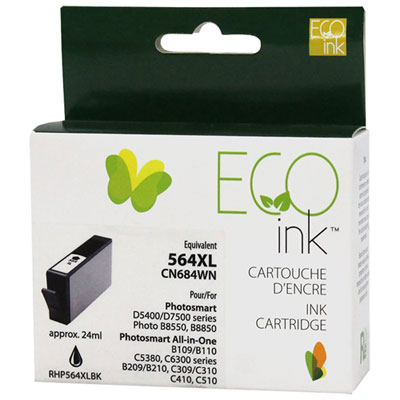
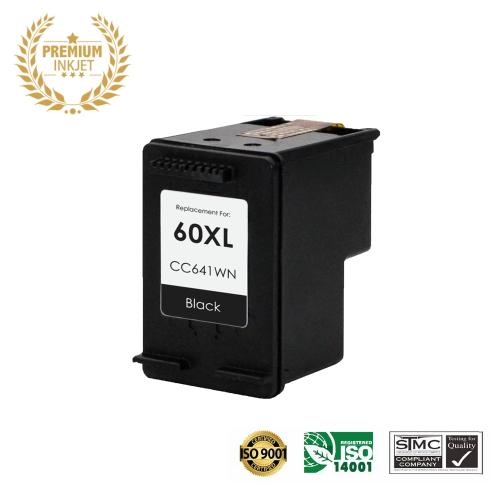
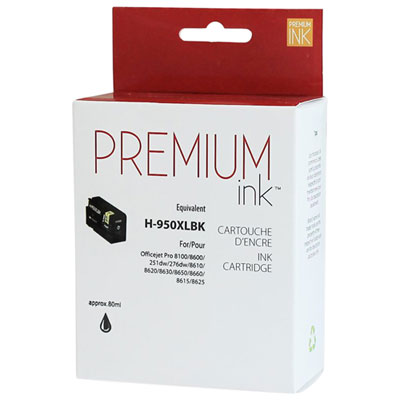

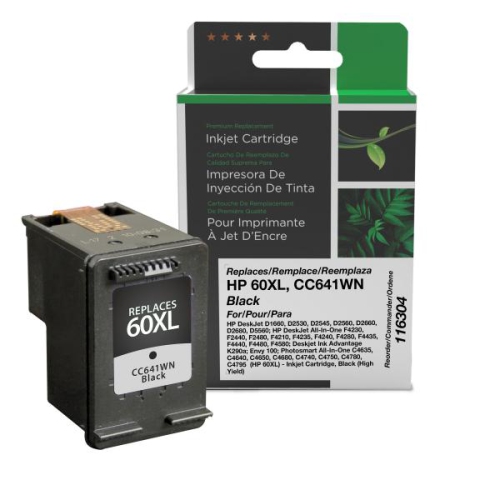
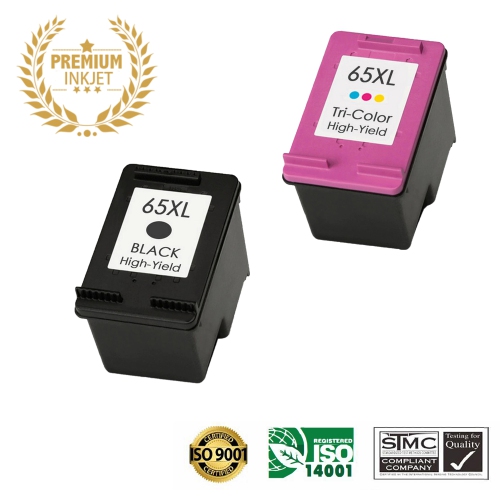
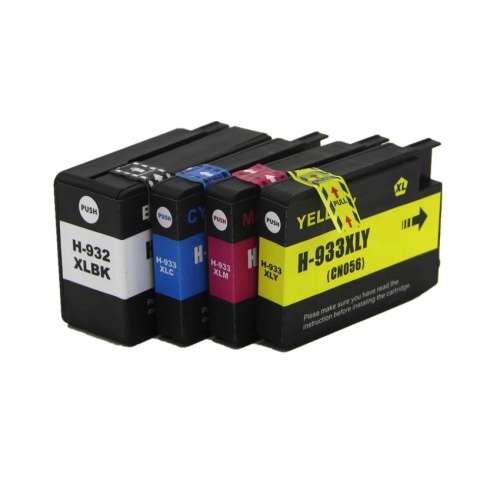
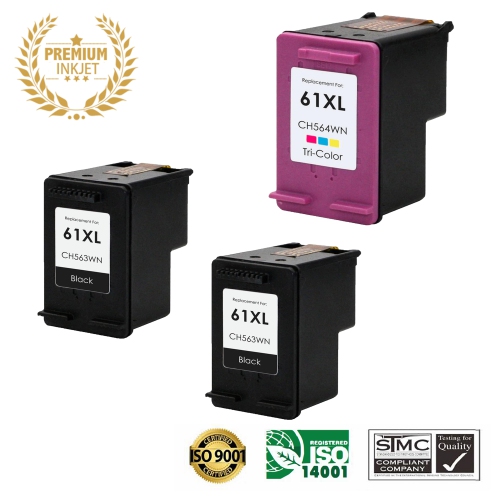
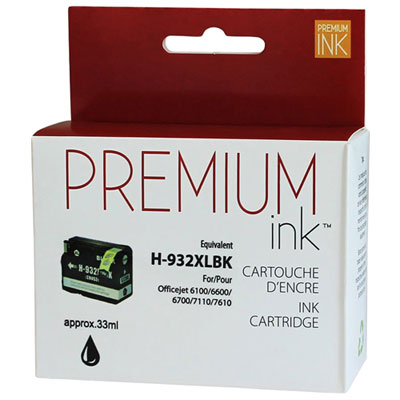
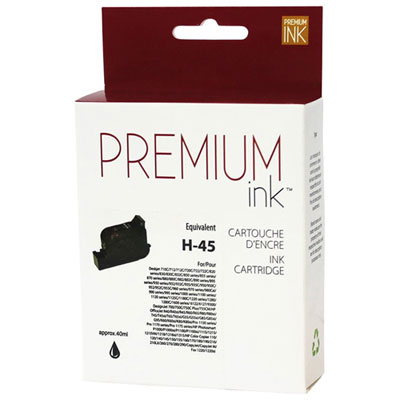
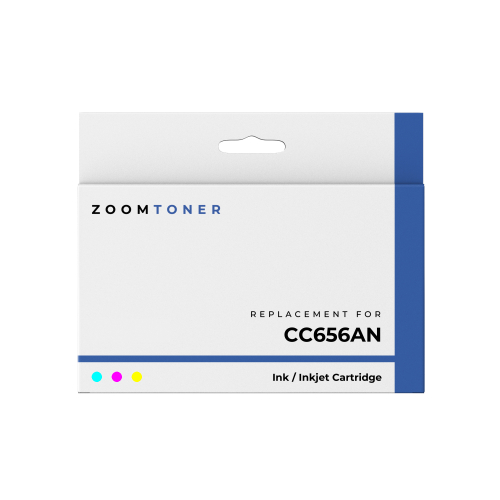
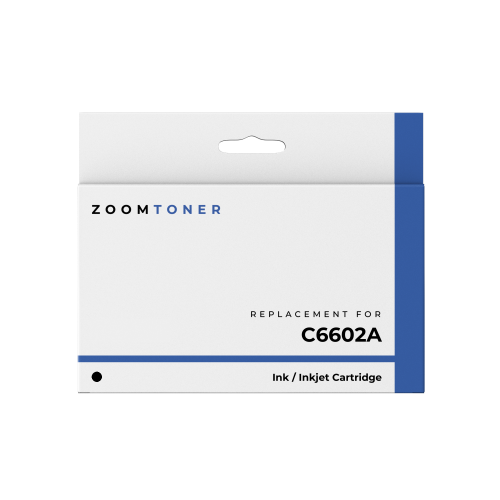
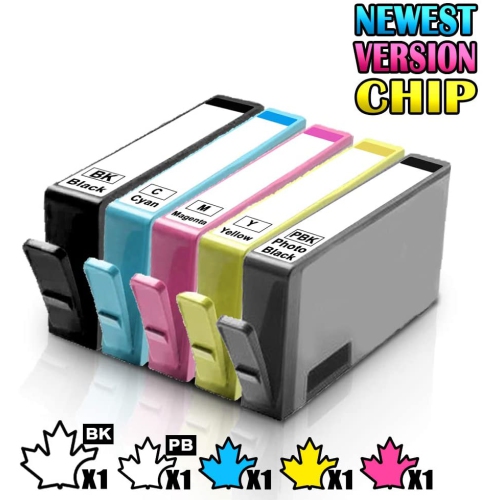
From everyday documents to colourful home projects
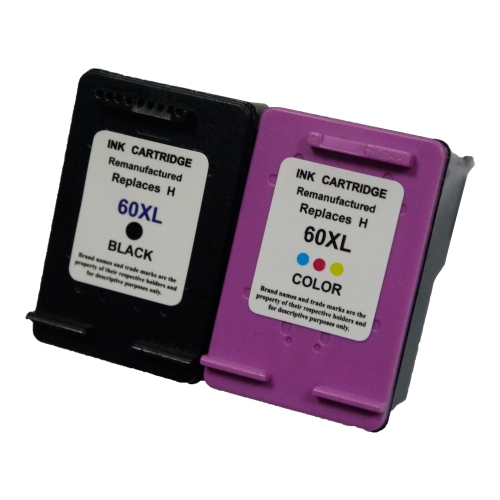
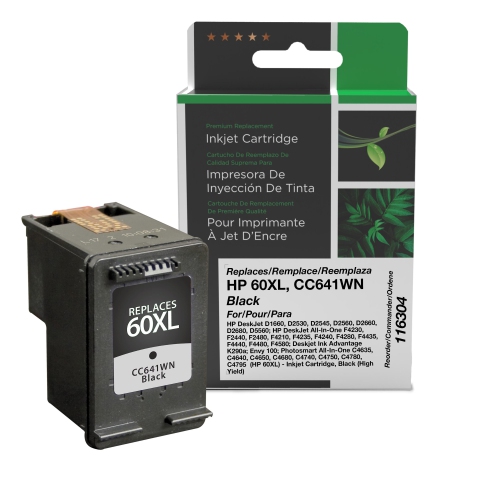
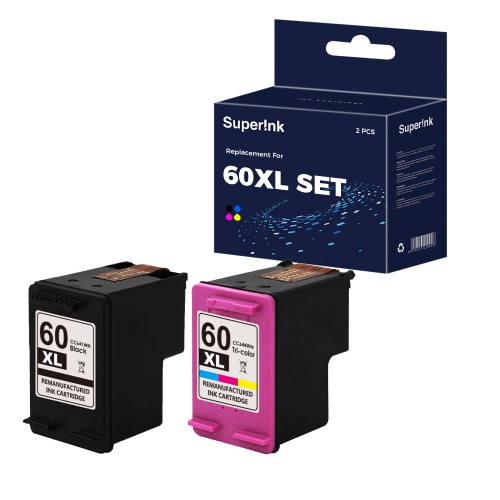
HP 60 ink cartridges are a practical choice for households, students, home offices, and small workspaces that use compatible inkjet printers for everyday documents and occasional colour printing. They are available in black, tri-colour, and combination options, making it easier to replace only the cartridge that is running low or restock both colours at once. Black ink is commonly used for letters, forms, invoices, school assignments, shipping labels, recipes, and other text-heavy pages, while the tri-colour cartridge adds colour to photographs, charts, invitations, craft templates, and school projects. Standard-capacity cartridges are well suited to lighter printing routines, such as a few pages at a time throughout the week. High-capacity XL options can be a better fit for busy households, remote workers, or anyone who prefers to keep a spare cartridge on hand rather than make frequent replacements. When comparing options, check whether the listing is for black, tri-colour, or a combo pack, and confirm the cartridge capacity before placing an order. Page yields are estimates based on standard testing conditions, so the actual number of pages can vary with the type of content being printed. A page filled with dense text, full-colour graphics, or photographs generally uses more ink than a simple black-and-white document. If your printer is used by several people, an XL cartridge may help reduce interruptions during a busy stretch of printing. If printing is occasional, a standard cartridge may provide a straightforward replacement without adding more capacity than you need. Keeping the printer model and the empty cartridge nearby while shopping is one of the simplest ways to compare the correct option, especially when several cartridge families look similar in online search results.
Compatibility is the most important consideration when purchasing HP 60 ink cartridges. This cartridge family is associated with selected HP Deskjet, HP ENVY, and HP Photosmart printers, including models such as the Deskjet D2530, D2545, F2430, F4224, F4440, F4480, and the ENVY 100, 110, 111, 114, and 120 series, as well as Photosmart C4640, C4650, C4680, C4780, C4795, and D110 printers. Compatibility can depend on the exact printer model and the cartridge type supported by that machine, so reviewing the printer’s manual, the label inside the access door, or the existing cartridge remains worthwhile before buying. The cartridge number printed on the old package can also help distinguish a black replacement from a tri-colour replacement. Some printers accept both standard and XL versions, while others may have more specific requirements. For shoppers replacing ink for a family printer, it can be useful to match the cartridge format already in use rather than relying only on the printer’s general series name. Black and tri-colour cartridges are often purchased together when both levels are low, making a combo pack a convenient choice for regular home printing. A single black cartridge may be enough for an office that mainly produces text, while a tri-colour cartridge makes sense when printing children’s artwork, visual presentations, travel plans, photo pages, or colourful labels. Before checkout, review the listed printer compatibility, cartridge colour, capacity, and package contents. For a broader selection of manufacturer-made replacement ink, browse HP Original Ink Cartridges and compare the available formats for your printer.
Ink cartridges can be useful supplies to keep ready for the routines that fill a home or office, particularly during the cooler months when more schoolwork, planning, and indoor projects take place. A spare cartridge tucked beside printer paper can prevent a last-minute trip when a permission form, presentation, return label, or important document is needed. They can also make a thoughtful and useful gift for a student heading into a new school term, a relative working from home, or someone setting up a compact home office. The best choice depends on how the printer is used: a student who prints reading notes and assignments may go through black ink steadily, while a family that prints artwork, photos, and activities may need colour more often. People who print only occasionally should store cartridges in their original sealed packaging, away from direct sunlight, heat, and excess moisture, until they are ready to install them. When replacing a cartridge, wash and dry your hands, turn on the printer so the carriage can move into position, and follow the printer’s on-screen instructions rather than forcing the cartridge into place. After installation, a short alignment or test page can help confirm that text is sharp and colours are appearing correctly. If a printout looks faint or uneven, the printer’s cleaning and alignment functions may help, although repeated cleaning cycles can use additional ink. It is also worth checking paper settings before printing photographs or graphics, since the selected paper type and print quality can affect the finished result and ink usage. With the correct cartridge, compatible printer, and capacity suited to your routine, HP 60 ink cartridges can support everything from quick black-and-white paperwork to colourful projects that bring a little more life to the page.
Compatibility is the most important consideration when purchasing HP 60 ink cartridges. This cartridge family is associated with selected HP Deskjet, HP ENVY, and HP Photosmart printers, including models such as the Deskjet D2530, D2545, F2430, F4224, F4440, F4480, and the ENVY 100, 110, 111, 114, and 120 series, as well as Photosmart C4640, C4650, C4680, C4780, C4795, and D110 printers. Compatibility can depend on the exact printer model and the cartridge type supported by that machine, so reviewing the printer’s manual, the label inside the access door, or the existing cartridge remains worthwhile before buying. The cartridge number printed on the old package can also help distinguish a black replacement from a tri-colour replacement. Some printers accept both standard and XL versions, while others may have more specific requirements. For shoppers replacing ink for a family printer, it can be useful to match the cartridge format already in use rather than relying only on the printer’s general series name. Black and tri-colour cartridges are often purchased together when both levels are low, making a combo pack a convenient choice for regular home printing. A single black cartridge may be enough for an office that mainly produces text, while a tri-colour cartridge makes sense when printing children’s artwork, visual presentations, travel plans, photo pages, or colourful labels. Before checkout, review the listed printer compatibility, cartridge colour, capacity, and package contents. For a broader selection of manufacturer-made replacement ink, browse HP Original Ink Cartridges and compare the available formats for your printer.
Ink cartridges can be useful supplies to keep ready for the routines that fill a home or office, particularly during the cooler months when more schoolwork, planning, and indoor projects take place. A spare cartridge tucked beside printer paper can prevent a last-minute trip when a permission form, presentation, return label, or important document is needed. They can also make a thoughtful and useful gift for a student heading into a new school term, a relative working from home, or someone setting up a compact home office. The best choice depends on how the printer is used: a student who prints reading notes and assignments may go through black ink steadily, while a family that prints artwork, photos, and activities may need colour more often. People who print only occasionally should store cartridges in their original sealed packaging, away from direct sunlight, heat, and excess moisture, until they are ready to install them. When replacing a cartridge, wash and dry your hands, turn on the printer so the carriage can move into position, and follow the printer’s on-screen instructions rather than forcing the cartridge into place. After installation, a short alignment or test page can help confirm that text is sharp and colours are appearing correctly. If a printout looks faint or uneven, the printer’s cleaning and alignment functions may help, although repeated cleaning cycles can use additional ink. It is also worth checking paper settings before printing photographs or graphics, since the selected paper type and print quality can affect the finished result and ink usage. With the correct cartridge, compatible printer, and capacity suited to your routine, HP 60 ink cartridges can support everything from quick black-and-white paperwork to colourful projects that bring a little more life to the page.
Top selling and popular products
-
 Your price for this item is $109.99
 -
 Your price for this item is $40.99
 -
 Your price for this item is $101.99
 -
 Your price for this item is $129.99
 -
 Your price for this item is $109.99
 -
 Your price for this item is $89.99
 -
 Your price for this item is $90.99
 -
 Your price for this item is $57.99
Discover more categories related to HP 60 Ink Cartridges
Top Collections:
Pokemon Centers, Kindle Devices, Best Budget Office Chairs, Apple iPhones 16, Canon G7X Cameras, iPhone 15 Apple, Alarm Clock, Refurbished Apple Laptops, Flip Phones, Best Laptops for Writers
Some products may be subject to Environmental Handling Fees
(EHF) depending on your province.
Learn more about EHFs.