Best Value Internal SSDs
Upgrade your computer’s storage without stretching your budget with the best value internal SSDs. Whether you’re looking for faster boot times, quicker file access, or more room for games and everyday essentials, an internal SSD can make a noticeable difference. Explore options ranked by user review ratings, and compare capacity, compatibility, and price to find the right fit for your setup.
What to look for in best value internal SSDs
1. Compatibility and Form Factor
2. Storage Capacity and Cost
3. Performance for Your Needs
4. Endurance and Warranty
-
1
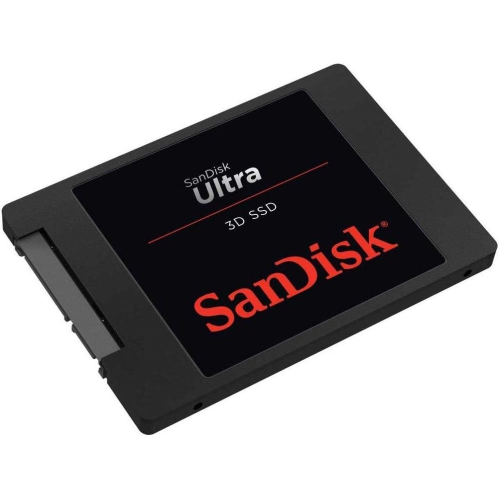
SANDISK 1Tb Ultra 3D Nand SATA Iii SSD - 2.5-Inch Solid State Drive - Sdssdh3-1T00-G25
About this product
A high-performance 1TB SATA III SSD offering fast boot-up and rapid read/write speeds for enhanced computing.
What customers like
(49)$399.77Your price for this item is $399.77SAVE $199 -
2
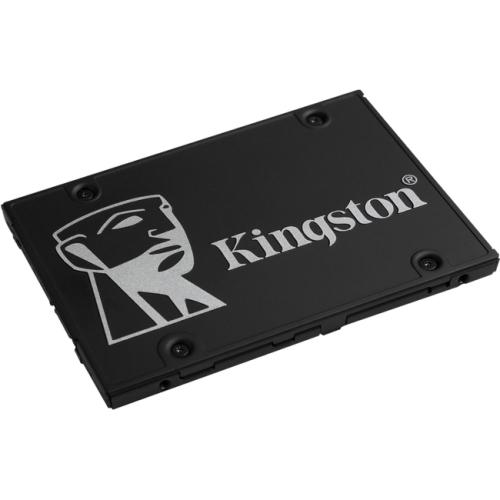
KINGSTON Kc600 SSD (Skc600/1024G)
About this product
A 1TB internal SATA SSD offering 550MB/s read speed and 256-bit encryption for desktops and laptops.
What customers like
(28)$379.99 Your price for this item is $379.99 -
3
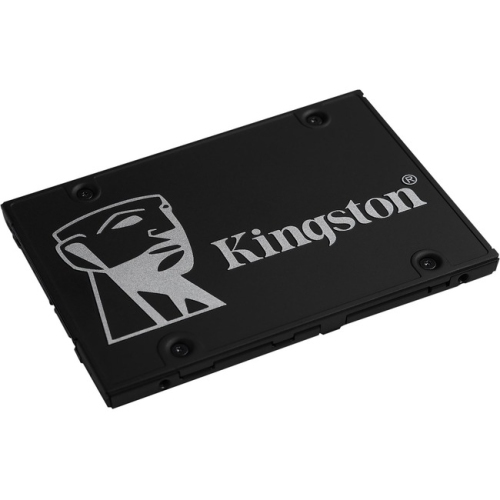
KINGSTON Kc600 SSD (Skc600/256G)
About this product
A reliable 256GB internal SSD offering 550MB/s read speeds and 256-bit encryption for enhanced data security.
What customers like
(27)$131.97 Your price for this item is $131.97 -
4
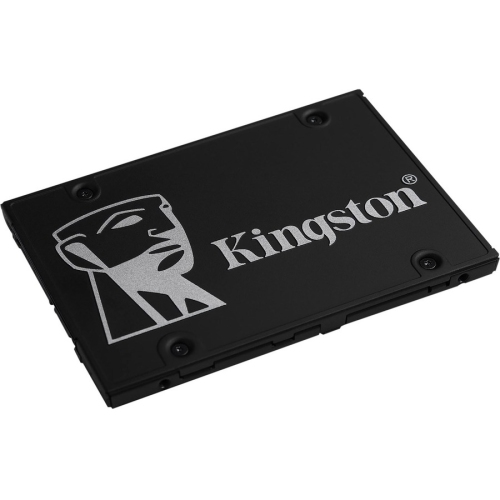
KINGSTON Kc600 SSD (Skc600/512G)
About this product
A reliable 512GB internal SSD offering 550MB/s read speeds and 256-bit encryption for enhanced security.
What customers like
(27)$239.99Your price for this item is $239.99SAVE $20 -
5
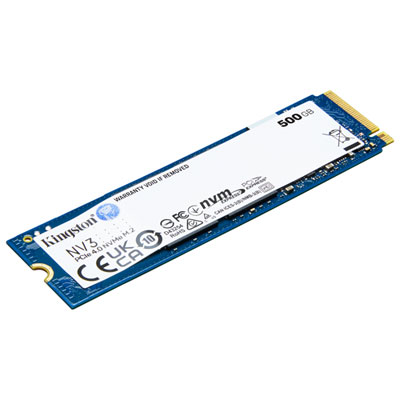
Kingston NV3 500GB NVMe PCI-e Internal Solid State Drive (NV3)
About this product
A high-speed NVMe PCI-e SSD offering 500GB storage and up to 5,000MB/s read speeds.
(14)$174.99 Your price for this item is $174.99 -
6
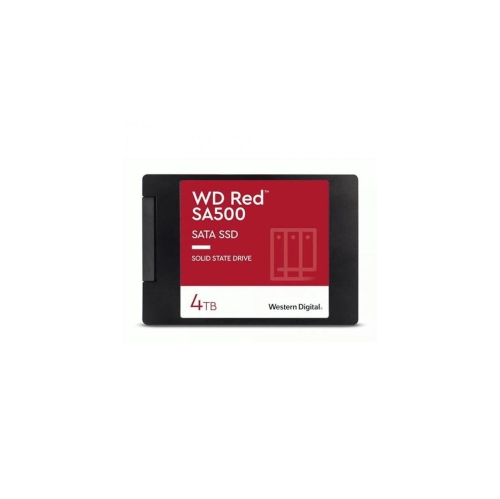
WESTERN DIGITAL 4Tb Wd Sa500 Nas 3D Nand Internal SSD Solid State Drive - SATA Iii 6 GB/s, 2.5"/7Mm, Up to 560 Mb/s - Wds400T2R0A In Red
About this product
A high-performance red internal SSD with 3D NAND, SATA III interface, and up to 560 MB/s speed.
(1)$1,999.99Your price for this item is $1999.99SAVE $1000 -
7
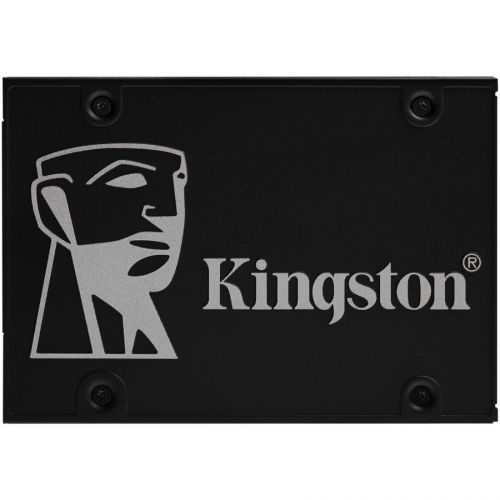
LENOVO Kingston Kc600 1 Tb Solid State Drive - 2.5" Internal - SATA (SATA/600)
About this product
A 1TB internal SSD offering 550 MB/s read speed, 256-bit encryption, and SATA/600 interface.
What customers like
(28)$383.99Your price for this item is $383.99SAVE $67 -
8
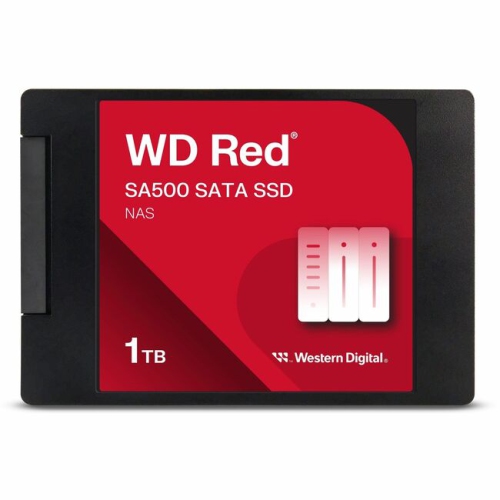
WESTERN DIGITAL Wds100T1R0A Sa500 Nas SATA SSD, 1Tb (Wds100T1R0A) In Red
About this product
A red internal SATA SSD offering 1TB storage and up to 560MB/s read speeds for reliable performance.
(6)$1,299.99Your price for this item is $1299.99SAVE $100 -
9
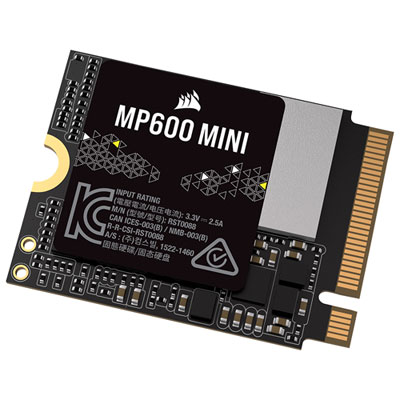
Corsair MP600 Mini 1TB PCI-e Internal Solid State Drive (CSSDF1000GBMP600MNR2)
About this product
A high-performance 1TB PCI-e SSD featuring 3D TLC NAND flash for enhanced speed and durability.
(1)$579.99 Your price for this item is $579.99
FAQ
SATA and NVMe are different ways for an SSD to communicate with a computer. SATA SSDs use a SATA connection, while NVMe SSDs communicate through PCIe. Your computer must support the connection type used by the drive.
Check your computer or motherboard documentation for supported storage interfaces and installation requirements. For an M.2 slot, confirm whether it supports SATA, PCIe NVMe, or both. Also check for any restrictions on using that slot alongside other drives or expansion cards.
TLC and QLC describe the NAND flash memory used to store data. TLC stores three bits per memory cell, while QLC stores four. These terms identify the memory technology, but they do not describe every feature of the drive.
An SSD with DRAM includes dedicated memory that can hold information about where data is stored. DRAM-less models do not have that dedicated memory. Some NVMe drives use Host Memory Buffer technology to access a small portion of the computer’s system memory for this purpose.
Not necessarily. You can clone an existing system drive using compatible software, or install the operating system from scratch. If you are adding the SSD as a secondary drive, you generally only need to initialise and format it before use.
Top selling and popular products
Discover more categories related to Best Value Internal SSDs
Some products may be subject to Environmental Handling Fees (EHF) depending on your province. Learn more about EHFs.