Fastest Internal SSDs for Laptop
If you're looking to upgrade your laptop's storage, an internal solid-state drive is one of the best ways to do it. These drives are much faster than the standard hard drives that come with most laptops, and they're also more reliable. Here are some great options available today.
Sort
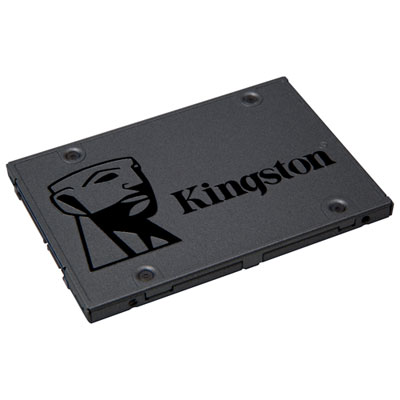
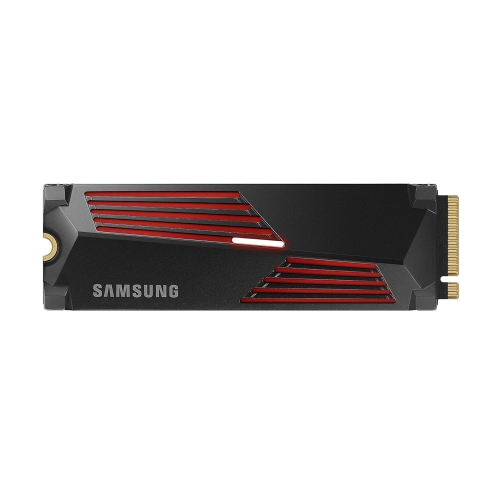
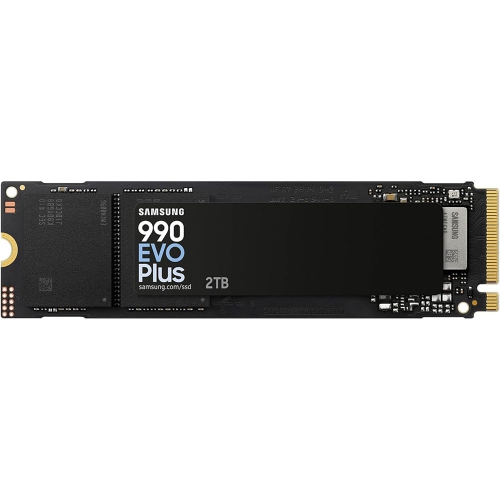
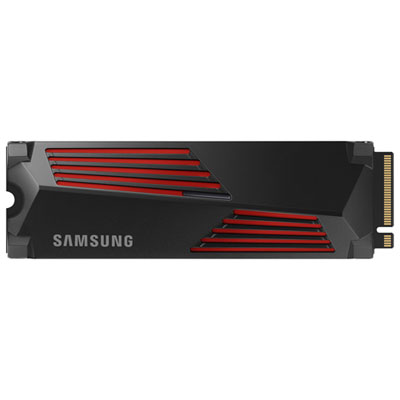
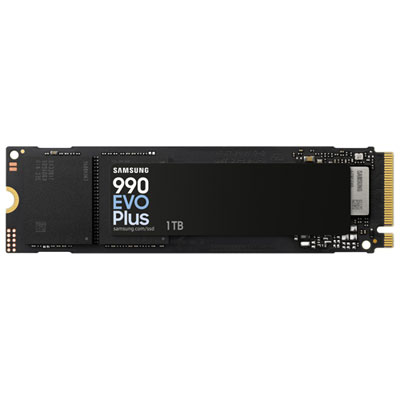
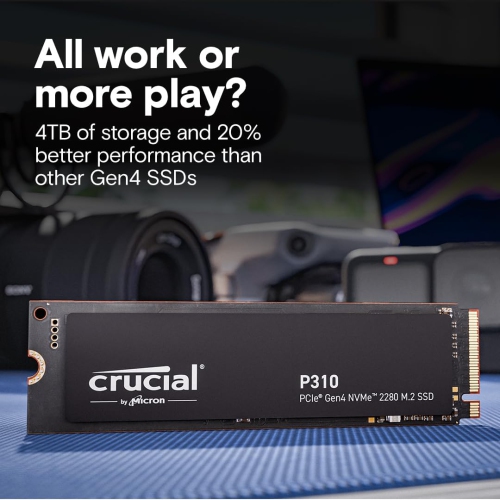
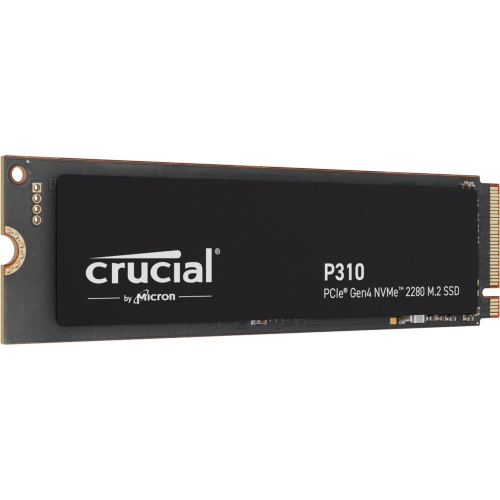
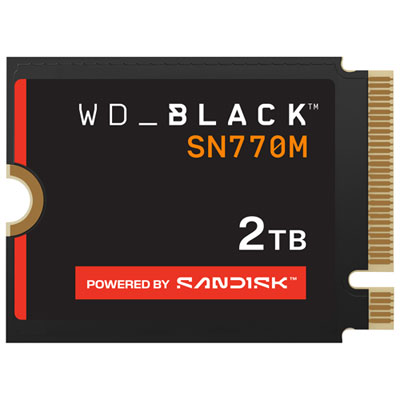

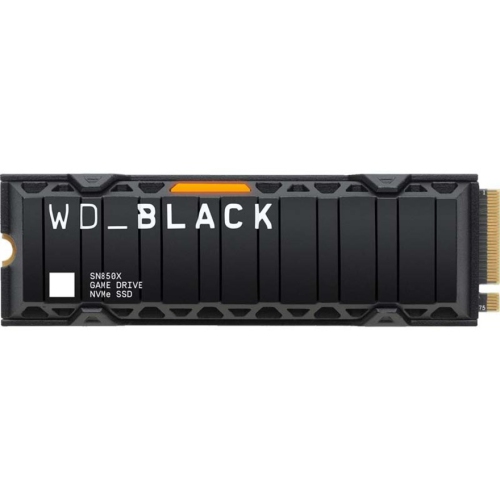
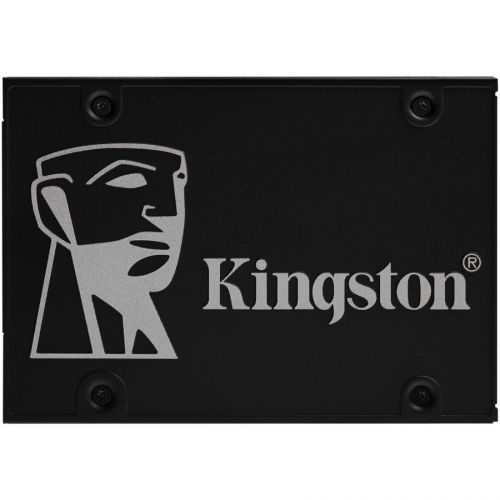
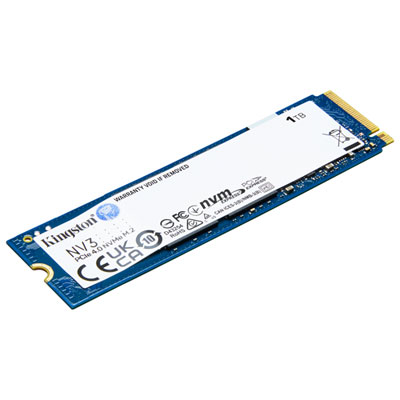
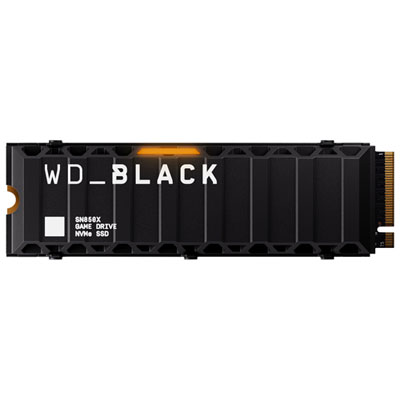
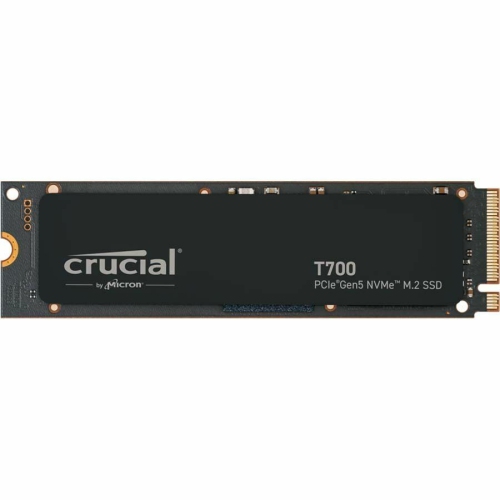
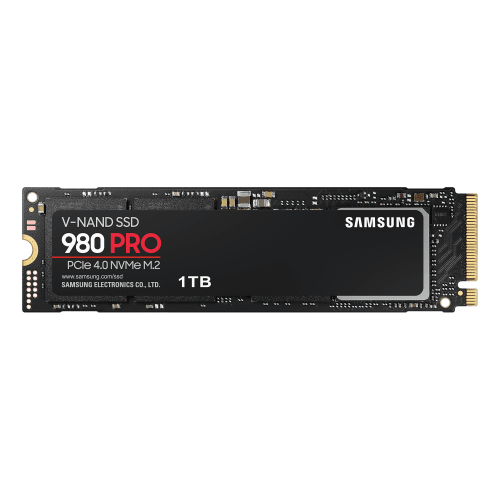
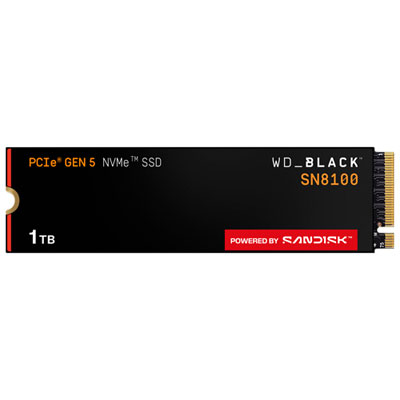
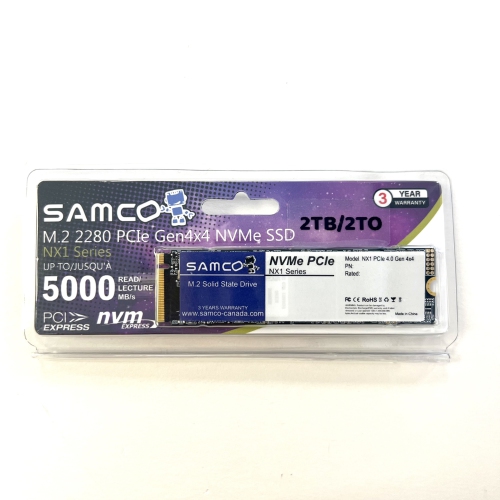
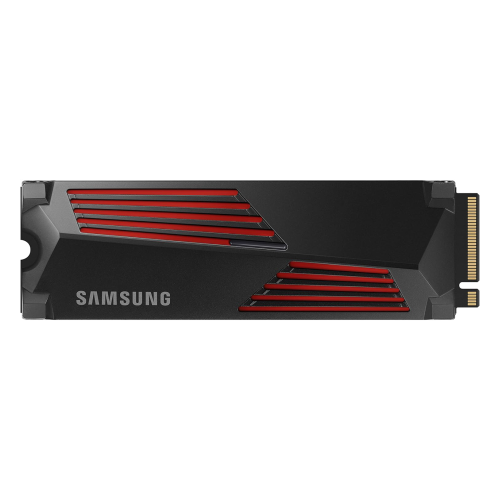
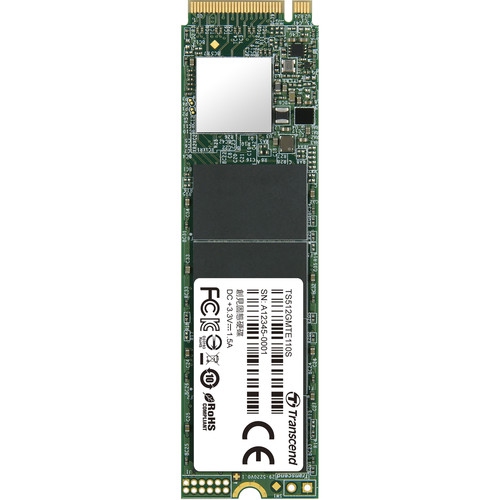
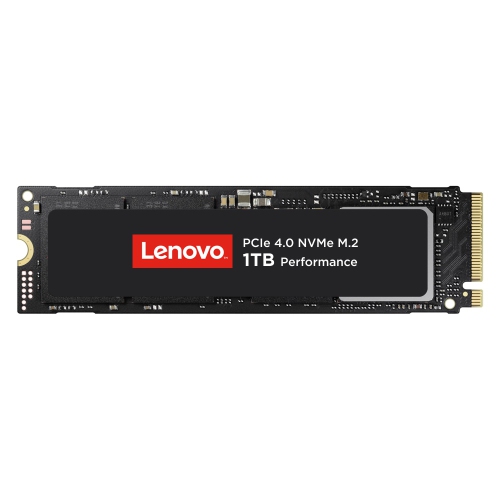
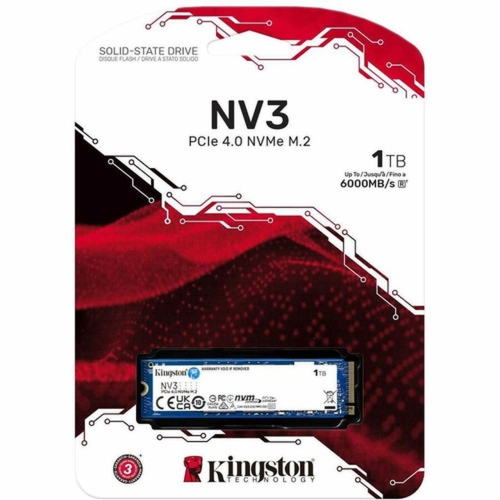
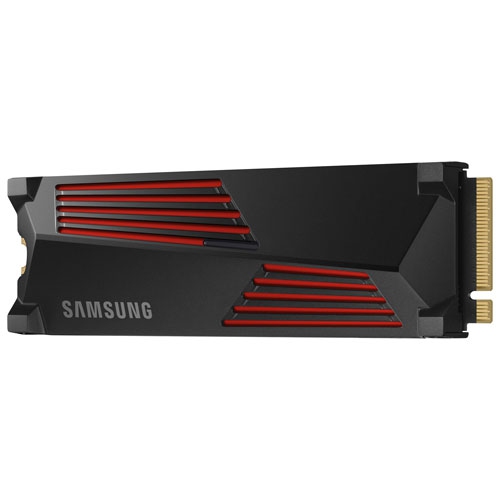
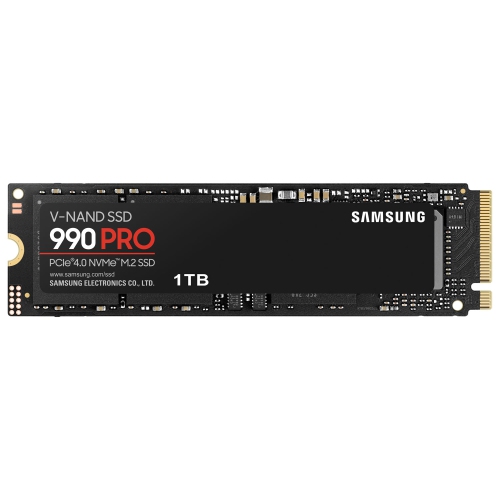
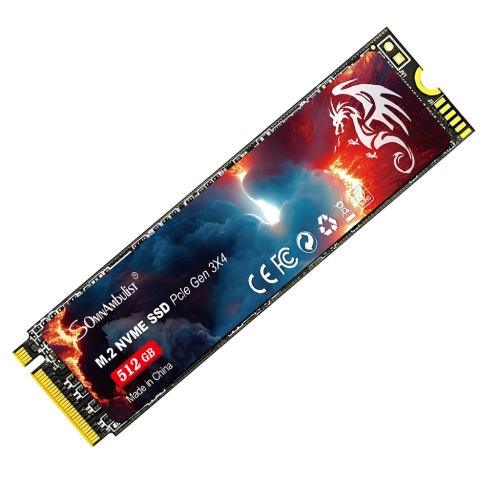
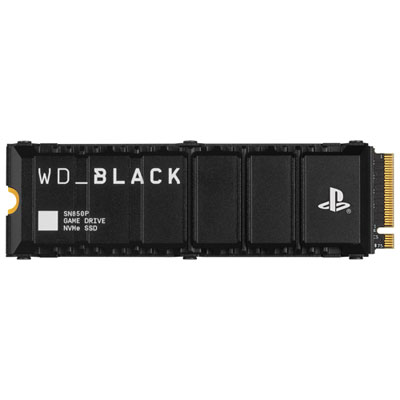
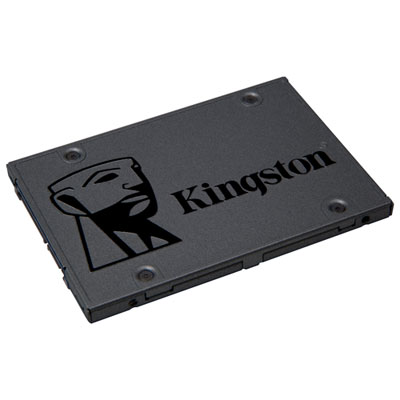
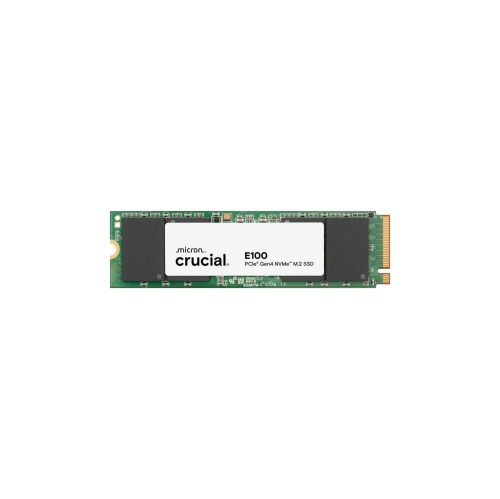
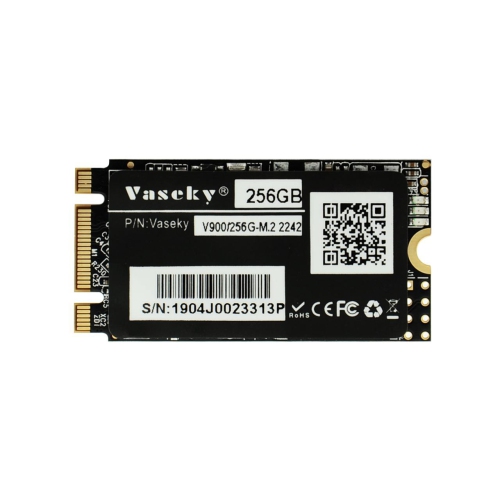
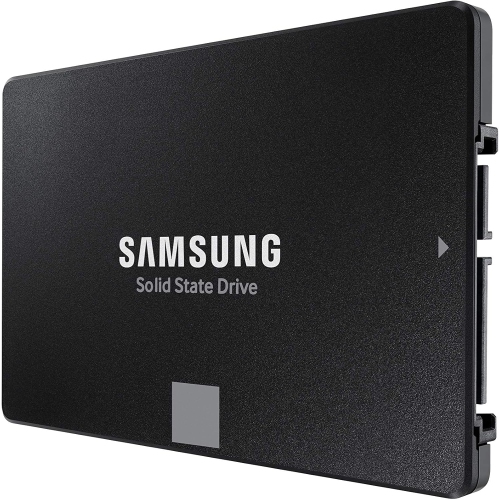
PCIe speeds that transform everyday laptop performance
Upgrading to one of the fastest internal SSDs for your laptop is a transformative step for anyone seeking to maximize their device’s speed, responsiveness, and overall performance. Whether you’re a creative professional editing high-resolution video, a gamer craving instant load times, or a student juggling resource-intensive applications, the benefits of a high-speed SSD become immediately apparent in daily use. These advanced drives leverage cutting-edge PCIe NVMe technology, offering blazing-fast read and write speeds that can reach well into the thousands of megabytes per second, far surpassing the capabilities of traditional SATA SSDs or older hard drives. The result is a laptop that boots in seconds, launches applications with a click, and handles massive file transfers or complex workflows without breaking a sweat. As the weather transitions from the warmth of late summer into the crispness of fall, it’s a prime time to consider an upgrade—perhaps as a back-to-school boost, a productivity enhancer for remote work, or even as a thoughtful gift for someone setting off to university or starting a new job. Gifting a high-speed internal SSD can be especially meaningful for tech enthusiasts, content creators, or anyone who relies on their laptop to keep pace with a demanding schedule.
When selecting the fastest internal SSD for your laptop, there are several important factors to keep in mind to ensure optimal compatibility and performance. First, check your laptop’s support for PCIe generations—while the latest PCIe 5.0 SSDs offer record-breaking speeds, they require a compatible motherboard and often generate more heat, which can be a consideration in the tight confines of a laptop chassis. Many modern laptops support PCIe 4.0, which still delivers exceptional throughput and is more broadly compatible. It’s wise to verify the physical size and interface—most high-speed SSDs use the M.2 form factor, but double-checking ensures a seamless fit. Power consumption is another key consideration: while the fastest drives deliver remarkable speed, they may draw more power under heavy loads, which could slightly impact battery life during unplugged sessions. Thermal management is equally crucial, as high-performance SSDs can produce significant heat. Some laptops feature built-in heat spreaders or have room for a slim heatsink, which helps maintain peak speeds and prevents thermal throttling. For those planning to push their laptops with sustained workloads—such as 3D rendering, large-scale data analysis, or marathon gaming sessions—these thermal and power factors become especially relevant. For a curated selection of drives designed to meet the demands of power users, explore the options on our High-Performance SSDs for Laptops page.
Investing in one of the fastest internal SSDs for your laptop can extend your device’s lifespan, breathe new life into an older system, or help a brand-new laptop reach its full potential. The difference is more than just numbers on a spec sheet—it’s the feeling of seamless multitasking, the freedom to work or play without frustrating delays, and the confidence that your storage can keep up with your ambitions. As routines shift with the changing seasons, having a laptop that responds instantly and handles whatever you throw at it—whether that’s a complex design project, a massive game library, or a mountain of coursework—can make all the difference. These drives are an ideal choice for anyone who values speed, reliability, and the ability to future-proof their technology investment. Whether you’re upgrading your own laptop or surprising someone with a thoughtful, high-impact gift, choosing a top-tier internal SSD delivers a noticeable, lasting improvement in everyday computing.
When selecting the fastest internal SSD for your laptop, there are several important factors to keep in mind to ensure optimal compatibility and performance. First, check your laptop’s support for PCIe generations—while the latest PCIe 5.0 SSDs offer record-breaking speeds, they require a compatible motherboard and often generate more heat, which can be a consideration in the tight confines of a laptop chassis. Many modern laptops support PCIe 4.0, which still delivers exceptional throughput and is more broadly compatible. It’s wise to verify the physical size and interface—most high-speed SSDs use the M.2 form factor, but double-checking ensures a seamless fit. Power consumption is another key consideration: while the fastest drives deliver remarkable speed, they may draw more power under heavy loads, which could slightly impact battery life during unplugged sessions. Thermal management is equally crucial, as high-performance SSDs can produce significant heat. Some laptops feature built-in heat spreaders or have room for a slim heatsink, which helps maintain peak speeds and prevents thermal throttling. For those planning to push their laptops with sustained workloads—such as 3D rendering, large-scale data analysis, or marathon gaming sessions—these thermal and power factors become especially relevant. For a curated selection of drives designed to meet the demands of power users, explore the options on our High-Performance SSDs for Laptops page.
Investing in one of the fastest internal SSDs for your laptop can extend your device’s lifespan, breathe new life into an older system, or help a brand-new laptop reach its full potential. The difference is more than just numbers on a spec sheet—it’s the feeling of seamless multitasking, the freedom to work or play without frustrating delays, and the confidence that your storage can keep up with your ambitions. As routines shift with the changing seasons, having a laptop that responds instantly and handles whatever you throw at it—whether that’s a complex design project, a massive game library, or a mountain of coursework—can make all the difference. These drives are an ideal choice for anyone who values speed, reliability, and the ability to future-proof their technology investment. Whether you’re upgrading your own laptop or surprising someone with a thoughtful, high-impact gift, choosing a top-tier internal SSD delivers a noticeable, lasting improvement in everyday computing.
Top selling and popular products
-
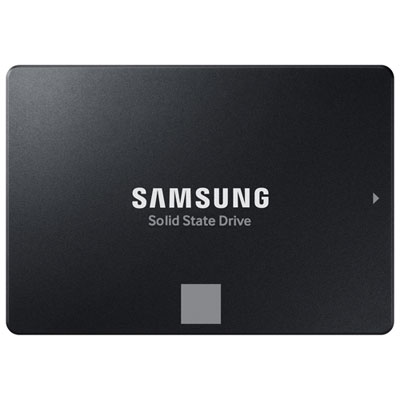 Your price for this item is $554.99
 -
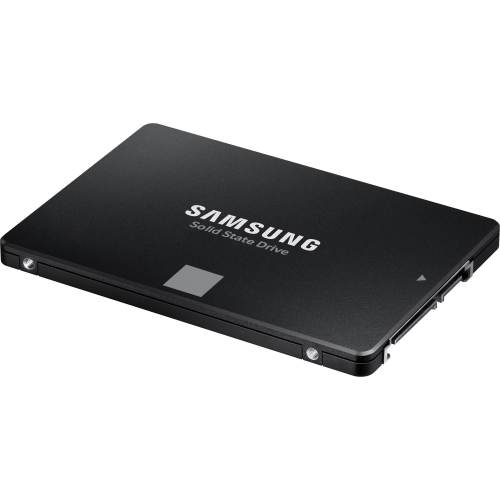 Your price for this item is $394.99
 -
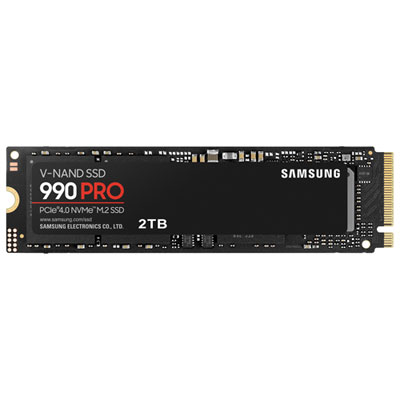 Your price for this item is $874.99
 -
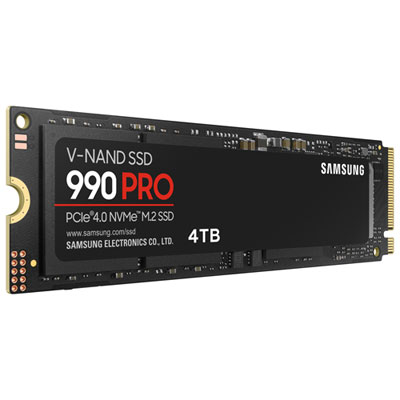 Your price for this item is $1199.97
 -
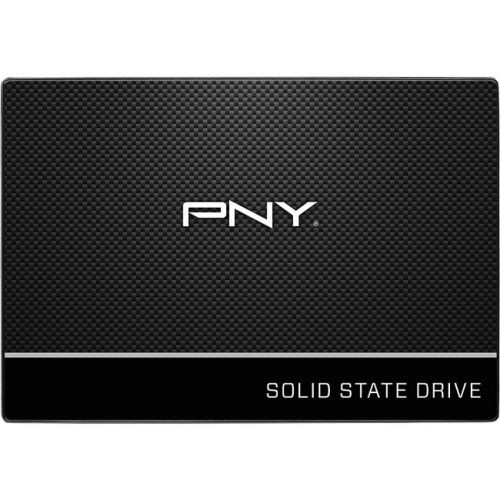 Your price for this item is $106.93
 -
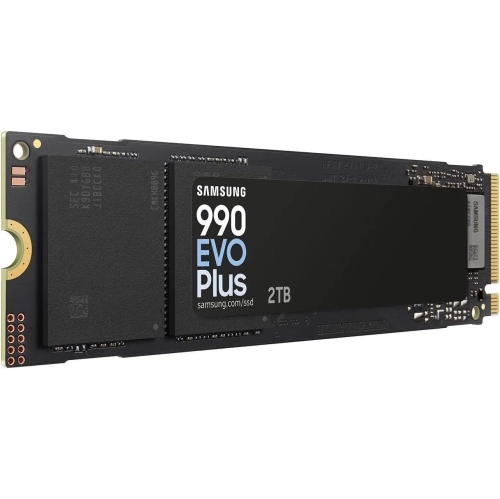 Your price for this item is $639.99
 -
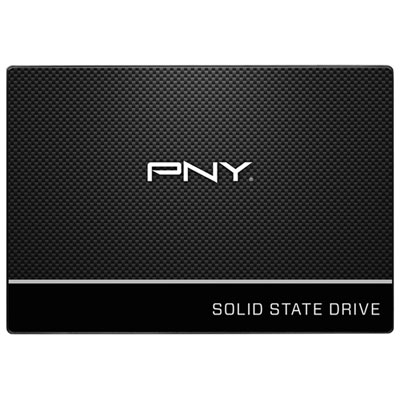 Your price for this item is $124.99
 -
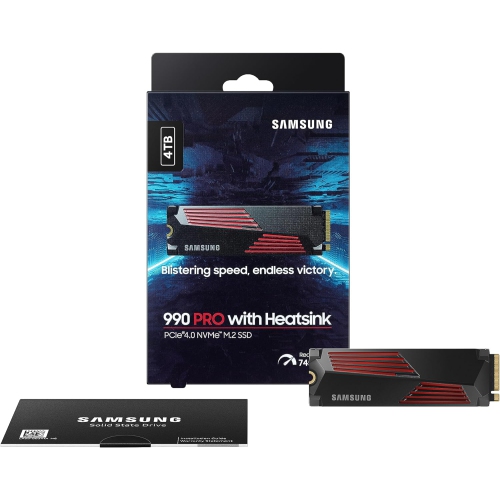 Your price for this item is $1554.97
Discover more categories related to Fastest Internal SSDs for Laptop

Top Collections:
Pokemon Centers, Best Budget Office Chairs, Budget 4K TVs, Kindle Devices, Best Laptops for Writers, Canon G7X Cameras, Apple iPhones 16, iPhone 15 Apple, Laptops for Business Work, Xiaomi Phones
Some products may be subject to Environmental Handling Fees
(EHF) depending on your province.
Learn more about EHFs.