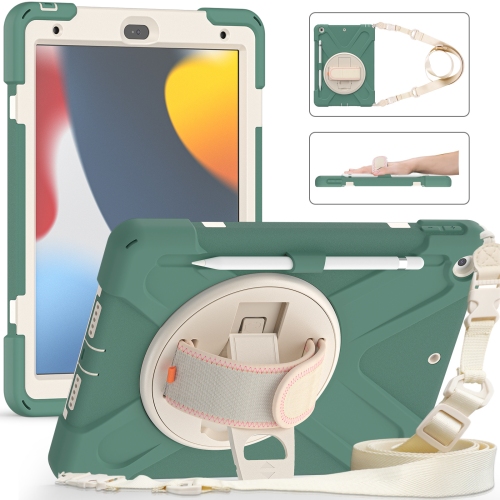
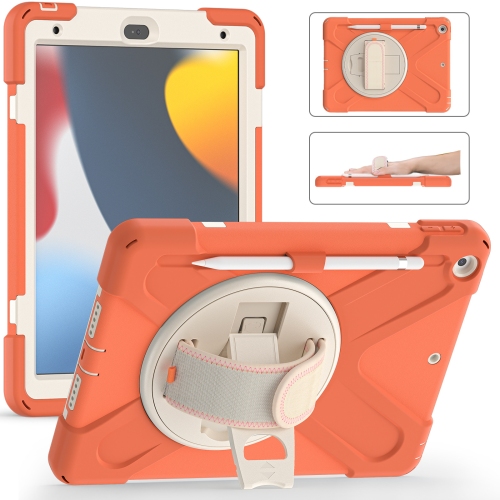
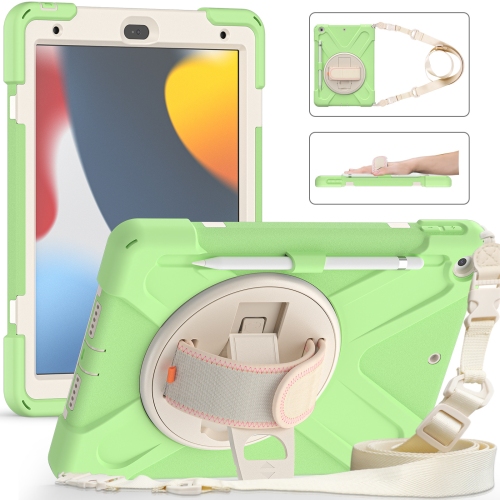
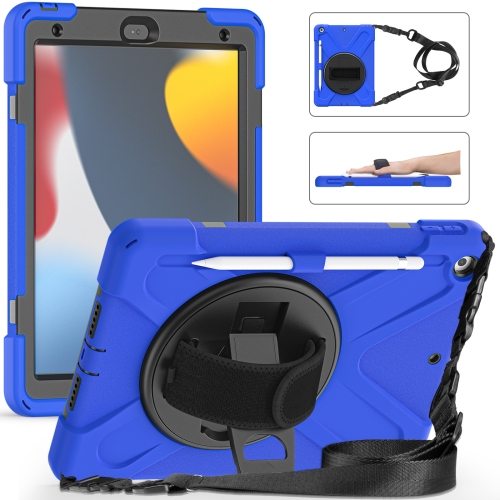
iPad 5th Generation Keyboard Cases

Find iPad 5th generation keyboard cases that pair a keyboard with a protective cover for typing, browsing, and everyday use. Compare options for keyboard layout, viewing angles, and connection type, and check compatibility with your exact iPad model before choosing a case.
Read More

Sort

Everyday iPad typing starts with the right fit

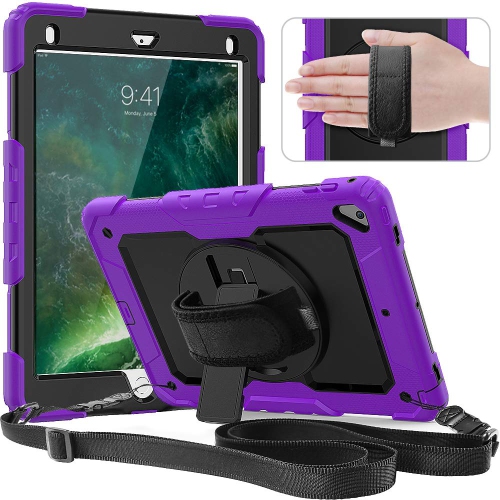
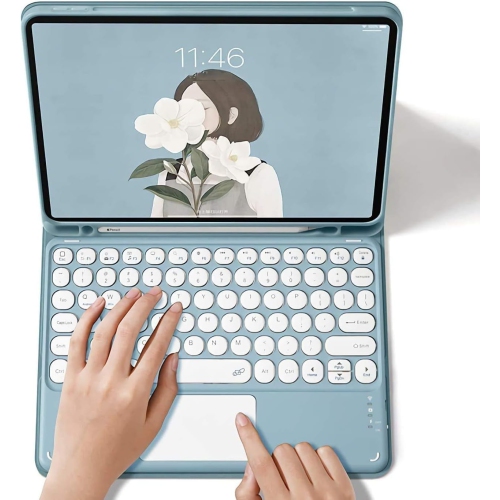
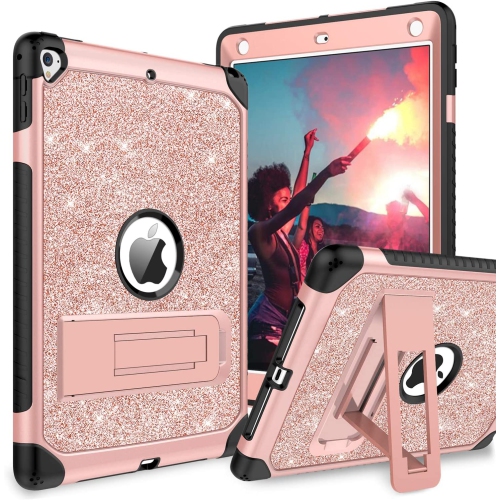
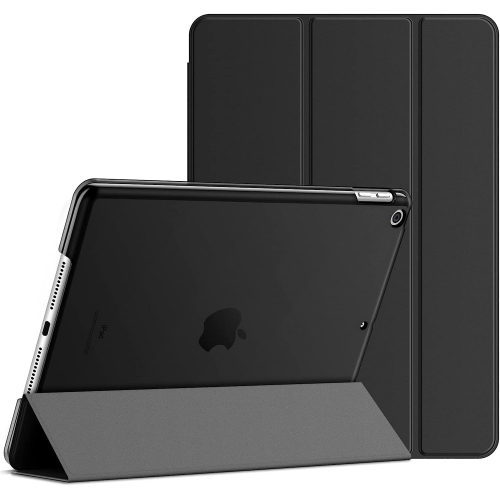
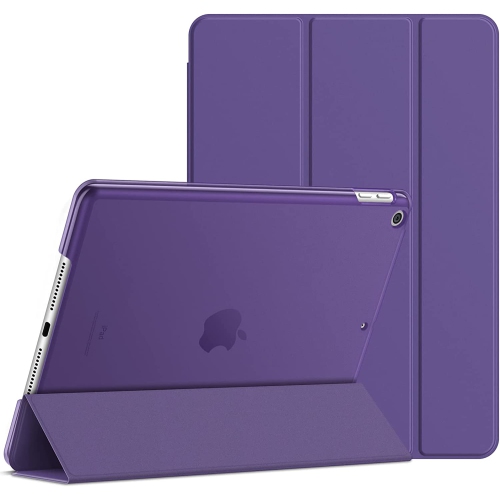
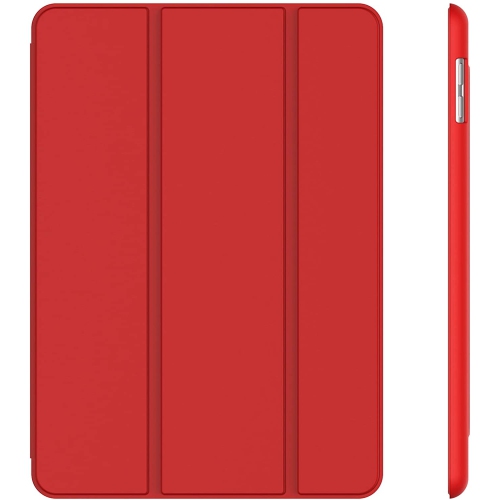
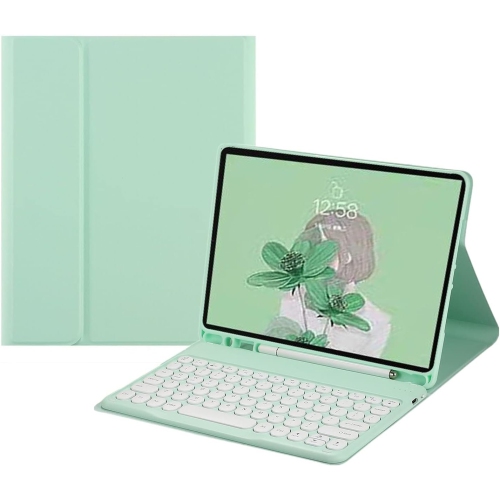
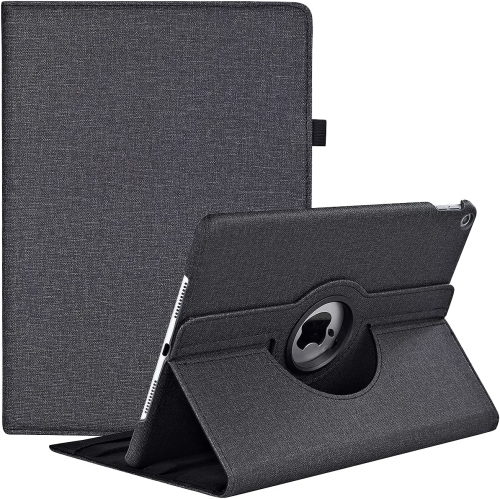
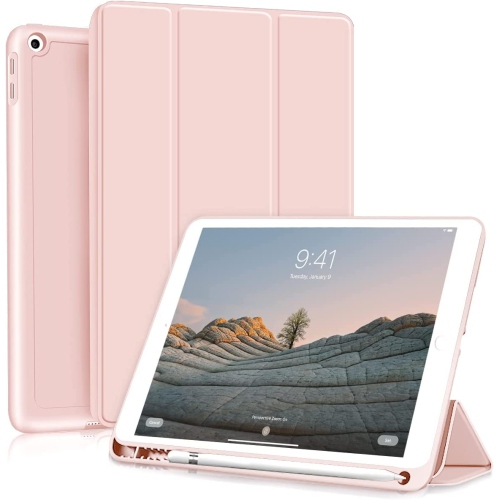
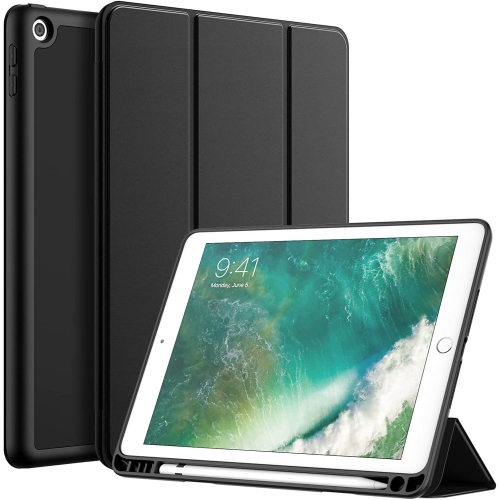
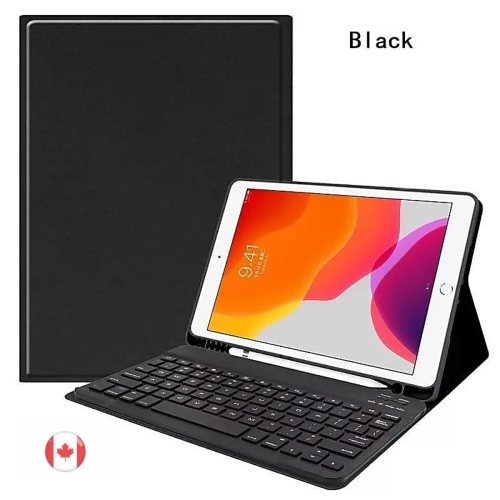
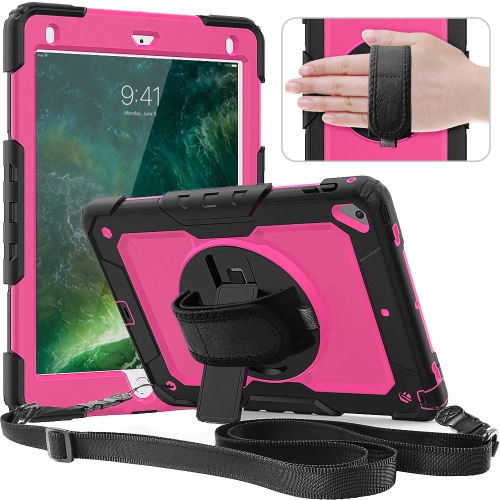
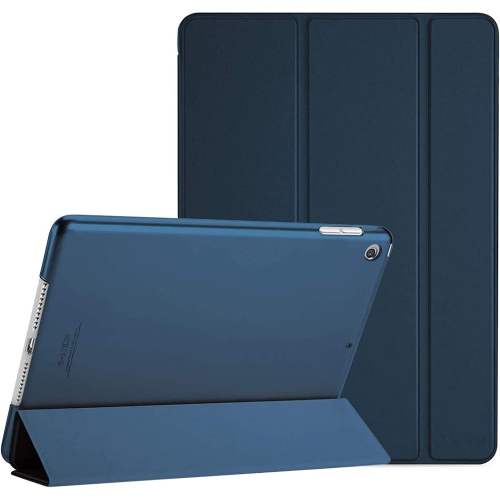
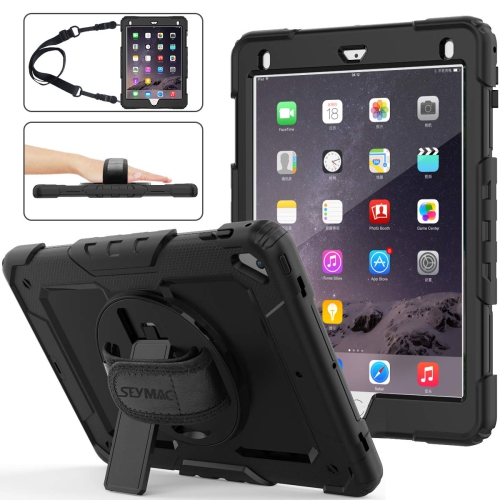
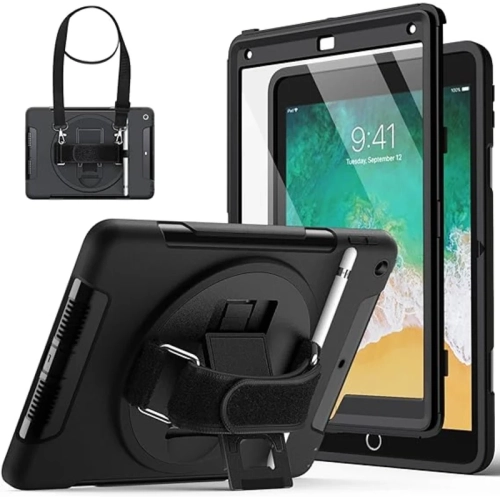
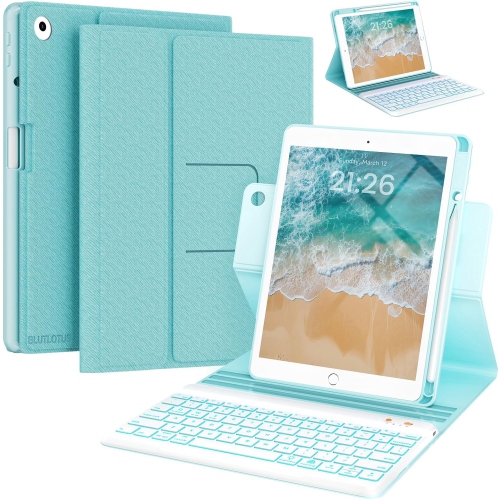
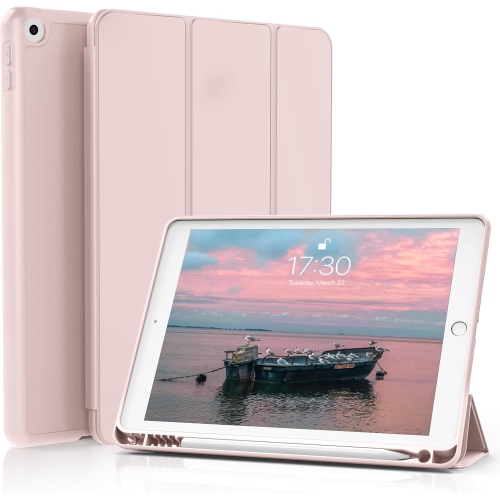
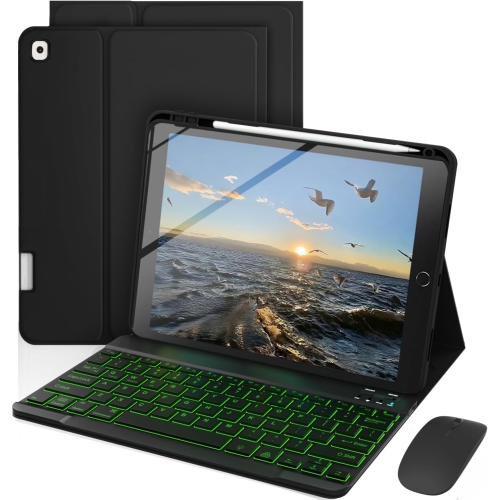
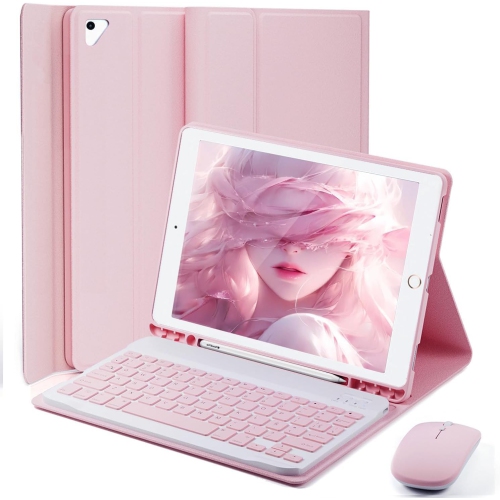
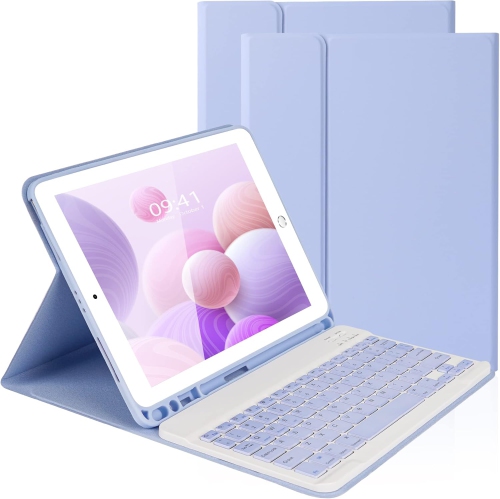
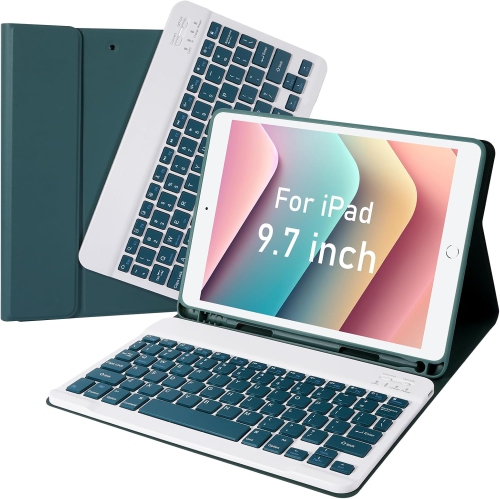
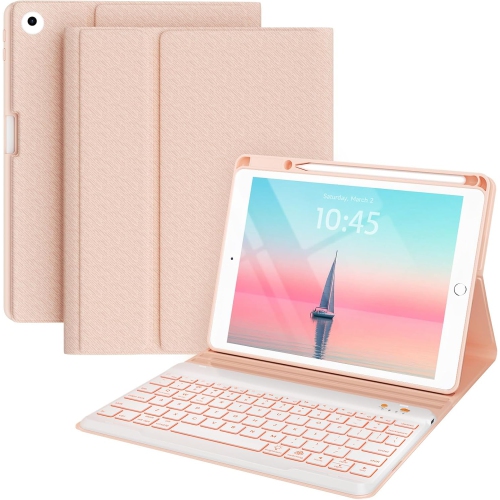
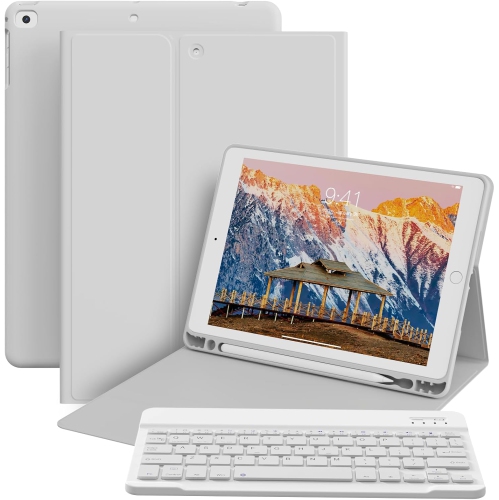
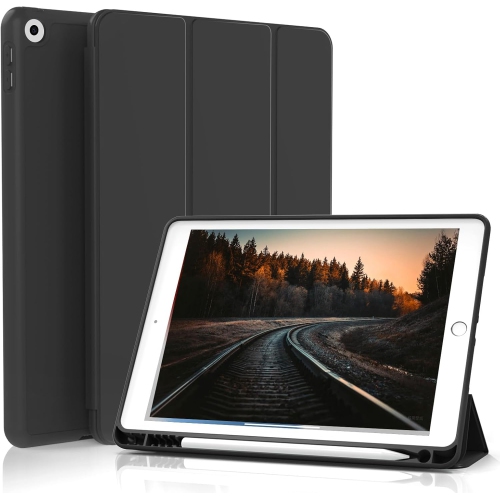
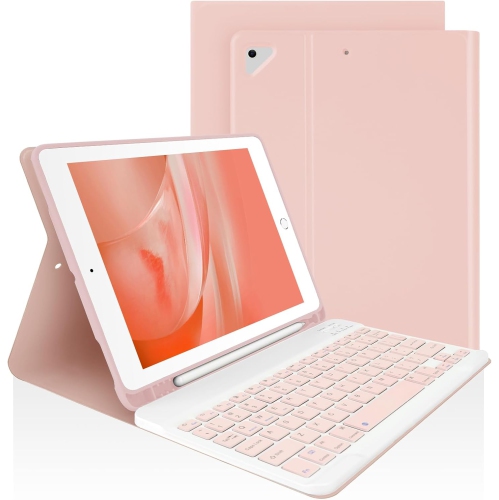
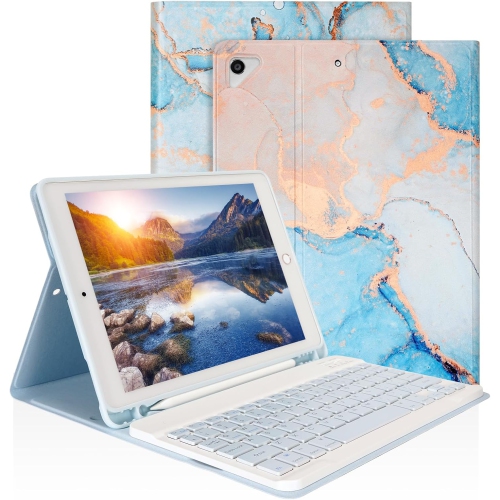
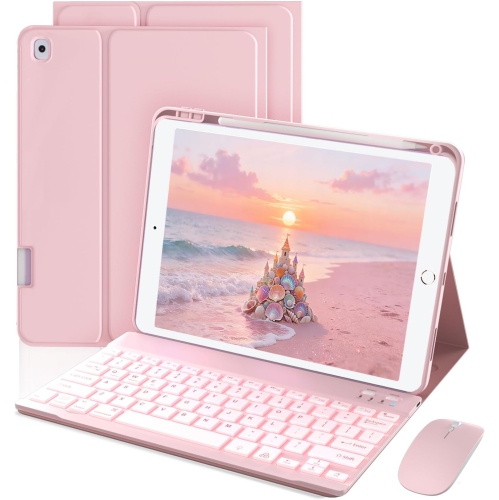
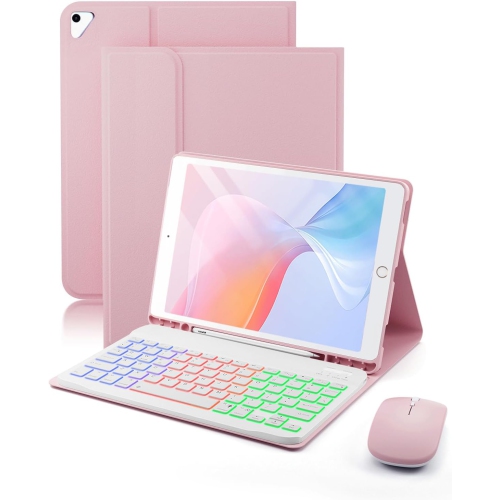
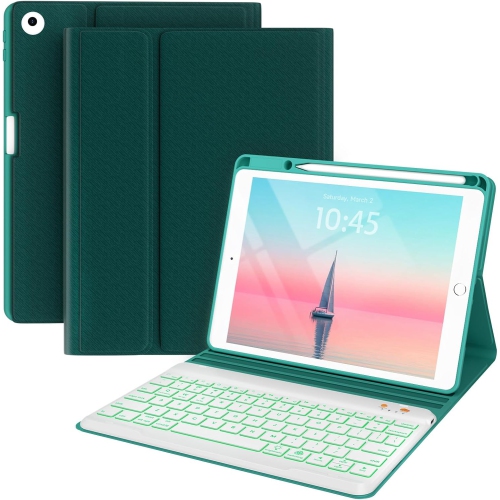
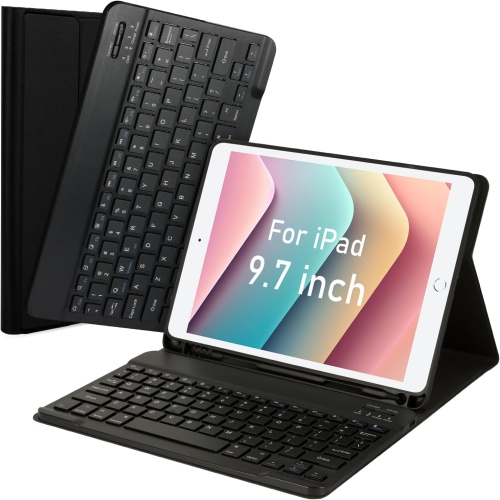
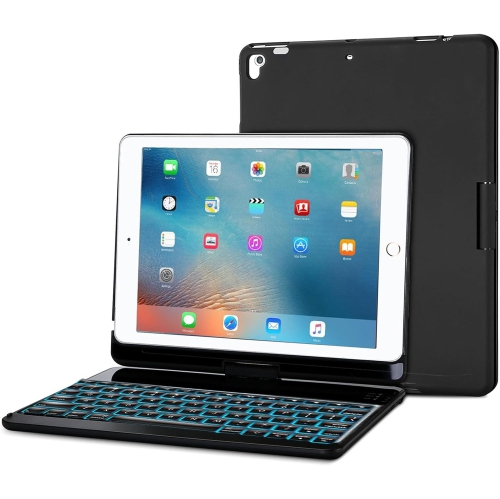
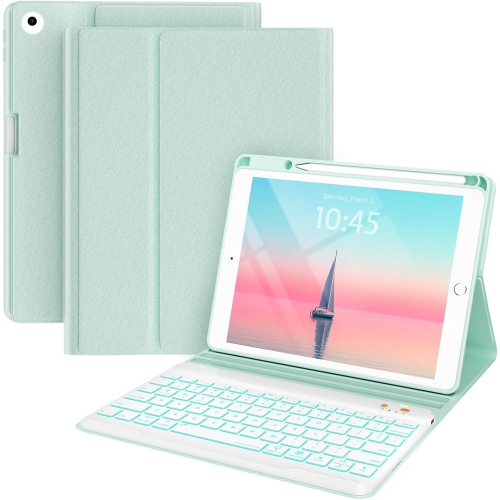
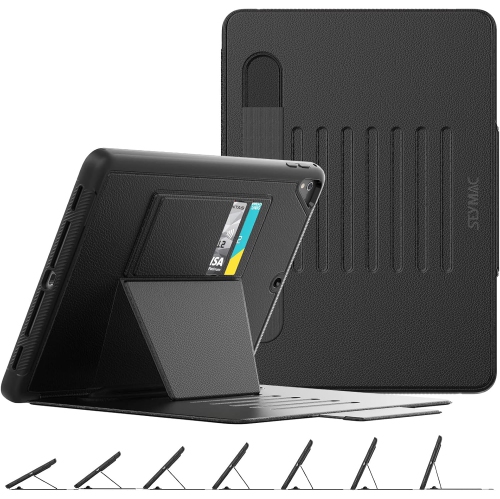
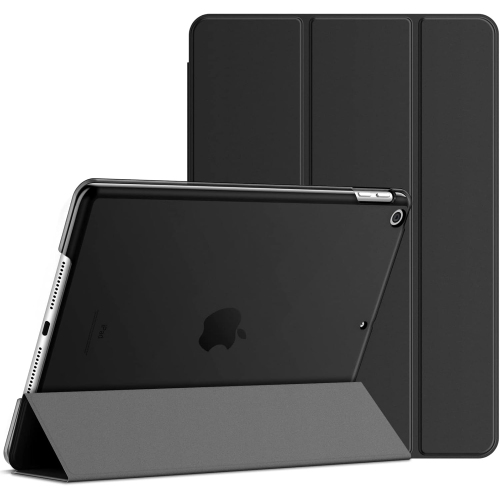
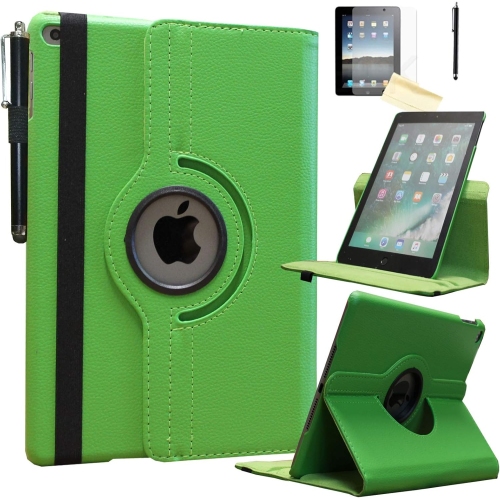
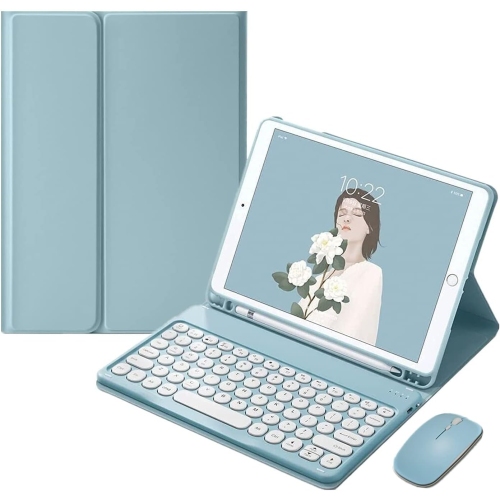
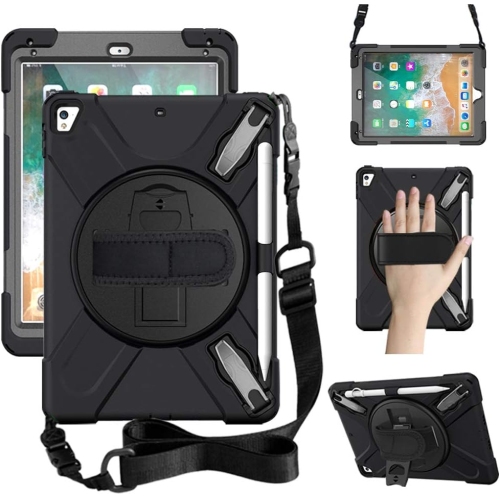
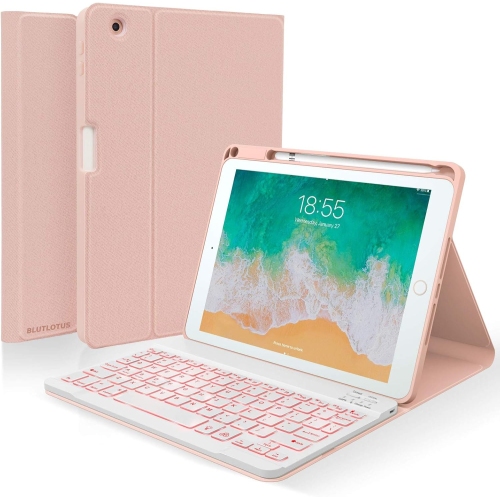
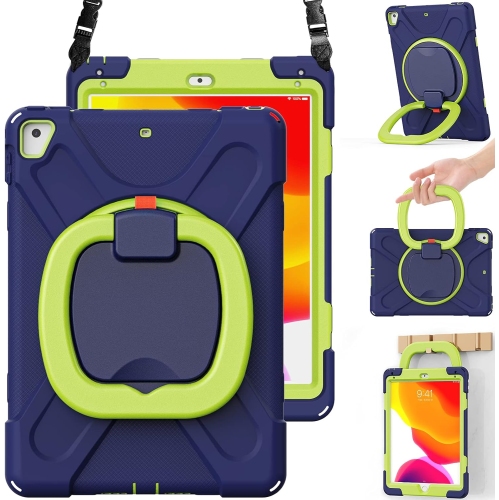
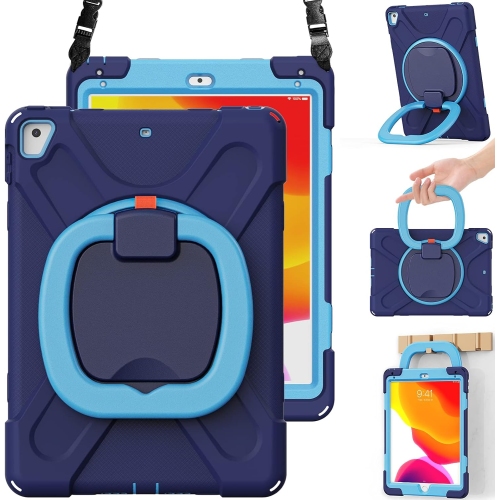
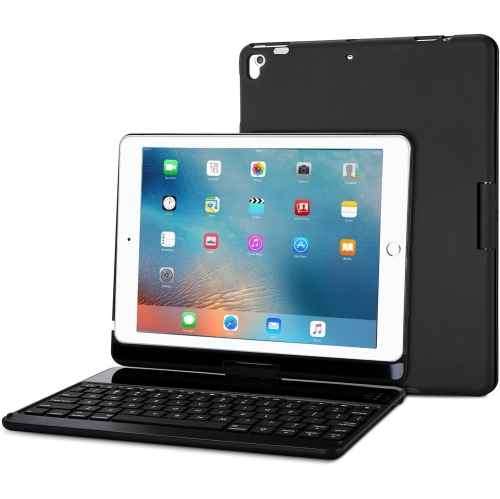
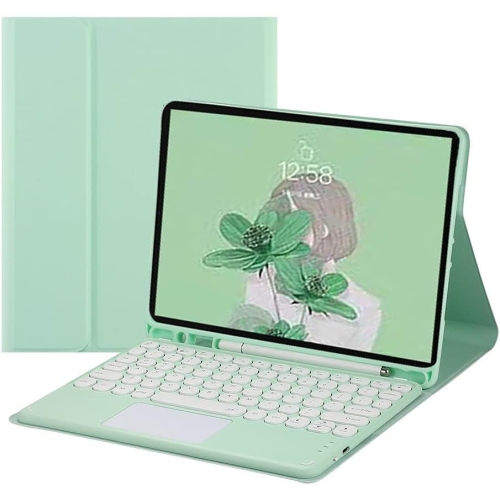
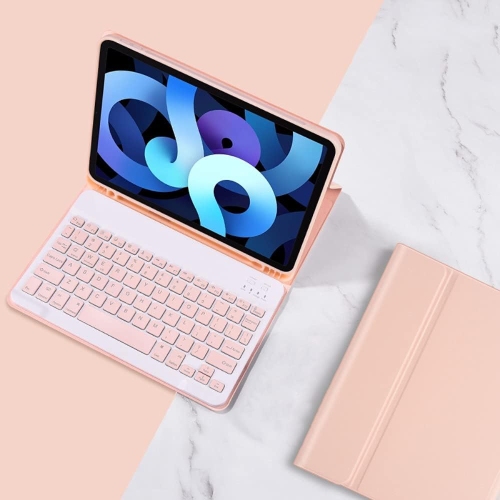
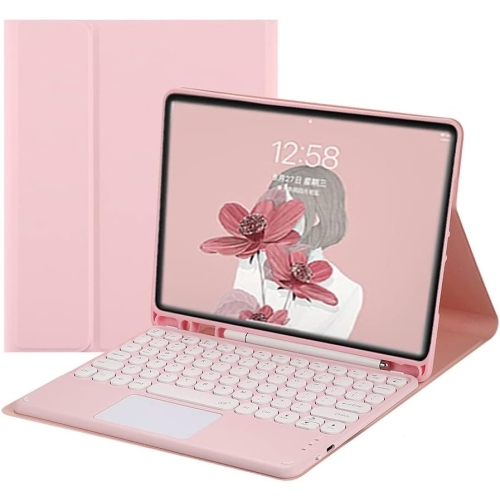
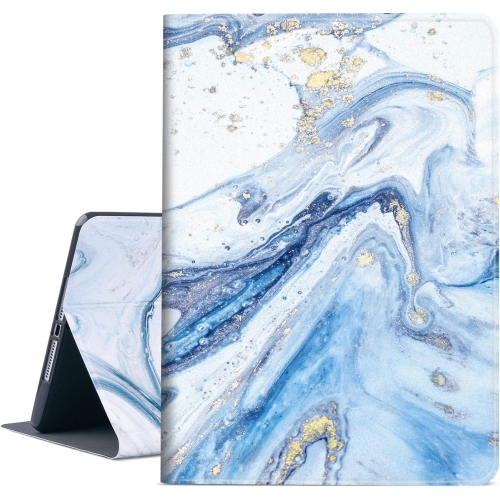
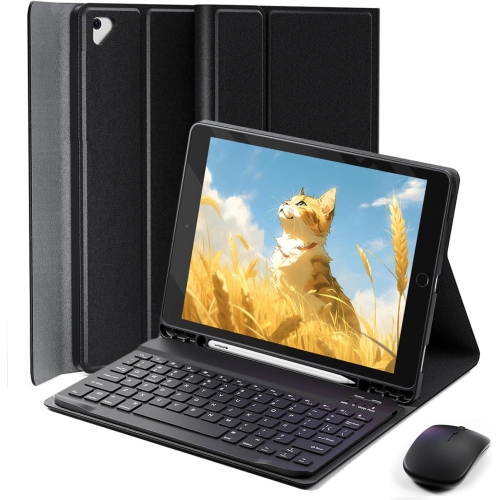
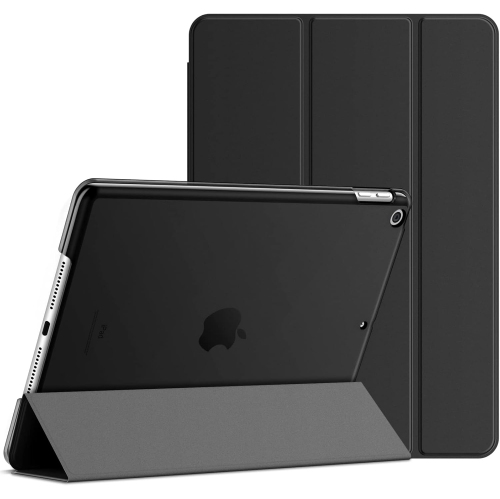
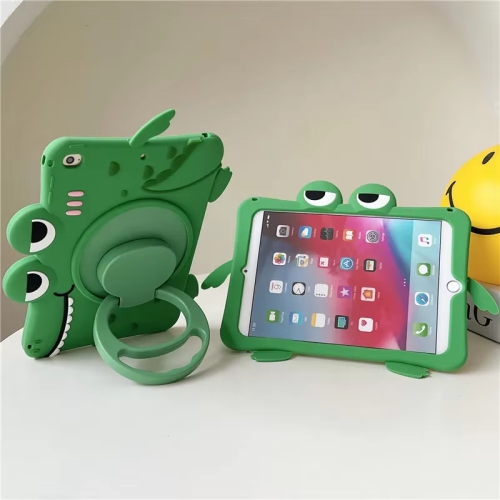
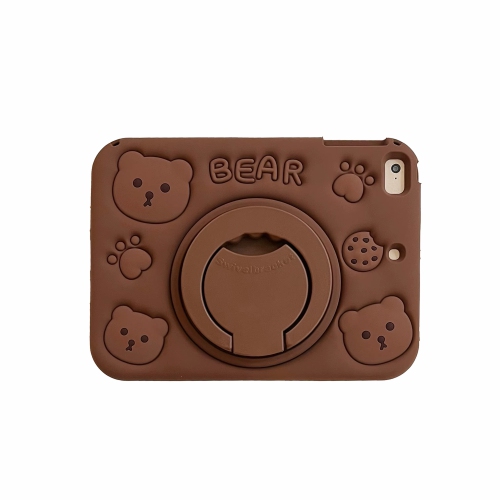
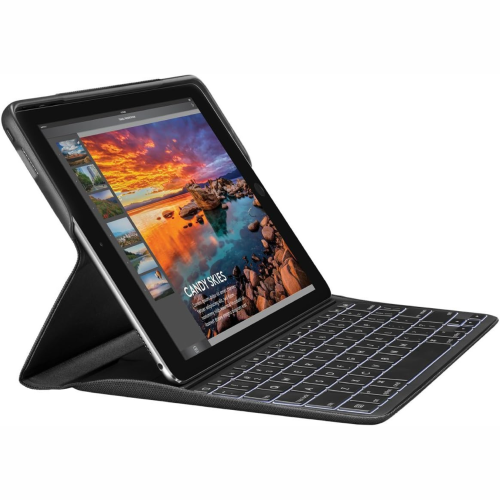
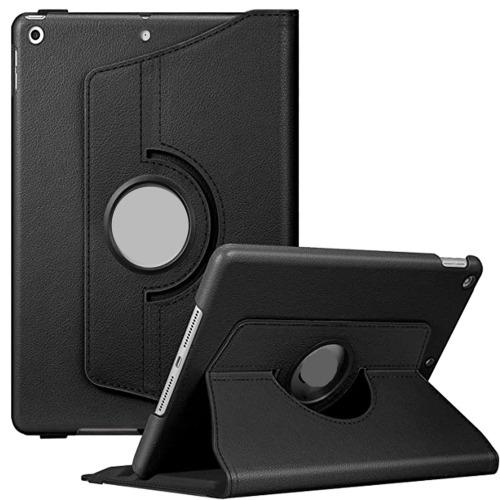
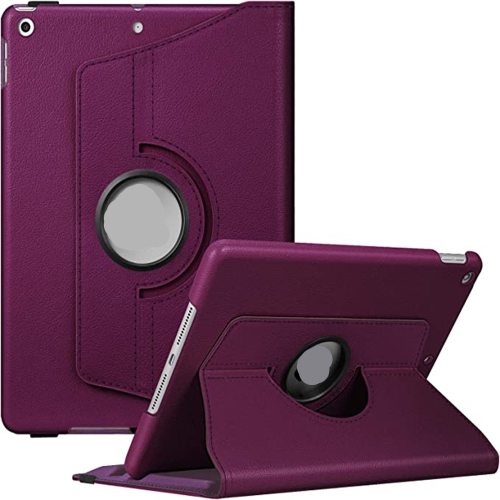
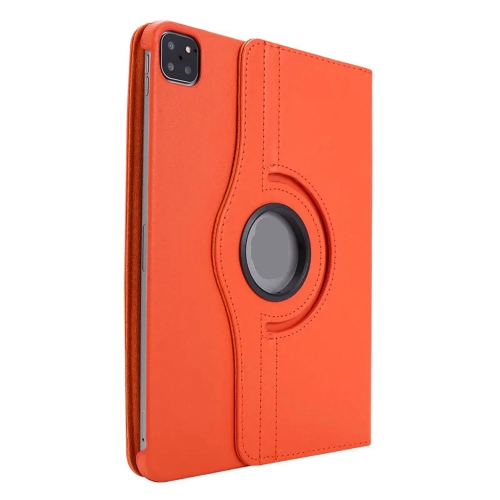
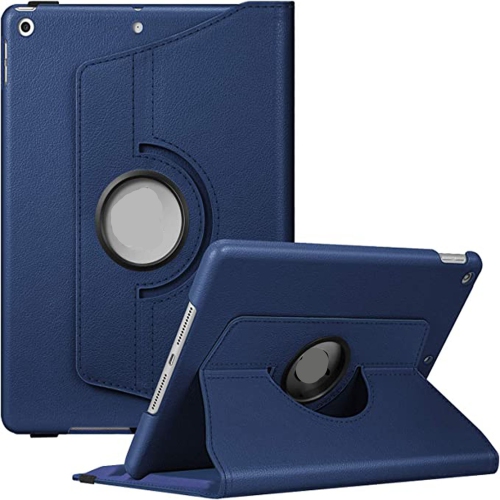
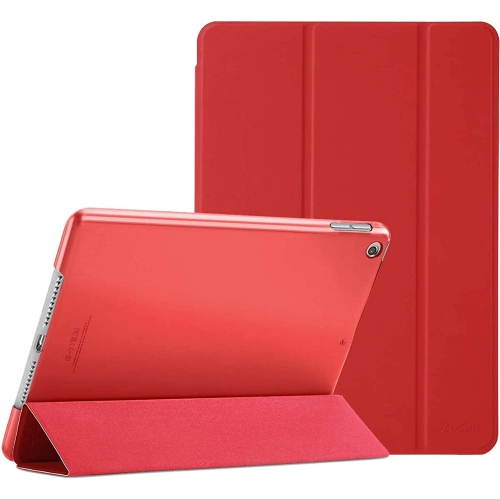
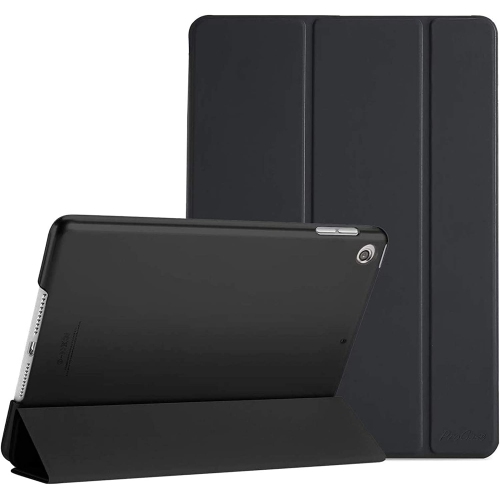
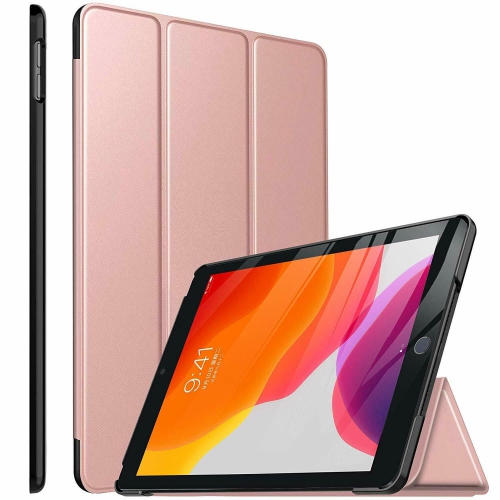
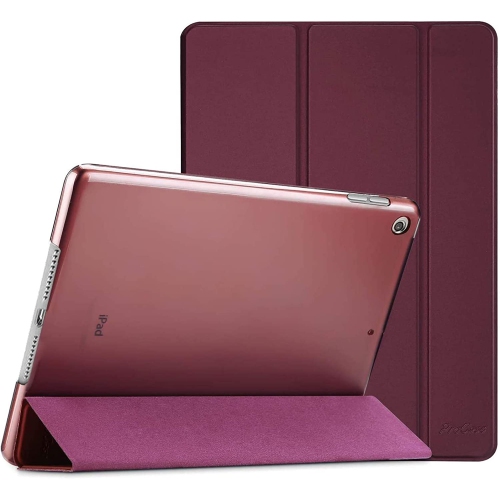
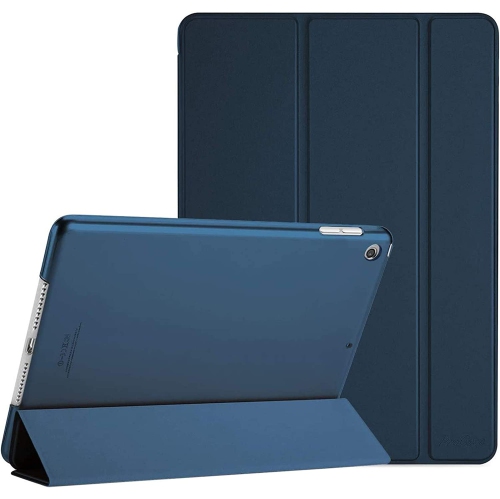
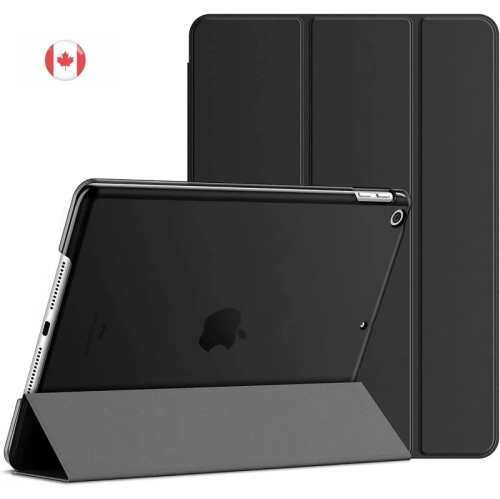
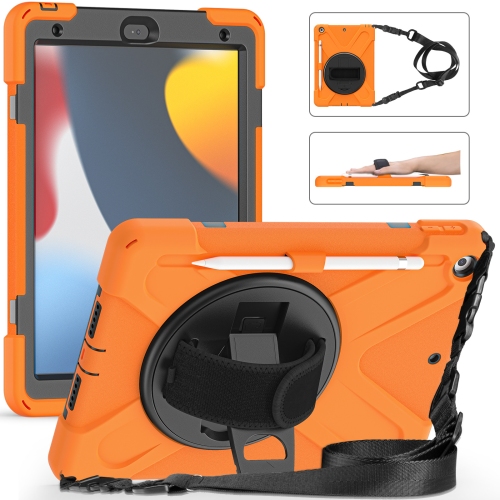
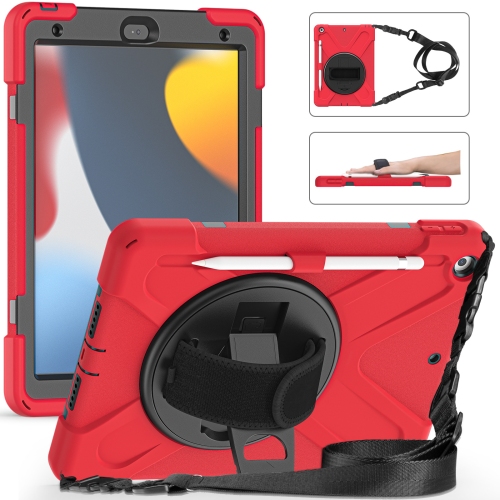
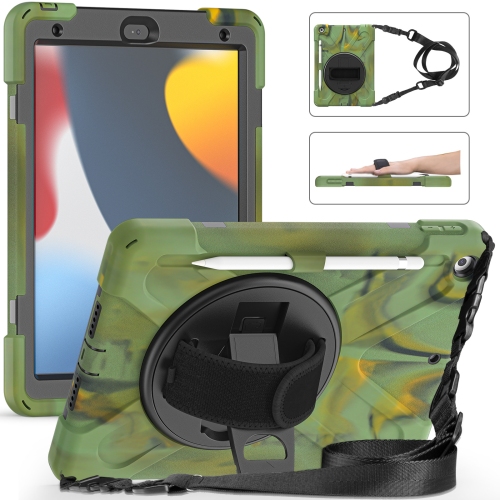
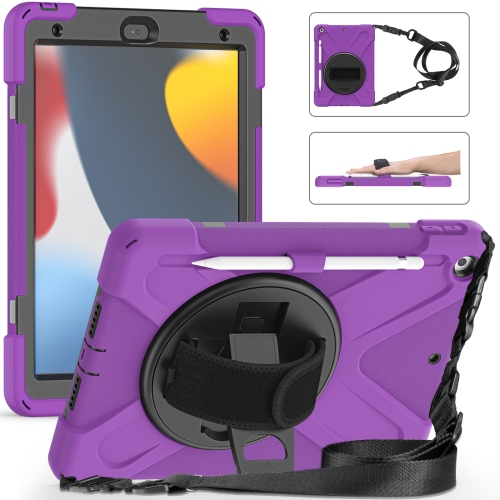
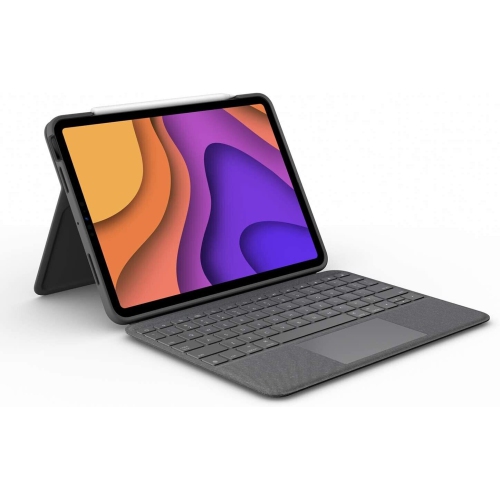
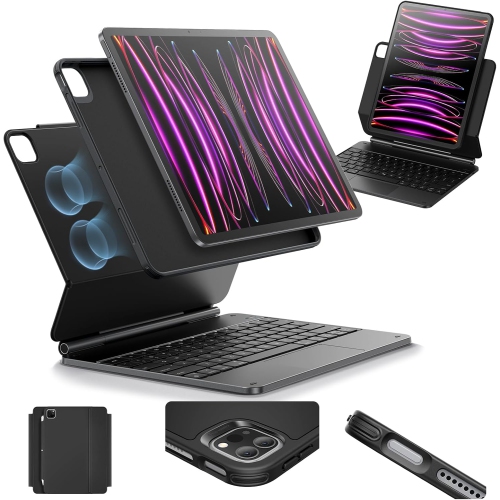
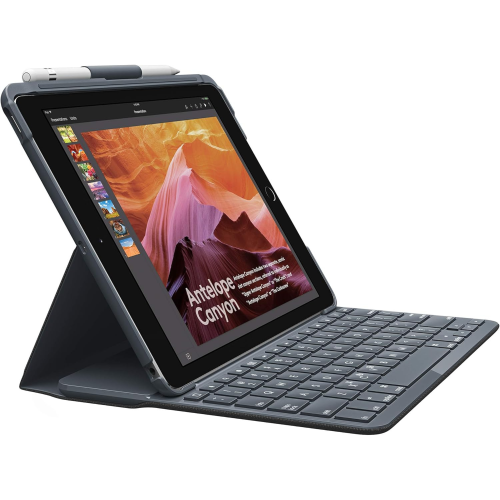
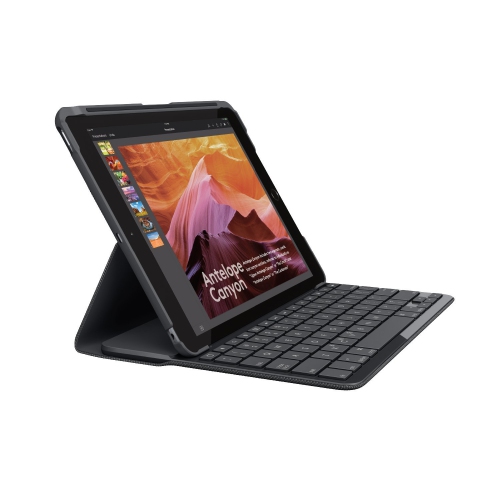
iPad 5th generation keyboard cases bring a physical keyboard, a fitted cover, and a viewing stand into one portable setup. They suit the everyday tasks that can feel cramped on a touchscreen: writing a longer email, adding comments to a document, taking lecture notes, or organizing a schedule with several appointments. With the tablet supported at a comfortable angle, the screen stays visible while the keyboard leaves more room for the content being edited. Fit is especially important in this category. The standard fifth-generation iPad has a 9.7-inch display, but screen size alone does not confirm that a case will fit. The tablet’s model number, body dimensions, and button placement provide more reliable points of comparison, particularly because generation names also appear across different iPad families. A properly matched shell should hold the tablet securely without covering the camera, speakers, charging port, or controls. Access to the Home button matters too, as does enough clearance around the edges for a compatible screen protector. Larger tablets require differently sized covers, such as those in the iPad Pro 12 9 Keyboard Cases category; these are not interchangeable with cases for the standard fifth-generation iPad. Beyond fit, the way a case opens and folds shapes its usefulness. A folio-style design can create a compact writing station on a desk, while a detachable keyboard can leave space for reading, drawing, or following a recipe without keys sitting in front of the screen. Adjustable viewing positions help accommodate different table heights and seating arrangements. Some designs rely on a rear support that needs extra surface space, while others hold the screen within a hinged frame. That difference becomes noticeable on a narrow classroom desk or a small café table. When closed, a well-fitted keyboard case keeps the tablet and keyboard together, reducing the number of separate accessories to pack and making it easier to move between home, school, and work.

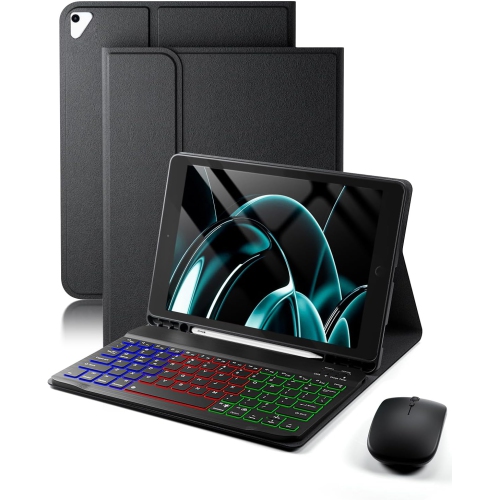
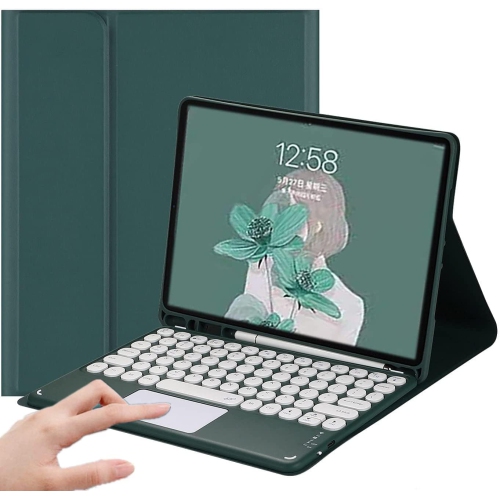
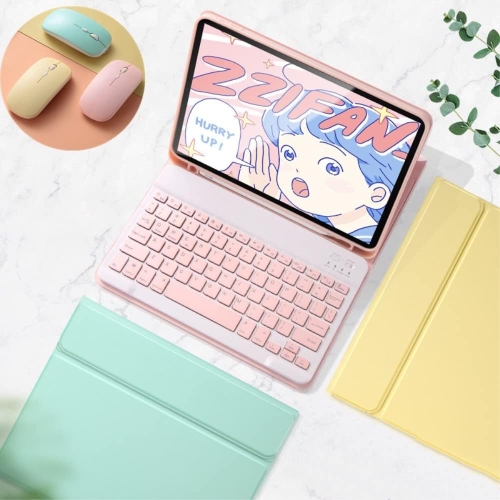
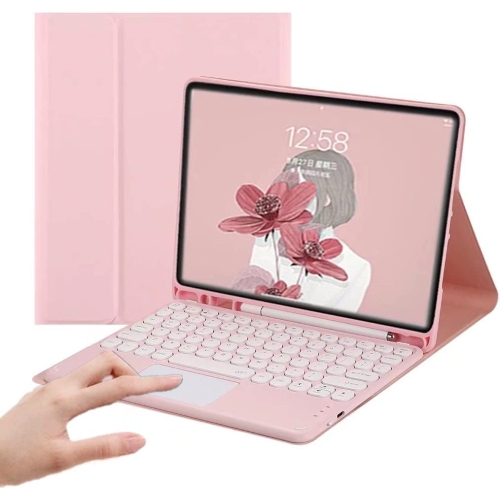
The keyboard itself has a large influence on how useful the case feels over a full page of typing. Compact layouts save space, but they can also bring keys closer together or make punctuation and modifier keys smaller than expected. Someone drafting reports may value familiar key placement and a steady typing surface, while a student recording short notes may prefer a lighter setup that slips easily into a backpack. Key travel, spacing, and feedback all contribute to comfort; a shallow keyboard can feel quick and light, while a more pronounced key press may be easier to judge by touch. Clearly marked keys are helpful for occasional typists, and backlighting, where included, can make letters easier to distinguish in a dim room. Keyboard layouts also deserve attention for anyone who regularly writes in French or switches between languages, since physical key labels and the selected software layout may differ. Shortcut keys can simplify common actions such as adjusting volume or returning to the Home screen, although their behaviour depends on the keyboard, operating system, and app. Bluetooth is a common connection method for this tablet category, and a wireless keyboard generally has its own battery rather than drawing power through the case. Charging arrangements, power switches, and standby behaviour therefore affect everyday convenience. A keyboard used for occasional messages has different demands from one used through hours of writing and editing. Any integrated trackpad also needs suitable software support, and pointer controls may work differently across apps. Physical stability is just as important as electronic compatibility. A firm desk usually gives a compact keyboard case its most stable base, whereas typing on a lap can expose a flexible hinge or a stand that needs a flat surface. A design that holds its angle securely is useful when alternating between reading and typing. For shared spaces, quieter keys may be welcome, and a detachable layout allows the screen and keyboard to be positioned separately when the available work surface permits.

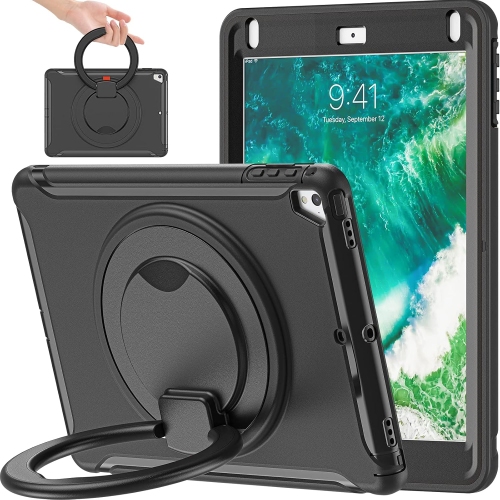
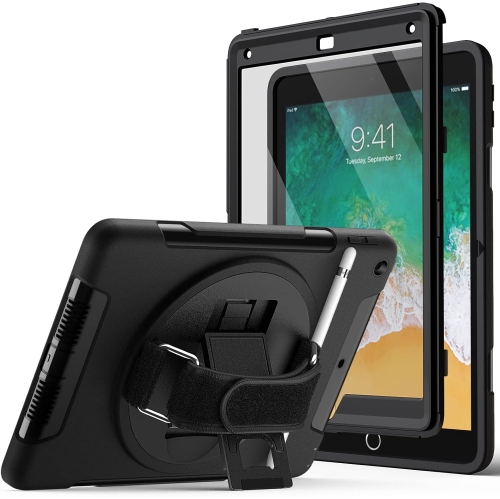
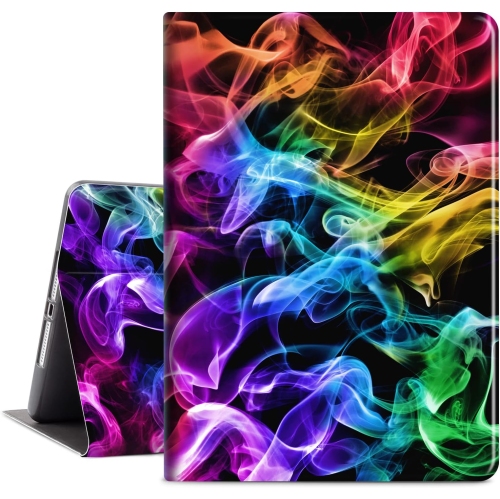
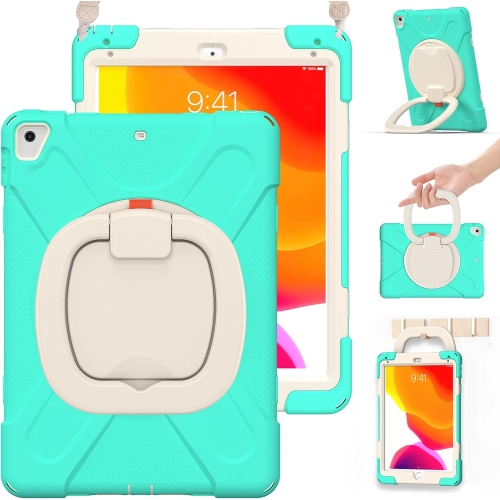
Materials and construction determine how a keyboard case handles regular carrying, frequent opening, and contact with the surfaces where it is used. Rigid plastic shells can provide a close fit around the tablet, while flexible edges may make insertion and removal easier. Synthetic leather covers offer a folio-like finish, and textured fabric surfaces can provide a different feel in the hand. Each material has practical trade-offs: smooth finishes are often easier to wipe, textured coverings may show lint, and soft linings help limit direct contact between the screen and harder parts of the case. Reinforced corners, secure closures, and neatly finished seams are useful details for a tablet that travels in a bag, although a keyboard case should not be assumed to provide tested drop protection or resistance to liquids unless those features are specifically stated. The keyboard adds weight and thickness, so the most protective-looking design is not automatically the most comfortable choice for extended handheld reading. Care also plays a part in keeping the case pleasant to use. Crumbs and dust can collect around keys and hinge areas, particularly when the tablet shares a table with snacks or craft supplies. Gentle cleaning suited to the material, with liquids kept away from the keyboard and charging connections, helps preserve both the surface finish and the electronics. A damp cover should be allowed to dry before closing it against the tablet, and pressure from an overfilled bag can place unnecessary strain on the screen, hinge, or keys. For students, remote workers, and people who manage correspondence on a tablet, the appeal is a familiar typing setup that stays close at hand. As a gift, a keyboard case is most useful when the recipient’s exact tablet model and daily habits are known. Colour, texture, and weight add a personal dimension, but secure fit and comfortable typing remain central to a case that earns a place in regular use.
Read More

FAQ

Some products may be subject to Environmental Handling Fees (EHF) depending on your province. Learn more about EHFs.