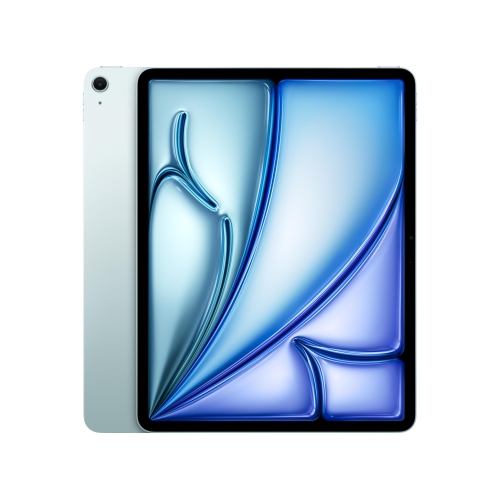
iPad For Business Presentations
iPad For Business Presentations offers a versatile solution for professionals seeking efficient tools to enhance meetings, pitches, and conferences. With a range of models and configurations to choose from, finding the right device to support dynamic presentations and collaboration is simple. Explore options designed to help you share ideas, engage your audience, and keep your workflow seamless in any business setting.

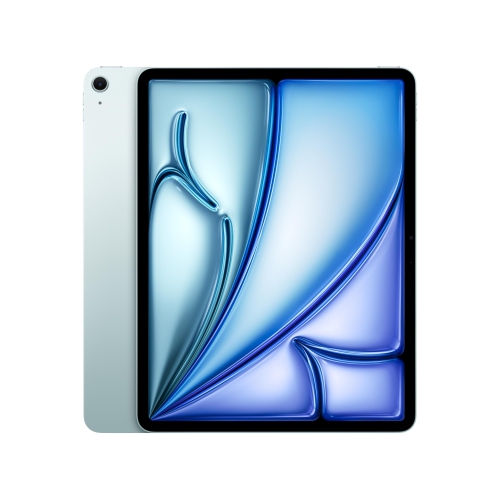

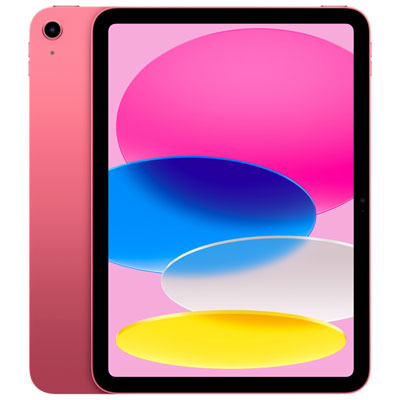

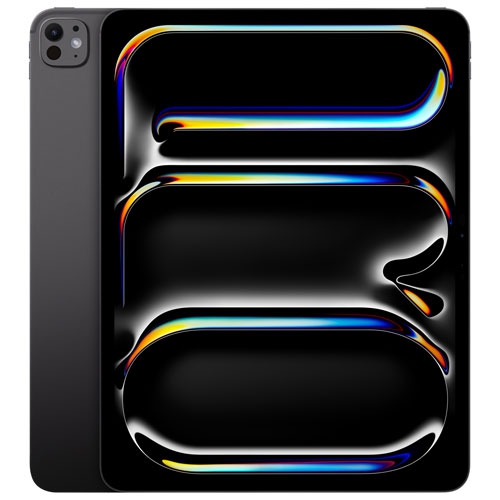
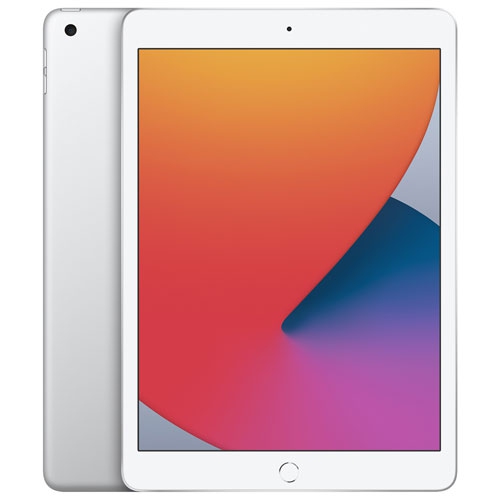

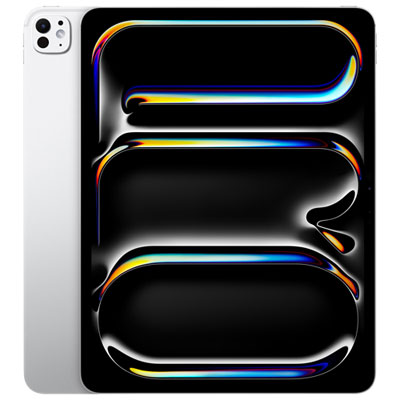
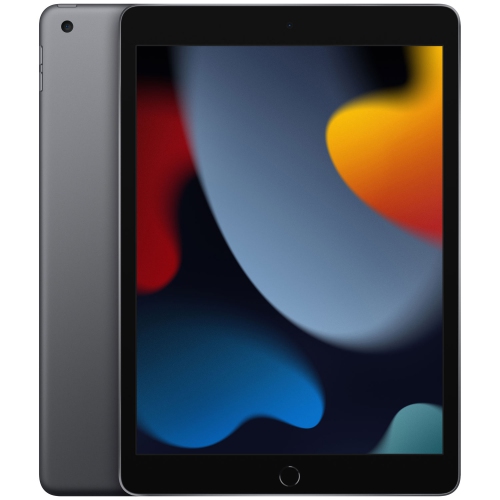
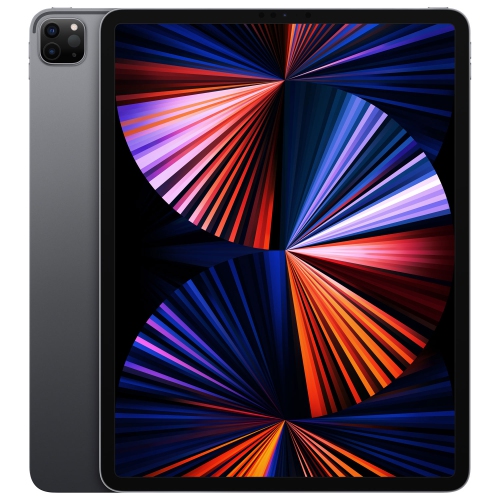

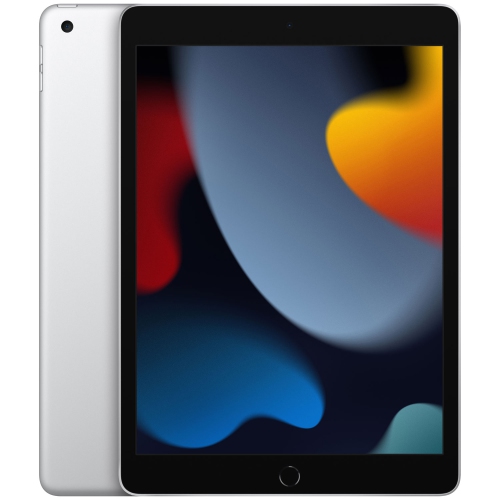
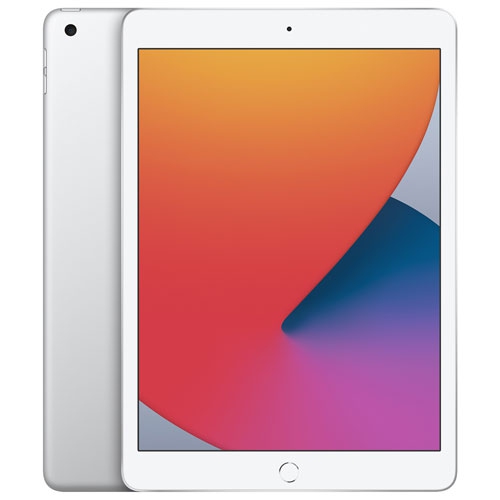
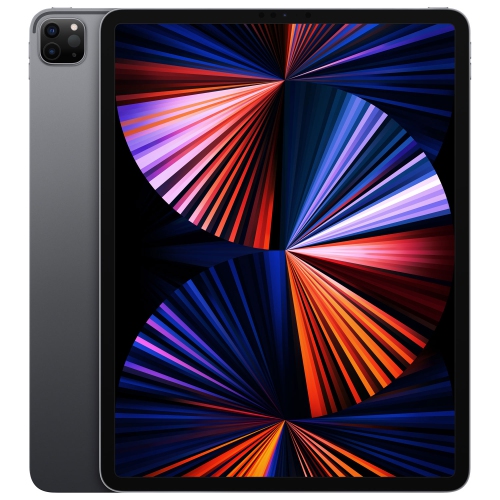
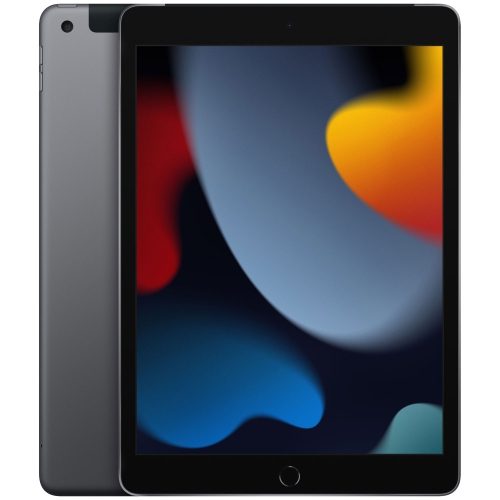
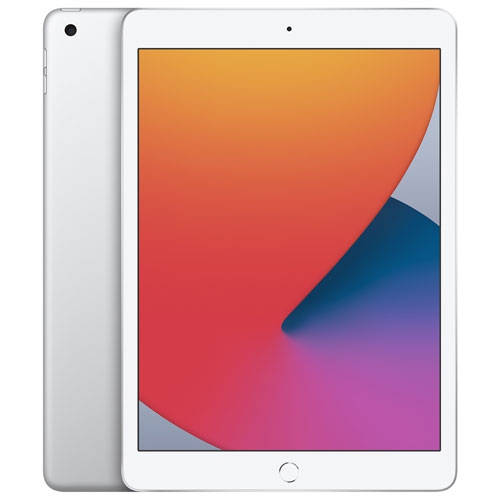
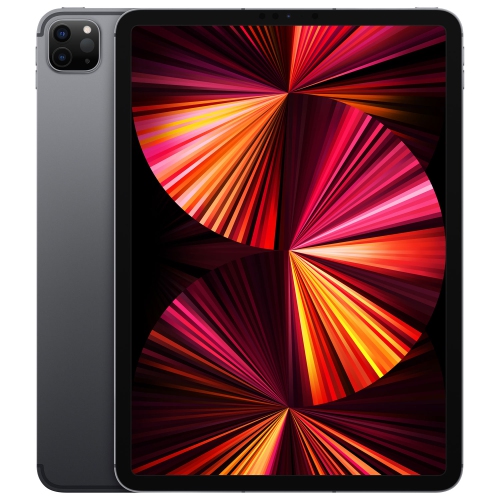

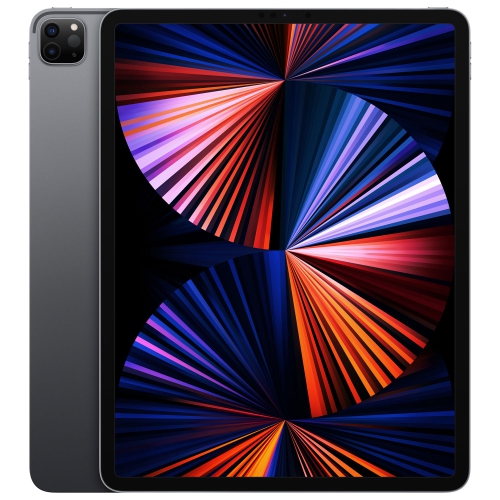
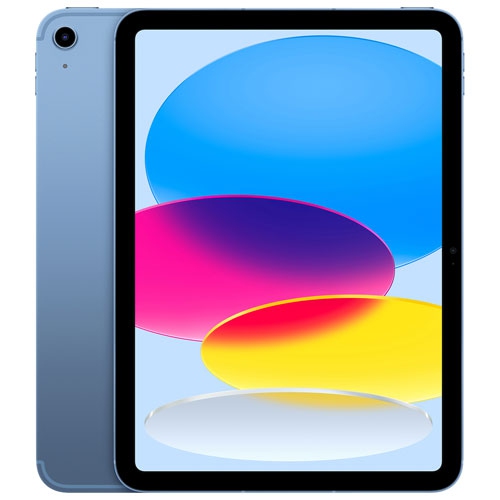
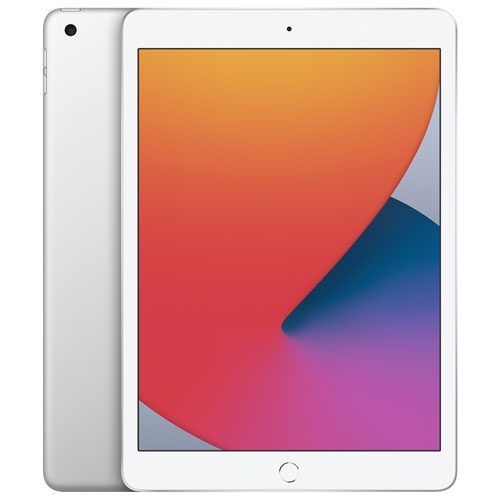
Presentations that stay polished from boardroom to client site
For organizations outfitting teams or individuals looking to enhance their own productivity, iPads are a smart investment that adapts to a variety of professional scenarios. They’re not just for executives—educators, entrepreneurs, creative professionals, and field workers all benefit from the seamless integration of business apps, cloud storage, and real-time collaboration tools. With accessories like keyboards and styluses, iPads can double as a digital notepad or a full-featured workstation, perfect for capturing feedback during meetings or sketching out ideas on the fly. These features also make iPads a thoughtful gift for colleagues celebrating a promotion, a recent graduate starting their career, or anyone stepping into a new role that demands reliable, high-performance technology. As teams return from summer holidays and gear up for a busy autumn of planning and strategy sessions, having an iPad on hand ensures you’re always prepared to share insights, adjust to last-minute changes, and keep your audience engaged.
If you’re considering which iPad is best suited for your business presentation needs, it’s helpful to think about factors like display size, storage capacity, and compatibility with accessories that streamline your workflow. For more detailed information on how to choose the right device for your professional environment, you can explore the range of options available on the Apple iPads For Business Productivity page. Equipping yourself or your team with the right iPad can make every presentation more impactful, supporting your goals whether you’re in the office, working remotely, or meeting clients across town.
FAQ
What are the benefits of using an iPad for business presentations?
Using an iPad for business presentations offers portability, intuitive touch controls, and compatibility with a wide range of presentation apps. It allows you to easily display slides, annotate in real time, and connect wirelessly to projectors or displays.
Which apps can I use on an iPad to create and deliver business presentations?
Popular apps for creating and delivering presentations on an iPad include Keynote, Microsoft PowerPoint, Google Slides, and Prezi. These apps offer robust features for designing slides, adding multimedia content, and presenting seamlessly.
Can I connect my iPad to a projector or external display during a presentation?
Yes, you can connect your iPad to projectors or external displays using adapters such as HDMI or VGA, or wirelessly via AirPlay with compatible devices like Apple TV. This makes it easy to share your screen with larger audiences.
How can I control my presentation remotely when using an iPad?
You can control your presentation remotely by using Bluetooth-enabled accessories such as wireless remotes or keyboards. Some presentation apps also allow you to use your iPhone or Apple Watch as a remote control.
Are there ways to annotate or highlight information during a live presentation on an iPad?
Many presentation apps on the iPad include built-in annotation tools that let you draw, highlight, or write notes directly on your slides during a live presentation. You can use your finger or an Apple Pencil for more precise control.
Top selling and popular products
-
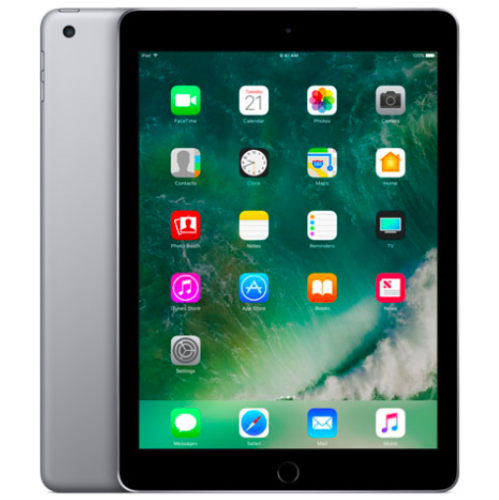 Your price for this item is $109.99
-
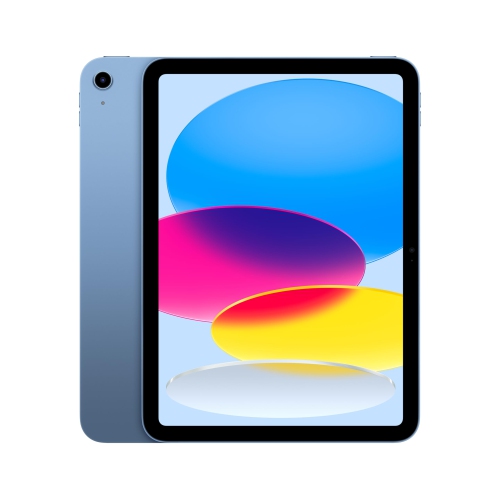 Your price for this item is $649
-
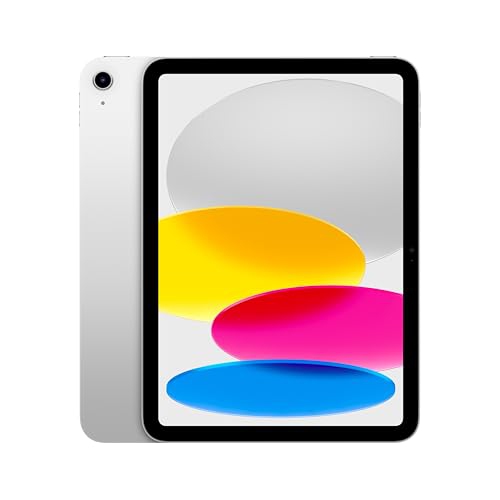 Your price for this item is $669.95
-
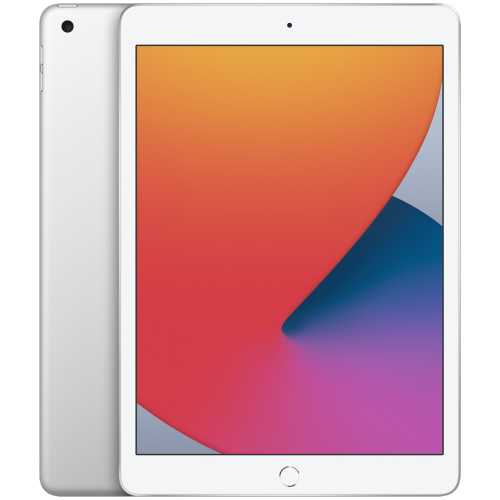 Your price for this item is $141.98
-
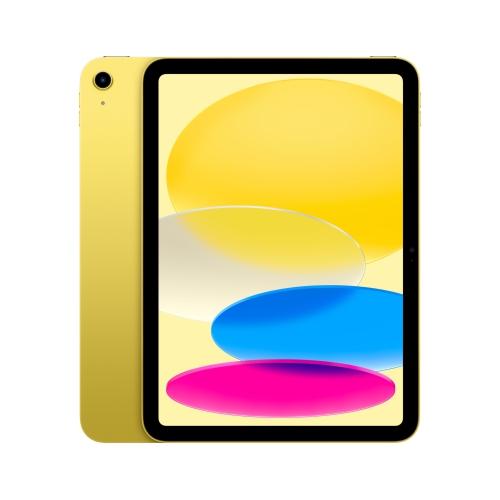 Your price for this item is $639.99
-
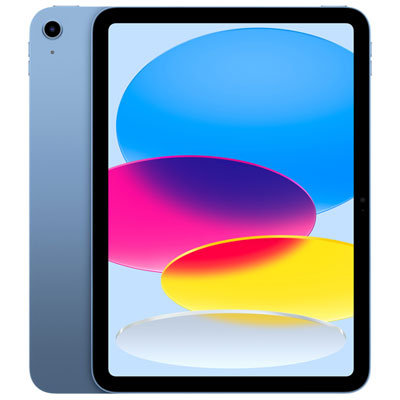 Your price for this item is $649.99
-
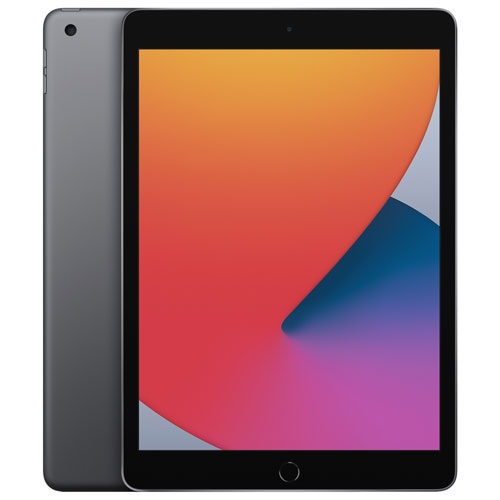 Your price for this item is $249.99
-
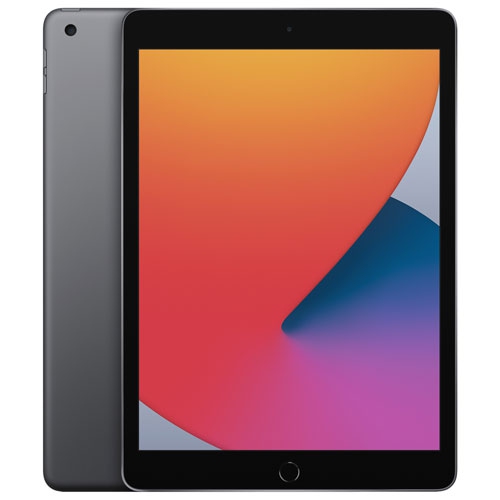 Your price for this item is $169.99