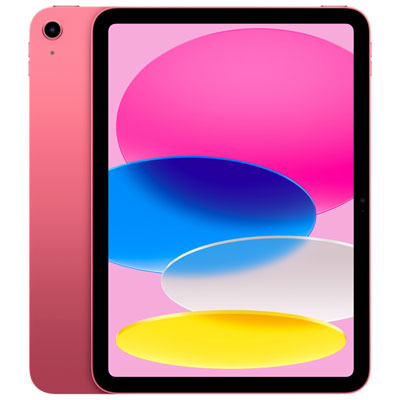
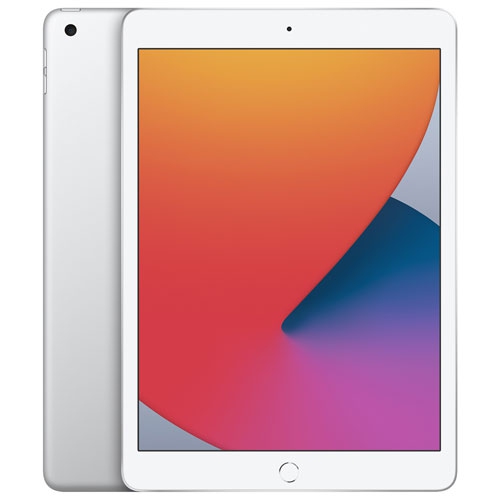
iPad For Creative Design Projects
iPad For Creative Design Projects offers a versatile platform for artists, designers, and creators looking to bring their ideas to life. With a range of models suited for sketching, illustration, photo editing, and more, iPad For Creative Design Projects provides the flexibility and performance needed for both beginners and professionals. Explore options that support your workflow, whether you’re working in the studio or on the go. Find the right iPad to elevate your creative design projects and streamline your creative process.
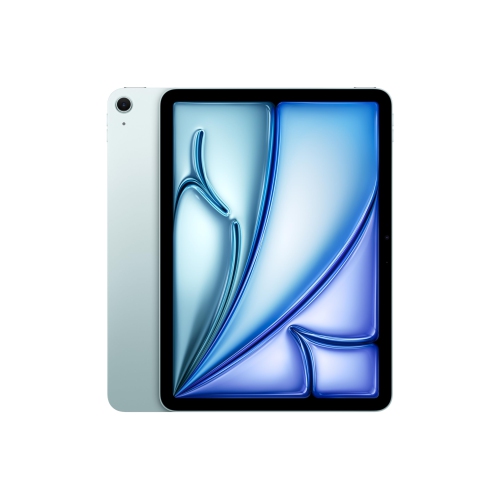

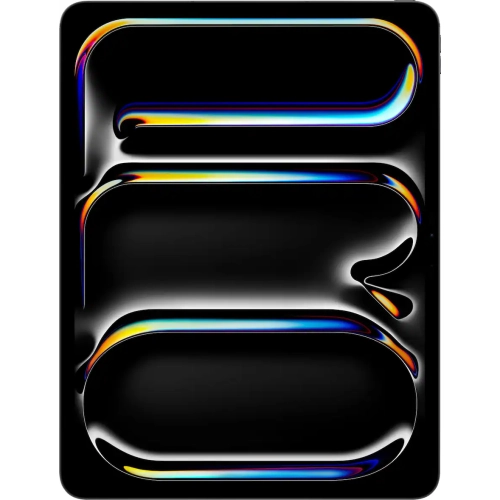

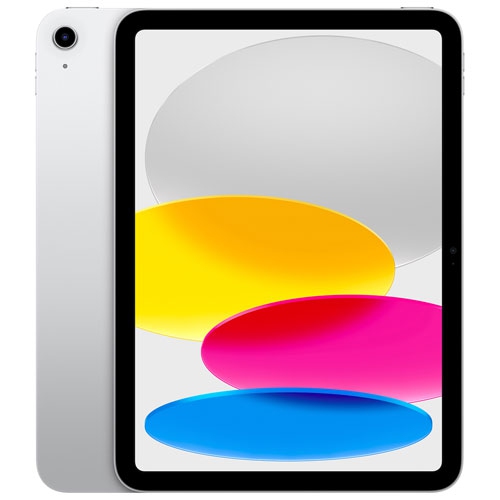

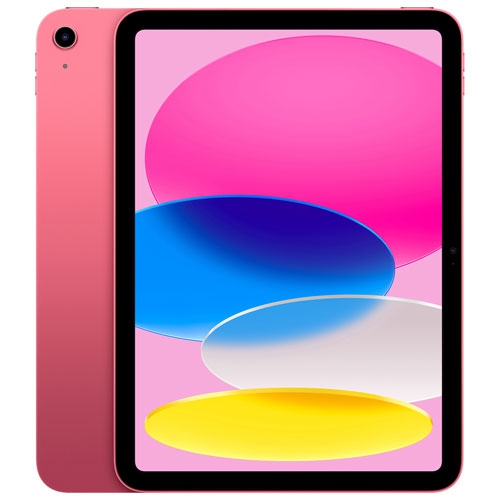
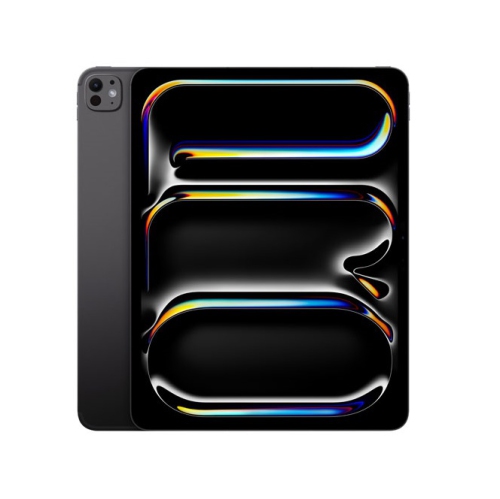


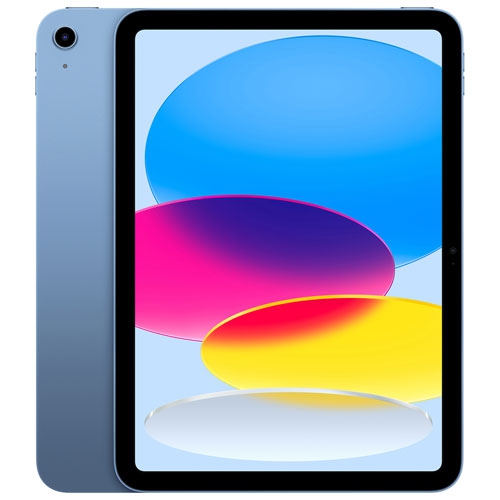
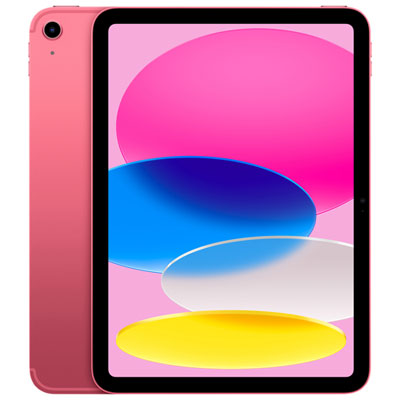
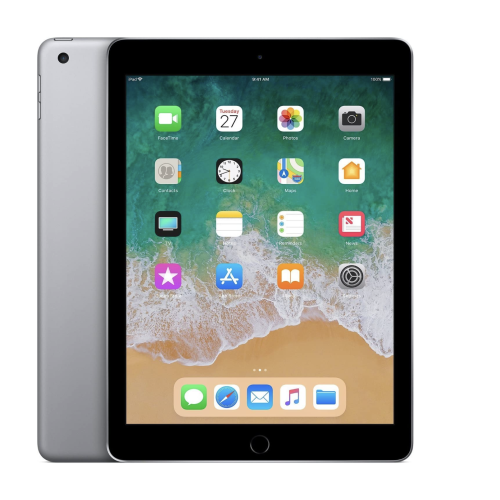
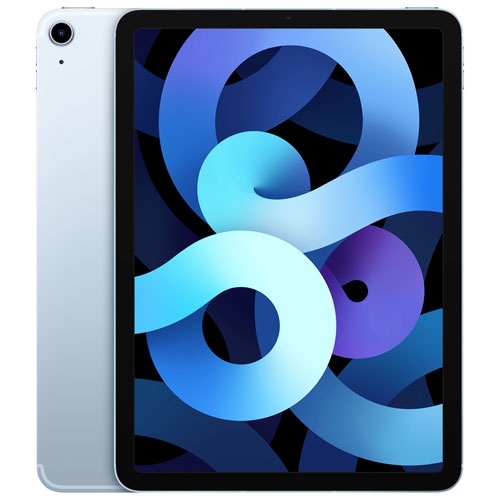
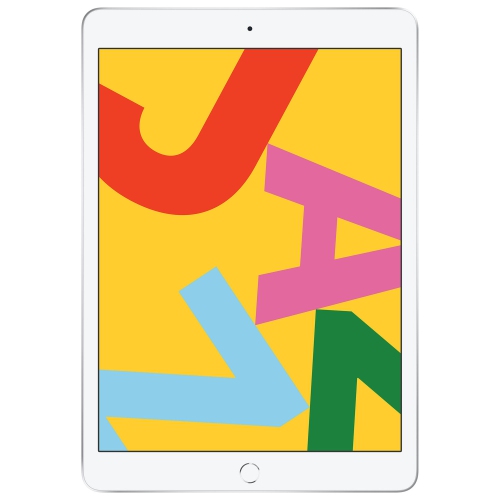
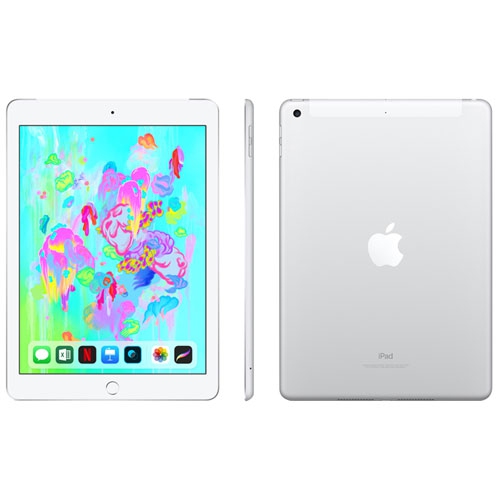

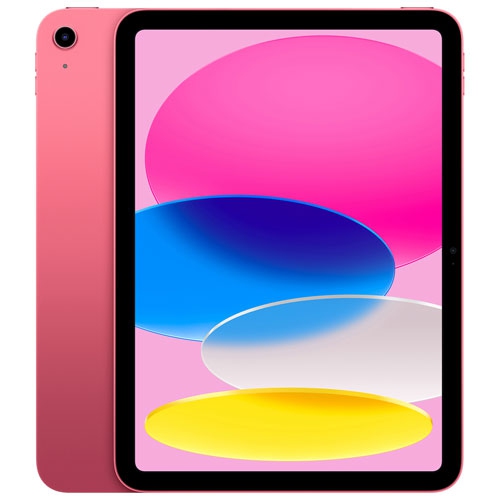
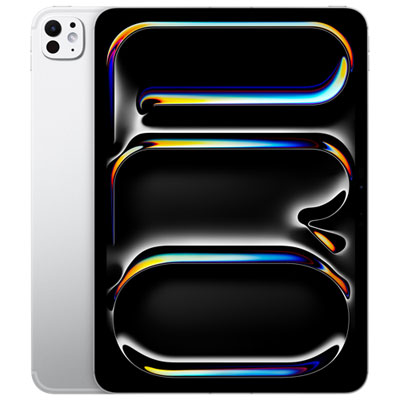
Portable power and precision for your creative workflow
Choosing the right iPad for creative design projects involves considering several key factors to ensure it meets your unique workflow and preferences. Display quality is crucial—look for high-resolution screens with accurate colour reproduction and responsiveness, as these features are essential for tasks like illustration, photo editing, and graphic design. Storage capacity is another important consideration, especially for those who work with large files or like to keep a library of creative assets at their fingertips. Battery life can also play a significant role, particularly for users who spend long stretches working on location or during travel. Compatibility with accessories, such as advanced styluses and external keyboards, can further enhance productivity and comfort. For those interested in exploring more specialized options, the iPads for Drawing and Graphic Design page offers curated selections tailored for digital artists and designers, making it easier to find a model that suits your creative ambitions. Whether you’re preparing for a new school year, updating your workspace for the fall, or simply seeking a portable companion for your artistic journey, the right iPad can help turn your ideas into reality, wherever the season takes you.
FAQ
What features make an iPad suitable for creative design projects?
iPads are popular for creative design projects due to their high-resolution displays, responsive touchscreens, compatibility with the Apple Pencil, and access to powerful design apps. These features allow artists and designers to sketch, illustrate, edit photos, and create digital art with precision and ease.
Which accessories enhance the creative experience on an iPad?
Accessories like the Apple Pencil, external keyboards, and screen protectors designed for drawing can significantly enhance the creative experience. The Apple Pencil offers pressure sensitivity and tilt functionality, making it ideal for detailed artwork and note-taking.
Can iPads run professional design software?
Yes, many professional design apps such as Procreate, Adobe Photoshop, Adobe Illustrator, Affinity Designer, and Autodesk SketchBook are available on iPad. These apps offer robust tools for illustration, photo editing, graphic design, and more.
How does cloud storage benefit creative professionals using an iPad?
Cloud storage allows creatives to back up their work automatically, access files across multiple devices, collaborate with others in real time, and free up local storage space on their iPad. Services like iCloud Drive, Dropbox, and Google Drive integrate seamlessly with most design apps.
Are iPads compatible with external displays or projectors for presentations?
Yes, many iPads support external displays or projectors via adapters or wireless connections like AirPlay. This feature is useful for presenting designs to clients or collaborating with teams during meetings.
Top selling and popular products
-
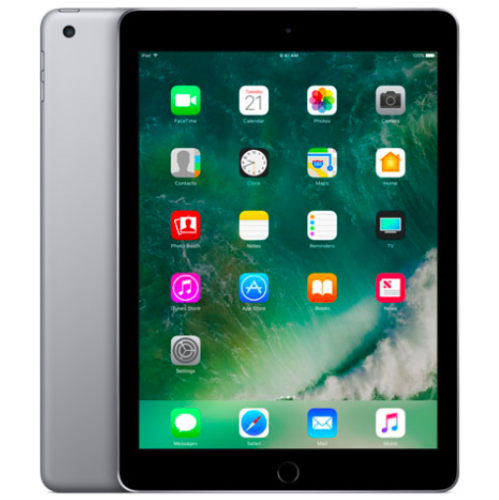 Your price for this item is $109.99
-
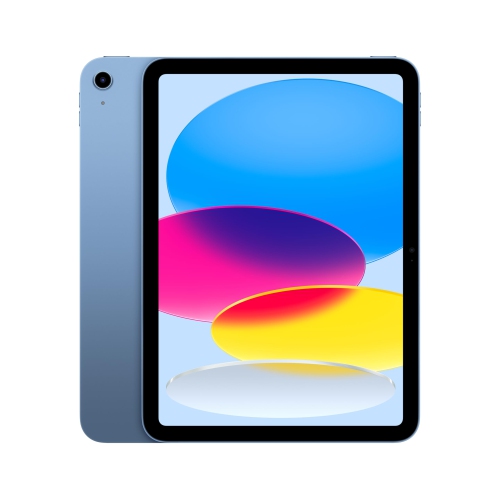 Your price for this item is $634
-
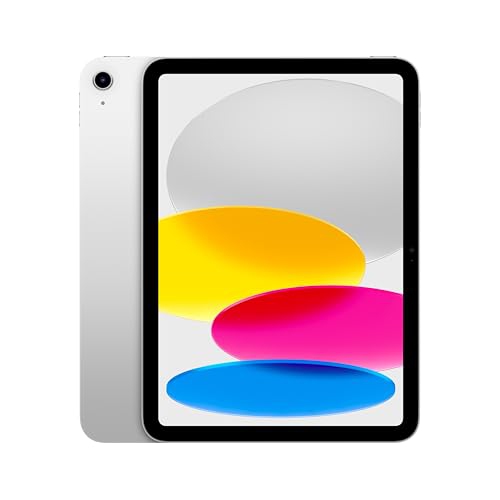 Your price for this item is $669.95
-
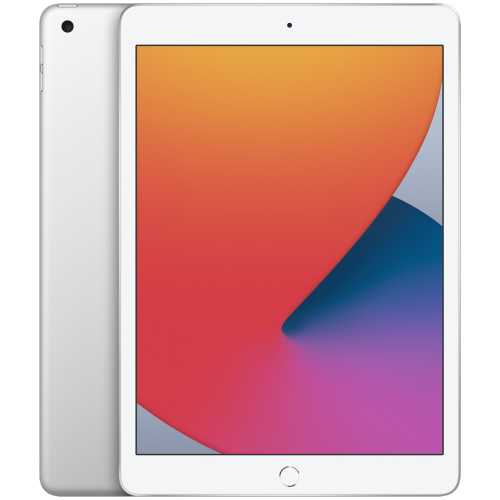 Your price for this item is $136.99
-
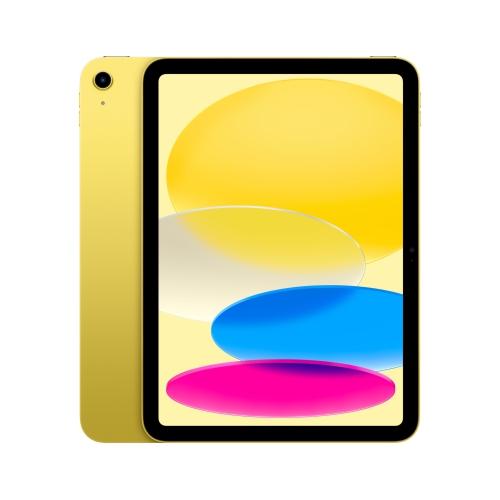 Your price for this item is $639.99
-
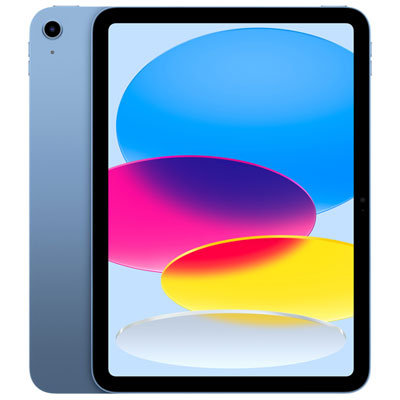 Your price for this item is $649.99
-
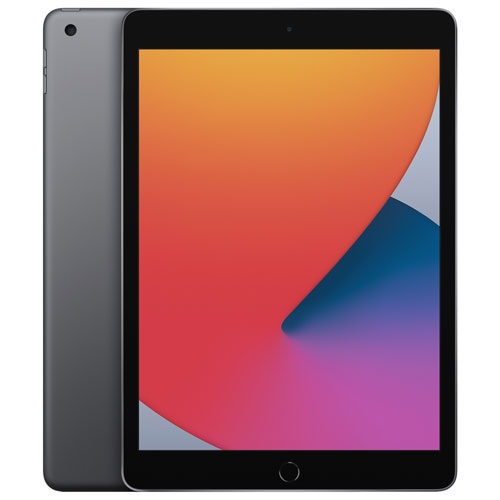 Your price for this item is $229.99
-
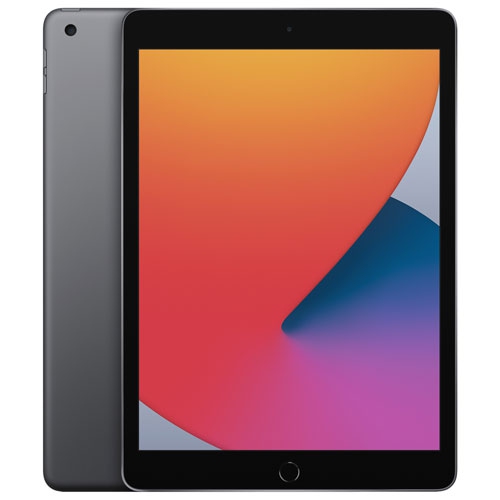 Your price for this item is $169.99